CSS FONT
CSS FONT
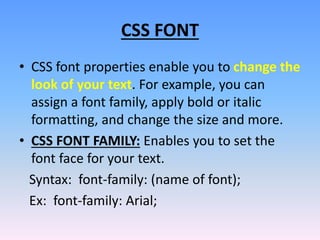
• CSS font properties enable you to change the
look of your text. For example, you can
assign a font family, apply bold or italic
formatting, and change the size and more.
• CSS FONT FAMILY: Enables you to set the
font face for your text.
Syntax: font-family: (name of font);
Ex: font-family: Arial;
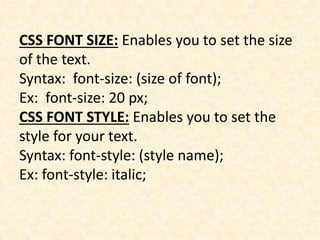
CSS FONT SIZE: Enables you to set the size
of the text.
Syntax: font-size: (size of font);
Ex: font-size: 20 px;
CSS FONT STYLE: Enables you to set the
style for your text.
Syntax: font-style: (style name);
Ex: font-style: italic;
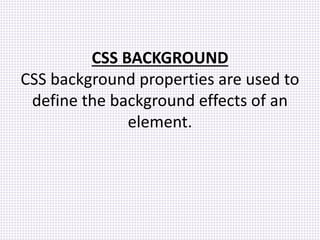
CSS BACKGROUND
CSS background properties are used to
define the background effects of an
element.
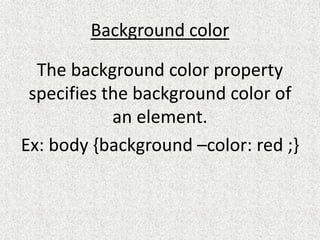
Background color
The background color property
specifies the background color of
an element.
Ex: body {background –color: red ;}
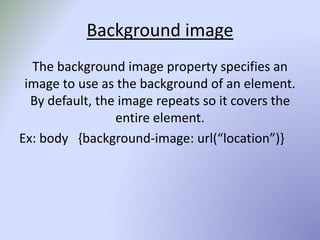
Background image
The background image property specifies an
image to use as the background of an element.
By default, the image repeats so it covers the
entire element.
Ex: body {background-image: url(“location”)}
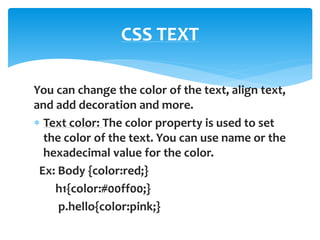
You can change the color of the text, align text,
and add decoration and more.
 Text color: The color property is used to set
the color of the text. You can use name or the
hexadecimal value for the color.
Ex: Body {color:red;}
h1{color:#00ff00;}
p.hello{color:pink;}
CSS TEXT
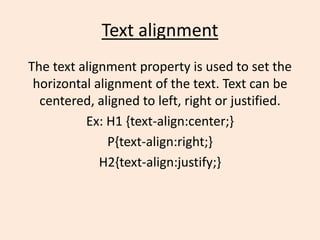
Text alignment
The text alignment property is used to set the
horizontal alignment of the text. Text can be
centered, aligned to left, right or justified.
Ex: H1 {text-align:center;}
P{text-align:right;}
H2{text-align:justify;}
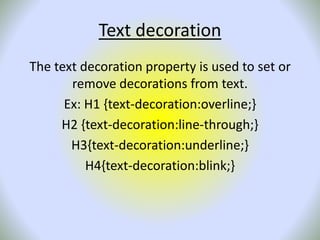
Text decoration
The text decoration property is used to set or
remove decorations from text.
Ex: H1 {text-decoration:overline;}
H2 {text-decoration:line-through;}
H3{text-decoration:underline;}
H4{text-decoration:blink;}
CSS POSITIONING
CSS POSITIONING
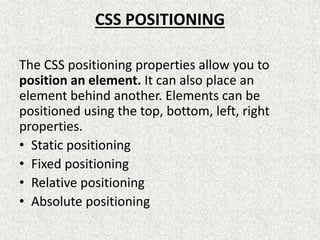
The CSS positioning properties allow you to
position an element. It can also place an
element behind another. Elements can be
positioned using the top, bottom, left, right
properties.
• Static positioning
• Fixed positioning
• Relative positioning
• Absolute positioning
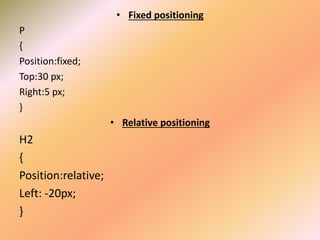
• Fixed positioning
P
{
Position:fixed;
Top:30 px;
Right:5 px;
}
• Relative positioning
H2
{
Position:relative;
Left: -20px;
}
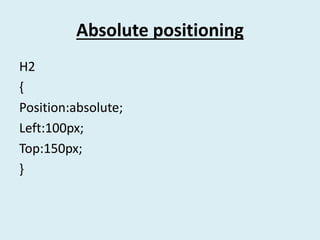
Absolute positioning
H2
{
Position:absolute;
Left:100px;
Top:150px;
}
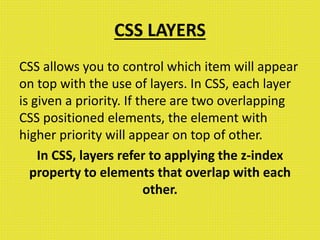
CSS LAYERS
CSS allows you to control which item will appear
on top with the use of layers. In CSS, each layer
is given a priority. If there are two overlapping
CSS positioned elements, the element with
higher priority will appear on top of other.
In CSS, layers refer to applying the z-index
property to elements that overlap with each
other.
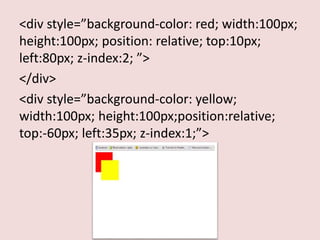
<div style=”background-color: red; width:100px;
height:100px; position: relative; top:10px;
left:80px; z-index:2; ”>
</div>
<div style=”background-color: yellow;
width:100px; height:100px;position:relative;
top:-60px; left:35px; z-index:1;”>

Css font

  • 1.
  • 2.
    CSS FONT • CSSfont properties enable you to change the look of your text. For example, you can assign a font family, apply bold or italic formatting, and change the size and more. • CSS FONT FAMILY: Enables you to set the font face for your text. Syntax: font-family: (name of font); Ex: font-family: Arial;
  • 3.
    CSS FONT SIZE:Enables you to set the size of the text. Syntax: font-size: (size of font); Ex: font-size: 20 px; CSS FONT STYLE: Enables you to set the style for your text. Syntax: font-style: (style name); Ex: font-style: italic;
  • 4.
    CSS BACKGROUND CSS backgroundproperties are used to define the background effects of an element.
  • 5.
    Background color The backgroundcolor property specifies the background color of an element. Ex: body {background –color: red ;}
  • 6.
    Background image The backgroundimage property specifies an image to use as the background of an element. By default, the image repeats so it covers the entire element. Ex: body {background-image: url(“location”)}
  • 7.
    You can changethe color of the text, align text, and add decoration and more.  Text color: The color property is used to set the color of the text. You can use name or the hexadecimal value for the color. Ex: Body {color:red;} h1{color:#00ff00;} p.hello{color:pink;} CSS TEXT
  • 8.
    Text alignment The textalignment property is used to set the horizontal alignment of the text. Text can be centered, aligned to left, right or justified. Ex: H1 {text-align:center;} P{text-align:right;} H2{text-align:justify;}
  • 9.
    Text decoration The textdecoration property is used to set or remove decorations from text. Ex: H1 {text-decoration:overline;} H2 {text-decoration:line-through;} H3{text-decoration:underline;} H4{text-decoration:blink;}
  • 10.
  • 11.
    CSS POSITIONING The CSSpositioning properties allow you to position an element. It can also place an element behind another. Elements can be positioned using the top, bottom, left, right properties. • Static positioning • Fixed positioning • Relative positioning • Absolute positioning
  • 12.
    • Fixed positioning P { Position:fixed; Top:30px; Right:5 px; } • Relative positioning H2 { Position:relative; Left: -20px; }
  • 13.
  • 14.
    CSS LAYERS CSS allowsyou to control which item will appear on top with the use of layers. In CSS, each layer is given a priority. If there are two overlapping CSS positioned elements, the element with higher priority will appear on top of other. In CSS, layers refer to applying the z-index property to elements that overlap with each other.
  • 15.
    <div style=”background-color: red;width:100px; height:100px; position: relative; top:10px; left:80px; z-index:2; ”> </div> <div style=”background-color: yellow; width:100px; height:100px;position:relative; top:-60px; left:35px; z-index:1;”>