© 2012 Pearson Education, Inc. All rights reserved.

                                Chapter 12:
                      Exceptions and Advanced File I/O

                         Starting Out with Java:
              From Control Structures through Data Structures

                                                      Fourth Edition

                         by Tony Gaddis and Godfrey Muganda
Chapter Topics
  Chapter 12 discusses the following main topics:
        – Handling Exceptions
        – Throwing Exceptions
        – More about Input/Output Streams
        – Advanced Topics:
               • Binary Files,
               • Random Access Files, and
               • Object Serialization


© 2012 Pearson Education, Inc. All rights reserved.   12-2
Handling Exceptions
 • An exception is an object that is generated as the result
   of an error or an unexpected event.
 • Exception are said to have been “thrown.”
 • It is the programmers responsibility to write code that
   detects and handles exceptions.
 • Unhandled exceptions will crash a program.
 • Example: BadArray.java
 • Java allows you to create exception handlers.


© 2012 Pearson Education, Inc. All rights reserved.            12-3
Handling Exceptions
 • An exception handler is a section of code that
   gracefully responds to exceptions.
 • The process of intercepting and responding to
   exceptions is called exception handling.
 • The default exception handler deals with
   unhandled exceptions.
 • The default exception handler prints an error
   message and crashes the program.


© 2012 Pearson Education, Inc. All rights reserved.   12-4
Exception Classes
  • An exception is an object.
  • Exception objects are created from classes in the
    Java API hierarchy of exception classes.
  • All of the exception classes in the hierarchy are
    derived from the Throwable class.
  • Error and Exception are derived from the
    Throwable class.


© 2012 Pearson Education, Inc. All rights reserved.     12-5
Exception Classes
  • Classes that are derived from Error:
        – are for exceptions that are thrown when critical errors
          occur. (i.e.)
               • an internal error in the Java Virtual Machine, or
               • running out of memory.
  • Applications should not try to handle these errors
    because they are the result of a serious condition.
  • Programmers should handle the exceptions that are
    instances of classes that are derived from the
    Exception class.

© 2012 Pearson Education, Inc. All rights reserved.                  12-6
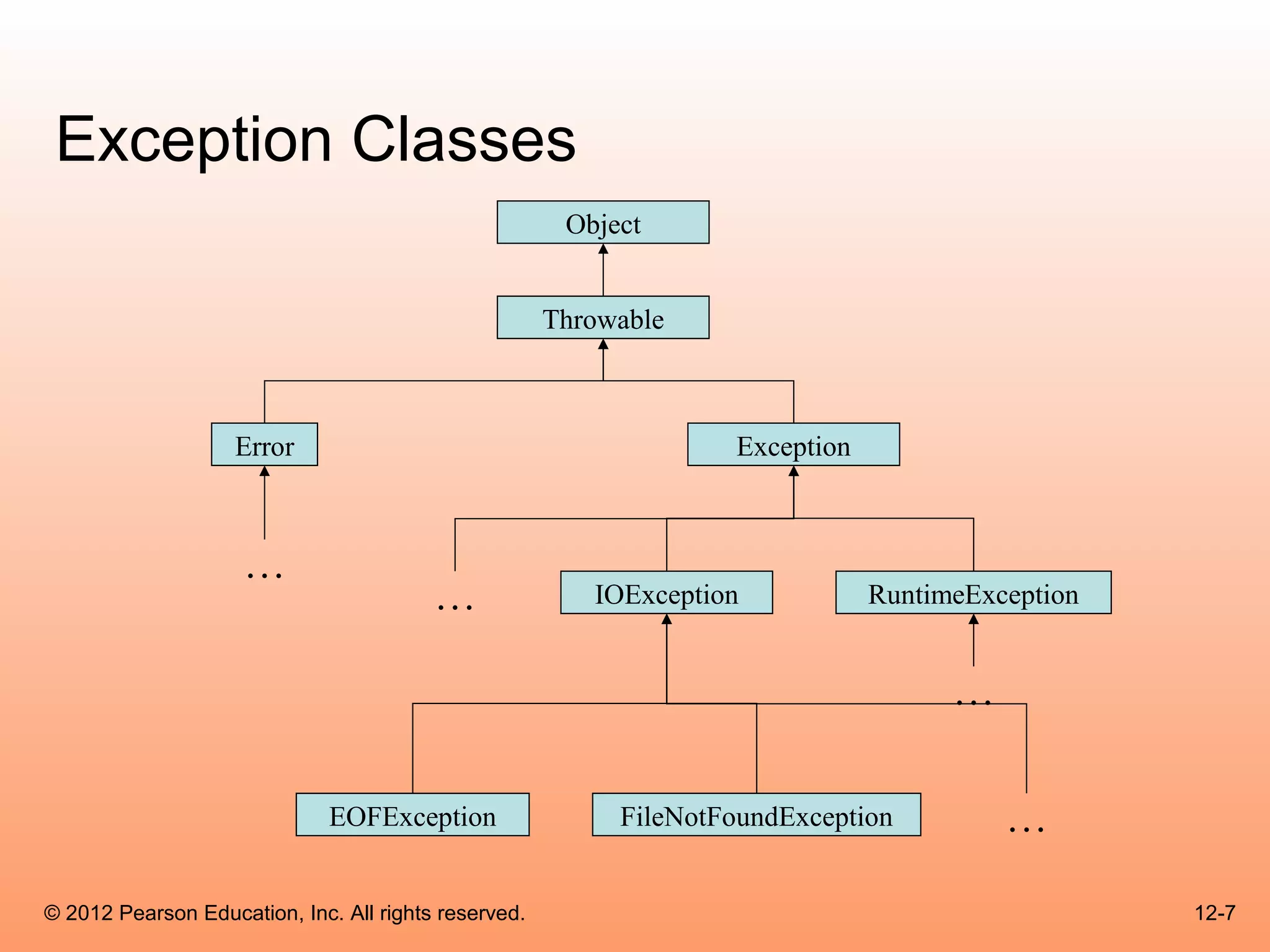
Exception Classes
                                                       Object


                                                      Throwable


                    Error                                          Exception


                     …
                                         …               IOException           RuntimeException


                                                                                     …

                              EOFException                 FileNotFoundException         …

© 2012 Pearson Education, Inc. All rights reserved.                                               12-7
Handling Exceptions
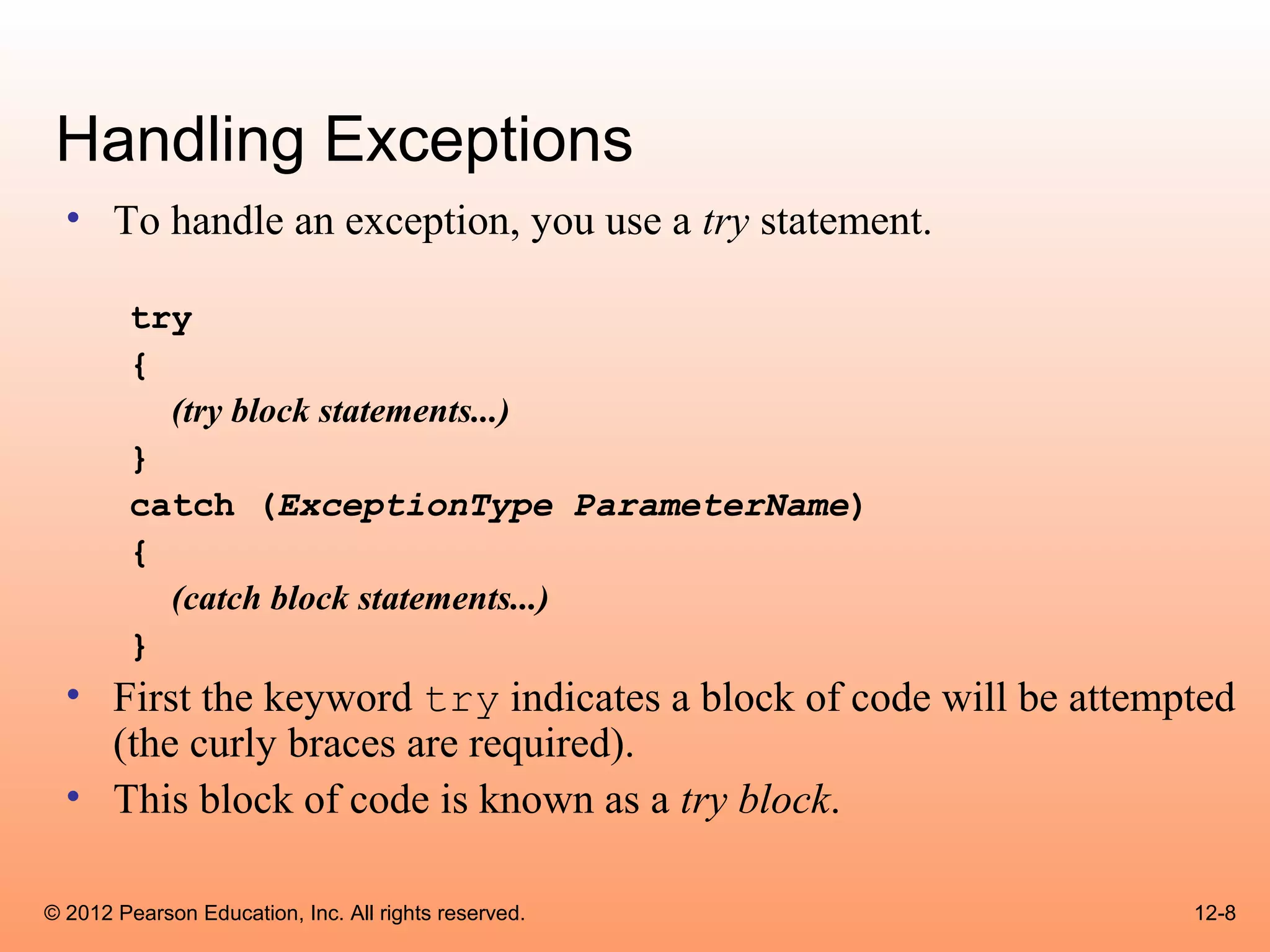
  • To handle an exception, you use a try statement.
        try
        {
          (try block statements...)
        }
        catch (ExceptionType ParameterName)
        {
          (catch block statements...)
        }
  • First the keyword try indicates a block of code will be attempted
    (the curly braces are required).
  • This block of code is known as a try block.

© 2012 Pearson Education, Inc. All rights reserved.               12-8
Handling Exceptions
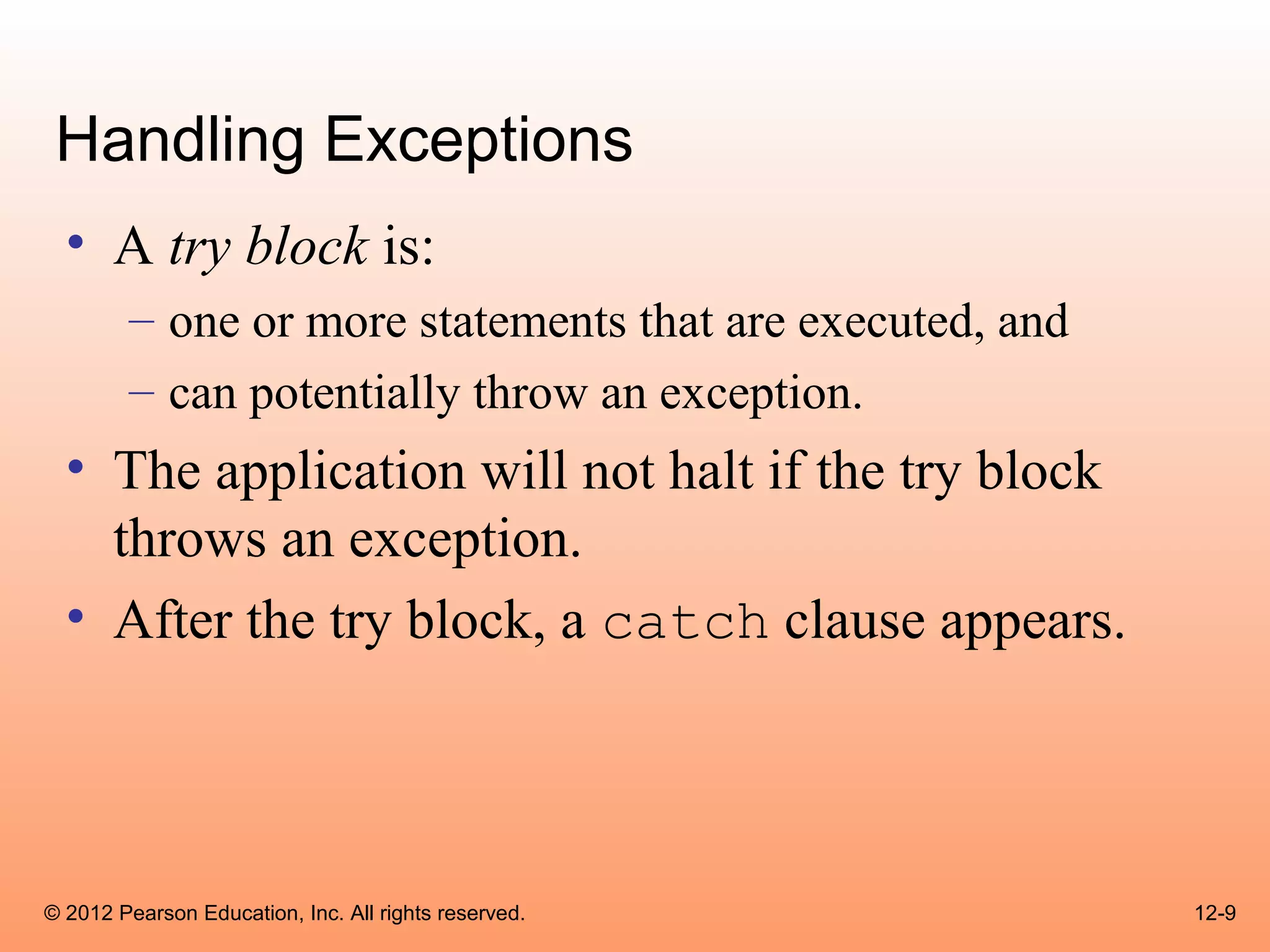
  • A try block is:
        – one or more statements that are executed, and
        – can potentially throw an exception.
  • The application will not halt if the try block
    throws an exception.
  • After the try block, a catch clause appears.


© 2012 Pearson Education, Inc. All rights reserved.       12-9
Handling Exceptions
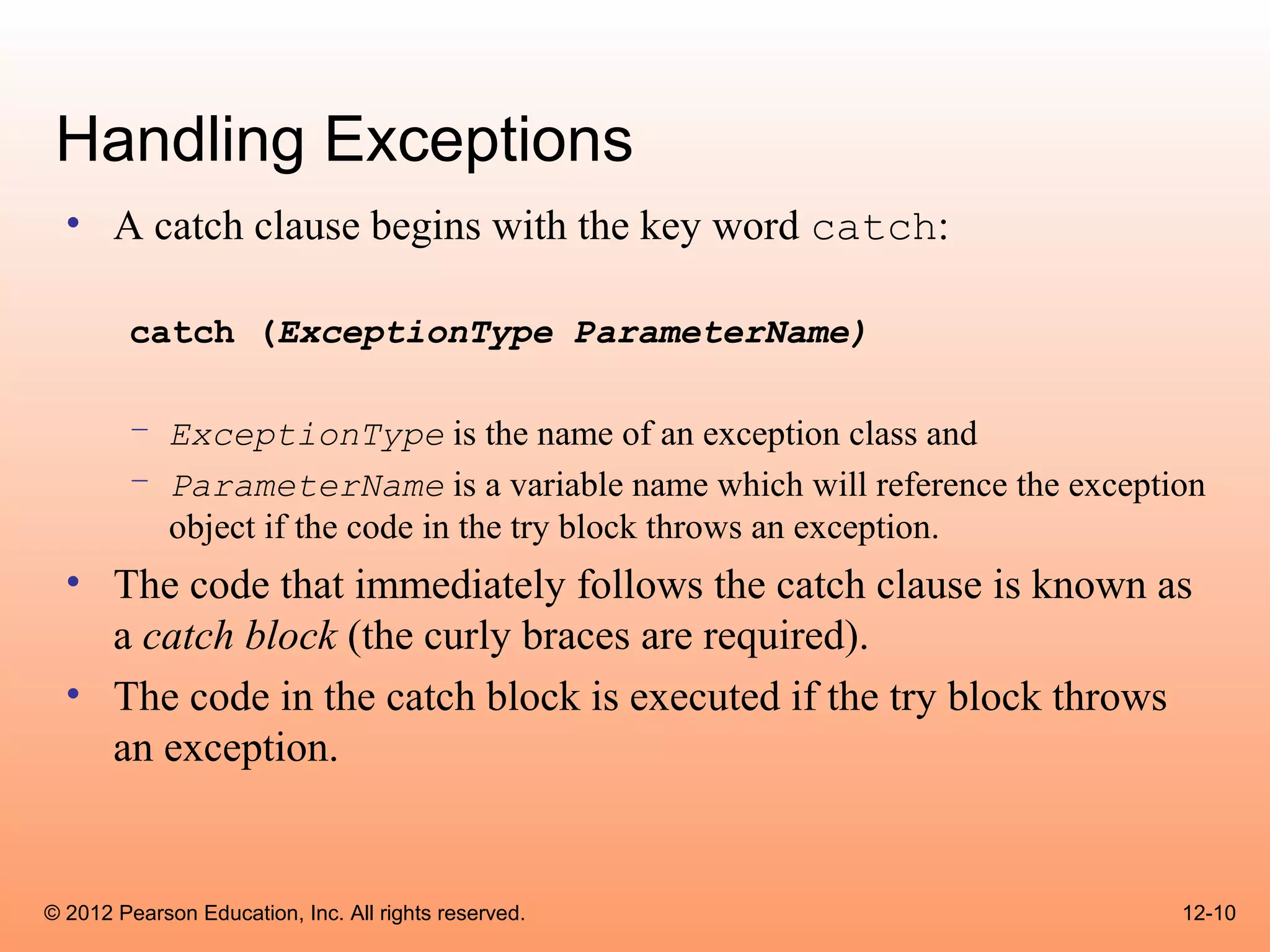
  • A catch clause begins with the key word catch:
        catch (ExceptionType ParameterName)

        – ExceptionType is the name of an exception class and
        – ParameterName is a variable name which will reference the exception
          object if the code in the try block throws an exception.
  • The code that immediately follows the catch clause is known as
    a catch block (the curly braces are required).
  • The code in the catch block is executed if the try block throws
    an exception.


© 2012 Pearson Education, Inc. All rights reserved.                        12-10
Handling Exceptions
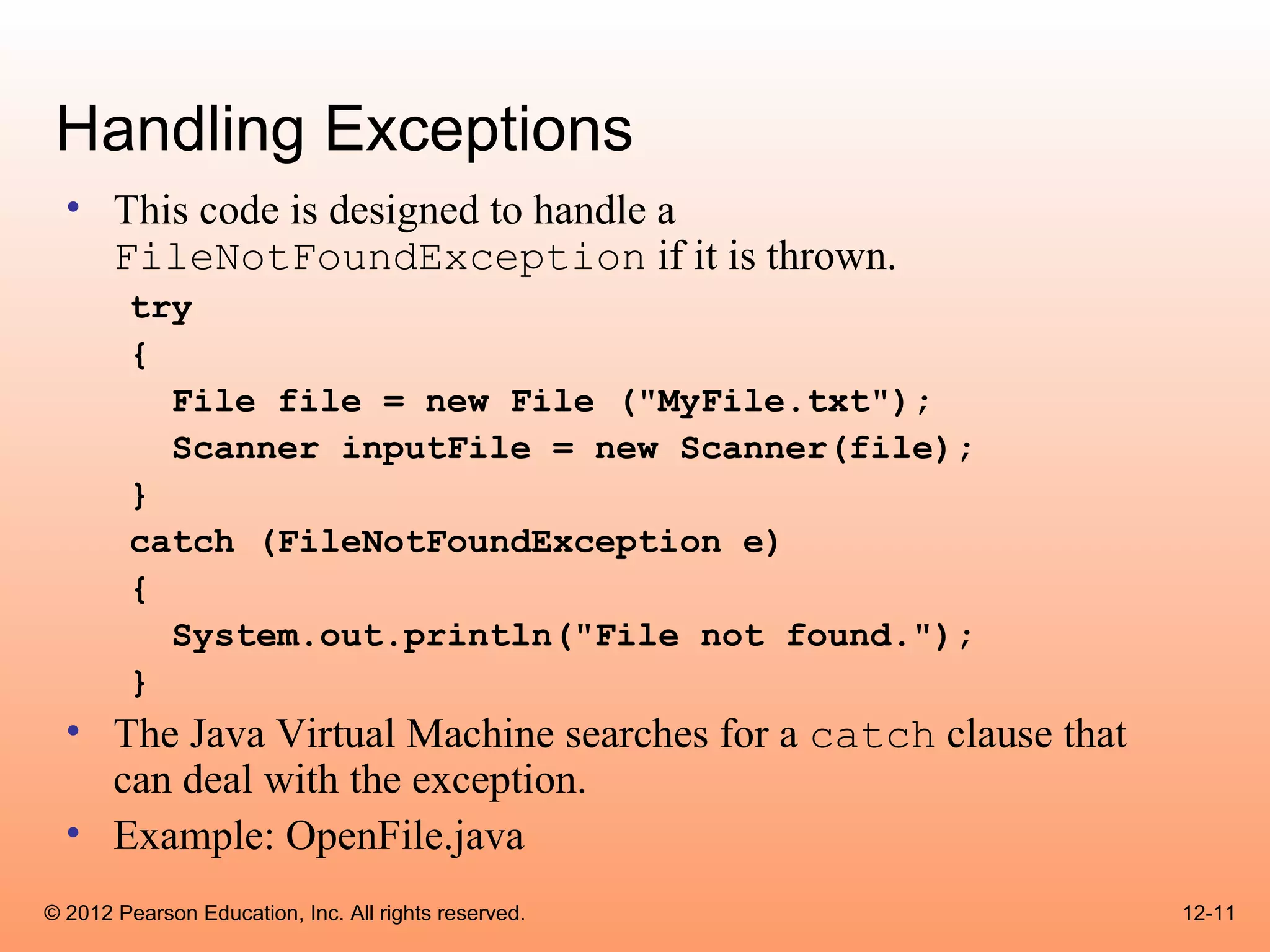
  • This code is designed to handle a
    FileNotFoundException if it is thrown.
        try
        {
          File file = new File ("MyFile.txt");
          Scanner inputFile = new Scanner(file);
        }
        catch (FileNotFoundException e)
        {
          System.out.println("File not found.");
        }
  • The Java Virtual Machine searches for a catch clause that
    can deal with the exception.
  • Example: OpenFile.java
© 2012 Pearson Education, Inc. All rights reserved.             12-11
Handling Exceptions
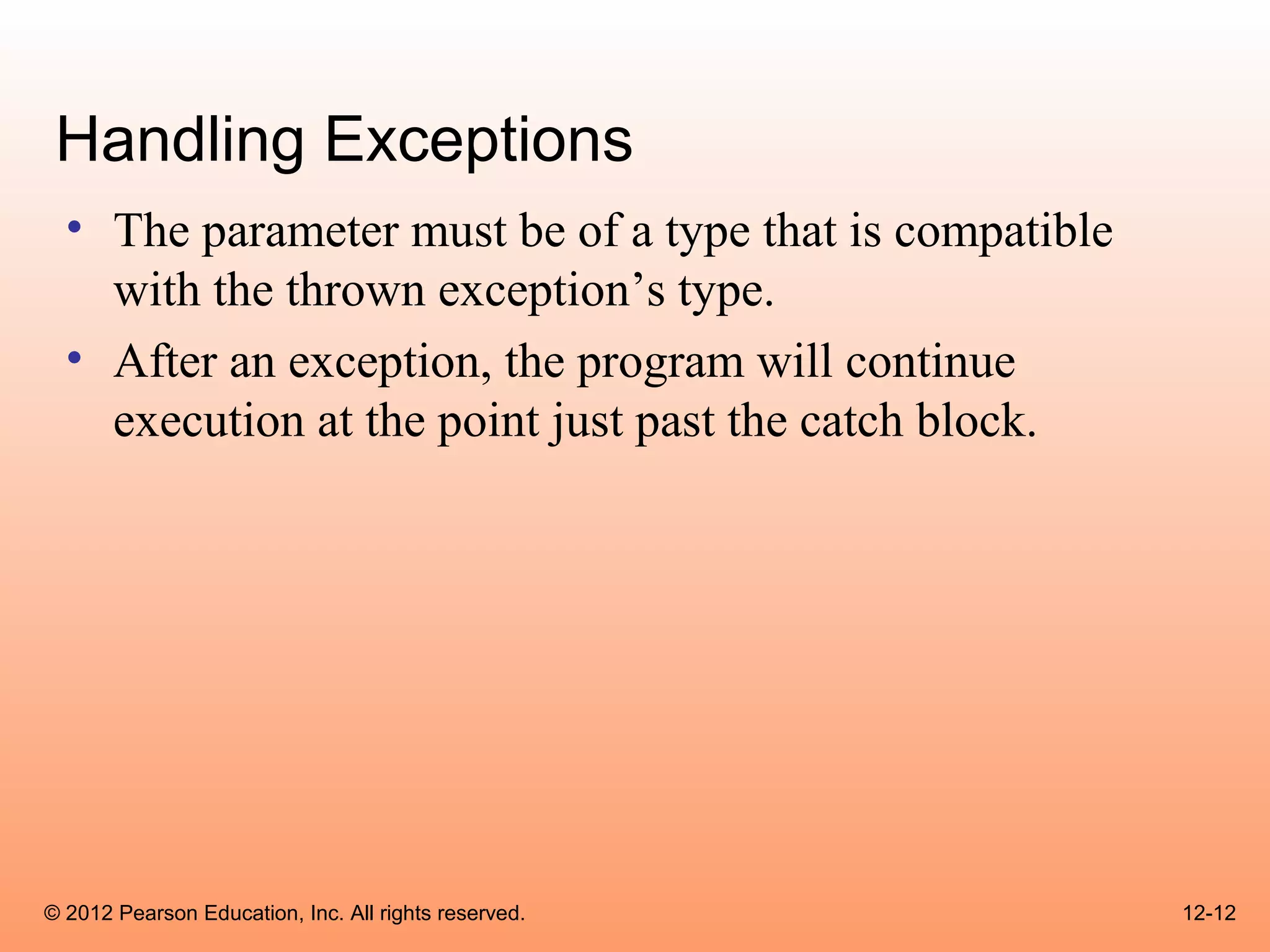
  • The parameter must be of a type that is compatible
    with the thrown exception’s type.
  • After an exception, the program will continue
    execution at the point just past the catch block.


© 2012 Pearson Education, Inc. All rights reserved.      12-12
Handling Exceptions
 • Each exception object has a method named
   getMessage that can be used to retrieve the default
   error message for the exception.
 • Example:
       – ExceptionMessage.java
       – ParseIntError.java


© 2012 Pearson Education, Inc. All rights reserved.      12-13
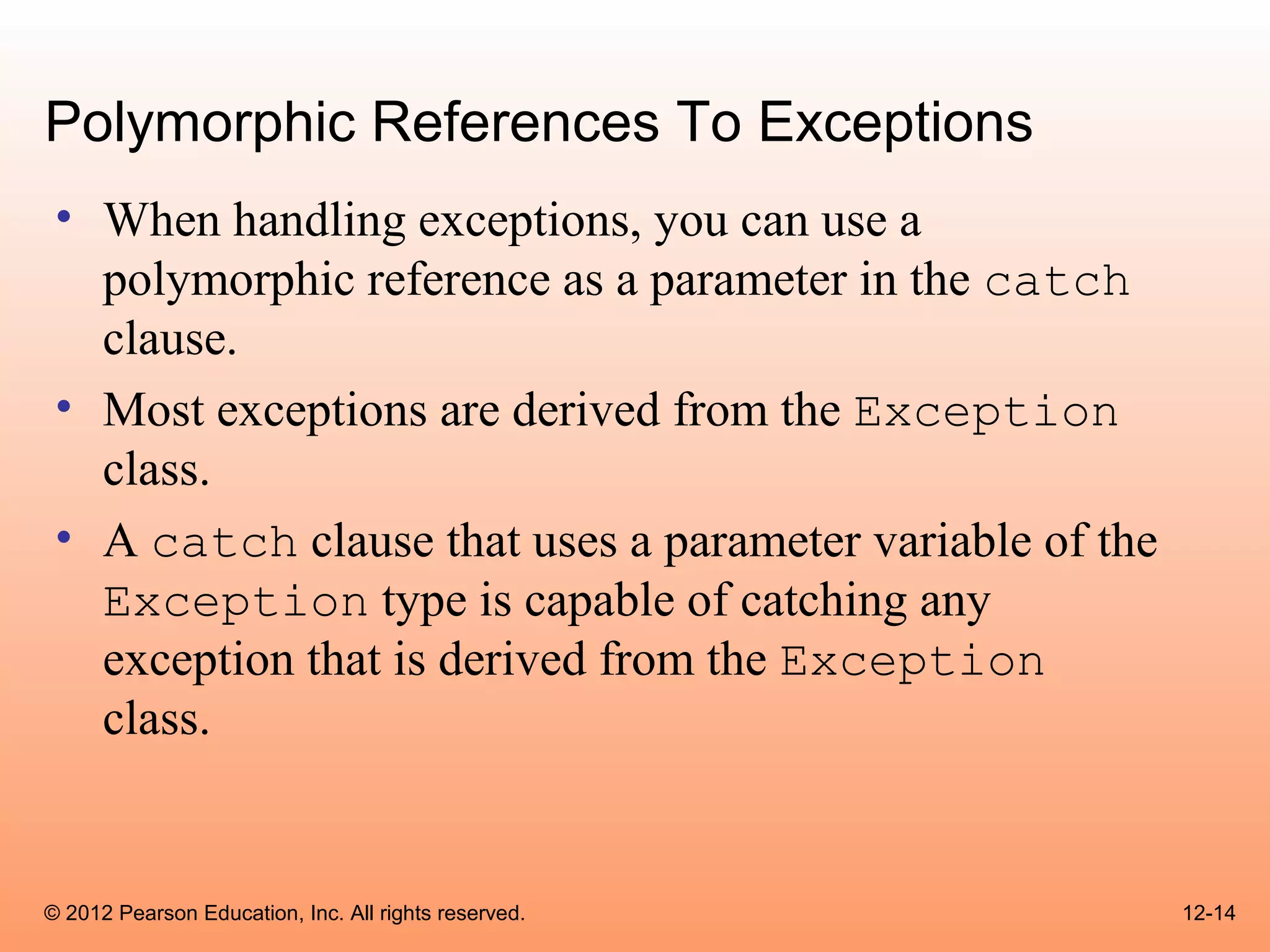
Polymorphic References To Exceptions
 • When handling exceptions, you can use a
   polymorphic reference as a parameter in the catch
   clause.
 • Most exceptions are derived from the Exception
   class.
 • A catch clause that uses a parameter variable of the
   Exception type is capable of catching any
   exception that is derived from the Exception
   class.


© 2012 Pearson Education, Inc. All rights reserved.       12-14
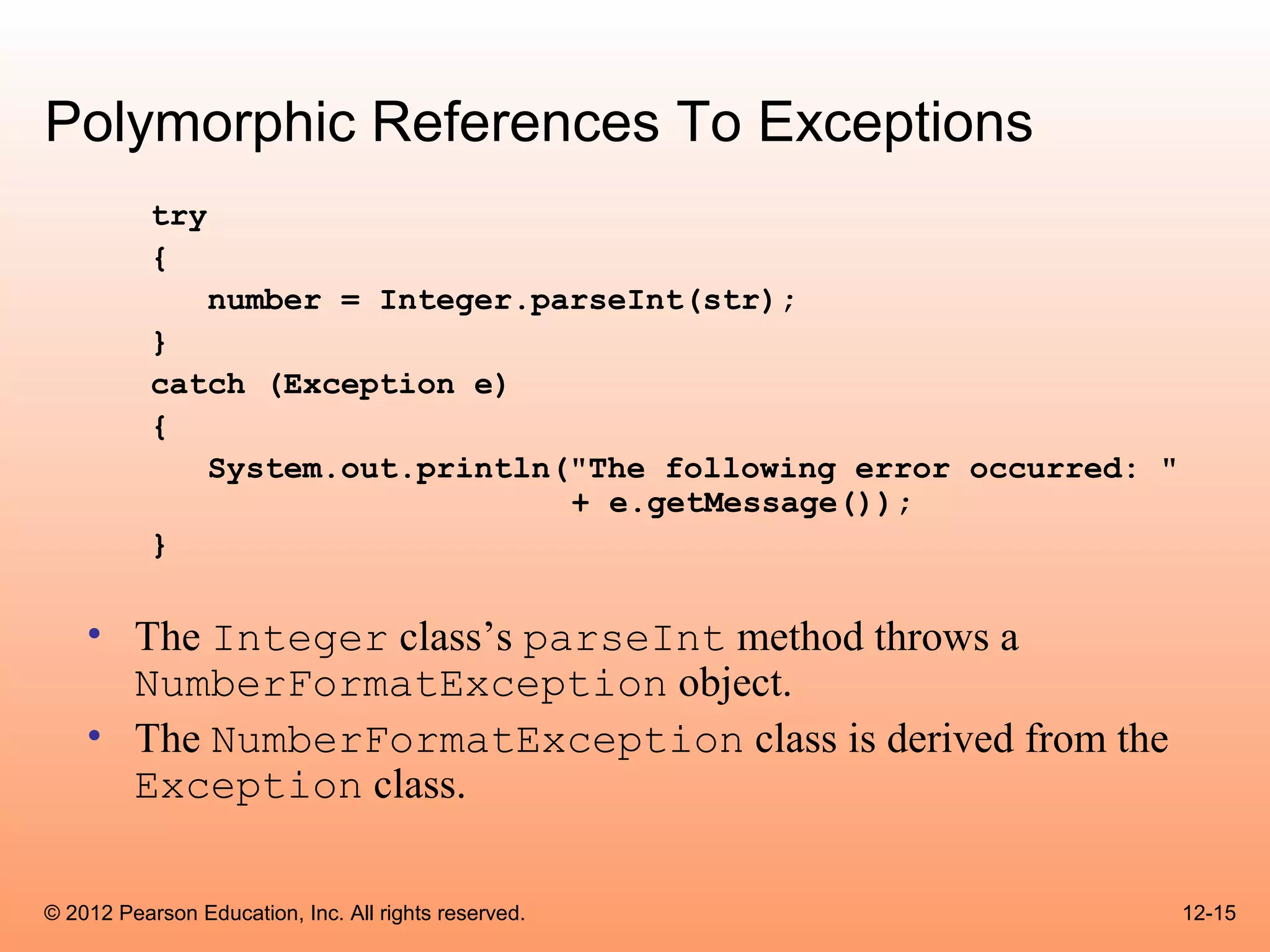
Polymorphic References To Exceptions
           try
           {
                 number = Integer.parseInt(str);
           }
           catch (Exception e)
           {
              System.out.println("The following error occurred: "
                                 + e.getMessage());
           }

    • The Integer class’s parseInt method throws a
      NumberFormatException object.
    • The NumberFormatException class is derived from the
      Exception class.

© 2012 Pearson Education, Inc. All rights reserved.                 12-15
Handling Multiple Exceptions
  • The code in the try block may be capable of throwing more
    than one type of exception.
  • A catch clause needs to be written for each type of exception
    that could potentially be thrown.
  • The JVM will run the first compatible catch clause found.
  • The catch clauses must be listed from most specific to most
    general.
  • Example: SalesReport.java, SalesReport2.java


© 2012 Pearson Education, Inc. All rights reserved.             12-16
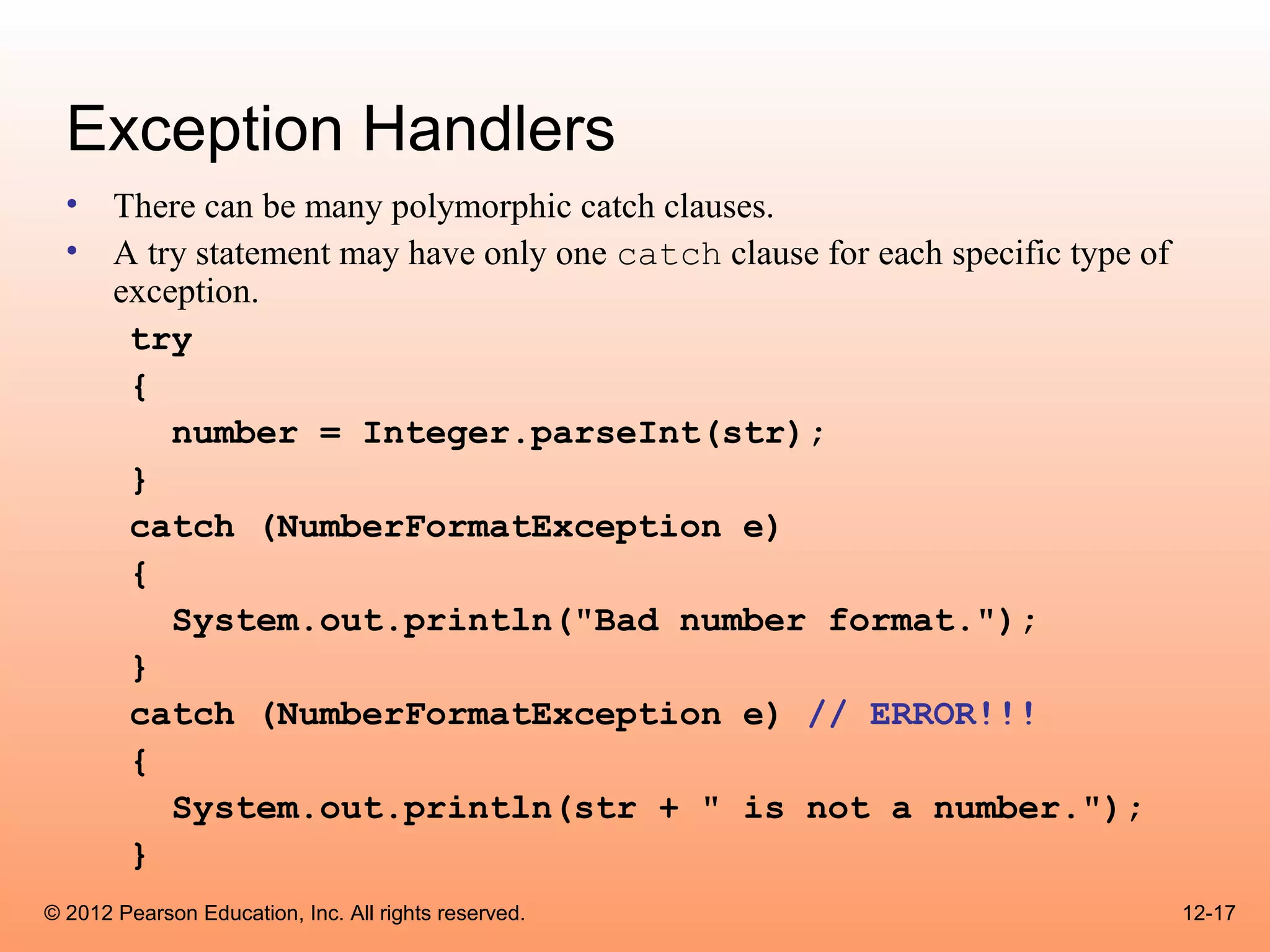
Exception Handlers
  • There can be many polymorphic catch clauses.
  • A try statement may have only one catch clause for each specific type of
    exception.
     try
     {
        number = Integer.parseInt(str);
     }
     catch (NumberFormatException e)
     {
        System.out.println("Bad number format.");
     }
     catch (NumberFormatException e) // ERROR!!!
     {
        System.out.println(str + " is not a number.");
     }
© 2012 Pearson Education, Inc. All rights reserved.                            12-17
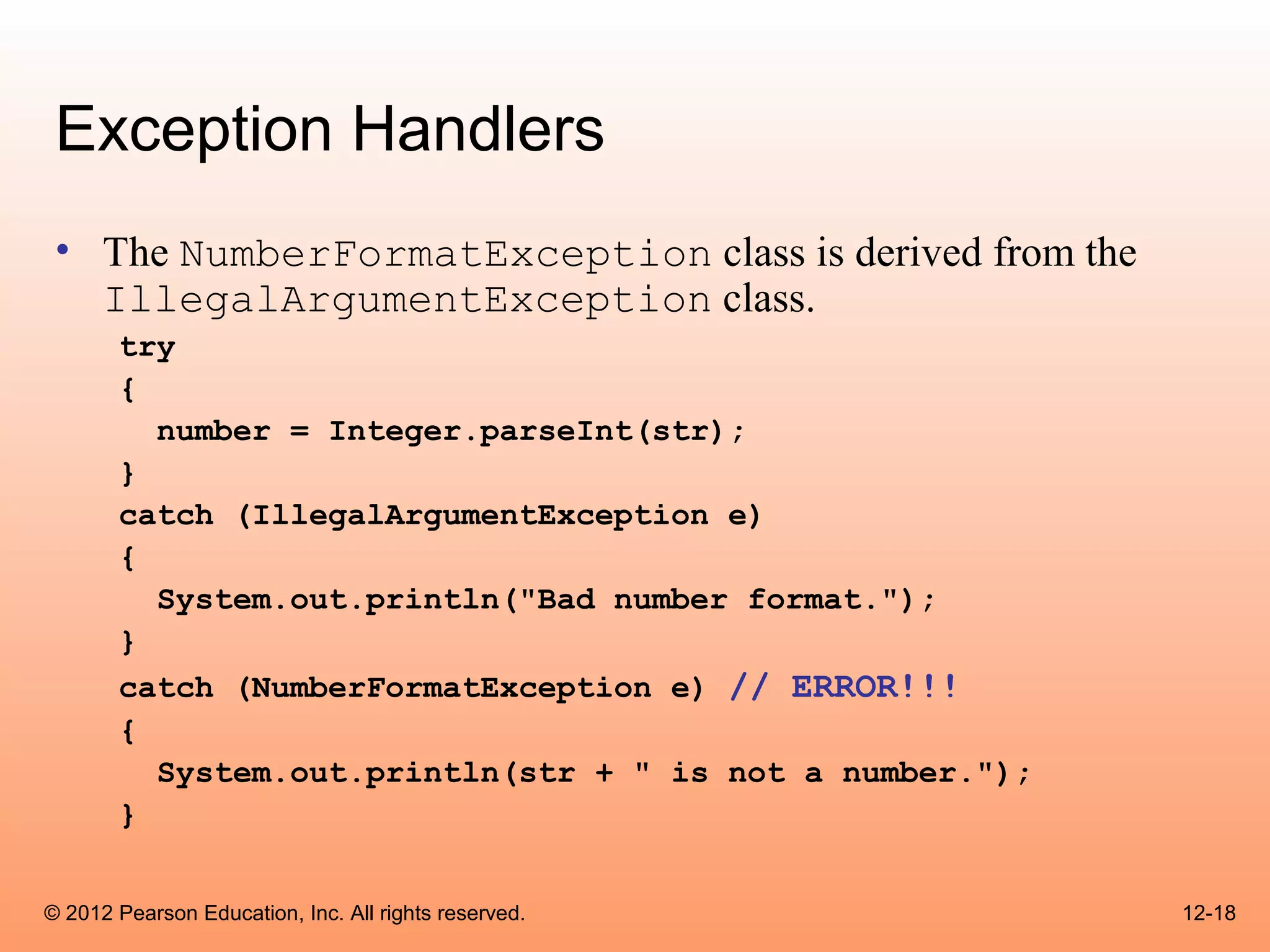
Exception Handlers
 • The NumberFormatException class is derived from the
   IllegalArgumentException class.
       try
       {
         number = Integer.parseInt(str);
       }
       catch (IllegalArgumentException e)
       {
         System.out.println("Bad number format.");
       }
       catch (NumberFormatException e) // ERROR!!!
       {
         System.out.println(str + " is not a number.");
       }


© 2012 Pearson Education, Inc. All rights reserved.       12-18
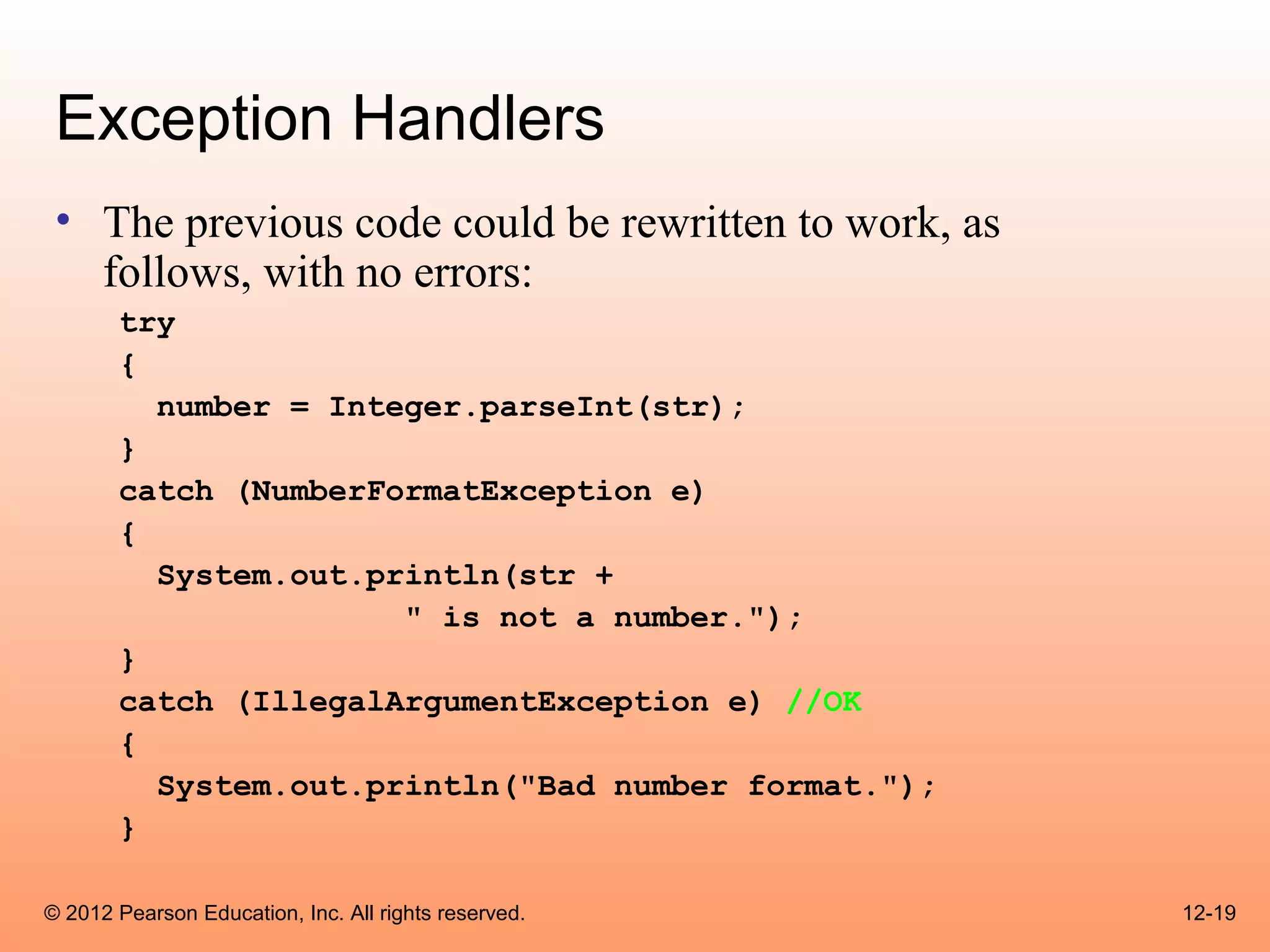
Exception Handlers
 • The previous code could be rewritten to work, as
   follows, with no errors:
       try
       {
         number = Integer.parseInt(str);
       }
       catch (NumberFormatException e)
       {
         System.out.println(str +
                      " is not a number.");
       }
       catch (IllegalArgumentException e) //OK
       {
         System.out.println("Bad number format.");
       }

© 2012 Pearson Education, Inc. All rights reserved.   12-19
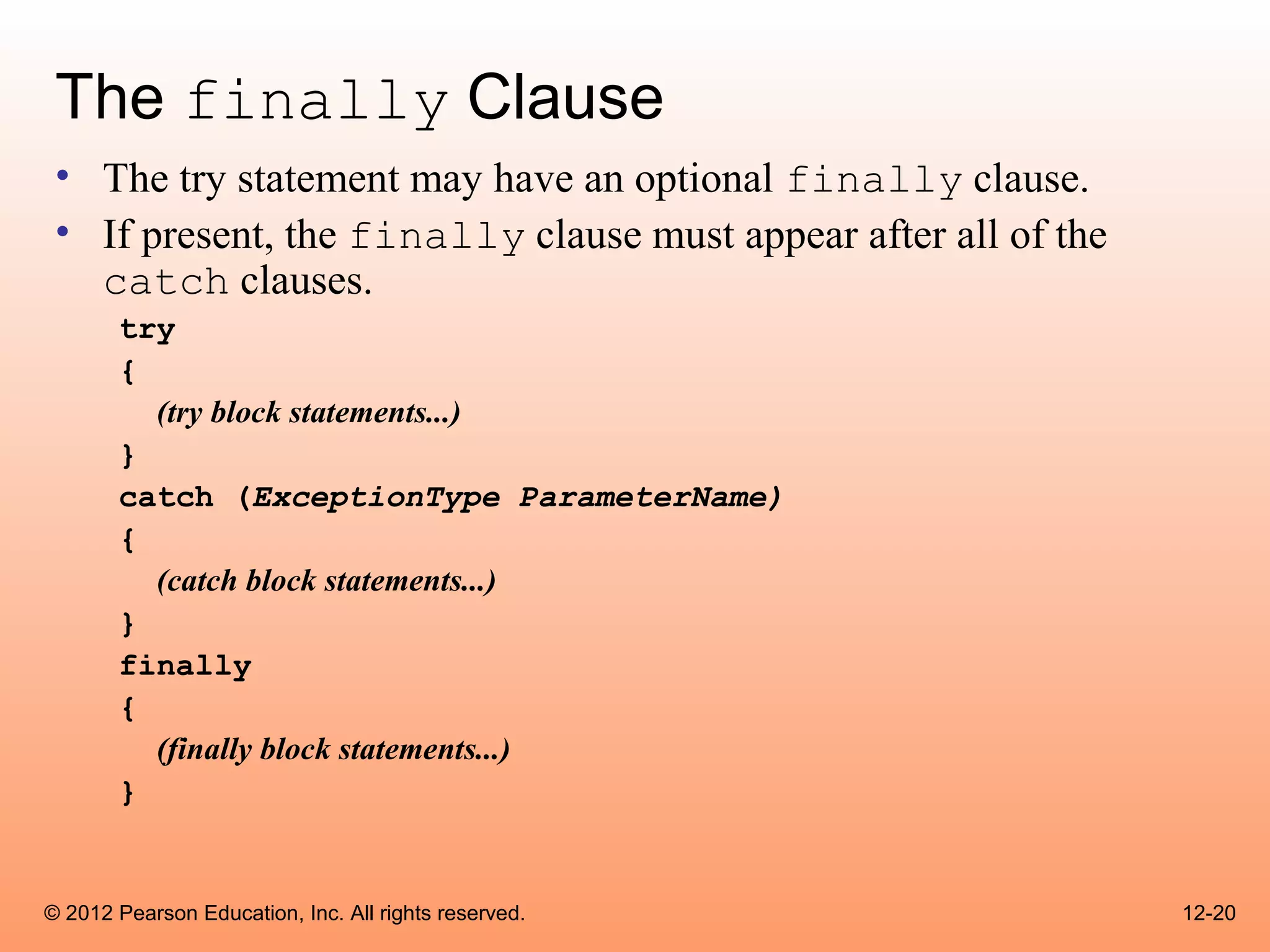
The finally Clause
 • The try statement may have an optional finally clause.
 • If present, the finally clause must appear after all of the
   catch clauses.
       try
       {
         (try block statements...)
       }
       catch (ExceptionType ParameterName)
       {
         (catch block statements...)
       }
       finally
       {
         (finally block statements...)
       }


© 2012 Pearson Education, Inc. All rights reserved.              12-20
The finally Clause
 • The finally block is one or more statements,
       – that are always executed after the try block has executed and
       – after any catch blocks have executed if an exception was
         thrown.
 • The statements in the finally block execute whether an
   exception occurs or not.


© 2012 Pearson Education, Inc. All rights reserved.                  12-21
The Stack Trace
 • The call stack is an internal list of all the methods that are
   currently executing.
 • A stack trace is a list of all the methods in the call stack.
 • It indicates:
       – the method that was executing when an exception occurred and
       – all of the methods that were called in order to execute that method.
 • Example: StackTrace.java


© 2012 Pearson Education, Inc. All rights reserved.                             12-22
Uncaught Exceptions
 • When an exception is thrown, it cannot be ignored.
 • It must be handled by the program, or by the default
   exception handler.
 • When the code in a method throws an exception:
       – normal execution of that method stops, and
       – the JVM searches for a compatible exception handler inside
         the method.


© 2012 Pearson Education, Inc. All rights reserved.                   12-23
Uncaught Exceptions
  • If there is no exception handler inside the method:
        – control of the program is passed to the previous method in the call
          stack.
        – If that method has no exception handler, then control is passed
          again, up the call stack, to the previous method.
  • If control reaches the main method:
        – the main method must either handle the exception, or
        – the program is halted and the default exception handler handles the
          exception.


© 2012 Pearson Education, Inc. All rights reserved.                             12-24
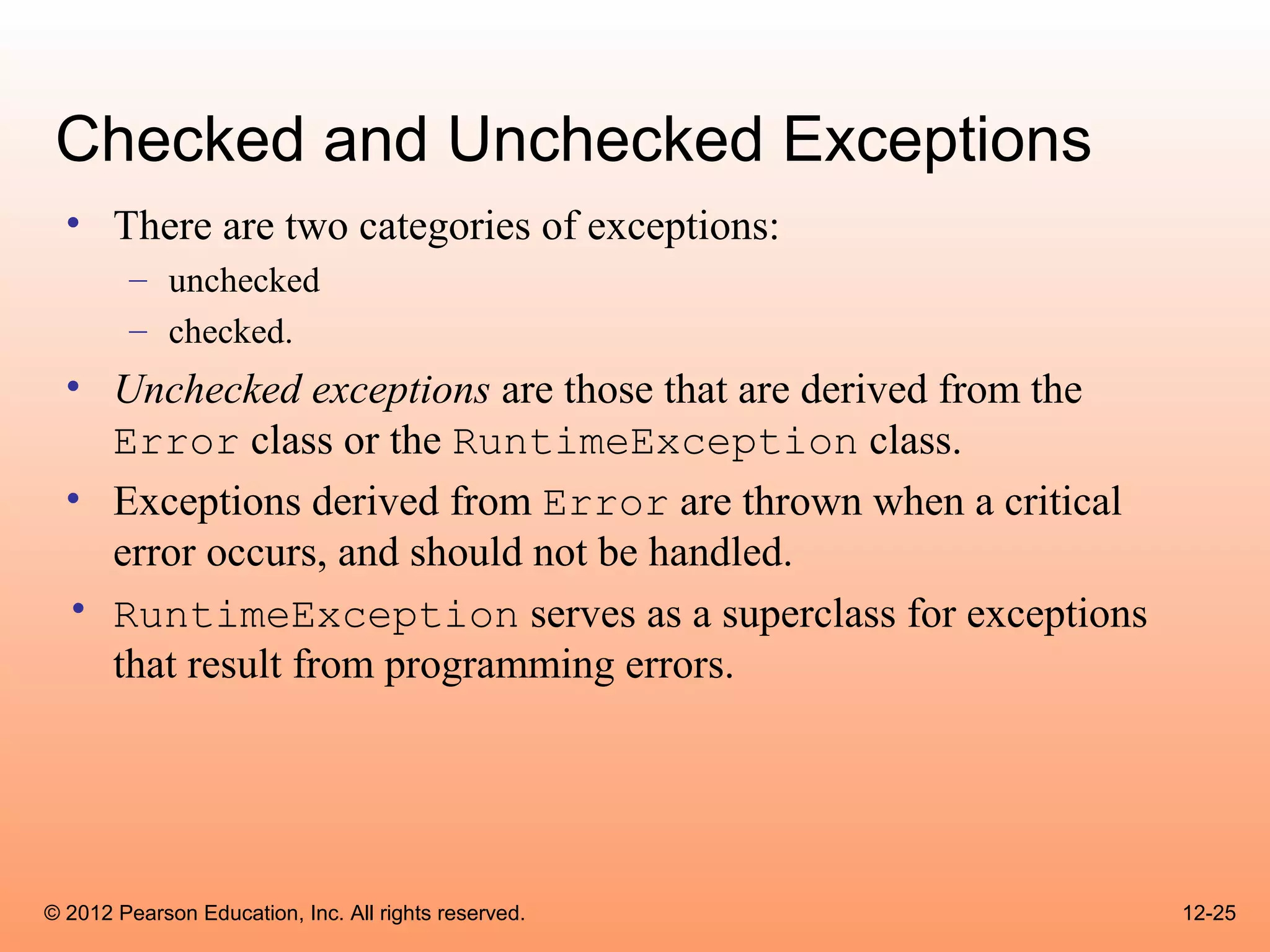
Checked and Unchecked Exceptions
  • There are two categories of exceptions:
        – unchecked
        – checked.
  • Unchecked exceptions are those that are derived from the
    Error class or the RuntimeException class.
  • Exceptions derived from Error are thrown when a critical
    error occurs, and should not be handled.
  • RuntimeException serves as a superclass for exceptions
    that result from programming errors.


© 2012 Pearson Education, Inc. All rights reserved.            12-25
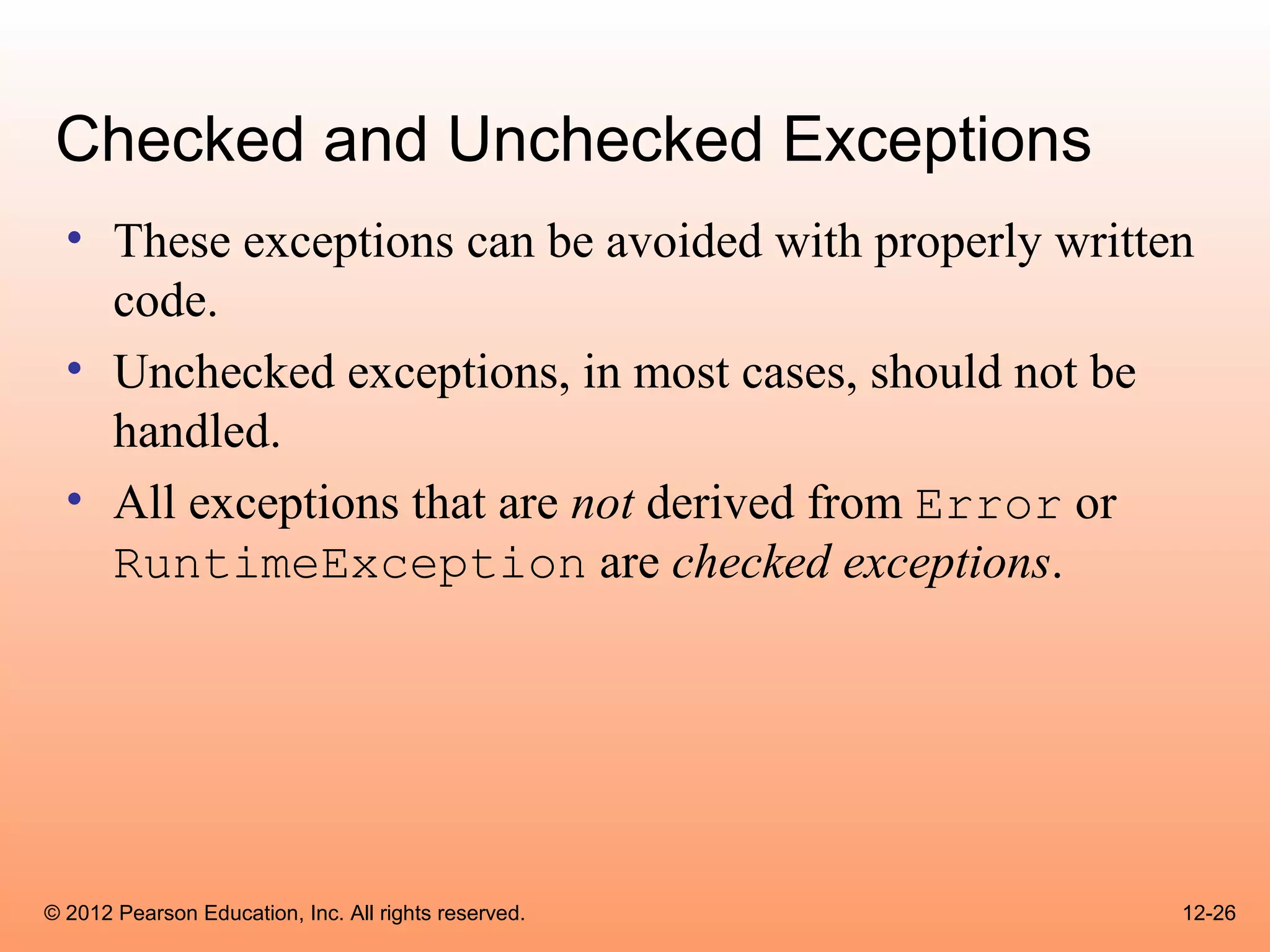
Checked and Unchecked Exceptions
  • These exceptions can be avoided with properly written
    code.
  • Unchecked exceptions, in most cases, should not be
    handled.
  • All exceptions that are not derived from Error or
    RuntimeException are checked exceptions.


© 2012 Pearson Education, Inc. All rights reserved.     12-26
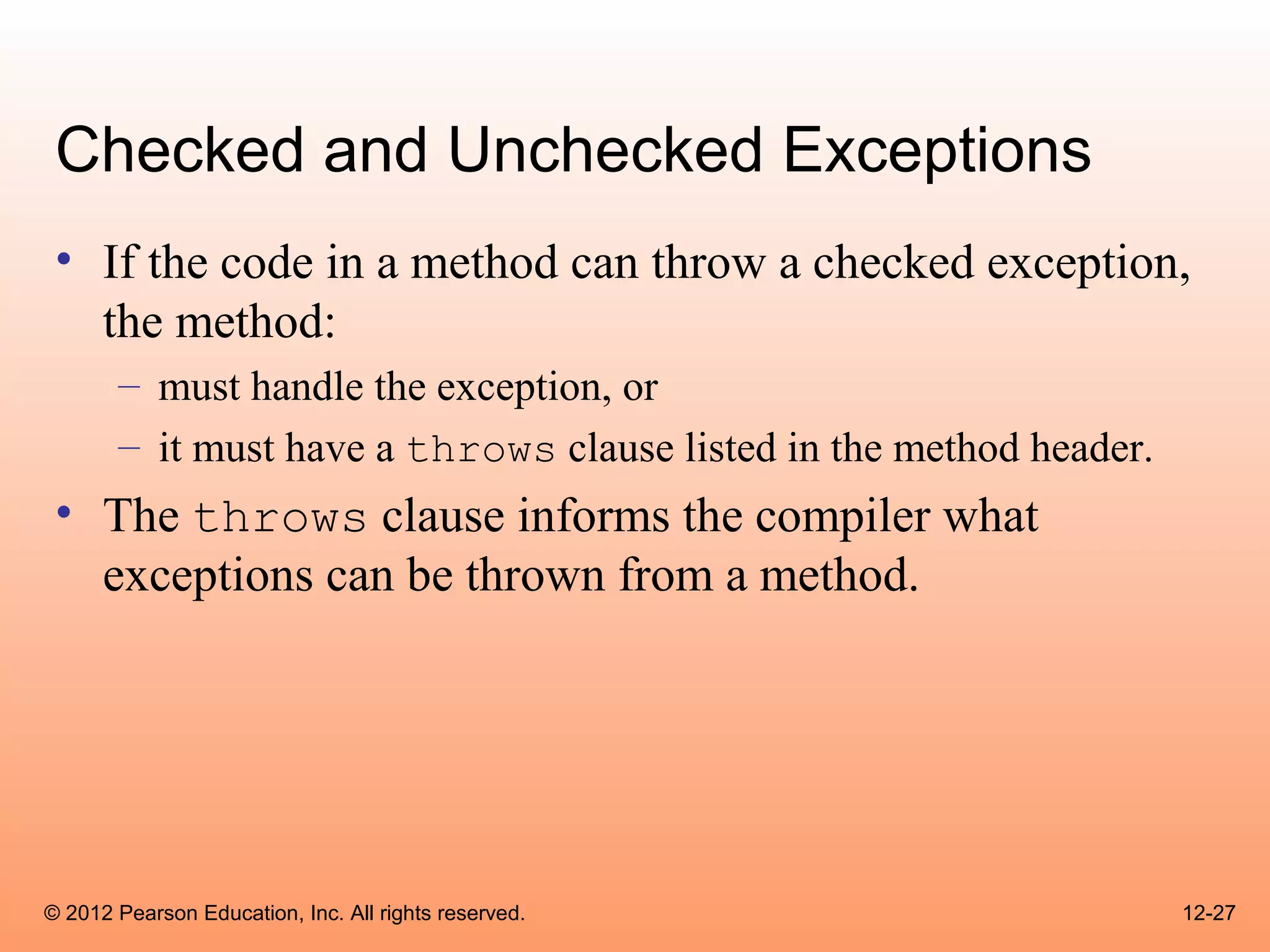
Checked and Unchecked Exceptions
 • If the code in a method can throw a checked exception,
   the method:
       – must handle the exception, or
       – it must have a throws clause listed in the method header.
 • The throws clause informs the compiler what
   exceptions can be thrown from a method.


© 2012 Pearson Education, Inc. All rights reserved.                  12-27
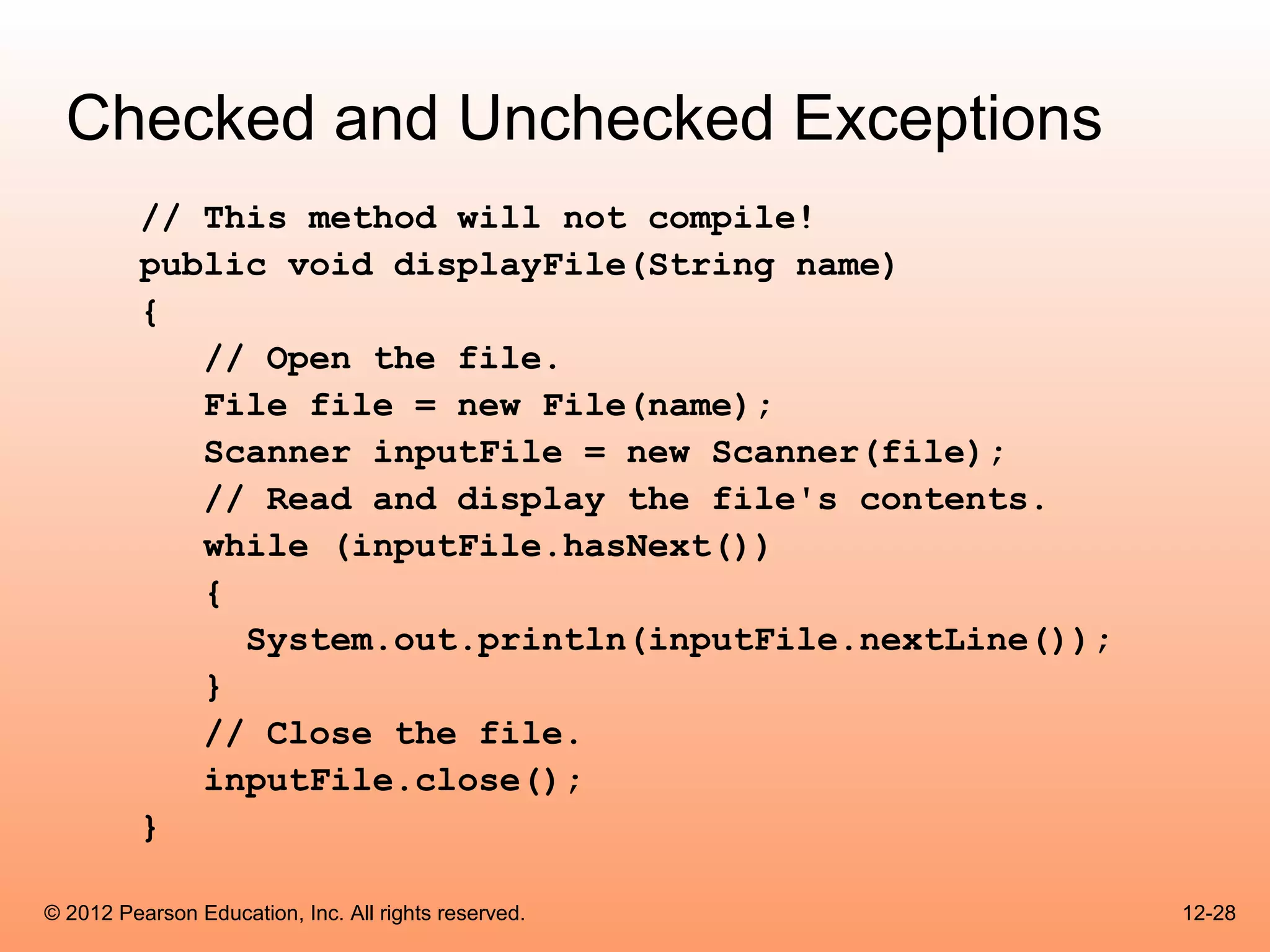
Checked and Unchecked Exceptions
          // This method will not compile!
          public void displayFile(String name)
          {
             // Open the file.
             File file = new File(name);
             Scanner inputFile = new Scanner(file);
             // Read and display the file's contents.
             while (inputFile.hasNext())
             {
               System.out.println(inputFile.nextLine());
             }
             // Close the file.
             inputFile.close();
          }

© 2012 Pearson Education, Inc. All rights reserved.        12-28
Checked and Unchecked Exceptions

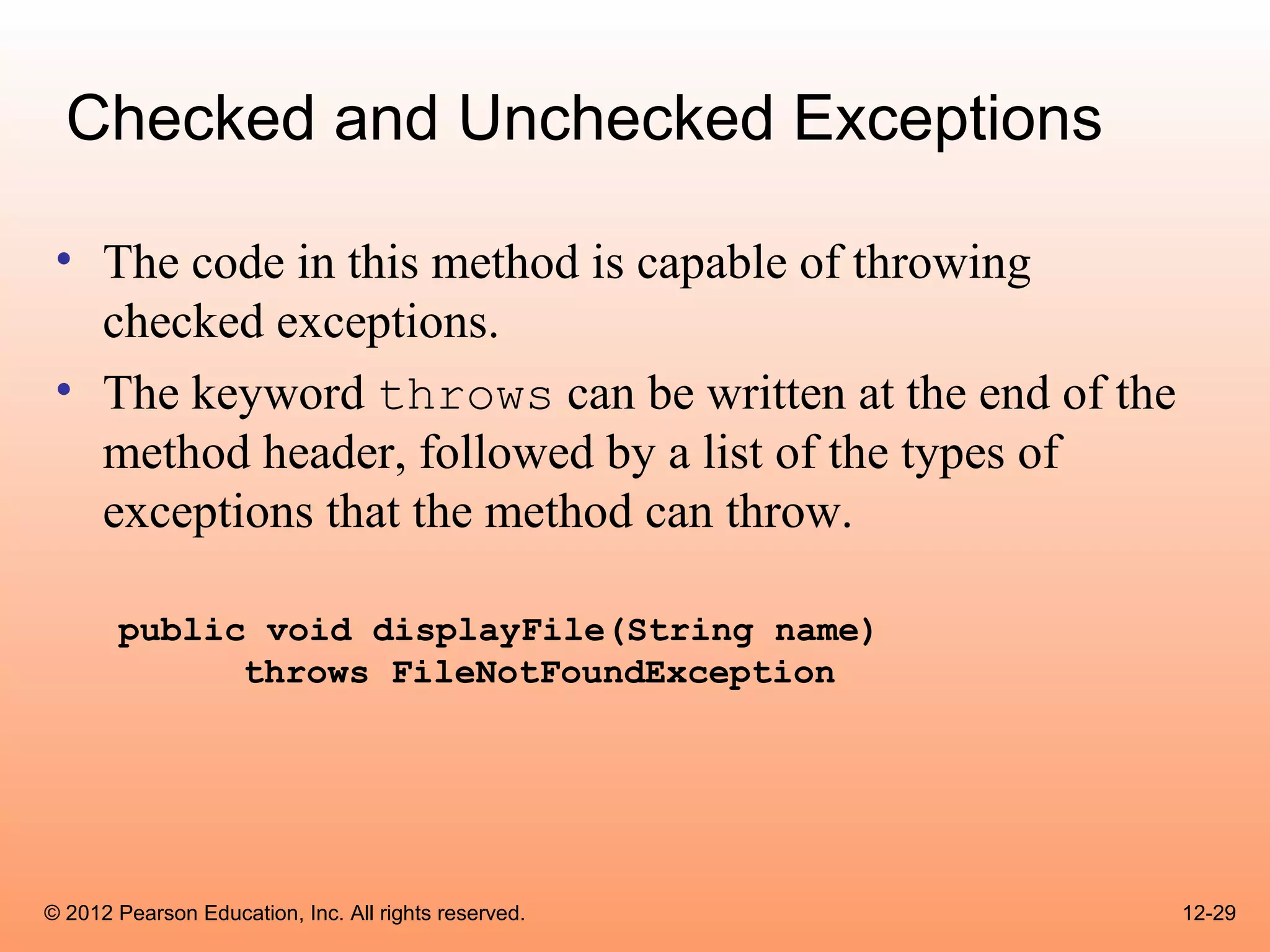
 • The code in this method is capable of throwing
   checked exceptions.
 • The keyword throws can be written at the end of the
   method header, followed by a list of the types of
   exceptions that the method can throw.

       public void displayFile(String name)
             throws FileNotFoundException


© 2012 Pearson Education, Inc. All rights reserved.      12-29
Throwing Exceptions
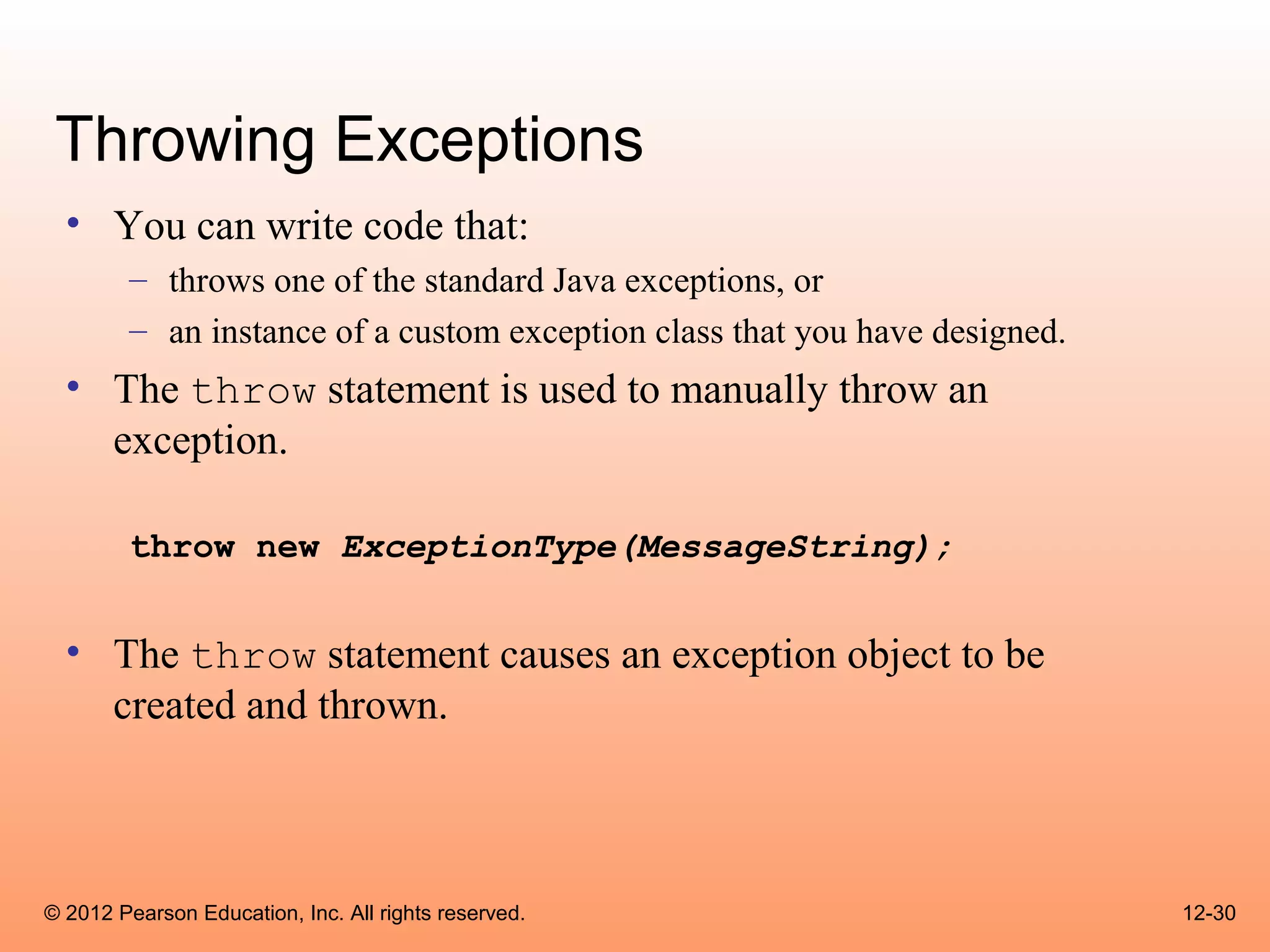
  • You can write code that:
        – throws one of the standard Java exceptions, or
        – an instance of a custom exception class that you have designed.
  • The throw statement is used to manually throw an
    exception.

        throw new ExceptionType(MessageString);


  • The throw statement causes an exception object to be
    created and thrown.


© 2012 Pearson Education, Inc. All rights reserved.                         12-30
Throwing Exceptions
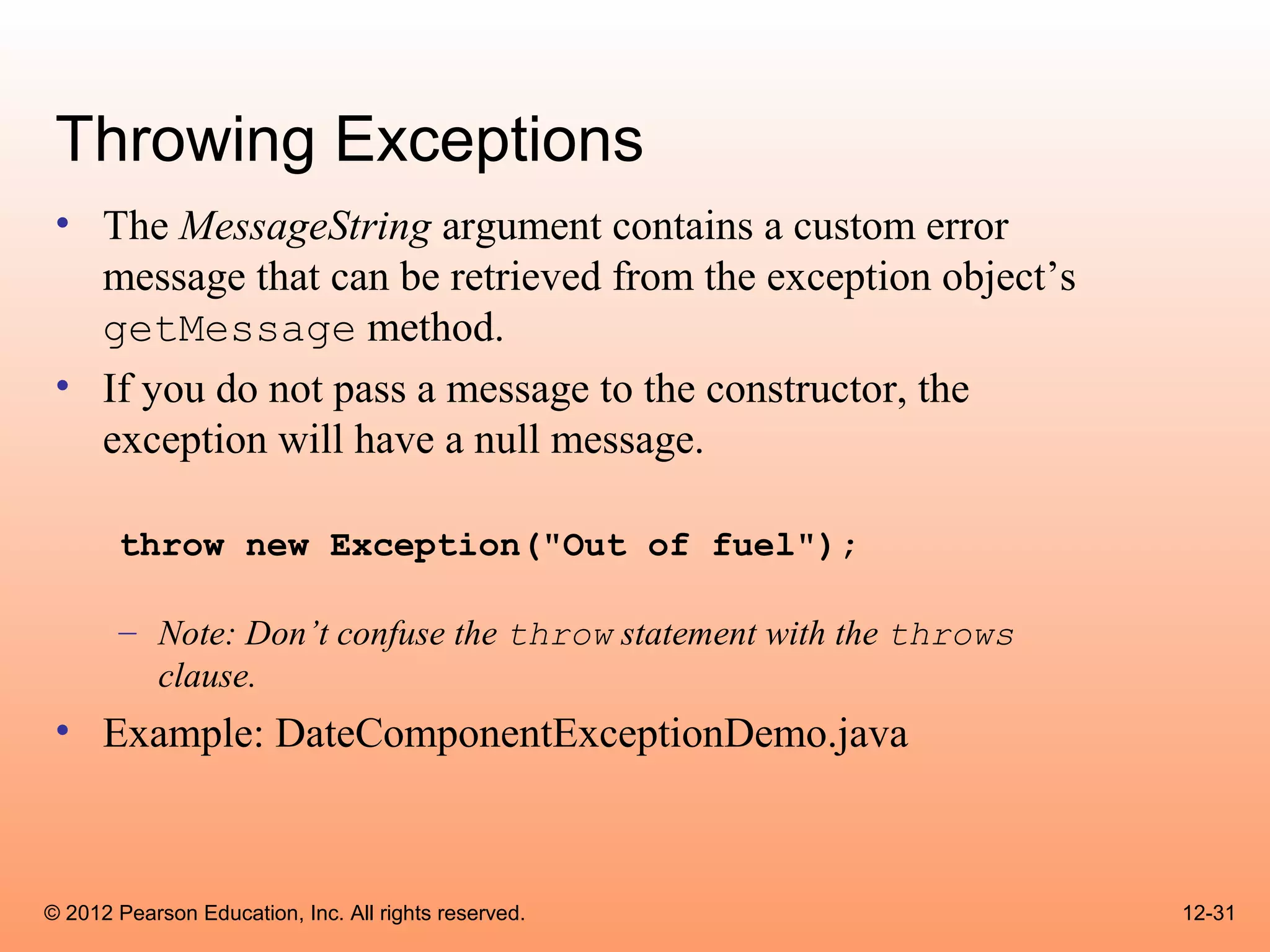
 • The MessageString argument contains a custom error
   message that can be retrieved from the exception object’s
   getMessage method.
 • If you do not pass a message to the constructor, the
   exception will have a null message.

       throw new Exception("Out of fuel");

       – Note: Don’t confuse the throw statement with the throws
         clause.
 • Example: DateComponentExceptionDemo.java


© 2012 Pearson Education, Inc. All rights reserved.                12-31
Creating Exception Classes
 • You can create your own exception classes by deriving
   them from the Exception class or one of its derived
   classes.
 • Example:
       – BankAccount.java
       – NegativeStartingBalance.java
       – AccountTest.java


© 2012 Pearson Education, Inc. All rights reserved.    12-32
Creating Exception Classes
• Some examples of exceptions that can affect a bank
  account:
      –   A negative starting balance is passed to the constructor.
      –   A negative interest rate is passed to the constructor.
      –   A negative number is passed to the deposit method.
      –   A negative number is passed to the withdraw method.
      –   The amount passed to the withdraw method exceeds the
          account’s balance.
• We can create exceptions that represent each of these
  error conditions.

© 2012 Pearson Education, Inc. All rights reserved.                   12-33
@exception Tag in Documentation
  Comments
  • General format
        @exception ExceptionName Description

  • The following rules apply
        – The @exception tag in a method’s documentation comment
          must appear after the general description of the method.
        – The description can span several lines. It ends at the end of the
          documentation comment (the */ symbol) or at the beginning of
          another tag.


© 2012 Pearson Education, Inc. All rights reserved.                           12-34
Binary Files
 • The way data is stored in memory is sometimes called the raw
   binary format.
 • Data can be stored in a file in its raw binary format.
 • A file that contains binary data is often called a binary file.
 • Storing data in its binary format is more efficient than storing it
   as text.
 • There are some types of data that should only be stored in its
   raw binary format.


© 2012 Pearson Education, Inc. All rights reserved.                      12-35
Binary Files
 • Binary files cannot be opened in a text editor such as Notepad.
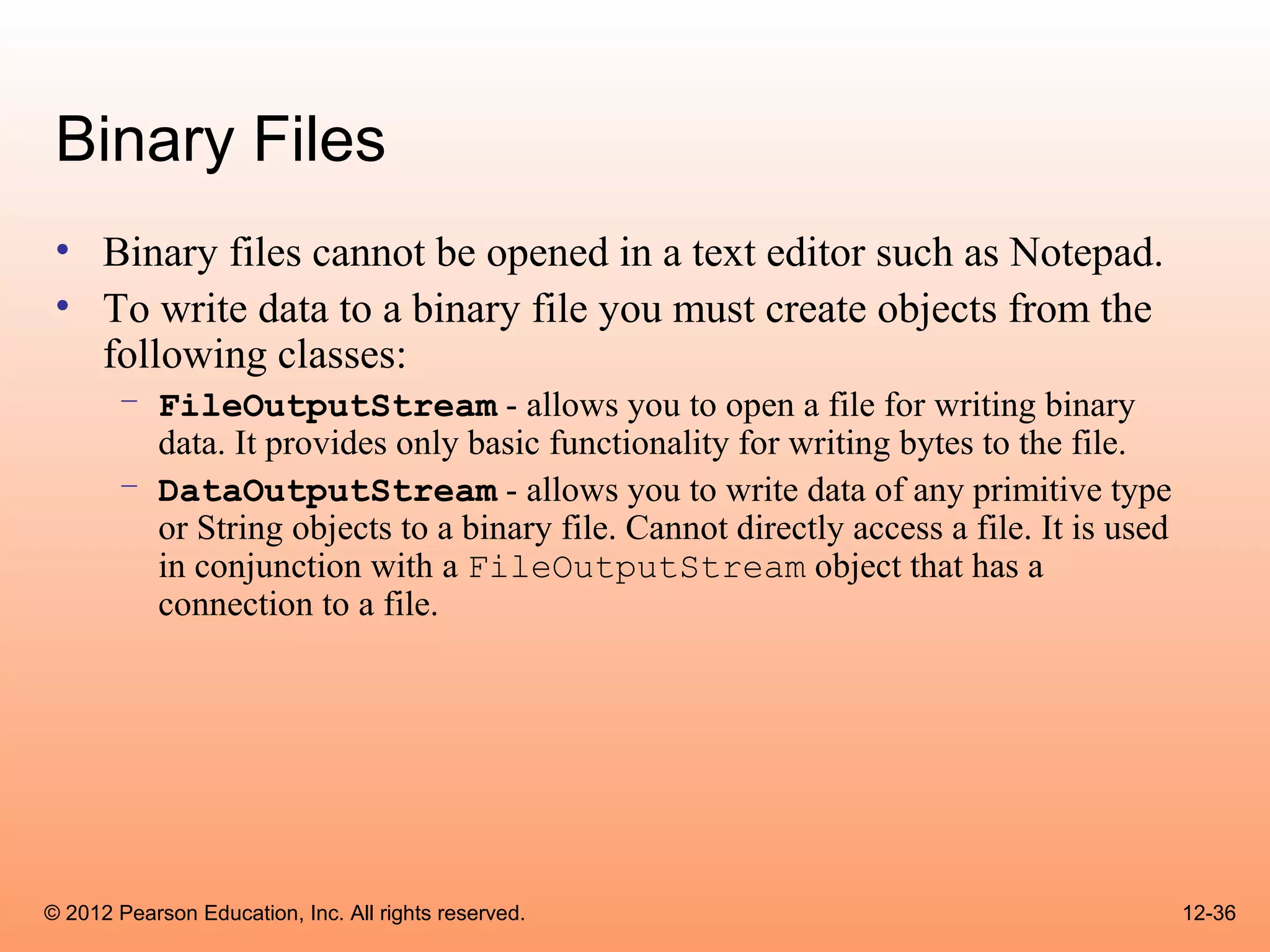
 • To write data to a binary file you must create objects from the
   following classes:
       – FileOutputStream - allows you to open a file for writing binary
         data. It provides only basic functionality for writing bytes to the file.
       – DataOutputStream - allows you to write data of any primitive type
         or String objects to a binary file. Cannot directly access a file. It is used
         in conjunction with a FileOutputStream object that has a
         connection to a file.


© 2012 Pearson Education, Inc. All rights reserved.                                      12-36
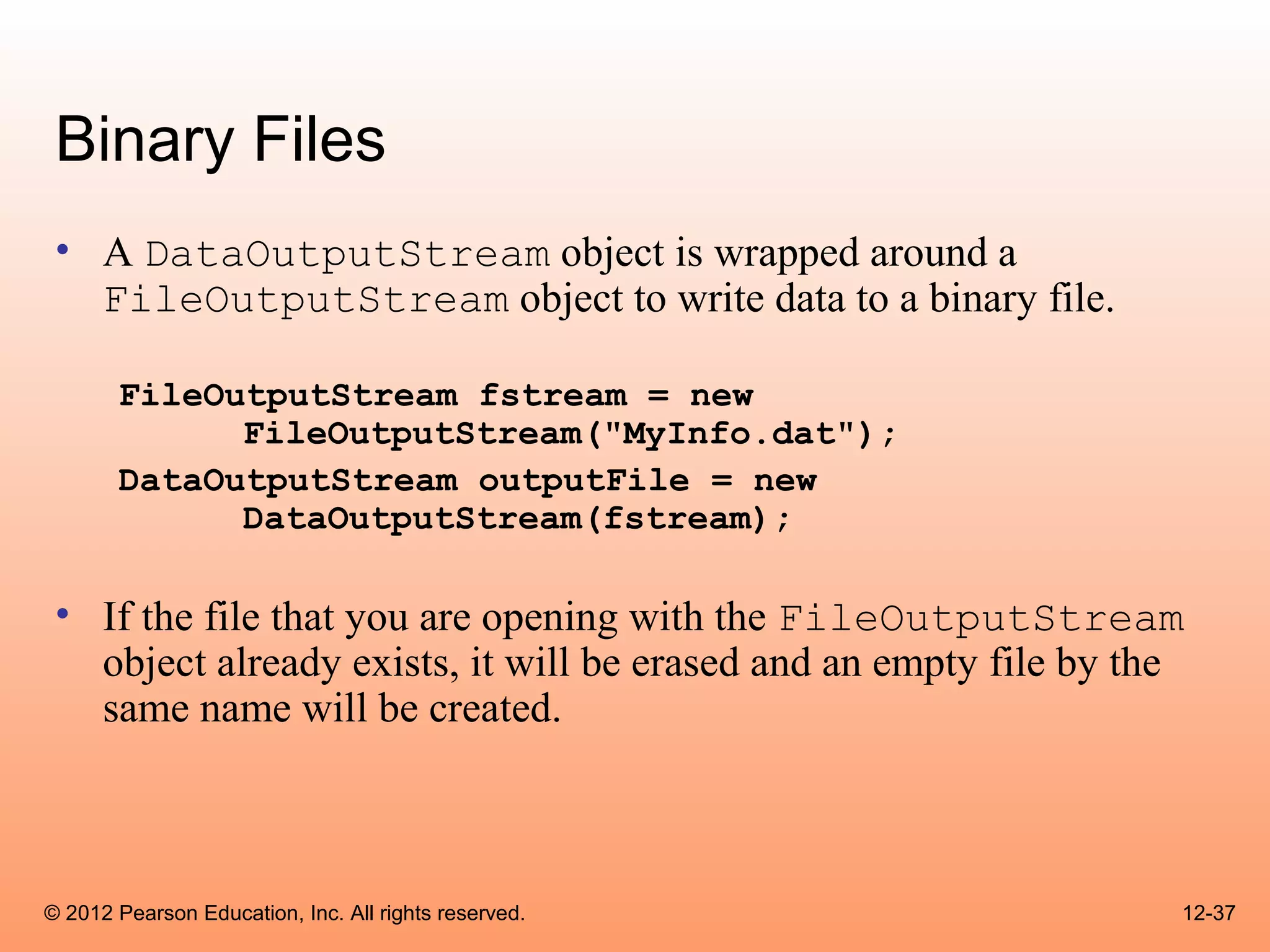
Binary Files
 • A DataOutputStream object is wrapped around a
   FileOutputStream object to write data to a binary file.

       FileOutputStream fstream = new
             FileOutputStream("MyInfo.dat");
       DataOutputStream outputFile = new
             DataOutputStream(fstream);

 • If the file that you are opening with the FileOutputStream
   object already exists, it will be erased and an empty file by the
   same name will be created.


© 2012 Pearson Education, Inc. All rights reserved.                12-37
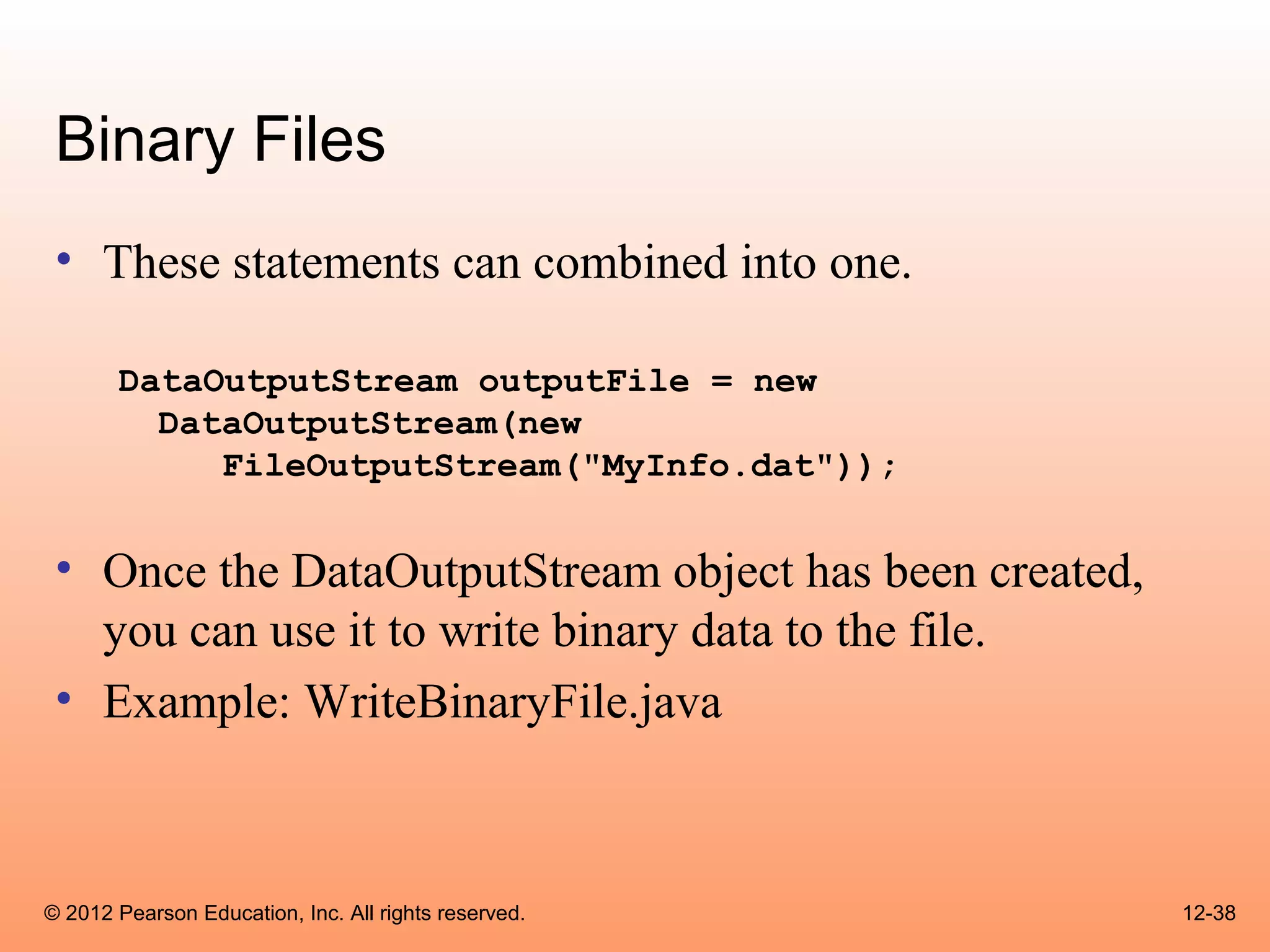
Binary Files
 • These statements can combined into one.

       DataOutputStream outputFile = new
         DataOutputStream(new
            FileOutputStream("MyInfo.dat"));


 • Once the DataOutputStream object has been created,
   you can use it to write binary data to the file.
 • Example: WriteBinaryFile.java


© 2012 Pearson Education, Inc. All rights reserved.     12-38
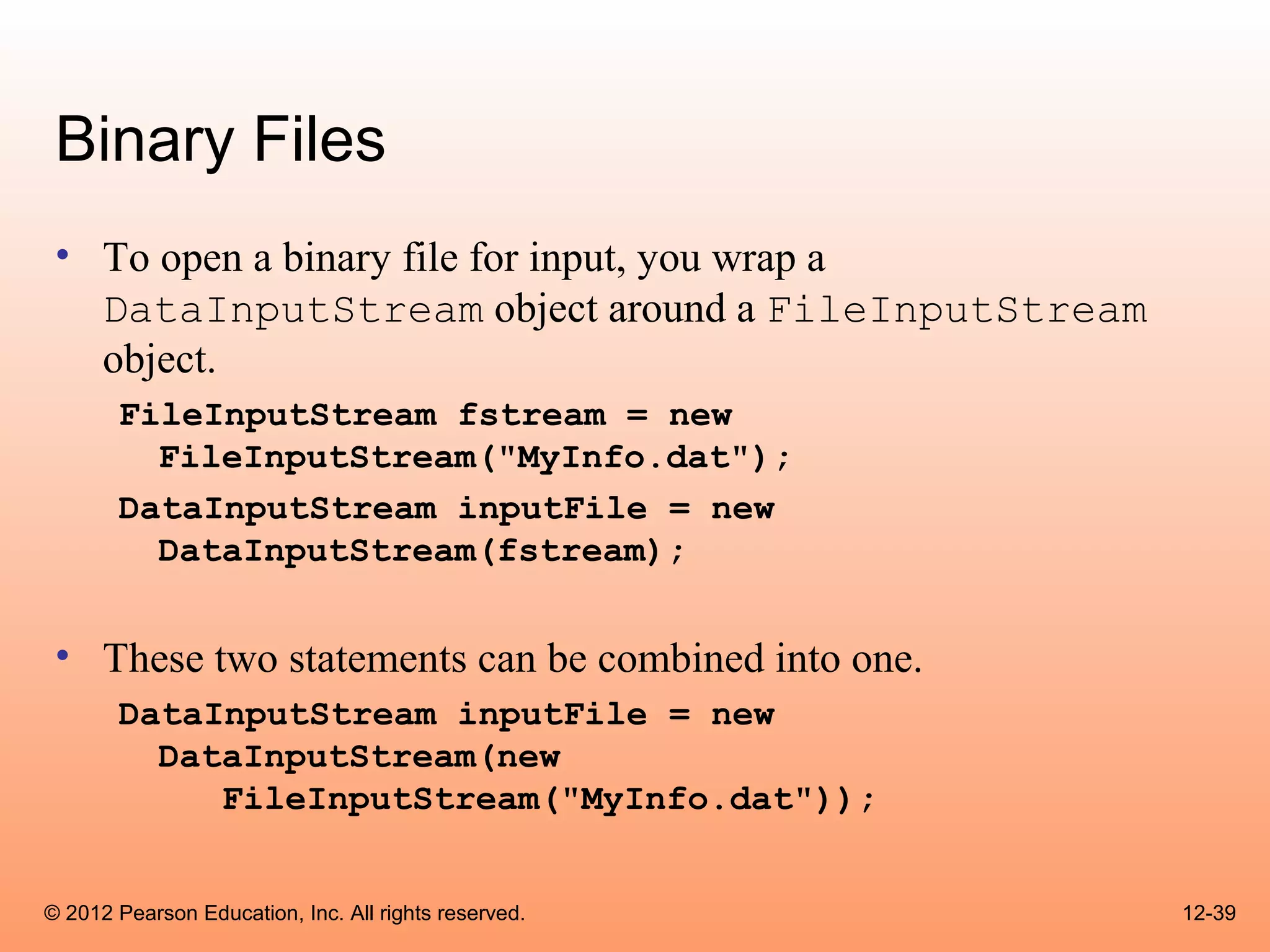
Binary Files
 • To open a binary file for input, you wrap a
   DataInputStream object around a FileInputStream
   object.
       FileInputStream fstream = new
         FileInputStream("MyInfo.dat");
       DataInputStream inputFile = new
         DataInputStream(fstream);


 • These two statements can be combined into one.
       DataInputStream inputFile = new
         DataInputStream(new
            FileInputStream("MyInfo.dat"));


© 2012 Pearson Education, Inc. All rights reserved.   12-39
Binary Files
  • The FileInputStream constructor will throw a
    FileNotFoundException if the file named by the
    string argument cannot be found.
  • Once the DataInputStream object has been
    created, you can use it to read binary data from the file.
  • Example:
        – ReadBinaryFile.java


© 2012 Pearson Education, Inc. All rights reserved.         12-40
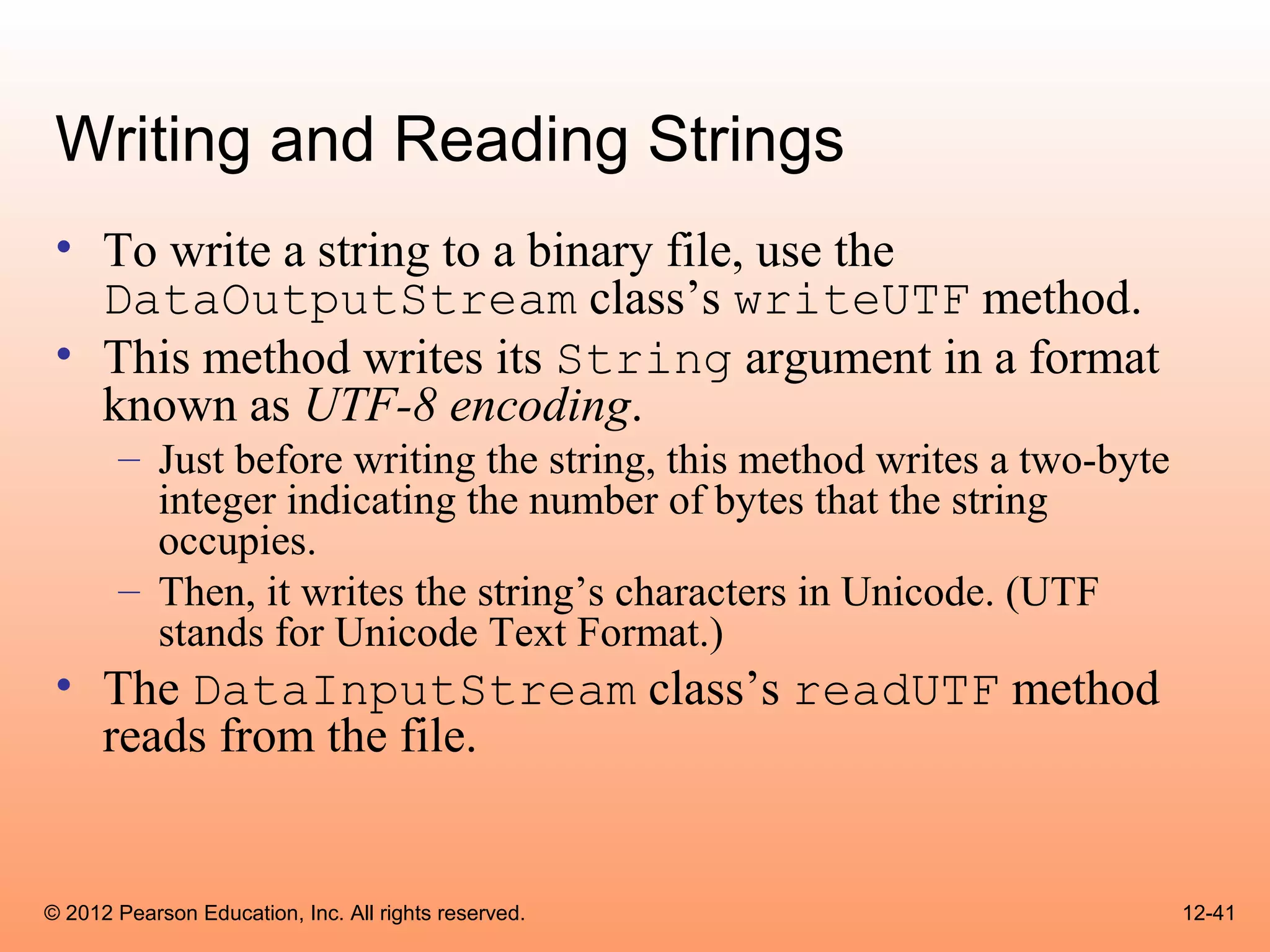
Writing and Reading Strings
 • To write a string to a binary file, use the
   DataOutputStream class’s writeUTF method.
 • This method writes its String argument in a format
   known as UTF-8 encoding.
       – Just before writing the string, this method writes a two-byte
         integer indicating the number of bytes that the string
         occupies.
       – Then, it writes the string’s characters in Unicode. (UTF
         stands for Unicode Text Format.)
 • The DataInputStream class’s readUTF method
   reads from the file.


© 2012 Pearson Education, Inc. All rights reserved.                      12-41
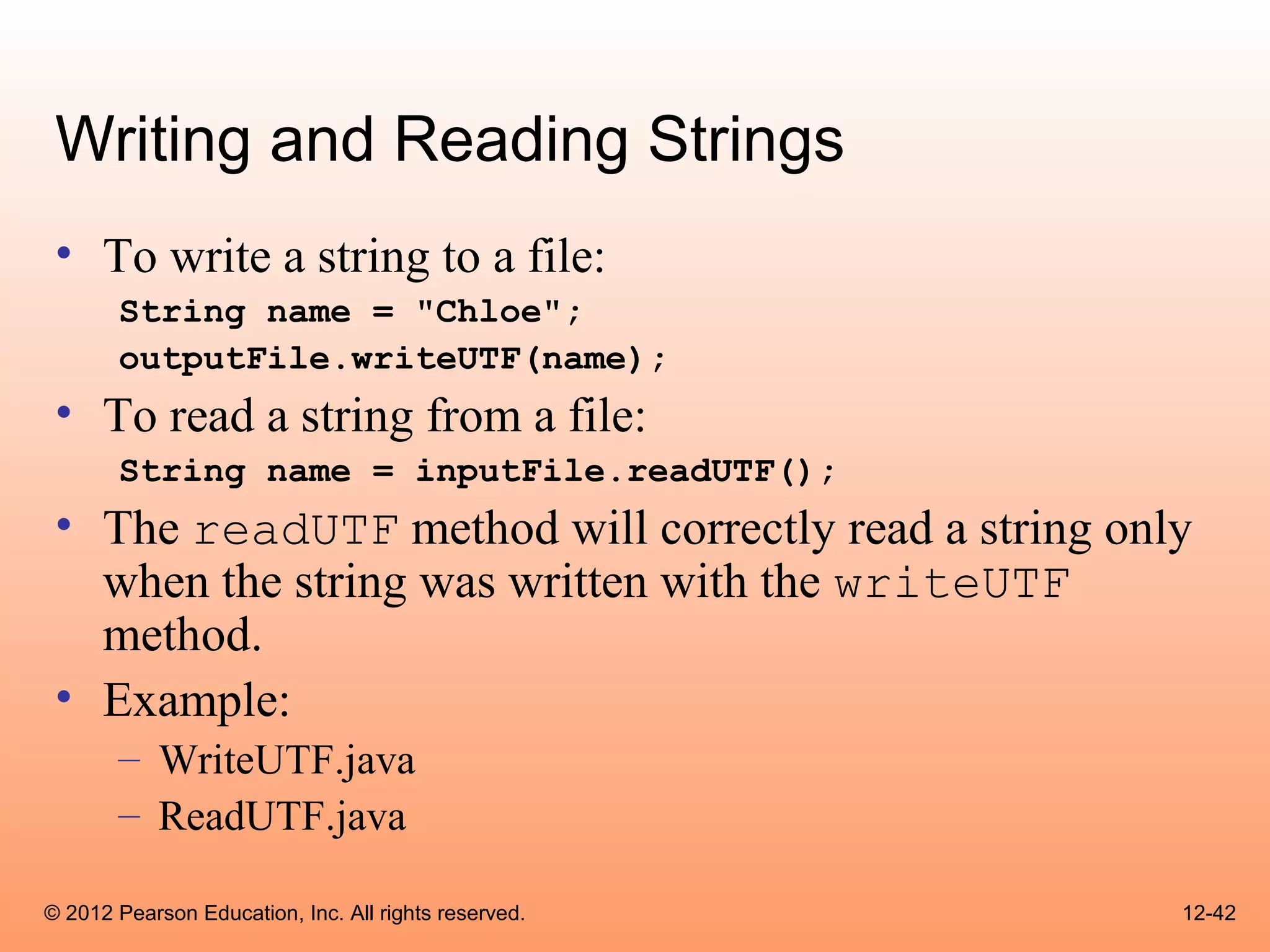
Writing and Reading Strings
 • To write a string to a file:
       String name = "Chloe";
       outputFile.writeUTF(name);
 • To read a string from a file:
       String name = inputFile.readUTF();
 • The readUTF method will correctly read a string only
   when the string was written with the writeUTF
   method.
 • Example:
       – WriteUTF.java
       – ReadUTF.java

© 2012 Pearson Education, Inc. All rights reserved.   12-42
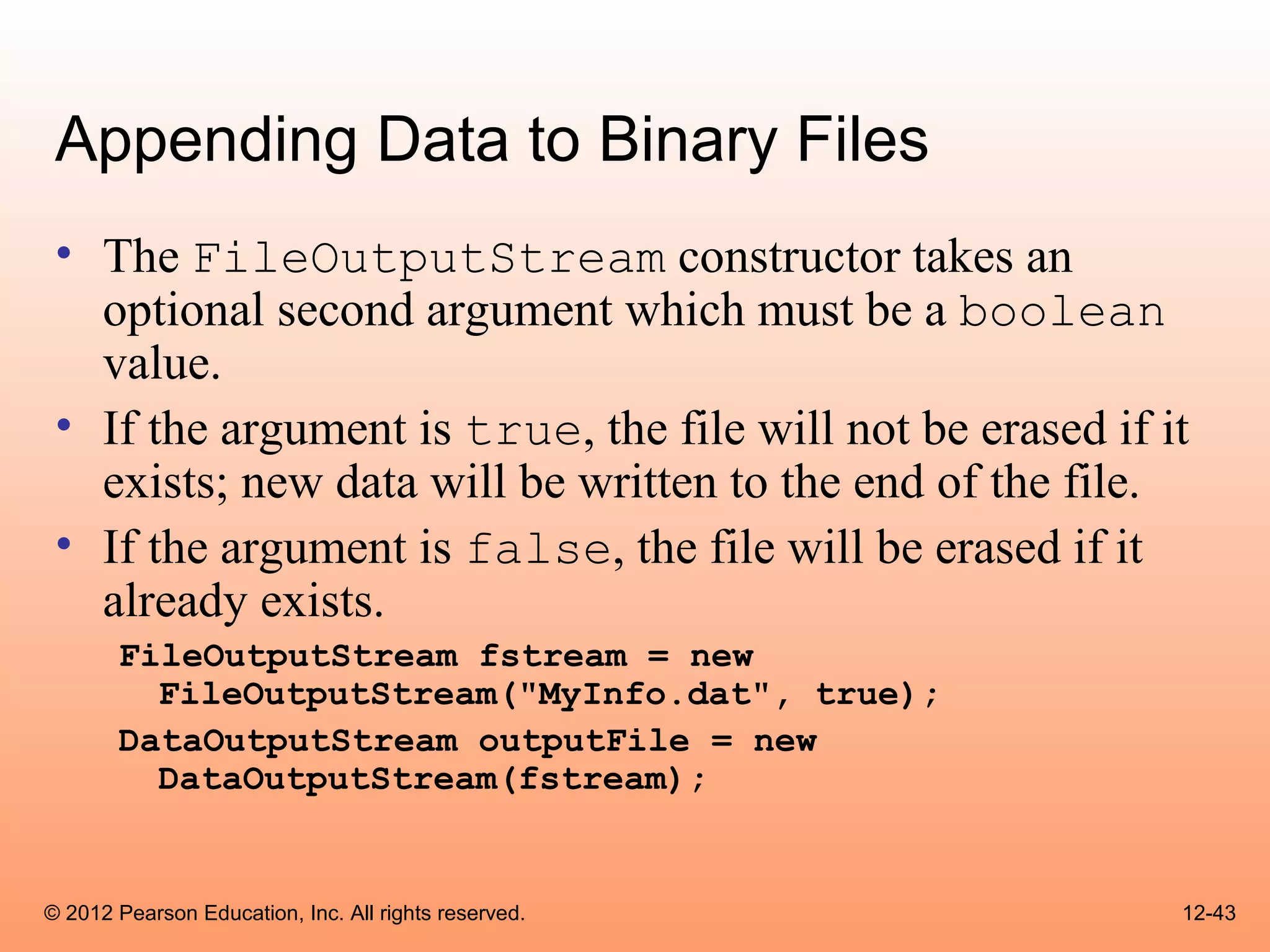
Appending Data to Binary Files
 • The FileOutputStream constructor takes an
   optional second argument which must be a boolean
   value.
 • If the argument is true, the file will not be erased if it
   exists; new data will be written to the end of the file.
 • If the argument is false, the file will be erased if it
   already exists.
       FileOutputStream fstream = new
         FileOutputStream("MyInfo.dat", true);
       DataOutputStream outputFile = new
         DataOutputStream(fstream);


© 2012 Pearson Education, Inc. All rights reserved.         12-43
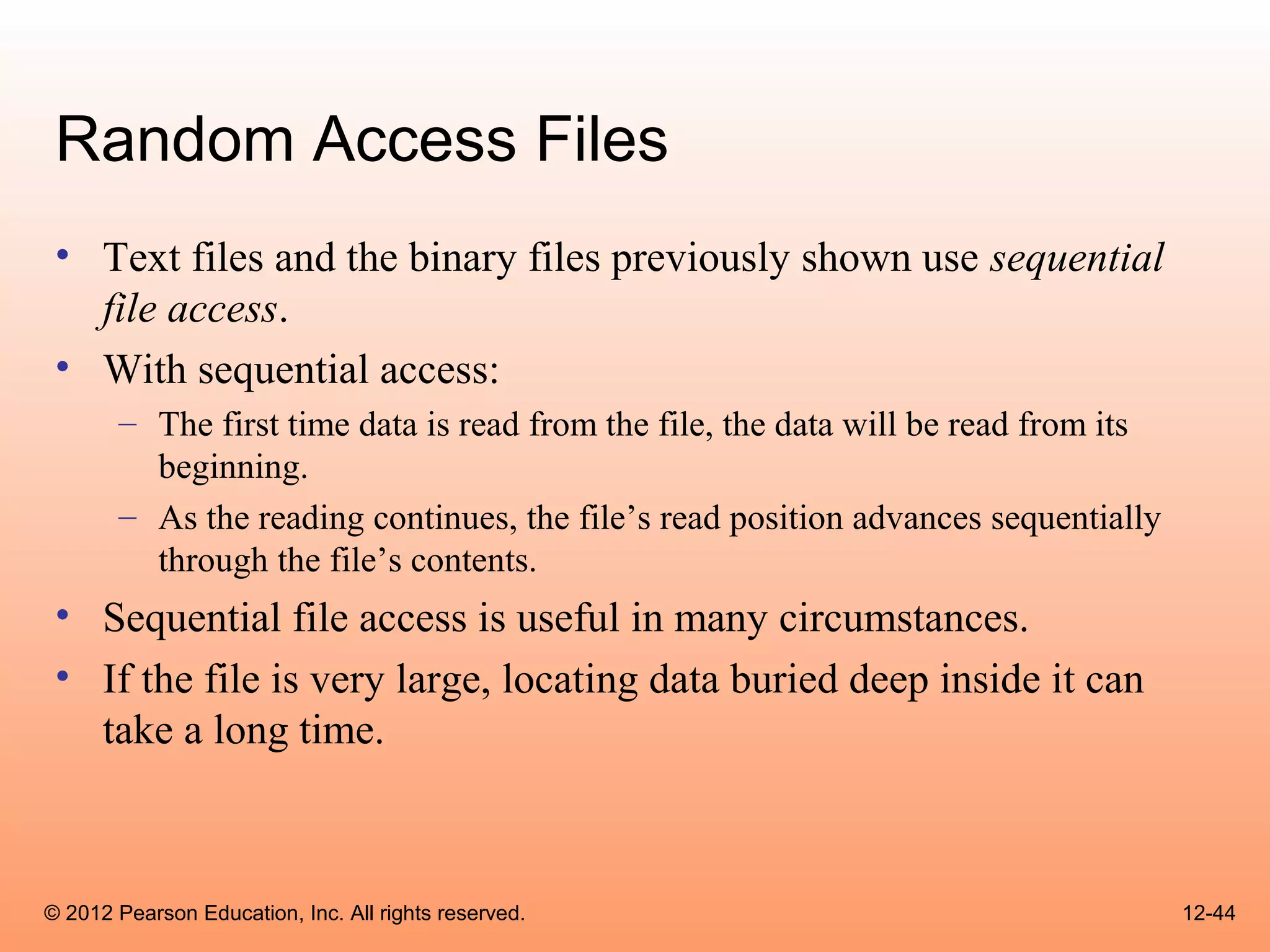
Random Access Files
 • Text files and the binary files previously shown use sequential
   file access.
 • With sequential access:
       – The first time data is read from the file, the data will be read from its
         beginning.
       – As the reading continues, the file’s read position advances sequentially
         through the file’s contents.
 • Sequential file access is useful in many circumstances.
 • If the file is very large, locating data buried deep inside it can
   take a long time.


© 2012 Pearson Education, Inc. All rights reserved.                                  12-44
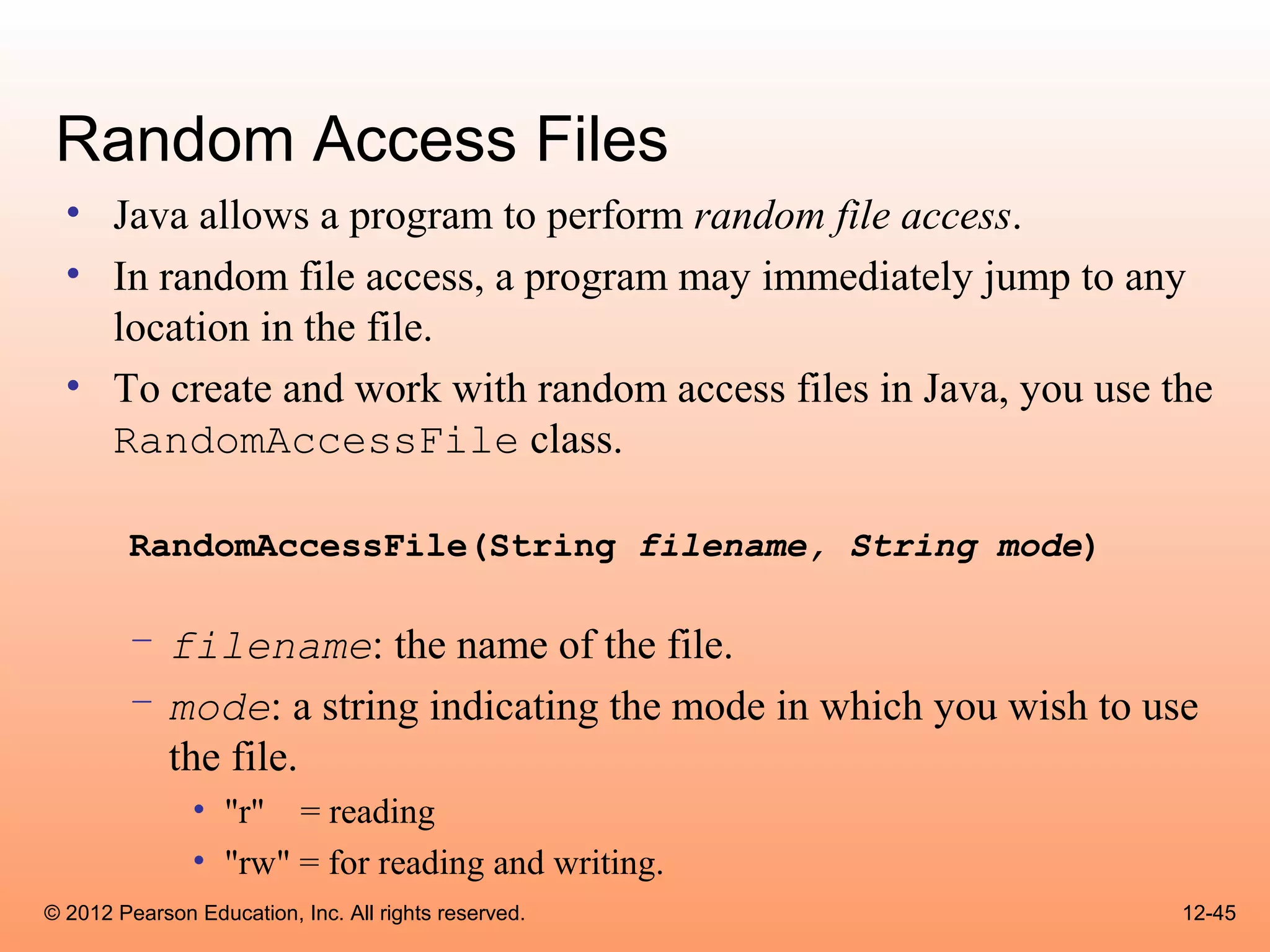
Random Access Files
  • Java allows a program to perform random file access.
  • In random file access, a program may immediately jump to any
    location in the file.
  • To create and work with random access files in Java, you use the
    RandomAccessFile class.

        RandomAccessFile(String filename, String mode)

        – filename: the name of the file.
        – mode: a string indicating the mode in which you wish to use
          the file.
               • "r" = reading
               • "rw" = for reading and writing.
© 2012 Pearson Education, Inc. All rights reserved.                 12-45
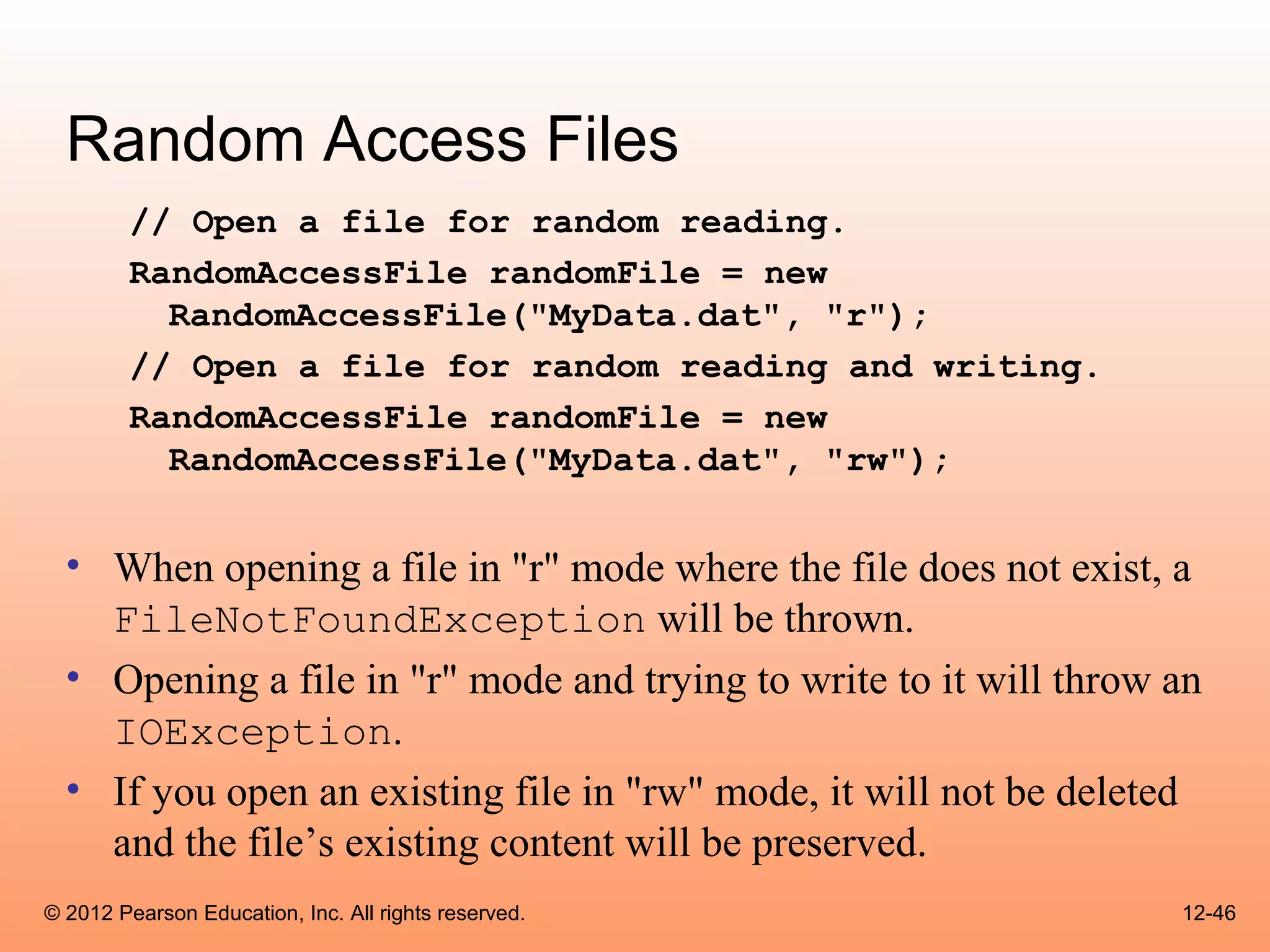
Random Access Files
        // Open a file for random reading.
        RandomAccessFile randomFile = new
          RandomAccessFile("MyData.dat", "r");
        // Open a file for random reading and writing.
        RandomAccessFile randomFile = new
          RandomAccessFile("MyData.dat", "rw");


  • When opening a file in "r" mode where the file does not exist, a
    FileNotFoundException will be thrown.
  • Opening a file in "r" mode and trying to write to it will throw an
    IOException.
  • If you open an existing file in "rw" mode, it will not be deleted
    and the file’s existing content will be preserved.
© 2012 Pearson Education, Inc. All rights reserved.                 12-46
Random Access Files
 • Items in a sequential access file are accessed one after
   the other.
 • Items in a random access file are accessed in any
   order.
 • If you open a file in "rw" mode and the file does not
   exist, it will be created.
 • A file that is opened or created with the
   RandomAccessFile class is treated as a binary file.


© 2012 Pearson Education, Inc. All rights reserved.       12-47
Random Access Files
  • The RandomAccessFile class has:
        – the same methods as the DataOutputStream class for
          writing data, and
        – the same methods as the DataInputStream class for
          reading data.
  • The RandomAccessFile class can be used to
    sequentially process a binary file.
  • Example: WriteLetters.java


© 2012 Pearson Education, Inc. All rights reserved.            12-48
The File Pointer
  • The RandomAccessFile class treats a file as a stream of
    bytes.
  • The bytes are numbered:
        – the first byte is byte 0.
        – The last byte’s number is one less than the number of bytes in the file.
  • These byte numbers are similar to an array’s subscripts, and are
    used to identify locations in the file.
  • Internally, the RandomAccessFile class keeps a long integer
    value known as the file pointer.


© 2012 Pearson Education, Inc. All rights reserved.                                  12-49
The File Pointer
  • The file pointer holds the byte number of a location in
    the file.
  • When a file is first opened, the file pointer is set to 0.
  • When an item is read from the file, it is read from the
    byte that the file pointer points to.
  • Reading also causes the file pointer to advance to the
    byte just beyond the item that was read.
  • If another item is immediately read, the reading will
    begin at that point in the file.


© 2012 Pearson Education, Inc. All rights reserved.          12-50
The File Pointer
  • An EOFException is thrown when a read causes the
    file pointer to go beyond the size of the file.
  • Writing also takes place at the location pointed to by
    the file pointer.
  • If the file pointer points to the end of the file, data will
    be written to the end of the file.
  • If the file pointer holds the number of a byte within the
    file, at a location where data is already stored, a write
    will overwrite the data at that point.


© 2012 Pearson Education, Inc. All rights reserved.           12-51
The File Pointer
 • The RandomAccessFile class lets you move the
   file pointer.
 • This allows data to be read and written at any byte
   location in the file.
 • The seek method is used to move the file pointer.

       rndFile.seek(long position);

 • The argument is the number of the byte that you want
   to move the file pointer to.

© 2012 Pearson Education, Inc. All rights reserved.       12-52
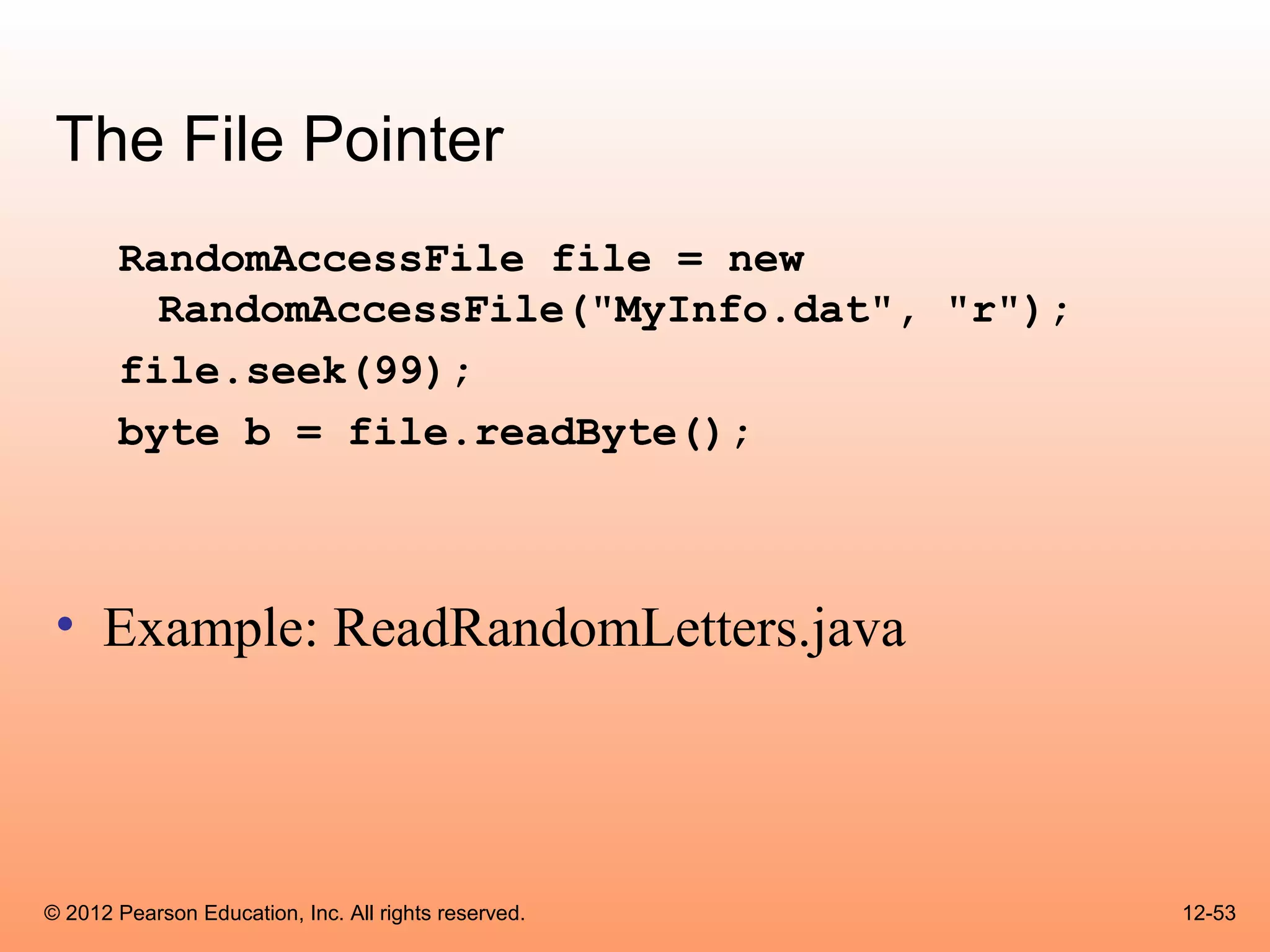
The File Pointer
       RandomAccessFile file = new
         RandomAccessFile("MyInfo.dat", "r");
       file.seek(99);
       byte b = file.readByte();


 • Example: ReadRandomLetters.java


© 2012 Pearson Education, Inc. All rights reserved.   12-53
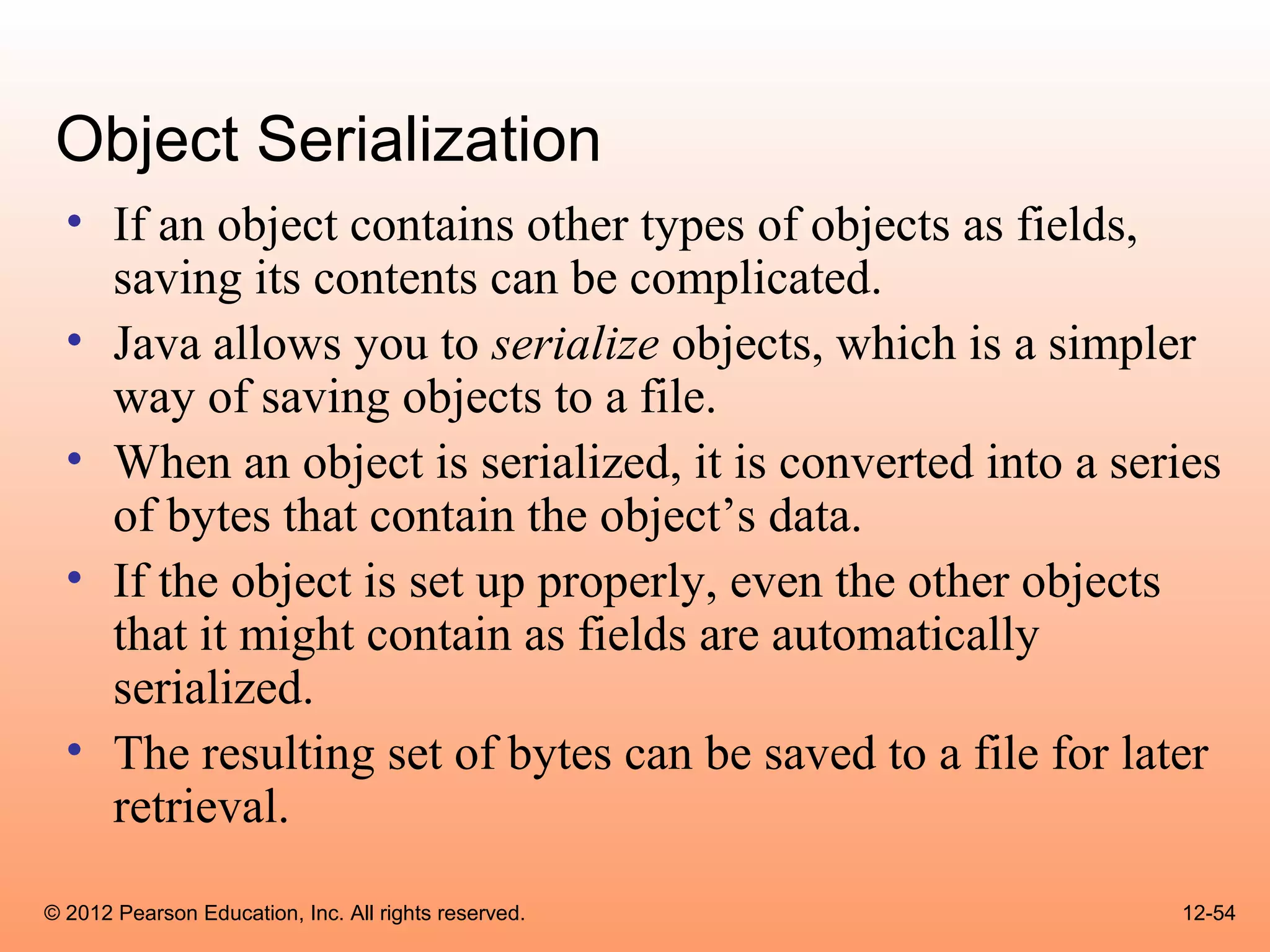
Object Serialization
  • If an object contains other types of objects as fields,
    saving its contents can be complicated.
  • Java allows you to serialize objects, which is a simpler
    way of saving objects to a file.
  • When an object is serialized, it is converted into a series
    of bytes that contain the object’s data.
  • If the object is set up properly, even the other objects
    that it might contain as fields are automatically
    serialized.
  • The resulting set of bytes can be saved to a file for later
    retrieval.
© 2012 Pearson Education, Inc. All rights reserved.         12-54
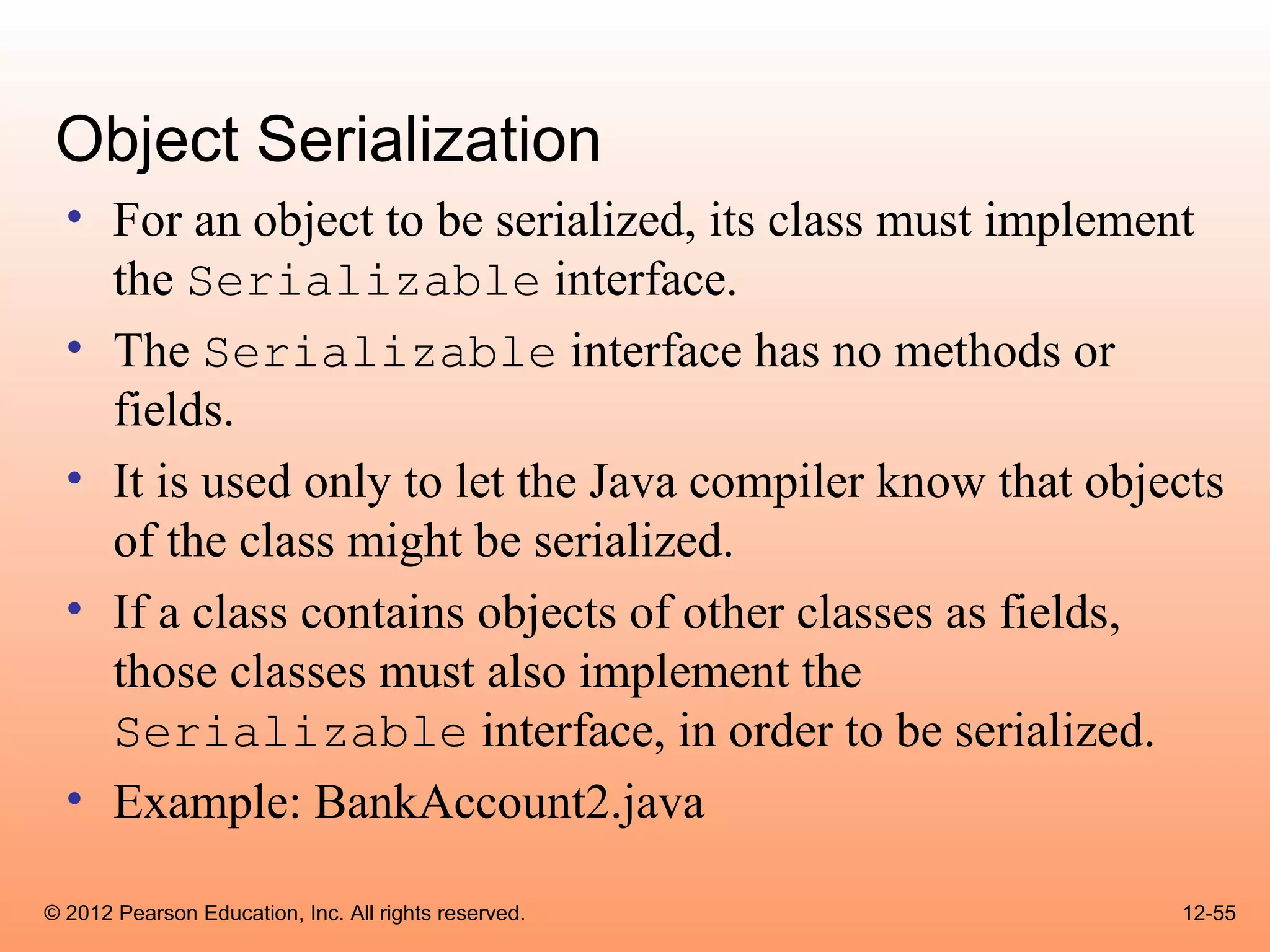
Object Serialization
  • For an object to be serialized, its class must implement
    the Serializable interface.
  • The Serializable interface has no methods or
    fields.
  • It is used only to let the Java compiler know that objects
    of the class might be serialized.
  • If a class contains objects of other classes as fields,
    those classes must also implement the
    Serializable interface, in order to be serialized.
  • Example: BankAccount2.java

© 2012 Pearson Education, Inc. All rights reserved.        12-55
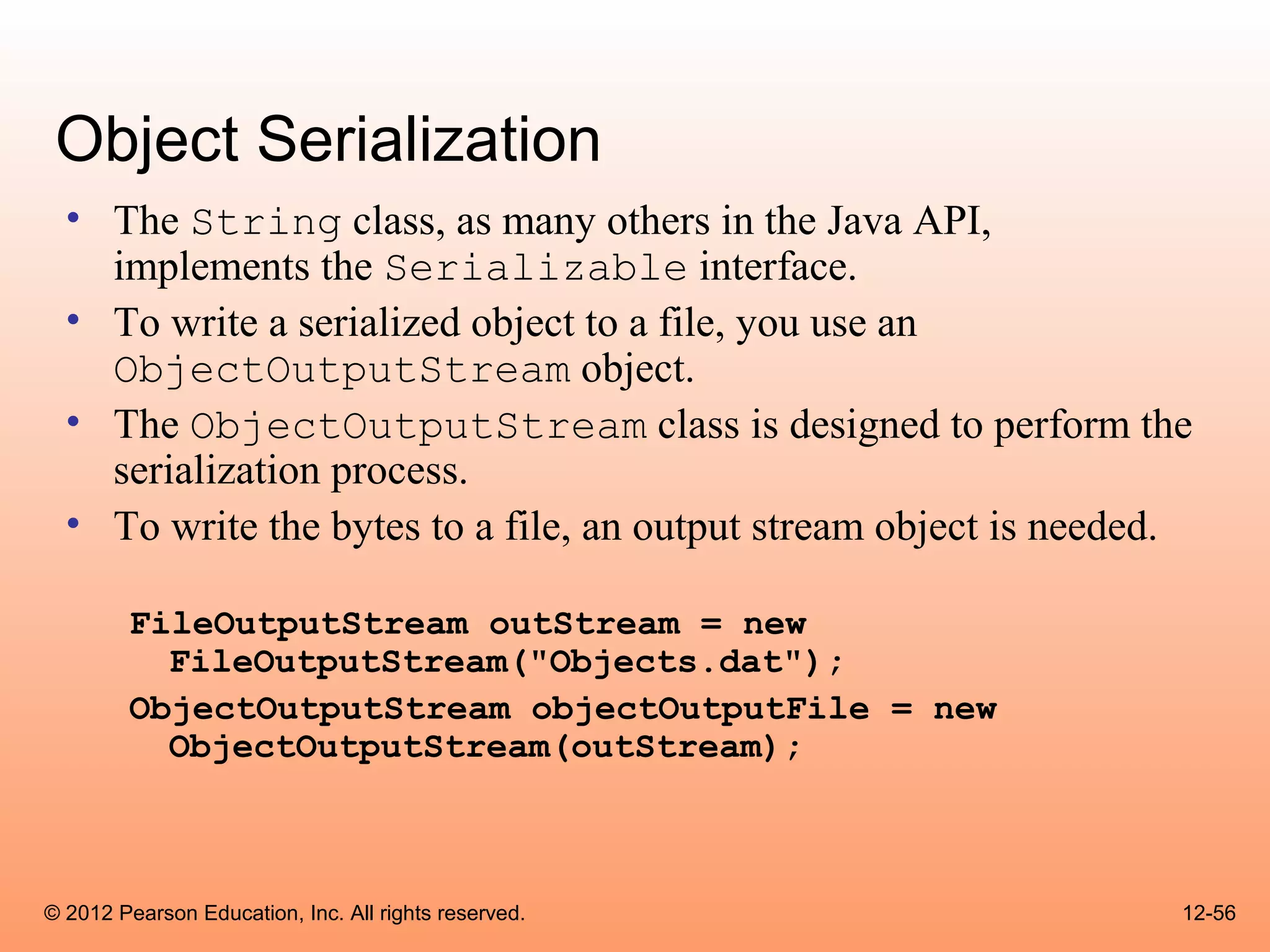
Object Serialization
  • The String class, as many others in the Java API,
    implements the Serializable interface.
  • To write a serialized object to a file, you use an
    ObjectOutputStream object.
  • The ObjectOutputStream class is designed to perform the
    serialization process.
  • To write the bytes to a file, an output stream object is needed.

        FileOutputStream outStream = new
          FileOutputStream("Objects.dat");
        ObjectOutputStream objectOutputFile = new
          ObjectOutputStream(outStream);


© 2012 Pearson Education, Inc. All rights reserved.                12-56
Object Serialization
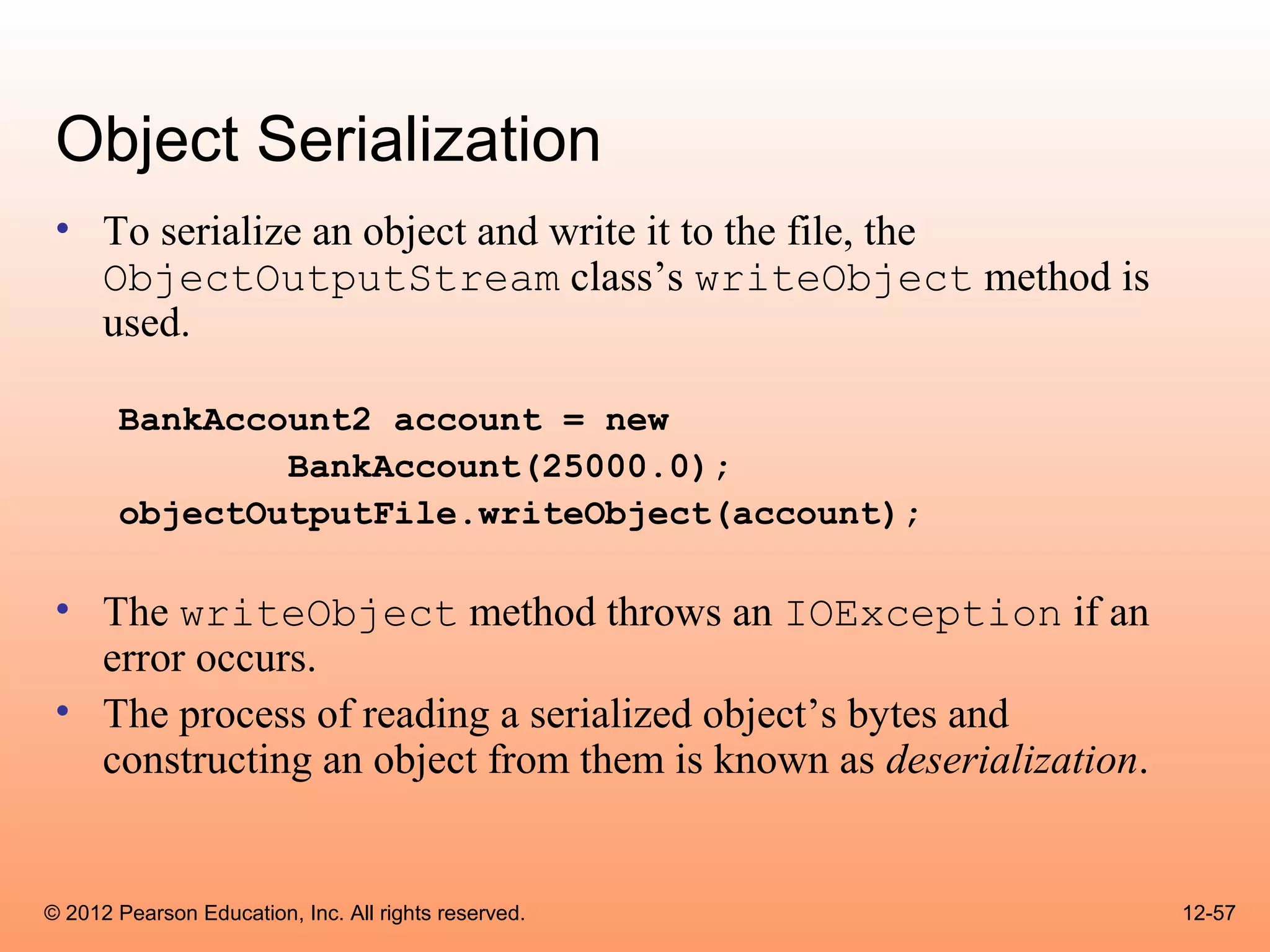
 • To serialize an object and write it to the file, the
   ObjectOutputStream class’s writeObject method is
   used.

       BankAccount2 account = new
               BankAccount(25000.0);
       objectOutputFile.writeObject(account);

 • The writeObject method throws an IOException if an
   error occurs.
 • The process of reading a serialized object’s bytes and
   constructing an object from them is known as deserialization.


© 2012 Pearson Education, Inc. All rights reserved.                12-57
Object Serialization
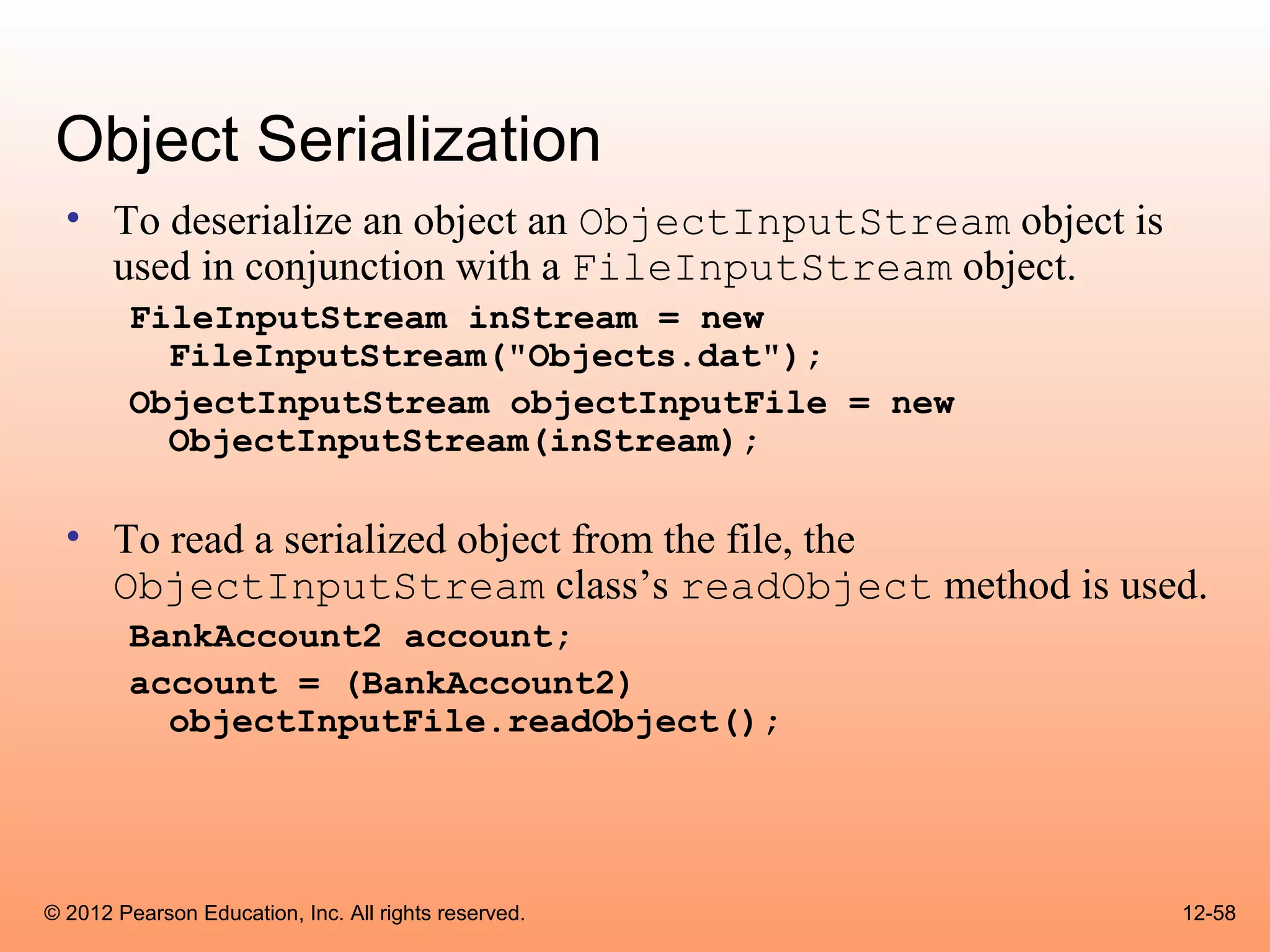
  • To deserialize an object an ObjectInputStream object is
    used in conjunction with a FileInputStream object.
        FileInputStream inStream = new
          FileInputStream("Objects.dat");
        ObjectInputStream objectInputFile = new
          ObjectInputStream(inStream);

  • To read a serialized object from the file, the
    ObjectInputStream class’s readObject method is used.
        BankAccount2 account;
        account = (BankAccount2)
          objectInputFile.readObject();


© 2012 Pearson Education, Inc. All rights reserved.           12-58
Object Serialization
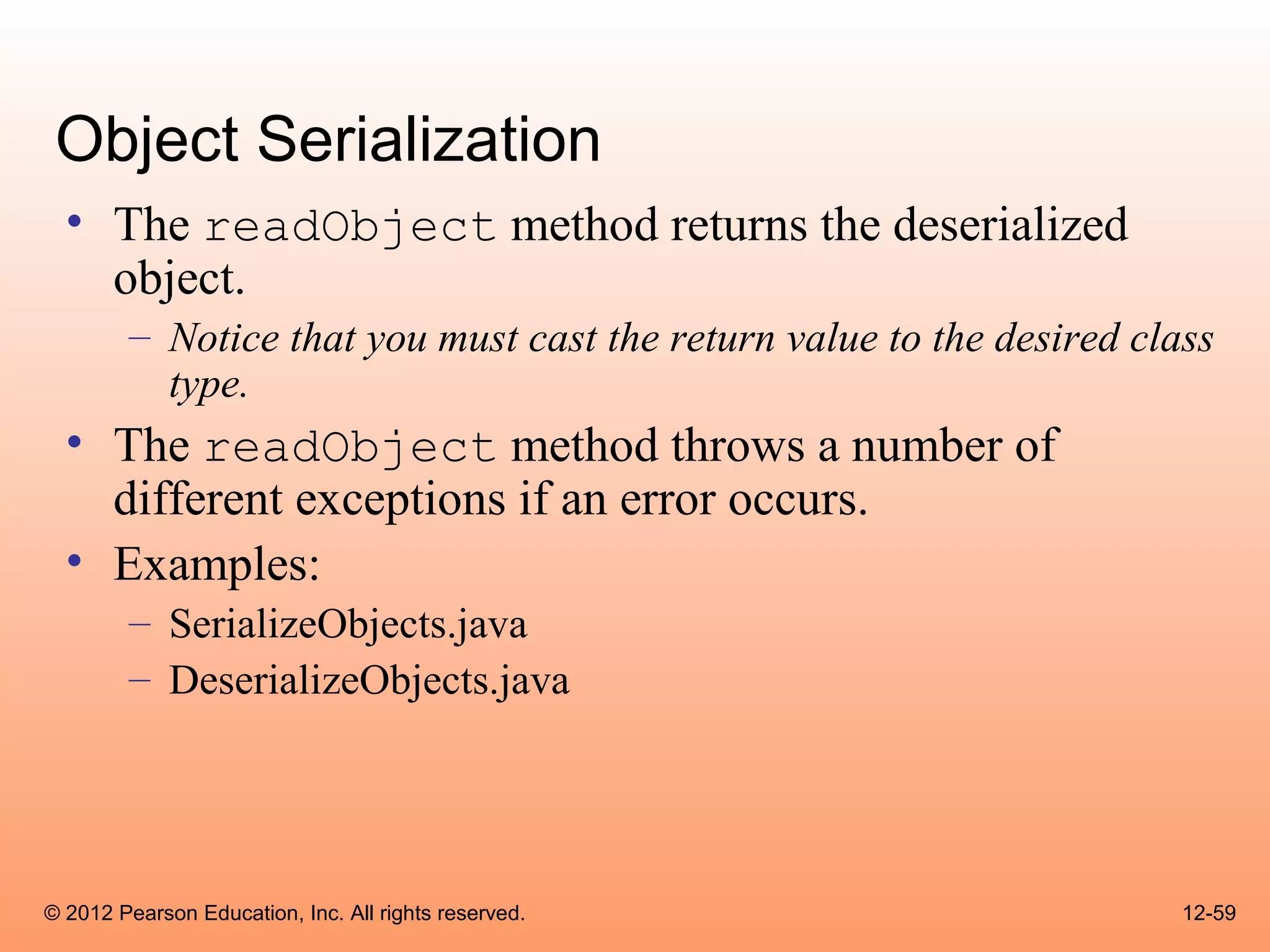
  • The readObject method returns the deserialized
    object.
        – Notice that you must cast the return value to the desired class
          type.
  • The readObject method throws a number of
    different exceptions if an error occurs.
  • Examples:
        – SerializeObjects.java
        – DeserializeObjects.java


© 2012 Pearson Education, Inc. All rights reserved.                    12-59

Cso gaddis java_chapter12

  • 1.
    © 2012 PearsonEducation, Inc. All rights reserved. Chapter 12: Exceptions and Advanced File I/O Starting Out with Java: From Control Structures through Data Structures Fourth Edition by Tony Gaddis and Godfrey Muganda
  • 2.
    Chapter Topics Chapter 12 discusses the following main topics: – Handling Exceptions – Throwing Exceptions – More about Input/Output Streams – Advanced Topics: • Binary Files, • Random Access Files, and • Object Serialization © 2012 Pearson Education, Inc. All rights reserved. 12-2
  • 3.
    Handling Exceptions •An exception is an object that is generated as the result of an error or an unexpected event. • Exception are said to have been “thrown.” • It is the programmers responsibility to write code that detects and handles exceptions. • Unhandled exceptions will crash a program. • Example: BadArray.java • Java allows you to create exception handlers. © 2012 Pearson Education, Inc. All rights reserved. 12-3
  • 4.
    Handling Exceptions •An exception handler is a section of code that gracefully responds to exceptions. • The process of intercepting and responding to exceptions is called exception handling. • The default exception handler deals with unhandled exceptions. • The default exception handler prints an error message and crashes the program. © 2012 Pearson Education, Inc. All rights reserved. 12-4
  • 5.
    Exception Classes • An exception is an object. • Exception objects are created from classes in the Java API hierarchy of exception classes. • All of the exception classes in the hierarchy are derived from the Throwable class. • Error and Exception are derived from the Throwable class. © 2012 Pearson Education, Inc. All rights reserved. 12-5
  • 6.
    Exception Classes • Classes that are derived from Error: – are for exceptions that are thrown when critical errors occur. (i.e.) • an internal error in the Java Virtual Machine, or • running out of memory. • Applications should not try to handle these errors because they are the result of a serious condition. • Programmers should handle the exceptions that are instances of classes that are derived from the Exception class. © 2012 Pearson Education, Inc. All rights reserved. 12-6
  • 7.
    Exception Classes Object Throwable Error Exception … … IOException RuntimeException … EOFException FileNotFoundException … © 2012 Pearson Education, Inc. All rights reserved. 12-7
  • 8.
    Handling Exceptions • To handle an exception, you use a try statement. try { (try block statements...) } catch (ExceptionType ParameterName) { (catch block statements...) } • First the keyword try indicates a block of code will be attempted (the curly braces are required). • This block of code is known as a try block. © 2012 Pearson Education, Inc. All rights reserved. 12-8
  • 9.
    Handling Exceptions • A try block is: – one or more statements that are executed, and – can potentially throw an exception. • The application will not halt if the try block throws an exception. • After the try block, a catch clause appears. © 2012 Pearson Education, Inc. All rights reserved. 12-9
  • 10.
    Handling Exceptions • A catch clause begins with the key word catch: catch (ExceptionType ParameterName) – ExceptionType is the name of an exception class and – ParameterName is a variable name which will reference the exception object if the code in the try block throws an exception. • The code that immediately follows the catch clause is known as a catch block (the curly braces are required). • The code in the catch block is executed if the try block throws an exception. © 2012 Pearson Education, Inc. All rights reserved. 12-10
  • 11.
    Handling Exceptions • This code is designed to handle a FileNotFoundException if it is thrown. try { File file = new File ("MyFile.txt"); Scanner inputFile = new Scanner(file); } catch (FileNotFoundException e) { System.out.println("File not found."); } • The Java Virtual Machine searches for a catch clause that can deal with the exception. • Example: OpenFile.java © 2012 Pearson Education, Inc. All rights reserved. 12-11
  • 12.
    Handling Exceptions • The parameter must be of a type that is compatible with the thrown exception’s type. • After an exception, the program will continue execution at the point just past the catch block. © 2012 Pearson Education, Inc. All rights reserved. 12-12
  • 13.
    Handling Exceptions •Each exception object has a method named getMessage that can be used to retrieve the default error message for the exception. • Example: – ExceptionMessage.java – ParseIntError.java © 2012 Pearson Education, Inc. All rights reserved. 12-13
  • 14.
    Polymorphic References ToExceptions • When handling exceptions, you can use a polymorphic reference as a parameter in the catch clause. • Most exceptions are derived from the Exception class. • A catch clause that uses a parameter variable of the Exception type is capable of catching any exception that is derived from the Exception class. © 2012 Pearson Education, Inc. All rights reserved. 12-14
  • 15.
    Polymorphic References ToExceptions try { number = Integer.parseInt(str); } catch (Exception e) { System.out.println("The following error occurred: " + e.getMessage()); } • The Integer class’s parseInt method throws a NumberFormatException object. • The NumberFormatException class is derived from the Exception class. © 2012 Pearson Education, Inc. All rights reserved. 12-15
  • 16.
    Handling Multiple Exceptions • The code in the try block may be capable of throwing more than one type of exception. • A catch clause needs to be written for each type of exception that could potentially be thrown. • The JVM will run the first compatible catch clause found. • The catch clauses must be listed from most specific to most general. • Example: SalesReport.java, SalesReport2.java © 2012 Pearson Education, Inc. All rights reserved. 12-16
  • 17.
    Exception Handlers • There can be many polymorphic catch clauses. • A try statement may have only one catch clause for each specific type of exception. try { number = Integer.parseInt(str); } catch (NumberFormatException e) { System.out.println("Bad number format."); } catch (NumberFormatException e) // ERROR!!! { System.out.println(str + " is not a number."); } © 2012 Pearson Education, Inc. All rights reserved. 12-17
  • 18.
    Exception Handlers •The NumberFormatException class is derived from the IllegalArgumentException class. try { number = Integer.parseInt(str); } catch (IllegalArgumentException e) { System.out.println("Bad number format."); } catch (NumberFormatException e) // ERROR!!! { System.out.println(str + " is not a number."); } © 2012 Pearson Education, Inc. All rights reserved. 12-18
  • 19.
    Exception Handlers •The previous code could be rewritten to work, as follows, with no errors: try { number = Integer.parseInt(str); } catch (NumberFormatException e) { System.out.println(str + " is not a number."); } catch (IllegalArgumentException e) //OK { System.out.println("Bad number format."); } © 2012 Pearson Education, Inc. All rights reserved. 12-19
  • 20.
    The finally Clause • The try statement may have an optional finally clause. • If present, the finally clause must appear after all of the catch clauses. try { (try block statements...) } catch (ExceptionType ParameterName) { (catch block statements...) } finally { (finally block statements...) } © 2012 Pearson Education, Inc. All rights reserved. 12-20
  • 21.
    The finally Clause • The finally block is one or more statements, – that are always executed after the try block has executed and – after any catch blocks have executed if an exception was thrown. • The statements in the finally block execute whether an exception occurs or not. © 2012 Pearson Education, Inc. All rights reserved. 12-21
  • 22.
    The Stack Trace • The call stack is an internal list of all the methods that are currently executing. • A stack trace is a list of all the methods in the call stack. • It indicates: – the method that was executing when an exception occurred and – all of the methods that were called in order to execute that method. • Example: StackTrace.java © 2012 Pearson Education, Inc. All rights reserved. 12-22
  • 23.
    Uncaught Exceptions •When an exception is thrown, it cannot be ignored. • It must be handled by the program, or by the default exception handler. • When the code in a method throws an exception: – normal execution of that method stops, and – the JVM searches for a compatible exception handler inside the method. © 2012 Pearson Education, Inc. All rights reserved. 12-23
  • 24.
    Uncaught Exceptions • If there is no exception handler inside the method: – control of the program is passed to the previous method in the call stack. – If that method has no exception handler, then control is passed again, up the call stack, to the previous method. • If control reaches the main method: – the main method must either handle the exception, or – the program is halted and the default exception handler handles the exception. © 2012 Pearson Education, Inc. All rights reserved. 12-24
  • 25.
    Checked and UncheckedExceptions • There are two categories of exceptions: – unchecked – checked. • Unchecked exceptions are those that are derived from the Error class or the RuntimeException class. • Exceptions derived from Error are thrown when a critical error occurs, and should not be handled. • RuntimeException serves as a superclass for exceptions that result from programming errors. © 2012 Pearson Education, Inc. All rights reserved. 12-25
  • 26.
    Checked and UncheckedExceptions • These exceptions can be avoided with properly written code. • Unchecked exceptions, in most cases, should not be handled. • All exceptions that are not derived from Error or RuntimeException are checked exceptions. © 2012 Pearson Education, Inc. All rights reserved. 12-26
  • 27.
    Checked and UncheckedExceptions • If the code in a method can throw a checked exception, the method: – must handle the exception, or – it must have a throws clause listed in the method header. • The throws clause informs the compiler what exceptions can be thrown from a method. © 2012 Pearson Education, Inc. All rights reserved. 12-27
  • 28.
    Checked and UncheckedExceptions // This method will not compile! public void displayFile(String name) { // Open the file. File file = new File(name); Scanner inputFile = new Scanner(file); // Read and display the file's contents. while (inputFile.hasNext()) { System.out.println(inputFile.nextLine()); } // Close the file. inputFile.close(); } © 2012 Pearson Education, Inc. All rights reserved. 12-28
  • 29.
    Checked and UncheckedExceptions • The code in this method is capable of throwing checked exceptions. • The keyword throws can be written at the end of the method header, followed by a list of the types of exceptions that the method can throw. public void displayFile(String name) throws FileNotFoundException © 2012 Pearson Education, Inc. All rights reserved. 12-29
  • 30.
    Throwing Exceptions • You can write code that: – throws one of the standard Java exceptions, or – an instance of a custom exception class that you have designed. • The throw statement is used to manually throw an exception. throw new ExceptionType(MessageString); • The throw statement causes an exception object to be created and thrown. © 2012 Pearson Education, Inc. All rights reserved. 12-30
  • 31.
    Throwing Exceptions •The MessageString argument contains a custom error message that can be retrieved from the exception object’s getMessage method. • If you do not pass a message to the constructor, the exception will have a null message. throw new Exception("Out of fuel"); – Note: Don’t confuse the throw statement with the throws clause. • Example: DateComponentExceptionDemo.java © 2012 Pearson Education, Inc. All rights reserved. 12-31
  • 32.
    Creating Exception Classes • You can create your own exception classes by deriving them from the Exception class or one of its derived classes. • Example: – BankAccount.java – NegativeStartingBalance.java – AccountTest.java © 2012 Pearson Education, Inc. All rights reserved. 12-32
  • 33.
    Creating Exception Classes •Some examples of exceptions that can affect a bank account: – A negative starting balance is passed to the constructor. – A negative interest rate is passed to the constructor. – A negative number is passed to the deposit method. – A negative number is passed to the withdraw method. – The amount passed to the withdraw method exceeds the account’s balance. • We can create exceptions that represent each of these error conditions. © 2012 Pearson Education, Inc. All rights reserved. 12-33
  • 34.
    @exception Tag inDocumentation Comments • General format @exception ExceptionName Description • The following rules apply – The @exception tag in a method’s documentation comment must appear after the general description of the method. – The description can span several lines. It ends at the end of the documentation comment (the */ symbol) or at the beginning of another tag. © 2012 Pearson Education, Inc. All rights reserved. 12-34
  • 35.
    Binary Files •The way data is stored in memory is sometimes called the raw binary format. • Data can be stored in a file in its raw binary format. • A file that contains binary data is often called a binary file. • Storing data in its binary format is more efficient than storing it as text. • There are some types of data that should only be stored in its raw binary format. © 2012 Pearson Education, Inc. All rights reserved. 12-35
  • 36.
    Binary Files •Binary files cannot be opened in a text editor such as Notepad. • To write data to a binary file you must create objects from the following classes: – FileOutputStream - allows you to open a file for writing binary data. It provides only basic functionality for writing bytes to the file. – DataOutputStream - allows you to write data of any primitive type or String objects to a binary file. Cannot directly access a file. It is used in conjunction with a FileOutputStream object that has a connection to a file. © 2012 Pearson Education, Inc. All rights reserved. 12-36
  • 37.
    Binary Files •A DataOutputStream object is wrapped around a FileOutputStream object to write data to a binary file. FileOutputStream fstream = new FileOutputStream("MyInfo.dat"); DataOutputStream outputFile = new DataOutputStream(fstream); • If the file that you are opening with the FileOutputStream object already exists, it will be erased and an empty file by the same name will be created. © 2012 Pearson Education, Inc. All rights reserved. 12-37
  • 38.
    Binary Files •These statements can combined into one. DataOutputStream outputFile = new DataOutputStream(new FileOutputStream("MyInfo.dat")); • Once the DataOutputStream object has been created, you can use it to write binary data to the file. • Example: WriteBinaryFile.java © 2012 Pearson Education, Inc. All rights reserved. 12-38
  • 39.
    Binary Files •To open a binary file for input, you wrap a DataInputStream object around a FileInputStream object. FileInputStream fstream = new FileInputStream("MyInfo.dat"); DataInputStream inputFile = new DataInputStream(fstream); • These two statements can be combined into one. DataInputStream inputFile = new DataInputStream(new FileInputStream("MyInfo.dat")); © 2012 Pearson Education, Inc. All rights reserved. 12-39
  • 40.
    Binary Files • The FileInputStream constructor will throw a FileNotFoundException if the file named by the string argument cannot be found. • Once the DataInputStream object has been created, you can use it to read binary data from the file. • Example: – ReadBinaryFile.java © 2012 Pearson Education, Inc. All rights reserved. 12-40
  • 41.
    Writing and ReadingStrings • To write a string to a binary file, use the DataOutputStream class’s writeUTF method. • This method writes its String argument in a format known as UTF-8 encoding. – Just before writing the string, this method writes a two-byte integer indicating the number of bytes that the string occupies. – Then, it writes the string’s characters in Unicode. (UTF stands for Unicode Text Format.) • The DataInputStream class’s readUTF method reads from the file. © 2012 Pearson Education, Inc. All rights reserved. 12-41
  • 42.
    Writing and ReadingStrings • To write a string to a file: String name = "Chloe"; outputFile.writeUTF(name); • To read a string from a file: String name = inputFile.readUTF(); • The readUTF method will correctly read a string only when the string was written with the writeUTF method. • Example: – WriteUTF.java – ReadUTF.java © 2012 Pearson Education, Inc. All rights reserved. 12-42
  • 43.
    Appending Data toBinary Files • The FileOutputStream constructor takes an optional second argument which must be a boolean value. • If the argument is true, the file will not be erased if it exists; new data will be written to the end of the file. • If the argument is false, the file will be erased if it already exists. FileOutputStream fstream = new FileOutputStream("MyInfo.dat", true); DataOutputStream outputFile = new DataOutputStream(fstream); © 2012 Pearson Education, Inc. All rights reserved. 12-43
  • 44.
    Random Access Files • Text files and the binary files previously shown use sequential file access. • With sequential access: – The first time data is read from the file, the data will be read from its beginning. – As the reading continues, the file’s read position advances sequentially through the file’s contents. • Sequential file access is useful in many circumstances. • If the file is very large, locating data buried deep inside it can take a long time. © 2012 Pearson Education, Inc. All rights reserved. 12-44
  • 45.
    Random Access Files • Java allows a program to perform random file access. • In random file access, a program may immediately jump to any location in the file. • To create and work with random access files in Java, you use the RandomAccessFile class. RandomAccessFile(String filename, String mode) – filename: the name of the file. – mode: a string indicating the mode in which you wish to use the file. • "r" = reading • "rw" = for reading and writing. © 2012 Pearson Education, Inc. All rights reserved. 12-45
  • 46.
    Random Access Files // Open a file for random reading. RandomAccessFile randomFile = new RandomAccessFile("MyData.dat", "r"); // Open a file for random reading and writing. RandomAccessFile randomFile = new RandomAccessFile("MyData.dat", "rw"); • When opening a file in "r" mode where the file does not exist, a FileNotFoundException will be thrown. • Opening a file in "r" mode and trying to write to it will throw an IOException. • If you open an existing file in "rw" mode, it will not be deleted and the file’s existing content will be preserved. © 2012 Pearson Education, Inc. All rights reserved. 12-46
  • 47.
    Random Access Files • Items in a sequential access file are accessed one after the other. • Items in a random access file are accessed in any order. • If you open a file in "rw" mode and the file does not exist, it will be created. • A file that is opened or created with the RandomAccessFile class is treated as a binary file. © 2012 Pearson Education, Inc. All rights reserved. 12-47
  • 48.
    Random Access Files • The RandomAccessFile class has: – the same methods as the DataOutputStream class for writing data, and – the same methods as the DataInputStream class for reading data. • The RandomAccessFile class can be used to sequentially process a binary file. • Example: WriteLetters.java © 2012 Pearson Education, Inc. All rights reserved. 12-48
  • 49.
    The File Pointer • The RandomAccessFile class treats a file as a stream of bytes. • The bytes are numbered: – the first byte is byte 0. – The last byte’s number is one less than the number of bytes in the file. • These byte numbers are similar to an array’s subscripts, and are used to identify locations in the file. • Internally, the RandomAccessFile class keeps a long integer value known as the file pointer. © 2012 Pearson Education, Inc. All rights reserved. 12-49
  • 50.
    The File Pointer • The file pointer holds the byte number of a location in the file. • When a file is first opened, the file pointer is set to 0. • When an item is read from the file, it is read from the byte that the file pointer points to. • Reading also causes the file pointer to advance to the byte just beyond the item that was read. • If another item is immediately read, the reading will begin at that point in the file. © 2012 Pearson Education, Inc. All rights reserved. 12-50
  • 51.
    The File Pointer • An EOFException is thrown when a read causes the file pointer to go beyond the size of the file. • Writing also takes place at the location pointed to by the file pointer. • If the file pointer points to the end of the file, data will be written to the end of the file. • If the file pointer holds the number of a byte within the file, at a location where data is already stored, a write will overwrite the data at that point. © 2012 Pearson Education, Inc. All rights reserved. 12-51
  • 52.
    The File Pointer • The RandomAccessFile class lets you move the file pointer. • This allows data to be read and written at any byte location in the file. • The seek method is used to move the file pointer. rndFile.seek(long position); • The argument is the number of the byte that you want to move the file pointer to. © 2012 Pearson Education, Inc. All rights reserved. 12-52
  • 53.
    The File Pointer RandomAccessFile file = new RandomAccessFile("MyInfo.dat", "r"); file.seek(99); byte b = file.readByte(); • Example: ReadRandomLetters.java © 2012 Pearson Education, Inc. All rights reserved. 12-53
  • 54.
    Object Serialization • If an object contains other types of objects as fields, saving its contents can be complicated. • Java allows you to serialize objects, which is a simpler way of saving objects to a file. • When an object is serialized, it is converted into a series of bytes that contain the object’s data. • If the object is set up properly, even the other objects that it might contain as fields are automatically serialized. • The resulting set of bytes can be saved to a file for later retrieval. © 2012 Pearson Education, Inc. All rights reserved. 12-54
  • 55.
    Object Serialization • For an object to be serialized, its class must implement the Serializable interface. • The Serializable interface has no methods or fields. • It is used only to let the Java compiler know that objects of the class might be serialized. • If a class contains objects of other classes as fields, those classes must also implement the Serializable interface, in order to be serialized. • Example: BankAccount2.java © 2012 Pearson Education, Inc. All rights reserved. 12-55
  • 56.
    Object Serialization • The String class, as many others in the Java API, implements the Serializable interface. • To write a serialized object to a file, you use an ObjectOutputStream object. • The ObjectOutputStream class is designed to perform the serialization process. • To write the bytes to a file, an output stream object is needed. FileOutputStream outStream = new FileOutputStream("Objects.dat"); ObjectOutputStream objectOutputFile = new ObjectOutputStream(outStream); © 2012 Pearson Education, Inc. All rights reserved. 12-56
  • 57.
    Object Serialization •To serialize an object and write it to the file, the ObjectOutputStream class’s writeObject method is used. BankAccount2 account = new BankAccount(25000.0); objectOutputFile.writeObject(account); • The writeObject method throws an IOException if an error occurs. • The process of reading a serialized object’s bytes and constructing an object from them is known as deserialization. © 2012 Pearson Education, Inc. All rights reserved. 12-57
  • 58.
    Object Serialization • To deserialize an object an ObjectInputStream object is used in conjunction with a FileInputStream object. FileInputStream inStream = new FileInputStream("Objects.dat"); ObjectInputStream objectInputFile = new ObjectInputStream(inStream); • To read a serialized object from the file, the ObjectInputStream class’s readObject method is used. BankAccount2 account; account = (BankAccount2) objectInputFile.readObject(); © 2012 Pearson Education, Inc. All rights reserved. 12-58
  • 59.
    Object Serialization • The readObject method returns the deserialized object. – Notice that you must cast the return value to the desired class type. • The readObject method throws a number of different exceptions if an error occurs. • Examples: – SerializeObjects.java – DeserializeObjects.java © 2012 Pearson Education, Inc. All rights reserved. 12-59