Critical Thinking Corner Lectopia
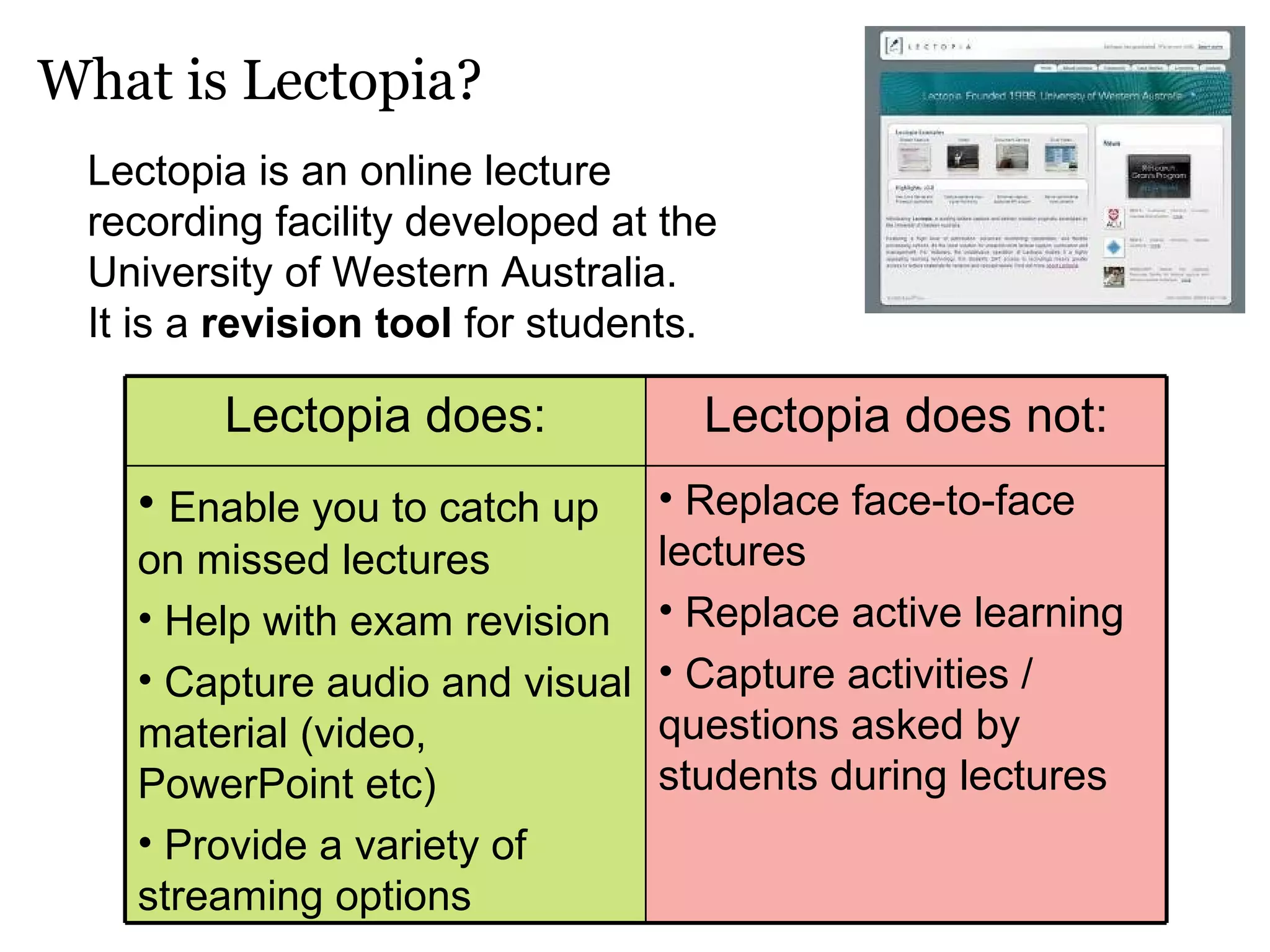
What is Lectopia? Lectopia is an online lecture recording facility developed at the University of Western Australia.  It is a  revision tool  for students. Replace face-to-face lectures Replace active learning Capture activities / questions asked by students during lectures Enable you to catch up on missed lectures Help with exam revision Capture audio and visual material (video, PowerPoint etc) Provide a variety of streaming options Lectopia does not: Lectopia does:
Learning Styles for Lectopia Critical Thinking with Lectopia Overview How do you learn best? - Before accessing Lectopia While accessing Lectopia After accessing Lectopia
Learning Styles for Lectopia
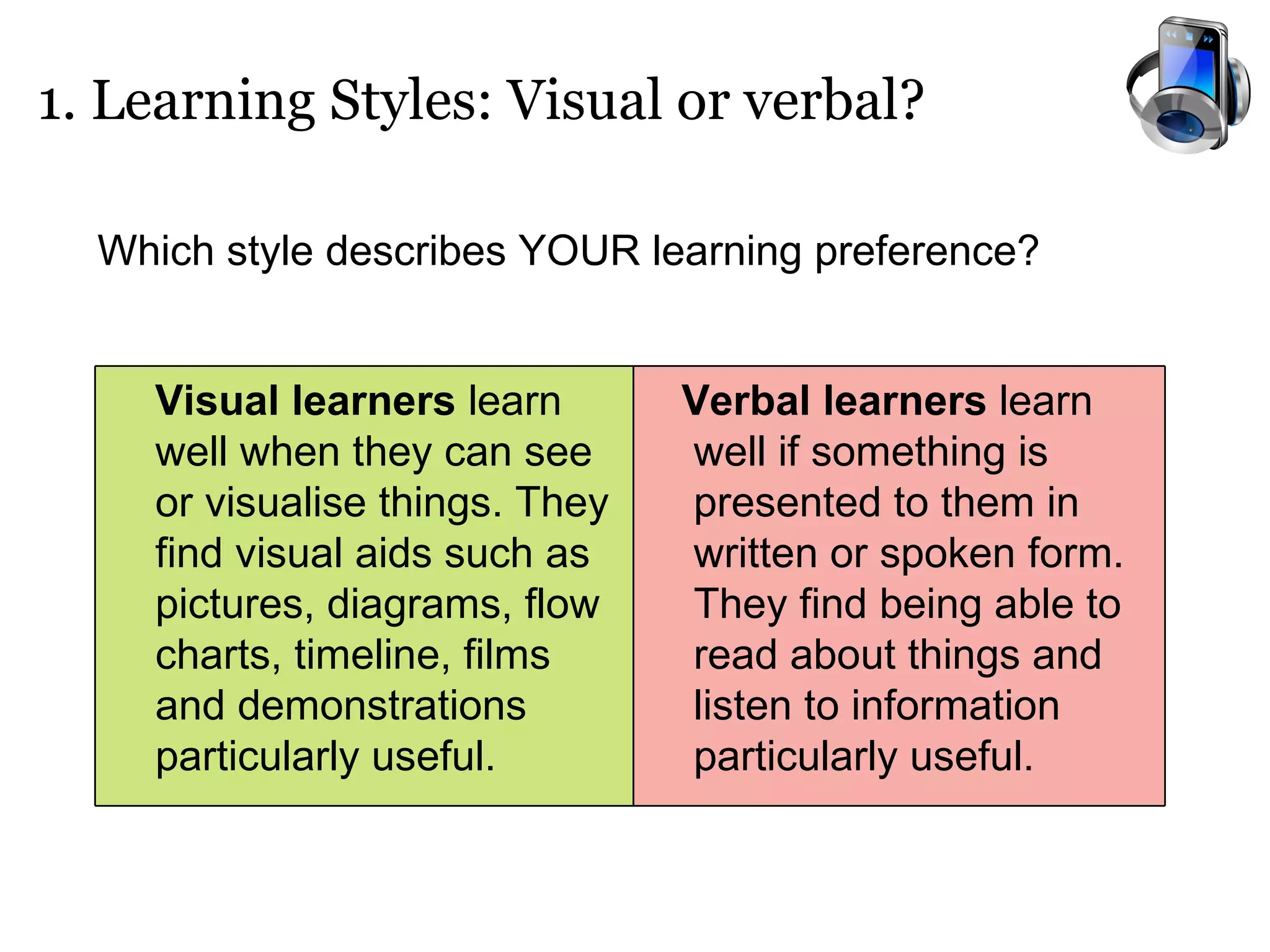
1. Learning Styles: Visual or verbal? Which style describes YOUR learning preference?  Verbal learners  learn well if something is presented to them in written or spoken form.  They find being able to read about things and listen to information particularly useful. Visual learners  learn well when they can see or visualise things. They find visual aids such as pictures, diagrams, flow charts, timeline, films and demonstrations particularly useful.
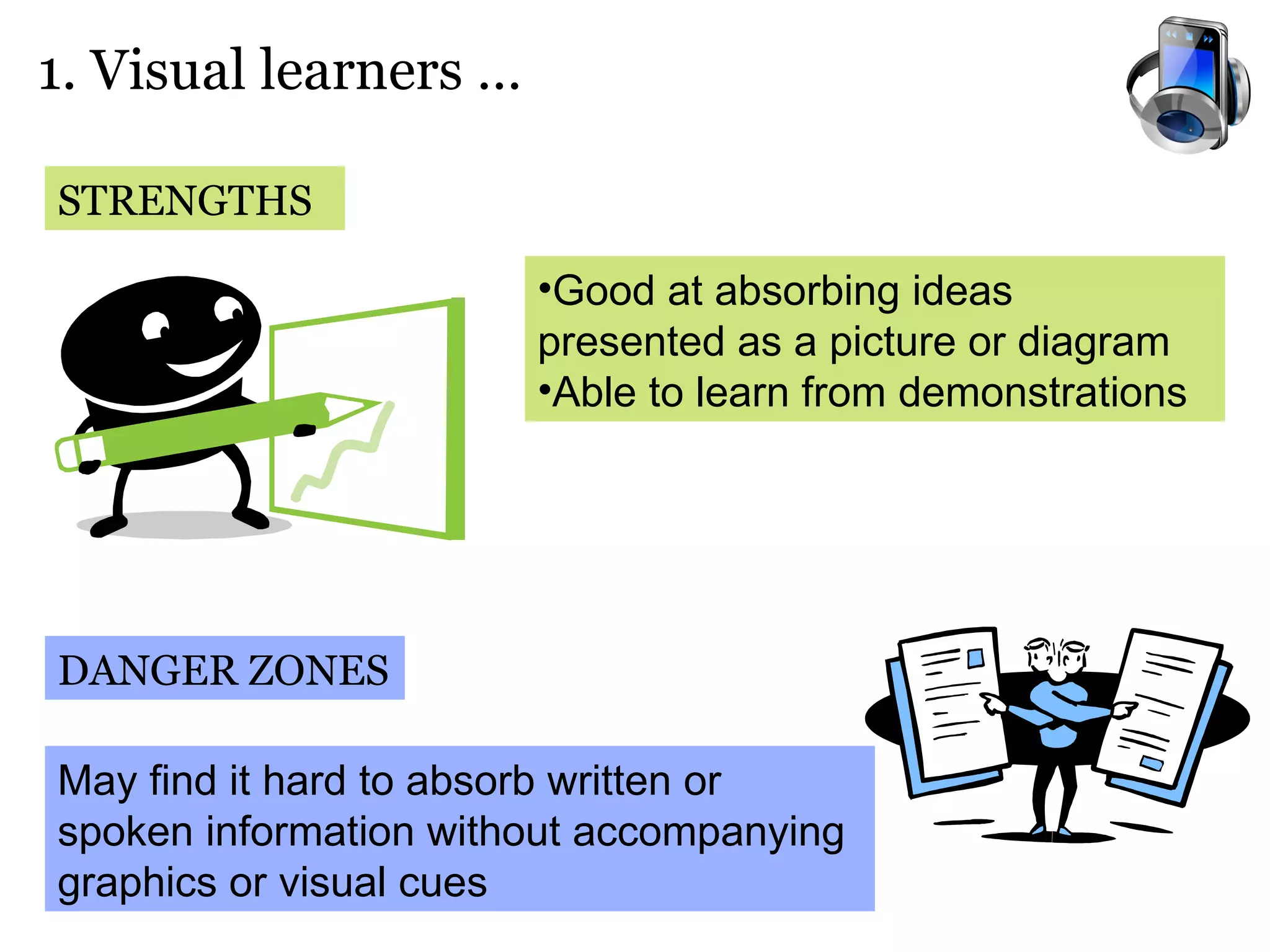
1. Visual learners …  STRENGTHS DANGER ZONES Good at absorbing ideas presented as a picture or diagram Able to learn from demonstrations May find it hard to absorb written or spoken information without accompanying graphics or visual cues
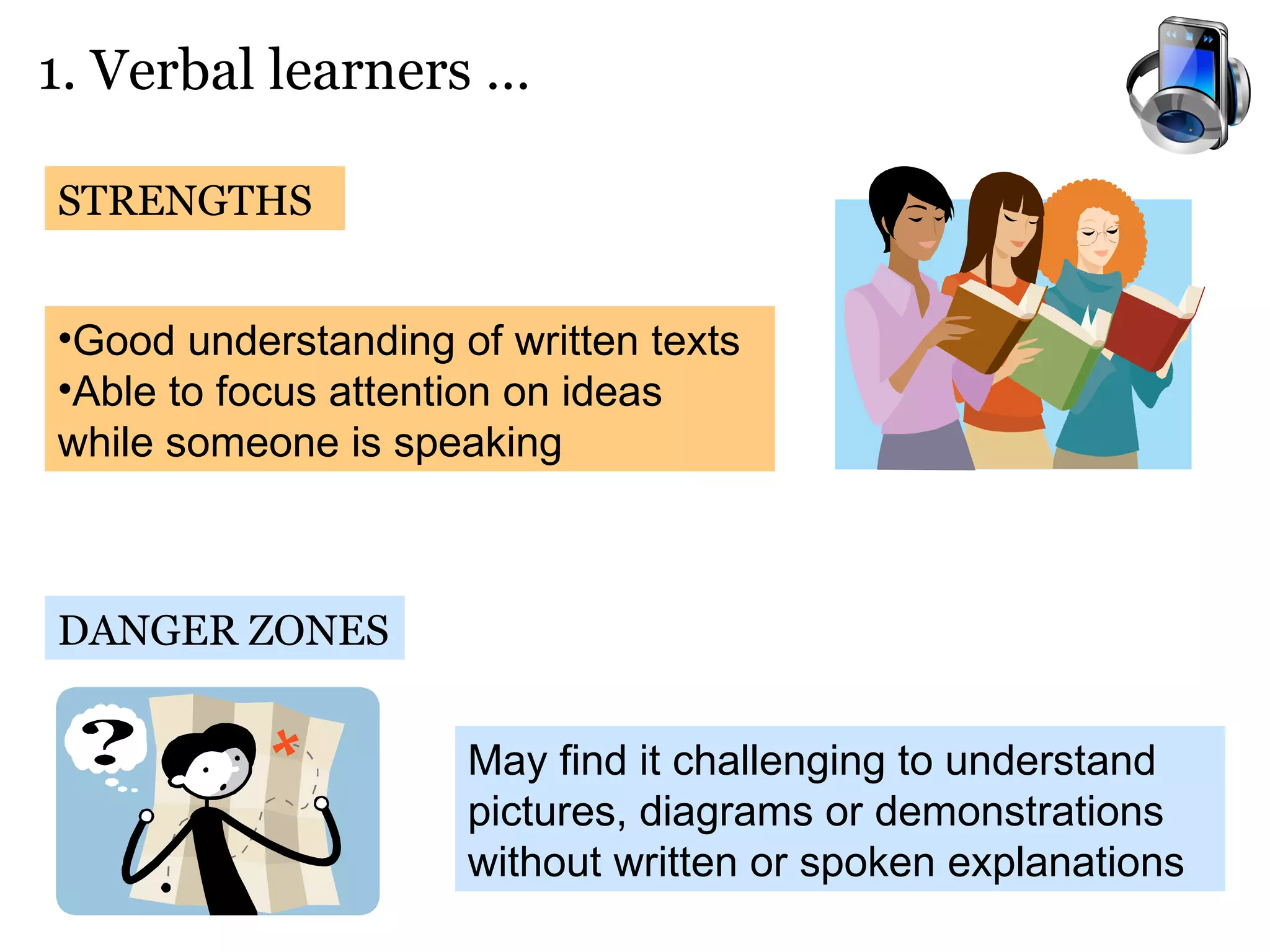
1. Verbal learners …  STRENGTHS DANGER ZONES Good understanding of written texts Able to focus attention on ideas while someone is speaking  May find it challenging to understand pictures, diagrams or demonstrations without written or spoken explanations
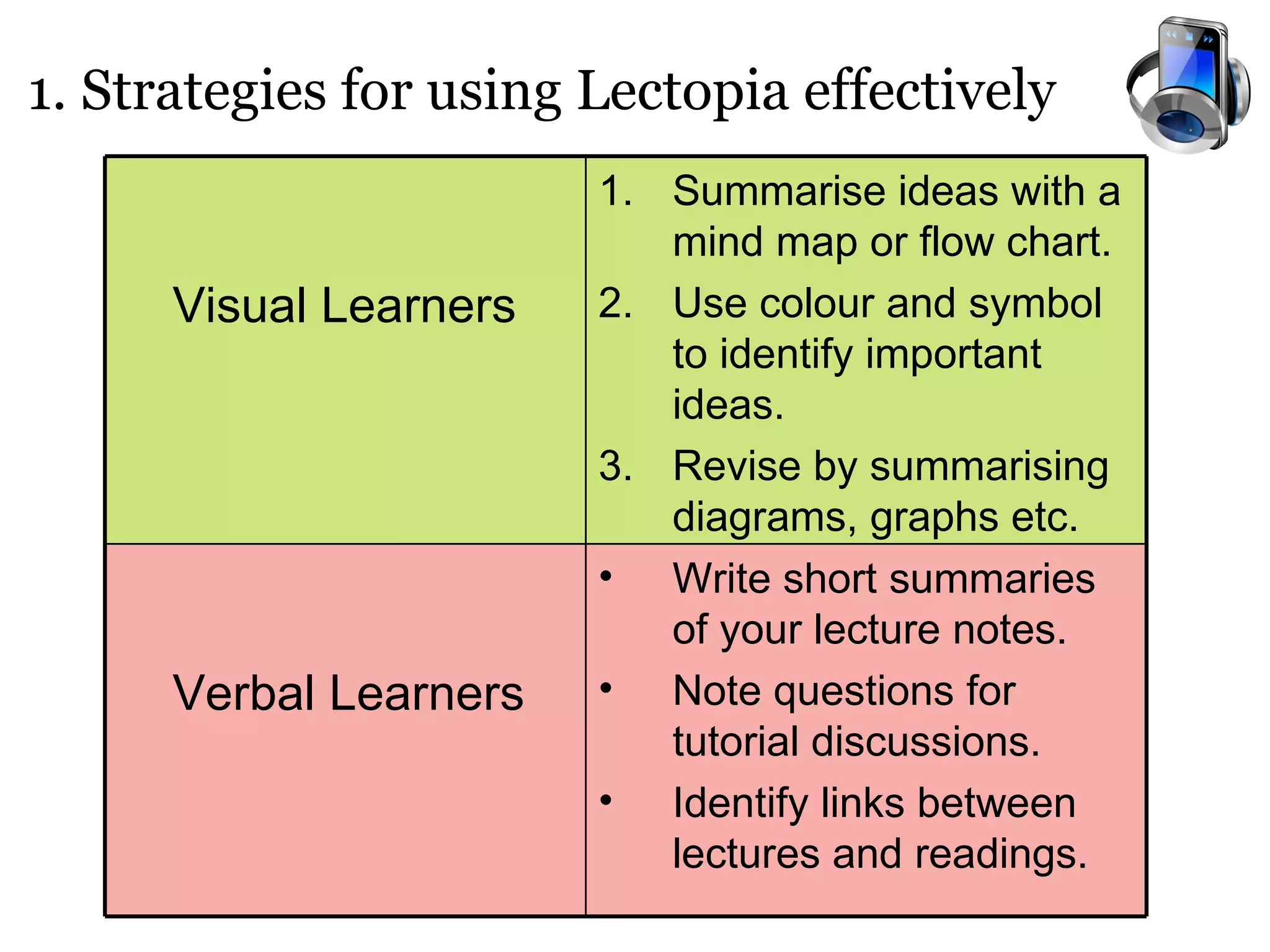
1. Strategies for using Lectopia effectively Write short summaries of your lecture notes. Note questions for tutorial discussions. Identify links between lectures and readings. Verbal Learners Summarise ideas with a mind map or flow chart. Use colour and symbol to identify important ideas. Revise by summarising diagrams, graphs etc. Visual Learners
2. Critical Thinking with Lectopia
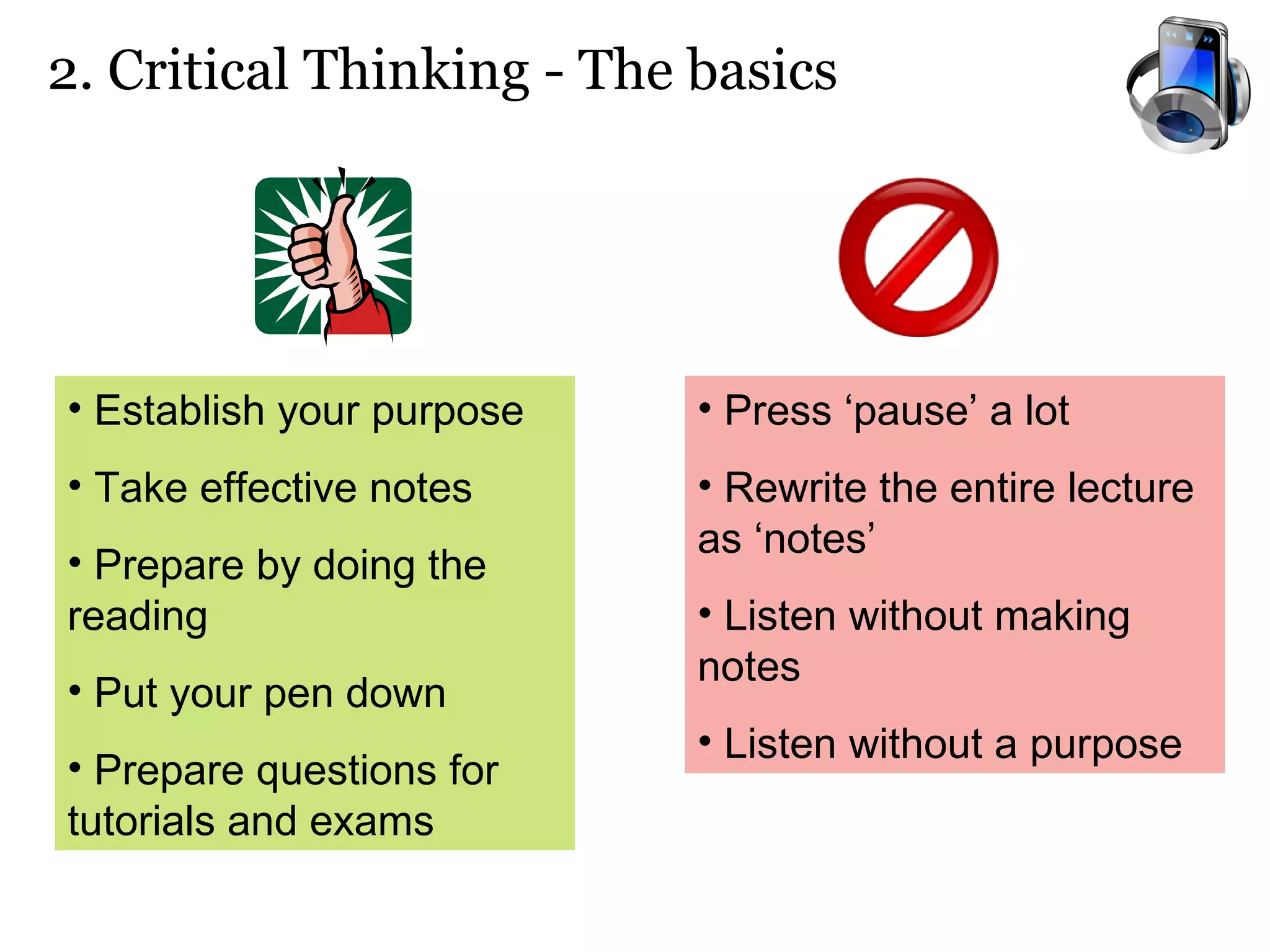
2. Critical Thinking - The basics Establish your purpose   Take effective notes Prepare by doing the reading Put your pen down Prepare questions for tutorials and exams Press ‘pause’ a lot Rewrite the entire lecture as ‘notes’ Listen without making notes Listen without a purpose
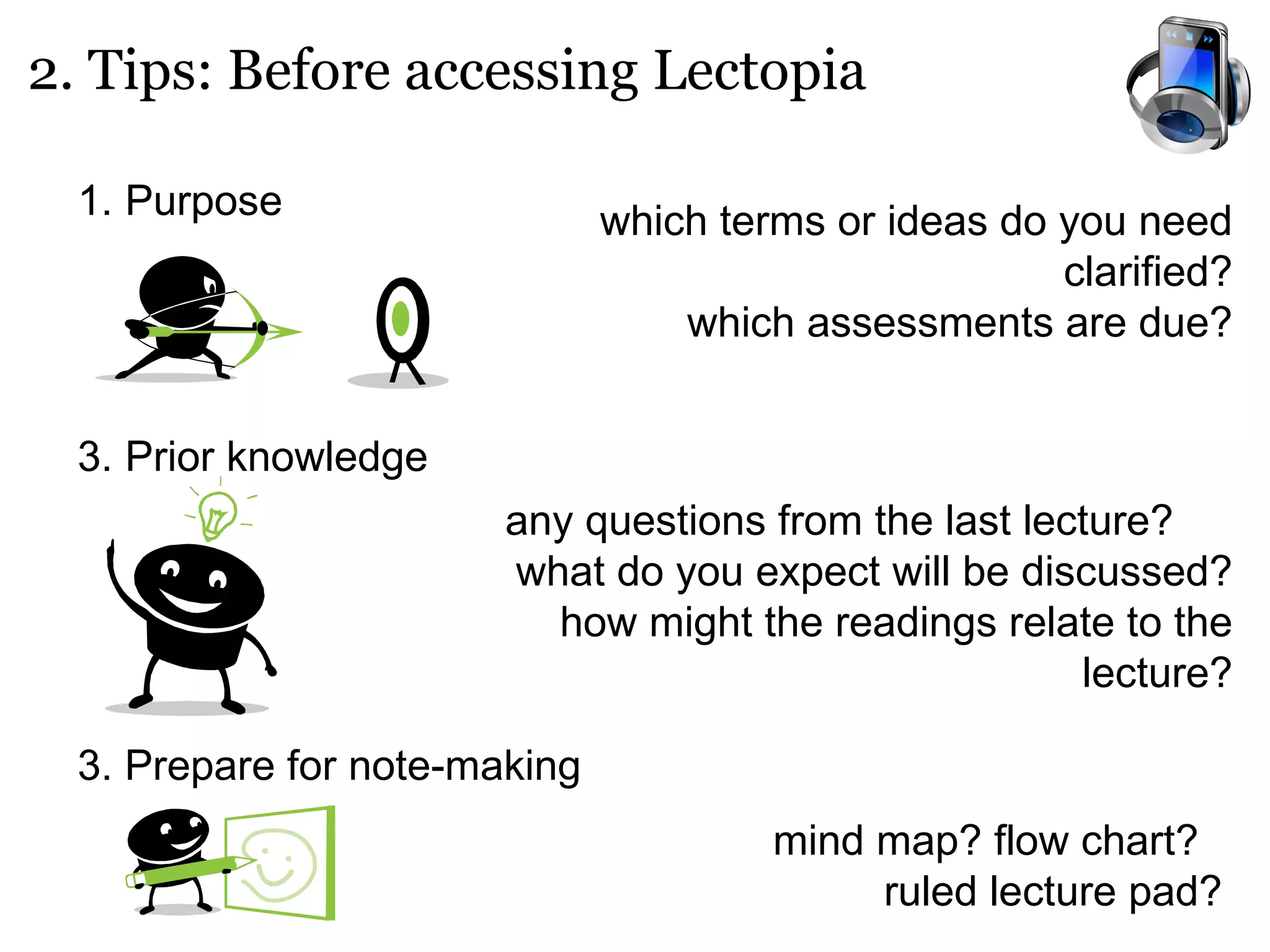
2. Tips: Before accessing Lectopia Purpose   Prior knowledge 3. Prepare for note-making which terms or ideas do you need clarified? which assessments are due? any questions from the last lecture?  what do you expect will be discussed? how might the readings relate to the lecture? mind map? flow chart?  ruled lecture pad?
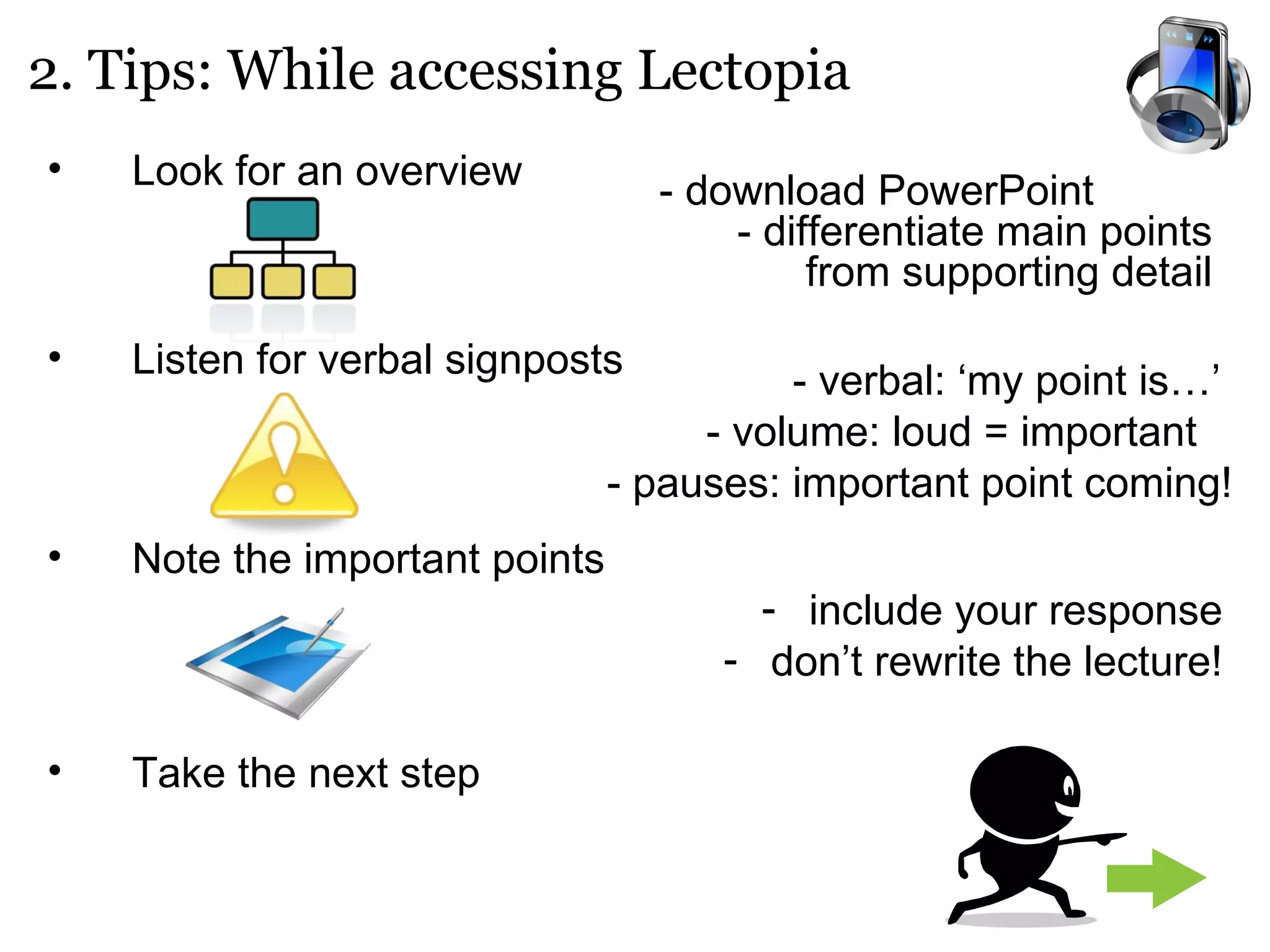
Look for an overview Listen for verbal signposts Note the important points Take the next step 2. Tips: While accessing Lectopia - download PowerPoint  - differentiate main points from supporting detail - verbal: ‘my point is…’  - volume: loud = important  - pauses: important point coming! include your response don’t rewrite the lecture!
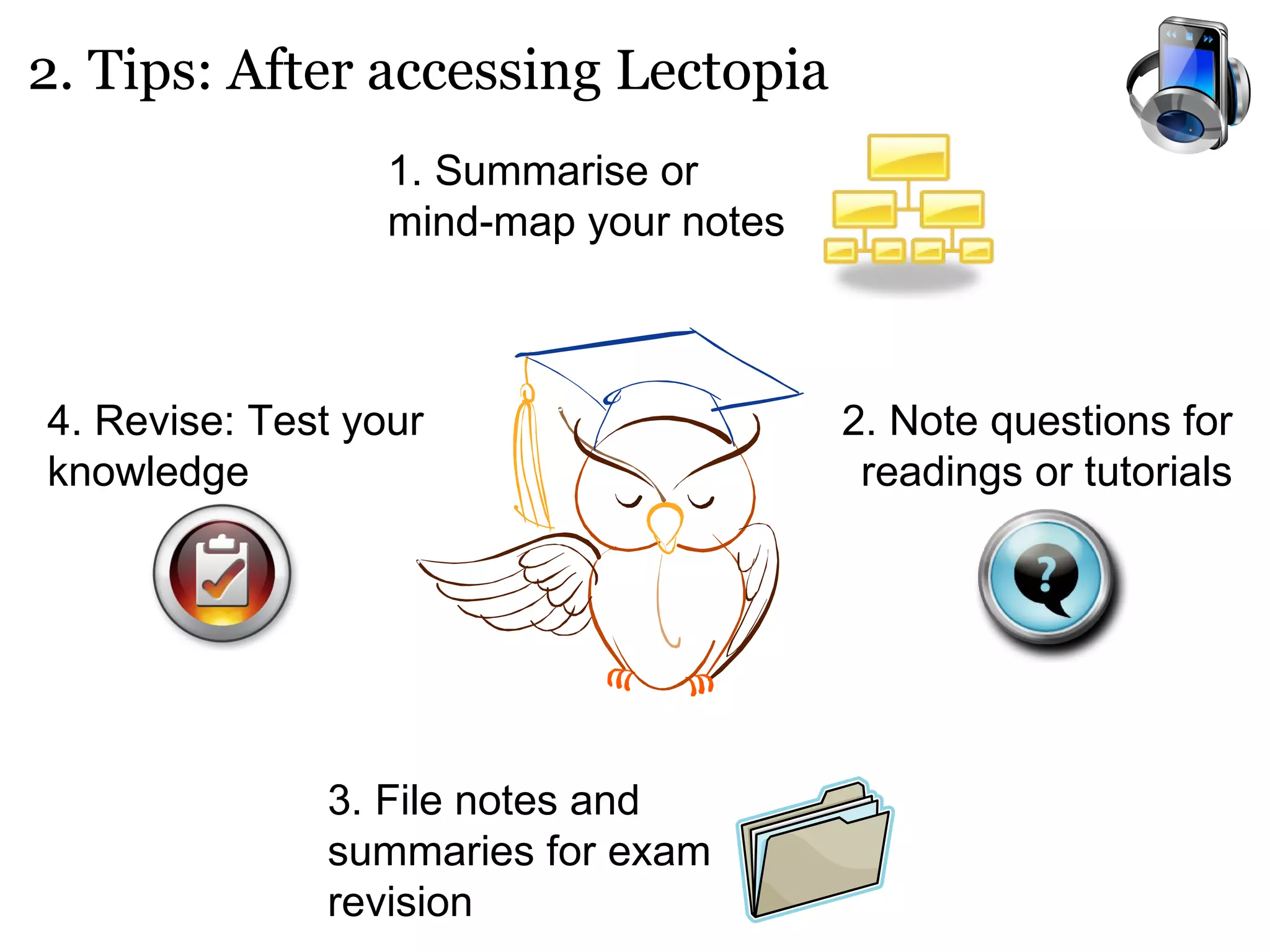
2. Tips: After accessing Lectopia 1. Summarise or mind-map your notes 2. Note questions for readings or tutorials 3. File notes and summaries for exam revision 4. Revise: Test your knowledge
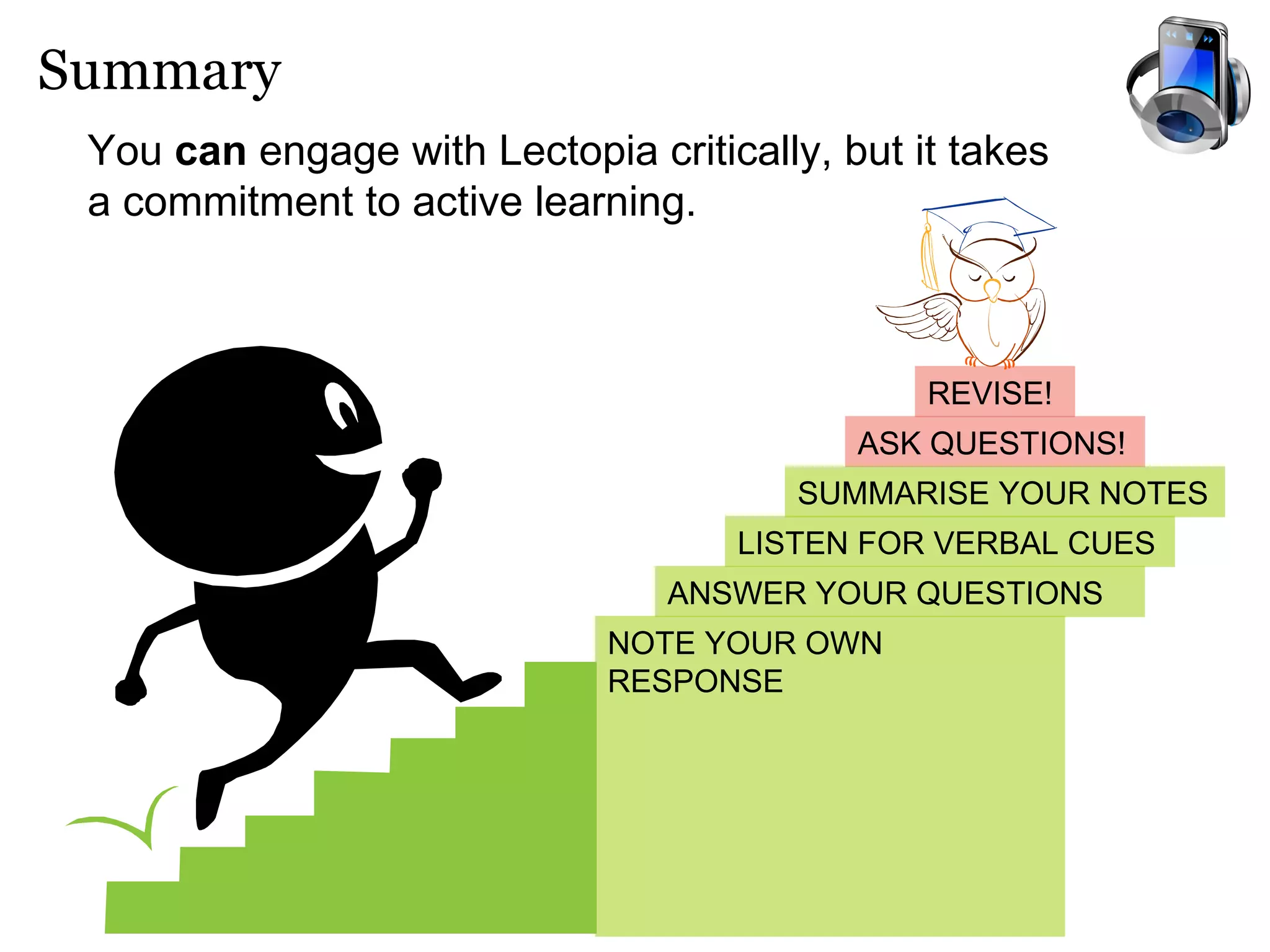
Summary You  can  engage with Lectopia critically, but it takes a commitment to active learning.   ASK QUESTIONS! REVISE! SUMMARISE YOUR NOTES ANSWER YOUR QUESTIONS NOTE YOUR OWN RESPONSE LISTEN FOR VERBAL CUES

Critical Thinking Corner: Lectopia

  • 1.
  • 2.
    What is Lectopia?Lectopia is an online lecture recording facility developed at the University of Western Australia. It is a revision tool for students. Replace face-to-face lectures Replace active learning Capture activities / questions asked by students during lectures Enable you to catch up on missed lectures Help with exam revision Capture audio and visual material (video, PowerPoint etc) Provide a variety of streaming options Lectopia does not: Lectopia does:
  • 3.
    Learning Styles forLectopia Critical Thinking with Lectopia Overview How do you learn best? - Before accessing Lectopia While accessing Lectopia After accessing Lectopia
  • 4.
  • 5.
    1. Learning Styles:Visual or verbal? Which style describes YOUR learning preference? Verbal learners learn well if something is presented to them in written or spoken form. They find being able to read about things and listen to information particularly useful. Visual learners learn well when they can see or visualise things. They find visual aids such as pictures, diagrams, flow charts, timeline, films and demonstrations particularly useful.
  • 6.
    1. Visual learners… STRENGTHS DANGER ZONES Good at absorbing ideas presented as a picture or diagram Able to learn from demonstrations May find it hard to absorb written or spoken information without accompanying graphics or visual cues
  • 7.
    1. Verbal learners… STRENGTHS DANGER ZONES Good understanding of written texts Able to focus attention on ideas while someone is speaking May find it challenging to understand pictures, diagrams or demonstrations without written or spoken explanations
  • 8.
    1. Strategies forusing Lectopia effectively Write short summaries of your lecture notes. Note questions for tutorial discussions. Identify links between lectures and readings. Verbal Learners Summarise ideas with a mind map or flow chart. Use colour and symbol to identify important ideas. Revise by summarising diagrams, graphs etc. Visual Learners
  • 9.
    2. Critical Thinkingwith Lectopia
  • 10.
    2. Critical Thinking- The basics Establish your purpose Take effective notes Prepare by doing the reading Put your pen down Prepare questions for tutorials and exams Press ‘pause’ a lot Rewrite the entire lecture as ‘notes’ Listen without making notes Listen without a purpose
  • 11.
    2. Tips: Beforeaccessing Lectopia Purpose Prior knowledge 3. Prepare for note-making which terms or ideas do you need clarified? which assessments are due? any questions from the last lecture? what do you expect will be discussed? how might the readings relate to the lecture? mind map? flow chart? ruled lecture pad?
  • 12.
    Look for anoverview Listen for verbal signposts Note the important points Take the next step 2. Tips: While accessing Lectopia - download PowerPoint - differentiate main points from supporting detail - verbal: ‘my point is…’ - volume: loud = important - pauses: important point coming! include your response don’t rewrite the lecture!
  • 13.
    2. Tips: Afteraccessing Lectopia 1. Summarise or mind-map your notes 2. Note questions for readings or tutorials 3. File notes and summaries for exam revision 4. Revise: Test your knowledge
  • 14.
    Summary You can engage with Lectopia critically, but it takes a commitment to active learning. ASK QUESTIONS! REVISE! SUMMARISE YOUR NOTES ANSWER YOUR QUESTIONS NOTE YOUR OWN RESPONSE LISTEN FOR VERBAL CUES