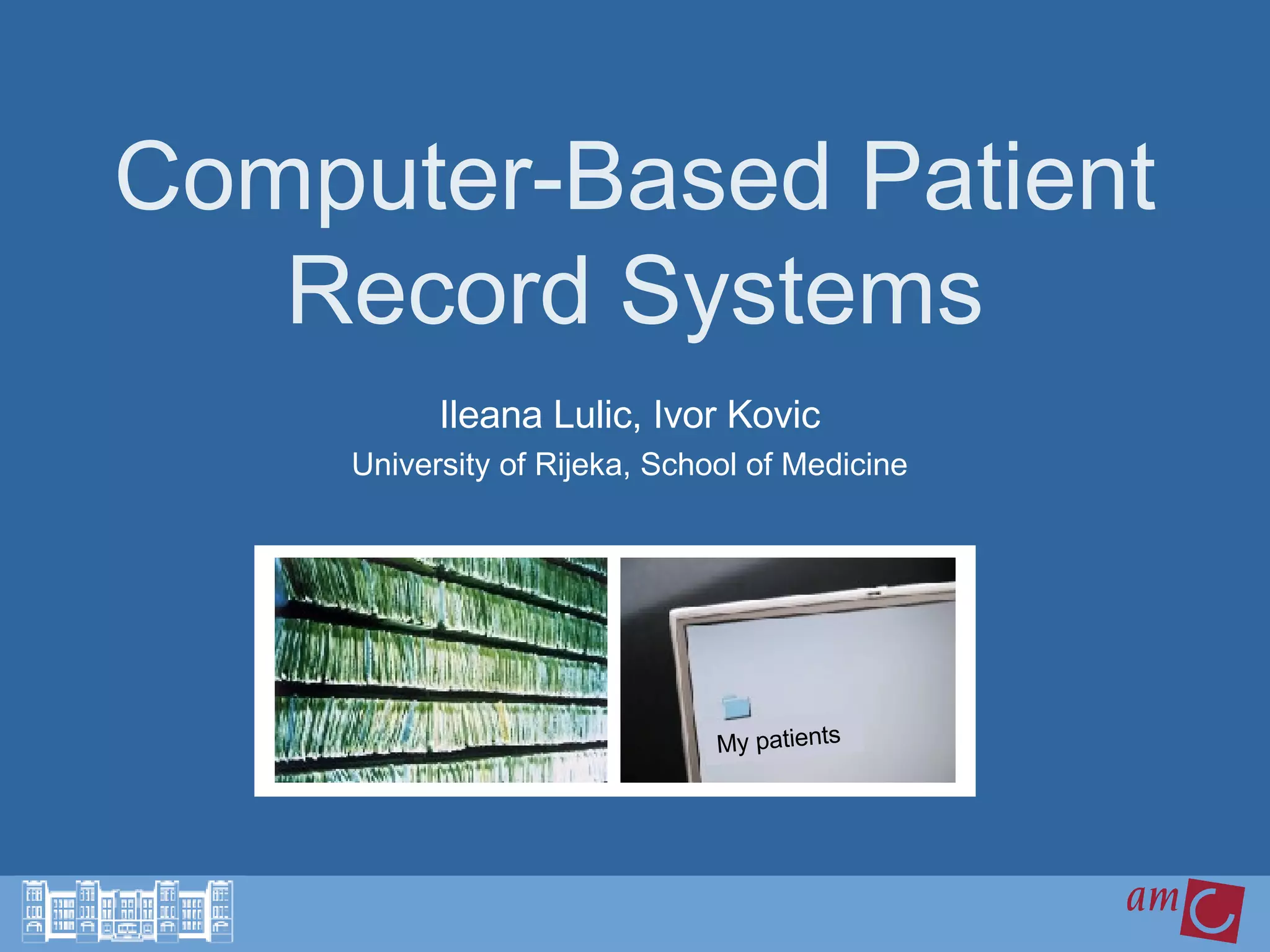
Computer-Based Patient Record Systems Ileana Lulic, Ivor Kovic University of Rijeka, School of Medicine My patients
Definition Advantages and disadvantages Functional components Data entry and display Challenges ahead Discussion  Outline Friday, July 22, 2005
Definition Patient record = Patient’s chart = Medical record Time-Oriented  Source-Oriented Problem-Oriented 1.  Definition   2. Advantages and disadvantages 3. Functional components   4. Data entry and display  5. Challenges ahead  6. Discussion Friday, July 22, 2005
Definition CPR  is a repository of  electronically  maintained information about individual’s lifetime  health status and health care  stored such that it can serve  multiple legitimate users  of the record.   Friday, July 22, 2005 Computer Based Patient Record = CPR 1.  Definition   2. Advantages and disadvantages 3. Functional components   4. Data entry and display  5. Challenges ahead  6. Discussion
Advantages of CPR  Flexible and adaptable Aggregation of data Data analyses Accessibility Remote access Legibility Structured data Fewer data errors Reusability of data Decision support Friday, July 22, 2005 1. Definition  2.  Advantages and disadvantages  3. Functional components   4. Data entry and display  5. Challenges ahead  6. Discussion
Disadvantages of CPR  Larger initial investment Risk of failure Resistance of users Input problems Security problems Friday, July 22, 2005 1. Definition  2.  Advantages and disadvantages  3. Functional components   4. Data entry and display  5. Challenges ahead  6. Discussion
CPR assessment  Factors used to determinate the degree to which a CPR demonstrates benefits Comprehensiveness of information Duration of use and retention of data Degree of structure of data Ubiquity of access Friday, July 22, 2005 1. Definition  2.  Advantages and disadvantages  3. Functional components   4. Data entry and display  5. Challenges ahead  6. Discussion
Functional components Integrated view of patient data Clinical decision support Clinician order entry Access to knowledge resources Integrated communication support Friday, July 22, 2005 1. Definition  2. Advantages and disadvantages 3.  Functional components   4. Data entry and display  5. Challenges ahead  6. Discussion
Functional components Primary purpose of a CPR HL7 SNOMED, LOINC, ICD Interface engines User friendly view of patient data Friday, July 22, 2005 1. Integrated view of patient data 1. Definition  2. Advantages and disadvantages 3.  Functional components   4. Data entry and display  5. Challenges ahead  6. Discussion
Functional components Reminders and alerts At the right time Possibility of override Friday, July 22, 2005 2. Clinical decision support, 3. Clinician order entry, 4. Access to knowledge resources 1. Definition  2. Advantages and disadvantages 3.  Functional components   4. Data entry and display  5. Challenges ahead  6. Discussion
Functional components Communication between team members Remote location  office, hospital, ER, physician’s home, patient’s home Example:  ER at Brighman and Womens Hospital Friday, July 22, 2005 5. Integrated communication support 1. Definition  2. Advantages and disadvantages 3.  Functional components   4. Data entry and display  5. Challenges ahead  6. Discussion
Data entry Most difficult and labor-intensive step in the maintenance  Requires two separate procedures:  Data Capture Data Input Friday, July 22, 2005 1. Definition  2. Advantages and disadvantages 3. Functional components   4.  Data entry and display   5. Challenges ahead  6. Discussion
Data Capture Difficult when there are multiple  sources of data  Information can:  Go unnoticed Be illegible Be available in insufficient detail Friday, July 22, 2005 1. Definition  2. Advantages and disadvantages 3. Functional components   4.  Data entry and display   5. Challenges ahead  6. Discussion
Data Input Costly in personnel time  Entered by physician or other personnel Data may be entered in: Free text form Coded form Form that combines both Friday, July 22, 2005 1. Definition  2. Advantages and disadvantages 3. Functional components   4.  Data entry and display   5. Challenges ahead  6. Discussion
Data Input Include 1. Patient history 2. Findings from the physical examination 3. Interpretation of the patient’s findings 4. Diagnostic and treatment plan Can be entered: By transcription of dictated or written notes By transcription of encounter forms Direct data entry by physicians Continuous speech recognition  Friday, July 22, 2005 Physicians’ notes 1. Definition  2. Advantages and disadvantages 3. Functional components   4.  Data entry and display   5. Challenges ahead  6. Discussion
Data Input Validity checks: - range checks - pattern checks - computed checks - consistency checks - delta checks - spelling checks Friday, July 22, 2005 Error prevention 1. Definition  2. Advantages and disadvantages 3. Functional components   4.  Data entry and display   5. Challenges ahead  6. Discussion
Data Display Can be presented in numerous formats 1. Flowsheets - data organized according to time - problem, patient or specialty specific  2. Summaries and Abstracts - highlight important components 3. Turnaround documents  - present information and ask questions  4. Dynamic displays  - search tools - flowsheets or graphics Friday, July 22, 2005 1. Definition  2. Advantages and disadvantages 3. Functional components   4.  Data entry and display   5. Challenges ahead  6. Discussion
Challenges ahead Evolution of technology Users’ information needs User interfaces Standards Legal and social issues Costs and benefits Leadership Friday, July 22, 2005 1. Definition  2. Advantages and disadvantages 3. Functional components   4. Data entry and display  5.  Challenges ahead   6. Discussion
Discussion 1 Security of CPR  - issues  - how to improve it - compared to paper-based record Friday, July 22, 2005 1. Definition  2. Advantages and disadvantages 3. Functional components   4. Data entry and display  5. Challenges ahead  6.  Discussion
Discussion 2 User interface - how important it is ?  - examples of what can go wrong if it is poorly designed Suggested reading:  Medical Usability: How to Kill Patients Through Bad Design  http://www.useit.com/alertbox/20050411.html Friday, July 22, 2005 1. Definition  2. Advantages and disadvantages 3. Functional components   4. Data entry and display  5. Challenges ahead  6.  Discussion
Contact Ileana Lulic Tel:  + 385 91 2530660 Kustosijski venec 34 e-mail:  [email_address] 10 000 Zagreb Croatia Ivor Kovic Tel: + 385 91 1234598  S.J.Bujkove 3 e-mail:  [email_address] 51 000 Rijeka Croatia Department of Medical Informatics, Rijeka School of Medicine  http://mi.medri.hr Science Trek Journal Club http:// mi.medri.hr/stc Friday, July 22, 2005 English version coming soon

Computer Patient Record

  • 1.
    Computer-Based Patient RecordSystems Ileana Lulic, Ivor Kovic University of Rijeka, School of Medicine My patients
  • 2.
    Definition Advantages anddisadvantages Functional components Data entry and display Challenges ahead Discussion Outline Friday, July 22, 2005
  • 3.
    Definition Patient record= Patient’s chart = Medical record Time-Oriented Source-Oriented Problem-Oriented 1. Definition 2. Advantages and disadvantages 3. Functional components 4. Data entry and display 5. Challenges ahead 6. Discussion Friday, July 22, 2005
  • 4.
    Definition CPR is a repository of electronically maintained information about individual’s lifetime health status and health care stored such that it can serve multiple legitimate users of the record. Friday, July 22, 2005 Computer Based Patient Record = CPR 1. Definition 2. Advantages and disadvantages 3. Functional components 4. Data entry and display 5. Challenges ahead 6. Discussion
  • 5.
    Advantages of CPR Flexible and adaptable Aggregation of data Data analyses Accessibility Remote access Legibility Structured data Fewer data errors Reusability of data Decision support Friday, July 22, 2005 1. Definition 2. Advantages and disadvantages 3. Functional components 4. Data entry and display 5. Challenges ahead 6. Discussion
  • 6.
    Disadvantages of CPR Larger initial investment Risk of failure Resistance of users Input problems Security problems Friday, July 22, 2005 1. Definition 2. Advantages and disadvantages 3. Functional components 4. Data entry and display 5. Challenges ahead 6. Discussion
  • 7.
    CPR assessment Factors used to determinate the degree to which a CPR demonstrates benefits Comprehensiveness of information Duration of use and retention of data Degree of structure of data Ubiquity of access Friday, July 22, 2005 1. Definition 2. Advantages and disadvantages 3. Functional components 4. Data entry and display 5. Challenges ahead 6. Discussion
  • 8.
    Functional components Integratedview of patient data Clinical decision support Clinician order entry Access to knowledge resources Integrated communication support Friday, July 22, 2005 1. Definition 2. Advantages and disadvantages 3. Functional components 4. Data entry and display 5. Challenges ahead 6. Discussion
  • 9.
    Functional components Primarypurpose of a CPR HL7 SNOMED, LOINC, ICD Interface engines User friendly view of patient data Friday, July 22, 2005 1. Integrated view of patient data 1. Definition 2. Advantages and disadvantages 3. Functional components 4. Data entry and display 5. Challenges ahead 6. Discussion
  • 10.
    Functional components Remindersand alerts At the right time Possibility of override Friday, July 22, 2005 2. Clinical decision support, 3. Clinician order entry, 4. Access to knowledge resources 1. Definition 2. Advantages and disadvantages 3. Functional components 4. Data entry and display 5. Challenges ahead 6. Discussion
  • 11.
    Functional components Communicationbetween team members Remote location office, hospital, ER, physician’s home, patient’s home Example: ER at Brighman and Womens Hospital Friday, July 22, 2005 5. Integrated communication support 1. Definition 2. Advantages and disadvantages 3. Functional components 4. Data entry and display 5. Challenges ahead 6. Discussion
  • 12.
    Data entry Mostdifficult and labor-intensive step in the maintenance Requires two separate procedures: Data Capture Data Input Friday, July 22, 2005 1. Definition 2. Advantages and disadvantages 3. Functional components 4. Data entry and display 5. Challenges ahead 6. Discussion
  • 13.
    Data Capture Difficultwhen there are multiple sources of data Information can: Go unnoticed Be illegible Be available in insufficient detail Friday, July 22, 2005 1. Definition 2. Advantages and disadvantages 3. Functional components 4. Data entry and display 5. Challenges ahead 6. Discussion
  • 14.
    Data Input Costlyin personnel time Entered by physician or other personnel Data may be entered in: Free text form Coded form Form that combines both Friday, July 22, 2005 1. Definition 2. Advantages and disadvantages 3. Functional components 4. Data entry and display 5. Challenges ahead 6. Discussion
  • 15.
    Data Input Include1. Patient history 2. Findings from the physical examination 3. Interpretation of the patient’s findings 4. Diagnostic and treatment plan Can be entered: By transcription of dictated or written notes By transcription of encounter forms Direct data entry by physicians Continuous speech recognition Friday, July 22, 2005 Physicians’ notes 1. Definition 2. Advantages and disadvantages 3. Functional components 4. Data entry and display 5. Challenges ahead 6. Discussion
  • 16.
    Data Input Validitychecks: - range checks - pattern checks - computed checks - consistency checks - delta checks - spelling checks Friday, July 22, 2005 Error prevention 1. Definition 2. Advantages and disadvantages 3. Functional components 4. Data entry and display 5. Challenges ahead 6. Discussion
  • 17.
    Data Display Canbe presented in numerous formats 1. Flowsheets - data organized according to time - problem, patient or specialty specific 2. Summaries and Abstracts - highlight important components 3. Turnaround documents - present information and ask questions 4. Dynamic displays - search tools - flowsheets or graphics Friday, July 22, 2005 1. Definition 2. Advantages and disadvantages 3. Functional components 4. Data entry and display 5. Challenges ahead 6. Discussion
  • 18.
    Challenges ahead Evolutionof technology Users’ information needs User interfaces Standards Legal and social issues Costs and benefits Leadership Friday, July 22, 2005 1. Definition 2. Advantages and disadvantages 3. Functional components 4. Data entry and display 5. Challenges ahead 6. Discussion
  • 19.
    Discussion 1 Securityof CPR - issues - how to improve it - compared to paper-based record Friday, July 22, 2005 1. Definition 2. Advantages and disadvantages 3. Functional components 4. Data entry and display 5. Challenges ahead 6. Discussion
  • 20.
    Discussion 2 Userinterface - how important it is ? - examples of what can go wrong if it is poorly designed Suggested reading: Medical Usability: How to Kill Patients Through Bad Design http://www.useit.com/alertbox/20050411.html Friday, July 22, 2005 1. Definition 2. Advantages and disadvantages 3. Functional components 4. Data entry and display 5. Challenges ahead 6. Discussion
  • 21.
    Contact Ileana LulicTel: + 385 91 2530660 Kustosijski venec 34 e-mail: [email_address] 10 000 Zagreb Croatia Ivor Kovic Tel: + 385 91 1234598 S.J.Bujkove 3 e-mail: [email_address] 51 000 Rijeka Croatia Department of Medical Informatics, Rijeka School of Medicine http://mi.medri.hr Science Trek Journal Club http:// mi.medri.hr/stc Friday, July 22, 2005 English version coming soon