COMPUTER FUNDAMENTALS
UNIT - V
BAR 104 ARCHITECTURAL DRAWING & COMPUTER APPLICATION - I 1
What Is a Computer?
Computer : Latin word Compute which means calculation
A computer is a programmable machine with two principal characteristics:
a. It responds to a specific set of instructions in a well-defined manner.
b. It can execute a prerecorded list of instructions (a program).
A computer system includes a computer, peripheral devices and software
BAR 101 ARCHITECTURAL DRAWING & COMPUTER APPLICATIONS - I 2
INTRODUCTION TO COMPUTERS
FUNCTIONS
a. Accepts data Input
b. Processes data Processing
c. Produces output Out put
d. Stores results Storage
BAR 101 ARCHITECTURAL DRAWING & COMPUTER APPLICATIONS - I 3
o Input (Data): is the raw information entered into a computer from the
input devices. It is the collection of letters, numbers, images etc.
o Process: is the operation of data as per given instruction. It is totally
internal process of the computer system.
o Output: is the processed data given by computer after data
processing. Output is also called as Result. We can save these results
in the storage devices for the future use.
o Storage: is the area where data can be left on a permanent basis.
FUNCTIONS
BAR 101 ARCHITECTURAL DRAWING & COMPUTER APPLICATIONS - I 4
Elements of A Computer
1. People: They run and operate the computer.
2. Procedure: are normally written in manuals of hardware and
software manufacturers.
3. Software: is to do process data into useful information for people.
4. Hardware: the physical equipment that you can feel and touch.
5. Data: include texts and numbers, sounds, images, and videos that
you input into the computer for processing.
6. Connectivity:
- a computer must be connected to other computers especially
through the internet.
- using the internet, people can share and access data from all
over the world.
BAR 101 ARCHITECTURAL DRAWING & COMPUTER APPLICATIONS - I 5
Capabilities of Computers
1. Speed:
computer operates on data and commands at incredibly
fast speed.
2. Storage:
computer can store enormous amount of data and
information in its memory.
3. Reliability:
computers made of modern technology rarely breakdown
and when they do, they are easily repaired.
4. Consistent:
if you input the same data into the computer using the
same program, it will give you the same result all the time.
5. Communicate:
people can connect with others by the use of computers.
BAR 101 ARCHITECTURAL DRAWING & COMPUTER APPLICATIONS - I 6
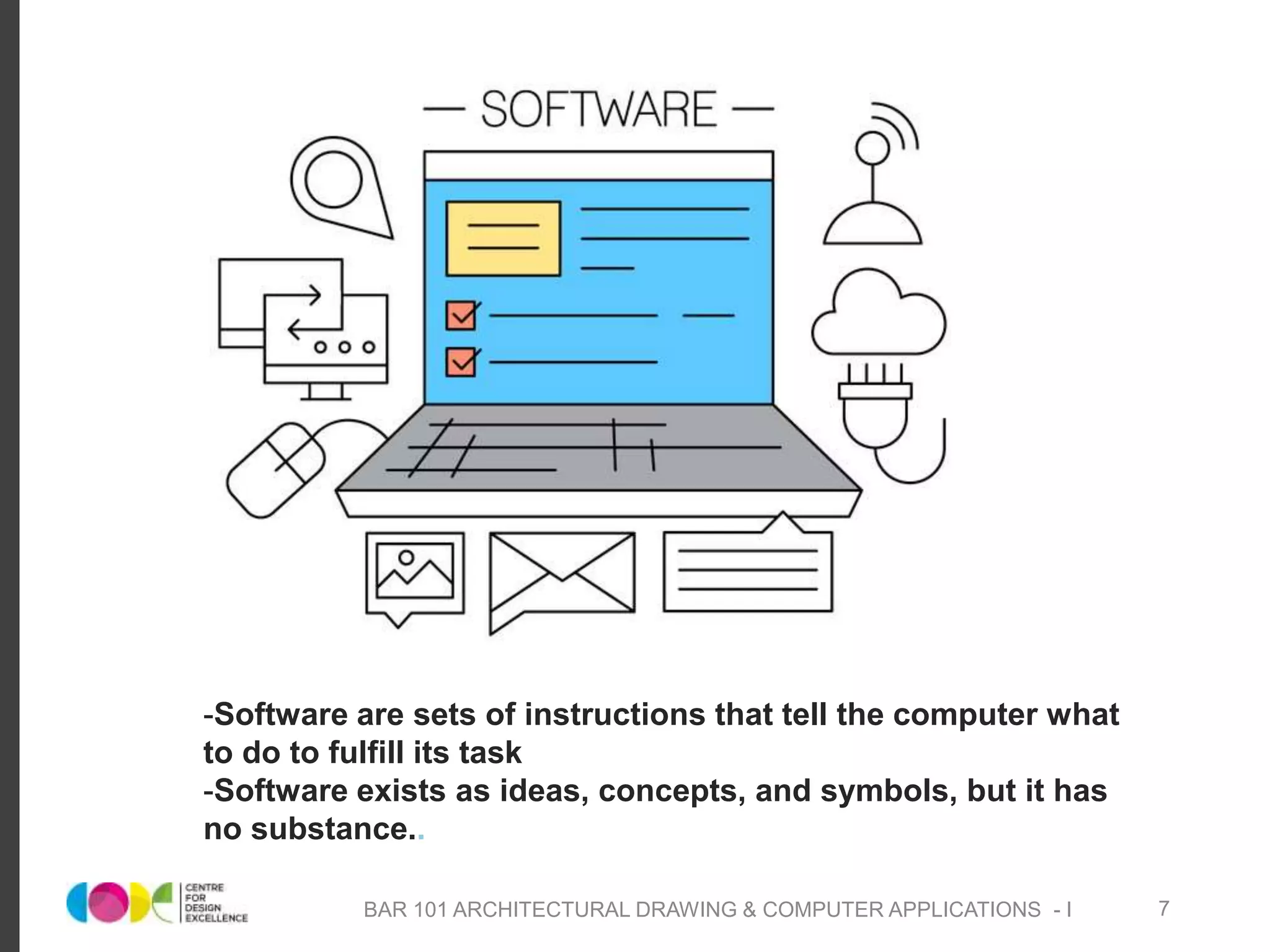
-Software are sets of instructions that tell the computer what
to do to fulfill its task
-Software exists as ideas, concepts, and symbols, but it has
no substance..
BAR 101 ARCHITECTURAL DRAWING & COMPUTER APPLICATIONS - I 7
Kinds of Software
System Software:
- are programs that the computer uses.
-is a collection of programs which includes the operating system, utilities and
drivers.
Operating System: is a program that is basically responsible for the
coordination, management and sharing of hardware resources and tasks in
the computer.
Utility Software : is a program that performs maintenance tasks for the
computer resources, such as clean up and organizing files and programs so
they would load and work faster.
BAR 101 ARCHITECTURAL DRAWING & COMPUTER APPLICATIONS - I 8
Kinds of Software
o Device Driver : is a program that allows a particular hardware device
to work and with the computer system.
o Applications Software : are the programs that people use for their
day to day tasks on the computer
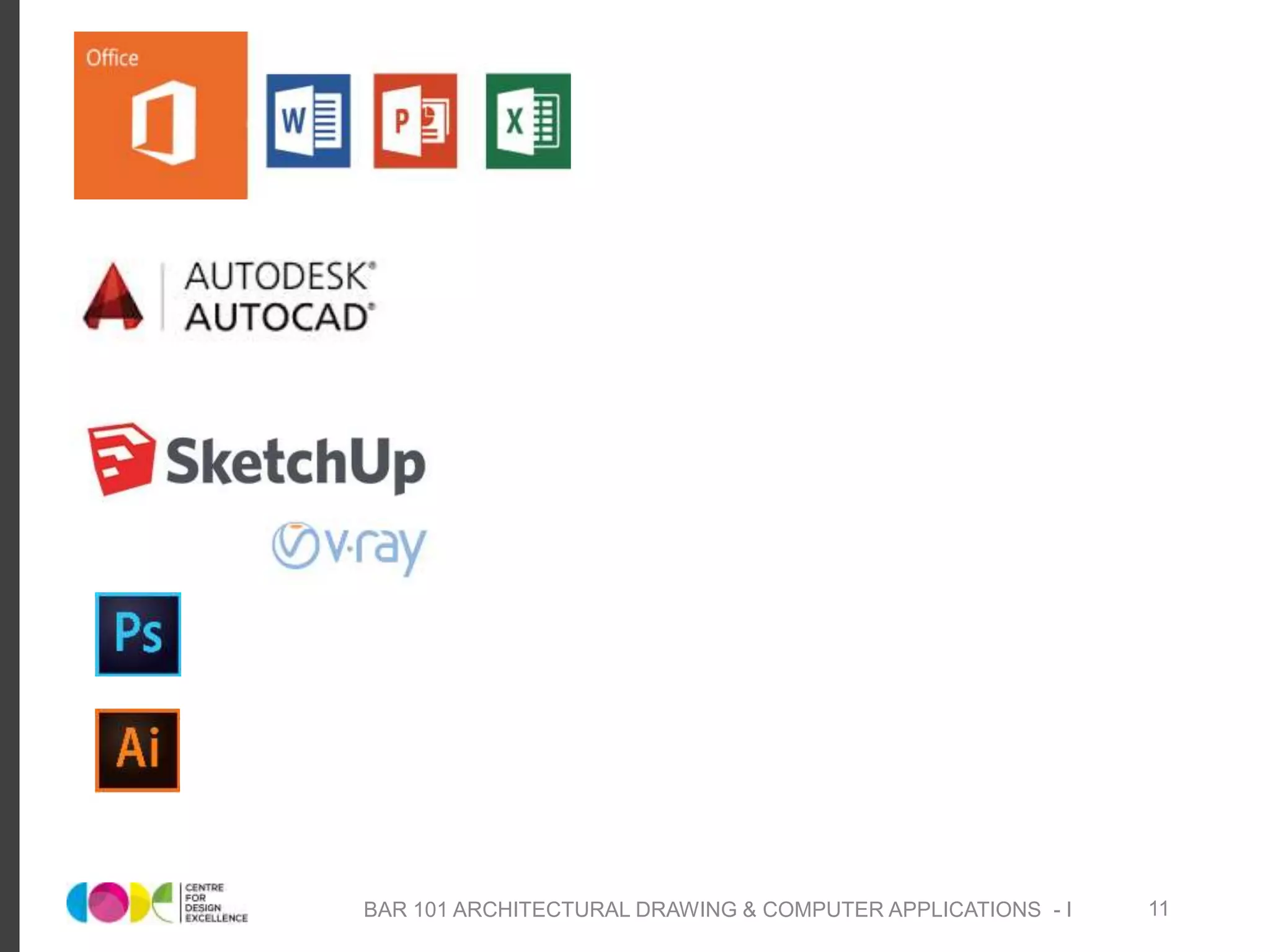
o Basic application software : includes word processor, spreadsheet,
database and presentation software.
o Specialized application software : includes software for graphics,
multimedia, audio, video, web designing and many other app. that
focus on a certain discipline or profession.
BAR 101 ARCHITECTURAL DRAWING & COMPUTER APPLICATIONS - I 9
COMPUTER AIDED DESIGN
BAR 101 ARCHITECTURAL DRAWING & COMPUTER APPLICATIONS - I 10
BAR 101 ARCHITECTURAL DRAWING & COMPUTER APPLICATIONS - I 11

Computer fundamentals

  • 1.
    COMPUTER FUNDAMENTALS UNIT -V BAR 104 ARCHITECTURAL DRAWING & COMPUTER APPLICATION - I 1
  • 2.
    What Is aComputer? Computer : Latin word Compute which means calculation A computer is a programmable machine with two principal characteristics: a. It responds to a specific set of instructions in a well-defined manner. b. It can execute a prerecorded list of instructions (a program). A computer system includes a computer, peripheral devices and software BAR 101 ARCHITECTURAL DRAWING & COMPUTER APPLICATIONS - I 2
  • 3.
    INTRODUCTION TO COMPUTERS FUNCTIONS a.Accepts data Input b. Processes data Processing c. Produces output Out put d. Stores results Storage BAR 101 ARCHITECTURAL DRAWING & COMPUTER APPLICATIONS - I 3
  • 4.
    o Input (Data):is the raw information entered into a computer from the input devices. It is the collection of letters, numbers, images etc. o Process: is the operation of data as per given instruction. It is totally internal process of the computer system. o Output: is the processed data given by computer after data processing. Output is also called as Result. We can save these results in the storage devices for the future use. o Storage: is the area where data can be left on a permanent basis. FUNCTIONS BAR 101 ARCHITECTURAL DRAWING & COMPUTER APPLICATIONS - I 4
  • 5.
    Elements of AComputer 1. People: They run and operate the computer. 2. Procedure: are normally written in manuals of hardware and software manufacturers. 3. Software: is to do process data into useful information for people. 4. Hardware: the physical equipment that you can feel and touch. 5. Data: include texts and numbers, sounds, images, and videos that you input into the computer for processing. 6. Connectivity: - a computer must be connected to other computers especially through the internet. - using the internet, people can share and access data from all over the world. BAR 101 ARCHITECTURAL DRAWING & COMPUTER APPLICATIONS - I 5
  • 6.
    Capabilities of Computers 1.Speed: computer operates on data and commands at incredibly fast speed. 2. Storage: computer can store enormous amount of data and information in its memory. 3. Reliability: computers made of modern technology rarely breakdown and when they do, they are easily repaired. 4. Consistent: if you input the same data into the computer using the same program, it will give you the same result all the time. 5. Communicate: people can connect with others by the use of computers. BAR 101 ARCHITECTURAL DRAWING & COMPUTER APPLICATIONS - I 6
  • 7.
    -Software are setsof instructions that tell the computer what to do to fulfill its task -Software exists as ideas, concepts, and symbols, but it has no substance.. BAR 101 ARCHITECTURAL DRAWING & COMPUTER APPLICATIONS - I 7
  • 8.
    Kinds of Software SystemSoftware: - are programs that the computer uses. -is a collection of programs which includes the operating system, utilities and drivers. Operating System: is a program that is basically responsible for the coordination, management and sharing of hardware resources and tasks in the computer. Utility Software : is a program that performs maintenance tasks for the computer resources, such as clean up and organizing files and programs so they would load and work faster. BAR 101 ARCHITECTURAL DRAWING & COMPUTER APPLICATIONS - I 8
  • 9.
    Kinds of Software oDevice Driver : is a program that allows a particular hardware device to work and with the computer system. o Applications Software : are the programs that people use for their day to day tasks on the computer o Basic application software : includes word processor, spreadsheet, database and presentation software. o Specialized application software : includes software for graphics, multimedia, audio, video, web designing and many other app. that focus on a certain discipline or profession. BAR 101 ARCHITECTURAL DRAWING & COMPUTER APPLICATIONS - I 9
  • 10.
    COMPUTER AIDED DESIGN BAR101 ARCHITECTURAL DRAWING & COMPUTER APPLICATIONS - I 10
  • 11.
    BAR 101 ARCHITECTURALDRAWING & COMPUTER APPLICATIONS - I 11