Comprehensive study of
the usability
features of the
Graphical Password

1
CONTENTS

1. INTRODUCTION
2. CURRENT AUTHENTICATION METHODS
3.DRAWBACKS OF NORMAL PASSWORD
4.WHY DO WE USE GRAPHICAL PASSWORD?
5. RECOGNITION BASED TECHNIQUES
6.RECALL BASED TECHNIQUES
7.CONCLUSION
8.REFERENCES
9.WORDS OF GRATITUDE

2
Introduction
Current authentication methods






Token based authentication
( key cards,bank cards,smart cards)
Biometric based
(fingerprint,iris scan,facial recognition)
Knowledge based
(text based and picture based passwords)

3
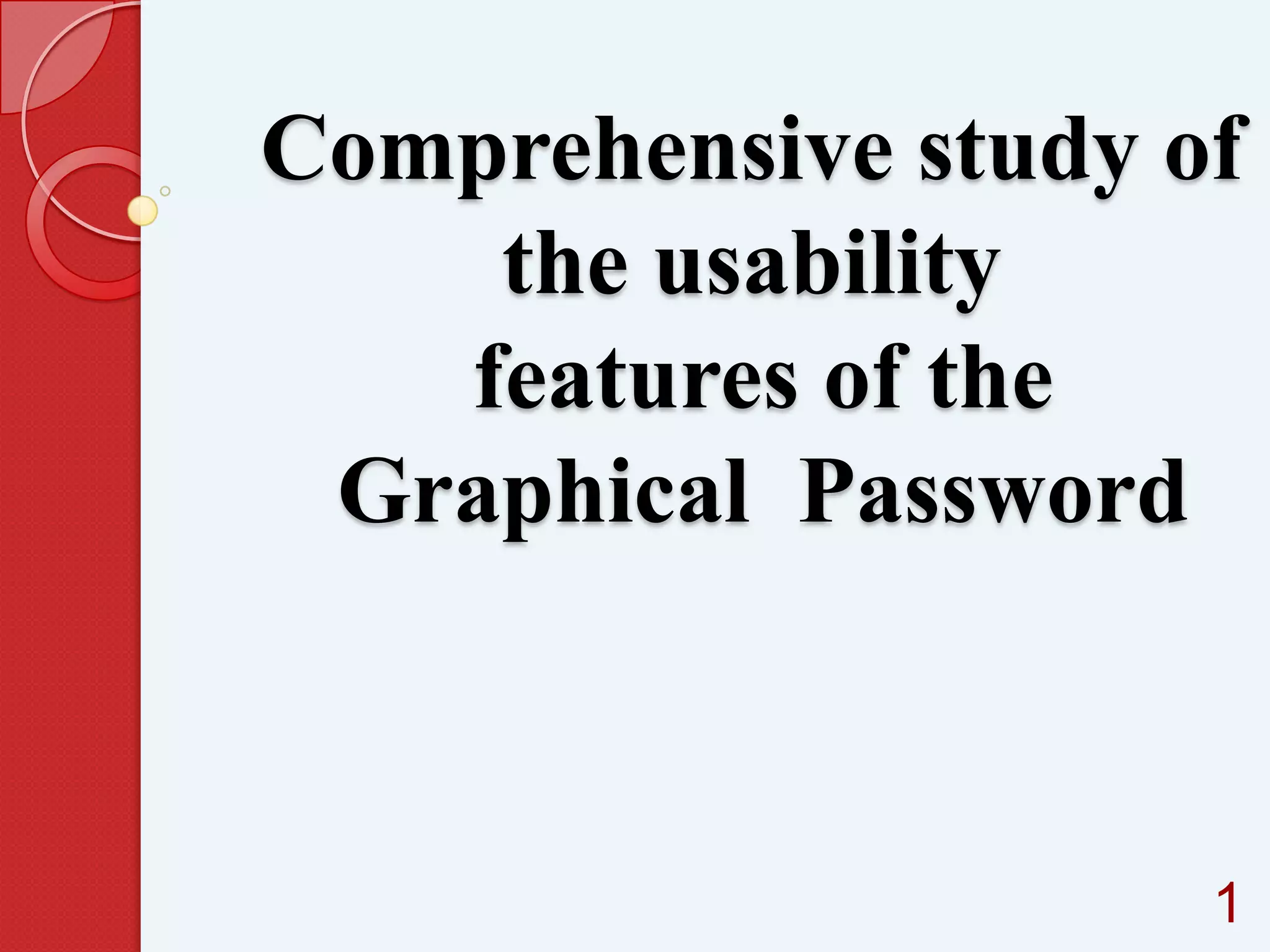
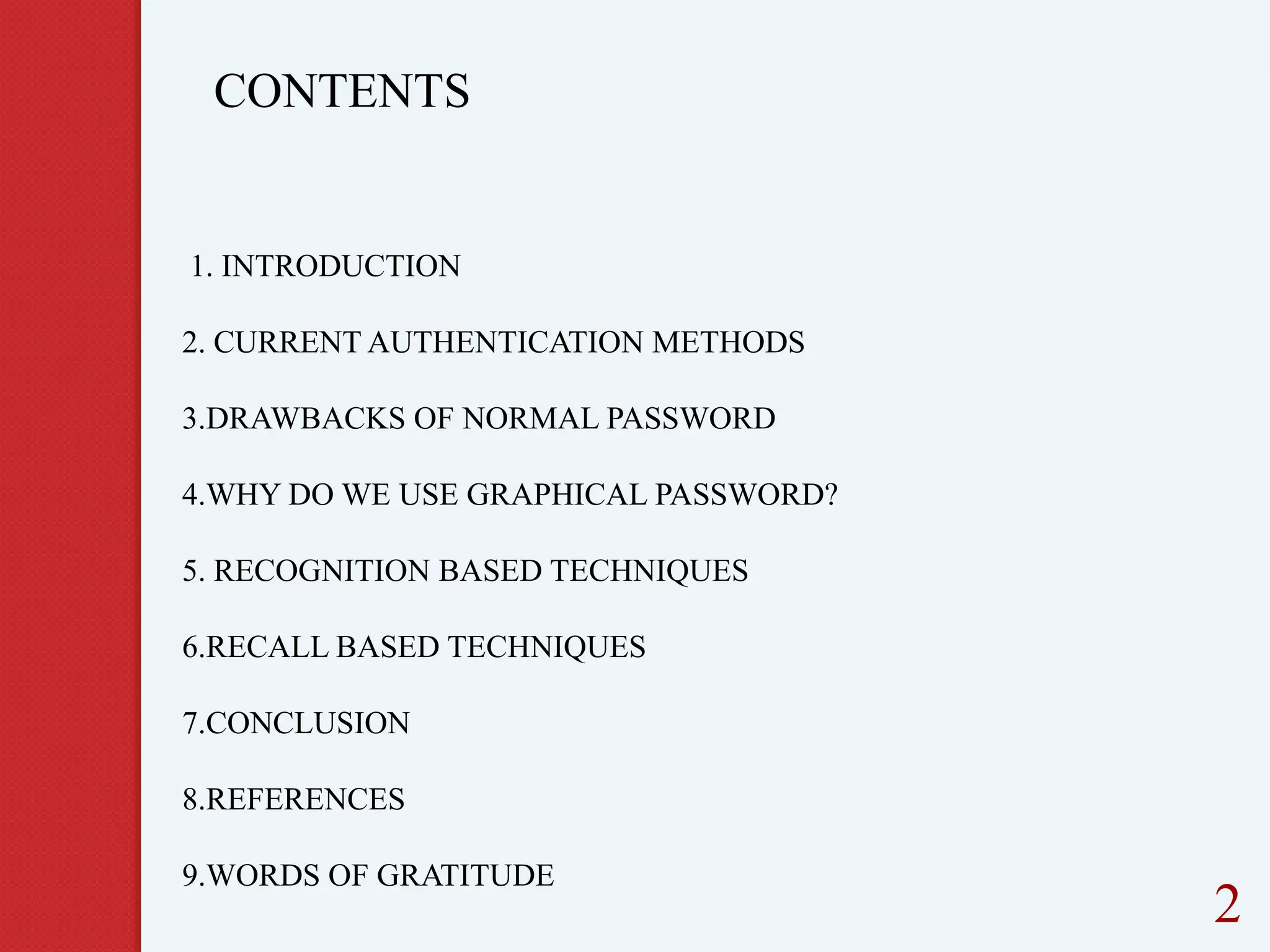
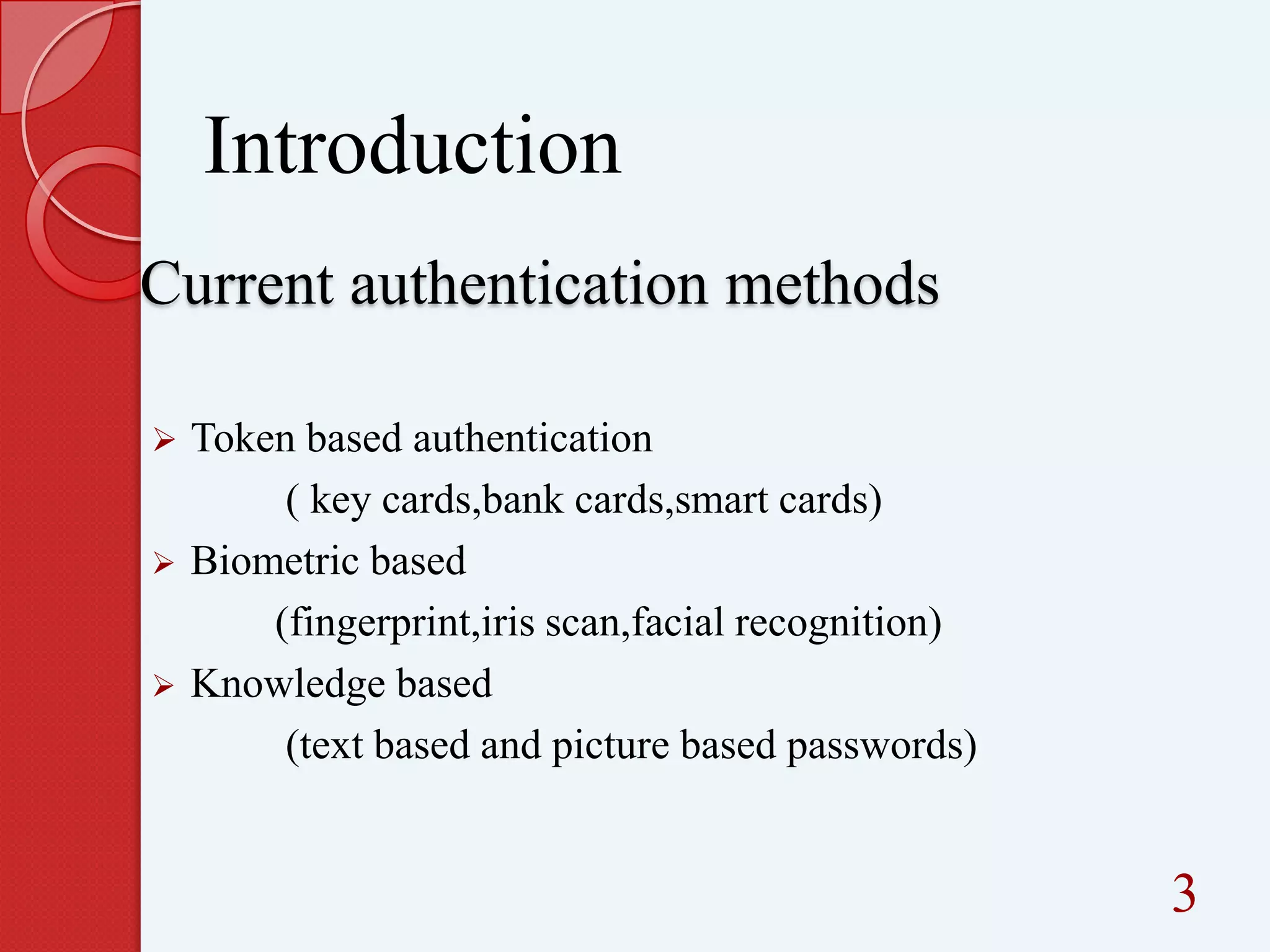
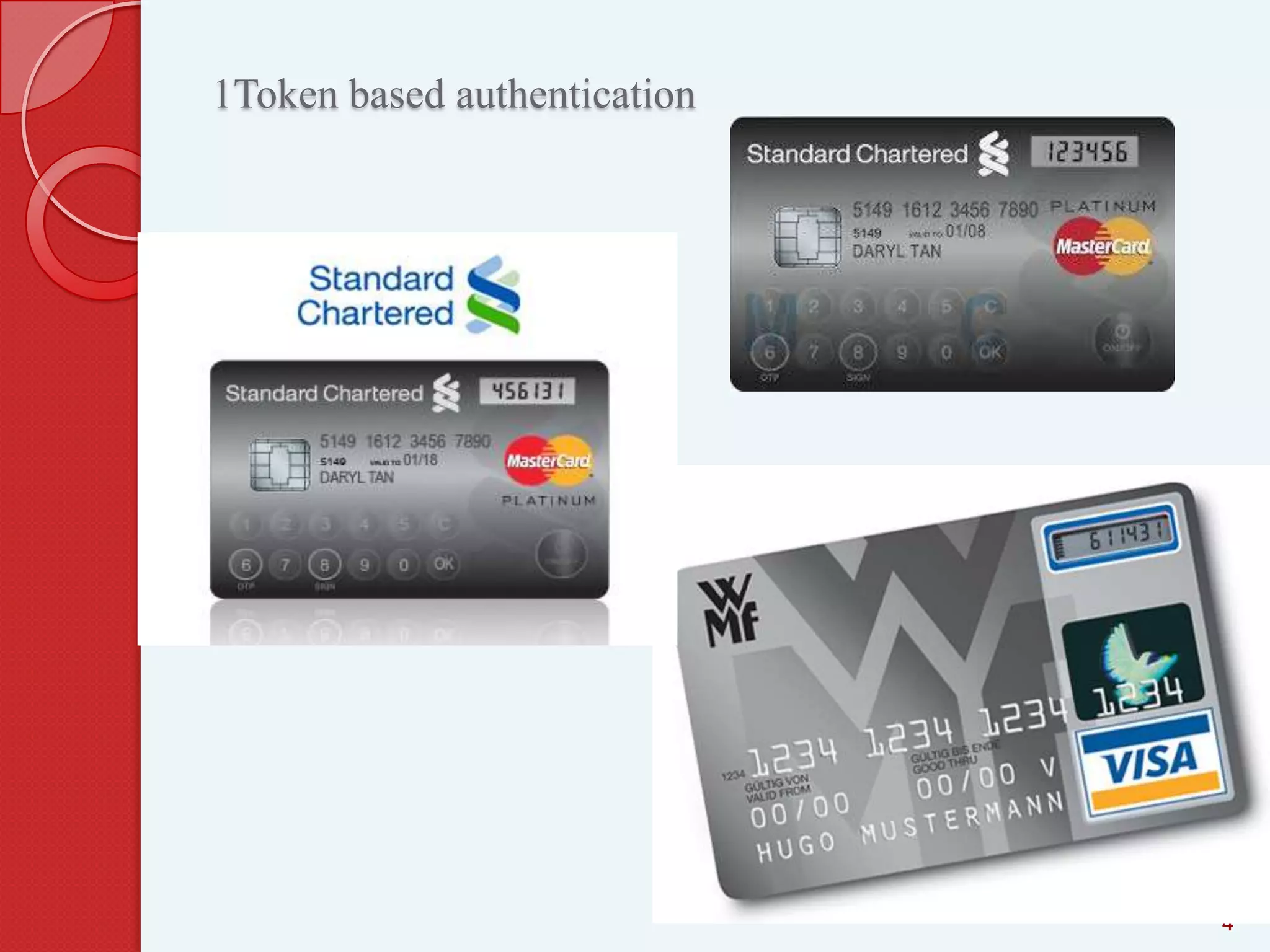
1Token based authentication

4
Introduction
Current authentication methods






Token based authentication
( key cards,bank cards,smart cards)
Biometric based
(fingerprint,iris scan,facial recognition)
Knowledge based
(text based and picture based passwords)

5
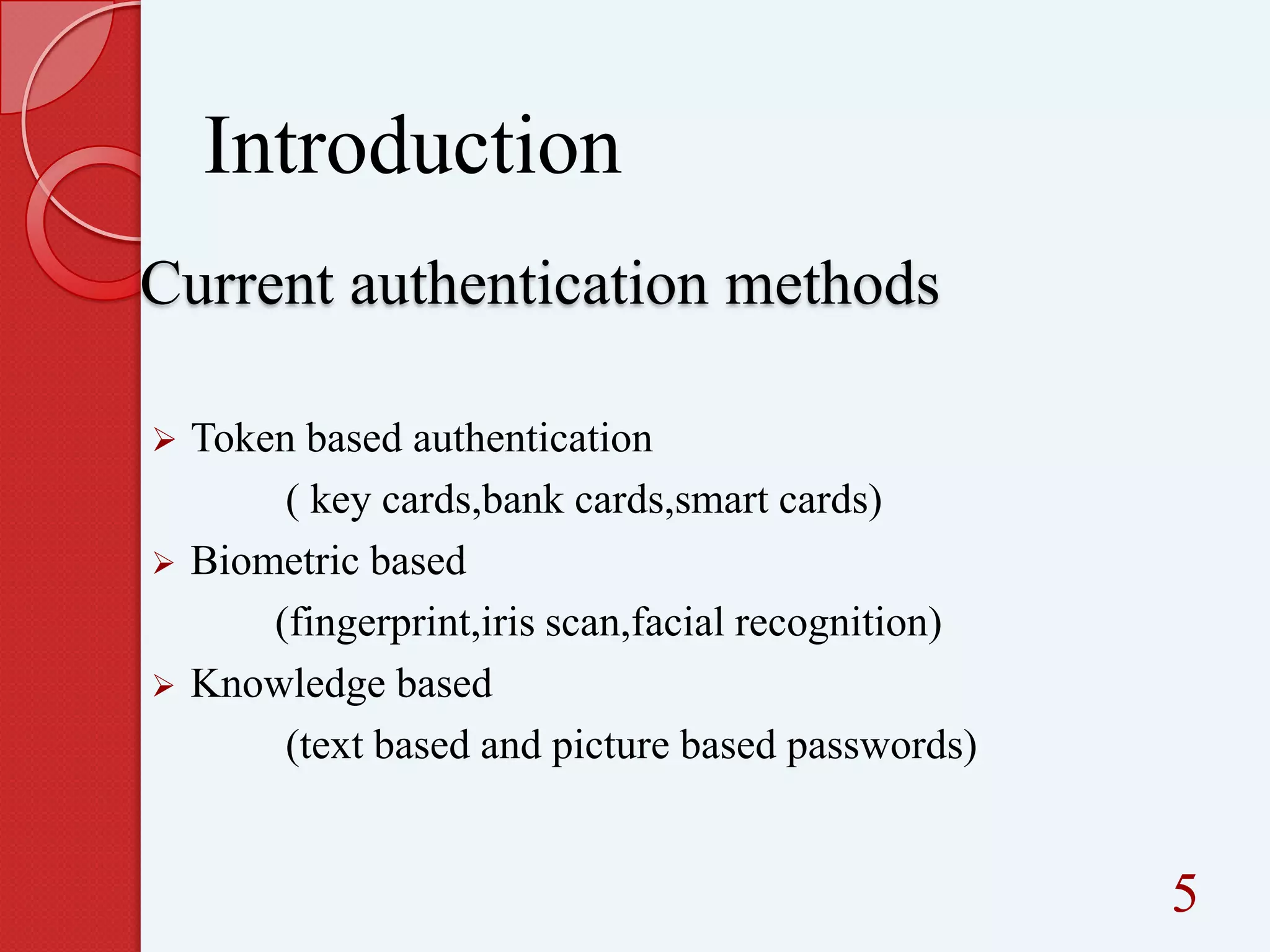
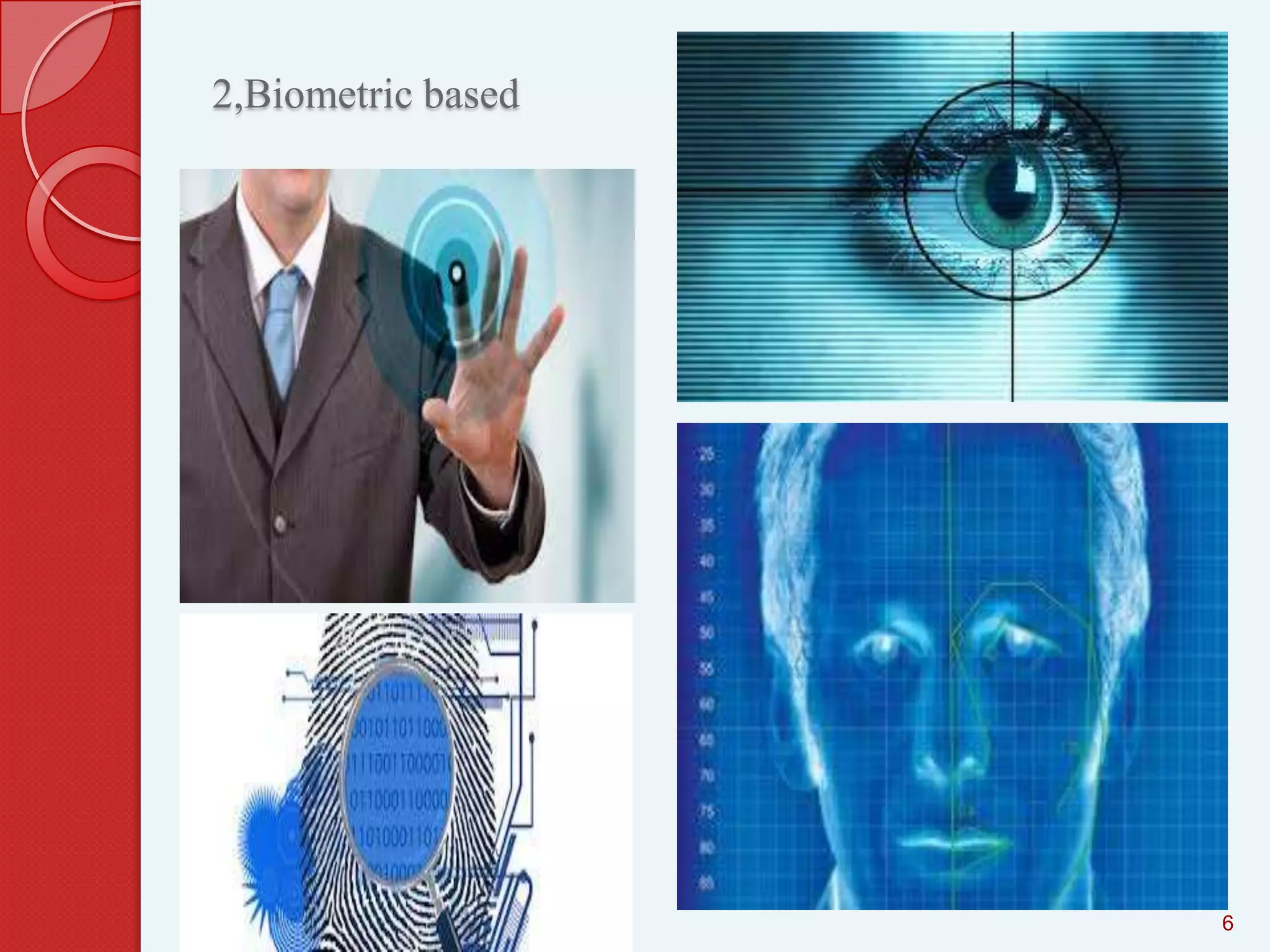
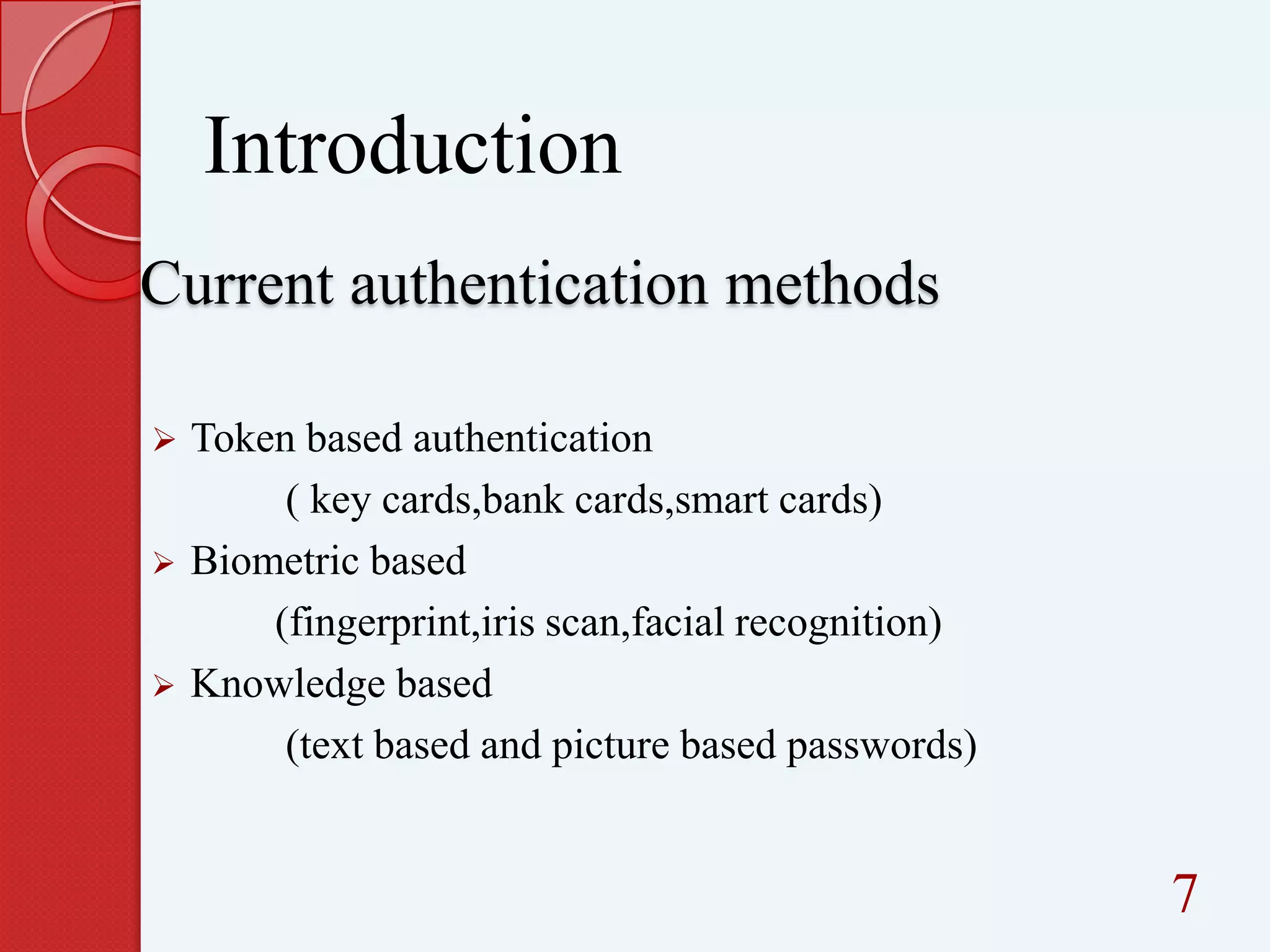
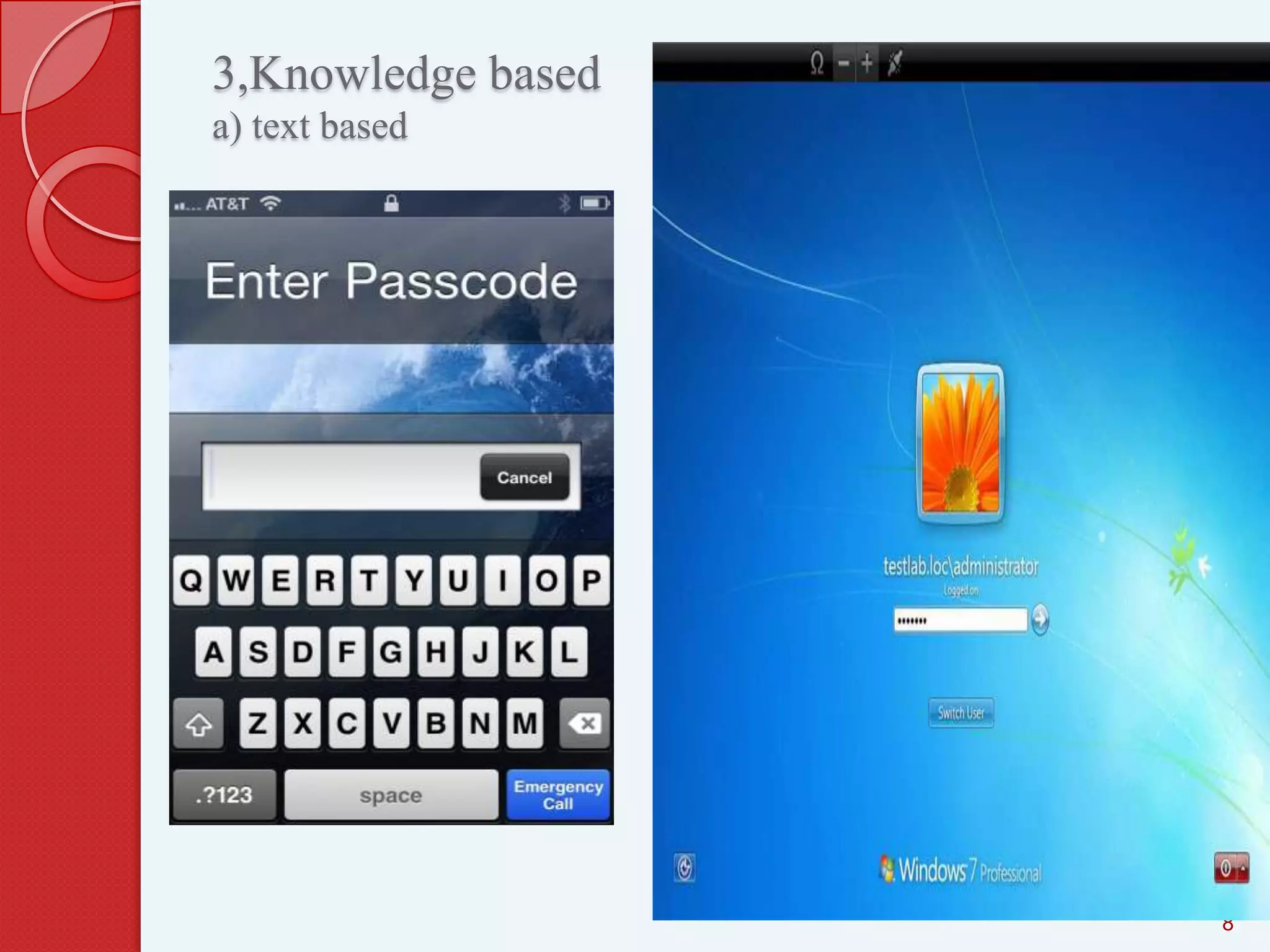
2,Biometric based

6
Introduction
Current authentication methods






Token based authentication
( key cards,bank cards,smart cards)
Biometric based
(fingerprint,iris scan,facial recognition)
Knowledge based
(text based and picture based passwords)

7
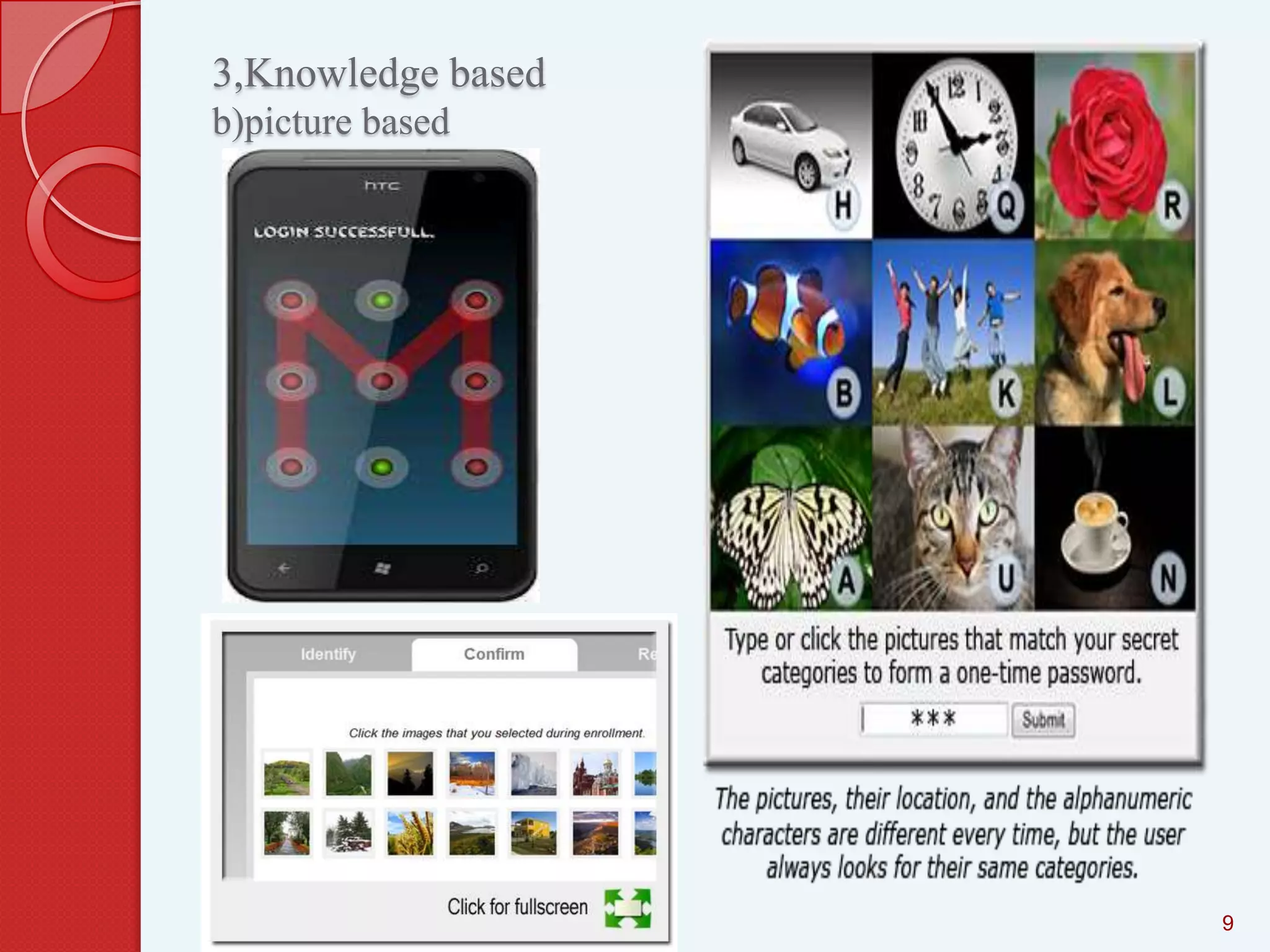
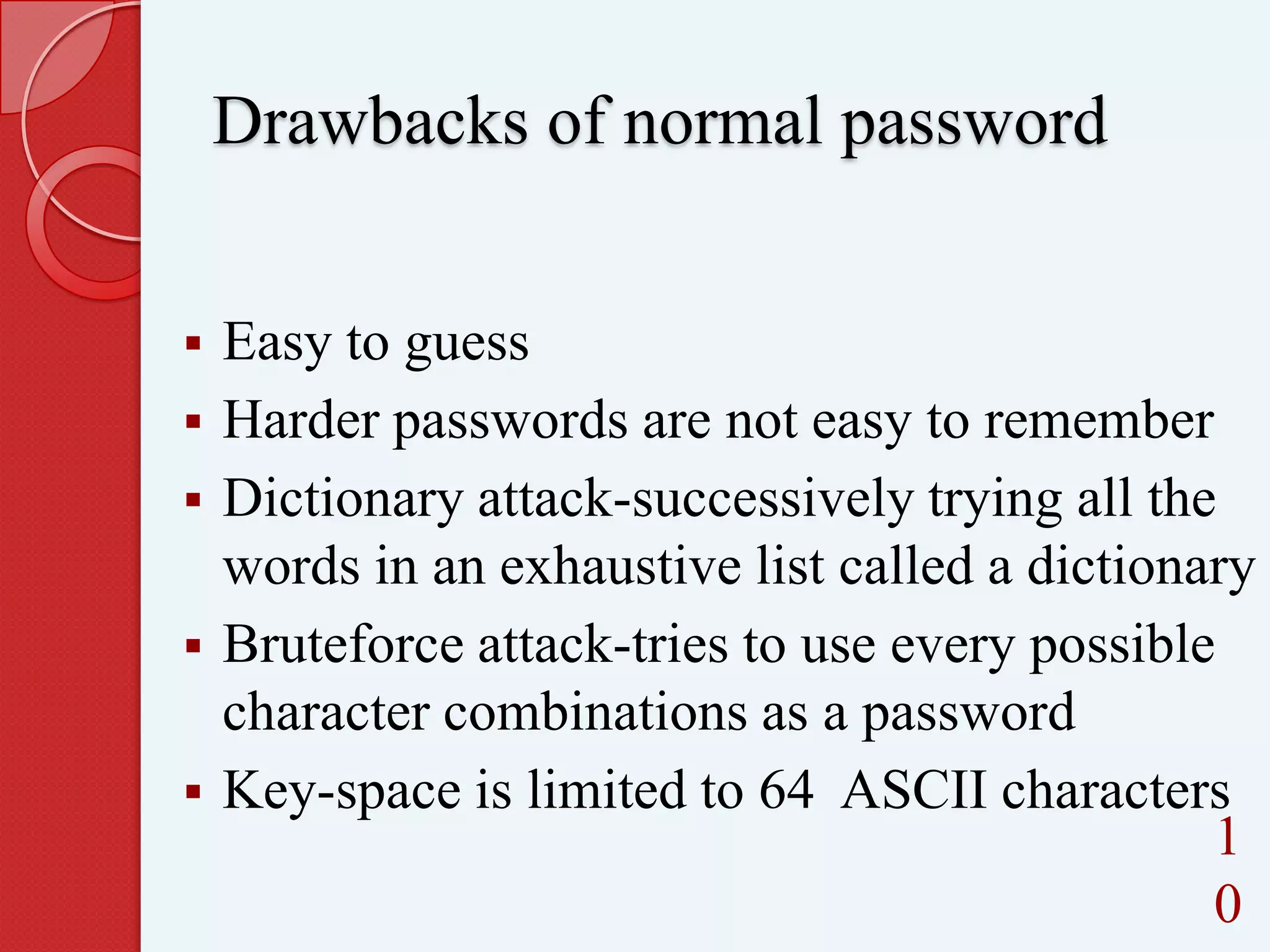
3,Knowledge based
a) text based

8
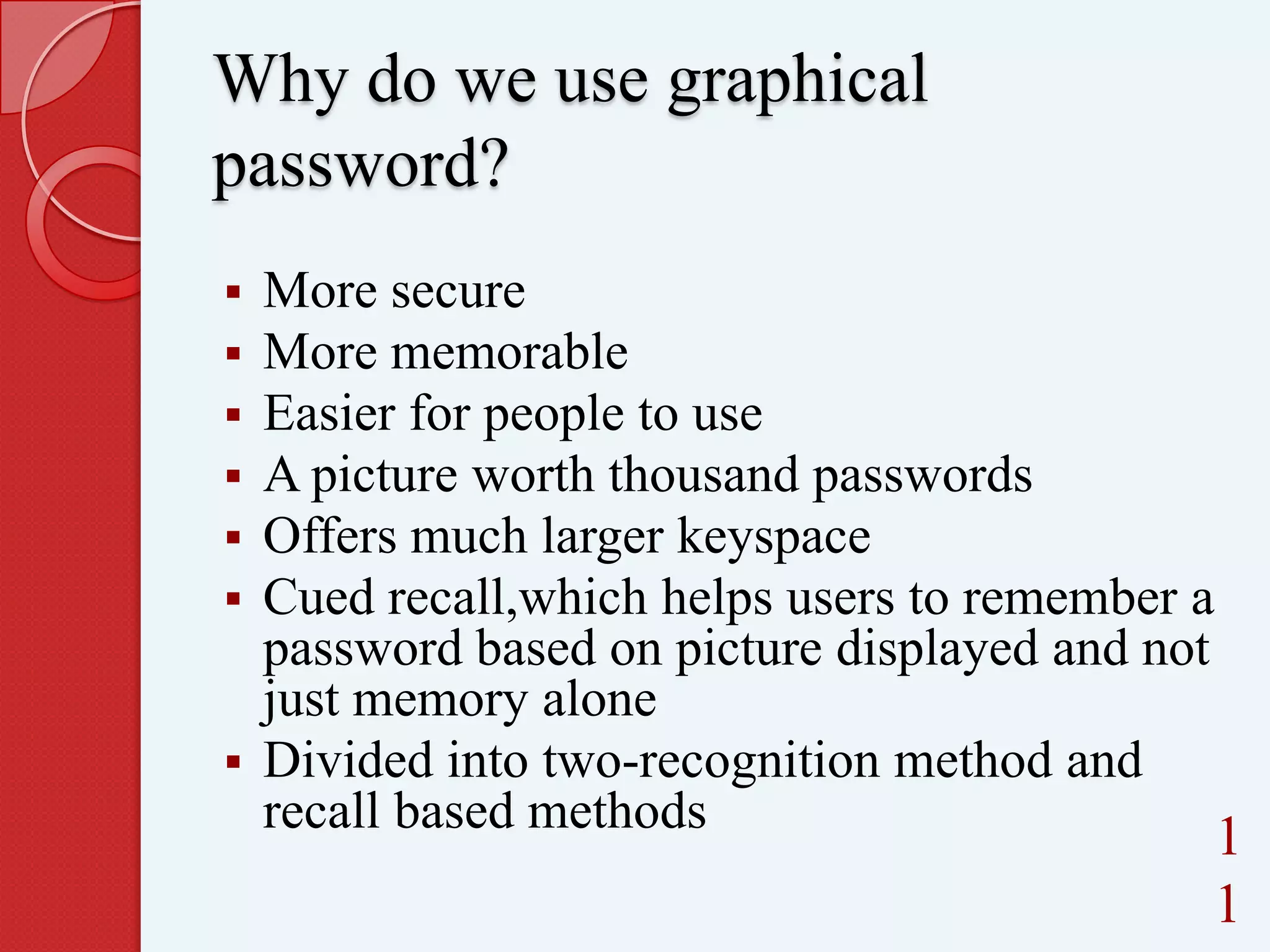
3,Knowledge based
b)picture based

9
Drawbacks of normal password







Easy to guess
Harder passwords are not easy to remember
Dictionary attack-successively trying all the
words in an exhaustive list called a dictionary
Bruteforce attack-tries to use every possible
character combinations as a password
Key-space is limited to 64 ASCII characters
1
0
Why do we use graphical
password?







More secure
More memorable
Easier for people to use
A picture worth thousand passwords
Offers much larger keyspace
Cued recall,which helps users to remember a
password based on picture displayed and not
just memory alone
 Divided into two-recognition method and
recall based methods

1
1
Graphical password?
Divided into two
Recognition method
 Recall based methods


12
Recognition based technique
A user is presented with a set of
images and the user passes the
authentication by recognizing and
identifying the images he or she
selected during the registration stage

13
Methods for recognition based
technique
 Dhamija and

Perrig algorithm
 Sobrado and Birget algorithm
 Jansen et al. algorithm
 Passface algorithm

1
4
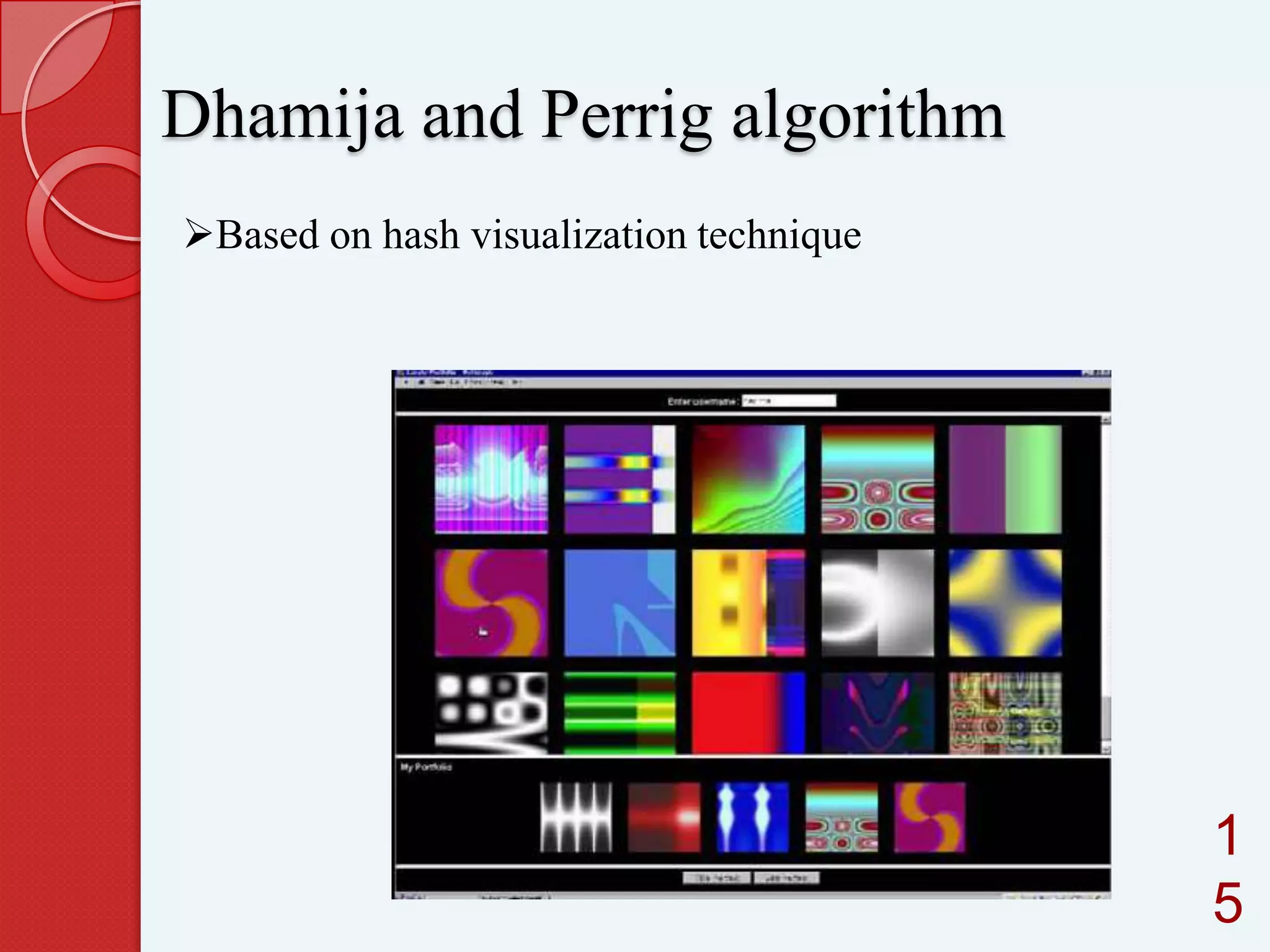
Dhamija and Perrig algorithm
Based on hash visualization technique

1
5
User will be asked to select certain
number of images from a set of random
pictures generated by a program
Later, user will be required to identify
the pre-selected images to be
authenticated

16
Drawbacks
SHOULDER-SURFING

using direct observation techniques,
such as looking over someone's shoulder,
to get information
Longer login

time
1
7
Sobrado and Birget algorithm


Overcome the shoulder-surfing attacks



Login time can be reduced

 Several schemes are there, eg.triangle

scheme,moveable frame scheme,special
geometric configuration scheme
1
8
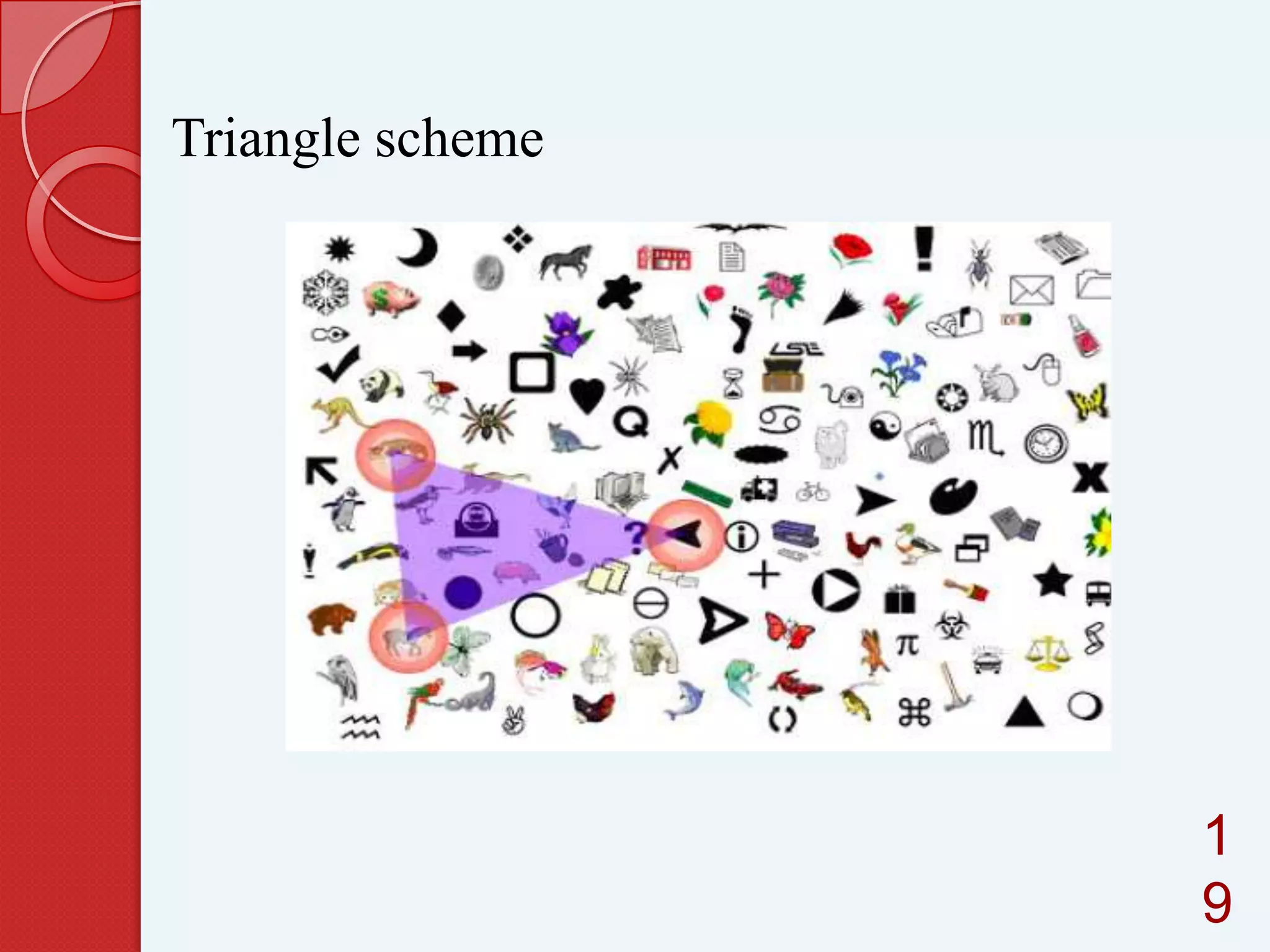
Triangle scheme

1
9
A user needs to selects their pass-object
among many displayed object
 To be authenticated, a user needs to
recognize all the pre-selected pass-object
which was selected during the registration
phase.
 The user requires to click inside the
convex-hull which formed by the passobject


20
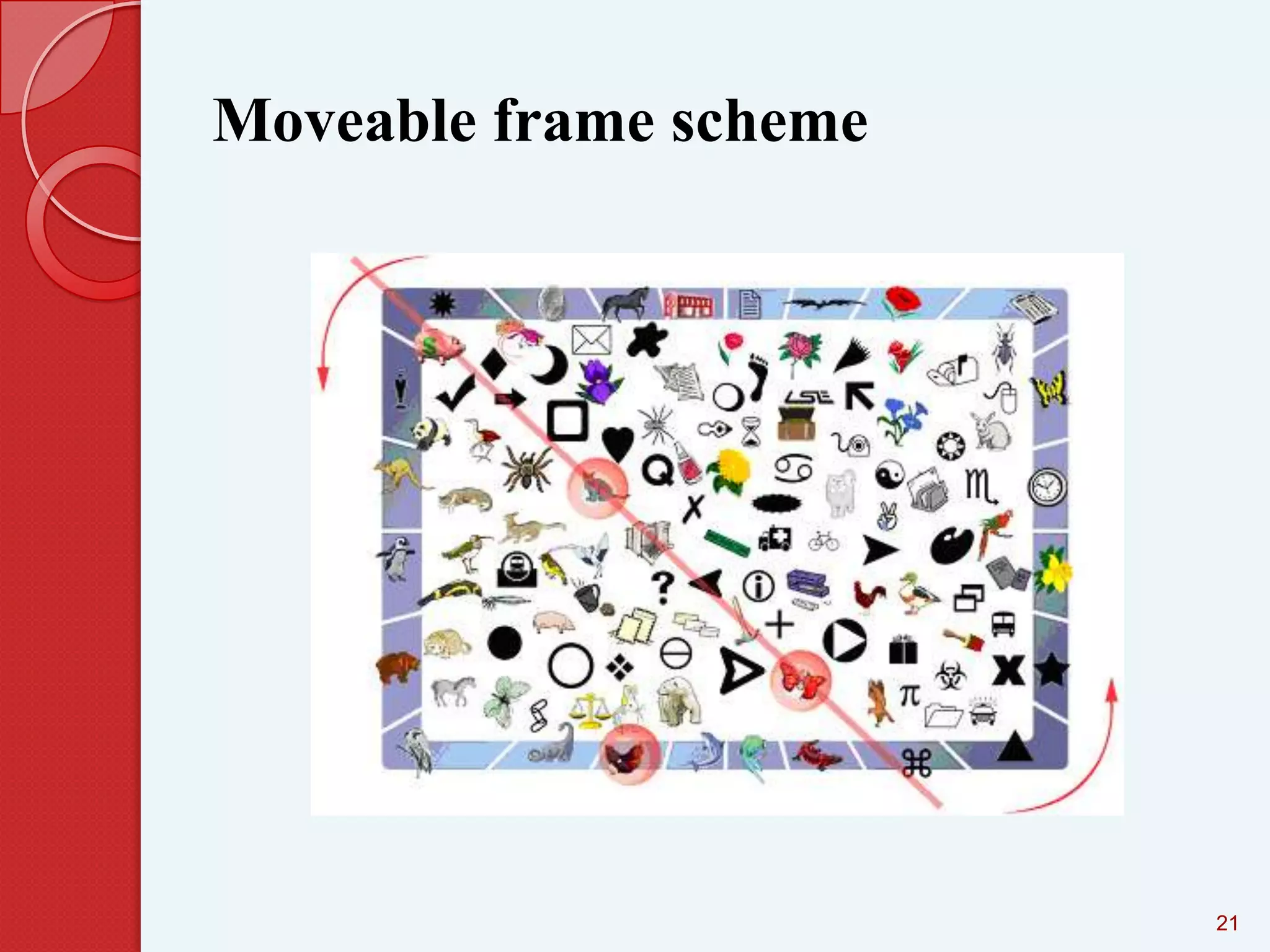
Moveable frame scheme

21
This scheme is similar to their previous
scheme but, only three pass objects were
involved in this technique.
 One of the pass-objects is placed into the
moveable frame.
 To be authenticated, the user needs to
rotate the frame until all the pass-object is
located in a straight line


22
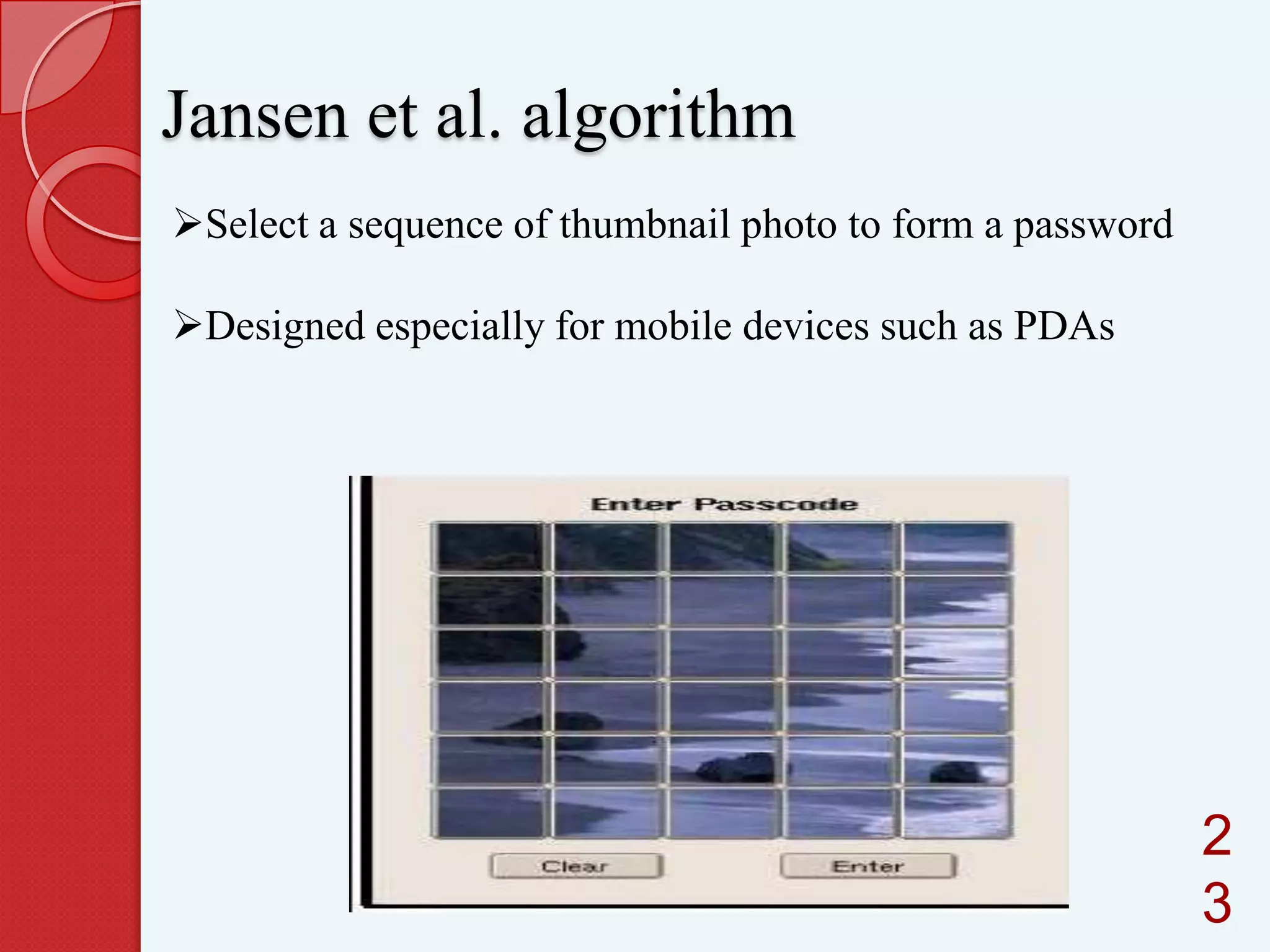
Jansen et al. algorithm
Select a sequence of thumbnail photo to form a password

Designed especially for mobile devices such as PDAs

2
3
Throughout the password creation, a user
has to select the theme first e.g. sea and
shore,
 Afterward, a user has to selects and
registers a sequence of the selected
thumbnail photo to form a password .
 The user needs to recognize and identify
the previously seen photos and touch it by
using stylus with the correct sequence in
order to be authenticated


24
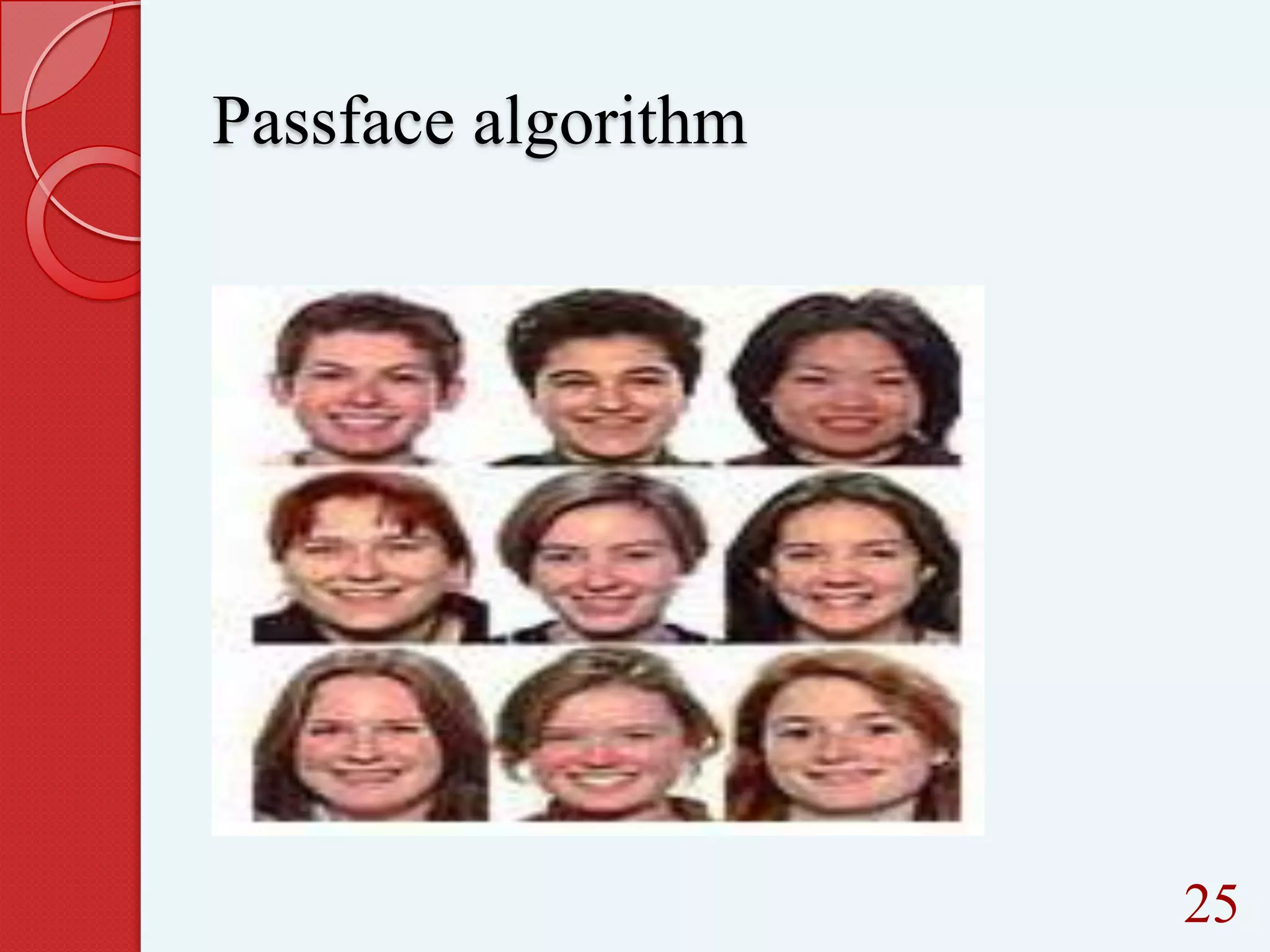
Passface algorithm

25
Based on the assumption that human can
recall human faces easier than other
pictures
 User are requires to select the previously
seen human face picture from a grid of
nine faces which one of the face is the
known face and the rest is the decoy faces


26


This step continuously repeated until all
the four face is identified. User needs to
recognize all the face selected during the
enrollment stage. User is authenticated if
all the correct face is successfully
identified.

27
Takada and koike
 Allow

users to use their favourite image
for authentication
First register their favourite images with

the server

28
Recall based techniques
A user is asked to reproduce
something that he or she created or
selected earlier during the registration
stage

29
Methods for recall based techniques





Passlogix scheme
DAS scheme
Signature scheme

30
Passlogix scheme



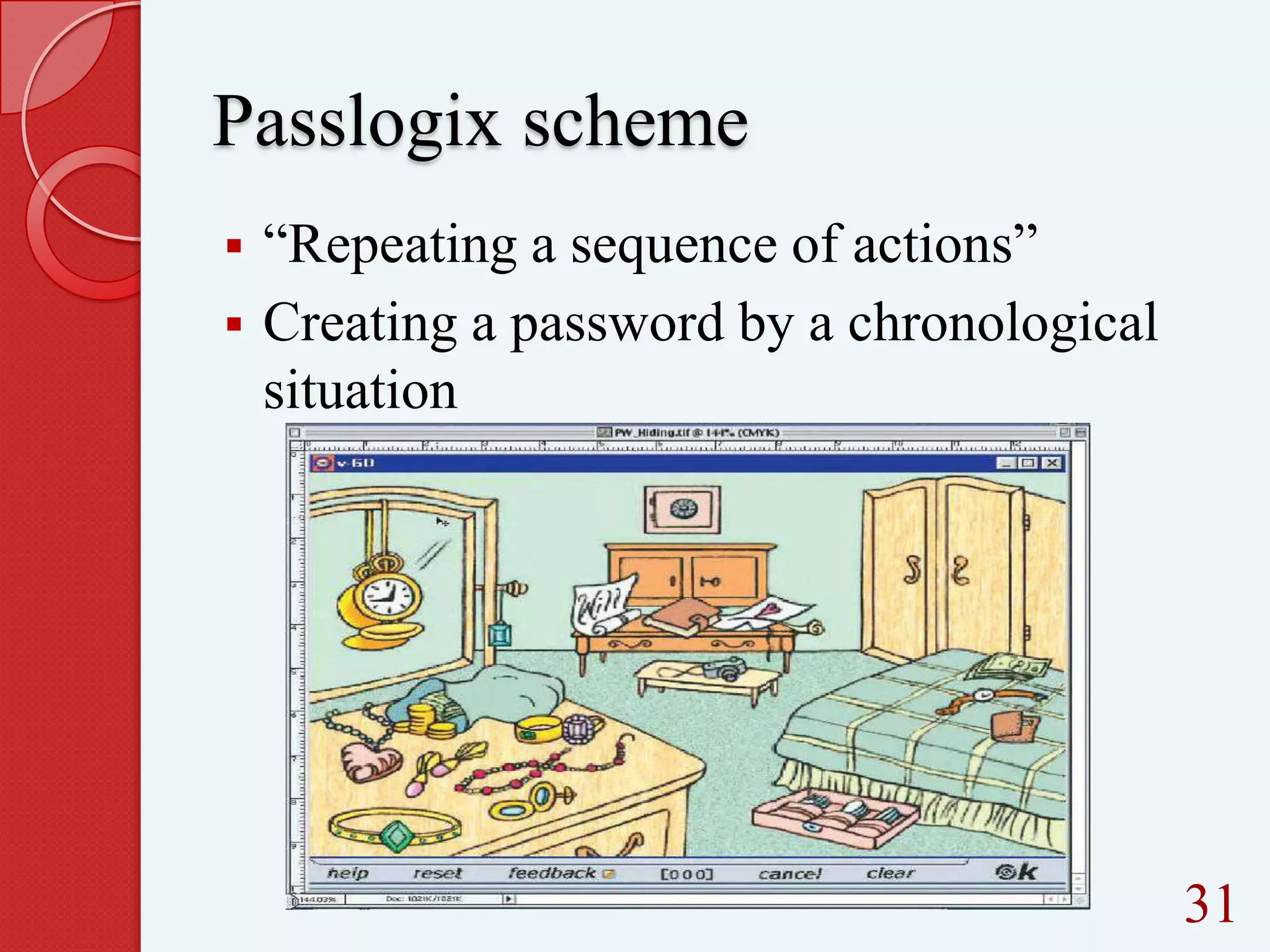
“Repeating a sequence of actions”
Creating a password by a chronological
situation

31
User can select their background
images based on the environment, for
example in the
kitchen, bathroom, bedroom or etc
 To enter a password, user can click
and/or drag on a series of items within
that image.


32


For example in the kitchen environment,
user can prepare a meal by selecting
cooking ingredients, take fast food from
fridge and put it in the microwave oven,
select some fruits and wash it in
washbasin and then put it in the clean
bowl.

33
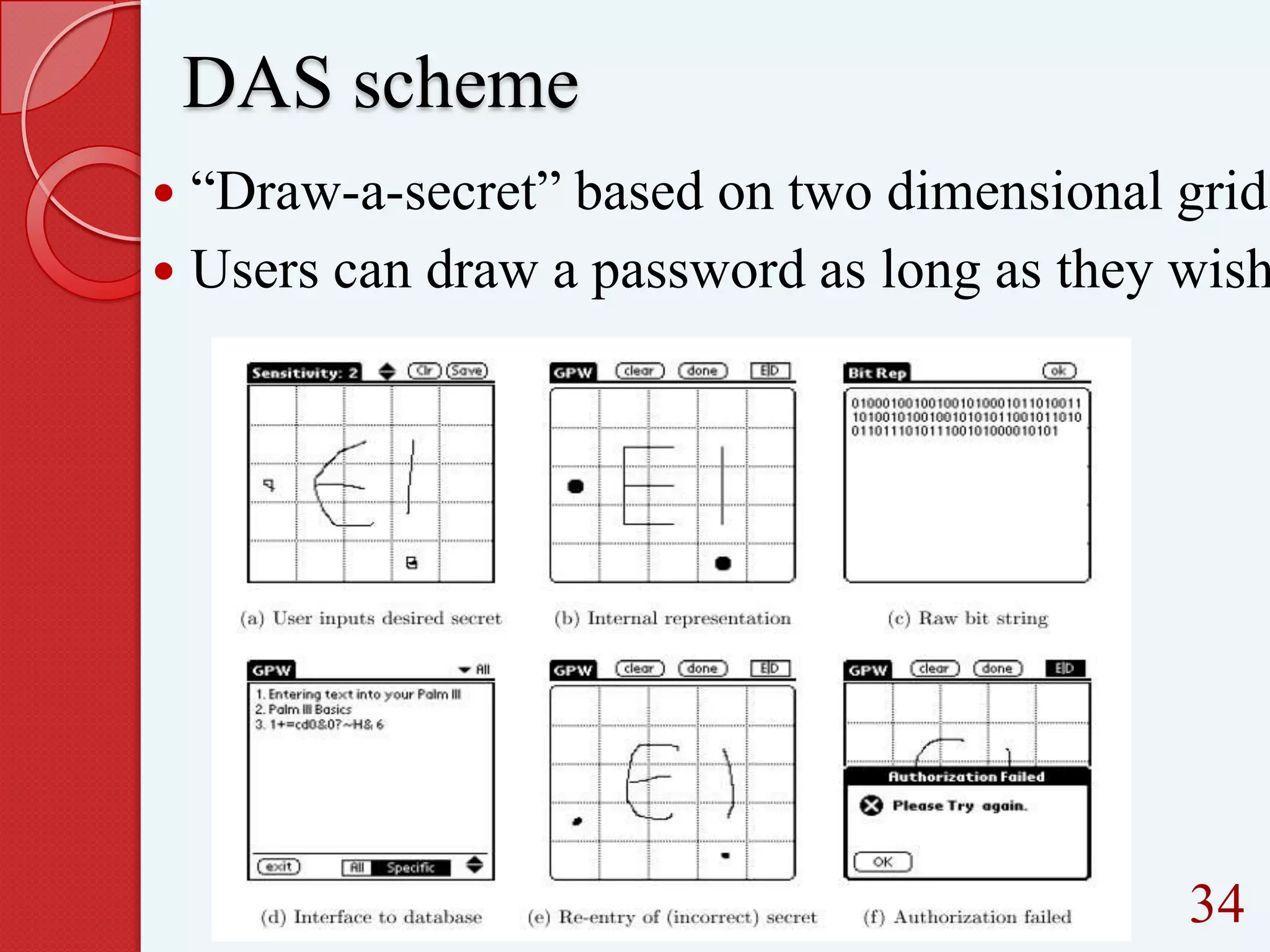
DAS scheme

“Draw-a-secret” based on two dimensional grid
 Users can draw a password as long as they wish


34
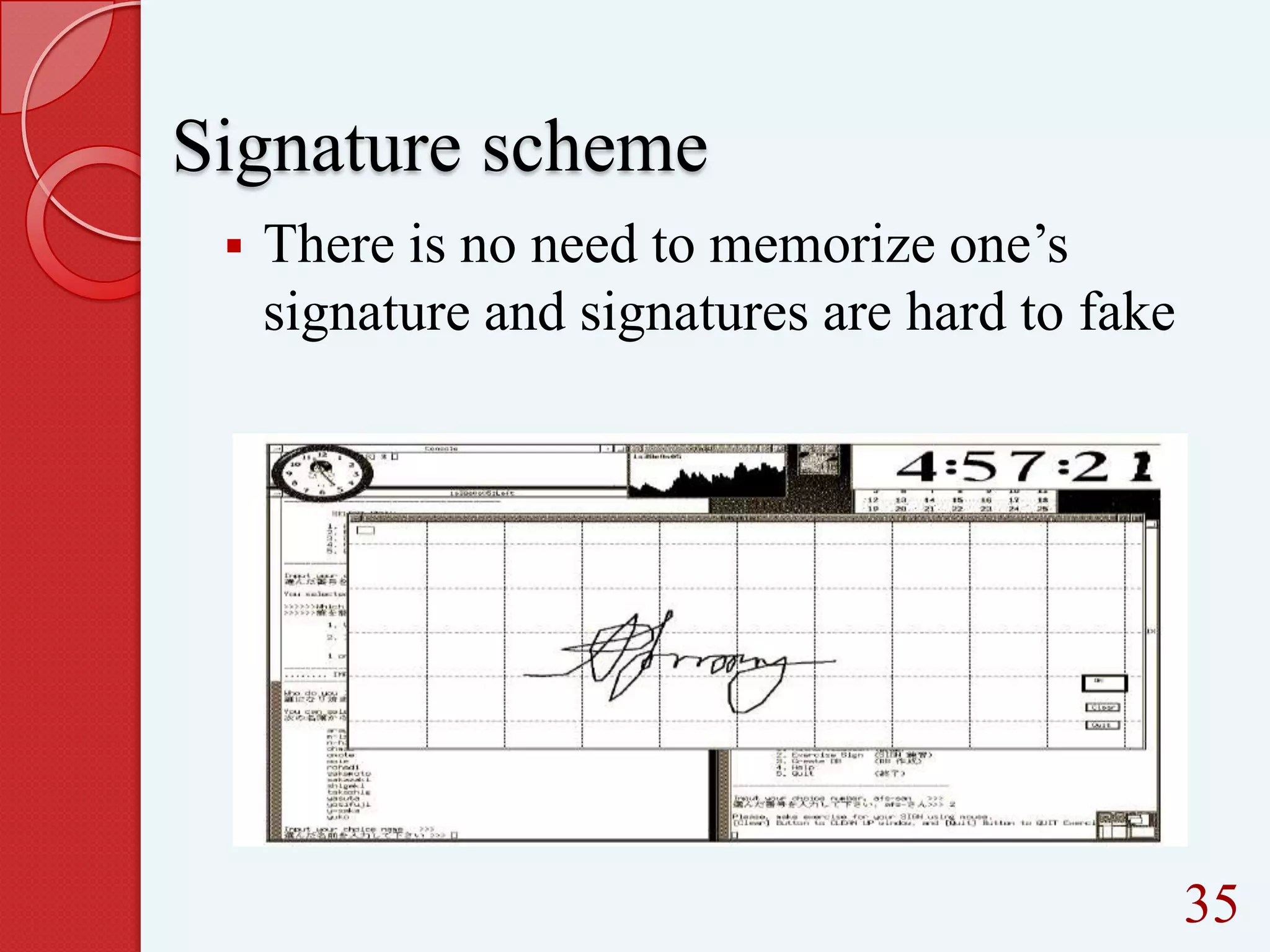
Signature scheme


There is no need to memorize one’s
signature and signatures are hard to fake

35
Conclusion
In this paper, we have conducted a
comprehensive study of existing graphical
password techniques
 We have found that the graphical
passwords schemes is more difficult to be
cracked by using the traditional attack
methods.


36
References
Ieee papers
www.graphicalpassword.net

R. Dhamija and A. Perrig. “Déjà vu: A User Study Using
Images forAuthentication
wikipedia

37
THANK YOU

38
39

Comprehensive study of the usability features of the Graphical Password

  • 1.
    Comprehensive study of theusability features of the Graphical Password 1
  • 2.
    CONTENTS 1. INTRODUCTION 2. CURRENTAUTHENTICATION METHODS 3.DRAWBACKS OF NORMAL PASSWORD 4.WHY DO WE USE GRAPHICAL PASSWORD? 5. RECOGNITION BASED TECHNIQUES 6.RECALL BASED TECHNIQUES 7.CONCLUSION 8.REFERENCES 9.WORDS OF GRATITUDE 2
  • 3.
    Introduction Current authentication methods    Tokenbased authentication ( key cards,bank cards,smart cards) Biometric based (fingerprint,iris scan,facial recognition) Knowledge based (text based and picture based passwords) 3
  • 4.
  • 5.
    Introduction Current authentication methods    Tokenbased authentication ( key cards,bank cards,smart cards) Biometric based (fingerprint,iris scan,facial recognition) Knowledge based (text based and picture based passwords) 5
  • 6.
  • 7.
    Introduction Current authentication methods    Tokenbased authentication ( key cards,bank cards,smart cards) Biometric based (fingerprint,iris scan,facial recognition) Knowledge based (text based and picture based passwords) 7
  • 8.
  • 9.
  • 10.
    Drawbacks of normalpassword      Easy to guess Harder passwords are not easy to remember Dictionary attack-successively trying all the words in an exhaustive list called a dictionary Bruteforce attack-tries to use every possible character combinations as a password Key-space is limited to 64 ASCII characters 1 0
  • 11.
    Why do weuse graphical password?       More secure More memorable Easier for people to use A picture worth thousand passwords Offers much larger keyspace Cued recall,which helps users to remember a password based on picture displayed and not just memory alone  Divided into two-recognition method and recall based methods 1 1
  • 12.
    Graphical password? Divided intotwo Recognition method  Recall based methods  12
  • 13.
    Recognition based technique Auser is presented with a set of images and the user passes the authentication by recognizing and identifying the images he or she selected during the registration stage 13
  • 14.
    Methods for recognitionbased technique  Dhamija and Perrig algorithm  Sobrado and Birget algorithm  Jansen et al. algorithm  Passface algorithm 1 4
  • 15.
    Dhamija and Perrigalgorithm Based on hash visualization technique 1 5
  • 16.
    User will beasked to select certain number of images from a set of random pictures generated by a program Later, user will be required to identify the pre-selected images to be authenticated 16
  • 17.
    Drawbacks SHOULDER-SURFING using direct observationtechniques, such as looking over someone's shoulder, to get information Longer login time 1 7
  • 18.
    Sobrado and Birgetalgorithm  Overcome the shoulder-surfing attacks  Login time can be reduced  Several schemes are there, eg.triangle scheme,moveable frame scheme,special geometric configuration scheme 1 8
  • 19.
  • 20.
    A user needsto selects their pass-object among many displayed object  To be authenticated, a user needs to recognize all the pre-selected pass-object which was selected during the registration phase.  The user requires to click inside the convex-hull which formed by the passobject  20
  • 21.
  • 22.
    This scheme issimilar to their previous scheme but, only three pass objects were involved in this technique.  One of the pass-objects is placed into the moveable frame.  To be authenticated, the user needs to rotate the frame until all the pass-object is located in a straight line  22
  • 23.
    Jansen et al.algorithm Select a sequence of thumbnail photo to form a password Designed especially for mobile devices such as PDAs 2 3
  • 24.
    Throughout the passwordcreation, a user has to select the theme first e.g. sea and shore,  Afterward, a user has to selects and registers a sequence of the selected thumbnail photo to form a password .  The user needs to recognize and identify the previously seen photos and touch it by using stylus with the correct sequence in order to be authenticated  24
  • 25.
  • 26.
    Based on theassumption that human can recall human faces easier than other pictures  User are requires to select the previously seen human face picture from a grid of nine faces which one of the face is the known face and the rest is the decoy faces  26
  • 27.
     This step continuouslyrepeated until all the four face is identified. User needs to recognize all the face selected during the enrollment stage. User is authenticated if all the correct face is successfully identified. 27
  • 28.
    Takada and koike Allow users to use their favourite image for authentication First register their favourite images with the server 28
  • 29.
    Recall based techniques Auser is asked to reproduce something that he or she created or selected earlier during the registration stage 29
  • 30.
    Methods for recallbased techniques    Passlogix scheme DAS scheme Signature scheme 30
  • 31.
    Passlogix scheme   “Repeating asequence of actions” Creating a password by a chronological situation 31
  • 32.
    User can selecttheir background images based on the environment, for example in the kitchen, bathroom, bedroom or etc  To enter a password, user can click and/or drag on a series of items within that image.  32
  • 33.
     For example inthe kitchen environment, user can prepare a meal by selecting cooking ingredients, take fast food from fridge and put it in the microwave oven, select some fruits and wash it in washbasin and then put it in the clean bowl. 33
  • 34.
    DAS scheme “Draw-a-secret” basedon two dimensional grid  Users can draw a password as long as they wish  34
  • 35.
    Signature scheme  There isno need to memorize one’s signature and signatures are hard to fake 35
  • 36.
    Conclusion In this paper,we have conducted a comprehensive study of existing graphical password techniques  We have found that the graphical passwords schemes is more difficult to be cracked by using the traditional attack methods.  36

  • 37.
    References Ieee papers www.graphicalpassword.net R. Dhamijaand A. Perrig. “Déjà vu: A User Study Using Images forAuthentication wikipedia 37
  • 38.
  • 39.