Living in the Cloud How Using Online Services Can Let You Soar Heather Braum, Sharon Moreland, Liz Rea Northeast Kansas Library System
 
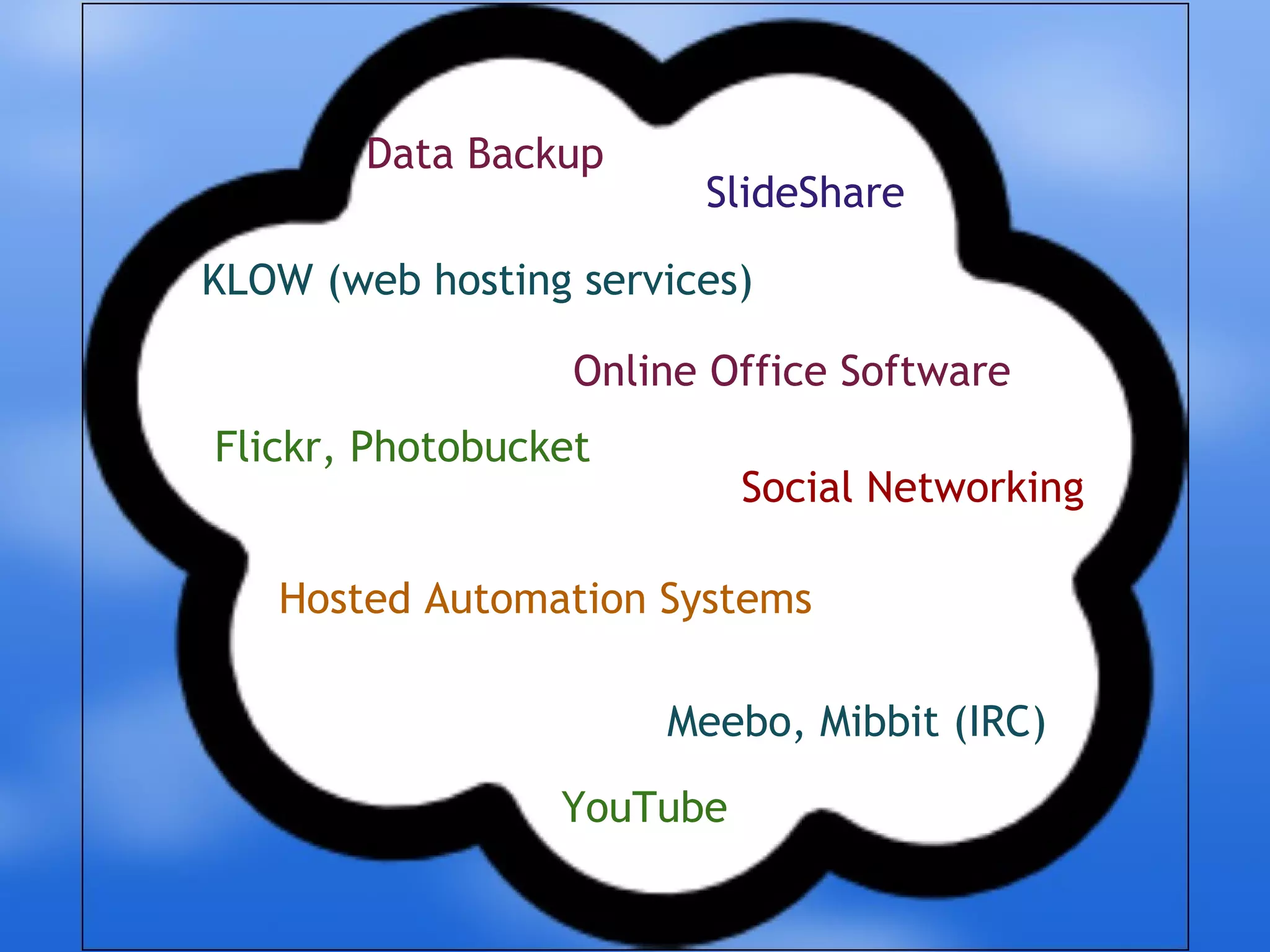
Hosted Automation Systems KLOW (web hosting services) Online Office Software Data Backup  SlideShare Flickr, Photobucket Social Networking YouTube Meebo, Mibbit (IRC)
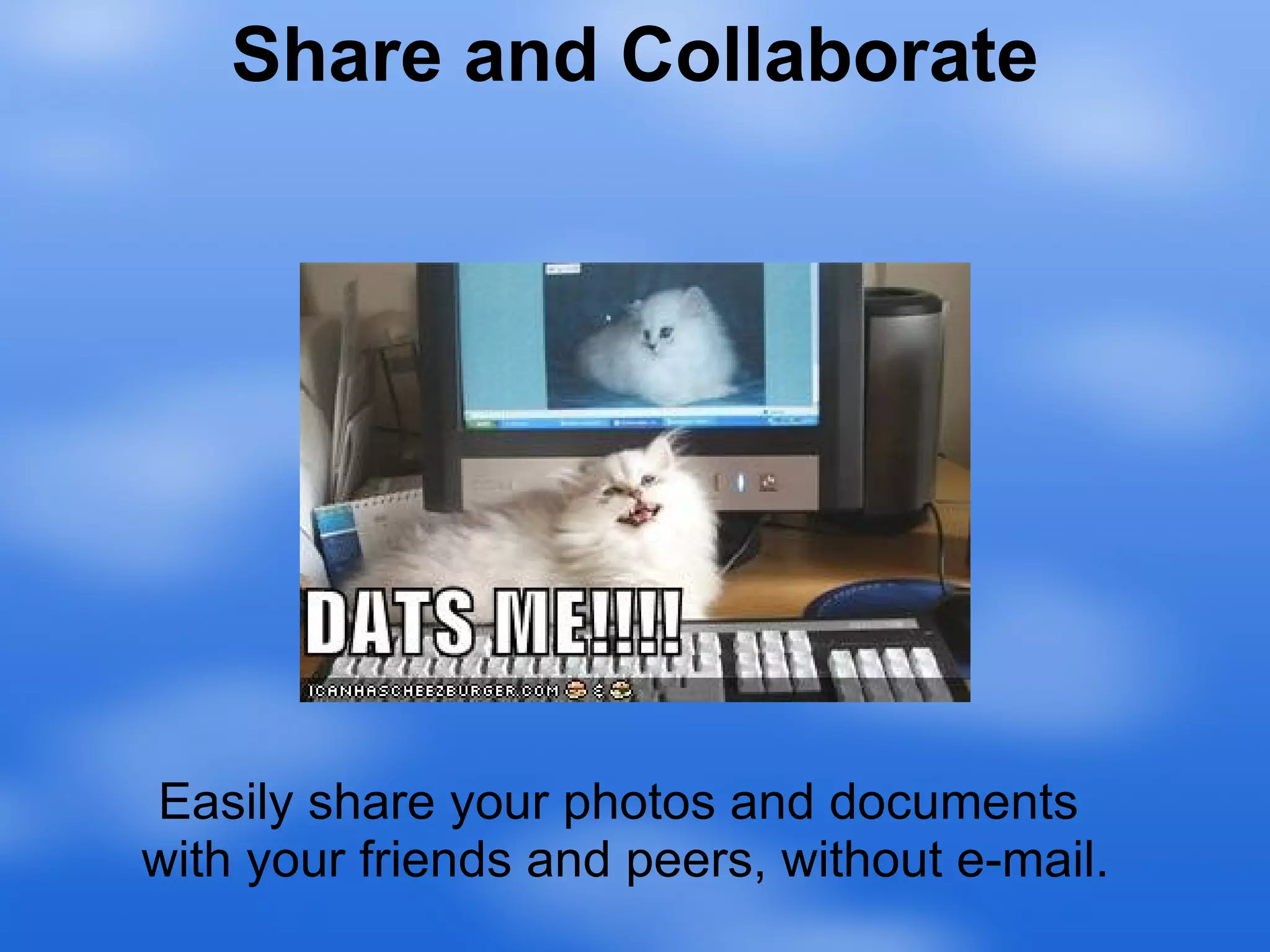
Easily share your photos and documents  with your friends and peers, without e-mail. Share and Collaborate
Lots of libraries are already doing it...
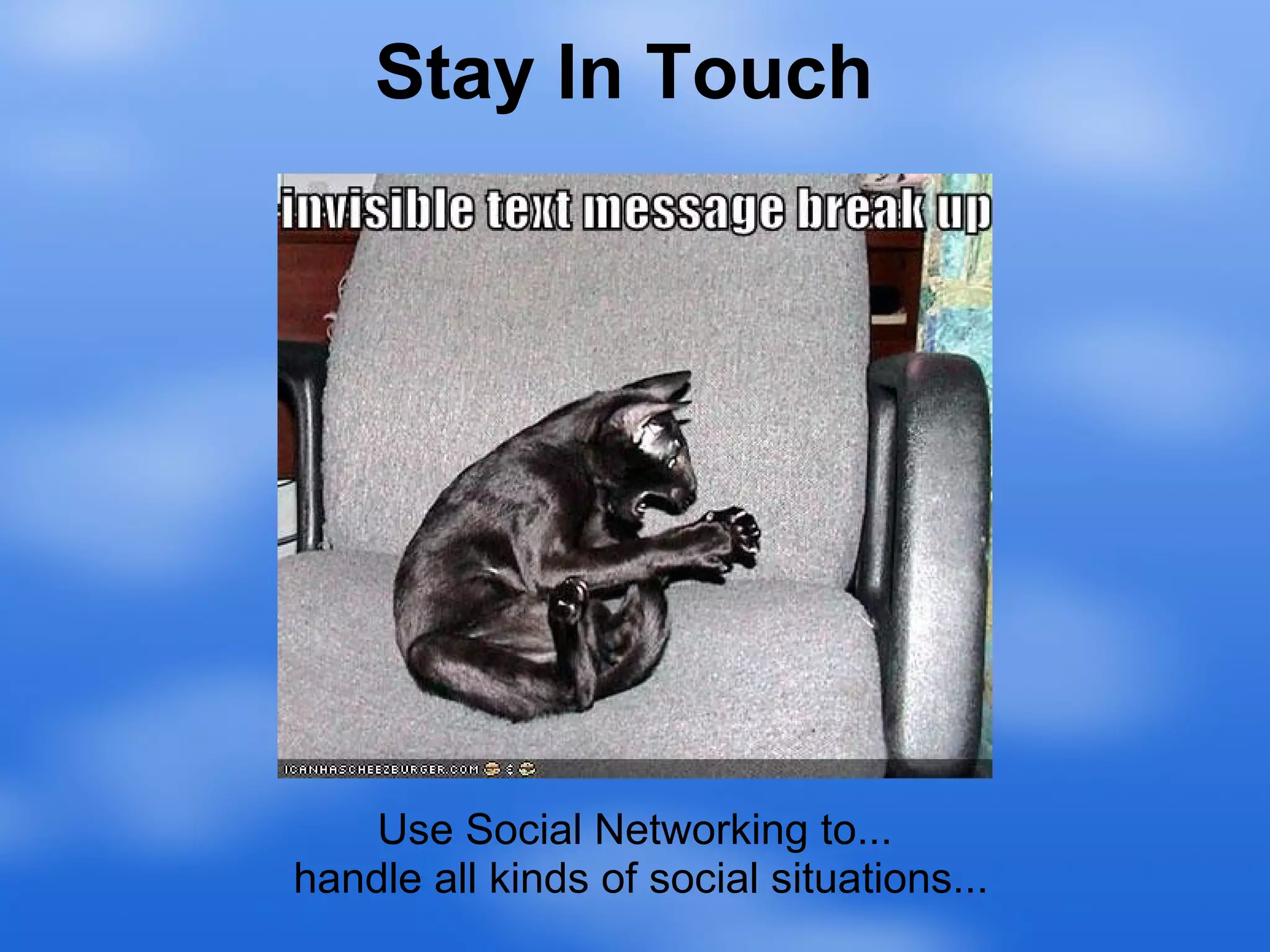
Use Social Networking to...  handle all kinds of social situations... Stay In Touch
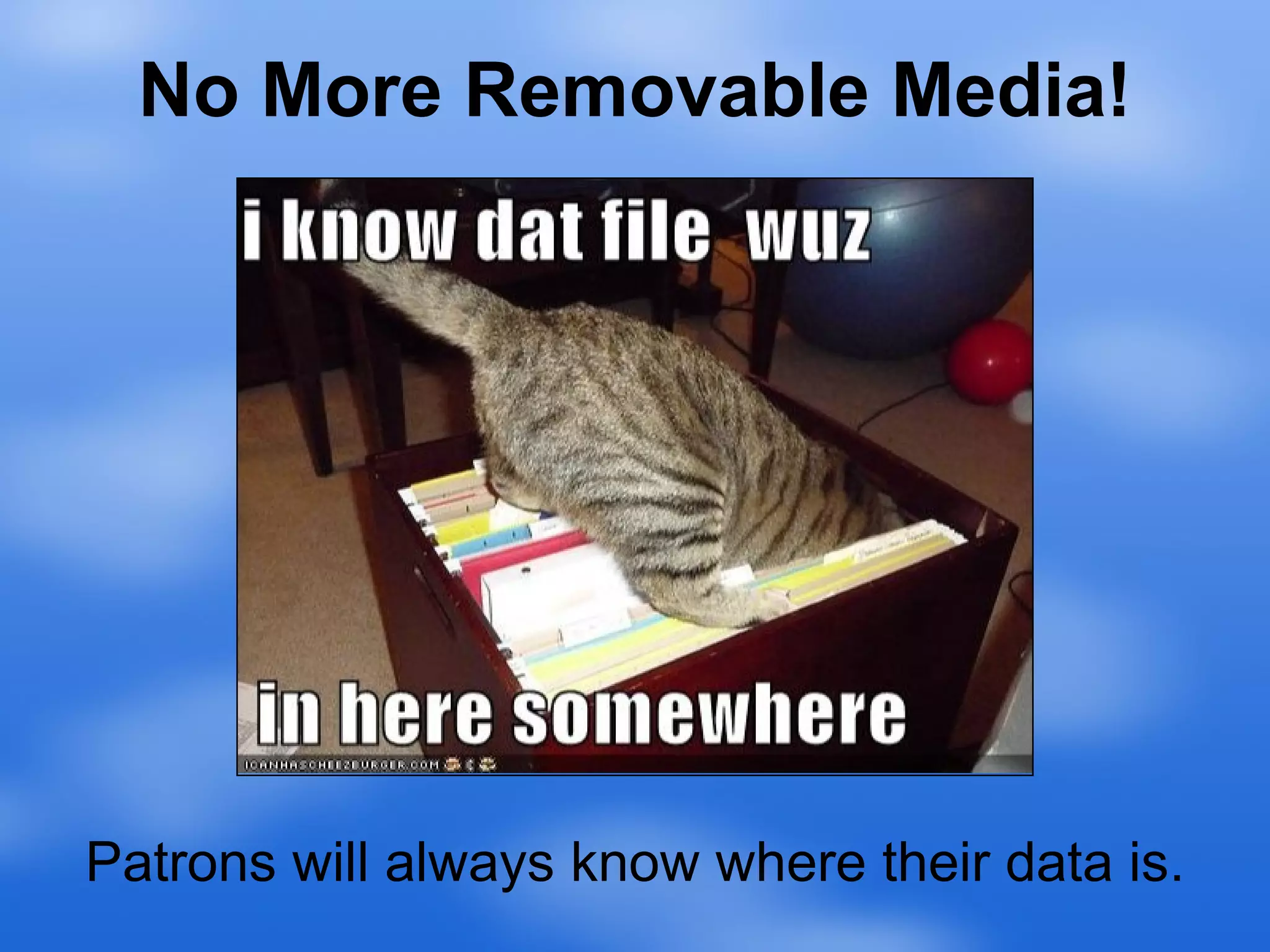
No More Removable Media! Patrons will always know where their data is.
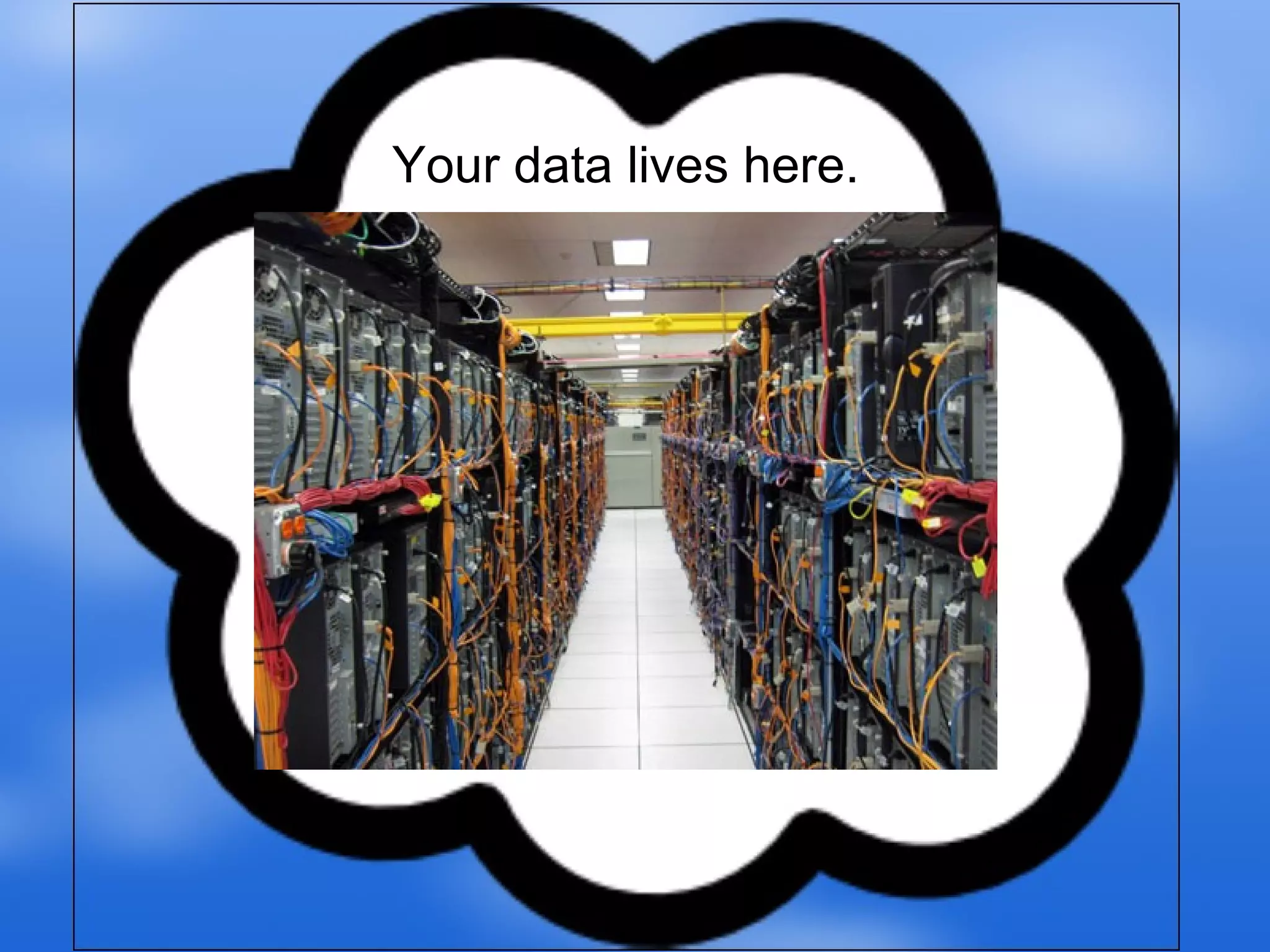
Your data lives here.
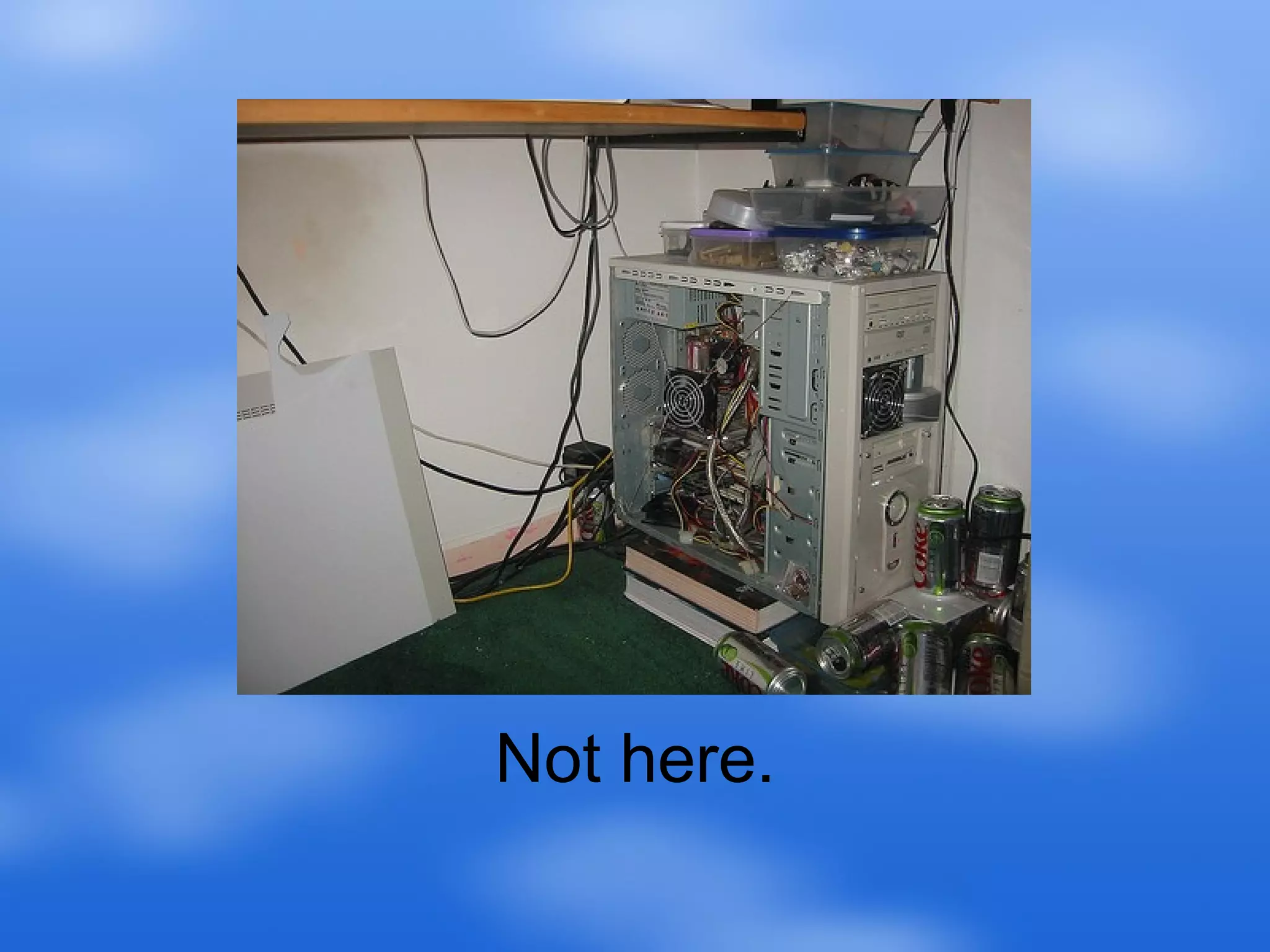
Not here.
Wherever there is Internet... You have access.
Easy to Use Interfaces are usually very similar to desktop applications, and similar to each other.
All you need is a web browser and an Internet connection. Requires Less Powerful Hardware
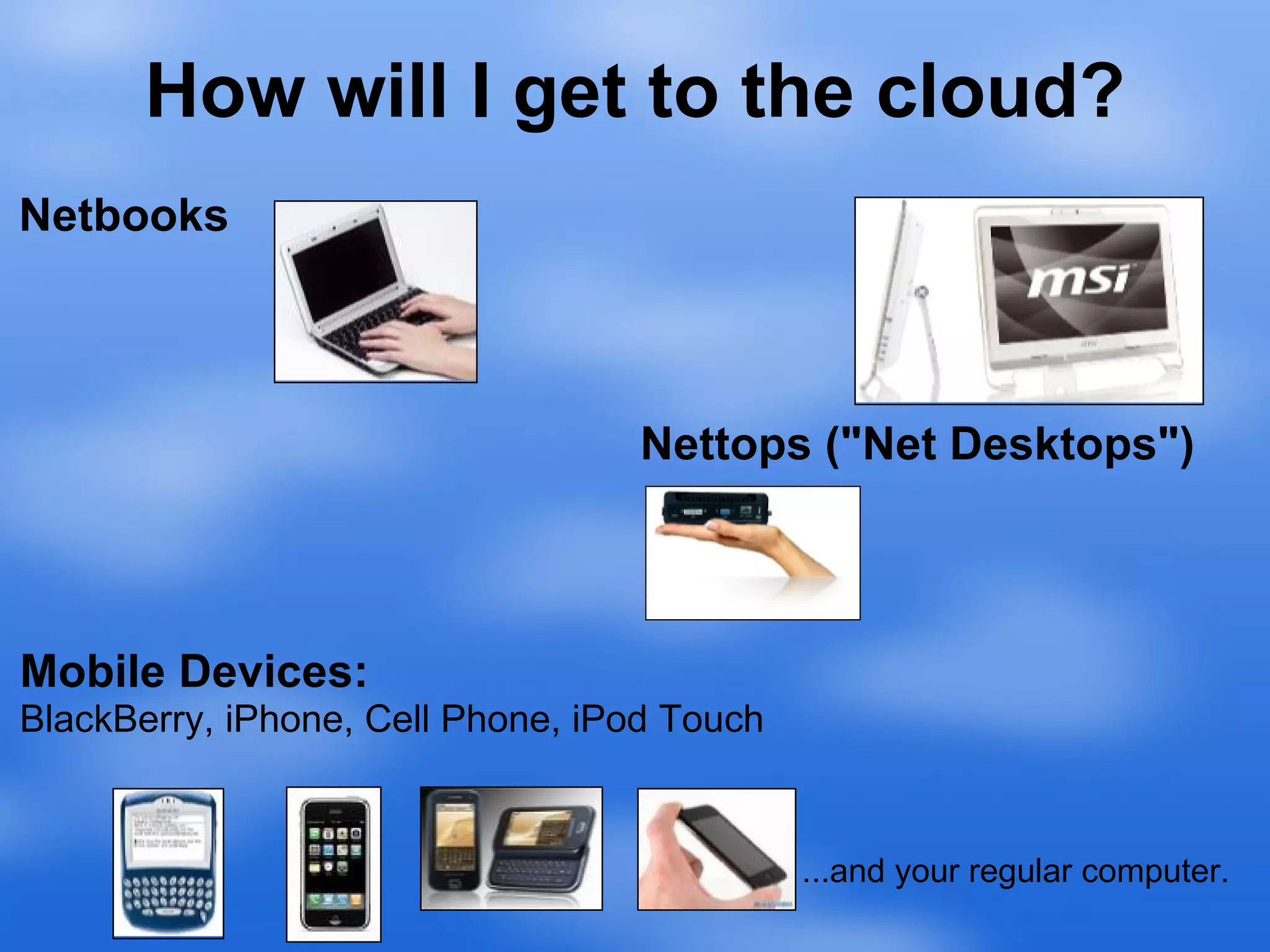
How will I get to the cloud? Netbooks Nettops ("Net Desktops") Mobile Devices: BlackBerry, iPhone, Cell Phone, iPod Touch ...and your regular computer.
Concerns... "(An) important role for libraries right now is to teach users about these types of services, in no small part so that we can help them understand the potential consequences. Because if you teach a patron to use an online documents site and she puts her resume there and something goes wrong with it, that’s a very real data loss for that person." - Jenny Levine
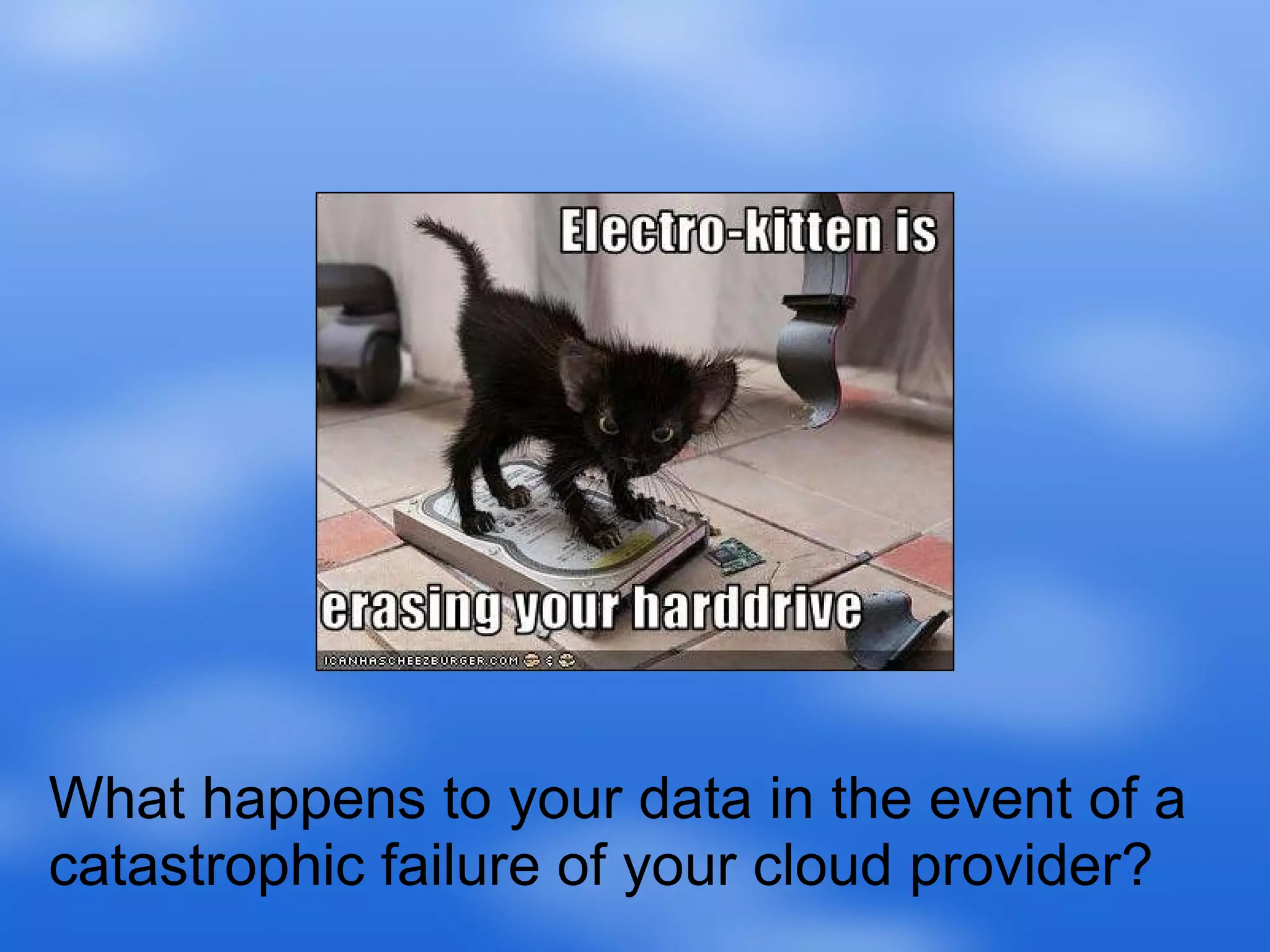
What happens to your data in the event of a catastrophic failure of your cloud provider?
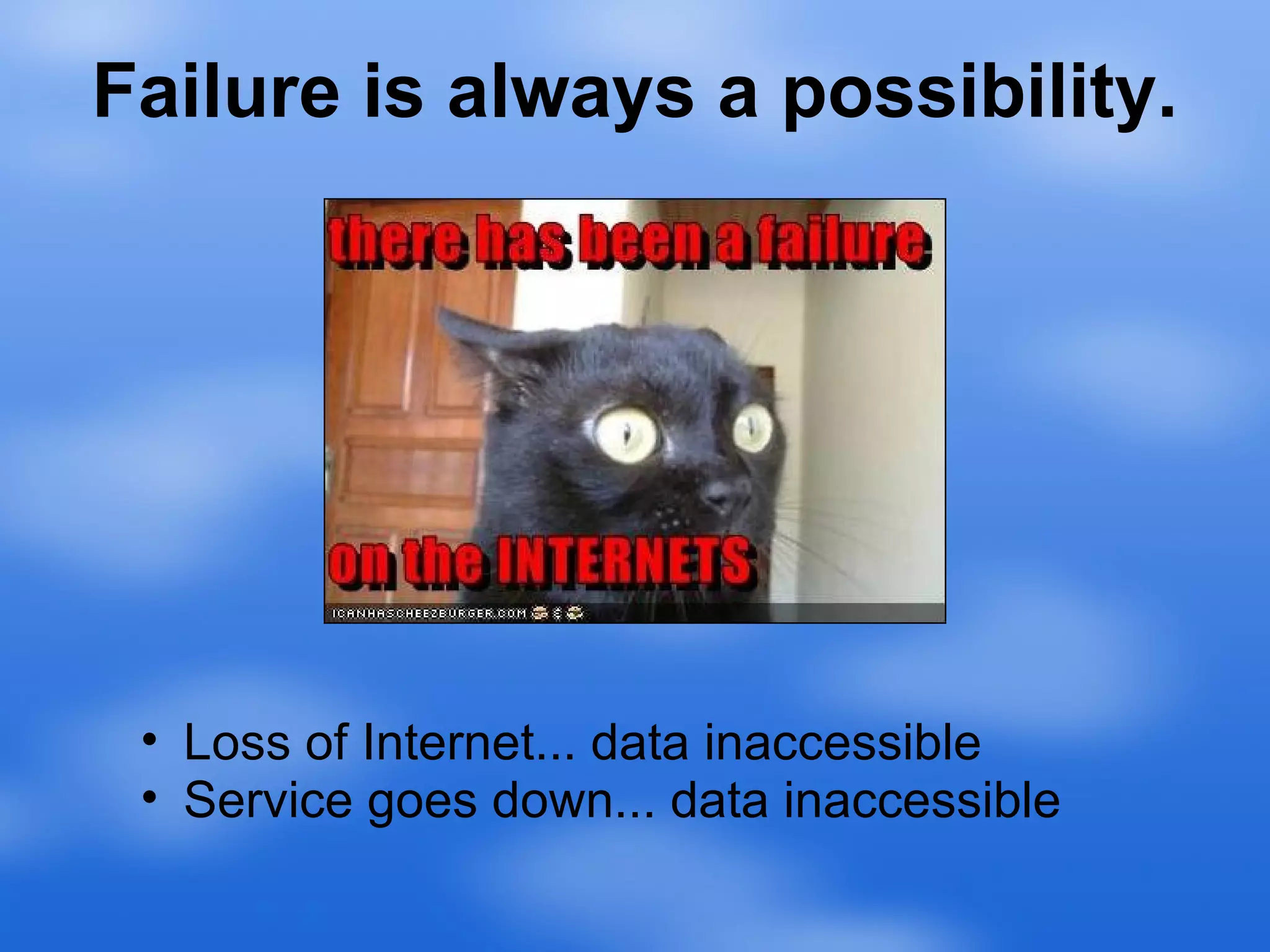
Failure is always a possibility. Loss of Internet... data inaccessible Service goes down... data inaccessible
Best Practices
Choose good passwords and keep them safe. Example: Myfr13nd80B You are Only as Secure as Your Password.
Choose Reliable Providers The bigger the company the better. Google Apps Gmail YouTube Amazon  Yahoo ! Flickr delicious.com Yahoo Chat ... anything  well known and heavily used.
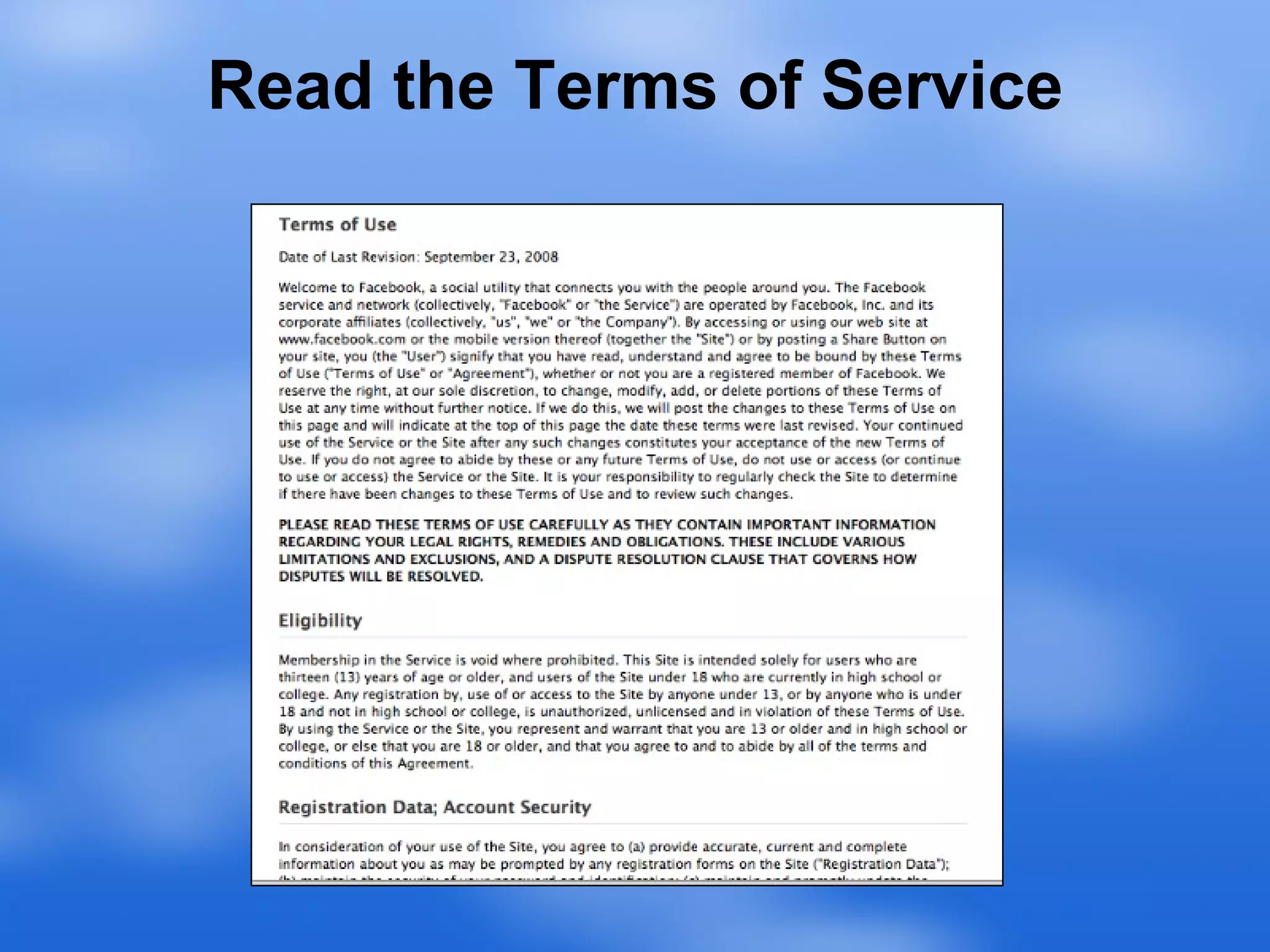
Read the Terms of Service
But How Will It Affect My... Software Purchasing?        Hardware Purchasing?            Software on Computers?             Security Concerns?
QUESTIONS? E-mail, IM, Twitter (we like friends): Heather Braum - hbraum@nekls.org - @hbraum Sharon Moreland - smoreland@nekls.org - @lybrarian Liz Rea - lrea@nekls.org - @wizzyrea See more articles and info at our blog:  http://blog.nekls.org

Cloud Computing

  • 1.
    Living in theCloud How Using Online Services Can Let You Soar Heather Braum, Sharon Moreland, Liz Rea Northeast Kansas Library System
  • 2.
  • 3.
    Hosted Automation SystemsKLOW (web hosting services) Online Office Software Data Backup SlideShare Flickr, Photobucket Social Networking YouTube Meebo, Mibbit (IRC)
  • 4.
    Easily share yourphotos and documents with your friends and peers, without e-mail. Share and Collaborate
  • 5.
    Lots of librariesare already doing it...
  • 6.
    Use Social Networkingto... handle all kinds of social situations... Stay In Touch
  • 7.
    No More RemovableMedia! Patrons will always know where their data is.
  • 8.
  • 9.
  • 10.
    Wherever there isInternet... You have access.
  • 11.
    Easy to UseInterfaces are usually very similar to desktop applications, and similar to each other.
  • 12.
    All you needis a web browser and an Internet connection. Requires Less Powerful Hardware
  • 13.
    How will Iget to the cloud? Netbooks Nettops ("Net Desktops") Mobile Devices: BlackBerry, iPhone, Cell Phone, iPod Touch ...and your regular computer.
  • 14.
    Concerns... "(An) importantrole for libraries right now is to teach users about these types of services, in no small part so that we can help them understand the potential consequences. Because if you teach a patron to use an online documents site and she puts her resume there and something goes wrong with it, that’s a very real data loss for that person." - Jenny Levine
  • 15.
    What happens toyour data in the event of a catastrophic failure of your cloud provider?
  • 16.
    Failure is alwaysa possibility. Loss of Internet... data inaccessible Service goes down... data inaccessible
  • 17.
  • 18.
    Choose good passwordsand keep them safe. Example: Myfr13nd80B You are Only as Secure as Your Password.
  • 19.
    Choose Reliable ProvidersThe bigger the company the better. Google Apps Gmail YouTube Amazon Yahoo ! Flickr delicious.com Yahoo Chat ... anything well known and heavily used.
  • 20.
    Read the Termsof Service
  • 21.
    But How WillIt Affect My... Software Purchasing?        Hardware Purchasing?            Software on Computers?             Security Concerns?
  • 22.
    QUESTIONS? E-mail, IM,Twitter (we like friends): Heather Braum - hbraum@nekls.org - @hbraum Sharon Moreland - smoreland@nekls.org - @lybrarian Liz Rea - lrea@nekls.org - @wizzyrea See more articles and info at our blog: http://blog.nekls.org