1


Leadership In a Technological World
                 EDUC 33672
              Prof Shawn Lennie
        shawn.lennie2@sheridanc.on.ca
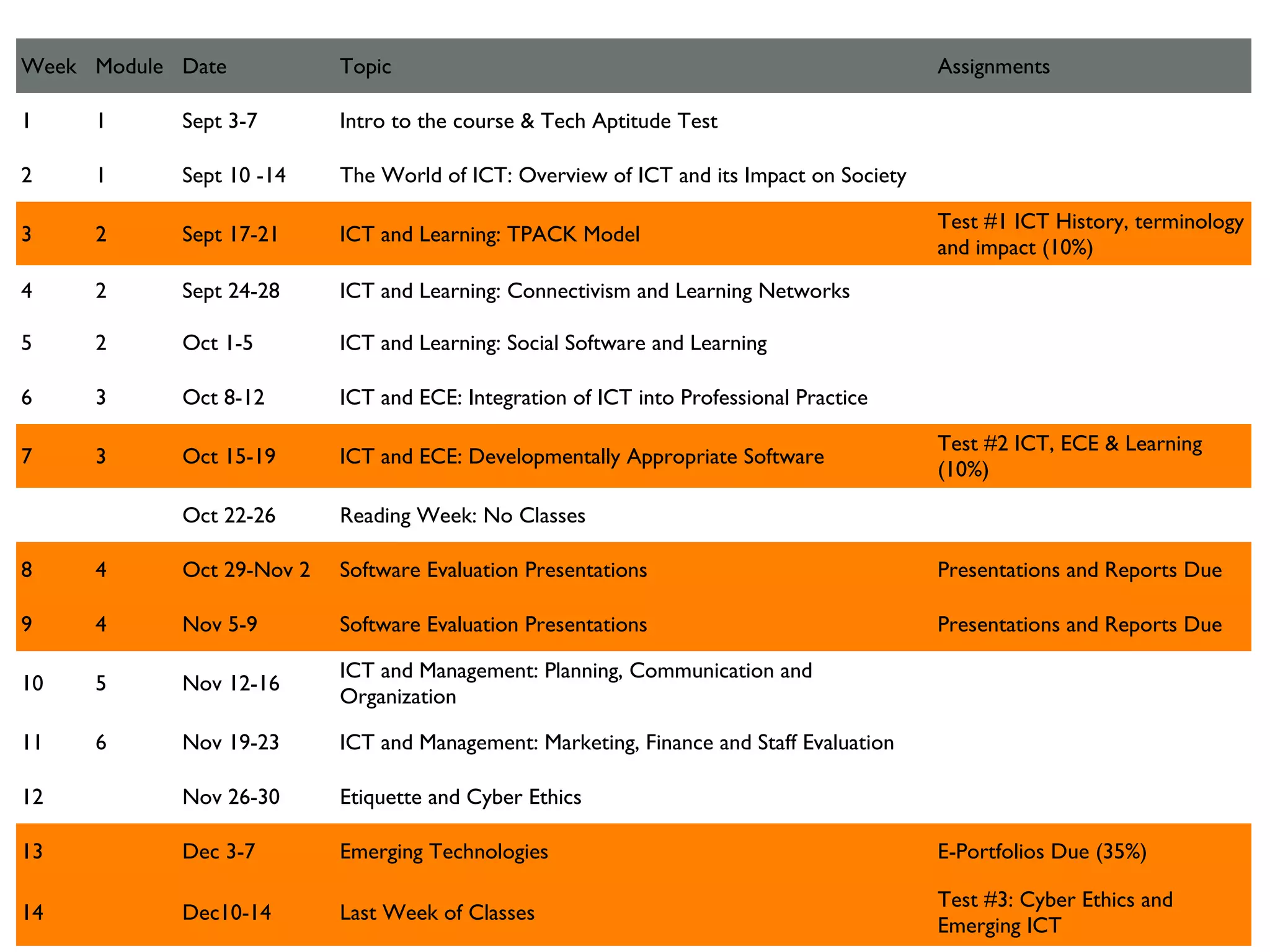
Week Module Date           Topic                                                         Assignments

1    1      Sept 3-7       Intro to the course & Tech Aptitude Test

2    1      Sept 10 -14    The World of ICT: Overview of ICT and its Impact on Society

                                                                                         Test #1 ICT History, terminology
3    2      Sept 17-21     ICT and Learning: TPACK Model
                                                                                         and impact (10%)
4    2      Sept 24-28     ICT and Learning: Connectivism and Learning Networks

5    2      Oct 1-5        ICT and Learning: Social Software and Learning

6    3      Oct 8-12       ICT and ECE: Integration of ICT into Professional Practice

                                                                                         Test #2 ICT, ECE & Learning
7    3      Oct 15-19      ICT and ECE: Developmentally Appropriate Software
                                                                                         (10%)

            Oct 22-26      Reading Week: No Classes

8    4      Oct 29-Nov 2   Software Evaluation Presentations                             Presentations and Reports Due

9    4      Nov 5-9        Software Evaluation Presentations                             Presentations and Reports Due

                           ICT and Management: Planning, Communication and
10   5      Nov 12-16
                           Organization

11   6      Nov 19-23      ICT and Management: Marketing, Finance and Staff Evaluation

12          Nov 26-30      Etiquette and Cyber Ethics

13          Dec 3-7        Emerging Technologies                                         E-Portfolios Due (35%)

                                                                                         Test #3: Cyber Ethics and
14          Dec10-14       Last Week of Classes
                                                                                         Emerging ICT
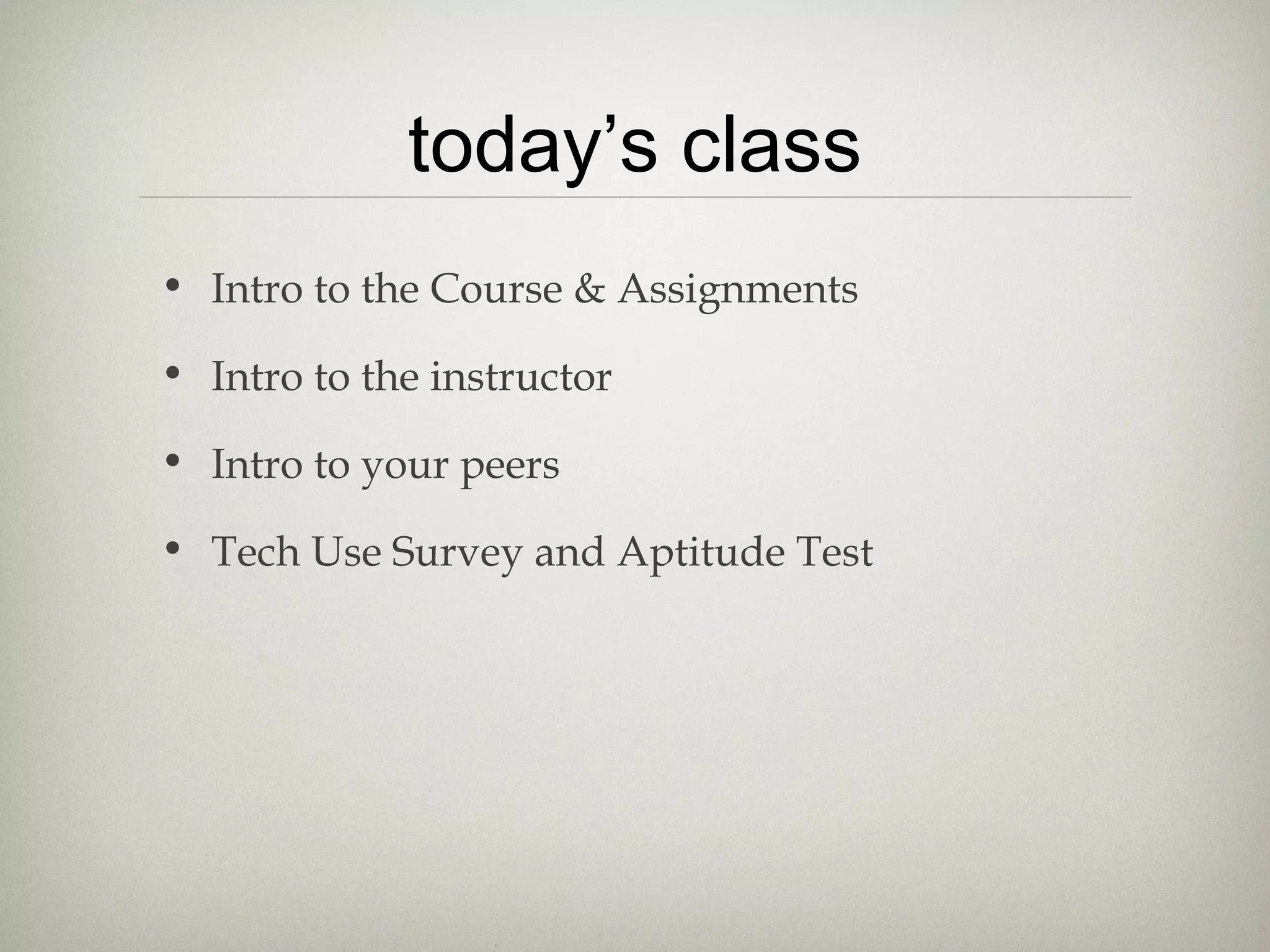
today’s class
• Intro to the Course & Assignments

• Intro to the instructor

• Intro to your peers

• Tech Use Survey and Aptitude Test
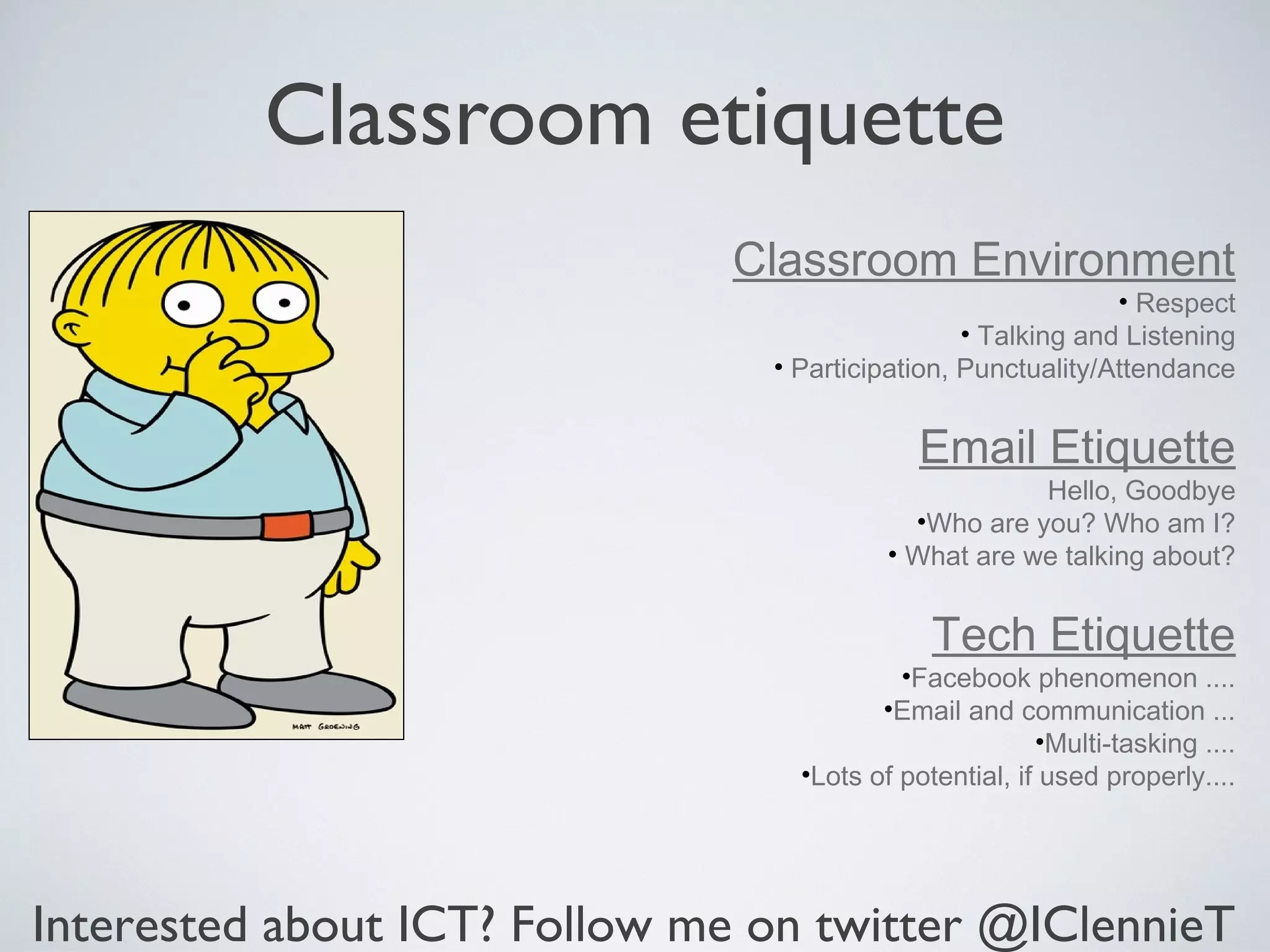
Classroom etiquette
                              Classroom Environment
                                                              • Respect
                                                 • Talking and Listening
                                • Participation, Punctuality/Attendance


                                             Email Etiquette
                                                      Hello, Goodbye
                                            •Who are you? Who am I?
                                          • What are we talking about?


                                              Tech Etiquette
                                           •Facebook phenomenon ....
                                         •Email and communication ...
                                                        •Multi-tasking ....
                                  •Lots of potential, if used properly....


Interested about ICT? Follow me on twitter @IClennieT
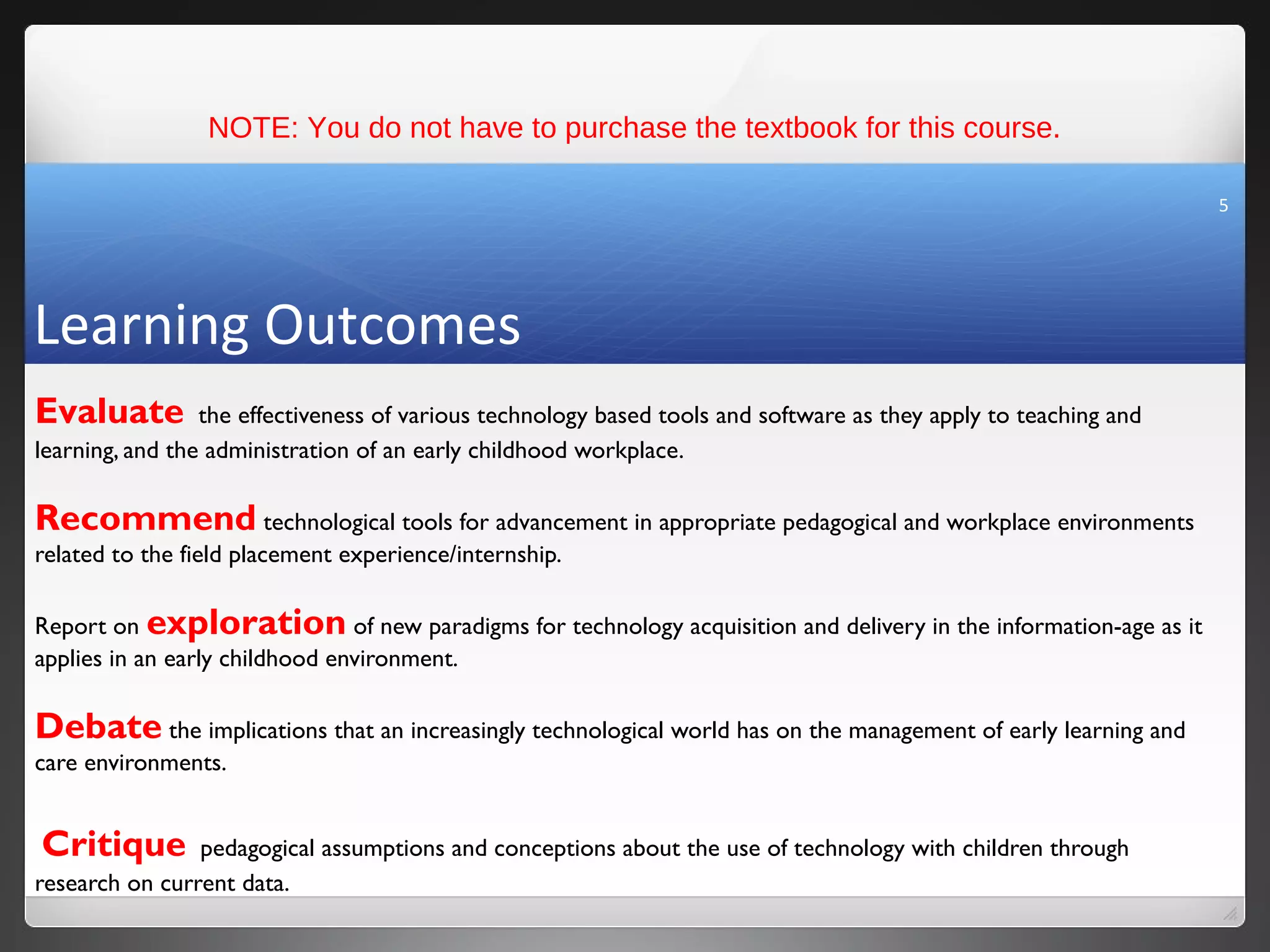
NOTE: You do not have to purchase the textbook for this course.

                                                                                                                  5


Learning Outcomes
Evaluate         the effectiveness of various technology based tools and software as they apply to teaching and
learning, and the administration of an early childhood workplace.

Recommend technological tools for advancement in appropriate pedagogical and workplace environments
related to the field placement experience/internship.

Report on exploration of new paradigms for technology acquisition and delivery in the information-age as it
applies in an early childhood environment.

Debate the implications that an increasingly technological world has on the management of early learning and
care environments.


Critique        pedagogical assumptions and conceptions about the use of technology with children through
research on current data.
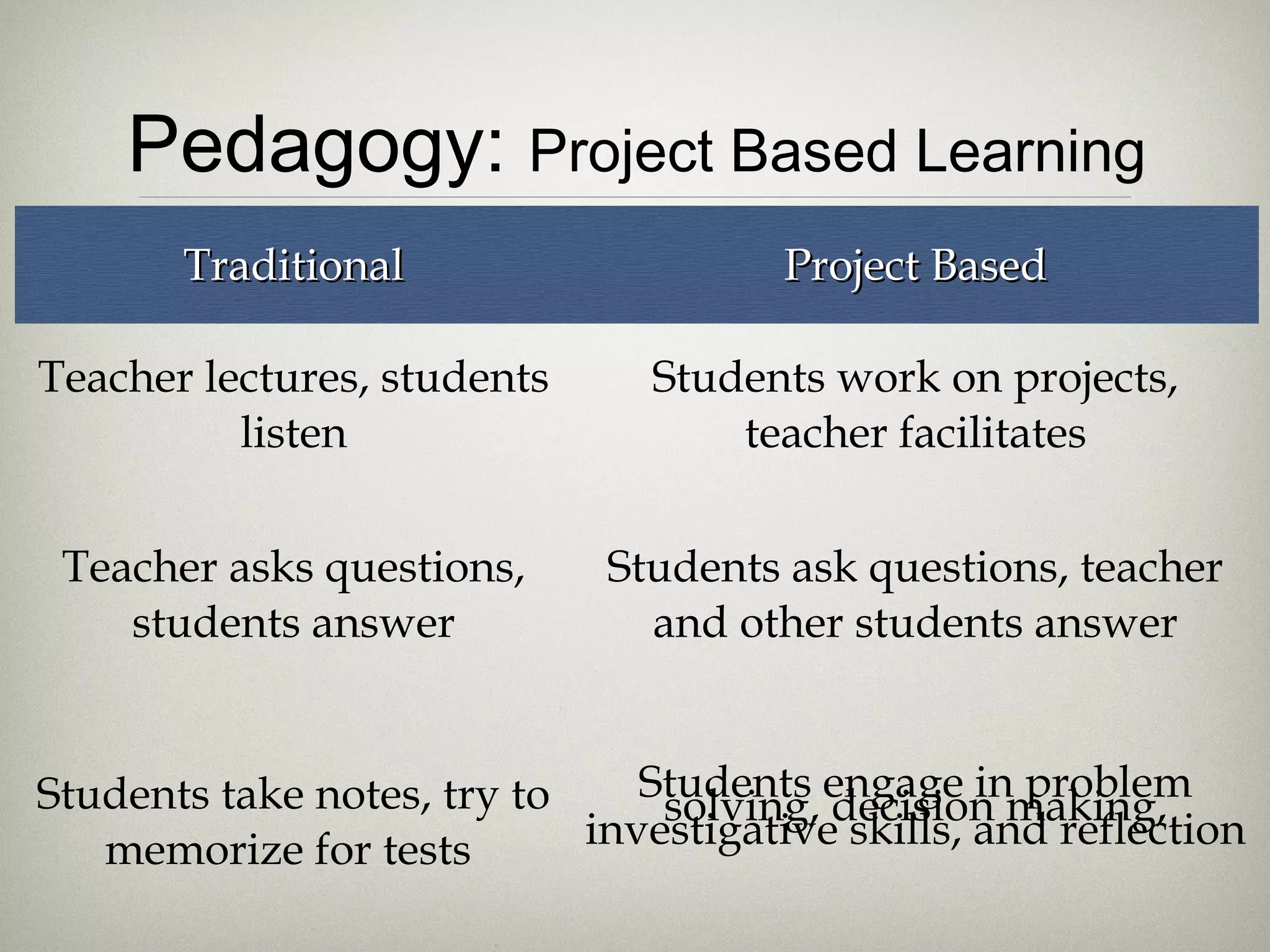
Pedagogy: Project Based Learning
       Traditional                     Project Based

Teacher lectures, students      Students work on projects,
          listen                    teacher facilitates


 Teacher asks questions,      Students ask questions, teacher
    students answer             and other students answer


Students take notes, try to    Students engage in problem
                                solving, decision making,
   memorize for tests       investigative skills, and reflection
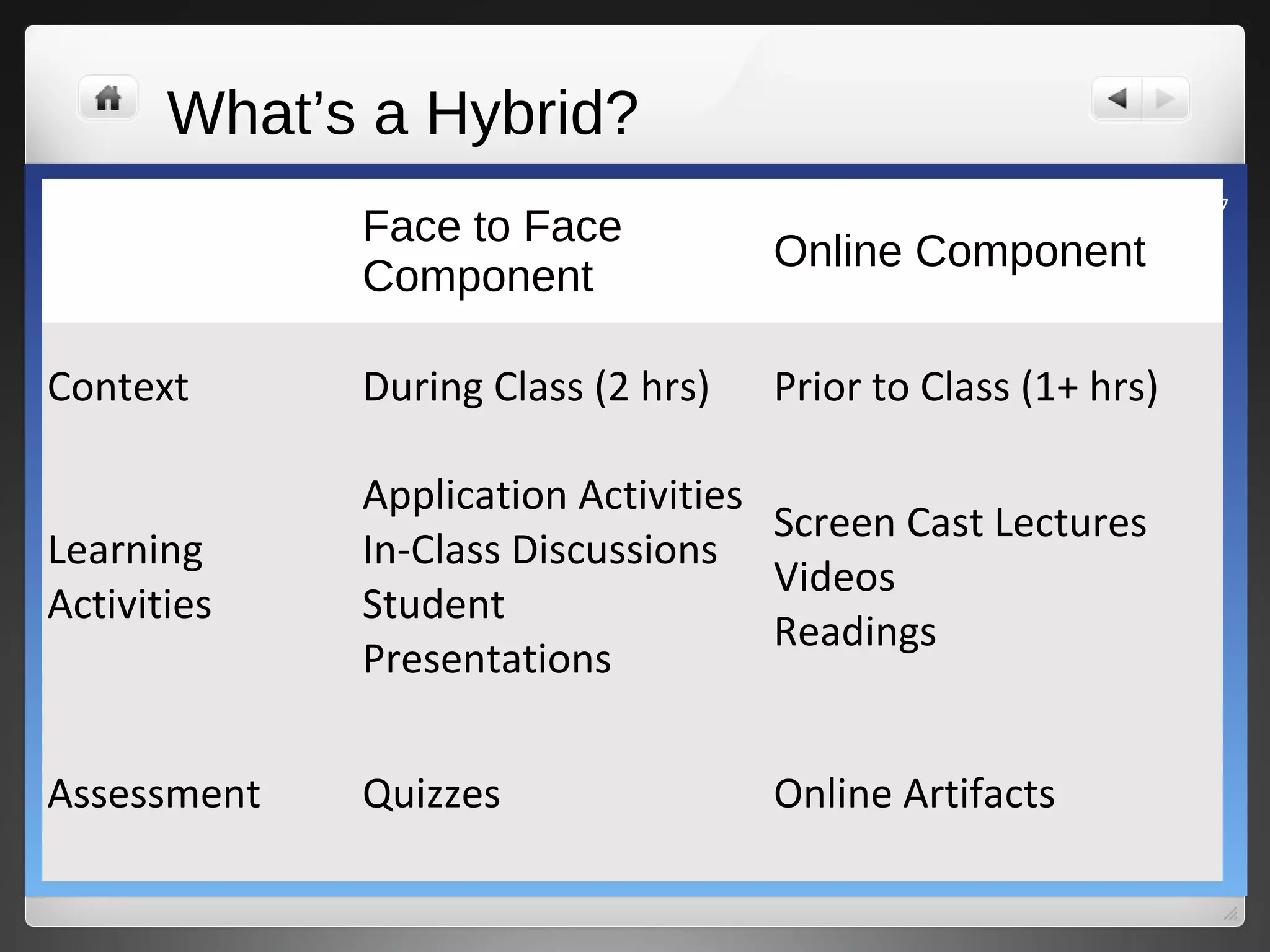
What’s a Hybrid?
                                                              7
             Face to Face
                                    Online Component
             Component

Context      During Class (2 hrs)   Prior to Class (1+ hrs)

             Application Activities
                                    Screen Cast Lectures
Learning     In-Class Discussions
                                    Videos
Activities   Student
                                    Readings
             Presentations


Assessment   Quizzes                Online Artifacts
8


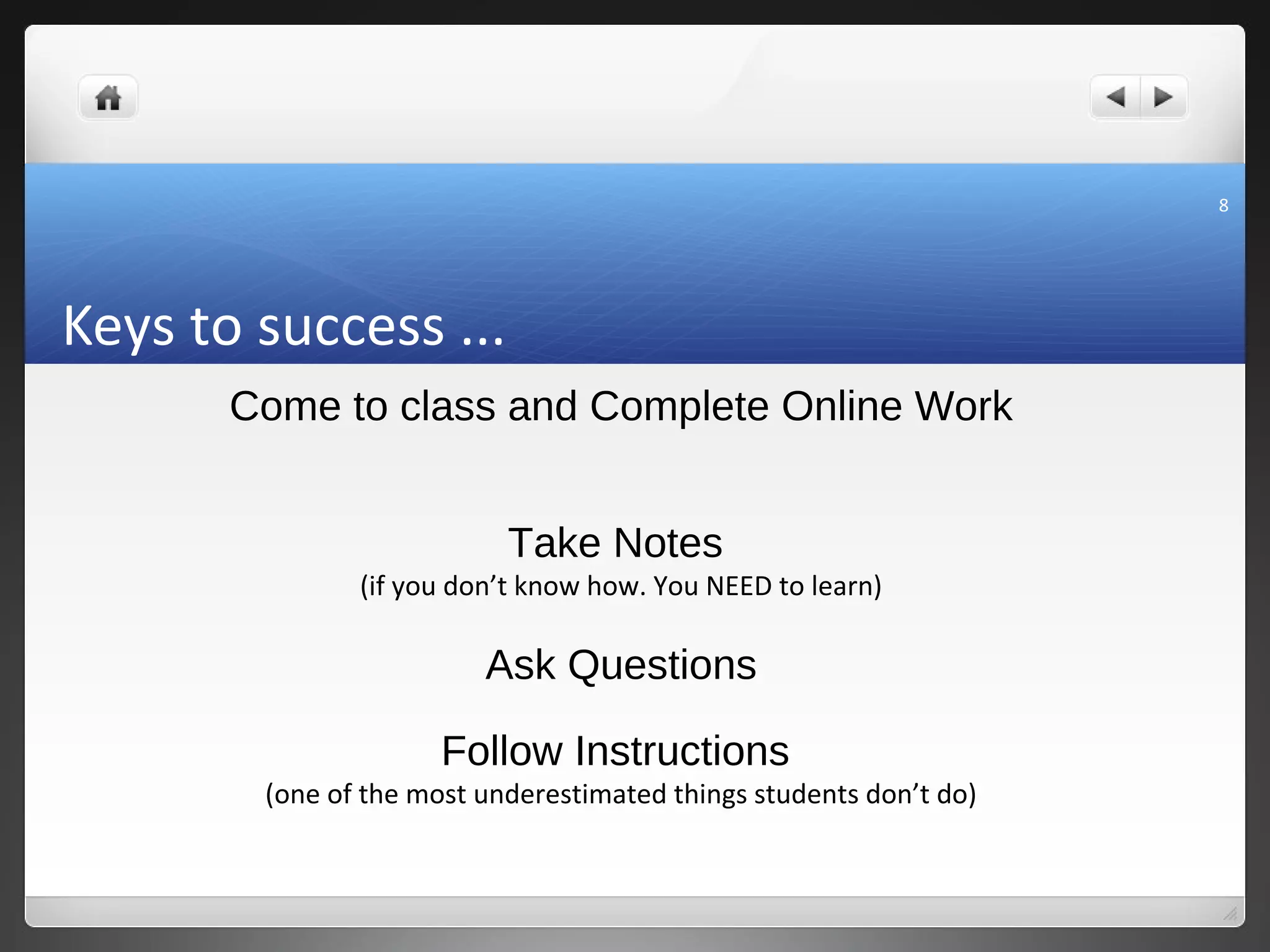
Keys to success ...
       Come to class and Complete Online Work


                           Take Notes
               (if you don’t know how. You NEED to learn)

                         Ask Questions

                      Follow Instructions
        (one of the most underestimated things students don’t do)
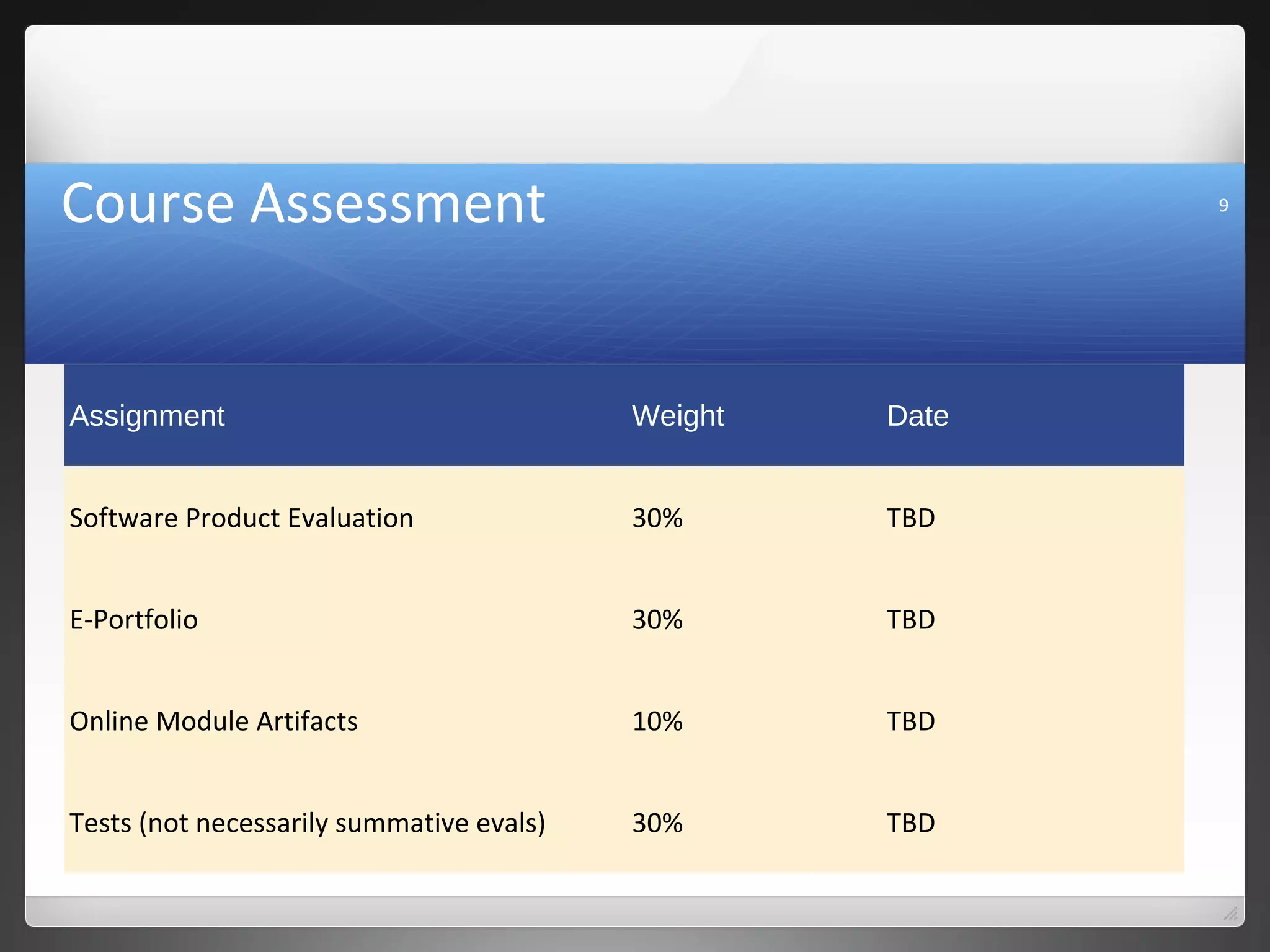
Course Assessment                                         9


Assignment                                Weight   Date


Software Product Evaluation               30%      TBD


E-Portfolio                               30%      TBD


Online Module Artifacts                   10%      TBD


Tests (not necessarily summative evals)   30%      TBD
10


Course Resources
11


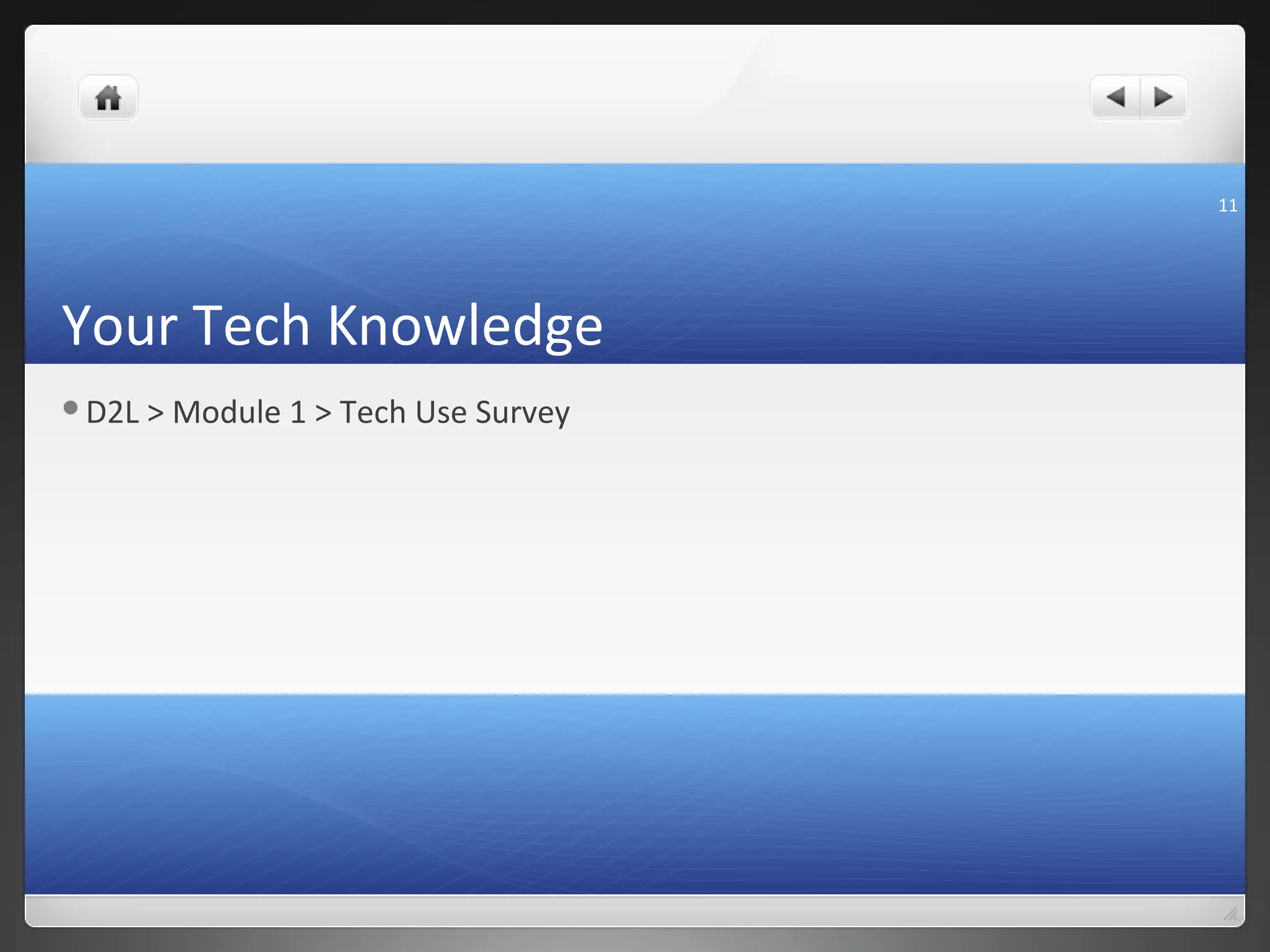
Your Tech Knowledge
D2L   > Module 1 > Tech Use Survey
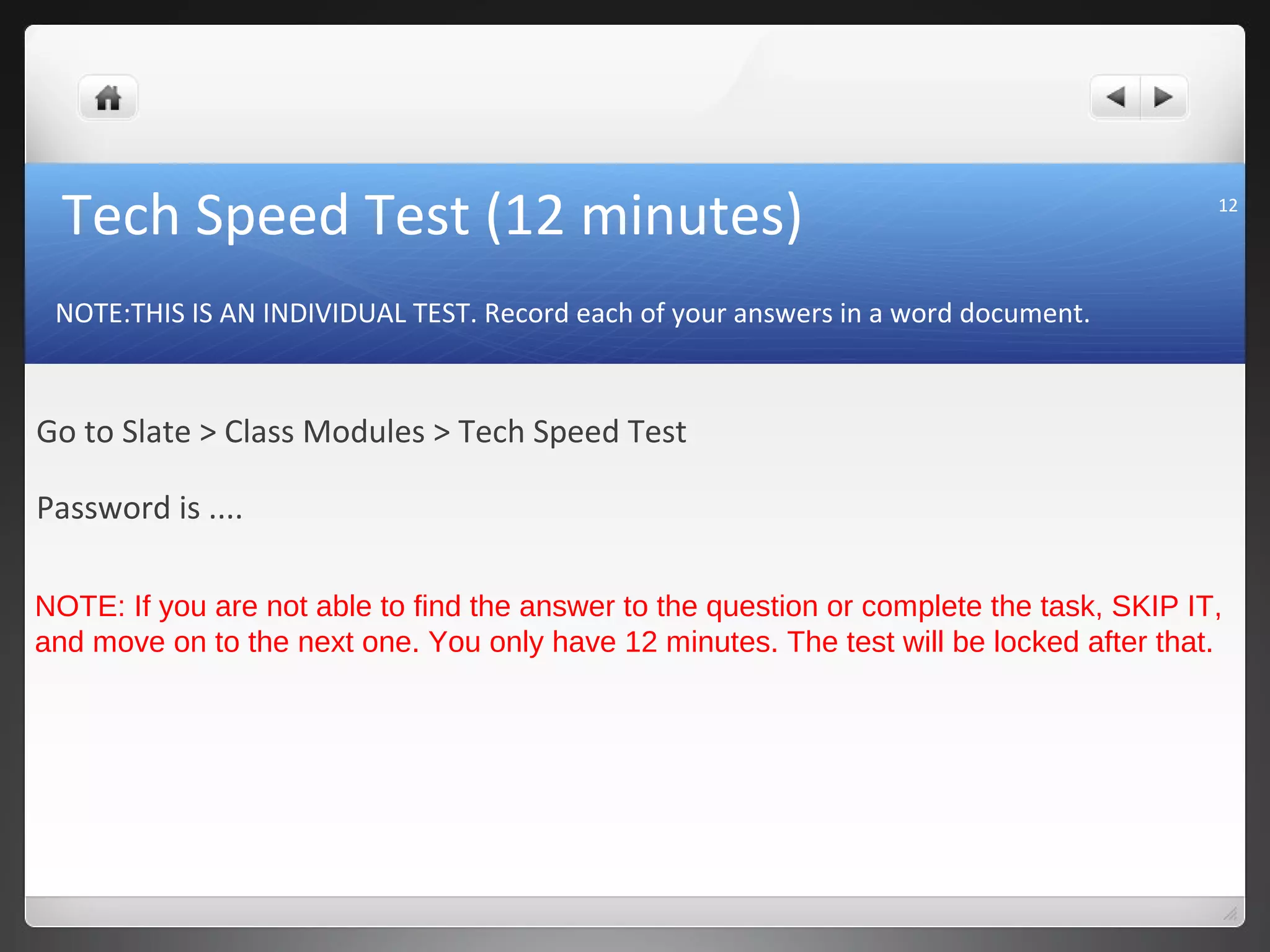
Tech Speed Test (12 minutes)                                                            12


 NOTE:THIS IS AN INDIVIDUAL TEST. Record each of your answers in a word document.


Go to Slate > Class Modules > Tech Speed Test

Password is ....

NOTE: If you are not able to find the answer to the question or complete the task, SKIP IT,
and move on to the next one. You only have 12 minutes. The test will be locked after that.
13


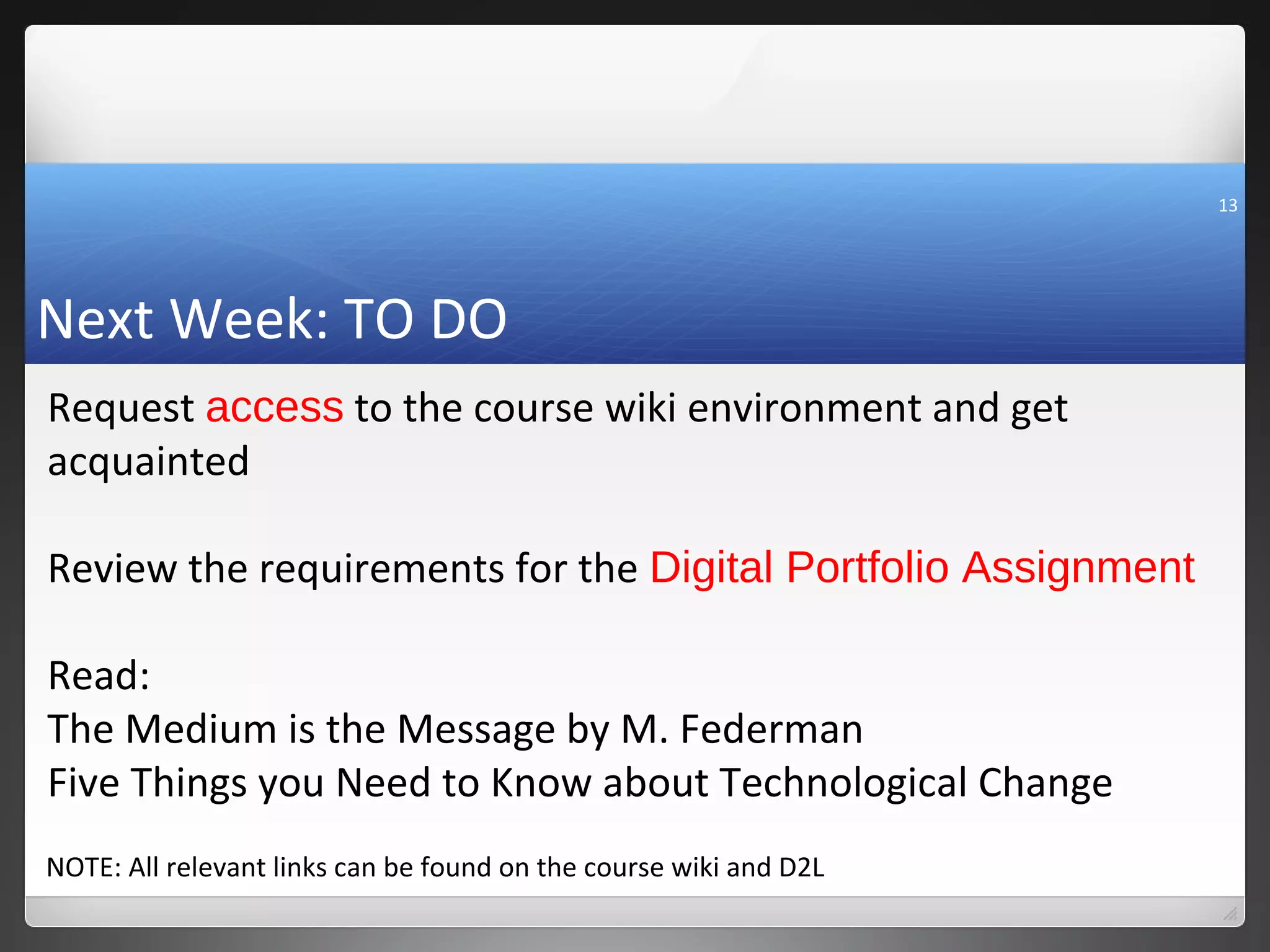
Next Week: TO DO
Request access to the course wiki environment and get
acquainted

Review the requirements for the Digital Portfolio Assignment

Read:
The Medium is the Message by M. Federman
Five Things you Need to Know about Technological Change
NOTE: All relevant links can be found on the course wiki and D2L

Class 1 fall 2012

  • 1.
    1 Leadership In aTechnological World EDUC 33672 Prof Shawn Lennie shawn.lennie2@sheridanc.on.ca
  • 2.
    Week Module Date Topic Assignments 1 1 Sept 3-7 Intro to the course & Tech Aptitude Test 2 1 Sept 10 -14 The World of ICT: Overview of ICT and its Impact on Society Test #1 ICT History, terminology 3 2 Sept 17-21 ICT and Learning: TPACK Model and impact (10%) 4 2 Sept 24-28 ICT and Learning: Connectivism and Learning Networks 5 2 Oct 1-5 ICT and Learning: Social Software and Learning 6 3 Oct 8-12 ICT and ECE: Integration of ICT into Professional Practice Test #2 ICT, ECE & Learning 7 3 Oct 15-19 ICT and ECE: Developmentally Appropriate Software (10%) Oct 22-26 Reading Week: No Classes 8 4 Oct 29-Nov 2 Software Evaluation Presentations Presentations and Reports Due 9 4 Nov 5-9 Software Evaluation Presentations Presentations and Reports Due ICT and Management: Planning, Communication and 10 5 Nov 12-16 Organization 11 6 Nov 19-23 ICT and Management: Marketing, Finance and Staff Evaluation 12 Nov 26-30 Etiquette and Cyber Ethics 13 Dec 3-7 Emerging Technologies E-Portfolios Due (35%) Test #3: Cyber Ethics and 14 Dec10-14 Last Week of Classes Emerging ICT
  • 3.
    today’s class • Introto the Course & Assignments • Intro to the instructor • Intro to your peers • Tech Use Survey and Aptitude Test
  • 4.
    Classroom etiquette Classroom Environment • Respect • Talking and Listening • Participation, Punctuality/Attendance Email Etiquette Hello, Goodbye •Who are you? Who am I? • What are we talking about? Tech Etiquette •Facebook phenomenon .... •Email and communication ... •Multi-tasking .... •Lots of potential, if used properly.... Interested about ICT? Follow me on twitter @IClennieT
  • 5.
    NOTE: You donot have to purchase the textbook for this course. 5 Learning Outcomes Evaluate the effectiveness of various technology based tools and software as they apply to teaching and learning, and the administration of an early childhood workplace. Recommend technological tools for advancement in appropriate pedagogical and workplace environments related to the field placement experience/internship. Report on exploration of new paradigms for technology acquisition and delivery in the information-age as it applies in an early childhood environment. Debate the implications that an increasingly technological world has on the management of early learning and care environments. Critique pedagogical assumptions and conceptions about the use of technology with children through research on current data.
  • 6.
    Pedagogy: Project BasedLearning Traditional Project Based Teacher lectures, students Students work on projects, listen teacher facilitates Teacher asks questions, Students ask questions, teacher students answer and other students answer Students take notes, try to Students engage in problem solving, decision making, memorize for tests investigative skills, and reflection
  • 7.
    What’s a Hybrid? 7 Face to Face Online Component Component Context During Class (2 hrs) Prior to Class (1+ hrs) Application Activities Screen Cast Lectures Learning In-Class Discussions Videos Activities Student Readings Presentations Assessment Quizzes Online Artifacts
  • 8.
    8 Keys to success... Come to class and Complete Online Work Take Notes (if you don’t know how. You NEED to learn) Ask Questions Follow Instructions (one of the most underestimated things students don’t do)
  • 9.
    Course Assessment 9 Assignment Weight Date Software Product Evaluation 30% TBD E-Portfolio 30% TBD Online Module Artifacts 10% TBD Tests (not necessarily summative evals) 30% TBD
  • 10.
  • 11.
    11 Your Tech Knowledge D2L > Module 1 > Tech Use Survey
  • 12.
    Tech Speed Test(12 minutes) 12 NOTE:THIS IS AN INDIVIDUAL TEST. Record each of your answers in a word document. Go to Slate > Class Modules > Tech Speed Test Password is .... NOTE: If you are not able to find the answer to the question or complete the task, SKIP IT, and move on to the next one. You only have 12 minutes. The test will be locked after that.
  • 13.
    13 Next Week: TODO Request access to the course wiki environment and get acquainted Review the requirements for the Digital Portfolio Assignment Read: The Medium is the Message by M. Federman Five Things you Need to Know about Technological Change NOTE: All relevant links can be found on the course wiki and D2L

Editor's Notes

  • #13 Find the ECE handbook on Slate and enter the entire text on mobile computing. Stop when you get to the section on the College of Early Childhood Educators. In between 30 and 50 words write what you would like to learn the most in this class. What does the acronym HTML stand for? What does the acronym URL stand for? (Tell me how you know for each) Find a Blog posting on the use of technology in education published in 2010. Copy the URL for the blog and paste it in your document. Using a search engine find an empirical study on the use of technology in a child care setting published between 2005 and 2010. Copy the URL for the study. What operating system is your computer using? How much RAM does your computer have? What is the current speed of your internet connection?