
Marrying Marzano with Instructional Technology based on the research from: Classroom Instruction That Works by Robert J. Marzano, Debra J. Pickering, Jane E. Pollock
Sage Wisdom "Thirty-five years of research provides  remarkably clear guidance as to the steps schools can take to be highly effective in  enhancing student  achievement."   -  Dr. Robert J.  Marzano  
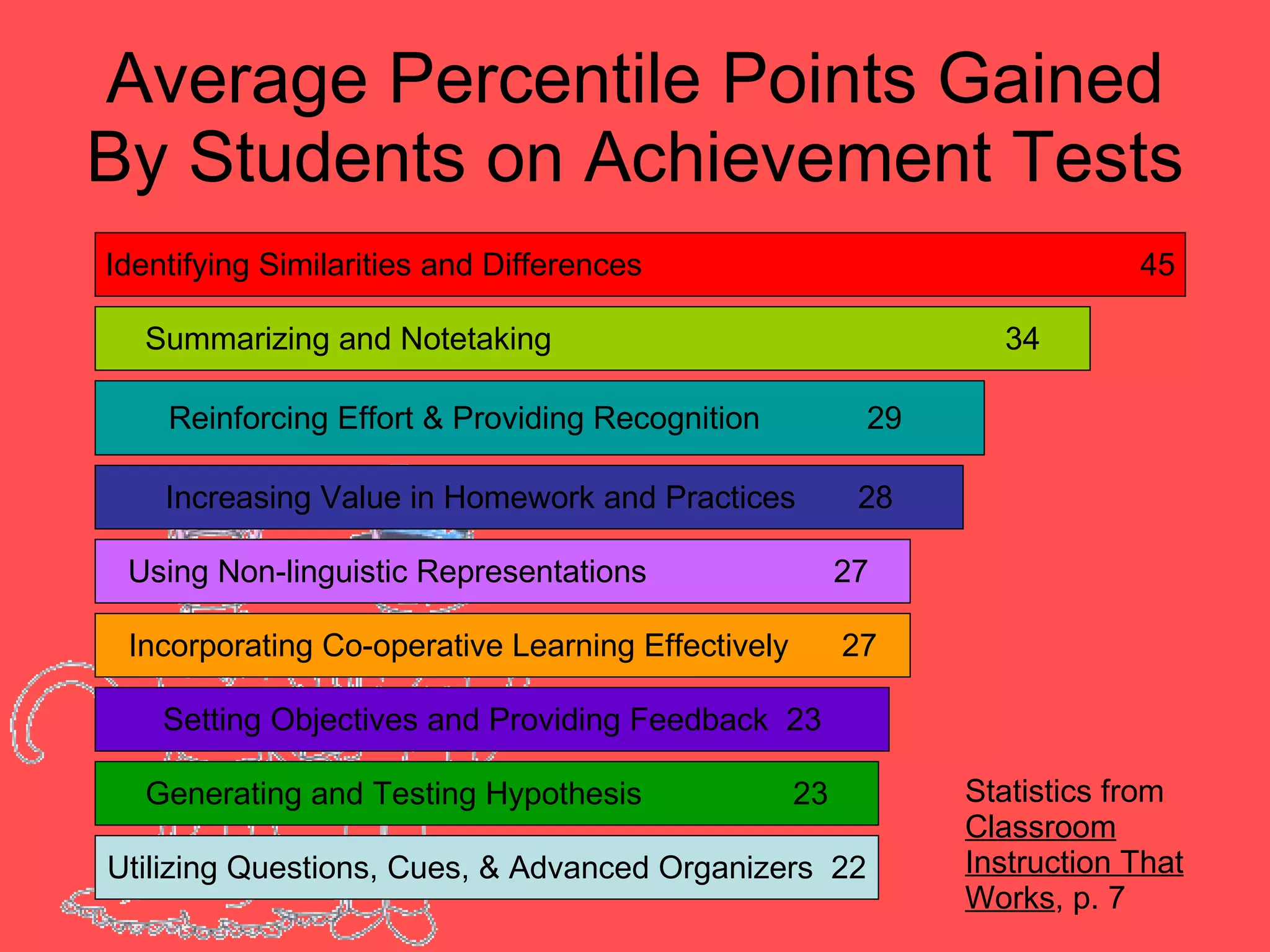
Average Percentile Points Gained By Students on Achievement Tests Identifying Similarities and Differences  45 Summarizing and Notetaking  34 Reinforcing Effort & Providing Recognition  29  Increasing Value in Homework and Practices  28 Using Non-linguistic Representations  27  Incorporating Co-operative Learning Effectively  27 Setting Objectives and Providing Feedback  23 Generating and Testing Hypothesis  23 Statistics from  Classroom Instruction That Works , p. 7  Utilizing Questions, Cues, & Advanced Organizers  22
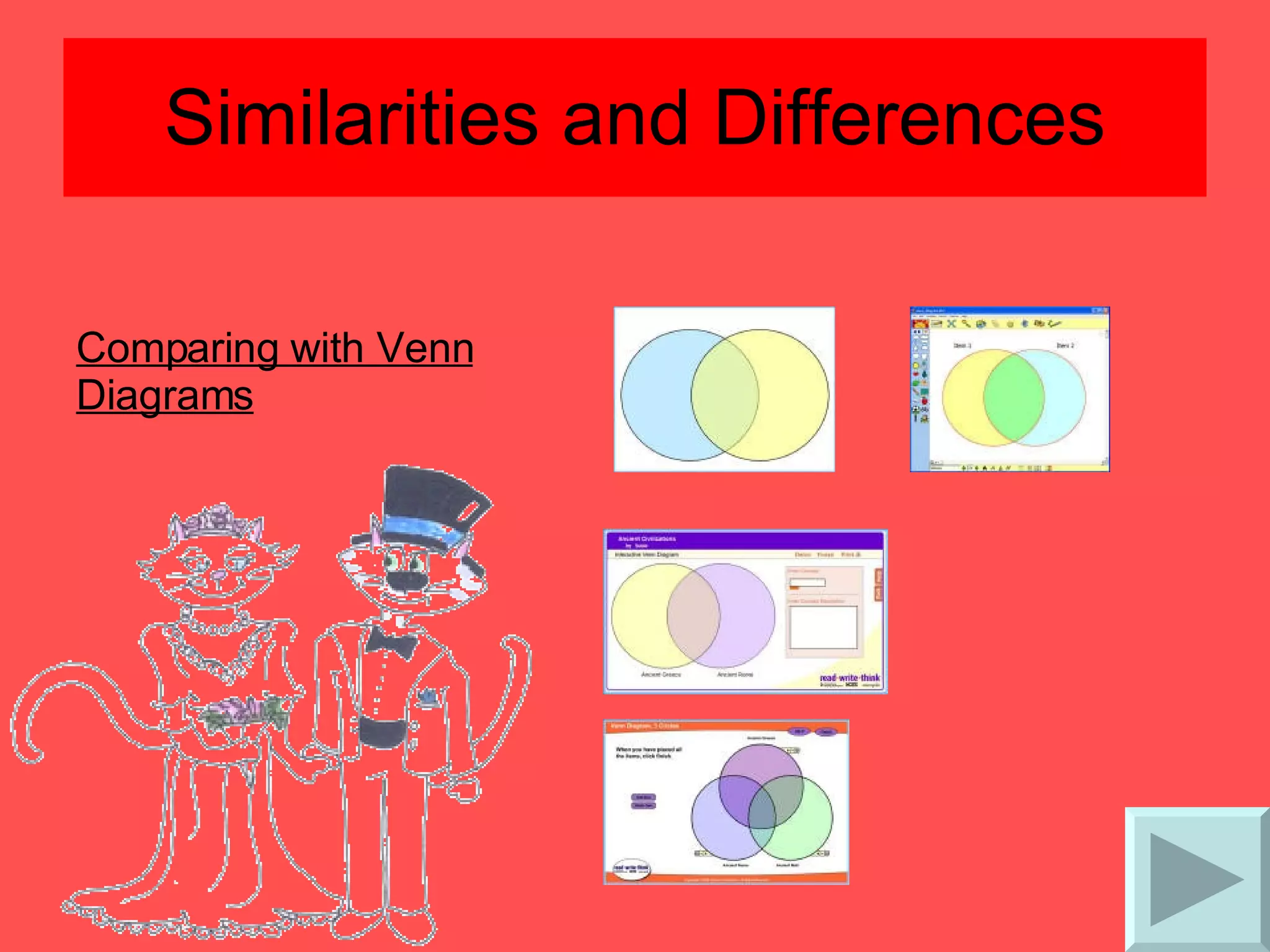
Similarities and Differences Comparing with Venn Diagrams
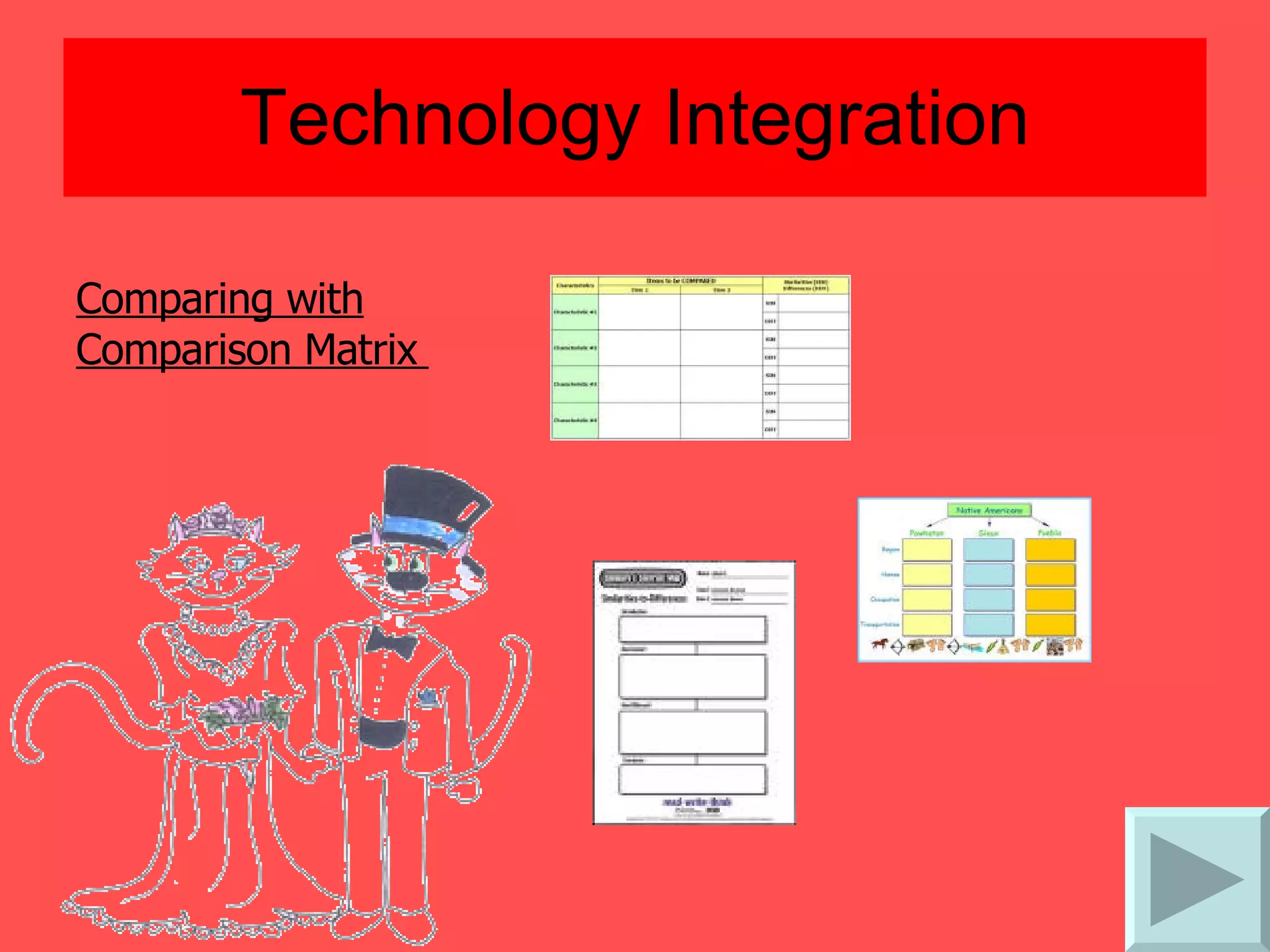
Technology Integration Comparing with Comparison Matrix
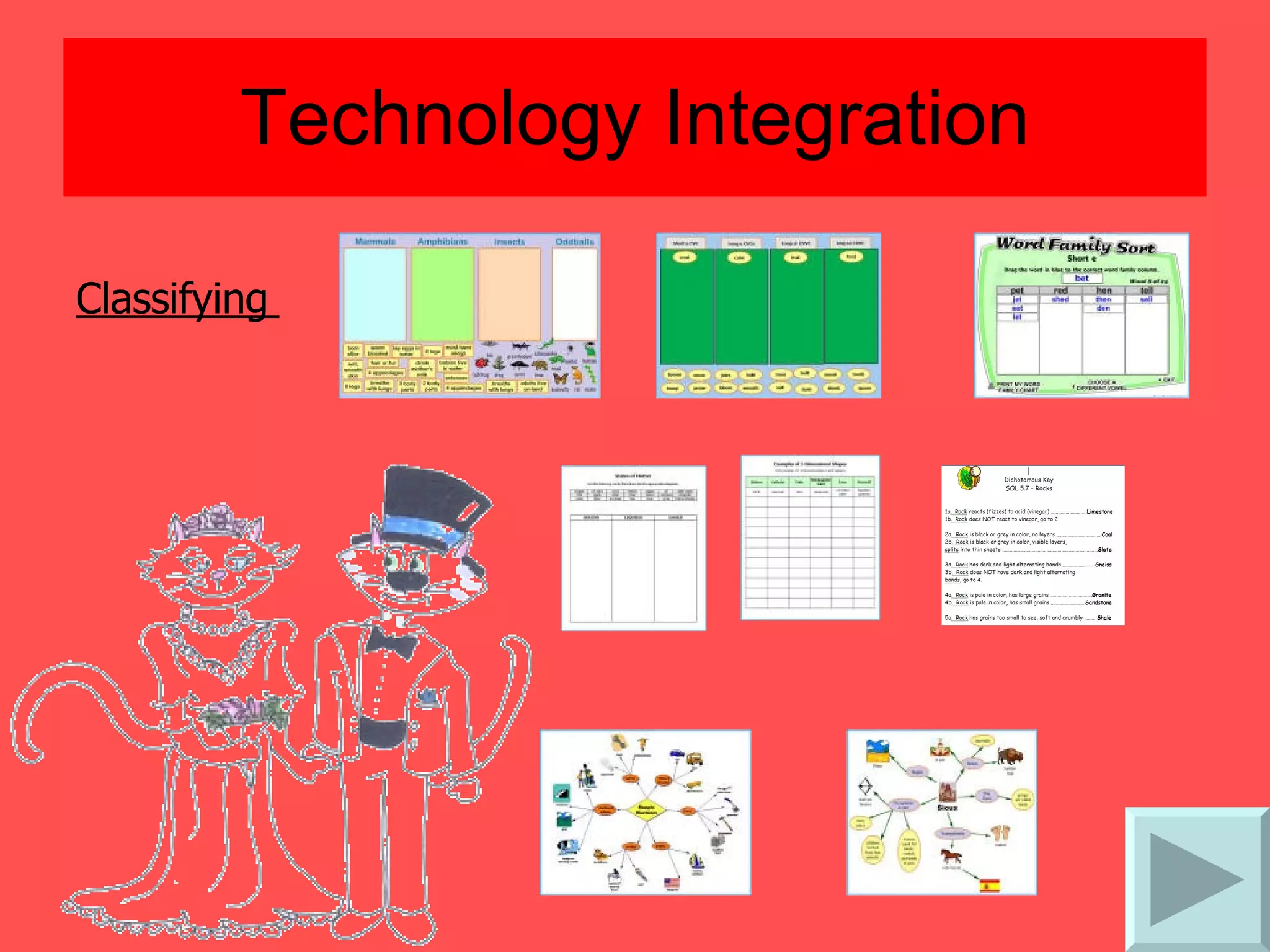
Technology Integration Classifying
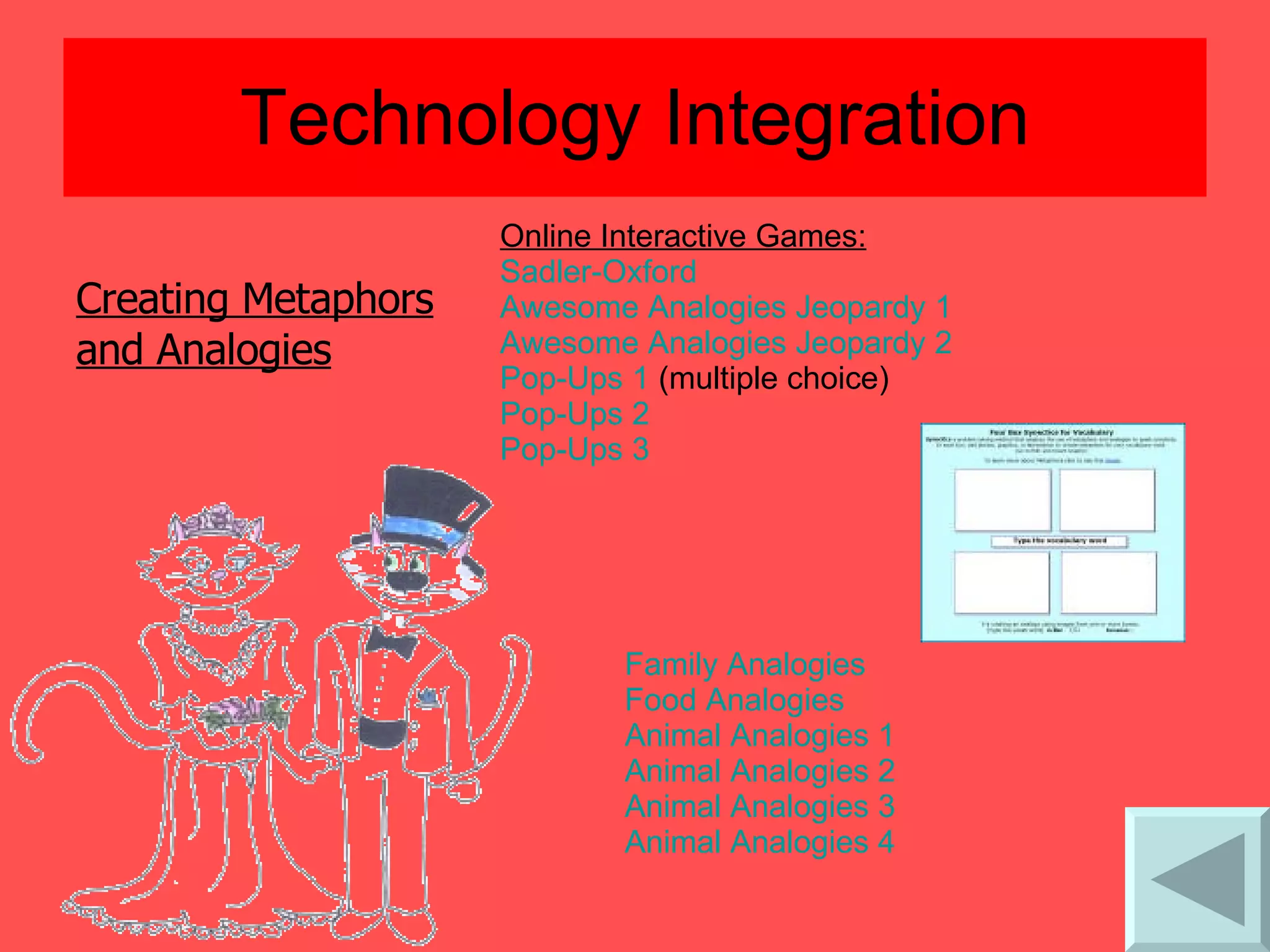
Technology Integration Creating Metaphors  and Analogies Online Interactive Games: Sadler-Oxford  Awesome Analogies Jeopardy 1   Awesome Analogies Jeopardy 2   Pop-Ups 1  (multiple choice)  Pop-Ups 2   Pop-Ups 3   Family Analogies   Food Analogies   Animal Analogies 1   Animal Analogies 2   Animal Analogies 3   Animal Analogies 4
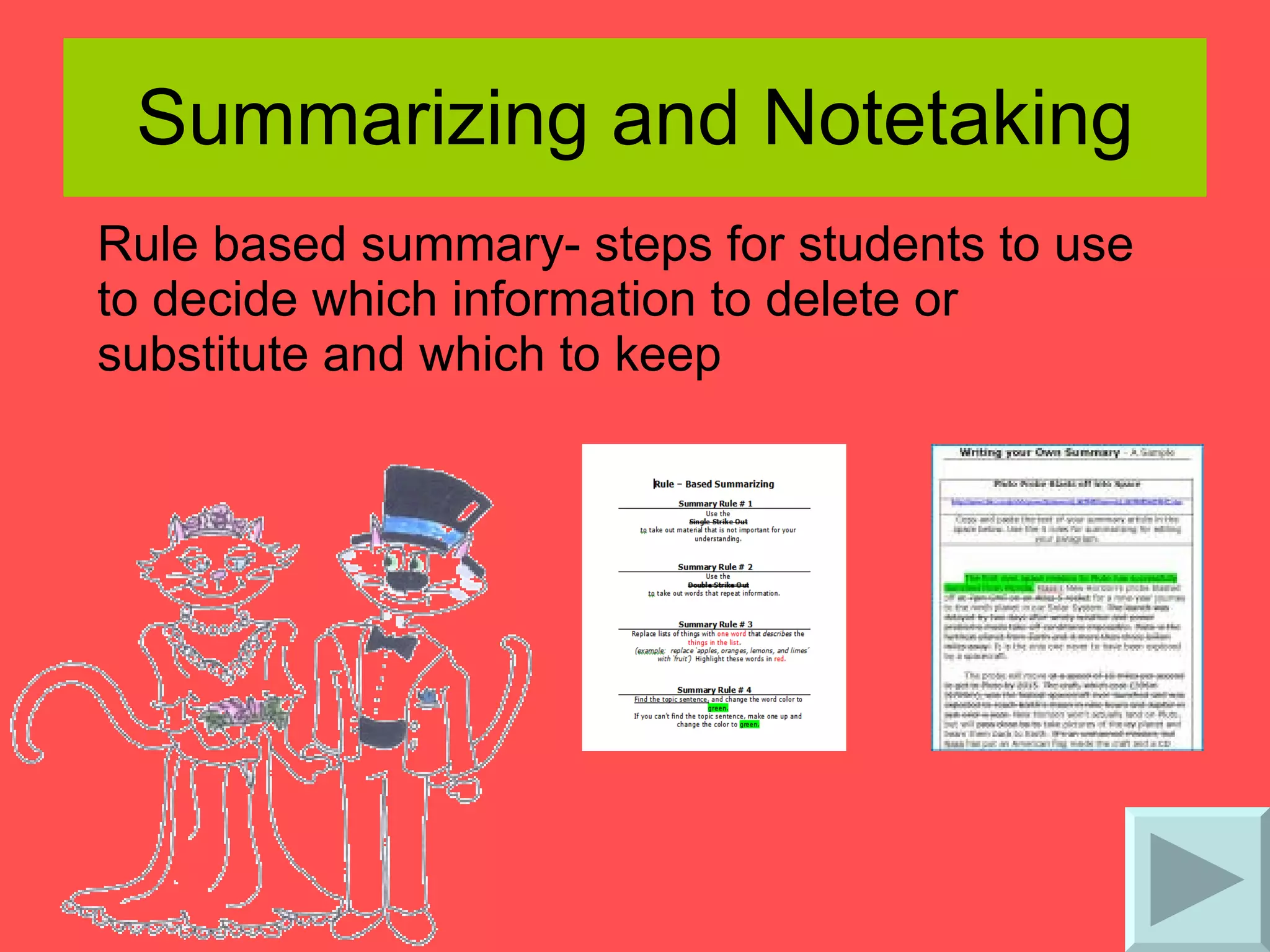
Summarizing and Notetaking Rule based summary- steps for students to use to decide which information to delete or substitute and which to keep
Technology Integration Summary Frames- a series of questions that the teacher provides to students to highlight the critical elements for specific types of information  (questions taken from  Classroom Instruction That Works , Marzano, p. 35-41)   The Narrative Frame  The Topic-Restriction-Illustration Frame  The Definition Frame  The Argumentation Frame  The Problem/Solution Frame  The Conversation Frame
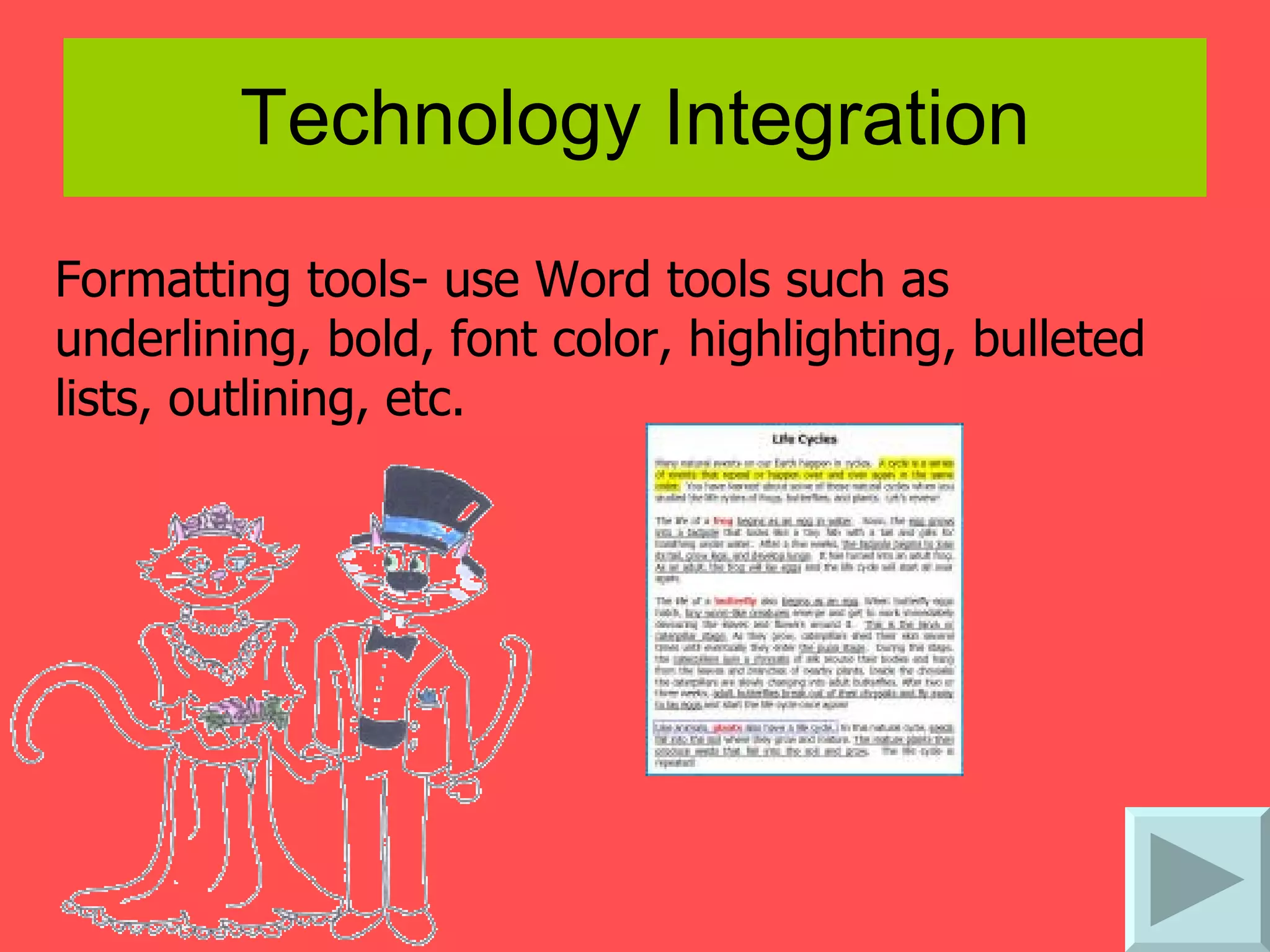
Technology Integration Formatting tools- use Word tools such as underlining, bold, font color, highlighting, bulleted lists, outlining, etc. 
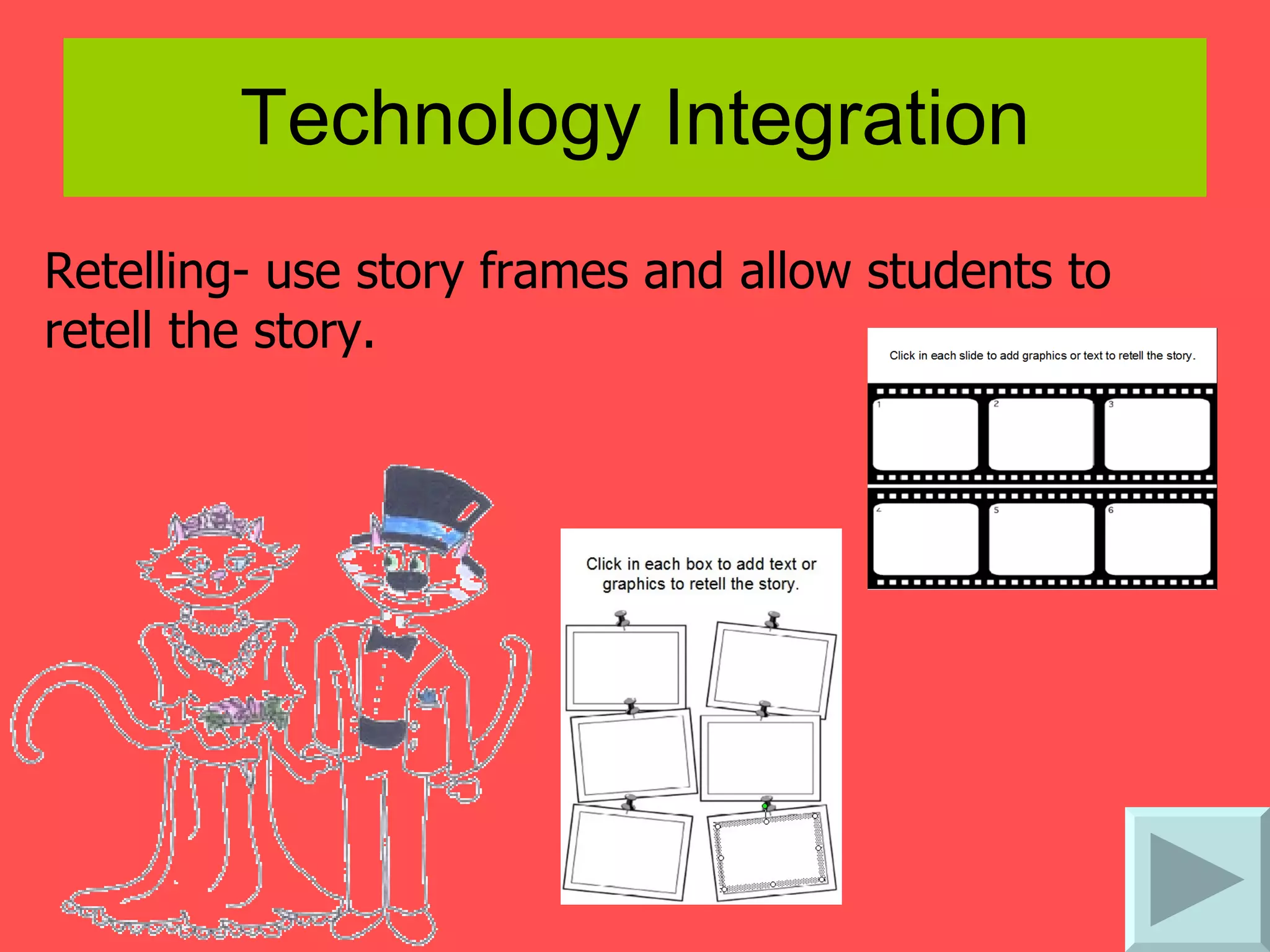
Technology Integration Retelling- use story frames and allow students to retell the story.
Technology Integration Jigsaw note taking
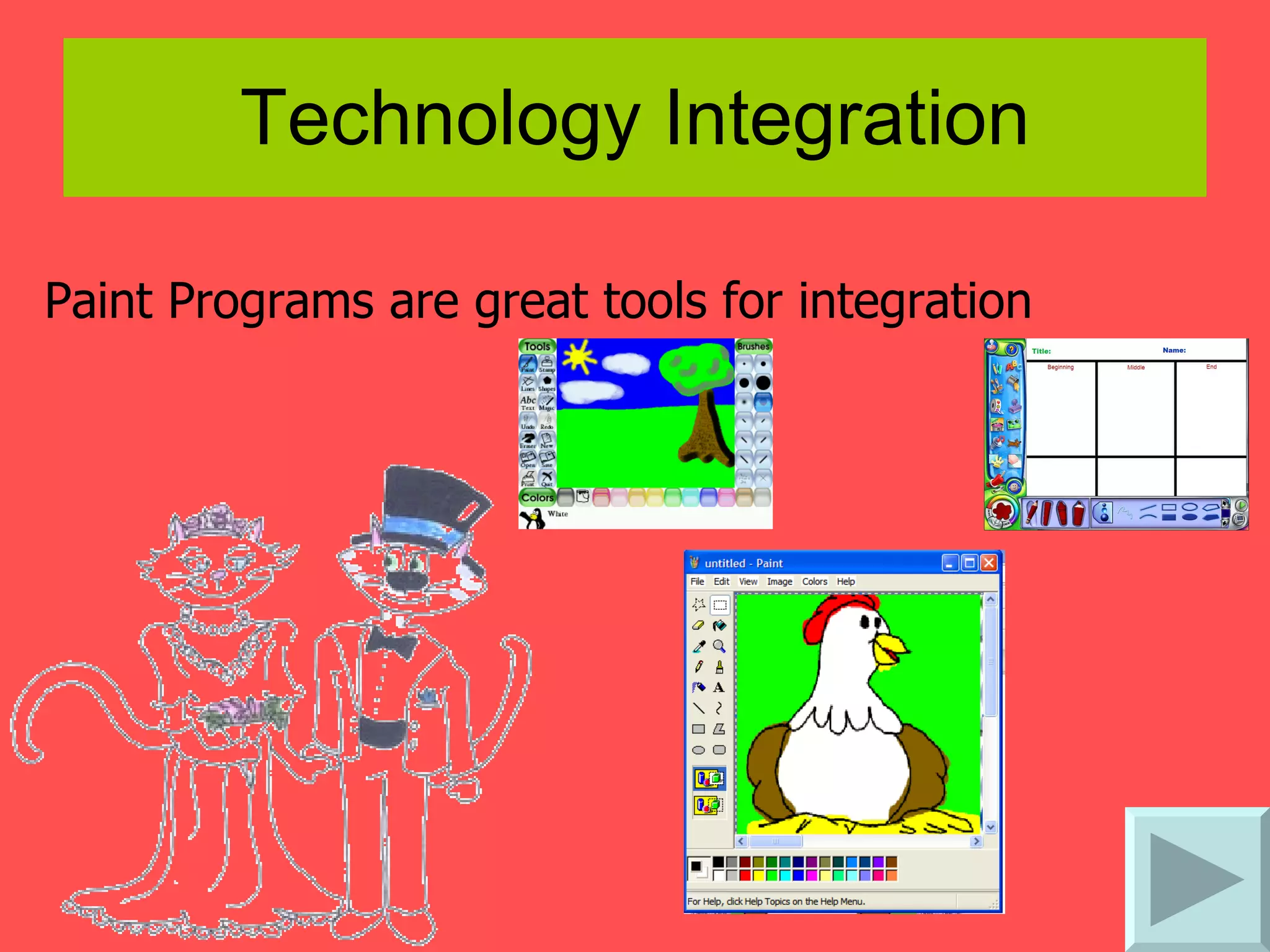
Technology Integration Paint Programs are great tools for integration
Technology Integration Inspiration is an awesome way to help students organize notes.
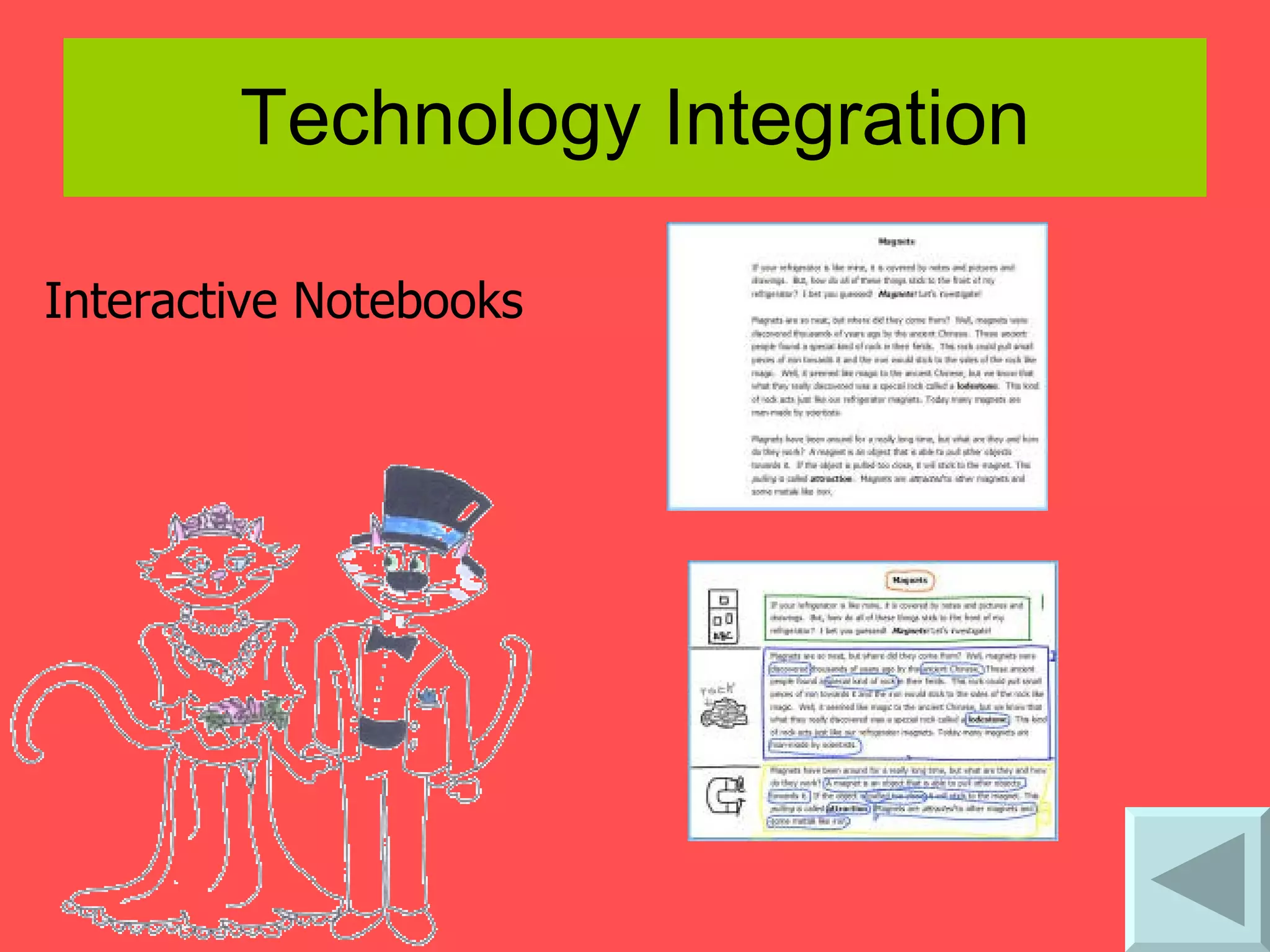
Technology Integration Interactive Notebooks
Reinforcing Effort and Providing Recognition Effort and Achievement  (rubric taken from  A Handbook for Classroom Instruction That Works , Marzano, p. 99-100)   Create rubrics using  Rubista r Rubrics: GCPS Elementary website  - samples include: Math shapes   Nouns and verbs   Math facts games   Websites/interactive activities that  provide positive feedback:
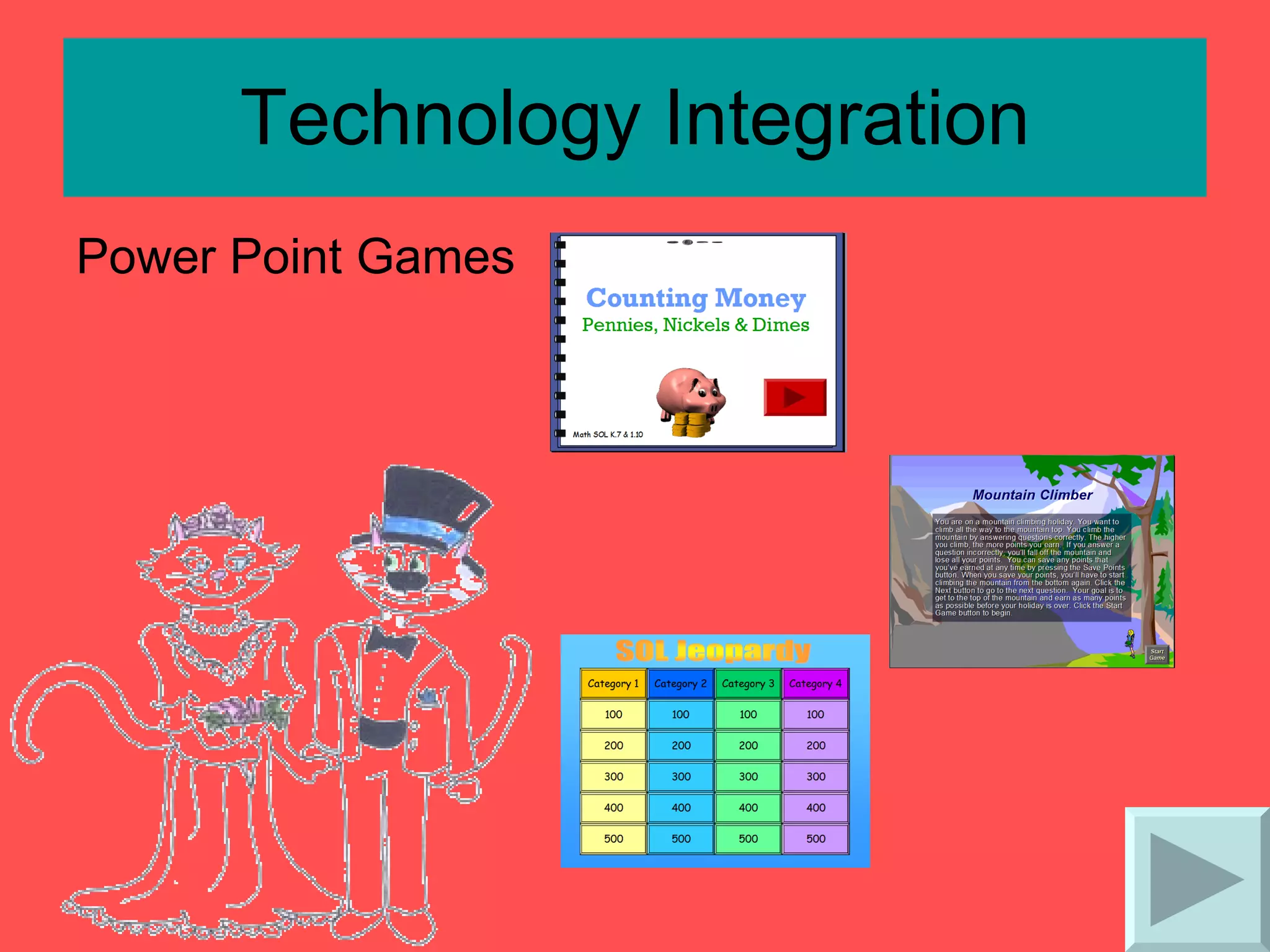
Technology Integration   Power Point Games
Technology Integration Power Point is great for making awards. Kidbibs   makes online certificates . Class  webpages   to share work Don’t forget to send parents an email!
Homework and Practice The amount of homework assigned to students should be different from elementary to middle school to high school. About 10 minutes per grade level Parent involvement in homework should be kept to a minimum.
Technology Integration Teacher  Webpages Homework policies  Homework assignments  Unit test dates  Class notes  Informational PowerPoint presentations Links to pre-determined practice websites  Practice activities
Nonlinguistic Representations A variety of activities to produce nonlinguistic representations should be used. Creating graphic representations Making physical models Generating mental pictures Drawing pictures and pictographs Engaging in kinesthetic activities Nonlinguistic representations should elaborate on the pre-existing knowledge or the newly introduced knowledge.
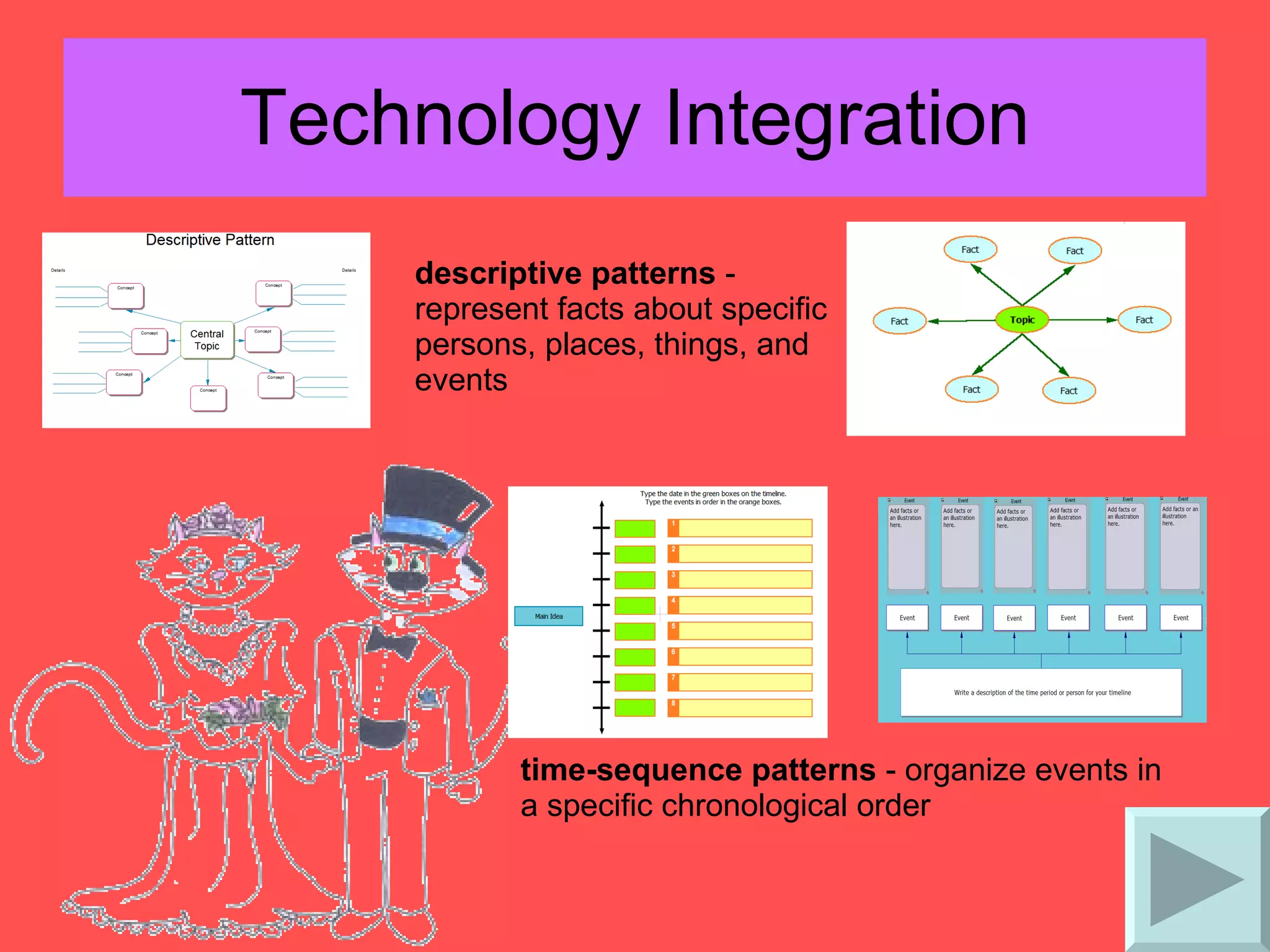
Technology Integration descriptive patterns  - represent facts about specific persons, places, things, and events  time-sequence patterns  - organize events in a specific chronological order
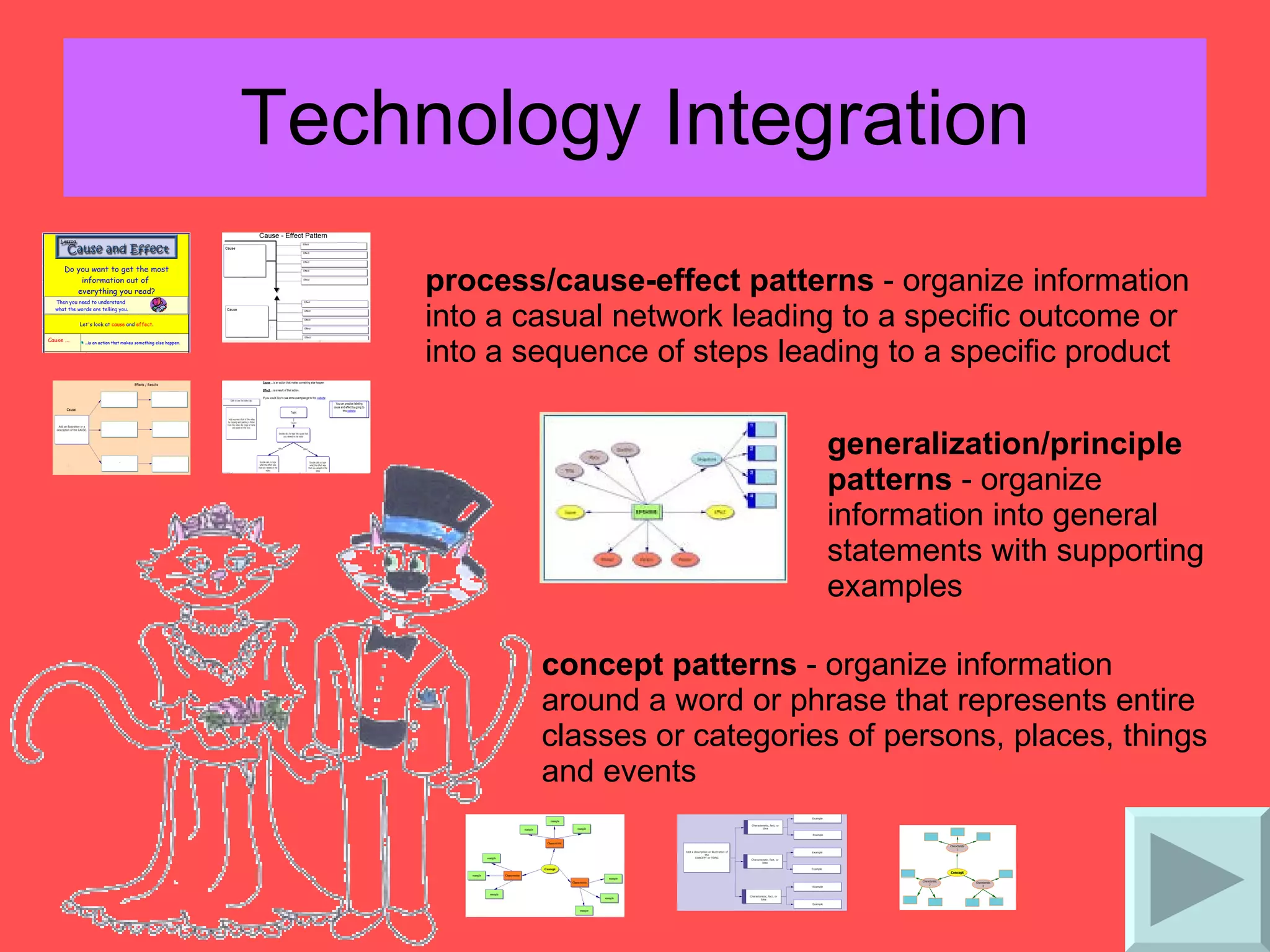
Technology Integration process/cause-effect patterns  - organize information into a casual network leading to a specific outcome or into a sequence of steps leading to a specific product  generalization/principle patterns  - organize information into general statements with supporting examples  concept patterns  - organize information around a word or phrase that represents entire classes or categories of persons, places, things and events
Technology Integration Visualizing is an important strategy students need to use when reading or learning new content.  Using  digital cameras ,  MovieMaker ,  United Streaming ,  paint programs , and  Inspiration   are a few resources to help students create mental images by stimulating their thinking.   The following visualizing project will help students practice generating mental pictures. The visualization project is a five day project that incorporates reading and rereading of a story, visualizing images, sequencing events, retelling the story, and illustrating the retelling of the story.  The project is intending to be used with a picture book that contains a strong sequence.  Daily project details are listed below. Day 1 – classroom:  Teacher shows visualization PowerPoint to class. First reading of story without illustrations (illustrations are not shown to class until the end of the project)
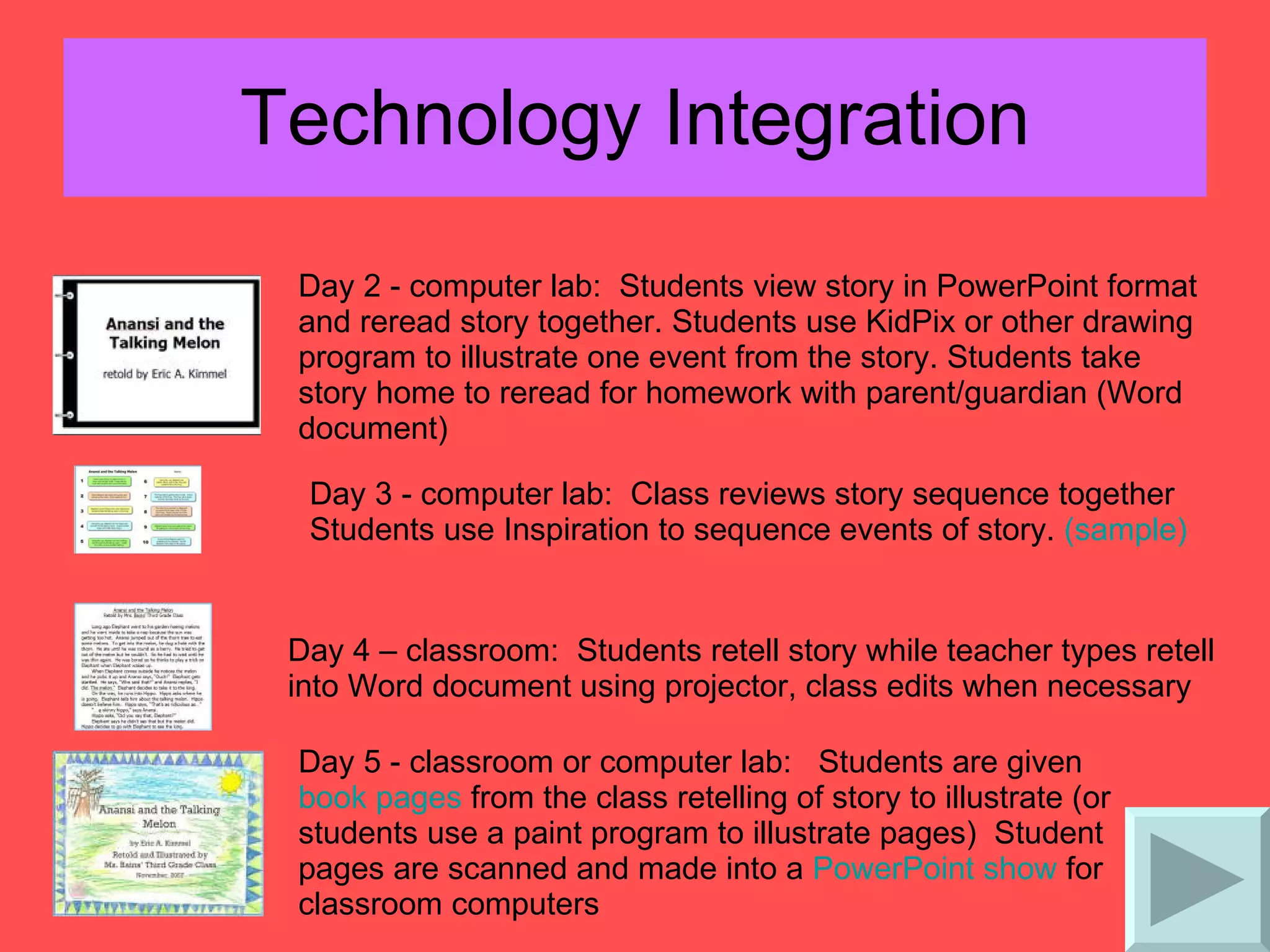
Technology Integration Day 2 - computer lab:  Students view story in PowerPoint format and reread story together. Students use KidPix or other drawing program to illustrate one event from the story. Students take story home to reread for homework with parent/guardian (Word document)  Day 3 - computer lab:  Class reviews story sequence together  Students use Inspiration to sequence events of story.  (sample) Day 4 – classroom:  Students retell story while teacher types retell into Word document using projector, class edits when necessary  Day 5 - classroom or computer lab:  Students are given  book pages  from the class retelling of story to illustrate (or students use a paint program to illustrate pages)  Student pages are scanned and made into a  PowerPoint show  for classroom computers
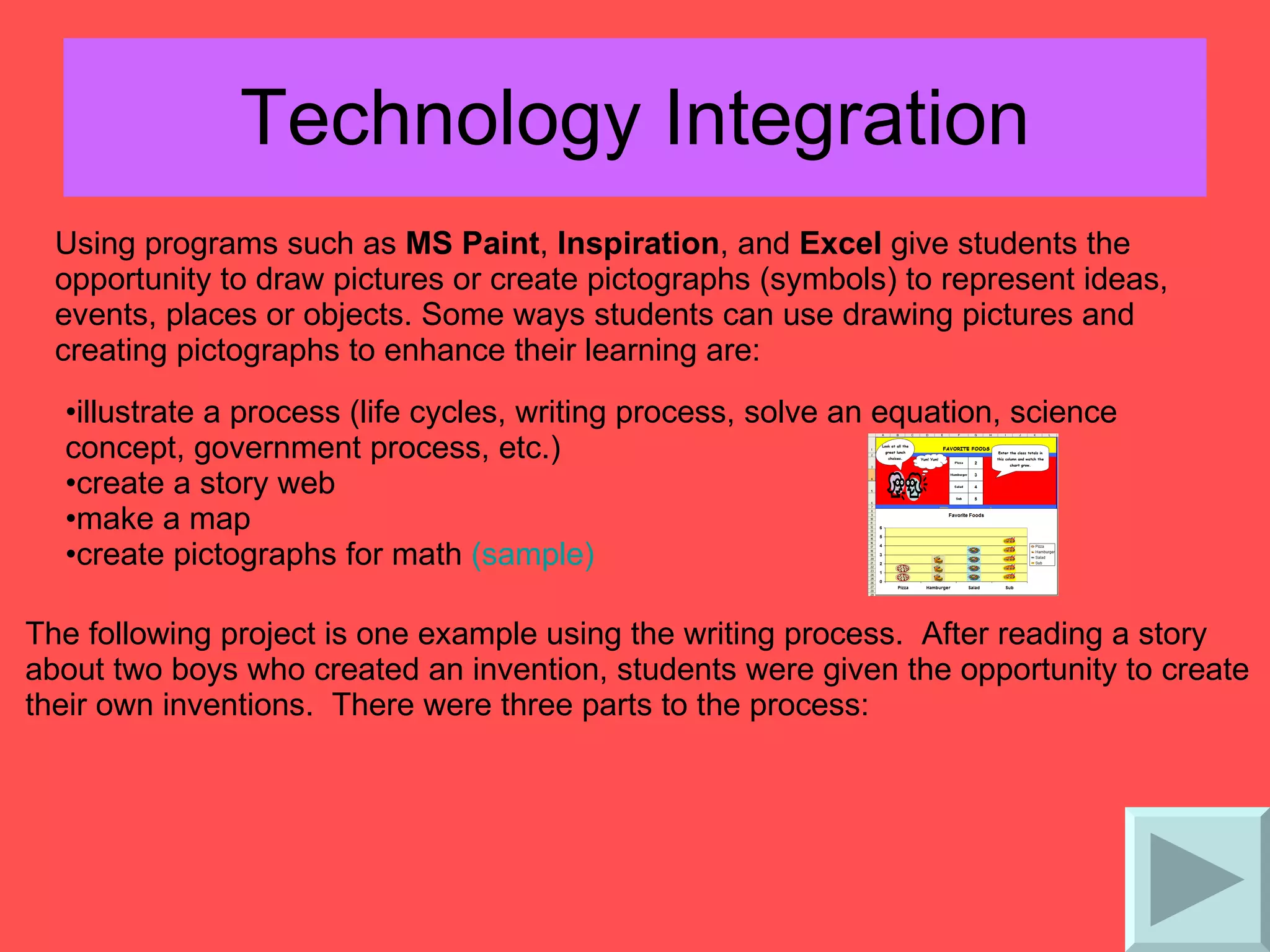
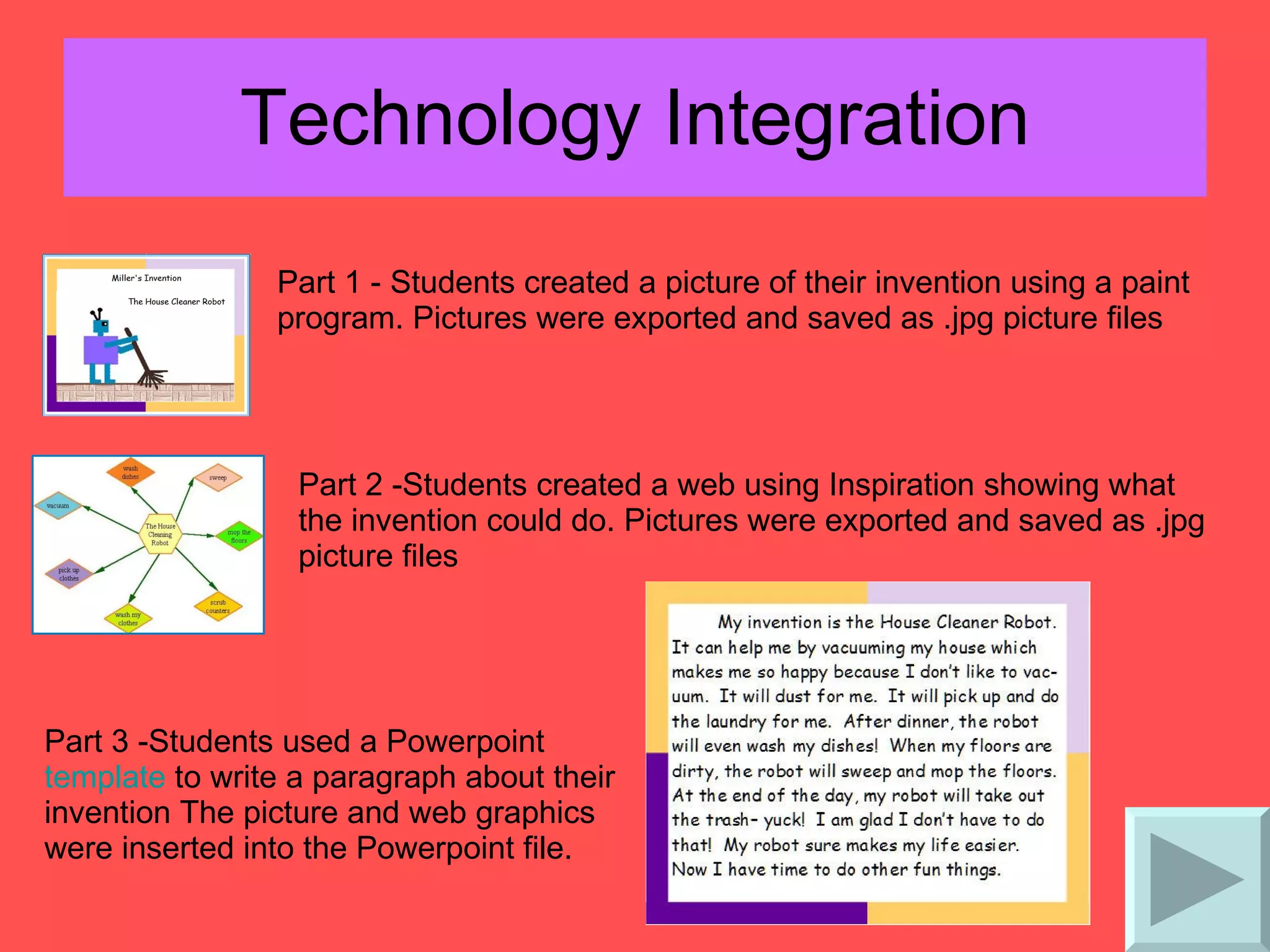
Technology Integration Using programs such as  MS Paint ,  Inspiration , and  Excel  give students the opportunity to draw pictures or create pictographs (symbols) to represent ideas, events, places or objects. Some ways students can use drawing pictures and creating pictographs to enhance their learning are: illustrate a process (life cycles, writing process, solve an equation, science concept, government process, etc.)  create a story web  make a map  create pictographs for math  (sample) The following project is one example using the writing process.  After reading a story about two boys who created an invention, students were given the opportunity to create their own inventions.  There were three parts to the process:
Technology Integration Part 1 - Students created a picture of their invention using a paint program. Pictures were exported and saved as .jpg picture files  Part 2 -Students created a web using Inspiration showing what the invention could do. Pictures were exported and saved as .jpg picture files  Part 3 -Students used a Powerpoint  template  to write a paragraph about their invention The picture and web graphics were inserted into the Powerpoint file.
Technology Integration A mental picture is created in a student's mind when they use role play with physical movement.  Creating movies with video and still digital photos reinforces the mental picture as students view them over and over again.  Use software programs such as  MovieMaker, VoiceThread, PowerPoint  and  PhotoStory  to create movies.  Some examples includes: Math manipulatives  Body math (illustrate angles, geometric shapes, multiplication, ordinal numbers, etc.)  Role-playing historical events or story events  A Living Alphabet   Illustrate science concepts (earth cycles, food chains, weather, etc.)  Claymation  Acting out reader's theaters
Cooperative Learning Cooperative groups should be kept small in size—3 or 4 members. Cooperative learning should be applied consistently and systematically, but not overused. Tasks given to cooperative groups should be well structured. If students do not have sufficient time to practice skills independently, cooperative learning is being overused.
Technology Integration Webquests Bernie Dodge's  WebQuest  Page   Best  WebQuests - a search engine for webquests  University of Richmond  web projects  WebQuests using PowerPoint  WebQuest   WebQuest -  a webquest about making webquests (PowerPoint WebQuest  template ) Other WebQuest resources Education World - Creating a WebQuest: It's Easier than You Think  A  WebQuest  About  WebQuests  - Elementary version  Building Blocks of a  WebQuest   Concept to Classroom  - What is a WebQuest?
Technology Integration Collaborative Online Projects  - includes class to class projects, ePal projects, online journeys, and authors and writers Monster Exchange   The 2008 Iditarod Race   Literature Learning Ladders  - Collaborative and interactive online projects  Technospud  Projects  -8 projects a year that enables teachers to teach a concept, share their results, and compare/contrast their results with other classrooms all over the world  each project includes worksheets, website links and lesson ideas  Internet Scavenger Hunts Internet Hunt Activities  by Cindy O'Hora  Education World   Scavenger Hunts for Kids
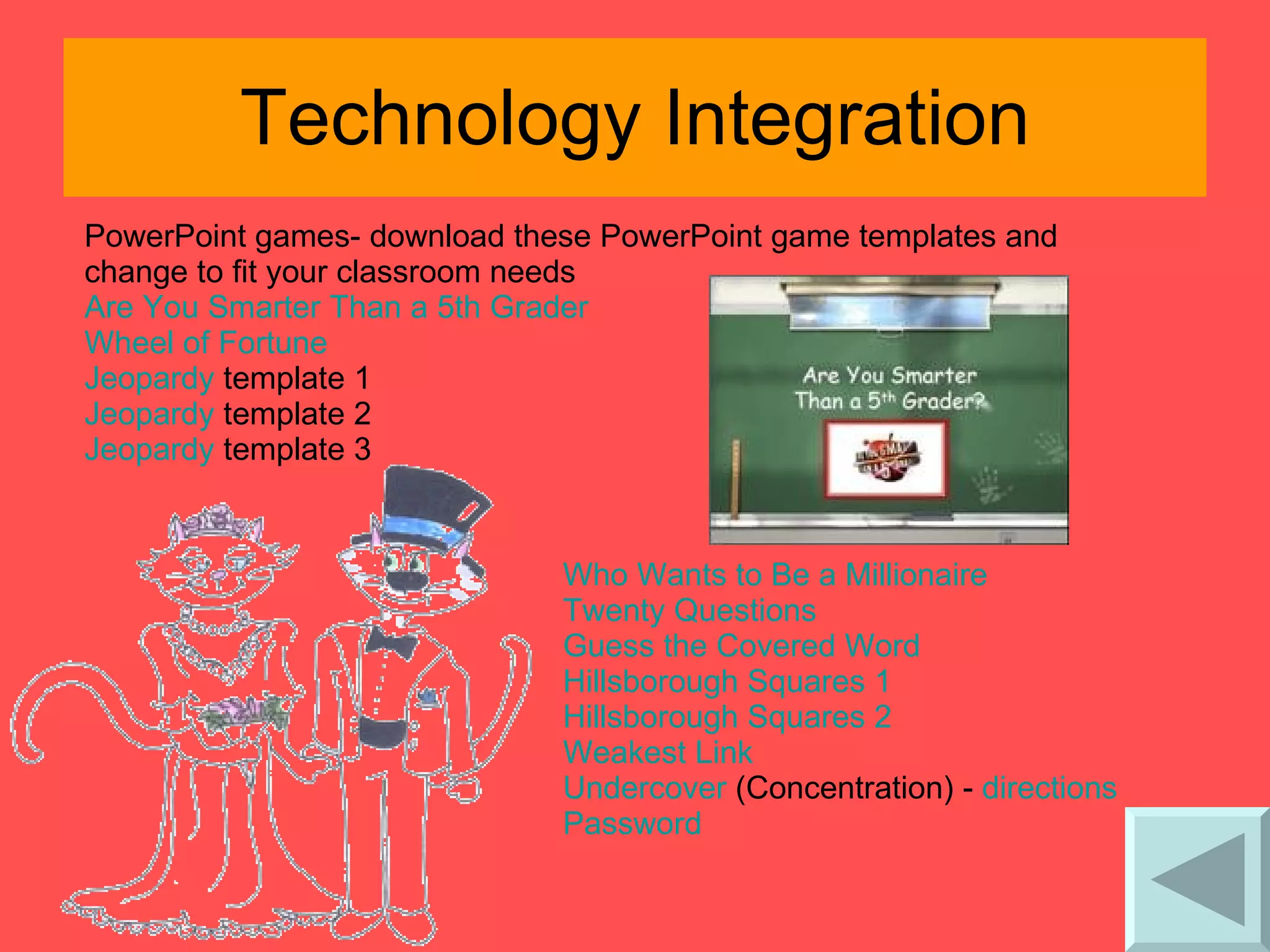
Technology Integration PowerPoint games- download these PowerPoint game templates and change to fit your classroom needs Are You Smarter Than a 5th Grader  Wheel of Fortune  Jeopardy  template 1  Jeopardy  template 2  Jeopardy  template 3  Who Wants to Be a Millionaire  Twenty Questions  Guess the Covered Word  Hillsborough Squares 1  Hillsborough Squares 2  Weakest Link  Undercove r  (Concentration) -  directions   Password
Objectives and Feedback SOL Essential Knowledge from Curriculum Frameworks  template   sample   Letters to parents explaining learning objectives and criteria for grading (Use Word and allow students to compose letter together in class & then print) Contracts- goal setting Reading contracts  Reading logs  Electronic Portfolios-  ( template ) goal setting  feedback during conferences  Electronic portfolios  website
Technology Integration Criterion-referenced feedback: Rubrics using Excel ( sample )  Rubrics for Web Lessons  - information and resources for creating rubrics for Internet lessons  Guidelines for Rubric Development  - steps, terms and concept words for creating rubrics   Kathy Schrock's Guide for Educators  - Assessment and Rubric Information
Technology Integration Assessments:  ExamView ,  Quia ,  Quizzlet , easily create practice assignments, quizzes, tests, etc. from question banks  students complete assignments on computer - great practice for online SOL testing  grades assignments and provides student with instant feedback  provides teacher with grade and multiple reports  interactive websites for each subject area and SOL   SOL review activities SOLPass  (example) Interactive Websites:
Generating and Testing Hypotheses Hypotheses generation and testing can be approached in a more inductive or deductive manner. Inductive—use general rules to make prediction about specific event Deductive—specific pieces of information lead to general conclusion. Teachers should ask students to clearly explain their hypotheses and their conclusions.
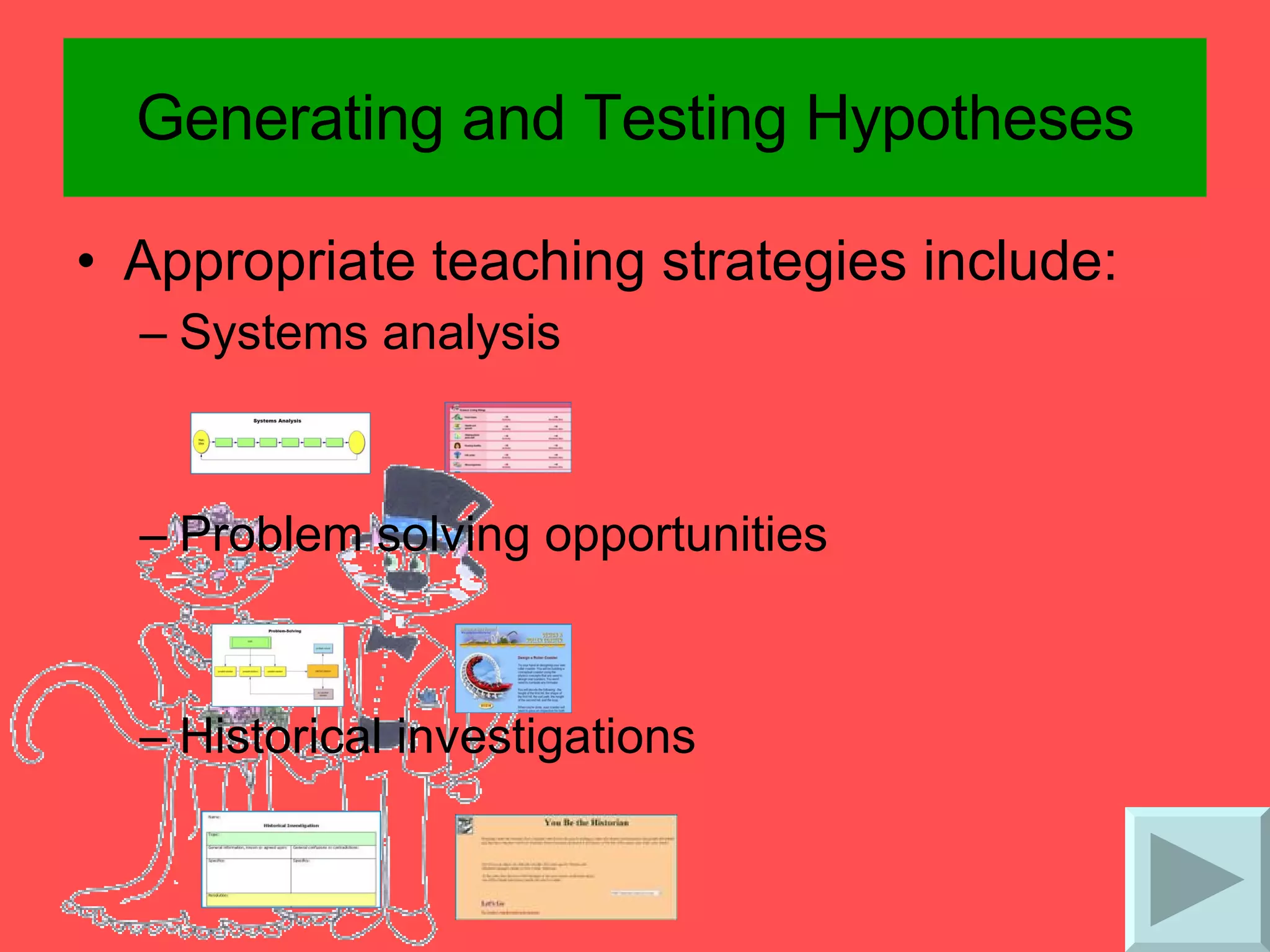
Generating and Testing Hypotheses Appropriate teaching strategies include: Systems analysis  Problem solving opportunities Historical investigations
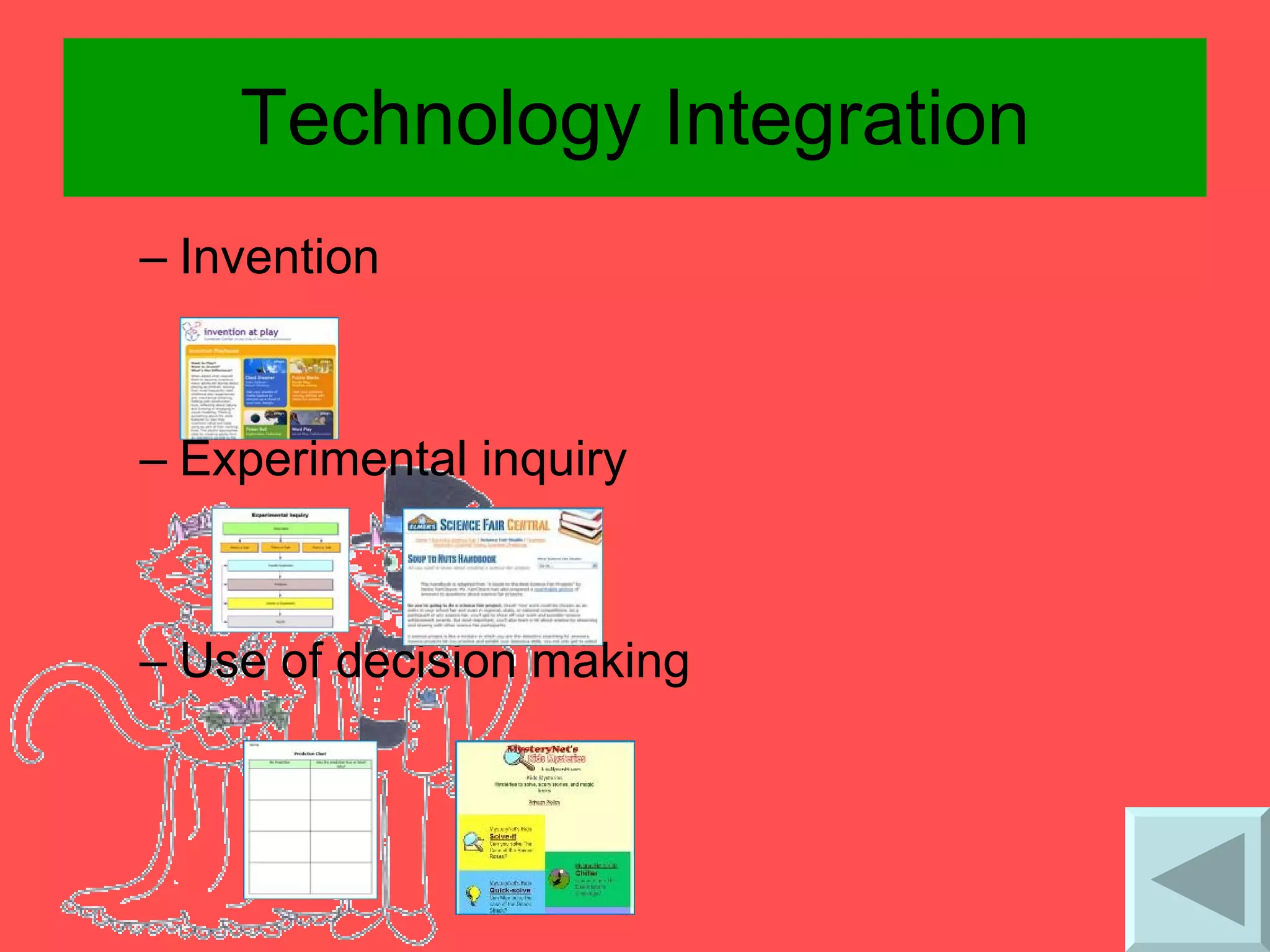
Technology Integration Invention Experimental inquiry Use of decision making
Cues, Questions, & Advance Organizers Cues, questions, and advanced organizers should focus on what is important as opposed to what is unusual. “ Higher level” questions or advanced organizers produce deeper learning than “lower level” questions or advanced organizers. “ Waiting” briefly before accepting responses from students has the effect of increasing the depth of students’ answers. Questions are effective learning tools even when asked before a learning experience. Advance organizers are most useful with information that is not well organized.
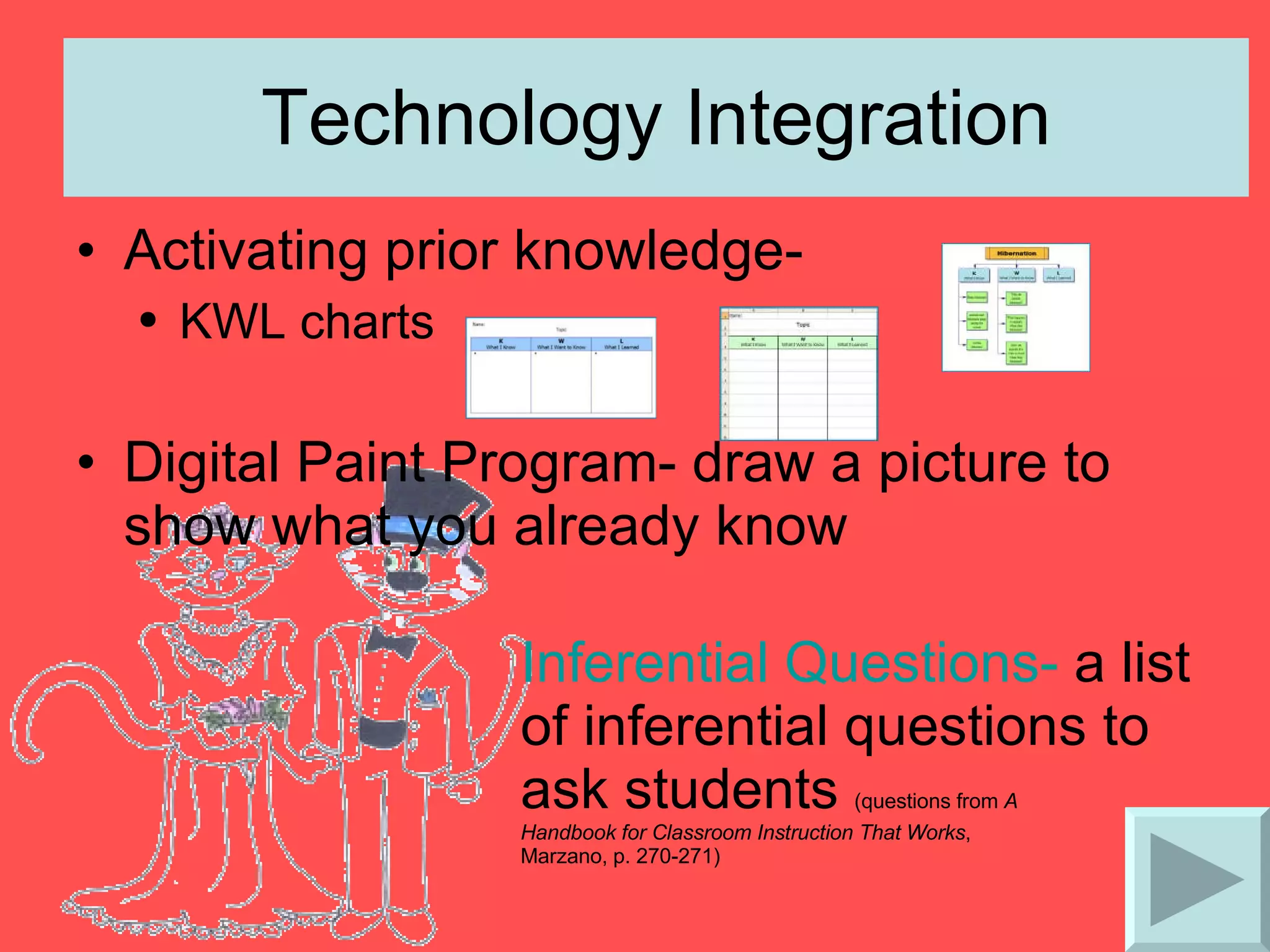
Technology Integration Activating prior knowledge- KWL charts  Digital Paint Program- draw a picture to show what you already know  Inferential Questions-  a list of inferential questions to ask students  (questions from  A  Handbook for Classroom Instruction That Works ,  Marzano, p. 270-271)
Technology Integration Questioning Websites: Question-Answer Relationships   The Art of Questioning   Teaching Thinking  Through Effective Questioning
Technology Integration Types of advance organizers: Expository Advance Organizers- straightforward descriptions of new content emphasizing important content  give students a graphic organizer that is already filled in at the beginning of a unit to prepare them for what they will learn  (Inspiration  example ) Narrative Advance Organizers- stories that will make a personal or real-world connection with the new content use PowerPoint to share stories
Technology Integration Skimming- teach students to skim heading, subheadings, captions, highlighted or bold text in expository information use formatting tools in Word to highlight text  insert a scanned page from textbook into a PowerPoint slide - use pointer tools to circle/teach students what to skim  Advance Organizer Websites: Education World  Organizers  Scholastic  Graphic Organizers for Reading Comprehension

Marrying Marzano W Instructional Technology

  • 1.
    Marrying Marzano withInstructional Technology based on the research from: Classroom Instruction That Works by Robert J. Marzano, Debra J. Pickering, Jane E. Pollock
  • 2.
    Sage Wisdom "Thirty-fiveyears of research provides remarkably clear guidance as to the steps schools can take to be highly effective in enhancing student achievement."  - Dr. Robert J. Marzano  
  • 3.
    Average Percentile PointsGained By Students on Achievement Tests Identifying Similarities and Differences 45 Summarizing and Notetaking 34 Reinforcing Effort & Providing Recognition 29 Increasing Value in Homework and Practices 28 Using Non-linguistic Representations 27 Incorporating Co-operative Learning Effectively 27 Setting Objectives and Providing Feedback 23 Generating and Testing Hypothesis 23 Statistics from Classroom Instruction That Works , p. 7 Utilizing Questions, Cues, & Advanced Organizers 22
  • 4.
    Similarities and DifferencesComparing with Venn Diagrams
  • 5.
    Technology Integration Comparingwith Comparison Matrix
  • 6.
  • 7.
    Technology Integration CreatingMetaphors and Analogies Online Interactive Games: Sadler-Oxford Awesome Analogies Jeopardy 1 Awesome Analogies Jeopardy 2 Pop-Ups 1 (multiple choice) Pop-Ups 2 Pop-Ups 3 Family Analogies Food Analogies Animal Analogies 1 Animal Analogies 2 Animal Analogies 3 Animal Analogies 4
  • 8.
    Summarizing and NotetakingRule based summary- steps for students to use to decide which information to delete or substitute and which to keep
  • 9.
    Technology Integration SummaryFrames- a series of questions that the teacher provides to students to highlight the critical elements for specific types of information (questions taken from Classroom Instruction That Works , Marzano, p. 35-41) The Narrative Frame The Topic-Restriction-Illustration Frame The Definition Frame The Argumentation Frame The Problem/Solution Frame The Conversation Frame
  • 10.
    Technology Integration Formattingtools- use Word tools such as underlining, bold, font color, highlighting, bulleted lists, outlining, etc. 
  • 11.
    Technology Integration Retelling-use story frames and allow students to retell the story.
  • 12.
  • 13.
    Technology Integration PaintPrograms are great tools for integration
  • 14.
    Technology Integration Inspirationis an awesome way to help students organize notes.
  • 15.
  • 16.
    Reinforcing Effort andProviding Recognition Effort and Achievement (rubric taken from A Handbook for Classroom Instruction That Works , Marzano, p. 99-100) Create rubrics using Rubista r Rubrics: GCPS Elementary website - samples include: Math shapes Nouns and verbs Math facts games Websites/interactive activities that provide positive feedback:
  • 17.
    Technology Integration  Power Point Games
  • 18.
    Technology Integration PowerPoint is great for making awards. Kidbibs makes online certificates . Class webpages to share work Don’t forget to send parents an email!
  • 19.
    Homework and PracticeThe amount of homework assigned to students should be different from elementary to middle school to high school. About 10 minutes per grade level Parent involvement in homework should be kept to a minimum.
  • 20.
    Technology Integration Teacher Webpages Homework policies Homework assignments Unit test dates Class notes Informational PowerPoint presentations Links to pre-determined practice websites Practice activities
  • 21.
    Nonlinguistic Representations Avariety of activities to produce nonlinguistic representations should be used. Creating graphic representations Making physical models Generating mental pictures Drawing pictures and pictographs Engaging in kinesthetic activities Nonlinguistic representations should elaborate on the pre-existing knowledge or the newly introduced knowledge.
  • 22.
    Technology Integration descriptivepatterns - represent facts about specific persons, places, things, and events time-sequence patterns - organize events in a specific chronological order
  • 23.
    Technology Integration process/cause-effectpatterns - organize information into a casual network leading to a specific outcome or into a sequence of steps leading to a specific product generalization/principle patterns - organize information into general statements with supporting examples concept patterns - organize information around a word or phrase that represents entire classes or categories of persons, places, things and events
  • 24.
    Technology Integration Visualizingis an important strategy students need to use when reading or learning new content.  Using digital cameras , MovieMaker , United Streaming , paint programs , and Inspiration are a few resources to help students create mental images by stimulating their thinking.  The following visualizing project will help students practice generating mental pictures. The visualization project is a five day project that incorporates reading and rereading of a story, visualizing images, sequencing events, retelling the story, and illustrating the retelling of the story.  The project is intending to be used with a picture book that contains a strong sequence.  Daily project details are listed below. Day 1 – classroom: Teacher shows visualization PowerPoint to class. First reading of story without illustrations (illustrations are not shown to class until the end of the project)
  • 25.
    Technology Integration Day2 - computer lab: Students view story in PowerPoint format and reread story together. Students use KidPix or other drawing program to illustrate one event from the story. Students take story home to reread for homework with parent/guardian (Word document) Day 3 - computer lab: Class reviews story sequence together Students use Inspiration to sequence events of story. (sample) Day 4 – classroom: Students retell story while teacher types retell into Word document using projector, class edits when necessary Day 5 - classroom or computer lab: Students are given book pages from the class retelling of story to illustrate (or students use a paint program to illustrate pages) Student pages are scanned and made into a PowerPoint show for classroom computers
  • 26.
    Technology Integration Usingprograms such as MS Paint , Inspiration , and Excel give students the opportunity to draw pictures or create pictographs (symbols) to represent ideas, events, places or objects. Some ways students can use drawing pictures and creating pictographs to enhance their learning are: illustrate a process (life cycles, writing process, solve an equation, science concept, government process, etc.) create a story web make a map create pictographs for math (sample) The following project is one example using the writing process.  After reading a story about two boys who created an invention, students were given the opportunity to create their own inventions.  There were three parts to the process:
  • 27.
    Technology Integration Part1 - Students created a picture of their invention using a paint program. Pictures were exported and saved as .jpg picture files Part 2 -Students created a web using Inspiration showing what the invention could do. Pictures were exported and saved as .jpg picture files Part 3 -Students used a Powerpoint template to write a paragraph about their invention The picture and web graphics were inserted into the Powerpoint file.
  • 28.
    Technology Integration Amental picture is created in a student's mind when they use role play with physical movement.  Creating movies with video and still digital photos reinforces the mental picture as students view them over and over again.  Use software programs such as MovieMaker, VoiceThread, PowerPoint and PhotoStory to create movies. Some examples includes: Math manipulatives Body math (illustrate angles, geometric shapes, multiplication, ordinal numbers, etc.) Role-playing historical events or story events A Living Alphabet Illustrate science concepts (earth cycles, food chains, weather, etc.) Claymation Acting out reader's theaters
  • 29.
    Cooperative Learning Cooperativegroups should be kept small in size—3 or 4 members. Cooperative learning should be applied consistently and systematically, but not overused. Tasks given to cooperative groups should be well structured. If students do not have sufficient time to practice skills independently, cooperative learning is being overused.
  • 30.
    Technology Integration WebquestsBernie Dodge's WebQuest Page Best WebQuests - a search engine for webquests University of Richmond web projects WebQuests using PowerPoint WebQuest WebQuest - a webquest about making webquests (PowerPoint WebQuest template ) Other WebQuest resources Education World - Creating a WebQuest: It's Easier than You Think A WebQuest About WebQuests - Elementary version Building Blocks of a WebQuest Concept to Classroom - What is a WebQuest?
  • 31.
    Technology Integration CollaborativeOnline Projects - includes class to class projects, ePal projects, online journeys, and authors and writers Monster Exchange The 2008 Iditarod Race Literature Learning Ladders - Collaborative and interactive online projects Technospud Projects -8 projects a year that enables teachers to teach a concept, share their results, and compare/contrast their results with other classrooms all over the world each project includes worksheets, website links and lesson ideas Internet Scavenger Hunts Internet Hunt Activities by Cindy O'Hora Education World Scavenger Hunts for Kids
  • 32.
    Technology Integration PowerPointgames- download these PowerPoint game templates and change to fit your classroom needs Are You Smarter Than a 5th Grader Wheel of Fortune Jeopardy template 1 Jeopardy template 2 Jeopardy template 3 Who Wants to Be a Millionaire Twenty Questions Guess the Covered Word Hillsborough Squares 1 Hillsborough Squares 2 Weakest Link Undercove r (Concentration) - directions Password
  • 33.
    Objectives and FeedbackSOL Essential Knowledge from Curriculum Frameworks template sample Letters to parents explaining learning objectives and criteria for grading (Use Word and allow students to compose letter together in class & then print) Contracts- goal setting Reading contracts Reading logs Electronic Portfolios-  ( template ) goal setting feedback during conferences Electronic portfolios website
  • 34.
    Technology Integration Criterion-referencedfeedback: Rubrics using Excel ( sample ) Rubrics for Web Lessons - information and resources for creating rubrics for Internet lessons Guidelines for Rubric Development - steps, terms and concept words for creating rubrics Kathy Schrock's Guide for Educators - Assessment and Rubric Information
  • 35.
    Technology Integration Assessments: ExamView , Quia , Quizzlet , easily create practice assignments, quizzes, tests, etc. from question banks students complete assignments on computer - great practice for online SOL testing grades assignments and provides student with instant feedback provides teacher with grade and multiple reports interactive websites for each subject area and SOL SOL review activities SOLPass (example) Interactive Websites:
  • 36.
    Generating and TestingHypotheses Hypotheses generation and testing can be approached in a more inductive or deductive manner. Inductive—use general rules to make prediction about specific event Deductive—specific pieces of information lead to general conclusion. Teachers should ask students to clearly explain their hypotheses and their conclusions.
  • 37.
    Generating and TestingHypotheses Appropriate teaching strategies include: Systems analysis Problem solving opportunities Historical investigations
  • 38.
    Technology Integration InventionExperimental inquiry Use of decision making
  • 39.
    Cues, Questions, &Advance Organizers Cues, questions, and advanced organizers should focus on what is important as opposed to what is unusual. “ Higher level” questions or advanced organizers produce deeper learning than “lower level” questions or advanced organizers. “ Waiting” briefly before accepting responses from students has the effect of increasing the depth of students’ answers. Questions are effective learning tools even when asked before a learning experience. Advance organizers are most useful with information that is not well organized.
  • 40.
    Technology Integration Activatingprior knowledge- KWL charts Digital Paint Program- draw a picture to show what you already know Inferential Questions- a list of inferential questions to ask students (questions from A Handbook for Classroom Instruction That Works , Marzano, p. 270-271)
  • 41.
    Technology Integration QuestioningWebsites: Question-Answer Relationships The Art of Questioning Teaching Thinking Through Effective Questioning
  • 42.
    Technology Integration Typesof advance organizers: Expository Advance Organizers- straightforward descriptions of new content emphasizing important content give students a graphic organizer that is already filled in at the beginning of a unit to prepare them for what they will learn  (Inspiration example ) Narrative Advance Organizers- stories that will make a personal or real-world connection with the new content use PowerPoint to share stories
  • 43.
    Technology Integration Skimming-teach students to skim heading, subheadings, captions, highlighted or bold text in expository information use formatting tools in Word to highlight text insert a scanned page from textbook into a PowerPoint slide - use pointer tools to circle/teach students what to skim Advance Organizer Websites: Education World Organizers Scholastic Graphic Organizers for Reading Comprehension