Outline
Introduction
A Simple C Program: Printing a Line of Text
Another Simple C Program: Adding Two Integers
Memory Concepts
Arithmetic in C
Decision Making: Equality and Relational Operators
 C programming language
◦ Structured and disciplined approach to program
design
 Structured programming
◦ Introduced in chapters 3 and 4
◦ Used throughout the remainder of the book
 Comments
◦ Text surrounded by /* and */ is ignored by computer
◦ Used to describe program
 #include <stdio.h>
◦ Preprocessor directive - tells computer to load contents of a certain file
◦ <stdio.h> allows standard input/output operations
1 /* Fig. 2.1: fig02_01.c
2 A first program in C */
3 #include <stdio.h>
4
5 int main()
6 {
7 printf( "Welcome to C!n" );
8
9 return 0;
10 }
Welcome to C!
 int main()
◦ C++ programs contain one or more functions, exactly one of
which must be main
◦ Parenthesis used to indicate a function
◦ int means that main "returns" an integer value
◦ Braces indicate a block
 The bodies of all functions must be contained in braces
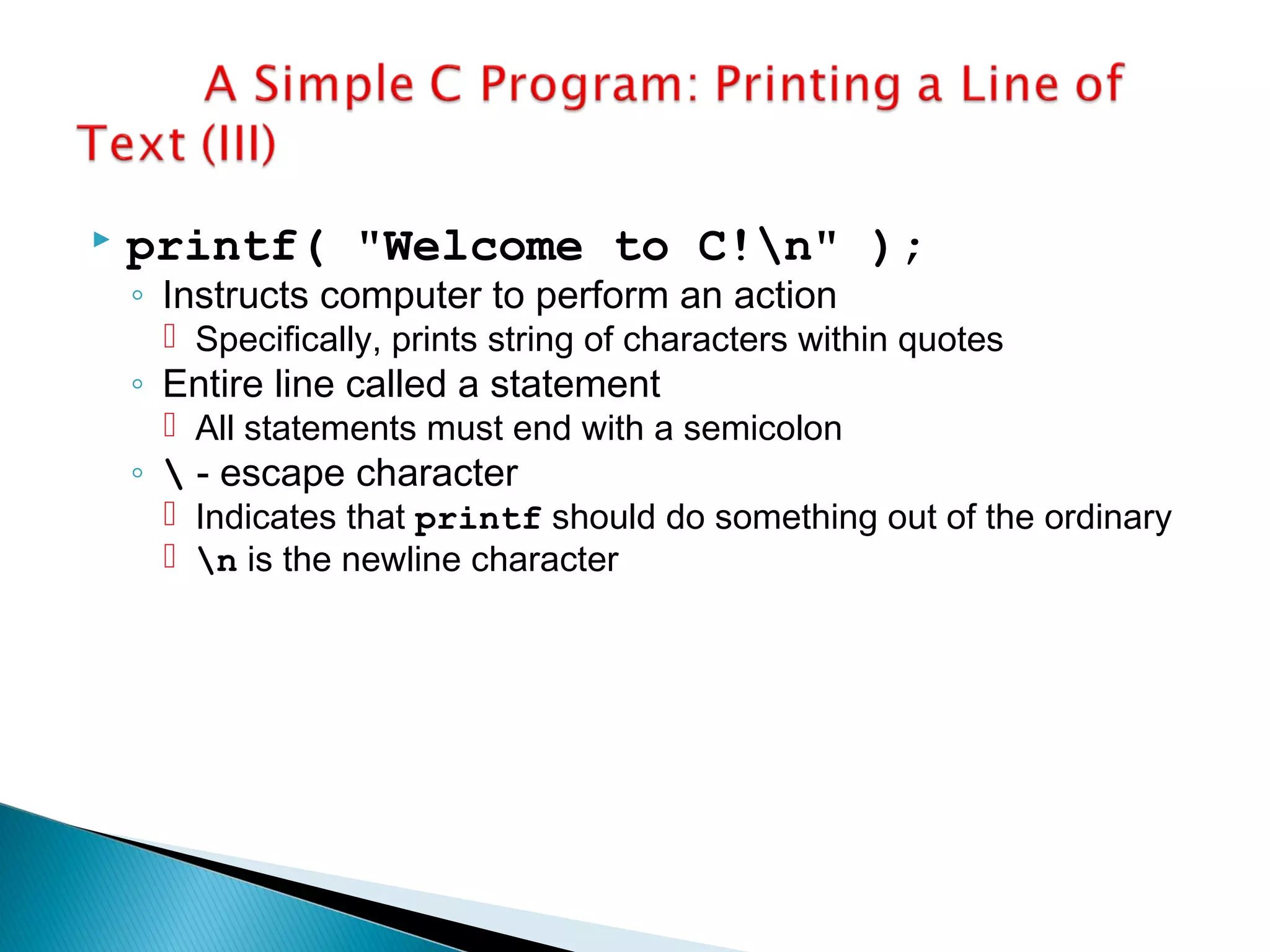
 printf( "Welcome to C!n" );
◦ Instructs computer to perform an action
 Specifically, prints string of characters within quotes
◦ Entire line called a statement
 All statements must end with a semicolon
◦  - escape character
 Indicates that printf should do something out of the ordinary
 n is the newline character
 return 0;
◦ A way to exit a function
◦ return 0, in this case, means that the program
terminated normally
 Right brace }
◦ Indicates end of main has been reached
 Linker
◦ When a function is called, linker locates it in the library
◦ Inserts it into object program
◦ If function name misspelled, linker will spot error because
it cannot find function in library
1. Initialize variables
2. Input
2.1 Sum
3. Print
Program Output
1 /* Fig. 2.5: fig02_05.c
2 Addition program */
3 #include <stdio.h>
4
5 int main()
6 {
7 int integer1, integer2, sum; /* declaration */
8
9 printf( "Enter first integern" ); /* prompt */
10 scanf( "%d", &integer1 ); /* read an integer */
11 printf( "Enter second integern" ); /* prompt */
12 scanf( "%d", &integer2 ); /* read an integer */
13 sum = integer1 + integer2; /* assignment of sum */
14 printf( "Sum is %dn", sum ); /* print sum */
15
16 return 0; /* indicate that program ended successfully */
17 }
Enter first integer
45
Enter second integer
72
Sum is 117
 As before
◦ Comments, #include <stdio.h> and main
 int integer1, integer2, sum;
◦ Declaration of variables
 Variables: locations in memory where a value can be stored
◦ int means the variables can hold integers (-1, 3, 0, 47)
◦ integer1, integer2, sum - variable names (identifiers)
 Identifiers: consist of letters, digits (cannot begin with a digit), and
underscores, case sensitive
◦ Declarations appear before executable statements
 If not, syntax (compile) error
 scanf( "%d", &integer1 );
◦ Obtains value from user
 scanf uses standard input (usually keyboard)
◦ This scanf has two arguments
 %d - indicates data should be a decimal integer
 &integer1 - location in memory to store variable
 & is confusing in beginning - just remember to include it with
the variable name in scanf statements
 It will be discussed later
◦ User responds to scanf by typing in number, then pressing
the enter (return) key
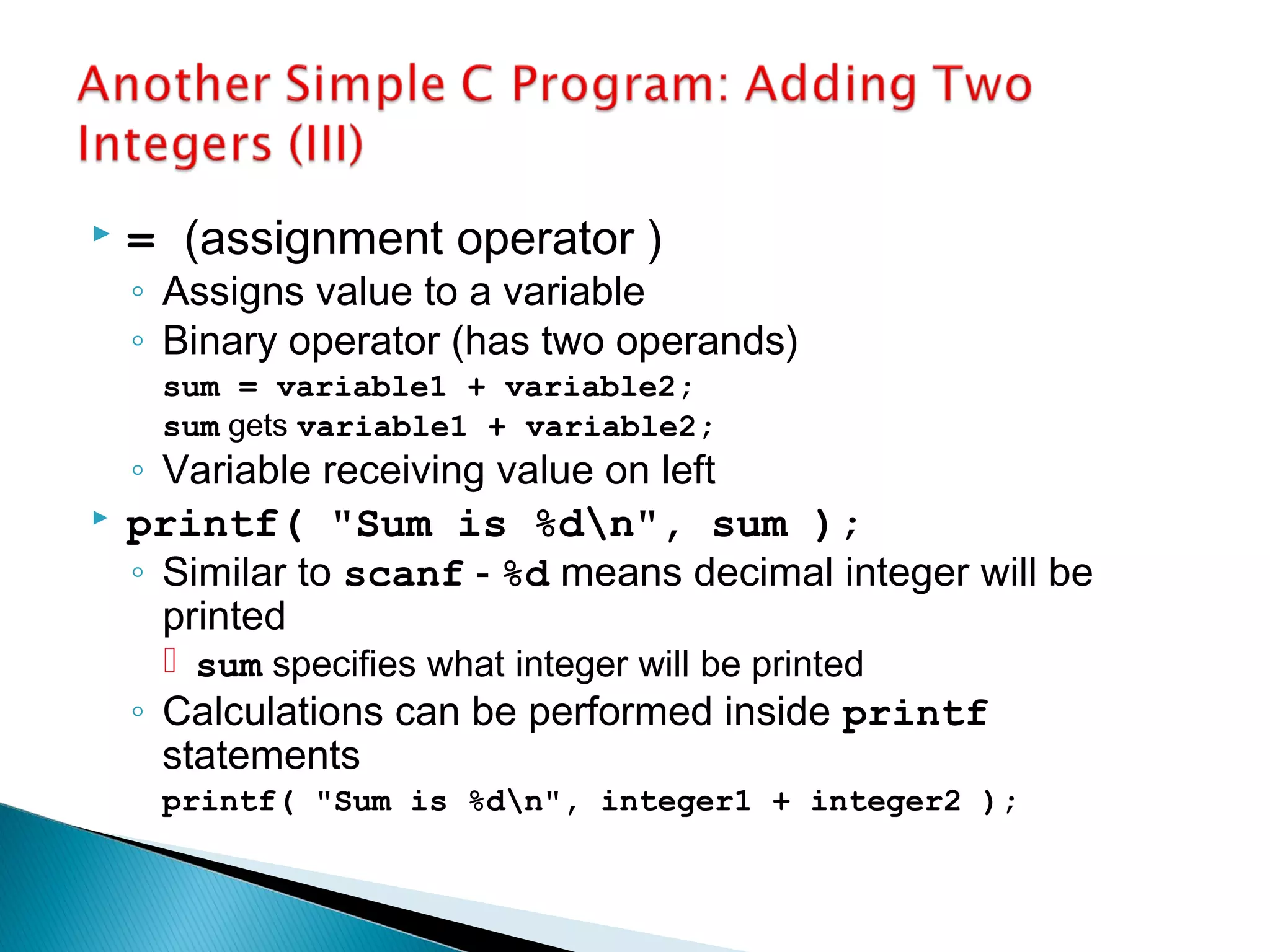
 = (assignment operator )
◦ Assigns value to a variable
◦ Binary operator (has two operands)
sum = variable1 + variable2;
sum gets variable1 + variable2;
◦ Variable receiving value on left
 printf( "Sum is %dn", sum );
◦ Similar to scanf - %d means decimal integer will be
printed
 sum specifies what integer will be printed
◦ Calculations can be performed inside printf
statements
printf( "Sum is %dn", integer1 + integer2 );
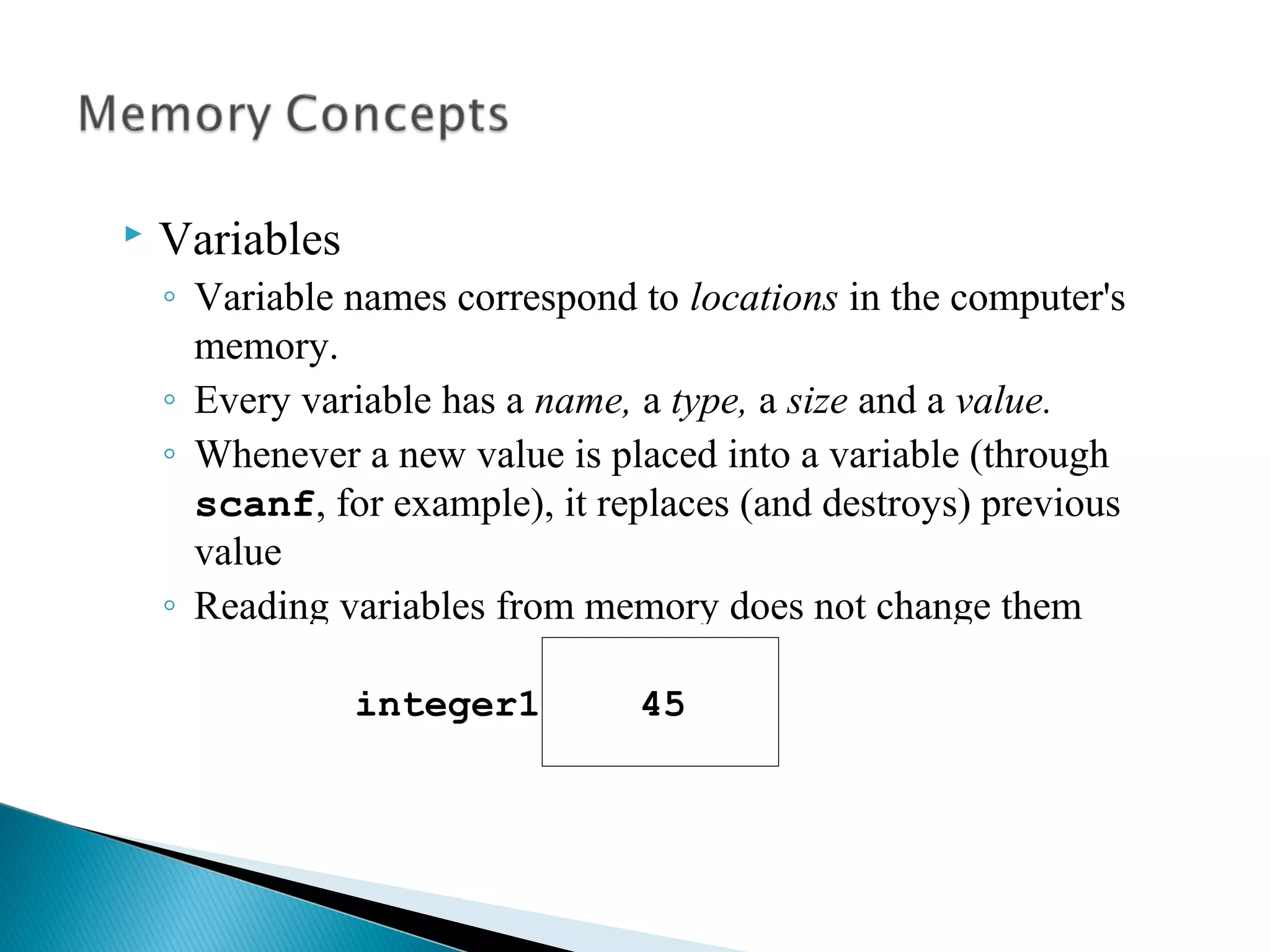
 Variables
◦ Variable names correspond to locations in the computer's
memory.
◦ Every variable has a name, a type, a size and a value.
◦ Whenever a new value is placed into a variable (through
scanf, for example), it replaces (and destroys) previous
value
◦ Reading variables from memory does not change them
 A visual representation
integer1 45

Cinfo

  • 1.
    Outline Introduction A Simple CProgram: Printing a Line of Text Another Simple C Program: Adding Two Integers Memory Concepts Arithmetic in C Decision Making: Equality and Relational Operators
  • 2.
     C programminglanguage ◦ Structured and disciplined approach to program design  Structured programming ◦ Introduced in chapters 3 and 4 ◦ Used throughout the remainder of the book
  • 3.
     Comments ◦ Textsurrounded by /* and */ is ignored by computer ◦ Used to describe program  #include <stdio.h> ◦ Preprocessor directive - tells computer to load contents of a certain file ◦ <stdio.h> allows standard input/output operations 1 /* Fig. 2.1: fig02_01.c 2 A first program in C */ 3 #include <stdio.h> 4 5 int main() 6 { 7 printf( "Welcome to C!n" ); 8 9 return 0; 10 } Welcome to C!
  • 4.
     int main() ◦C++ programs contain one or more functions, exactly one of which must be main ◦ Parenthesis used to indicate a function ◦ int means that main "returns" an integer value ◦ Braces indicate a block  The bodies of all functions must be contained in braces
  • 5.
     printf( "Welcometo C!n" ); ◦ Instructs computer to perform an action  Specifically, prints string of characters within quotes ◦ Entire line called a statement  All statements must end with a semicolon ◦ - escape character  Indicates that printf should do something out of the ordinary  n is the newline character
  • 6.
     return 0; ◦A way to exit a function ◦ return 0, in this case, means that the program terminated normally  Right brace } ◦ Indicates end of main has been reached  Linker ◦ When a function is called, linker locates it in the library ◦ Inserts it into object program ◦ If function name misspelled, linker will spot error because it cannot find function in library
  • 7.
    1. Initialize variables 2.Input 2.1 Sum 3. Print Program Output 1 /* Fig. 2.5: fig02_05.c 2 Addition program */ 3 #include <stdio.h> 4 5 int main() 6 { 7 int integer1, integer2, sum; /* declaration */ 8 9 printf( "Enter first integern" ); /* prompt */ 10 scanf( "%d", &integer1 ); /* read an integer */ 11 printf( "Enter second integern" ); /* prompt */ 12 scanf( "%d", &integer2 ); /* read an integer */ 13 sum = integer1 + integer2; /* assignment of sum */ 14 printf( "Sum is %dn", sum ); /* print sum */ 15 16 return 0; /* indicate that program ended successfully */ 17 } Enter first integer 45 Enter second integer 72 Sum is 117
  • 8.
     As before ◦Comments, #include <stdio.h> and main  int integer1, integer2, sum; ◦ Declaration of variables  Variables: locations in memory where a value can be stored ◦ int means the variables can hold integers (-1, 3, 0, 47) ◦ integer1, integer2, sum - variable names (identifiers)  Identifiers: consist of letters, digits (cannot begin with a digit), and underscores, case sensitive ◦ Declarations appear before executable statements  If not, syntax (compile) error
  • 9.
     scanf( "%d",&integer1 ); ◦ Obtains value from user  scanf uses standard input (usually keyboard) ◦ This scanf has two arguments  %d - indicates data should be a decimal integer  &integer1 - location in memory to store variable  & is confusing in beginning - just remember to include it with the variable name in scanf statements  It will be discussed later ◦ User responds to scanf by typing in number, then pressing the enter (return) key
  • 10.
     = (assignmentoperator ) ◦ Assigns value to a variable ◦ Binary operator (has two operands) sum = variable1 + variable2; sum gets variable1 + variable2; ◦ Variable receiving value on left  printf( "Sum is %dn", sum ); ◦ Similar to scanf - %d means decimal integer will be printed  sum specifies what integer will be printed ◦ Calculations can be performed inside printf statements printf( "Sum is %dn", integer1 + integer2 );
  • 11.
     Variables ◦ Variablenames correspond to locations in the computer's memory. ◦ Every variable has a name, a type, a size and a value. ◦ Whenever a new value is placed into a variable (through scanf, for example), it replaces (and destroys) previous value ◦ Reading variables from memory does not change them  A visual representation integer1 45