LEADING THROUGH KNOWLEDGE
1st
Term | Designed and Developed by the Curriculum Development Department of School |Page 1
Class: Three Subject: Computer Sciences Unit #:01
WHAT IS A COMPUTER?
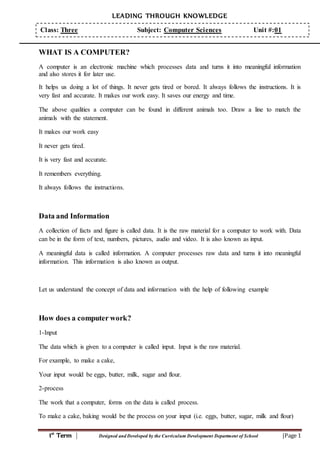
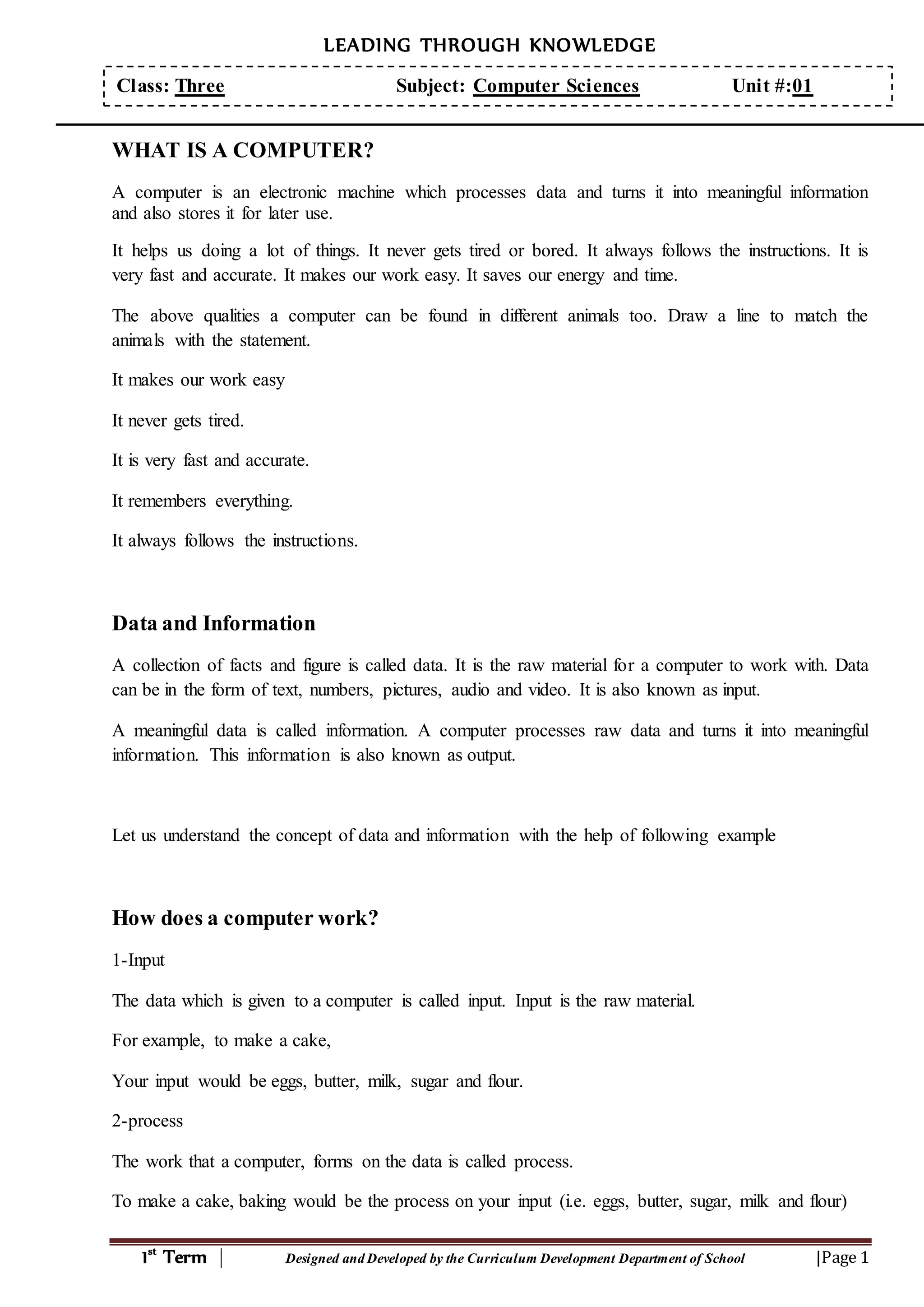
A computer is an electronic machine which processes data and turns it into meaningful information
and also stores it for later use.
It helps us doing a lot of things. It never gets tired or bored. It always follows the instructions. It is
very fast and accurate. It makes our work easy. It saves our energy and time.
The above qualities a computer can be found in different animals too. Draw a line to match the
animals with the statement.
It makes our work easy
It never gets tired.
It is very fast and accurate.
It remembers everything.
It always follows the instructions.
Data and Information
A collection of facts and figure is called data. It is the raw material for a computer to work with. Data
can be in the form of text, numbers, pictures, audio and video. It is also known as input.
A meaningful data is called information. A computer processes raw data and turns it into meaningful
information. This information is also known as output.
Let us understand the concept of data and information with the help of following example
How does a computer work?
1-Input
The data which is given to a computer is called input. Input is the raw material.
For example, to make a cake,
Your input would be eggs, butter, milk, sugar and flour.
2-process
The work that a computer, forms on the data is called process.
To make a cake, baking would be the process on your input (i.e. eggs, butter, sugar, milk and flour)
LEADING THROUGH KNOWLEDGE
1st
Term | Designed and Developed by the Curriculum Development Department of School |Page 2
Class: Three Subject: Computer Sciences Unit #:01
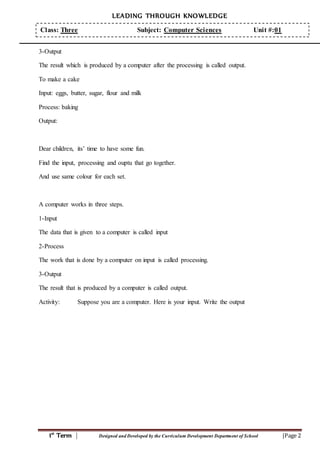
3-Output
The result which is produced by a computer after the processing is called output.
To make a cake
Input: eggs, butter, sugar, flour and milk
Process: baking
Output:
Dear children, its’ time to have some fun.
Find the input, processing and ouptu that go together.
And use same colour for each set.
A computer works in three steps.
1-Input
The data that is given to a computer is called input
2-Process
The work that is done by a computer on input is called processing.
3-Output
The result that is produced by a computer is called output.
Activity: Suppose you are a computer. Here is your input. Write the output
LEADING THROUGH KNOWLEDGE
1st
Term | Designed and Developed by the Curriculum Development Department of School |Page 3
Class: Three Subject: Computer Sciences Unit #:01
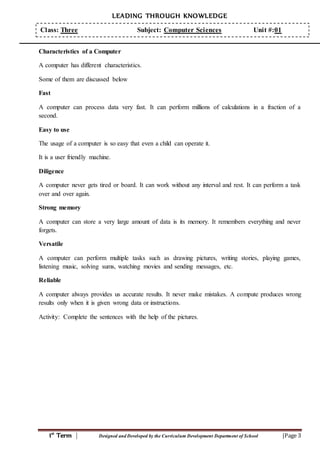
Characteristics of a Computer
A computer has different characteristics.
Some of them are discussed below
Fast
A computer can process data very fast. It can perform millions of calculations in a fraction of a
second.
Easy to use
The usage of a computer is so easy that even a child can operate it.
It is a user friendly machine.
Diligence
A computer never gets tired or board. It can work without any interval and rest. It can perform a task
over and over again.
Strong memory
A computer can store a very large amount of data is its memory. It remembers everything and never
forgets.
Versatile
A computer can perform multiple tasks such as drawing pictures, writing stories, playing games,
listening music, solving sums, watching movies and sending messages, etc.
Reliable
A computer always provides us accurate results. It never make mistakes. A compute produces wrong
results only when it is given wrong data or instructions.
Activity: Complete the sentences with the help of the pictures.
LEADING THROUGH KNOWLEDGE
1st
Term | Designed and Developed by the Curriculum Development Department of School |Page 4
Class: Three Subject: Computer Sciences Unit #:01
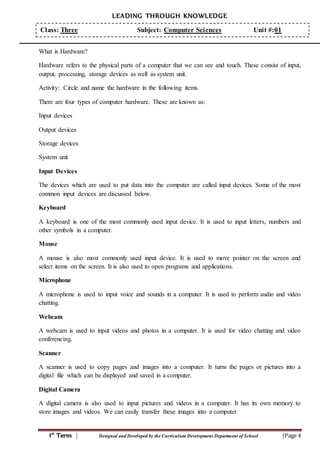
What is Hardware?
Hardware refers to the physical parts of a computer that we can see and touch. These consist of input,
output, processing, storage devices as well as system unit.
Activity: Circle and name the hardware in the following items.
There are four types of computer hardware. These are known as:
Input devices
Output devices
Storage devices
System unit
Input Devices
The devices which are used to put data into the computer are called input devices. Some of the most
common input devices are discussed below.
Keyboard
A keyboard is one of the most commonly used input device. It is used to input letters, numbers and
other symbols in a computer.
Mouse
A mouse is also most commonly used input device. It is used to move pointer on the screen and
select items on the screen. It is also used to open programs and applications.
Microphone
A microphone is used to input voice and sounds in a computer. It is used to perform audio and video
chatting.
Webcam
A webcam is used to input videos and photos in a computer. It is used for video chatting and video
conferencing.
Scanner
A scanner is used to copy pages and images into a computer. It turns the pages or pictures into a
digital file which can be displayed and saved in a computer.
Digital Camera
A digital camera is also used to input pictures and videos in a computer. It has its own memory to
store images and videos. We can easily transfer these images into a computer.
LEADING THROUGH KNOWLEDGE
1st
Term | Designed and Developed by the Curriculum Development Department of School |Page 5
Class: Three Subject: Computer Sciences Unit #:01
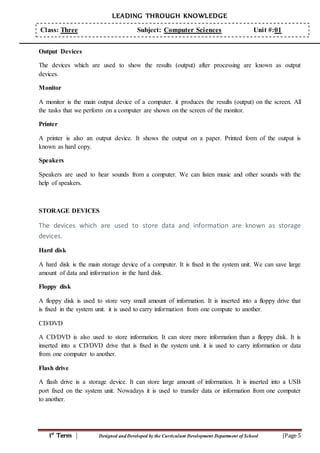
Output Devices
The devices which are used to show the results (output) after processing are known as output
devices.
Monitor
A monitor is the main output device of a computer. it produces the results (output) on the screen. All
the tasks that we perform on a computer are shown on the screen of the monitor.
Printer
A printer is also an output device. It shows the output on a paper. Printed form of the output is
known as hard copy.
Speakers
Speakers are used to hear sounds from a computer. We can listen music and other sounds with the
help of speakers.
STORAGE DEVICES
The devices which are used to store data and information are known as storage
devices.
Hard disk
A hard disk is the main storage device of a computer. It is fixed in the system unit. We can save large
amount of data and information in the hard disk.
Floppy disk
A floppy disk is used to store very small amount of information. It is inserted into a floppy drive that
is fixed in the system unit. it is used to carry information from one compute to another.
CD/DVD
A CD/DVD is also used to store information. It can store more information than a floppy disk. It is
inserted into a CD/DVD drive that is fixed in the system unit. it is used to carry information or data
from one computer to another.
Flash drive
A flash drive is a storage device. It can store large amount of information. It is inserted into a USB
port fixed on the system unit. Nowadays it is used to transfer data or information from one computer
to another.
LEADING THROUGH KNOWLEDGE
1st
Term | Designed and Developed by the Curriculum Development Department of School |Page 6
Class: Three Subject: Computer Sciences Unit #:01
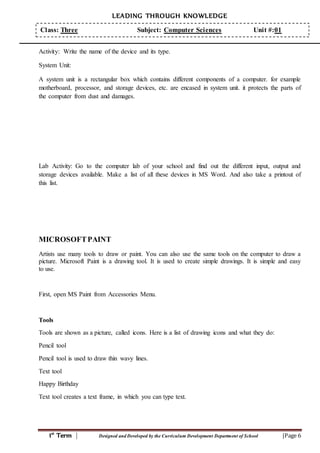
Activity: Write the name of the device and its type.
System Unit:
A system unit is a rectangular box which contains different components of a computer. for example
motherboard, processor, and storage devices, etc. are encased in system unit. it protects the parts of
the computer from dust and damages.
Lab Activity: Go to the computer lab of your school and find out the different input, output and
storage devices available. Make a list of all these devices in MS Word. And also take a printout of
this list.
MICROSOFTPAINT
Artists use many tools to draw or paint. You can also use the same tools on the computer to draw a
picture. Microsoft Paint is a drawing tool. It is used to create simple drawings. It is simple and easy
to use.
First, open MS Paint from Accessories Menu.
Tools
Tools are shown as a picture, called icons. Here is a list of drawing icons and what they do:
Pencil tool
Pencil tool is used to draw thin wavy lines.
Text tool
Happy Birthday
Text tool creates a text frame, in which you can type text.
LEADING THROUGH KNOWLEDGE
1st
Term | Designed and Developed by the Curriculum Development Department of School |Page 7
Class: Three Subject: Computer Sciences Unit #:01
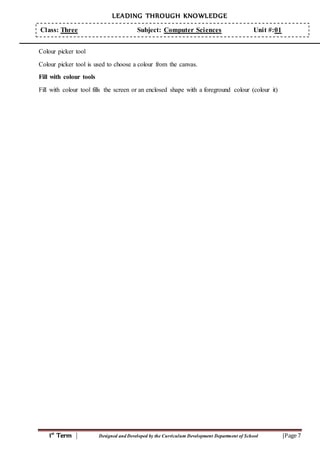
Colour picker tool
Colour picker tool is used to choose a colour from the canvas.
Fill with colour tools
Fill with colour tool fills the screen or an enclosed shape with a foreground colour (colour it)
LEADING THROUGH KNOWLEDGE
1st
Term | Designed and Developed by the Curriculum Development Department of School |Page 8
Class: Three Subject: Computer Sciences Unit #:01
(PERIOD - 3)
Lab Activity
Time Allocated: 40 minutes
(PERIOD - 4)
EVALUATION SHEET
Student’s worksheet
(Page no 10 of textbook)

ch 01 ----class three----now your computer

  • 1.
    LEADING THROUGH KNOWLEDGE 1st Term| Designed and Developed by the Curriculum Development Department of School |Page 1 Class: Three Subject: Computer Sciences Unit #:01 WHAT IS A COMPUTER? A computer is an electronic machine which processes data and turns it into meaningful information and also stores it for later use. It helps us doing a lot of things. It never gets tired or bored. It always follows the instructions. It is very fast and accurate. It makes our work easy. It saves our energy and time. The above qualities a computer can be found in different animals too. Draw a line to match the animals with the statement. It makes our work easy It never gets tired. It is very fast and accurate. It remembers everything. It always follows the instructions. Data and Information A collection of facts and figure is called data. It is the raw material for a computer to work with. Data can be in the form of text, numbers, pictures, audio and video. It is also known as input. A meaningful data is called information. A computer processes raw data and turns it into meaningful information. This information is also known as output. Let us understand the concept of data and information with the help of following example How does a computer work? 1-Input The data which is given to a computer is called input. Input is the raw material. For example, to make a cake, Your input would be eggs, butter, milk, sugar and flour. 2-process The work that a computer, forms on the data is called process. To make a cake, baking would be the process on your input (i.e. eggs, butter, sugar, milk and flour)
  • 2.
    LEADING THROUGH KNOWLEDGE 1st Term| Designed and Developed by the Curriculum Development Department of School |Page 2 Class: Three Subject: Computer Sciences Unit #:01 3-Output The result which is produced by a computer after the processing is called output. To make a cake Input: eggs, butter, sugar, flour and milk Process: baking Output: Dear children, its’ time to have some fun. Find the input, processing and ouptu that go together. And use same colour for each set. A computer works in three steps. 1-Input The data that is given to a computer is called input 2-Process The work that is done by a computer on input is called processing. 3-Output The result that is produced by a computer is called output. Activity: Suppose you are a computer. Here is your input. Write the output
  • 3.
    LEADING THROUGH KNOWLEDGE 1st Term| Designed and Developed by the Curriculum Development Department of School |Page 3 Class: Three Subject: Computer Sciences Unit #:01 Characteristics of a Computer A computer has different characteristics. Some of them are discussed below Fast A computer can process data very fast. It can perform millions of calculations in a fraction of a second. Easy to use The usage of a computer is so easy that even a child can operate it. It is a user friendly machine. Diligence A computer never gets tired or board. It can work without any interval and rest. It can perform a task over and over again. Strong memory A computer can store a very large amount of data is its memory. It remembers everything and never forgets. Versatile A computer can perform multiple tasks such as drawing pictures, writing stories, playing games, listening music, solving sums, watching movies and sending messages, etc. Reliable A computer always provides us accurate results. It never make mistakes. A compute produces wrong results only when it is given wrong data or instructions. Activity: Complete the sentences with the help of the pictures.
  • 4.
    LEADING THROUGH KNOWLEDGE 1st Term| Designed and Developed by the Curriculum Development Department of School |Page 4 Class: Three Subject: Computer Sciences Unit #:01 What is Hardware? Hardware refers to the physical parts of a computer that we can see and touch. These consist of input, output, processing, storage devices as well as system unit. Activity: Circle and name the hardware in the following items. There are four types of computer hardware. These are known as: Input devices Output devices Storage devices System unit Input Devices The devices which are used to put data into the computer are called input devices. Some of the most common input devices are discussed below. Keyboard A keyboard is one of the most commonly used input device. It is used to input letters, numbers and other symbols in a computer. Mouse A mouse is also most commonly used input device. It is used to move pointer on the screen and select items on the screen. It is also used to open programs and applications. Microphone A microphone is used to input voice and sounds in a computer. It is used to perform audio and video chatting. Webcam A webcam is used to input videos and photos in a computer. It is used for video chatting and video conferencing. Scanner A scanner is used to copy pages and images into a computer. It turns the pages or pictures into a digital file which can be displayed and saved in a computer. Digital Camera A digital camera is also used to input pictures and videos in a computer. It has its own memory to store images and videos. We can easily transfer these images into a computer.
  • 5.
    LEADING THROUGH KNOWLEDGE 1st Term| Designed and Developed by the Curriculum Development Department of School |Page 5 Class: Three Subject: Computer Sciences Unit #:01 Output Devices The devices which are used to show the results (output) after processing are known as output devices. Monitor A monitor is the main output device of a computer. it produces the results (output) on the screen. All the tasks that we perform on a computer are shown on the screen of the monitor. Printer A printer is also an output device. It shows the output on a paper. Printed form of the output is known as hard copy. Speakers Speakers are used to hear sounds from a computer. We can listen music and other sounds with the help of speakers. STORAGE DEVICES The devices which are used to store data and information are known as storage devices. Hard disk A hard disk is the main storage device of a computer. It is fixed in the system unit. We can save large amount of data and information in the hard disk. Floppy disk A floppy disk is used to store very small amount of information. It is inserted into a floppy drive that is fixed in the system unit. it is used to carry information from one compute to another. CD/DVD A CD/DVD is also used to store information. It can store more information than a floppy disk. It is inserted into a CD/DVD drive that is fixed in the system unit. it is used to carry information or data from one computer to another. Flash drive A flash drive is a storage device. It can store large amount of information. It is inserted into a USB port fixed on the system unit. Nowadays it is used to transfer data or information from one computer to another.
  • 6.
    LEADING THROUGH KNOWLEDGE 1st Term| Designed and Developed by the Curriculum Development Department of School |Page 6 Class: Three Subject: Computer Sciences Unit #:01 Activity: Write the name of the device and its type. System Unit: A system unit is a rectangular box which contains different components of a computer. for example motherboard, processor, and storage devices, etc. are encased in system unit. it protects the parts of the computer from dust and damages. Lab Activity: Go to the computer lab of your school and find out the different input, output and storage devices available. Make a list of all these devices in MS Word. And also take a printout of this list. MICROSOFTPAINT Artists use many tools to draw or paint. You can also use the same tools on the computer to draw a picture. Microsoft Paint is a drawing tool. It is used to create simple drawings. It is simple and easy to use. First, open MS Paint from Accessories Menu. Tools Tools are shown as a picture, called icons. Here is a list of drawing icons and what they do: Pencil tool Pencil tool is used to draw thin wavy lines. Text tool Happy Birthday Text tool creates a text frame, in which you can type text.
  • 7.
    LEADING THROUGH KNOWLEDGE 1st Term| Designed and Developed by the Curriculum Development Department of School |Page 7 Class: Three Subject: Computer Sciences Unit #:01 Colour picker tool Colour picker tool is used to choose a colour from the canvas. Fill with colour tools Fill with colour tool fills the screen or an enclosed shape with a foreground colour (colour it)
  • 8.
    LEADING THROUGH KNOWLEDGE 1st Term| Designed and Developed by the Curriculum Development Department of School |Page 8 Class: Three Subject: Computer Sciences Unit #:01 (PERIOD - 3) Lab Activity Time Allocated: 40 minutes (PERIOD - 4) EVALUATION SHEET Student’s worksheet (Page no 10 of textbook)