Blended Learning:
The First Steps
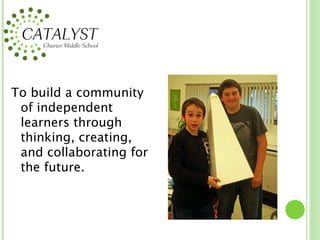
To build a community
 of independent
 learners through
 thinking, creating,
 and collaborating for
 the future.
The Catalyst
Experience

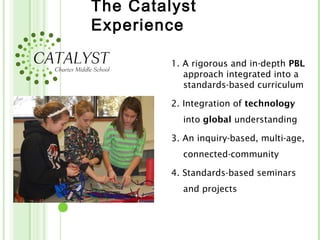
         1. A rigorous and in-depth PBL
            approach integrated into a
            standards-based curriculum

         2. Integration of technology
           into global understanding

         3. An inquiry-based, multi-age,
           connected-community

         4. Standards-based seminars
           and projects
The Catalyst
Experience
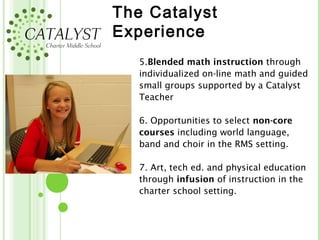
   5.Blended math instruction through
   individualized on-line math and guided
   small groups supported by a Catalyst
   Teacher

   6. Opportunities to select non-core
   courses including world language,
   band and choir in the RMS setting.

   7. Art, tech ed. and physical education
   through infusion of instruction in the
   charter school setting.
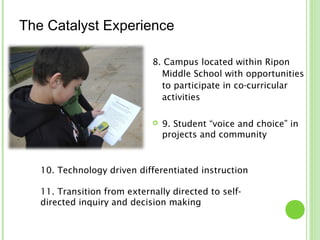
The Catalyst Experience

                             8. Campus located within Ripon
                               Middle School with opportunities
                               to participate in co-curricular
                               activities

                                9. Student “voice and choice” in
                                 projects and community


   10. Technology driven differentiated instruction

   11. Transition from externally directed to self-
   directed inquiry and decision making
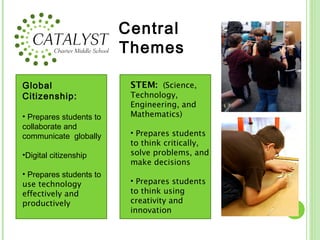
Central
                         Themes

Global                    STEM:  (Science,
Citizenship:              Technology,
                          Engineering, and
• Prepares students to    Mathematics)
collaborate and
communicate globally      • Prepares students
                          to think critically,
•Digital citizenship      solve problems, and
                          make decisions
• Prepares students to
use technology            • Prepares students
effectively and           to think using
productively              creativity and
                          innovation
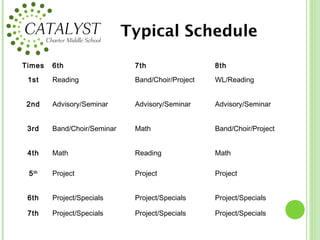
Typical Schedule
Times   6th                   7th                  8th

 1st    Reading               Band/Choir/Project   WL/Reading


 2nd    Advisory/Seminar      Advisory/Seminar     Advisory/Seminar


 3rd    Band/Choir/Seminar    Math                 Band/Choir/Project


 4th    Math                  Reading              Math

 5 th   Project               Project              Project


 6th    Project/Specials      Project/Specials     Project/Specials

 7th    Project/Specials      Project/Specials     Project/Specials
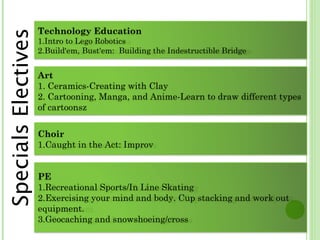
Technology Education
Specials Electives
                     1.Intro to Lego Robotics
                     2.Build'em, Bust'em: Building the Indestructible Bridge


                     Art
                     1. Ceramics-Creating with Clay
                     2. Cartooning, Manga, and Anime-Learn to draw different types
                     of cartoonsz


                     Choir
                     1.Caught in the Act: Improv


                     PE
                     1.Recreational Sports/In Line Skating
                     2.Exercising your mind and body. Cup stacking and work out
                     equipment.
                     3.Geocaching and snowshoeing/cross
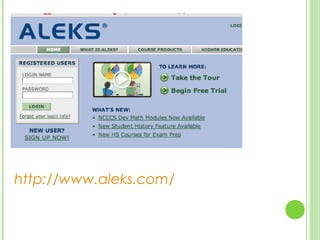
http://www.aleks.com/
http://www.achieve3000.com/
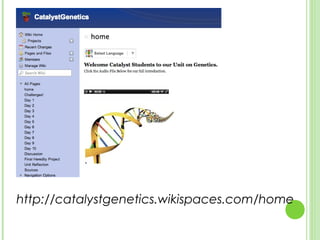
http://catalystgenetics.wikispaces.com/home
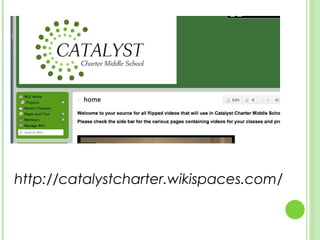
http://catalystcharter.wikispaces.com/
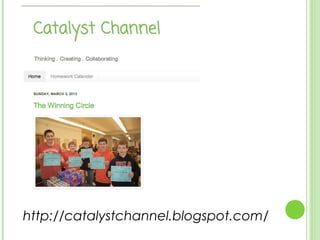
http://catalystchannel.blogspot.com/
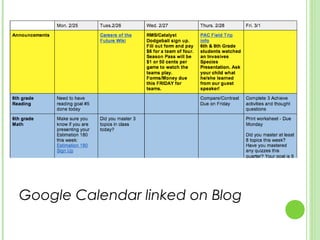
Google Calendar linked on Blog
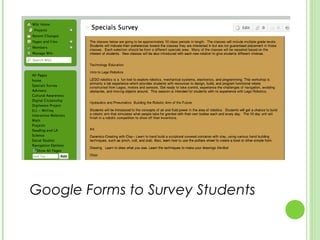
Google Forms to Survey Students
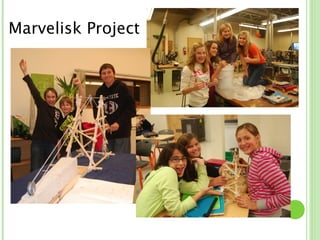
Marvelisk Project
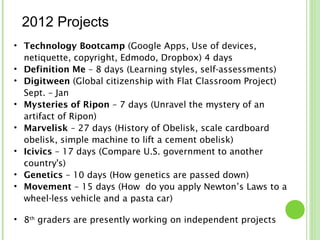
2012 Projects
• Technology Bootcamp (Google Apps, Use of devices,
  netiquette, copyright, Edmodo, Dropbox) 4 days
• Definition Me – 8 days (Learning styles, self-assessments)
• Digitween (Global citizenship with Flat Classroom Project)
  Sept. – Jan
• Mysteries of Ripon – 7 days (Unravel the mystery of an
  artifact of Ripon)
• Marvelisk – 27 days (History of Obelisk, scale cardboard
  obelisk, simple machine to lift a cement obelisk)
• Icivics – 17 days (Compare U.S. government to another
  country's)
• Genetics – 10 days (How genetics are passed down)
• Movement – 15 days (How do you apply Newton’s Laws to a
  wheel-less vehicle and a pasta car)

• 8th graders are presently working on independent projects
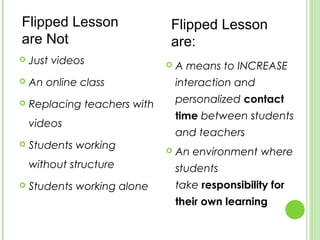
Flipped Lesson                Flipped Lesson
are Not                       are:
   Just videos                  A means to INCREASE
   An online class               interaction and
   Replacing teachers with       personalized contact
                                  time between students
    videos
                                  and teachers
   Students working             An environment where
    without structure             students
   Students working alone        take responsibility for
                                  their own learning 
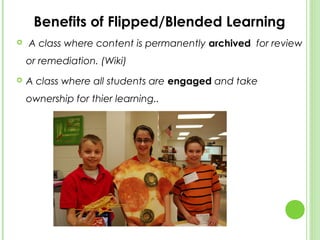
Benefits of Flipped/Blended Learning
   A class where content is permanently archived  for review
    or remediation. (Wiki)
   A class where all students are engaged and take
    ownership for thier learning..
Applications of Flipped

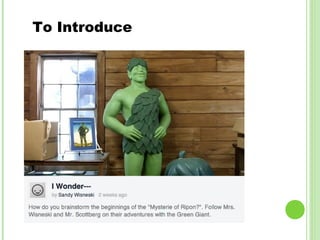
1.   Video introduces a problem or a
     challenge

2.   Video introduces homework

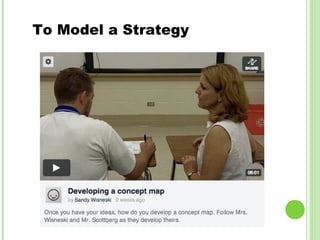
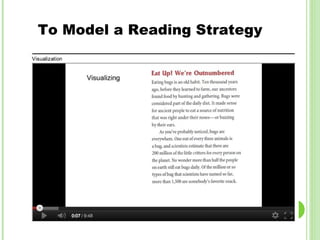
3.   Video models strategies

4.   Students teach 0r demonstrate
     understanding with video
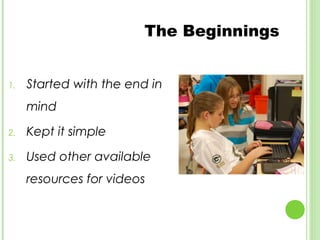
The Beginnings


1.   Started with the end in
     mind

2.   Kept it simple

3.   Used other available
     resources for videos
To Introduce
To Model a Strategy
To Model a Reading Strategy
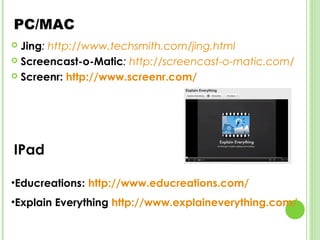
PC/MAC
 Jing: http://www.techsmith.com/jing.html
 Screencast-o-Matic: http://screencast-o-matic.com/

 Screenr: http://www.screenr.com/


IPad

•Educreations: http://www.educreations.com/
•Explain Everything http://www.explaineverything.com/
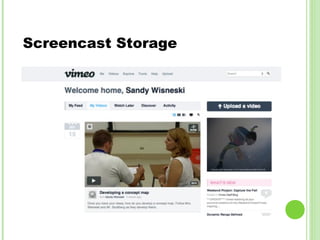
Screencast Storage
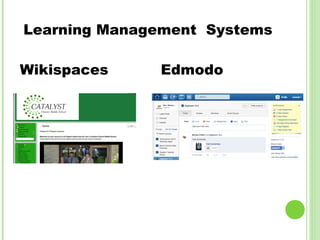
Learning Management Systems

Wikispaces    Edmodo
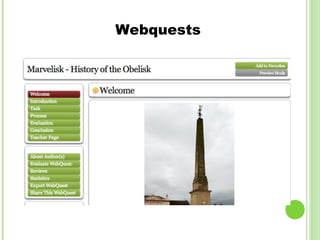
Webquests
•Catalyst Charter Middle School
    (http://catalystcharter.wikispaces.com)
•Resources for Flipped Lessons
    (http://catalystresources.wikispaces.com)
•Catalyst Charter Middle School Blog
    (http://catalystchannel.blogspot.com)
Contacts:
Sandy Wisneski – wisneskis@ripon.k12.wi.us
Tim Scottberg – scottbergt@ripon.k12.wi.us
Kristin Burgert – burgertk@ripon,k12,wi.us

Blended learning presentation

  • 1.
  • 2.
    To build acommunity of independent learners through thinking, creating, and collaborating for the future.
  • 3.
    The Catalyst Experience 1. A rigorous and in-depth PBL approach integrated into a standards-based curriculum 2. Integration of technology into global understanding 3. An inquiry-based, multi-age, connected-community 4. Standards-based seminars and projects
  • 4.
    The Catalyst Experience 5.Blended math instruction through individualized on-line math and guided small groups supported by a Catalyst Teacher 6. Opportunities to select non-core courses including world language, band and choir in the RMS setting. 7. Art, tech ed. and physical education through infusion of instruction in the charter school setting.
  • 5.
    The Catalyst Experience 8. Campus located within Ripon Middle School with opportunities to participate in co-curricular activities  9. Student “voice and choice” in projects and community 10. Technology driven differentiated instruction 11. Transition from externally directed to self- directed inquiry and decision making
  • 6.
    Central Themes Global STEM:  (Science, Citizenship: Technology, Engineering, and • Prepares students to Mathematics) collaborate and communicate globally • Prepares students to think critically, •Digital citizenship solve problems, and make decisions • Prepares students to use technology • Prepares students effectively and to think using productively creativity and innovation
  • 7.
    Typical Schedule Times 6th 7th 8th 1st Reading Band/Choir/Project WL/Reading 2nd Advisory/Seminar Advisory/Seminar Advisory/Seminar 3rd Band/Choir/Seminar Math Band/Choir/Project 4th Math Reading Math 5 th Project Project Project 6th Project/Specials Project/Specials Project/Specials 7th Project/Specials Project/Specials Project/Specials
  • 8.
    Technology Education Specials Electives 1.Intro to Lego Robotics 2.Build'em, Bust'em: Building the Indestructible Bridge Art 1. Ceramics-Creating with Clay 2. Cartooning, Manga, and Anime-Learn to draw different types of cartoonsz Choir 1.Caught in the Act: Improv PE 1.Recreational Sports/In Line Skating 2.Exercising your mind and body. Cup stacking and work out equipment. 3.Geocaching and snowshoeing/cross
  • 9.
  • 10.
  • 11.
  • 12.
  • 13.
  • 14.
  • 15.
    Google Forms toSurvey Students
  • 16.
  • 17.
    2012 Projects • TechnologyBootcamp (Google Apps, Use of devices, netiquette, copyright, Edmodo, Dropbox) 4 days • Definition Me – 8 days (Learning styles, self-assessments) • Digitween (Global citizenship with Flat Classroom Project) Sept. – Jan • Mysteries of Ripon – 7 days (Unravel the mystery of an artifact of Ripon) • Marvelisk – 27 days (History of Obelisk, scale cardboard obelisk, simple machine to lift a cement obelisk) • Icivics – 17 days (Compare U.S. government to another country's) • Genetics – 10 days (How genetics are passed down) • Movement – 15 days (How do you apply Newton’s Laws to a wheel-less vehicle and a pasta car) • 8th graders are presently working on independent projects
  • 18.
    Flipped Lesson Flipped Lesson are Not are:  Just videos  A means to INCREASE  An online class interaction and  Replacing teachers with personalized contact time between students videos and teachers  Students working  An environment where without structure students  Students working alone take responsibility for their own learning 
  • 19.
    Benefits of Flipped/BlendedLearning  A class where content is permanently archived  for review or remediation. (Wiki)  A class where all students are engaged and take ownership for thier learning..
  • 20.
    Applications of Flipped 1. Video introduces a problem or a challenge 2. Video introduces homework 3. Video models strategies 4. Students teach 0r demonstrate understanding with video
  • 21.
    The Beginnings 1. Started with the end in mind 2. Kept it simple 3. Used other available resources for videos
  • 22.
  • 23.
    To Model aStrategy
  • 24.
    To Model aReading Strategy
  • 25.
    PC/MAC  Jing: http://www.techsmith.com/jing.html Screencast-o-Matic: http://screencast-o-matic.com/  Screenr: http://www.screenr.com/ IPad •Educreations: http://www.educreations.com/ •Explain Everything http://www.explaineverything.com/
  • 26.
  • 27.
  • 28.
  • 29.
    •Catalyst Charter MiddleSchool (http://catalystcharter.wikispaces.com) •Resources for Flipped Lessons (http://catalystresources.wikispaces.com) •Catalyst Charter Middle School Blog (http://catalystchannel.blogspot.com) Contacts: Sandy Wisneski – wisneskis@ripon.k12.wi.us Tim Scottberg – scottbergt@ripon.k12.wi.us Kristin Burgert – burgertk@ripon,k12,wi.us

Editor's Notes

  • #23 https://vimeo.com/49519574
  • #24 https://vimeo.com/49519755
  • #26 ng http://www.techsmith.com/jing.html Screencast-o-matic: http://screencast-o-matic.com/ Play on screen: http://youtu.be/I4JOsrEsyo0 (explain Everything)
  • #27 Vimeo: https://vimeo.com/
  • #28 Edmodo - http://www.edmodo.com/ Wikispaces: http:/www.wikispaces.com
  • #29 Zunal - http://www.zunal.com/ http://zunal.com/webquest.php?w=159821
  • #30 http://catalystresources.wikispaces.com http://catalystchannel.blogspot.com