












Supporting Blended Learners’
Engagement Using Social Media
& Experiential Learning
Blended Learning Conference
@laurapasquini July 8, 2014
Denver, CO #Blend14 #blended36685
About.me/LauraPasquini
Image c/o CRUSTINA! http://www.flickr.com/photos/crustina/3196036316/
What do you want to learn today?
Tell me about it.
Agenda
•Getting Social (Media)
•Digital Skills for Learners
•Supporting Experiential Learning
& Engagement
•Ideas To Blend Your Programs
& Curriculum on Campus
Workshop
resources &
presentation:
http://bit.ly/blended36685
Do you
tweet?
#blend36685
One word that
describes what
you do on
campus.
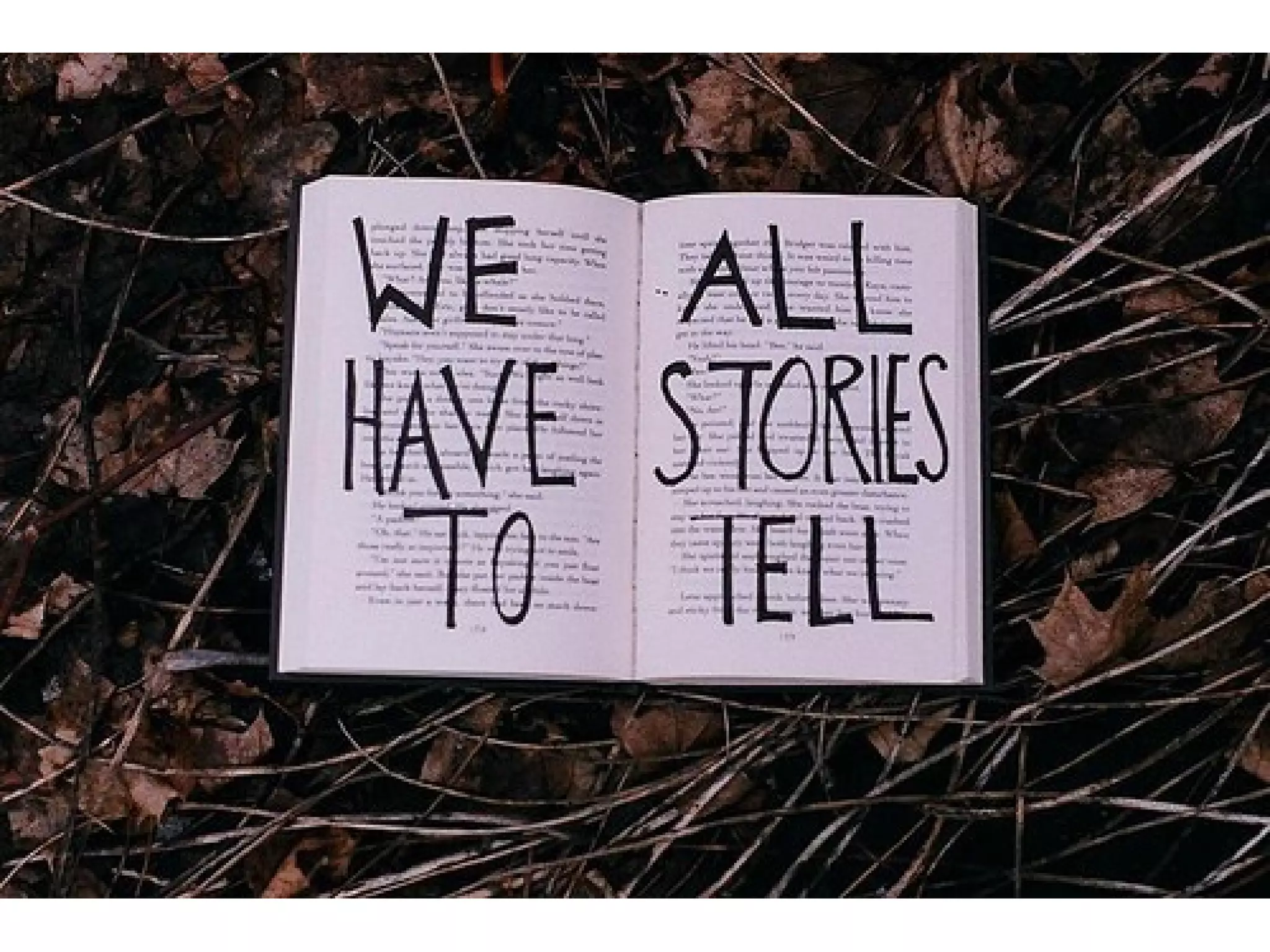
“Storytelling reveals meaning
without
committing the error of
defining it.”
~Hannah Arendt
Image c/o deanj http://www.flickr.com/photos/deanj/2398424227/
“Self-authorship is a strong
basis to advance learning
outcomes, prepare our
students, and include
reflection for our learning
experience.”
(Baxter Magolda, 2004)
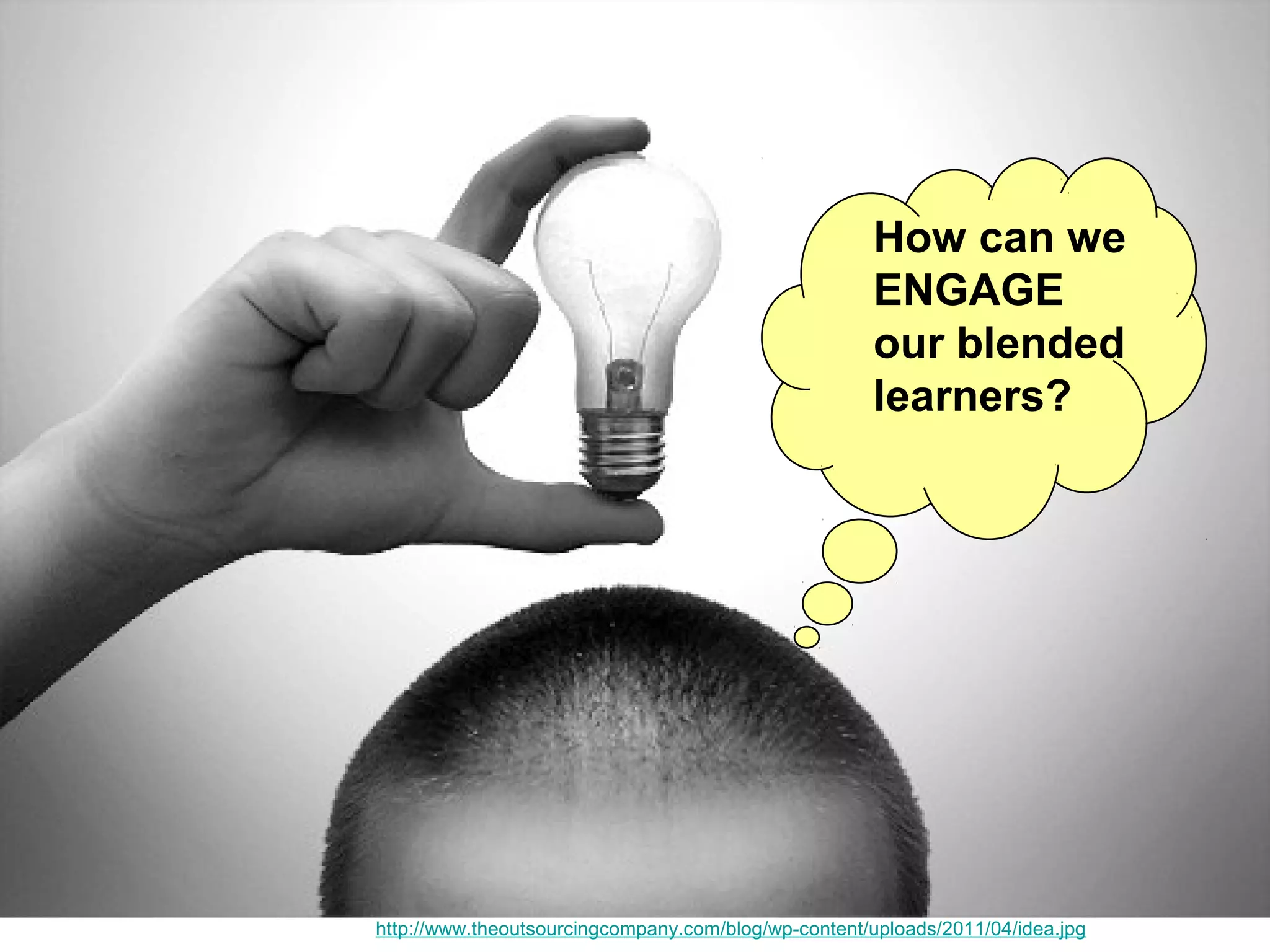
Image c/o The Out Sourcing Company http://www.theoutsourcingcompany.com/blog/wp-content/uploads/2011/04/idea.jpg
How can we
ENGAGE
our blended
learners?
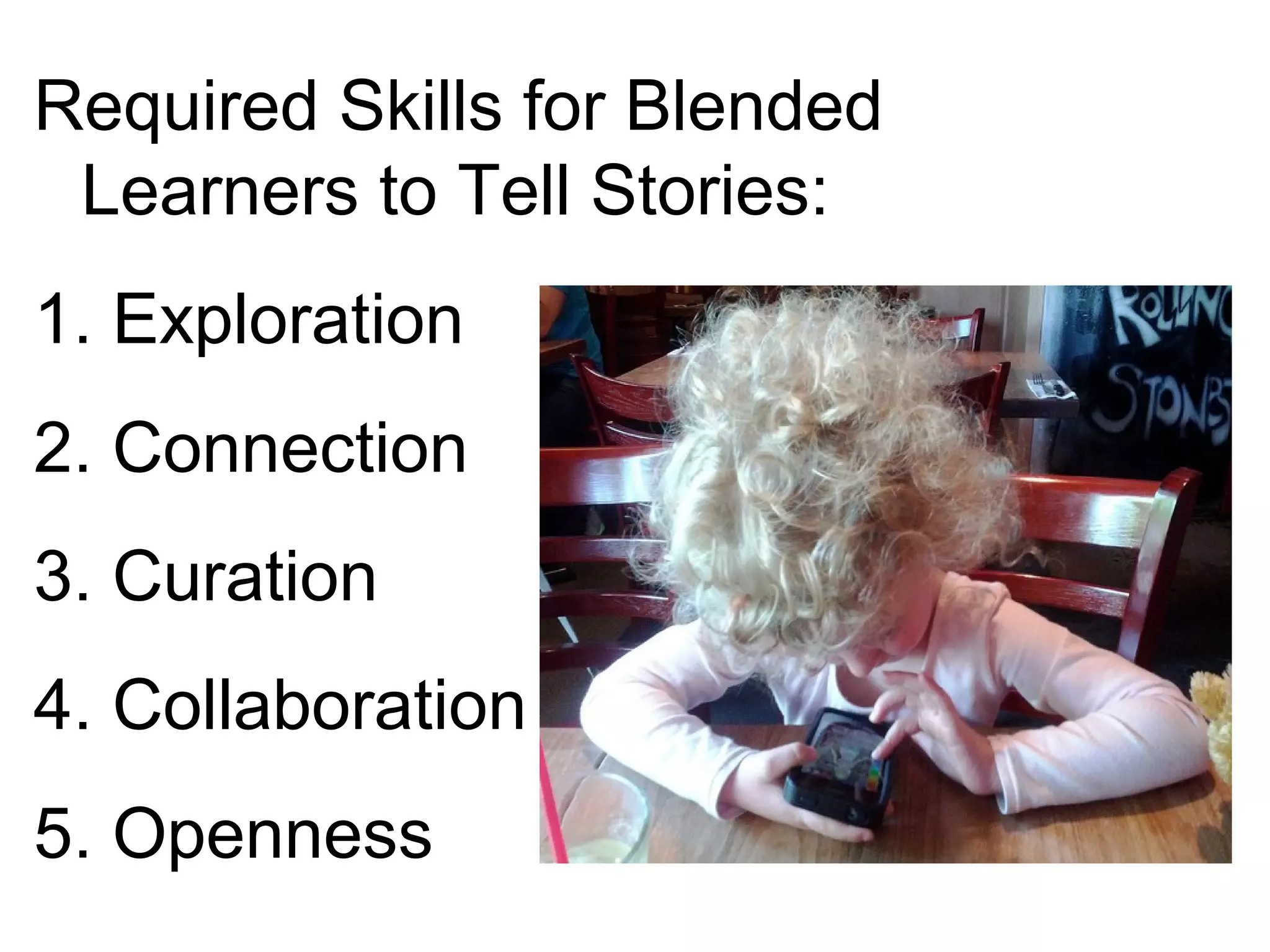
Required Skills for Blended
Learners to Tell Stories:
1. Exploration
2. Connection
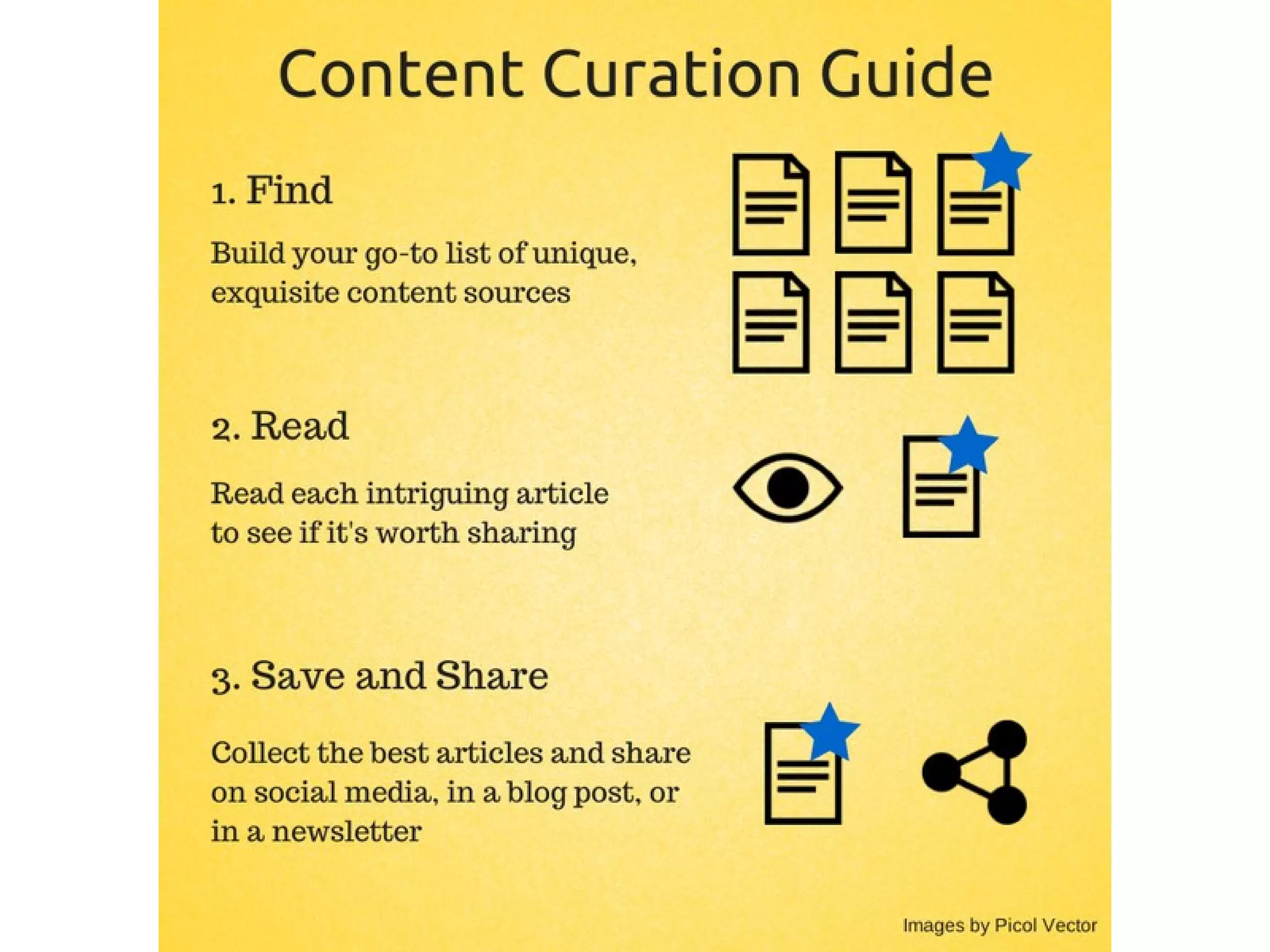
3. Curation
4. Collaboration
5. Openness
#1.
Exploration
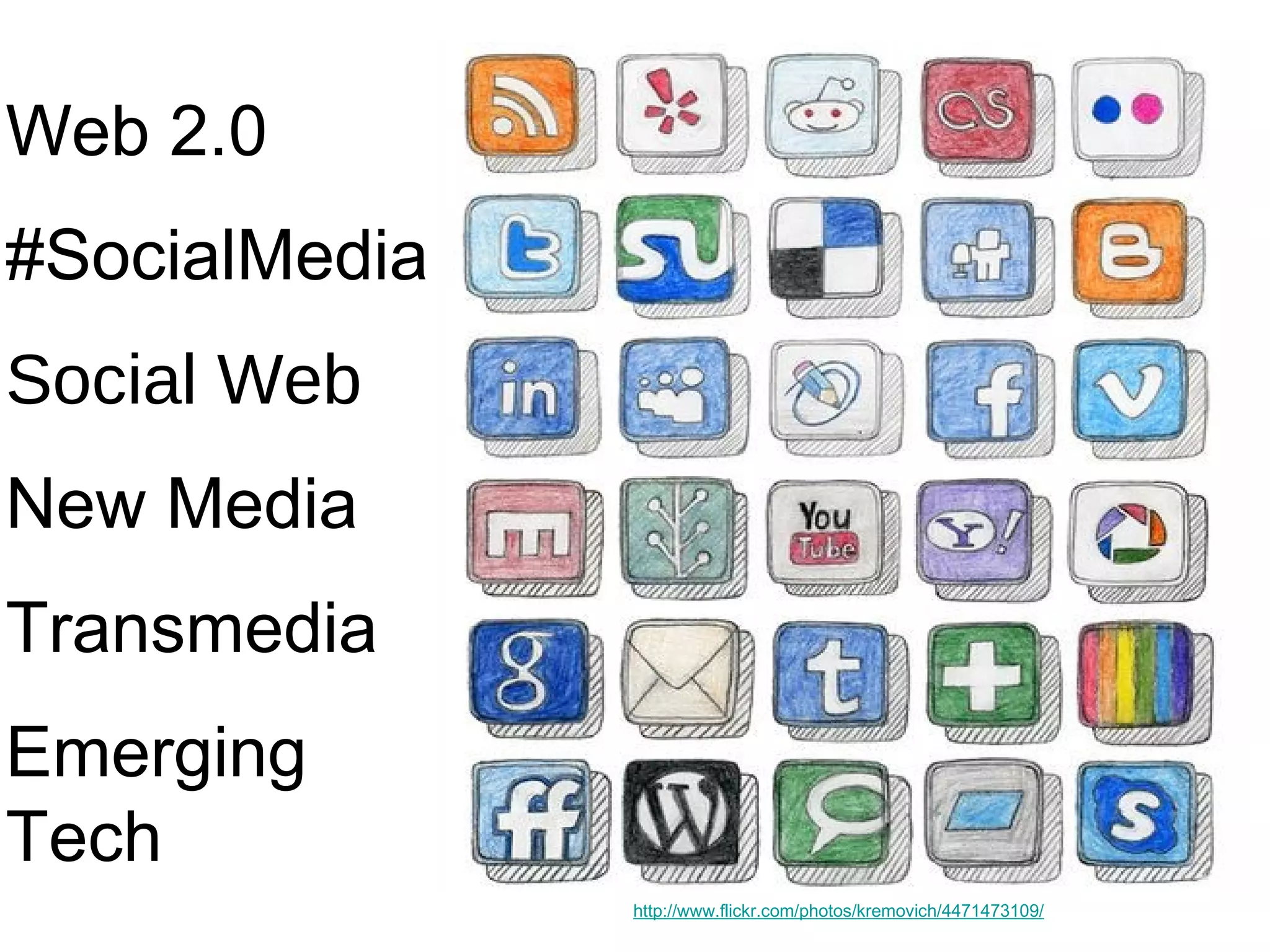
Image c/o Luke Mahan http://www.flickr.com/photos/kremovich/4471473109/
Web 2.0
#SocialMedia
Social Web
New Media
Transmedia
Emerging
Tech
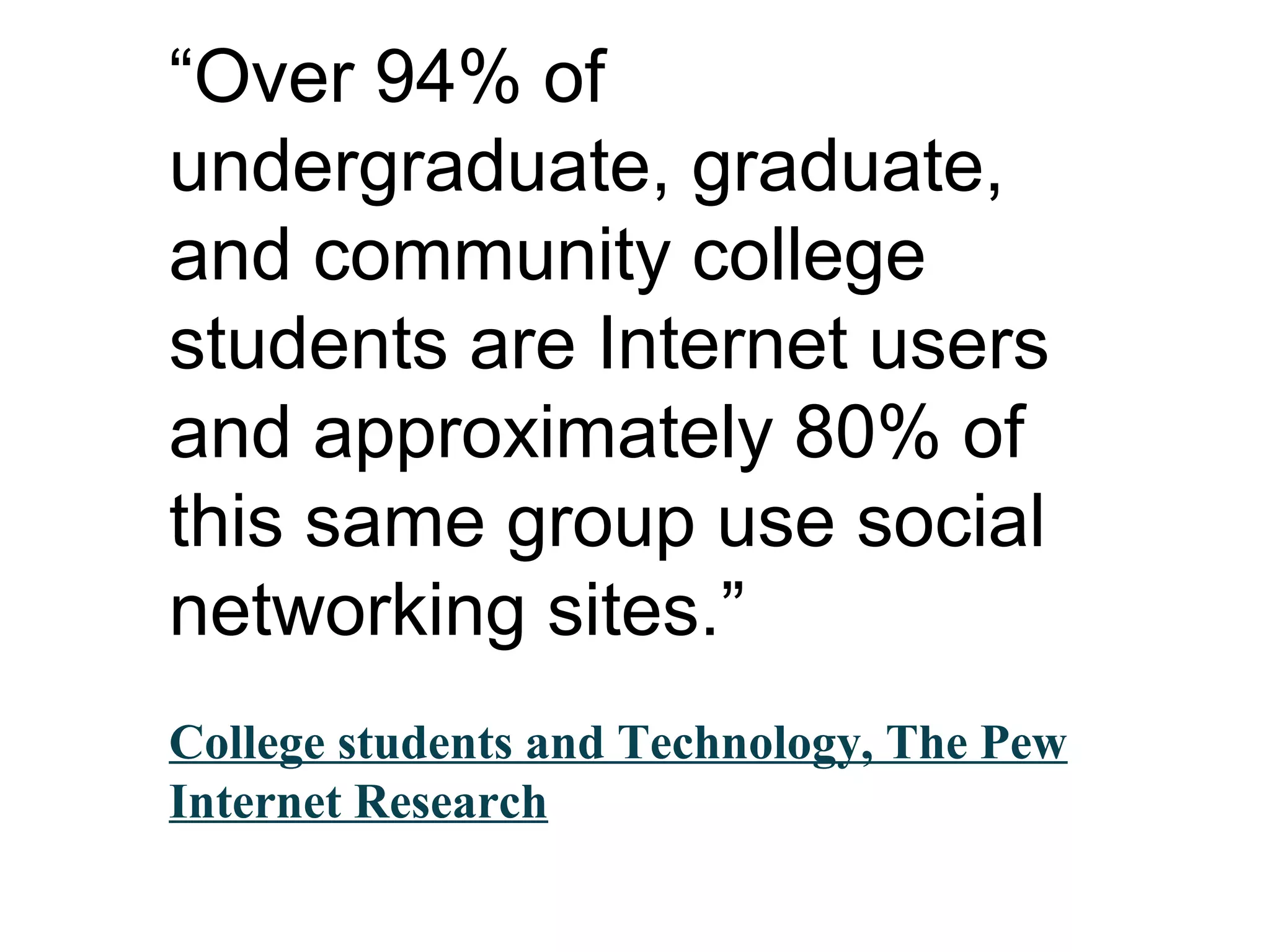
“Over 94% of
undergraduate, graduate,
and community college
students are Internet users
and approximately 80% of
this same group use social
networking sites.”
College students and Technology, The Pew
Internet Research
It’s not about the
technology,
it’s all social
Tanya Joosten (@tjoosten)
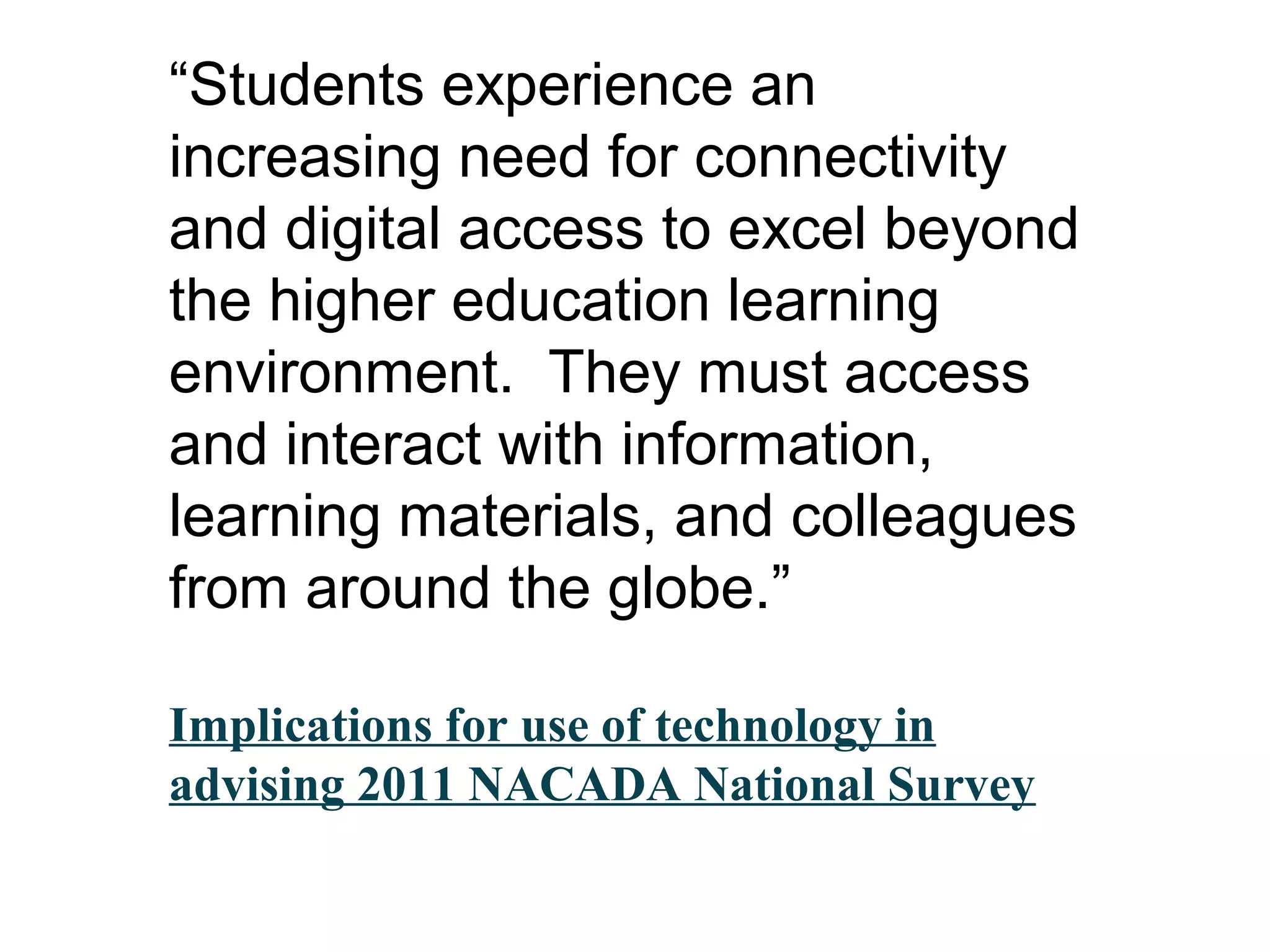
“Students experience an
increasing need for connectivity
and digital access to excel beyond
the higher education learning
environment. They must access
and interact with information,
learning materials, and colleagues
from around the globe.”
Implications for use of technology in
advising 2011 NACADA National Survey
Via @intersection1
http://www.intersecti
onconsulting.com/
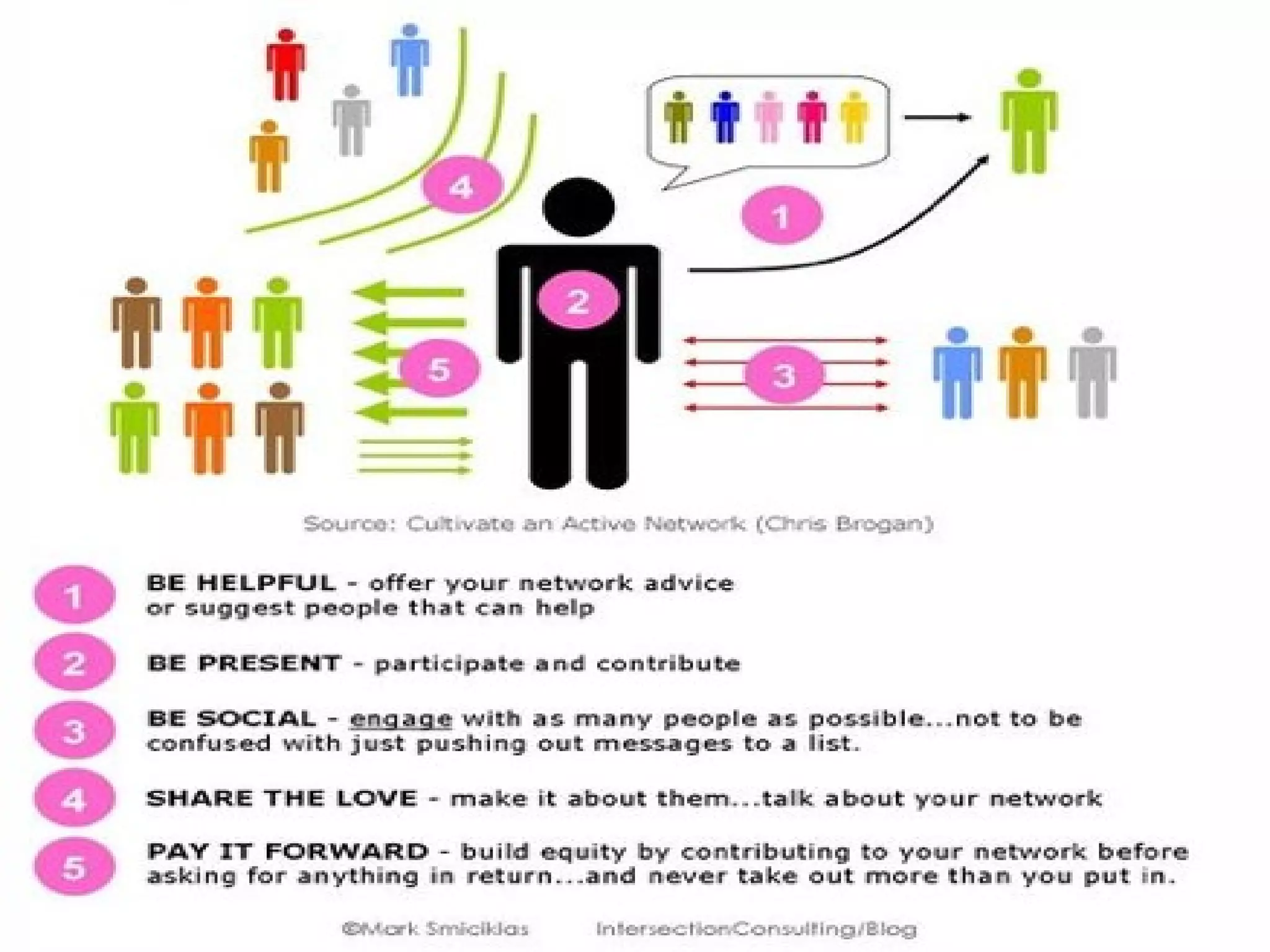
Cultivate an Active Social Network
What is ONE
technology you
want to EXPLORE
at #blend14?
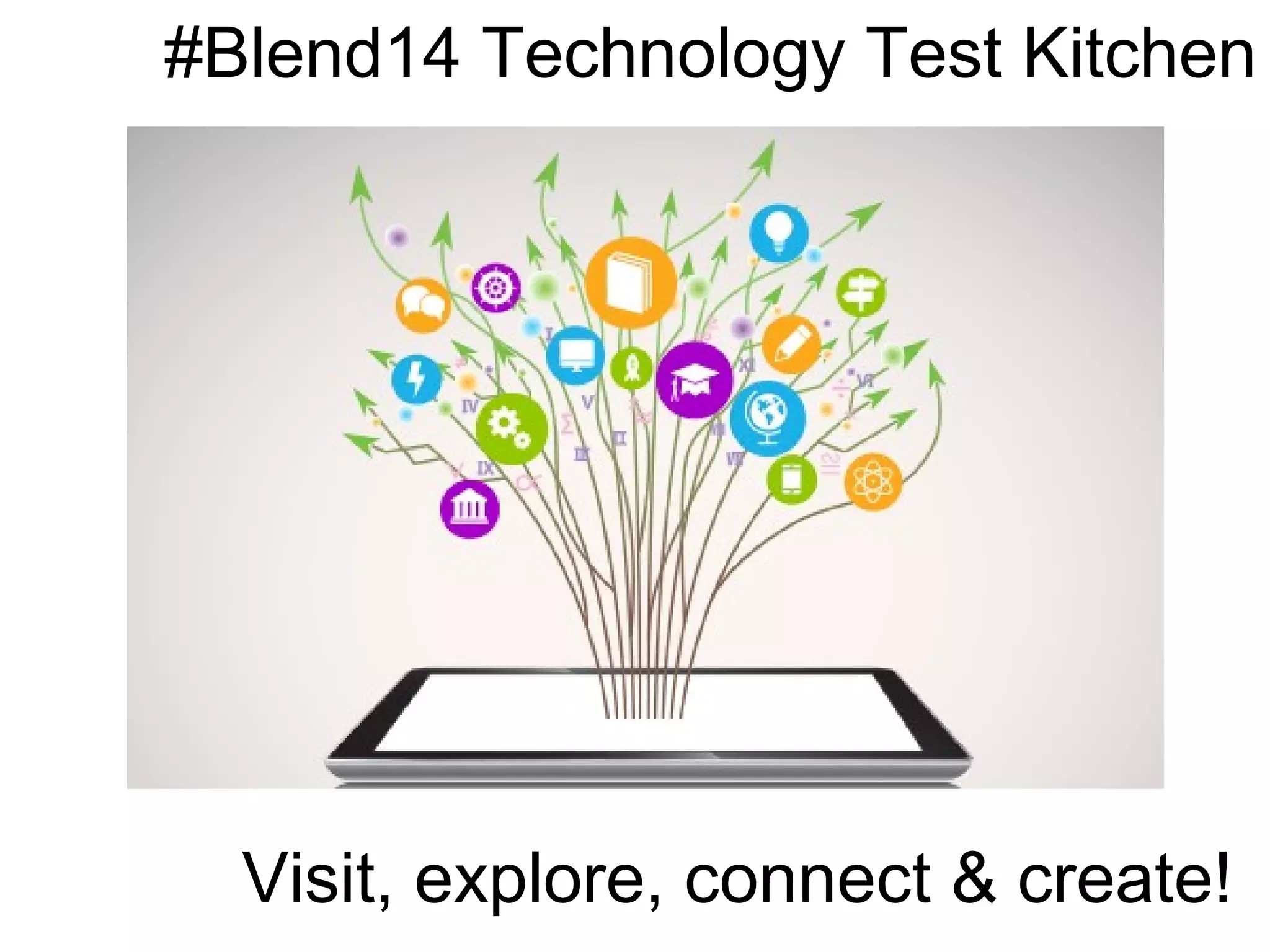
#Blend14 Technology Test Kitchen
Visit, explore, connect & create!
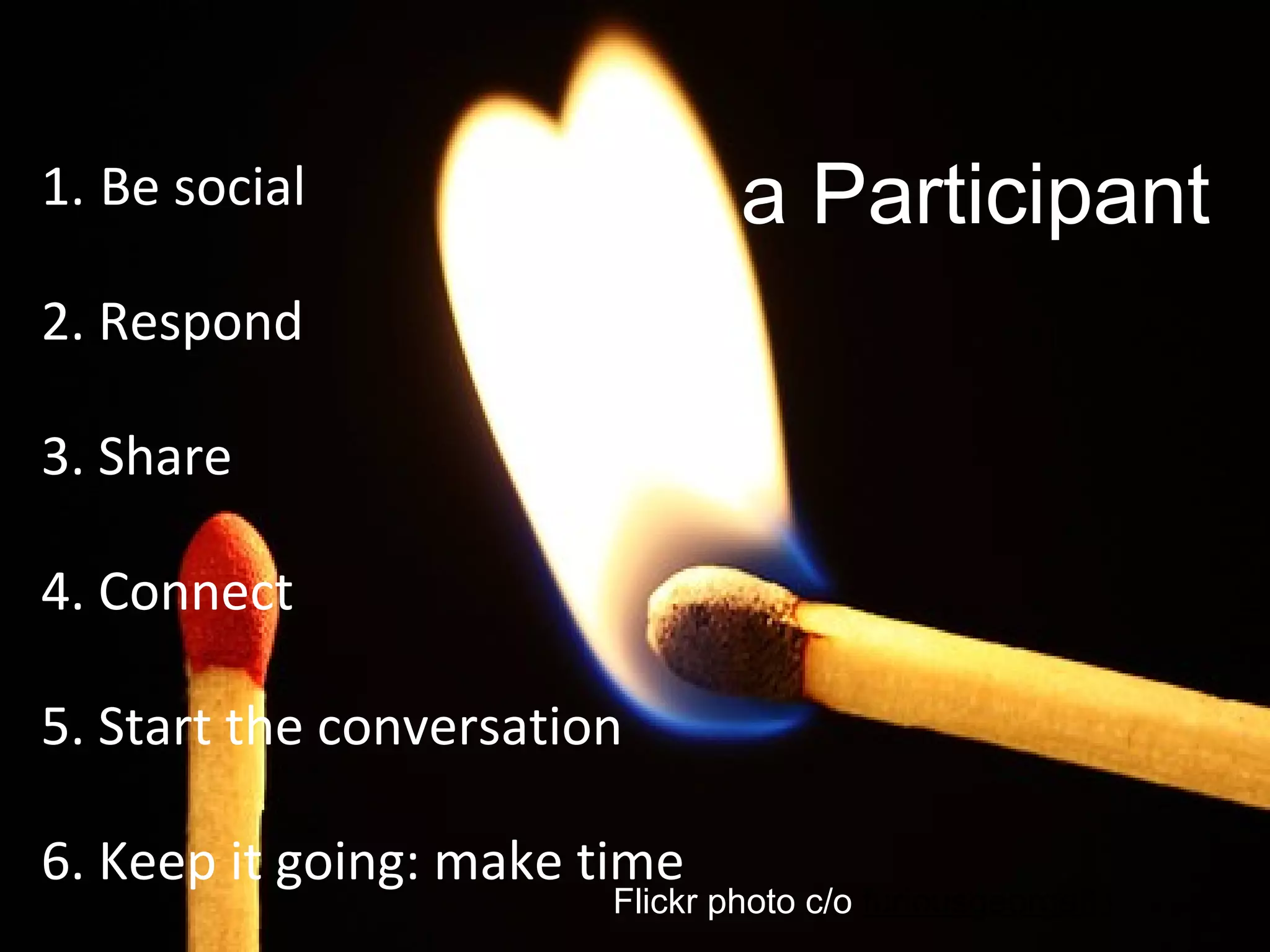
1. Be social
2. Respond
3. Share
4. Connect
5. Start the conversation
6. Keep it going: make time
Flickr photo c/o furiousgeorge81
Be a Participant
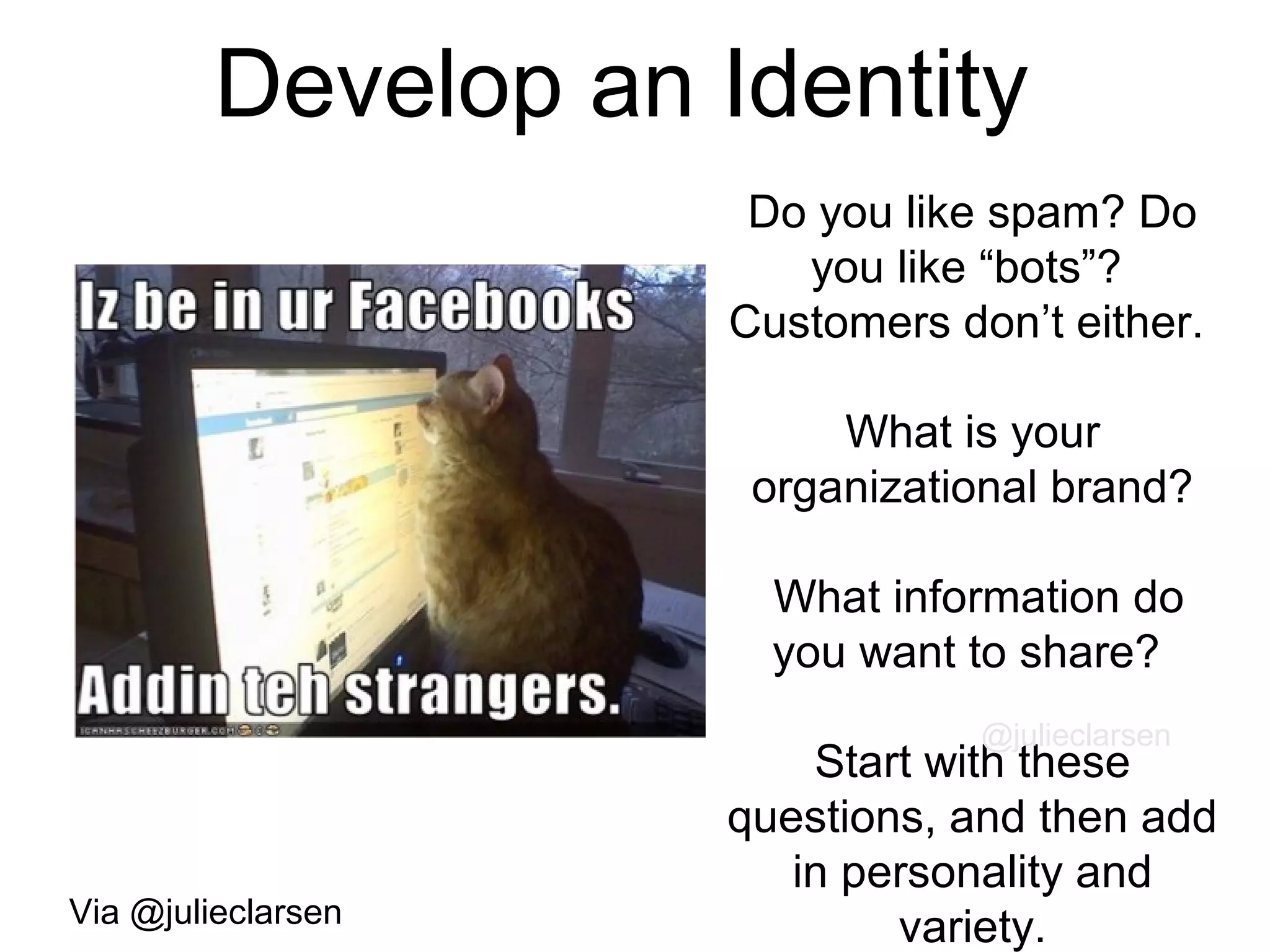
Develop an Identity
Do you like spam? Do
you like “bots”?
Customers don’t either.
What is your
organizational brand?
What information do
you want to share?
Start with these
questions, and then add
in personality and
variety.
@julieclarsen
Via @julieclarsen
#2.
Connection
37
Flickr photo c/o xotoko
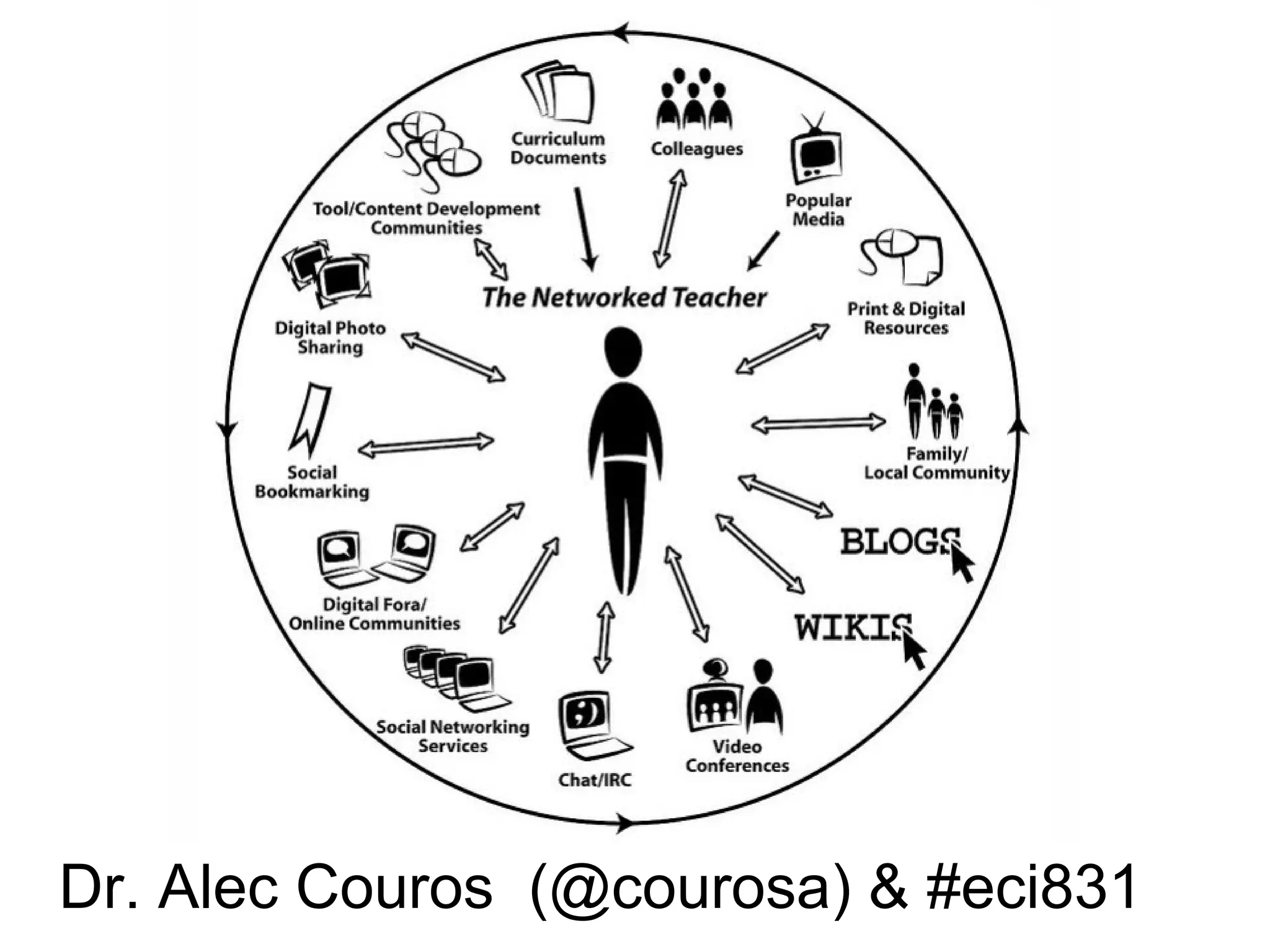
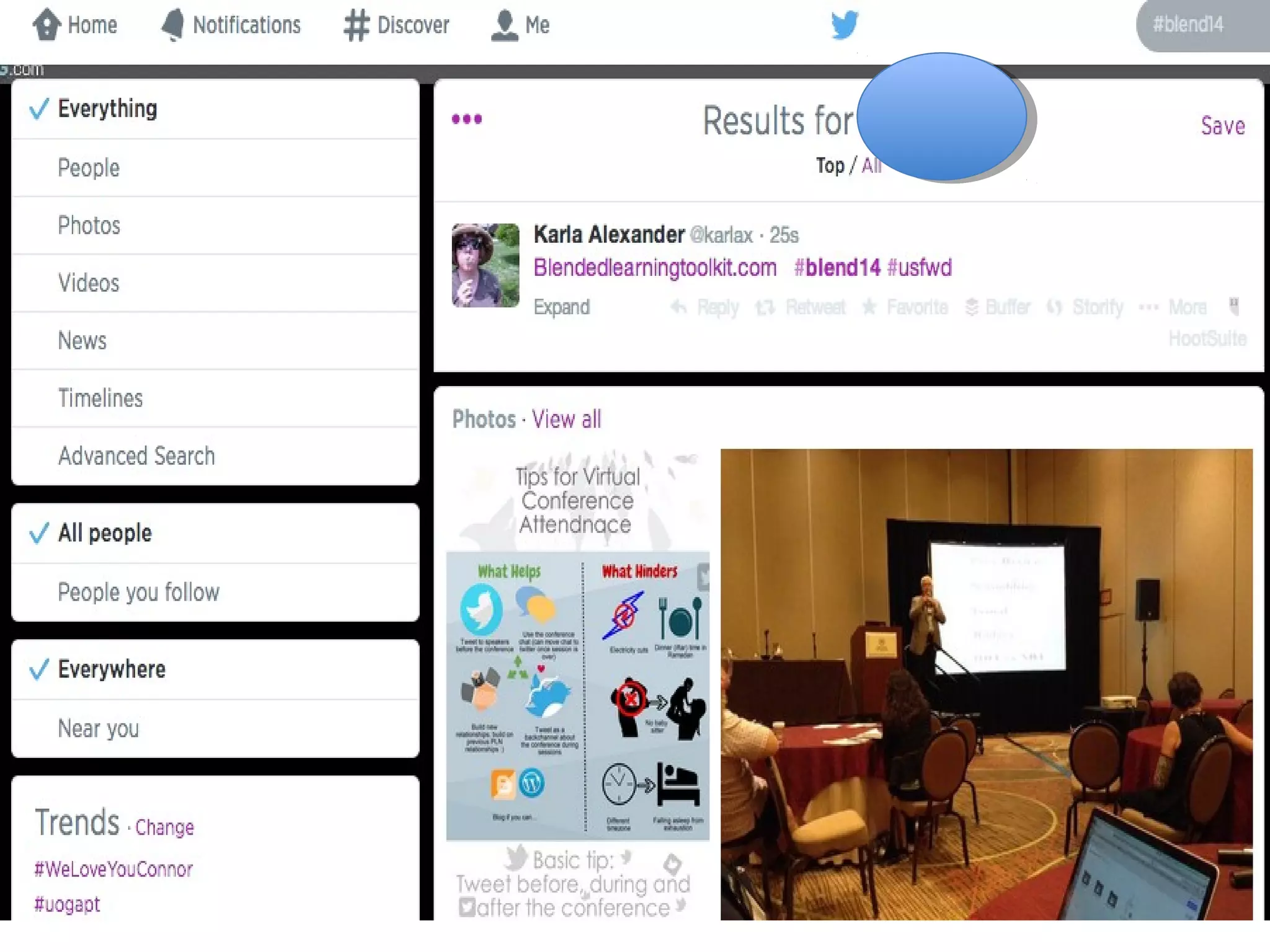
Dr. Alec Couros (@courosa) & #eci831
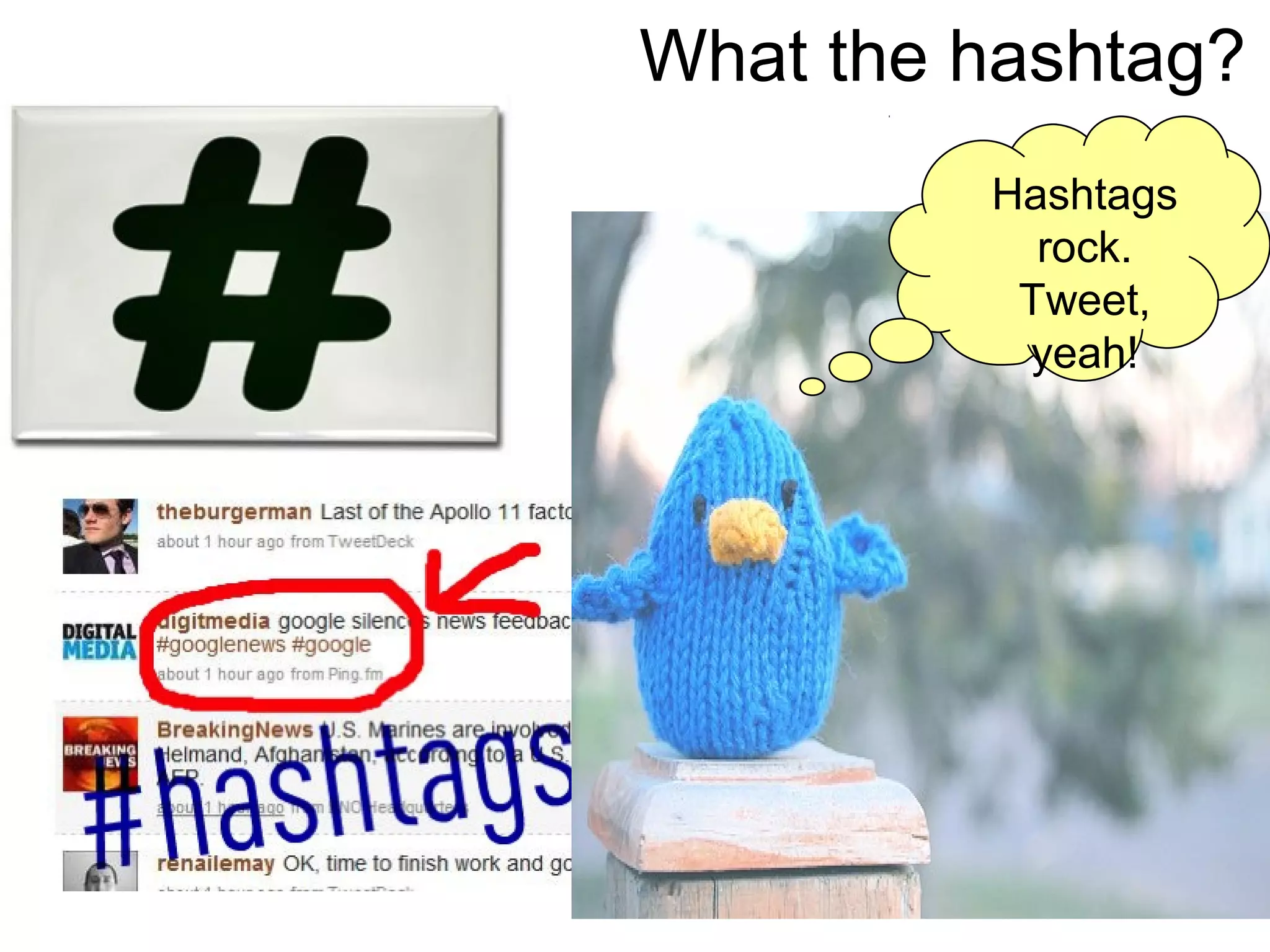
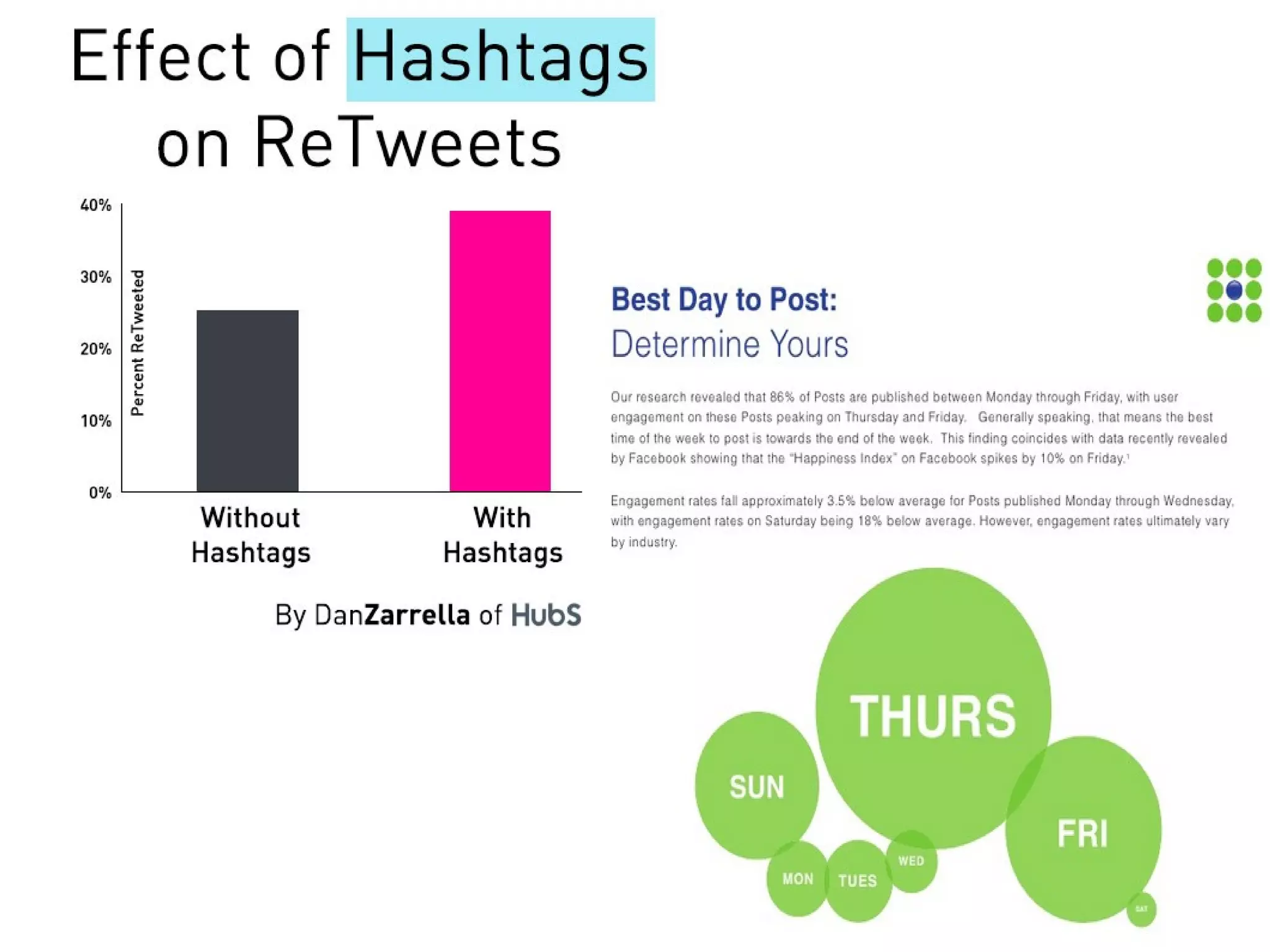
What the hashtag?
Hashtags
rock.
Tweet,
yeah!
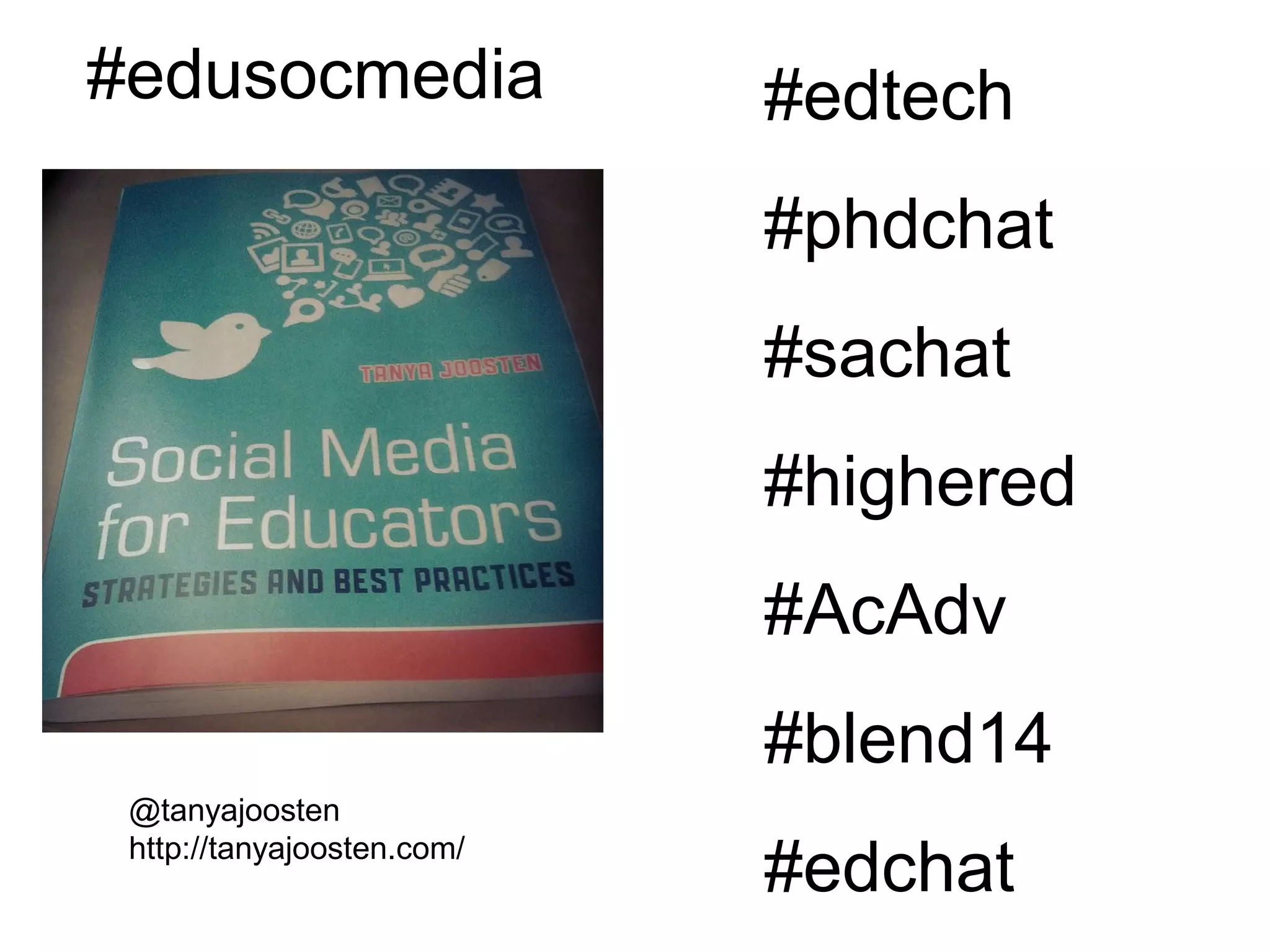
@tanyajoosten
http://tanyajoosten.com/
#edusocmedia #edtech
#phdchat
#sachat
#highered
#AcAdv
#blend14
#edchat
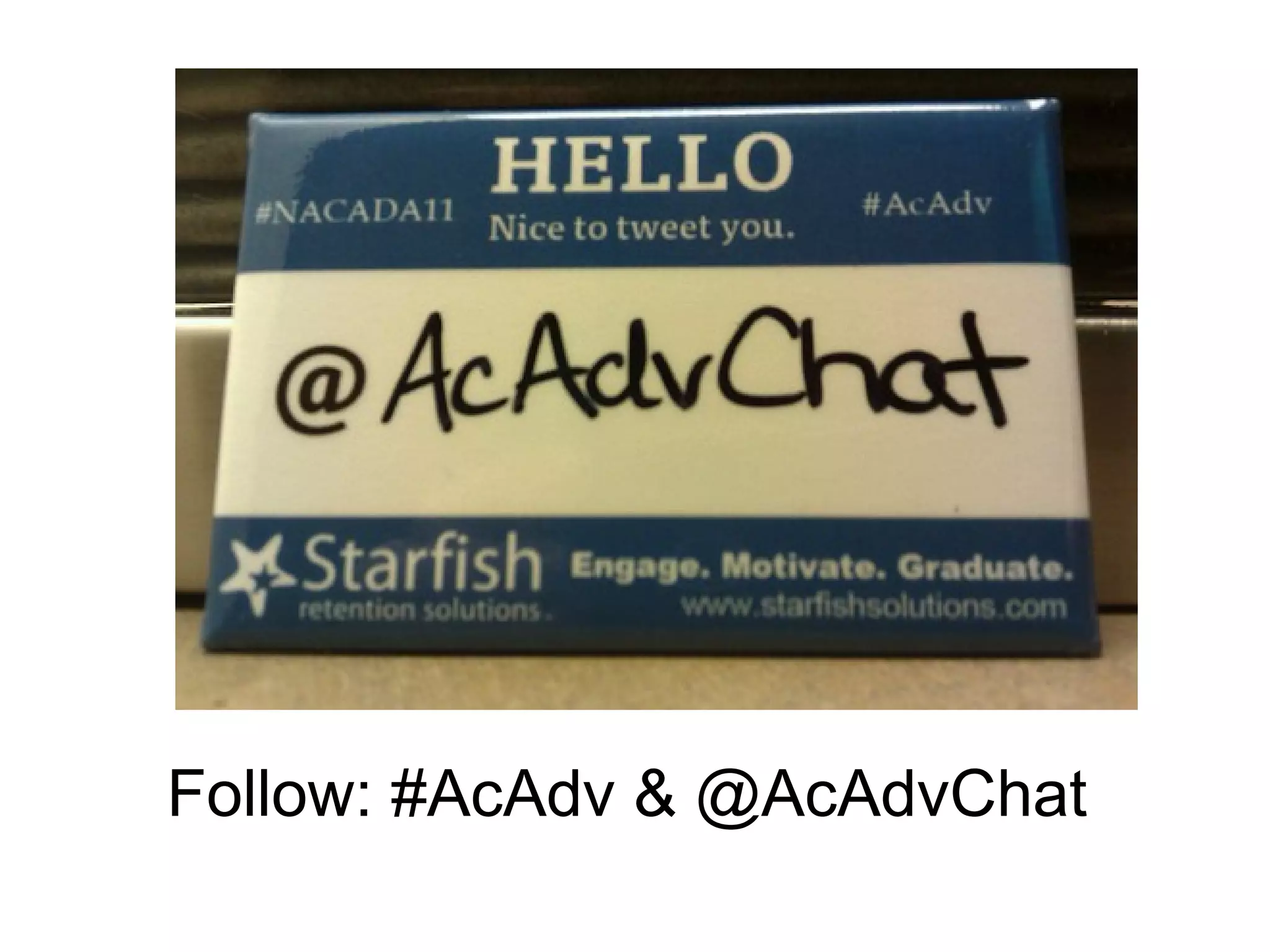
Follow: #AcAdv & @AcAdvChat
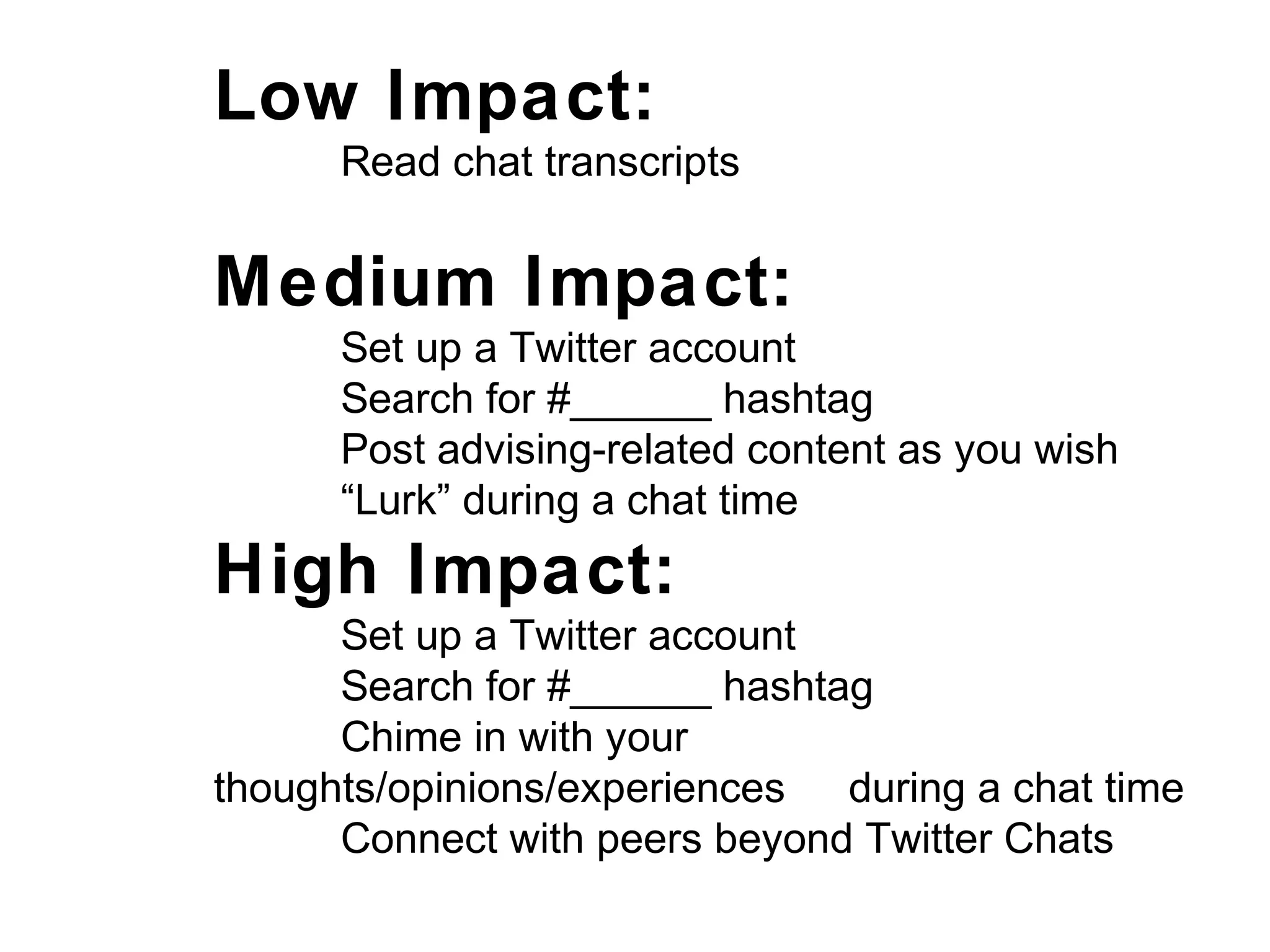
Low Impact:
Read chat transcripts
Medium Impact:
Set up a Twitter account
Search for #______ hashtag
Post advising-related content as you wish
“Lurk” during a chat time
High Impact:
Set up a Twitter account
Search for #______ hashtag
Chime in with your
thoughts/opinions/experiences during a chat time
Connect with peers beyond Twitter Chats
Give & Get Support
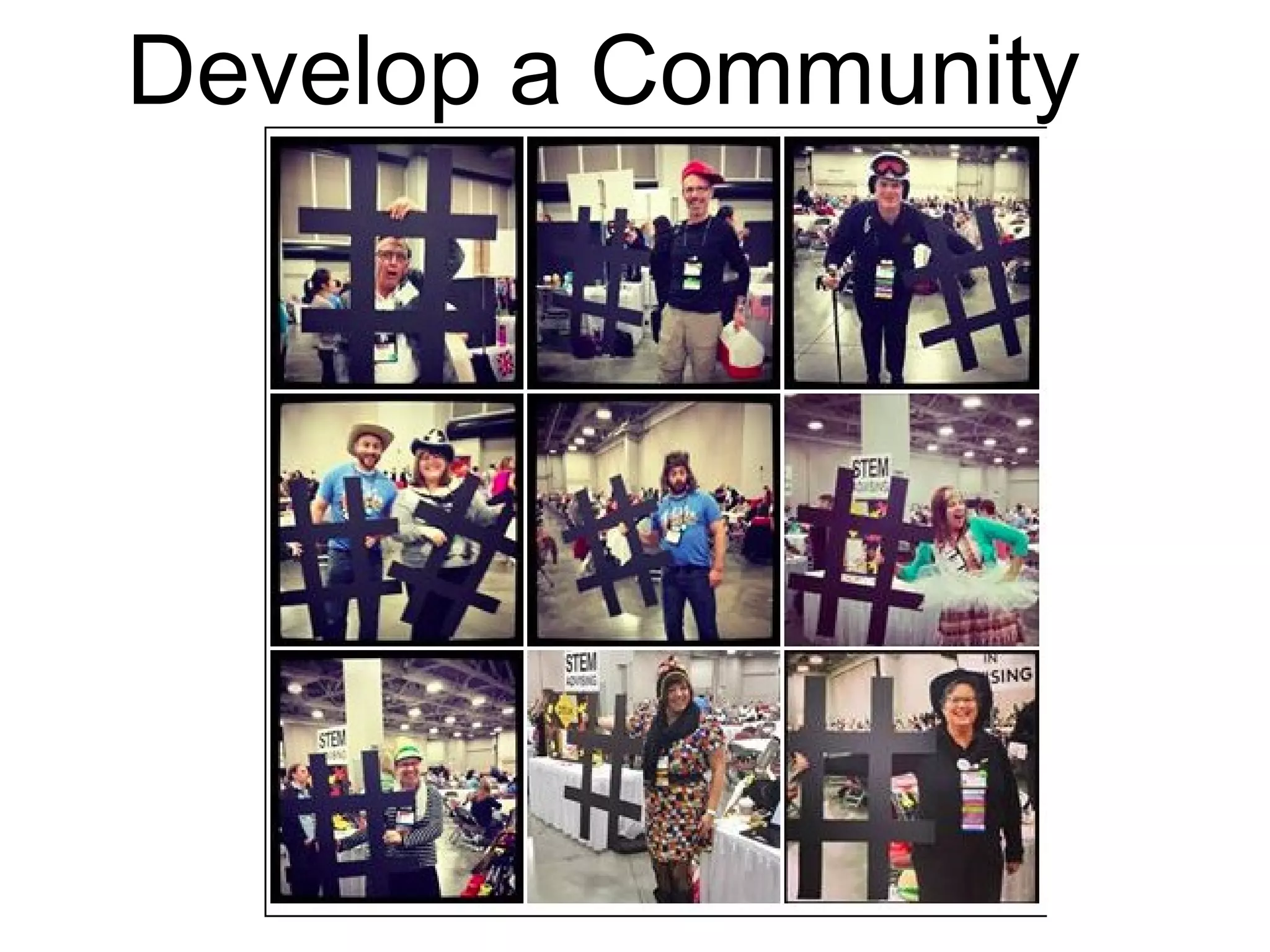
Develop a Community
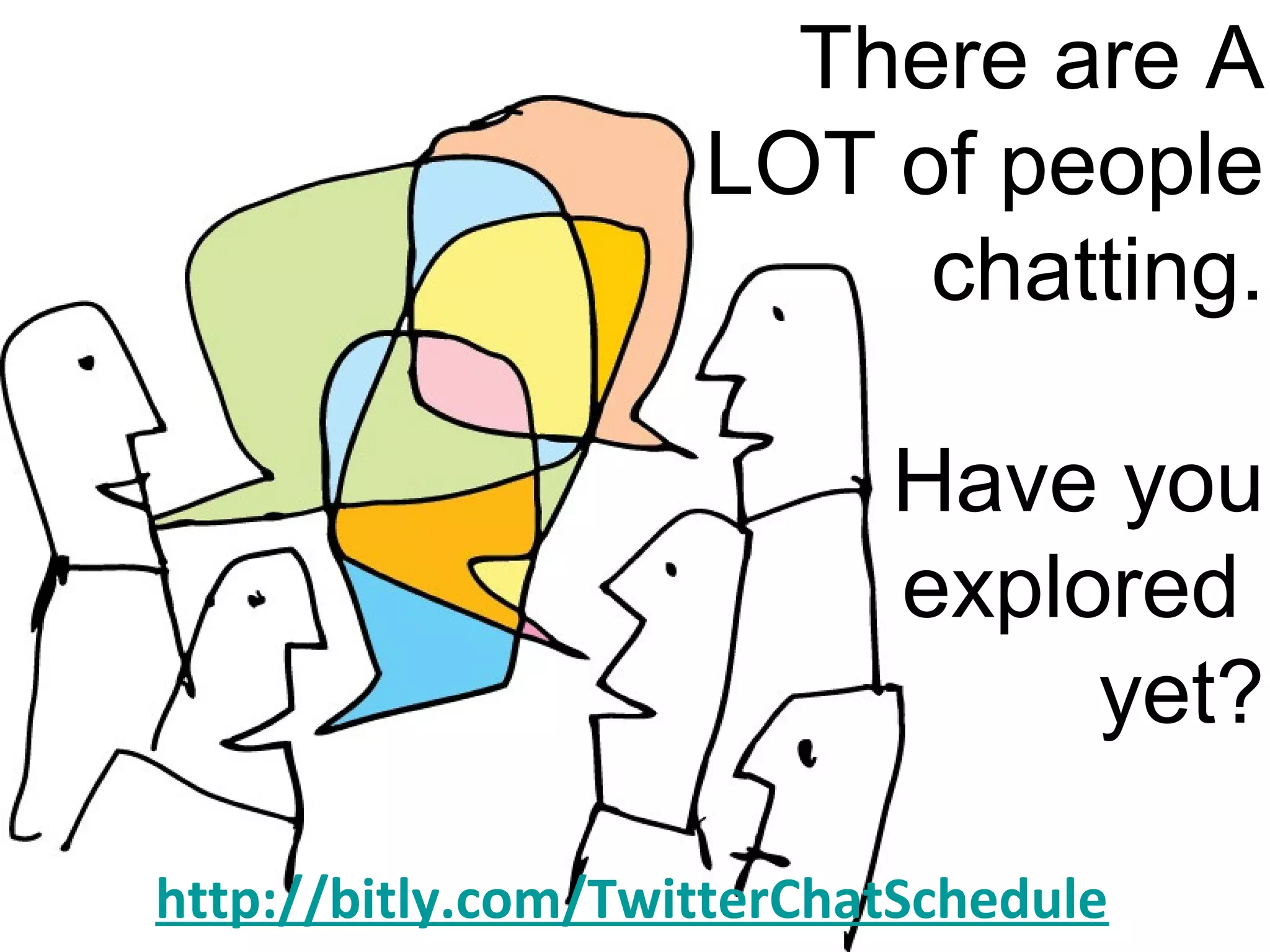
There are A
LOT of people
chatting.
Have you
explored
yet?
http://bitly.com/TwitterChatSchedule
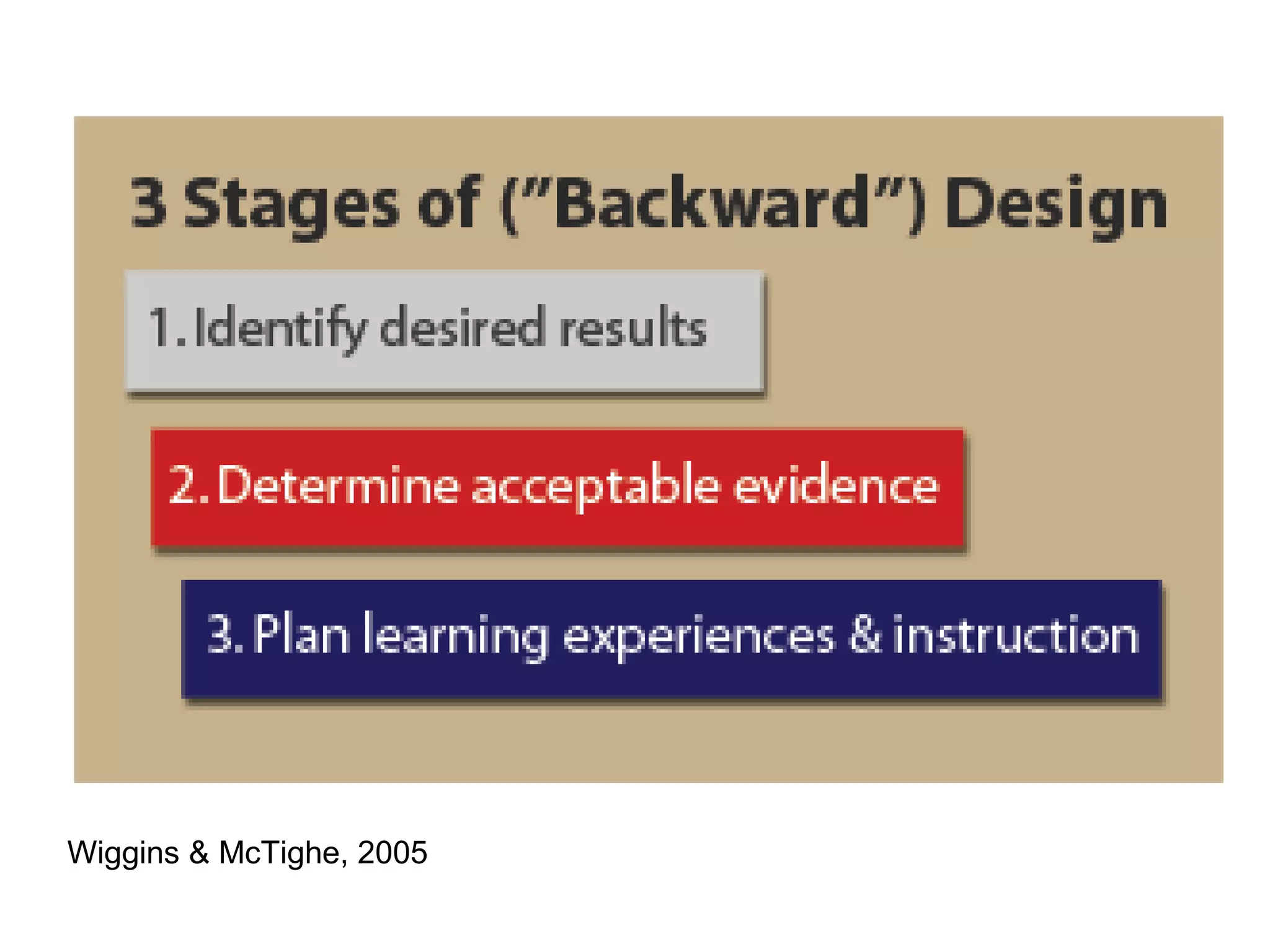
Wiggins & McTighe, 2005
50
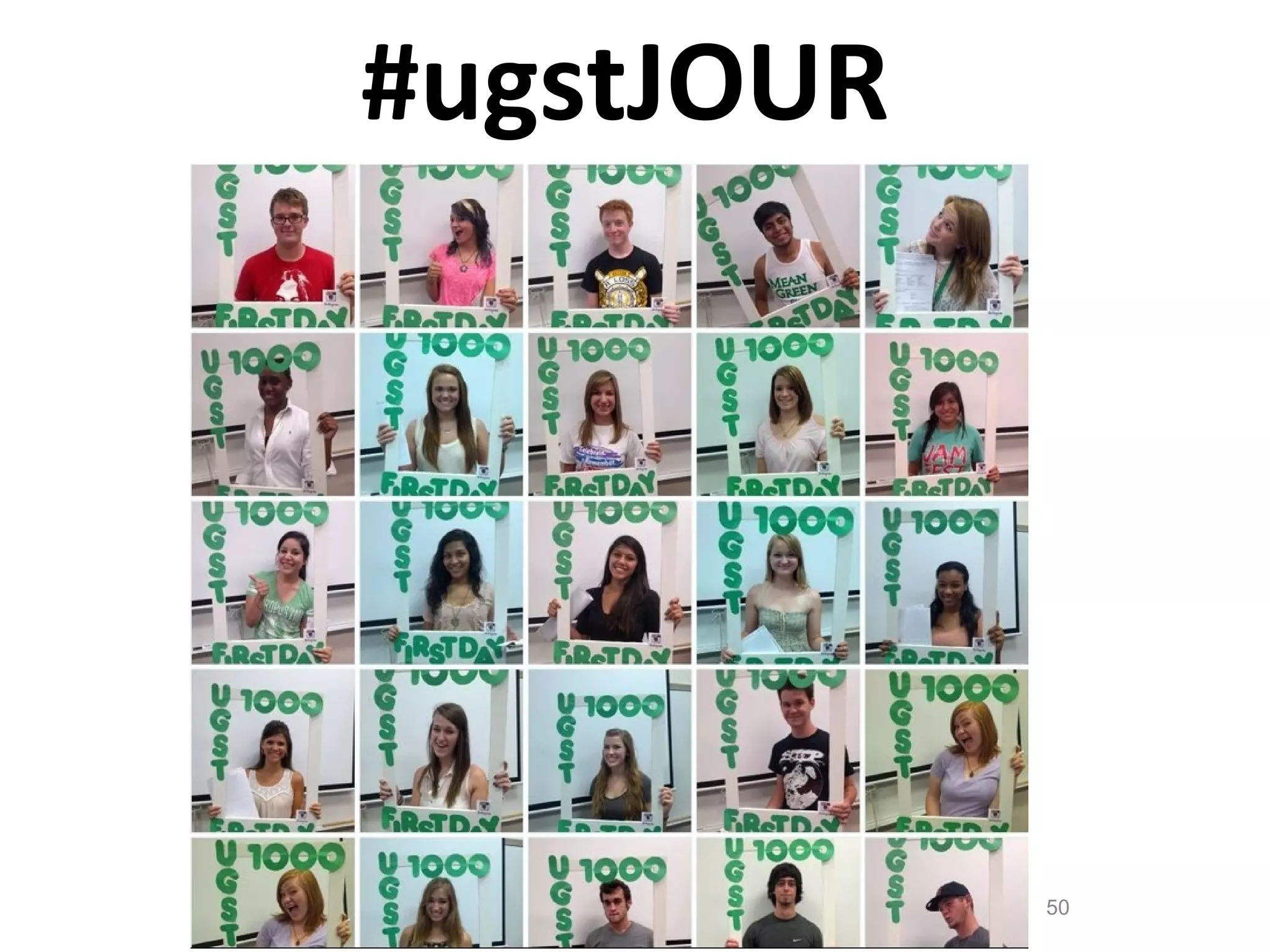
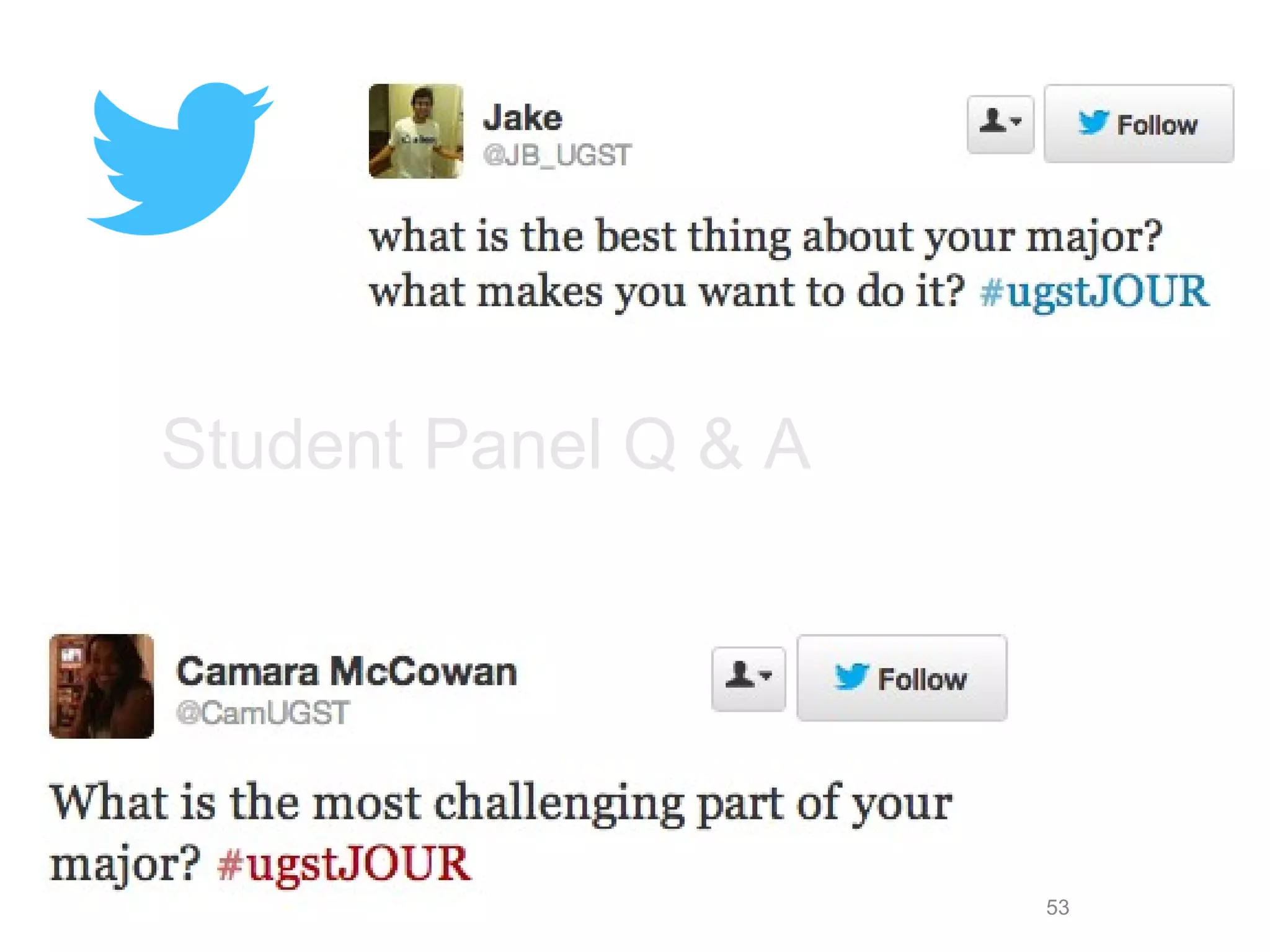
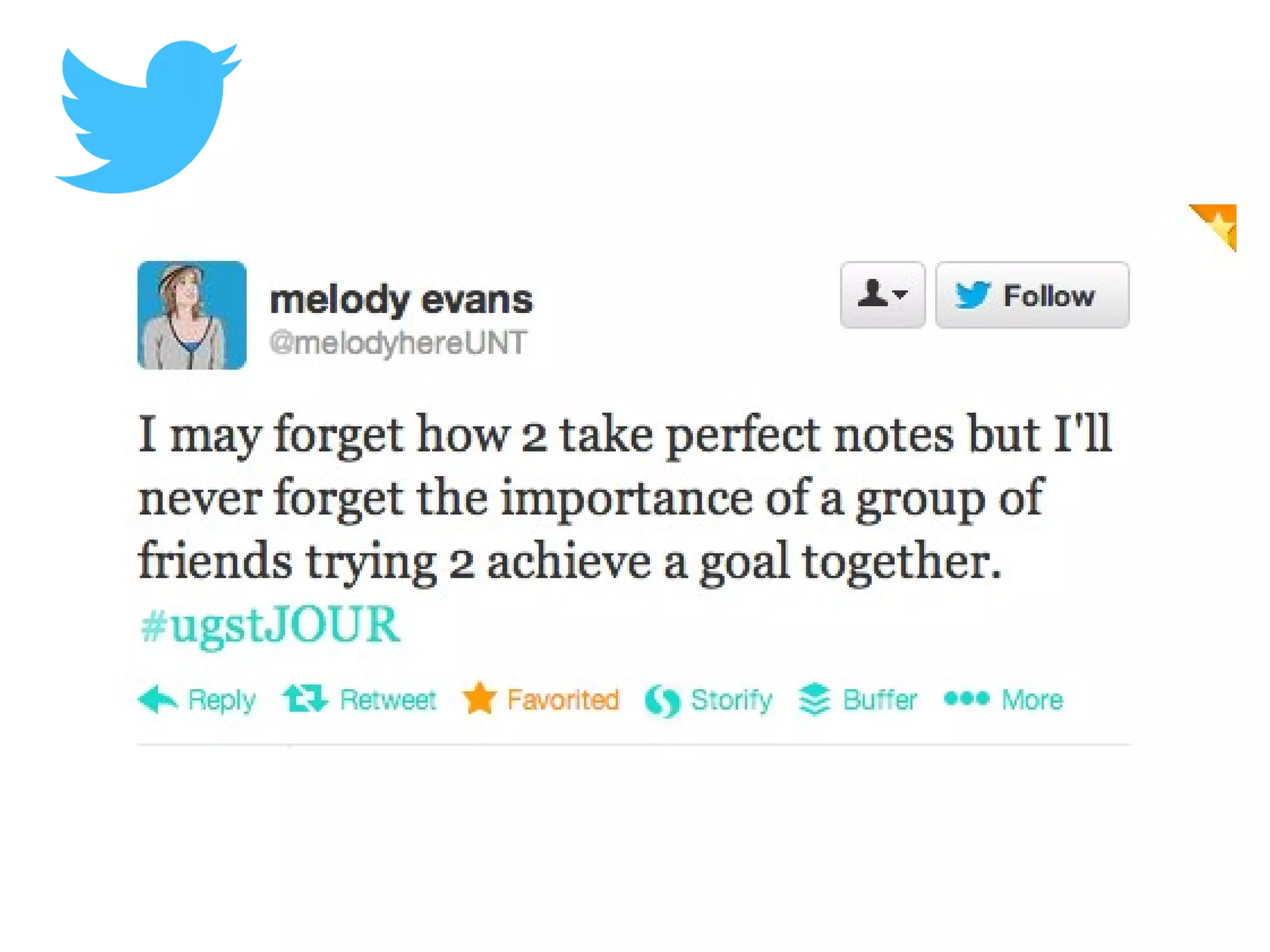
#ugstJOUR
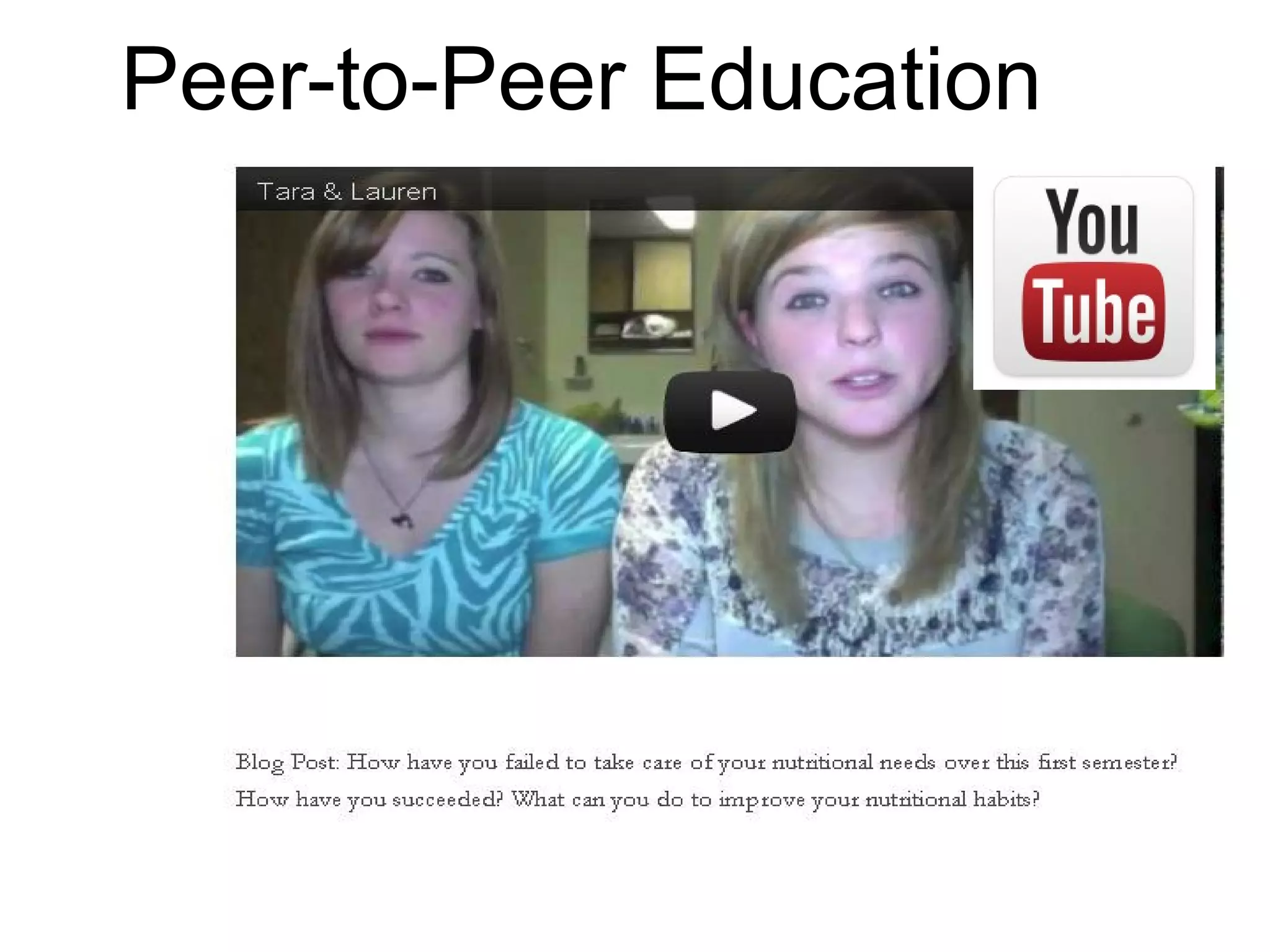
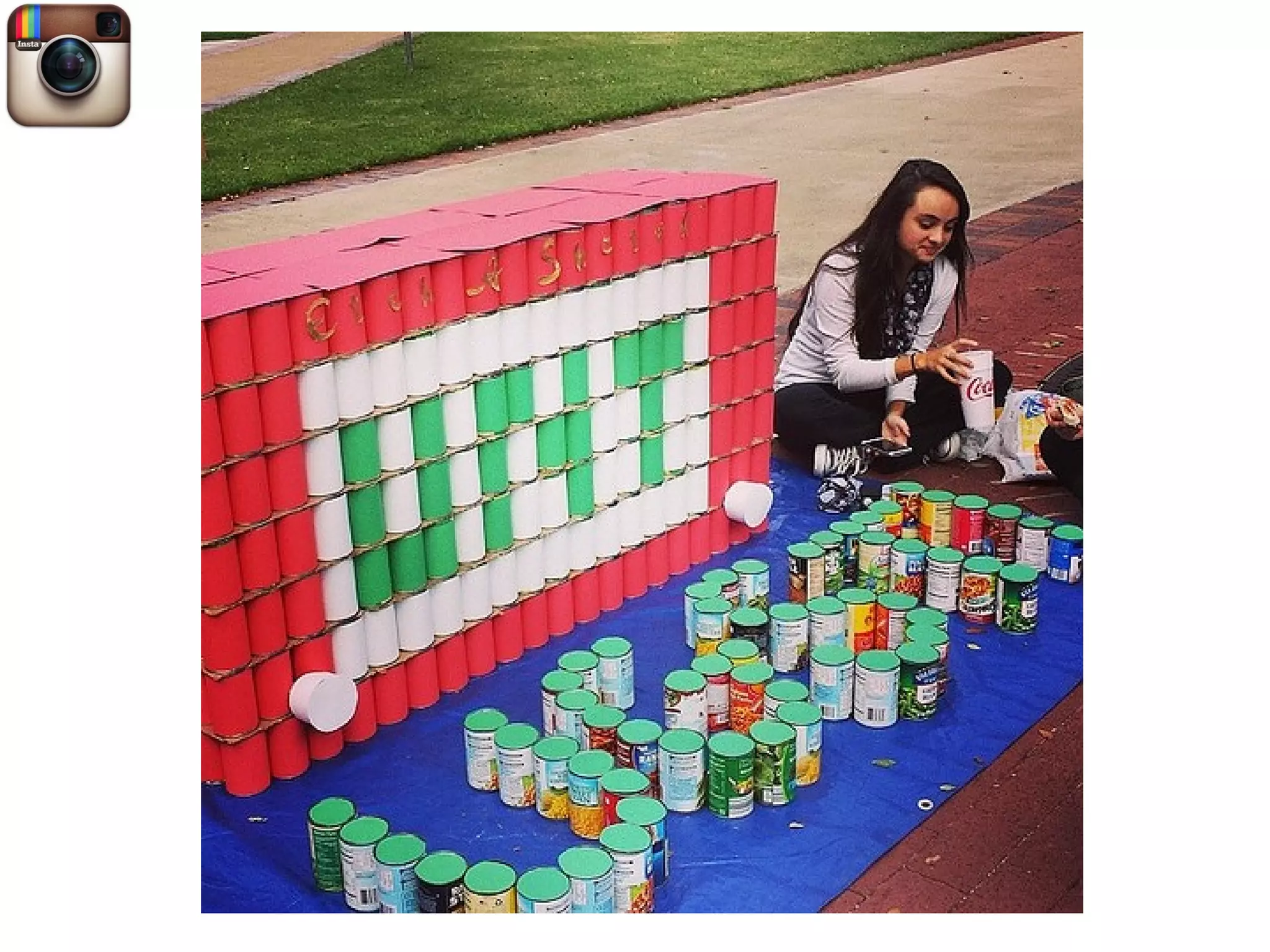
Peer-to-Peer Education
53
Student Panel Q & A
56
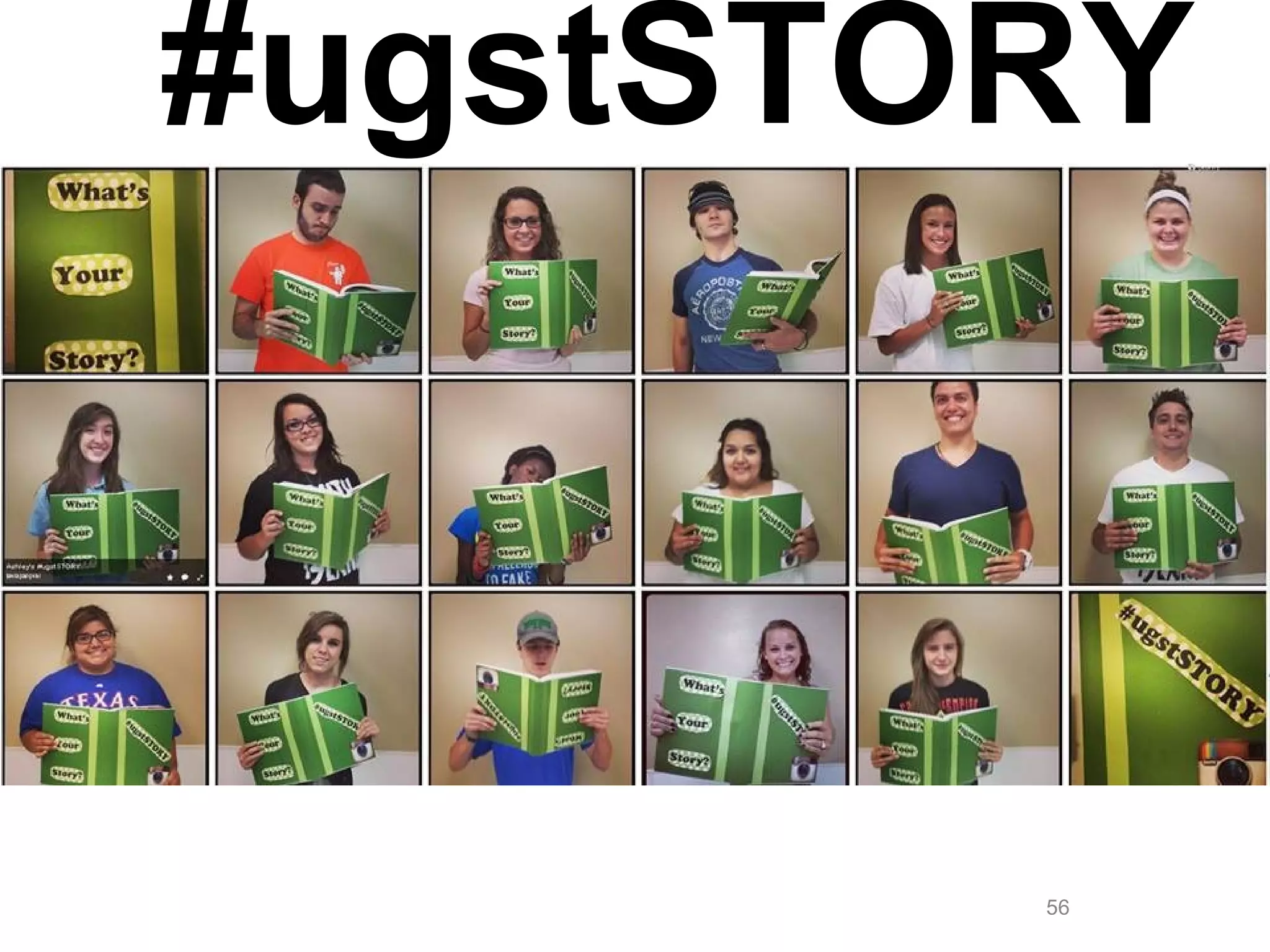
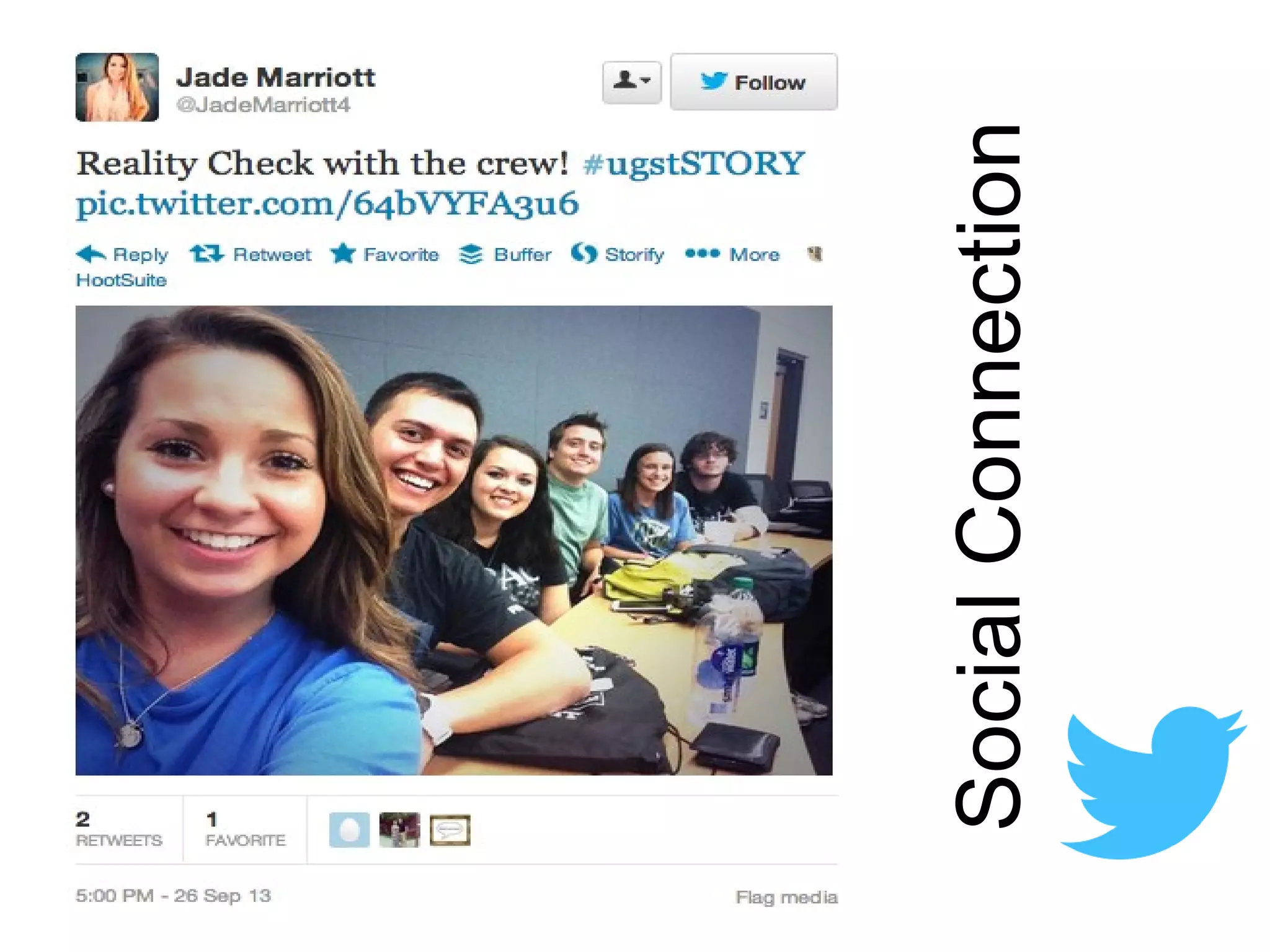
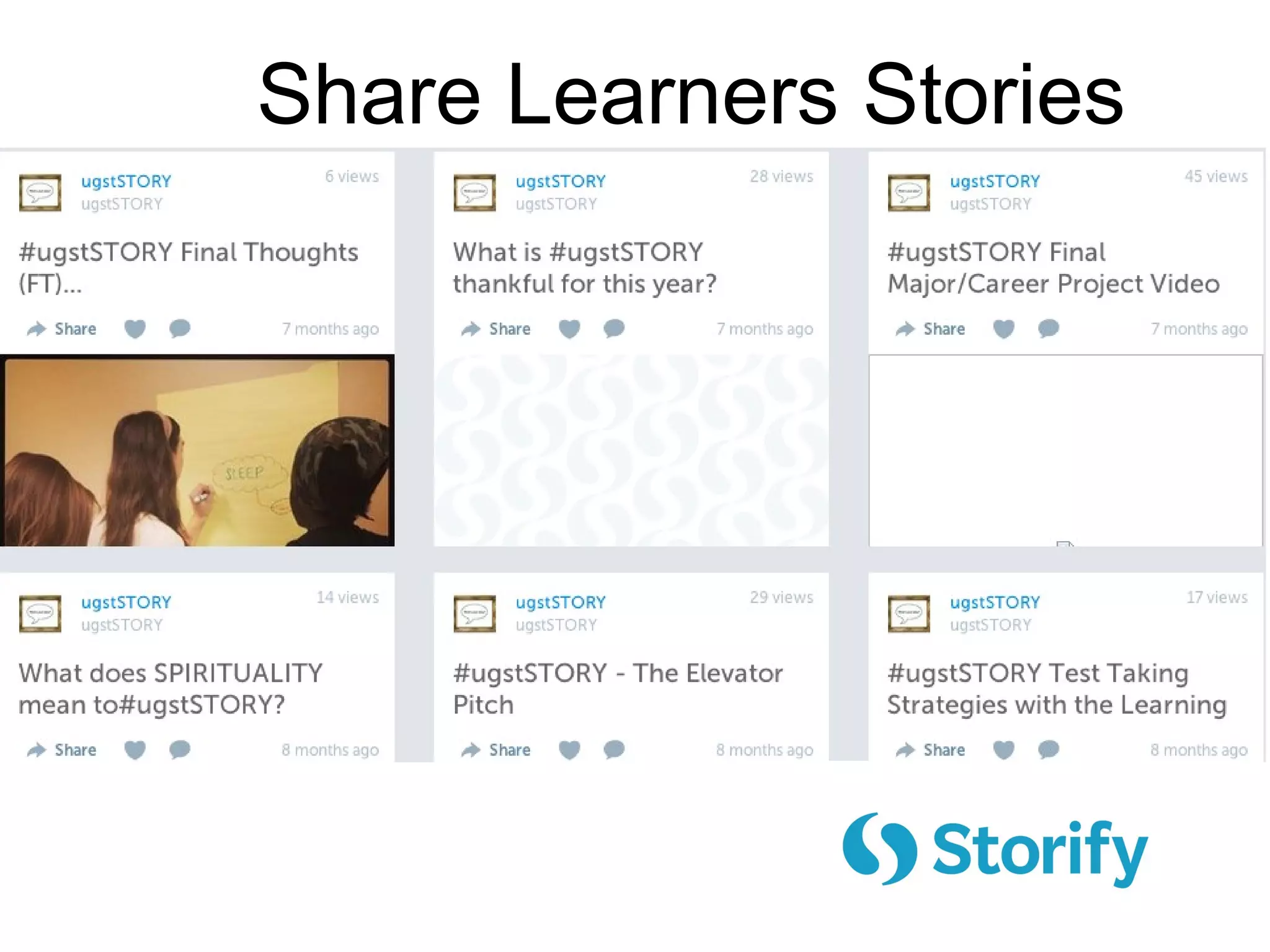
#ugstSTORY
SocialConnection
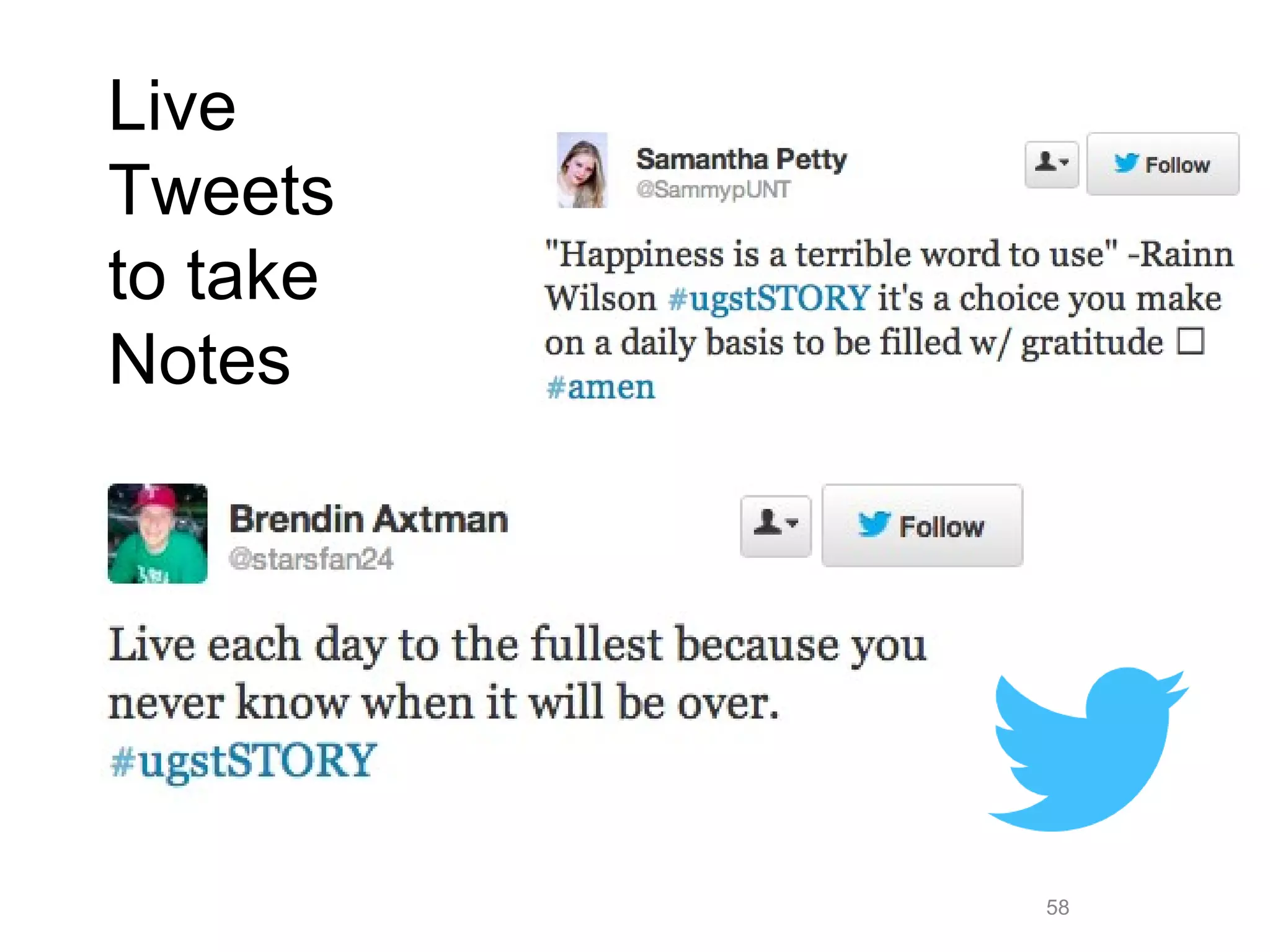
58
Live
Tweets
to take
Notes
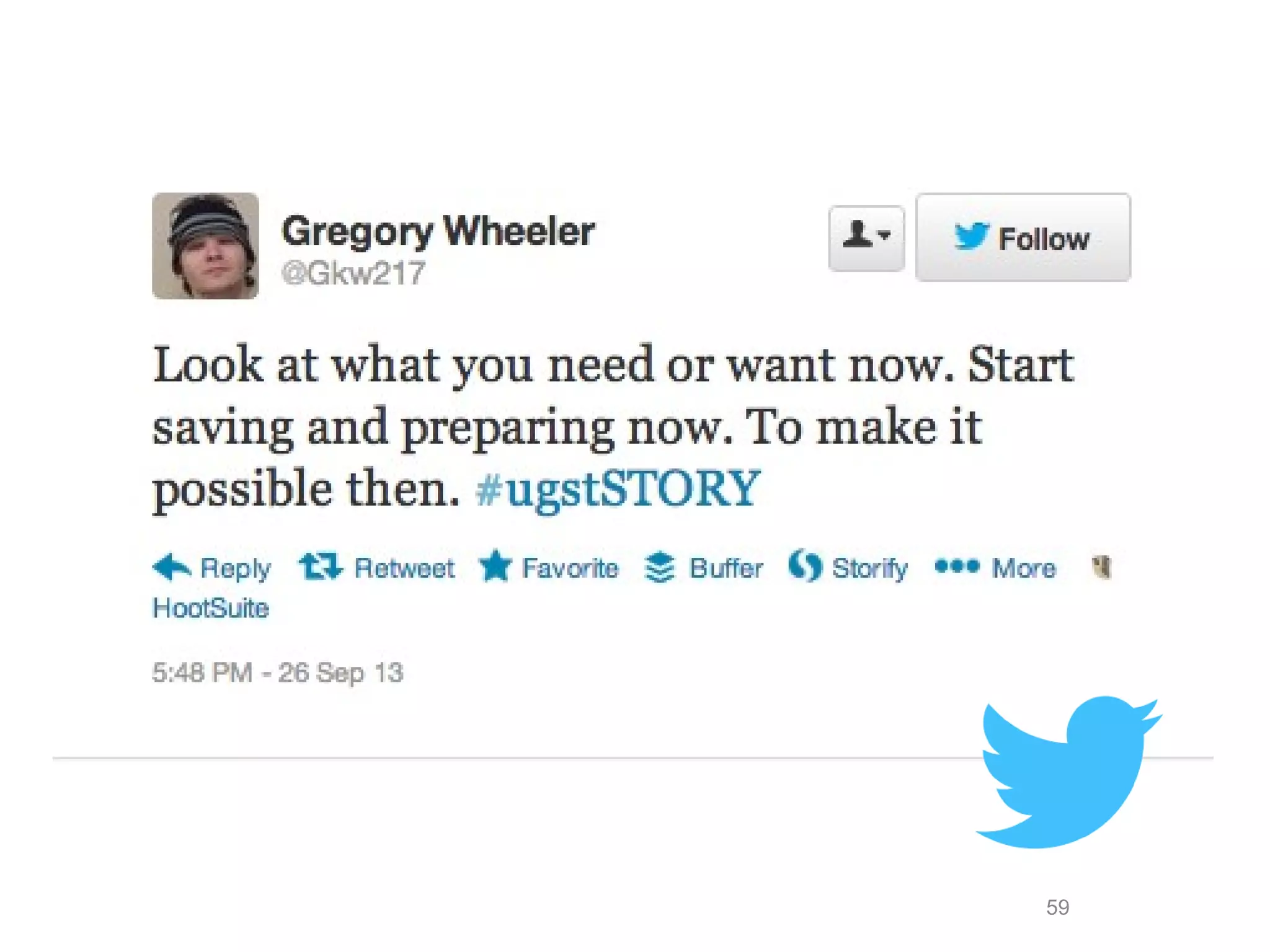
59
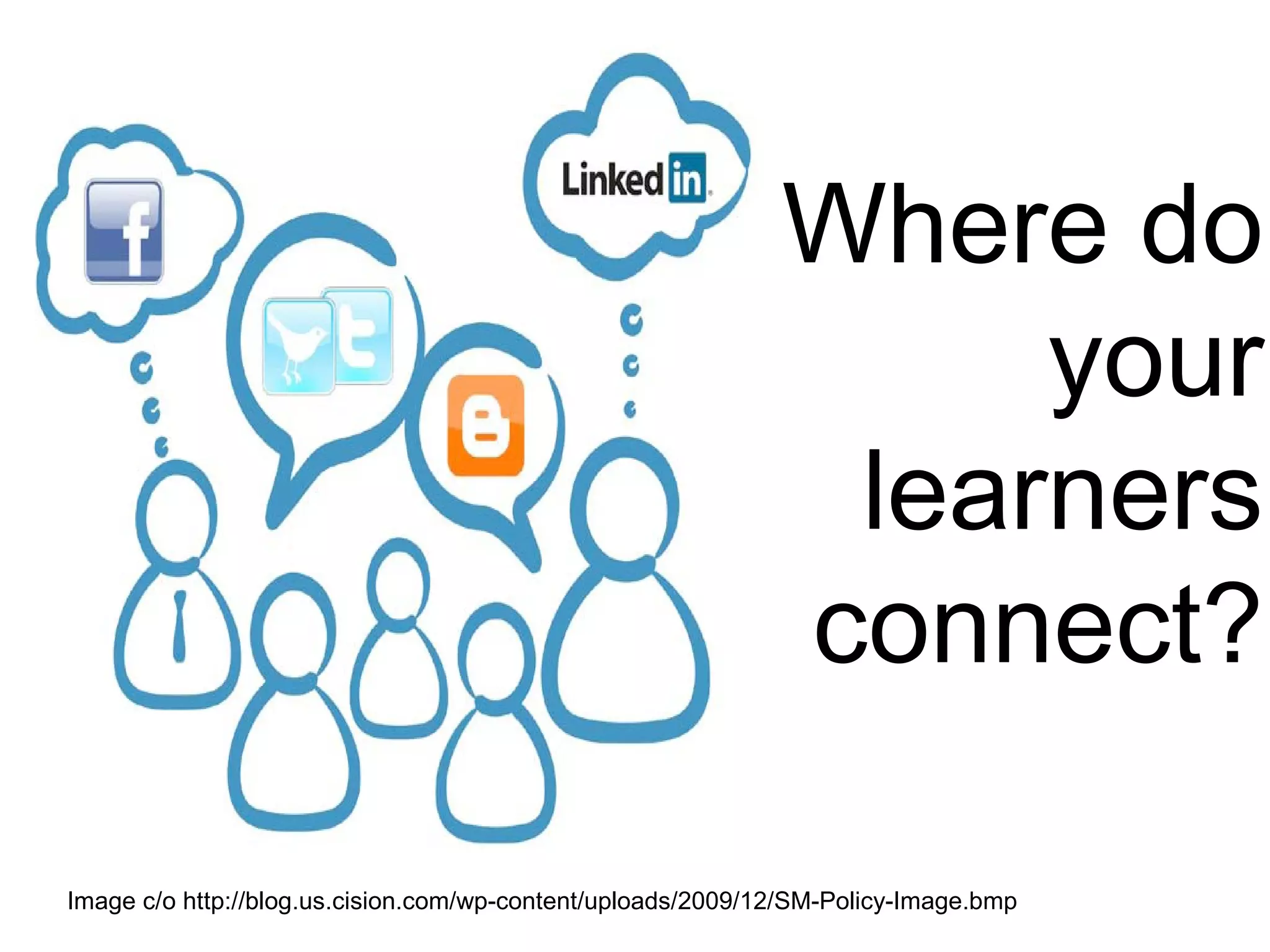
Image c/o http://blog.us.cision.com/wp-content/uploads/2009/12/SM-Policy-Image.bmp
Where do
your
learners
connect?
#3.
Curation
Online information flows like…
Crowdsourcing
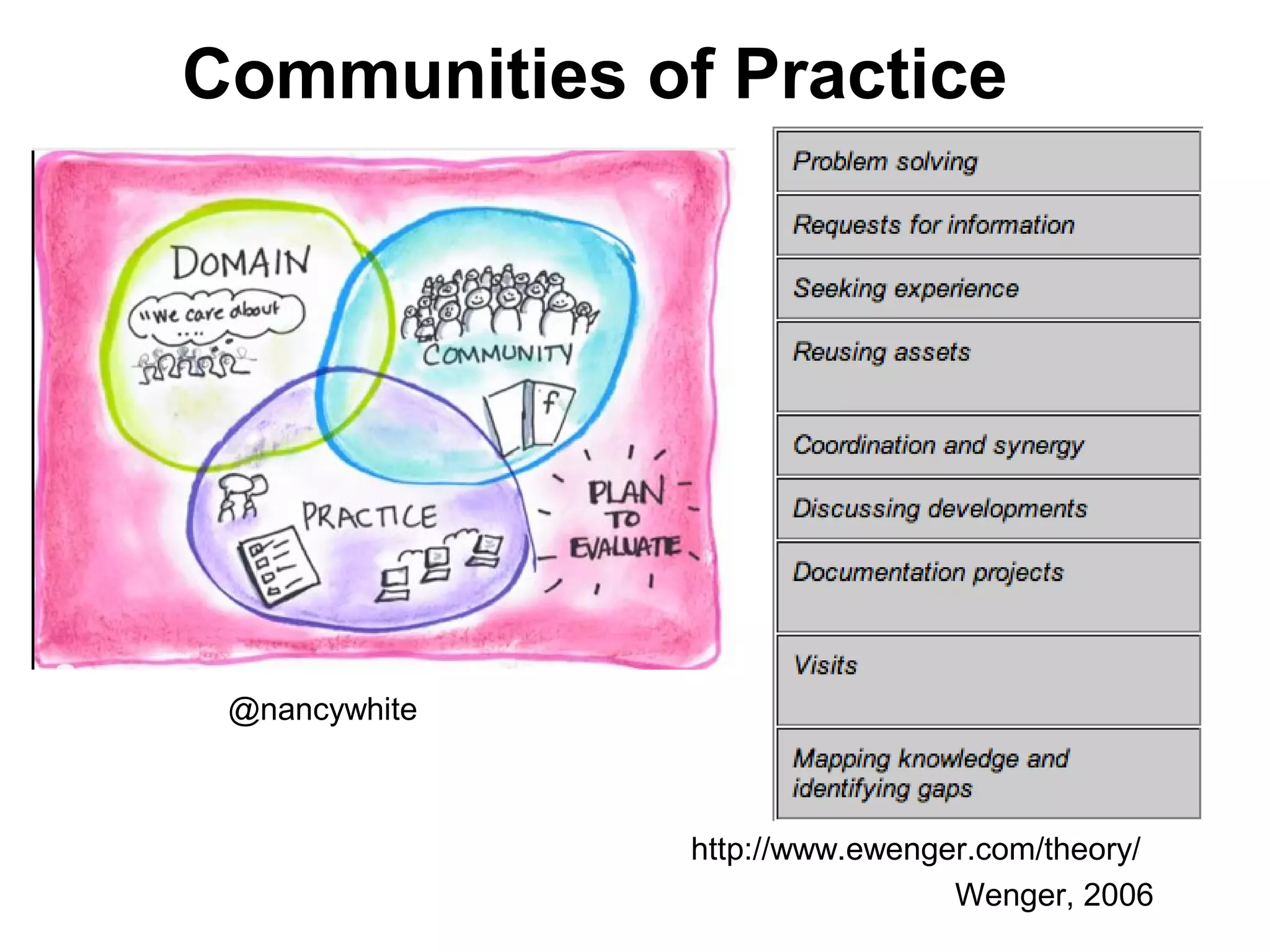
Communities of Practice
http://www.ewenger.com/theory/
@nancywhite
Wenger, 2006
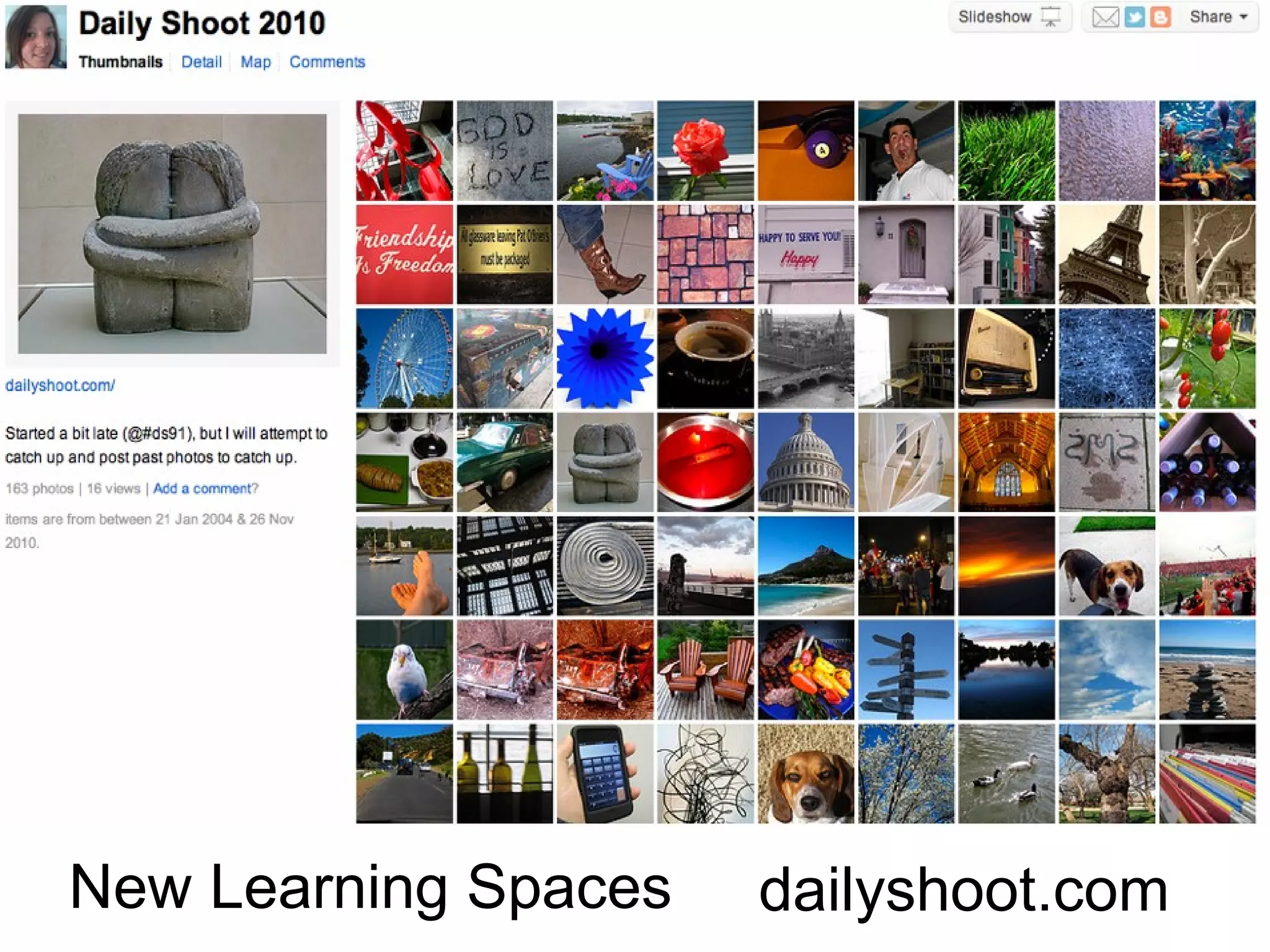
dailyshoot.comNew Learning Spaces
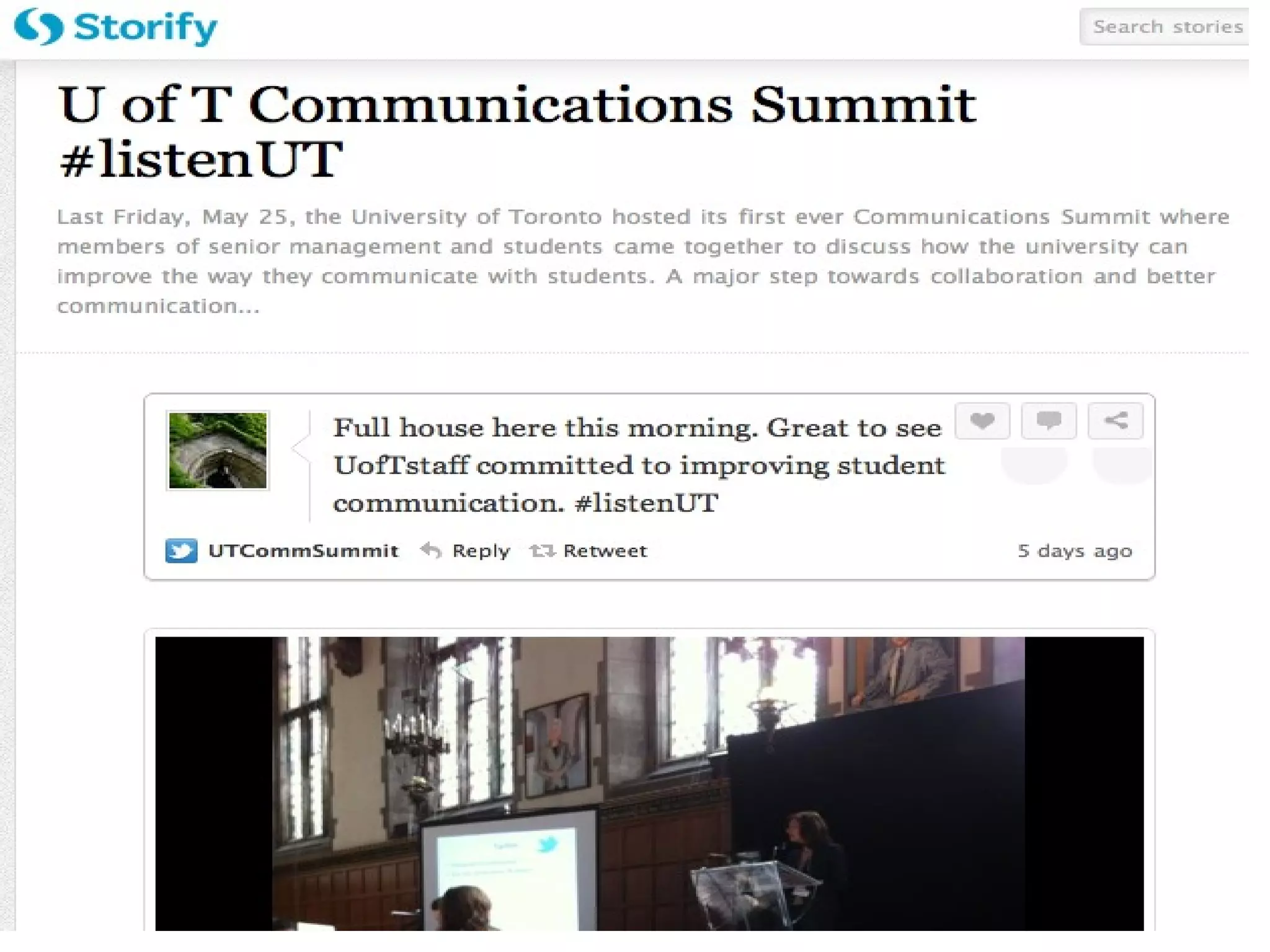
http://storify.com/Open Forum & Debates
Conduct Your
Curation
Research
(why?)
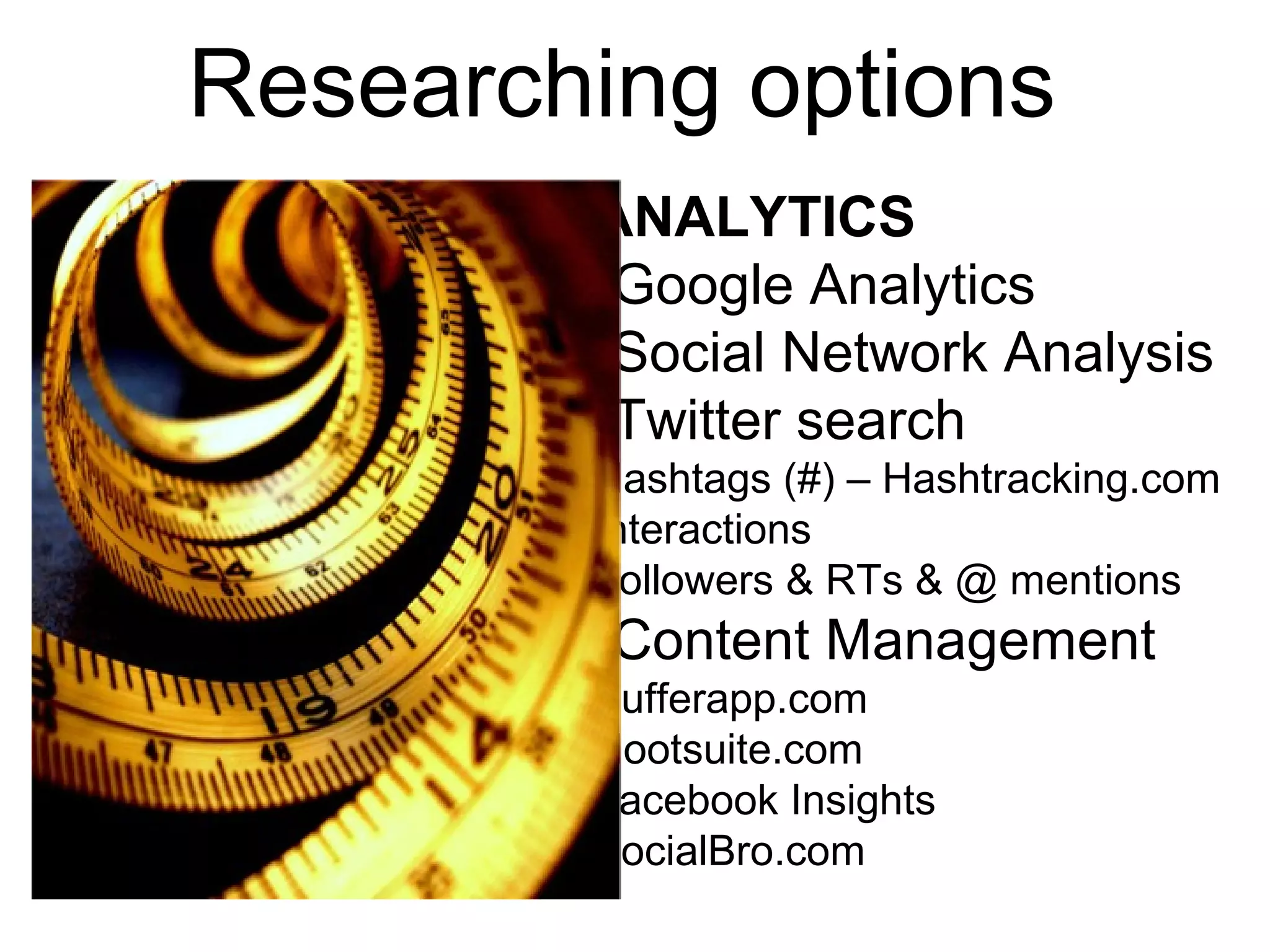
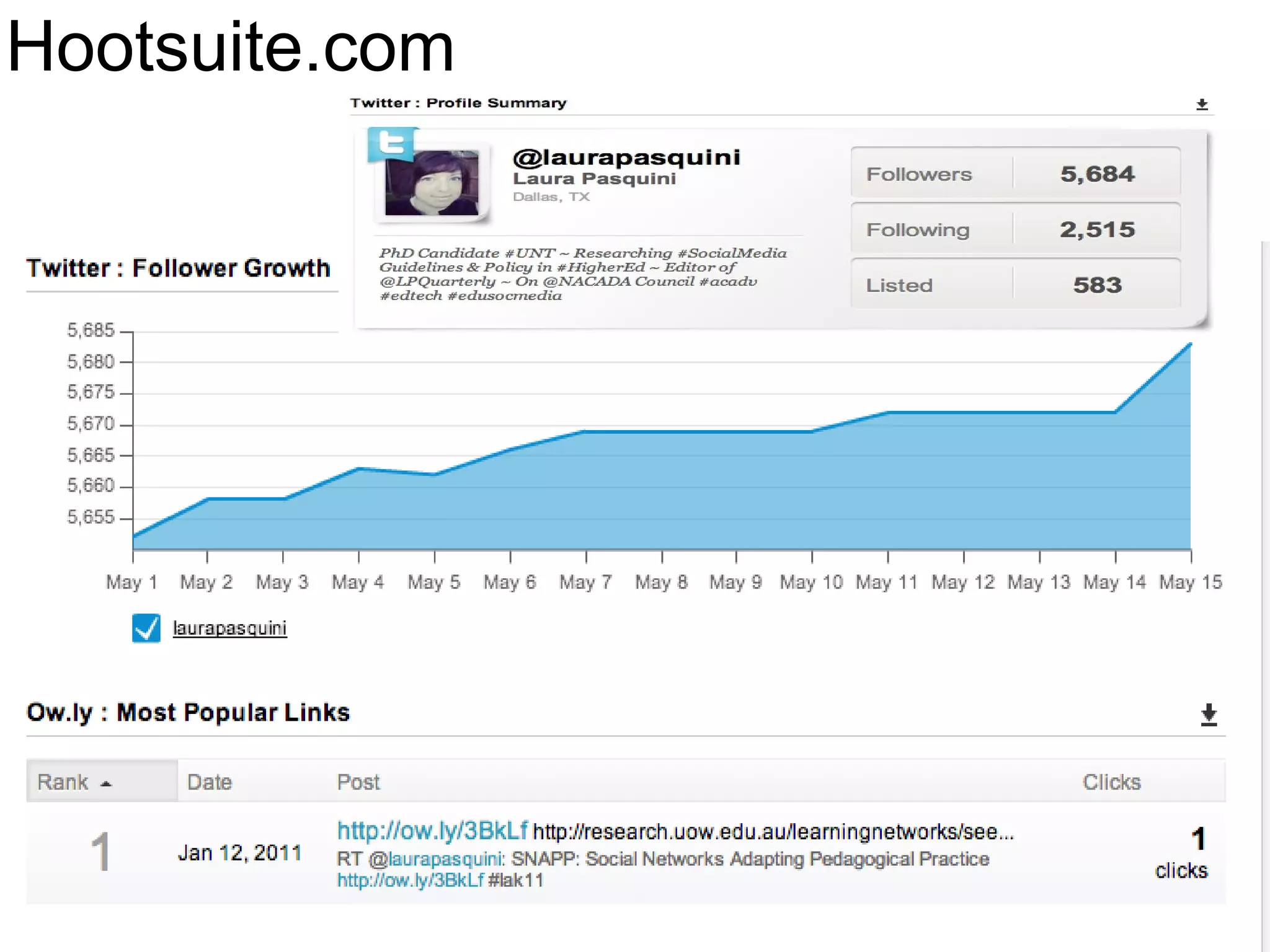
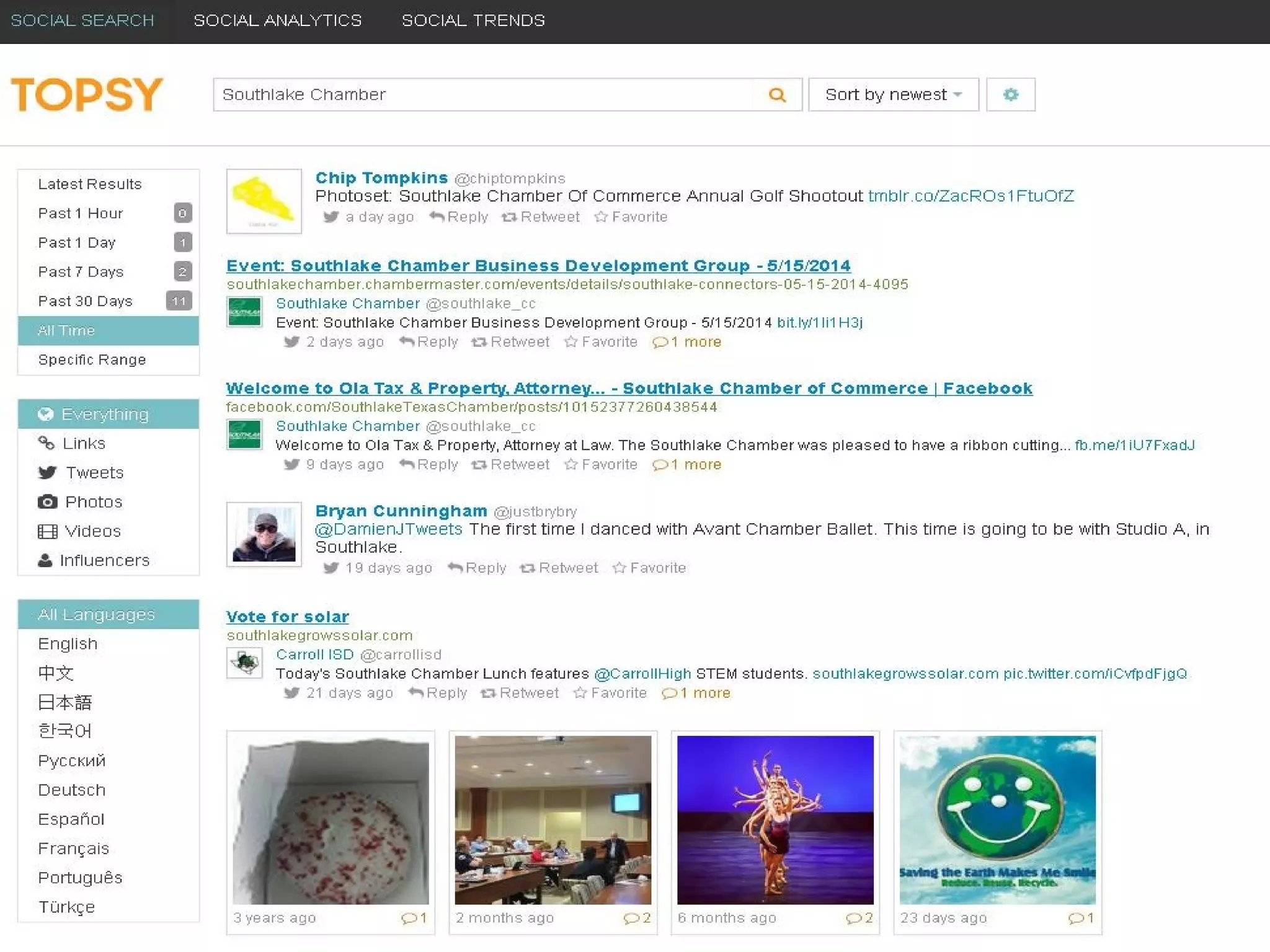
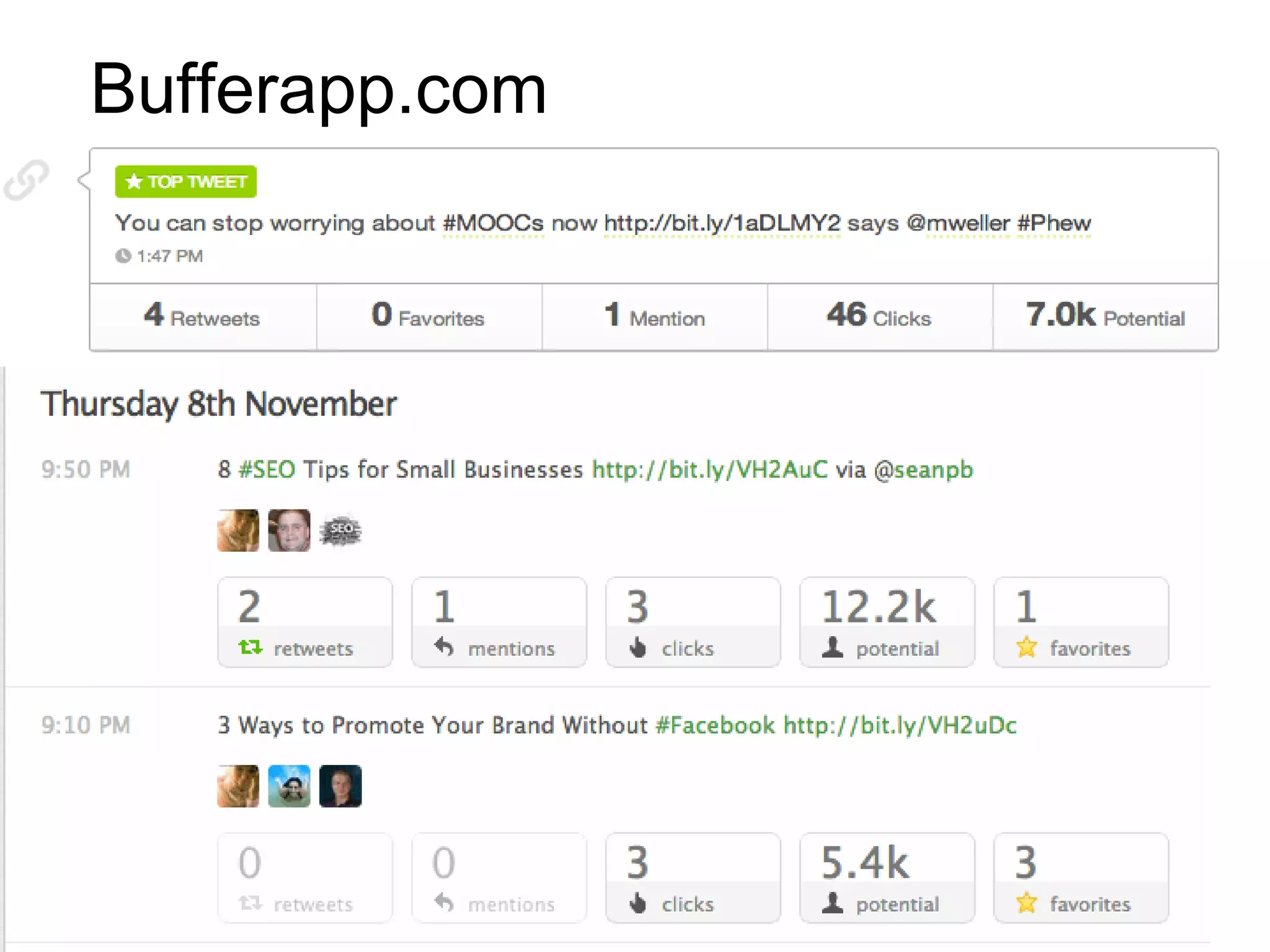
ANALYTICS
-Google Analytics
-Social Network Analysis
-Twitter search
Hashtags (#) – Hashtracking.com
Interactions
Followers & RTs & @ mentions
-Content Management
Bufferapp.com
Hootsuite.com
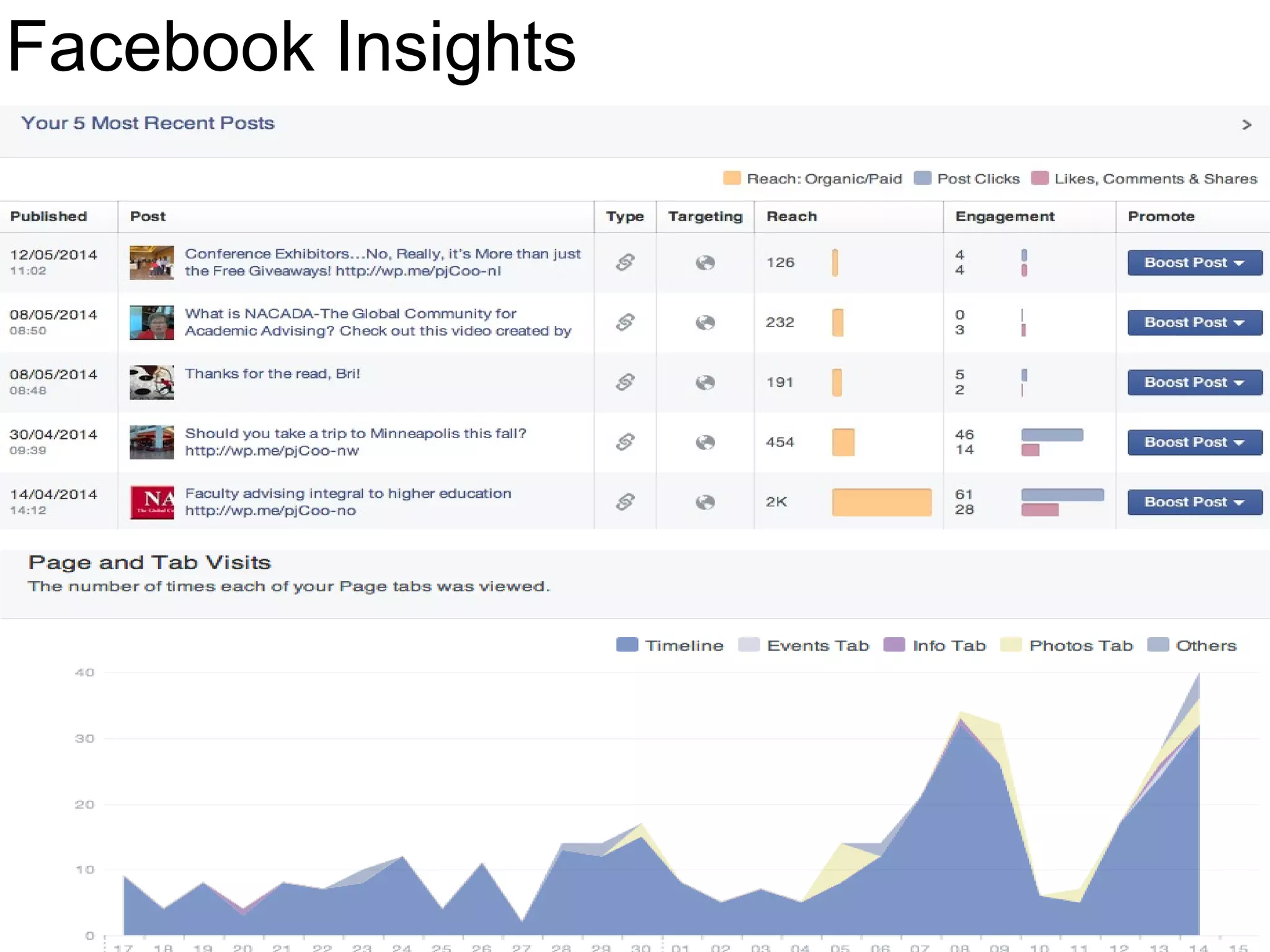
Facebook Insights
SocialBro.com
Researching options
Hootsuite.com
Facebook Insights
Curation Considerations
•Curriculum engagement
•Knowledge sharing
•Feedback from learners
•Provide real-time resources
•Interactive communication
channel
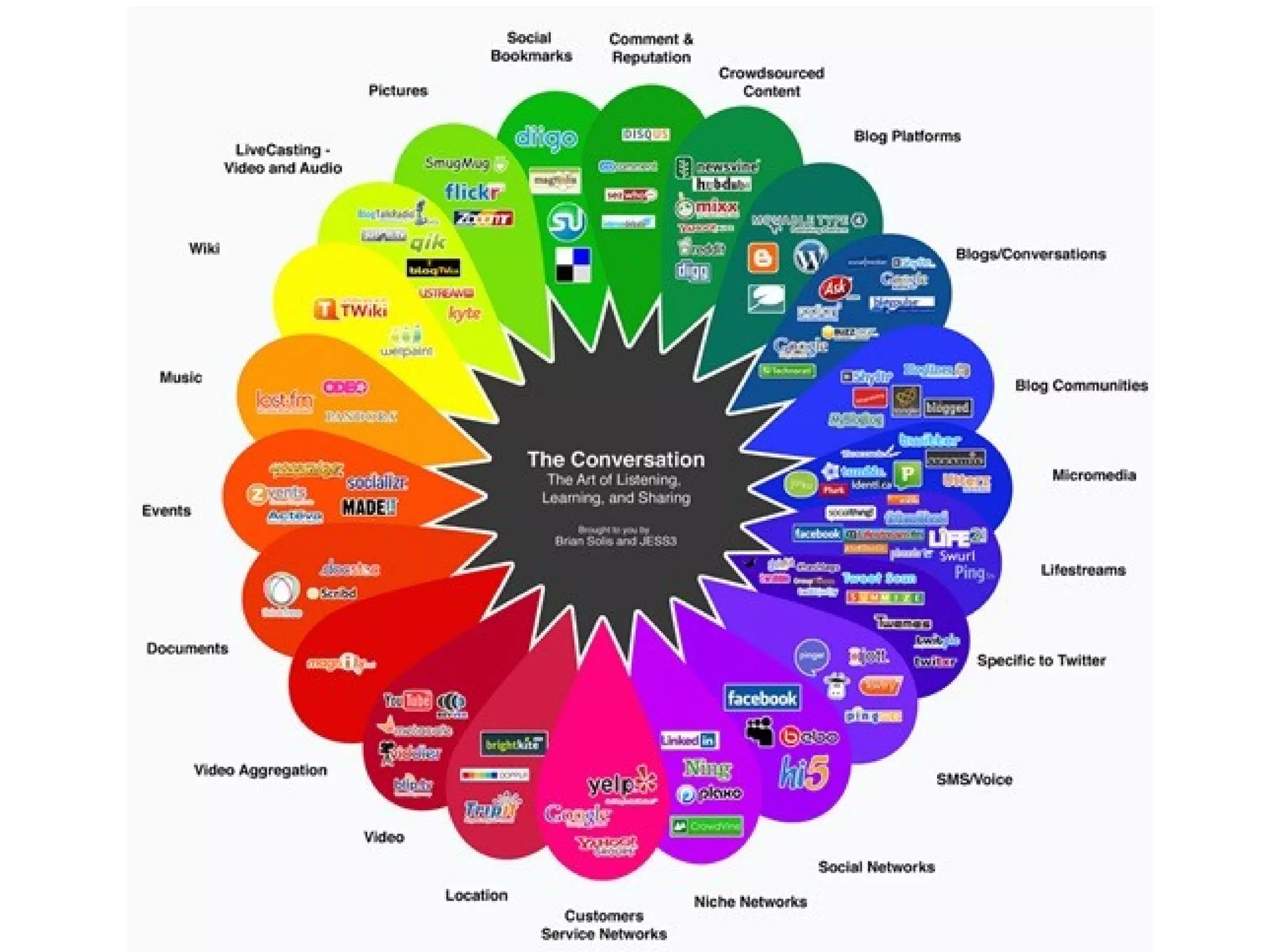
Select Your
Blended Learning
Channels
(why?)
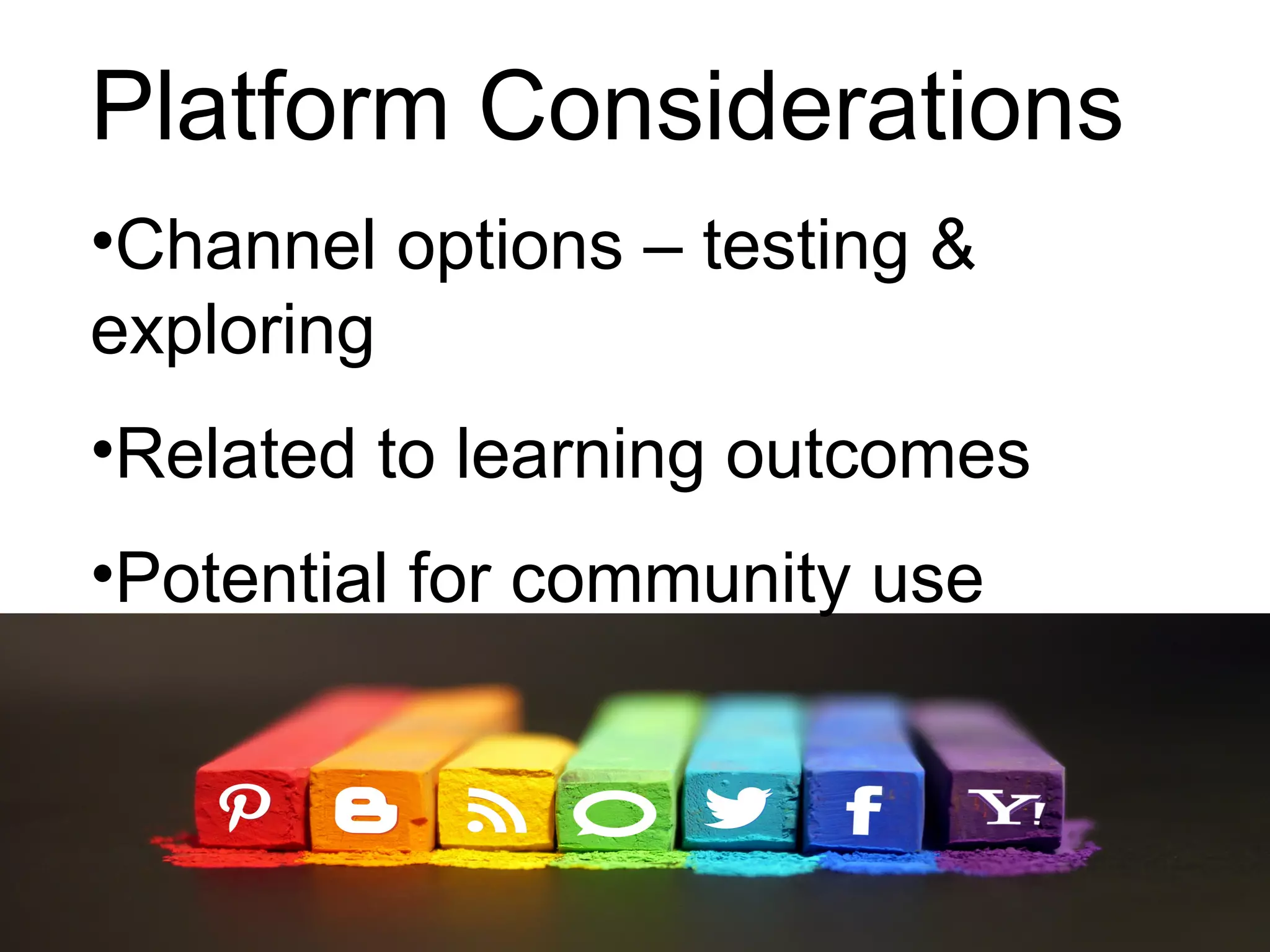
Platform Considerations
•Channel options – testing &
exploring
•Related to learning outcomes
•Potential for community use
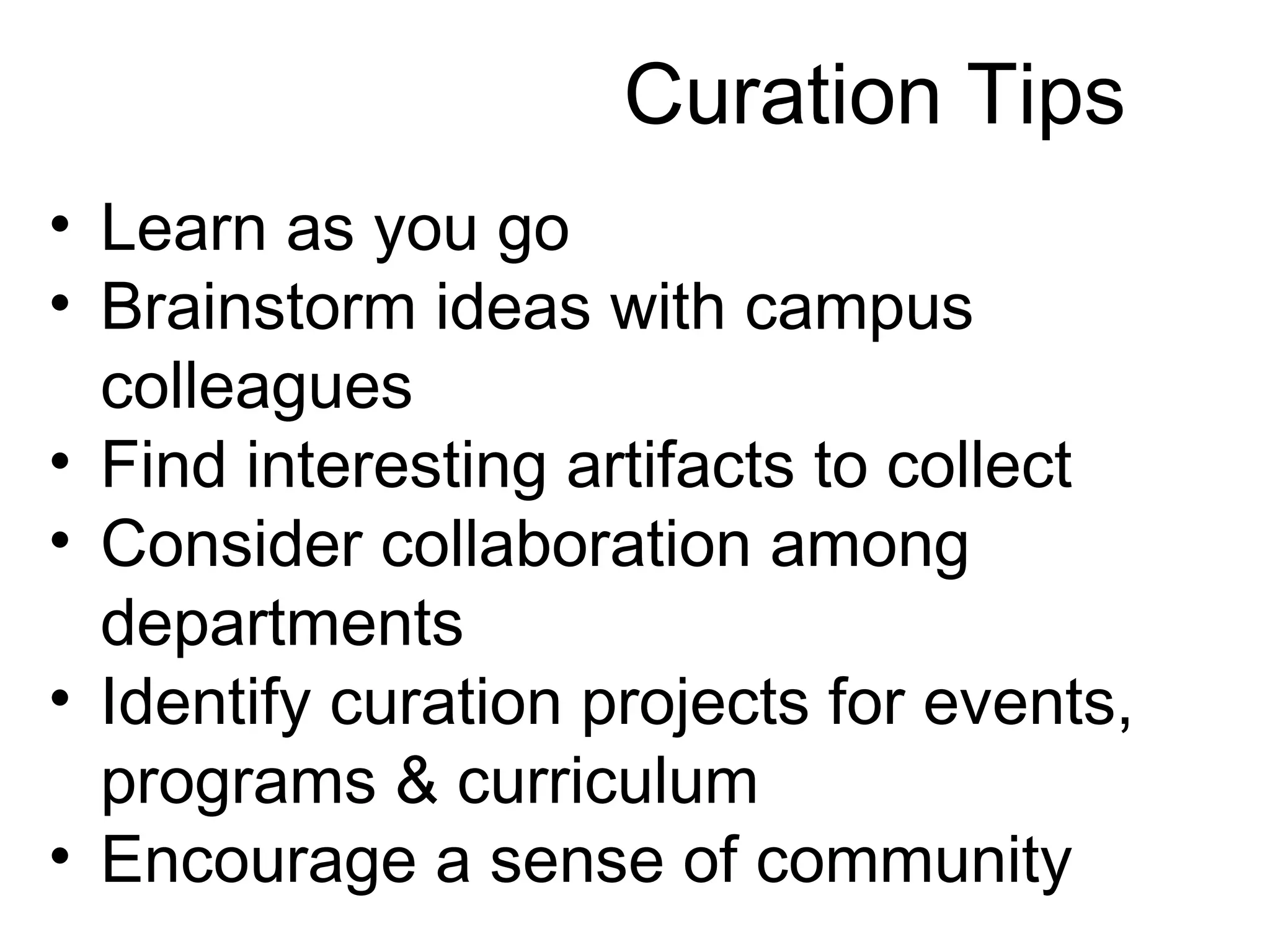
• Learn as you go
• Brainstorm ideas with campus
colleagues
• Find interesting artifacts to collect
• Consider collaboration among
departments
• Identify curation projects for events,
programs & curriculum
• Encourage a sense of community
Curation Tips
#4.
Collaboration
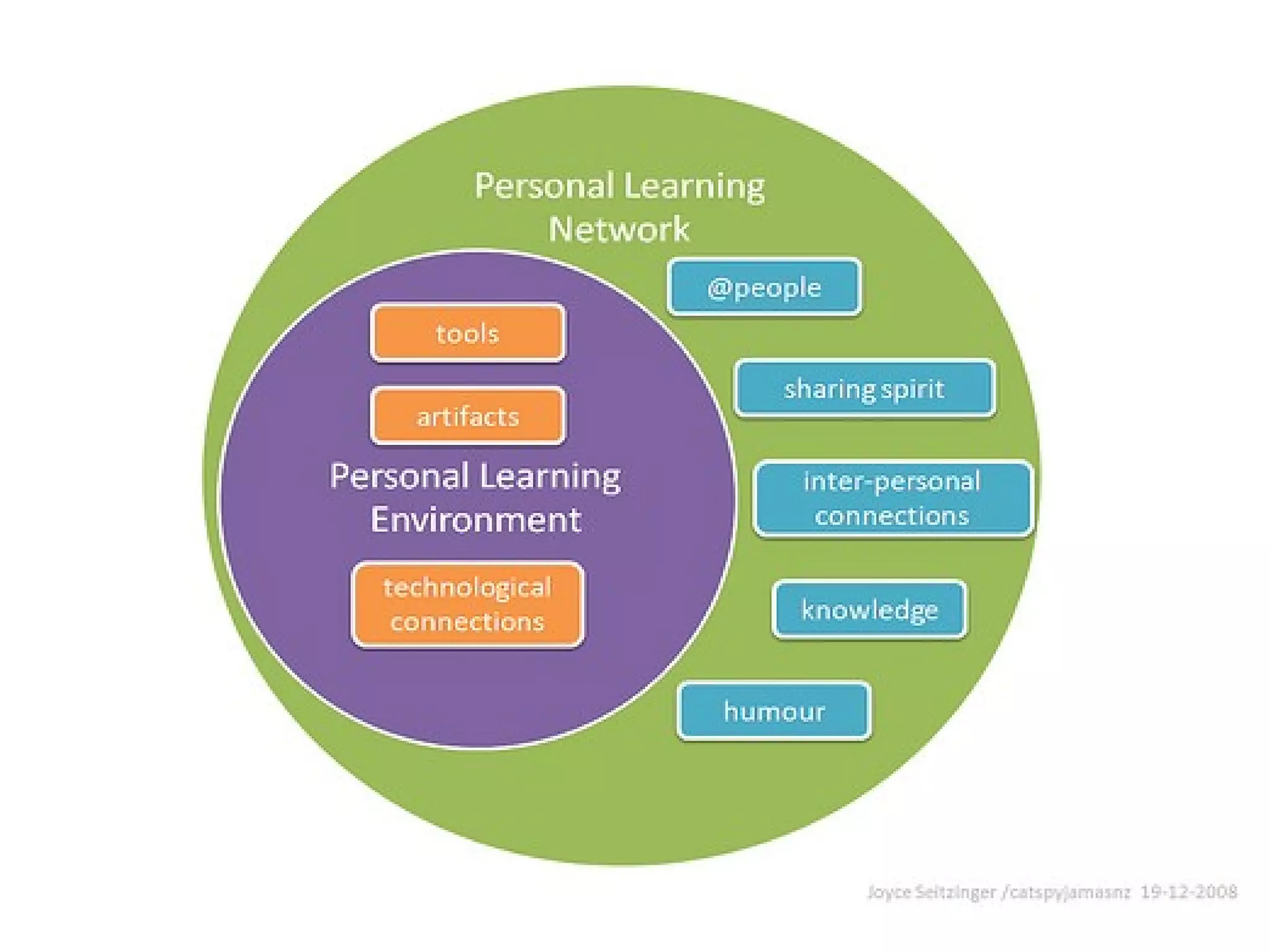
@catspyjamasnz
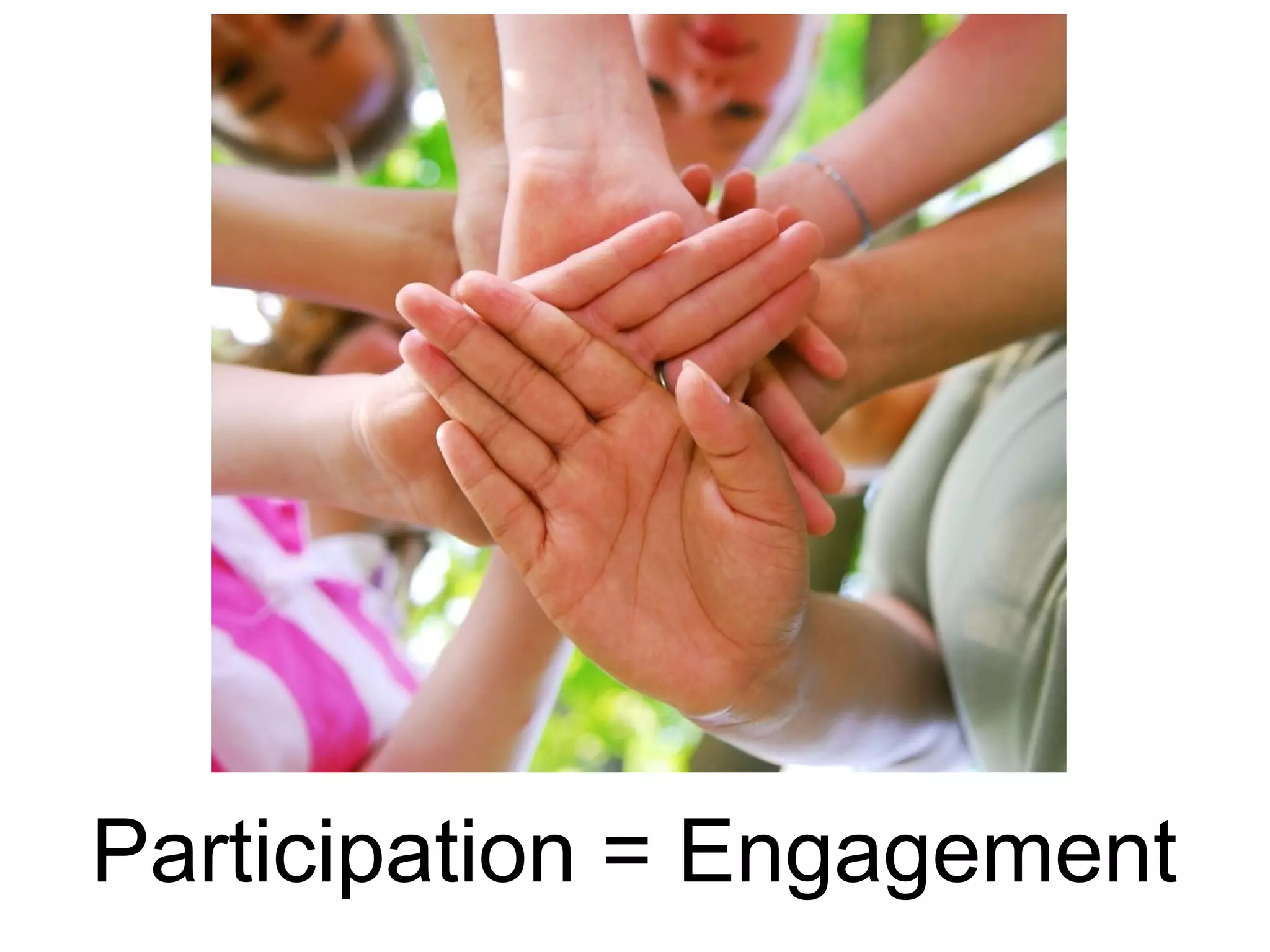
Participation = Engagement
Share Learners Stories
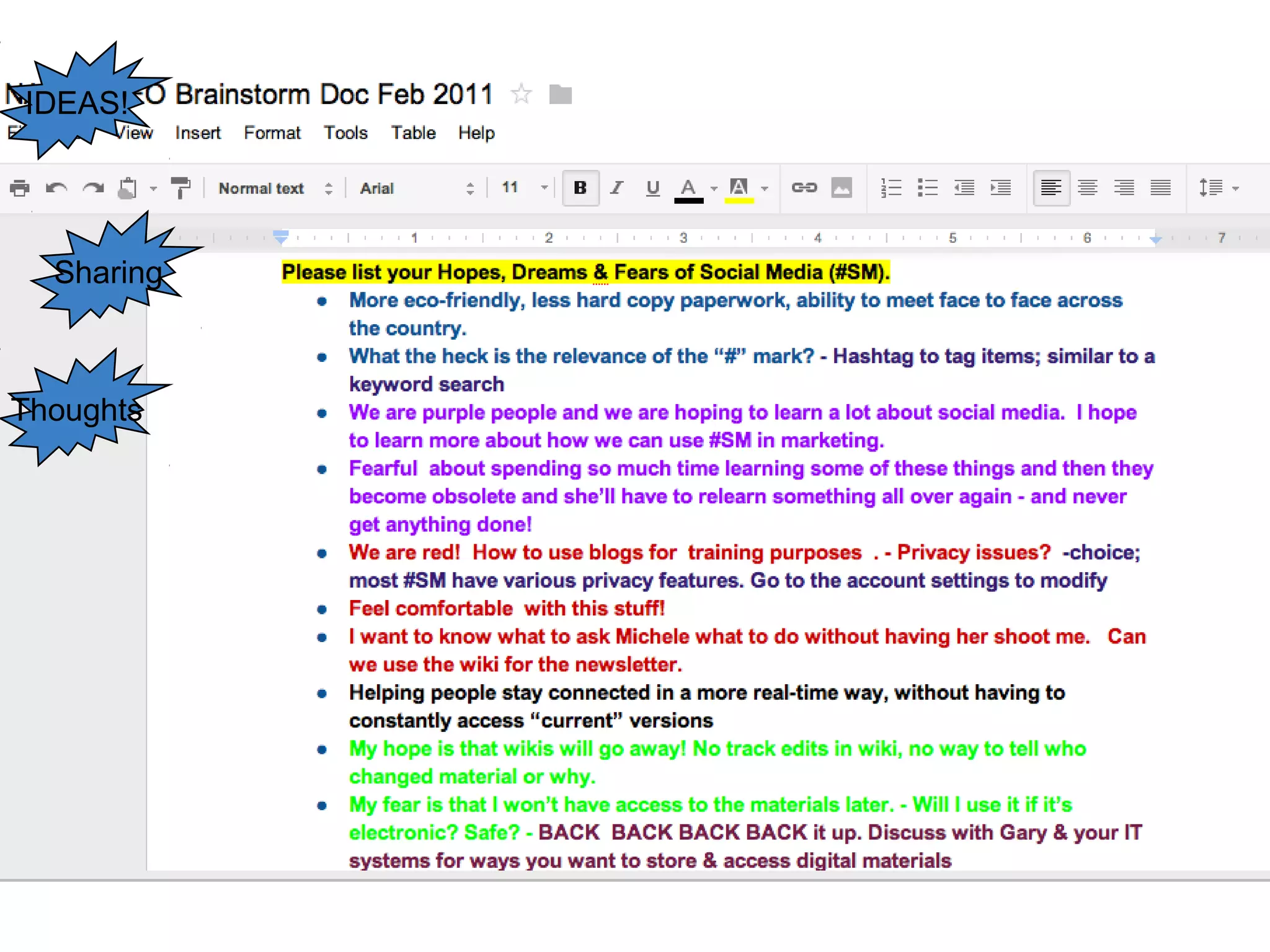
Thoughts
Sharing
IDEAS!
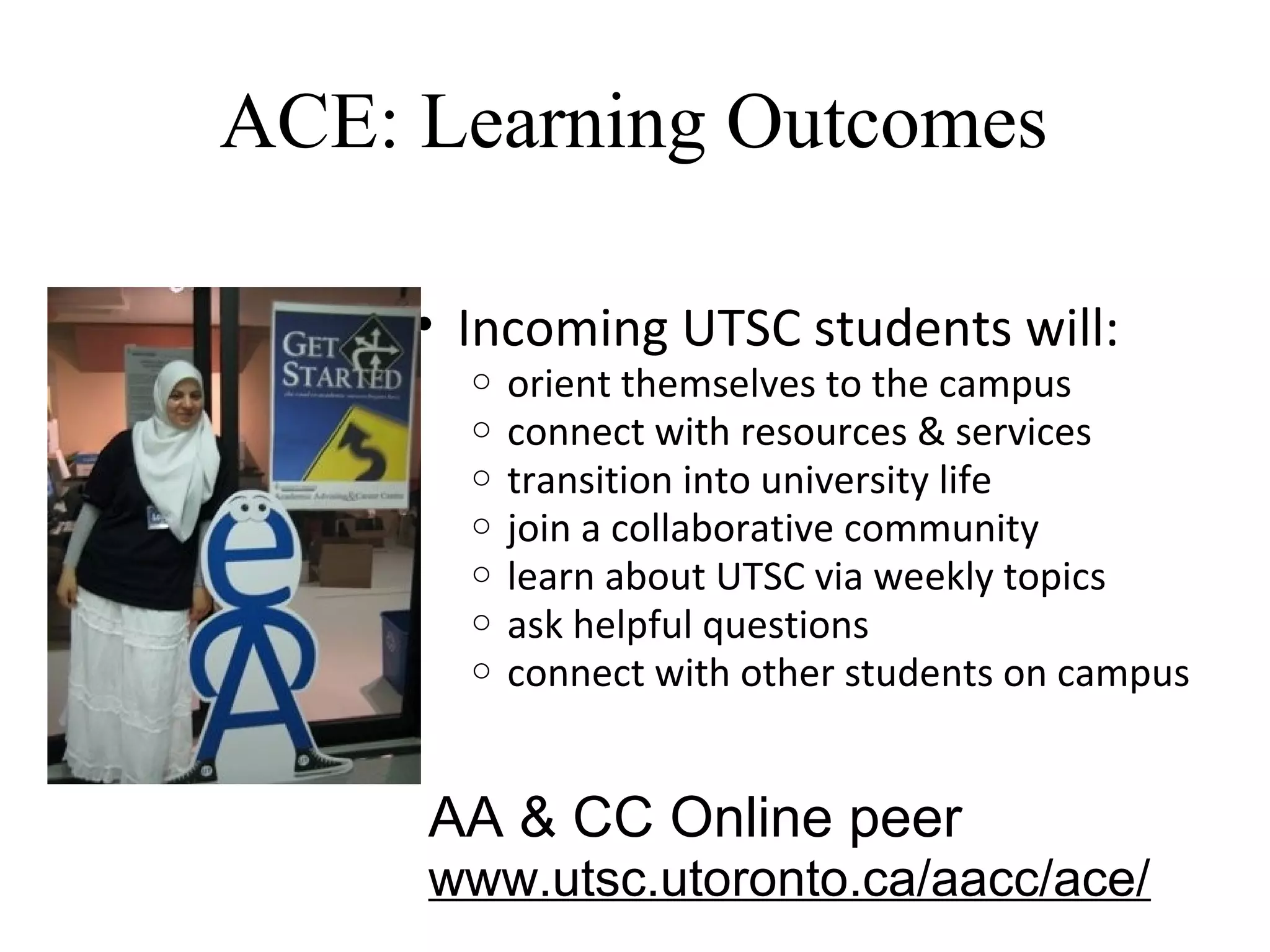
ACE: Learning Outcomes
• Incoming UTSC students will:
o orient themselves to the campus
o connect with resources & services
o transition into university life
o join a collaborative community
o learn about UTSC via weekly topics
o ask helpful questions
o connect with other students on campus
AA & CC Online peer
www.utsc.utoronto.ca/aacc/ace/
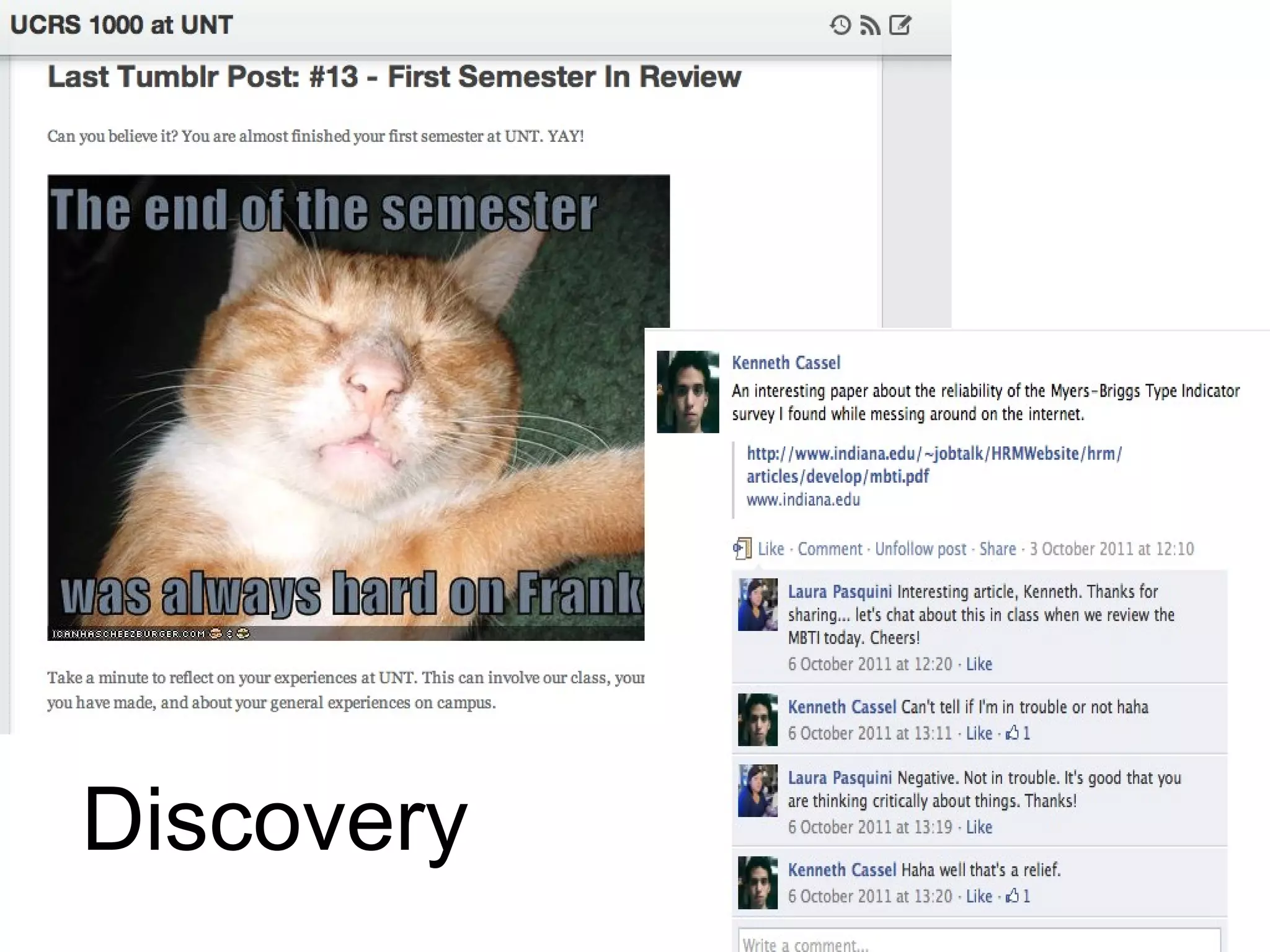
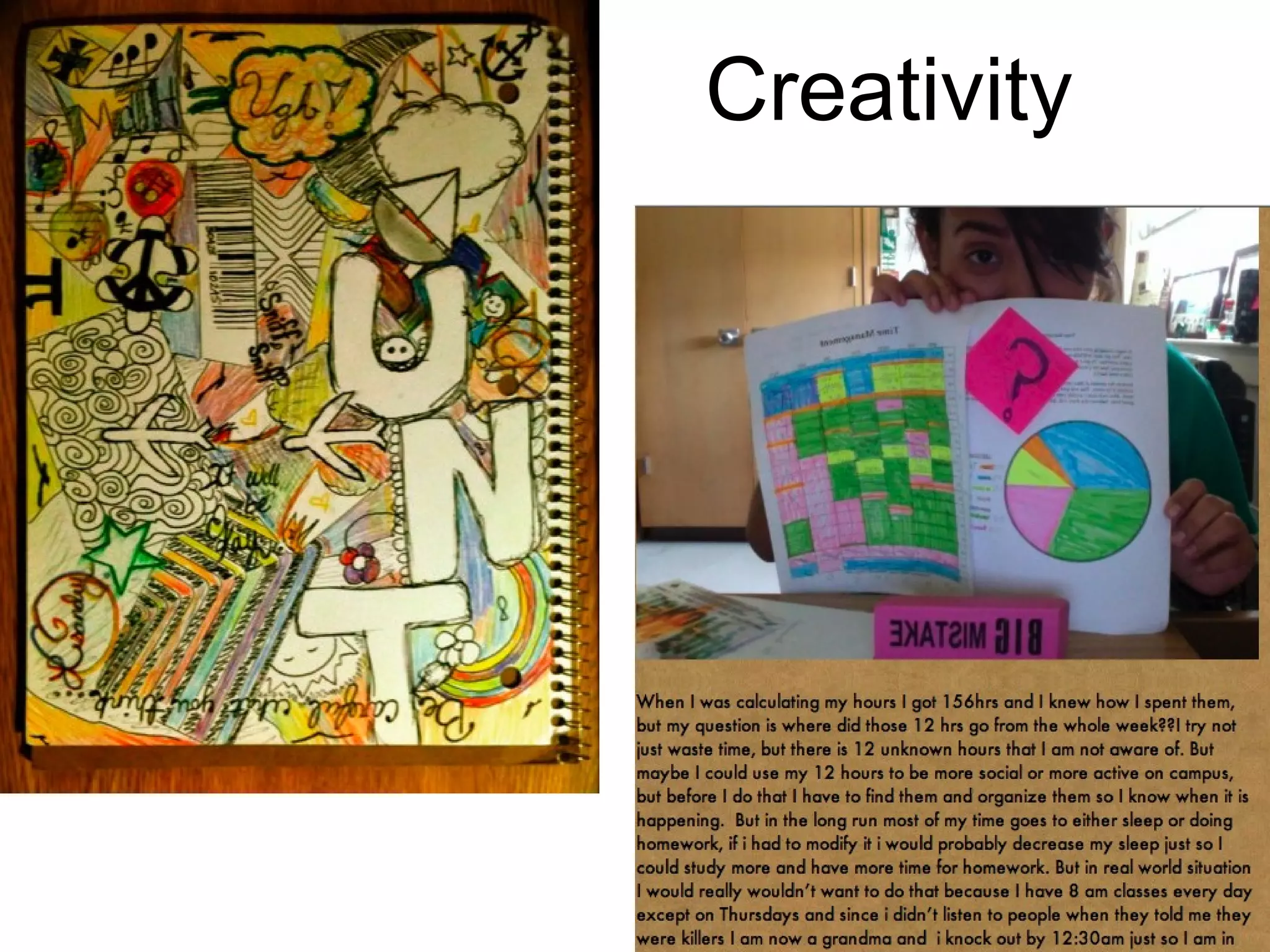
Discovery
Creativity
A picture is worth…
96
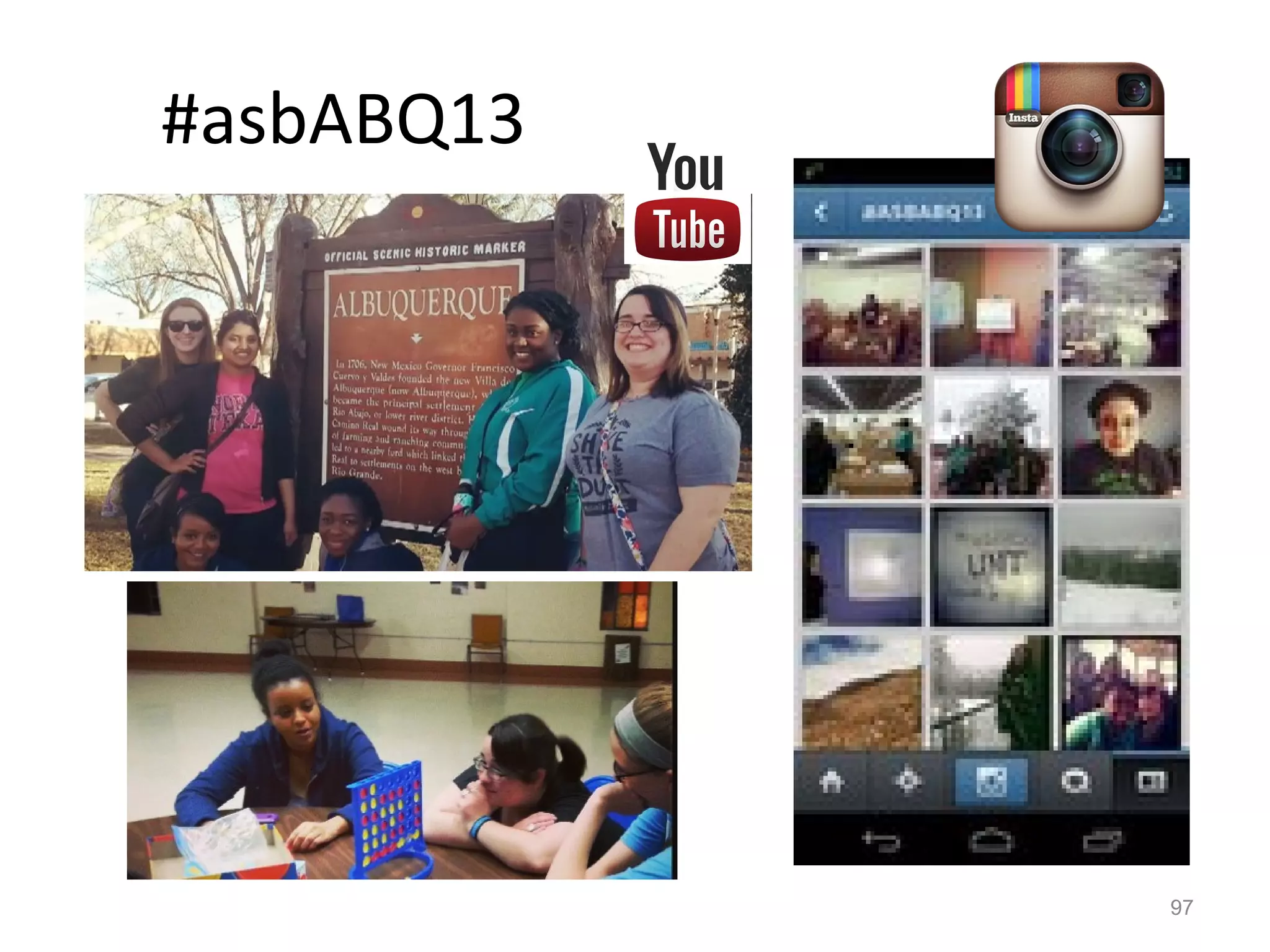
#asbABQ13
97
Managing your time & resources…
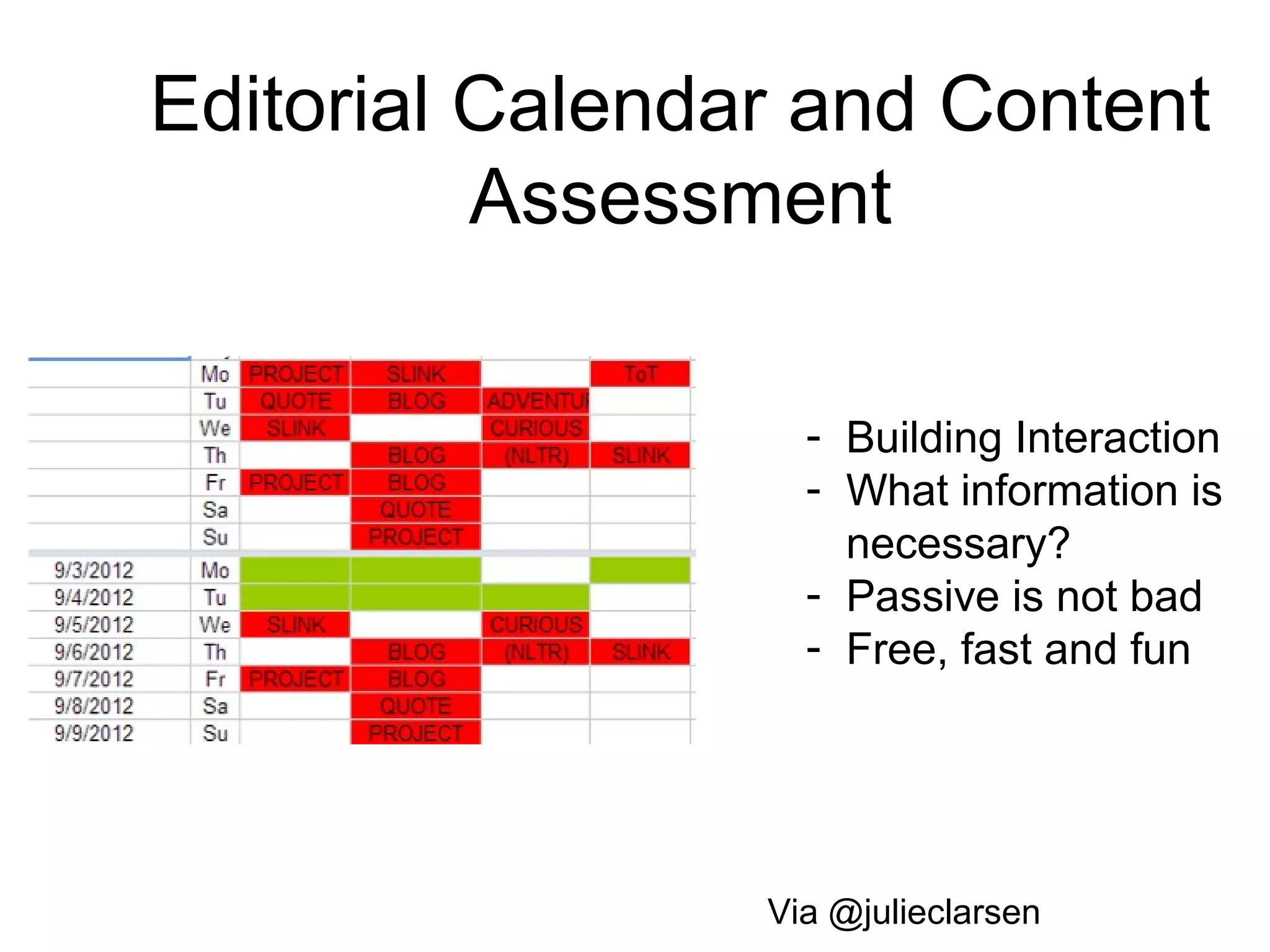
Editorial Calendar and Content
Assessment
Via @julieclarsen
- Building Interaction
- What information is
necessary?
- Passive is not bad
- Free, fast and fun
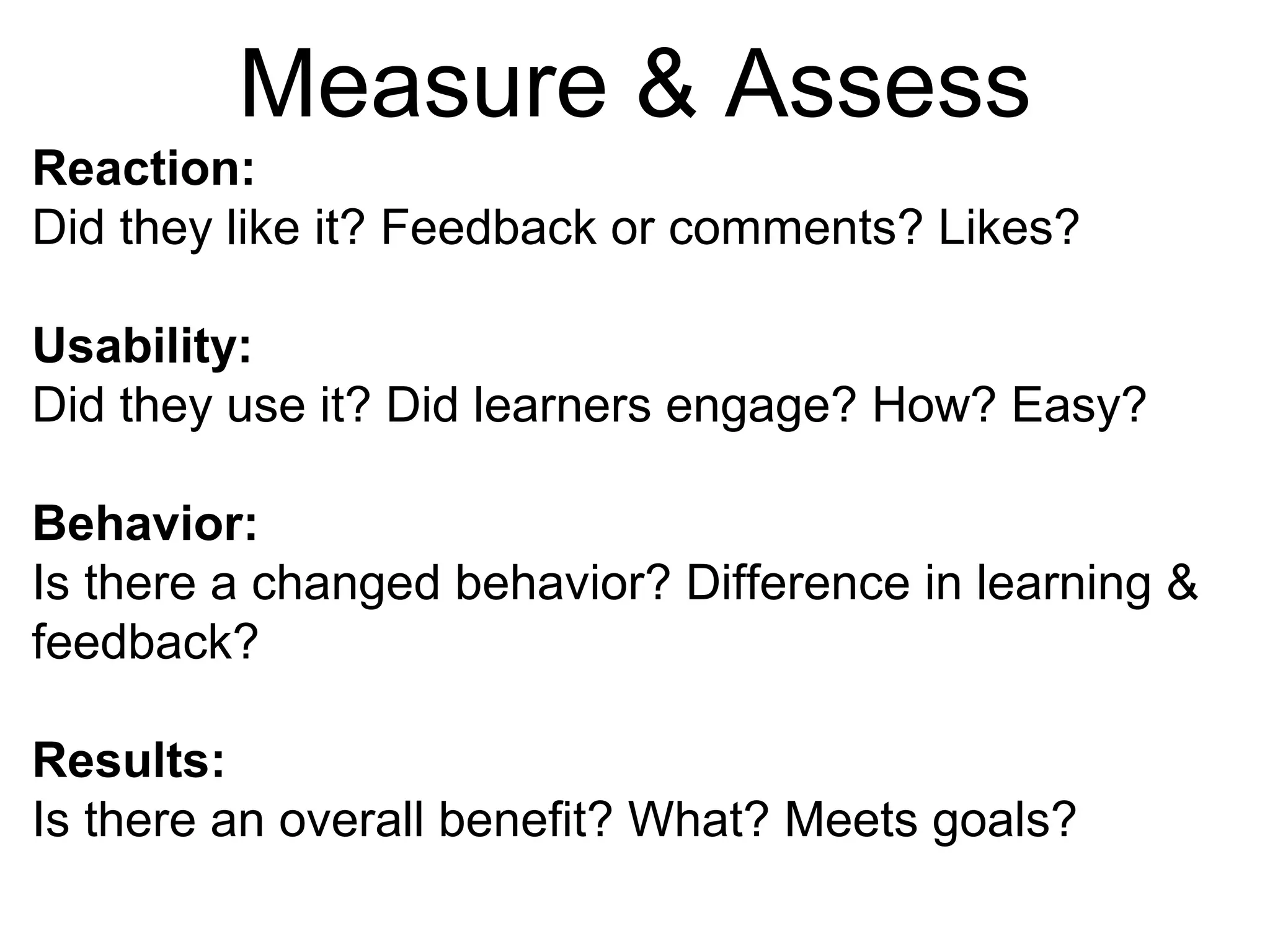
Measure & Assess
Reaction:
Did they like it? Feedback or comments? Likes?
Usability:
Did they use it? Did learners engage? How? Easy?
Behavior:
Is there a changed behavior? Difference in learning &
feedback?
Results:
Is there an overall benefit? What? Meets goals?
Bufferapp.com
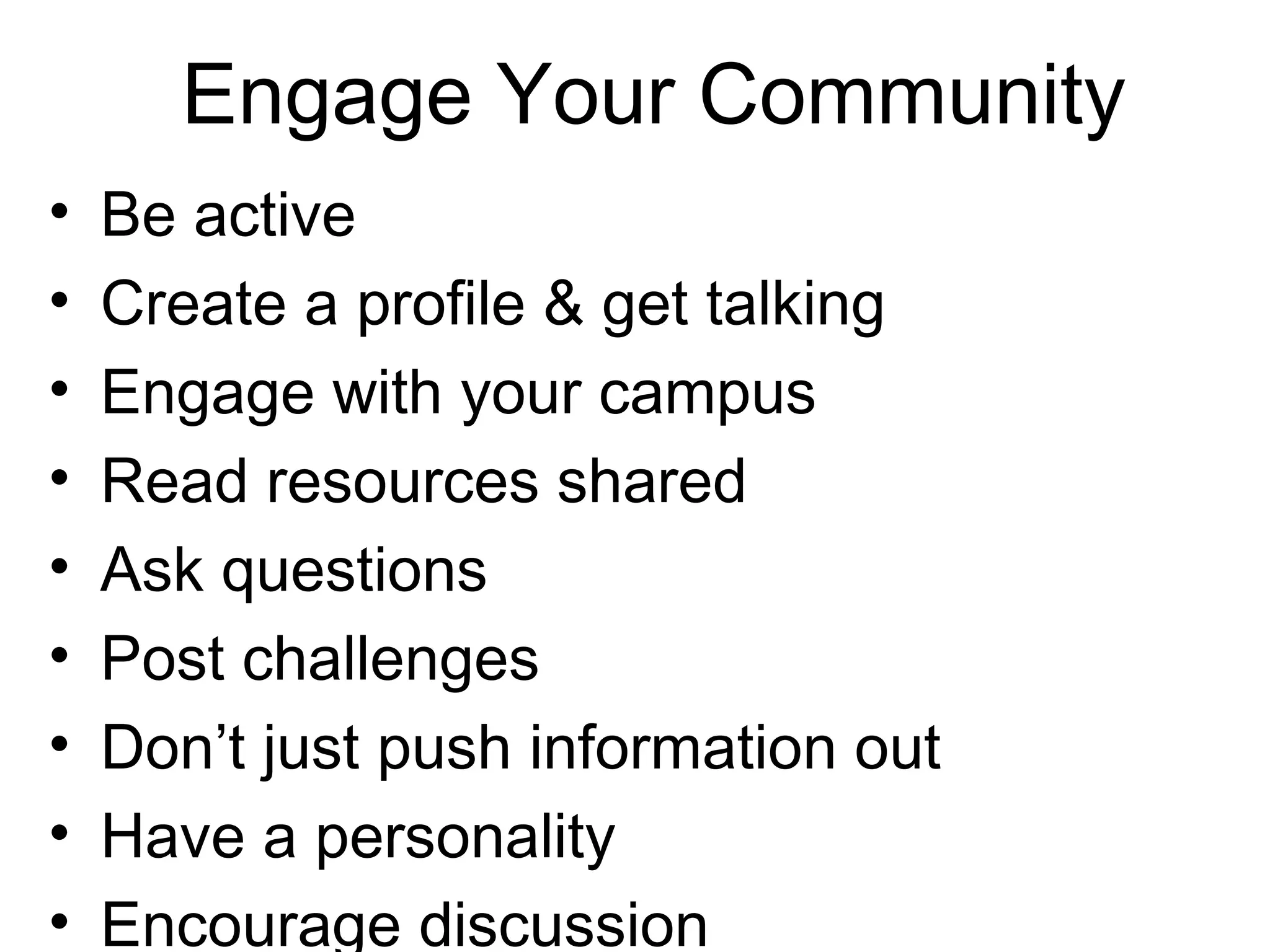
• Be active
• Create a profile & get talking
• Engage with your campus
• Read resources shared
• Ask questions
• Post challenges
• Don’t just push information out
• Have a personality
• Encourage discussion
Engage Your Community
#5.
Openness
“...technology could be used
much more strategically than is
currently undertaken to commit
students to their academic life.”
orizon Report 2012
Dahlstrom, de Boor, Grunwald, &
Vockley, 2012
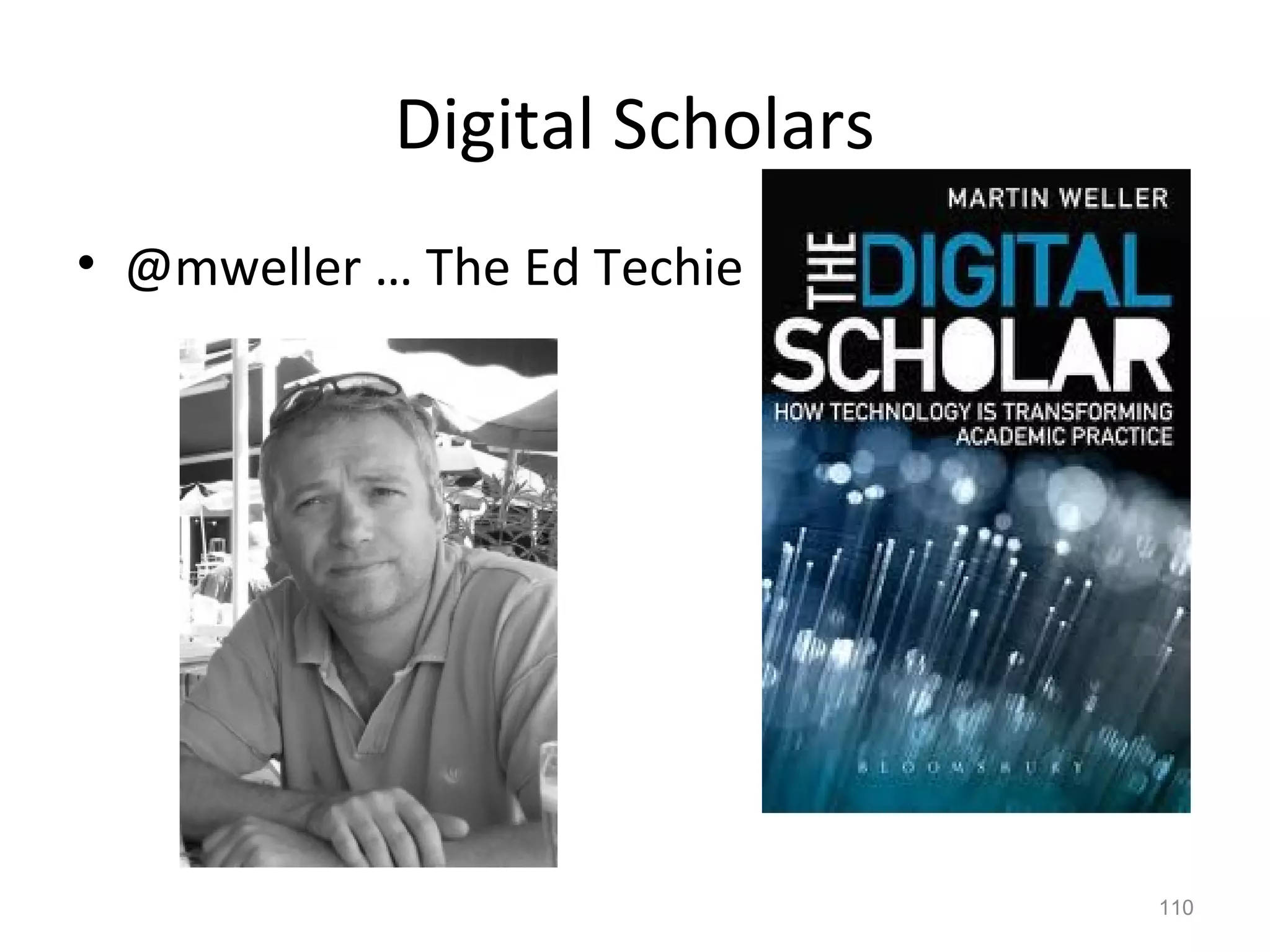
Digital Scholars
• @mweller … The Ed Techie
110
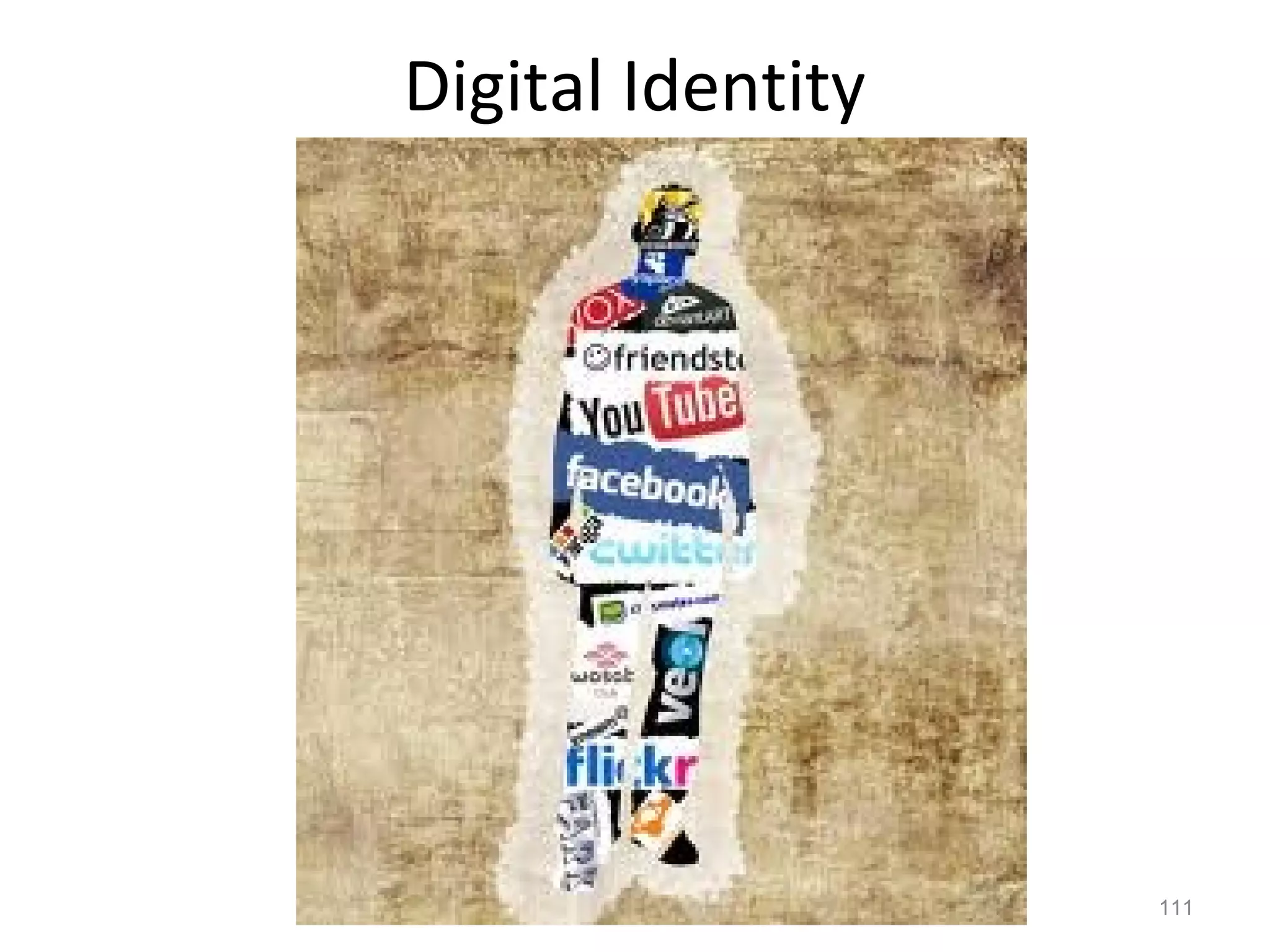
Digital Identity
111
Reflection
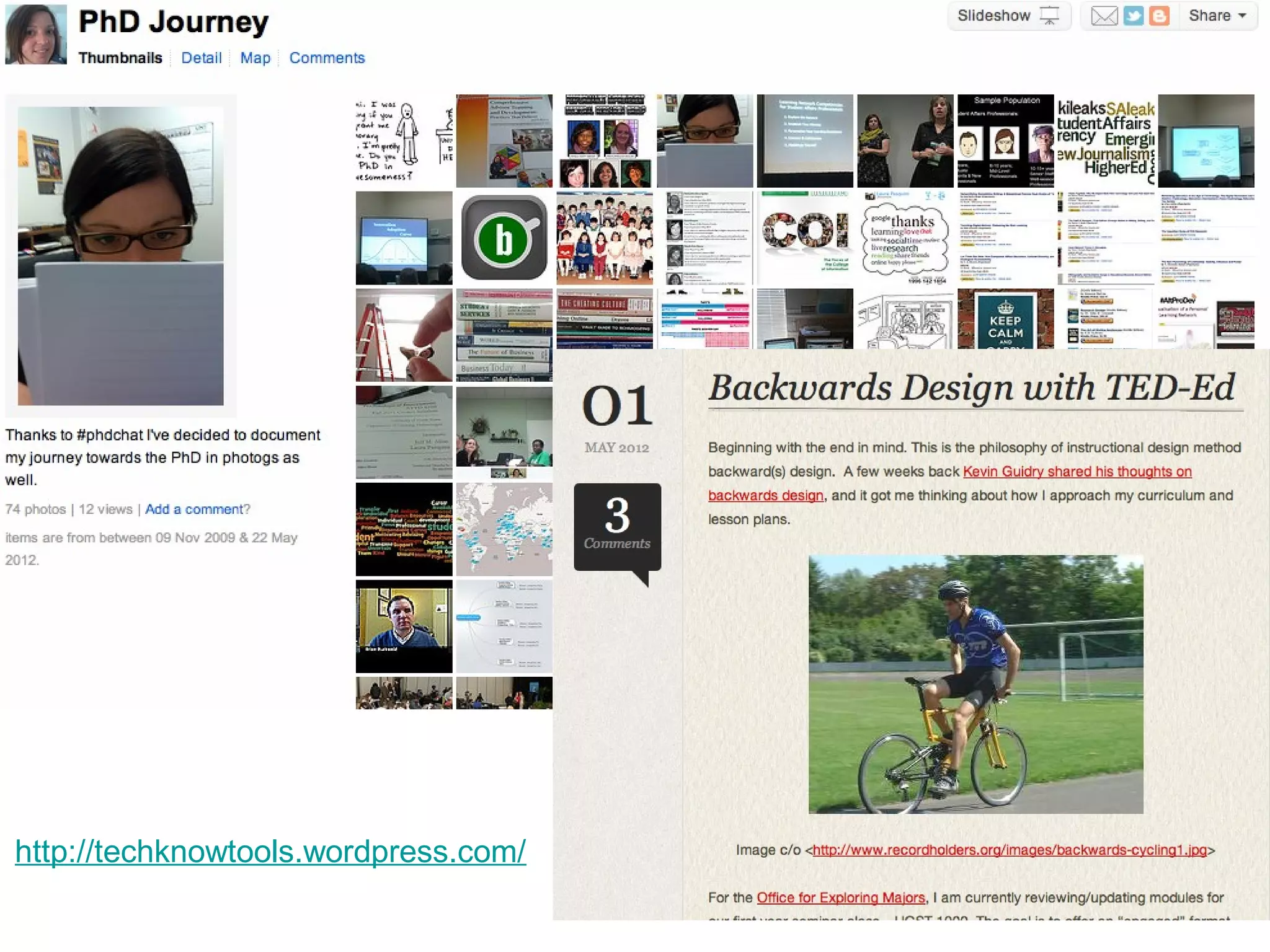
http://techknowtools.wordpress.com/
Research
&
Support
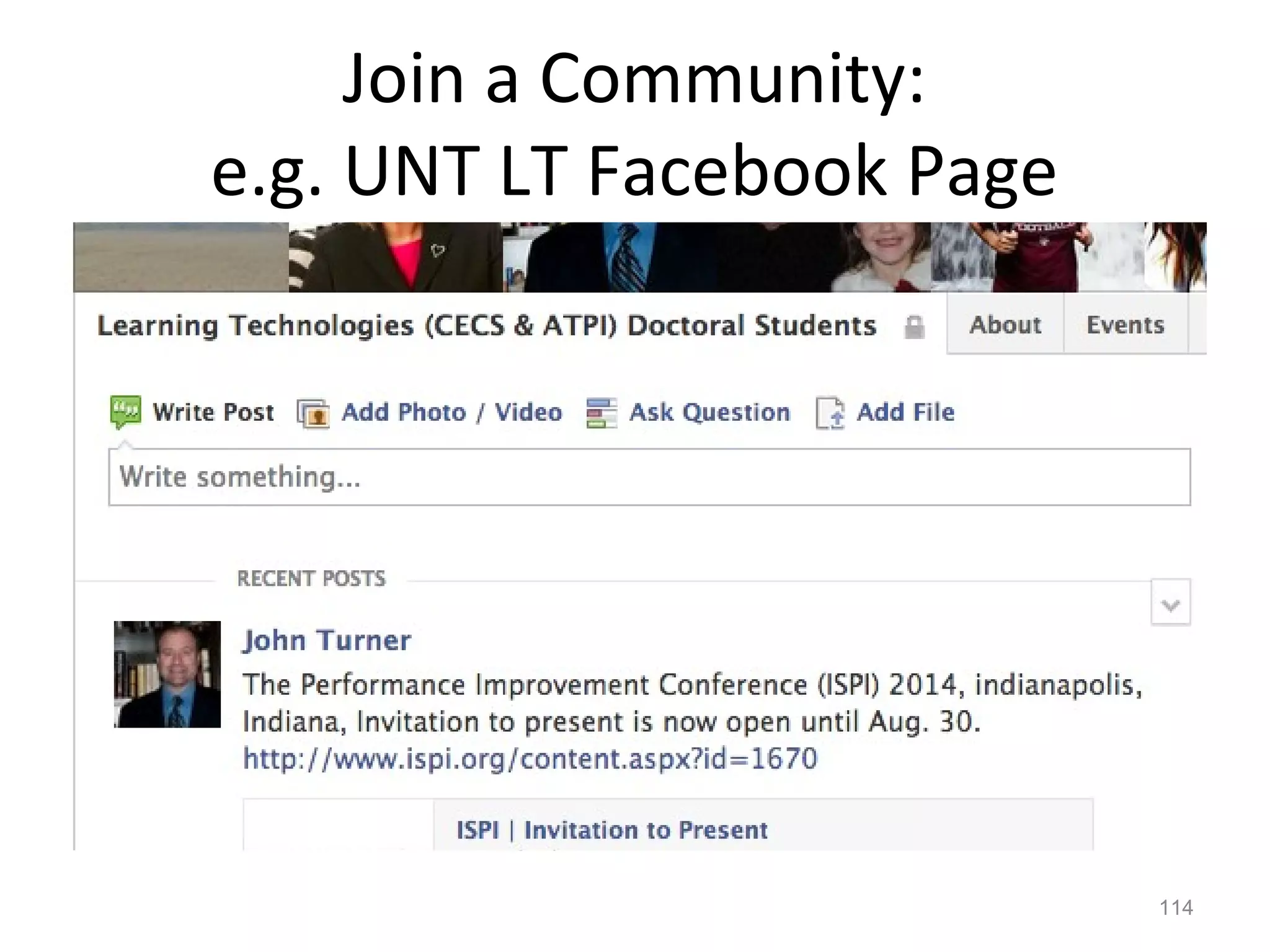
Join a Community:
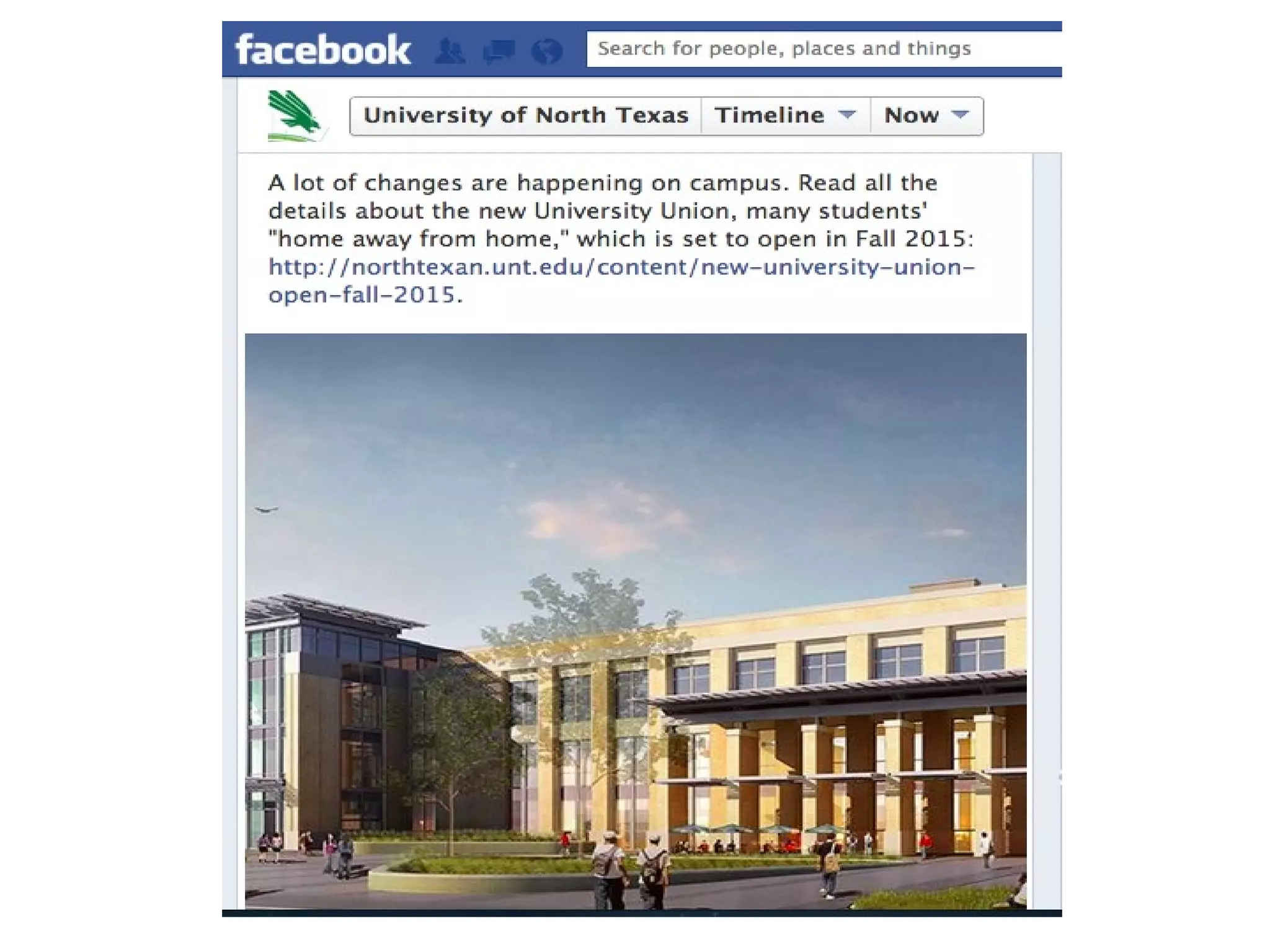
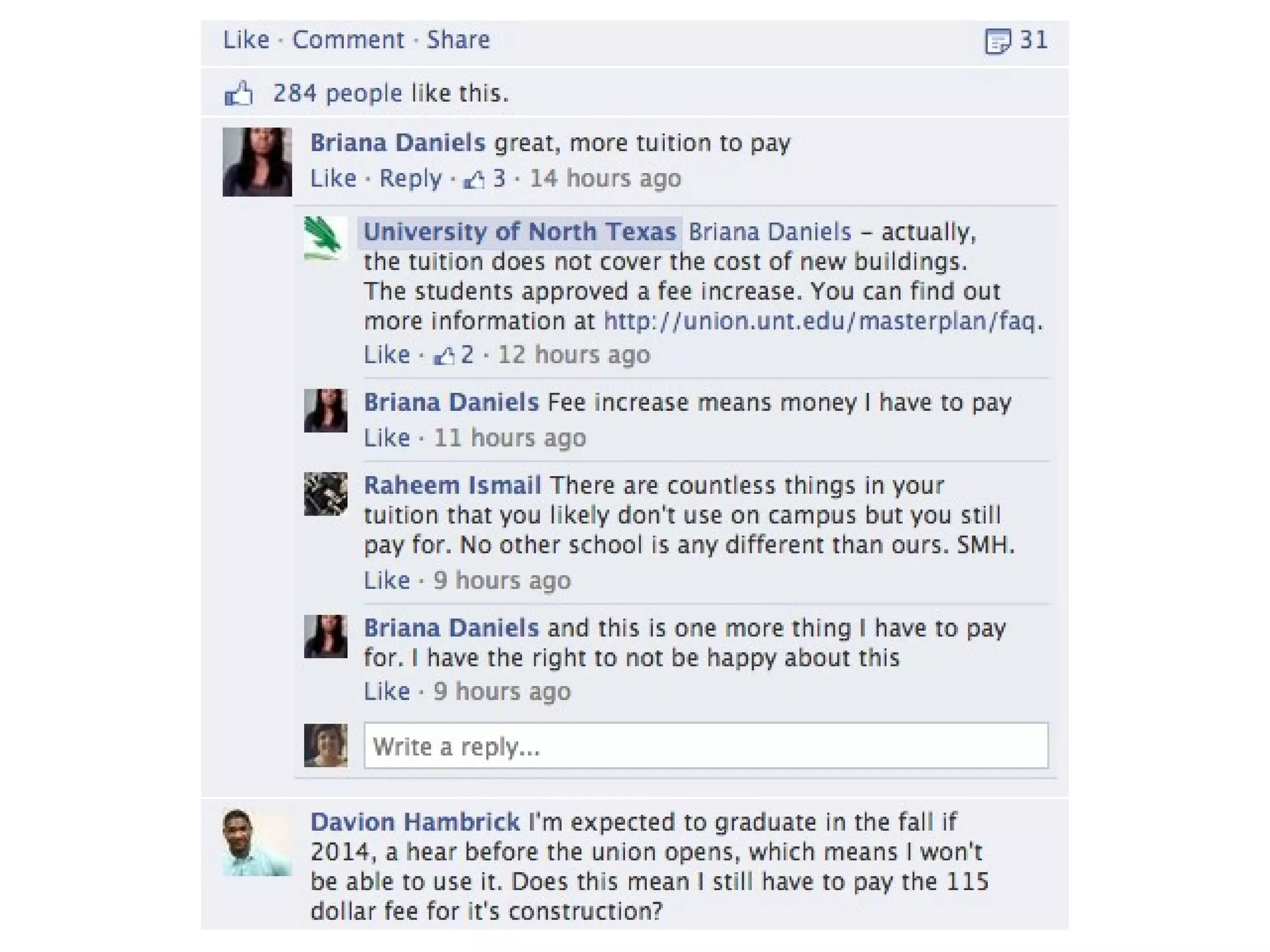
e.g. UNT LT Facebook Page
114
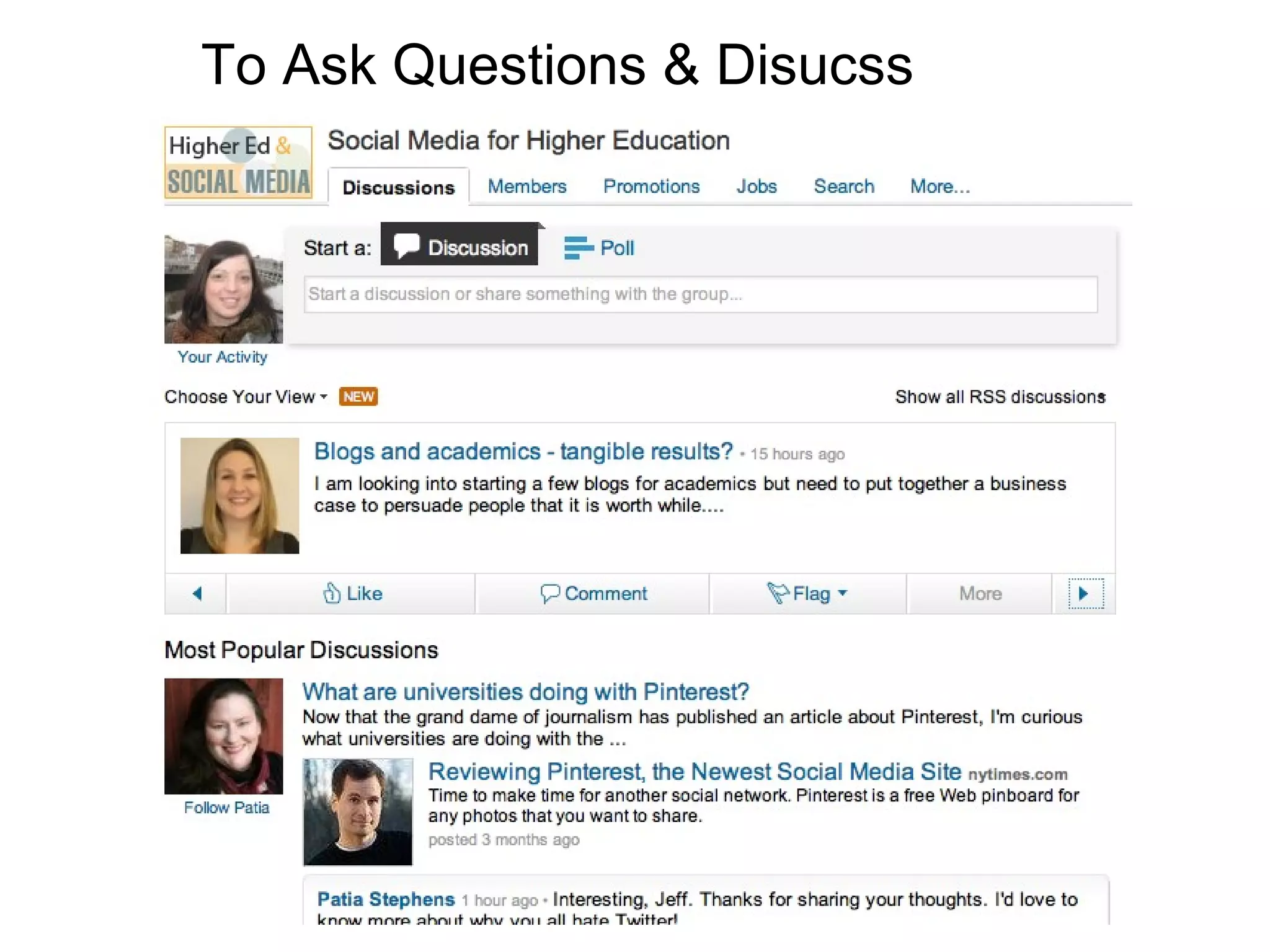
To Ask Questions & Disucss
http://www.sageperformance.com/ojs/index.php/LPQ
How can you help
your students
write their
blended story?
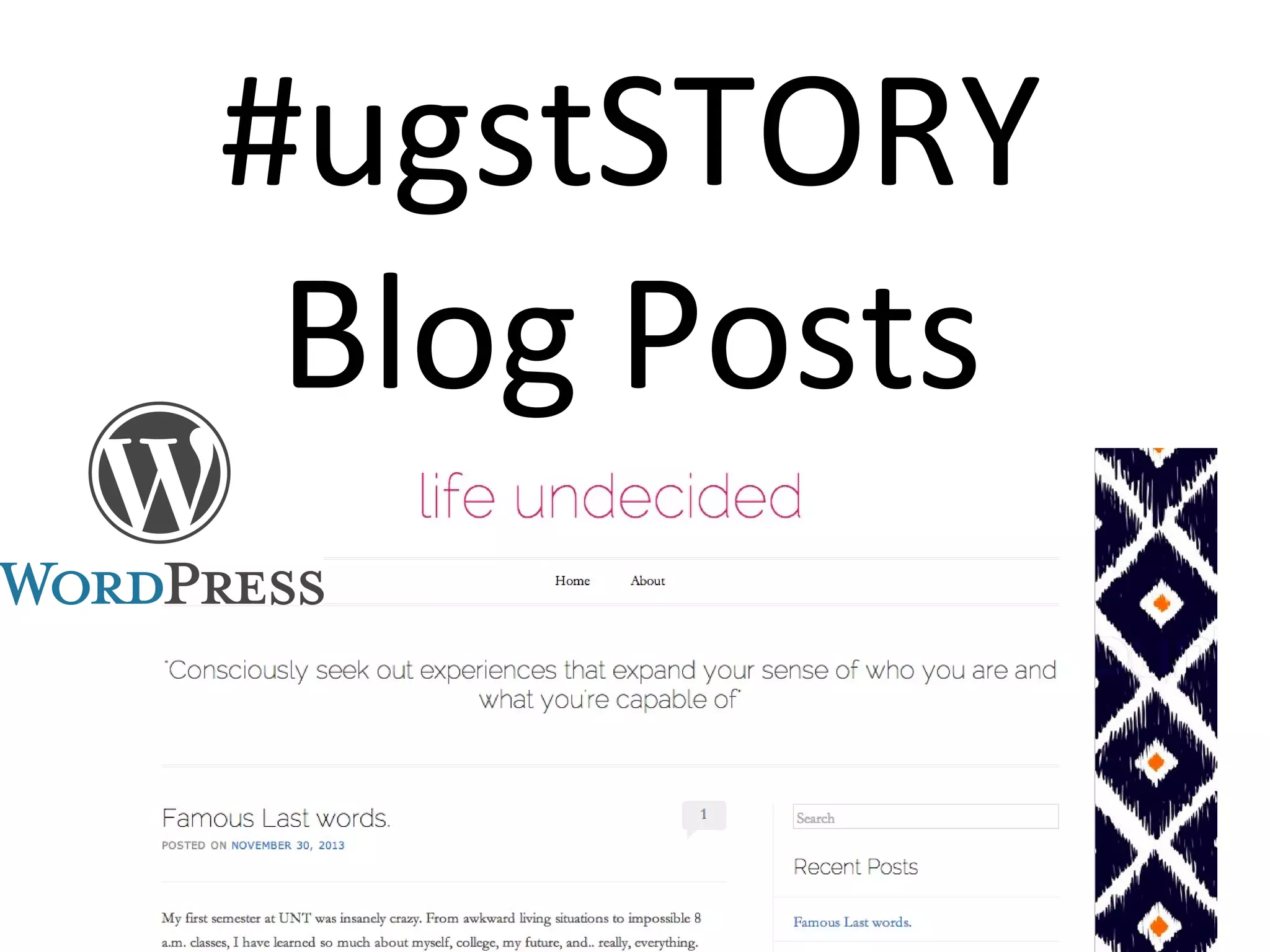
#ugstSTORY
Blog Posts
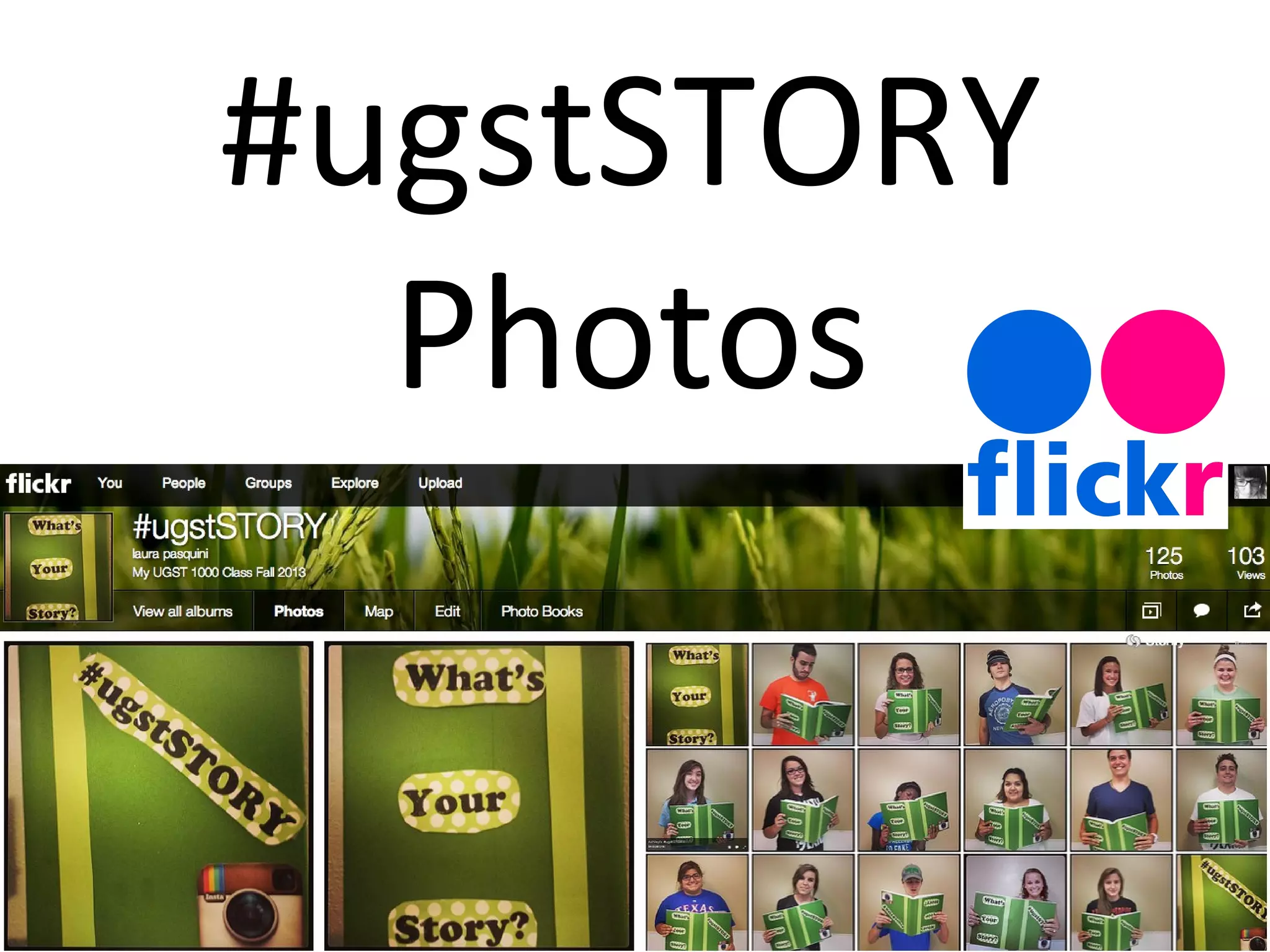
#ugstSTORY
Photos
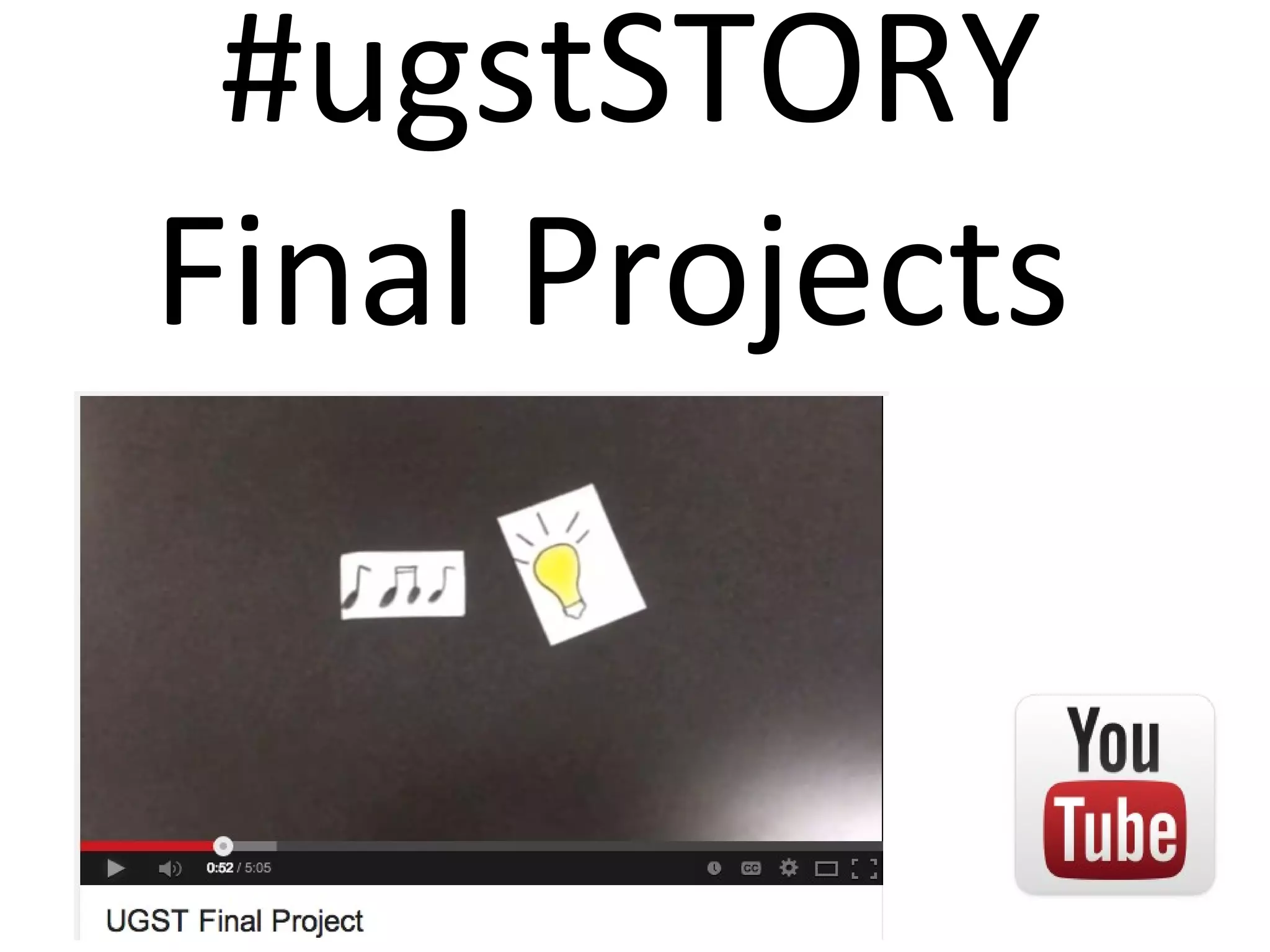
#ugstSTORY
Final Projects
Prevent Blended #failwhales
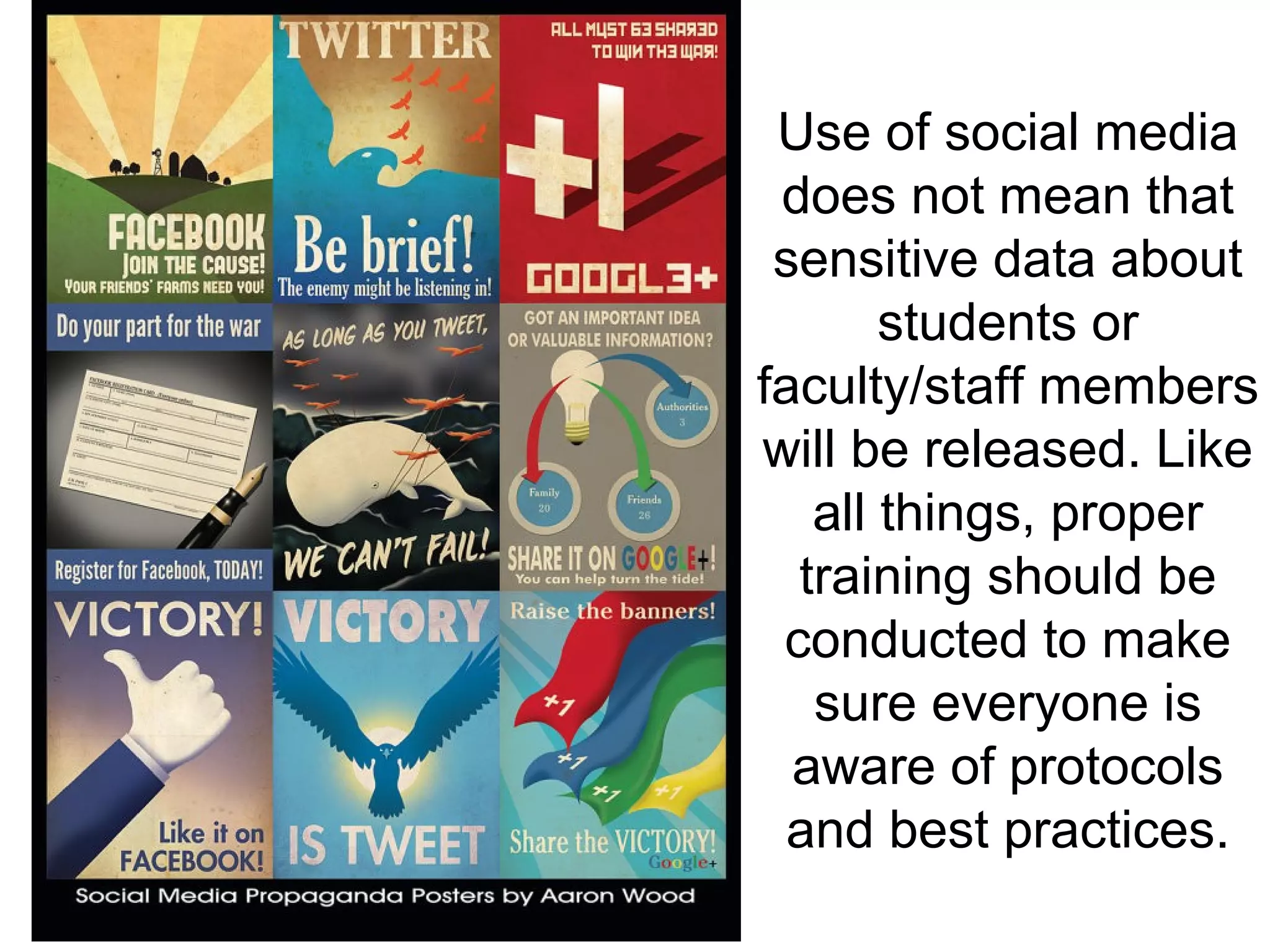
Use of social media
does not mean that
sensitive data about
students or
faculty/staff members
will be released. Like
all things, proper
training should be
conducted to make
sure everyone is
aware of protocols
and best practices.
Be Brave!
• Lurking is learning (at first)
• Engage & participate
• Share resources openly
• Note the “rules” of netiquette
• Use the tools differently
• Communities will look different
– Both the medium & message
– Find a place to connect & talk
How to get started @ #blend14
You cannot always wait for the
perfect time. Sometimes you must
dare to jump.
Stay connected #Blend14
http://bit.ly/blended36685

#Blend14 Workshop: Engaging Students

Editor's Notes

  • #6 Technology, Ends 24:30
  • #7 Technology, Ends 24:30
  • #9 Technology, Ends 24:30
  • #11 Technology, Ends 24:30
  • #15 Technology, Ends 24:30
  • #26 Technology, Ends 24:30
  • #31 Technology, Ends 24:30
  • #92 EC
  • #118 Technology, Ends 24:30
  • #119 Technology, Ends 24:30
  • #120 Technology, Ends 24:30
  • #121 Technology, Ends 24:30
  • #122 # = Hashtags Lists/Listed URL Shorteners Pictures Location 3rd Party Applications Social Media Dashboards: Hootsuite, Seesmic, Tweetdeck
  • #128 Technology, Ends 24:30