Supporting Blended Learners’
Need to Develop Social &
Connected Skills through
Digital Pedagogy
@laurapasquini June 8, 2013
Blended Learning Conference #blend13
Milwaukee, WI
#blend13
Our
Workshop
Hashtag
#blend62255
4
Workshop Overview
Part I:
Digital Skills Needed to Supported Blended
Learners
Coffee Break
Part II:
Technology Assessment, Implementation &
Planning
6
http://bit.ly/blended62255
Image c/o CRUSTINA! http://www.flickr.com/photos/crustina/3196036316/
Tell me what you want to learn
today…
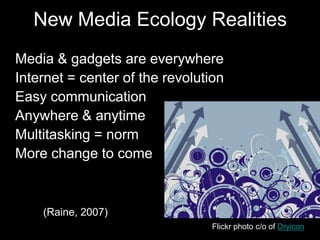
New Media Ecology Realities
• Media & gadgets are everywhere
• Internet = center of the revolution
• Easy communication
• Anywhere & anytime
• Multitasking = norm
• More change to come
• (Raine, 2007)
Flickr photo c/o of Dryicon
“Over 94% of
undergraduate, graduate, a
nd community college
students are Internet users
and approximately 80% of
this same group use social
networking sites.”
College students and Technology, The
Pew Internet Research
Image c/o Luke Mahan http://www.flickr.com/photos/kremovich/4471473109/
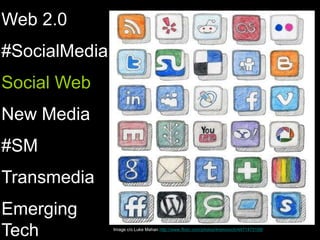
Web 2.0
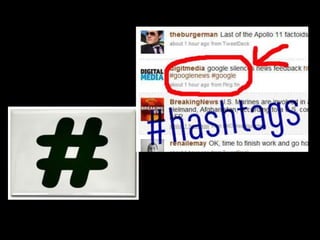
#SocialMedia
Social Web
New Media
#SM
Transmedia
Emerging
Tech
12
“Students experience an
increasing need for connectivity
and digital access to excel beyond
the higher education learning
environment. They must access
and interact with information,
learning materials, and colleagues
from around the globe.”
Implications for use of technology in
advising 2011 NACADA National
Survey
Image c/o The Out Sourcing Company http://www.theoutsourcingcompany.com/blog/wp-content/uploads/2011/04/idea.jpg
There must
be others
ways to
support our
students
Required for Today’s Blended
Learners:
1.Exploration
2.Connection
3.Curation
4.Collaboration
5.Openness
Exploration
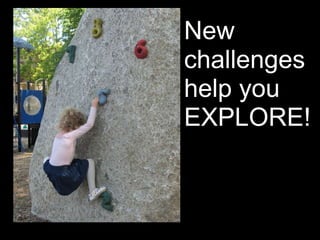
New
challenges
help you
EXPLORE!
19
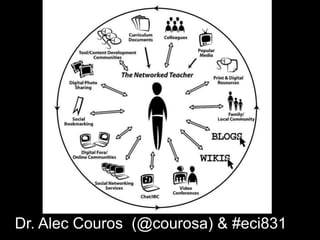
Dr. Alec Couros (@courosa) & #eci831
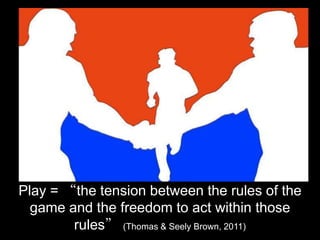
Play = “the tension between the rules of the
game and the freedom to act within those
rules” (Thomas & Seely Brown, 2011)
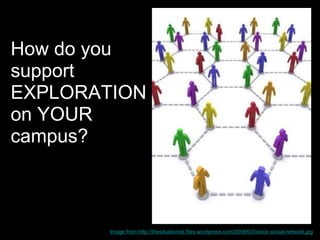
How do you
support
EXPLORATION
on YOUR
campus?
Image from http://thesituationist.files.wordpress.com/2008/03/istock-social-network.jpg
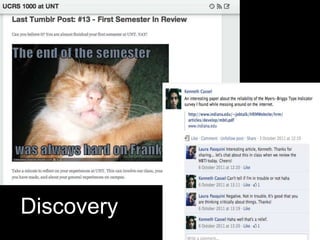
Discovery
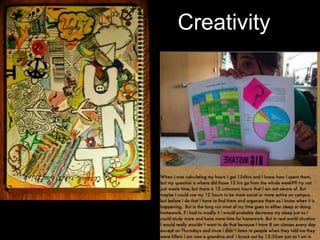
Creativity
Exploration…
Use your imagination
Create time to play
Find a new way of learning
Embrace alternatives
Participate in learning
Perform knowledge
Connection
28
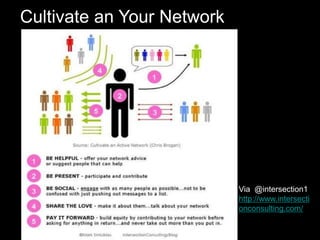
Via @intersection1
http://www.intersecti
onconsulting.com/
Cultivate an Your Network
30
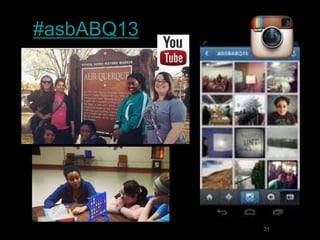
#asbABQ13
31
32
Flickr photo c/o xotoko
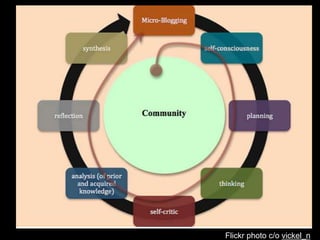
Flickr photo c/o vickel_n
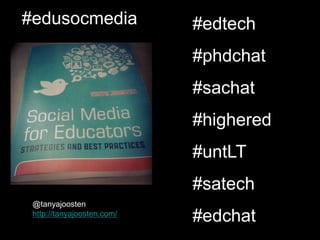
@tanyajoosten
http://tanyajoosten.com/
#edusocmedia #edtech
#phdchat
#sachat
#highered
#untLT
#satech
#edchat
http://bitly.com/TwitterChatSchedule
Do you
have
something
to talk
about?
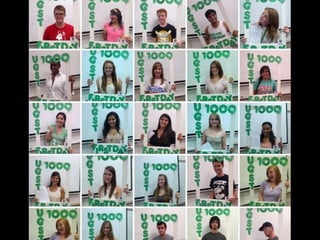
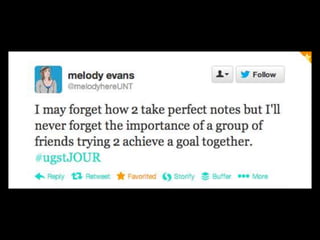
#ugstJOUR
http://ugstjour.wordpress.com/
39
Curation
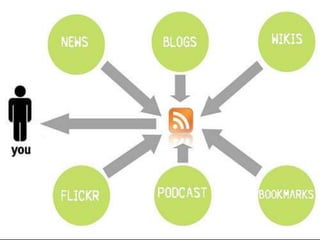
Online information flows like…
45
NO
FILTER
Critical Thinking
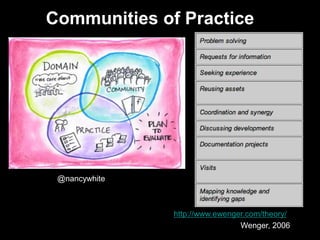
Communities of Practice
http://www.ewenger.com/theory/
@nancywhite
Wenger, 2006
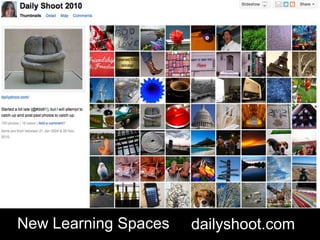
dailyshoot.comNew Learning Spaces
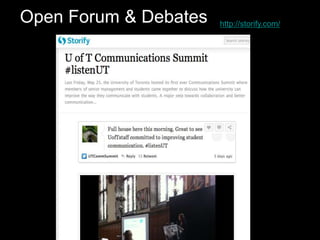
http://storify.com/Open Forum & Debates
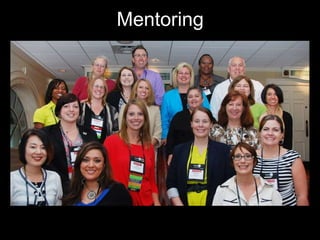
Mentoring
Curation & archiving…
Information
News & events
Social streams
Images & Videos
Class discussions
Collaborative efforts
Collaboration
Turn to your neighbour… Share
WHO you collaborate with on
your campus?
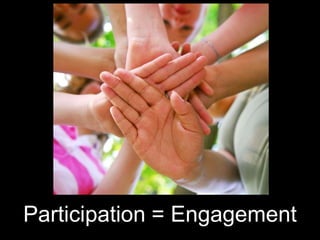
Is this really active & engaged learning?
Participation = Engagement
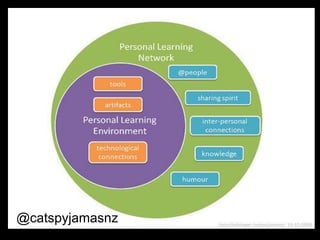
@catspyjamasnz
Research
&
Support
LT Facebook Page
59
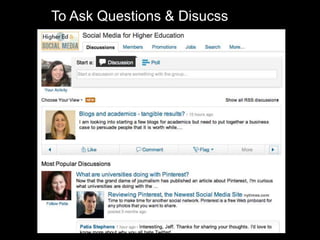
To Ask Questions & Disucss
Informal Learning
BreakDrink.com
Are you
having fun
yet?
Then why
bother?
@JeffJackson
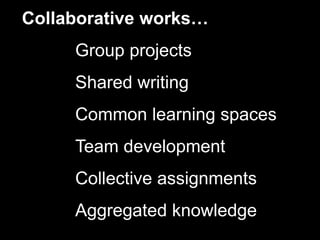
Collaborative works…
Group projects
Shared writing
Common learning spaces
Team development
Collective assignments
Aggregated knowledge
Openness
65
Don’t Be A Sharing Fail Whale.
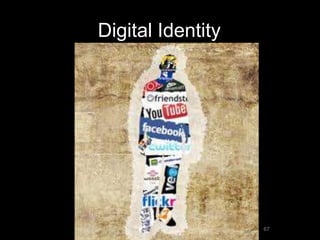
Digital Identity
67
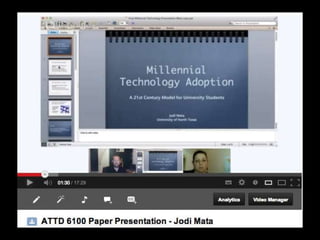
Digital Scholars
• @mweller … The Ed Techie
70
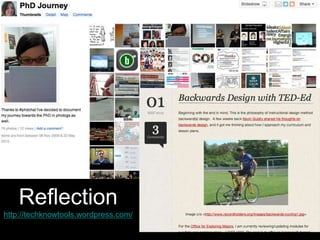
Reflection
http://techknowtools.wordpress.com/
http://www.sageperformance.com/ojs/index.php/LPQ
• Lurking is learning (at first)
• Give credit where it is due
Be creative
• Engage & participate
• Find where you want to SHARE
• Note the “rules” of netiquette
• Participate!
Encourage Open Learning
You cannot always wait for the
perfect time. Sometimes you must
dare to jump.
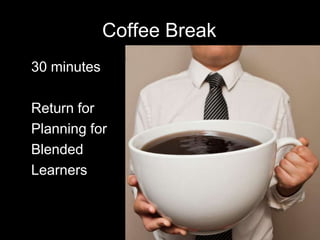
Coffee Break
• 30 minutes
• Return for
• Planning for
• Blended
• Learners
76
Workshop Part II
•Technology Assessment
& Planning Ways to
Support Blended
Learning
77
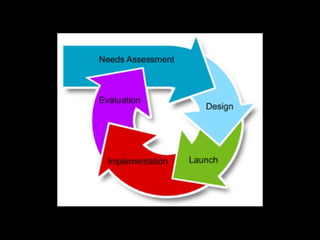
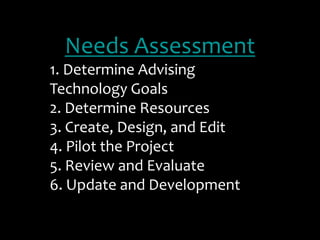
Needs Assessment
1. Determine Advising
Technology Goals
2. Determine Resources
3. Create, Design, and Edit
4. Pilot the Project

5. Review and Evaluate
6. Update and Development
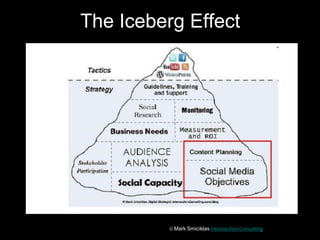
The Iceberg Effect
© Mark Smiciklas Intersection Consulting
Purpose
(why?)
What Do YOU Want to Improve
for Blended Learning?
-Goal Setting
-Reviewing the Technology Assessment
-Plan – Action Items to Return to Campus
83
Created by @Ekutsko & @equalman
http://youtu.be/ZQzsQkMFgHE
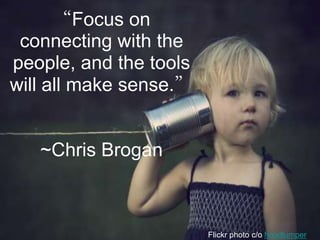
Flickr photo c/o hoodlumper
“Focus on
connecting with the
people, and the tools
will all make sense.”
~Chris Brogan
PLAN
(Who? where? what?)
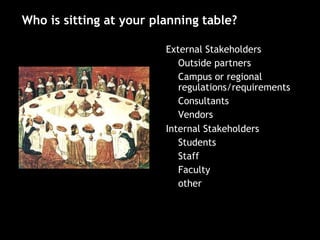
• External Stakeholders
– Outside partners
– Campus or regional
regulations/requirements
– Consultants
– Vendors
• Internal Stakeholders
– Students
– Staff
– Faculty
– other
Who is sitting at your planning table?
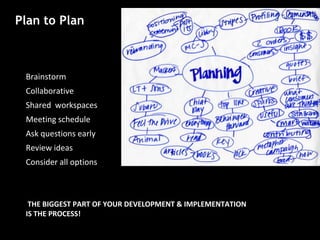
• Brainstorm
• Collaborative
• Shared workspaces
• Meeting schedule
• Ask questions early
• Review ideas
• Consider all options
• THE BIGGEST PART OF YOUR DEVELOPMENT & IMPLEMENTATION
IS THE PROCESS!
Plan to Plan
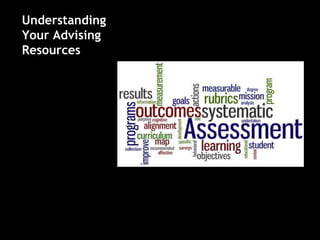
Understanding
Your Advising
Resources
Think-Pair-Share:
How do you currently
Assess Blended Learning
Or Technology Use
at your Institution?
• Intake/Follow up surveys
• Use of current advising
services
• Applications/mobile apps
• Tracking on website or LMS
• FAQ use
• Social media metrics/insights
• Advising notes database
• Institutional research
Current Assessment
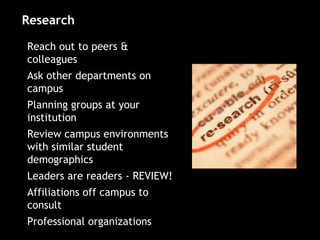
• Reach out to peers &
colleagues
• Ask other departments on
campus
• Planning groups at your
institution
• Review campus environments
with similar student
demographics
• Leaders are readers - REVIEW!
• Affiliations off campus to
consult
• Professional organizations
Research
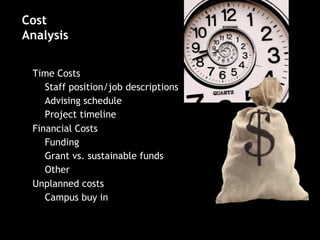
• Time Costs
– Staff position/job descriptions
– Advising schedule
– Project timeline
• Financial Costs
– Funding
– Grant vs. sustainable funds
– Other
• Unplanned costs
– Campus buy in
Cost
Analysis
Reaction:
Did they like it?
Usability:
Did they use it? How? Easy?
Behavior:
Is there a changed behavior?
Difference in service
provision? Student
reaction?
Results:
Is there an overall advising
benefit?
Adopted from Kirkpatrick’s Model for
Training Evaluation (1994)
Evaluation
Understanding
Your Advising
Resources
• Assessment of current unit needs
• Identifying gaps in service
• Identifying target population
• Utilizing effective assessments
• Evaluation of current program,
model, and/or practice in your
advising unit
Determine Technology Goals
• What are the technology needs of the
department or campus system?
• What are the long-term goals of the program
What are the objectives for learners
• Are there gaps and needs with current
technology being used?
• Can these gaps and needs be addressed with
technological resources?
Step 1
Overview
• Who should be a member of the
design/development team?
• What are the available resources to
support the technological needs?
• How will online resources be researched?
• Who will experiment with these
technology resources?
Step 2
Overview
Determine Resources
Resources
-Colleagues
-Campus experiences
-Conference connections
-Recommended reading
-Organizational opportunities
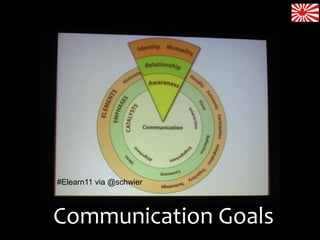
Communication Goals
#Elearn11 via @schwier
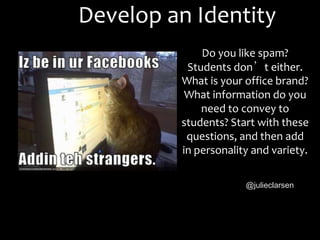
Develop an Identity
Do you like spam?
Students don’t either.
What is your office brand?
What information do you
need to convey to
students? Start with these
questions, and then add
in personality and variety.
@julieclarsen
“...technology could be used
much more strategically than is
currently undertaken to commit
students to their academic
life.”
The Horizon Report 2012
Dahlstrom, de Boor, Grunwald, &
Vockley, 2012
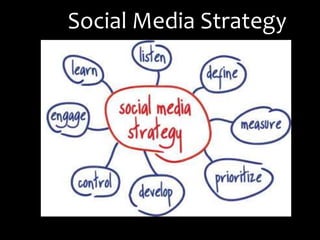
Social Media Strategy
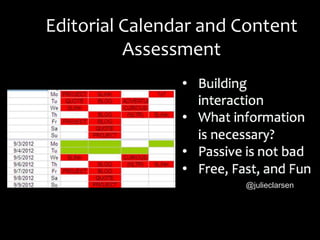
Editorial Calendar and Content
Assessment
@julieclarsen
@thementalkavity
PILOT
(considerations)
Higher Ed
is
HERE
Flickr photo c/o dsearls
We Need to Move Beyond These.
113
Change in higher
education is NOT
NUTS!
115
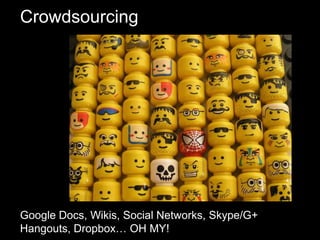
Crowdsourcing
Google Docs, Wikis, Social Networks, Skype/G+
Hangouts, Dropbox… OH MY!
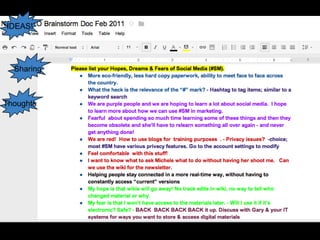
Thoughts
Sharing
IDEAS!
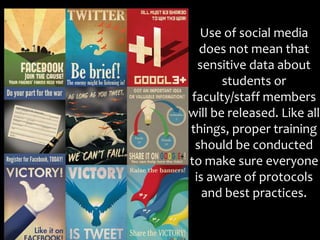
Use of social media
does not mean that
sensitive data about
students or
faculty/staff members
will be released. Like all
things, proper training
should be conducted
to make sure everyone
is aware of protocols
and best practices.
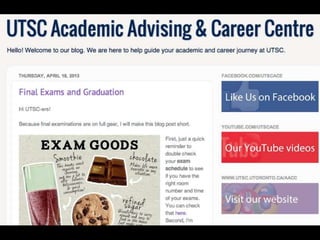
ACE: Academic & Career Explorer
• AA & CC Online peer
buddy
• www.utsc.utoronto.ca/aacc/ac
e/
To ACE, Or Not To ACE?
• The Question:
• How can we connect our services &
optimize resources?
• The Focus:
• Make connections to AA & CC and
UTSC resources
• The Time Line:
• Get Started Orientation, Summer
2008
• The Target Audience:
• Incoming UTSC Students
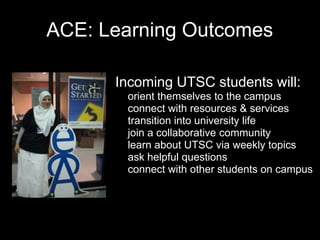
ACE: Learning Outcomes
• Incoming UTSC students will:
o orient themselves to the campus
o connect with resources & services
o transition into university life
o join a collaborative community
o learn about UTSC via weekly topics
o ask helpful questions
o connect with other students on campus
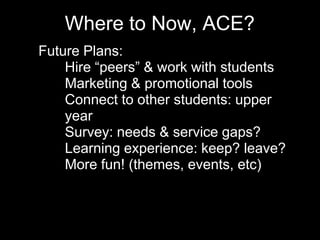
Where to Now, ACE?
• Future Plans:
• Hire “peers” & work with students
• Marketing & promotional tools
• Connect to other students: upper
year
• Survey: needs & service gaps?
• Learning experience: keep? leave?
• More fun! (themes, events, etc)
Consider...
Connecting to peers
Saving time to play
Finding new ways of learning
Embracing alternatives
Being a participant
Modeling social media use
Evaluate
(review)
131
132
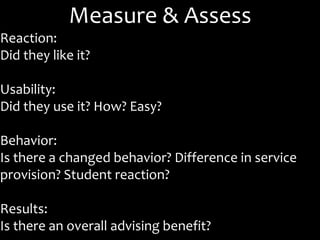
Measure & Assess
Reaction:
Did they like it?
Usability:
Did they use it? How? Easy?
Behavior:
Is there a changed behavior? Difference in service
provision? Student reaction?
Results:
Is there an overall advising benefit?
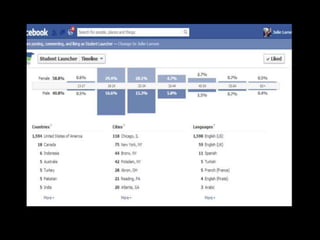
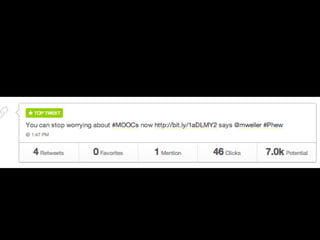
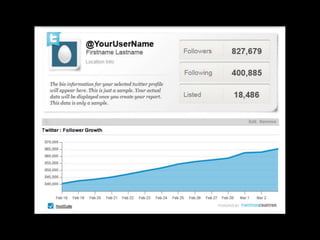
ANALYTICS
-Google
-Blog reads
-Social Network Analysis
-Twitter search
Hashtags
Institution/Office name
Social Grow
-Content Management
Bufferapp.com
Bottlenose.com
SocialBro.com
Final Thoughts…
• No "Magic Bullet"
• Failure leads to success
• Participation is key
• Collaborate & connect
• Share resources
• Keep evaluating your learner needs
Flickr photo c/o furiousgeorge81
about.me/laurapasquini Laura.Pasquini@unt.edu
Stay connected #blend13
http://bit.ly/blended62255

#Blend13 Workshop: Supporting Blended Learners #blended62255