Building Tests
101
Basic concepts behind Blackboard
Tests and Surveys
Tests vs. Surveys
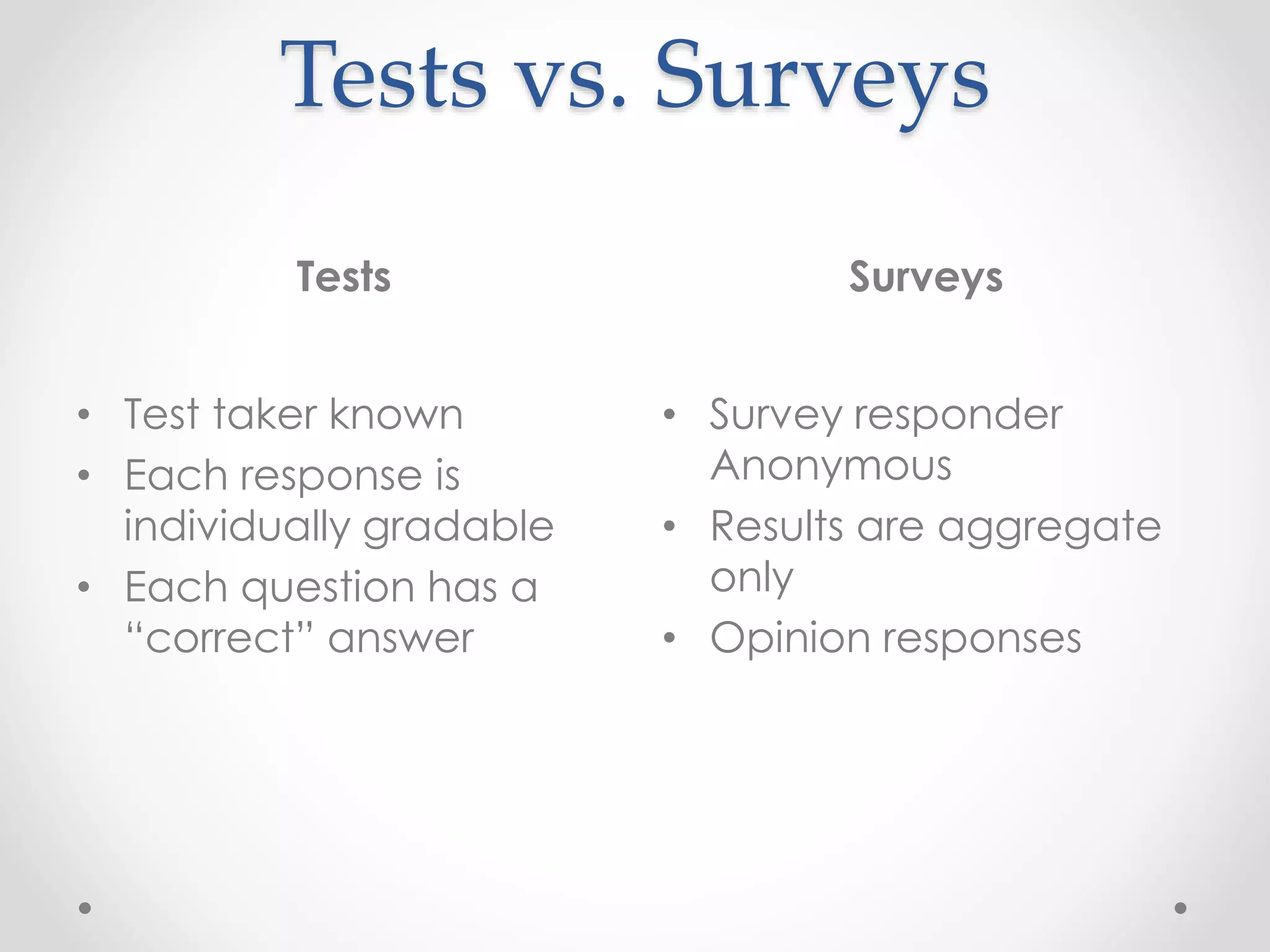
Tests Surveys
• Test taker known
• Each response is
individually gradable
• Each question has a
“correct” answer
• Survey responder
Anonymous
• Results are aggregate
only
• Opinion responses
Lifecycle of a Test
From start to finish, making a basic test.
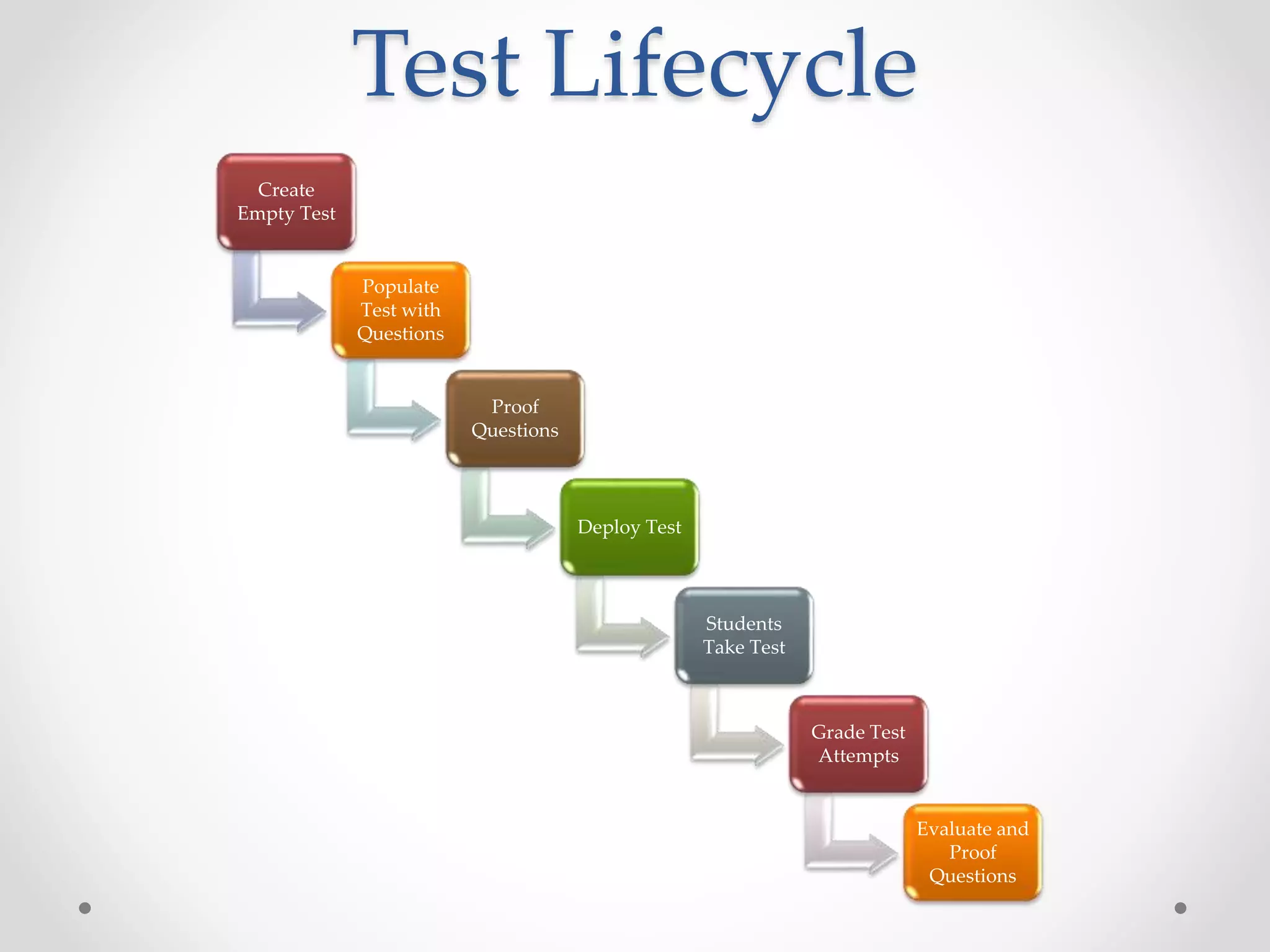
Test Lifecycle
Create
Empty Test
Populate
Test with
Questions
Proof
Questions
Deploy Test
Students
Take Test
Grade Test
Attempts
Evaluate and
Proof
Questions
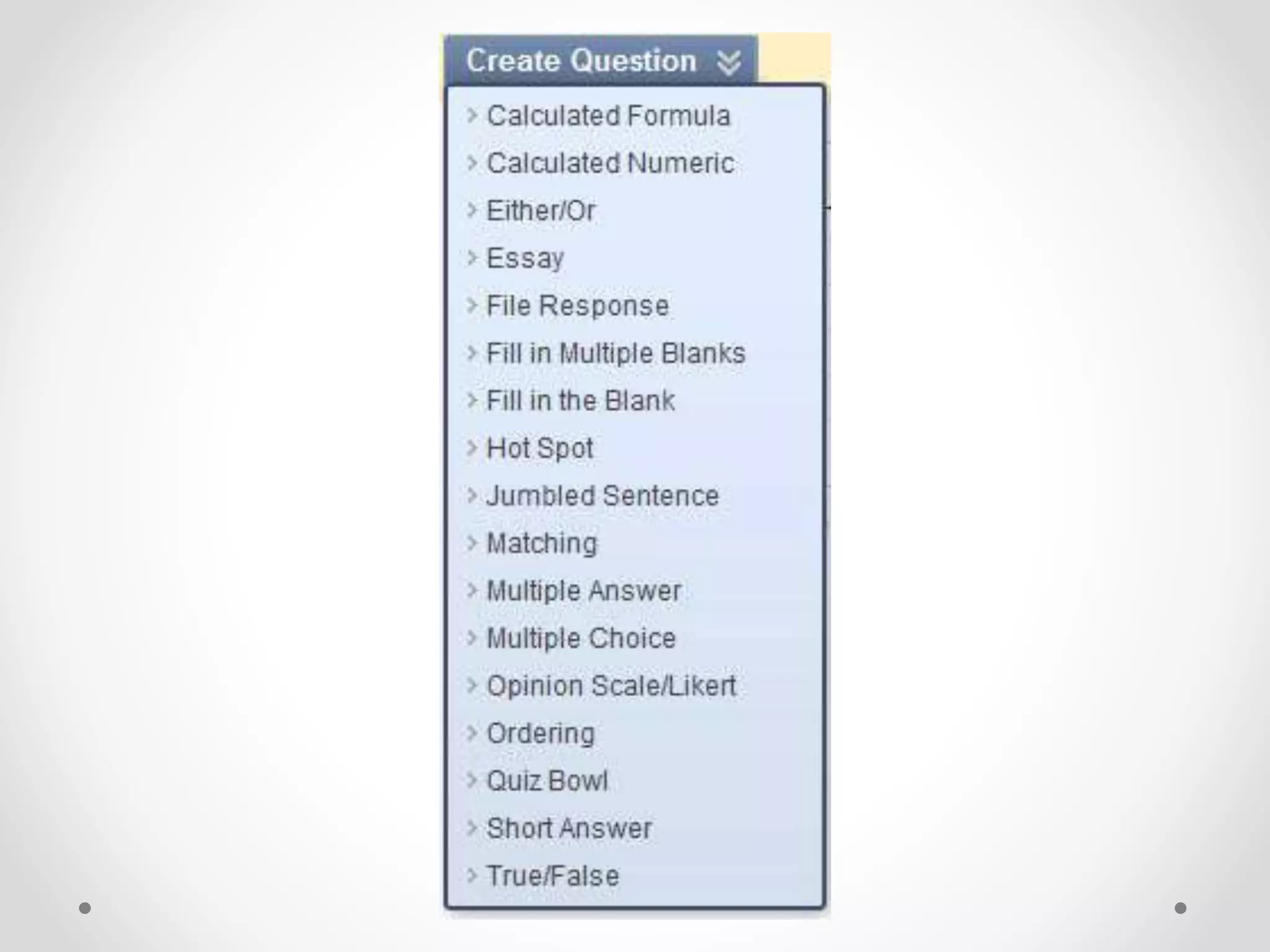
Question Types
Seventeen Question Types
Calculated Formula
A Calculated Formula question contains a formula with
variables that change for each user.
Calculated Numeric
A Calculated Numeric question asks the user to submit a
numeric answer to a question. It resembles a fill-in-the-blank
question where the correct answer is a number.
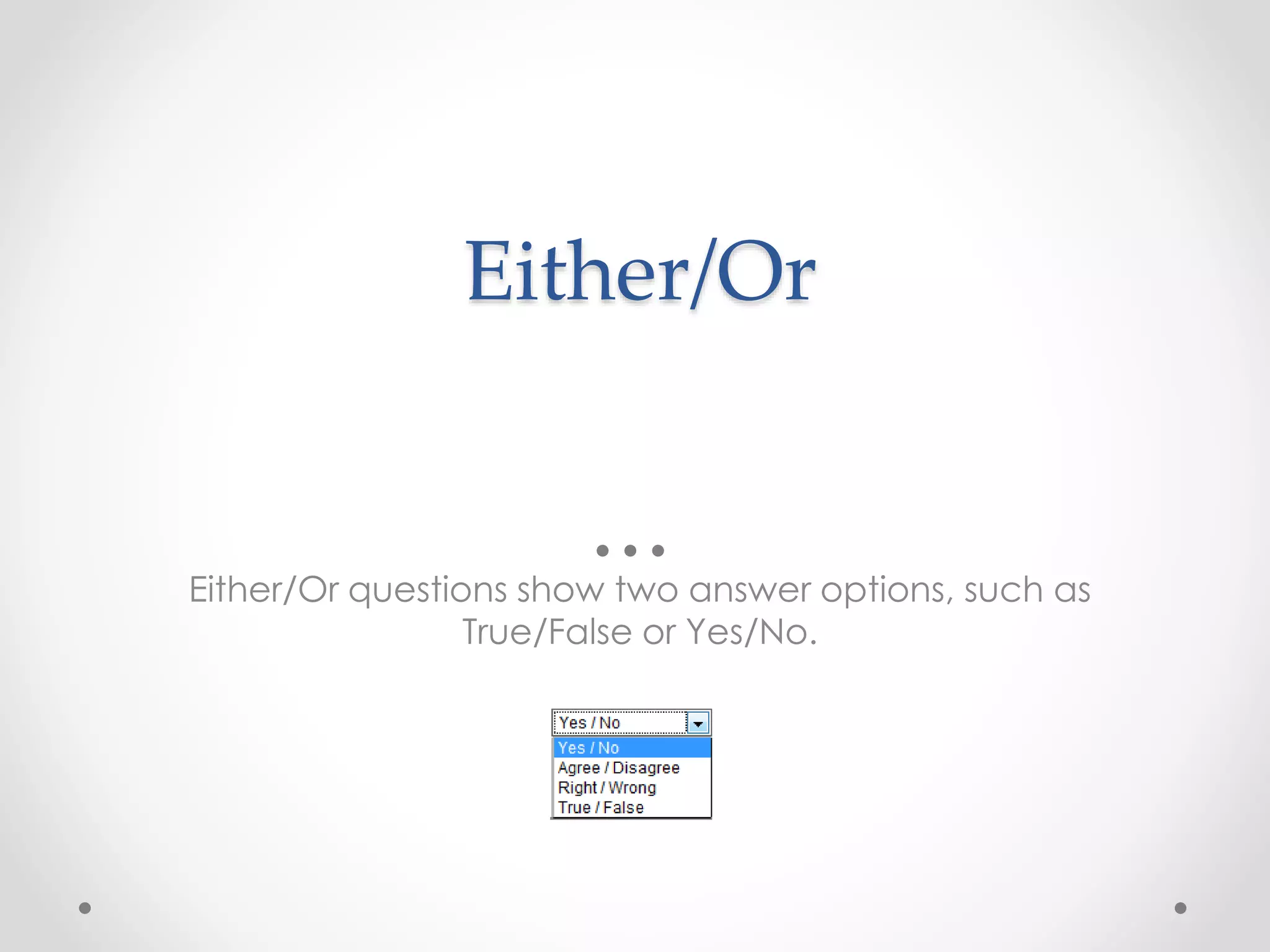
Either/Or
Either/Or questions show two answer options, such as
True/False or Yes/No.
Essay
Essay questions require Students to enter an answer into a
text box.
File Response
Users upload a file from their computer, the network, or from
the Content Collection as the answer to the question. This
type of question is evaluated manually.
Fill in Multiple Blanks
Fill in Multiple Blanks questions use variables to identify
different places in the text for Students to enter missing
values.
Fill in the Blank
Fill in the Blank answers are scored based on an exact text
match. Answers are not case sensitive, but are evaluated
based on spelling.
Hot Spot
Hotspot questions are based on Students identifying an area
in an image file. The area is set by pixel coordinates and if
Students click within this range, the answer is recorded as
correct.
Jumbled Sentence
Jumbled Sentence questions ask Students to select the
correct word from a set of words in a drop-down menu to
complete the sentence.
Matching
Matching questions ask Students to pair items in one column
to items in another column. A matching question may
include a different number of items in the questions column
and in the answers column to make the question more
difficult.
Multiple Answer
Multiple Answer questions allow users to choose more than
one correct answer.
Multiple Choice
Multiple Choice questions allow students to choose one
correct answer from a selection of answers.
Opinion Scale/Likert
Most often used in Surveys, Opinion Scale or Likert Scale
questions are designed to measure attitudes or reactions
using a comparable scale. Users select a multiple choice
answer that represents their attitude or reaction.
Ordering
Ordering questions ask Students to put of a series of items in
correct order.
Quiz Bowl
Quiz Bowl questions require the answer to be in the form of a
question. Specify one or more interrogatives and one or more
phrases that must be included in the answer.
Short Answer
Short Answer questions require Students to enter an answer
into one or more text boxes.
True/False
A True/False question displays two answer options: true and
false. There is no partial credit options for True/False questions.
Blackboard 9.1 - Building Tests 101

Blackboard 9.1 - Building Tests 101

  • 1.
    Building Tests 101 Basic conceptsbehind Blackboard Tests and Surveys
  • 3.
    Tests vs. Surveys TestsSurveys • Test taker known • Each response is individually gradable • Each question has a “correct” answer • Survey responder Anonymous • Results are aggregate only • Opinion responses
  • 5.
    Lifecycle of aTest From start to finish, making a basic test.
  • 6.
    Test Lifecycle Create Empty Test Populate Testwith Questions Proof Questions Deploy Test Students Take Test Grade Test Attempts Evaluate and Proof Questions
  • 8.
  • 10.
    Calculated Formula A CalculatedFormula question contains a formula with variables that change for each user.
  • 11.
    Calculated Numeric A CalculatedNumeric question asks the user to submit a numeric answer to a question. It resembles a fill-in-the-blank question where the correct answer is a number.
  • 12.
    Either/Or Either/Or questions showtwo answer options, such as True/False or Yes/No.
  • 13.
    Essay Essay questions requireStudents to enter an answer into a text box.
  • 14.
    File Response Users uploada file from their computer, the network, or from the Content Collection as the answer to the question. This type of question is evaluated manually.
  • 15.
    Fill in MultipleBlanks Fill in Multiple Blanks questions use variables to identify different places in the text for Students to enter missing values.
  • 16.
    Fill in theBlank Fill in the Blank answers are scored based on an exact text match. Answers are not case sensitive, but are evaluated based on spelling.
  • 17.
    Hot Spot Hotspot questionsare based on Students identifying an area in an image file. The area is set by pixel coordinates and if Students click within this range, the answer is recorded as correct.
  • 18.
    Jumbled Sentence Jumbled Sentencequestions ask Students to select the correct word from a set of words in a drop-down menu to complete the sentence.
  • 19.
    Matching Matching questions askStudents to pair items in one column to items in another column. A matching question may include a different number of items in the questions column and in the answers column to make the question more difficult.
  • 20.
    Multiple Answer Multiple Answerquestions allow users to choose more than one correct answer.
  • 21.
    Multiple Choice Multiple Choicequestions allow students to choose one correct answer from a selection of answers.
  • 22.
    Opinion Scale/Likert Most oftenused in Surveys, Opinion Scale or Likert Scale questions are designed to measure attitudes or reactions using a comparable scale. Users select a multiple choice answer that represents their attitude or reaction.
  • 23.
    Ordering Ordering questions askStudents to put of a series of items in correct order.
  • 24.
    Quiz Bowl Quiz Bowlquestions require the answer to be in the form of a question. Specify one or more interrogatives and one or more phrases that must be included in the answer.
  • 25.
    Short Answer Short Answerquestions require Students to enter an answer into one or more text boxes.
  • 26.
    True/False A True/False questiondisplays two answer options: true and false. There is no partial credit options for True/False questions.