GO BUILD A TOOL
Developer Centric Security Tooling
Everett Maus
Microsoft
About the talk
This talk is:
■ Aimed at security experts who want to develop tools
■ Best practices focused
■ Based on both anecdotes/personal experience, and a research review
This talk is not:
■ Going to go deep into implementation details
■ Going to be news to folks familiar with this space
Overview
■ Why Build Security Tools?
■ Types of tools
■ A lot of best practices for building successful tools
■ Case Studies (📜)
Who am I?
■ Software developer at Microsoft
■ 4 years of experience working on security tooling or integrating security tooling
■ Currently on the “Microsoft Engineering Systems” Security Tooling team
Acknowledgements
■ Michael Fanning
■ Graham Calladine
■ Microsoft Engineering Systems Security Tools Team
Why Tools?
■ Where we are:
– Modern organizations ship quickly
– Security expertise is rare
– We want to automate what we can
– Tools power up developers!
■ Tools Scale Security Expertise
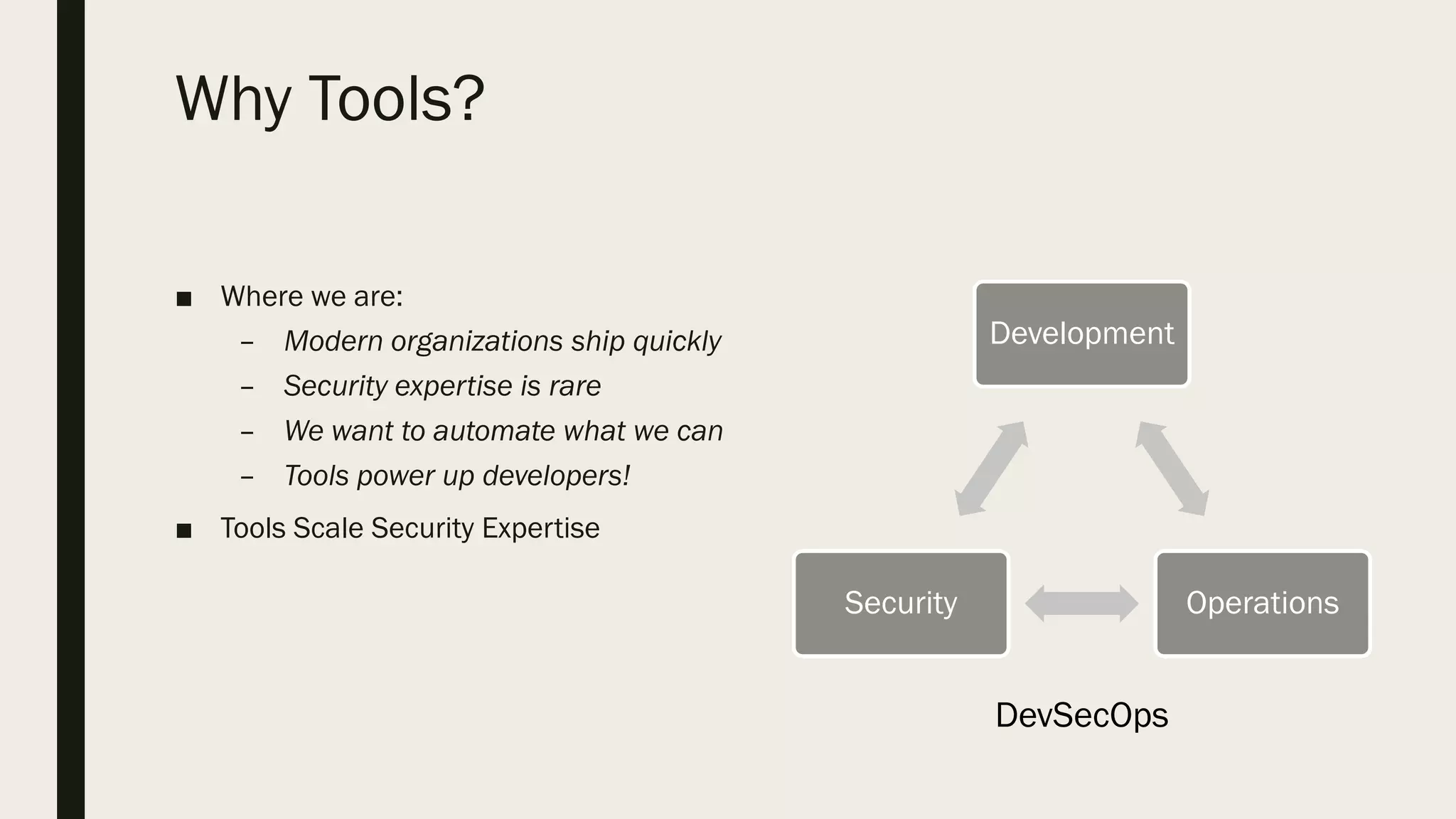
Development
OperationsSecurity
DevSecOps
Types of Tools
■ Static tools
– Scan artifacts without running them
– Show possibility of bugs
– Provide automatic code review
■ Dynamic tools
– Run the code and see what it does.
– Show presence of a bug
■ Process tools
– Allow us to scale a security team
Tools should be…
Tools should be Simple
■ Developers grok simple tools easily, and will trust their results
■ They are easier to write
■ They are easier to use
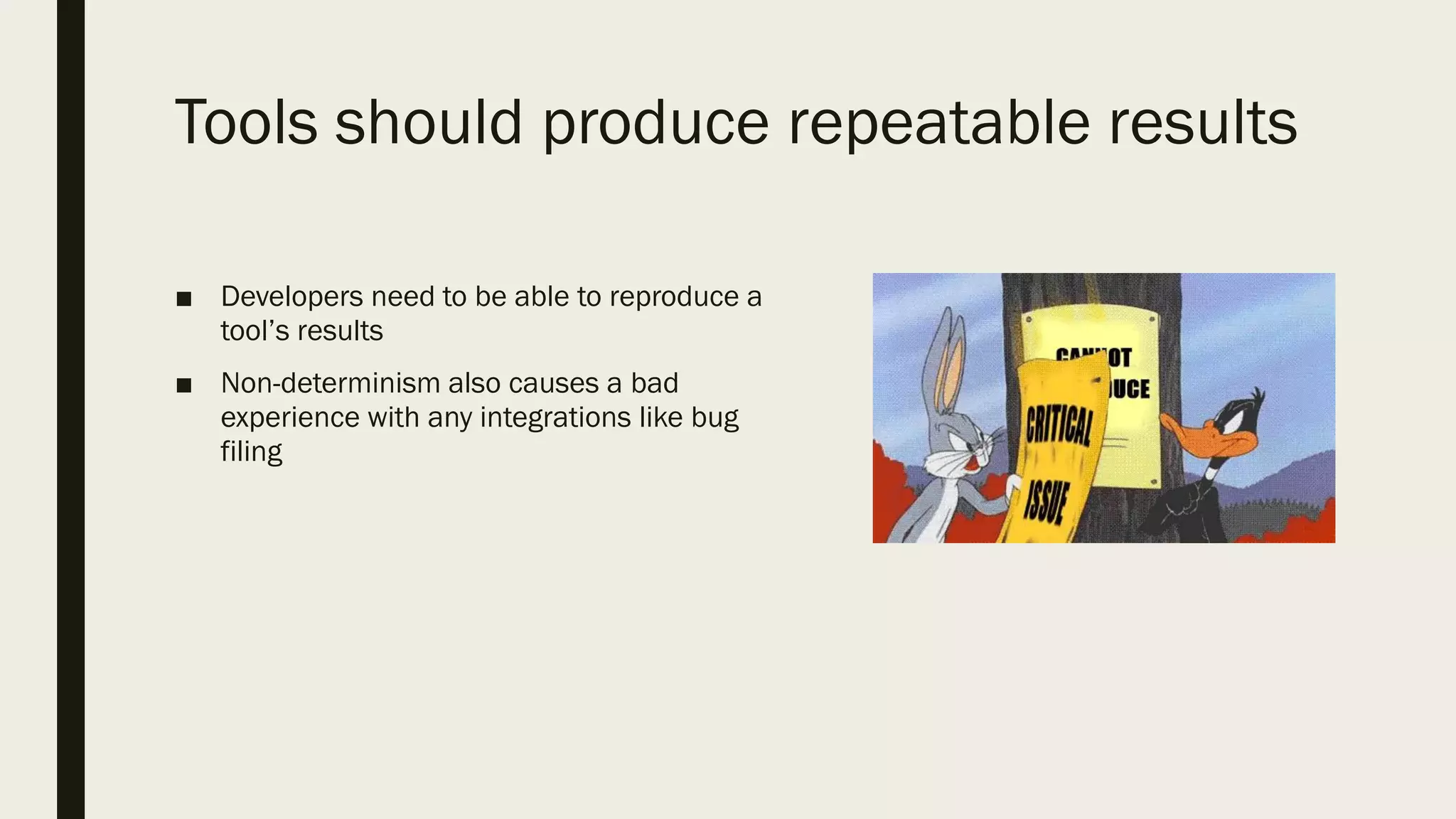
Tools should produce repeatable results
■ Developers need to be able to reproduce a
tool’s results
■ Non-determinism also causes a bad
experience with any integrations like bug
filing
Tools should inspire action
■ Any ask can be misinterpreted and cause code churn ( = risk!)
■ Therefore, only relevant results should be presented to the developer
Tools should produce triage-able results
■ Developers shouldn’t have to be security
experts
■ Documentation *must* be clear.
■ Documentation must contain:
– Remediation examples
– Severity of the issue
– What the issue is
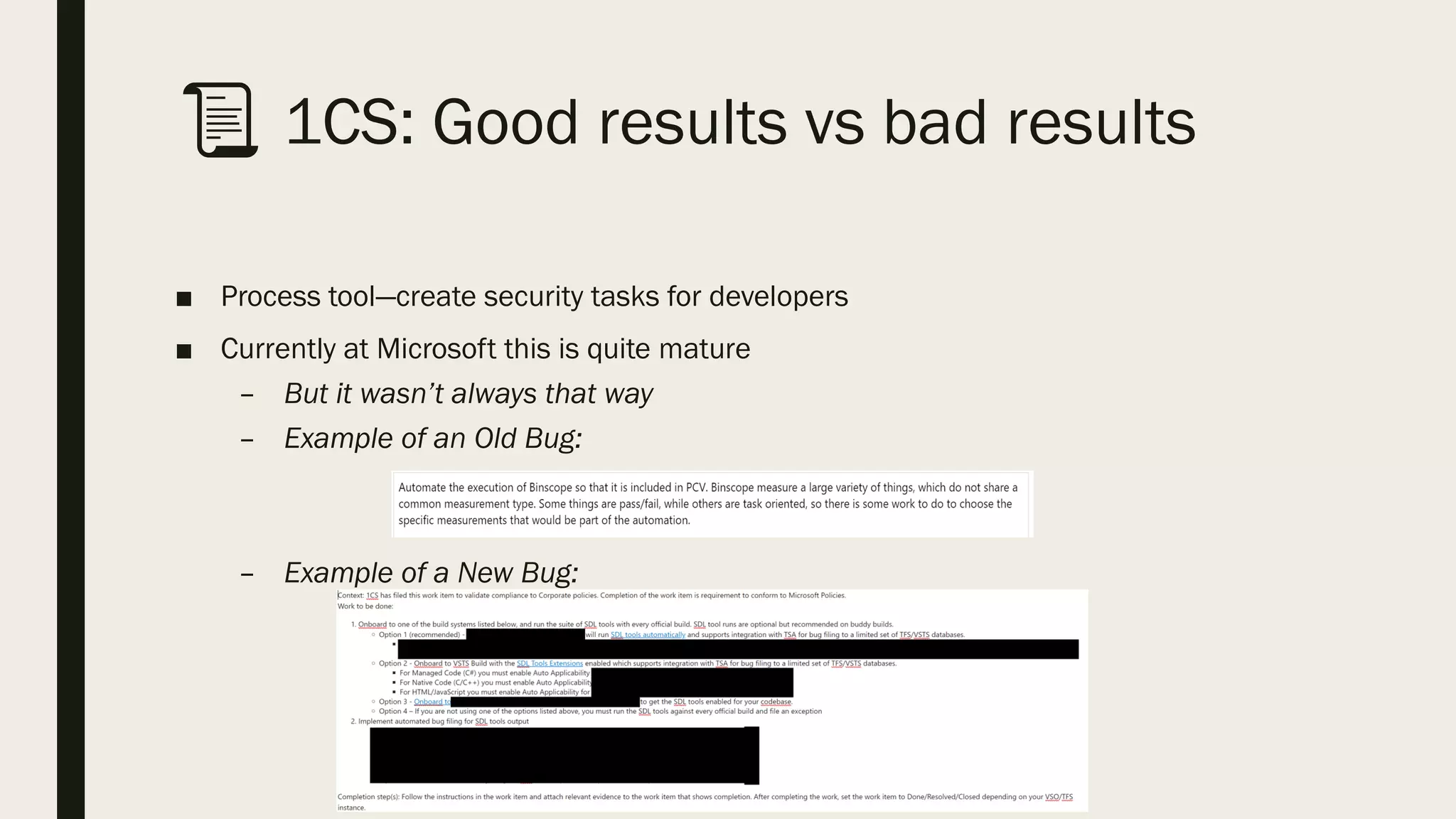
📜 1CS: Good results vs bad results
■ Process tool—create security tasks for developers
■ Currently at Microsoft this is quite mature
– But it wasn’t always that way
– Example of an Old Bug:
– Example of a New Bug:
Tools must respect developer time
Respect Dev Time: Go where the dev
lives
■ Tools should integrate into the build/release cycle
■ Results should be part of existing developer workflow:
– Work items
– IDE view
– PR comments
Shameless Plug: SARIF
■ Standards make per tool integration costs significantly lower
■ The team I’m on is helping build a standard for static analysis tool output
■ SARIF: Static Analysis Results Interchange Format
– JSON based format for transferring static analysis logs
– Cross Company OASIS Draft Standard
– MIT Licensed C# SDK and Tools on GitHub
Respecting Dev Time: Shifting left
■ There is such a thing as shifting too far left
■ Tools should be applied at the team level, not the individual level
📜 DevSkim: Why team integration
matters
■ A useful, regex based tool that applies to many languages
■ Only runs in the IDE, and is hard to integrate into build/release.
■ Consequence: not often used!
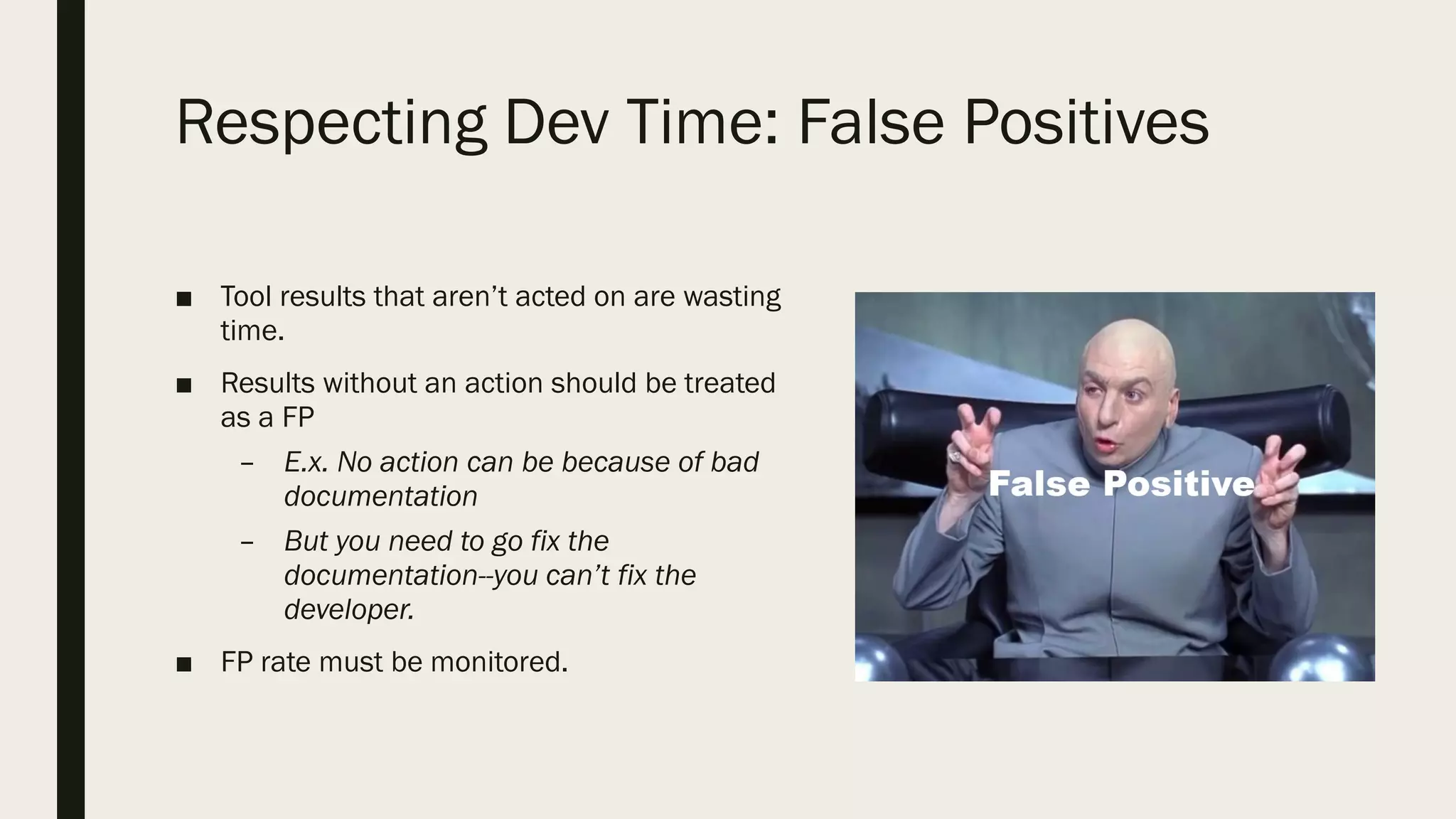
Respecting Dev Time: False Positives
■ Tool results that aren’t acted on are wasting
time.
■ Results without an action should be treated
as a FP
– E.x. No action can be because of bad
documentation
– But you need to go fix the
documentation--you can’t fix the
developer.
■ FP rate must be monitored.
Tool Rollouts Matter
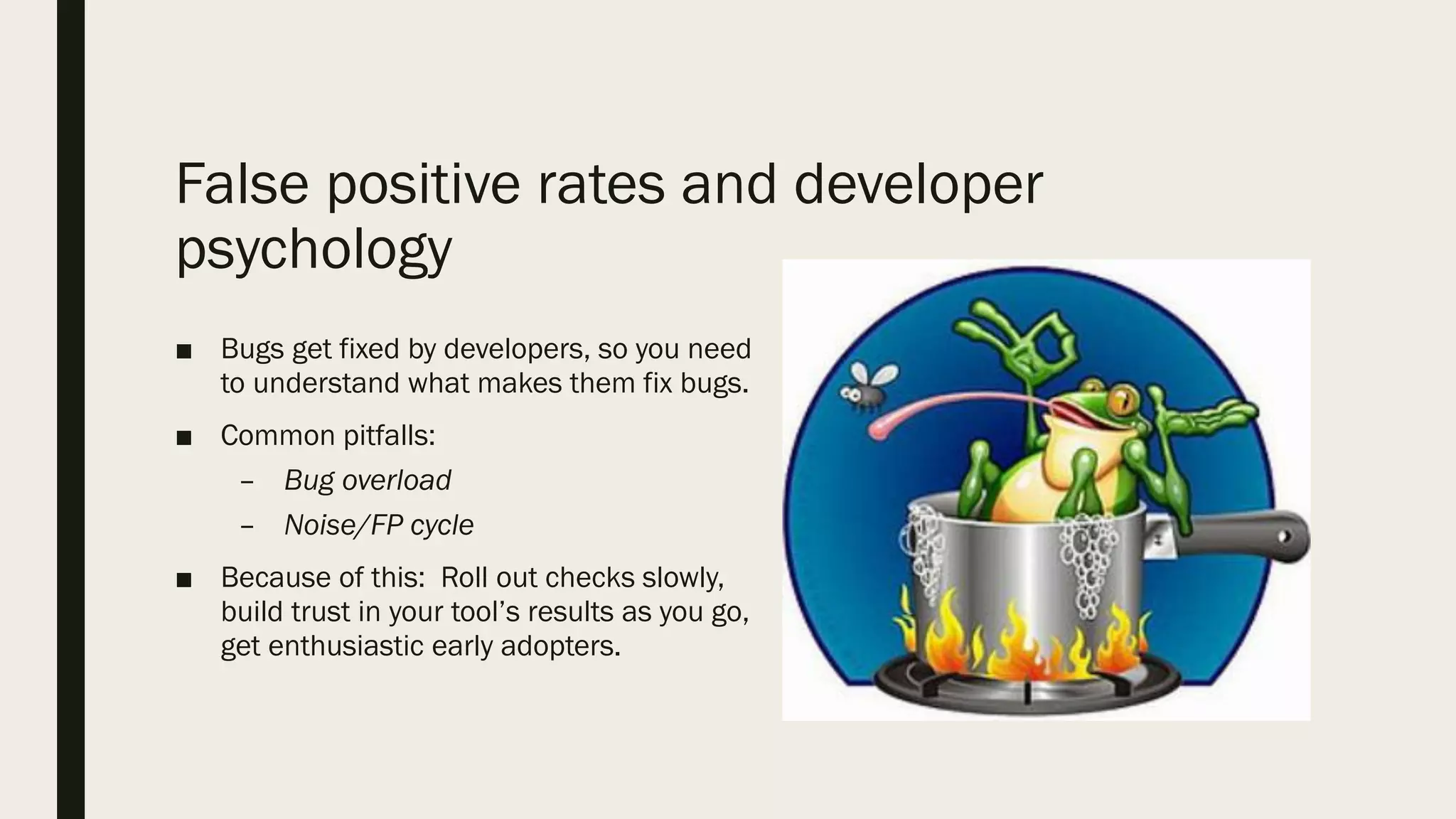
False positive rates and developer
psychology
■ Bugs get fixed by developers, so you need
to understand what makes them fix bugs.
■ Common pitfalls:
– Bug overload
– Noise/FP cycle
■ Because of this: Roll out checks slowly,
build trust in your tool’s results as you go,
get enthusiastic early adopters.
📜 A Tale of Two Tools
■ Two tools for finding Plaintext Credentials
■ One was first, named ‘ESD’:
– Found everything!
■ Credential Scanner came more than 6 months later:
– Smaller number of checks
■ One very successful, one remains relatively unused
Tool Rollouts Matter: Onboarding Costs
■ The more expensive on boarding is, the less likely it will happen.
■ This overlaps with going to where the developer is.
Tool Rollouts Matter: Ensure you have a
support and update story
■ Checks should be periodically reviewed to make sure they’re still relevant.
■ Developers should have someone they can ask questions to
■ Tools updates must be painless
📜 FxCop/Roslyn: Tool Update Pains
■ C# Static Analysis Tools
■ Complete rewrite
■ Rules mostly the same
■ Integration points are different
■ Many teams haven’t upgraded
Rollouts Mater: Scaling
■ All of these are key to scale:
– Support and documentation
– Developer trust
– Easy integration into dev
loops
📜 BinSkim: A (Mostly) Successful Tool
■ Checks for compiler hardening.
■ Widely used at MSFT for PE and ELF binaries
■ Reliable enough that teams will break their builds on the results!
■ Documentation isn’t perfect
Questions?
■ Or you can email at evmaus@microsoft.com with them!
■ To close, a philosophy for tool developers:
“Withstand the scrutiny of skeptics, be ready for the eager adopter.”
—Michael Fanning
References
■ Johnson et. al. "Why Don’t Software Developers Use Static Analysis Tools To Find
Bugs?” (2013) (Here)
■ Christakis and Bird “What Developers Want and Need from Program Analysis: An
Empirical Study” (2016) (Here)
■ Ayewah et al. “Experiences Using Static Analysis to Find Bugs” (2008) (Here)
■ Bessey et. al. ”A few Billion Lines Of Code Later” (2010) (Here)
■ Sadowski et. al. ”Lessons from Building Static Analysis Tools at Google” (2018)
(Here)
■ Sadowski et. al. ”Tricorder: Building a Program Analysis Ecosystem” (2015) (Here)

BlueHat v18 || Go build a tool - best practices for building a robust & effective developer security tooling

  • 1.
    GO BUILD ATOOL Developer Centric Security Tooling Everett Maus Microsoft
  • 2.
    About the talk Thistalk is: ■ Aimed at security experts who want to develop tools ■ Best practices focused ■ Based on both anecdotes/personal experience, and a research review This talk is not: ■ Going to go deep into implementation details ■ Going to be news to folks familiar with this space
  • 3.
    Overview ■ Why BuildSecurity Tools? ■ Types of tools ■ A lot of best practices for building successful tools ■ Case Studies (📜)
  • 4.
    Who am I? ■Software developer at Microsoft ■ 4 years of experience working on security tooling or integrating security tooling ■ Currently on the “Microsoft Engineering Systems” Security Tooling team
  • 5.
    Acknowledgements ■ Michael Fanning ■Graham Calladine ■ Microsoft Engineering Systems Security Tools Team
  • 6.
    Why Tools? ■ Wherewe are: – Modern organizations ship quickly – Security expertise is rare – We want to automate what we can – Tools power up developers! ■ Tools Scale Security Expertise Development OperationsSecurity DevSecOps
  • 7.
    Types of Tools ■Static tools – Scan artifacts without running them – Show possibility of bugs – Provide automatic code review ■ Dynamic tools – Run the code and see what it does. – Show presence of a bug ■ Process tools – Allow us to scale a security team
  • 8.
  • 9.
    Tools should beSimple ■ Developers grok simple tools easily, and will trust their results ■ They are easier to write ■ They are easier to use
  • 10.
    Tools should producerepeatable results ■ Developers need to be able to reproduce a tool’s results ■ Non-determinism also causes a bad experience with any integrations like bug filing
  • 11.
    Tools should inspireaction ■ Any ask can be misinterpreted and cause code churn ( = risk!) ■ Therefore, only relevant results should be presented to the developer
  • 12.
    Tools should producetriage-able results ■ Developers shouldn’t have to be security experts ■ Documentation *must* be clear. ■ Documentation must contain: – Remediation examples – Severity of the issue – What the issue is
  • 13.
    📜 1CS: Goodresults vs bad results ■ Process tool—create security tasks for developers ■ Currently at Microsoft this is quite mature – But it wasn’t always that way – Example of an Old Bug: – Example of a New Bug:
  • 14.
    Tools must respectdeveloper time
  • 15.
    Respect Dev Time:Go where the dev lives ■ Tools should integrate into the build/release cycle ■ Results should be part of existing developer workflow: – Work items – IDE view – PR comments
  • 16.
    Shameless Plug: SARIF ■Standards make per tool integration costs significantly lower ■ The team I’m on is helping build a standard for static analysis tool output ■ SARIF: Static Analysis Results Interchange Format – JSON based format for transferring static analysis logs – Cross Company OASIS Draft Standard – MIT Licensed C# SDK and Tools on GitHub
  • 17.
    Respecting Dev Time:Shifting left ■ There is such a thing as shifting too far left ■ Tools should be applied at the team level, not the individual level
  • 18.
    📜 DevSkim: Whyteam integration matters ■ A useful, regex based tool that applies to many languages ■ Only runs in the IDE, and is hard to integrate into build/release. ■ Consequence: not often used!
  • 19.
    Respecting Dev Time:False Positives ■ Tool results that aren’t acted on are wasting time. ■ Results without an action should be treated as a FP – E.x. No action can be because of bad documentation – But you need to go fix the documentation--you can’t fix the developer. ■ FP rate must be monitored.
  • 20.
  • 21.
    False positive ratesand developer psychology ■ Bugs get fixed by developers, so you need to understand what makes them fix bugs. ■ Common pitfalls: – Bug overload – Noise/FP cycle ■ Because of this: Roll out checks slowly, build trust in your tool’s results as you go, get enthusiastic early adopters.
  • 22.
    📜 A Taleof Two Tools ■ Two tools for finding Plaintext Credentials ■ One was first, named ‘ESD’: – Found everything! ■ Credential Scanner came more than 6 months later: – Smaller number of checks ■ One very successful, one remains relatively unused
  • 23.
    Tool Rollouts Matter:Onboarding Costs ■ The more expensive on boarding is, the less likely it will happen. ■ This overlaps with going to where the developer is.
  • 24.
    Tool Rollouts Matter:Ensure you have a support and update story ■ Checks should be periodically reviewed to make sure they’re still relevant. ■ Developers should have someone they can ask questions to ■ Tools updates must be painless
  • 25.
    📜 FxCop/Roslyn: ToolUpdate Pains ■ C# Static Analysis Tools ■ Complete rewrite ■ Rules mostly the same ■ Integration points are different ■ Many teams haven’t upgraded
  • 26.
    Rollouts Mater: Scaling ■All of these are key to scale: – Support and documentation – Developer trust – Easy integration into dev loops
  • 27.
    📜 BinSkim: A(Mostly) Successful Tool ■ Checks for compiler hardening. ■ Widely used at MSFT for PE and ELF binaries ■ Reliable enough that teams will break their builds on the results! ■ Documentation isn’t perfect
  • 28.
    Questions? ■ Or youcan email at evmaus@microsoft.com with them! ■ To close, a philosophy for tool developers: “Withstand the scrutiny of skeptics, be ready for the eager adopter.” —Michael Fanning
  • 29.
    References ■ Johnson et.al. "Why Don’t Software Developers Use Static Analysis Tools To Find Bugs?” (2013) (Here) ■ Christakis and Bird “What Developers Want and Need from Program Analysis: An Empirical Study” (2016) (Here) ■ Ayewah et al. “Experiences Using Static Analysis to Find Bugs” (2008) (Here) ■ Bessey et. al. ”A few Billion Lines Of Code Later” (2010) (Here) ■ Sadowski et. al. ”Lessons from Building Static Analysis Tools at Google” (2018) (Here) ■ Sadowski et. al. ”Tricorder: Building a Program Analysis Ecosystem” (2015) (Here)