LED BY:
How to respond to the ever-increasing demand for powerful and integrated solutions that support users'
needs across their digital workplace and beyond. Leveraging Office 365 means that you have access to
entirely new ways of building solutions faster than ever before. The best part? It's not just IT that can build
these great solutions!
BEYOND THE INTRANET: DIGITAL WORKPLACE APPS, SOLUTIONS & BOTS
Kanwal Khipple
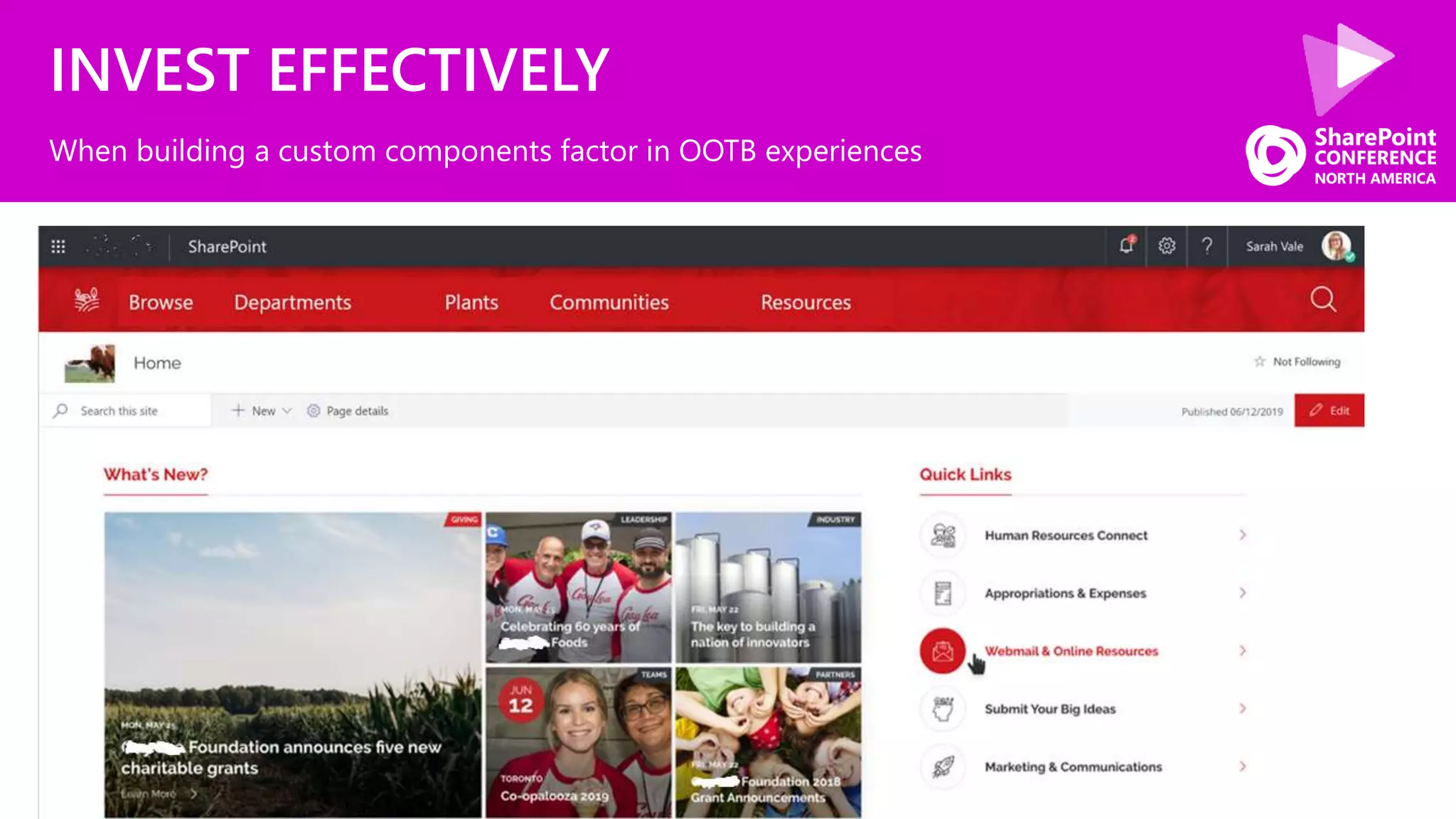
INVEST EFFECTIVELY
When building a custom components factor in OOTB experiences
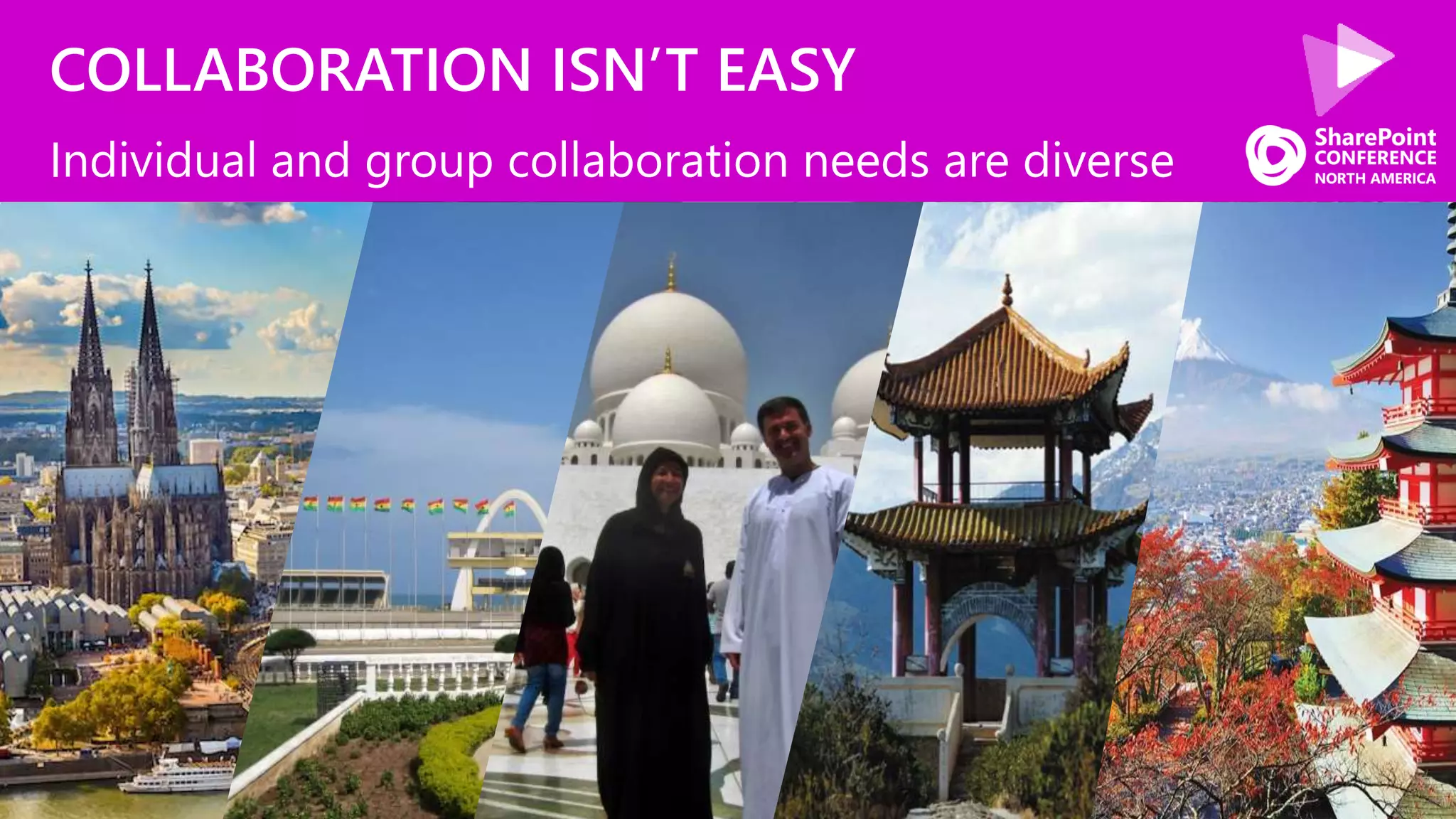
COLLABORATION ISN’T EASY
Individual and group collaboration needs are diverse
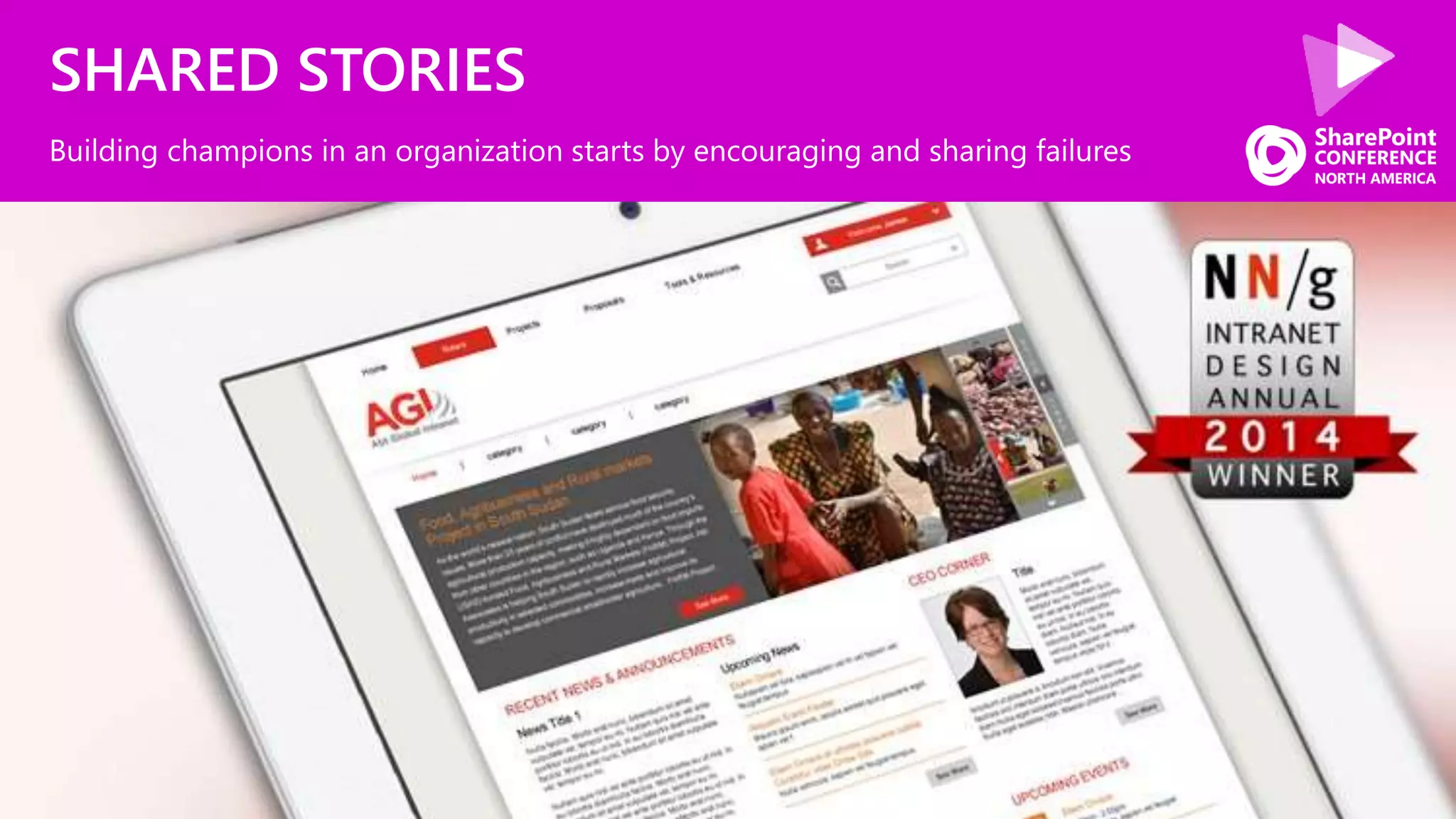
SHARED STORIES
Building champions in an organization starts by encouraging and sharing failures
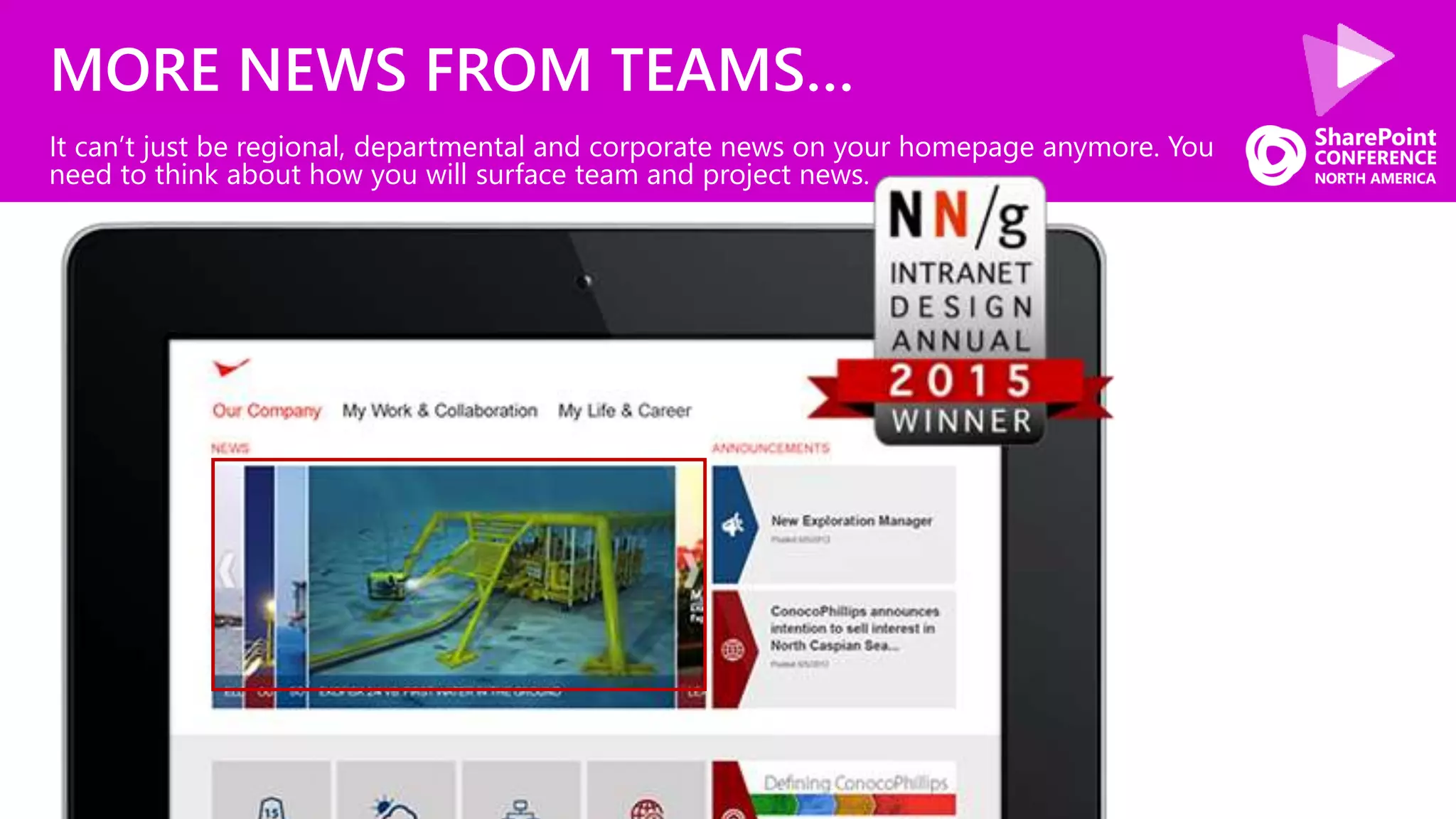
MORE NEWS FROM TEAMS…
It can’t just be regional, departmental and corporate news on your homepage anymore. You
need to think about how you will surface team and project news.
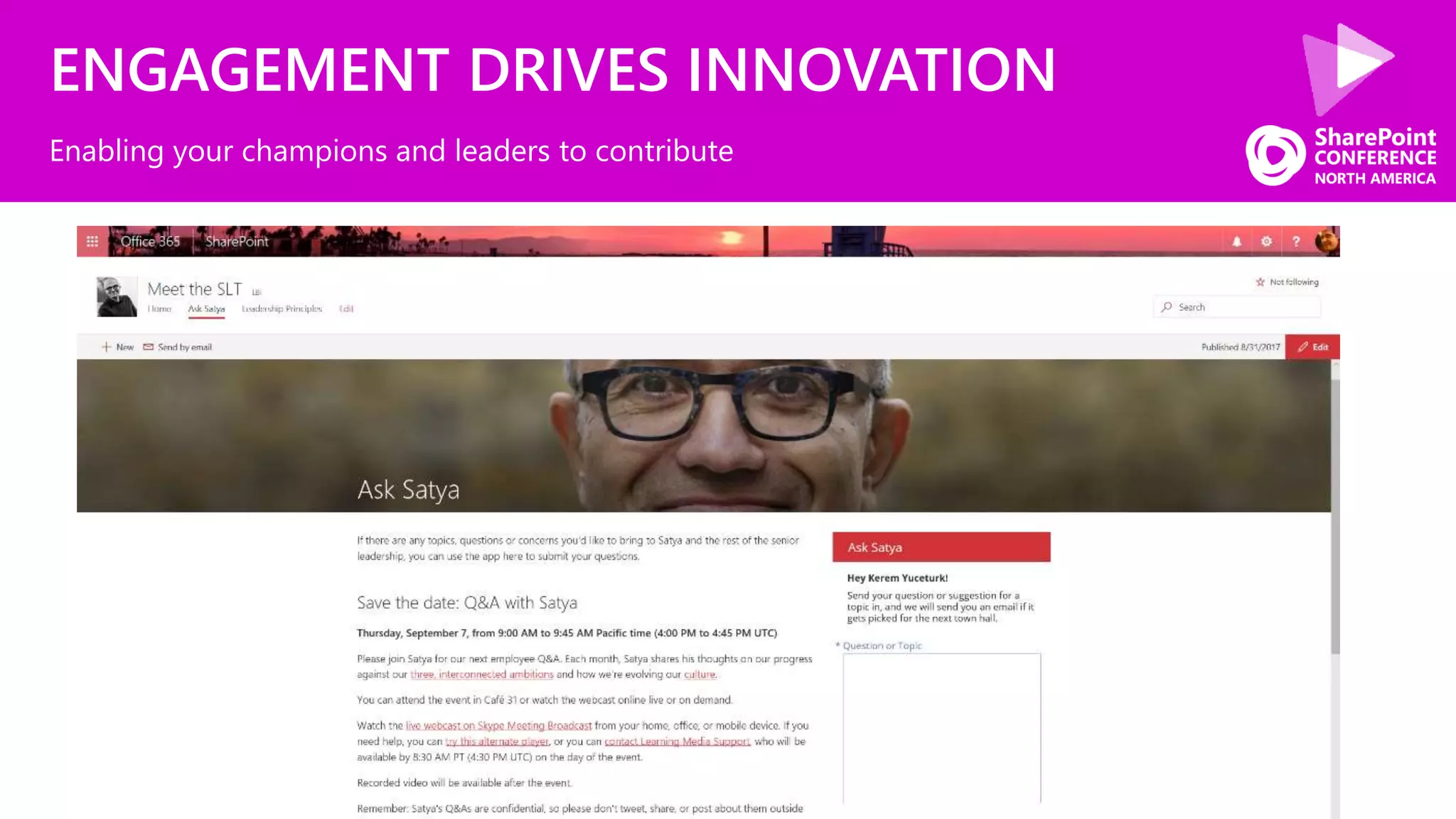
ENGAGEMENT DRIVES INNOVATION
Enabling your champions and leaders to contribute
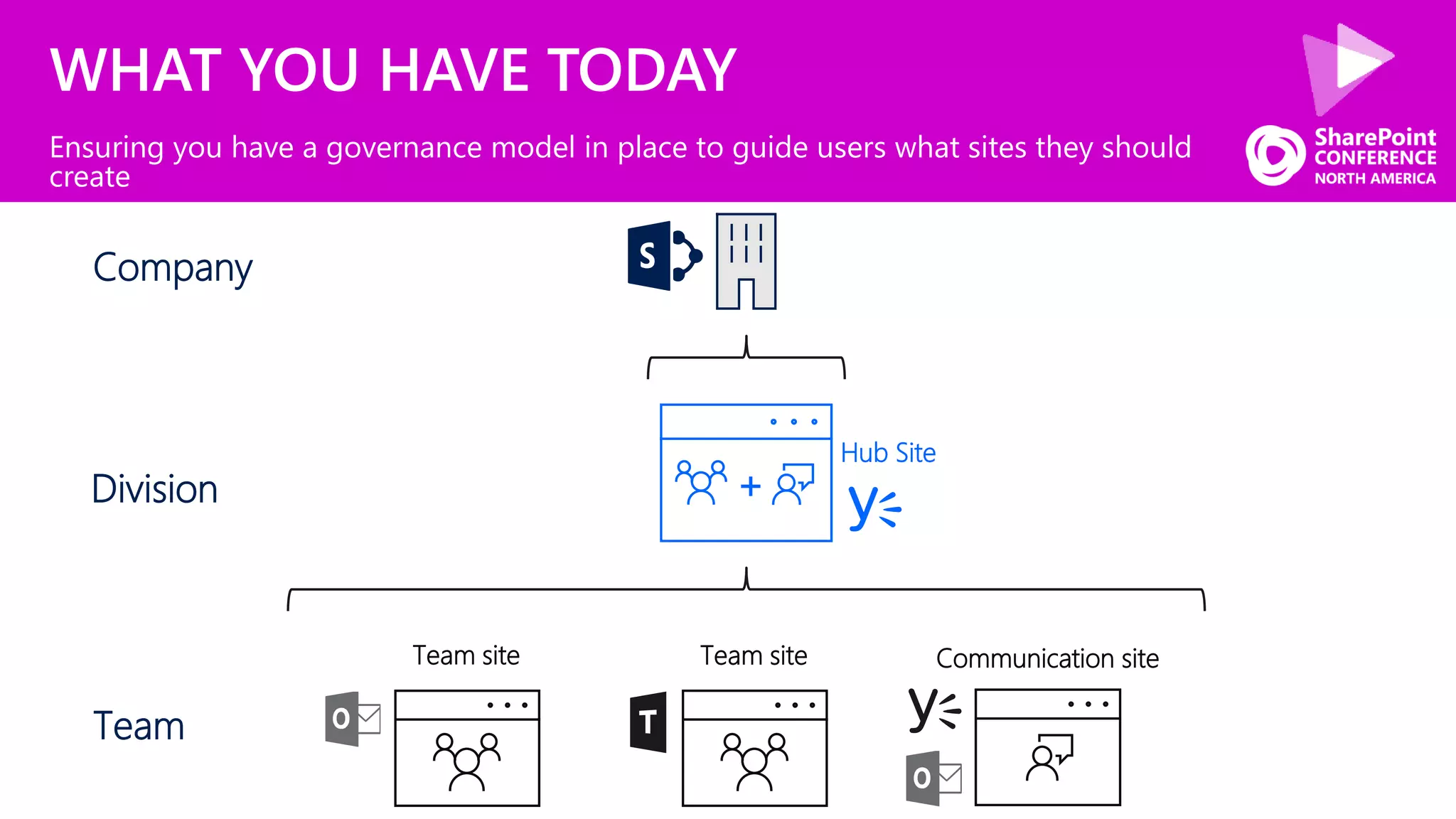
WHAT YOU HAVE TODAY
Ensuring you have a governance model in place to guide users what sites they should
create
Company
+
Hub Site
Team site Communication siteTeam site
Division
Team
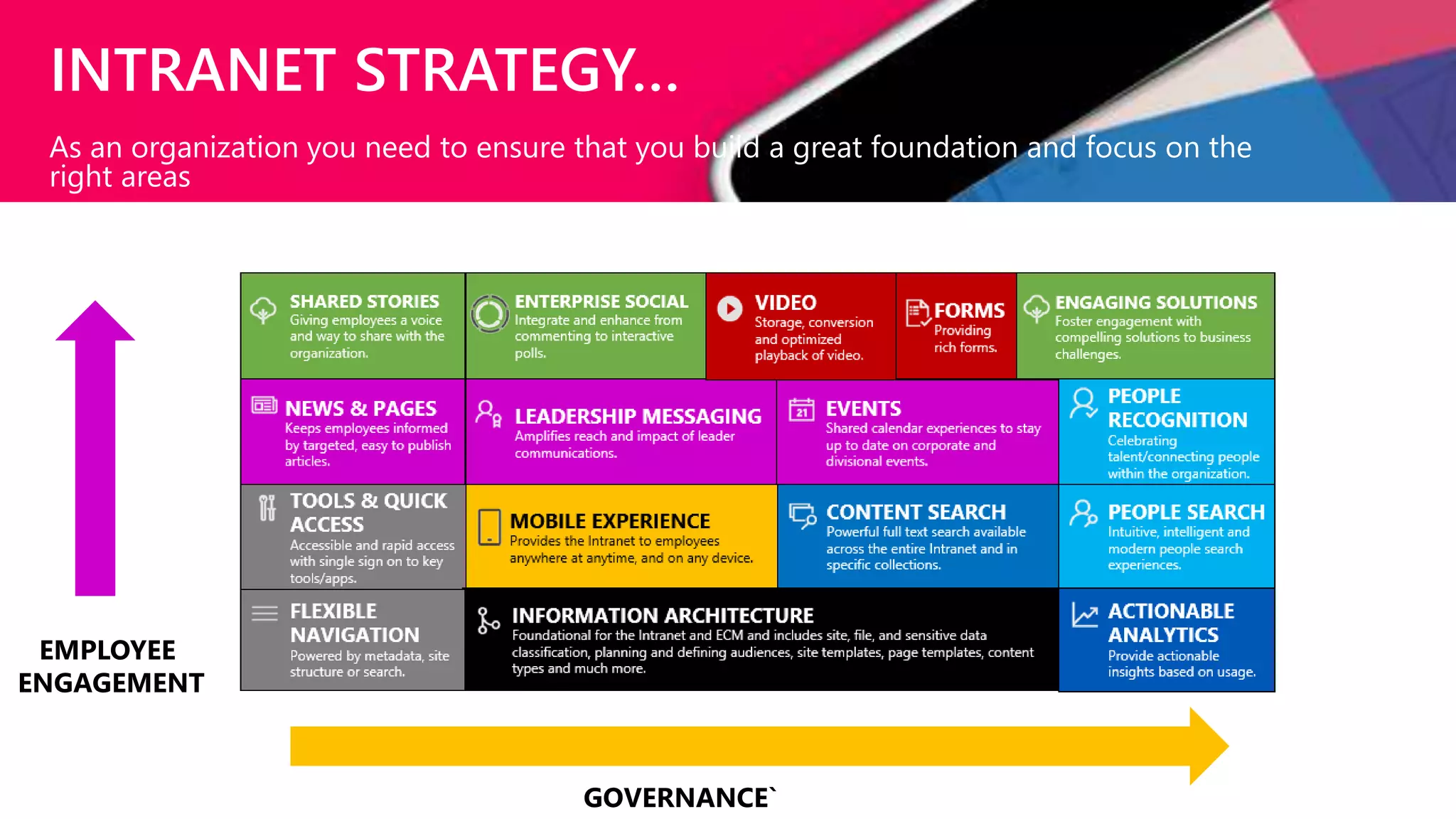
INTRANET STRATEGY…
As an organization you need to ensure that you build a great foundation and focus on the
right areas
EMPLOYEE
ENGAGEMENT
GOVERNANCE`
80+ slides
80+ SharePoint Presentations @ Slideshare.Net/kkhipple
Intranets w/ Office 365 Whitepaper @ Office365Intranets.com
Message Me On LinkedIn or Email Kanwal@Khipple.com
SPEAKER | AUTHOR | SUPER GOOD LOOKING
KANWAL KHIPPLE, CEO
@kkhipple
bit.ly/linkedinkk
2014 2015
CONTINUE INVESTING
INTEGRATION
CONVERSATION UI
CULTURE
What we are going to cover today
CONTINUE INVESTING
INTEGRATION
CONVERSATION UI
CULTURE
What we are going to cover today
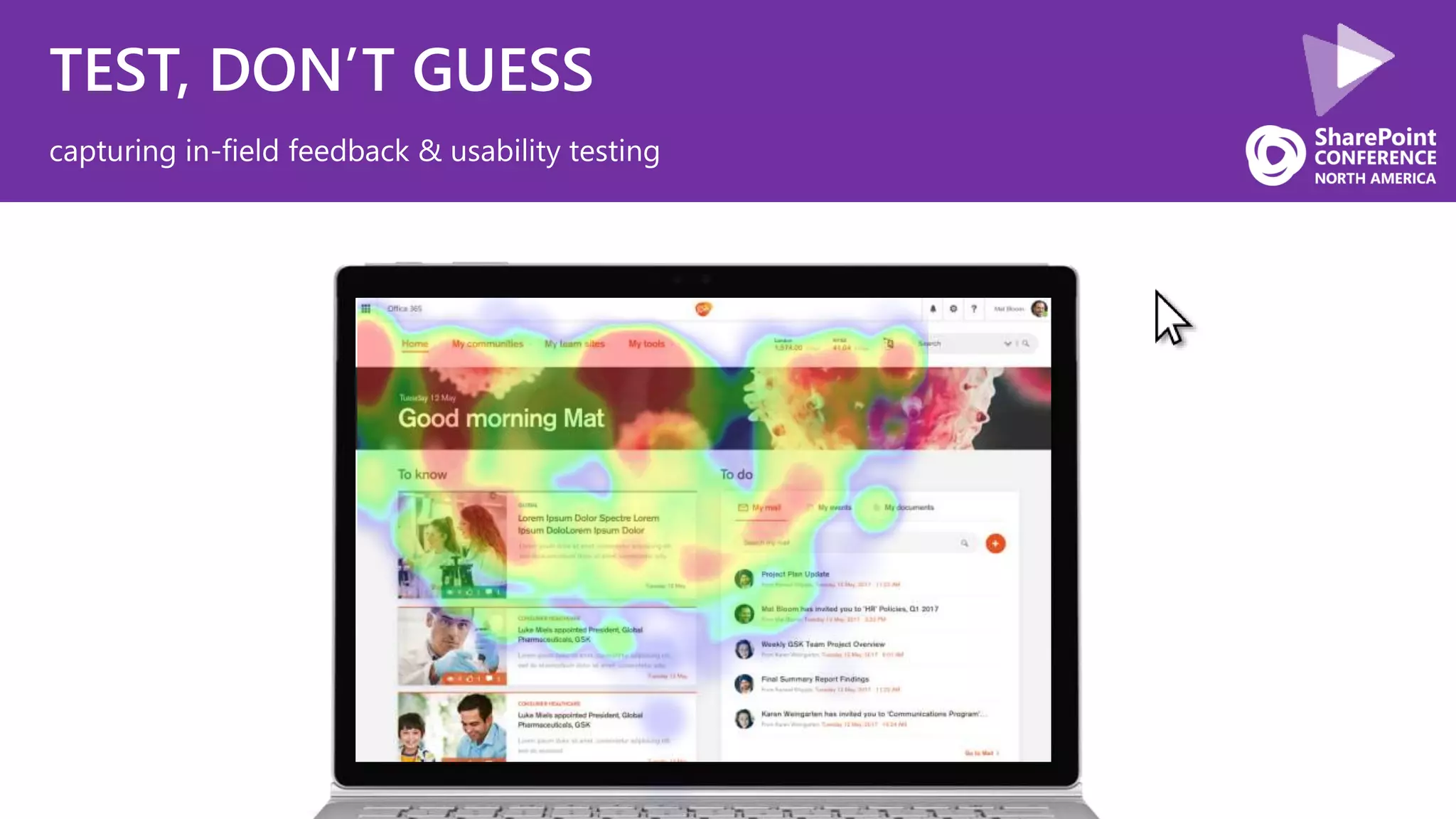
TEST, DON’T GUESS
capturing in-field feedback & usability testing
As we prepare to wireframe, what are some UX principles & best practices to keep in mind?
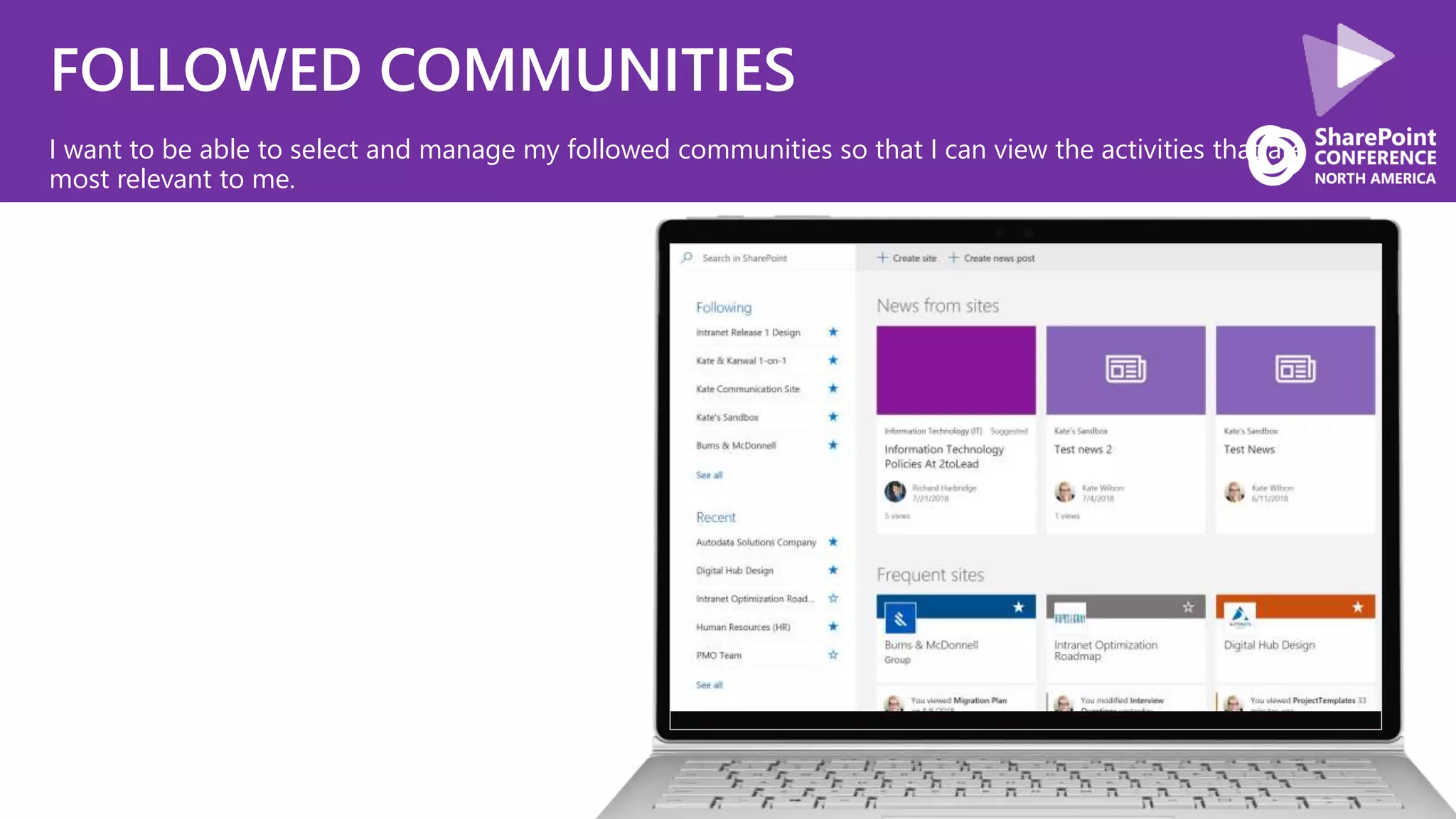
FOLLOWED COMMUNITIES
I want to be able to select and manage my followed communities so that I can view the activities that are
most relevant to me.
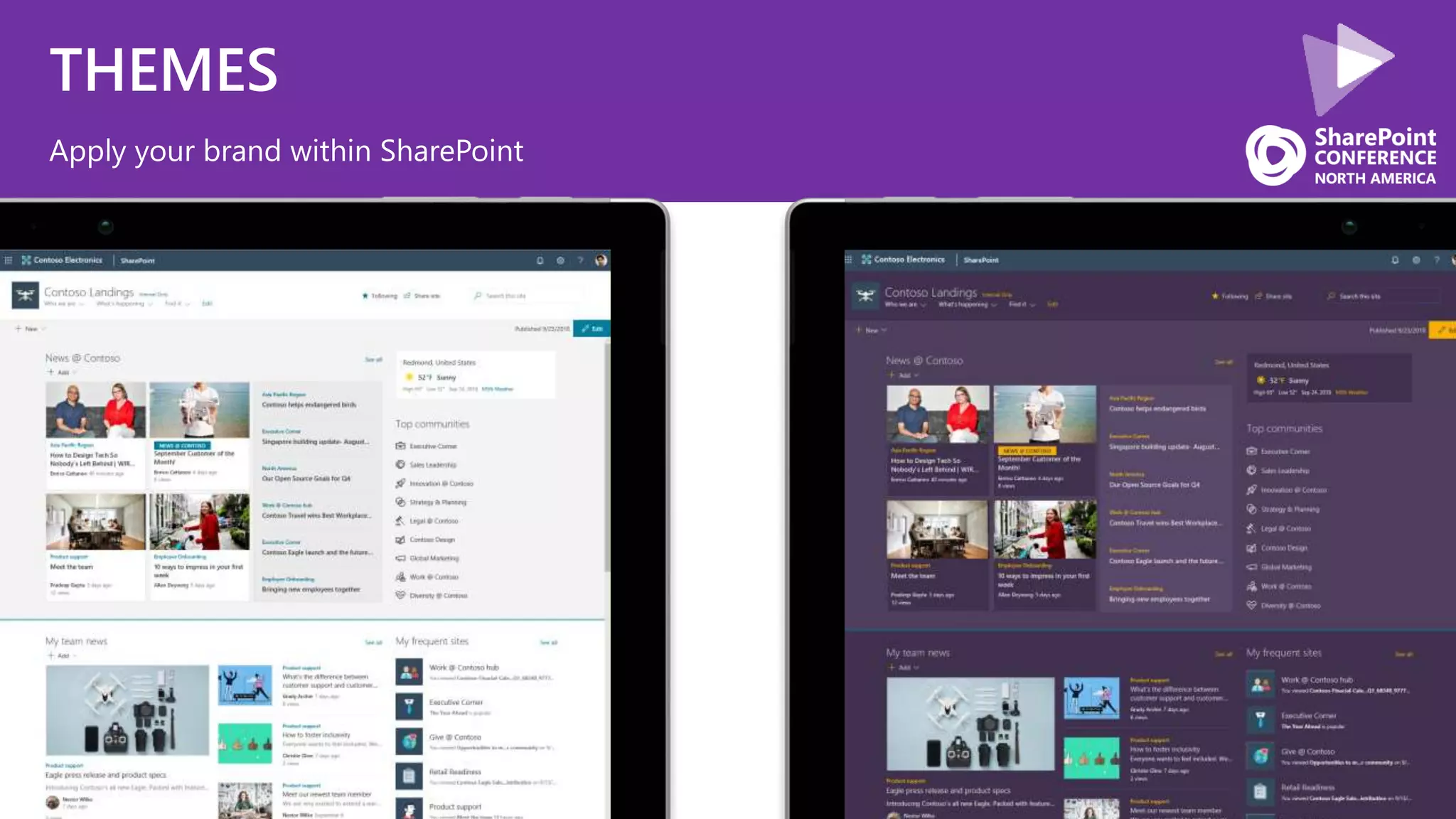
THEMES
Apply your brand within SharePoint
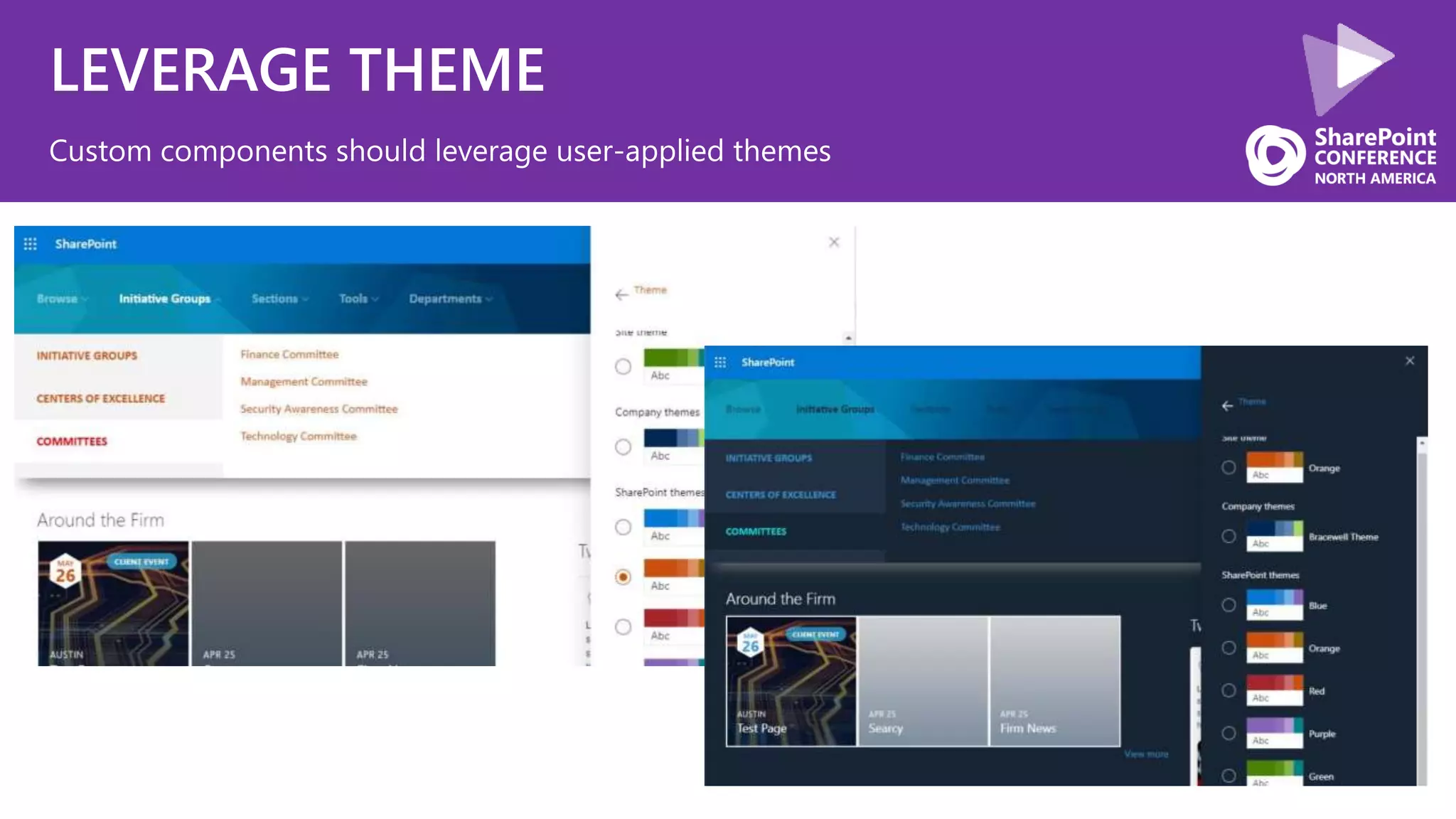
LEVERAGE THEME
Custom components should leverage user-applied themes
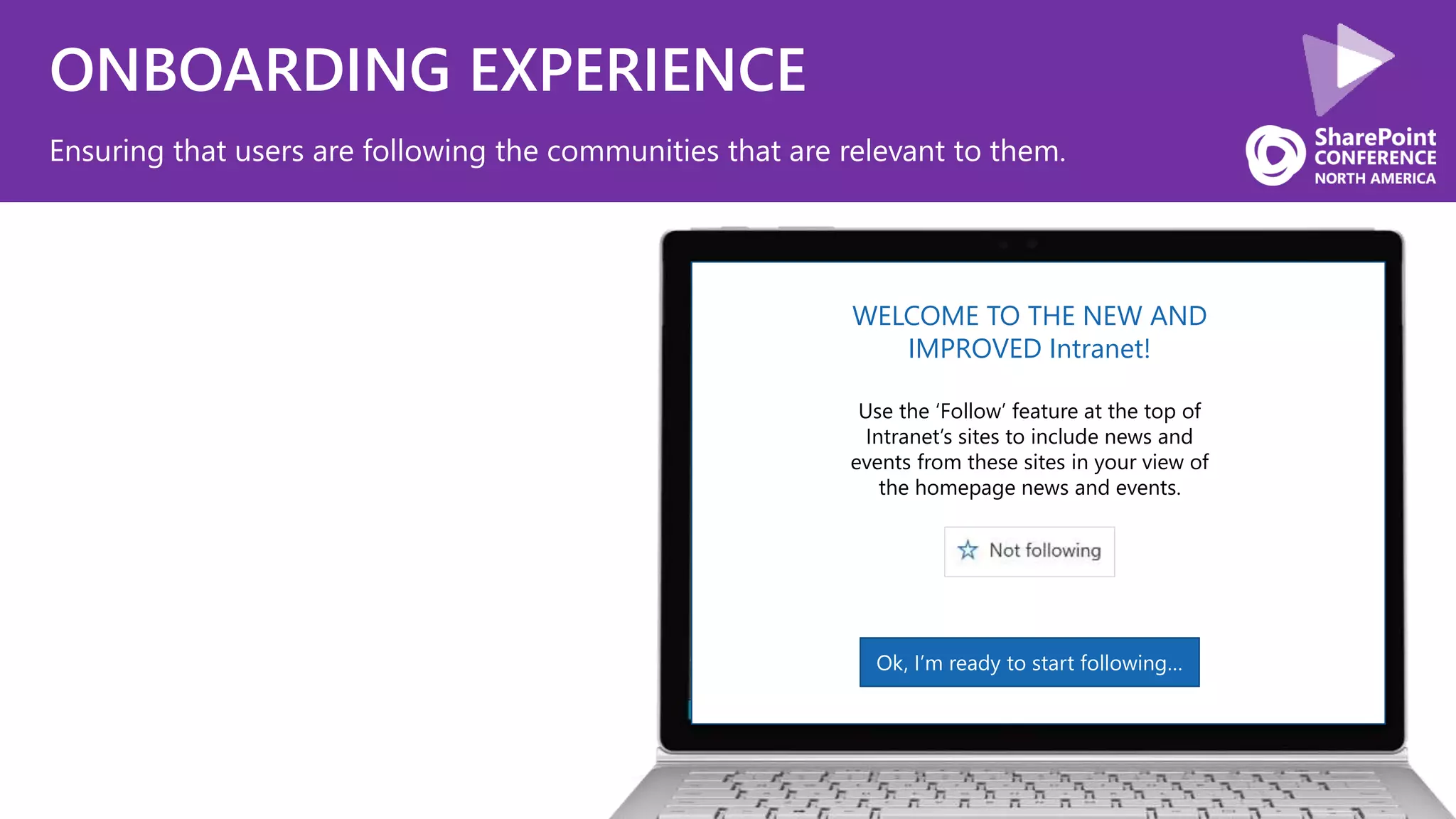
ONBOARDING EXPERIENCE
Ensuring that users are following the communities that are relevant to them.
WELCOME TO THE NEW AND
IMPROVED Intranet!
Use the ‘Follow’ feature at the top of
Intranet’s sites to include news and
events from these sites in your view of
the homepage news and events.
Ok, I’m ready to start following…
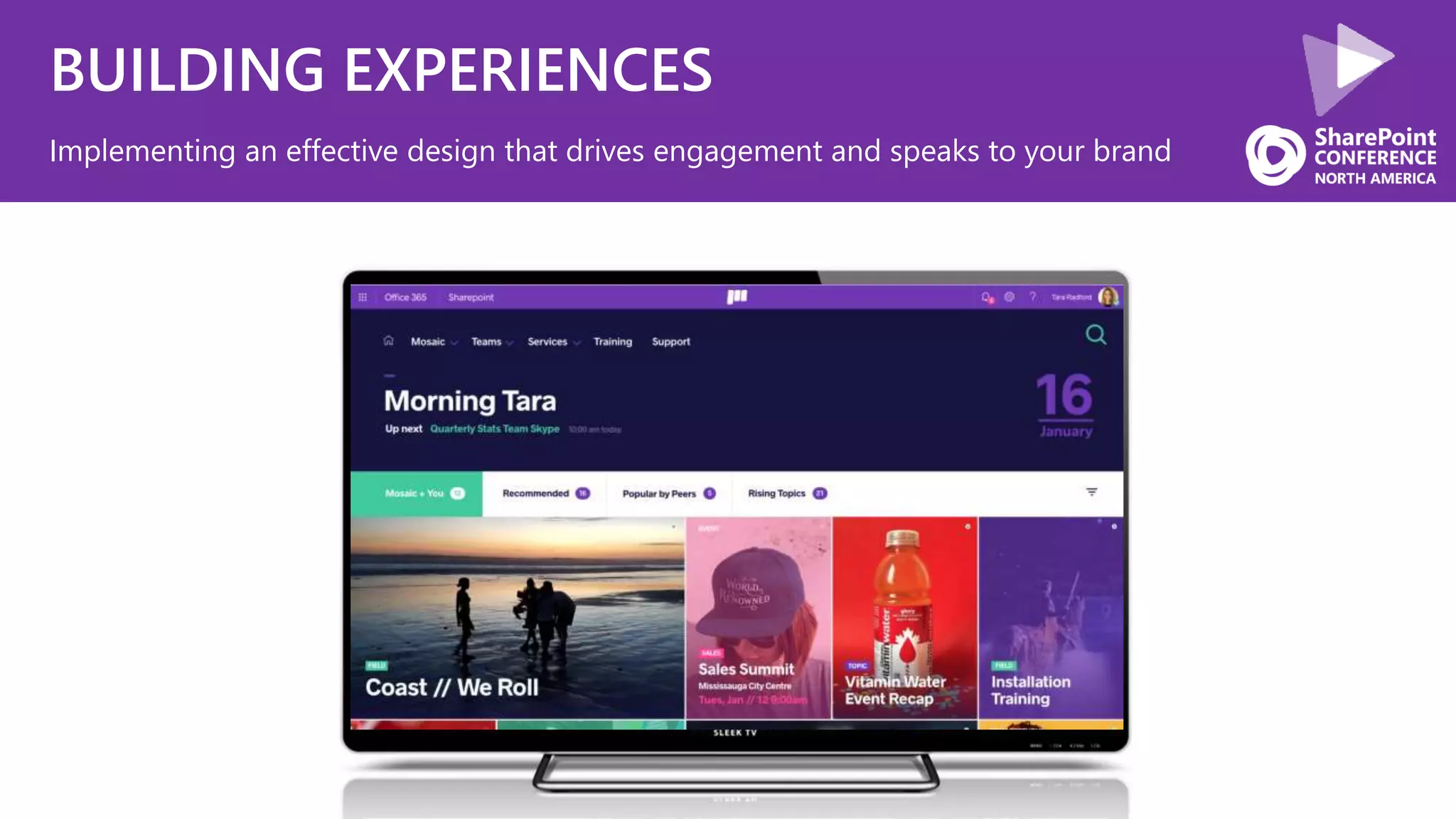
BUILDING EXPERIENCES
Implementing an effective design that drives engagement and speaks to your brand
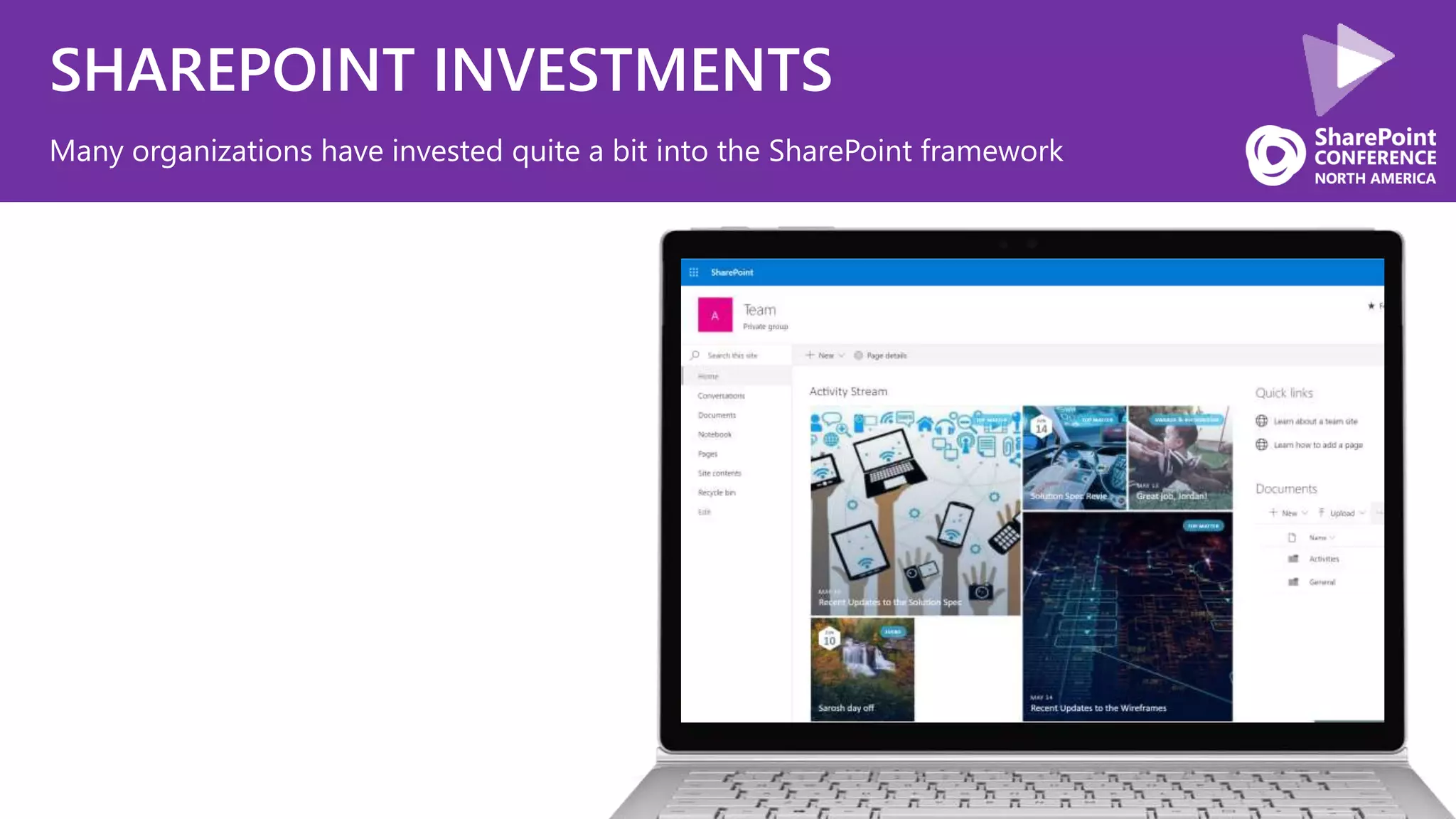
SHAREPOINT INVESTMENTS
Many organizations have invested quite a bit into the SharePoint framework
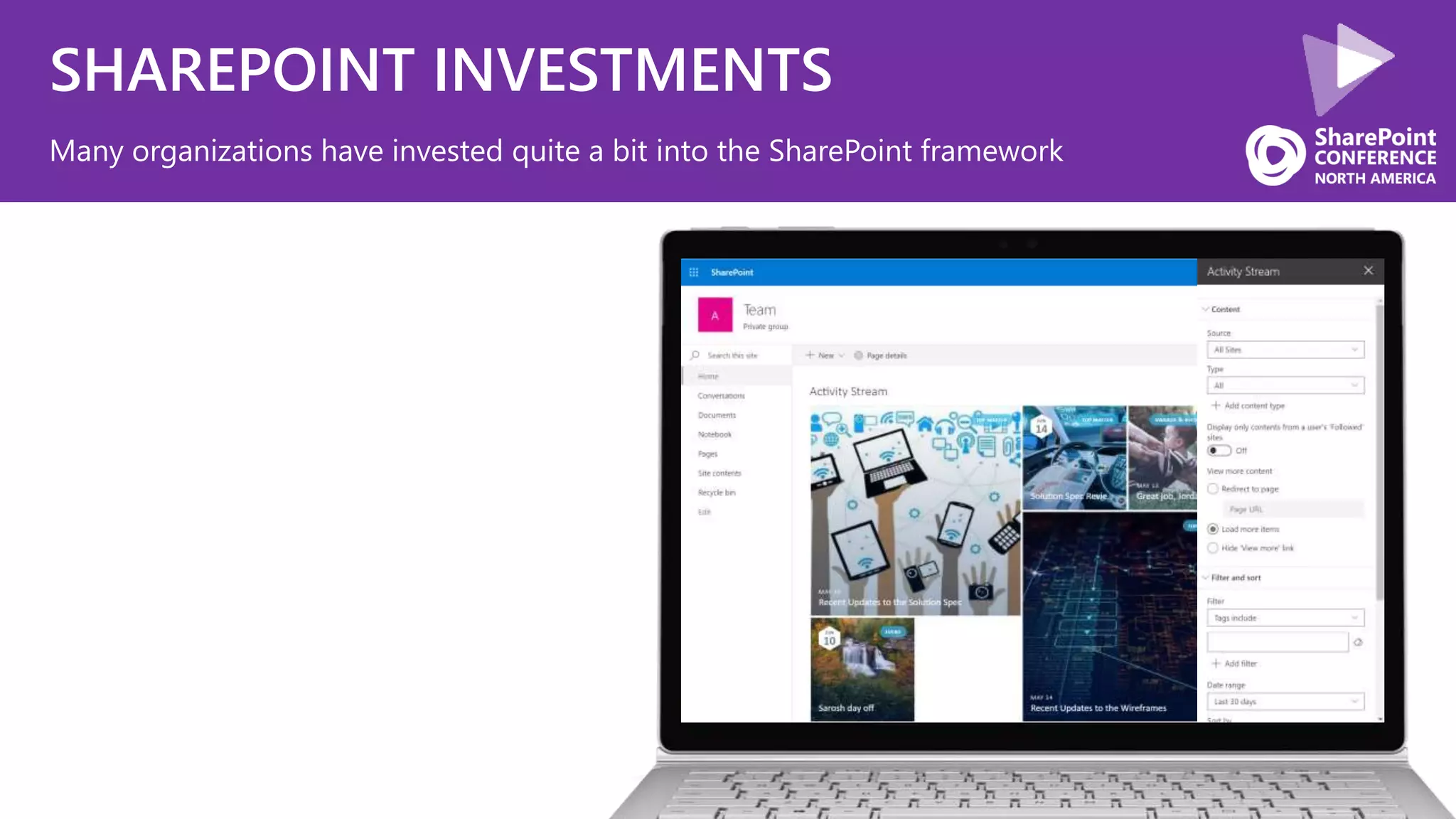
SHAREPOINT INVESTMENTS
Many organizations have invested quite a bit into the SharePoint framework
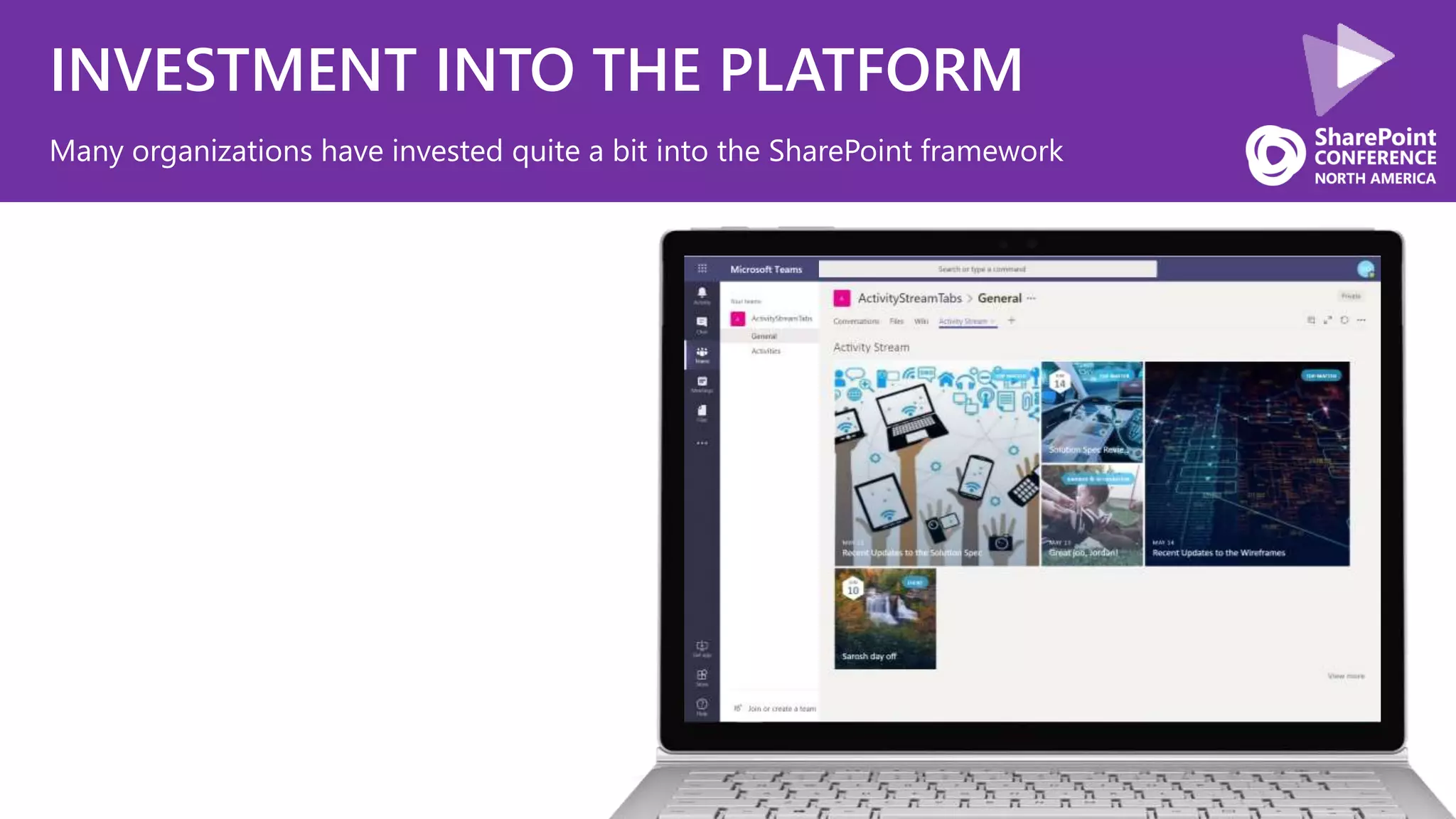
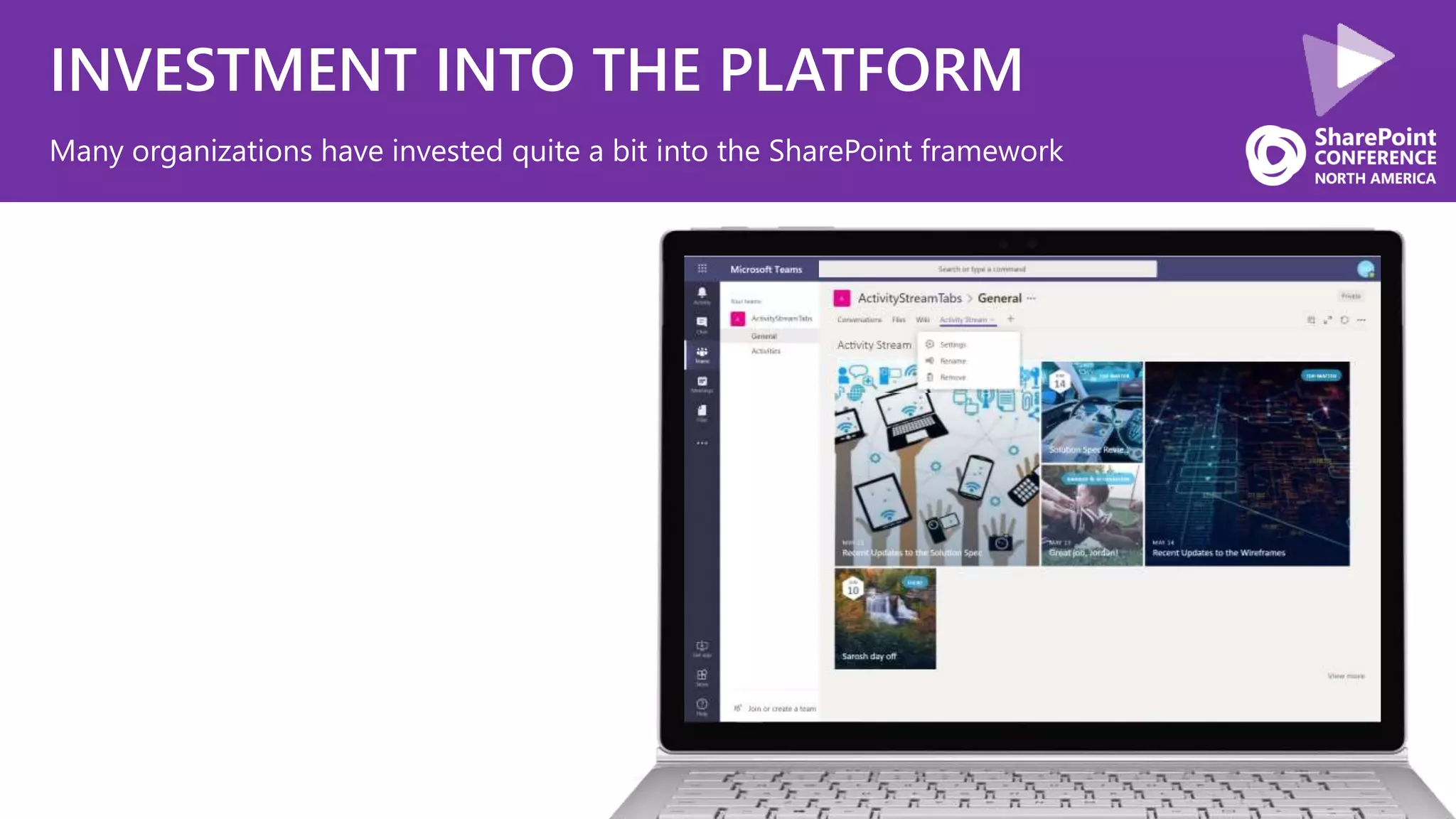
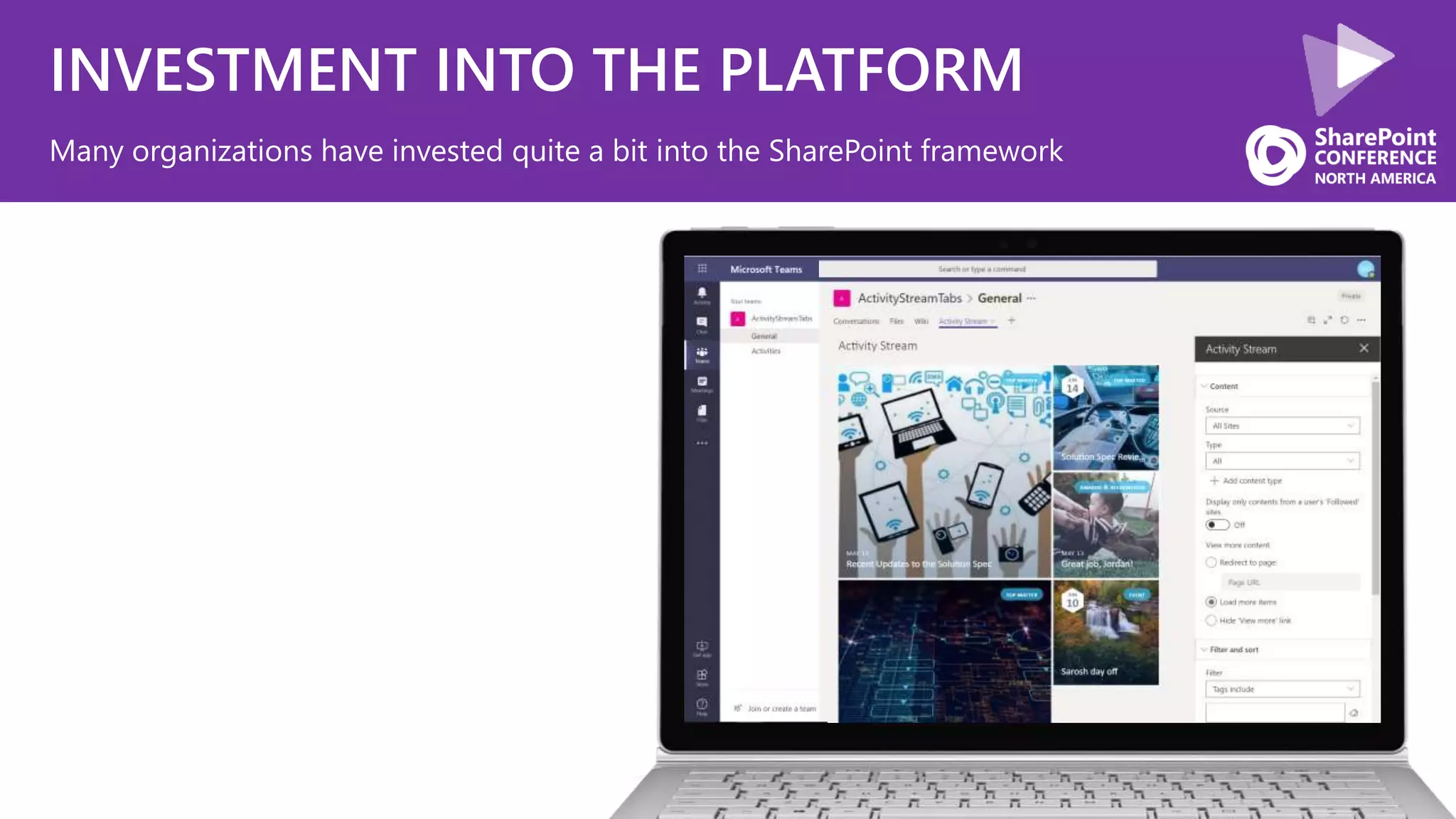
INVESTMENT INTO THE PLATFORM
Many organizations have invested quite a bit into the SharePoint framework
INVESTMENT INTO THE PLATFORM
Many organizations have invested quite a bit into the SharePoint framework
INVESTMENT INTO THE PLATFORM
Many organizations have invested quite a bit into the SharePoint framework
CONTINUE INVESTING
INTEGRATION
CONVERSATION UI
CULTURE
What we are going to cover today
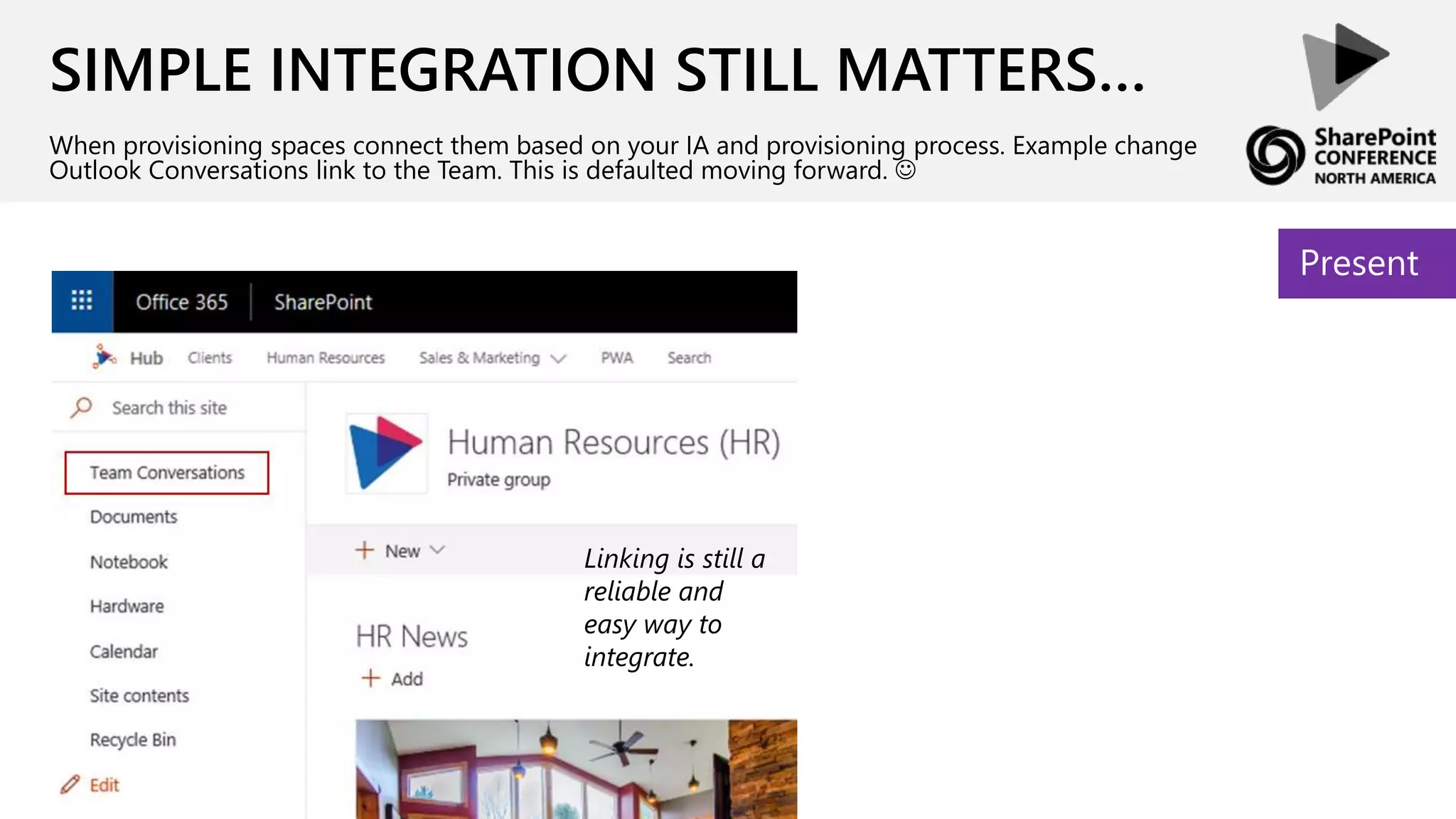
SIMPLE INTEGRATION STILL MATTERS…
When provisioning spaces connect them based on your IA and provisioning process. Example change
Outlook Conversations link to the Team. This is defaulted moving forward. 
Present
Linking is still a
reliable and
easy way to
integrate.
TIME TO VALUE FOR INTEGRATION…
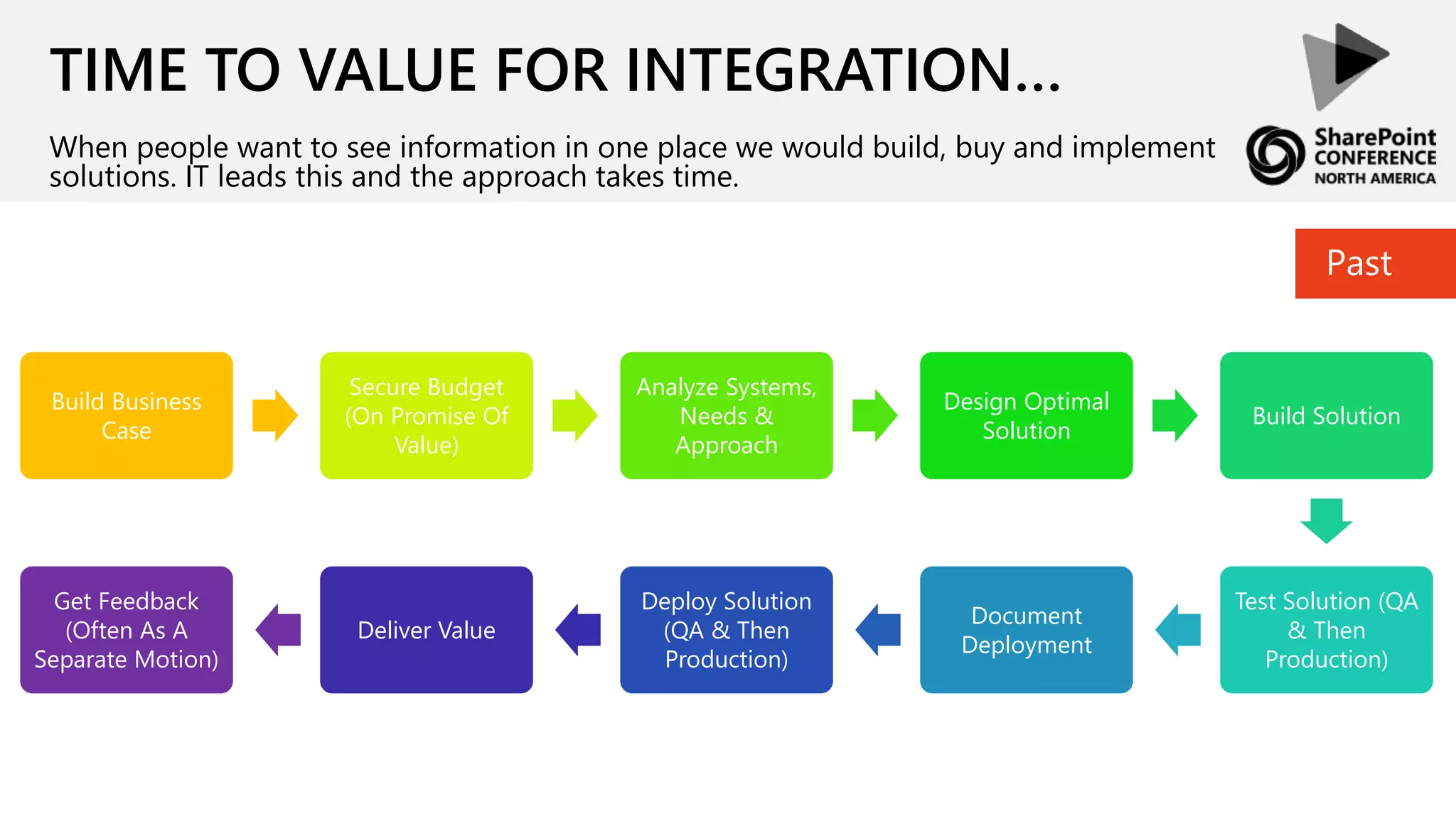
When people want to see information in one place we would build, buy and implement
solutions. IT leads this and the approach takes time.
Build Business
Case
Secure Budget
(On Promise Of
Value)
Analyze Systems,
Needs &
Approach
Design Optimal
Solution
Build Solution
Test Solution (QA
& Then
Production)
Document
Deployment
Deploy Solution
(QA & Then
Production)
Deliver Value
Get Feedback
(Often As A
Separate Motion)
Past
TIME TO VALUE FOR INTEGRATION…
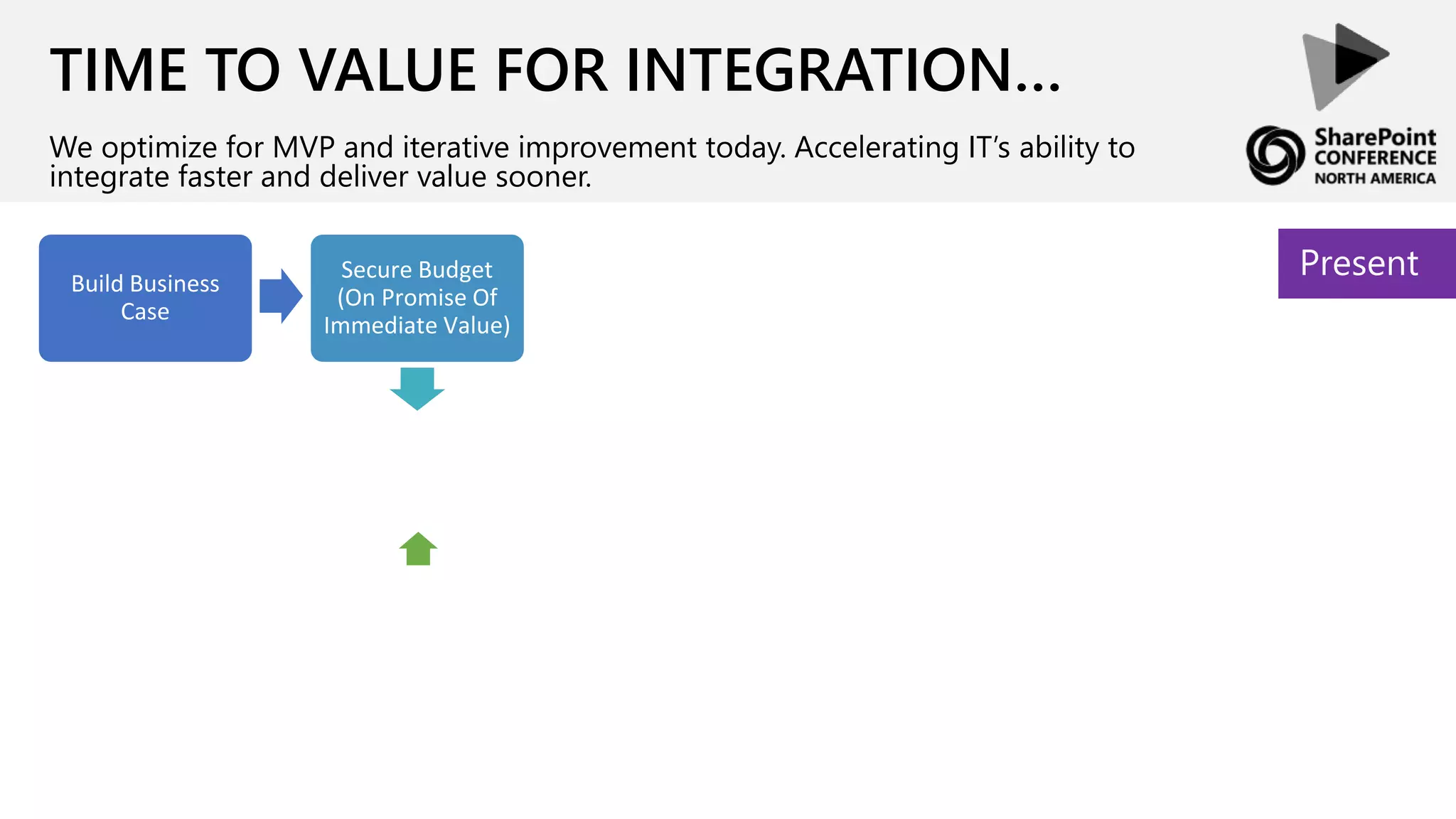
We optimize for MVP and iterative improvement today. Accelerating IT’s ability to
integrate faster and deliver value sooner.
PresentSecure Budget
(On Promise Of
Immediate Value)
Build Business
Case
TIME TO VALUE FOR INTEGRATION…
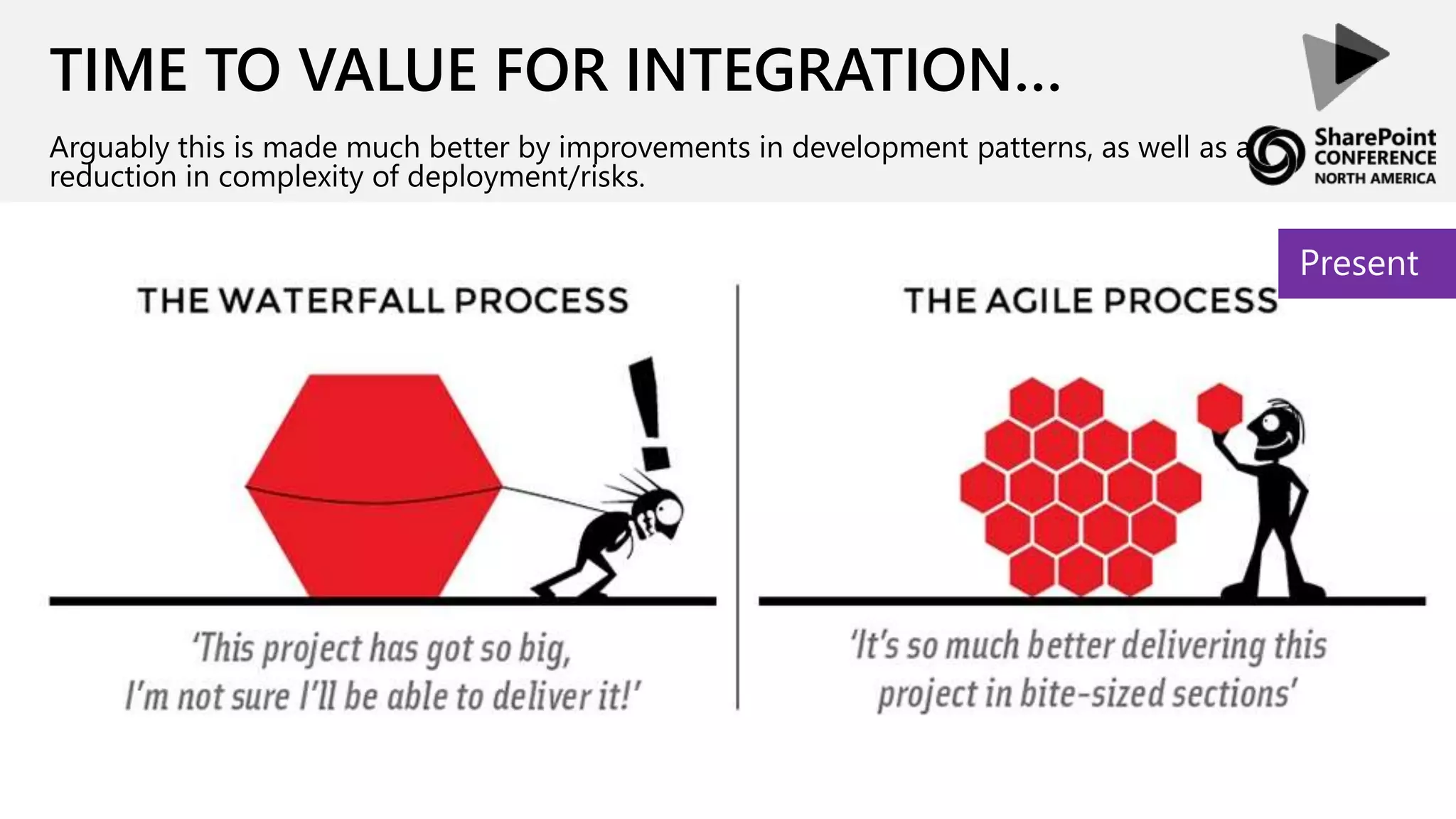
Arguably this is made much better by improvements in development patterns, as well as a
reduction in complexity of deployment/risks.
Present
Full Trust
Code
Web
Parts
Features
Event
Receivers
TIME TO VALUE FOR INTEGRATION…
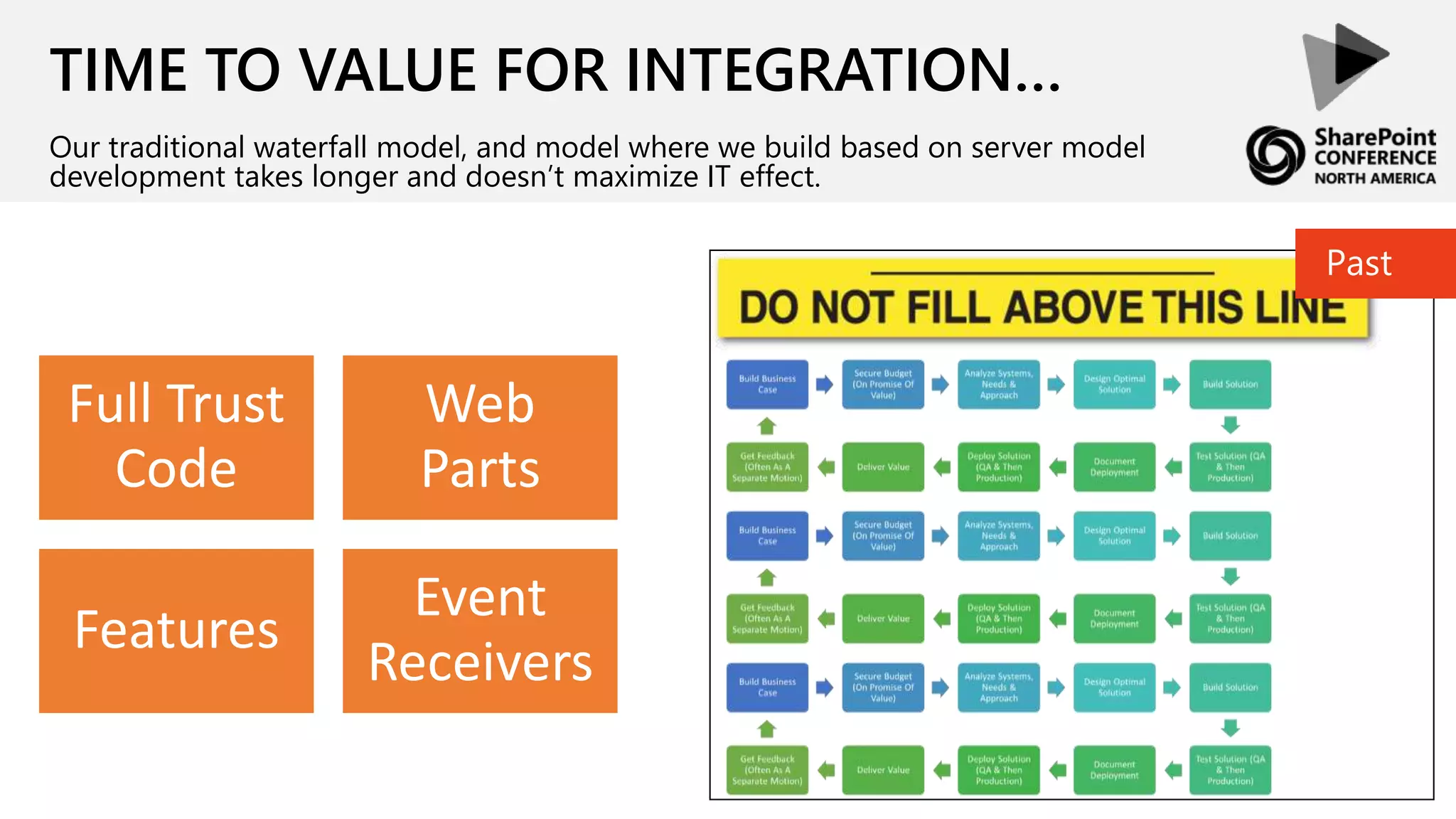
Our traditional waterfall model, and model where we build based on server model
development takes longer and doesn’t maximize IT effect.
Past
Client Side
Web Parts
Cloud
Services
TIME TO VALUE FOR INTEGRATION…
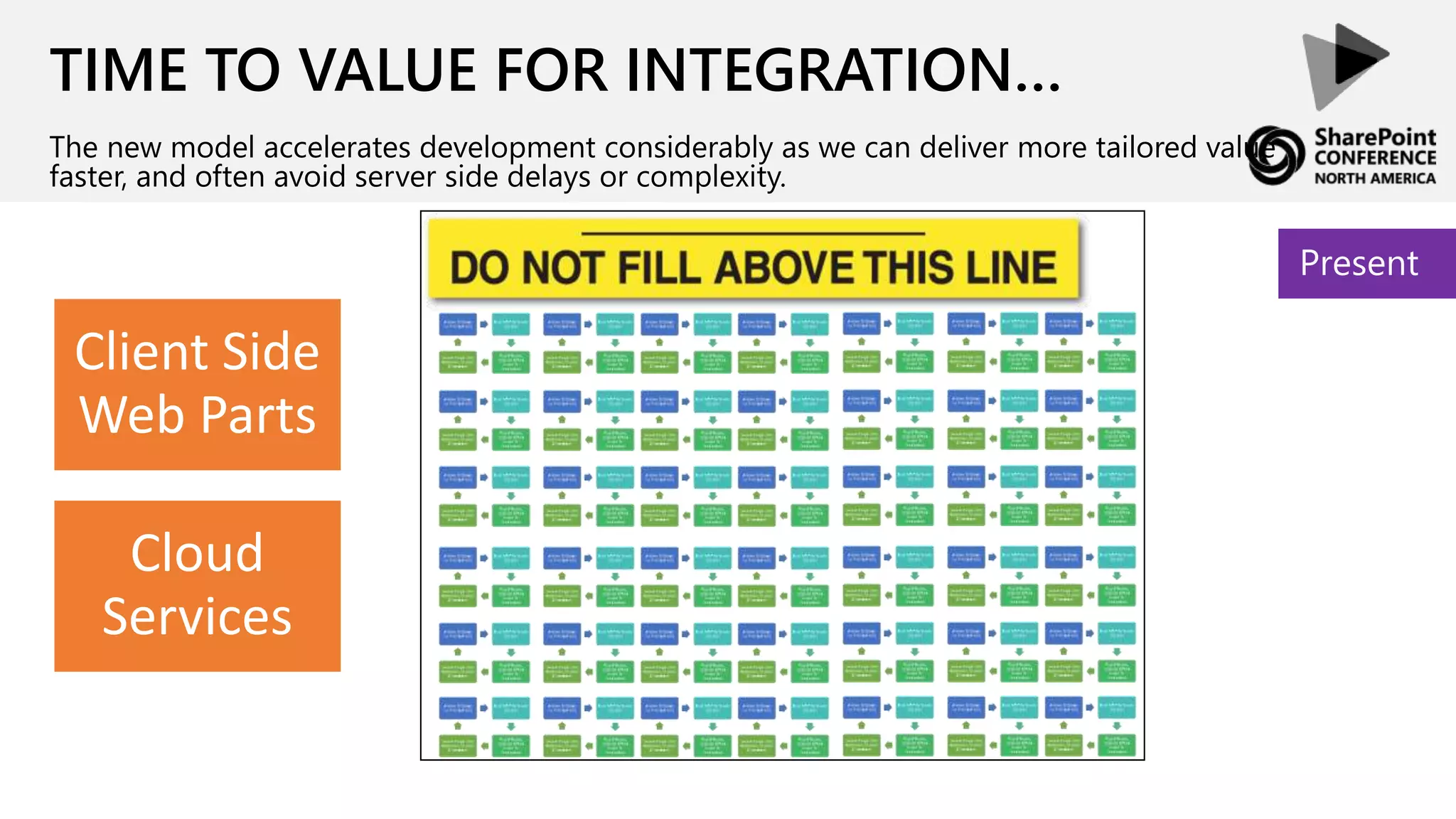
The new model accelerates development considerably as we can deliver more tailored value
faster, and often avoid server side delays or complexity.
Present
TIME TO VALUE FOR INTEGRATION…
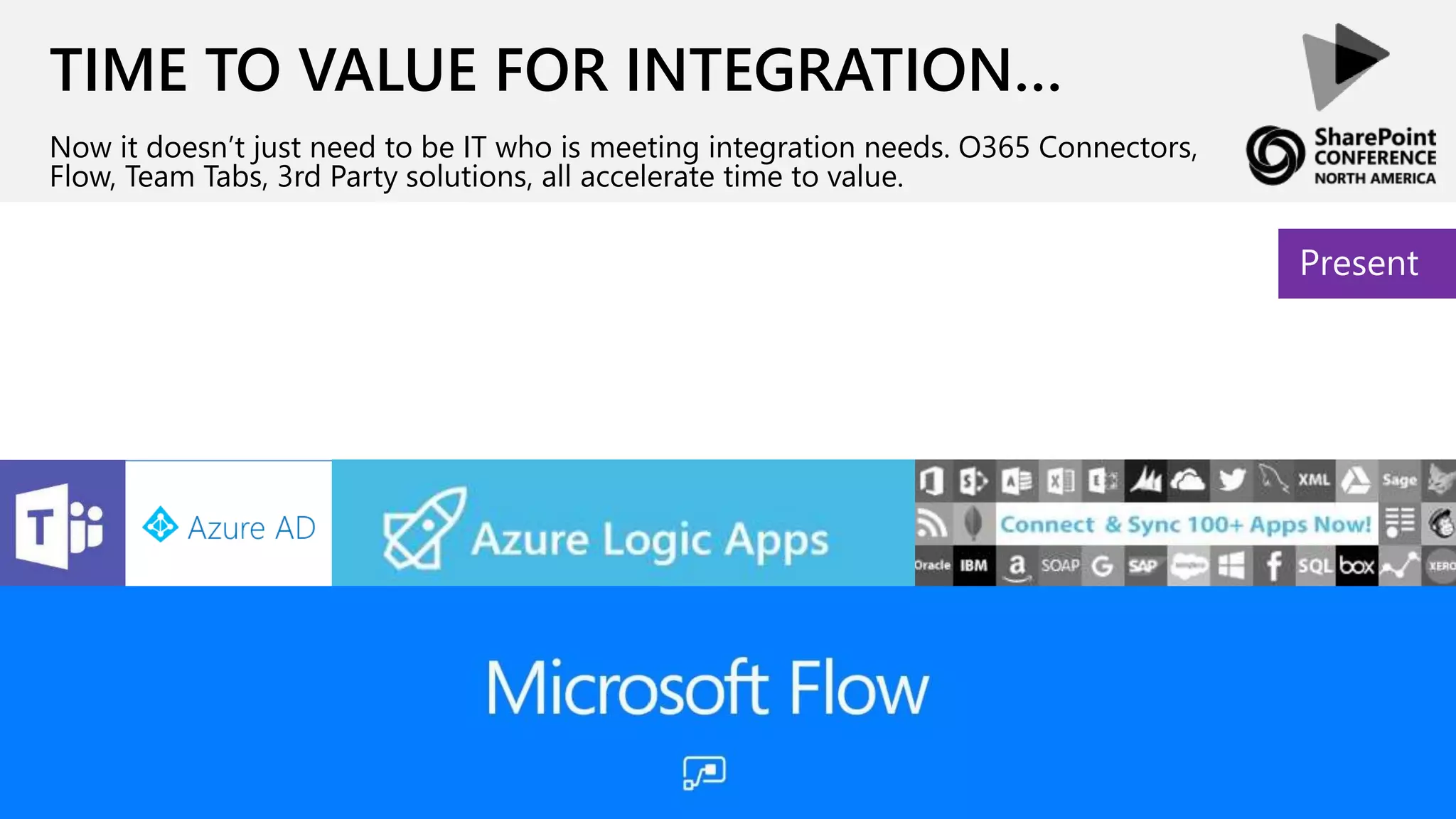
Now it doesn’t just need to be IT who is meeting integration needs. O365 Connectors,
Flow, Team Tabs, 3rd Party solutions, all accelerate time to value.
Present
TIME TO VALUE FOR INTEGRATION…
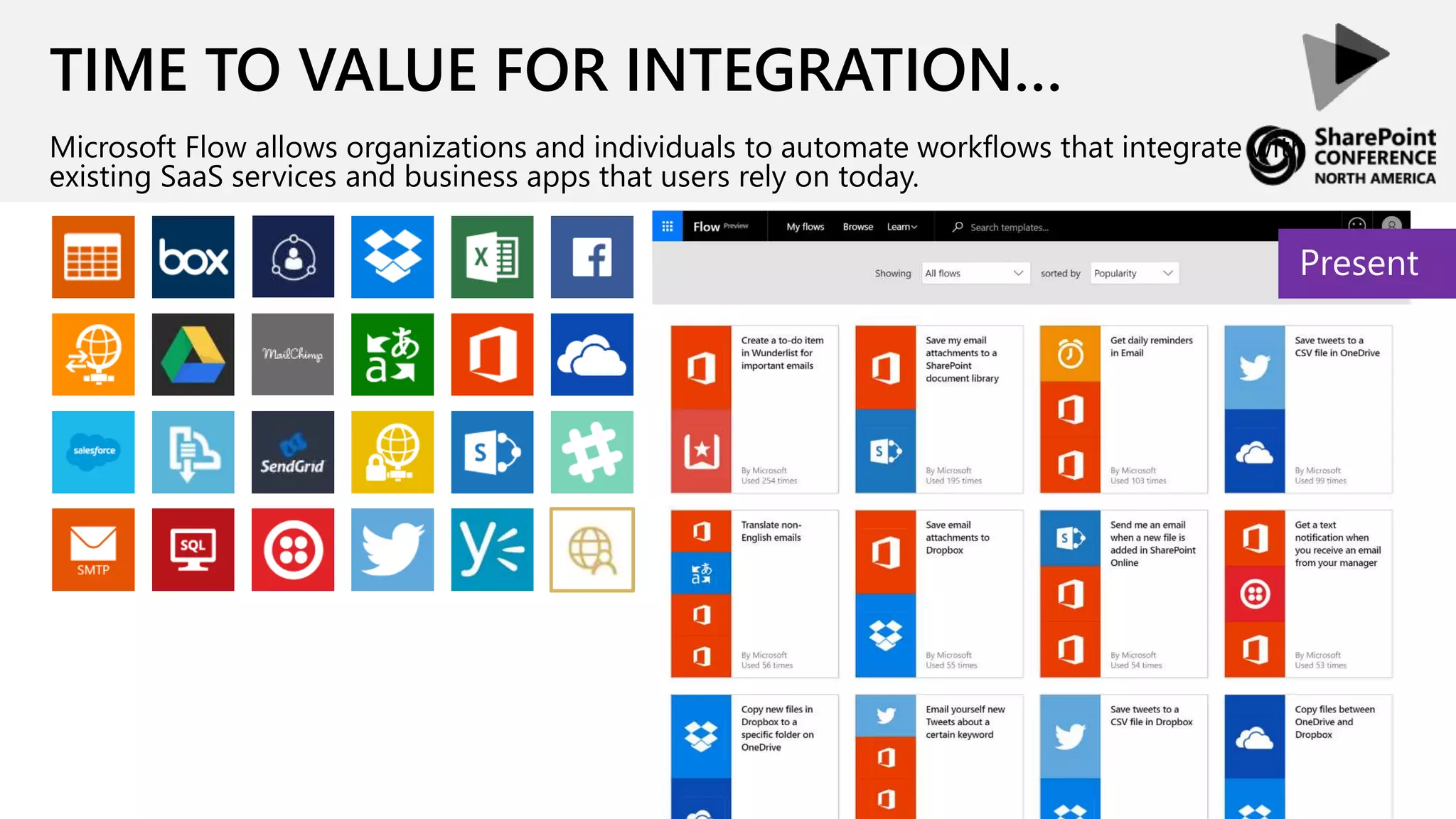
Microsoft Flow allows organizations and individuals to automate workflows that integrate with
existing SaaS services and business apps that users rely on today.
Present
TIME TO VALUE FOR INTEGRATION…
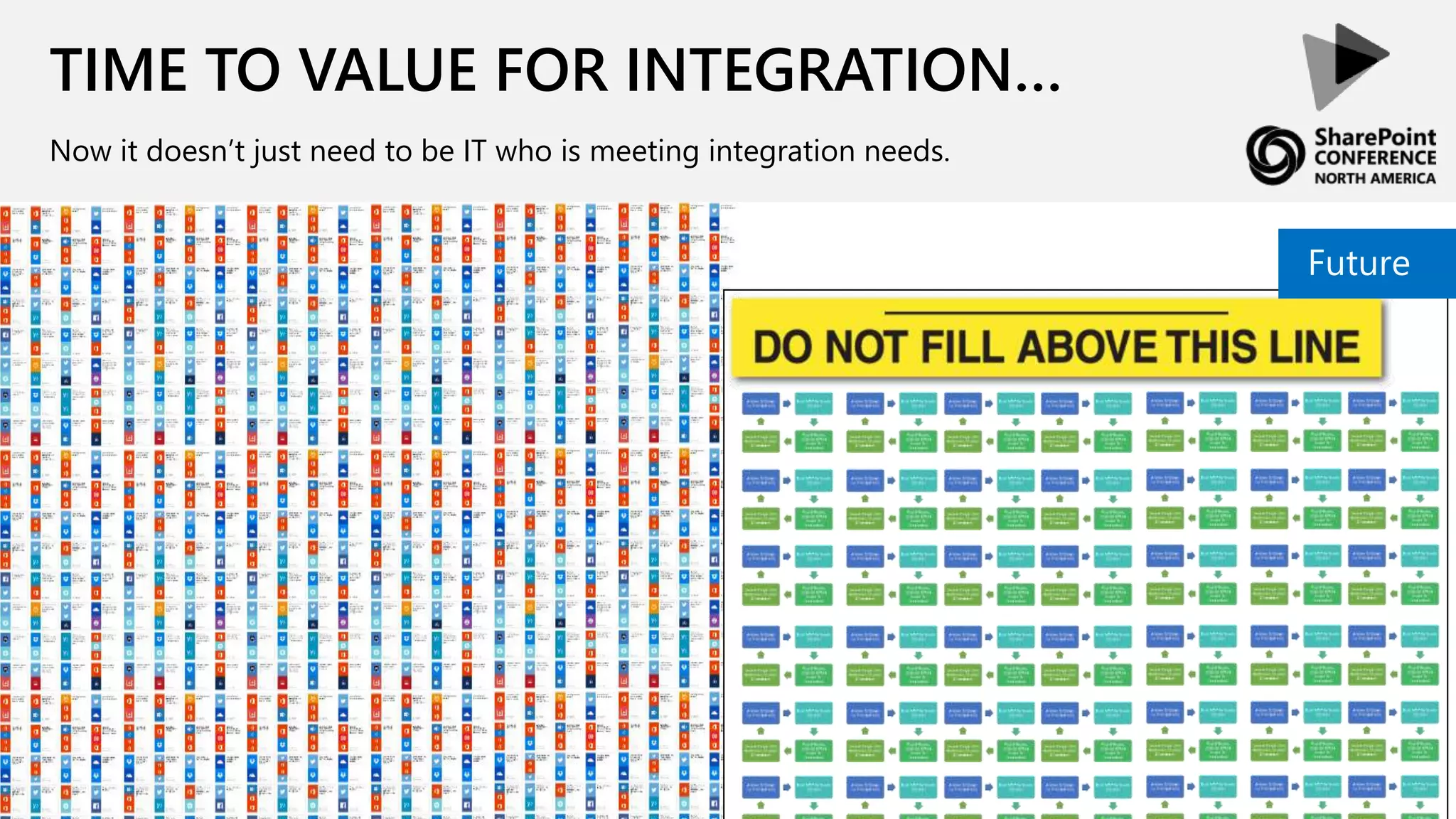
Now it doesn’t just need to be IT who is meeting integration needs.
Future
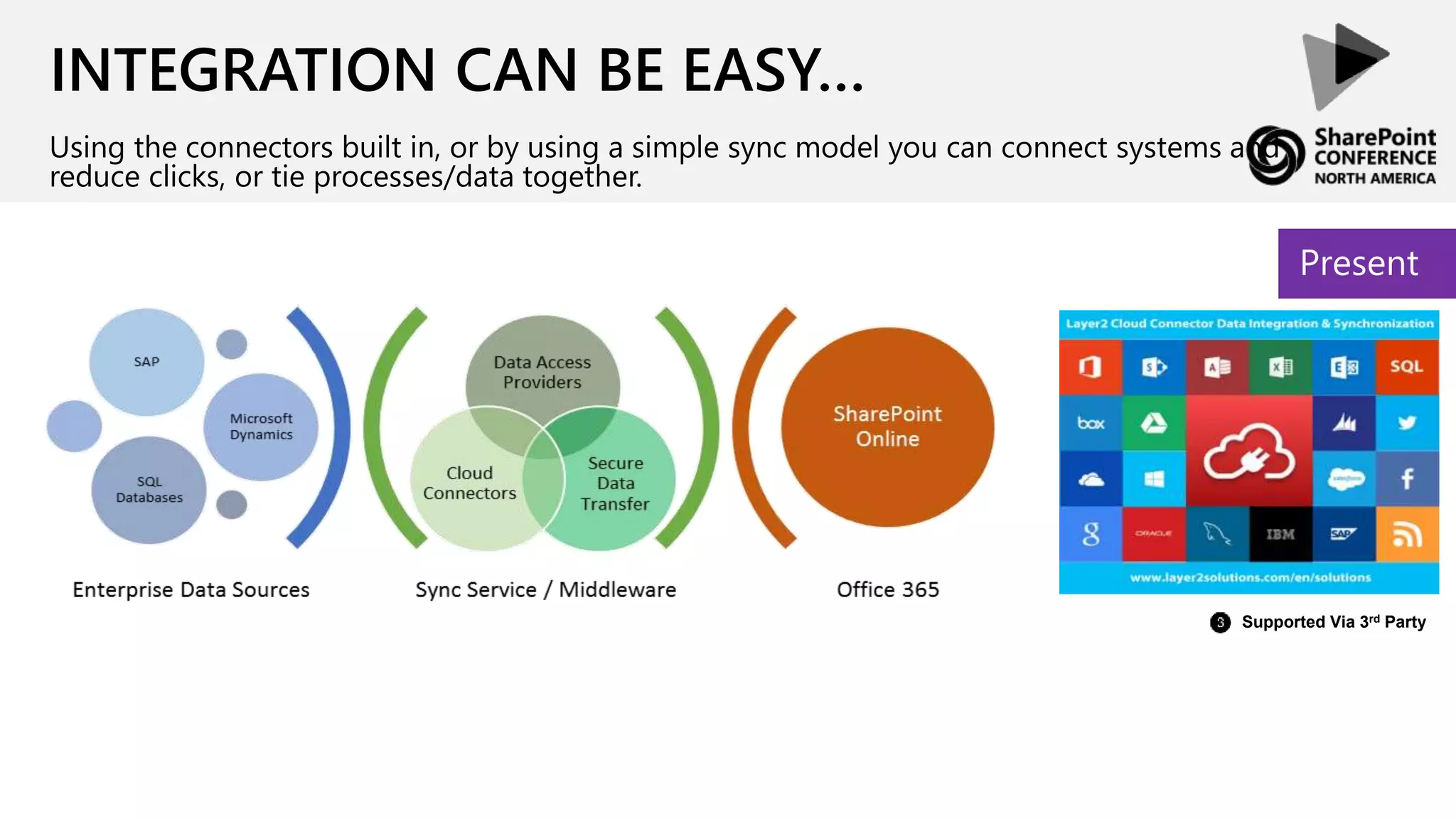
INTEGRATION CAN BE EASY…
Using the connectors built in, or by using a simple sync model you can connect systems and
reduce clicks, or tie processes/data together.
Present
Supported Via 3rd Party
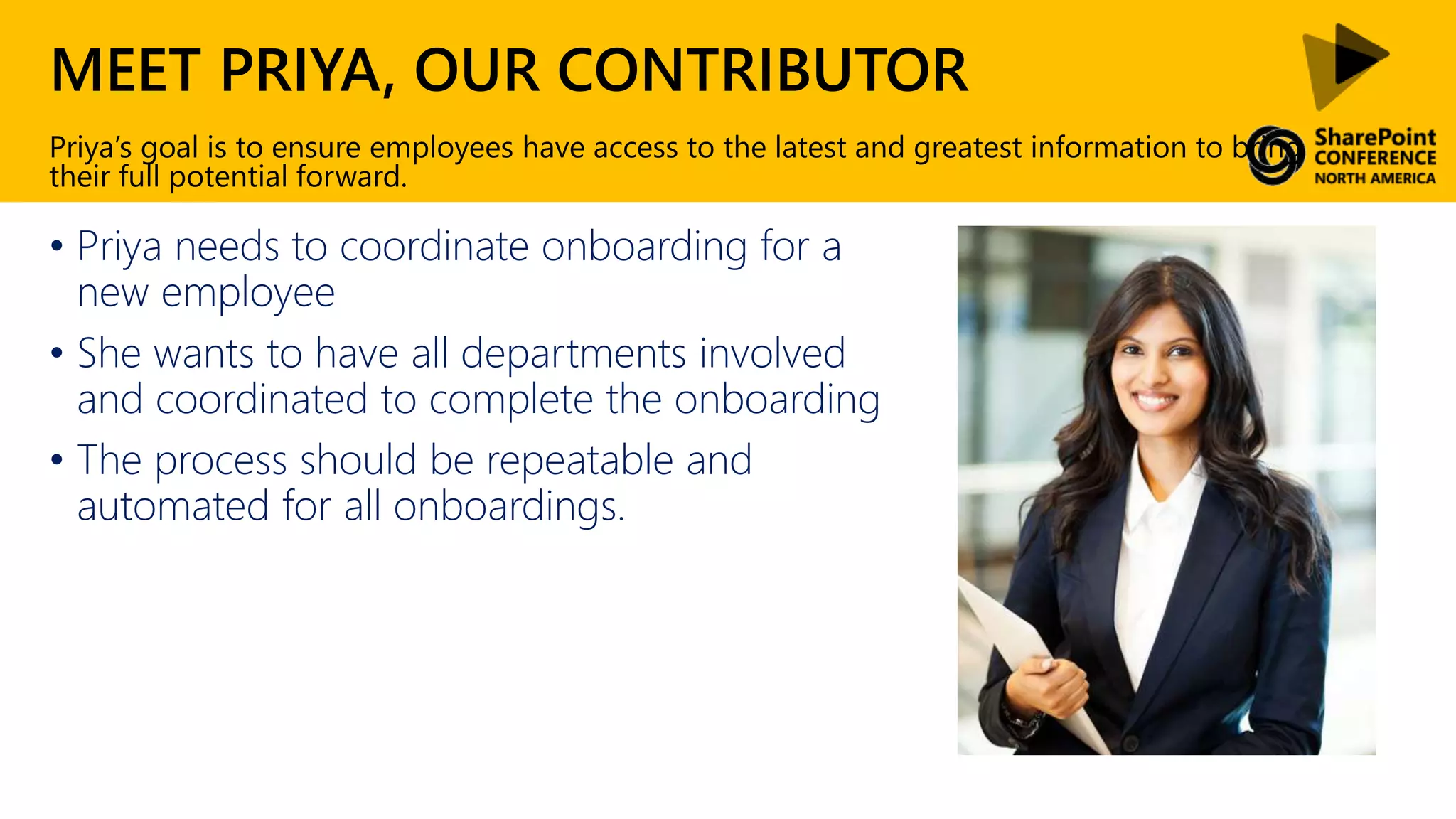
MEET PRIYA, OUR CONTRIBUTOR
• Priya needs to coordinate onboarding for a
new employee
• She wants to have all departments involved
and coordinated to complete the onboarding
• The process should be repeatable and
automated for all onboardings.
Priya’s goal is to ensure employees have access to the latest and greatest information to bring
their full potential forward.
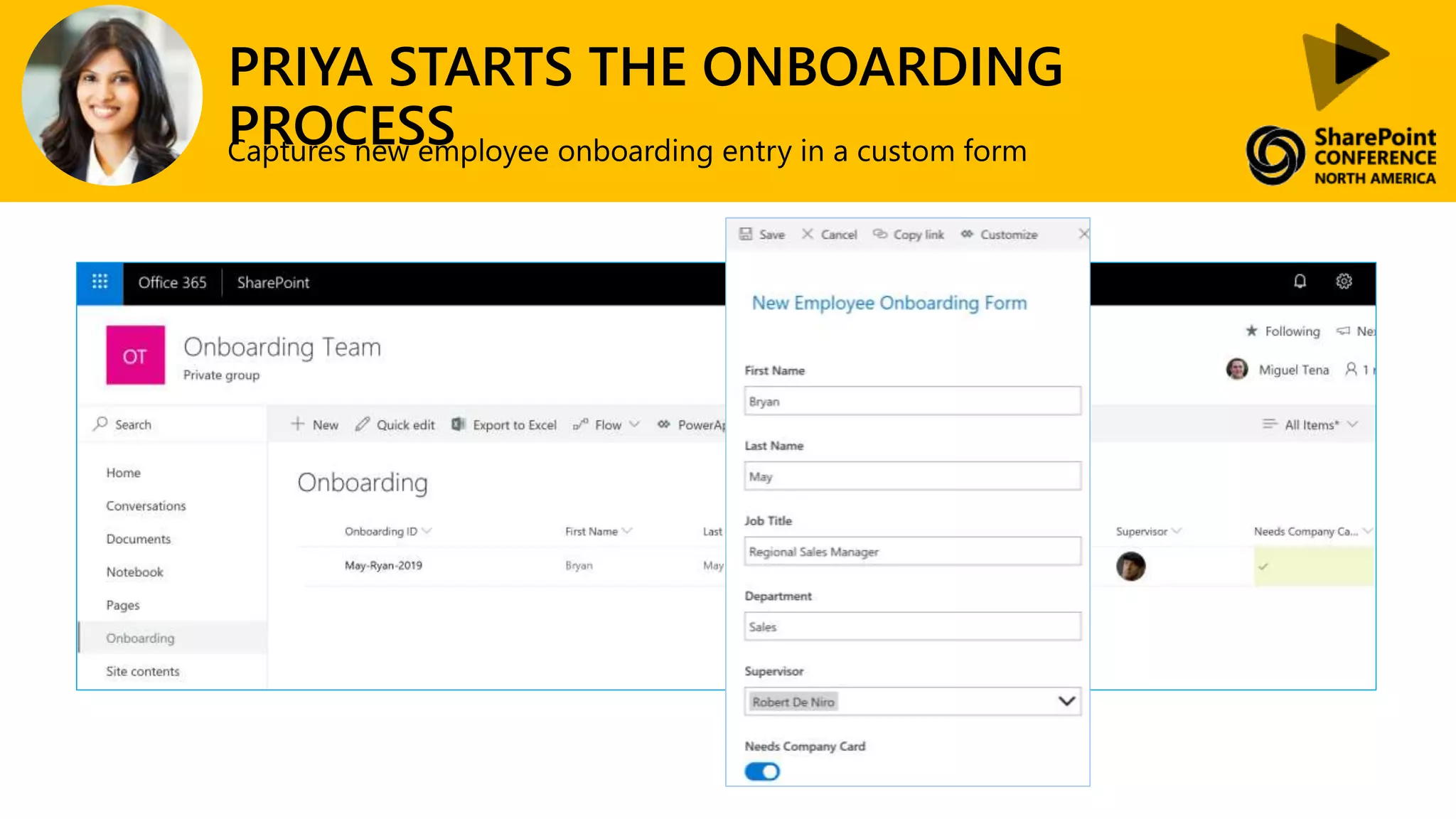
PRIYA STARTS THE ONBOARDING
PROCESSCaptures new employee onboarding entry in a custom form
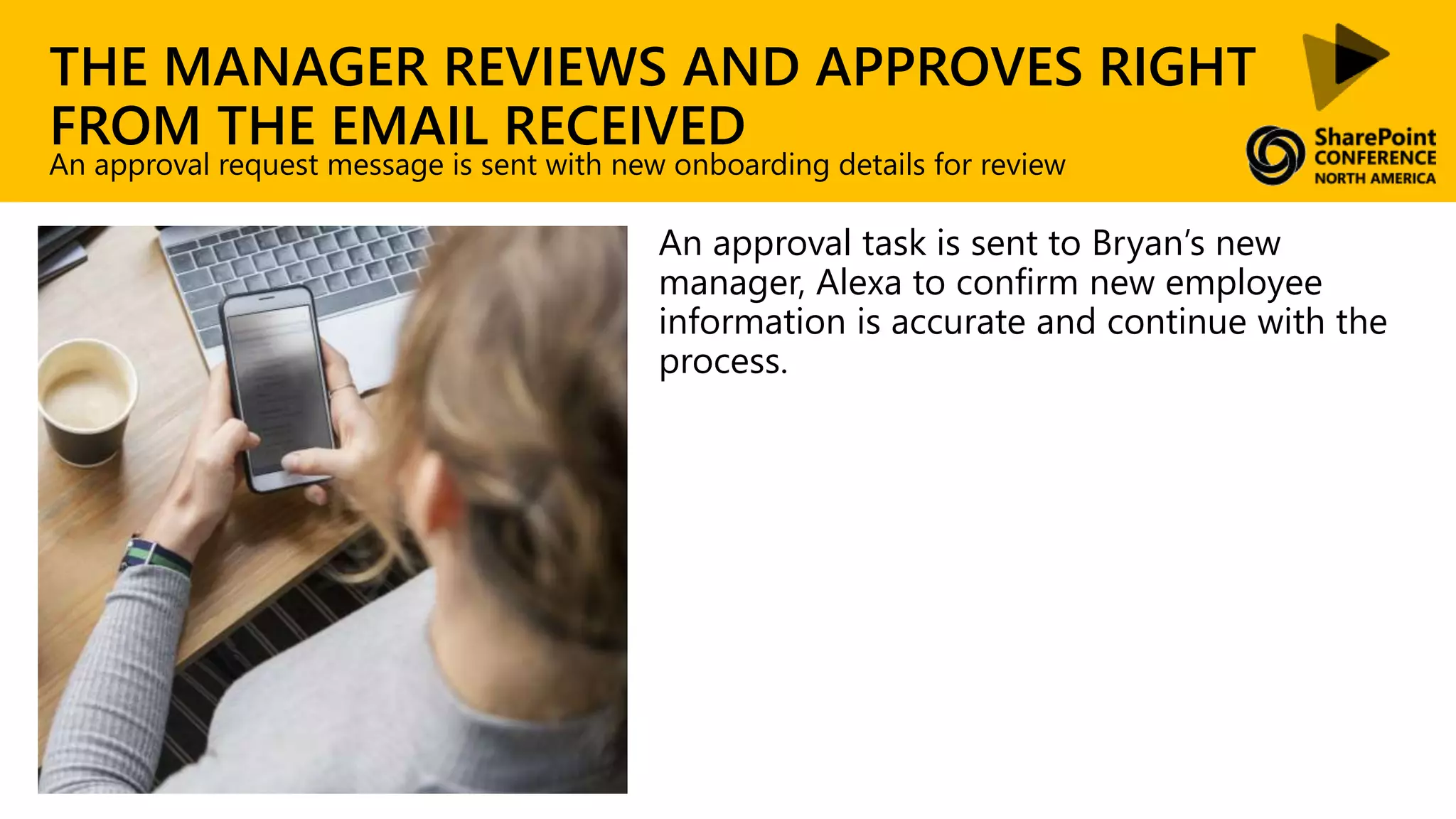
THE MANAGER REVIEWS AND APPROVES RIGHT
FROM THE EMAIL RECEIVED
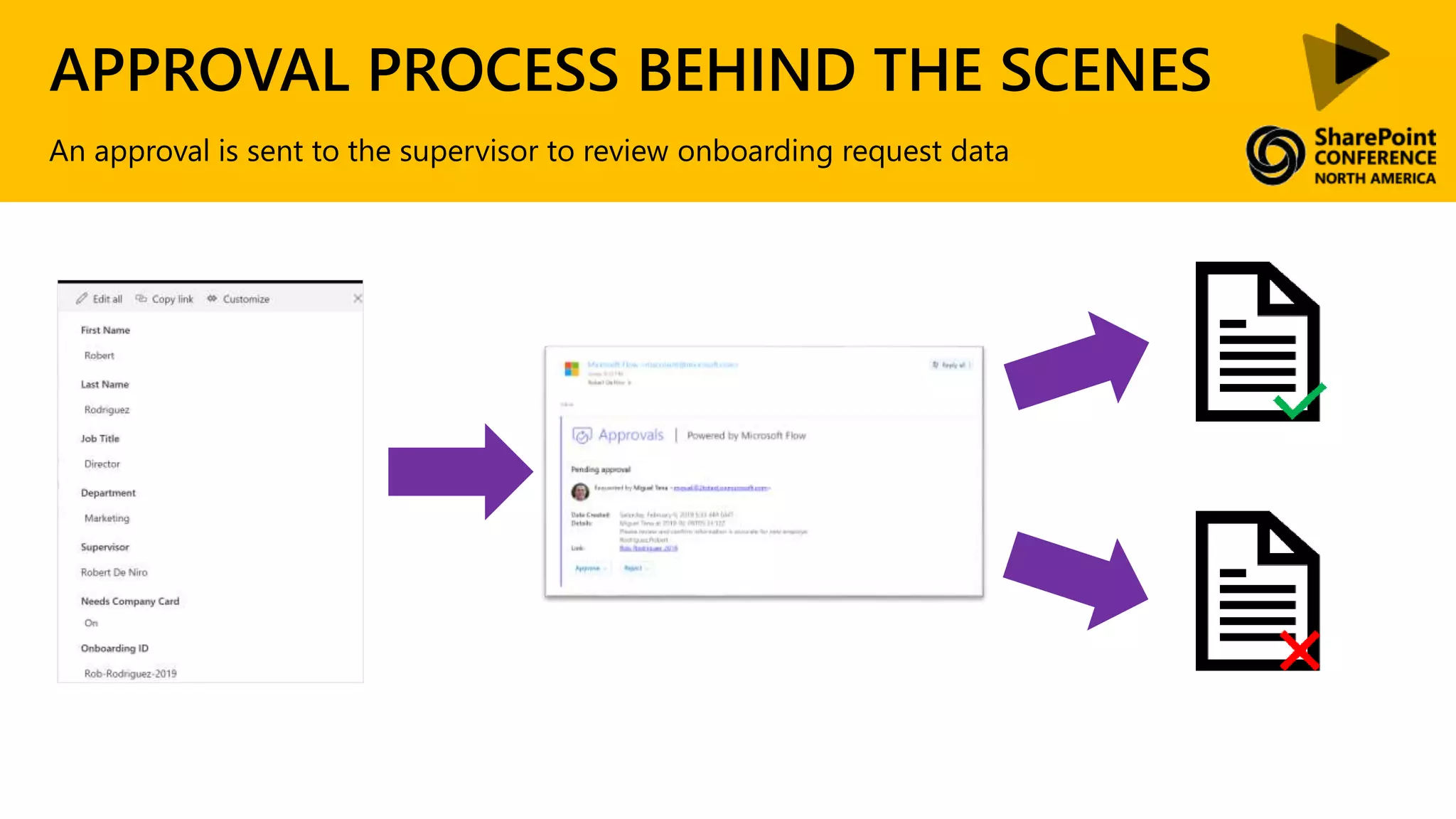
An approval task is sent to Bryan’s new
manager, Alexa to confirm new employee
information is accurate and continue with the
process.
An approval request message is sent with new onboarding details for review
APPROVAL PROCESS BEHIND THE SCENES
An approval is sent to the supervisor to review onboarding request data
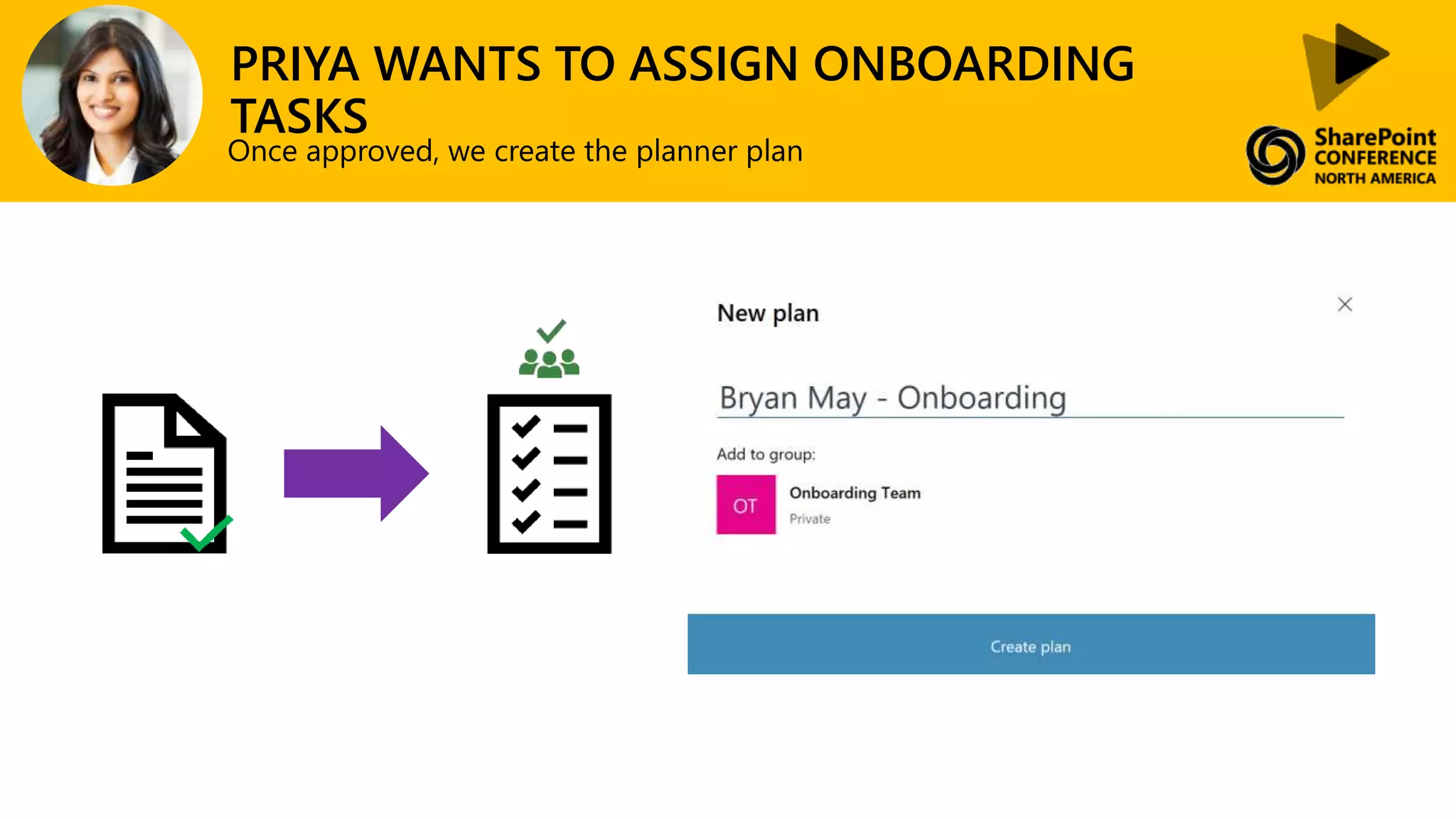
PRIYA WANTS TO ASSIGN ONBOARDING
TASKS
Once approved, we create the planner plan
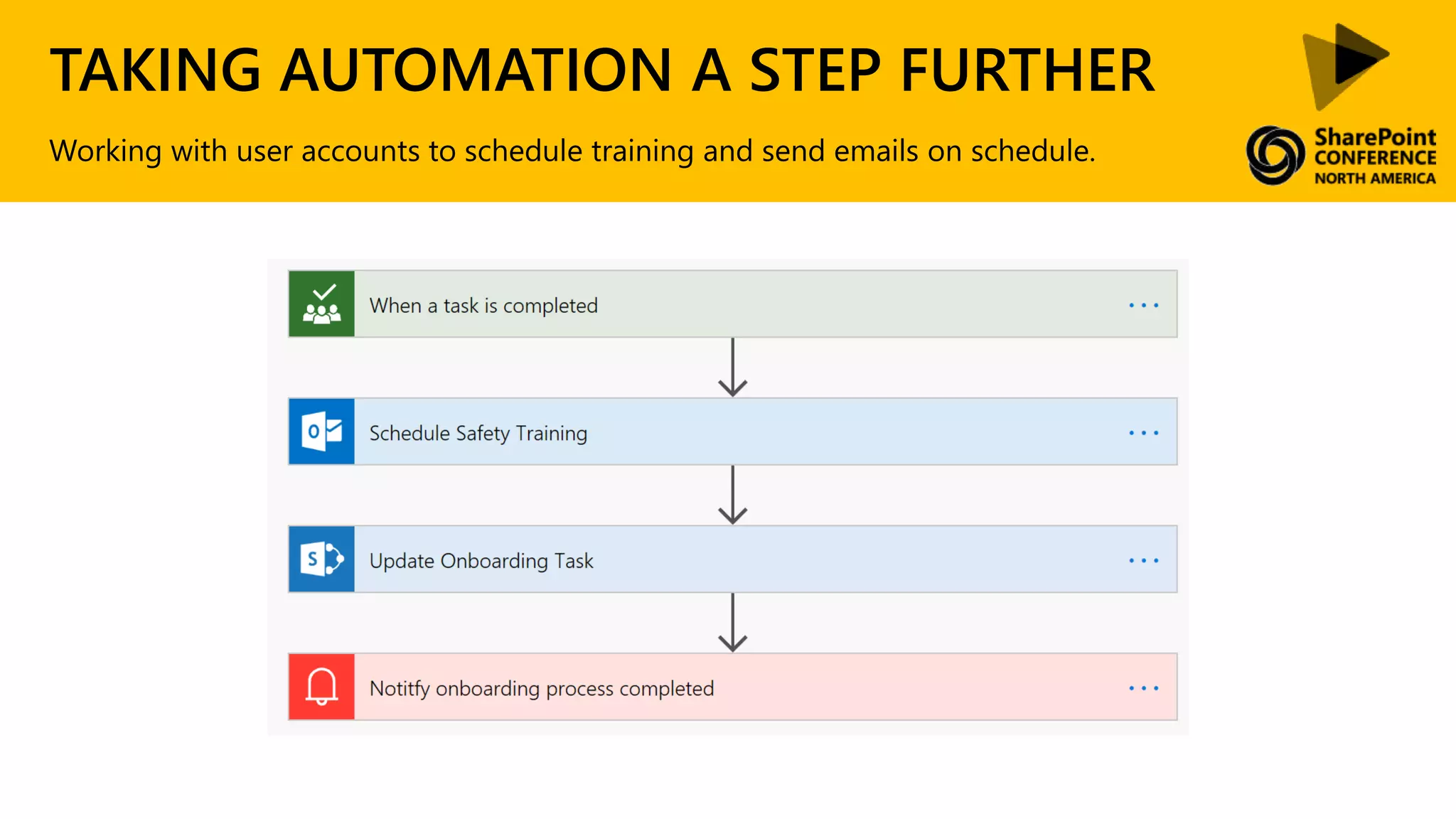
TAKING AUTOMATION A STEP FURTHER
Working with user accounts to schedule training and send emails on schedule.
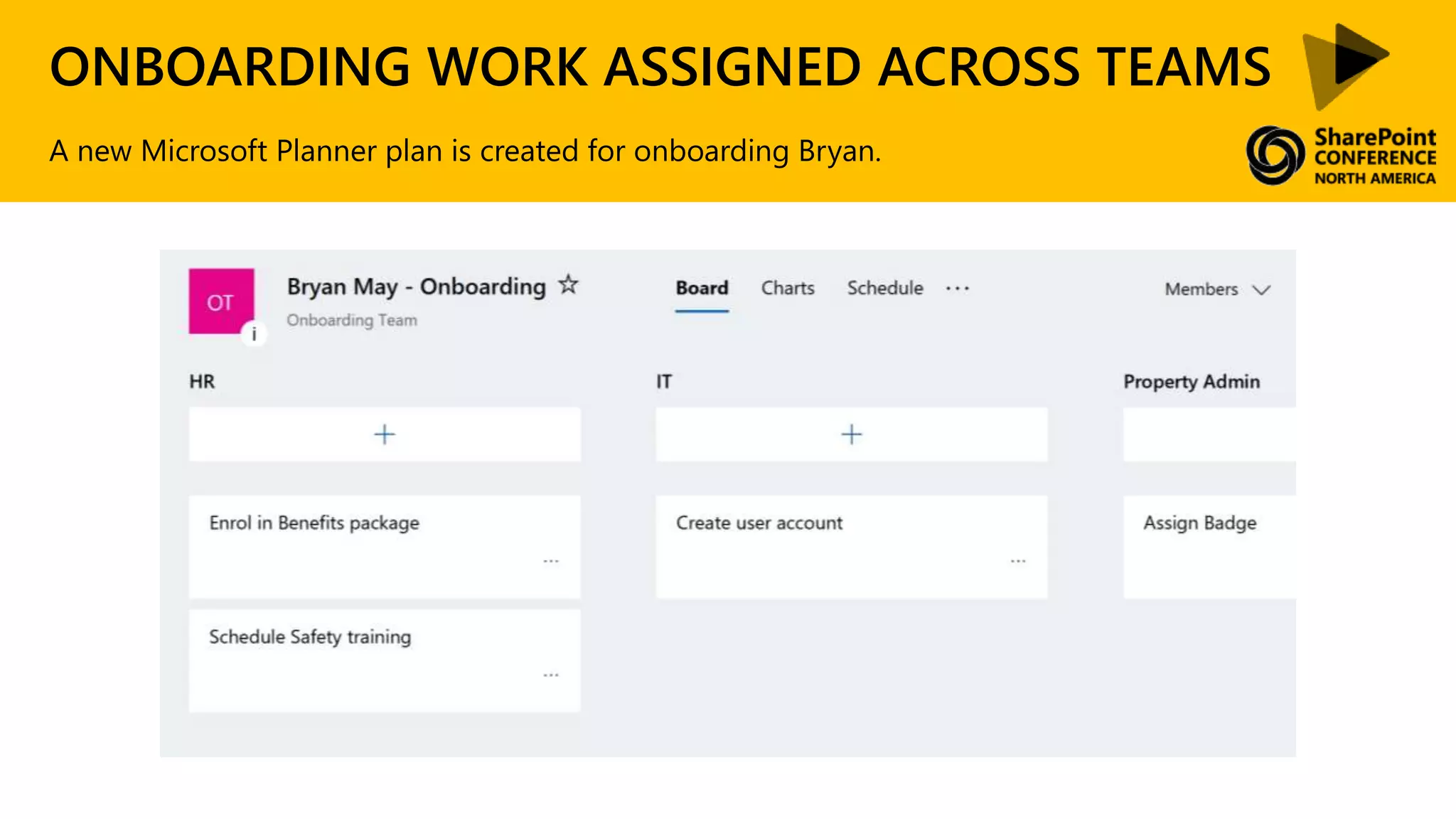
ONBOARDING WORK ASSIGNED ACROSS TEAMS
A new Microsoft Planner plan is created for onboarding Bryan.
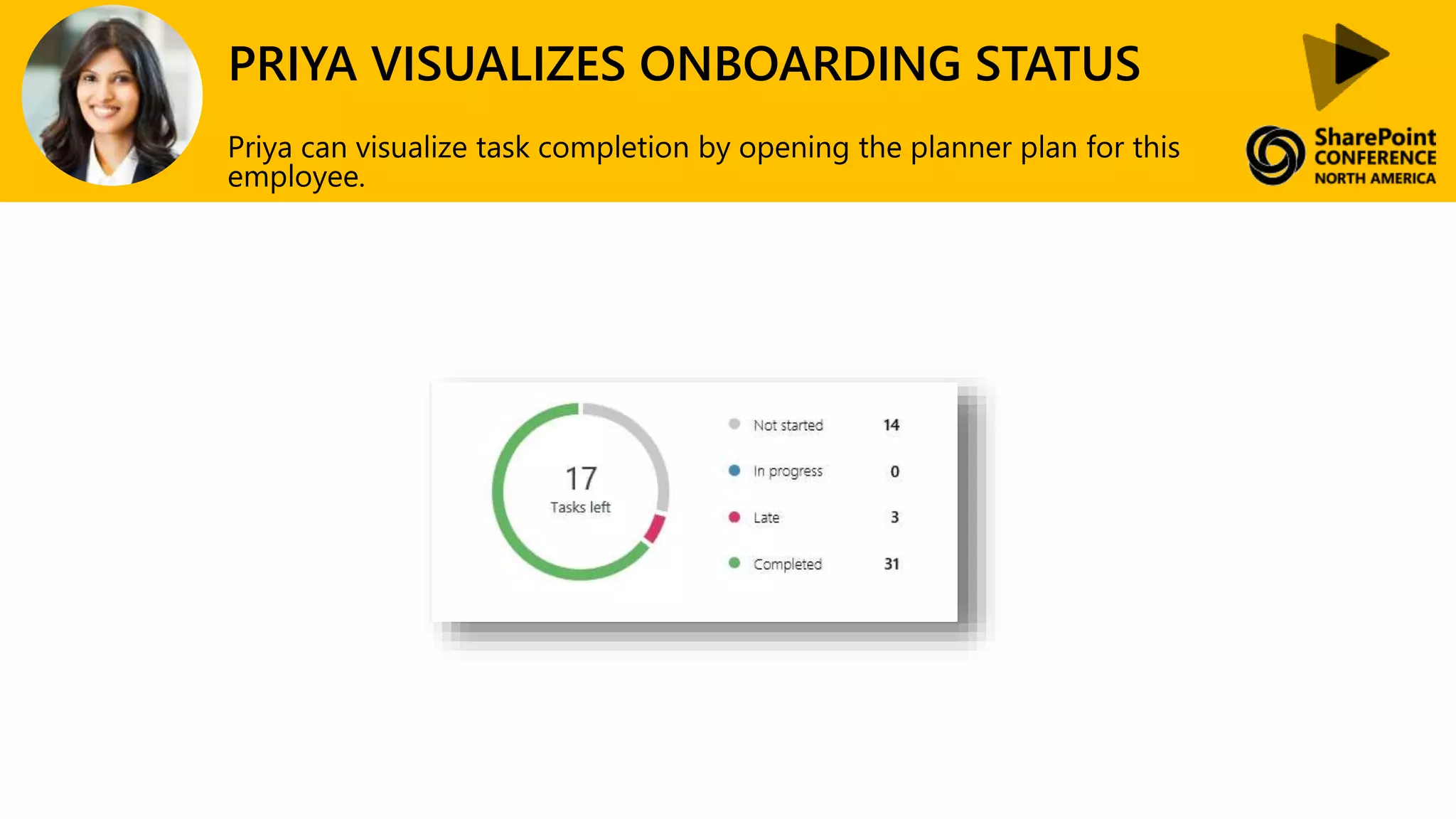
PRIYA VISUALIZES ONBOARDING STATUS
Priya can visualize task completion by opening the planner plan for this
employee.
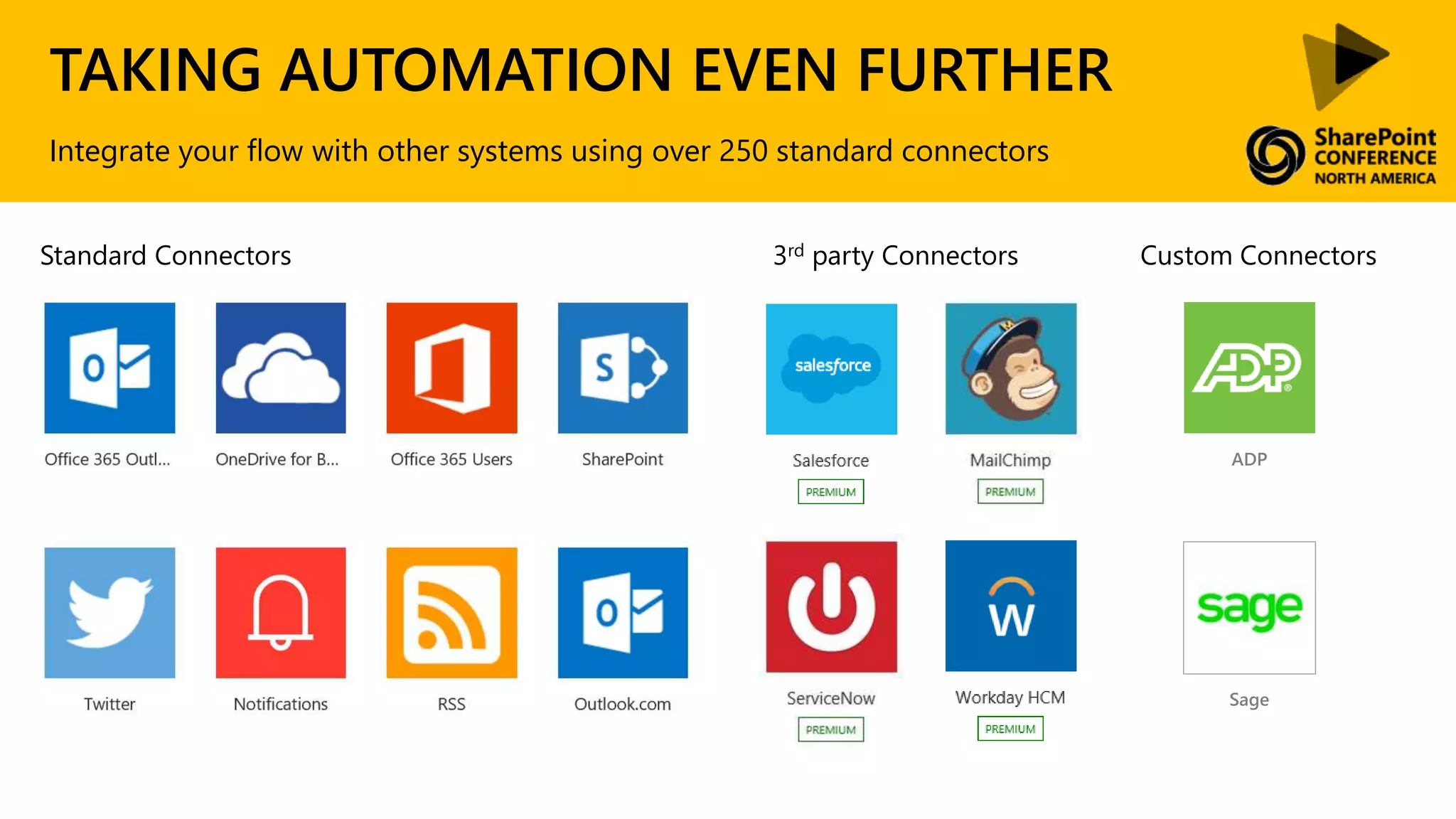
TAKING AUTOMATION EVEN FURTHER
Integrate your flow with other systems using over 250 standard connectors
Standard Connectors 3rd party Connectors Custom Connectors
ADP
Sage
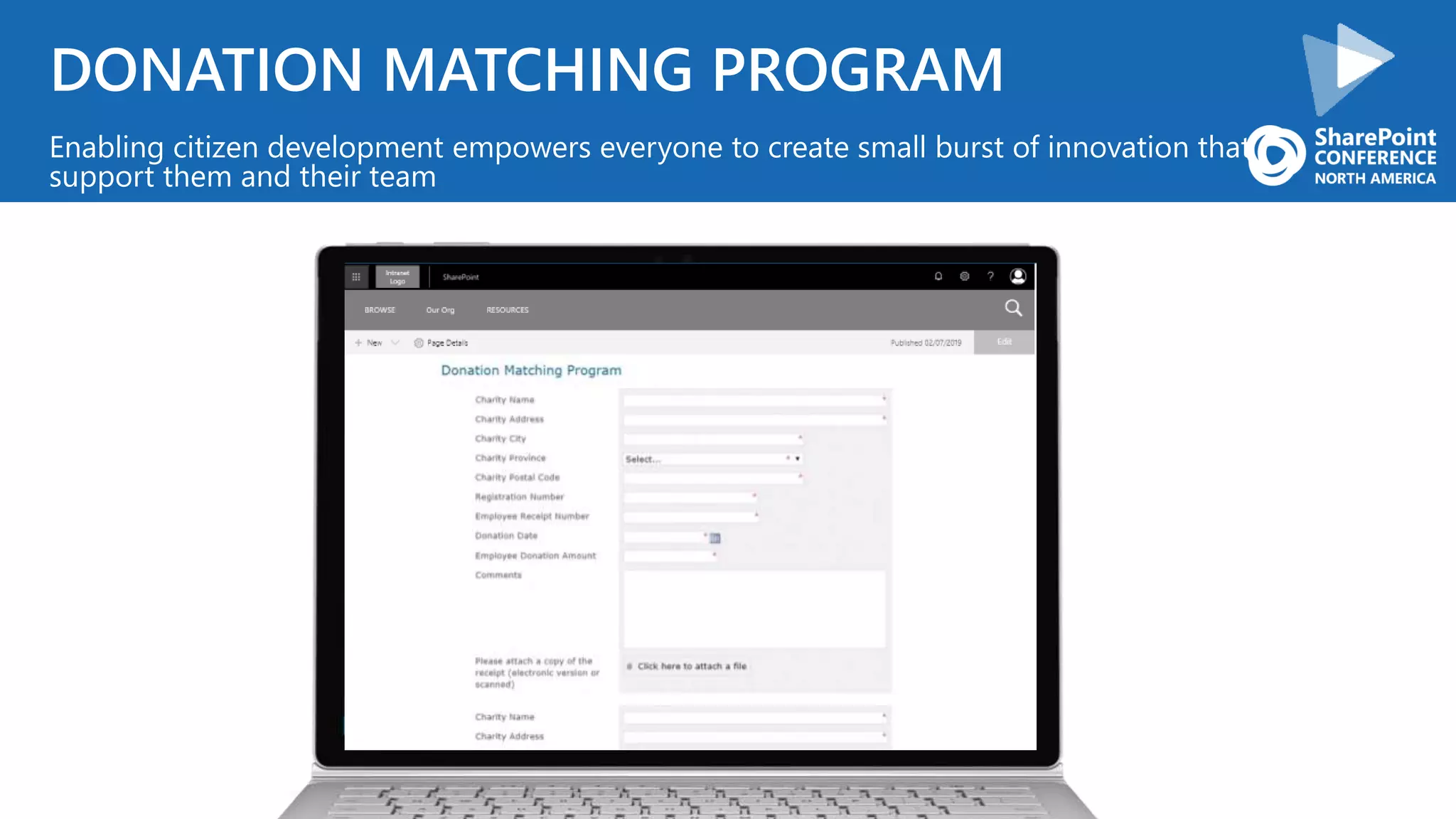
DONATION MATCHING PROGRAM
Enabling citizen development empowers everyone to create small burst of innovation that
support them and their team
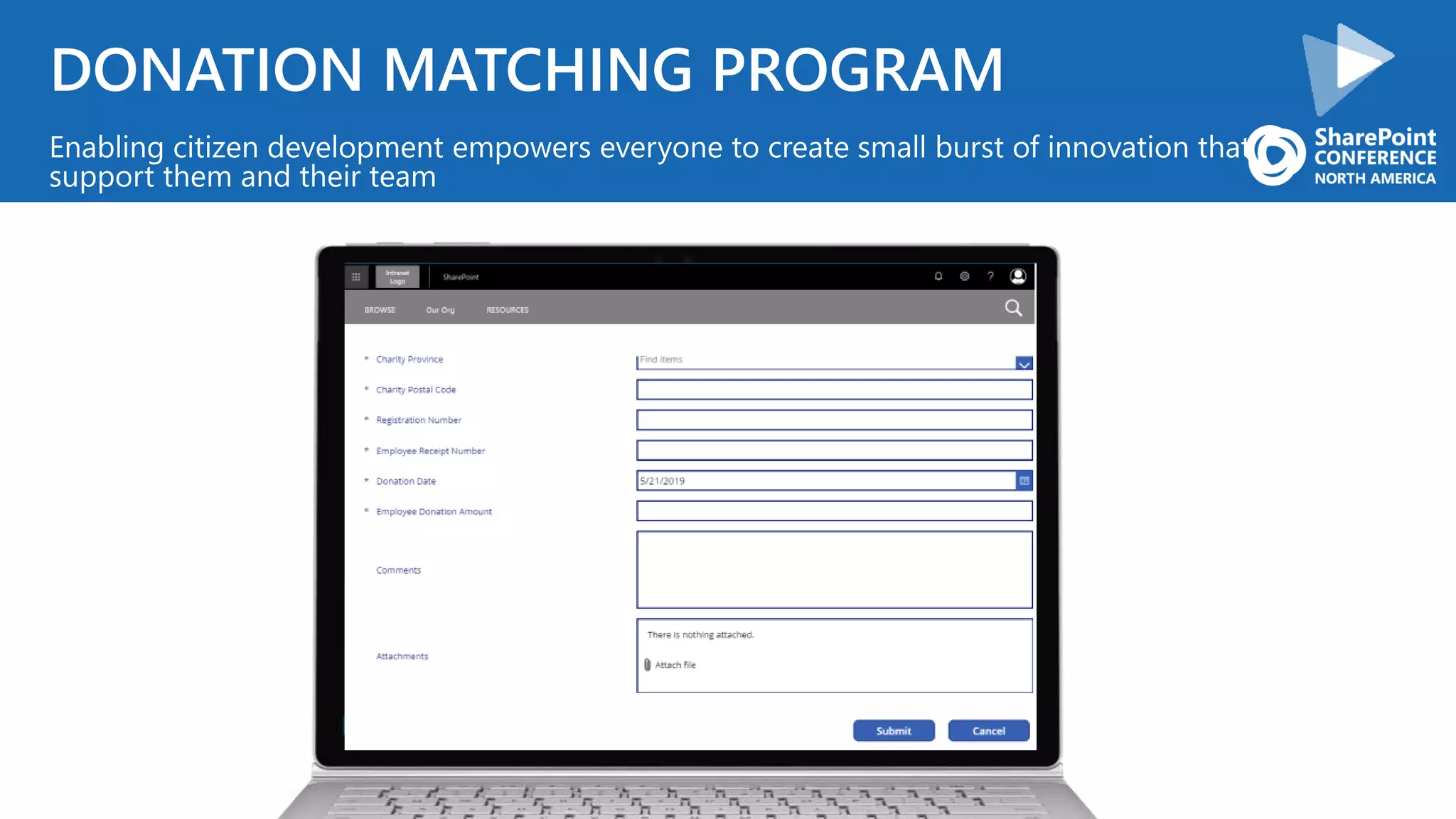
DONATION MATCHING PROGRAM
Enabling citizen development empowers everyone to create small burst of innovation that
support them and their team
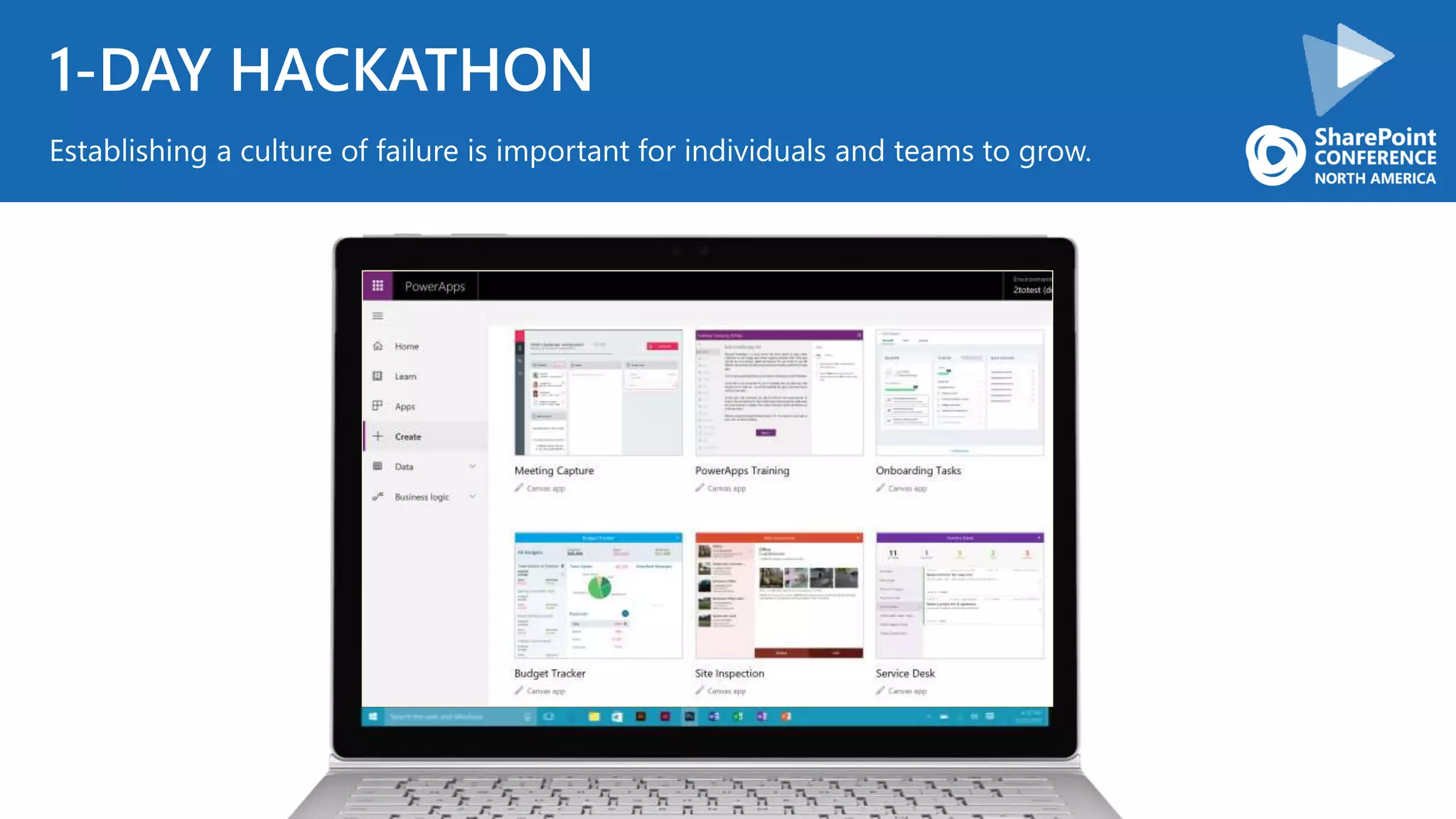
1-DAY HACKATHON
Establishing a culture of failure is important for individuals and teams to grow.
CONTINUE INVESTING
INTEGRATION
CONVERSATION UI
CULTURE
What we are going to cover today
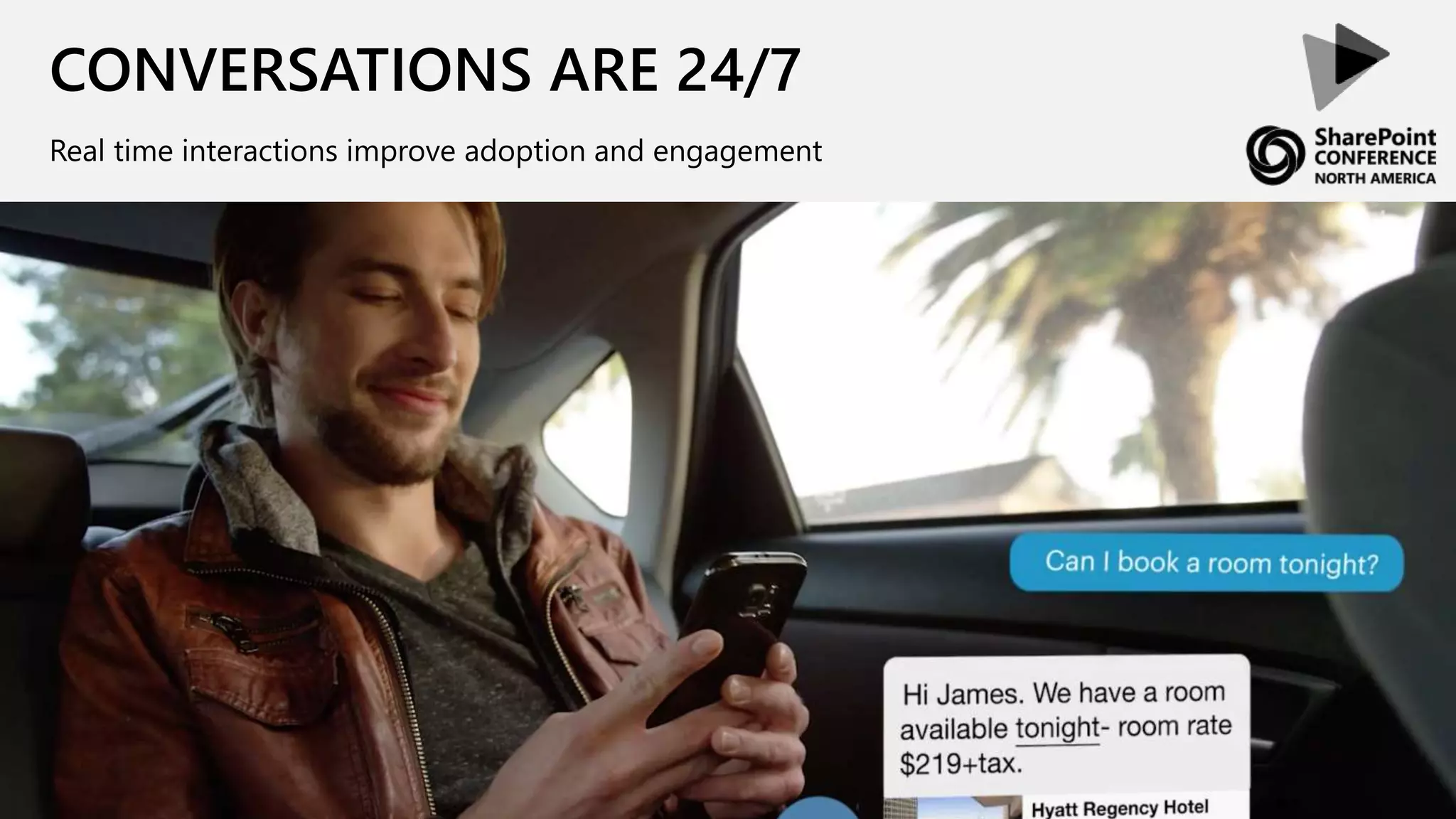
CONVERSATIONS ARE 24/7
Real time interactions improve adoption and engagement
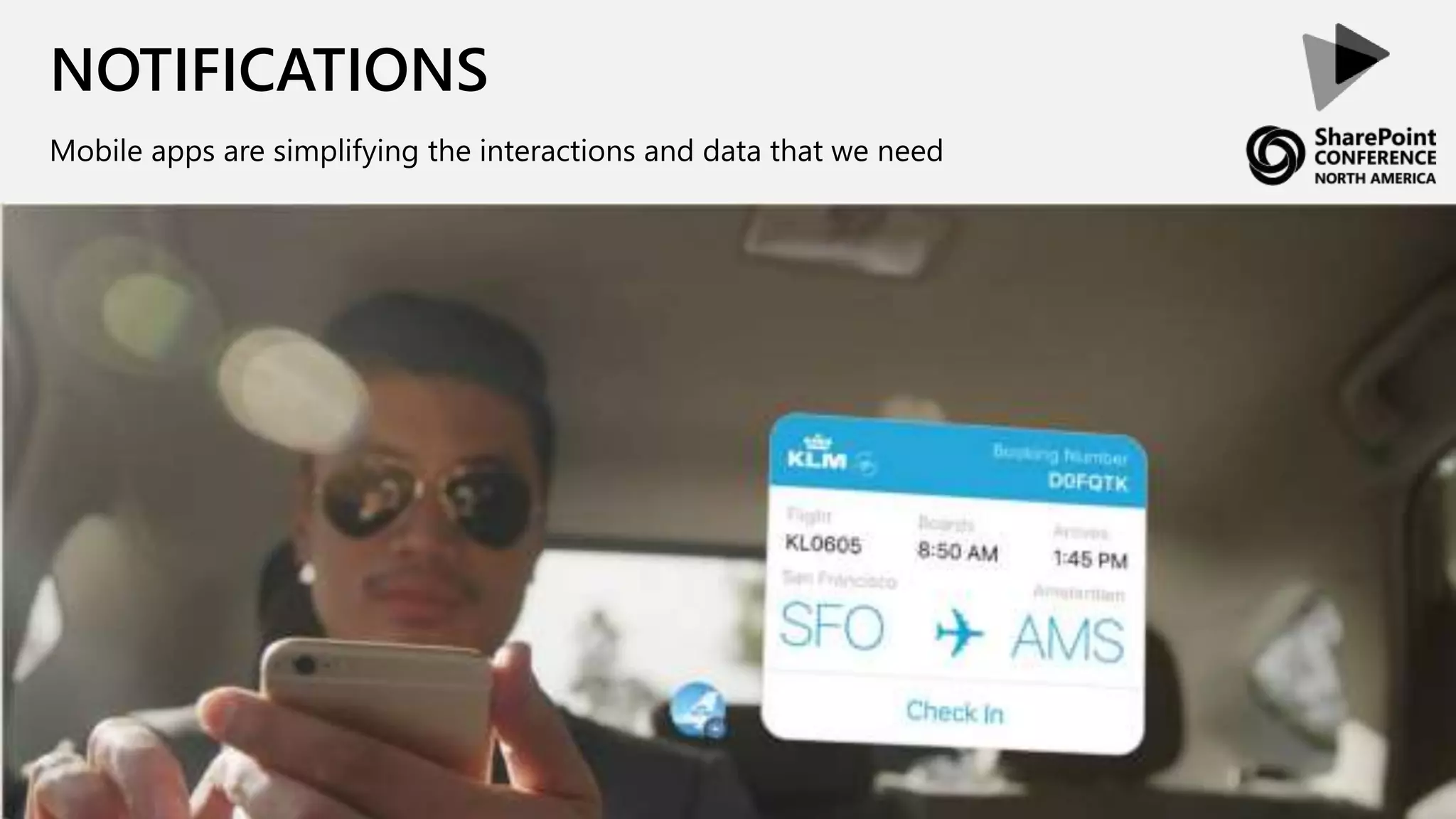
NOTIFICATIONS
Mobile apps are simplifying the interactions and data that we need
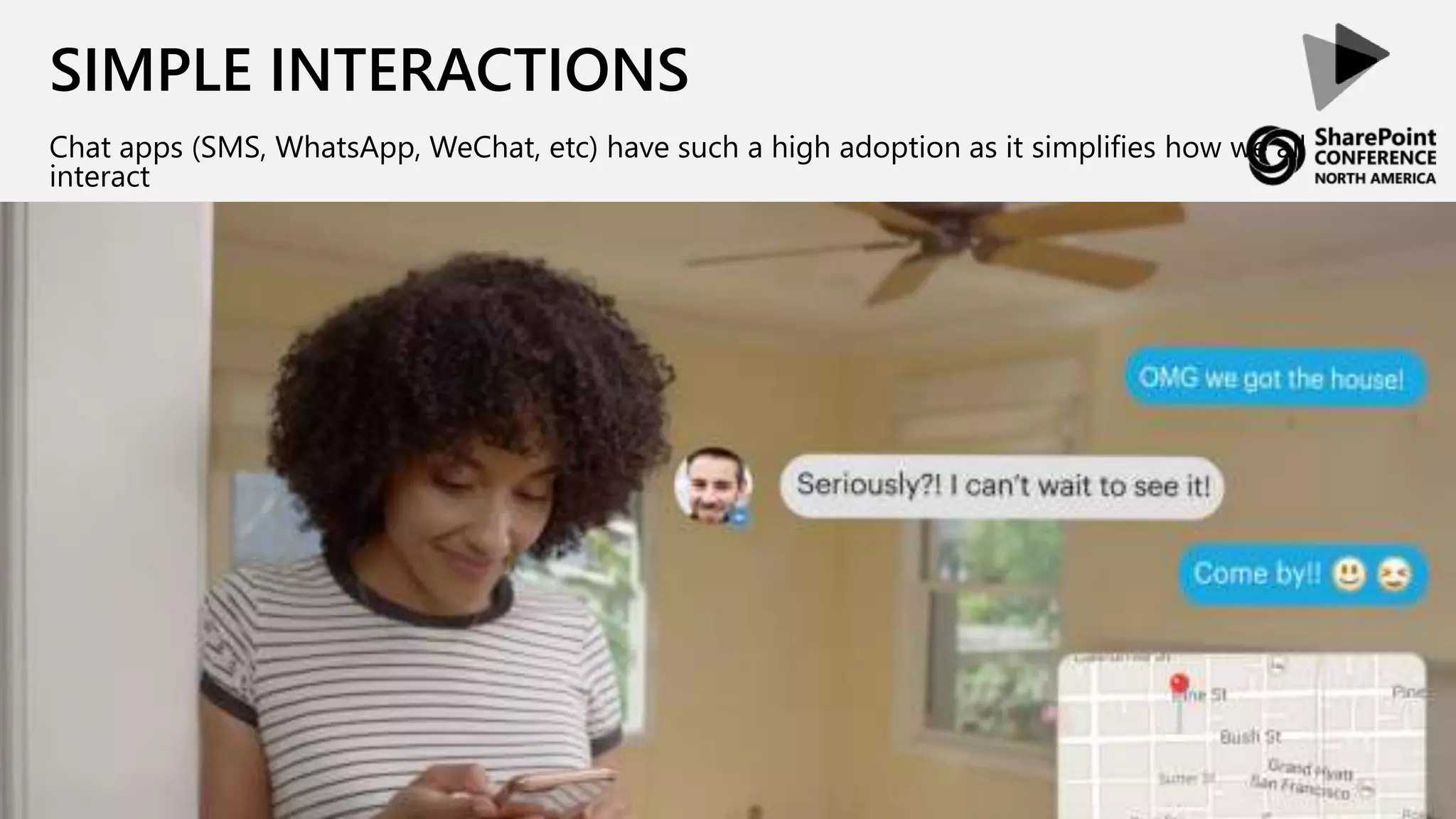
SIMPLE INTERACTIONS
Chat apps (SMS, WhatsApp, WeChat, etc) have such a high adoption as it simplifies how we all
interact
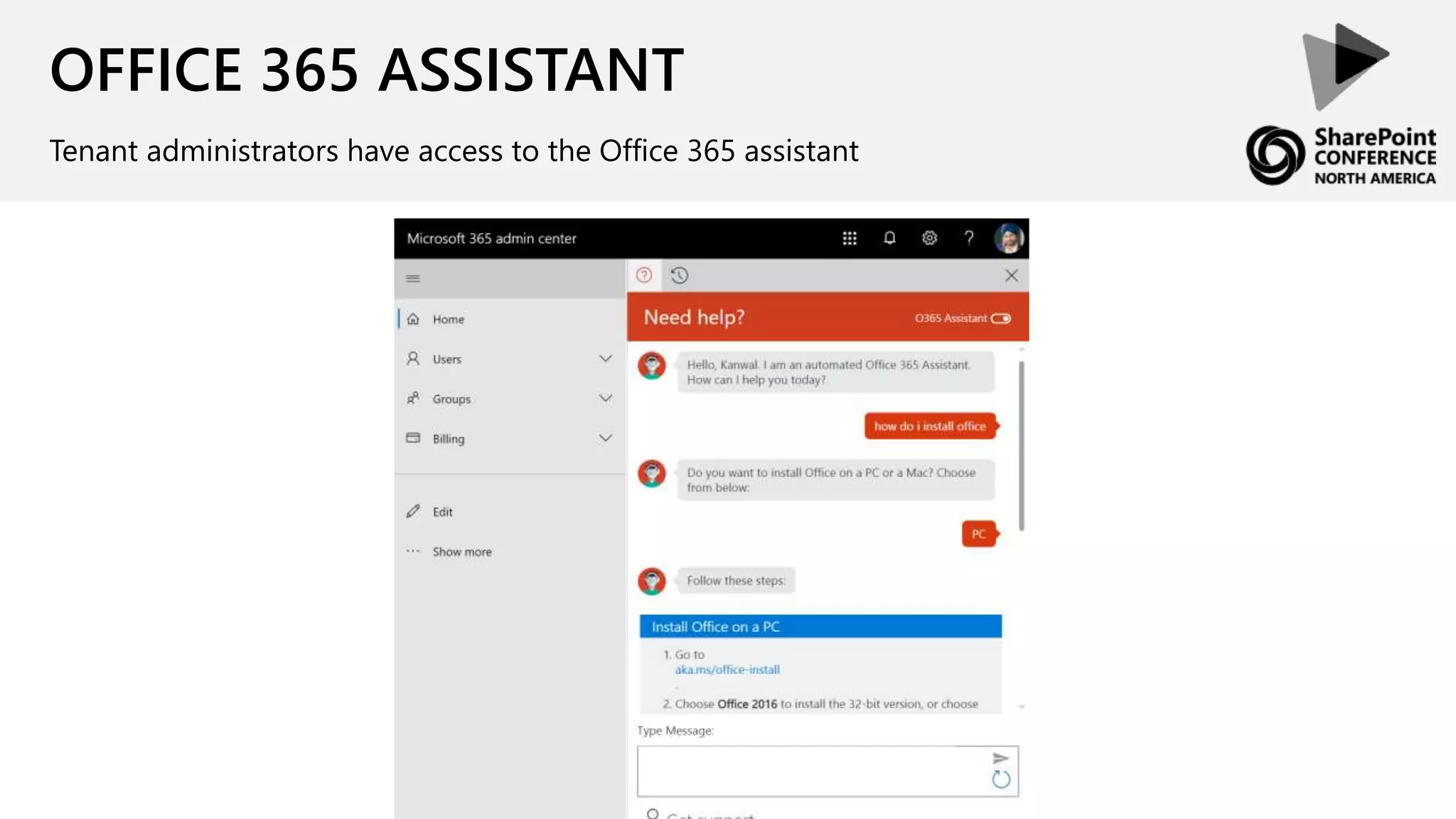
OFFICE 365 ASSISTANT
Tenant administrators have access to the Office 365 assistant
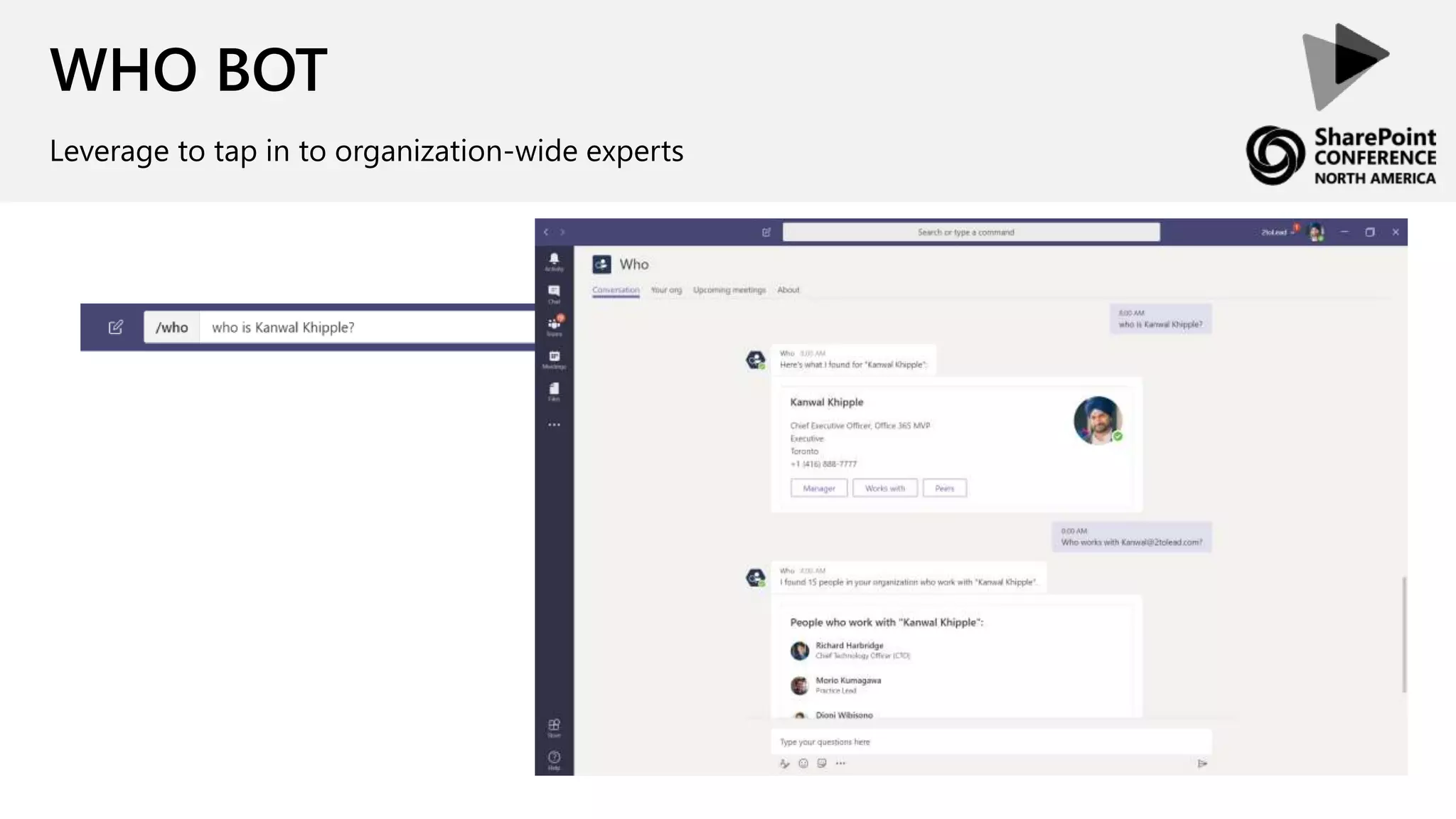
WHO BOT
Leverage to tap in to organization-wide experts
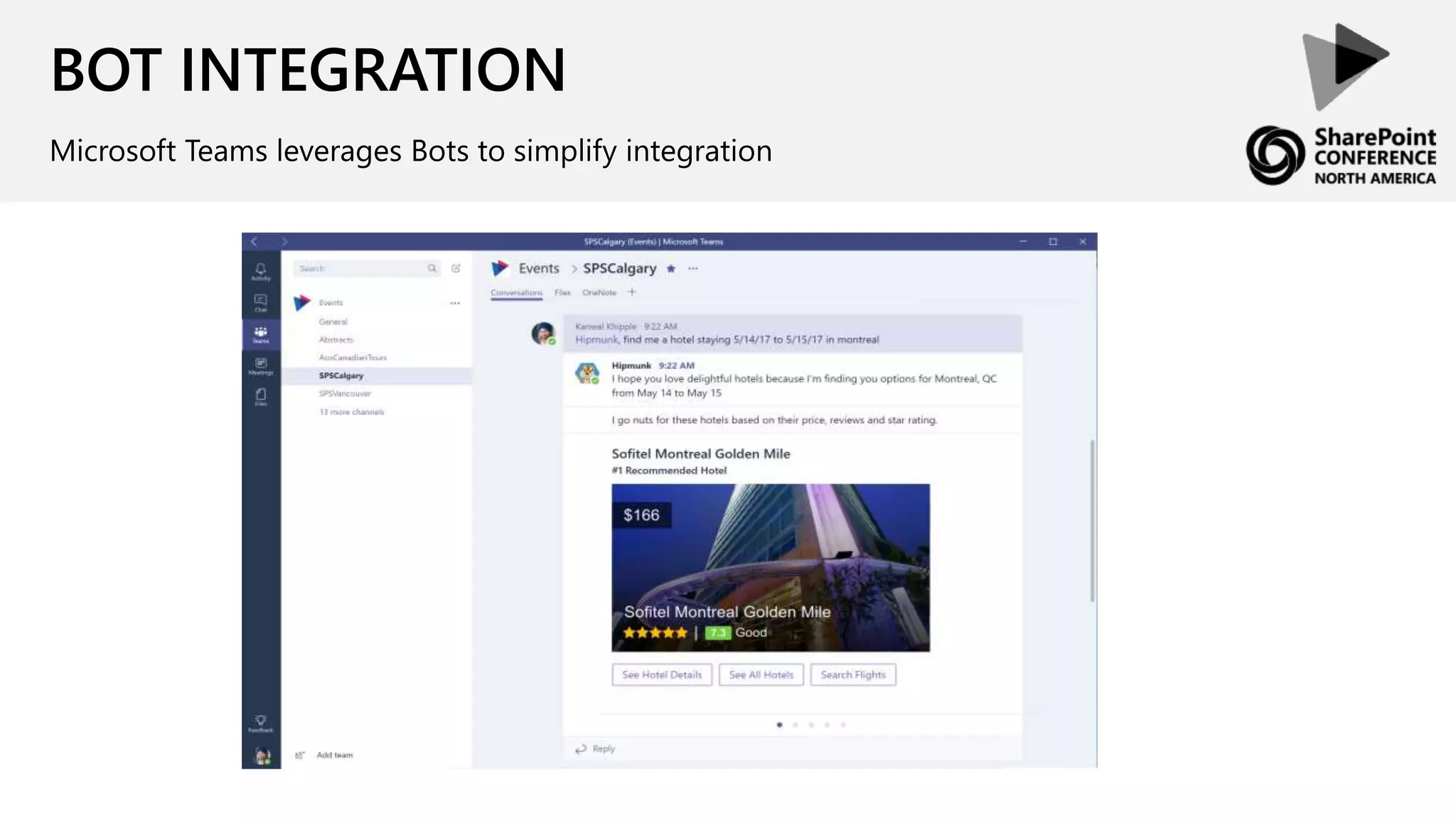
BOT INTEGRATION
Microsoft Teams leverages Bots to simplify integration
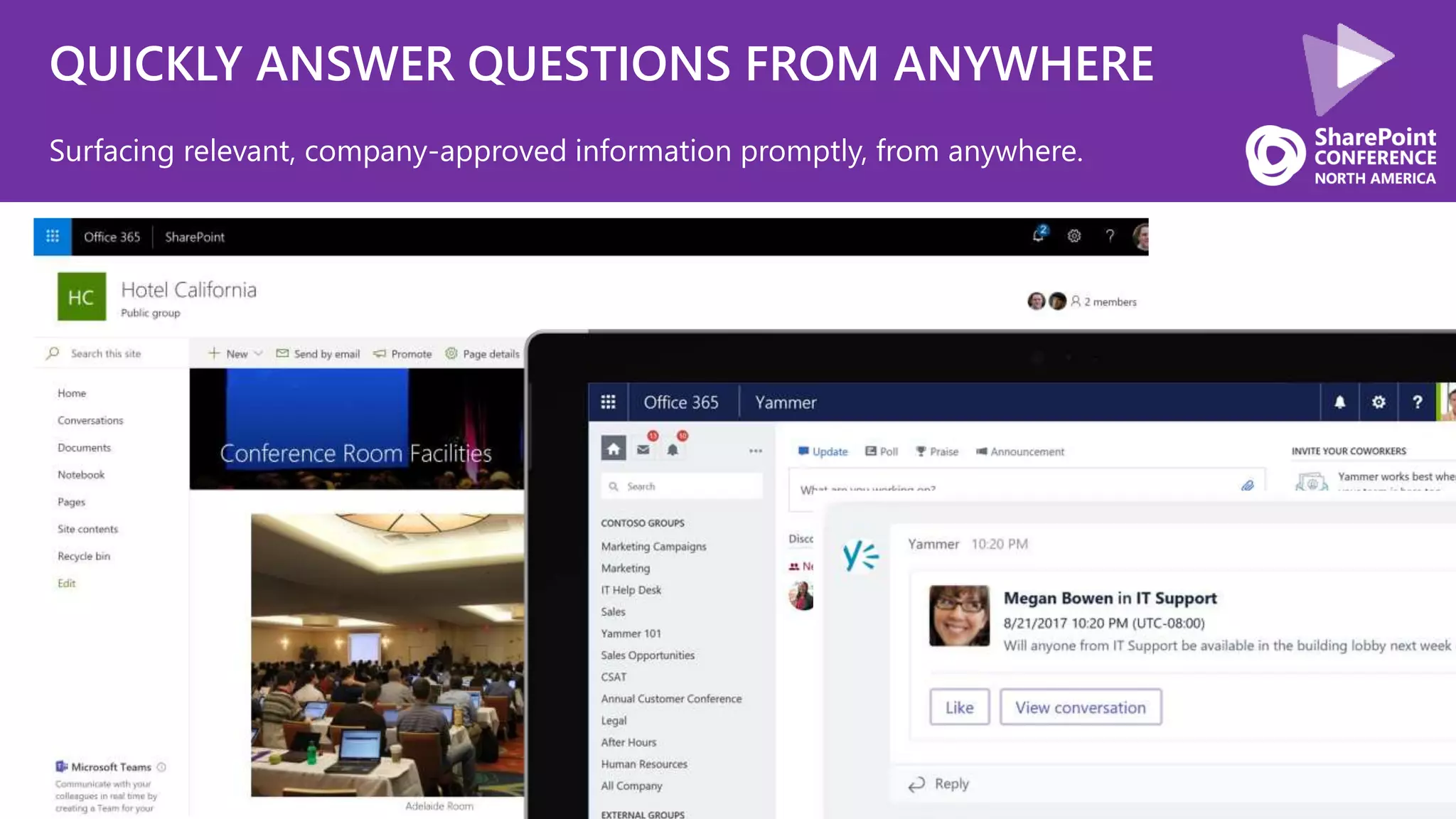
QUICKLY ANSWER QUESTIONS FROM ANYWHERE
Surfacing relevant, company-approved information promptly, from anywhere.
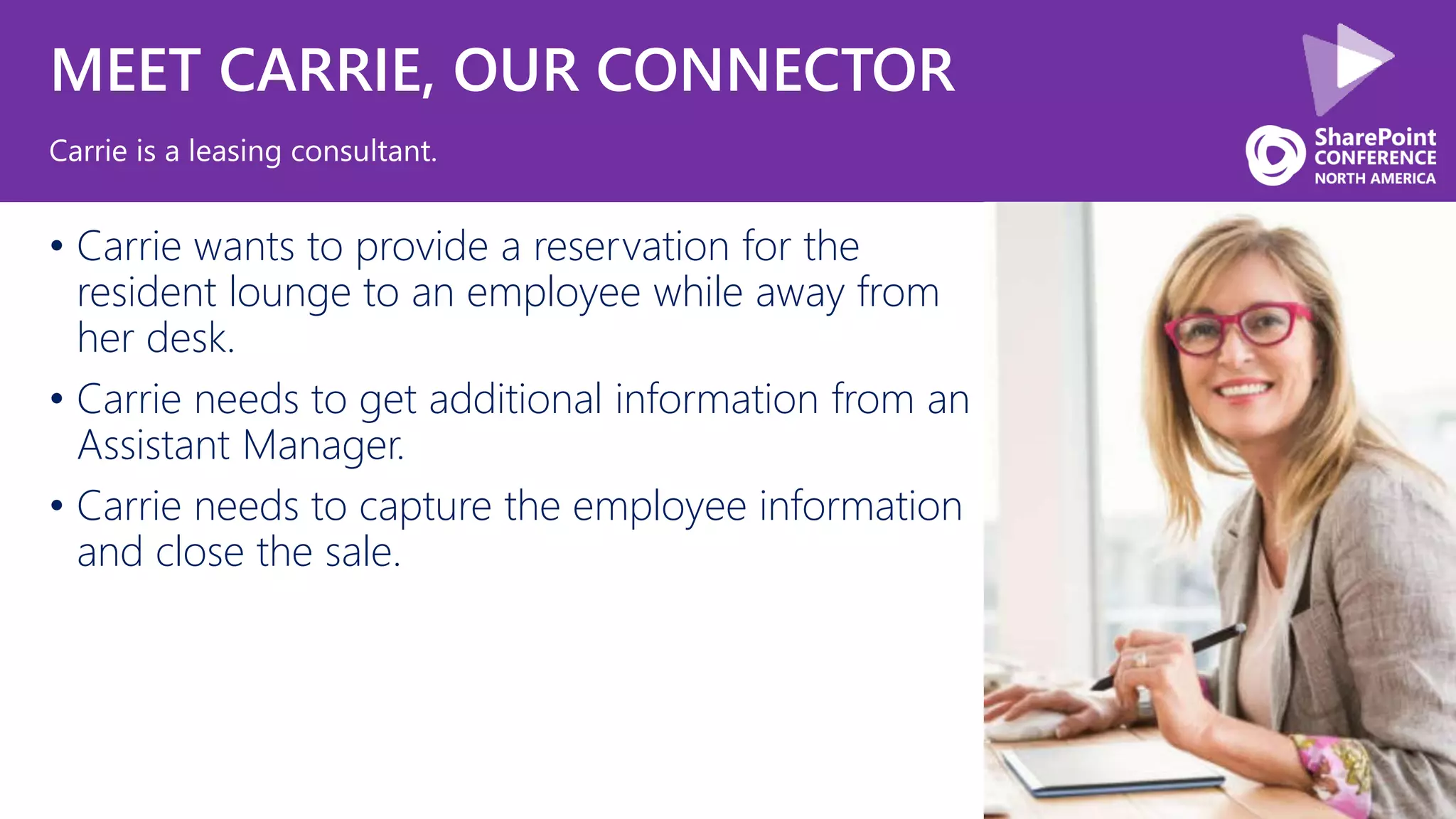
MEET CARRIE, OUR CONNECTOR
• Carrie wants to provide a reservation for the
resident lounge to an employee while away from
her desk.
• Carrie needs to get additional information from an
Assistant Manager.
• Carrie needs to capture the employee information
and close the sale.
Carrie is a leasing consultant.
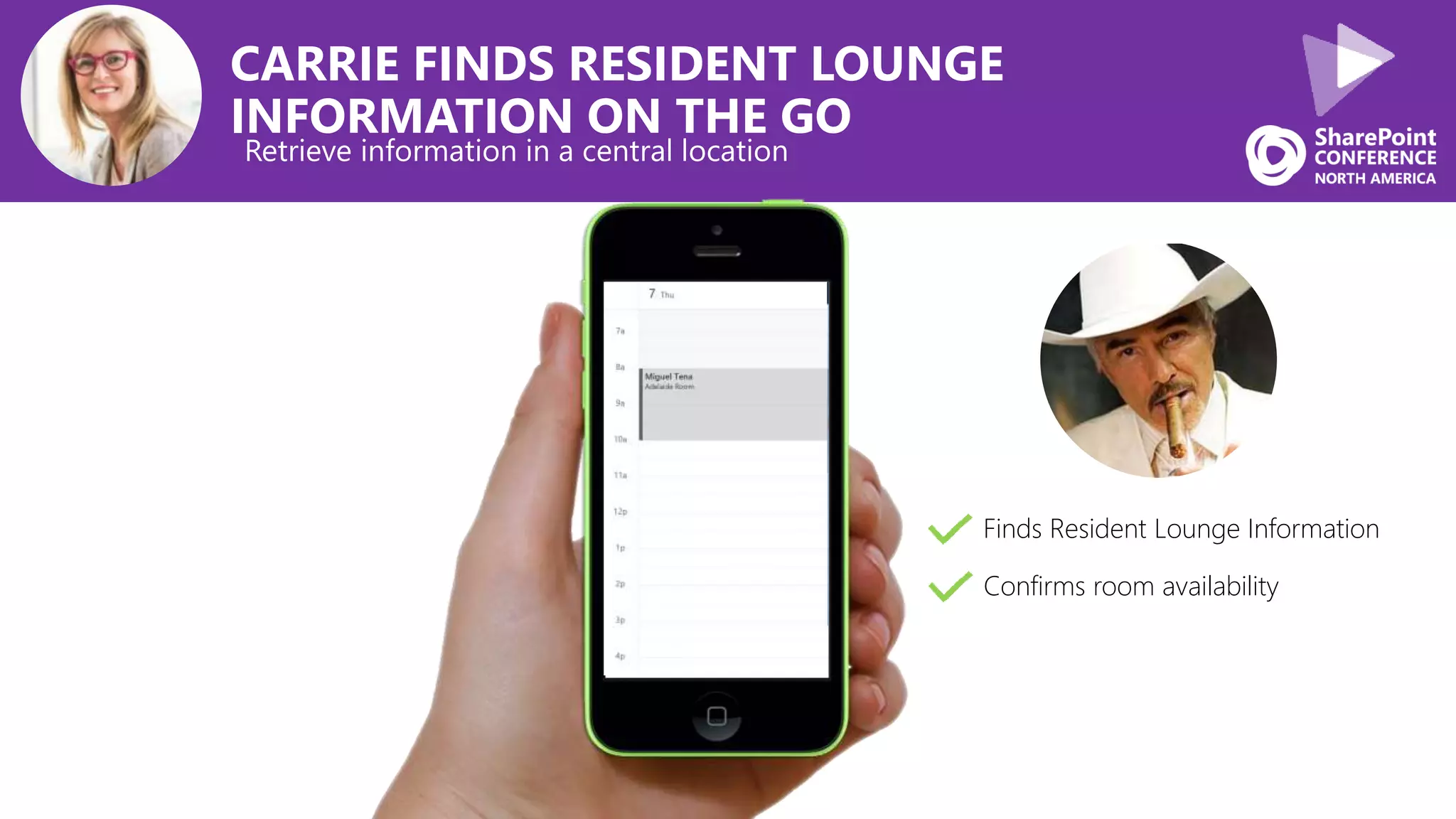
CARRIE FINDS RESIDENT LOUNGE
INFORMATION ON THE GO
Retrieve information in a central location
Finds Resident Lounge Information
Confirms room availability
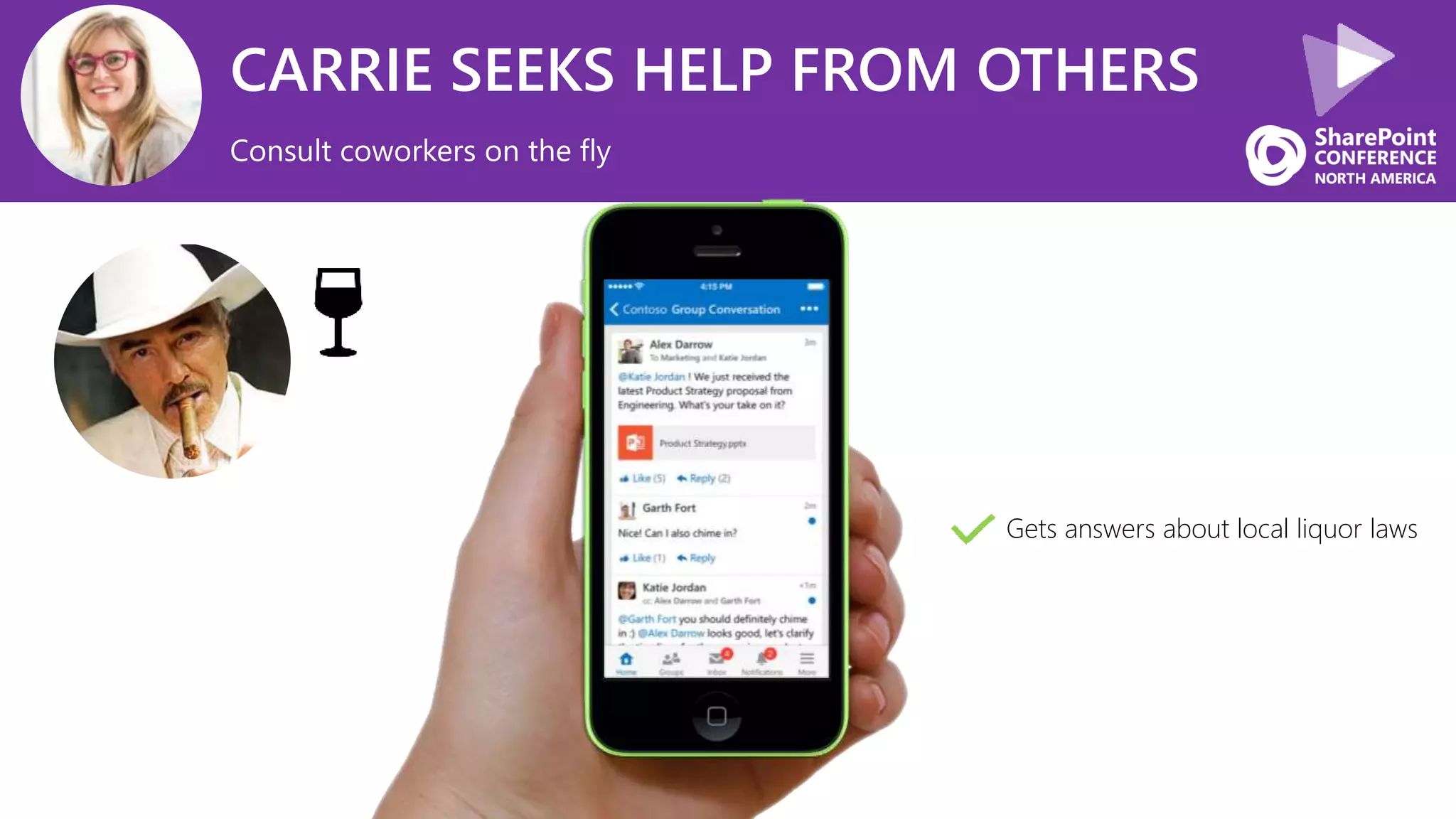
CARRIE SEEKS HELP FROM OTHERS
Consult coworkers on the fly
Gets answers about local liquor laws
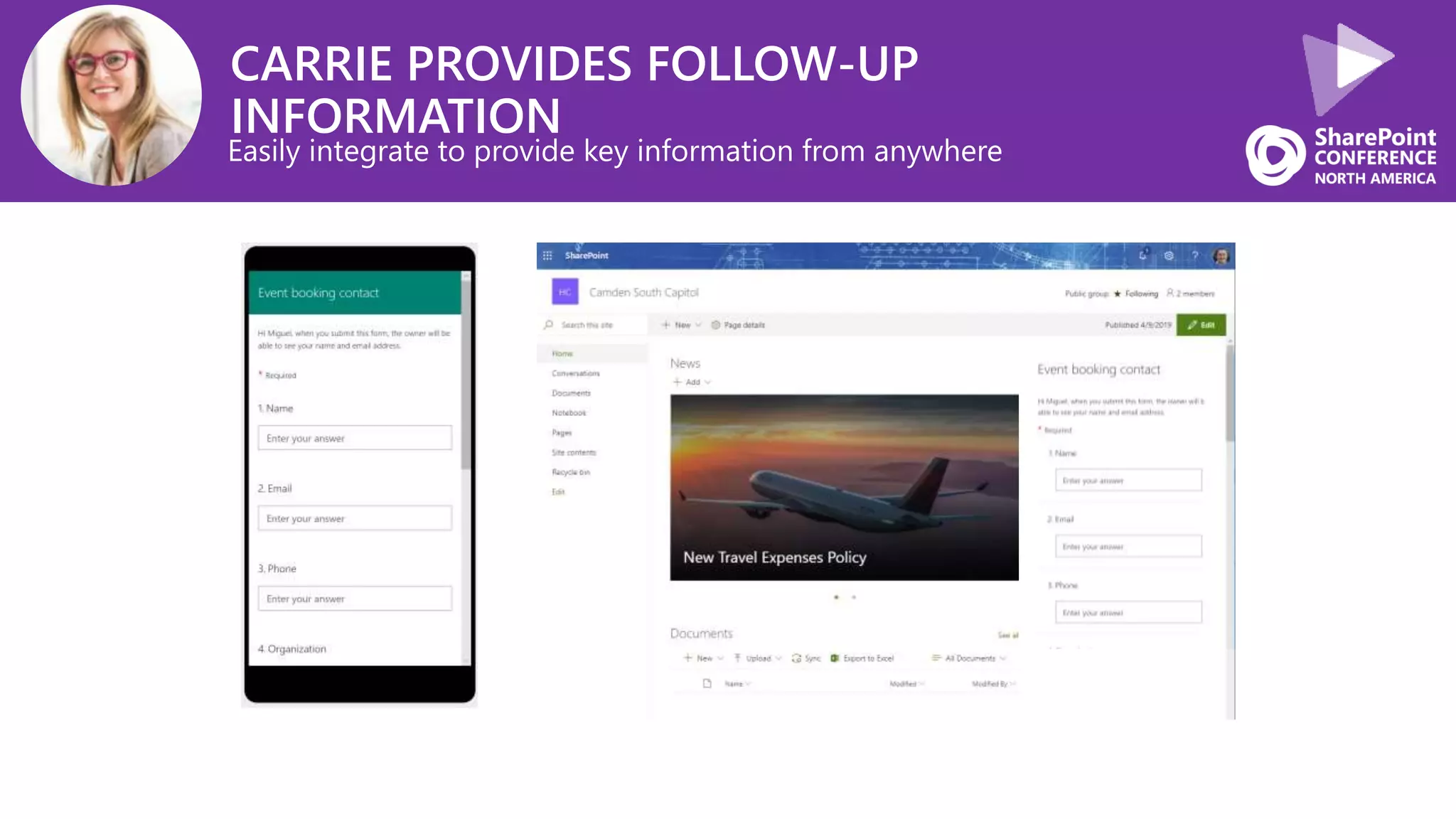
CARRIE PROVIDES FOLLOW-UP
INFORMATION
Easily integrate to provide key information from anywhere
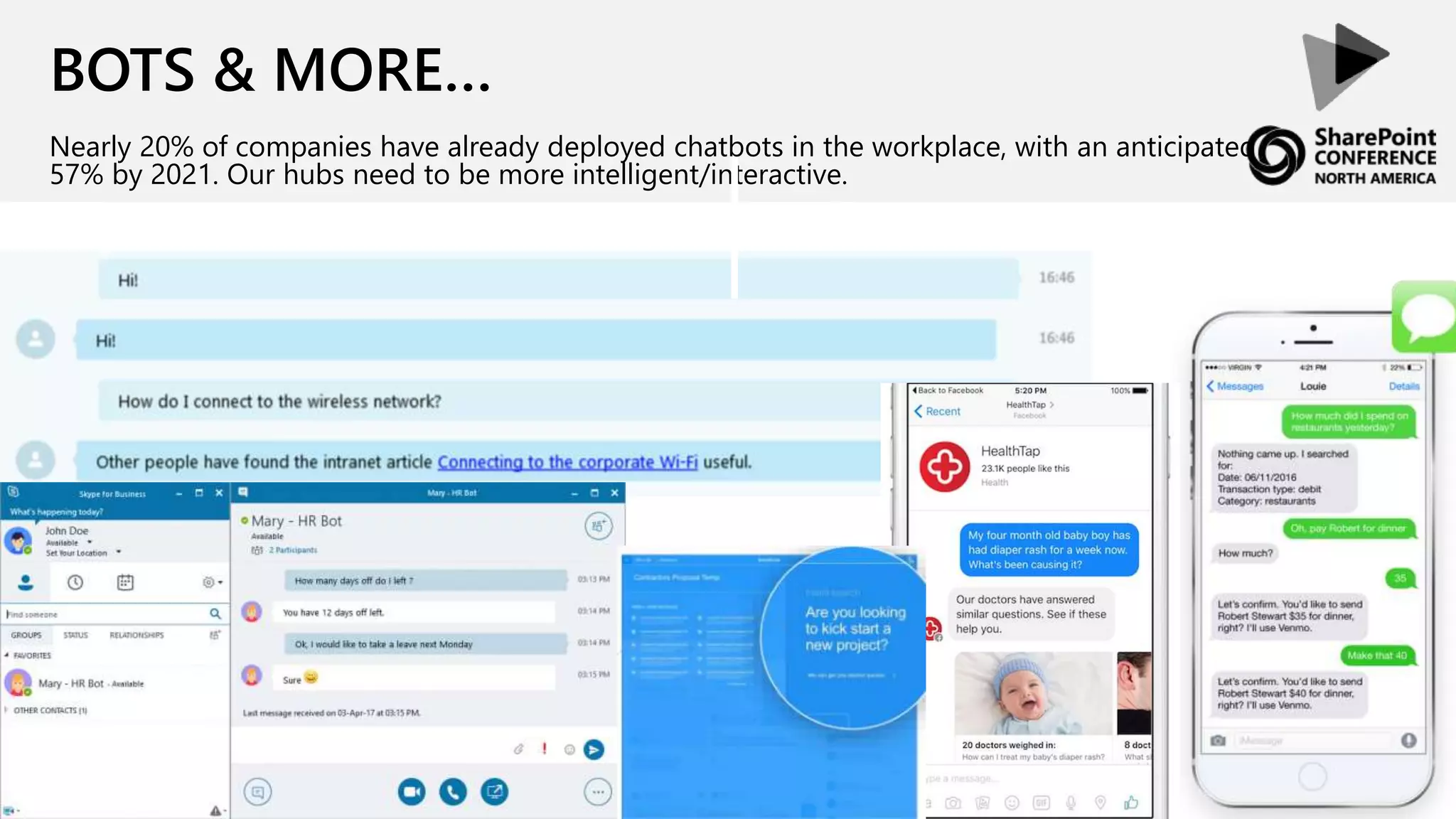
BOTS & MORE…
Nearly 20% of companies have already deployed chatbots in the workplace, with an anticipated
57% by 2021. Our hubs need to be more intelligent/interactive.
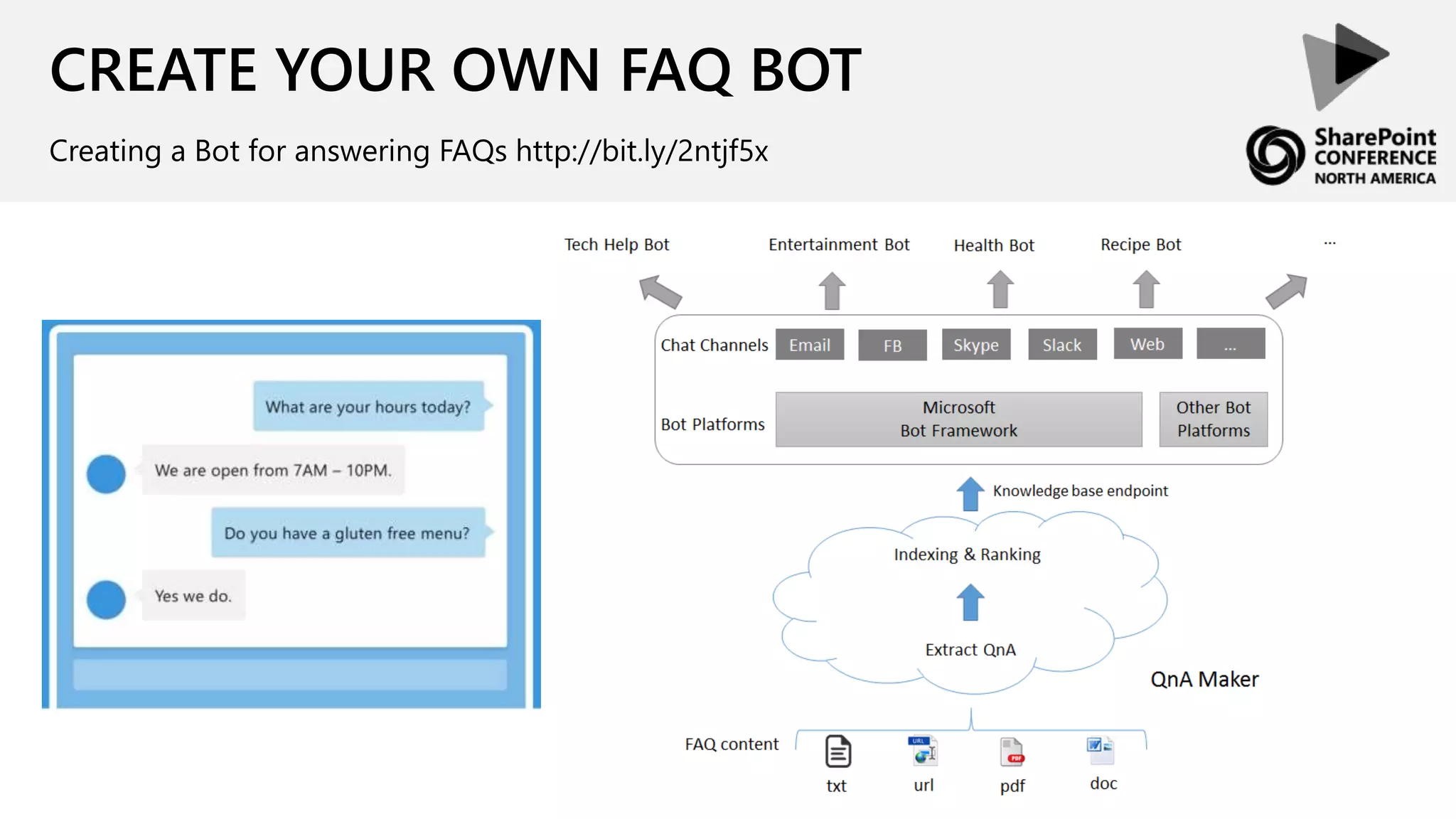
CREATE YOUR OWN FAQ BOT
Creating a Bot for answering FAQs http://bit.ly/2ntjf5x
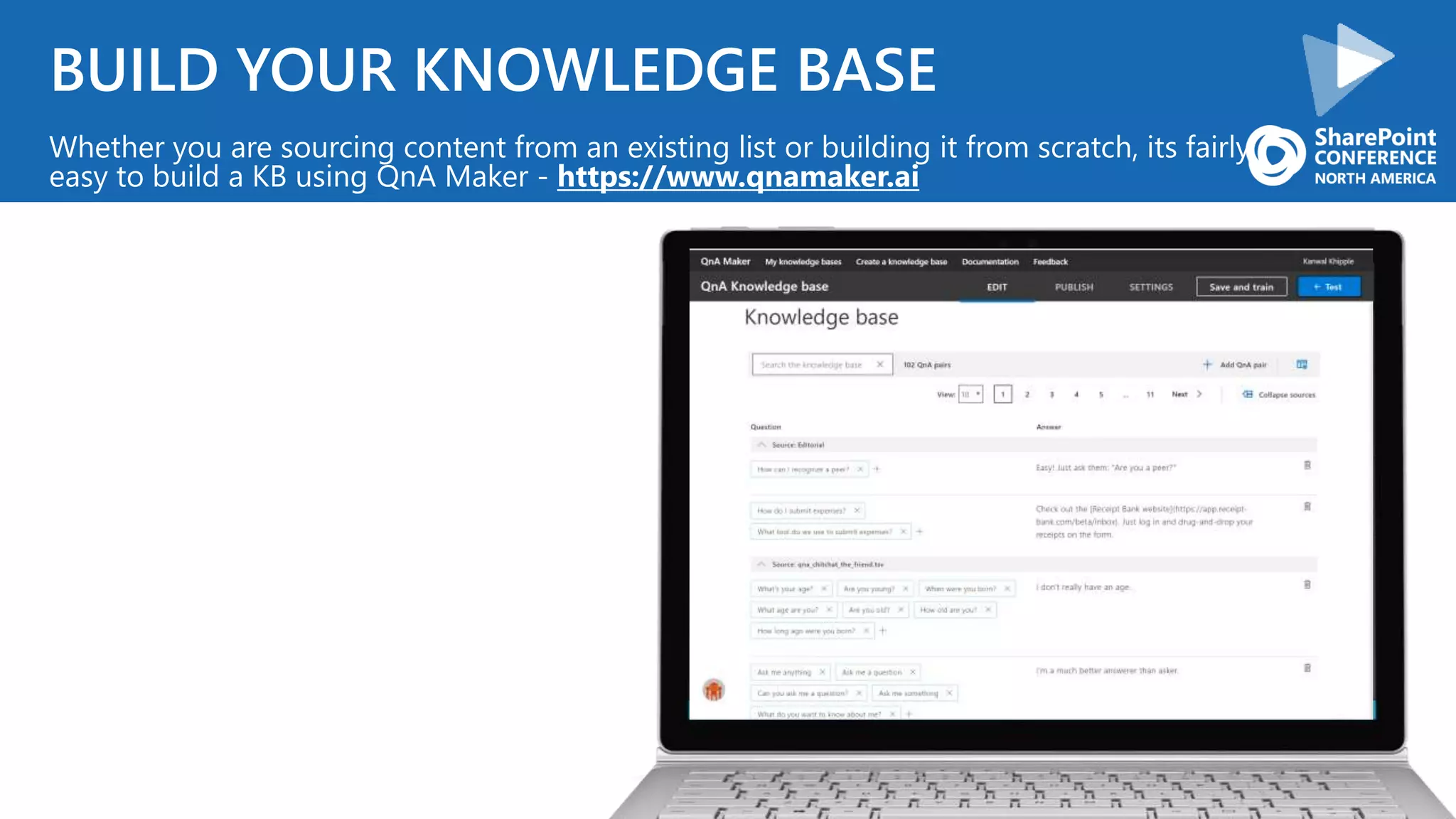
BUILD YOUR KNOWLEDGE BASE
Whether you are sourcing content from an existing list or building it from scratch, its fairly
easy to build a KB using QnA Maker - https://www.qnamaker.ai
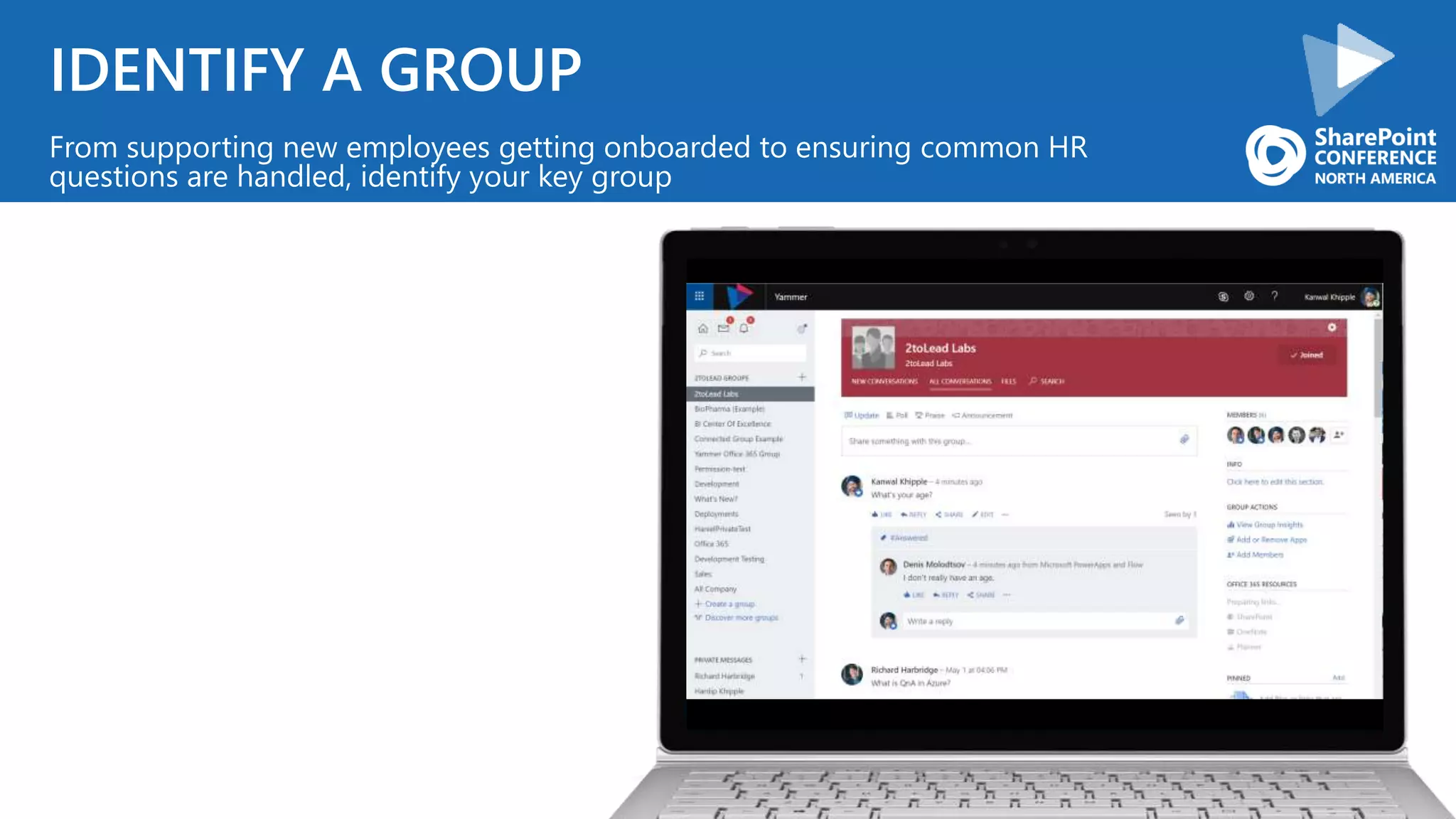
IDENTIFY A GROUP
From supporting new employees getting onboarded to ensuring common HR
questions are handled, identify your key group
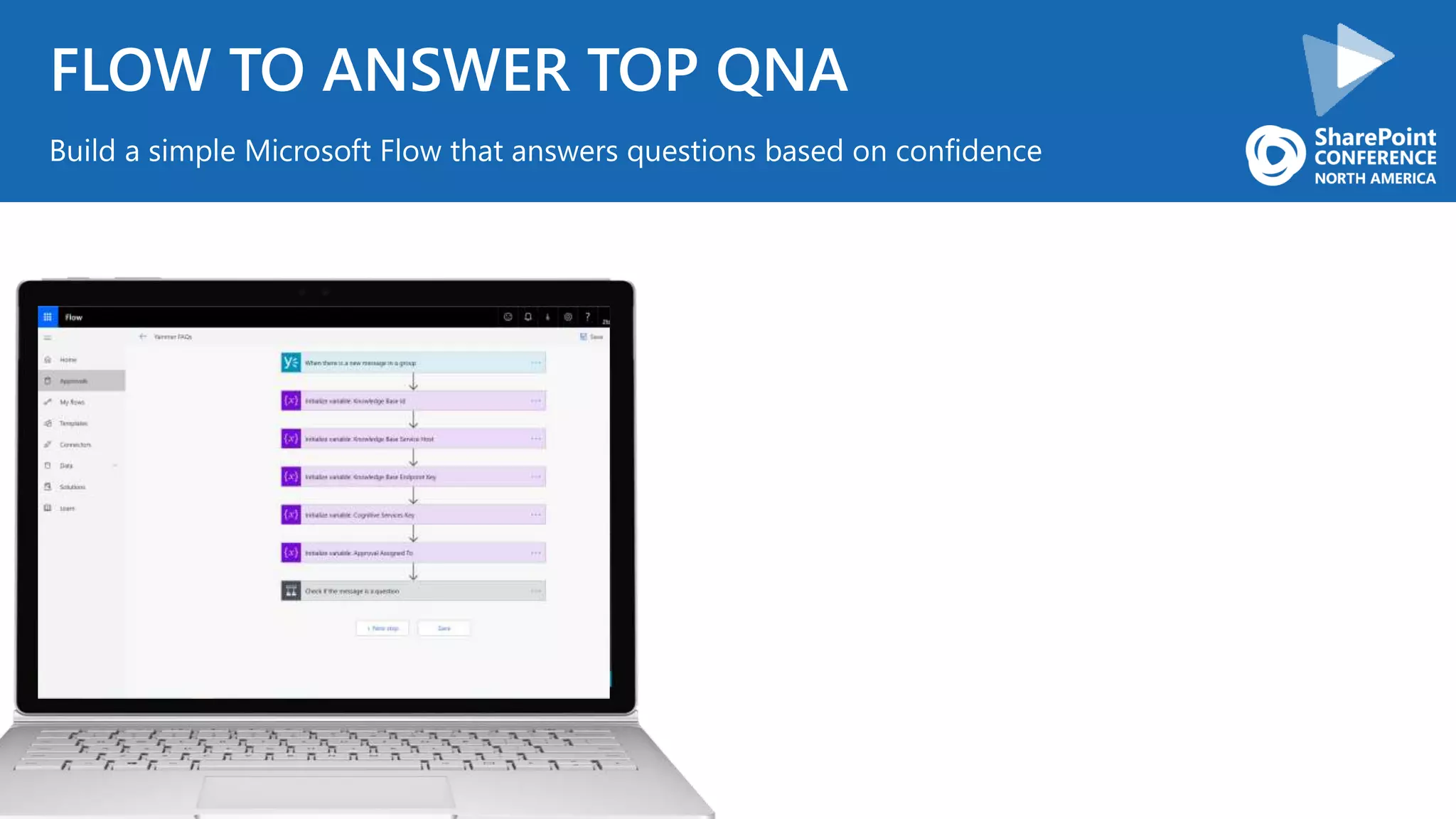
FLOW TO ANSWER TOP QNA
Build a simple Microsoft Flow that answers questions based on confidence
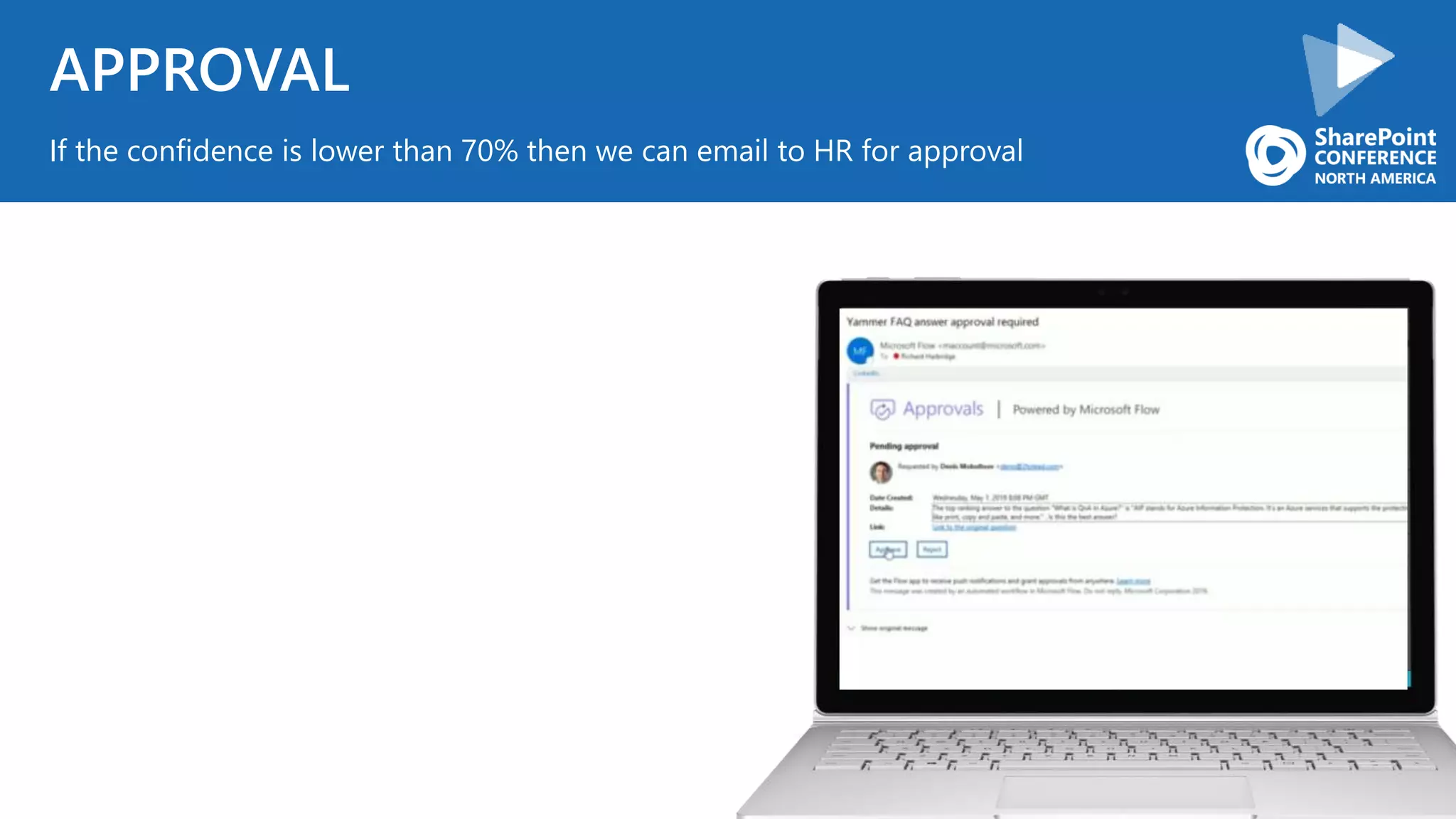
APPROVAL
If the confidence is lower than 70% then we can email to HR for approval
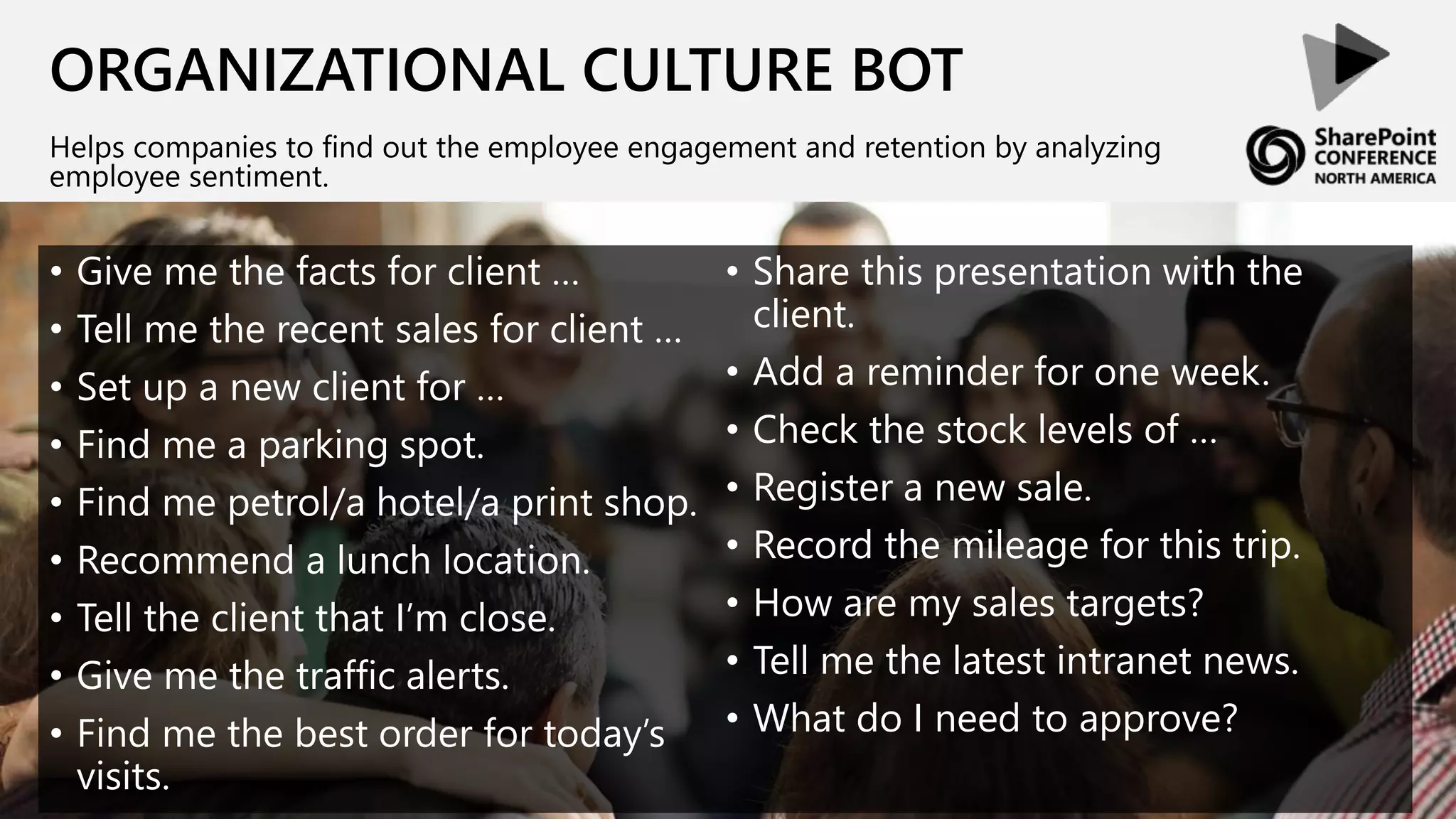
ORGANIZATIONAL CULTURE BOT
Helps companies to find out the employee engagement and retention by analyzing
employee sentiment.
• Give me the facts for client …
• Tell me the recent sales for client …
• Set up a new client for …
• Find me a parking spot.
• Find me petrol/a hotel/a print shop.
• Recommend a lunch location.
• Tell the client that I’m close.
• Give me the traffic alerts.
• Find me the best order for today’s
visits.
• Share this presentation with the
client.
• Add a reminder for one week.
• Check the stock levels of …
• Register a new sale.
• Record the mileage for this trip.
• How are my sales targets?
• Tell me the latest intranet news.
• What do I need to approve?
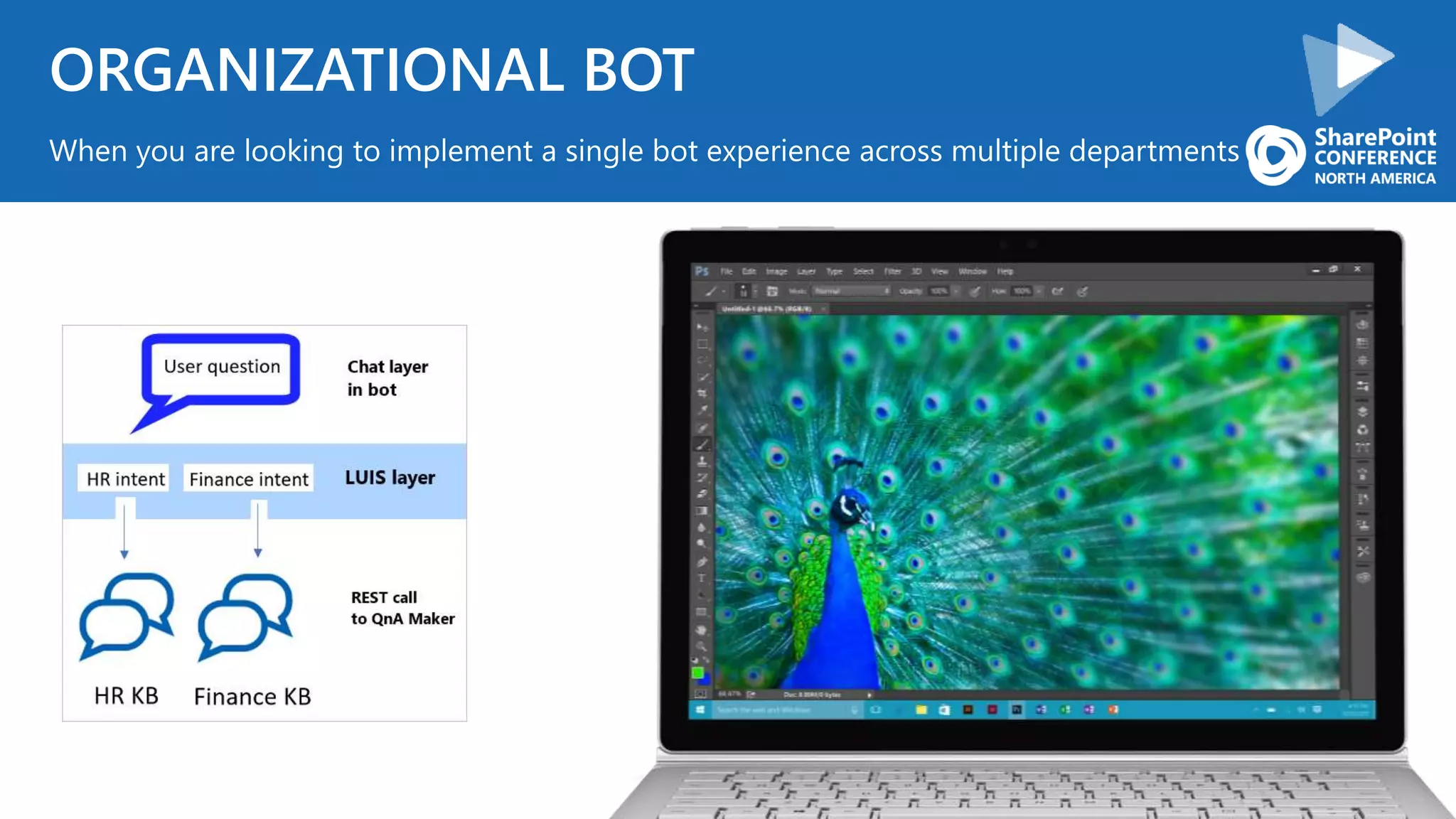
ORGANIZATIONAL BOT
When you are looking to implement a single bot experience across multiple departments
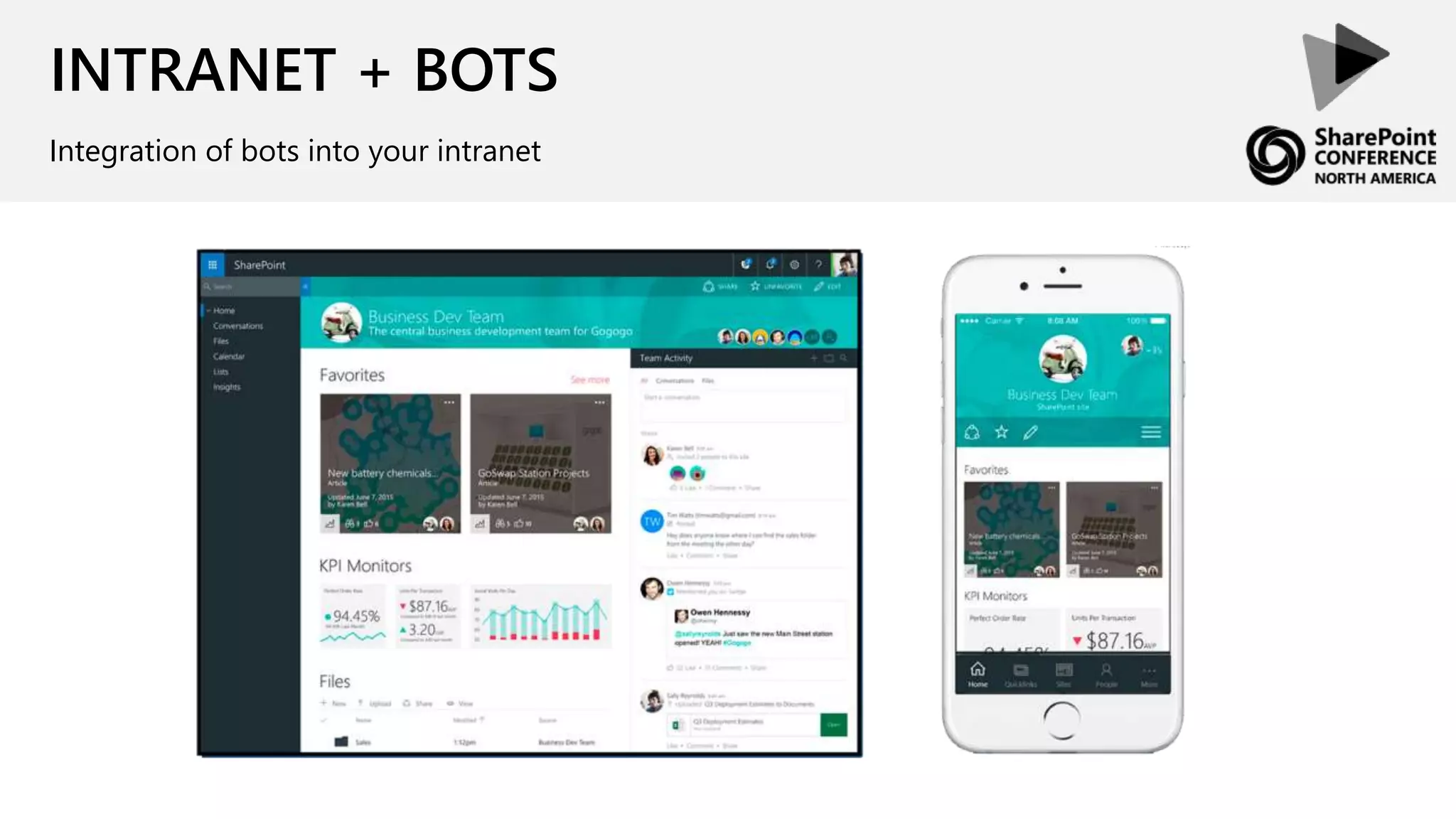
INTRANET + BOTS
Integration of bots into your intranet
CONTINUE INVESTING
INTEGRATION
CONVERSATION UI
CULTURE
What we are going to cover today
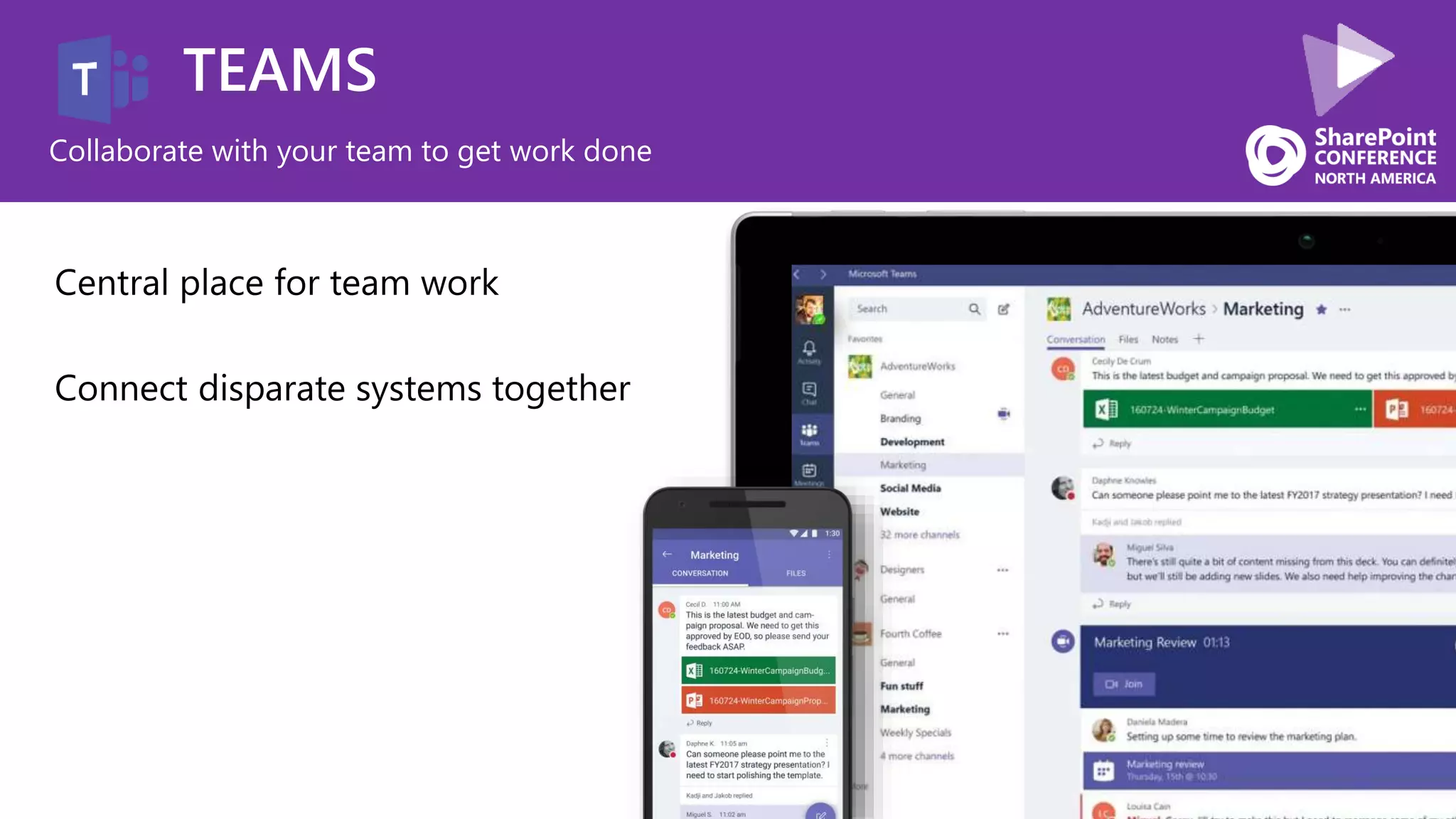
TEAMS
Collaborate with your team to get work done
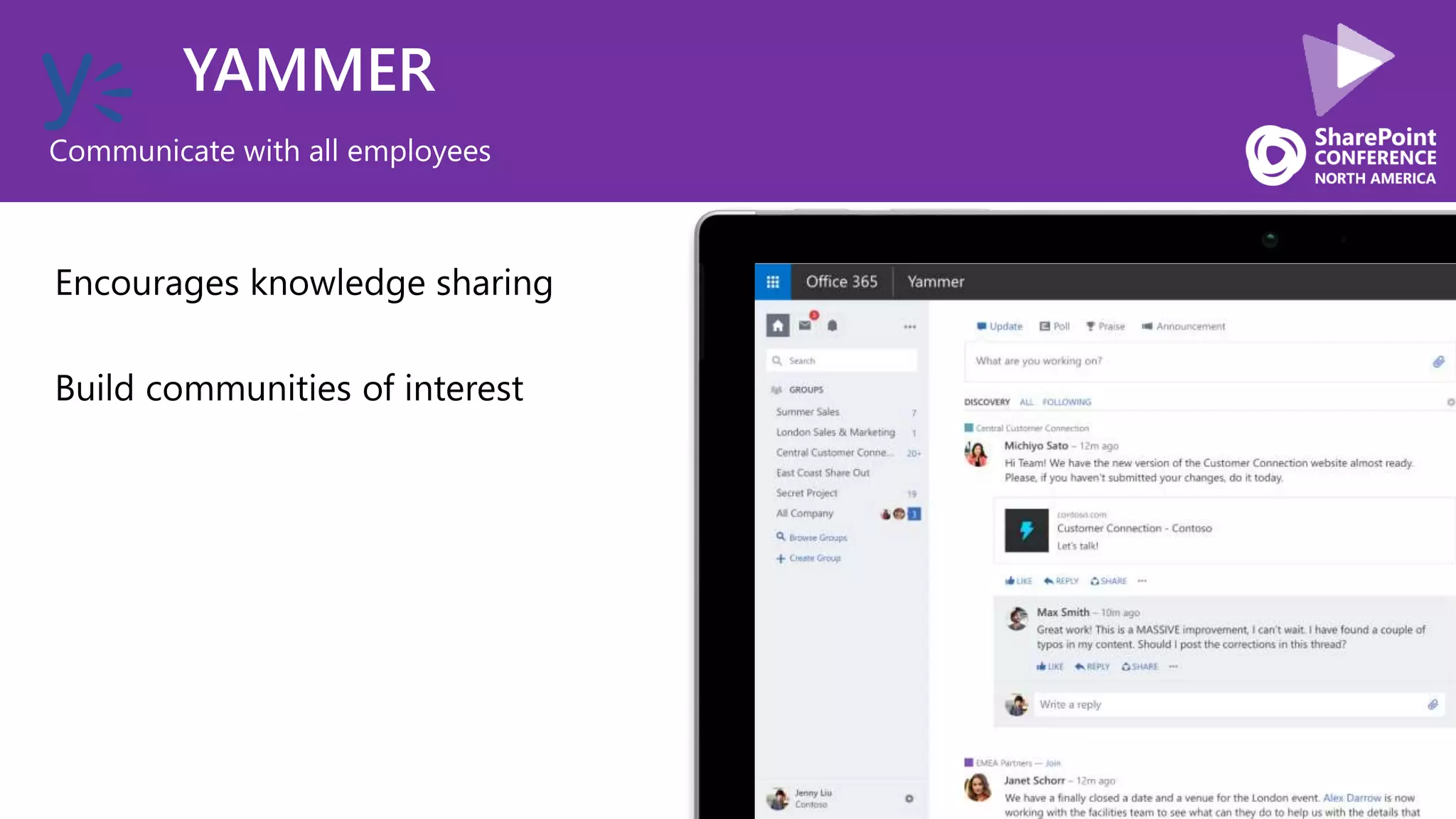
YAMMER
Communicate with all employees
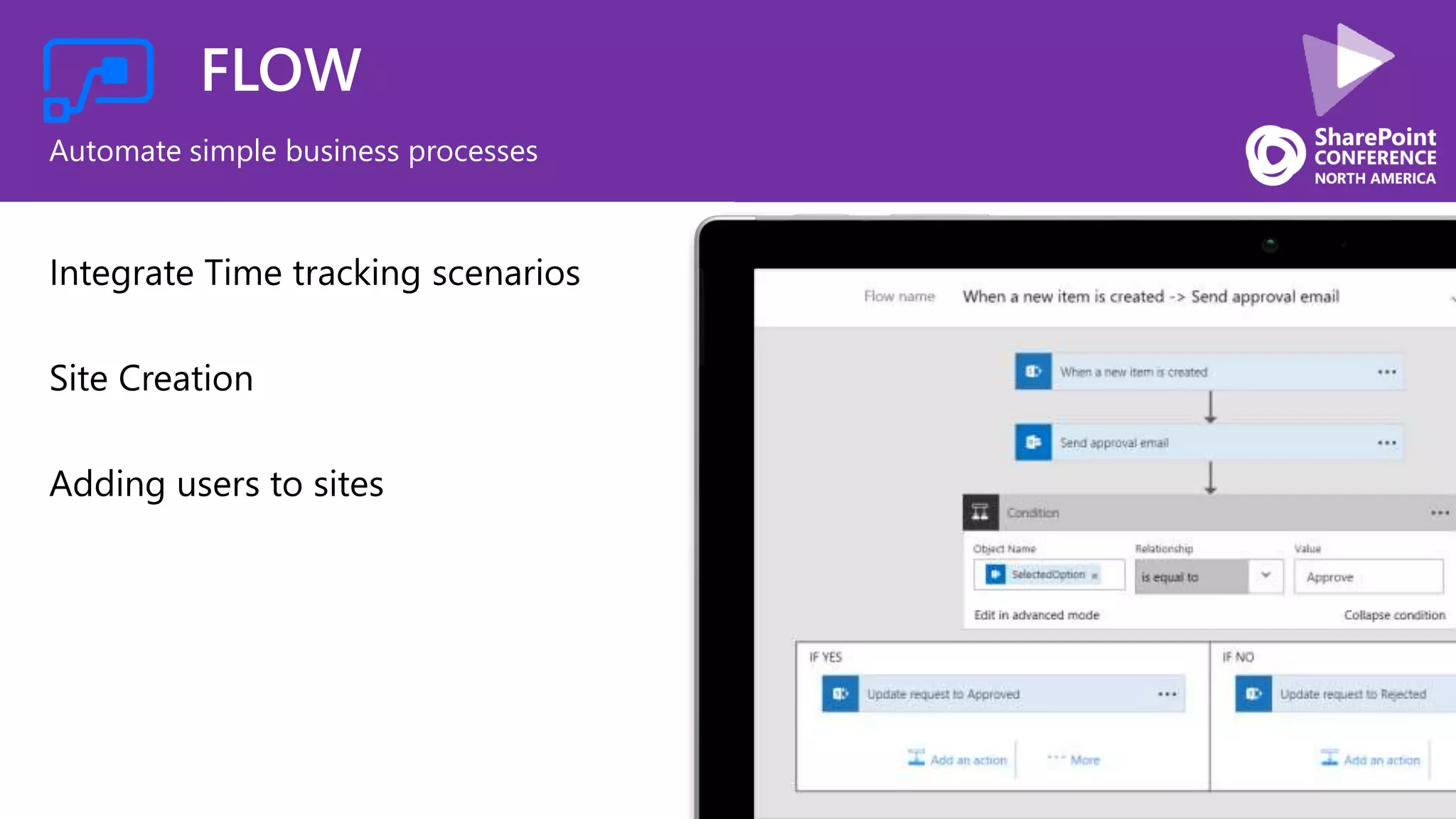
FLOW
Automate simple business processes
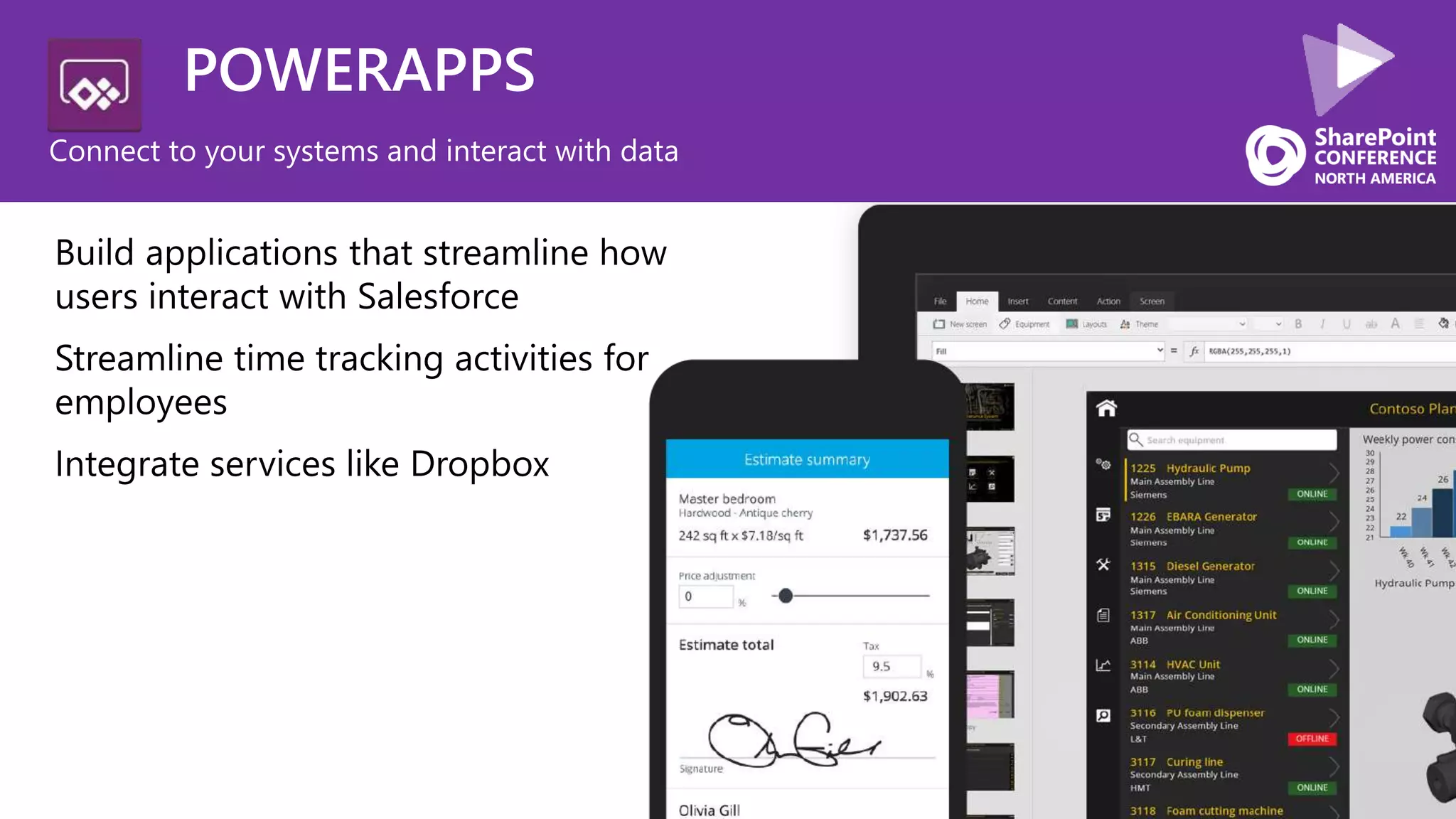
POWERAPPS
Connect to your systems and interact with data
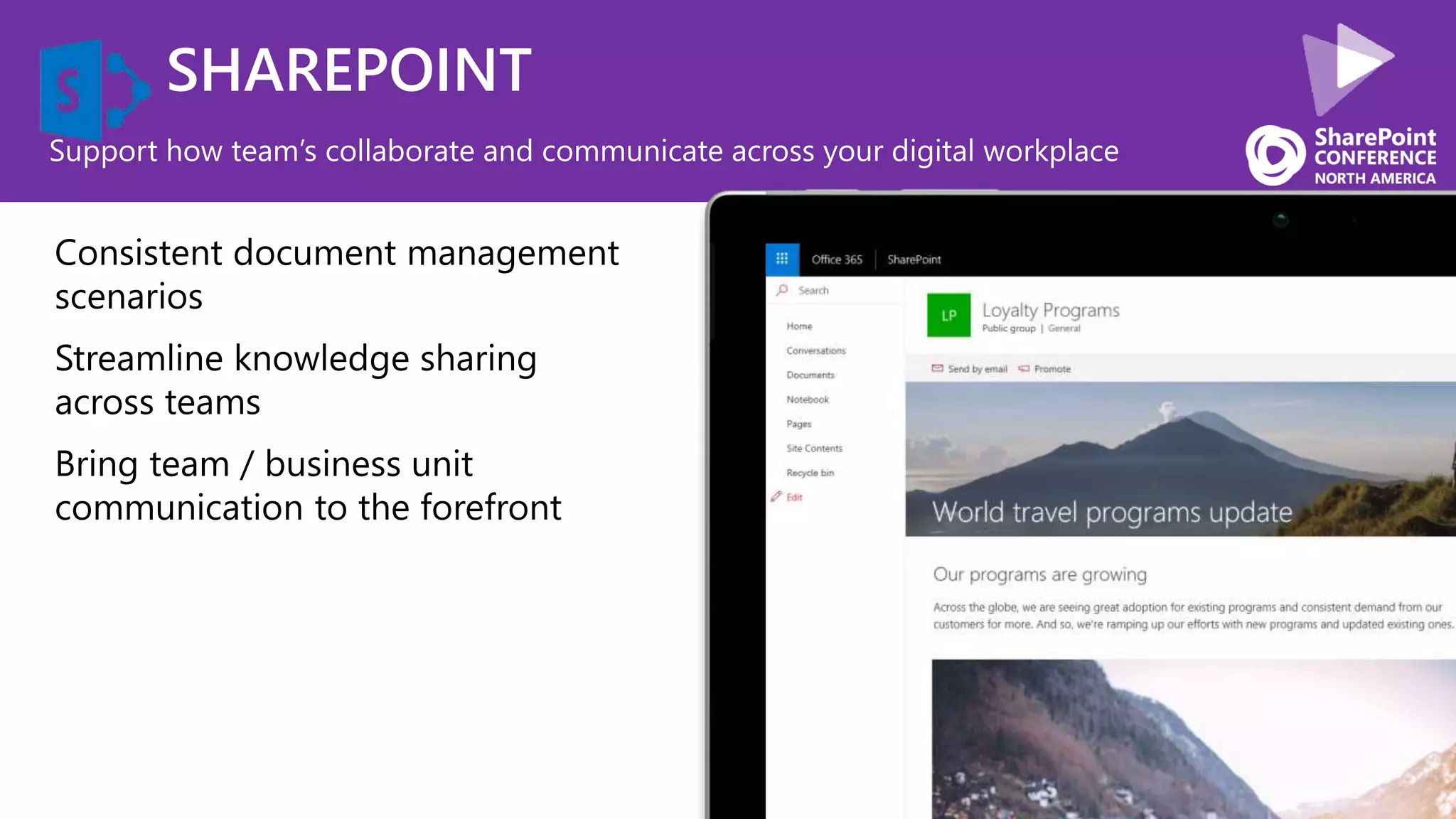
SHAREPOINT
Support how team’s collaborate and communicate across your digital workplace
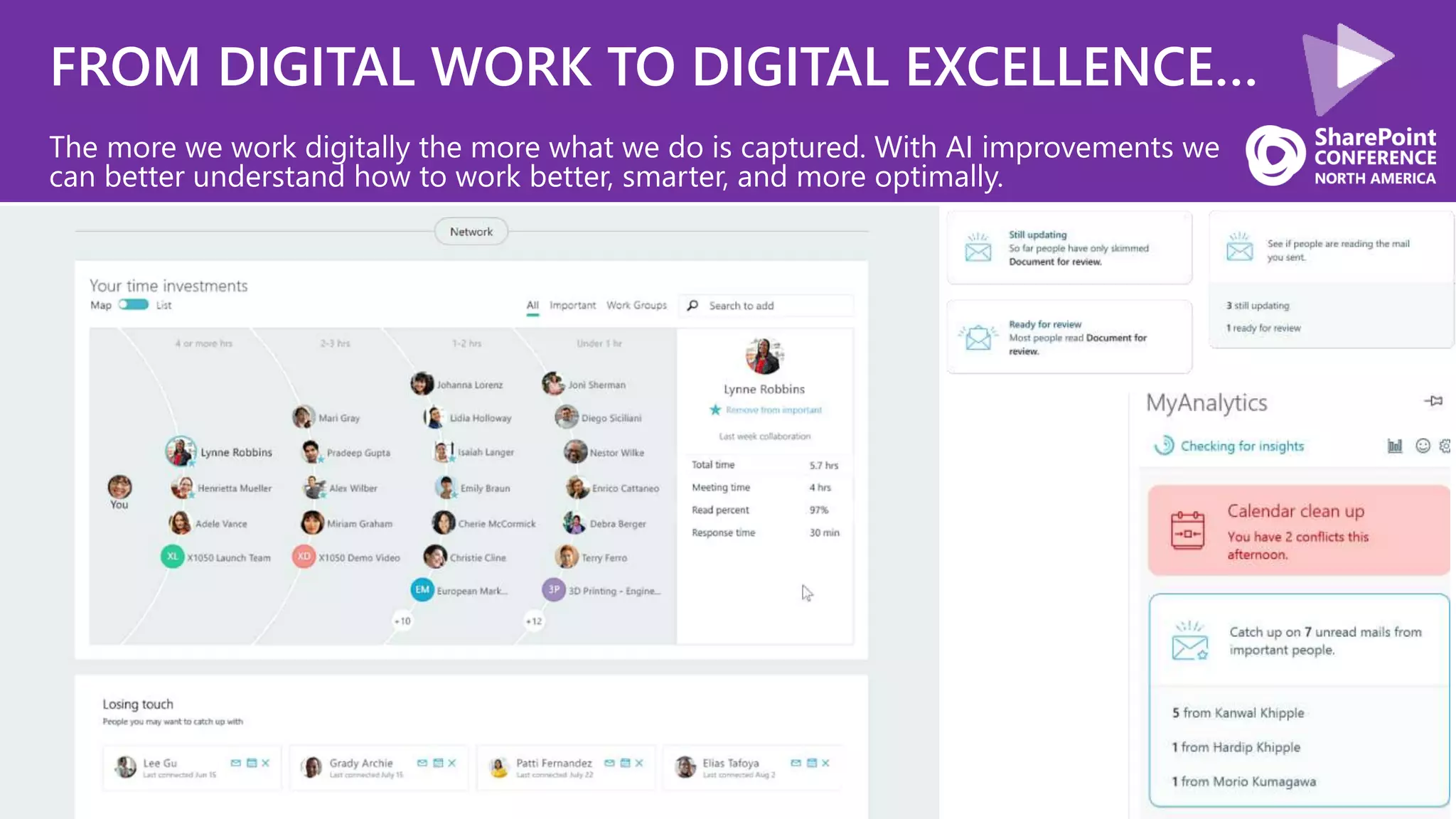
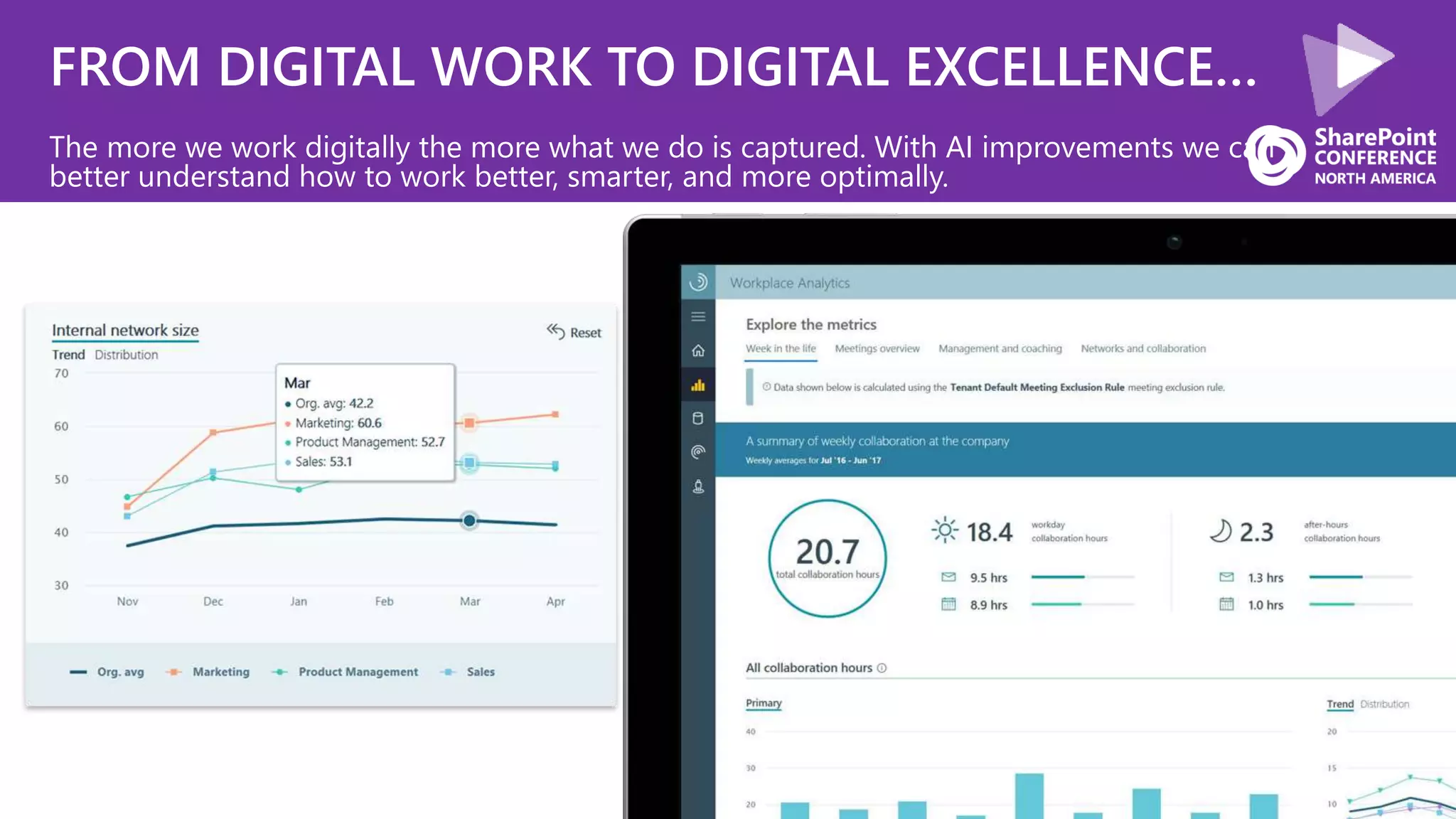
FROM DIGITAL WORK TO DIGITAL EXCELLENCE…
The more we work digitally the more what we do is captured. With AI improvements we
can better understand how to work better, smarter, and more optimally.
FROM DIGITAL WORK TO DIGITAL EXCELLENCE…
The more we work digitally the more what we do is captured. With AI improvements we can
better understand how to work better, smarter, and more optimally.
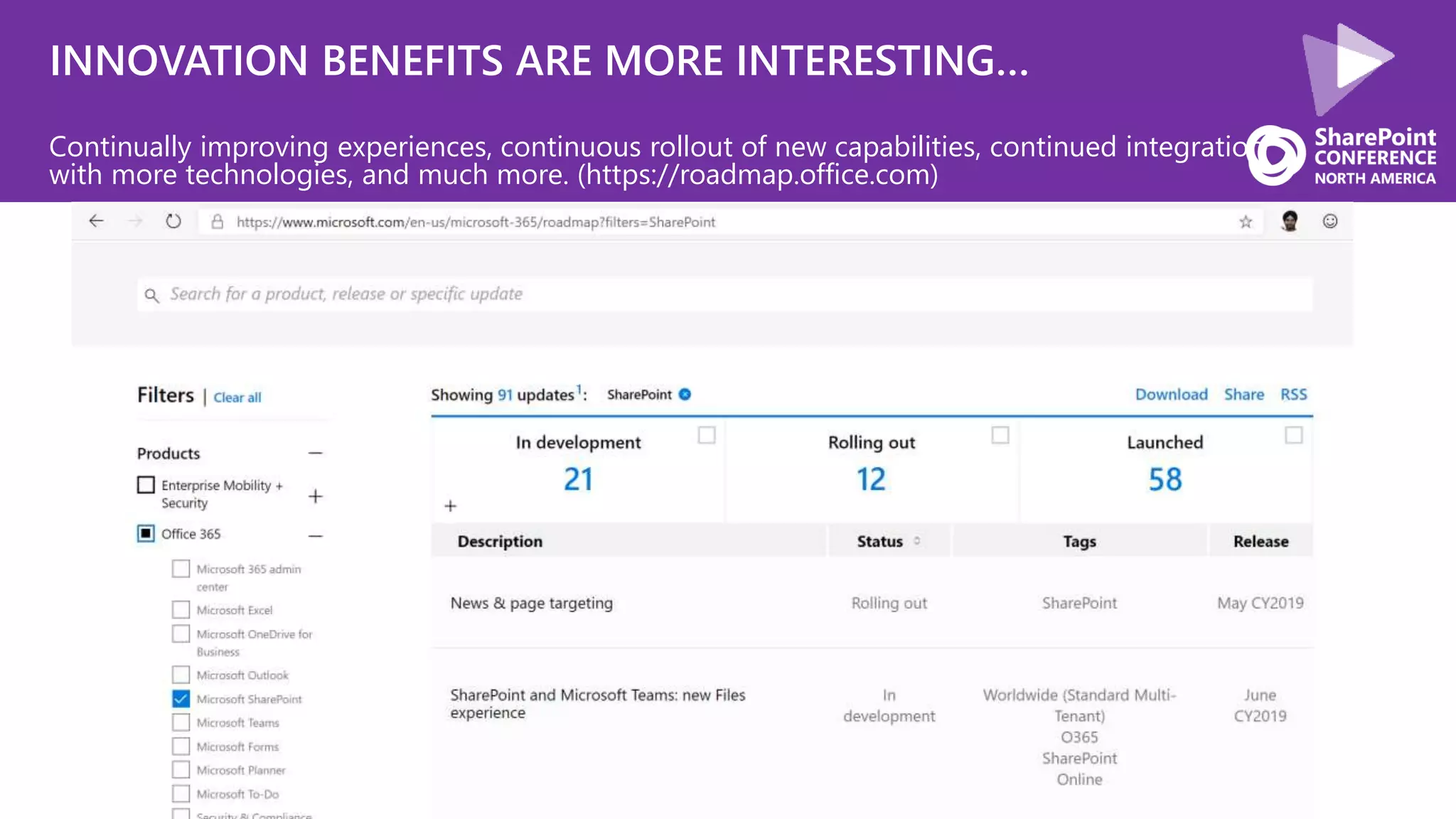
INNOVATION BENEFITS ARE MORE INTERESTING…
Continually improving experiences, continuous rollout of new capabilities, continued integration
with more technologies, and much more. (https://roadmap.office.com)
COMMUNICATION
COLLABORATIONPRODUCTIVITY
Groups Teams
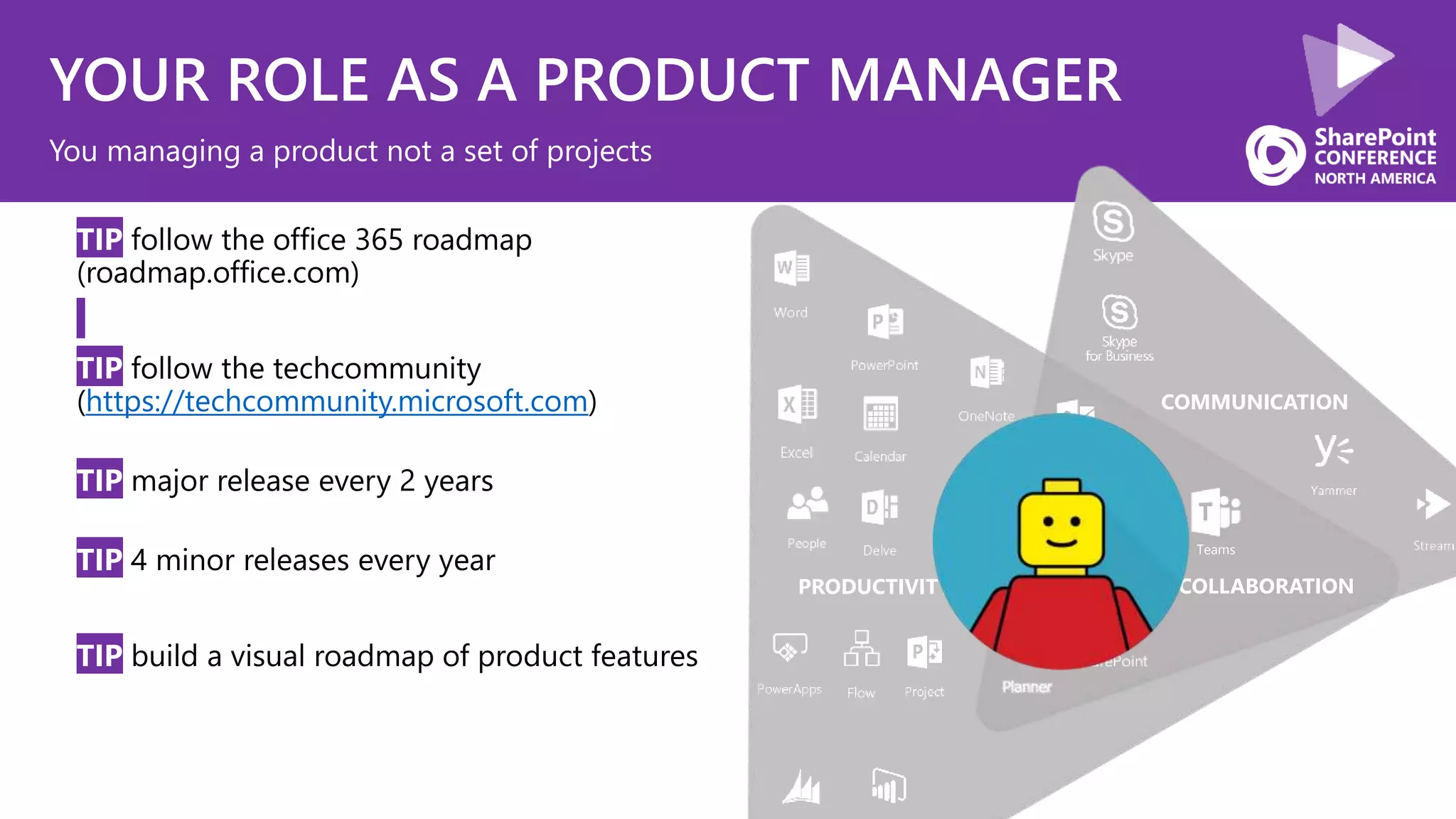
YOUR ROLE AS A PRODUCT MANAGER
• TIP follow the office 365 roadmap
(roadmap.office.com)
• TIP follow the techcommunity
(https://techcommunity.microsoft.com)
• TIP major release every 2 years
• TIP 4 minor releases every year
• TIP build a visual roadmap of product features
You managing a product not a set of projects
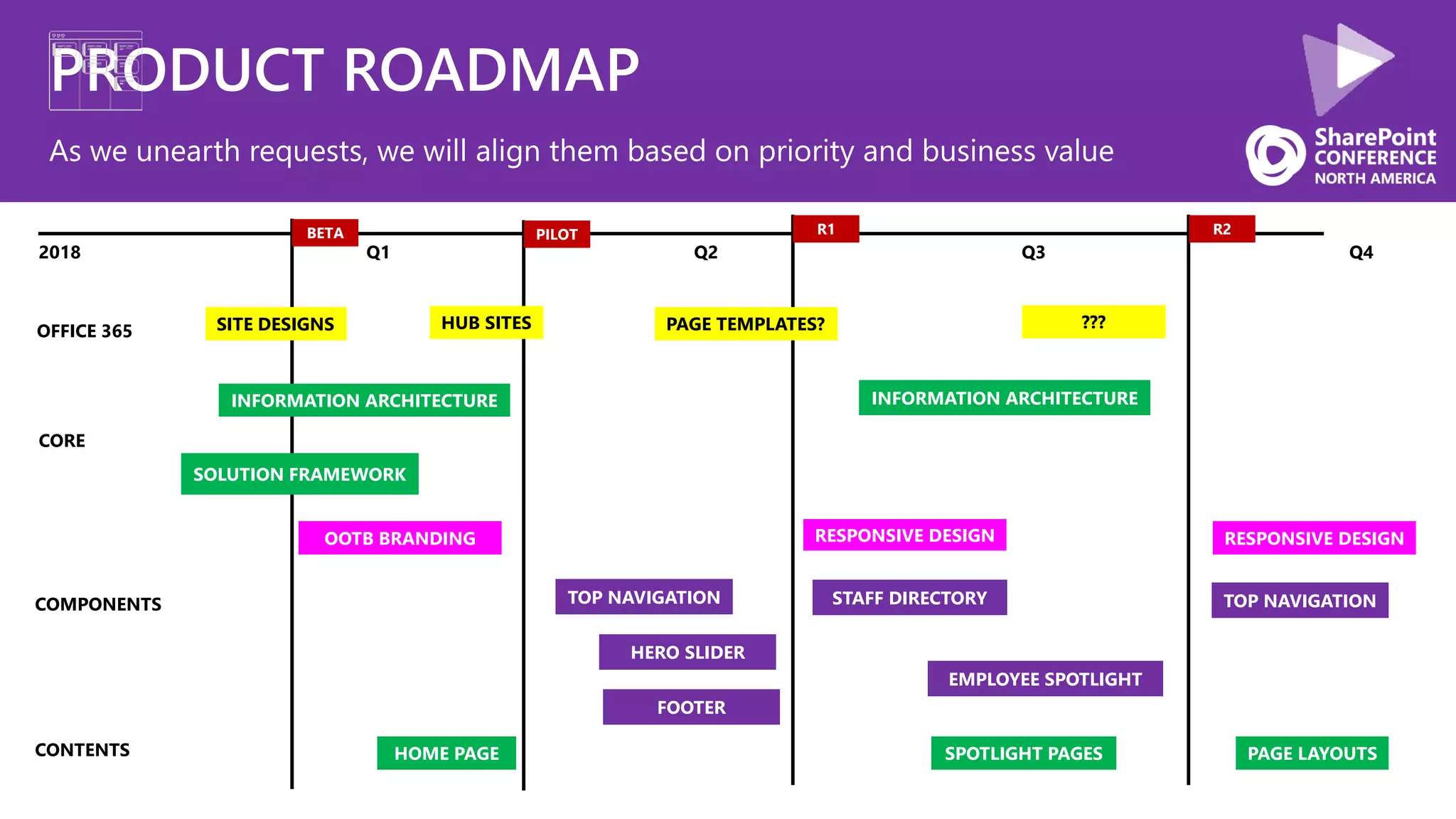
PRODUCT ROADMAP
As we unearth requests, we will align them based on priority and business value
CORE
COMPONENTS
CONTENTS
2018 Q1 Q2 Q3 Q4
R1 R2
OFFICE 365
BETA PILOT
TOP NAVIGATION
SOLUTION FRAMEWORK
INFORMATION ARCHITECTURE
OOTB BRANDING RESPONSIVE DESIGN
INFORMATION ARCHITECTURE
PAGE LAYOUTSHOME PAGE
TOP NAVIGATION
FOOTER
HERO SLIDER
EMPLOYEE SPOTLIGHT
STAFF DIRECTORY
RESPONSIVE DESIGN
SPOTLIGHT PAGES
SITE DESIGNS HUB SITES PAGE TEMPLATES? ???
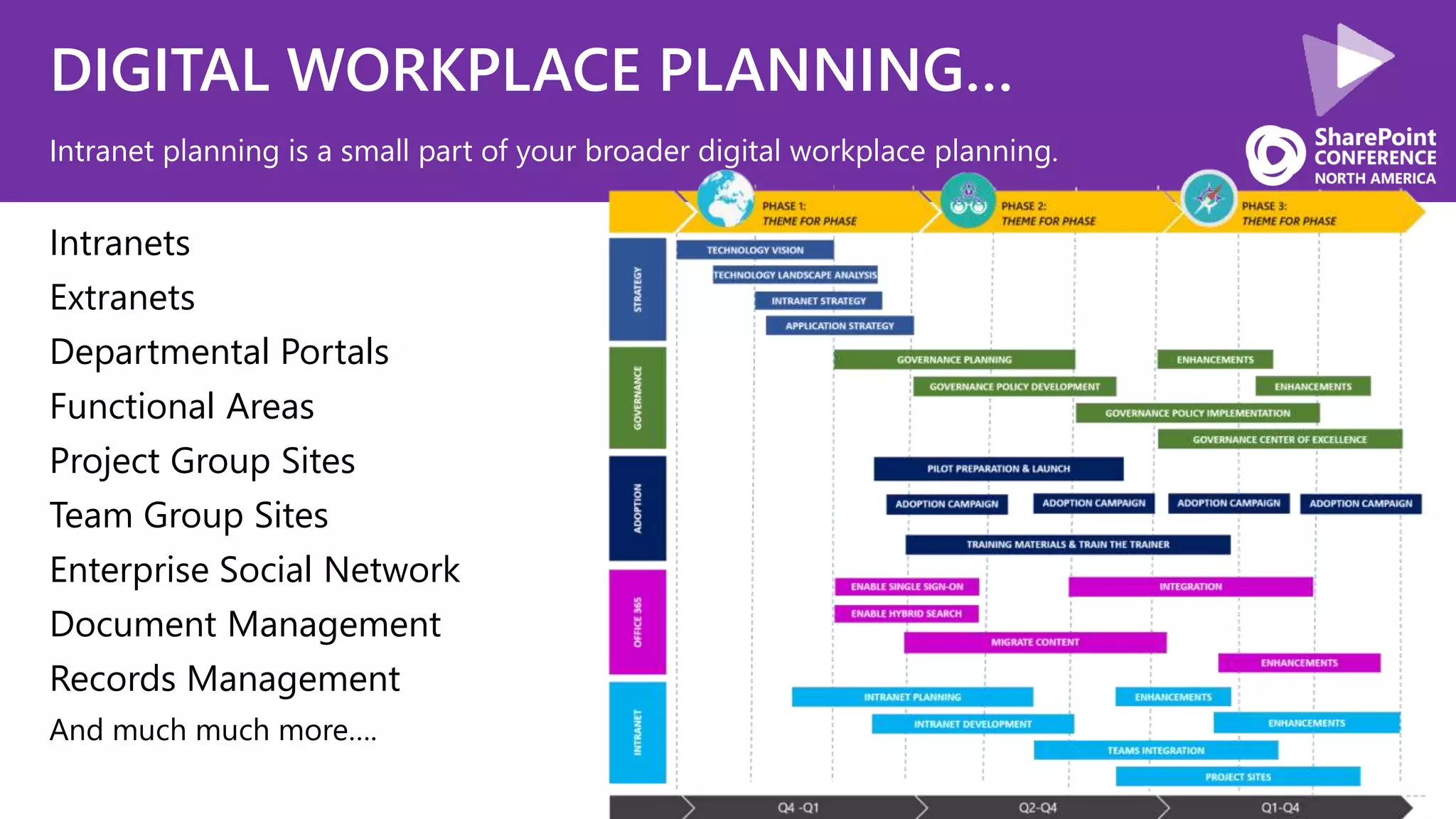
DIGITAL WORKPLACE PLANNING…
Intranets
Extranets
Departmental Portals
Functional Areas
Project Group Sites
Team Group Sites
Enterprise Social Network
Document Management
Records Management
And much much more….
Intranet planning is a small part of your broader digital workplace planning.
CONTINUE INVESTING
INTEGRATION
CONVERSATION UI
CULTURE
What we are going to cover today
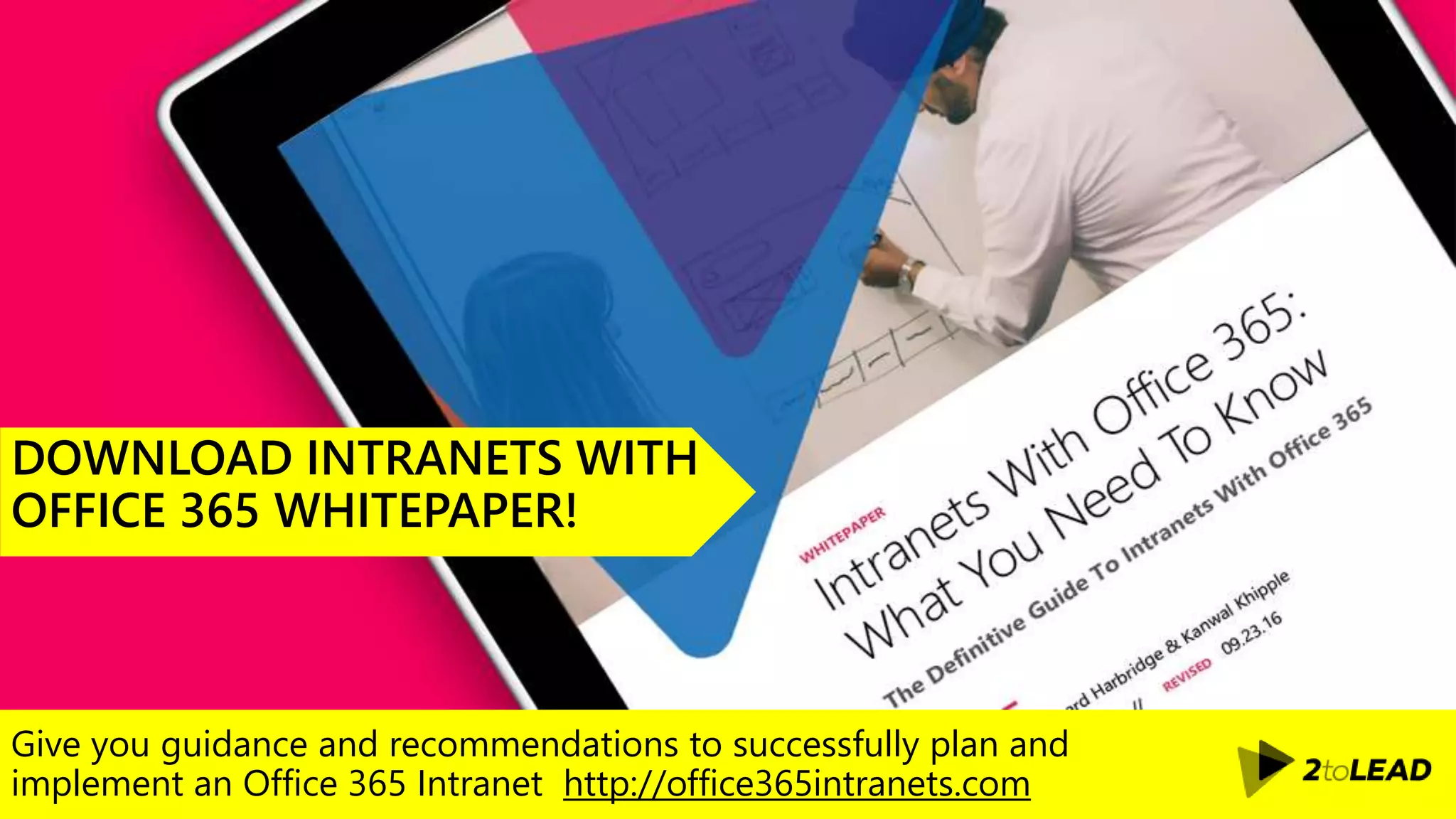
Give you guidance and recommendations to successfully plan and
implement an Office 365 Intranet http://office365intranets.com
DOWNLOAD INTRANETS WITH
OFFICE 365 WHITEPAPER!
My twitter handle is @kkhipple and I work at
Thank You!
Organizers, Sponsors and You for making this possible.
50+ SharePoint Presentations @ Slideshare.Net/kkhipple
When to Use What Whitepaper @ WhentoUseWhat.com
Intranets w/ Office 365 Whitepaper @ Office365Intranets.com
External Sharing w/ Office 365 Whitepaper @ Office365Extranets.com
and more!
Message Me On LinkedIn or Email Kanwal@Khipple.com
SPEAKER | AUTHOR | SUPER GOOD LOOKING

Beyond the Intranet: Digital Workplace Apps, Solutions n Bots #spc19

  • 1.
    LED BY: How torespond to the ever-increasing demand for powerful and integrated solutions that support users' needs across their digital workplace and beyond. Leveraging Office 365 means that you have access to entirely new ways of building solutions faster than ever before. The best part? It's not just IT that can build these great solutions! BEYOND THE INTRANET: DIGITAL WORKPLACE APPS, SOLUTIONS & BOTS Kanwal Khipple
  • 2.
    INVEST EFFECTIVELY When buildinga custom components factor in OOTB experiences
  • 3.
    COLLABORATION ISN’T EASY Individualand group collaboration needs are diverse
  • 4.
    SHARED STORIES Building championsin an organization starts by encouraging and sharing failures
  • 5.
    MORE NEWS FROMTEAMS… It can’t just be regional, departmental and corporate news on your homepage anymore. You need to think about how you will surface team and project news.
  • 6.
    ENGAGEMENT DRIVES INNOVATION Enablingyour champions and leaders to contribute
  • 7.
    WHAT YOU HAVETODAY Ensuring you have a governance model in place to guide users what sites they should create Company + Hub Site Team site Communication siteTeam site Division Team
  • 8.
    INTRANET STRATEGY… As anorganization you need to ensure that you build a great foundation and focus on the right areas EMPLOYEE ENGAGEMENT GOVERNANCE`
  • 9.
    80+ slides 80+ SharePointPresentations @ Slideshare.Net/kkhipple Intranets w/ Office 365 Whitepaper @ Office365Intranets.com Message Me On LinkedIn or Email Kanwal@Khipple.com
  • 10.
    SPEAKER | AUTHOR| SUPER GOOD LOOKING KANWAL KHIPPLE, CEO @kkhipple bit.ly/linkedinkk 2014 2015
  • 11.
  • 12.
  • 13.
    TEST, DON’T GUESS capturingin-field feedback & usability testing As we prepare to wireframe, what are some UX principles & best practices to keep in mind?
  • 14.
    FOLLOWED COMMUNITIES I wantto be able to select and manage my followed communities so that I can view the activities that are most relevant to me.
  • 15.
    THEMES Apply your brandwithin SharePoint
  • 16.
    LEVERAGE THEME Custom componentsshould leverage user-applied themes
  • 17.
    ONBOARDING EXPERIENCE Ensuring thatusers are following the communities that are relevant to them. WELCOME TO THE NEW AND IMPROVED Intranet! Use the ‘Follow’ feature at the top of Intranet’s sites to include news and events from these sites in your view of the homepage news and events. Ok, I’m ready to start following…
  • 18.
    BUILDING EXPERIENCES Implementing aneffective design that drives engagement and speaks to your brand
  • 19.
    SHAREPOINT INVESTMENTS Many organizationshave invested quite a bit into the SharePoint framework
  • 20.
    SHAREPOINT INVESTMENTS Many organizationshave invested quite a bit into the SharePoint framework
  • 21.
    INVESTMENT INTO THEPLATFORM Many organizations have invested quite a bit into the SharePoint framework
  • 22.
    INVESTMENT INTO THEPLATFORM Many organizations have invested quite a bit into the SharePoint framework
  • 23.
    INVESTMENT INTO THEPLATFORM Many organizations have invested quite a bit into the SharePoint framework
  • 24.
  • 25.
    SIMPLE INTEGRATION STILLMATTERS… When provisioning spaces connect them based on your IA and provisioning process. Example change Outlook Conversations link to the Team. This is defaulted moving forward.  Present Linking is still a reliable and easy way to integrate.
  • 26.
    TIME TO VALUEFOR INTEGRATION… When people want to see information in one place we would build, buy and implement solutions. IT leads this and the approach takes time. Build Business Case Secure Budget (On Promise Of Value) Analyze Systems, Needs & Approach Design Optimal Solution Build Solution Test Solution (QA & Then Production) Document Deployment Deploy Solution (QA & Then Production) Deliver Value Get Feedback (Often As A Separate Motion) Past
  • 27.
    TIME TO VALUEFOR INTEGRATION… We optimize for MVP and iterative improvement today. Accelerating IT’s ability to integrate faster and deliver value sooner. PresentSecure Budget (On Promise Of Immediate Value) Build Business Case
  • 28.
    TIME TO VALUEFOR INTEGRATION… Arguably this is made much better by improvements in development patterns, as well as a reduction in complexity of deployment/risks. Present
  • 29.
    Full Trust Code Web Parts Features Event Receivers TIME TOVALUE FOR INTEGRATION… Our traditional waterfall model, and model where we build based on server model development takes longer and doesn’t maximize IT effect. Past
  • 30.
    Client Side Web Parts Cloud Services TIMETO VALUE FOR INTEGRATION… The new model accelerates development considerably as we can deliver more tailored value faster, and often avoid server side delays or complexity. Present
  • 31.
    TIME TO VALUEFOR INTEGRATION… Now it doesn’t just need to be IT who is meeting integration needs. O365 Connectors, Flow, Team Tabs, 3rd Party solutions, all accelerate time to value. Present
  • 32.
    TIME TO VALUEFOR INTEGRATION… Microsoft Flow allows organizations and individuals to automate workflows that integrate with existing SaaS services and business apps that users rely on today. Present
  • 33.
    TIME TO VALUEFOR INTEGRATION… Now it doesn’t just need to be IT who is meeting integration needs. Future
  • 34.
    INTEGRATION CAN BEEASY… Using the connectors built in, or by using a simple sync model you can connect systems and reduce clicks, or tie processes/data together. Present Supported Via 3rd Party
  • 35.
    MEET PRIYA, OURCONTRIBUTOR • Priya needs to coordinate onboarding for a new employee • She wants to have all departments involved and coordinated to complete the onboarding • The process should be repeatable and automated for all onboardings. Priya’s goal is to ensure employees have access to the latest and greatest information to bring their full potential forward.
  • 36.
    PRIYA STARTS THEONBOARDING PROCESSCaptures new employee onboarding entry in a custom form
  • 37.
    THE MANAGER REVIEWSAND APPROVES RIGHT FROM THE EMAIL RECEIVED An approval task is sent to Bryan’s new manager, Alexa to confirm new employee information is accurate and continue with the process. An approval request message is sent with new onboarding details for review
  • 38.
    APPROVAL PROCESS BEHINDTHE SCENES An approval is sent to the supervisor to review onboarding request data
  • 39.
    PRIYA WANTS TOASSIGN ONBOARDING TASKS Once approved, we create the planner plan
  • 40.
    TAKING AUTOMATION ASTEP FURTHER Working with user accounts to schedule training and send emails on schedule.
  • 41.
    ONBOARDING WORK ASSIGNEDACROSS TEAMS A new Microsoft Planner plan is created for onboarding Bryan.
  • 42.
    PRIYA VISUALIZES ONBOARDINGSTATUS Priya can visualize task completion by opening the planner plan for this employee.
  • 43.
    TAKING AUTOMATION EVENFURTHER Integrate your flow with other systems using over 250 standard connectors Standard Connectors 3rd party Connectors Custom Connectors ADP Sage
  • 44.
    DONATION MATCHING PROGRAM Enablingcitizen development empowers everyone to create small burst of innovation that support them and their team
  • 45.
    DONATION MATCHING PROGRAM Enablingcitizen development empowers everyone to create small burst of innovation that support them and their team
  • 46.
    1-DAY HACKATHON Establishing aculture of failure is important for individuals and teams to grow.
  • 47.
  • 48.
    CONVERSATIONS ARE 24/7 Realtime interactions improve adoption and engagement
  • 49.
    NOTIFICATIONS Mobile apps aresimplifying the interactions and data that we need
  • 50.
    SIMPLE INTERACTIONS Chat apps(SMS, WhatsApp, WeChat, etc) have such a high adoption as it simplifies how we all interact
  • 51.
    OFFICE 365 ASSISTANT Tenantadministrators have access to the Office 365 assistant
  • 52.
    WHO BOT Leverage totap in to organization-wide experts
  • 53.
    BOT INTEGRATION Microsoft Teamsleverages Bots to simplify integration
  • 54.
    QUICKLY ANSWER QUESTIONSFROM ANYWHERE Surfacing relevant, company-approved information promptly, from anywhere.
  • 55.
    MEET CARRIE, OURCONNECTOR • Carrie wants to provide a reservation for the resident lounge to an employee while away from her desk. • Carrie needs to get additional information from an Assistant Manager. • Carrie needs to capture the employee information and close the sale. Carrie is a leasing consultant.
  • 56.
    CARRIE FINDS RESIDENTLOUNGE INFORMATION ON THE GO Retrieve information in a central location Finds Resident Lounge Information Confirms room availability
  • 57.
    CARRIE SEEKS HELPFROM OTHERS Consult coworkers on the fly Gets answers about local liquor laws
  • 58.
    CARRIE PROVIDES FOLLOW-UP INFORMATION Easilyintegrate to provide key information from anywhere
  • 59.
    BOTS & MORE… Nearly20% of companies have already deployed chatbots in the workplace, with an anticipated 57% by 2021. Our hubs need to be more intelligent/interactive.
  • 60.
    CREATE YOUR OWNFAQ BOT Creating a Bot for answering FAQs http://bit.ly/2ntjf5x
  • 61.
    BUILD YOUR KNOWLEDGEBASE Whether you are sourcing content from an existing list or building it from scratch, its fairly easy to build a KB using QnA Maker - https://www.qnamaker.ai
  • 62.
    IDENTIFY A GROUP Fromsupporting new employees getting onboarded to ensuring common HR questions are handled, identify your key group
  • 63.
    FLOW TO ANSWERTOP QNA Build a simple Microsoft Flow that answers questions based on confidence
  • 64.
    APPROVAL If the confidenceis lower than 70% then we can email to HR for approval
  • 65.
    ORGANIZATIONAL CULTURE BOT Helpscompanies to find out the employee engagement and retention by analyzing employee sentiment. • Give me the facts for client … • Tell me the recent sales for client … • Set up a new client for … • Find me a parking spot. • Find me petrol/a hotel/a print shop. • Recommend a lunch location. • Tell the client that I’m close. • Give me the traffic alerts. • Find me the best order for today’s visits. • Share this presentation with the client. • Add a reminder for one week. • Check the stock levels of … • Register a new sale. • Record the mileage for this trip. • How are my sales targets? • Tell me the latest intranet news. • What do I need to approve?
  • 66.
    ORGANIZATIONAL BOT When youare looking to implement a single bot experience across multiple departments
  • 67.
    INTRANET + BOTS Integrationof bots into your intranet
  • 68.
  • 69.
    TEAMS Collaborate with yourteam to get work done
  • 70.
  • 71.
  • 72.
    POWERAPPS Connect to yoursystems and interact with data
  • 73.
    SHAREPOINT Support how team’scollaborate and communicate across your digital workplace
  • 74.
    FROM DIGITAL WORKTO DIGITAL EXCELLENCE… The more we work digitally the more what we do is captured. With AI improvements we can better understand how to work better, smarter, and more optimally.
  • 75.
    FROM DIGITAL WORKTO DIGITAL EXCELLENCE… The more we work digitally the more what we do is captured. With AI improvements we can better understand how to work better, smarter, and more optimally.
  • 76.
    INNOVATION BENEFITS AREMORE INTERESTING… Continually improving experiences, continuous rollout of new capabilities, continued integration with more technologies, and much more. (https://roadmap.office.com)
  • 77.
    COMMUNICATION COLLABORATIONPRODUCTIVITY Groups Teams YOUR ROLEAS A PRODUCT MANAGER • TIP follow the office 365 roadmap (roadmap.office.com) • TIP follow the techcommunity (https://techcommunity.microsoft.com) • TIP major release every 2 years • TIP 4 minor releases every year • TIP build a visual roadmap of product features You managing a product not a set of projects
  • 78.
    PRODUCT ROADMAP As weunearth requests, we will align them based on priority and business value CORE COMPONENTS CONTENTS 2018 Q1 Q2 Q3 Q4 R1 R2 OFFICE 365 BETA PILOT TOP NAVIGATION SOLUTION FRAMEWORK INFORMATION ARCHITECTURE OOTB BRANDING RESPONSIVE DESIGN INFORMATION ARCHITECTURE PAGE LAYOUTSHOME PAGE TOP NAVIGATION FOOTER HERO SLIDER EMPLOYEE SPOTLIGHT STAFF DIRECTORY RESPONSIVE DESIGN SPOTLIGHT PAGES SITE DESIGNS HUB SITES PAGE TEMPLATES? ???
  • 79.
    DIGITAL WORKPLACE PLANNING… Intranets Extranets DepartmentalPortals Functional Areas Project Group Sites Team Group Sites Enterprise Social Network Document Management Records Management And much much more…. Intranet planning is a small part of your broader digital workplace planning.
  • 80.
  • 81.
    Give you guidanceand recommendations to successfully plan and implement an Office 365 Intranet http://office365intranets.com DOWNLOAD INTRANETS WITH OFFICE 365 WHITEPAPER!
  • 82.
    My twitter handleis @kkhipple and I work at Thank You! Organizers, Sponsors and You for making this possible. 50+ SharePoint Presentations @ Slideshare.Net/kkhipple When to Use What Whitepaper @ WhentoUseWhat.com Intranets w/ Office 365 Whitepaper @ Office365Intranets.com External Sharing w/ Office 365 Whitepaper @ Office365Extranets.com and more! Message Me On LinkedIn or Email Kanwal@Khipple.com SPEAKER | AUTHOR | SUPER GOOD LOOKING

Editor's Notes

  • #2 Many organizations have already established a powerful Office 365 Intranet, but they haven't answered the question What's next . In this session we will respond to the ever-increasing demand for powerful and integrated solutions that support users' needs across their digital workplace and beyond. Leveraging Office 365 means that you have access to entirely new ways of building solutions faster than ever before. The best part? It's not just IT that can build these great solutions!  Join Kanwal Khipple as he shares real world examples, and best practices for how organizations can deliver more value with integrated solutions built by the business, by IT, or a combination of both. In this session, we will talk about Bots, Microsoft Flow, PowerApps, Microsoft Forms, Integrations, Office 365 development, industry innovation and more!
  • #4 Germans are very competitive and do not usually collaborate naturally, Germany - the culture in Germany values formality, neatness and strong work ethic. Typically very competitive so they do not usually collaborate naturally. Ghana – as a hierarchical society, people are given respect based on age, wisdom, experience, wealth or position. So they expect people that are leaders to make the decision for the entire group. Younger staff members will not challenge superiors. Abu Dhabi - Culture is very much mixed with religion in Abu Dhabi. Many of the rules that are followed are based on Islam. The rules regarding modesty and strong gender segregation. This does not help collaboration between genders. An example is having Emirati employees in a room and only women were allowed to attend. Much more structured than anywhere else. China - They place a high value on education and hard work. There is always a competitive drive to succeed. Very similar to the United States but it is considered impolite to question superiors. We need to break the silence mindset, once the interaction happens it will be incredibly valuable. Japan - culturally, Japanese users are more open to experimenting which leads to higher degrees of collaboration. Have seen much higher adoption rates
  • #15 Users will use SharePoint ‘follow’ feature to subscribe to the activity they want to see in the activity feeds. Assumption is that all users will automatically ‘follow’ all of the Admin Departments. If user does not set their preferences, they see all activities by default. Setting a preference does not exclude user from seeing those activities if they navigate to that specific community site.
  • #18 Do not want people to be able to ‘unfollow’ what we have set for them Do
  • #37 Priya opens a custom form built with PowerApps and SharePoint to start the onboarding process by providing basic information for Bryan.
  • #39 At this point, a flow in Microsoft Flow receives the initial data from Priya and starts the onboarding process. Conceptual but with screen shots of doc -> Email -> options for yes/no -> approved doc
  • #41 Once the account is created, a series of tasks can be configured to: Schedule onboarding training events Send emails on schedule based on employee start date to provide information on the first day, first week, and so forth to keep the employee supported though the process.
  • #42 These tasks are organized into buckets per department for easy identification
  • #43 Each person assigned a task will perform their requested activity and mark the task as complete.
  • #56 Carrie is finishing her shift, as she leaves, comes across a customer Rosco asks about rates for conference rooms and roof lounge as he is planning a company event and this location seems to be a great choice for his employees. What can Carrie do to meet or exceed client expectations?
  • #57 Carrie opens up the SharePoint app on her phone. Here, she will access conference room information stored on a list, sorts the information by room capacity and is able to provide the customer with an option for a large conference room. She then opens the link to more information regarding the room and checks availability on the room’s calendar, the room is available for the dates Rosco requested.
  • #58 Ralph asks about local laws and restrictions for serving alcohol in the event. Carrie, being new to the role is not sure how to respond so he opens Yammer and posts a question on the “Assistant Managers” group. Melissa, the, assistant manager promptly looks at the message and replies that a license is required, providing a link to a document that details the steps to follow.
  • #59 The client is thrilled with the quick response and is eager to move forward.