Video: http://youtu.be/Xl6RKzCK79k
dux.sy@avepoint.com
csimeone@microsoft.com
steve.caravajal@microsoft.com
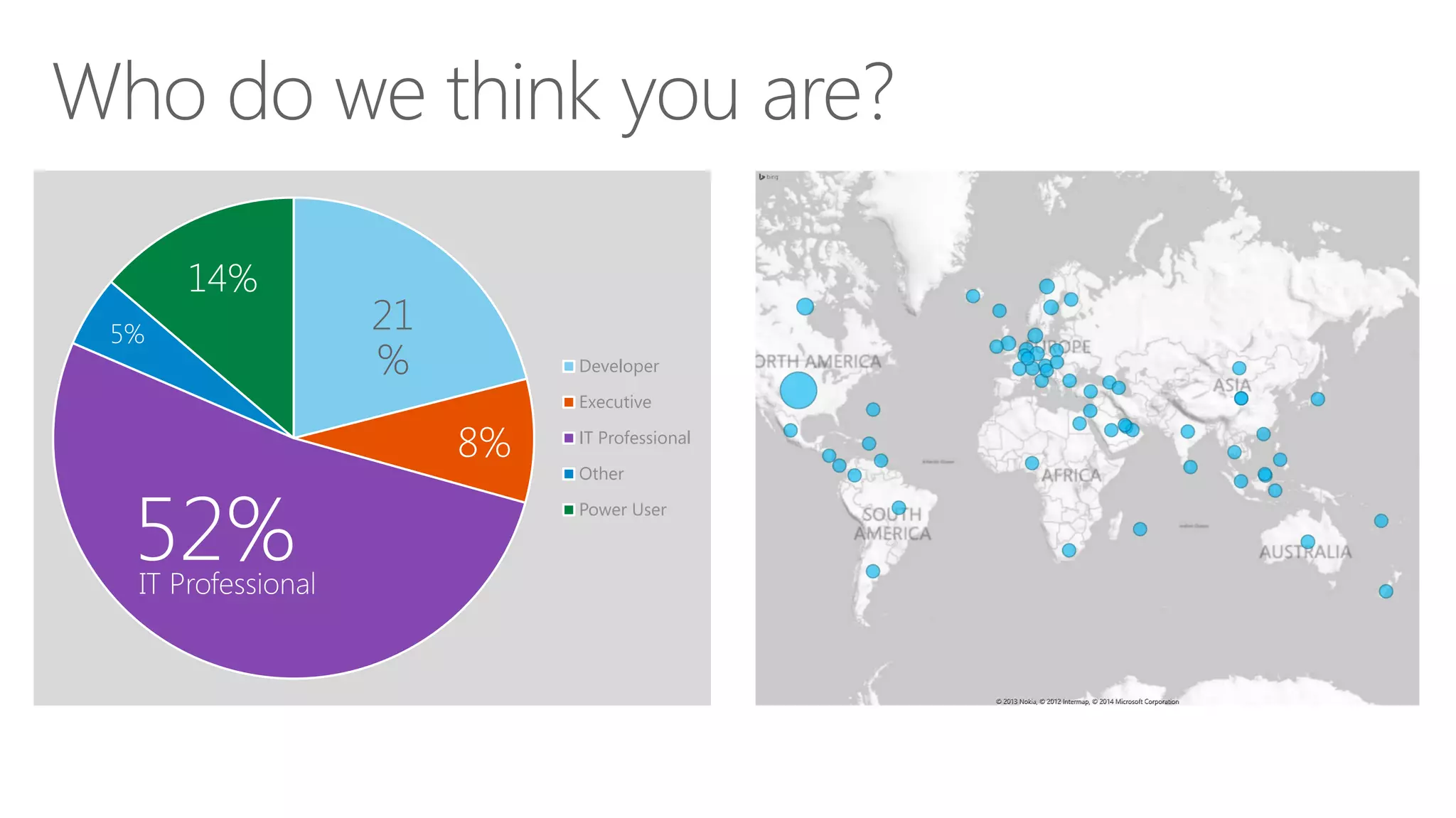
Developer
Executive
IT Professional
Other
Power User
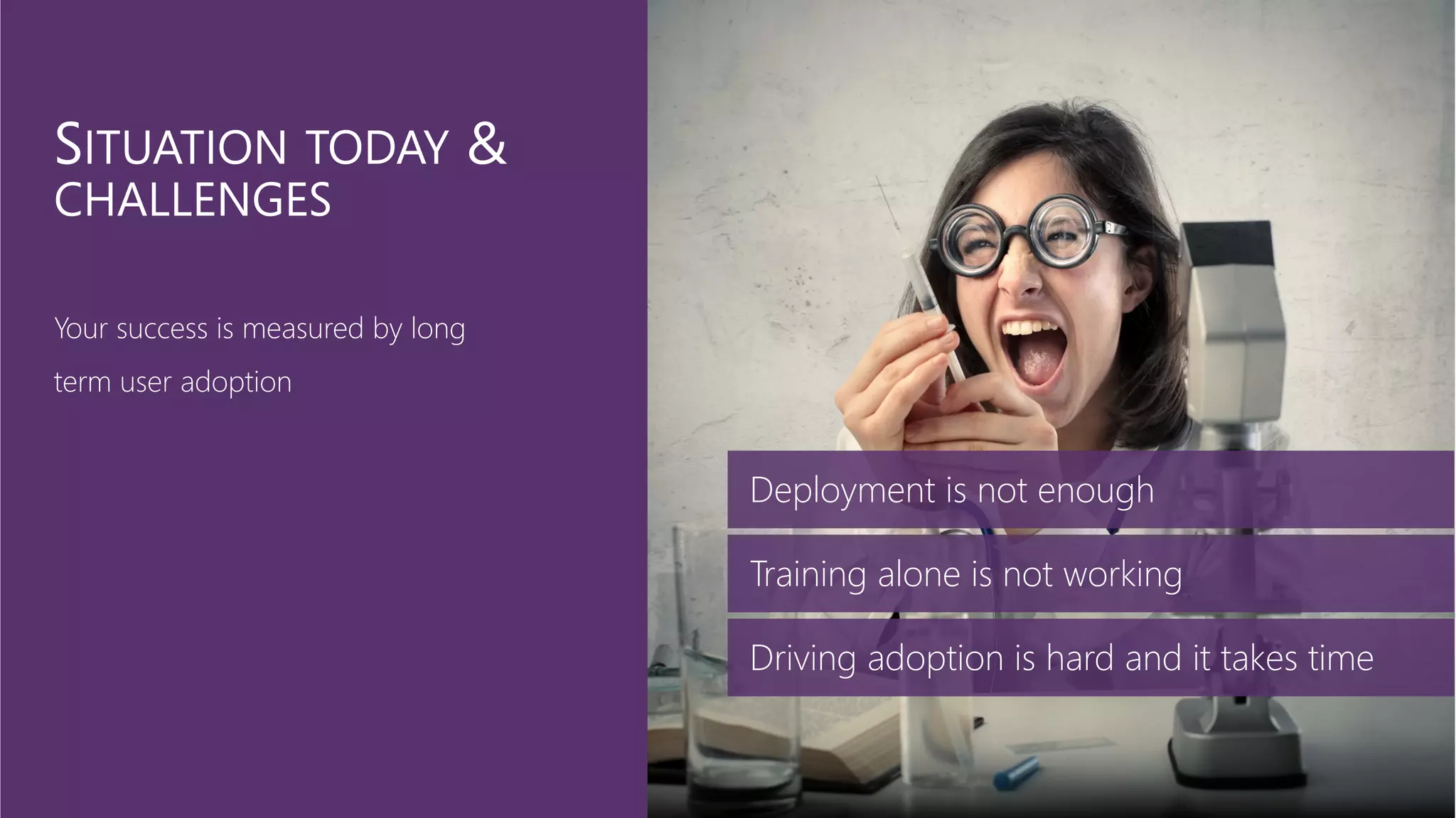
Deployment is not enough
Training alone is not working
Driving adoption is hard and it takes time
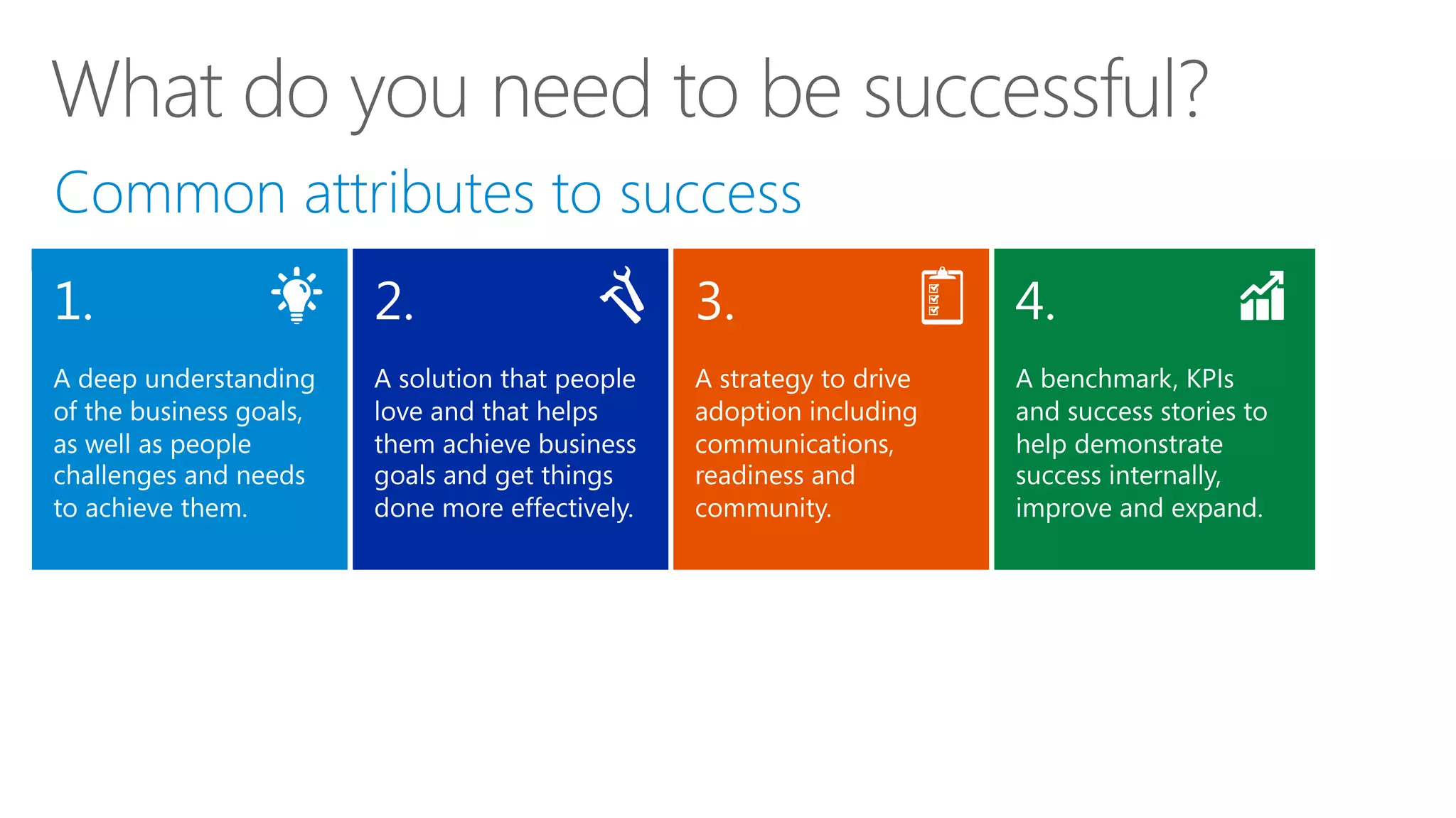
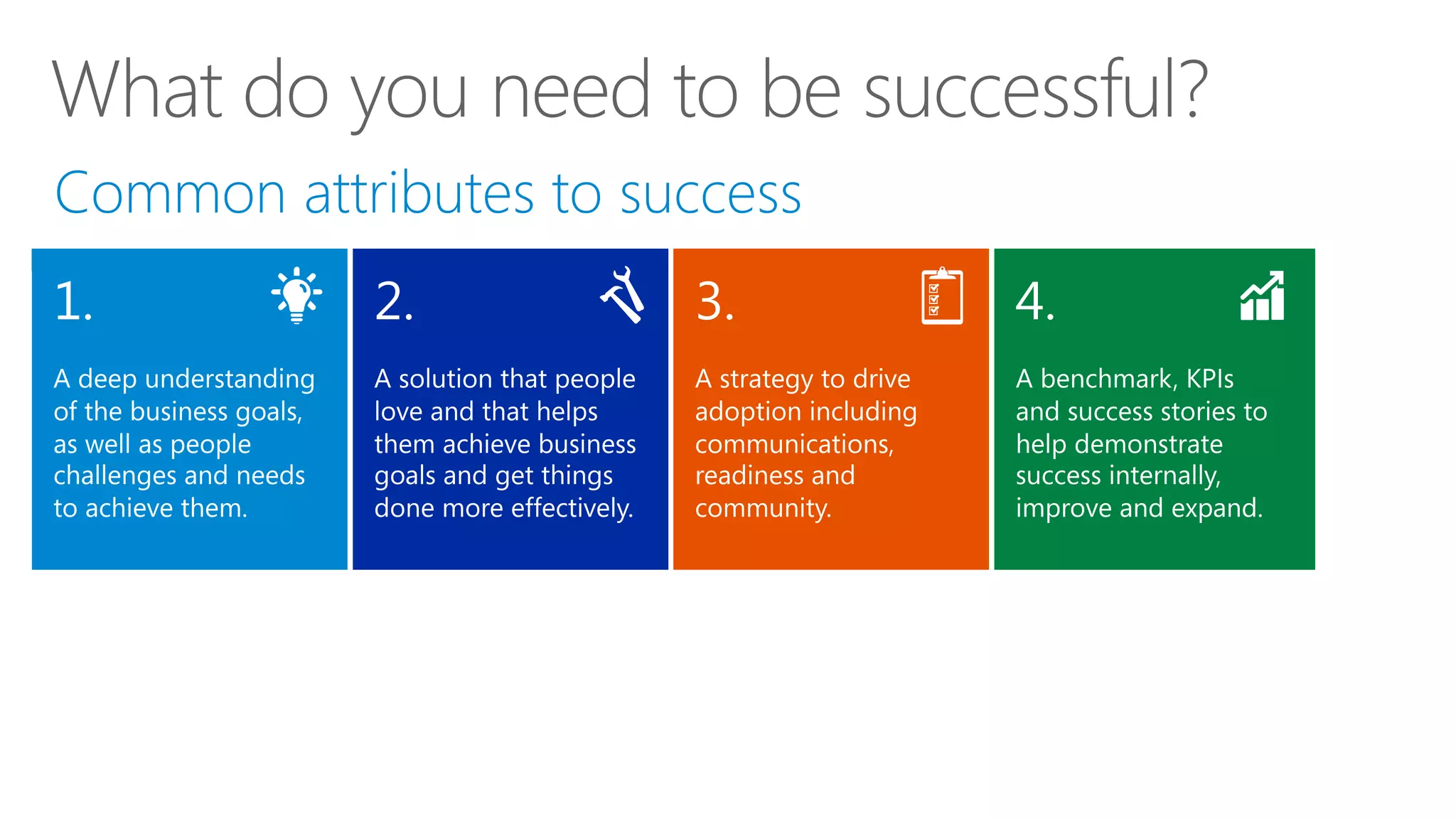
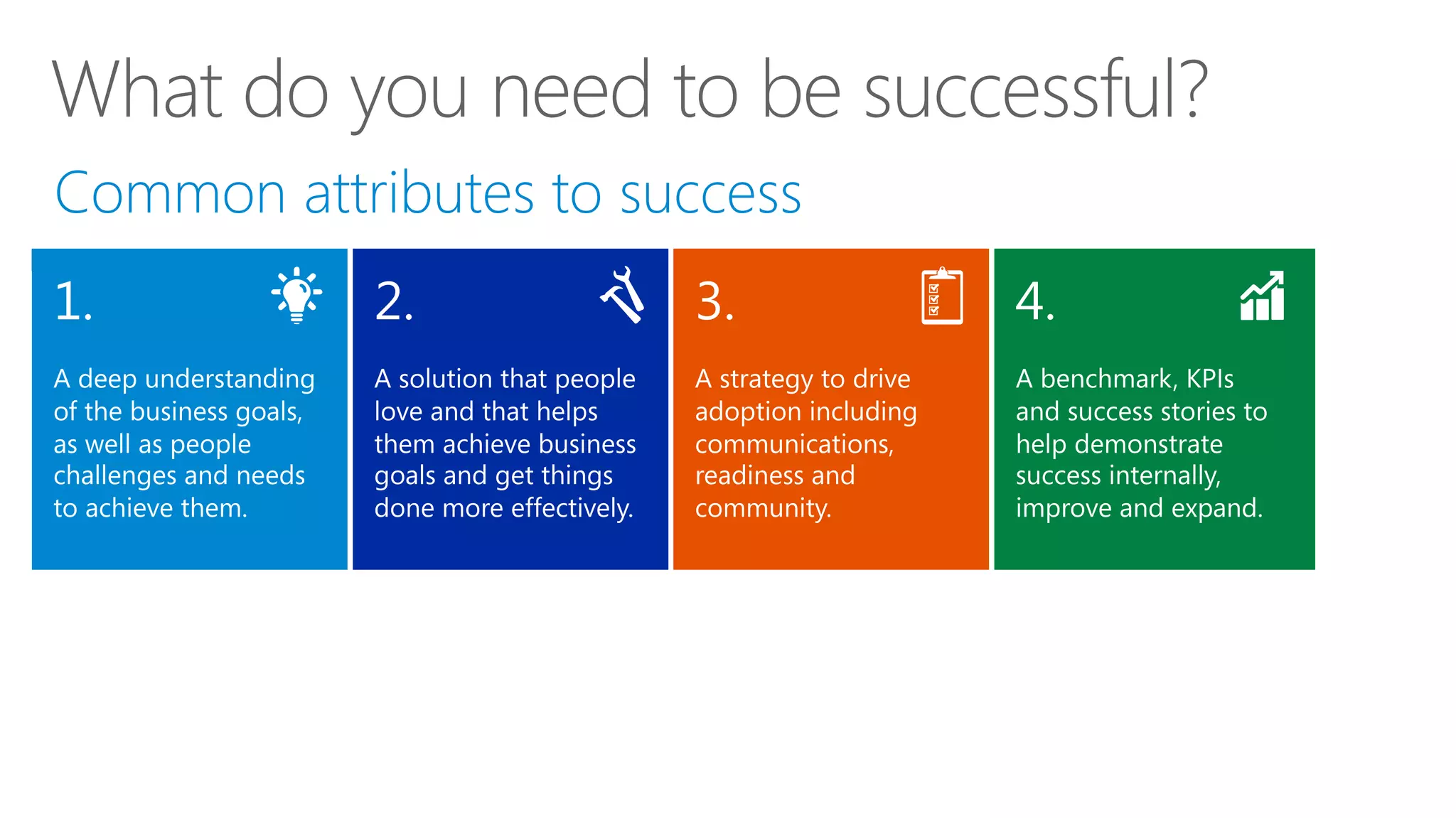
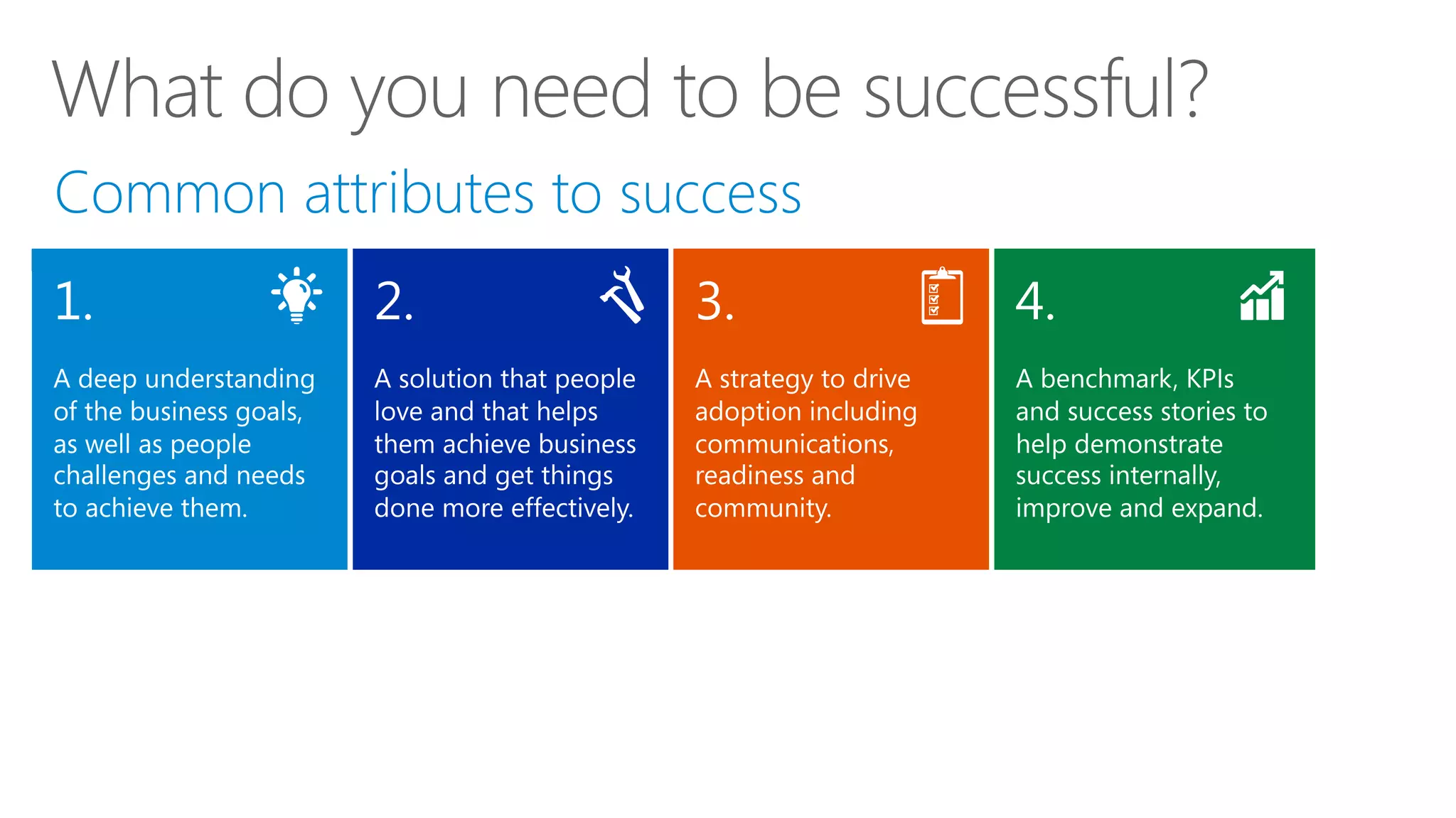
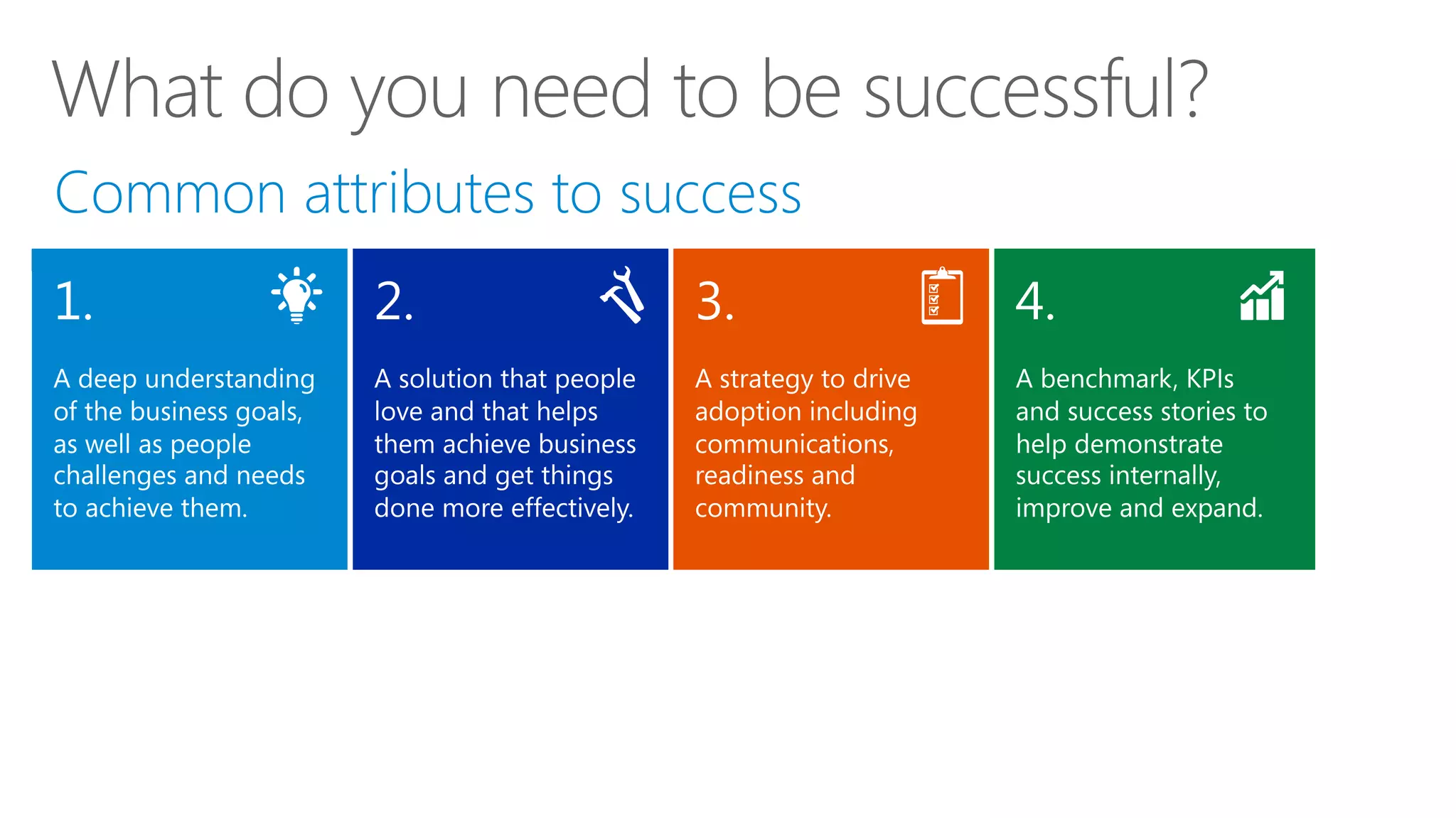
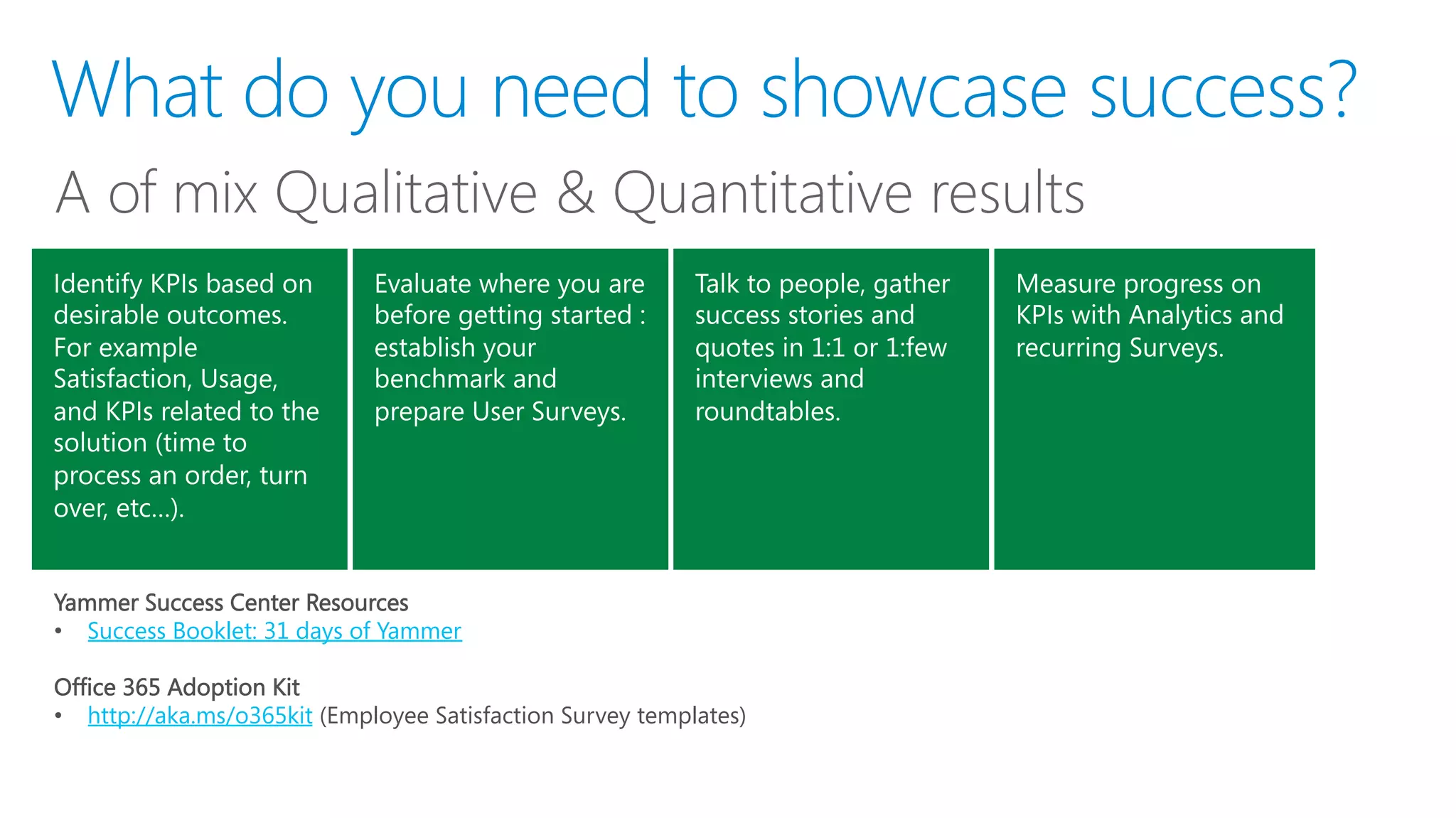
What do you need to be successful
Where to begin and how to proceed
Resources and programs available
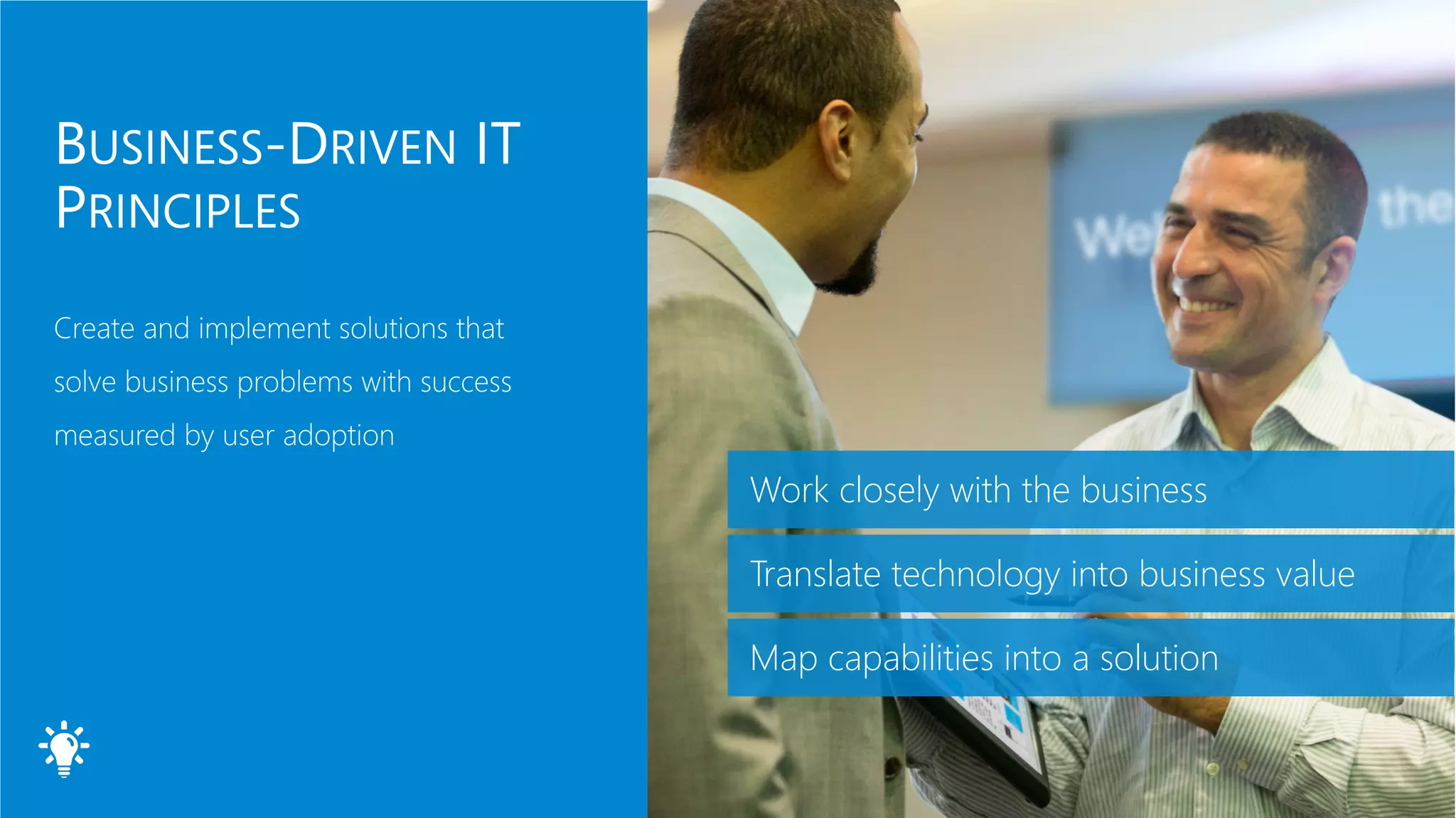
Work closely with the business
Translate technology into business value
Map capabilities into a solution
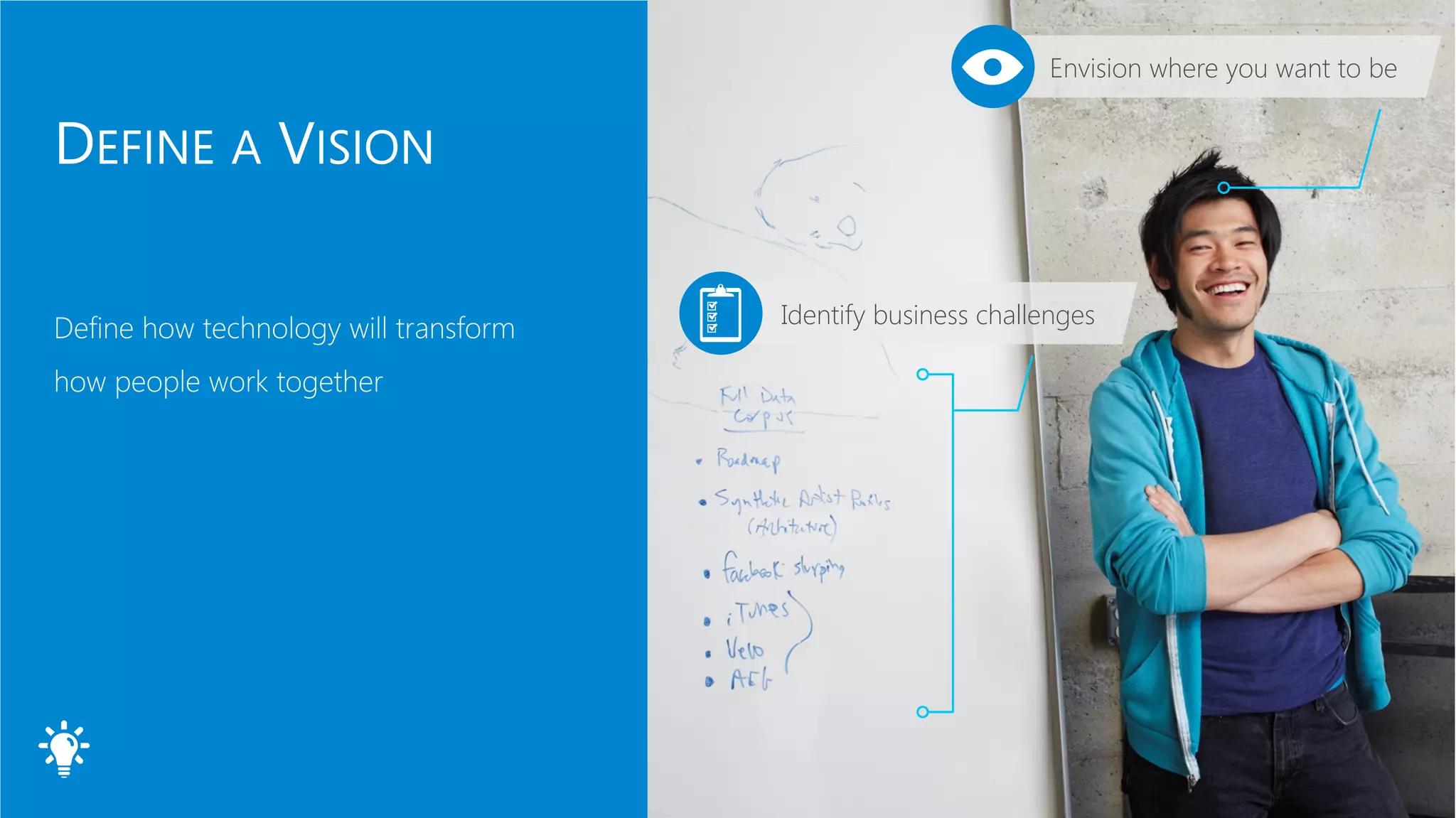
Envision where you want to be
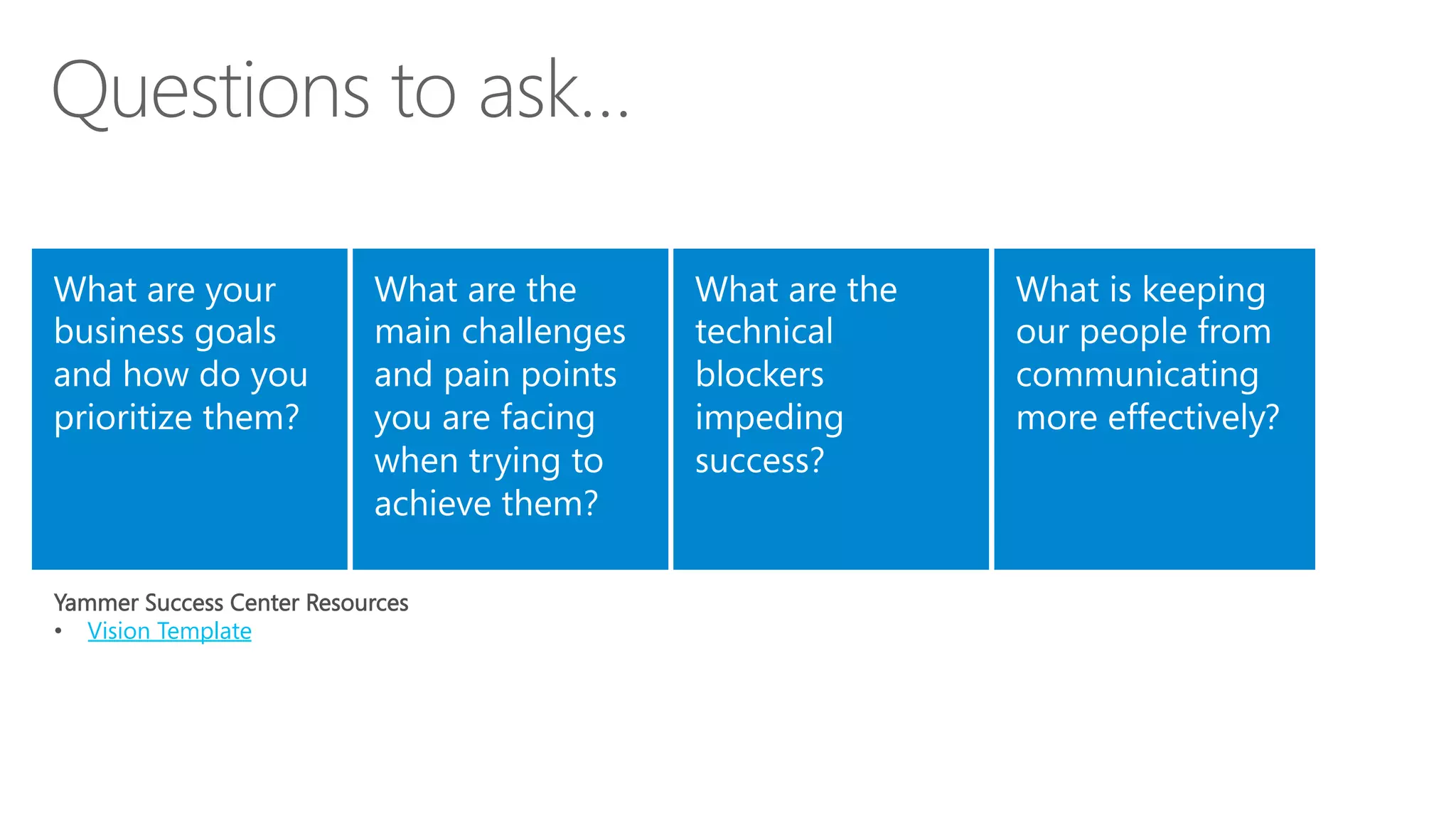
Identify business challenges
Yammer Success Center Resources
•  Vision Template
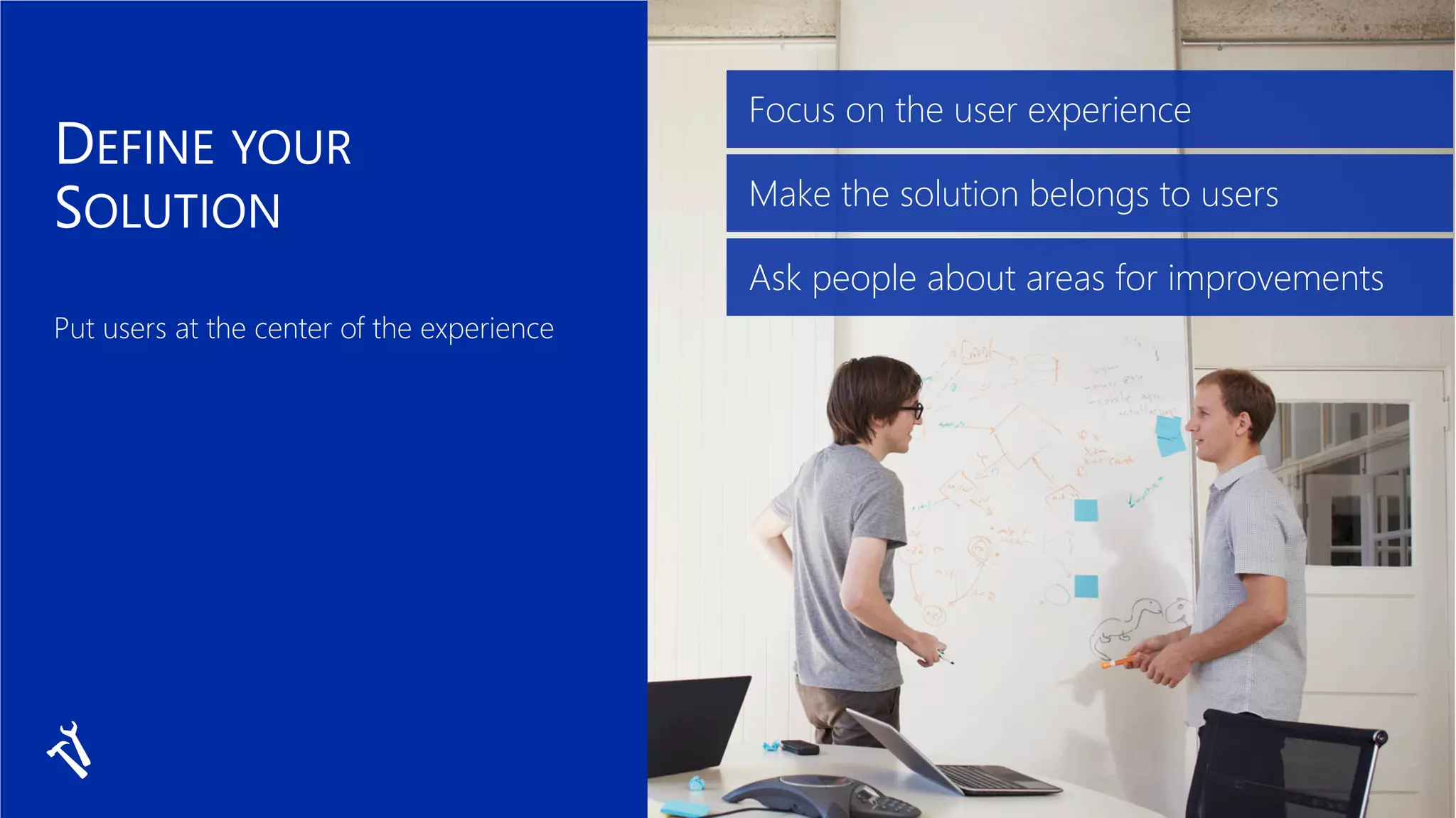
Focus on the user experience
Make the solution belongs to users
Ask people about areas for improvements
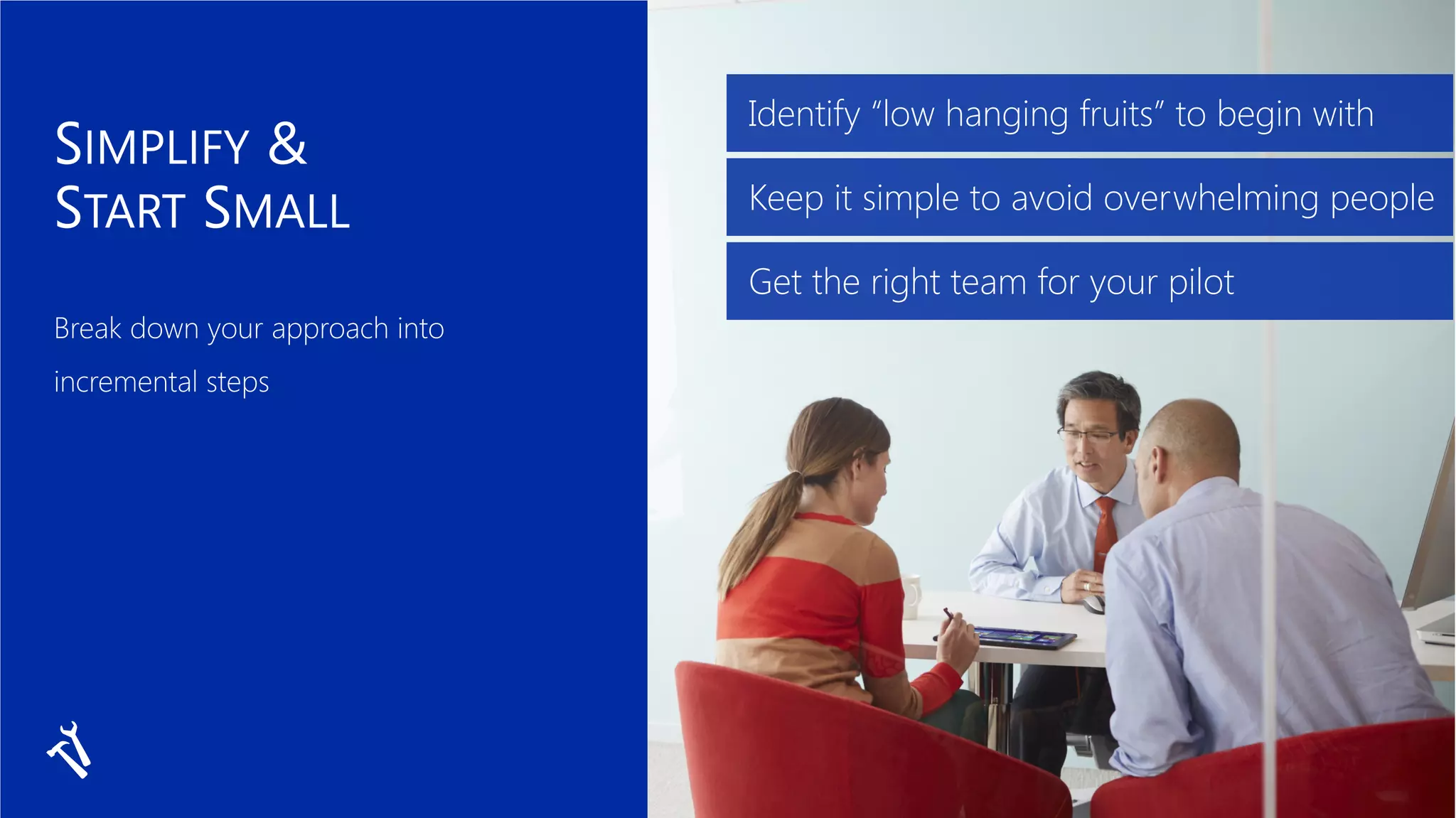
Identify “low hanging fruits” to begin with
Keep it simple to avoid overwhelming people
Get the right team for your pilot
communication
scholar sociologist
diffusion of innovations early adopter
Diffusion of innovations
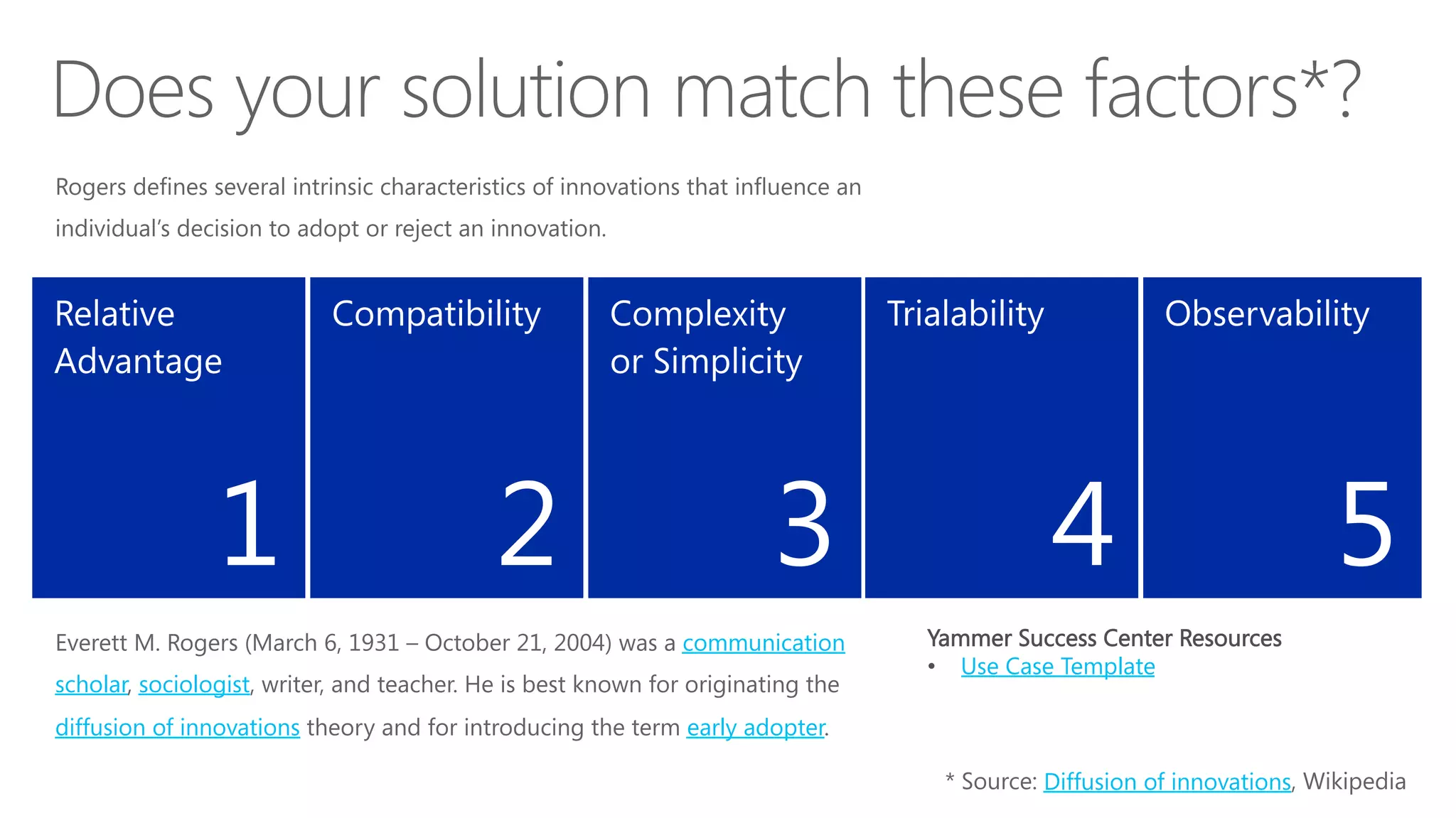
1
 2
 3
 4
 5
Yammer Success Center Resources
•  Use Case Template
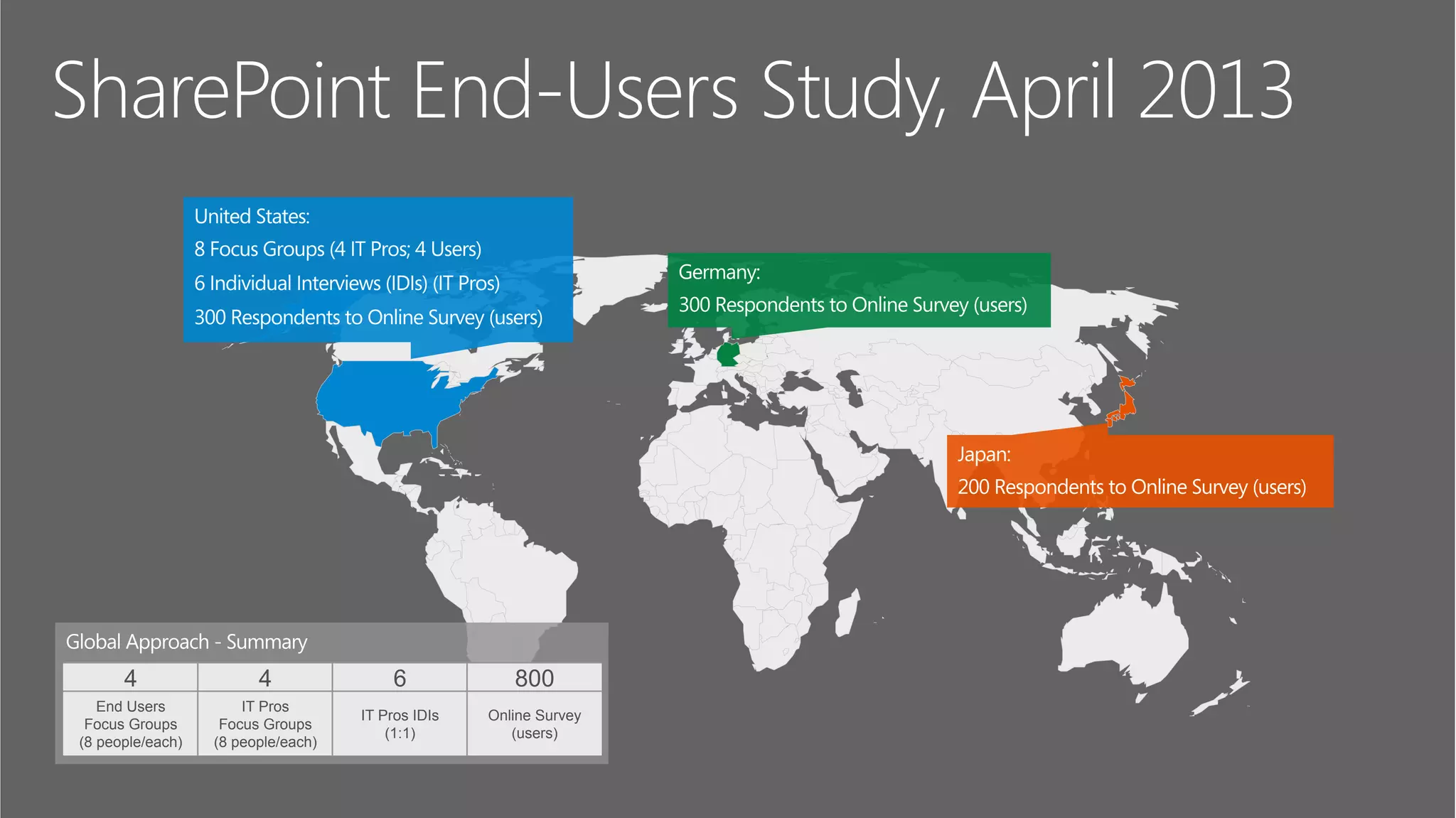
SharePoint End-Users Study, April 2013
4 4 6 800
End Users
Focus Groups
(8 people/each)
IT Pros
Focus Groups
(8 people/each)
IT Pros IDIs
(1:1)
Online Survey
(users)
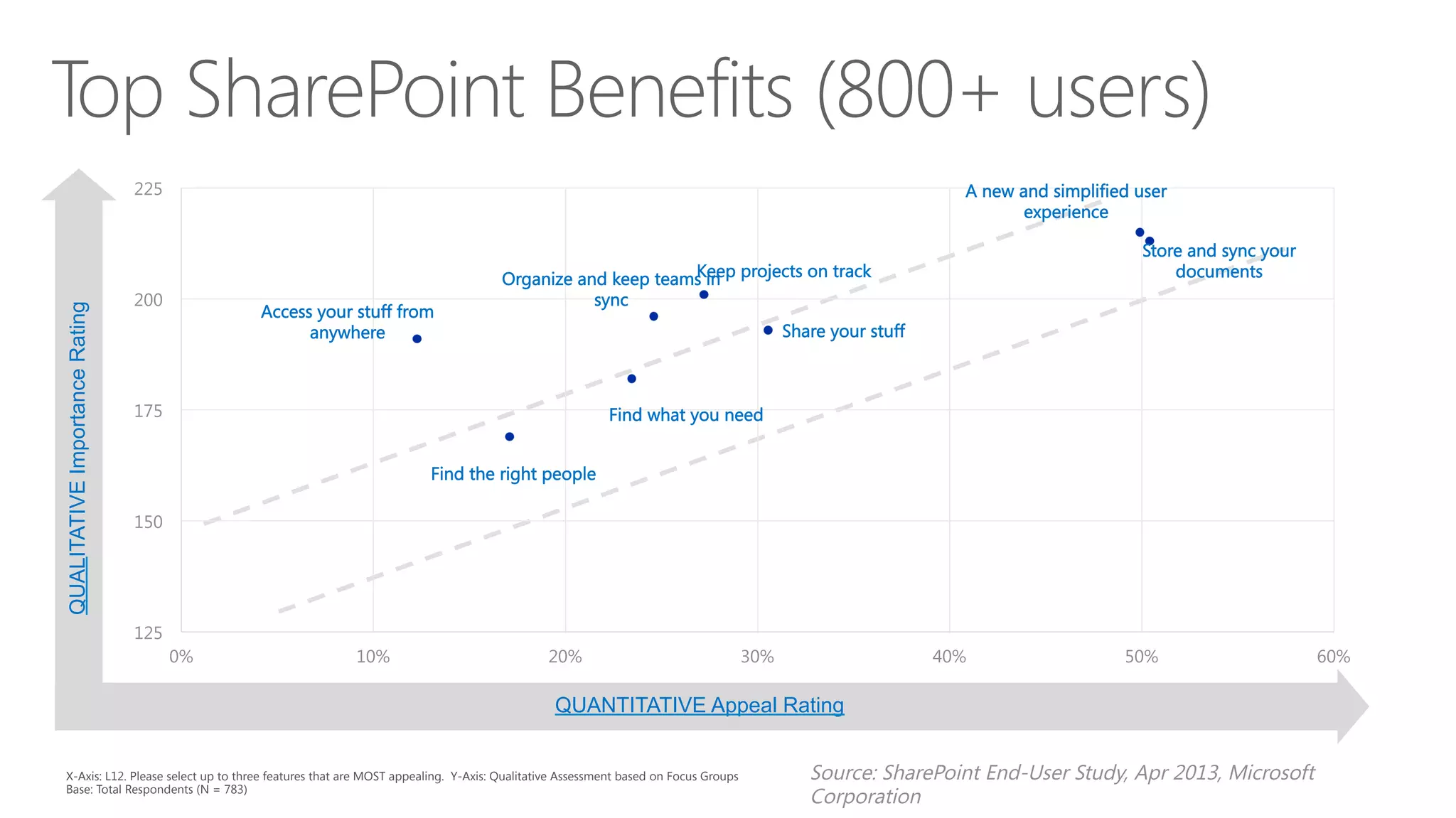
QUALITATIVEImportanceRating
A new and simplified user
experience
Store and sync your
documents
Share your stuff
Keep projects on track
Organize and keep teams in
sync
Find what you need
Find the right people
Access your stuff from
anywhere
125
150
175
200
225
0%
 10%
 20%
 30%
 40%
 50%
 60%
X-Axis: L12. Please select up to three features that are MOST appealing. Y-Axis: Qualitative Assessment based on Focus Groups
Base: Total Respondents (N = 783)
QUANTITATIVE Appeal Rating
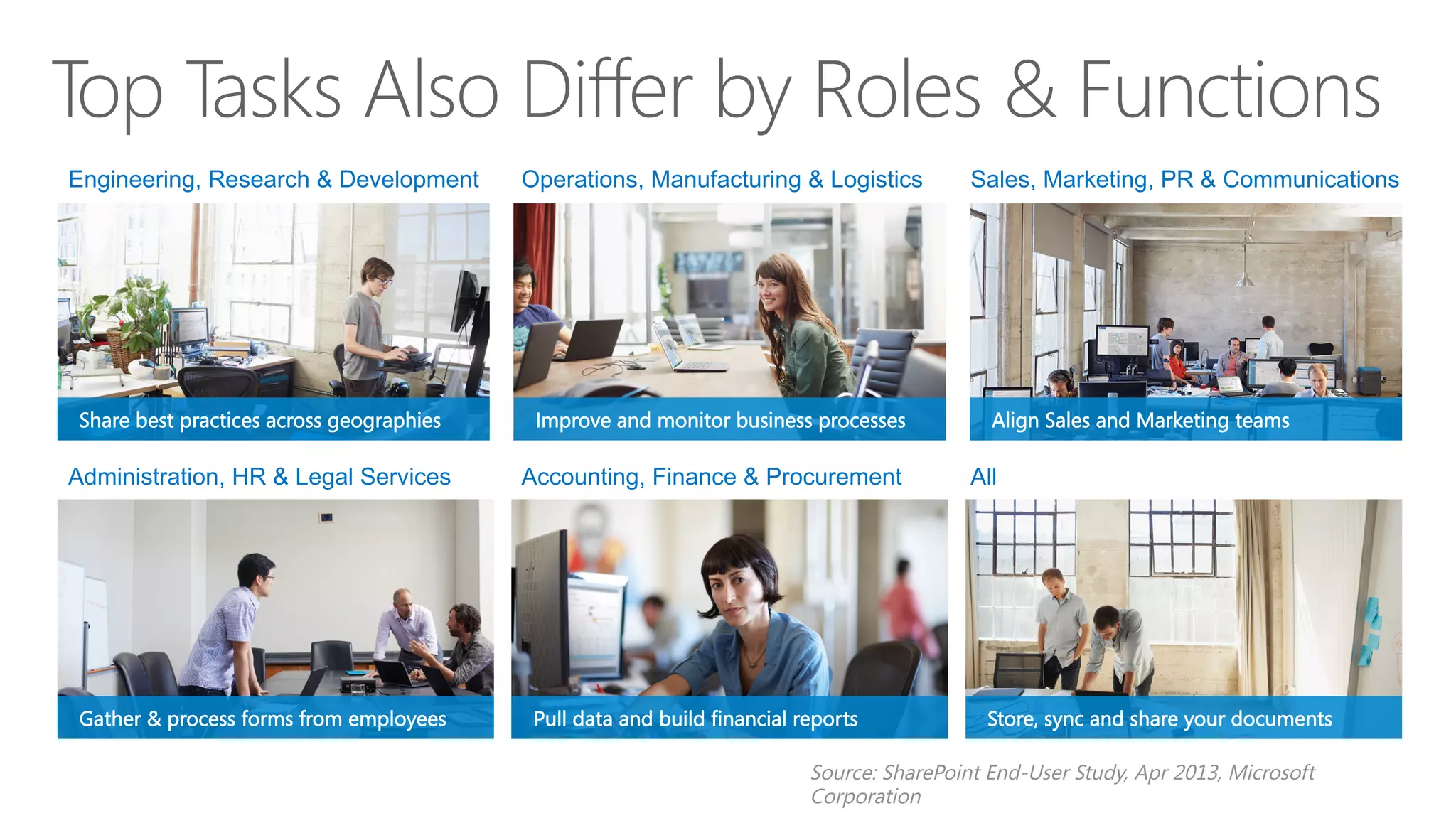
Engineering, Research & Development Operations, Manufacturing & Logistics Sales, Marketing, PR & Communications
Administration, HR & Legal Services Accounting, Finance & Procurement All
Share best practices across geographies
Gather & process forms from employees
Improve and monitor business processes
Pull data and build financial reports
Align Sales and Marketing teams
Store, sync and share your documents
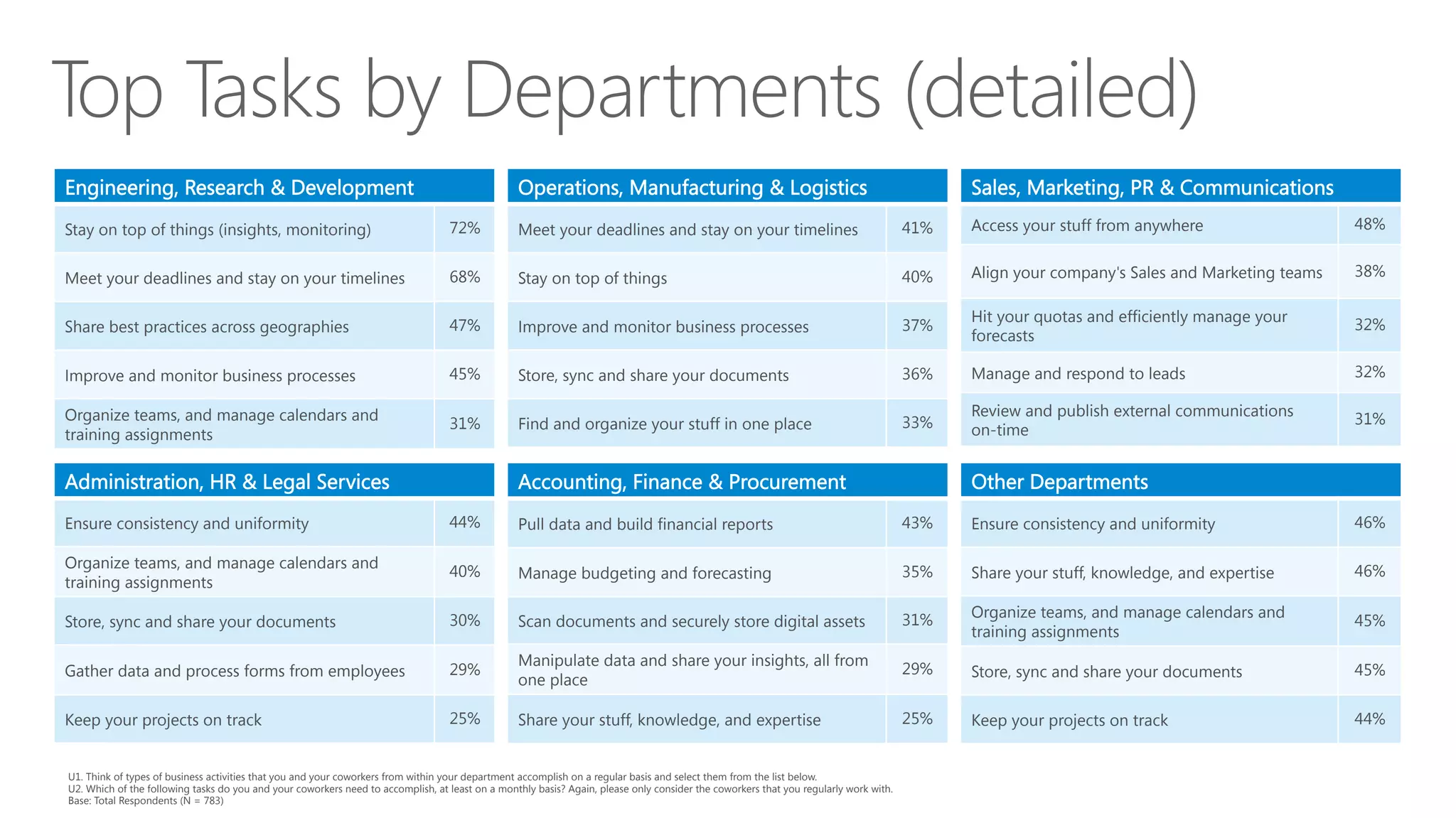
U1. Think of types of business activities that you and your coworkers from within your department accomplish on a regular basis and select them from the list below.
U2. Which of the following tasks do you and your coworkers need to accomplish, at least on a monthly basis? Again, please only consider the coworkers that you regularly work with. 
Base: Total Respondents (N = 783)
Engineering, Research & Development
Stay on top of things (insights, monitoring)
 72%
Meet your deadlines and stay on your timelines
 68%
Share best practices across geographies
 47%
Improve and monitor business processes
 45%
Organize teams, and manage calendars and
training assignments
31%
Operations, Manufacturing & Logistics
Meet your deadlines and stay on your timelines
 41%
Stay on top of things
 40%
Improve and monitor business processes
 37%
Store, sync and share your documents
 36%
Find and organize your stuff in one place
 33%
Sales, Marketing, PR & Communications
Access your stuff from anywhere
 48%
Align your company's Sales and Marketing teams
 38%
Hit your quotas and efficiently manage your
forecasts
32%
Manage and respond to leads
 32%
Review and publish external communications
on-time
31%
Administration, HR & Legal Services
Ensure consistency and uniformity
 44%
Organize teams, and manage calendars and
training assignments
40%
Store, sync and share your documents
 30%
Gather data and process forms from employees
 29%
Keep your projects on track
 25%
Accounting, Finance & Procurement
Pull data and build financial reports
 43%
Manage budgeting and forecasting
 35%
Scan documents and securely store digital assets
 31%
Manipulate data and share your insights, all from
one place
29%
Share your stuff, knowledge, and expertise
 25%
Other Departments
Ensure consistency and uniformity
 46%
Share your stuff, knowledge, and expertise
 46%
Organize teams, and manage calendars and
training assignments
45%
Store, sync and share your documents
 45%
Keep your projects on track
 44%
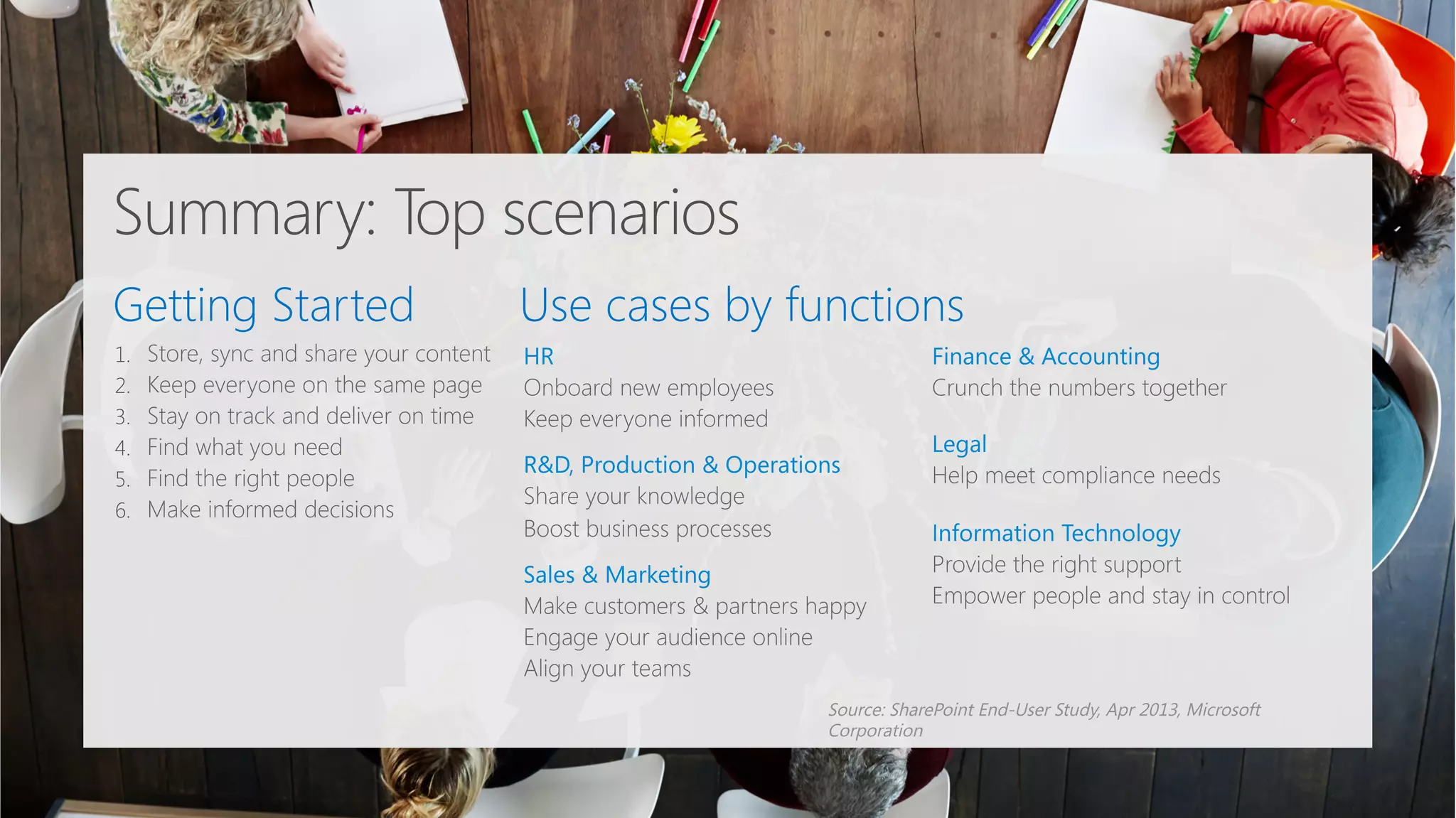
Getting Started
 Use cases by functions
1. 
2. 
3. 
4. 
5. 
6. 


Summary: Top scenarios
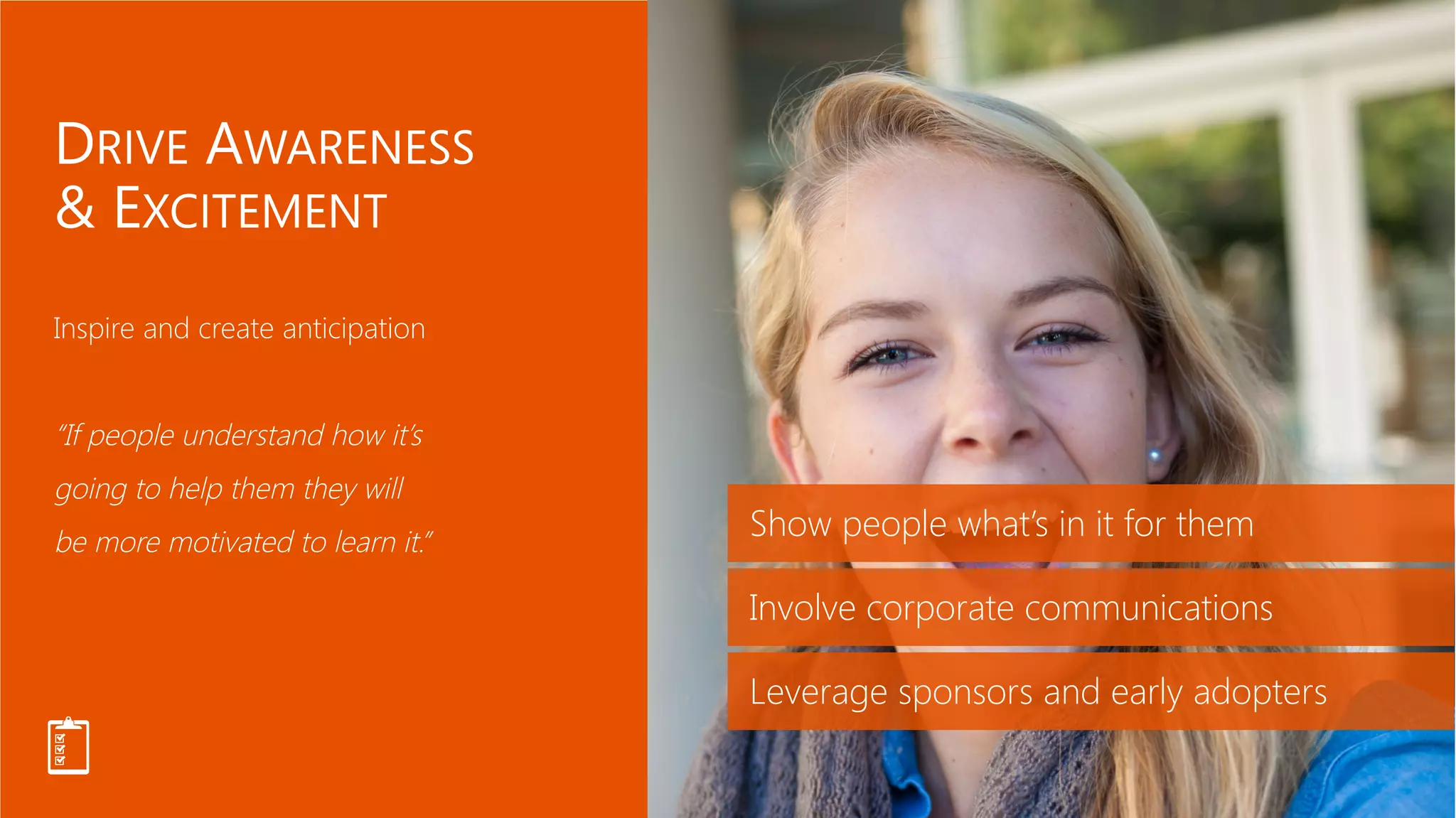
Show people what’s in it for them
Involve corporate communications
Leverage sponsors and early adopters
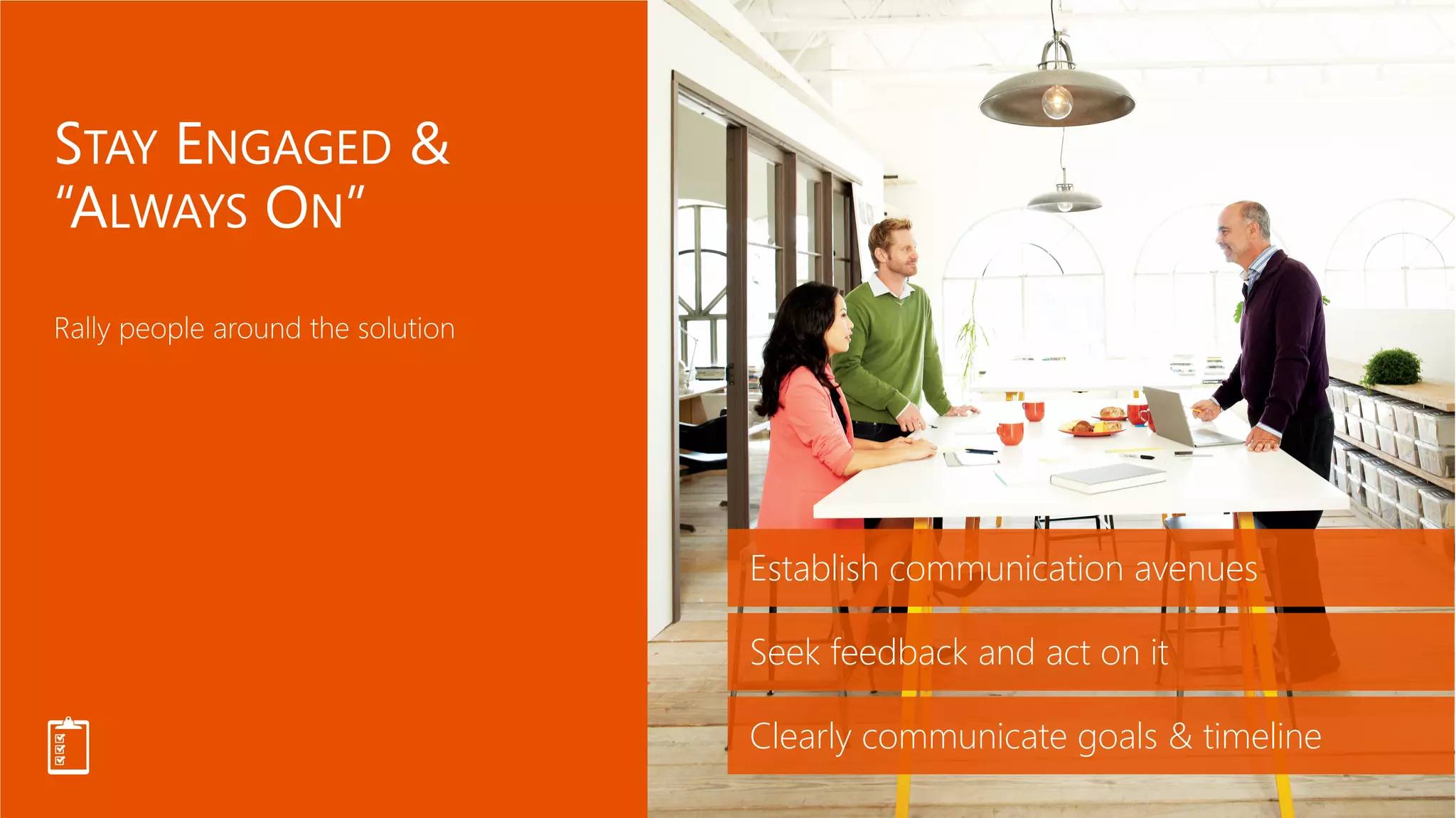
Establish communication avenues
Seek feedback and act on it
Clearly communicate goals & timeline
Deliver simple and engaging training
One size doesn’t fit all
Bring people together
Groom
Champions
Champions are not only
passionate about what they
do, but are also excited to
evangelize solutions, and
help their peers to learn
how to use them.
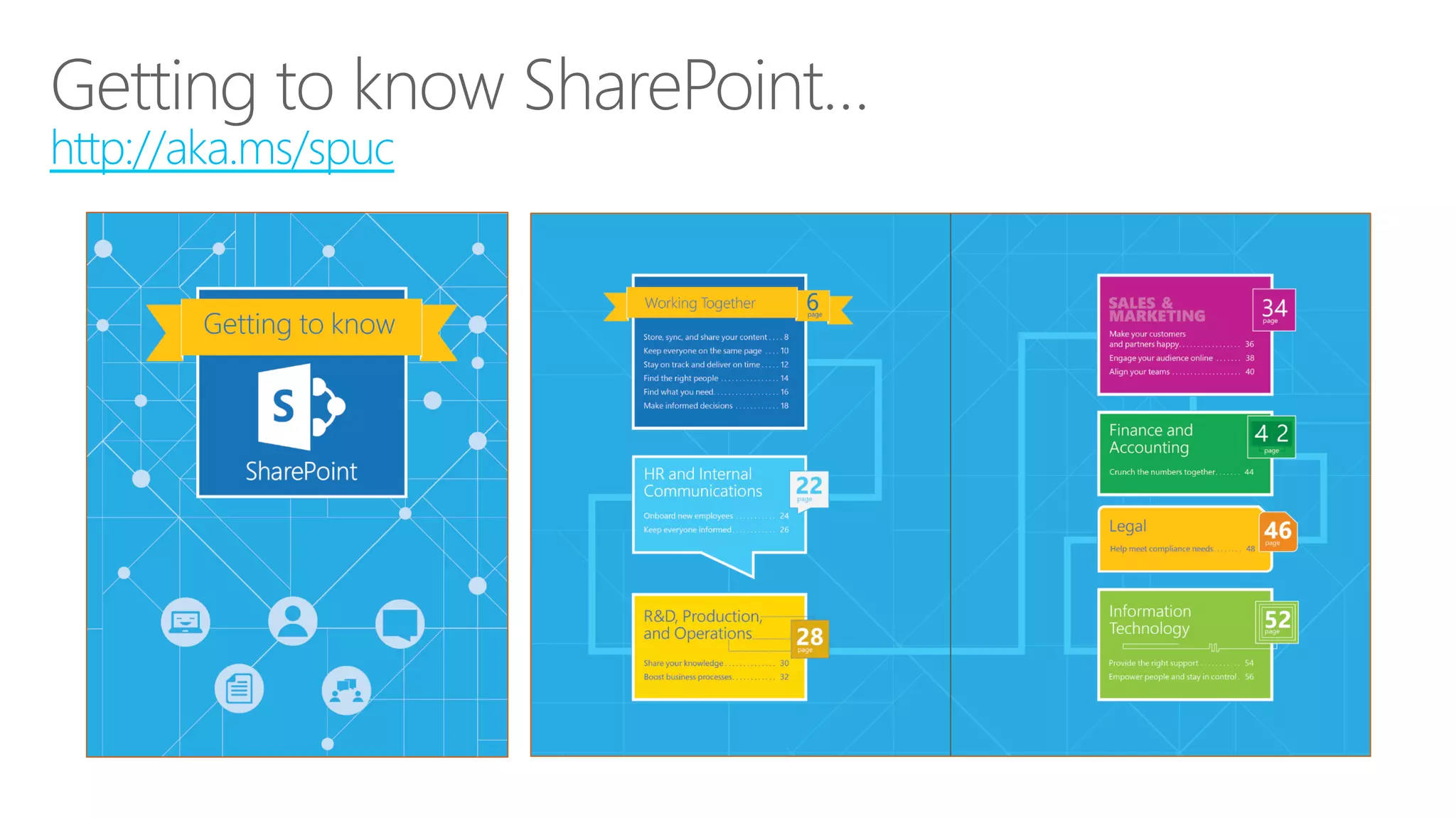
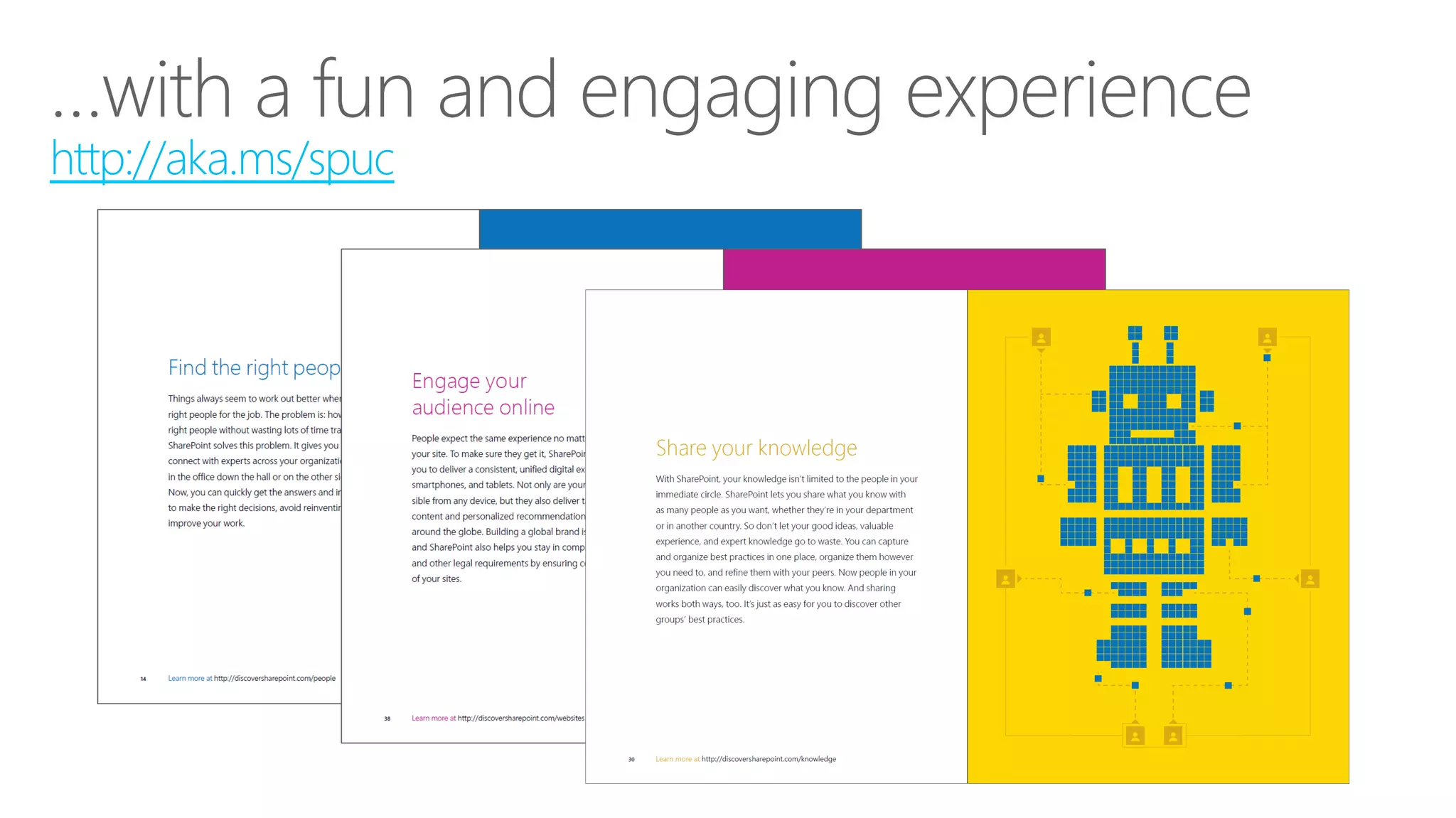
http://aka.ms/spuc
http://aka.ms/spuc
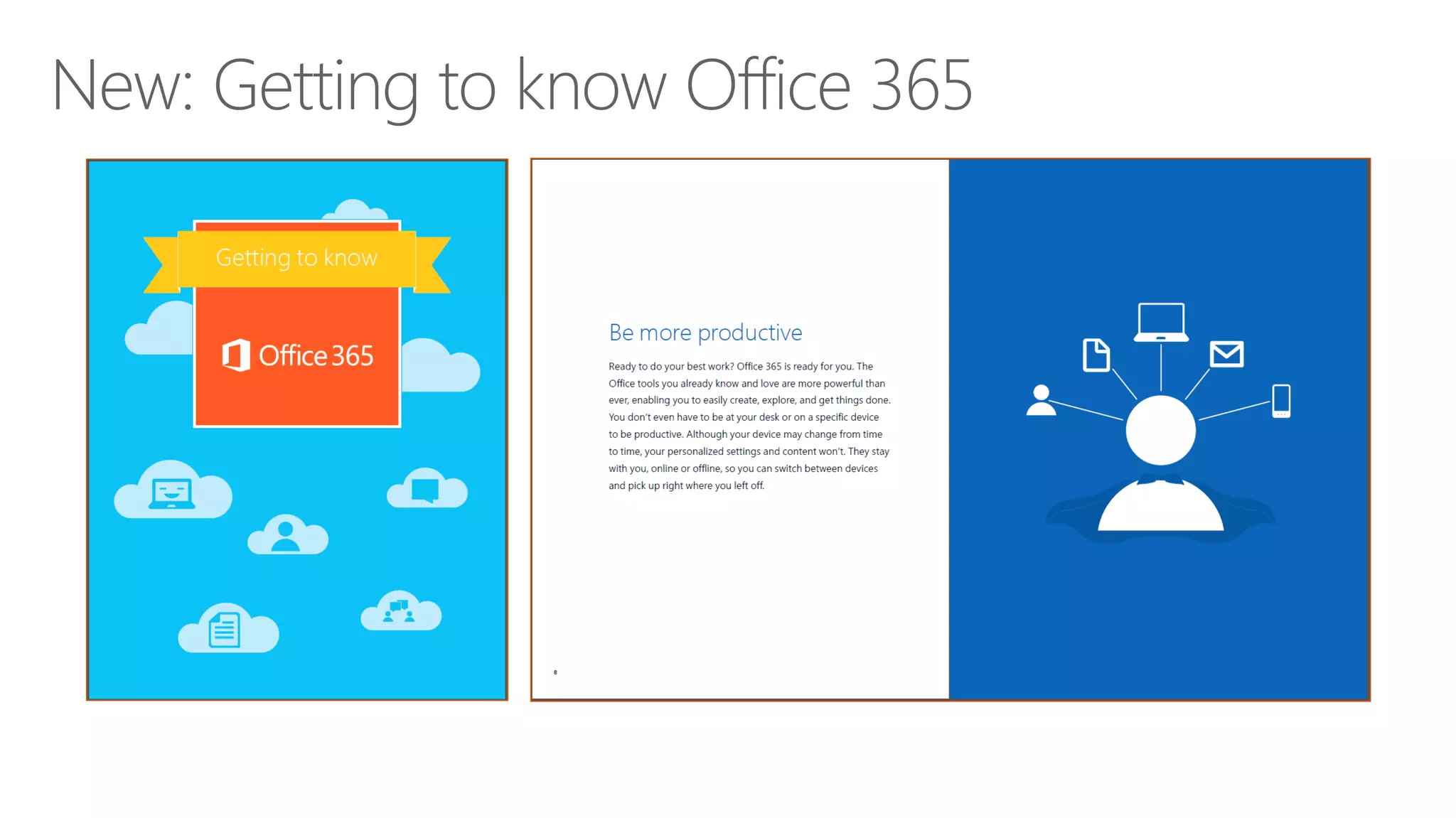
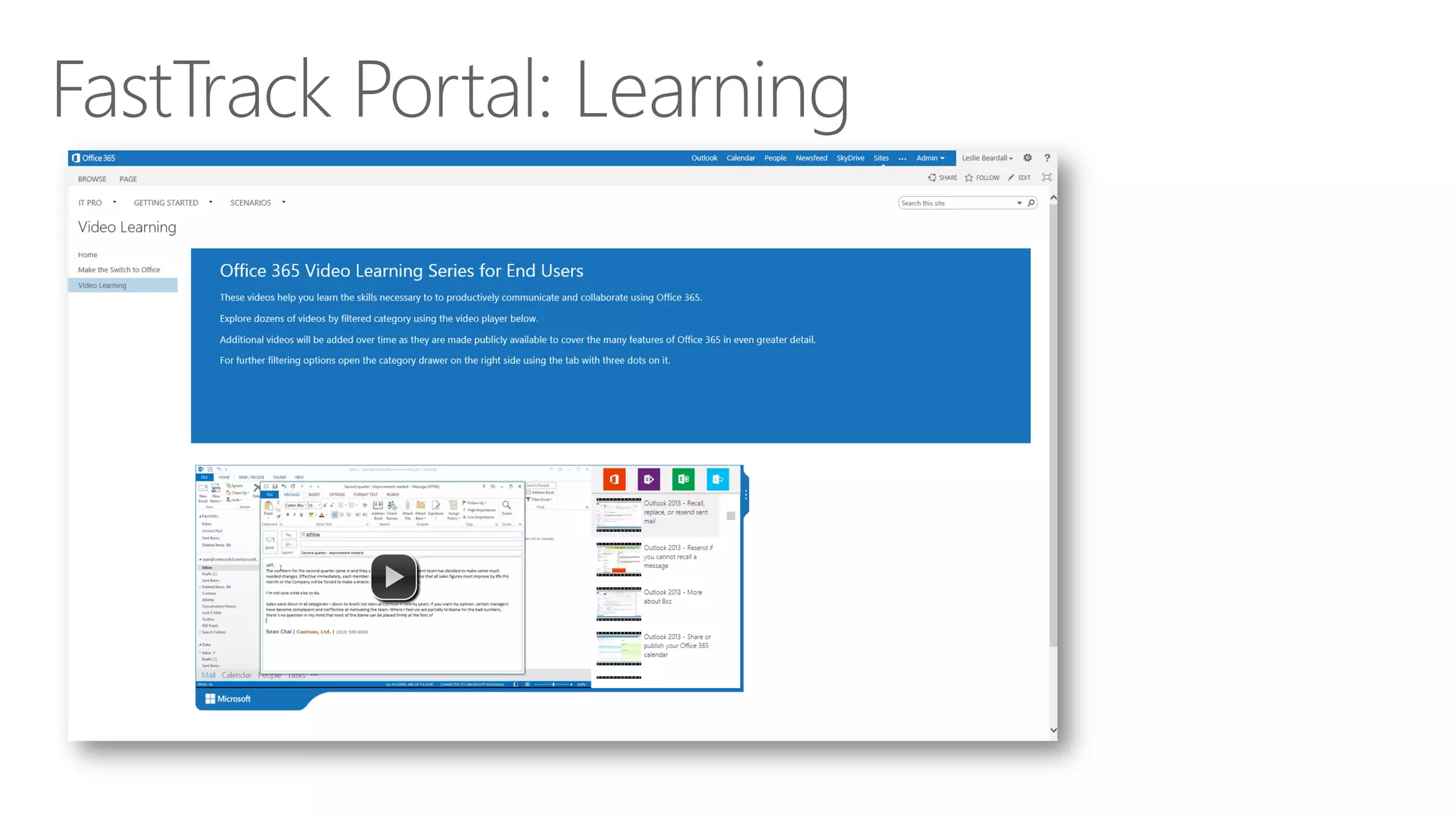
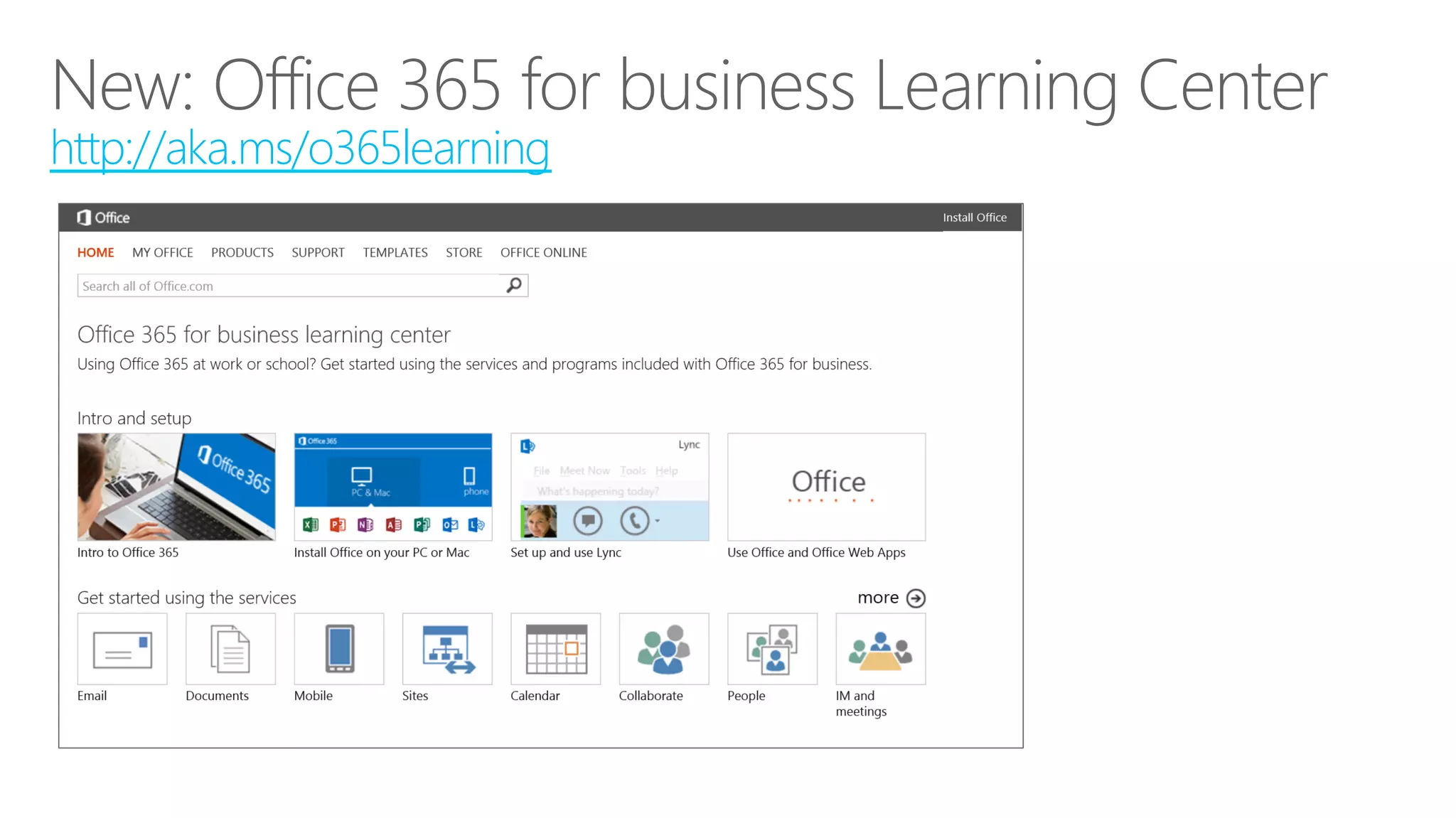
http://aka.ms/o365learning
Measure progress against benchmark
Improve solution based on user feedback
Add more scenarios, one step at a time
Yammer Success Center Resources
•  Success Booklet: 31 days of Yammer

Office 365 Adoption Kit
•  http://aka.ms/o365kit (Employee Satisfaction Survey templates)
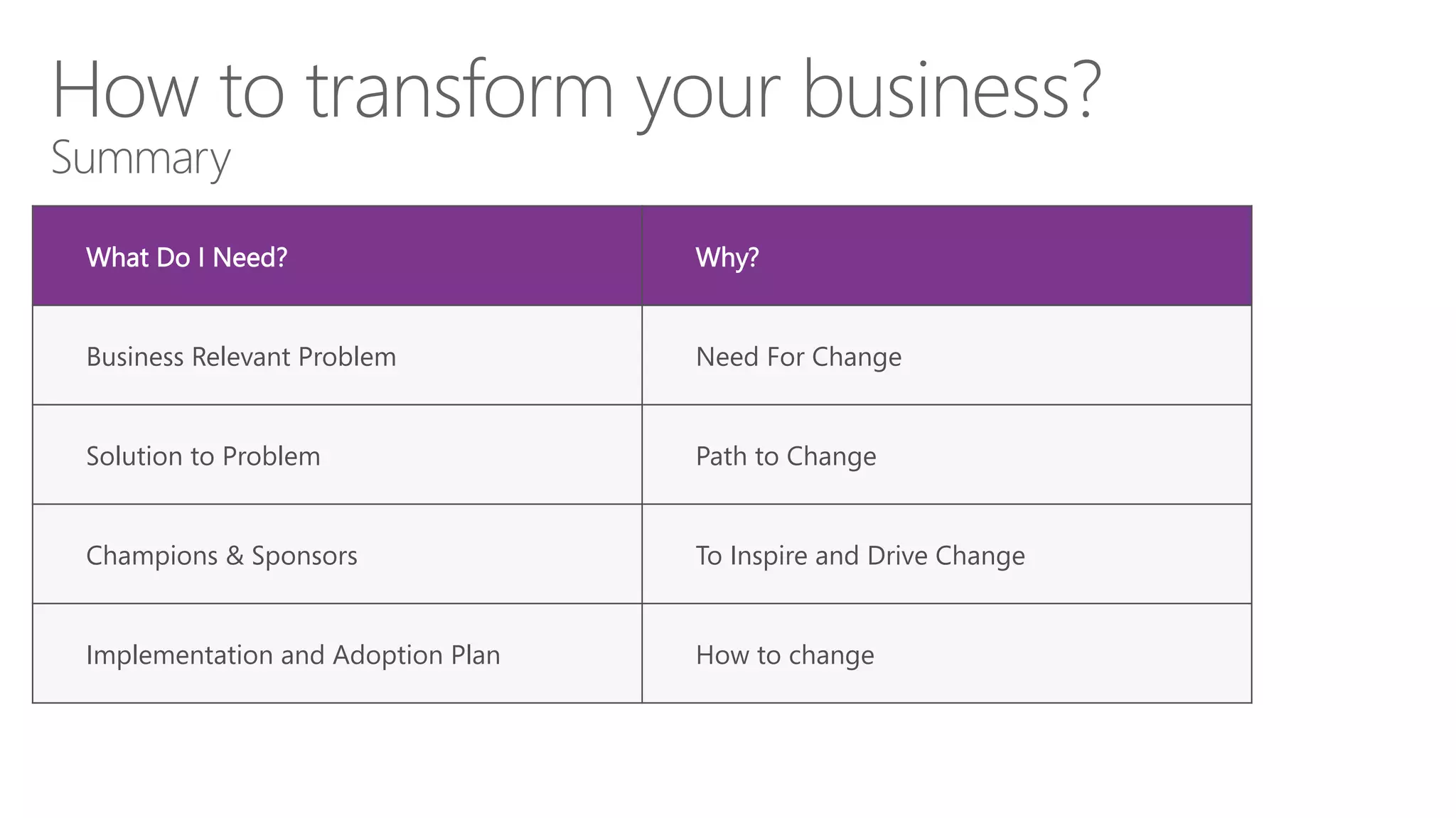
What Do I Need?
 Why?
Business Relevant Problem
 Need For Change
Solution to Problem
 Path to Change
Champions & Sponsors
 To Inspire and Drive Change
Implementation and Adoption Plan
 How to change
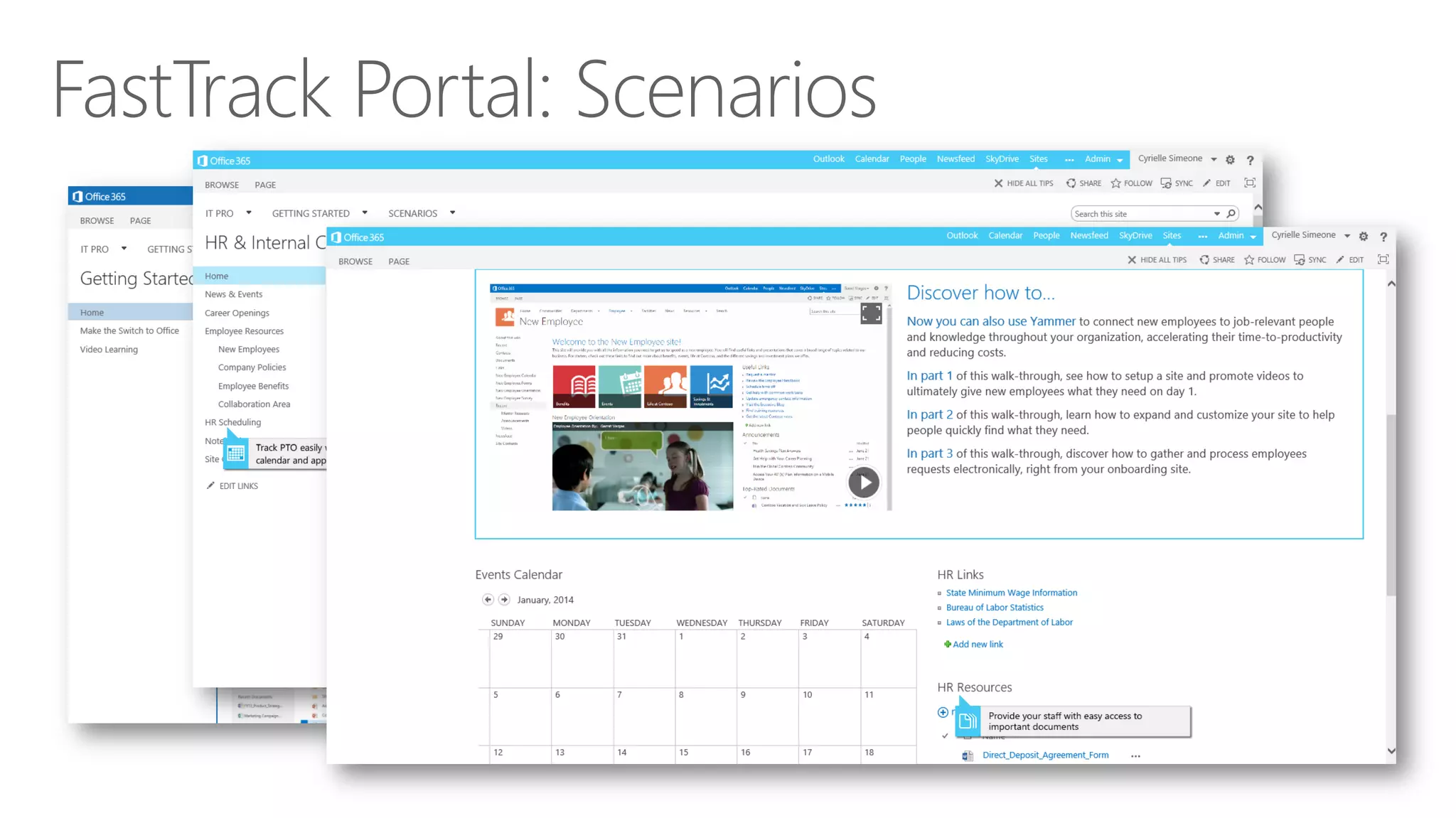
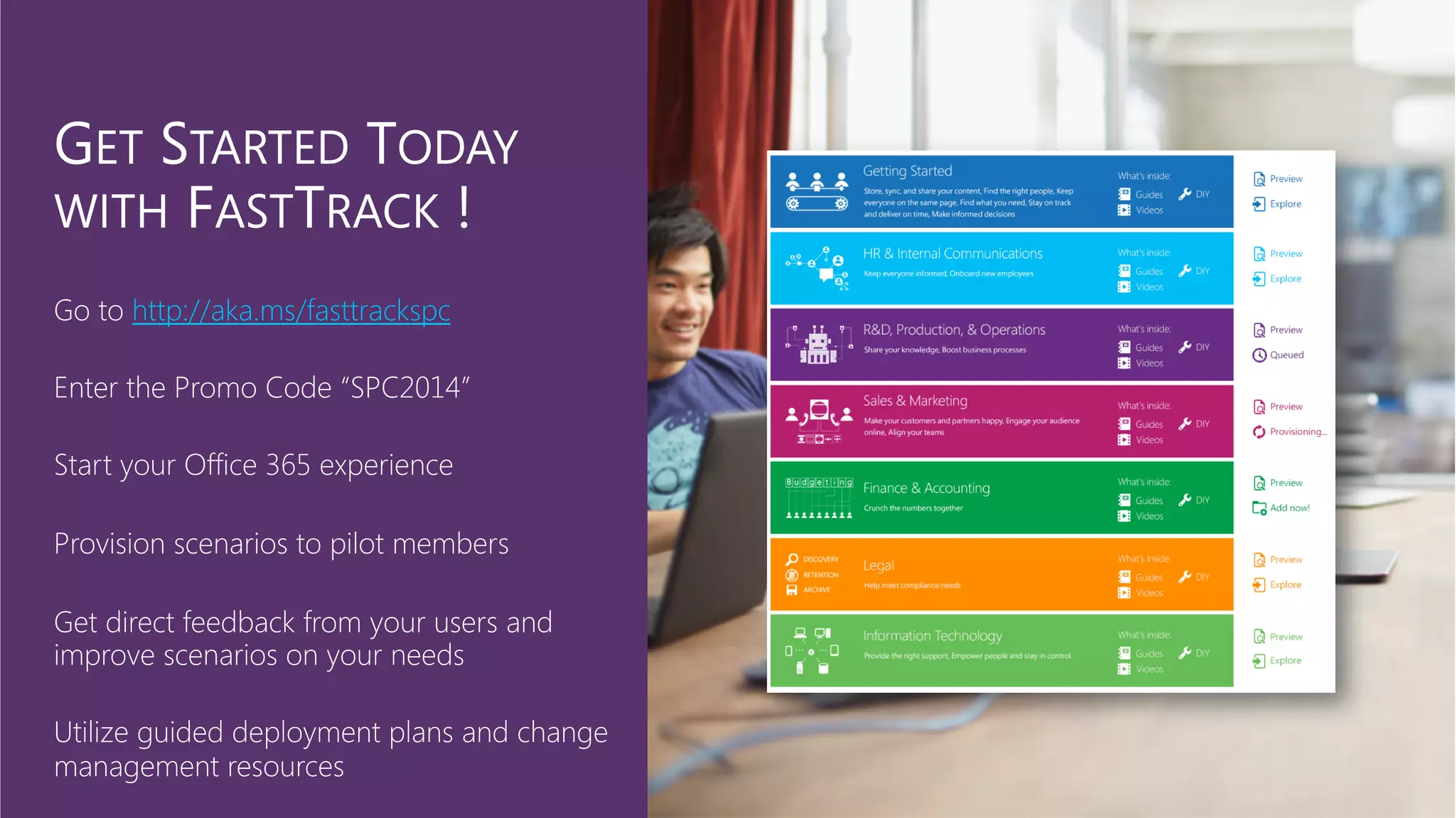
http://aka.ms/fasttrackspc
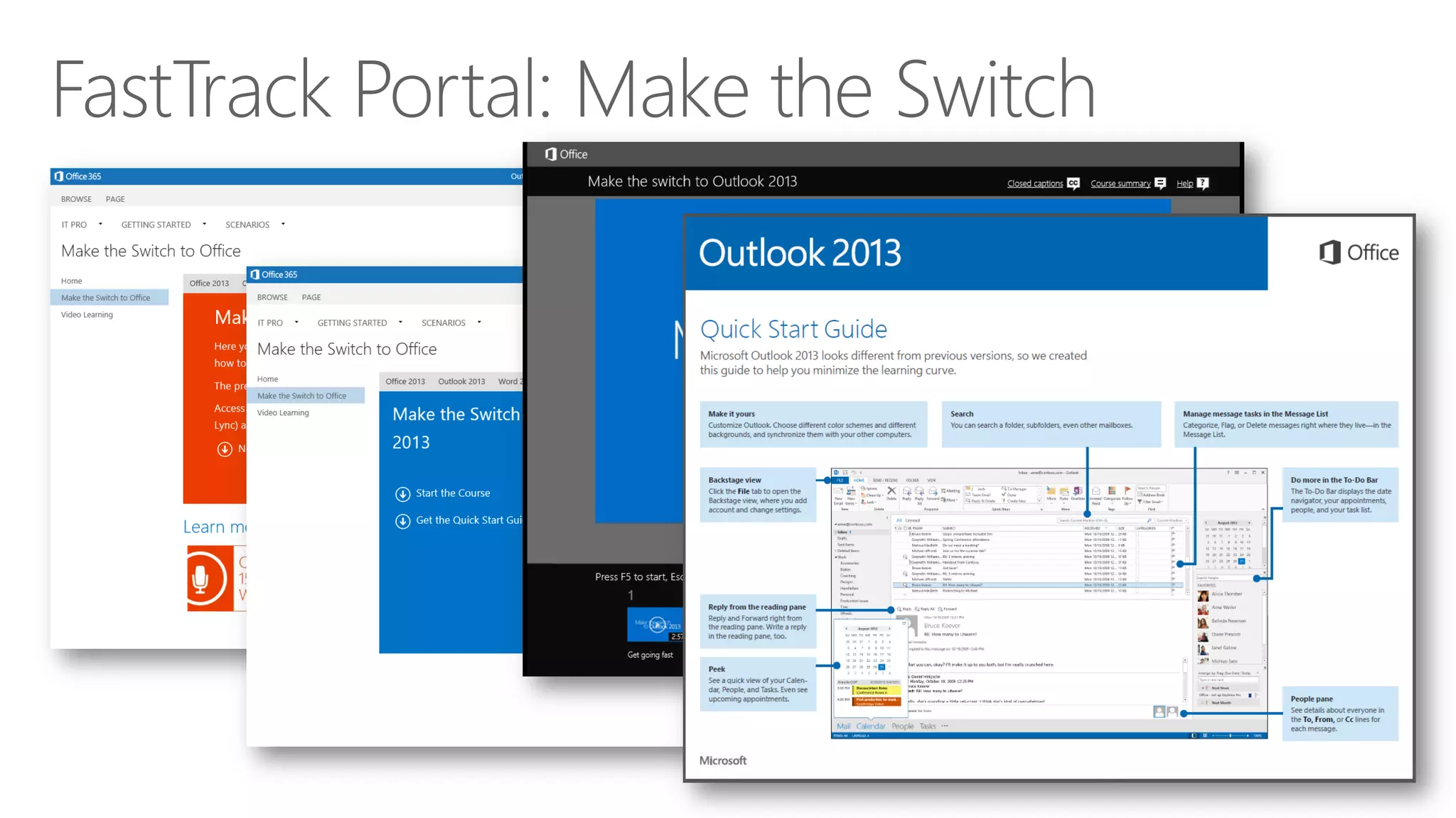
Visit the Office 355 Learning Center
Download the Office 365 Adoption Kit
Browse through the Social Journey Resources
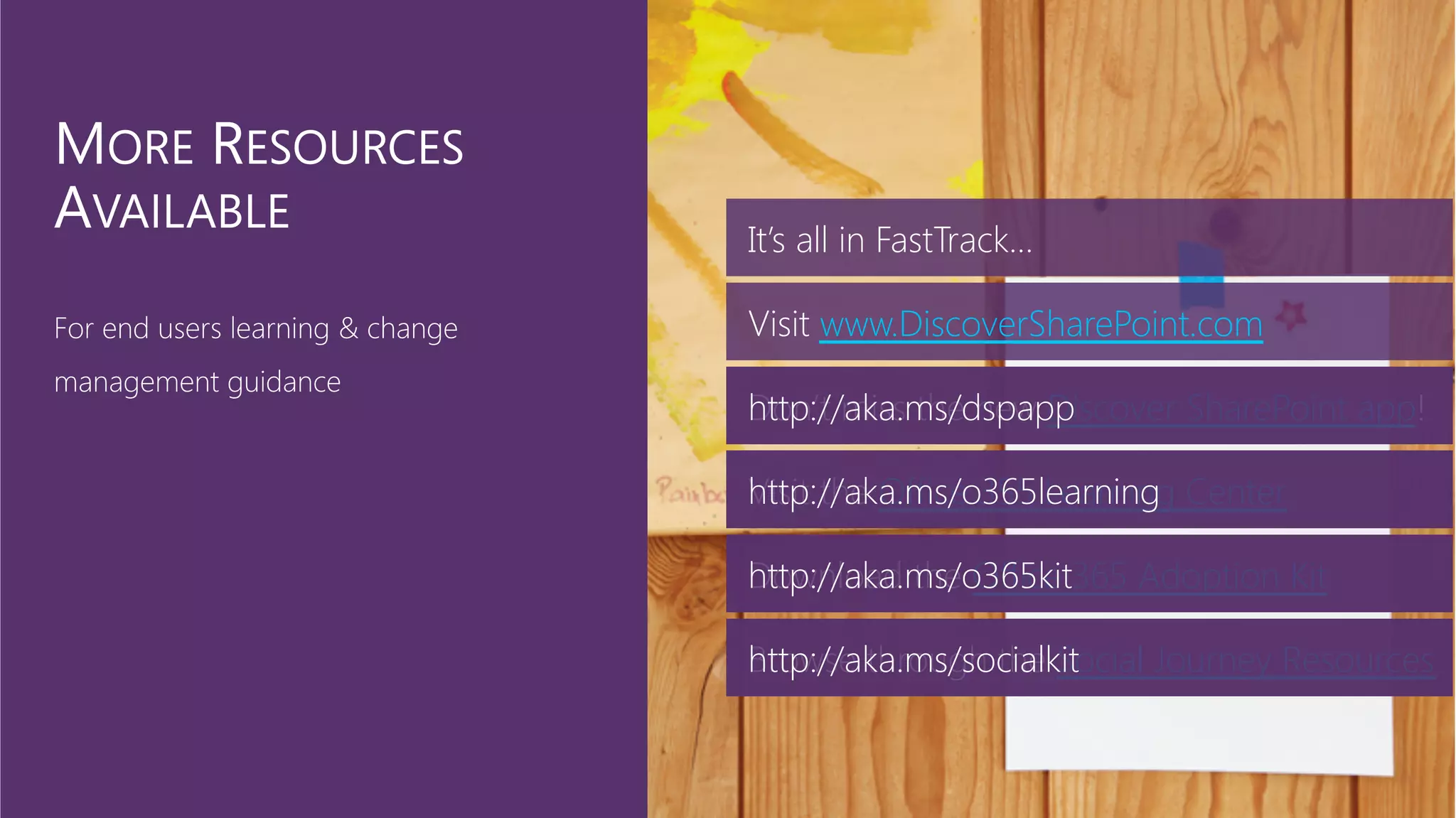
It’s all in FastTrack…
Visit www.DiscoverSharePoint.com
Don’t miss the new Discover SharePoint app!
http://aka.ms/dspapp
http://aka.ms/o365learning
http://aka.ms/o365kit
http://aka.ms/socialkit
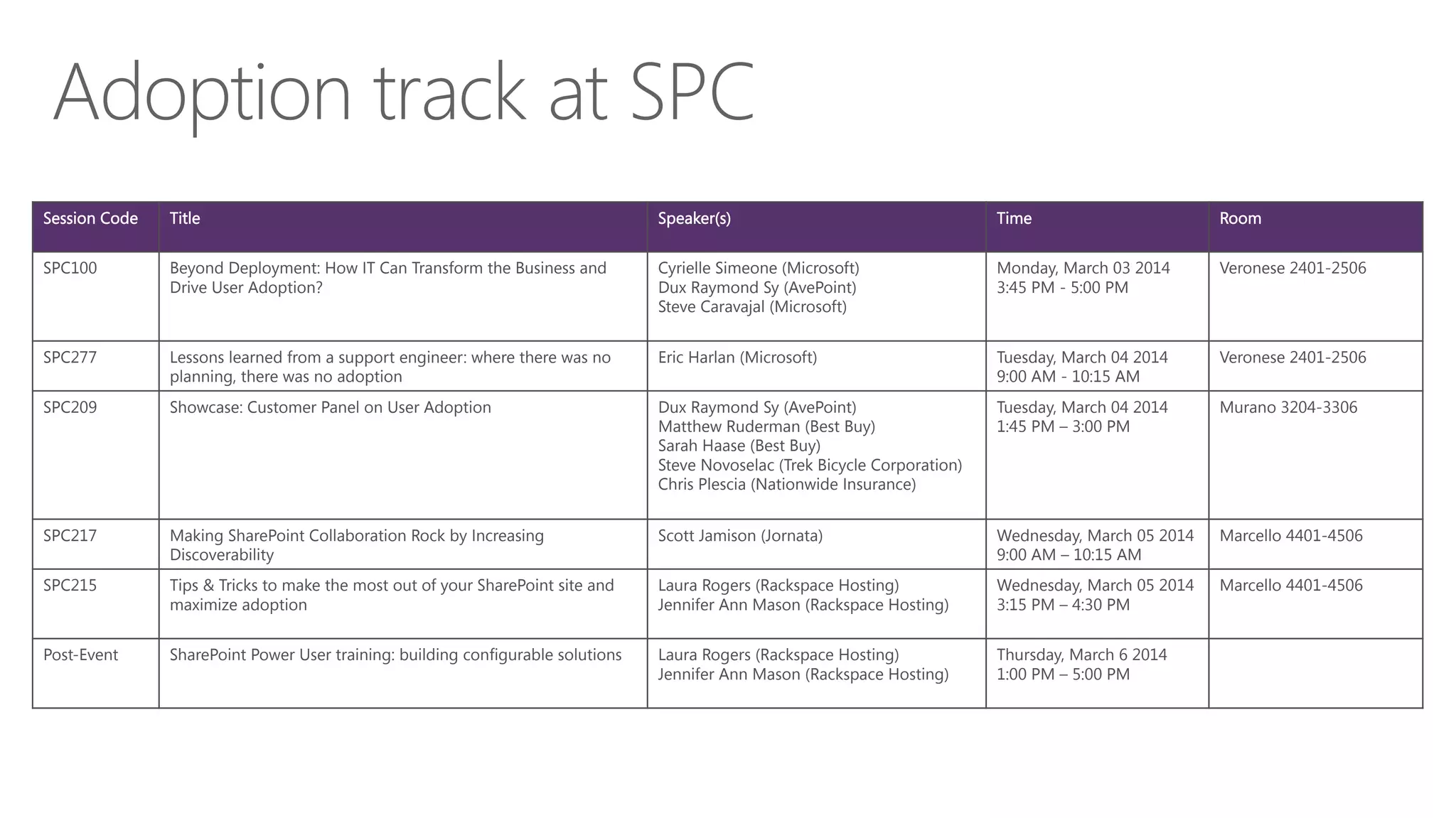
Session Code

Title
 Speaker(s)
 Time
 Room
SPC100
 Beyond Deployment: How IT Can Transform the Business and
Drive User Adoption?
Cyrielle Simeone (Microsoft)
Dux Raymond Sy (AvePoint)
Steve Caravajal (Microsoft)

Monday, March 03 2014
3:45 PM - 5:00 PM 
Veronese 2401-2506
SPC277
 Lessons learned from a support engineer: where there was no
planning, there was no adoption 
Eric Harlan (Microsoft)

Tuesday, March 04 2014
9:00 AM - 10:15 AM
Veronese 2401-2506
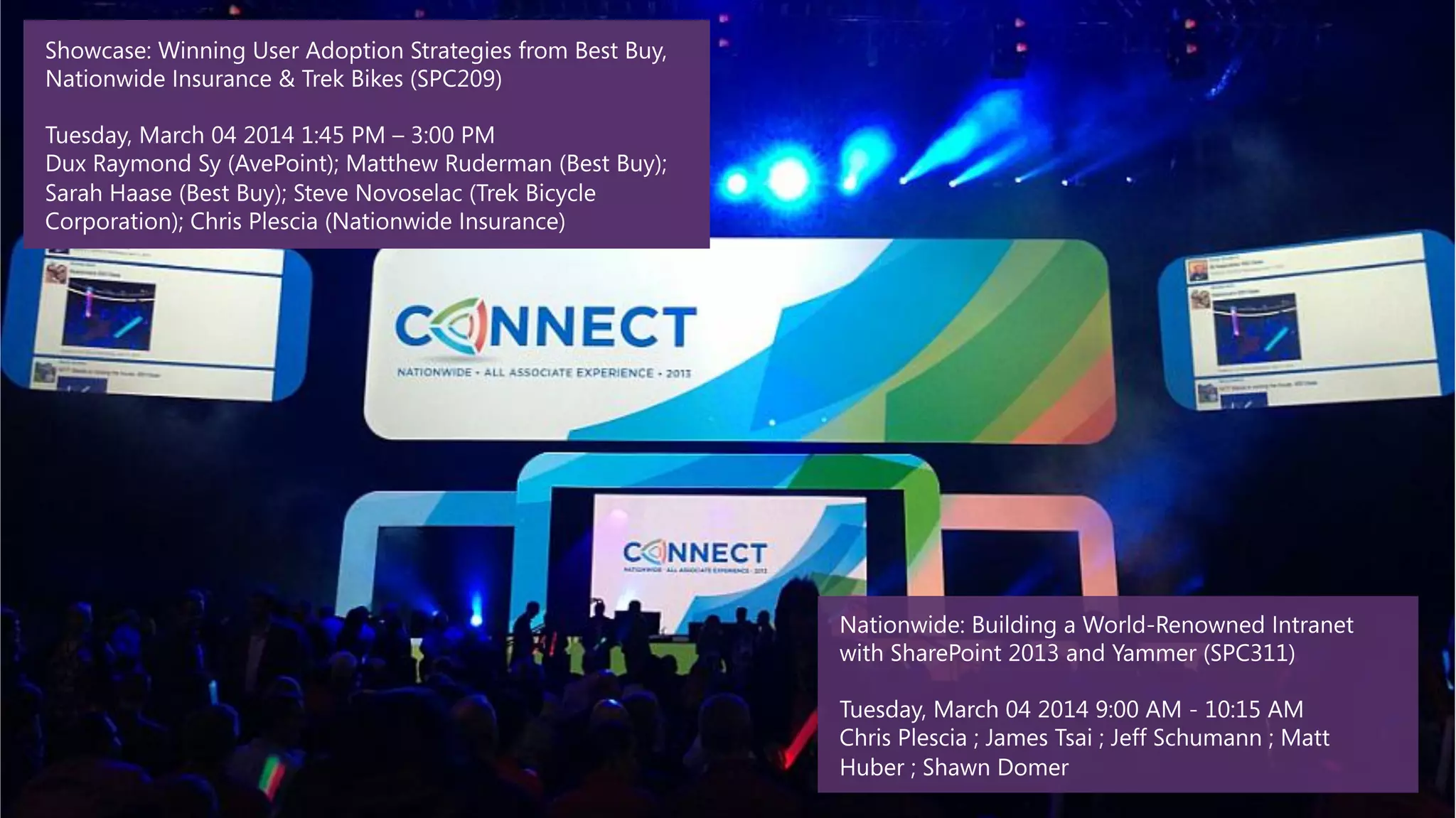
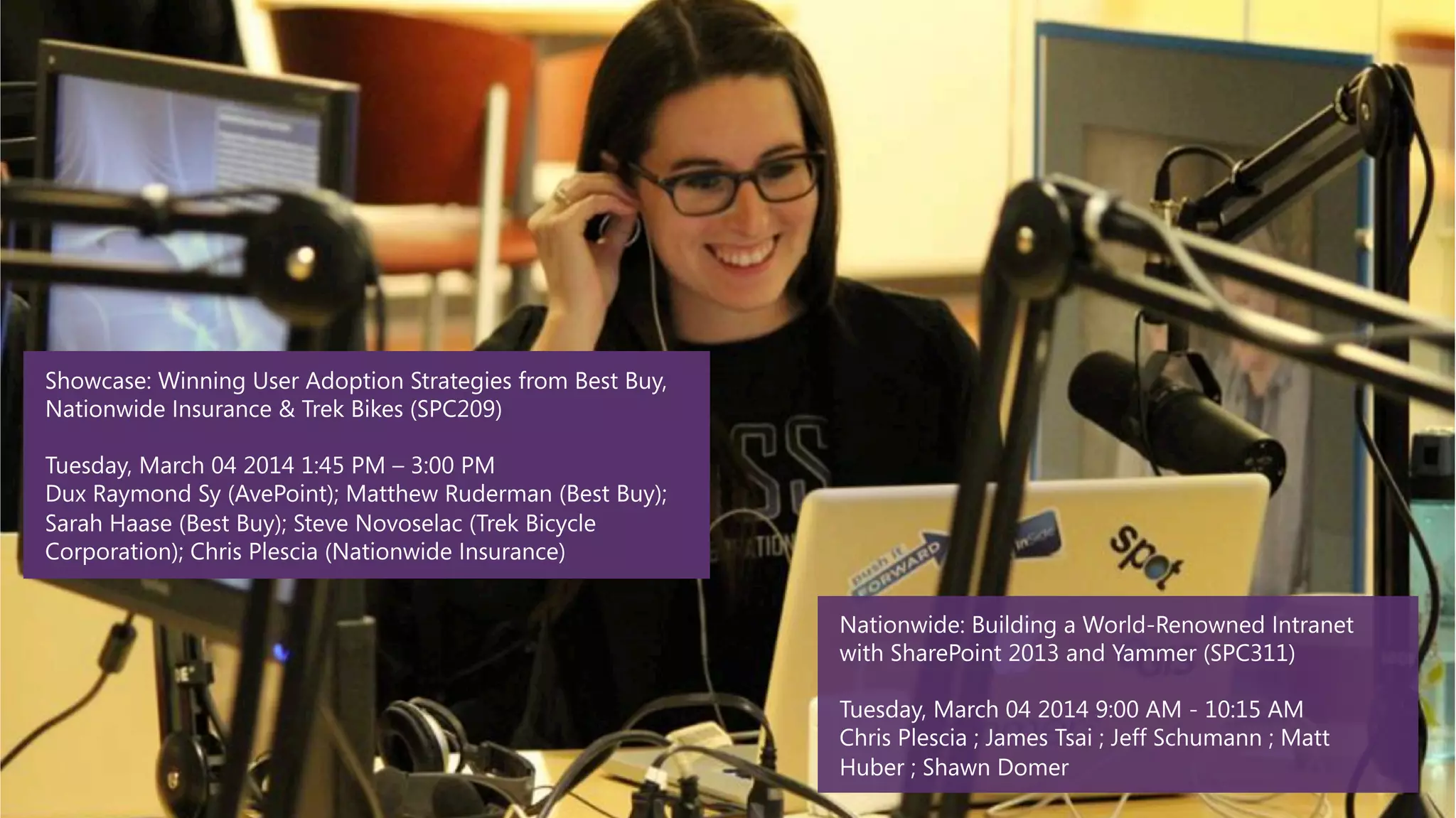
SPC209
 Showcase: Customer Panel on User Adoption 
 Dux Raymond Sy (AvePoint)
Matthew Ruderman (Best Buy)
Sarah Haase (Best Buy)
Steve Novoselac (Trek Bicycle Corporation)
Chris Plescia (Nationwide Insurance)

Tuesday, March 04 2014
1:45 PM – 3:00 PM
Murano 3204-3306
SPC217
 Making SharePoint Collaboration Rock by Increasing
Discoverability 
Scott Jamison (Jornata)
 Wednesday, March 05 2014
9:00 AM – 10:15 AM
Marcello 4401-4506
SPC215
 Tips & Tricks to make the most out of your SharePoint site and
maximize adoption 
Laura Rogers (Rackspace Hosting)
Jennifer Ann Mason (Rackspace Hosting)

Wednesday, March 05 2014
3:15 PM – 4:30 PM
Marcello 4401-4506 
Post-Event
 SharePoint Power User training: building configurable solutions 
 Laura Rogers (Rackspace Hosting)
Jennifer Ann Mason (Rackspace Hosting)

Thursday, March 6 2014
1:00 PM – 5:00 PM
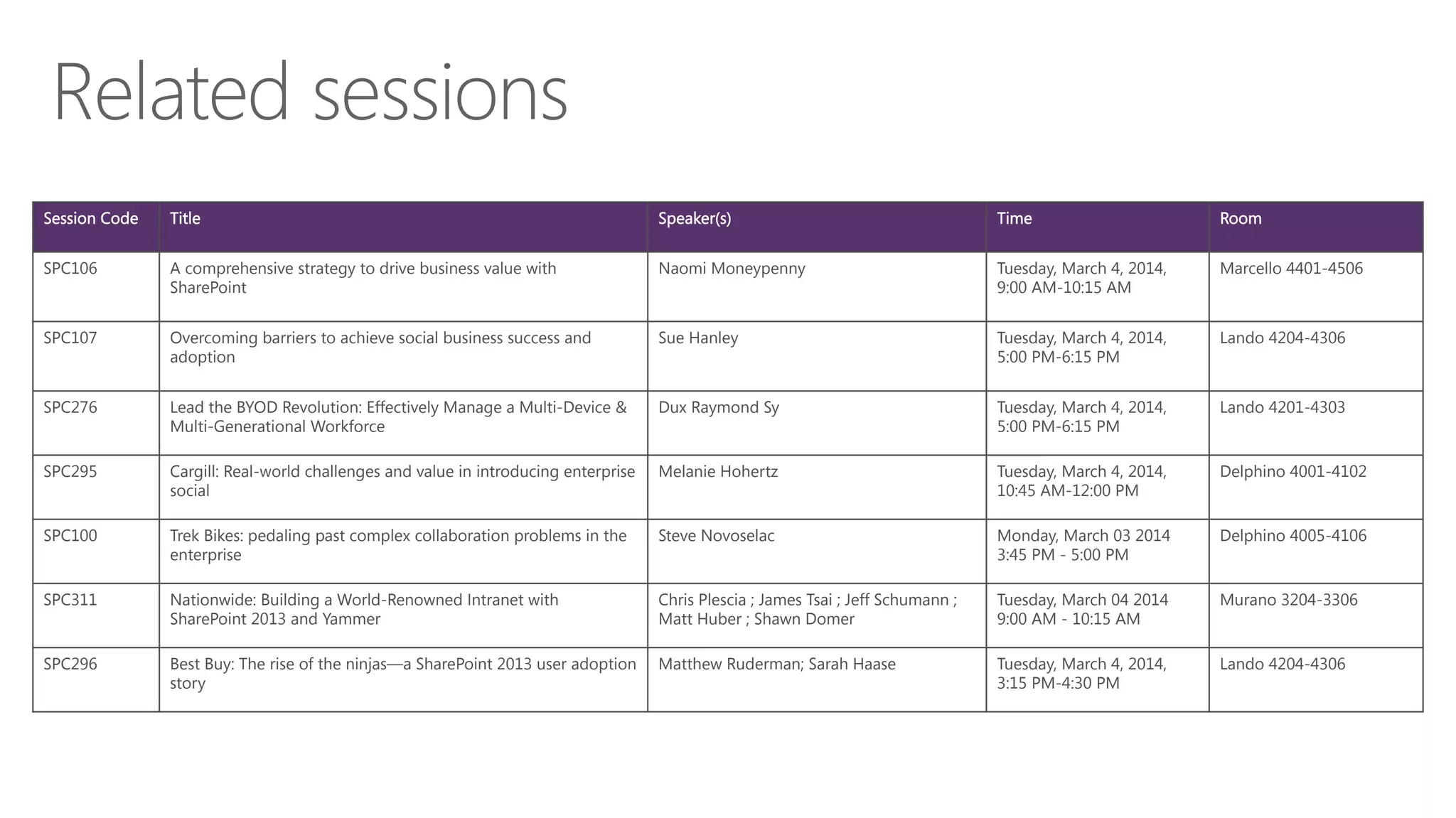
Session Code

Title
 Speaker(s)
 Time
 Room
SPC106
 A comprehensive strategy to drive business value with
SharePoint 
Naomi Moneypenny


Tuesday, March 4, 2014,
9:00 AM-10:15 AM
Marcello 4401-4506 
SPC107
 Overcoming barriers to achieve social business success and
adoption 
Sue Hanley


Tuesday, March 4, 2014,
5:00 PM-6:15 PM 
Lando 4204-4306 
SPC276
 Lead the BYOD Revolution: Effectively Manage a Multi-Device &
Multi-Generational Workforce 
Dux Raymond Sy
 Tuesday, March 4, 2014,
5:00 PM-6:15 PM 
Lando 4201-4303 
SPC295
 Cargill: Real-world challenges and value in introducing enterprise
social 
Melanie Hohertz
 Tuesday, March 4, 2014,
10:45 AM-12:00 PM 
Delphino 4001-4102 
SPC100
 Trek Bikes: pedaling past complex collaboration problems in the
enterprise
Steve Novoselac


Monday, March 03 2014
3:45 PM - 5:00 PM 
Delphino 4005-4106 
SPC311
 Nationwide: Building a World-Renowned Intranet with
SharePoint 2013 and Yammer
Chris Plescia ; James Tsai ; Jeff Schumann ;
Matt Huber ; Shawn Domer 

Tuesday, March 04 2014
9:00 AM - 10:15 AM
Murano 3204-3306 
SPC296
 Best Buy: The rise of the ninjas—a SharePoint 2013 user adoption
story
Matthew Ruderman; Sarah Haase

Tuesday, March 4, 2014,
3:15 PM-4:30 PM 
Lando 4204-4306
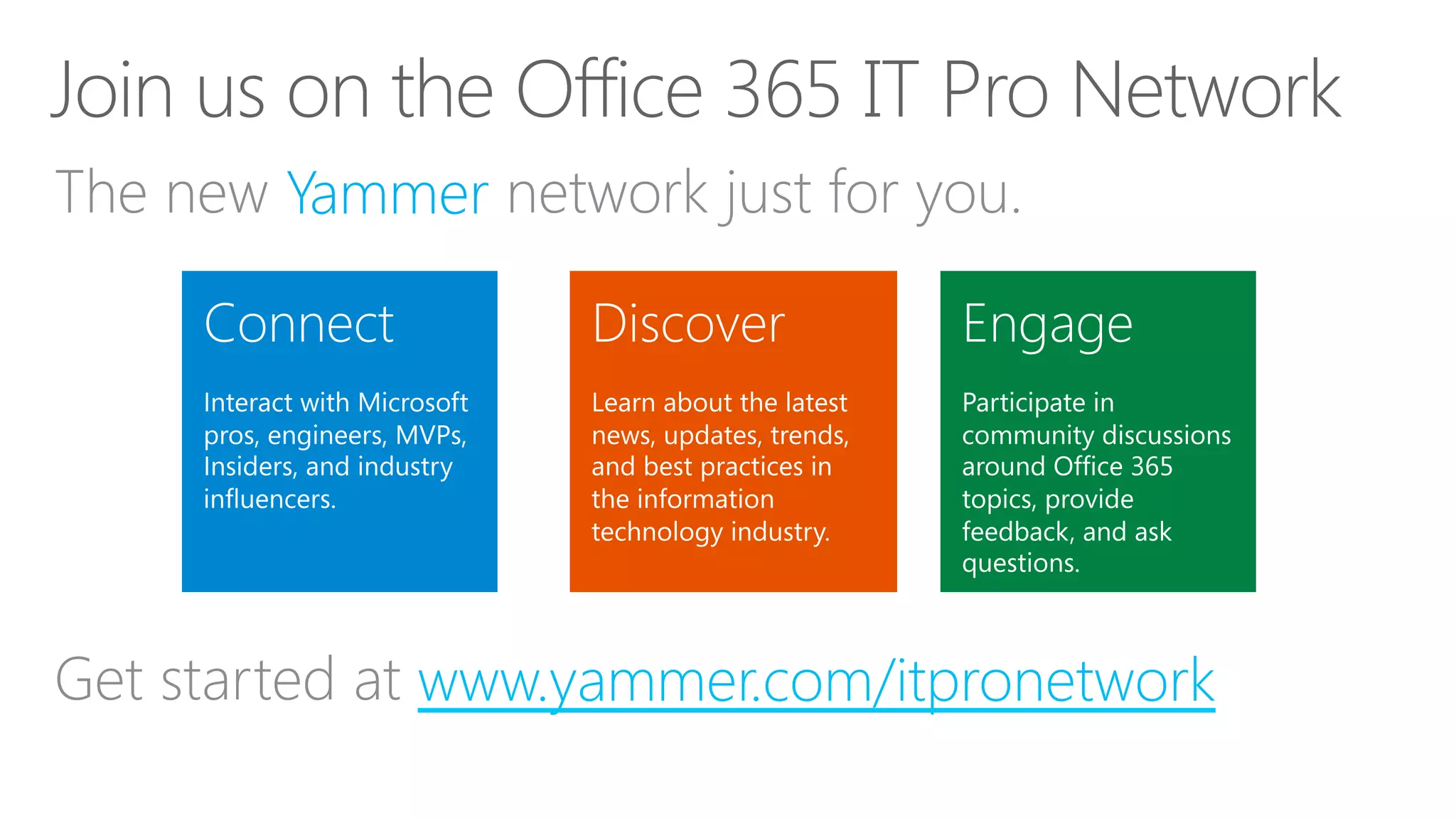
www.yammer.com/itpronetwork
Yammer
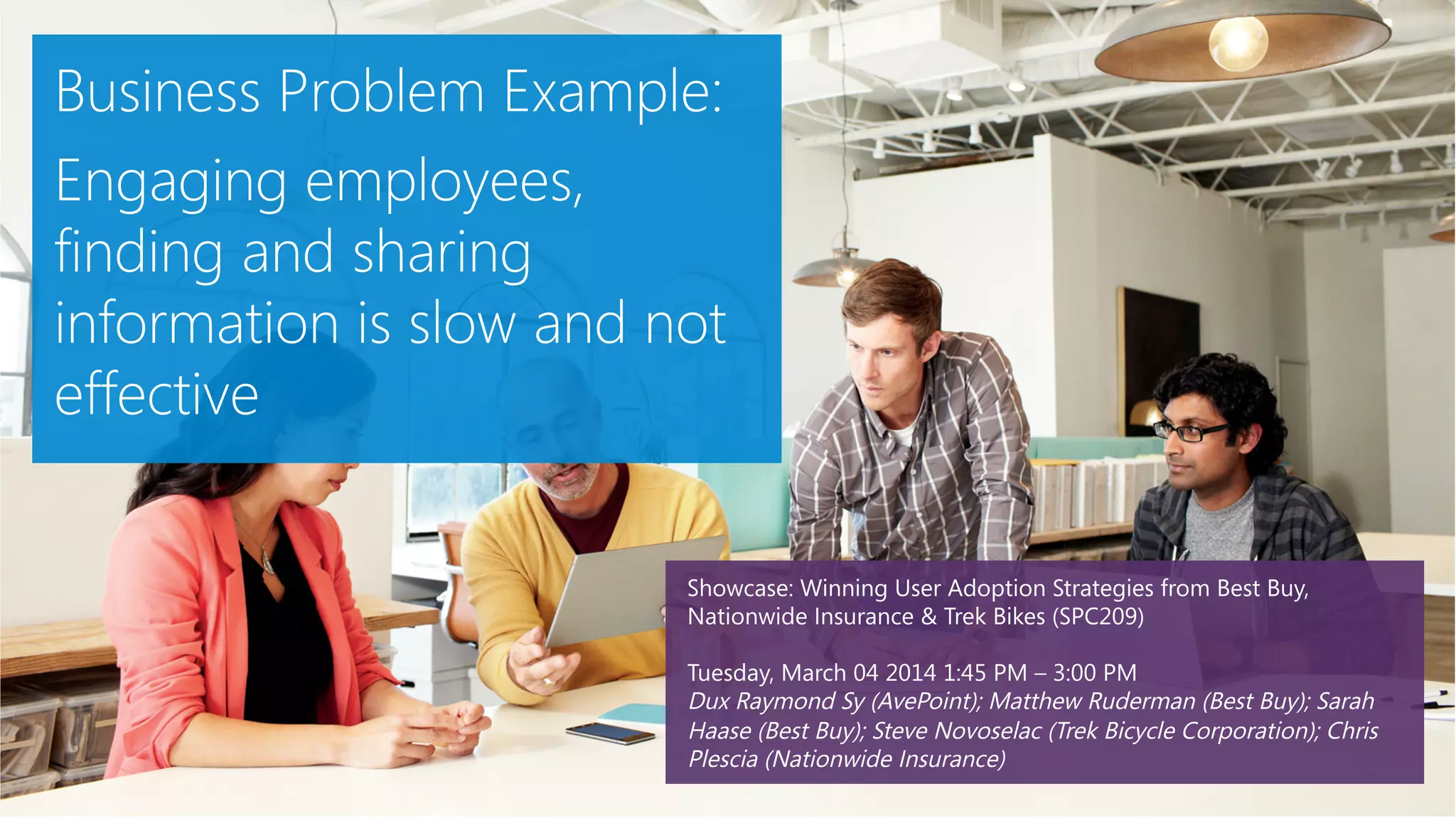
Beyond Deployment: How Can IT Inspire, Motivate And Drive Sustainable SharePoint Adoption ?

Beyond Deployment: How Can IT Inspire, Motivate And Drive Sustainable SharePoint Adoption ?

  • 1.
  • 2.
  • 3.
  • 4.
    Deployment is notenough Training alone is not working Driving adoption is hard and it takes time
  • 5.
    What do youneed to be successful Where to begin and how to proceed Resources and programs available
  • 8.
    Work closely withthe business Translate technology into business value Map capabilities into a solution
  • 9.
    Envision where youwant to be Identify business challenges
  • 11.
    Yammer Success CenterResources •  Vision Template
  • 13.
    Focus on theuser experience Make the solution belongs to users Ask people about areas for improvements
  • 14.
    Identify “low hangingfruits” to begin with Keep it simple to avoid overwhelming people Get the right team for your pilot
  • 16.
    communication scholar sociologist diffusion ofinnovations early adopter Diffusion of innovations 1 2 3 4 5 Yammer Success Center Resources •  Use Case Template
  • 18.
    SharePoint End-Users Study,April 2013 4 4 6 800 End Users Focus Groups (8 people/each) IT Pros Focus Groups (8 people/each) IT Pros IDIs (1:1) Online Survey (users)
  • 19.
    QUALITATIVEImportanceRating A new andsimplified user experience Store and sync your documents Share your stuff Keep projects on track Organize and keep teams in sync Find what you need Find the right people Access your stuff from anywhere 125 150 175 200 225 0% 10% 20% 30% 40% 50% 60% X-Axis: L12. Please select up to three features that are MOST appealing. Y-Axis: Qualitative Assessment based on Focus Groups Base: Total Respondents (N = 783) QUANTITATIVE Appeal Rating
  • 20.
    Engineering, Research &Development Operations, Manufacturing & Logistics Sales, Marketing, PR & Communications Administration, HR & Legal Services Accounting, Finance & Procurement All Share best practices across geographies Gather & process forms from employees Improve and monitor business processes Pull data and build financial reports Align Sales and Marketing teams Store, sync and share your documents
  • 21.
    U1. Think oftypes of business activities that you and your coworkers from within your department accomplish on a regular basis and select them from the list below. U2. Which of the following tasks do you and your coworkers need to accomplish, at least on a monthly basis? Again, please only consider the coworkers that you regularly work with. Base: Total Respondents (N = 783) Engineering, Research & Development Stay on top of things (insights, monitoring) 72% Meet your deadlines and stay on your timelines 68% Share best practices across geographies 47% Improve and monitor business processes 45% Organize teams, and manage calendars and training assignments 31% Operations, Manufacturing & Logistics Meet your deadlines and stay on your timelines 41% Stay on top of things 40% Improve and monitor business processes 37% Store, sync and share your documents 36% Find and organize your stuff in one place 33% Sales, Marketing, PR & Communications Access your stuff from anywhere 48% Align your company's Sales and Marketing teams 38% Hit your quotas and efficiently manage your forecasts 32% Manage and respond to leads 32% Review and publish external communications on-time 31% Administration, HR & Legal Services Ensure consistency and uniformity 44% Organize teams, and manage calendars and training assignments 40% Store, sync and share your documents 30% Gather data and process forms from employees 29% Keep your projects on track 25% Accounting, Finance & Procurement Pull data and build financial reports 43% Manage budgeting and forecasting 35% Scan documents and securely store digital assets 31% Manipulate data and share your insights, all from one place 29% Share your stuff, knowledge, and expertise 25% Other Departments Ensure consistency and uniformity 46% Share your stuff, knowledge, and expertise 46% Organize teams, and manage calendars and training assignments 45% Store, sync and share your documents 45% Keep your projects on track 44%
  • 22.
    Getting Started Usecases by functions 1.  2.  3.  4.  5.  6.  Summary: Top scenarios
  • 25.
    Show people what’sin it for them Involve corporate communications Leverage sponsors and early adopters
  • 27.
    Establish communication avenues Seekfeedback and act on it Clearly communicate goals & timeline
  • 29.
    Deliver simple andengaging training One size doesn’t fit all Bring people together
  • 31.
    Groom Champions Champions are notonly passionate about what they do, but are also excited to evangelize solutions, and help their peers to learn how to use them.
  • 35.
  • 36.
  • 41.
  • 43.
    Measure progress againstbenchmark Improve solution based on user feedback Add more scenarios, one step at a time
  • 44.
    Yammer Success CenterResources •  Success Booklet: 31 days of Yammer Office 365 Adoption Kit •  http://aka.ms/o365kit (Employee Satisfaction Survey templates)
  • 45.
    What Do INeed? Why? Business Relevant Problem Need For Change Solution to Problem Path to Change Champions & Sponsors To Inspire and Drive Change Implementation and Adoption Plan How to change
  • 46.
  • 47.
    Visit the Office355 Learning Center Download the Office 365 Adoption Kit Browse through the Social Journey Resources It’s all in FastTrack… Visit www.DiscoverSharePoint.com Don’t miss the new Discover SharePoint app! http://aka.ms/dspapp http://aka.ms/o365learning http://aka.ms/o365kit http://aka.ms/socialkit
  • 48.
    Session Code Title Speaker(s) Time Room SPC100 Beyond Deployment: How IT Can Transform the Business and Drive User Adoption? Cyrielle Simeone (Microsoft) Dux Raymond Sy (AvePoint) Steve Caravajal (Microsoft) Monday, March 03 2014 3:45 PM - 5:00 PM Veronese 2401-2506 SPC277 Lessons learned from a support engineer: where there was no planning, there was no adoption Eric Harlan (Microsoft) Tuesday, March 04 2014 9:00 AM - 10:15 AM Veronese 2401-2506 SPC209 Showcase: Customer Panel on User Adoption Dux Raymond Sy (AvePoint) Matthew Ruderman (Best Buy) Sarah Haase (Best Buy) Steve Novoselac (Trek Bicycle Corporation) Chris Plescia (Nationwide Insurance) Tuesday, March 04 2014 1:45 PM – 3:00 PM Murano 3204-3306 SPC217 Making SharePoint Collaboration Rock by Increasing Discoverability Scott Jamison (Jornata) Wednesday, March 05 2014 9:00 AM – 10:15 AM Marcello 4401-4506 SPC215 Tips & Tricks to make the most out of your SharePoint site and maximize adoption Laura Rogers (Rackspace Hosting) Jennifer Ann Mason (Rackspace Hosting) Wednesday, March 05 2014 3:15 PM – 4:30 PM Marcello 4401-4506 Post-Event SharePoint Power User training: building configurable solutions Laura Rogers (Rackspace Hosting) Jennifer Ann Mason (Rackspace Hosting) Thursday, March 6 2014 1:00 PM – 5:00 PM
  • 49.
    Session Code Title Speaker(s) Time Room SPC106 A comprehensive strategy to drive business value with SharePoint Naomi Moneypenny Tuesday, March 4, 2014, 9:00 AM-10:15 AM Marcello 4401-4506 SPC107 Overcoming barriers to achieve social business success and adoption Sue Hanley Tuesday, March 4, 2014, 5:00 PM-6:15 PM Lando 4204-4306 SPC276 Lead the BYOD Revolution: Effectively Manage a Multi-Device & Multi-Generational Workforce Dux Raymond Sy Tuesday, March 4, 2014, 5:00 PM-6:15 PM Lando 4201-4303 SPC295 Cargill: Real-world challenges and value in introducing enterprise social Melanie Hohertz Tuesday, March 4, 2014, 10:45 AM-12:00 PM Delphino 4001-4102 SPC100 Trek Bikes: pedaling past complex collaboration problems in the enterprise Steve Novoselac Monday, March 03 2014 3:45 PM - 5:00 PM Delphino 4005-4106 SPC311 Nationwide: Building a World-Renowned Intranet with SharePoint 2013 and Yammer Chris Plescia ; James Tsai ; Jeff Schumann ; Matt Huber ; Shawn Domer Tuesday, March 04 2014 9:00 AM - 10:15 AM Murano 3204-3306 SPC296 Best Buy: The rise of the ninjas—a SharePoint 2013 user adoption story Matthew Ruderman; Sarah Haase Tuesday, March 4, 2014, 3:15 PM-4:30 PM Lando 4204-4306
  • 51.