Best Practices for 
Web Videos
Why Create Videos? 
Online videos can help…
Why Create Videos? 
Online videos can help… 
differentiate your products and services from 
the competition
Why Create Videos? 
Online videos can help… 
increase organic search engine rankings
Why Create Videos? 
Online videos can help… 
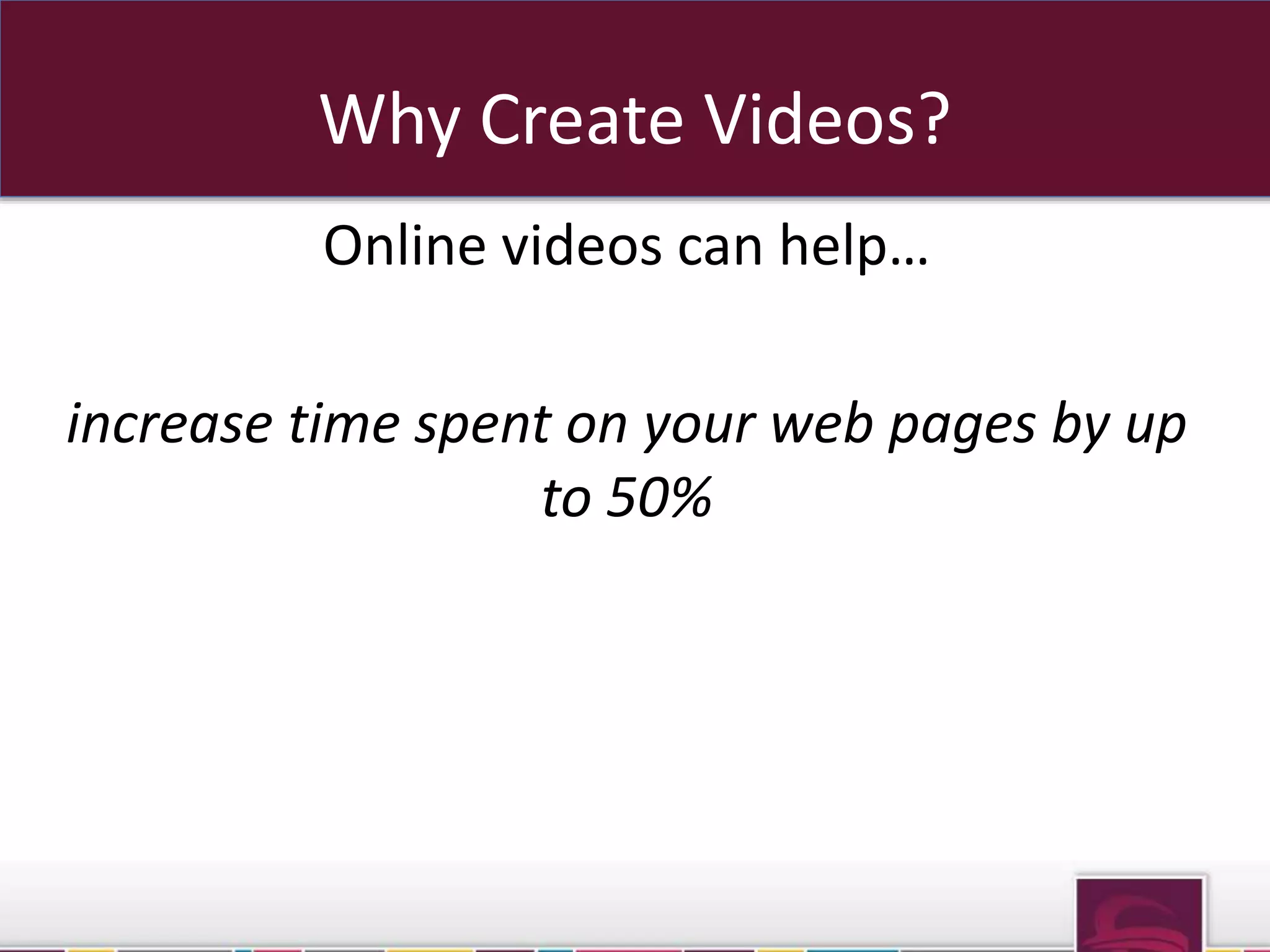
increase time spent on your web pages by up 
to 50%
Online Video Best Practices 
1. Decide how you will create your video
Online Video Best Practices 
1. Decide how you will create your video 
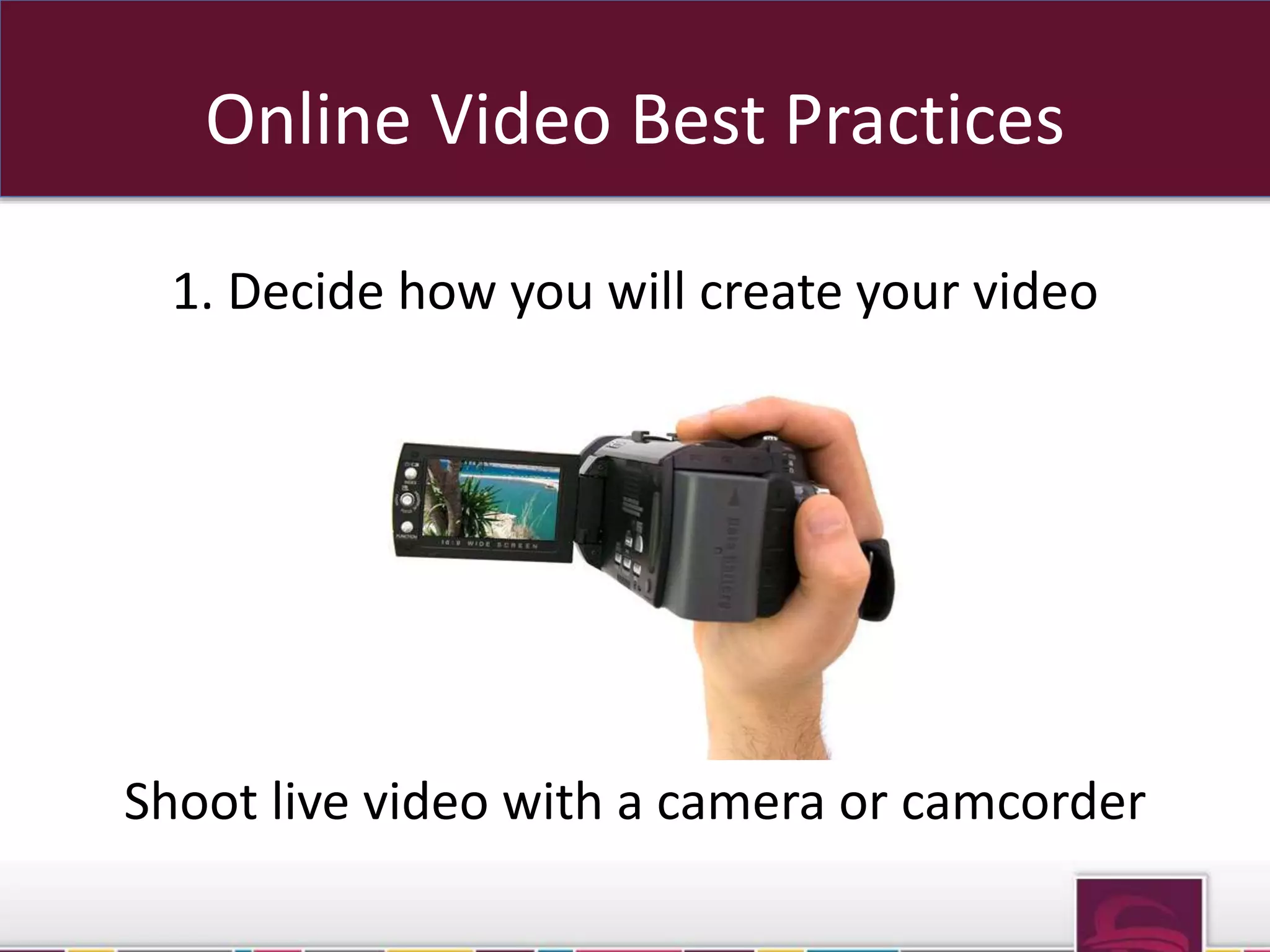
Shoot live video with a camera or camcorder
Online Video Best Practices 
1. Decide how you will create your video 
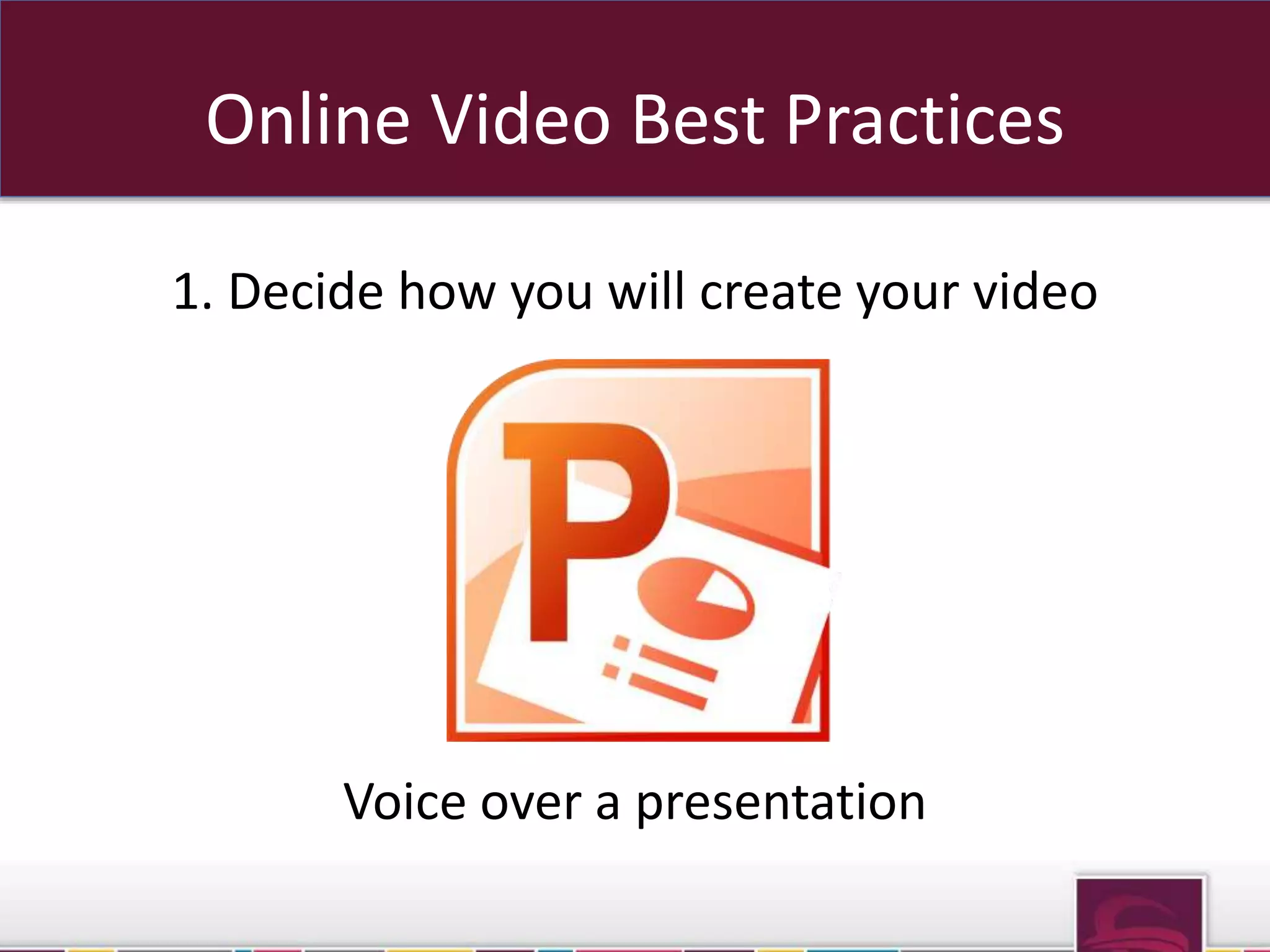
Voice over a presentation
Online Video Best Practices 
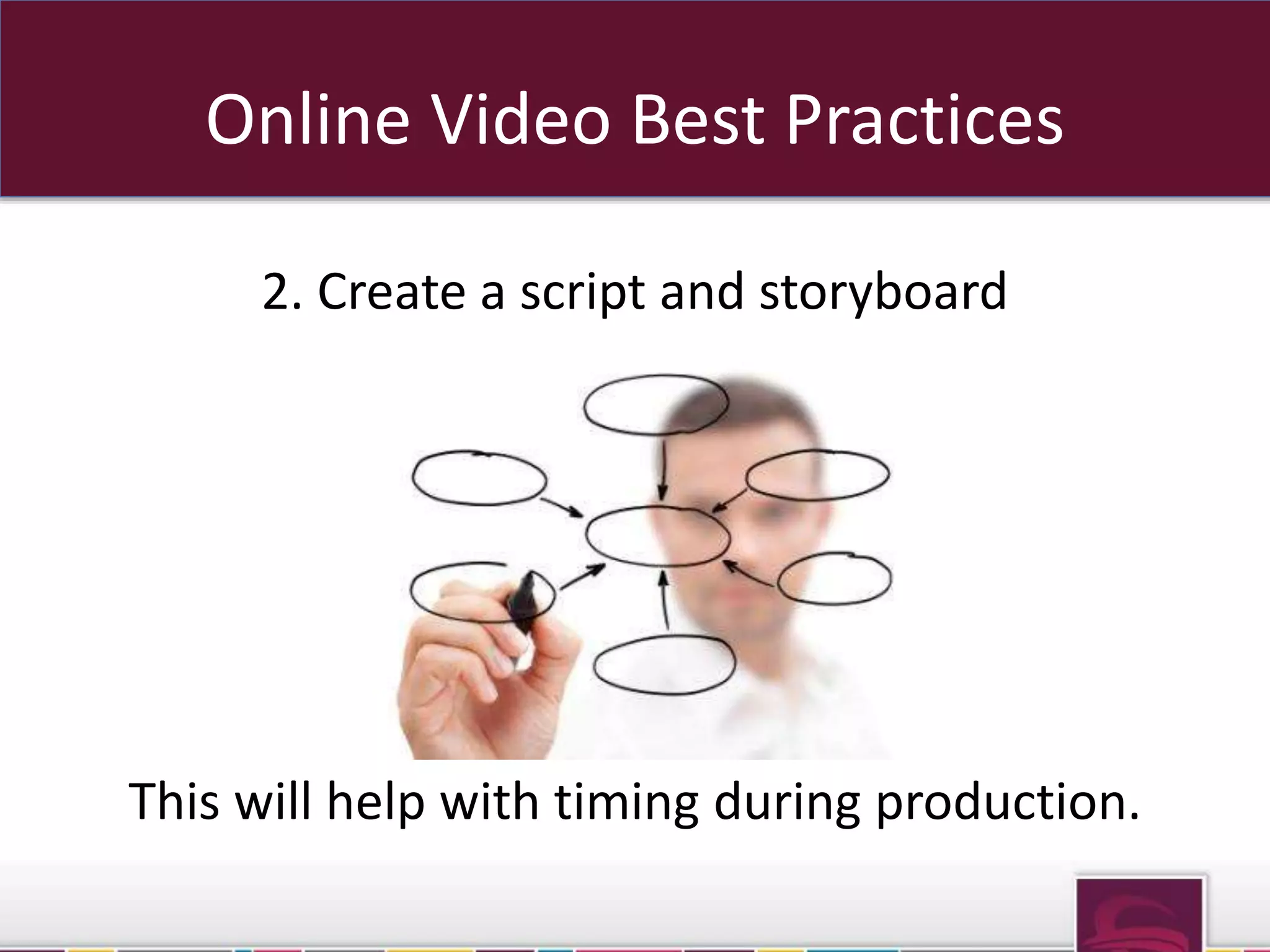
2. Create a script and storyboard
Online Video Best Practices 
2. Create a script and storyboard 
This will help with timing during production.
Online Video Best Practices 
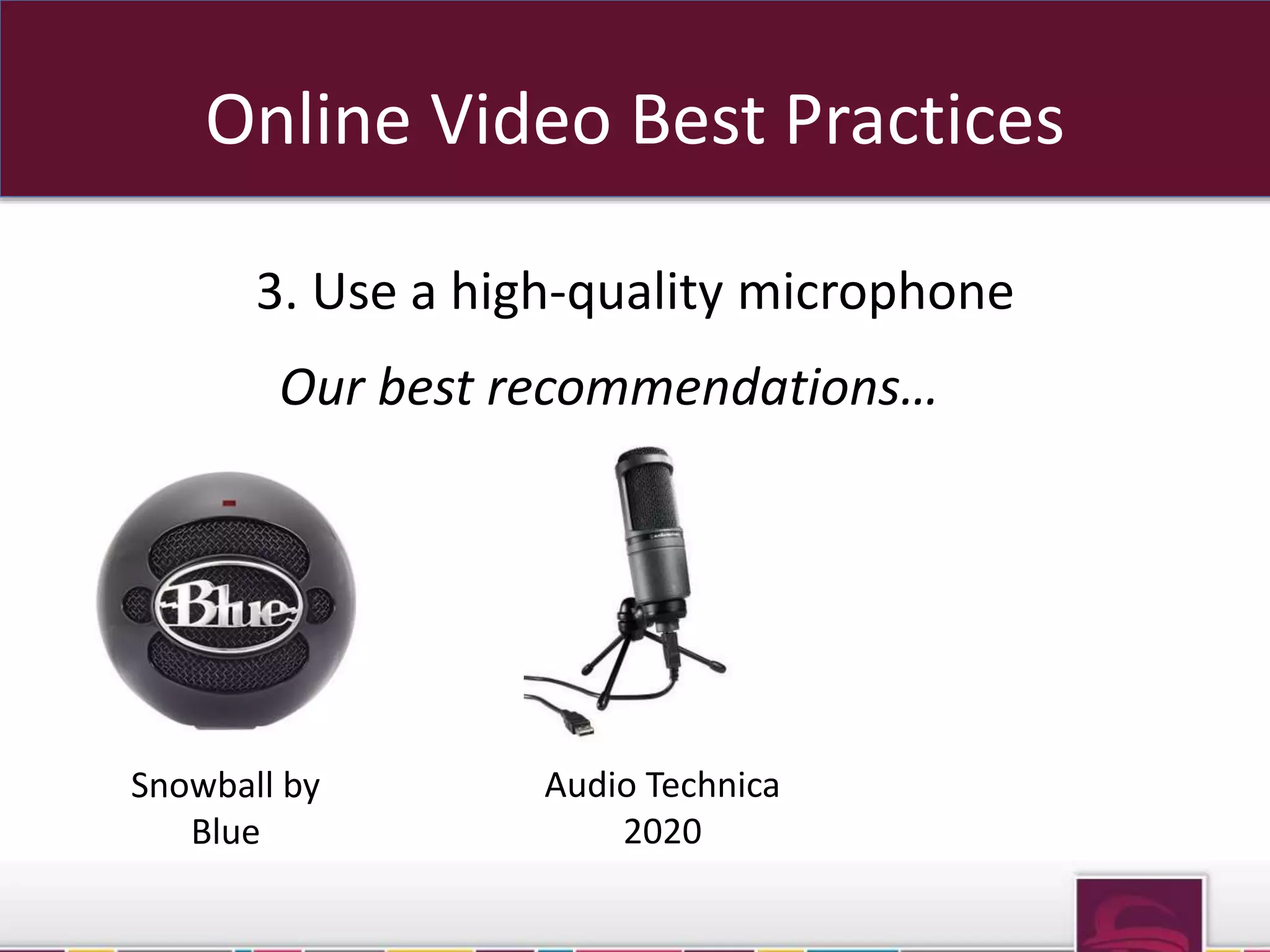
3. Use a high-quality microphone
Online Video Best Practices 
3. Use a high-quality microphone 
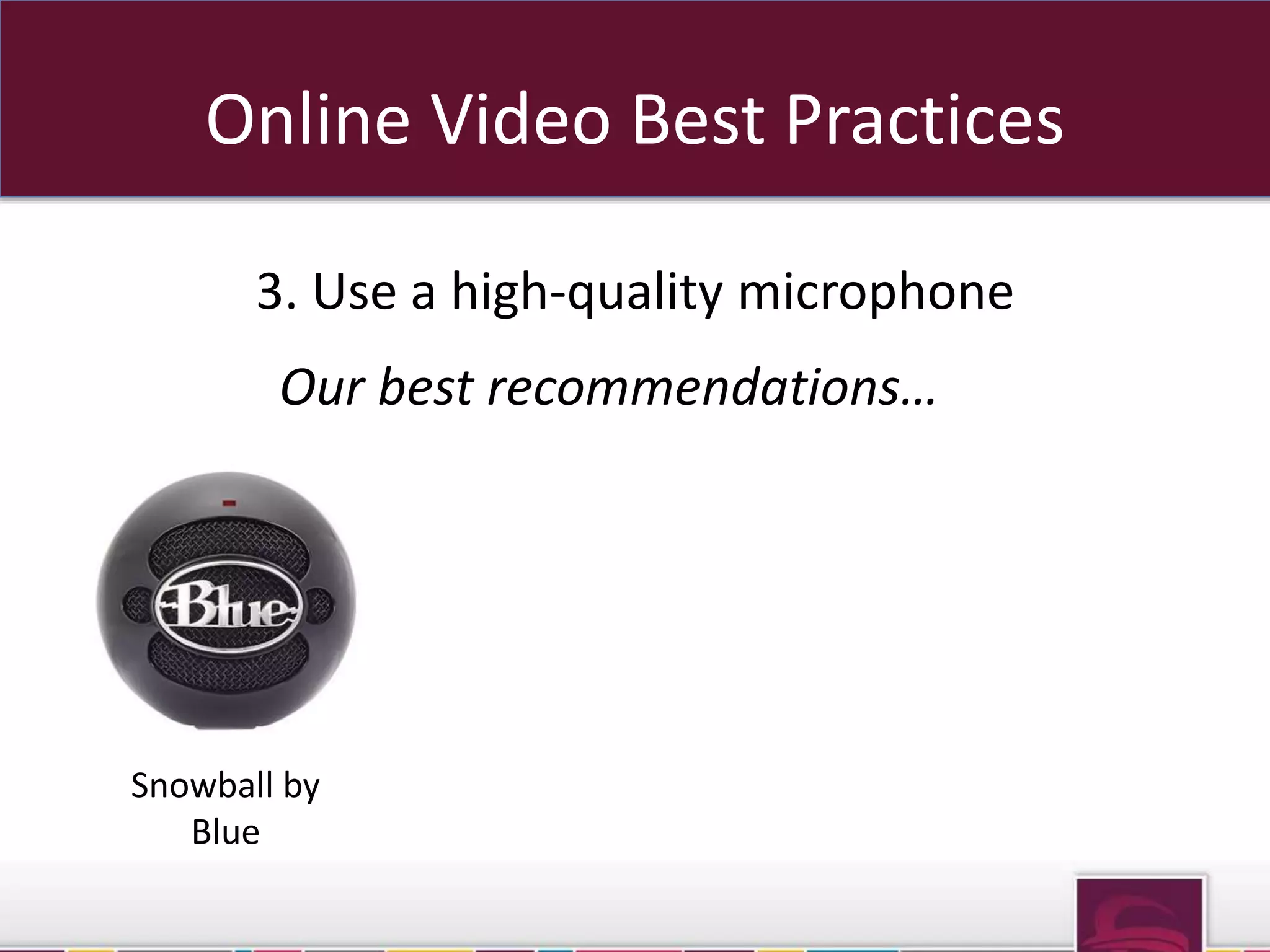
Our best recommendations…
Online Video Best Practices 
3. Use a high-quality microphone 
Our best recommendations… 
Snowball by 
Blue
Online Video Best Practices 
3. Use a high-quality microphone 
Our best recommendations… 
Snowball by 
Blue 
Audio Technica 
2020
Online Video Best Practices 
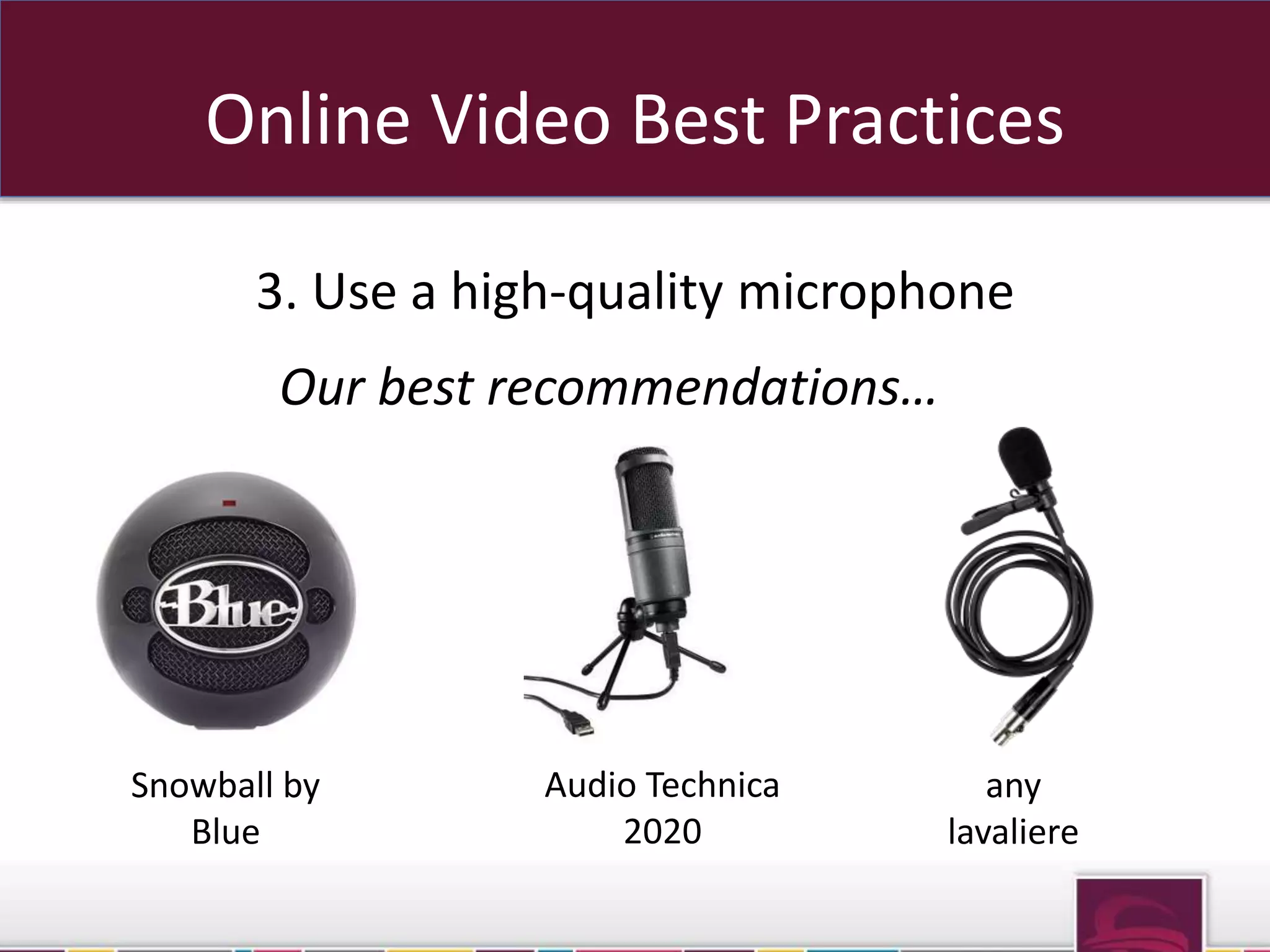
3. Use a high-quality microphone 
Our best recommendations… 
Snowball by 
Blue 
Audio Technica 
2020 
any 
lavaliere
Online Video Best Practices 
4. Eliminate noise in the recording environment
Online Video Best Practices 
4. Eliminate noise in the recording environment 
No room is 100% silent, so… 
sub domains OR sub folders
Online Video Best Practices 
4. Eliminate noise in the recording environment 
No room is 100% silent, so… 
Keep your voice signal many decibels louder 
than the ambient noise of the room 
sub domains OR sub folders
Online Video Best Practices 
5. Keep the digital compression as high as possible
Online Video Best Practices 
5. Keep the digital compression as high as possible 
For best results… 
sub domains OR sub folders
Online Video Best Practices 
5. Keep the digital compression as high as possible 
For best results… 
use a 22.5 Hz sample rate 
sub domains OR sub folders
Online Video Best Practices 
5. Keep the digital compression as high as possible 
For best results… 
use a 22.5 Hz sample rate 
save video as AVI uncompressed for editing 
sub domains OR sub folders
Online Video Best Practices 
5. Keep the digital compression as high as possible 
For best results… 
use a 22.5 Hz sample rate 
save video as AVI uncompressed for editing 
upload videos as FLV or WMV files 
sub domains OR sub folders
Online Video Best Practices 
6. Optimize your video for search engines
Online Video Best Practices 
6. Optimize your video for search engines 
Upload your video to YouTube, Vimeo, or your 
favorite video sharing platform 
Sub OR sub folders
Online Video Best Practices 
6. Optimize your video for search engines 
Use target keywords in your video title and 
description to help the leading search engines index 
your video 
Sub OR sub folders
Online Video Best Practices 
7. Distribute efficiently
Online Video Best Practices 
7. Distribute efficiently 
Consider using a service like Traffic Geyser to 
save yourself hours of manual distribution 
OR sub folders
Want to Learn More? 
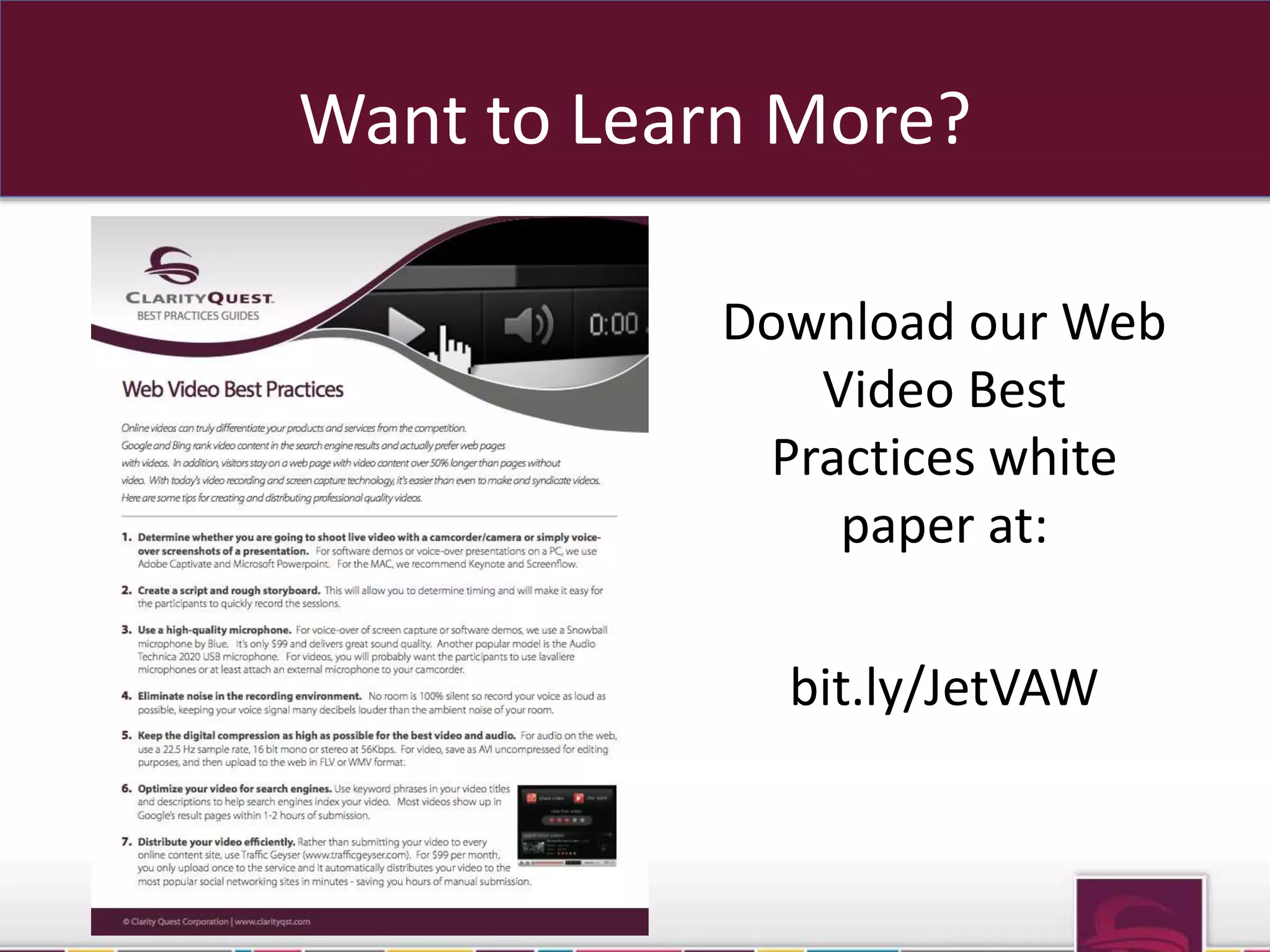
Download our Web 
Video Best 
Practices white 
paper at: 
bit.ly/JetVAW
For more information, visit 
www.ClarityQst.com 
or call 
(877) 887-7611

Best Practices for Web Videos

  • 1.
    Best Practices for Web Videos
  • 2.
    Why Create Videos? Online videos can help…
  • 3.
    Why Create Videos? Online videos can help… differentiate your products and services from the competition
  • 4.
    Why Create Videos? Online videos can help… increase organic search engine rankings
  • 5.
    Why Create Videos? Online videos can help… increase time spent on your web pages by up to 50%
  • 6.
    Online Video BestPractices 1. Decide how you will create your video
  • 7.
    Online Video BestPractices 1. Decide how you will create your video Shoot live video with a camera or camcorder
  • 8.
    Online Video BestPractices 1. Decide how you will create your video Voice over a presentation
  • 9.
    Online Video BestPractices 2. Create a script and storyboard
  • 10.
    Online Video BestPractices 2. Create a script and storyboard This will help with timing during production.
  • 11.
    Online Video BestPractices 3. Use a high-quality microphone
  • 12.
    Online Video BestPractices 3. Use a high-quality microphone Our best recommendations…
  • 13.
    Online Video BestPractices 3. Use a high-quality microphone Our best recommendations… Snowball by Blue
  • 14.
    Online Video BestPractices 3. Use a high-quality microphone Our best recommendations… Snowball by Blue Audio Technica 2020
  • 15.
    Online Video BestPractices 3. Use a high-quality microphone Our best recommendations… Snowball by Blue Audio Technica 2020 any lavaliere
  • 16.
    Online Video BestPractices 4. Eliminate noise in the recording environment
  • 17.
    Online Video BestPractices 4. Eliminate noise in the recording environment No room is 100% silent, so… sub domains OR sub folders
  • 18.
    Online Video BestPractices 4. Eliminate noise in the recording environment No room is 100% silent, so… Keep your voice signal many decibels louder than the ambient noise of the room sub domains OR sub folders
  • 19.
    Online Video BestPractices 5. Keep the digital compression as high as possible
  • 20.
    Online Video BestPractices 5. Keep the digital compression as high as possible For best results… sub domains OR sub folders
  • 21.
    Online Video BestPractices 5. Keep the digital compression as high as possible For best results… use a 22.5 Hz sample rate sub domains OR sub folders
  • 22.
    Online Video BestPractices 5. Keep the digital compression as high as possible For best results… use a 22.5 Hz sample rate save video as AVI uncompressed for editing sub domains OR sub folders
  • 23.
    Online Video BestPractices 5. Keep the digital compression as high as possible For best results… use a 22.5 Hz sample rate save video as AVI uncompressed for editing upload videos as FLV or WMV files sub domains OR sub folders
  • 24.
    Online Video BestPractices 6. Optimize your video for search engines
  • 25.
    Online Video BestPractices 6. Optimize your video for search engines Upload your video to YouTube, Vimeo, or your favorite video sharing platform Sub OR sub folders
  • 26.
    Online Video BestPractices 6. Optimize your video for search engines Use target keywords in your video title and description to help the leading search engines index your video Sub OR sub folders
  • 27.
    Online Video BestPractices 7. Distribute efficiently
  • 28.
    Online Video BestPractices 7. Distribute efficiently Consider using a service like Traffic Geyser to save yourself hours of manual distribution OR sub folders
  • 29.
    Want to LearnMore? Download our Web Video Best Practices white paper at: bit.ly/JetVAW
  • 30.
    For more information,visit www.ClarityQst.com or call (877) 887-7611