


















ArcGIS Online Steps for Success –
A Best Practices Approach
Bern Szukalski
bszukalski@esri.com
@bernszukalski
ArcGIS Online Steps for Success
A Best Practices Approach
Bern Szukalski
@bernszukalski
bszukalski@esri.com
Jeff Archer
@vee_dub
jarcher@esri.com
ArcGIS Online Steps for Success –
A Best Practices Approach
• Not a step-by-step how-to, but guidance and tips
• A discussion of best practices for you to consider
• Software demonstrations, examples, and Q&A
Session Overview
What is Web GIS?
Foundation of a modern GIS
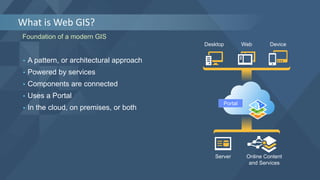
• A pattern, or architectural approach
• Powered by services
• Components are connected
• Uses a Portal
• In the cloud, on premises, or both
Desktop Web Device
Server Online Content
and Services
Portal
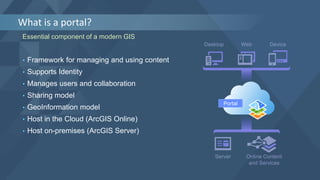
What is a portal?
Essential component of a modern GIS
Portal
• Framework for managing and using content
• Supports Identity
• Manages users and collaboration
• Sharing model
• GeoInformation model
• Host in the Cloud (ArcGIS Online)
• Host on-premises (ArcGIS Server)
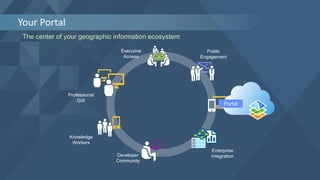
Your Portal
The center of your geographic information ecosystem
Knowledge
Workers
Professional
GIS
Executive
Access
Public
Engagement
Work
Anywhere
Enterprise
IntegrationDeveloper
Community
Portal
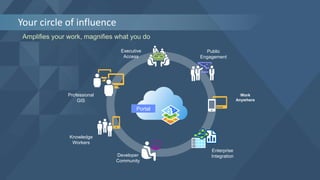
Your circle of influence
Amplifies your work, magnifies what you do
Knowledge
Workers
Professional
GIS
Executive
Access
Public
Engagement
Work
Anywhere
Enterprise
IntegrationDeveloper
Community
Portal
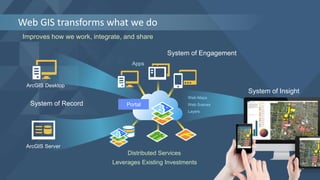
Web GIS transforms what we do
Improves how we work, integrate, and share
System of Record
System of Engagement
System of Insight
ArcGIS Desktop
ArcGIS Server
Distributed Services
Portal
Web Maps
Layers
Apps
Web Scenes
Leverages Existing Investments
Understand your roadmap to success
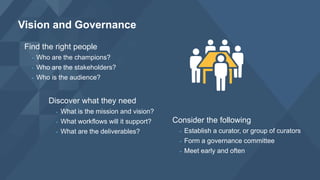
Establish the vision
and governance
Find the right people
- Who are the champions?
- Who are the stakeholders?
- Who is the audience?
Vision and Governance
Consider the following
- Establish a curator, or group of curators
- Form a governance committee
- Meet early and often
Discover what they need
- What is the mission and vision?
- What workflows will it support?
- What are the deliverables?
• Communicate early, often, and well
• Establish a rough time for deliverables
• Prototype and test before rolling out
• Implement successful patterns
• Establish essential procedures and guidelines
• Be flexible, adapt, and evolve
Suggestions
Establish technology framework
Create a destination
Configure your
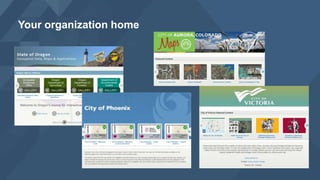
organization home
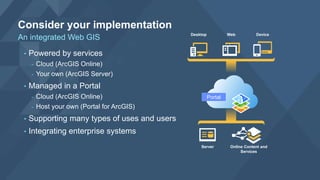
Consider your implementation
An integrated Web GIS
• Powered by services
- Cloud (ArcGIS Online)
- Your own (ArcGIS Server)
• Managed in a Portal
- Cloud (ArcGIS Online)
- Host your own (Portal for ArcGIS)
• Supporting many types of uses and users
• Integrating enterprise systems
Desktop Web Device
Server Online Content and
Services
Portal
Your organization home
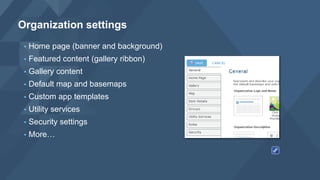
• Home page (banner and background)
• Featured content (gallery ribbon)
• Gallery content
• Default map and basemaps
• Custom app templates
• Utility services
• Security settings
• More…
Organization settings
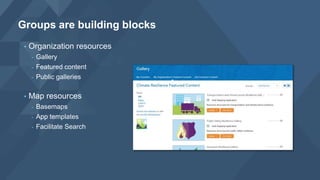
• Organization resources
- Gallery
- Featured content
- Public galleries
• Map resources
- Basemaps
- App templates
- Facilitate Search
Groups are building blocks
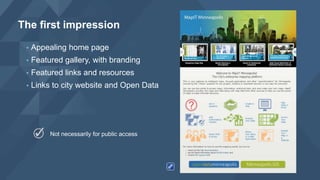
The first impression
Not necessarily for public access
• Appealing home page
• Featured gallery, with branding
• Featured links and resources
• Links to city website and Open Data
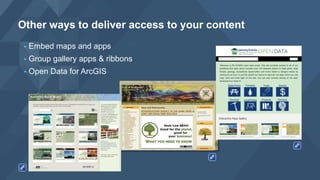
• Embed maps and apps
• Group gallery apps & ribbons
• Open Data for ArcGIS
Other ways to deliver access to your content
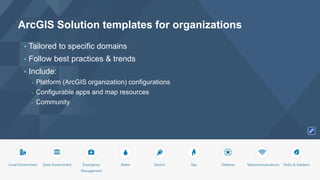
ArcGIS Solution templates for organizations
• Tailored to specific domains
• Follow best practices & trends
• Include:
- Platform (ArcGIS organization) configurations
- Configurable apps and map resources
- Community
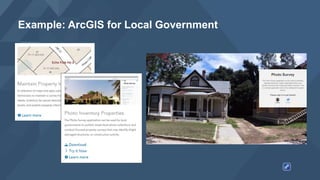
Example: ArcGIS for Local Government
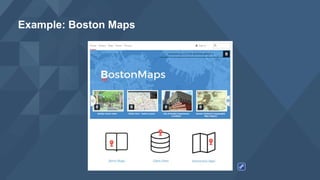
Example: Boston Maps
DISCUSSION &
DEMONSTRATION
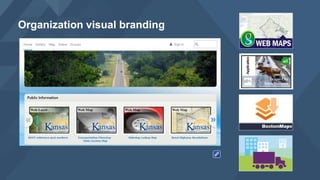
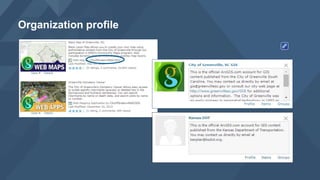
Establish your brand
Organization visual branding
Organization profile
DISCUSSION &
DEMONSTRATION
Organize your
organization
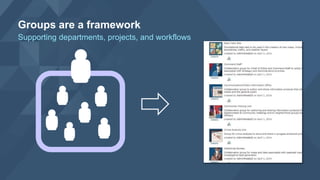
Groups are a framework
Supporting departments, projects, and workflows
• Access to resources
• Collaboration within the organization
• Collaboration between organizations
Groups help organize activities
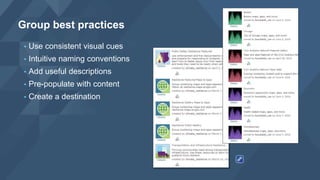
• Use consistent visual cues
• Intuitive naming conventions
• Add useful descriptions
• Pre-populate with content
• Create a destination
Group best practices
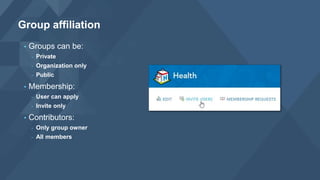
• Groups can be:
- Private
- Organization only
- Public
• Membership:
- User can apply
- Invite only
• Contributors:
- Only group owner
- All members
Group affiliation
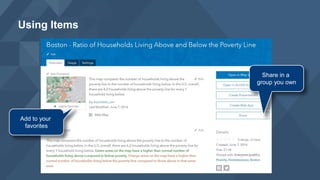
Using Items
Add to your
favorites
Share in a
group you own
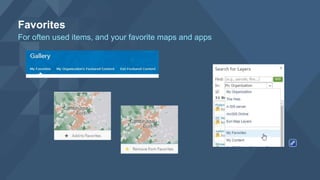
Favorites
For often used items, and your favorite maps and apps
DISCUSSION &
DEMONSTRATION
Add useful content
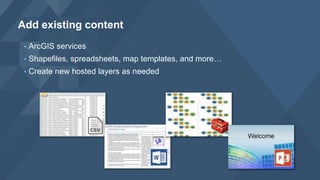
• ArcGIS services
• Shapefiles, spreadsheets, map templates, and more…
• Create new hosted layers as needed
Add existing content
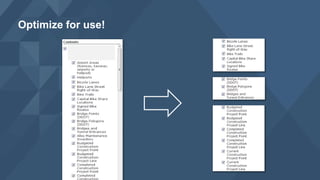
Optimize for use!
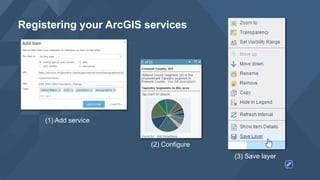
Registering your ArcGIS services
(1) Add service
(2) Configure
(3) Save layer
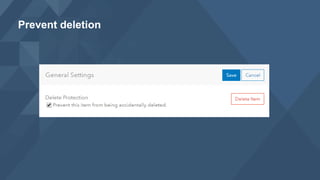
Prevent deletion
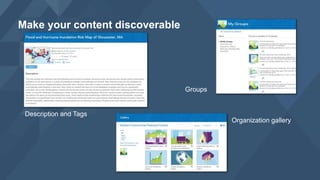
Make your content discoverable
Organization gallery
Description and Tags
Groups
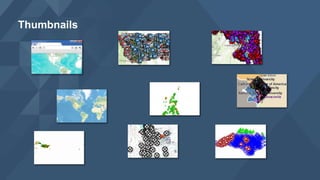
Thumbnails
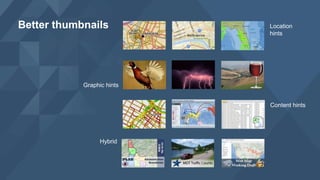
Better thumbnails Location
hints
Graphic hints
Content hints
Hybrid
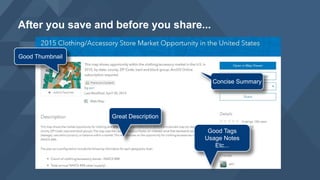
After you save and before you share...
Good Thumbnail
Concise Summary
Great Description
Good Tags
Usage Notes
Etc...
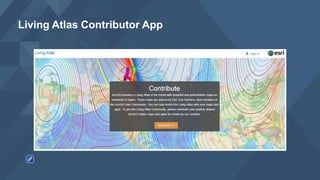
Living Atlas Contributor App
DISCUSSION &
DEMONSTRATION
Create useful
and compelling
information products
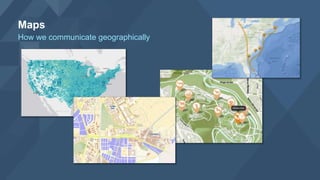
Maps
How we communicate geographically
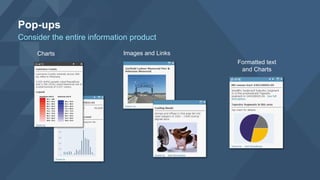
Pop-ups
Consider the entire information product
Charts Images and Links
Formatted text
and Charts
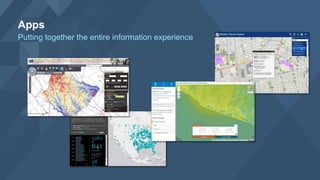
Apps
Putting together the entire information experience
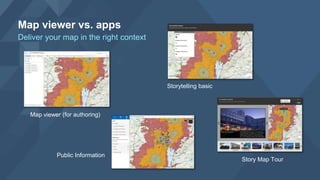
Map viewer vs. apps
Deliver your map in the right context
Map viewer (for authoring)
Storytelling basic
Public Information
Story Map Tour
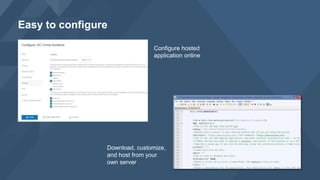
Easy to configure
Configure hosted
application online
Download, customize,
and host from your
own server
DISCUSSION &
DEMONSTRATION
Invite members
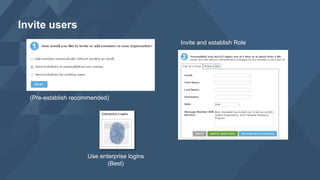
Invite users
Use enterprise logins
(Best)
(Pre-establish recommended)
Invite and establish Role
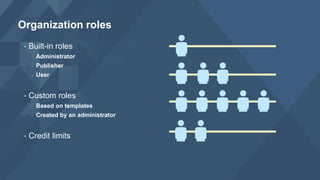
• Built-in roles
- Administrator
- Publisher
- User
• Custom roles
- Based on templates
- Created by an administrator
• Credit limits
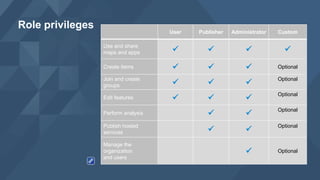
Organization roles
Role privileges
User Publisher Administrator Custom
Use and share
maps and apps    
Create items    Optional
Join and create
groups   
Optional
Edit features   
Optional
Perform analysis  
Optional
Publish hosted
services  
Optional
Manage the
organization
and users
 Optional
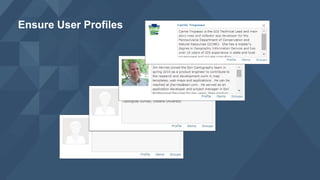
Ensure User Profiles
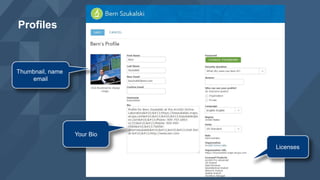
Profiles
Thumbnail, name
email
Your Bio
Licenses
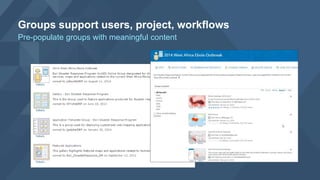
Groups support users, project, workflows
Pre-populate groups with meaningful content
DISCUSSION &
DEMONSTRATION
Connect with enterprise
workflows and systems
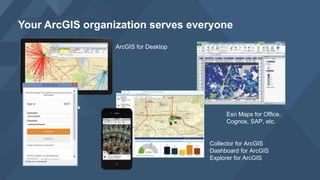
Your ArcGIS organization serves everyone
ArcGIS for Desktop
Esri Maps for Office,
Cognos, SAP, etc.
Collector for ArcGIS
Dashboard for ArcGIS
Explorer for ArcGIS
Open Your Data
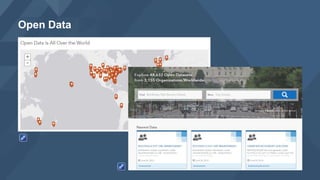
Open Data
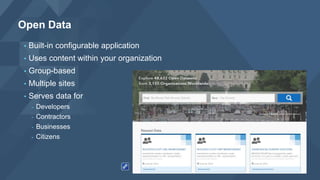
• Built-in configurable application
• Uses content within your organization
• Group-based
• Multiple sites
• Serves data for
- Developers
- Contractors
- Businesses
- Citizens
Open Data
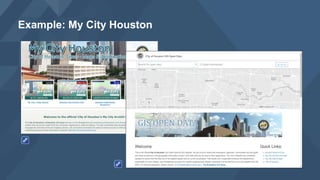
Example: My City Houston
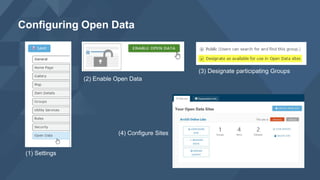
Configuring Open Data
(1) Settings
(2) Enable Open Data
(4) Configure Sites
(3) Designate participating Groups
DISCUSSION &
DEMONSTRATION
Monitor and Manage
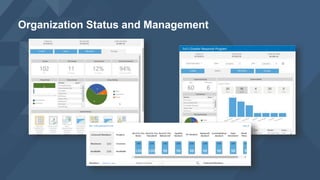
Organization Status and Management
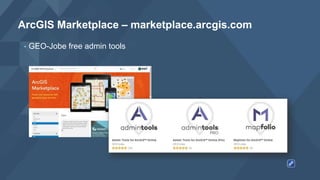
ArcGIS Marketplace – marketplace.arcgis.com
• GEO-Jobe free admin tools
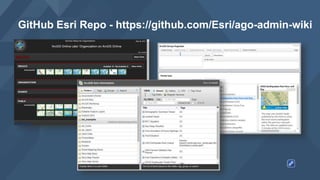
GitHub Esri Repo - https://github.com/Esri/ago-admin-wiki
• Esri/ago-admin-wiki
Promote your
organization
Promote your organization
Documentation: http://doc.arcgis.com/en/arcgis-online/index.html
Blog: http://blogs.esri.com/esri/arcgis/category/arcgis-online/
Online training: http://www.esri.com/training/main
Resources
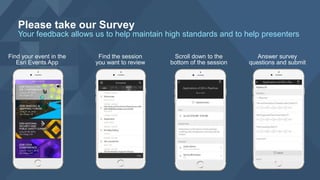
Please take our Survey
Your feedback allows us to help maintain high standards and to help presenters
Find the session
you want to review
Find your event in the
Esri Events App
Scroll down to the
bottom of the session
Answer survey
questions and submit
Thanks!
Bern Szukalski
bszukalski@esri.com
@bernszukalski

Esri 2016 User Conference - ArcGIS Online steps for success