Download to read offline
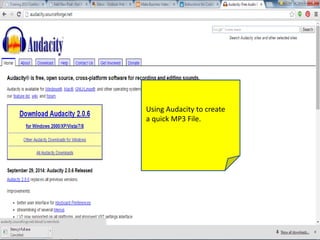
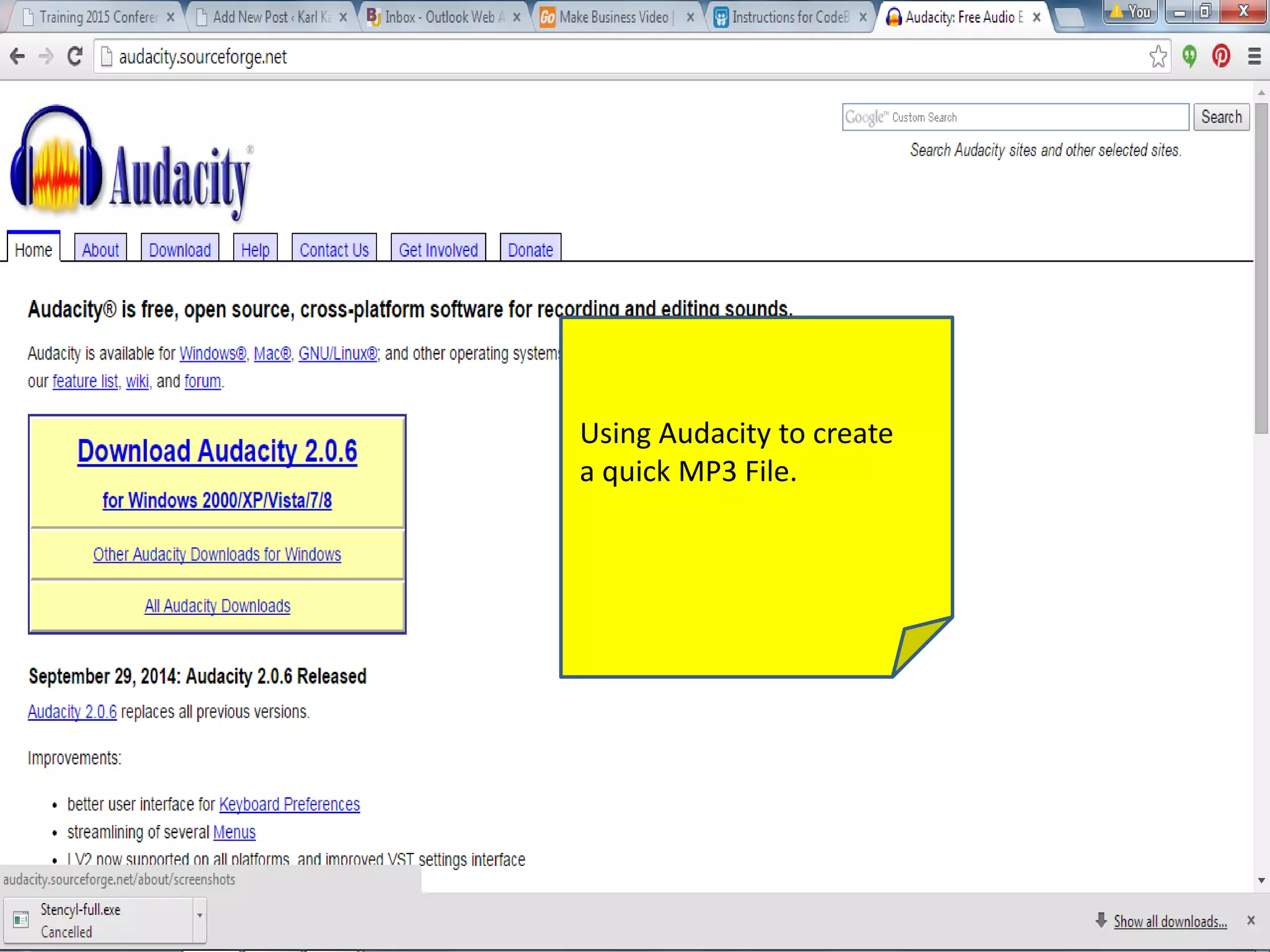
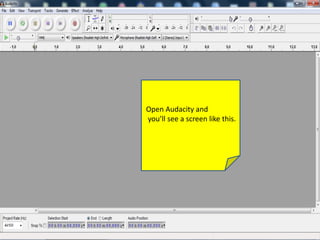
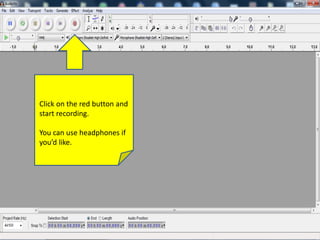
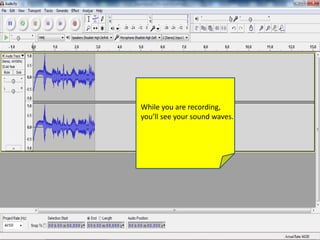
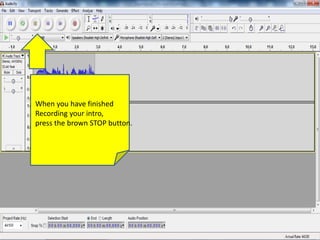
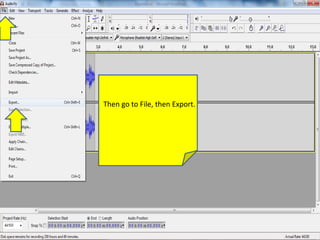
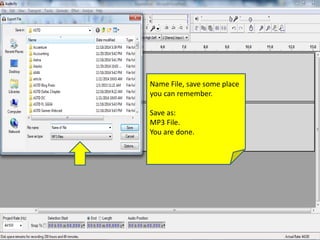

Audacity allows you to record an MP3 file by opening the program, clicking the red record button to begin recording audio, and then pressing the brown stop button when finished; the recording can then be exported and saved as an MP3 file.


