BASHing at the CLI
Chris Tankersley
@dragonmantank
Midwest PHP 2018
1
Midwest PHP 2018
Commandline Scripting
2
Midwest PHP 2018
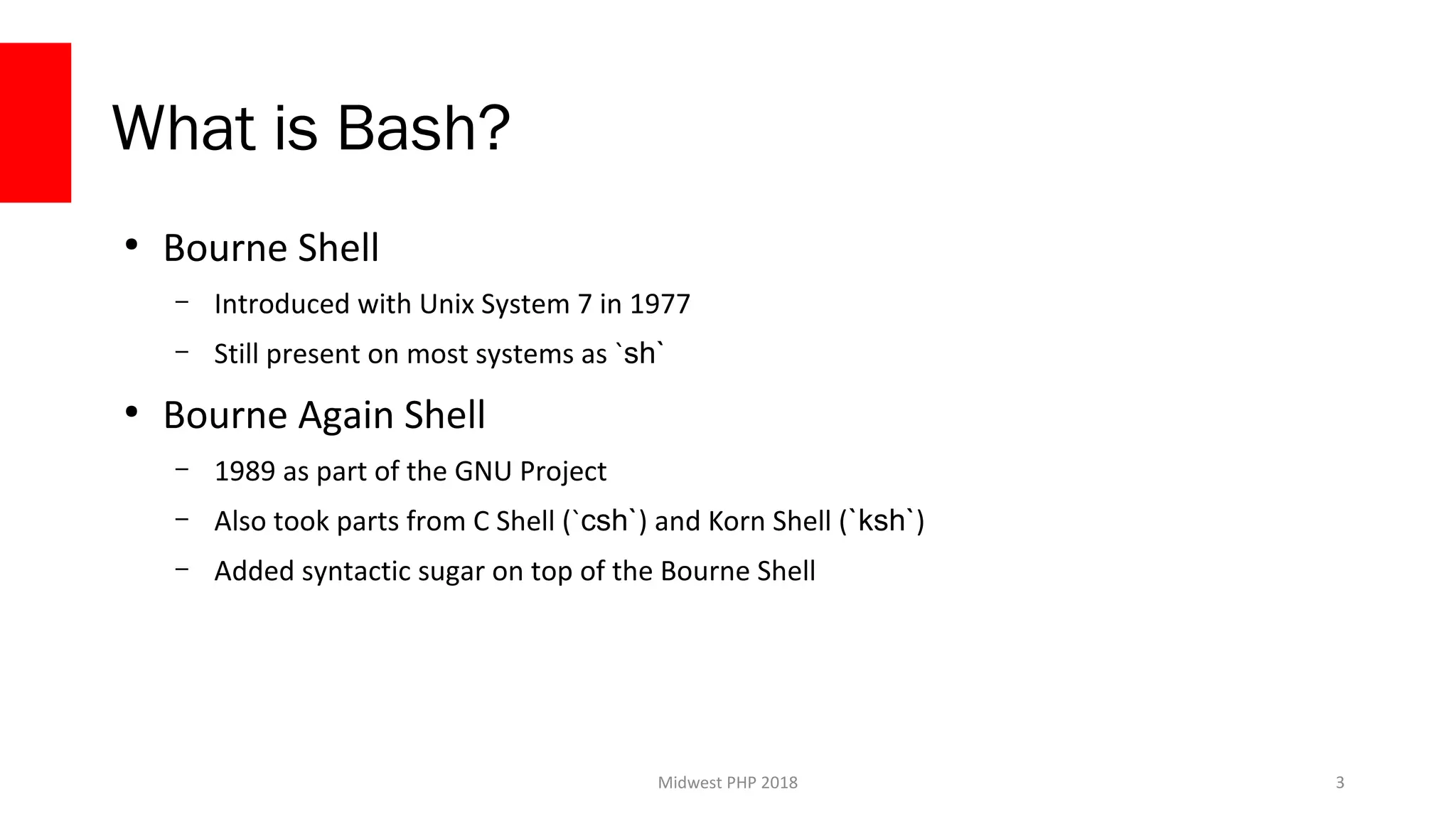
What is Bash?
●
Bourne Shell
– Introduced with Unix System 7 in 1977
– Still present on most systems as `sh`
●
Bourne Again Shell
– 1989 as part of the GNU Project
– Also took parts from C Shell (`csh`) and Korn Shell (`ksh`)
– Added syntactic sugar on top of the Bourne Shell
3
Midwest PHP 2018
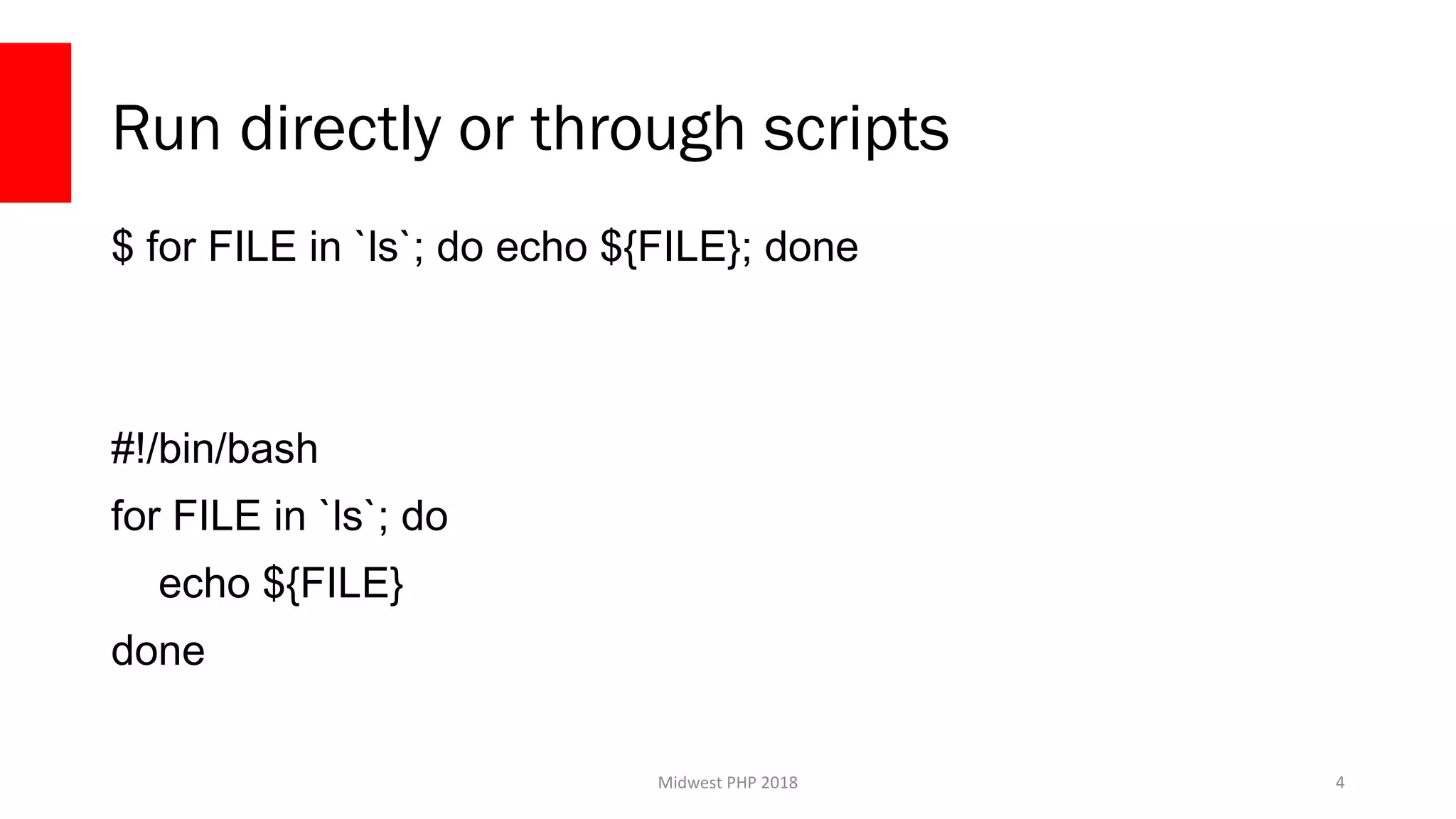
Run directly or through scripts
$ for FILE in `ls`; do echo ${FILE}; done
#!/bin/bash
for FILE in `ls`; do
echo ${FILE}
done
4
Midwest PHP 2018
Why use Bash?
●
System Scripts
●
Quick prototyping
●
Ultra-portable scripts*
5
Midwest PHP 2018
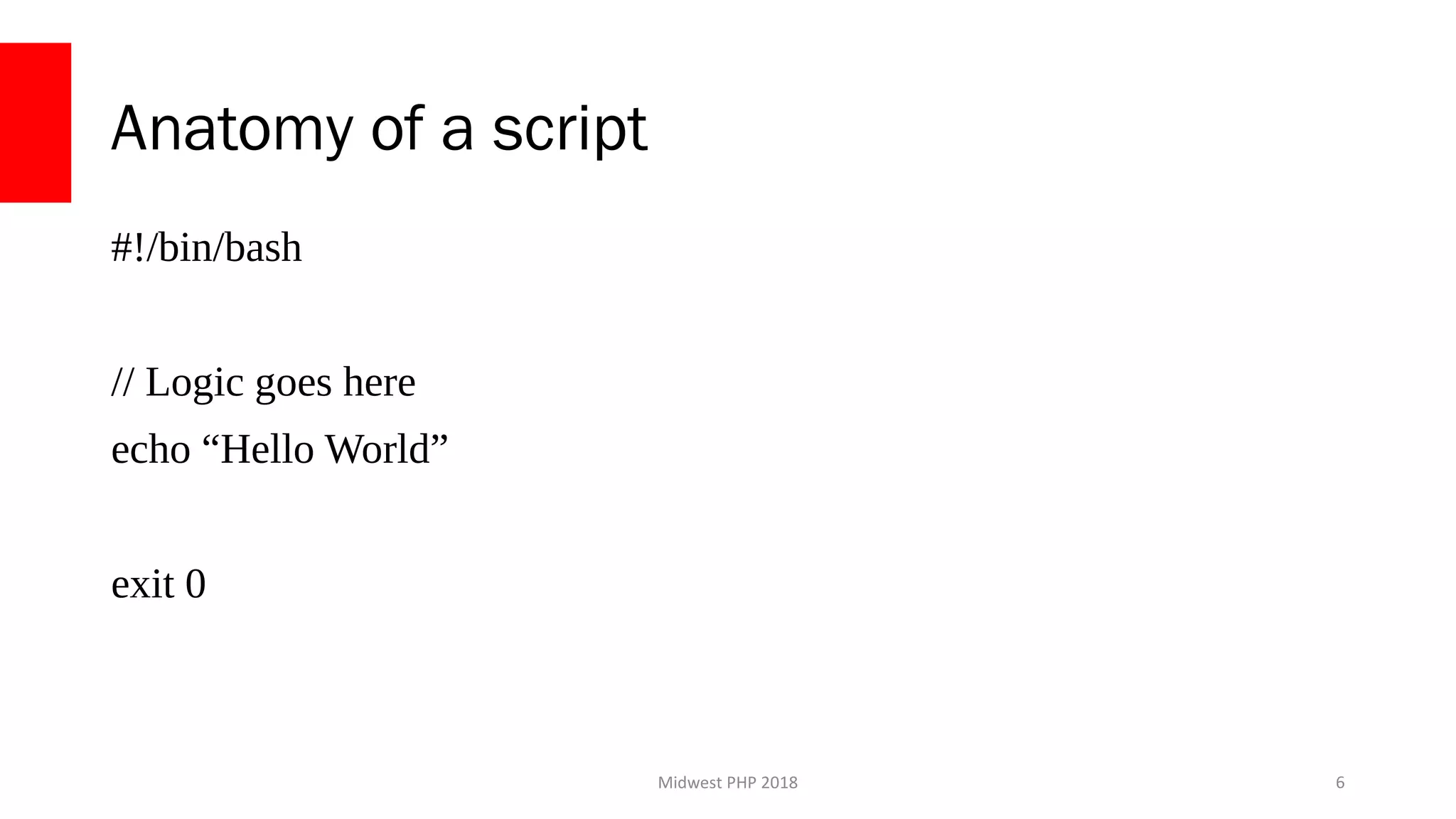
Anatomy of a script
#!/bin/bash
// Logic goes here
echo “Hello World”
exit 0
6
Midwest PHP 2018
Variables
7
Midwest PHP 2018
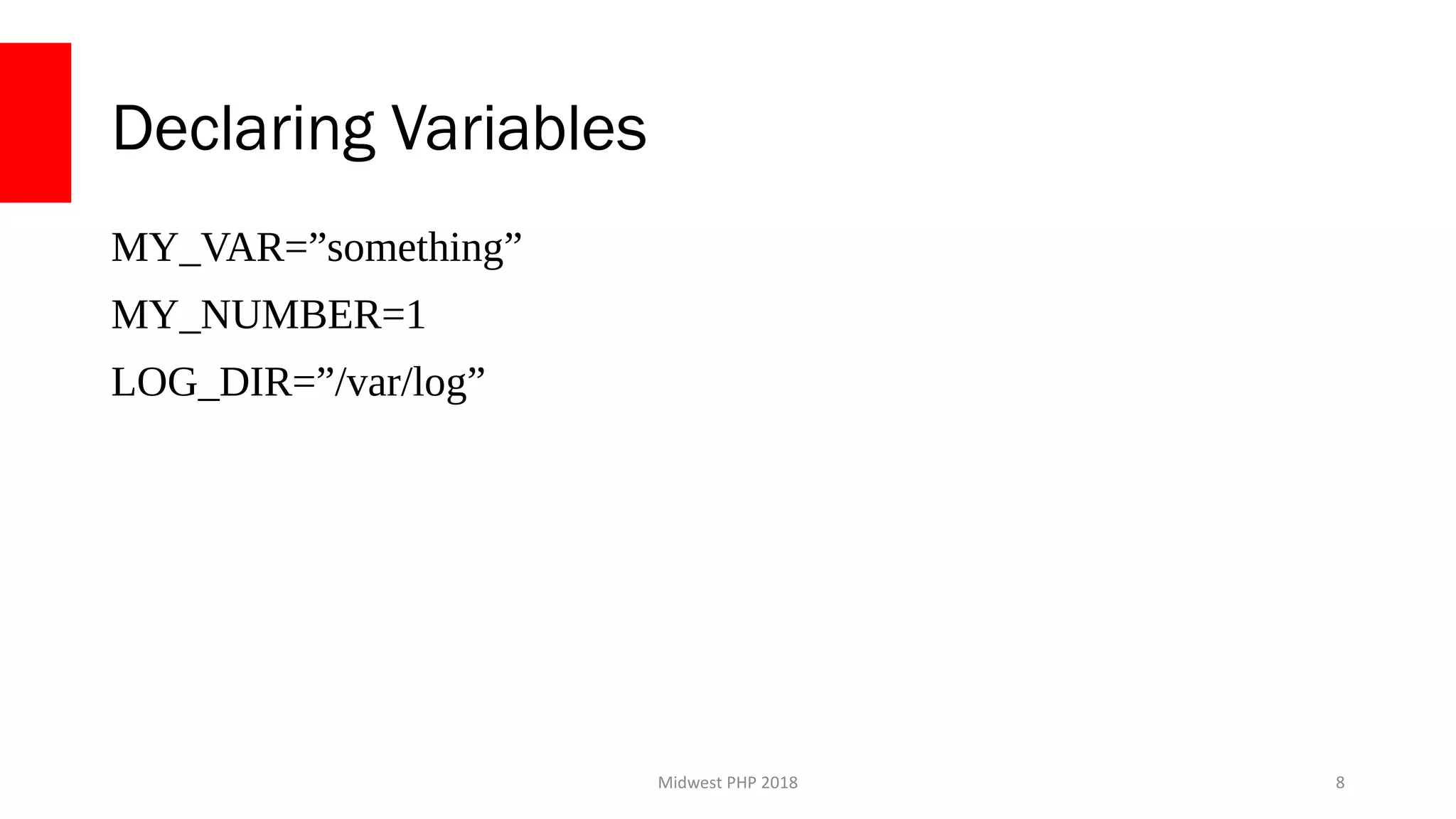
Declaring Variables
MY_VAR=”something”
MY_NUMBER=1
LOG_DIR=”/var/log”
8
Midwest PHP 2018
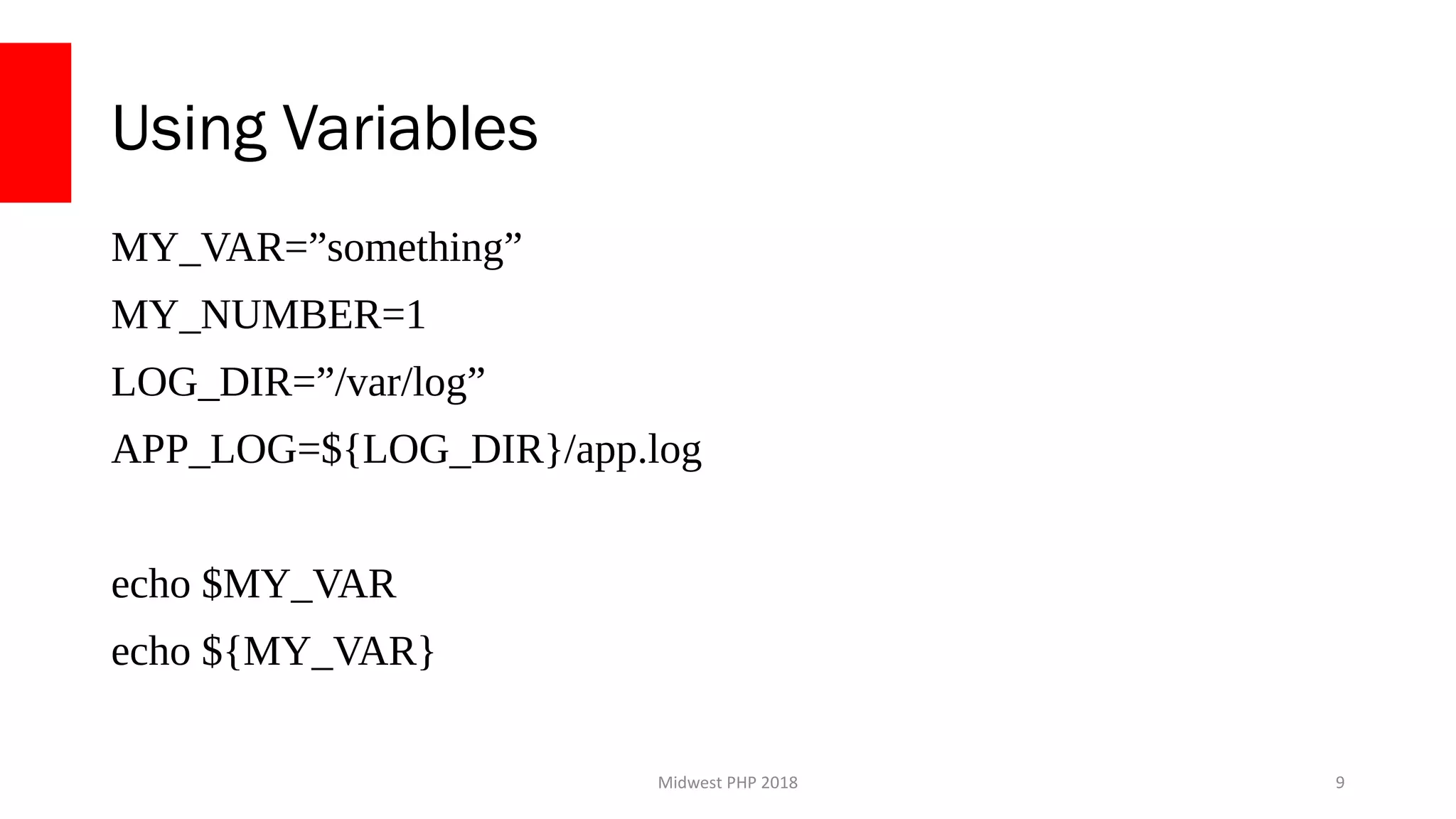
Using Variables
MY_VAR=”something”
MY_NUMBER=1
LOG_DIR=”/var/log”
APP_LOG=${LOG_DIR}/app.log
echo $MY_VAR
echo ${MY_VAR}
9
Midwest PHP 2018
Declaring Arrays
FILES=(
‘app.log’
‘app.err’
‘access.log’
)
echo ${FILES[0]}
10
Midwest PHP 2018
Declaring Hashes
declare -AANIMALS
ANIMALS[“moo”]=”cow”
ANIMALS[“dog”]=”woof”
echo ${ANIMALS[moo]}
11
Midwest PHP 2018
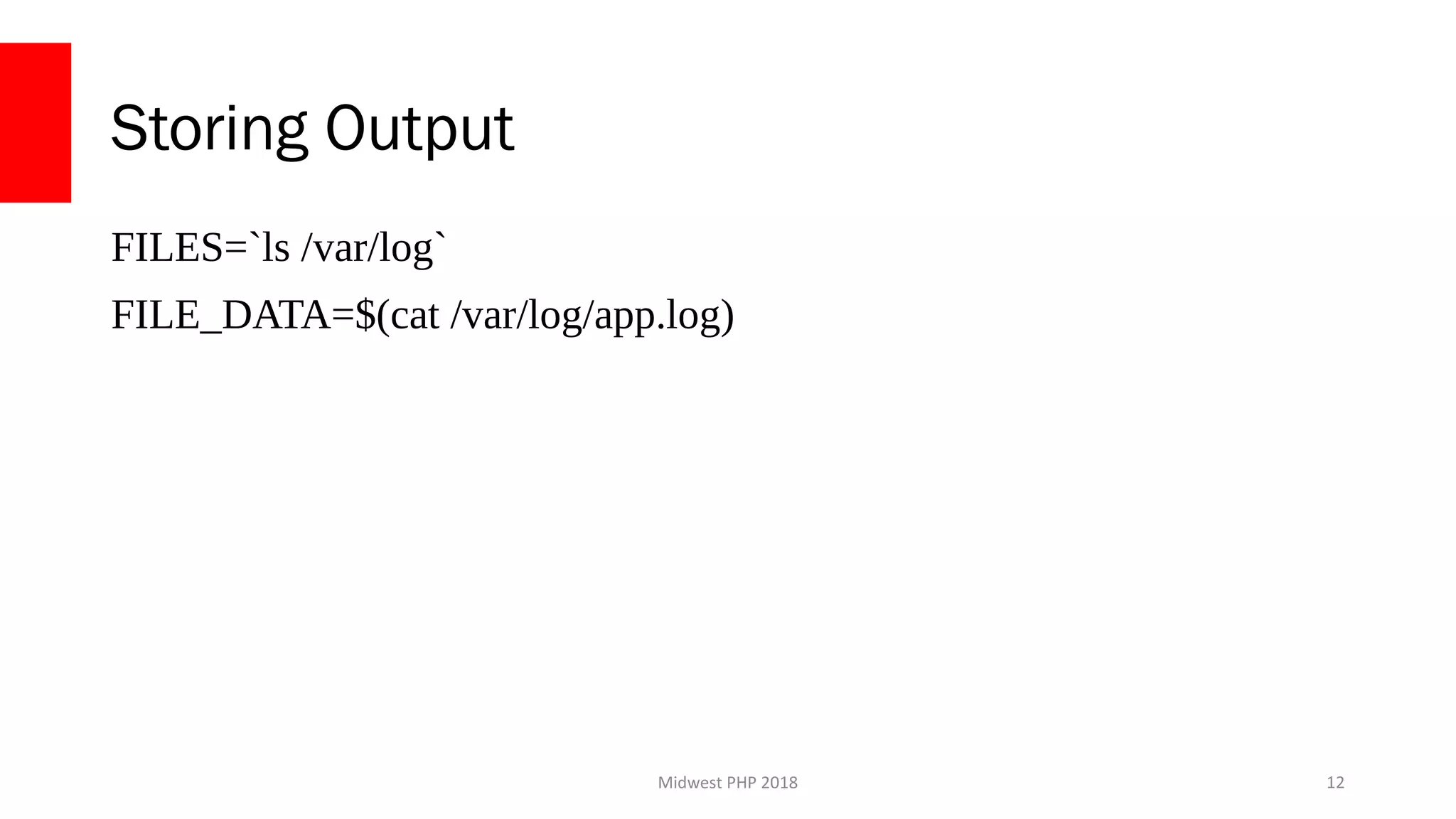
Storing Output
FILES=`ls /var/log`
FILE_DATA=$(cat /var/log/app.log)
12
Midwest PHP 2018
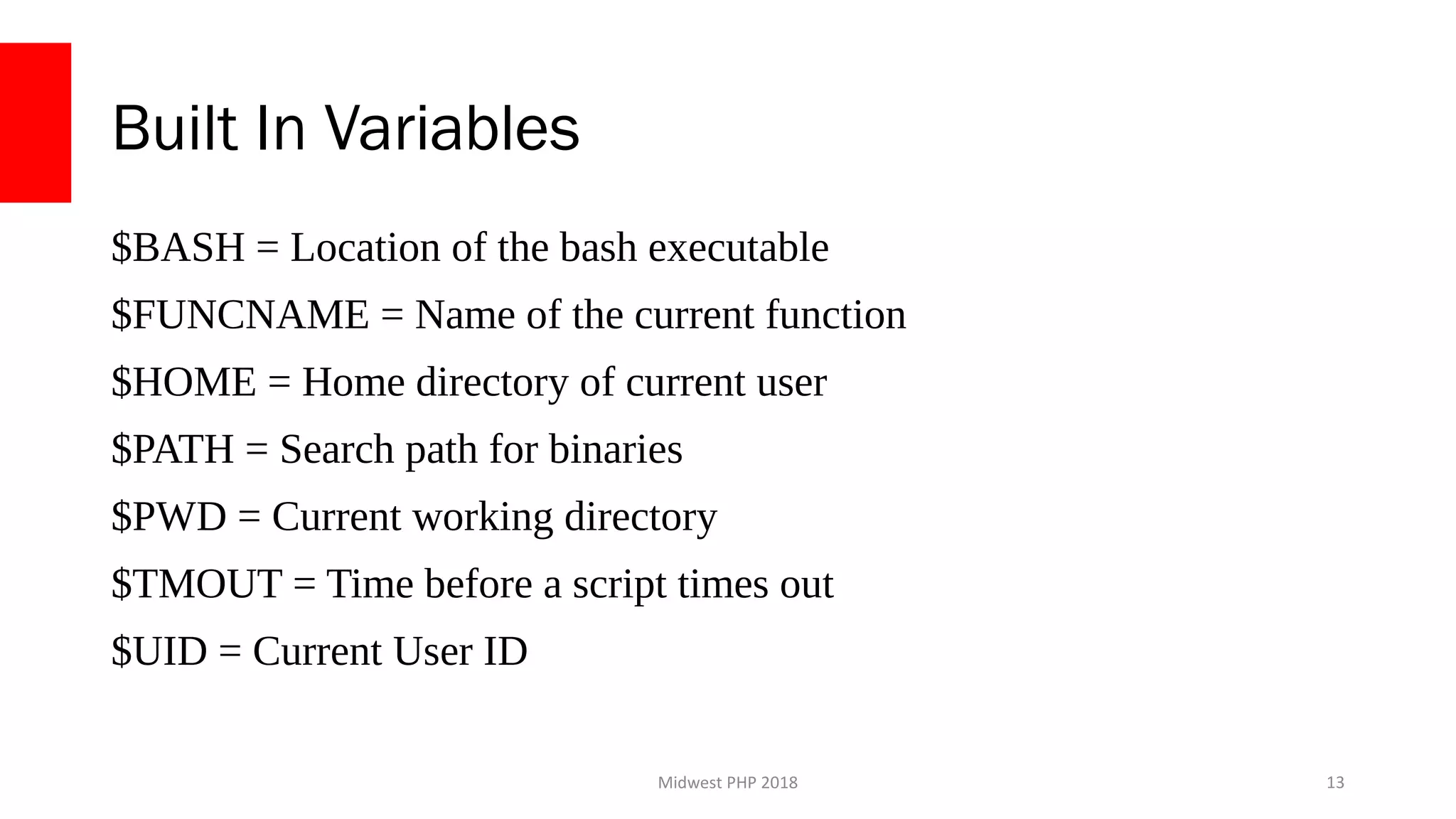
Built In Variables
$BASH = Location of the bash executable
$FUNCNAME = Name of the current function
$HOME = Home directory of current user
$PATH = Search path for binaries
$PWD = Current working directory
$TMOUT = Time before a script times out
$UID = Current User ID
13
Midwest PHP 2018
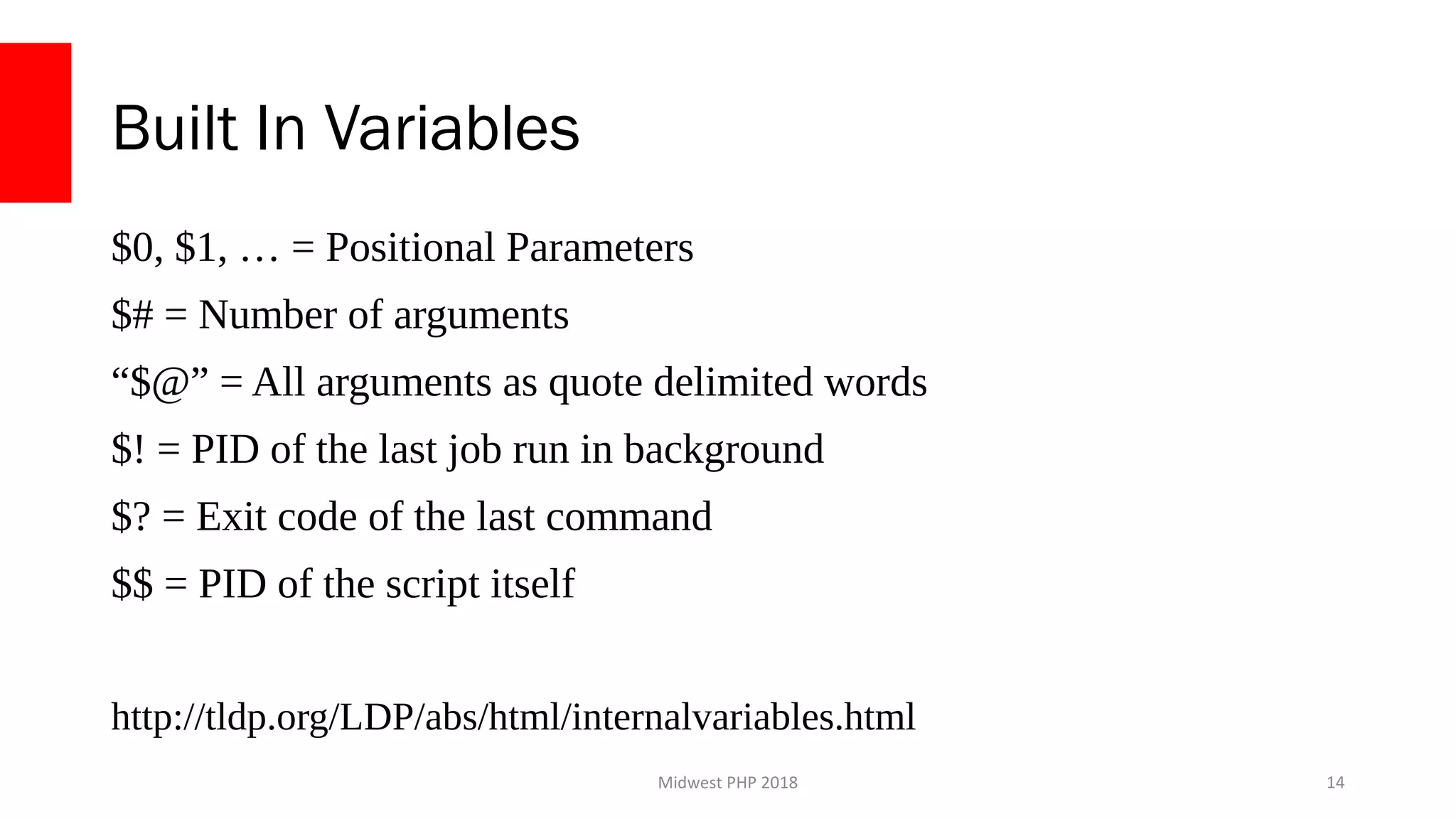
Built In Variables
$0, $1, … = Positional Parameters
$# = Number of arguments
“$@” = All arguments as quote delimited words
$! = PID of the last job run in background
$? = Exit code of the last command
$$ = PID of the script itself
http://tldp.org/LDP/abs/html/internalvariables.html
14
Midwest PHP 2018
Flow Control
15
Midwest PHP 2018
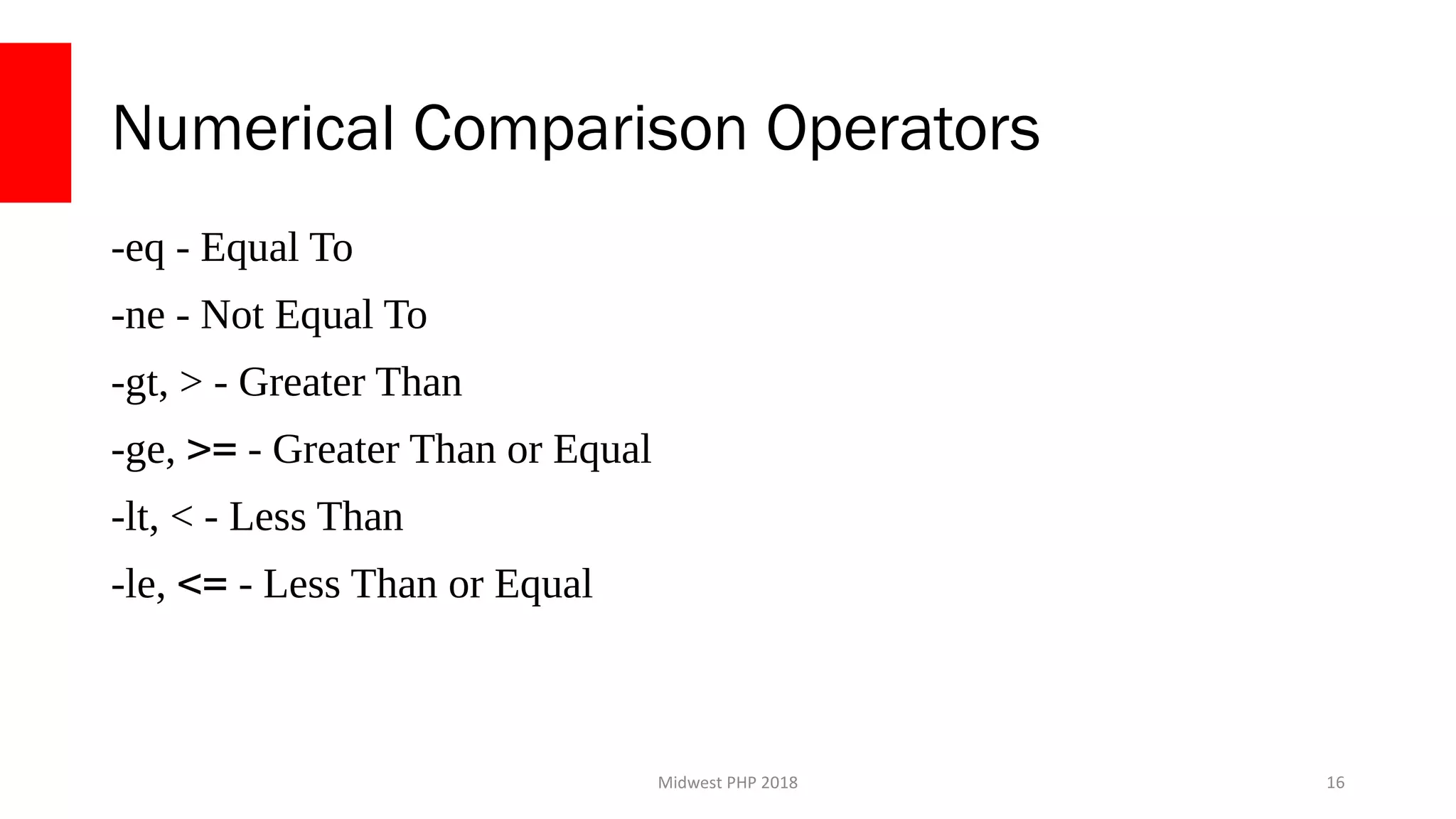
Numerical Comparison Operators
-eq - Equal To
-ne - Not Equal To
-gt, > - Greater Than
-ge, >= - Greater Than or Equal
-lt, < - Less Than
-le, <= - Less Than or Equal
16
Midwest PHP 2018
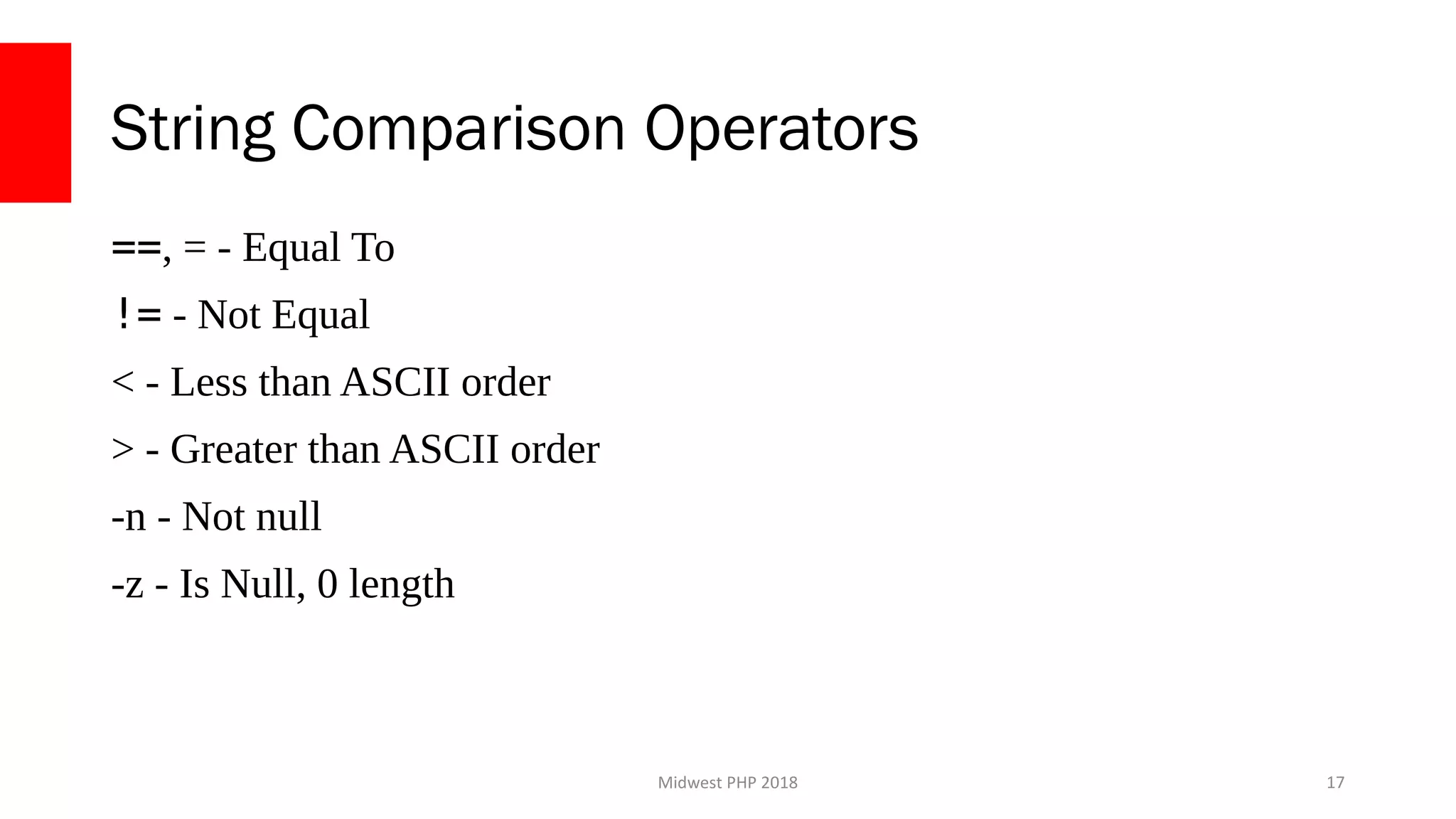
String Comparison Operators
==, = - Equal To
!= - Not Equal
< - Less than ASCII order
> - Greater than ASCII order
-n - Not null
-z - Is Null, 0 length
17
Midwest PHP 2018
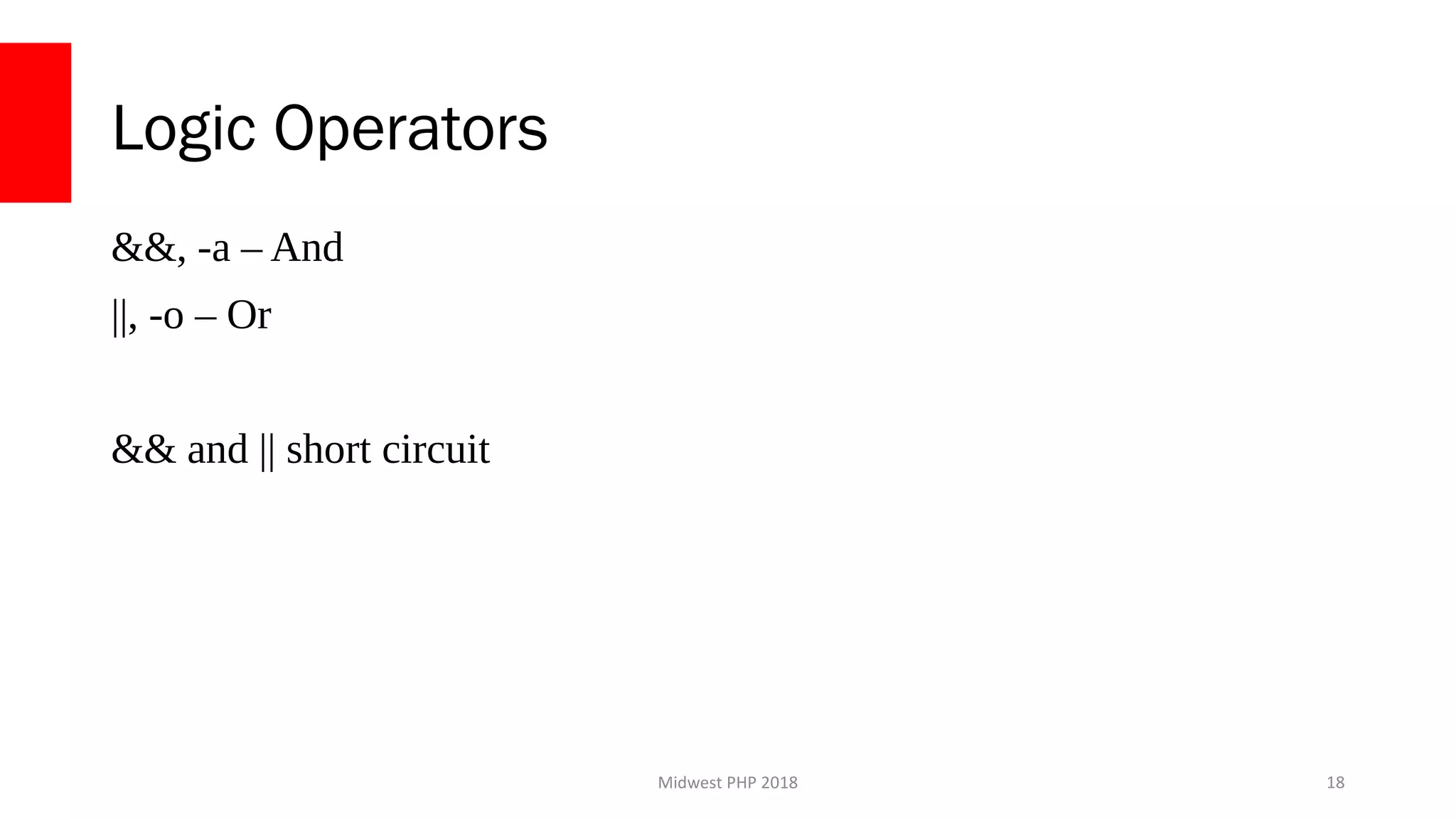
Logic Operators
&&, -a – And
||, -o – Or
&& and || short circuit
18
Midwest PHP 2018
If/Else Statements
if [[ ${MY_VAR} -eq 0 ]]; then
echo “MY_VAR equals 0”
elif [[ ${MY_VAR} -eq 1 ]]; then
Echo “MY_VAR equals 1”
else
echo “MY_VAR equals ${MY_VAR}”
fi
19
Midwest PHP 2018
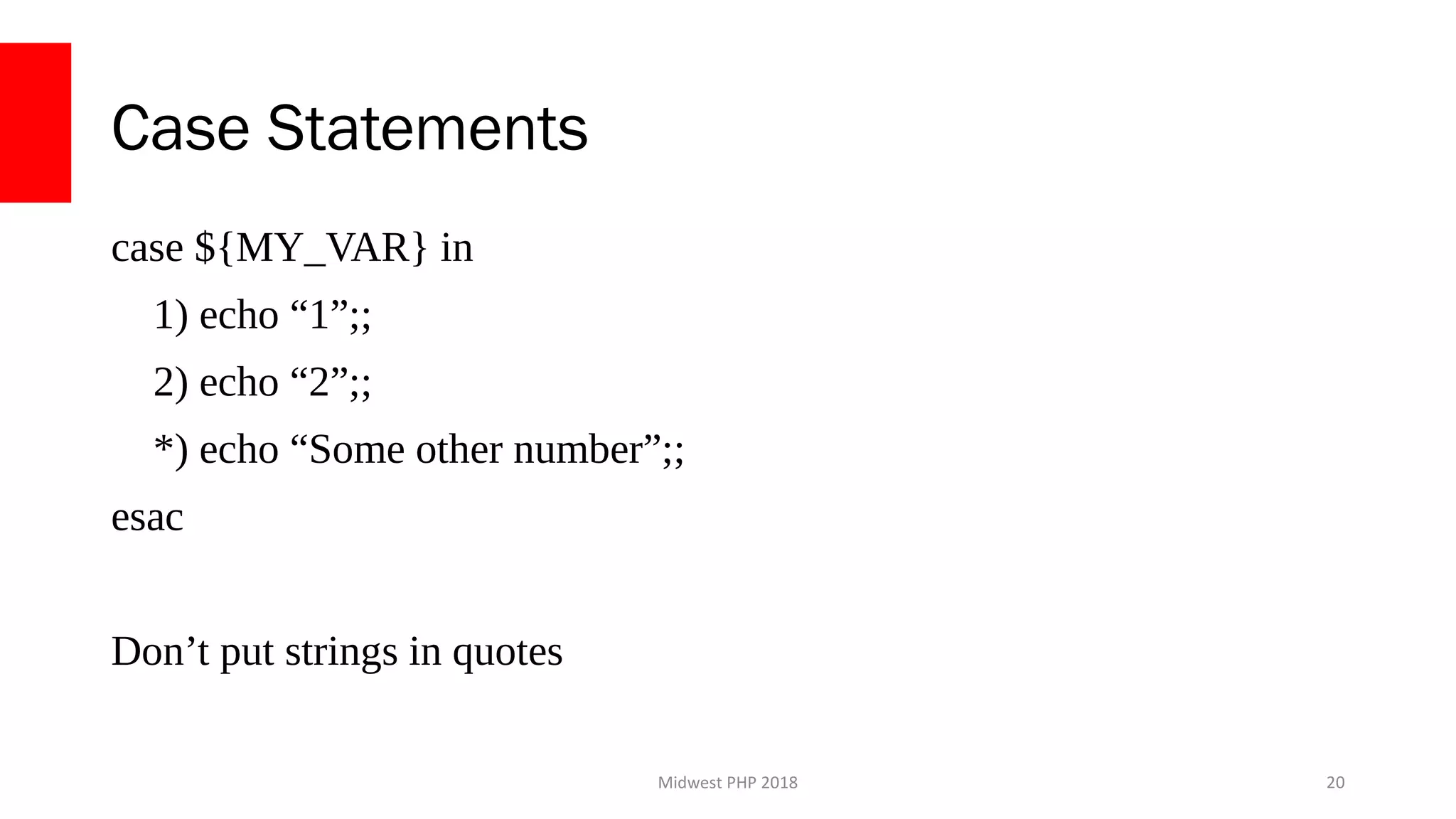
Case Statements
case ${MY_VAR} in
1) echo “1”;;
2) echo “2”;;
*) echo “Some other number”;;
esac
Don’t put strings in quotes
20
Midwest PHP 2018
For Each Loops
FILES=(
‘app.log’
‘app.err’
)
for FILENAME in ${FILES[@]}; do
echo ${FILENAME}
done
21
Midwest PHP 2018
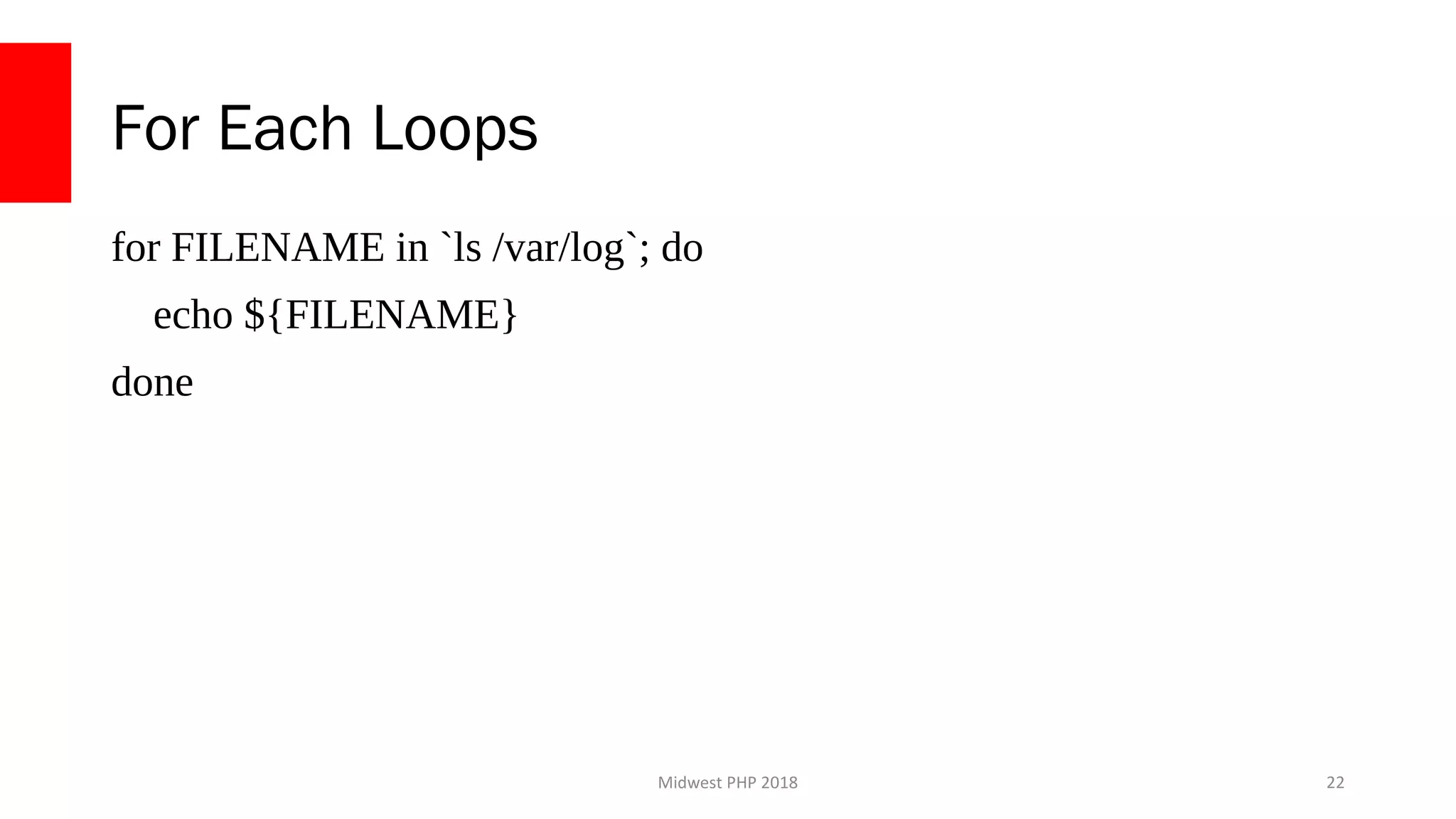
For Each Loops
for FILENAME in `ls /var/log`; do
echo ${FILENAME}
done
22
Midwest PHP 2018
While Loops
COUNTER=0
while [[ ${COUNTER} -lt 10 ]];
do
((COUNTER++))
done
echo ${COUNTER}
23
Midwest PHP 2018
Functions
24
Midwest PHP 2018
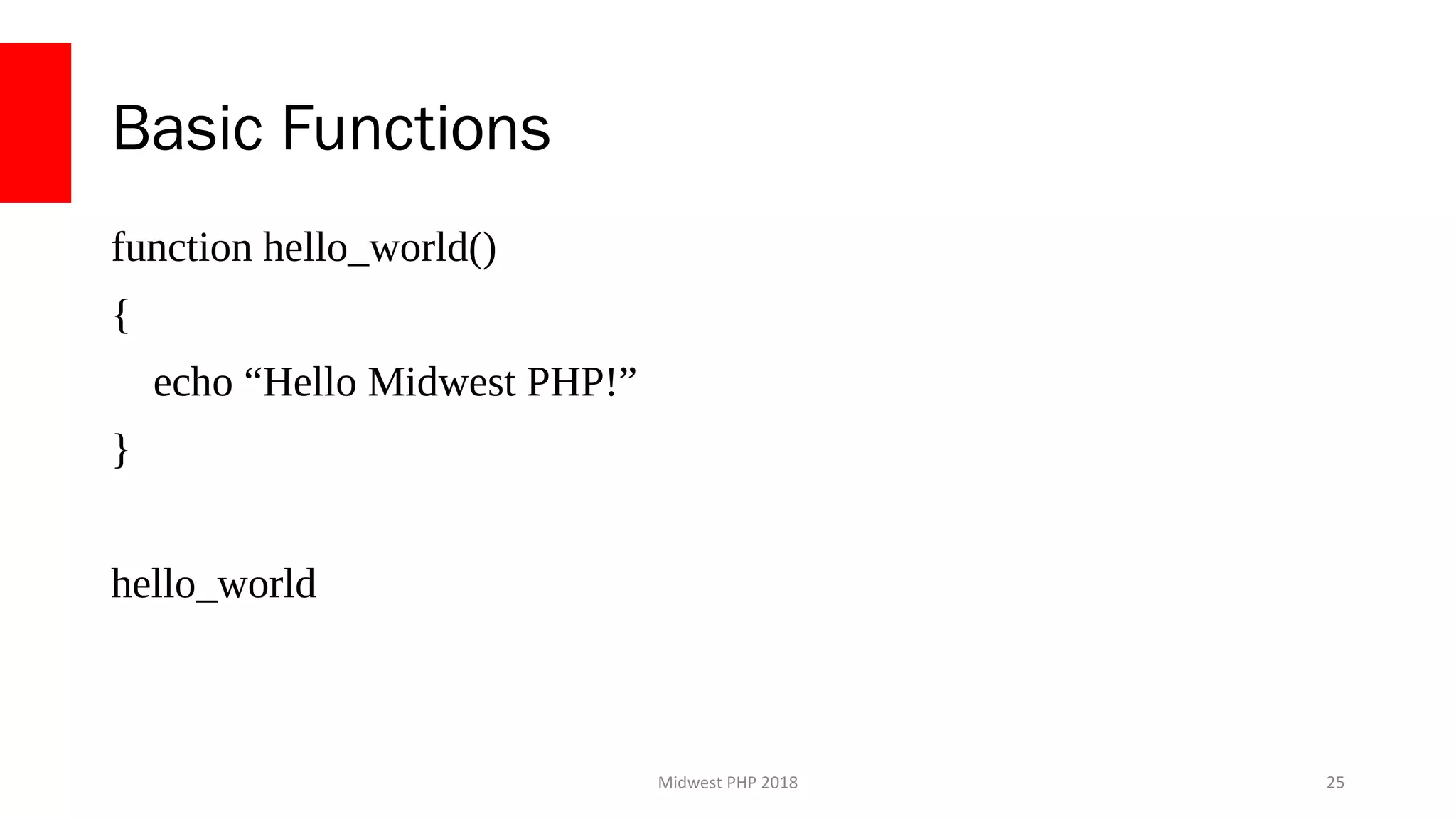
Basic Functions
function hello_world()
{
echo “Hello Midwest PHP!”
}
hello_world
25
Midwest PHP 2018
Function Arguments
function app_log()
{
echo “[$(date)] ${1}”
}
app_log “This is my log message”
26
Midwest PHP 2018
Function Return Values
function check_zero()
{
if [[ ${1} -eq 0 ]]; then
return 1
else
return 0
fi
}
IS_ZERO=`check_zero 1`
IS_ZERO=`check_zero 0`
27
Midwest PHP 2018
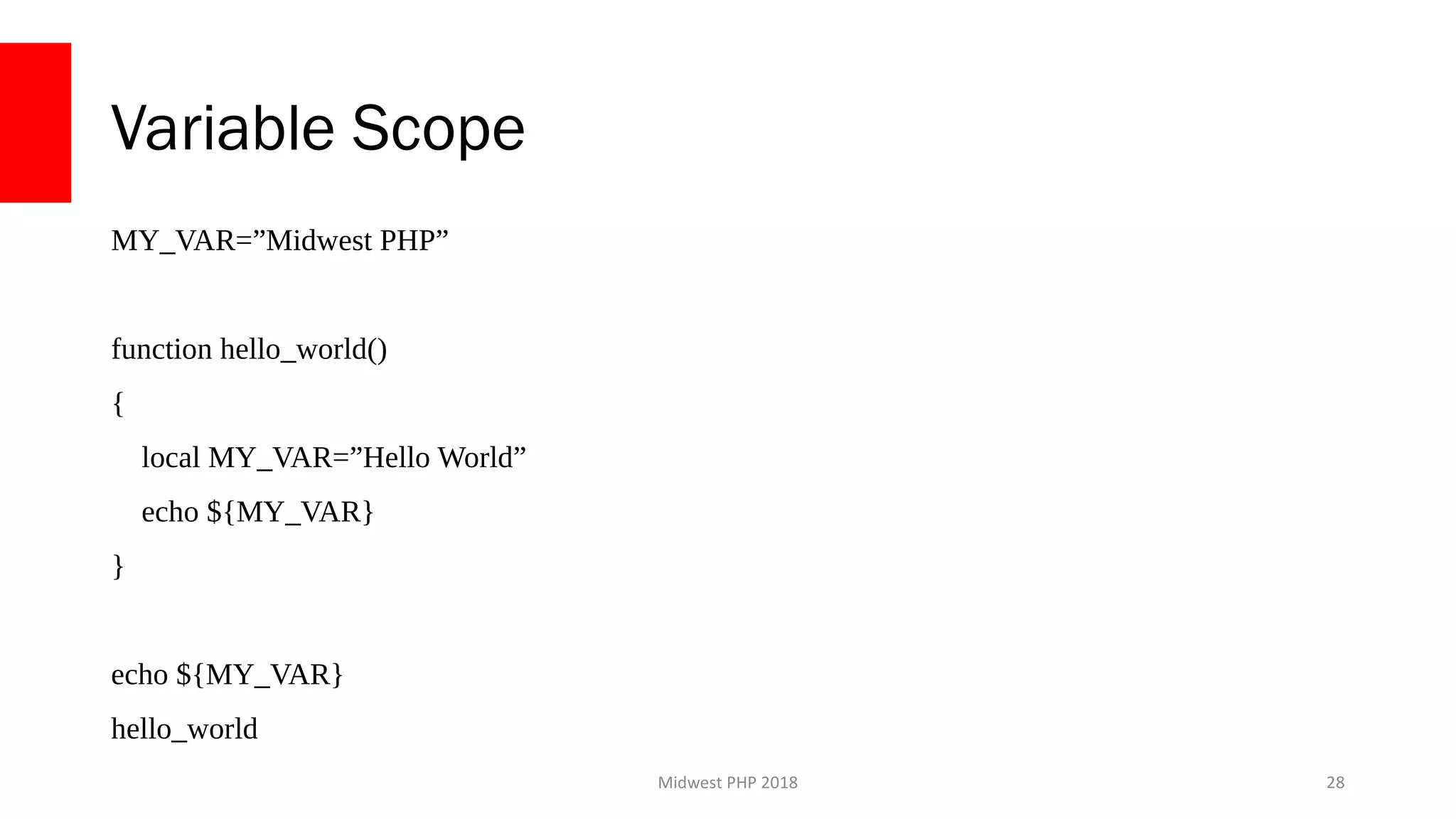
Variable Scope
MY_VAR=”Midwest PHP”
function hello_world()
{
local MY_VAR=”Hello World”
echo ${MY_VAR}
}
echo ${MY_VAR}
hello_world
28
Midwest PHP 2018
Putting it all together
29
Midwest PHP 2018
Google Shell Style Guide
https://google.github.io/styleguide/shell.xml
30
Midwest PHP 2018
Structuring Larger Scripts
●
Define functions at the top
●
Break functions out into their own files
– source filename.sh
31
Midwest PHP 2018
Function-Only Scripts
if [[ "${BASH_SOURCE[0]}" == "${0}" ]]; then
# This script is being invoked as a script
echo 'This script is not intended to be run standalone. Please use with
the system-micro.sh script'
exit 1
fi
32
Midwest PHP 2018
Know when to use a higher level language
33
Midwest PHP 2018
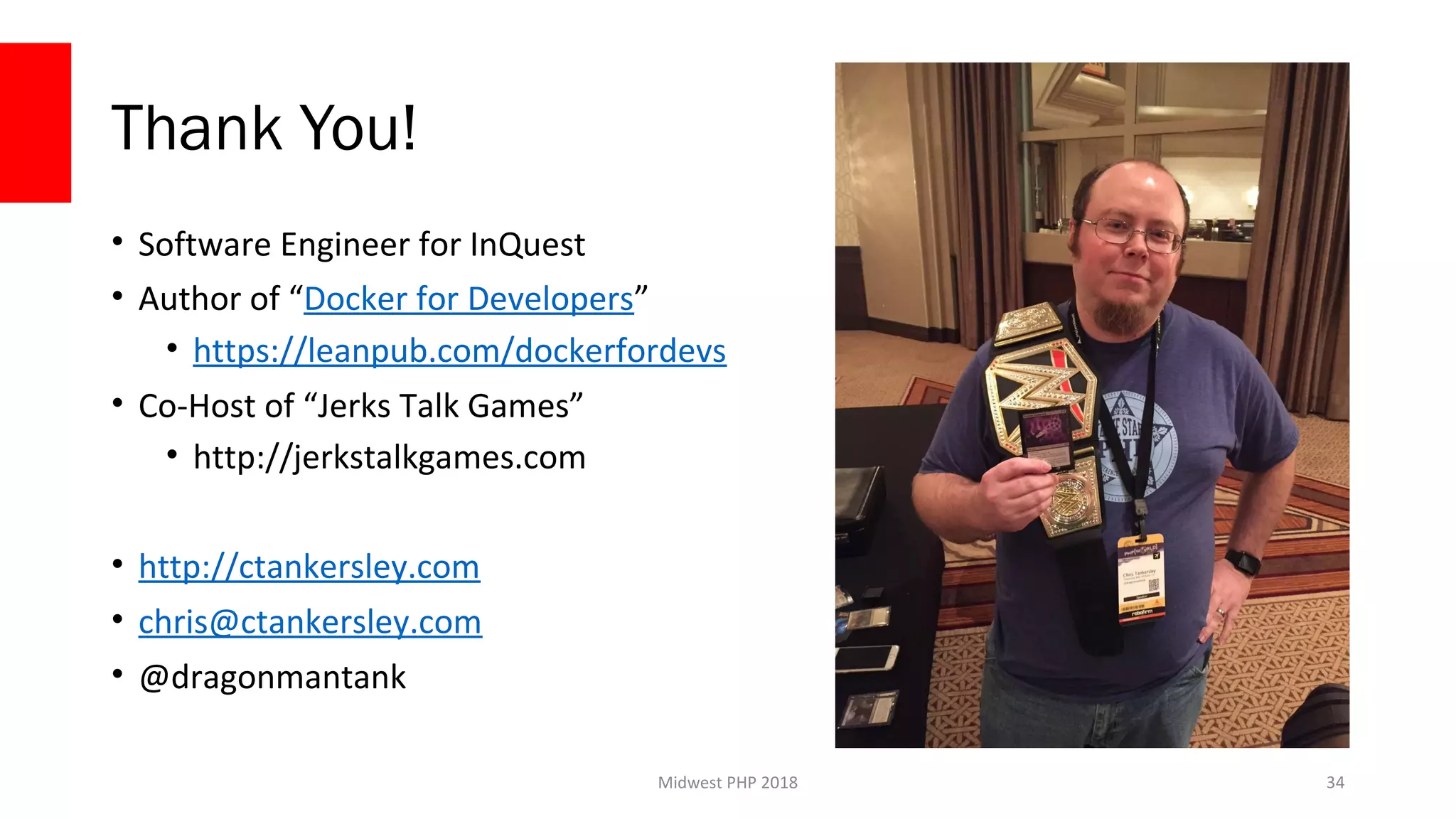
Thank You!
• Software Engineer for InQuest
• Author of “Docker for Developers”
• https://leanpub.com/dockerfordevs
• Co-Host of “Jerks Talk Games”
• http://jerkstalkgames.com
• http://ctankersley.com
• chris@ctankersley.com
• @dragonmantank
34

BASHing at the CLI - Midwest PHP 2018

  • 1.
    BASHing at theCLI Chris Tankersley @dragonmantank Midwest PHP 2018 1
  • 2.
  • 3.
    Midwest PHP 2018 Whatis Bash? ● Bourne Shell – Introduced with Unix System 7 in 1977 – Still present on most systems as `sh` ● Bourne Again Shell – 1989 as part of the GNU Project – Also took parts from C Shell (`csh`) and Korn Shell (`ksh`) – Added syntactic sugar on top of the Bourne Shell 3
  • 4.
    Midwest PHP 2018 Rundirectly or through scripts $ for FILE in `ls`; do echo ${FILE}; done #!/bin/bash for FILE in `ls`; do echo ${FILE} done 4
  • 5.
    Midwest PHP 2018 Whyuse Bash? ● System Scripts ● Quick prototyping ● Ultra-portable scripts* 5
  • 6.
    Midwest PHP 2018 Anatomyof a script #!/bin/bash // Logic goes here echo “Hello World” exit 0 6
  • 7.
  • 8.
    Midwest PHP 2018 DeclaringVariables MY_VAR=”something” MY_NUMBER=1 LOG_DIR=”/var/log” 8
  • 9.
    Midwest PHP 2018 UsingVariables MY_VAR=”something” MY_NUMBER=1 LOG_DIR=”/var/log” APP_LOG=${LOG_DIR}/app.log echo $MY_VAR echo ${MY_VAR} 9
  • 10.
    Midwest PHP 2018 DeclaringArrays FILES=( ‘app.log’ ‘app.err’ ‘access.log’ ) echo ${FILES[0]} 10
  • 11.
    Midwest PHP 2018 DeclaringHashes declare -AANIMALS ANIMALS[“moo”]=”cow” ANIMALS[“dog”]=”woof” echo ${ANIMALS[moo]} 11
  • 12.
    Midwest PHP 2018 StoringOutput FILES=`ls /var/log` FILE_DATA=$(cat /var/log/app.log) 12
  • 13.
    Midwest PHP 2018 BuiltIn Variables $BASH = Location of the bash executable $FUNCNAME = Name of the current function $HOME = Home directory of current user $PATH = Search path for binaries $PWD = Current working directory $TMOUT = Time before a script times out $UID = Current User ID 13
  • 14.
    Midwest PHP 2018 BuiltIn Variables $0, $1, … = Positional Parameters $# = Number of arguments “$@” = All arguments as quote delimited words $! = PID of the last job run in background $? = Exit code of the last command $$ = PID of the script itself http://tldp.org/LDP/abs/html/internalvariables.html 14
  • 15.
  • 16.
    Midwest PHP 2018 NumericalComparison Operators -eq - Equal To -ne - Not Equal To -gt, > - Greater Than -ge, >= - Greater Than or Equal -lt, < - Less Than -le, <= - Less Than or Equal 16
  • 17.
    Midwest PHP 2018 StringComparison Operators ==, = - Equal To != - Not Equal < - Less than ASCII order > - Greater than ASCII order -n - Not null -z - Is Null, 0 length 17
  • 18.
    Midwest PHP 2018 LogicOperators &&, -a – And ||, -o – Or && and || short circuit 18
  • 19.
    Midwest PHP 2018 If/ElseStatements if [[ ${MY_VAR} -eq 0 ]]; then echo “MY_VAR equals 0” elif [[ ${MY_VAR} -eq 1 ]]; then Echo “MY_VAR equals 1” else echo “MY_VAR equals ${MY_VAR}” fi 19
  • 20.
    Midwest PHP 2018 CaseStatements case ${MY_VAR} in 1) echo “1”;; 2) echo “2”;; *) echo “Some other number”;; esac Don’t put strings in quotes 20
  • 21.
    Midwest PHP 2018 ForEach Loops FILES=( ‘app.log’ ‘app.err’ ) for FILENAME in ${FILES[@]}; do echo ${FILENAME} done 21
  • 22.
    Midwest PHP 2018 ForEach Loops for FILENAME in `ls /var/log`; do echo ${FILENAME} done 22
  • 23.
    Midwest PHP 2018 WhileLoops COUNTER=0 while [[ ${COUNTER} -lt 10 ]]; do ((COUNTER++)) done echo ${COUNTER} 23
  • 24.
  • 25.
    Midwest PHP 2018 BasicFunctions function hello_world() { echo “Hello Midwest PHP!” } hello_world 25
  • 26.
    Midwest PHP 2018 FunctionArguments function app_log() { echo “[$(date)] ${1}” } app_log “This is my log message” 26
  • 27.
    Midwest PHP 2018 FunctionReturn Values function check_zero() { if [[ ${1} -eq 0 ]]; then return 1 else return 0 fi } IS_ZERO=`check_zero 1` IS_ZERO=`check_zero 0` 27
  • 28.
    Midwest PHP 2018 VariableScope MY_VAR=”Midwest PHP” function hello_world() { local MY_VAR=”Hello World” echo ${MY_VAR} } echo ${MY_VAR} hello_world 28
  • 29.
    Midwest PHP 2018 Puttingit all together 29
  • 30.
    Midwest PHP 2018 GoogleShell Style Guide https://google.github.io/styleguide/shell.xml 30
  • 31.
    Midwest PHP 2018 StructuringLarger Scripts ● Define functions at the top ● Break functions out into their own files – source filename.sh 31
  • 32.
    Midwest PHP 2018 Function-OnlyScripts if [[ "${BASH_SOURCE[0]}" == "${0}" ]]; then # This script is being invoked as a script echo 'This script is not intended to be run standalone. Please use with the system-micro.sh script' exit 1 fi 32
  • 33.
    Midwest PHP 2018 Knowwhen to use a higher level language 33
  • 34.
    Midwest PHP 2018 ThankYou! • Software Engineer for InQuest • Author of “Docker for Developers” • https://leanpub.com/dockerfordevs • Co-Host of “Jerks Talk Games” • http://jerkstalkgames.com • http://ctankersley.com • chris@ctankersley.com • @dragonmantank 34

Editor's Notes

  • #2 &amp;lt;number&amp;gt;