The document discusses strategies for data backup and disaster recovery (DR) in Hadoop, highlighting the complexities of managing distributed systems and diverse data types. It emphasizes the importance of recovery time objective (RTO) and recovery point objective (RPO) in determining backup approaches, and outlines various backup architectures like data export, replication, and fan-out writes. The conclusion stresses that backup and DR planning should be integrated from the outset, with applications responsible for handling data backup and restoration due to the unique challenges posed by different systems.
Introduction to Lars George, partner at OpenCore, detailing his background and the focus on Backup and Disaster Recovery (DR) in Hadoop.
Outline of the presentation agenda focusing on context, data backup strategies, and summary.
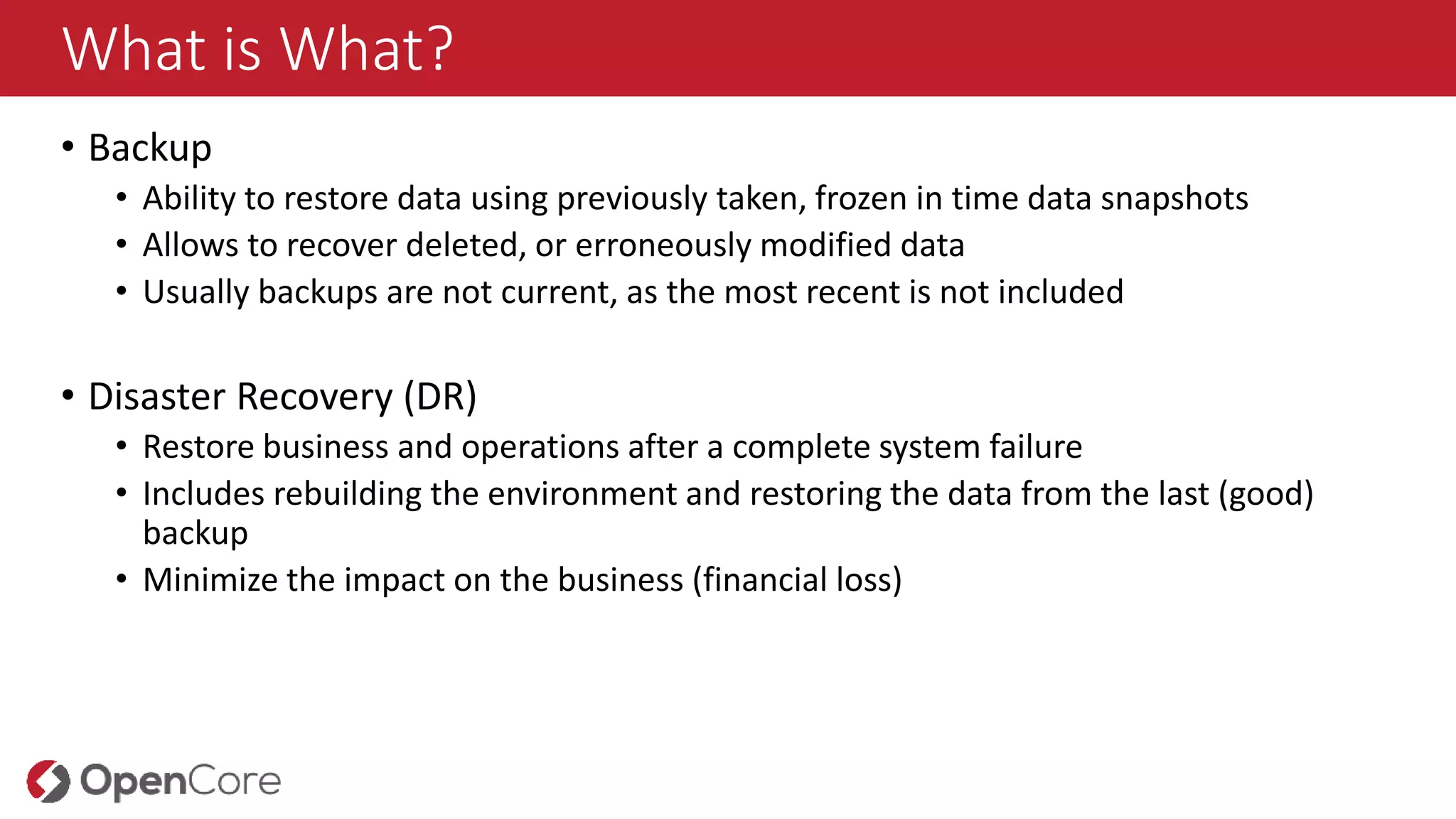
Explains the definitions of Backup (data recovery using snapshots) and Disaster Recovery (restoring operations post-failure) to minimize business impact.
Defines Recovery Time Objective (RTO) and Recovery Point Objective (RPO), highlighting their role as cost factors in backup strategies.
Discusses complexities of data backup in Hadoop's distributed systems, noting traditional tools may not be effective.
Outlines various failure scenarios in Hadoop, including node degradation, partial and complete failures, and network partitioning.
Highlights the transient nature of data, the importance of persistent states in databases, and strategies for managing data types effectively.
Discusses the importance of data consistency in backups, including challenges with NoSQL components in Hadoop.
Presents an onboarding checklist to determine backup needs, data retention, and RTO/RPO definitions.
Describes various backup methods such as replication, snapshots, and classic backups, emphasizing their limitations and requirements.
Introduces practical backup architectures including data export, replication, and fan-out writes, assessing cost, performance, and impact on RTO/RPO.
Outlines implementation strategies for effective backup via Oozie Workflows and emphasizes starting backup and DR planning early.
Concludes the presentation by thanking the audience and reiterating the importance of Backup and DR in Hadoop.
What is What?
•Backup
• Ability to restore data using previously taken, frozen in time data snapshots
• Allows to recover deleted, or erroneously modified data
• Usually backups are not current, as the most recent is not included
• Disaster Recovery (DR)
• Restore business and operations after a complete system failure
• Includes rebuilding the environment and restoring the data from the last (good)
backup
• Minimize the impact on the business (financial loss)
6.
Goals and Objectives
Usuallybackup and DR is grounded into conditions:
RTO – Recovery Time Objective
• Time to recover a service
• The hotter backup data is kept, the
shorter the RTO
• At scale, the RTO is foremost a
factor of infrastructure
RPO – Recovery Point Objective
• Measures how much data is lost in
case of a disastrous failure
• The more often data is backed up,
the shorter the RPO
The RPO and RTO are driving cost factors and are multiplied by each other
7.
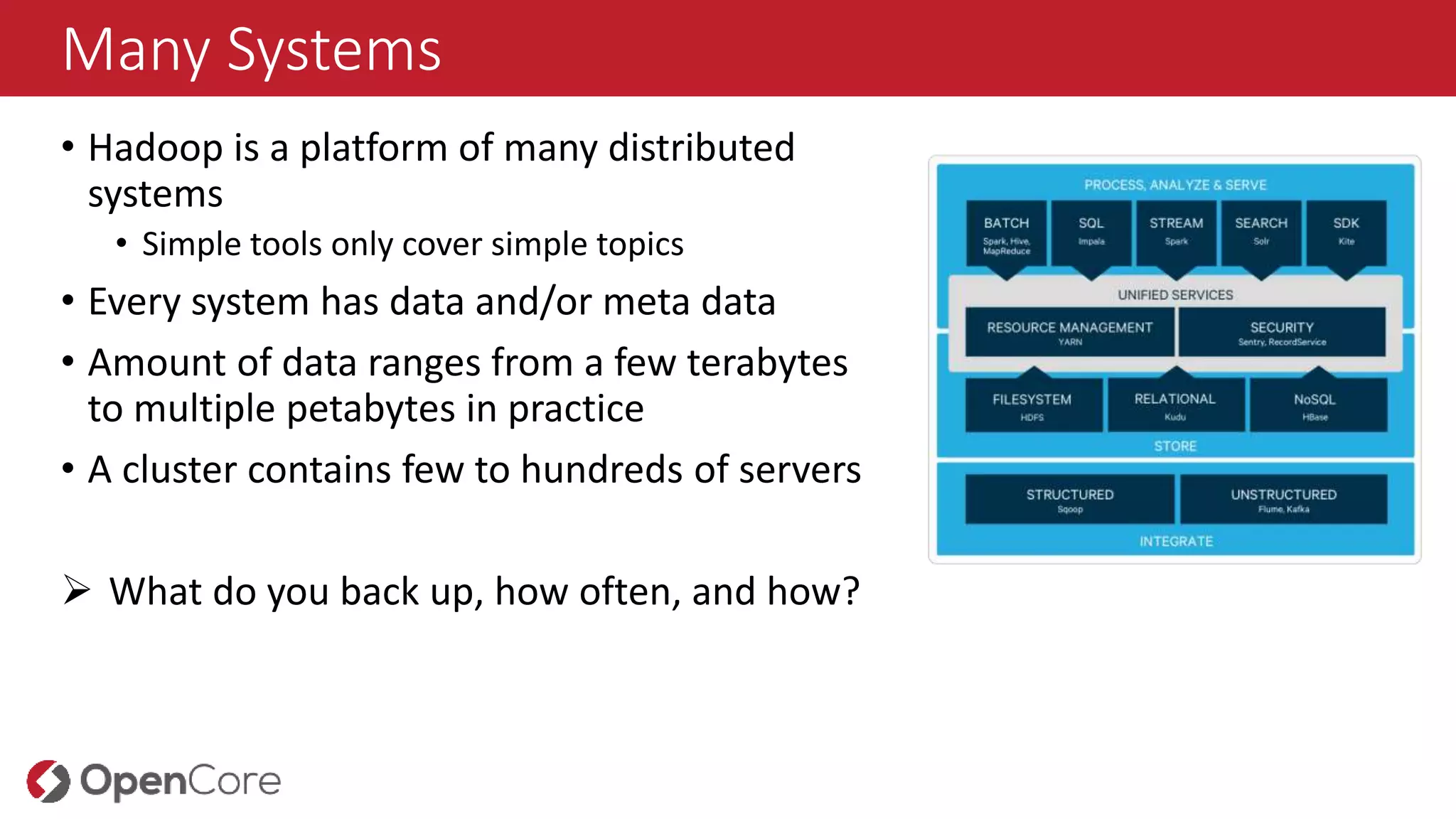
Many Systems
• Hadoopis a platform of many distributed
systems
• Simple tools only cover simple topics
• Every system has data and/or meta data
• Amount of data ranges from a few terabytes
to multiple petabytes in practice
• A cluster contains few to hundreds of servers
What do you back up, how often, and how?
Why is backingup data difficult?
• Data at scale is difficult to move around!
• You cannot cheat physics
• The sheer inertia of data requires new approaches
• Do not or only minimally move data as necessary
• If duplicated data, use it for other purposes as well?
• Multiple clusters with different workloads (Random Access vs. Analytics)
• Traditional backup tools often require standardized APIs
• Hadoop does not supply those necessarily, or they are inefficient here
• Included backup tools in Hadoop are often rudimentary
• Not all scenarios are covered, or are only partially covered
10.
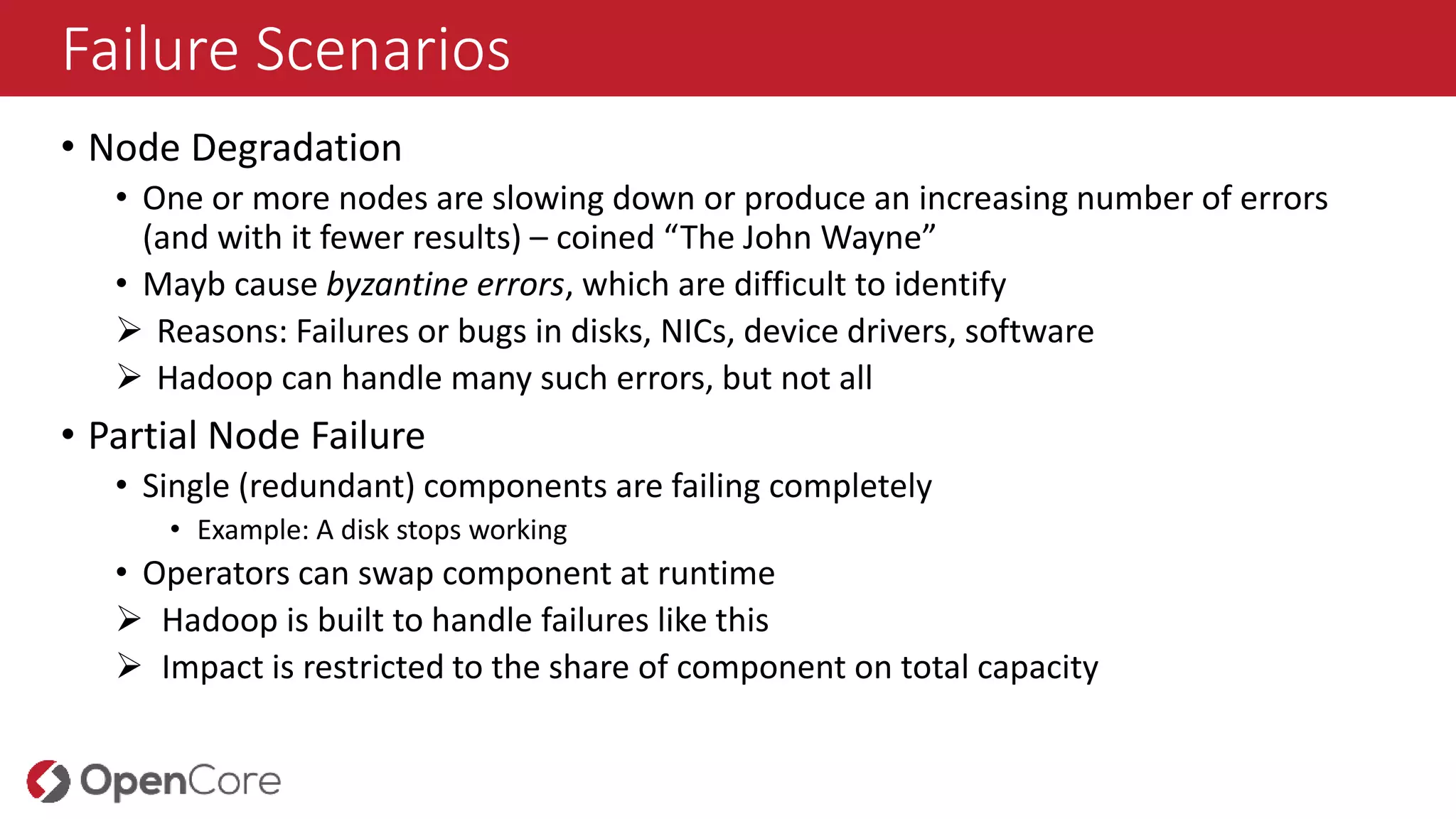
Failure Scenarios
• NodeDegradation
• One or more nodes are slowing down or produce an increasing number of errors
(and with it fewer results) – coined “The John Wayne”
• Mayb cause byzantine errors, which are difficult to identify
Reasons: Failures or bugs in disks, NICs, device drivers, software
Hadoop can handle many such errors, but not all
• Partial Node Failure
• Single (redundant) components are failing completely
• Example: A disk stops working
• Operators can swap component at runtime
Hadoop is built to handle failures like this
Impact is restricted to the share of component on total capacity
11.
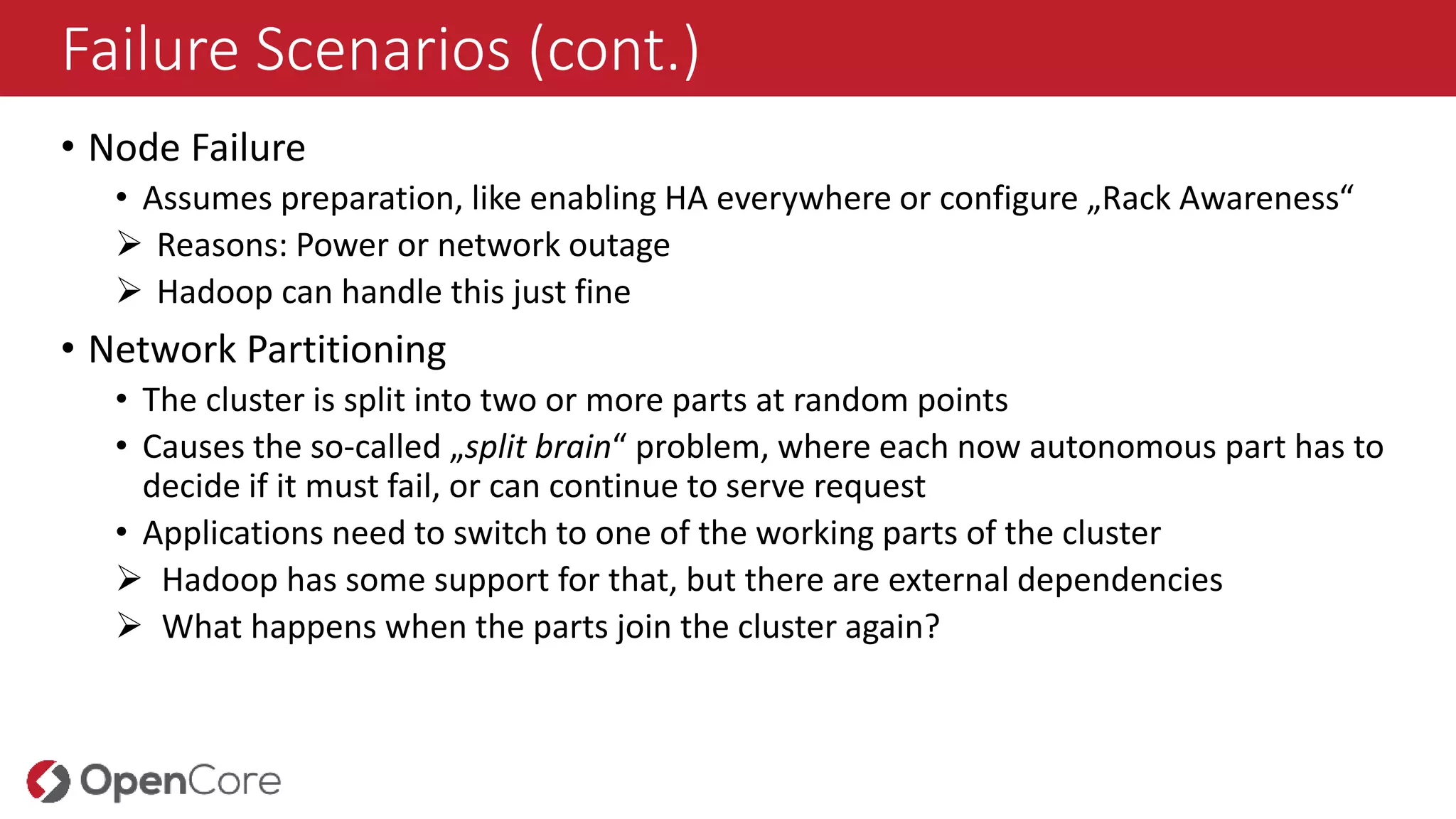
Failure Scenarios (cont.)
•Node Failure
• Assumes preparation, like enabling HA everywhere or configure „Rack Awareness“
Reasons: Power or network outage
Hadoop can handle this just fine
• Network Partitioning
• The cluster is split into two or more parts at random points
• Causes the so-called „split brain“ problem, where each now autonomous part has to
decide if it must fail, or can continue to serve request
• Applications need to switch to one of the working parts of the cluster
Hadoop has some support for that, but there are external dependencies
What happens when the parts join the cluster again?
12.
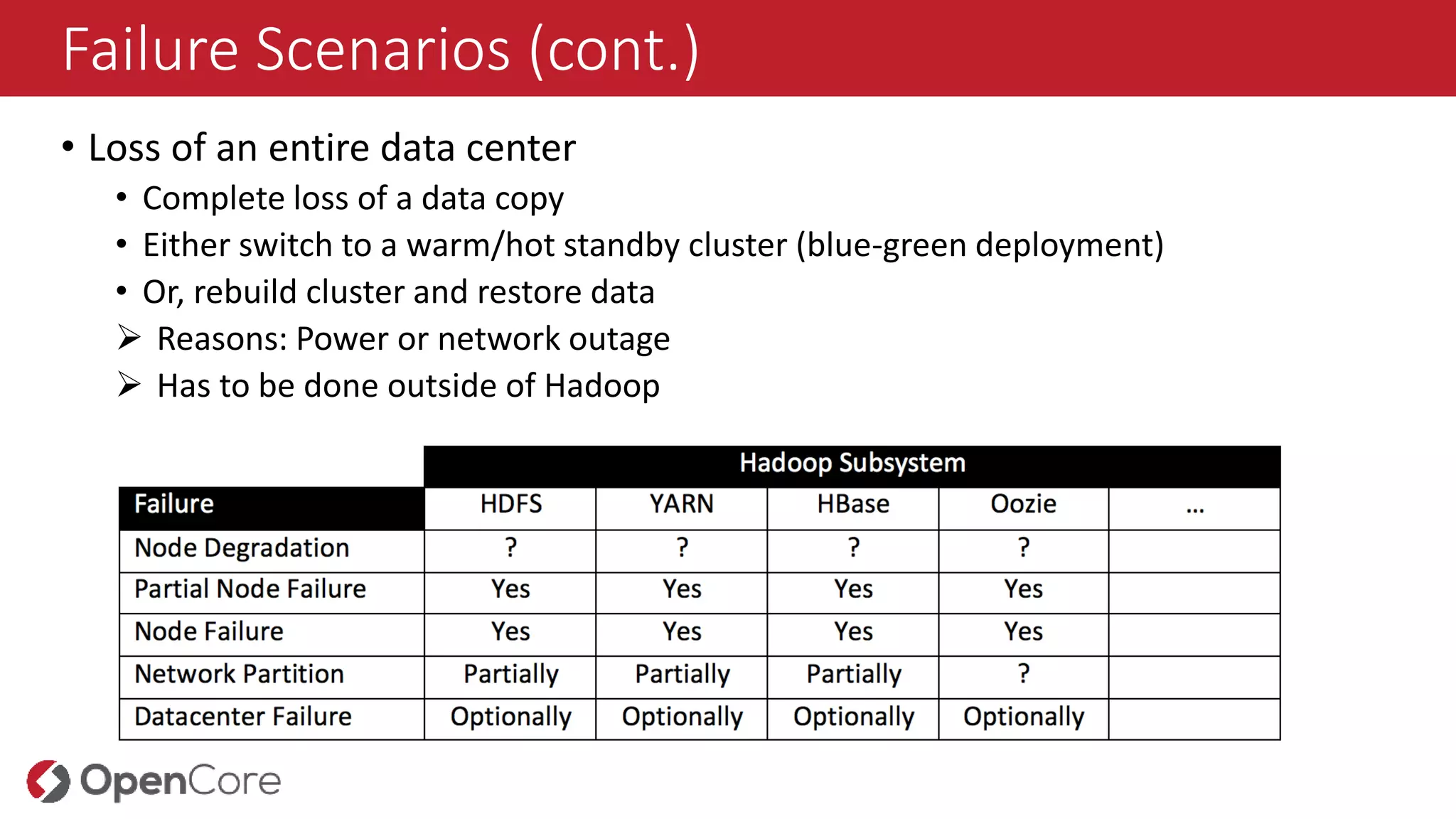
Failure Scenarios (cont.)
•Loss of an entire data center
• Complete loss of a data copy
• Either switch to a warm/hot standby cluster (blue-green deployment)
• Or, rebuild cluster and restore data
Reasons: Power or network outage
Has to be done outside of Hadoop
13.
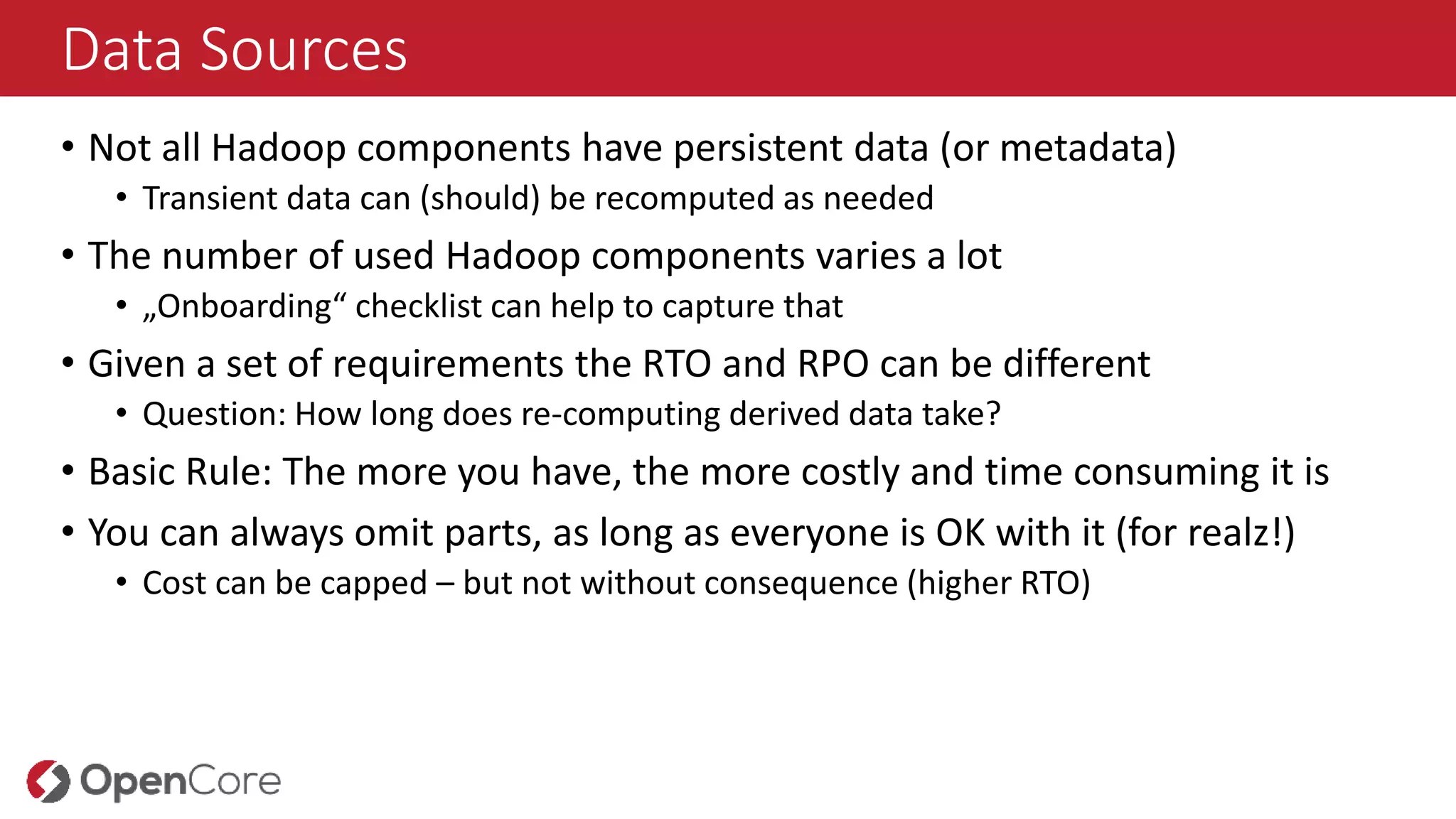
Data Sources
• Notall Hadoop components have persistent data (or metadata)
• Transient data can (should) be recomputed as needed
• The number of used Hadoop components varies a lot
• „Onboarding“ checklist can help to capture that
• Given a set of requirements the RTO and RPO can be different
• Question: How long does re-computing derived data take?
• Basic Rule: The more you have, the more costly and time consuming it is
• You can always omit parts, as long as everyone is OK with it (for realz!)
• Cost can be capped – but not without consequence (higher RTO)
14.
Databases in Hadoop
•Many components use databases to store their state and metadata for
persistency
• The selection of RDBMS may have a substantial impact on that functionality
Never use the ”developer option” (e.g. Derby)!
The RDBMS should be highly available (HA)
• Databases should be backed up and archived on a regular basis
• But the question often remains: Is this a task of the Hadoop team or the
(often central) IT department?
• This also applies to other, external Hadoop stack systems (e.g. Storm)
If possible, delegate to experienced IT team, outside of Hadoop
15.
Data Types
Thereare two main types of data: persisted data and metadata
There is also transient data
• Data concerns all user data, stored in HDFS, HBase, Solr, and so on
• Can be accessed using an interface
• Metadata are auxiliary information, helping to make sense of or being to
access the user data
• Hive Schemas
• Cluster Information
• Transient data often is stored in temporary files, logs, or streams
16.
Data Consistency
• Anoften missed (or ignored?) topic, describing what actually is inside a backup
• Is the contained data consistent in itself?
• Some components (NoSQL, including HDFS) cannot mark data across system
boundaries in a reliable and predictable manner
• Snapshots may also be of no help as they are taken asynchronously
• Per regions server in HBase
• Open blocks are added in HDFS
• Move the task towards the application
• Which application was design to do that?
• When restoring data, gaps or bulges can form!
• Question is: Who is responsible to handle that?
• You could be tempted to add transactions...
17.
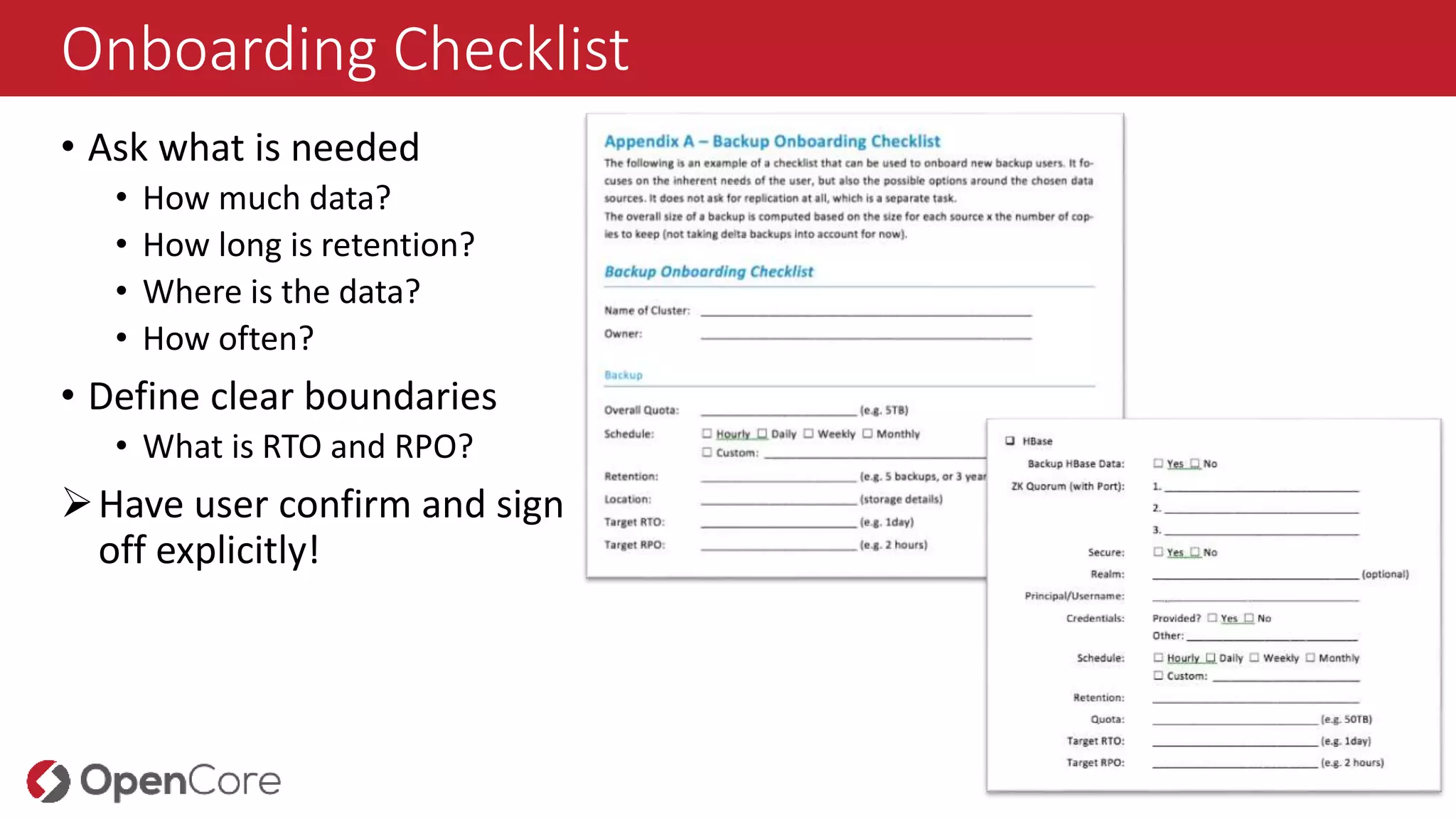
Onboarding Checklist
• Askwhat is needed
• How much data?
• How long is retention?
• Where is the data?
• How often?
• Define clear boundaries
• What is RTO and RPO?
Have user confirm and sign
off explicitly!
18.
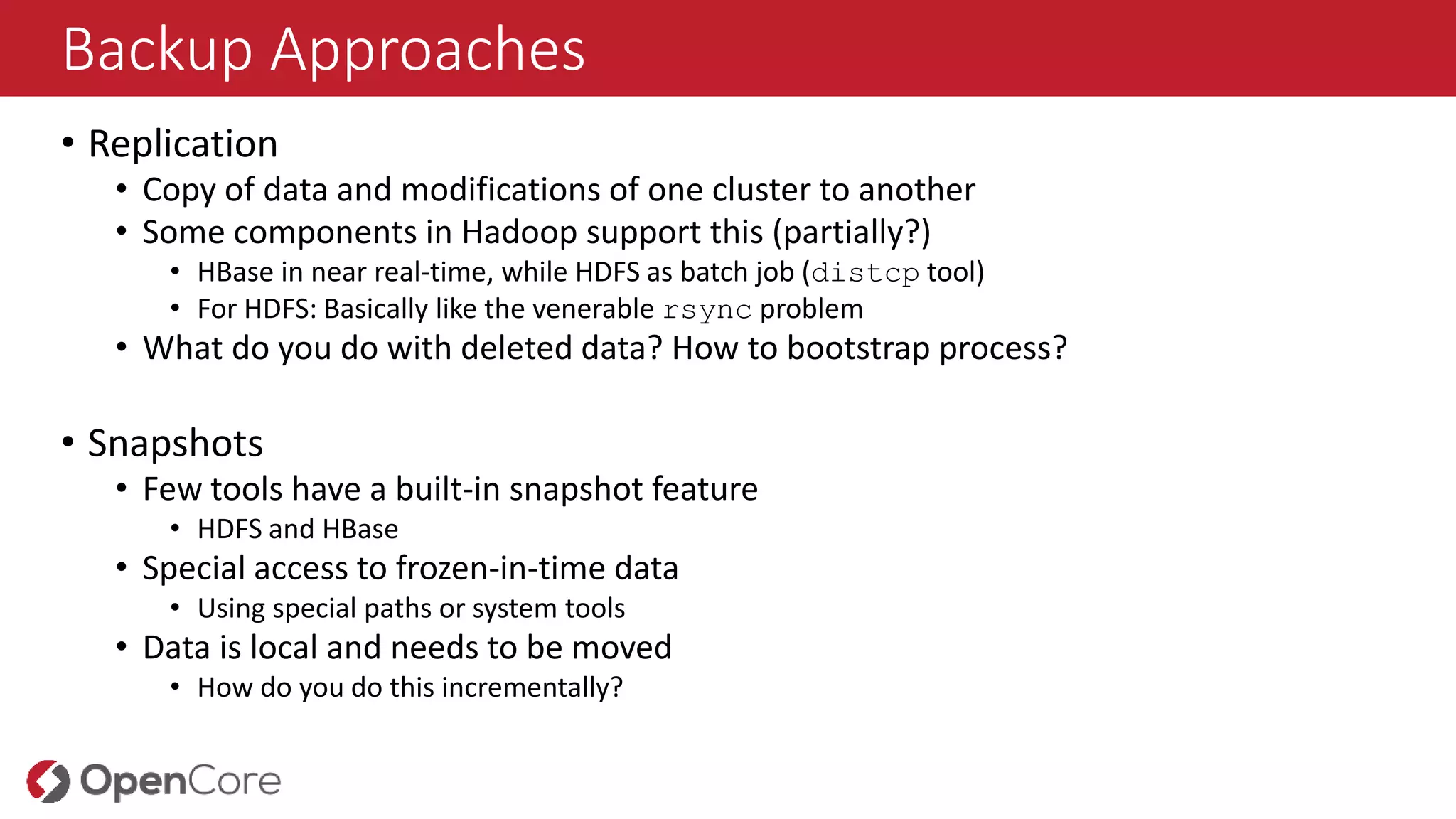
Backup Approaches
• Replication
•Copy of data and modifications of one cluster to another
• Some components in Hadoop support this (partially?)
• HBase in near real-time, while HDFS as batch job (distcp tool)
• For HDFS: Basically like the venerable rsync problem
• What do you do with deleted data? How to bootstrap process?
• Snapshots
• Few tools have a built-in snapshot feature
• HDFS and HBase
• Special access to frozen-in-time data
• Using special paths or system tools
• Data is local and needs to be moved
• How do you do this incrementally?
19.
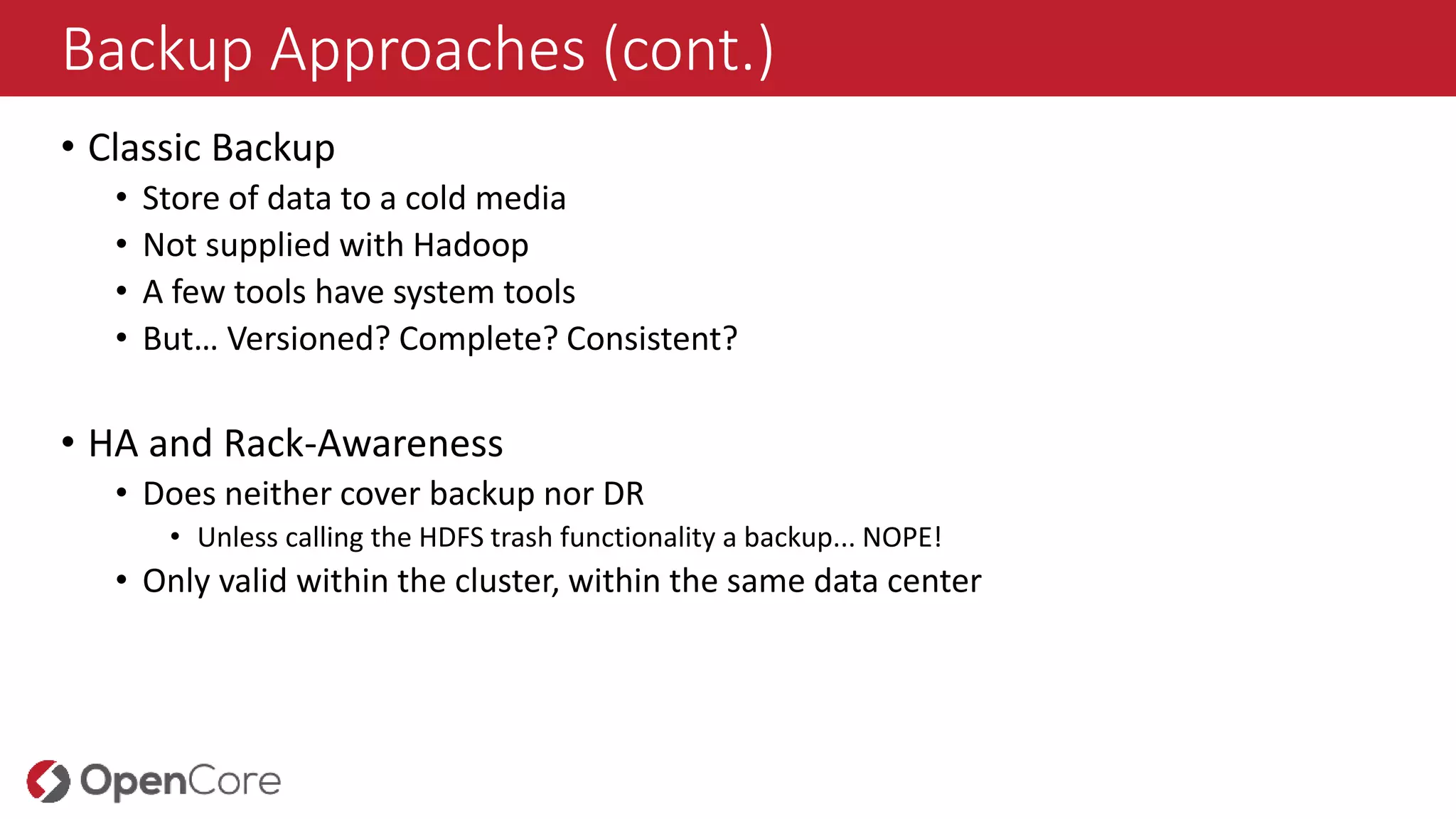
Backup Approaches (cont.)
•Classic Backup
• Store of data to a cold media
• Not supplied with Hadoop
• A few tools have system tools
• But… Versioned? Complete? Consistent?
• HA and Rack-Awareness
• Does neither cover backup nor DR
• Unless calling the HDFS trash functionality a backup... NOPE!
• Only valid within the cluster, within the same data center
20.
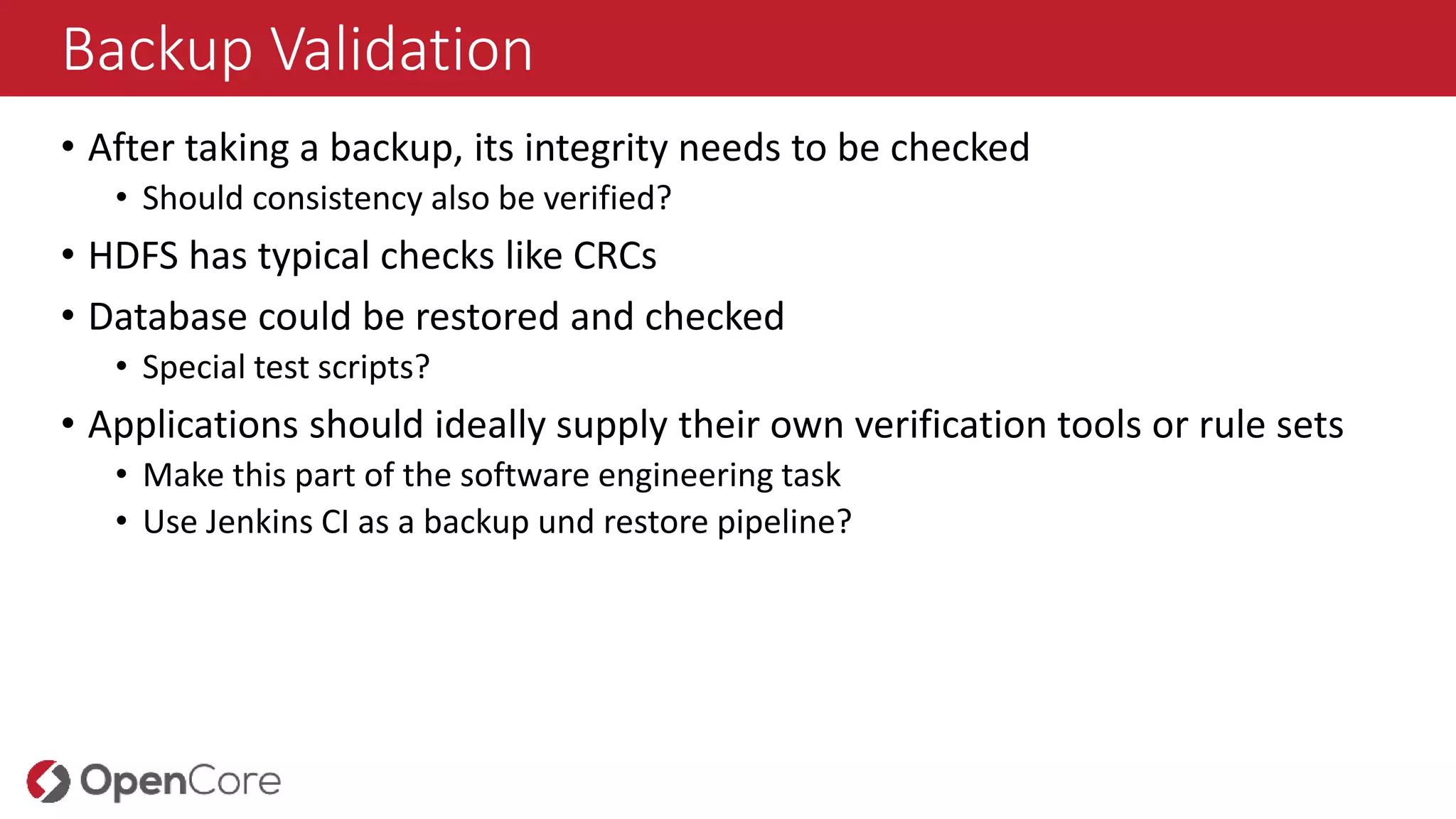
Backup Validation
• Aftertaking a backup, its integrity needs to be checked
• Should consistency also be verified?
• HDFS has typical checks like CRCs
• Database could be restored and checked
• Special test scripts?
• Applications should ideally supply their own verification tools or rule sets
• Make this part of the software engineering task
• Use Jenkins CI as a backup und restore pipeline?
21.
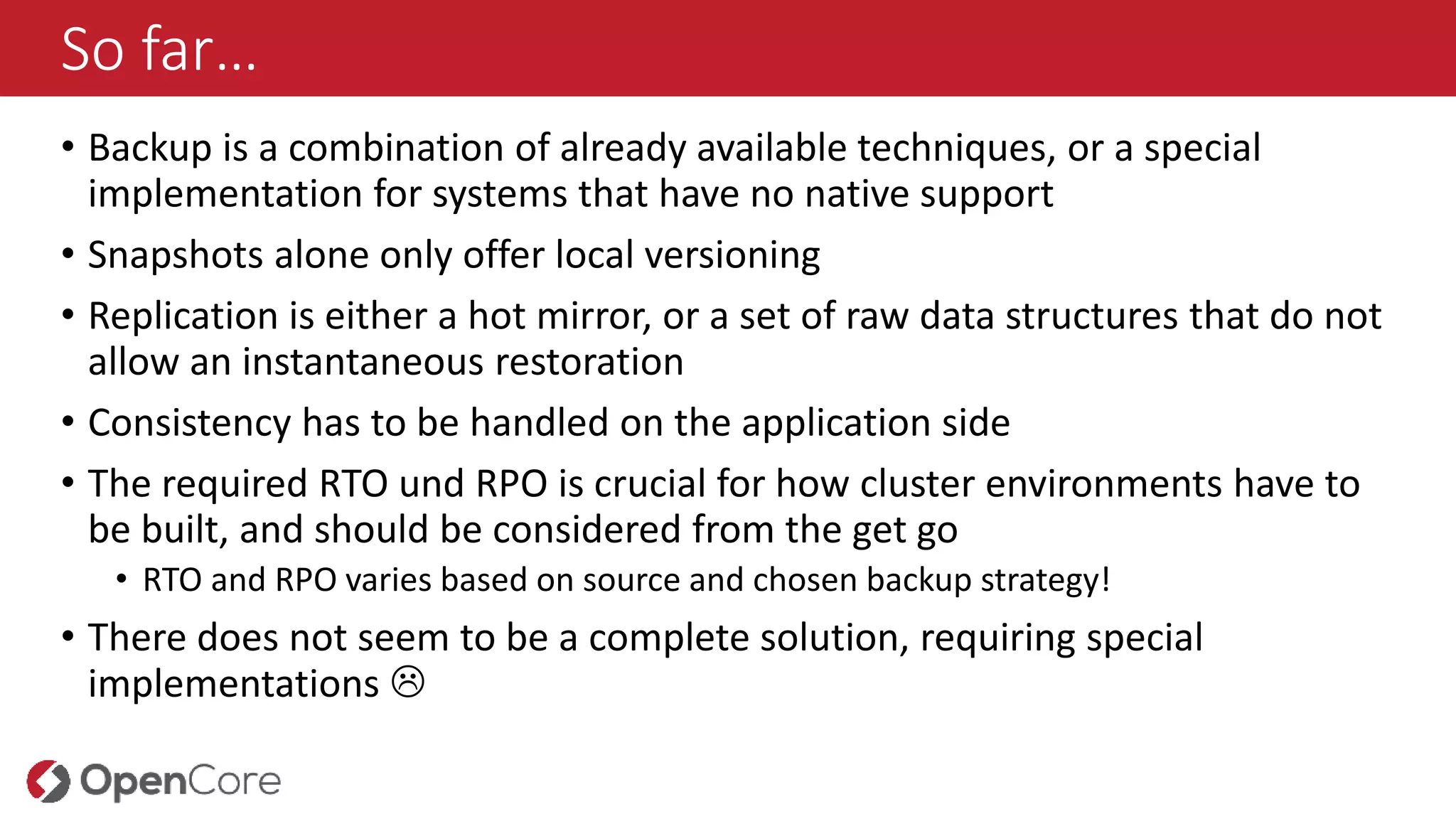
So far…
• Backupis a combination of already available techniques, or a special
implementation for systems that have no native support
• Snapshots alone only offer local versioning
• Replication is either a hot mirror, or a set of raw data structures that do not
allow an instantaneous restoration
• Consistency has to be handled on the application side
• The required RTO und RPO is crucial for how cluster environments have to
be built, and should be considered from the get go
• RTO and RPO varies based on source and chosen backup strategy!
• There does not seem to be a complete solution, requiring special
implementations
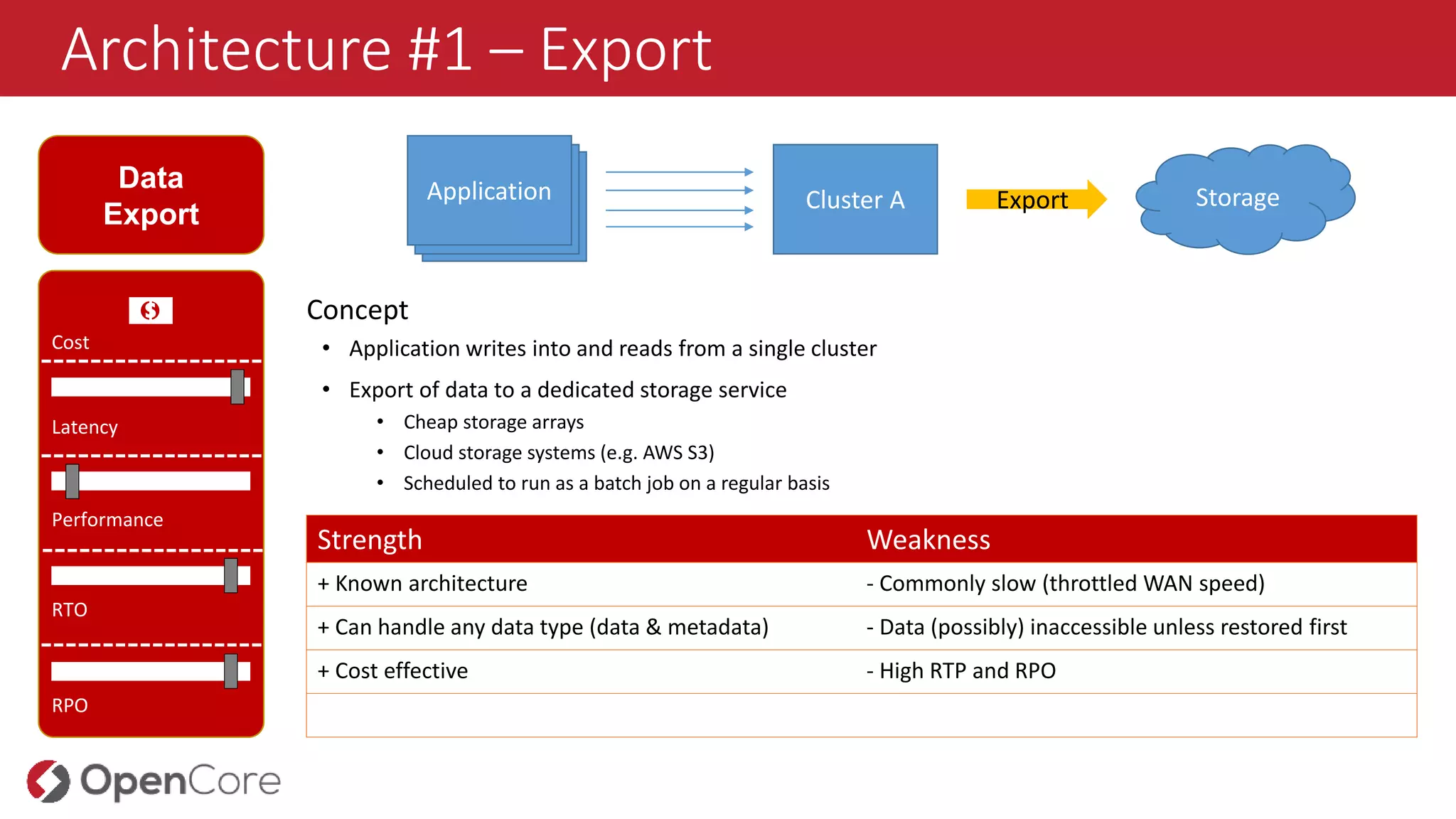
Architecture #1 –Export
Data
Export
Cost
Latency
Performance
RTO
RPO
Concept
• Application writes into and reads from a single cluster
• Export of data to a dedicated storage service
• Cheap storage arrays
• Cloud storage systems (e.g. AWS S3)
• Scheduled to run as a batch job on a regular basis
Strength Weakness
+ Known architecture - Commonly slow (throttled WAN speed)
+ Can handle any data type (data & metadata) - Data (possibly) inaccessible unless restored first
+ Cost effective - High RTP and RPO
Cluster A Export StorageAnwendungAnwendungApplication
💵
24.
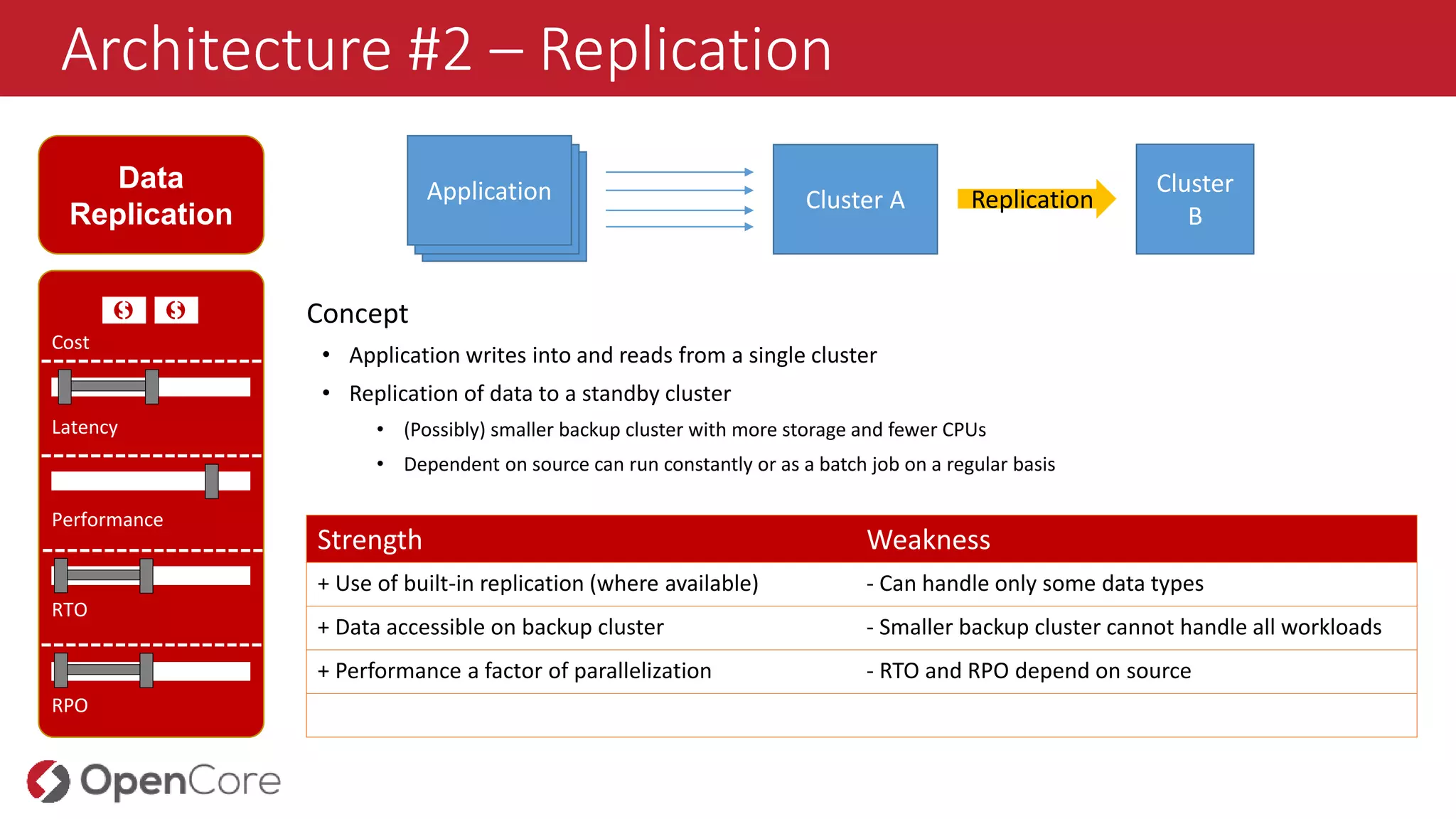
Architecture #2 –Replication
Data
Replication
Cost
Latency
Performance
RTO
RPO
Concept
• Application writes into and reads from a single cluster
• Replication of data to a standby cluster
• (Possibly) smaller backup cluster with more storage and fewer CPUs
• Dependent on source can run constantly or as a batch job on a regular basis
Strength Weakness
+ Use of built-in replication (where available) - Can handle only some data types
+ Data accessible on backup cluster - Smaller backup cluster cannot handle all workloads
+ Performance a factor of parallelization - RTO and RPO depend on source
Cluster A ReplicationAnwendungAnwendungApplication
💵 💵
Cluster
B
25.
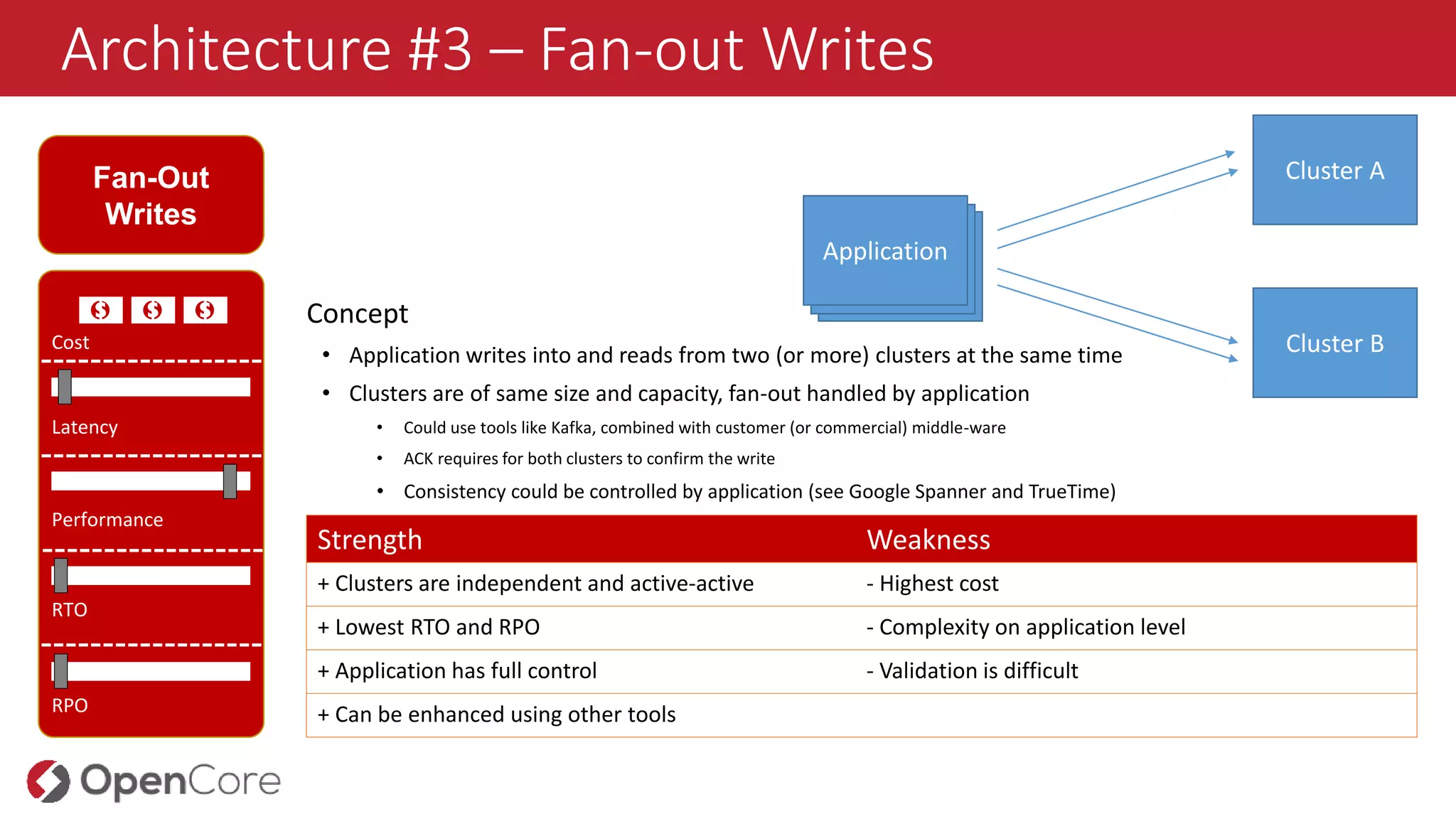
Architecture #3 –Fan-out Writes
Fan-Out
Writes
Cost
Latency
Performance
RTO
RPO
Concept
• Application writes into and reads from two (or more) clusters at the same time
• Clusters are of same size and capacity, fan-out handled by application
• Could use tools like Kafka, combined with customer (or commercial) middle-ware
• ACK requires for both clusters to confirm the write
• Consistency could be controlled by application (see Google Spanner and TrueTime)
Strength Weakness
+ Clusters are independent and active-active - Highest cost
+ Lowest RTO and RPO - Complexity on application level
+ Application has full control - Validation is difficult
+ Can be enhanced using other tools
💵 💵 💵
Cluster A
AnwendungAnwendungApplication
Cluster B
26.
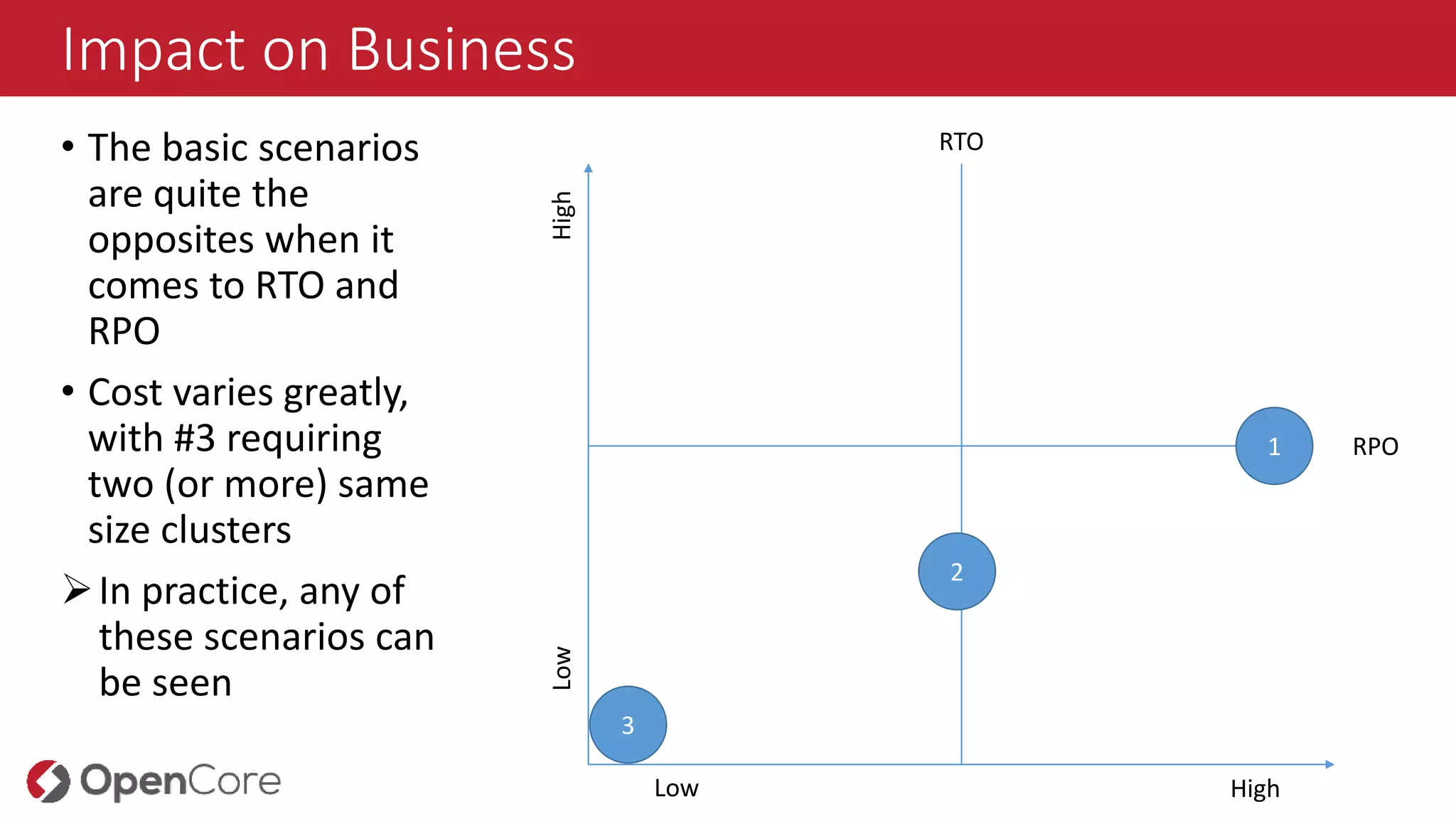
Impact on Business
•The basic scenarios
are quite the
opposites when it
comes to RTO and
RPO
• Cost varies greatly,
with #3 requiring
two (or more) same
size clusters
In practice, any of
these scenarios can
be seen
RTO
RPO
HighLow
Low High
1
2
3
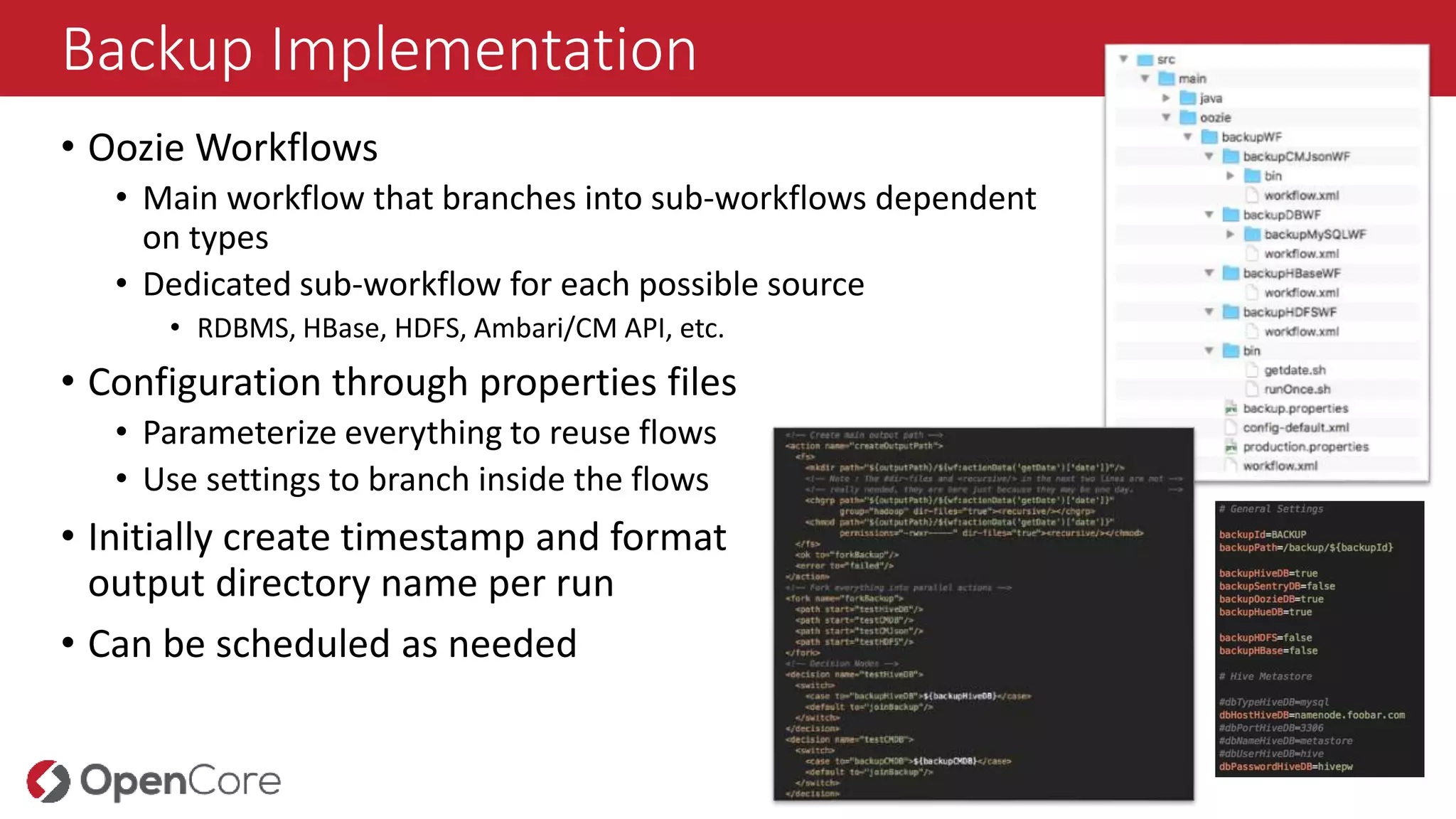
Backup Implementation
• OozieWorkflows
• Main workflow that branches into sub-workflows dependent
on types
• Dedicated sub-workflow for each possible source
• RDBMS, HBase, HDFS, Ambari/CM API, etc.
• Configuration through properties files
• Parameterize everything to reuse flows
• Use settings to branch inside the flows
• Initially create timestamp and format
output directory name per run
• Can be scheduled as needed
29.
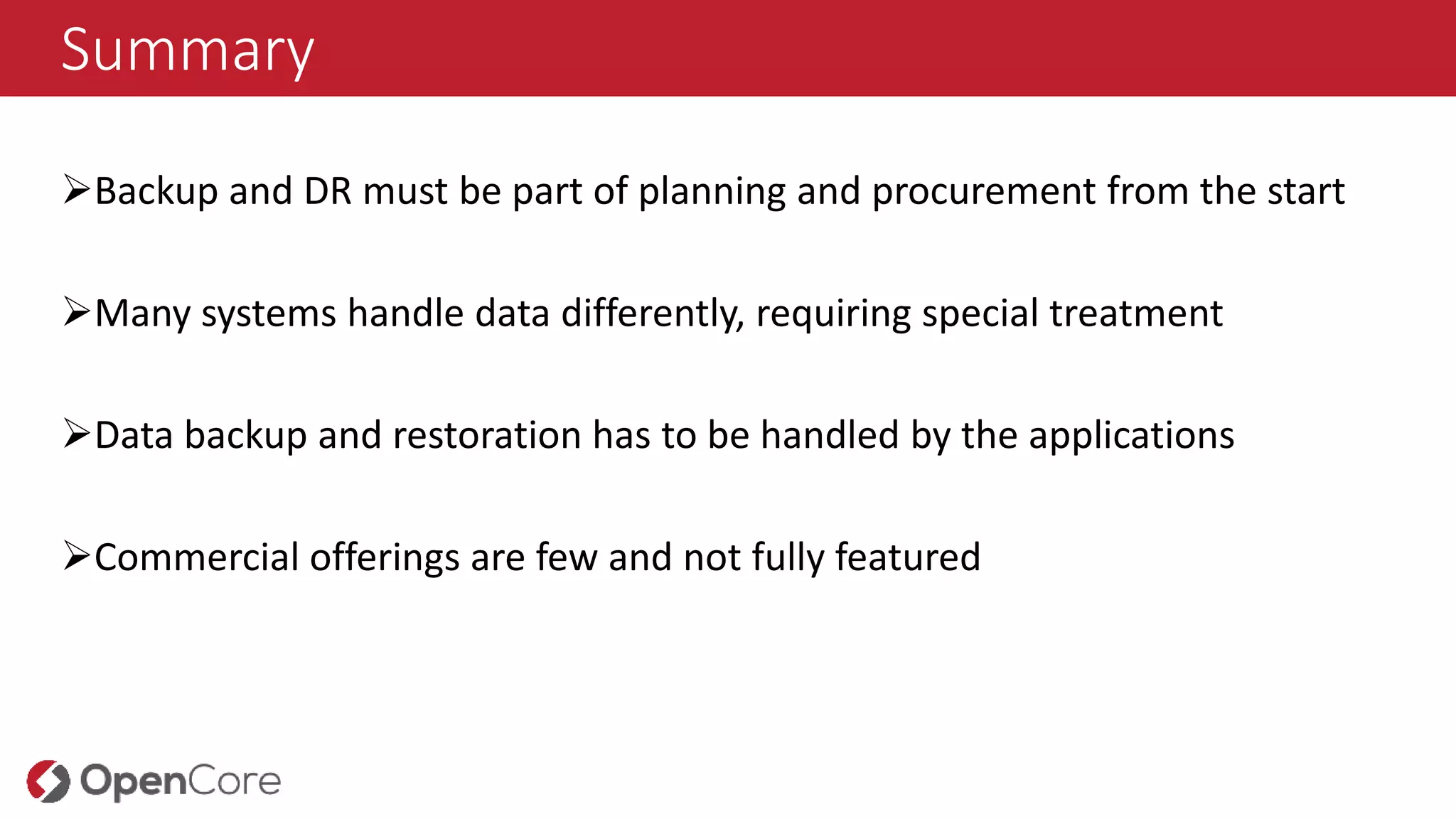
Summary
Backup and DRmust be part of planning and procurement from the start
Many systems handle data differently, requiring special treatment
Data backup and restoration has to be handled by the applications
Commercial offerings are few and not fully featured




![Vibe Coding vs. Spec-Driven Development [Free Meetup]](https://cdn.slidesharecdn.com/ss_thumbnails/vibecodingvsspecdrivendevelopment-251209105622-43f455e7-thumbnail.jpg?width=640&height=640&fit=bounds)


