
www.vxvista.org
www.vxvista.org
Sponsored by
www.vxvista.org
Sponsored by
On-Demand Floor Stock
Medication Ordering
Presented by: Marvin Friedman, PharmD
Jeanette Klement, MAEd
www.vxvista.org
vxVistA
• Objectives
– Process on Setting Up the AR/WS Module
– Process on Submitting an On-Demand Request
– Documenting Administration of Floor
Stock/Clinic Stock Medication
vxJourney – vxVistA Webinars – Sponsored by DSS, Inc.
www.vxvista.org
Features of the AR/WS Module
• Provides inventory management capabilities
for clinical care locations.
• Provides tools to develop medication storage
areas with lists of drugs to be maintained in
that area. Drugs are classified by inventory
type and assigned storage location and
stock level.
vxJourney – vxVistA Webinars – Sponsored by DSS, Inc.
www.vxvista.org
Features of the AR/WS Module
• Provides inventory management reporting
capabilities for clinical care locations and
drug crash carts.
• Supplies a report to fill on-demand requests
for out-of-stock items or items not part of the
standard inventory.
• Review Nursing options and processes.
vxJourney – vxVistA Webinars – Sponsored by DSS, Inc.
www.vxvista.org
Set Up Site Parameter
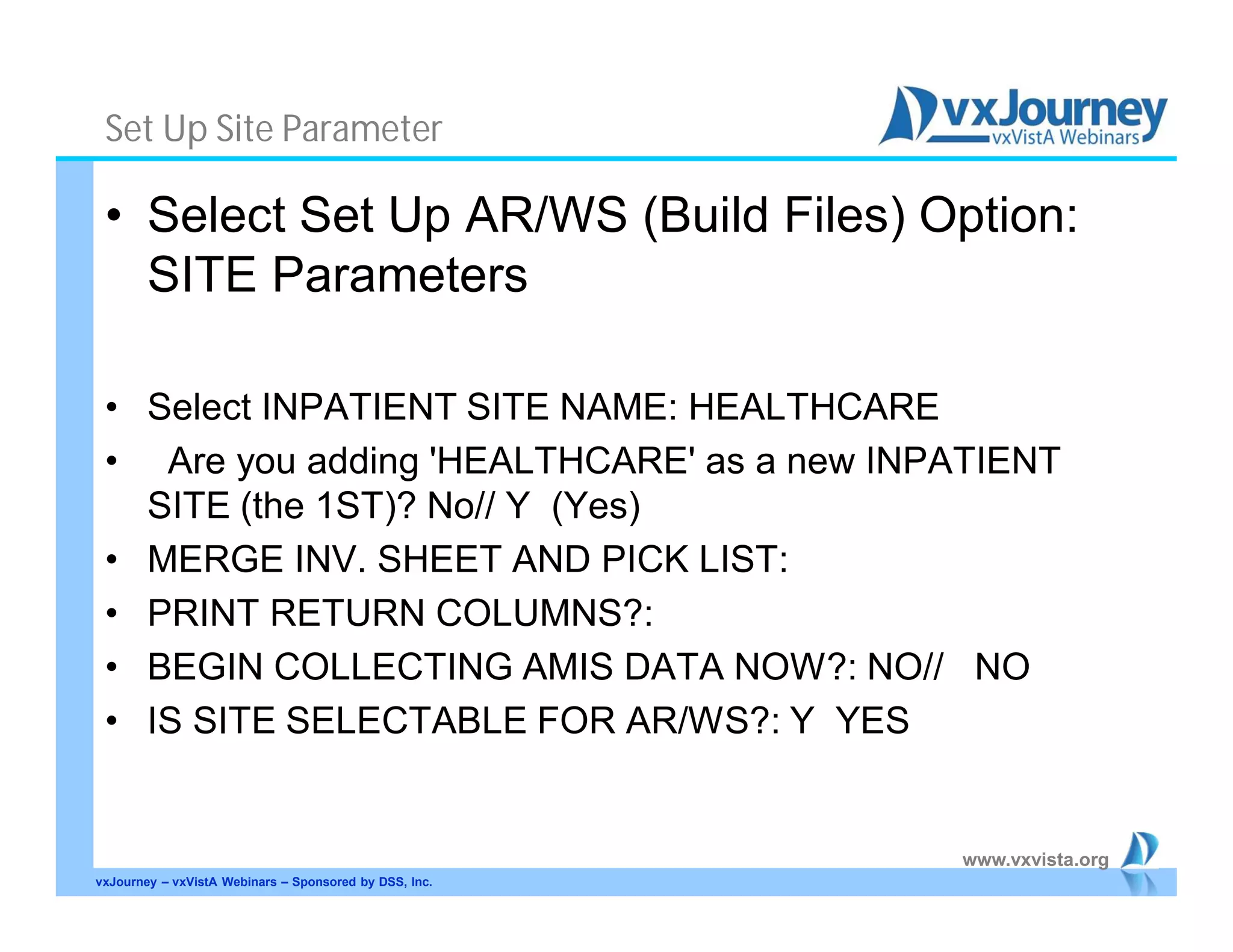
• Select Set Up AR/WS (Build Files) Option:
SITE Parameters
• Select INPATIENT SITE NAME: HEALTHCARE
• Are you adding 'HEALTHCARE' as a new INPATIENT
SITE (the 1ST)? No// Y (Yes)
• MERGE INV. SHEET AND PICK LIST:
• PRINT RETURN COLUMNS?:
• BEGIN COLLECTING AMIS DATA NOW?: NO// NO
• IS SITE SELECTABLE FOR AR/WS?: Y YES
vxJourney – vxVistA Webinars – Sponsored by DSS, Inc.
www.vxvista.org
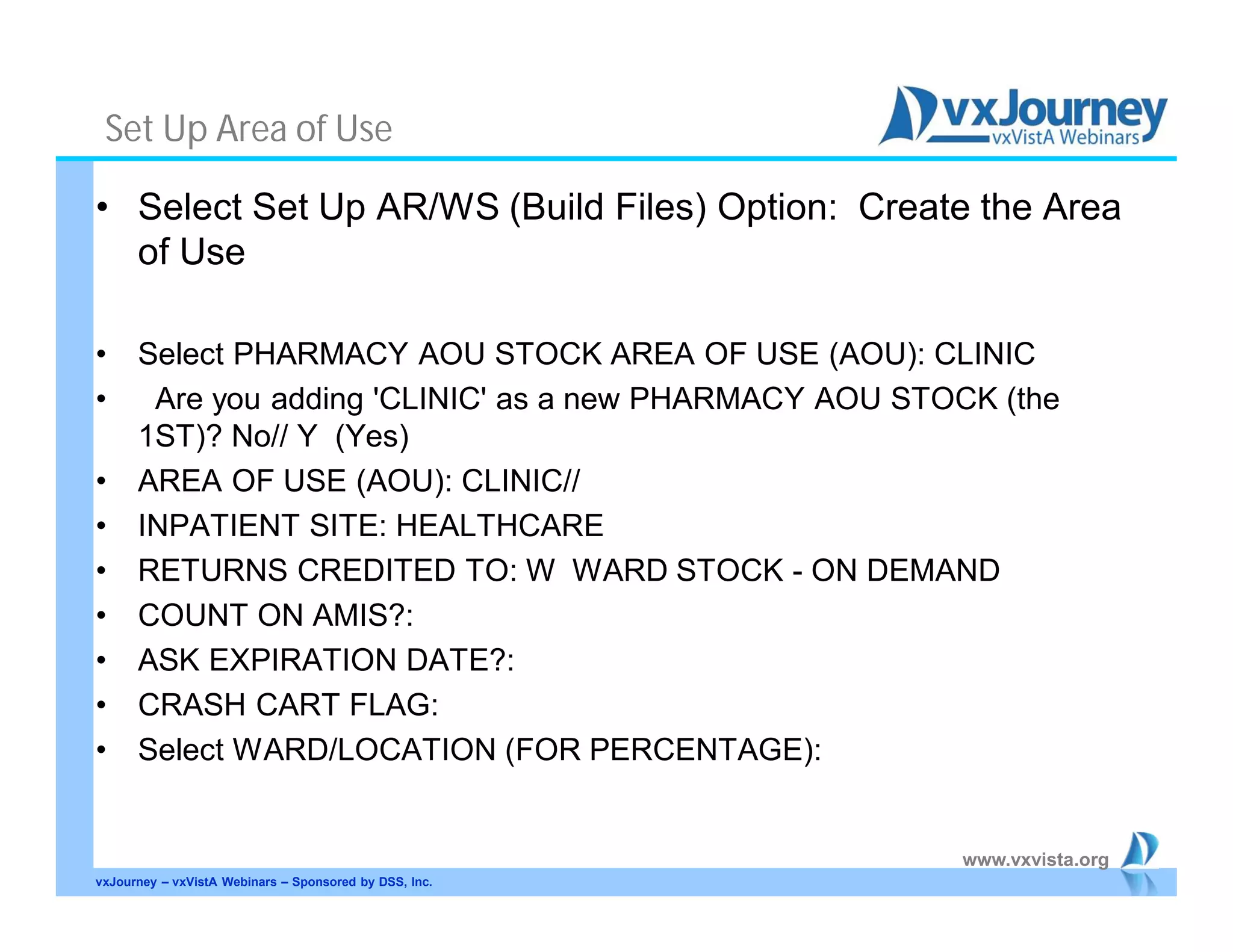
Set Up Area of Use
• Select Set Up AR/WS (Build Files) Option: Create the Area
of Use
• Select PHARMACY AOU STOCK AREA OF USE (AOU): CLINIC
• Are you adding 'CLINIC' as a new PHARMACY AOU STOCK (the
1ST)? No// Y (Yes)
• AREA OF USE (AOU): CLINIC//
• INPATIENT SITE: HEALTHCARE
• RETURNS CREDITED TO: W WARD STOCK - ON DEMAND
• COUNT ON AMIS?:
• ASK EXPIRATION DATE?:
• CRASH CART FLAG:
• Select WARD/LOCATION (FOR PERCENTAGE):
vxJourney – vxVistA Webinars – Sponsored by DSS, Inc.
www.vxvista.org
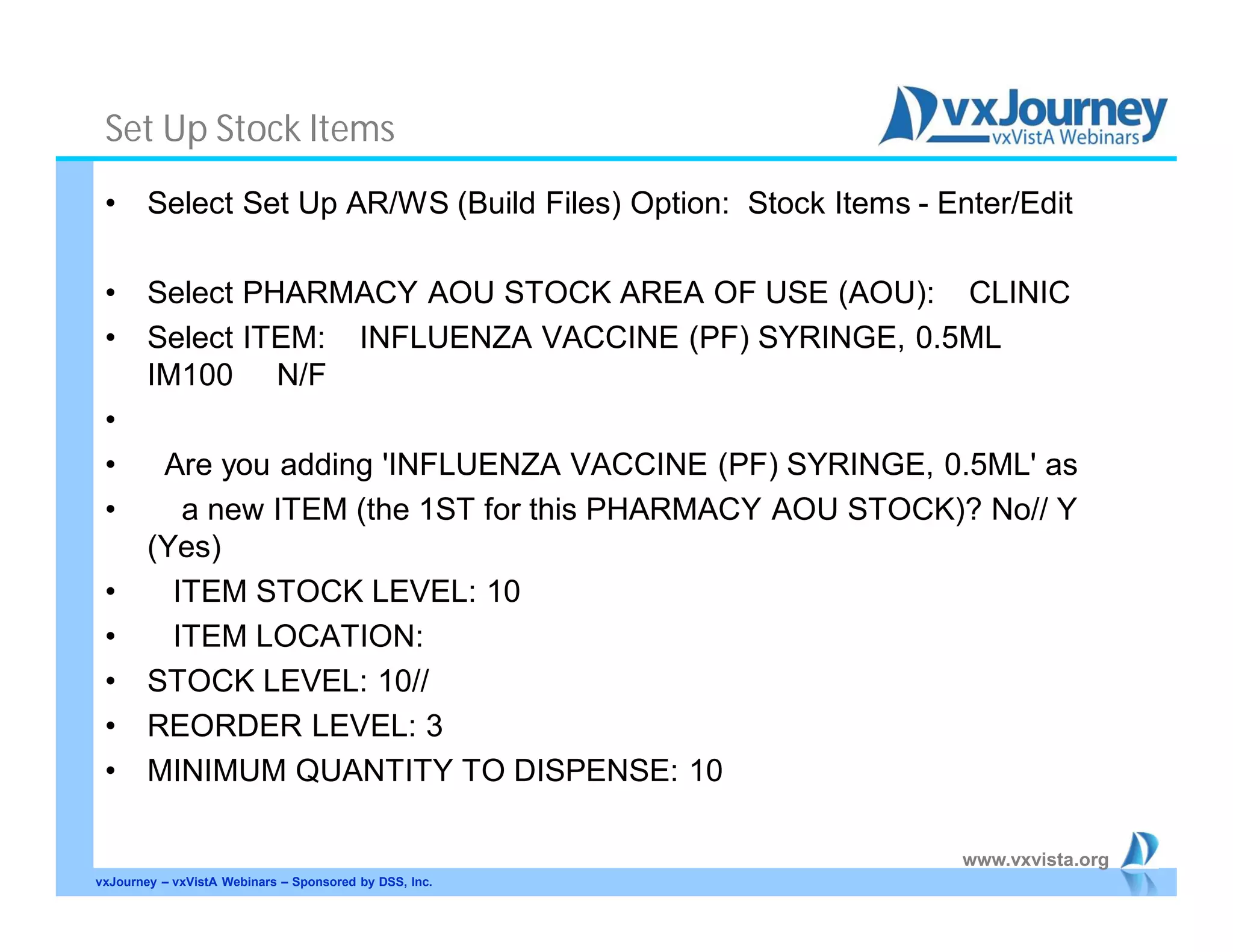
Set Up Stock Items
• Select Set Up AR/WS (Build Files) Option: Stock Items - Enter/Edit
• Select PHARMACY AOU STOCK AREA OF USE (AOU): CLINIC
• Select ITEM: INFLUENZA VACCINE (PF) SYRINGE, 0.5ML
IM100 N/F
•
• Are you adding 'INFLUENZA VACCINE (PF) SYRINGE, 0.5ML' as
• a new ITEM (the 1ST for this PHARMACY AOU STOCK)? No// Y
(Yes)
• ITEM STOCK LEVEL: 10
• ITEM LOCATION:
• STOCK LEVEL: 10//
• REORDER LEVEL: 3
• MINIMUM QUANTITY TO DISPENSE: 10
vxJourney – vxVistA Webinars – Sponsored by DSS, Inc.
www.vxvista.org
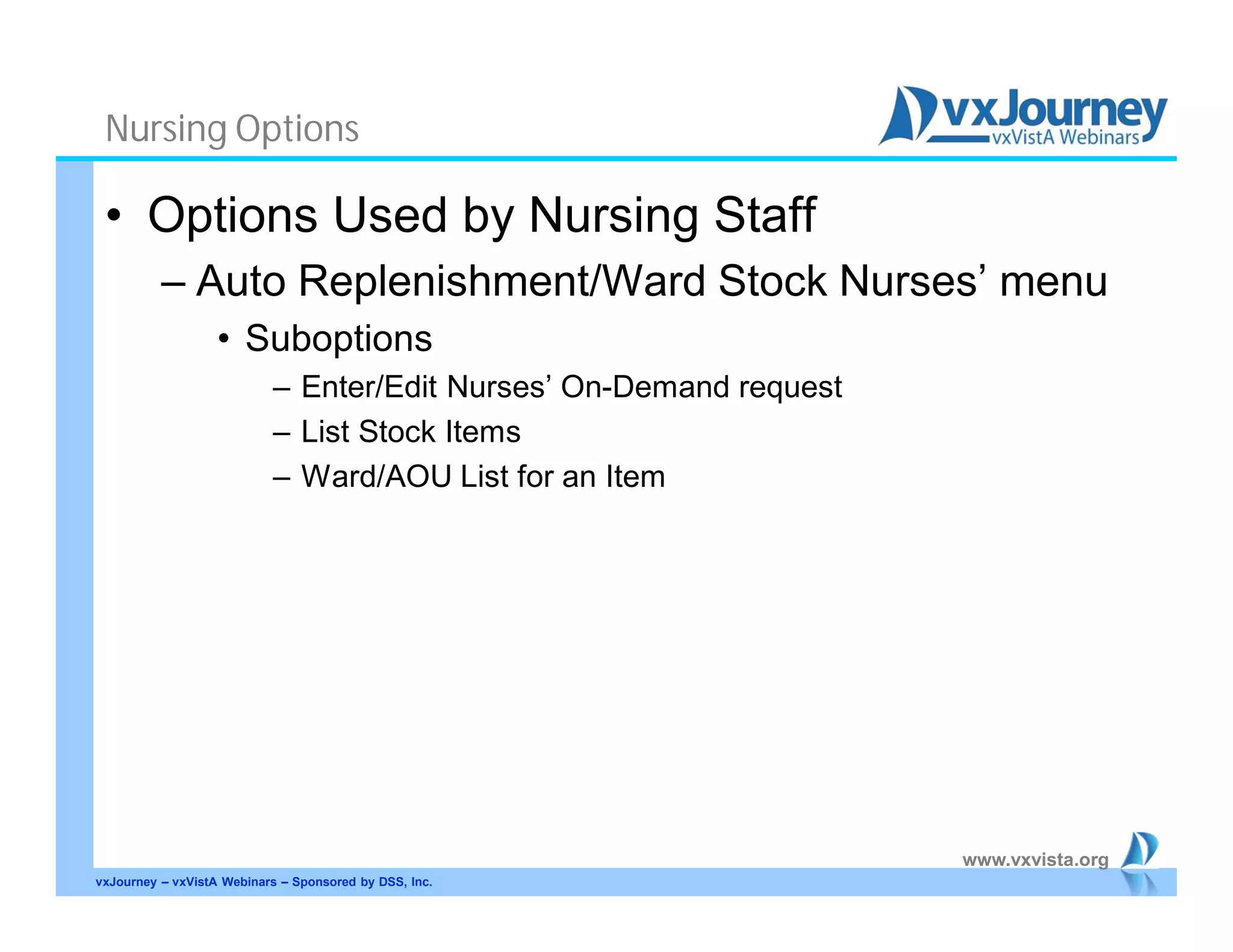
Nursing Options
• Options Used by Nursing Staff
– Auto Replenishment/Ward Stock Nurses’ menu
• Suboptions
– Enter/Edit Nurses’ On-Demand request
– List Stock Items
– Ward/AOU List for an Item
vxJourney – vxVistA Webinars – Sponsored by DSS, Inc.
www.vxvista.org
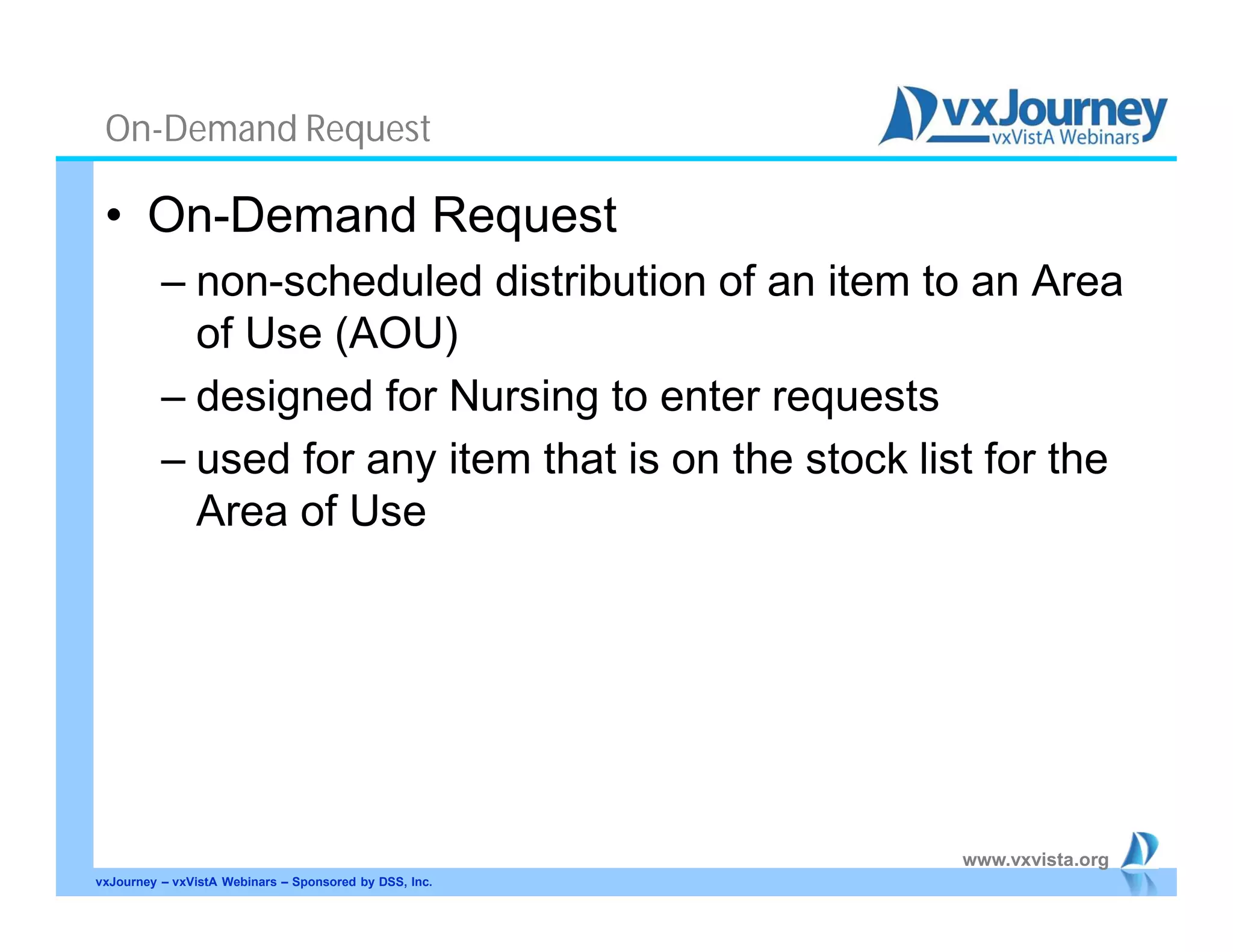
On-Demand Request
• On-Demand Request
– non-scheduled distribution of an item to an Area
of Use (AOU)
– designed for Nursing to enter requests
– used for any item that is on the stock list for the
Area of Use
vxJourney – vxVistA Webinars – Sponsored by DSS, Inc.
www.vxvista.org
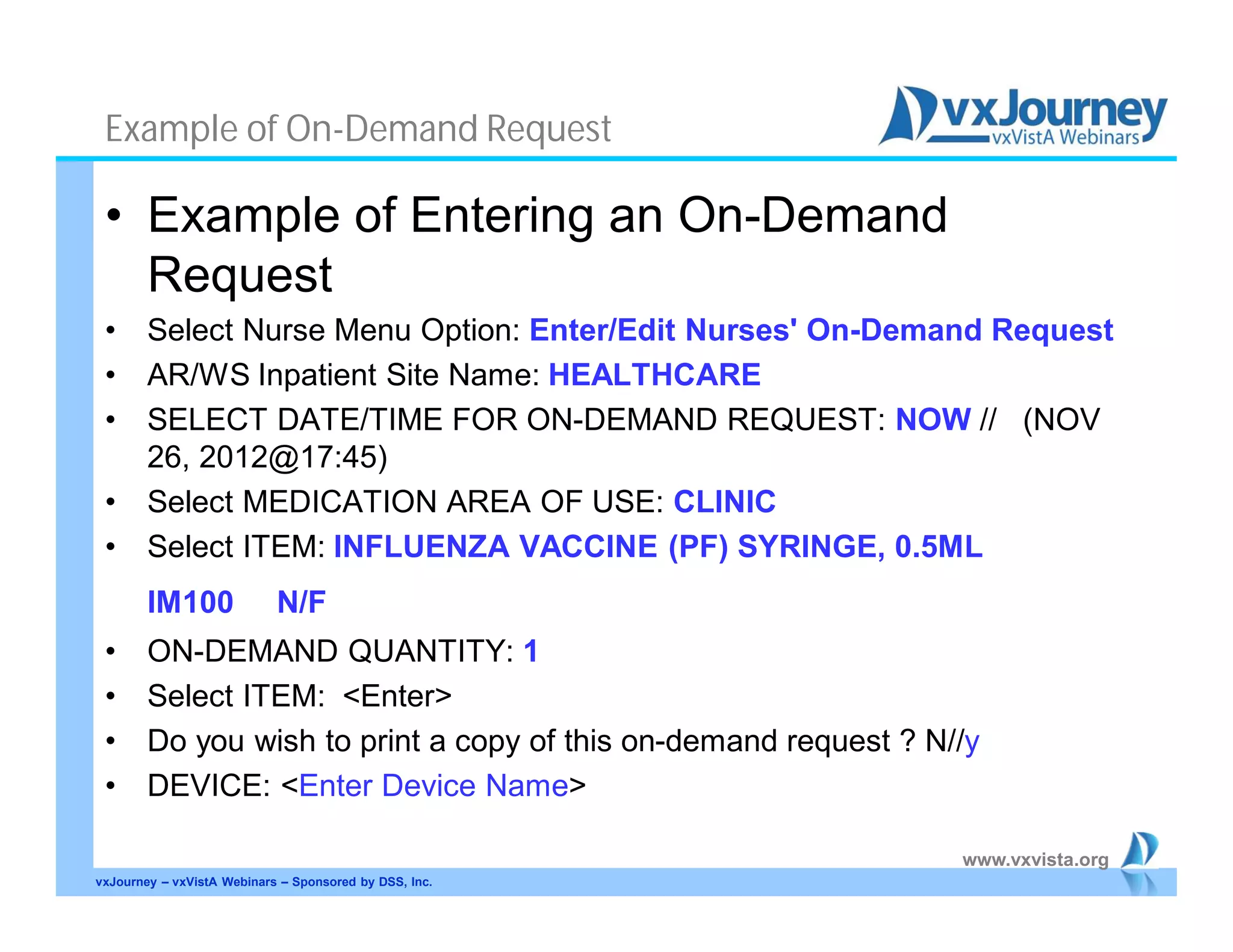
Example of On-Demand Request
• Example of Entering an On-Demand
Request
• Select Nurse Menu Option: Enter/Edit Nurses' On-Demand Request
• AR/WS Inpatient Site Name: HEALTHCARE
• SELECT DATE/TIME FOR ON-DEMAND REQUEST: NOW // (NOV
26, 2012@17:45)
• Select MEDICATION AREA OF USE: CLINIC
• Select ITEM: INFLUENZA VACCINE (PF) SYRINGE, 0.5ML
IM100 N/F
• ON-DEMAND QUANTITY: 1
• Select ITEM: <Enter>
• Do you wish to print a copy of this on-demand request ? N//y
• DEVICE: <Enter Device Name>
vxJourney – vxVistA Webinars – Sponsored by DSS, Inc.
www.vxvista.org
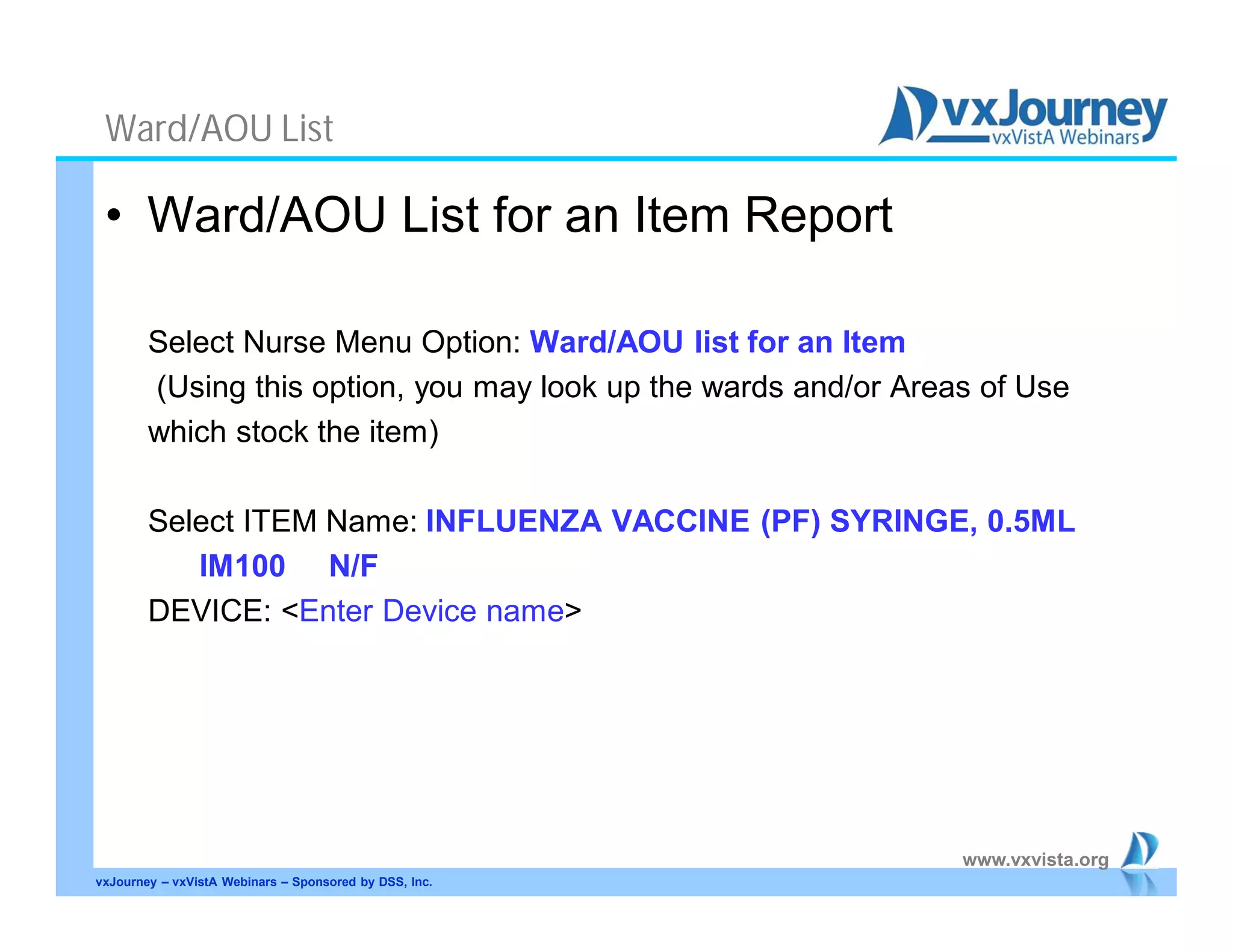
Ward/AOU List
• Ward/AOU List for an Item Report
Select Nurse Menu Option: Ward/AOU list for an Item
(Using this option, you may look up the wards and/or Areas of Use
which stock the item)
Select ITEM Name: INFLUENZA VACCINE (PF) SYRINGE, 0.5ML
IM100 N/F
DEVICE: <Enter Device name>
vxJourney – vxVistA Webinars – Sponsored by DSS, Inc.
www.vxvista.org
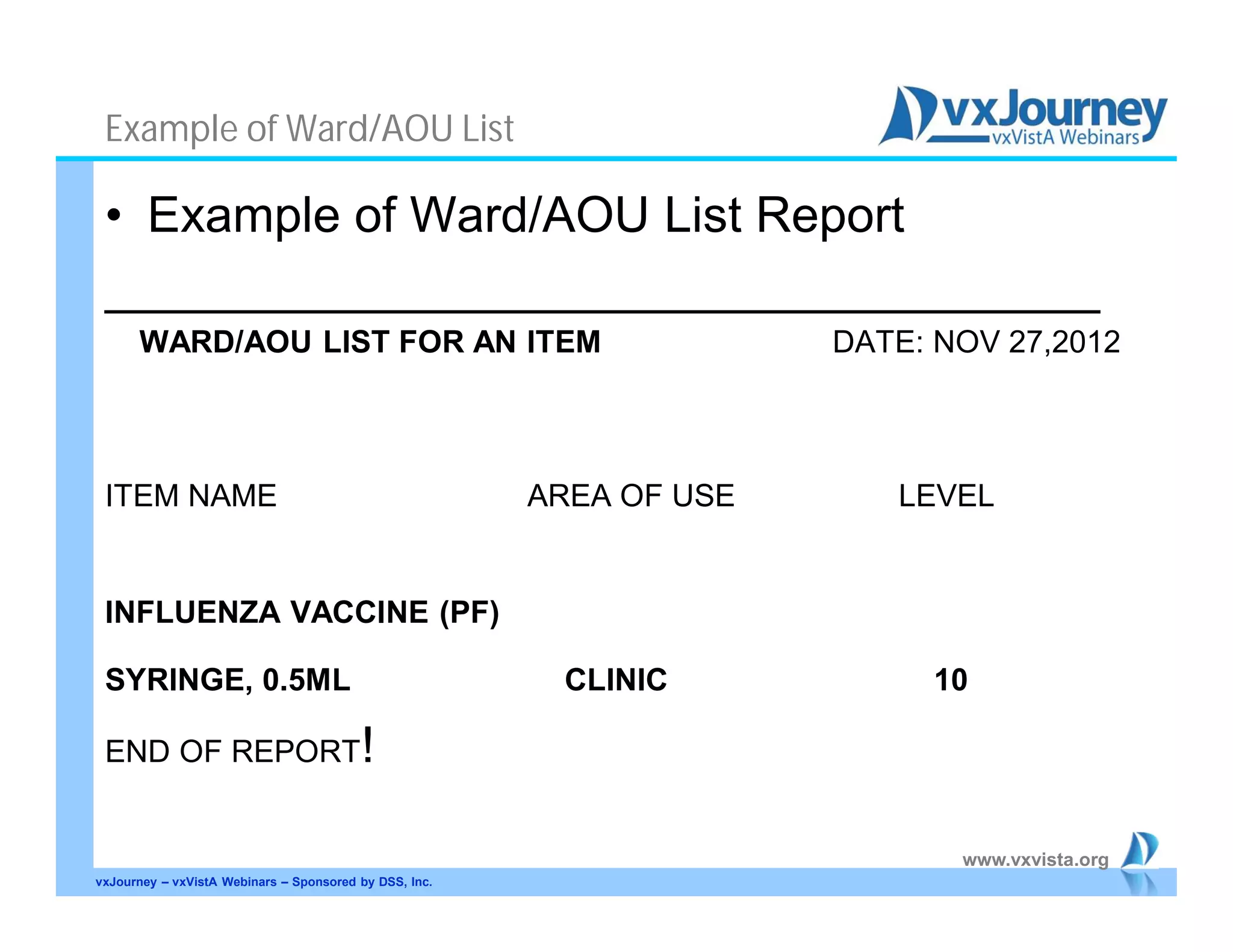
Example of Ward/AOU List
• Example of Ward/AOU List Report
____________________________________
WARD/AOU LIST FOR AN ITEM DATE: NOV 27,2012
ITEM NAME AREA OF USE LEVEL
INFLUENZA VACCINE (PF)
SYRINGE, 0.5ML CLINIC 10
END OF REPORT!
vxJourney – vxVistA Webinars – Sponsored by DSS, Inc.
www.vxvista.org
vxJourney – vxVistA Webinars – Sponsored by DSS, Inc.
Questions?
Thanks!

Automatic replenishment ward stock on demand request

  • 1.
    www.vxvista.org www.vxvista.org Sponsored by www.vxvista.org Sponsored by On-DemandFloor Stock Medication Ordering Presented by: Marvin Friedman, PharmD Jeanette Klement, MAEd
  • 2.
    www.vxvista.org vxVistA • Objectives – Processon Setting Up the AR/WS Module – Process on Submitting an On-Demand Request – Documenting Administration of Floor Stock/Clinic Stock Medication vxJourney – vxVistA Webinars – Sponsored by DSS, Inc.
  • 3.
    www.vxvista.org Features of theAR/WS Module • Provides inventory management capabilities for clinical care locations. • Provides tools to develop medication storage areas with lists of drugs to be maintained in that area. Drugs are classified by inventory type and assigned storage location and stock level. vxJourney – vxVistA Webinars – Sponsored by DSS, Inc.
  • 4.
    www.vxvista.org Features of theAR/WS Module • Provides inventory management reporting capabilities for clinical care locations and drug crash carts. • Supplies a report to fill on-demand requests for out-of-stock items or items not part of the standard inventory. • Review Nursing options and processes. vxJourney – vxVistA Webinars – Sponsored by DSS, Inc.
  • 5.
    www.vxvista.org Set Up SiteParameter • Select Set Up AR/WS (Build Files) Option: SITE Parameters • Select INPATIENT SITE NAME: HEALTHCARE • Are you adding 'HEALTHCARE' as a new INPATIENT SITE (the 1ST)? No// Y (Yes) • MERGE INV. SHEET AND PICK LIST: • PRINT RETURN COLUMNS?: • BEGIN COLLECTING AMIS DATA NOW?: NO// NO • IS SITE SELECTABLE FOR AR/WS?: Y YES vxJourney – vxVistA Webinars – Sponsored by DSS, Inc.
  • 6.
    www.vxvista.org Set Up Areaof Use • Select Set Up AR/WS (Build Files) Option: Create the Area of Use • Select PHARMACY AOU STOCK AREA OF USE (AOU): CLINIC • Are you adding 'CLINIC' as a new PHARMACY AOU STOCK (the 1ST)? No// Y (Yes) • AREA OF USE (AOU): CLINIC// • INPATIENT SITE: HEALTHCARE • RETURNS CREDITED TO: W WARD STOCK - ON DEMAND • COUNT ON AMIS?: • ASK EXPIRATION DATE?: • CRASH CART FLAG: • Select WARD/LOCATION (FOR PERCENTAGE): vxJourney – vxVistA Webinars – Sponsored by DSS, Inc.
  • 7.
    www.vxvista.org Set Up StockItems • Select Set Up AR/WS (Build Files) Option: Stock Items - Enter/Edit • Select PHARMACY AOU STOCK AREA OF USE (AOU): CLINIC • Select ITEM: INFLUENZA VACCINE (PF) SYRINGE, 0.5ML IM100 N/F • • Are you adding 'INFLUENZA VACCINE (PF) SYRINGE, 0.5ML' as • a new ITEM (the 1ST for this PHARMACY AOU STOCK)? No// Y (Yes) • ITEM STOCK LEVEL: 10 • ITEM LOCATION: • STOCK LEVEL: 10// • REORDER LEVEL: 3 • MINIMUM QUANTITY TO DISPENSE: 10 vxJourney – vxVistA Webinars – Sponsored by DSS, Inc.
  • 8.
    www.vxvista.org Nursing Options • OptionsUsed by Nursing Staff – Auto Replenishment/Ward Stock Nurses’ menu • Suboptions – Enter/Edit Nurses’ On-Demand request – List Stock Items – Ward/AOU List for an Item vxJourney – vxVistA Webinars – Sponsored by DSS, Inc.
  • 9.
    www.vxvista.org On-Demand Request • On-DemandRequest – non-scheduled distribution of an item to an Area of Use (AOU) – designed for Nursing to enter requests – used for any item that is on the stock list for the Area of Use vxJourney – vxVistA Webinars – Sponsored by DSS, Inc.
  • 10.
    www.vxvista.org Example of On-DemandRequest • Example of Entering an On-Demand Request • Select Nurse Menu Option: Enter/Edit Nurses' On-Demand Request • AR/WS Inpatient Site Name: HEALTHCARE • SELECT DATE/TIME FOR ON-DEMAND REQUEST: NOW // (NOV 26, 2012@17:45) • Select MEDICATION AREA OF USE: CLINIC • Select ITEM: INFLUENZA VACCINE (PF) SYRINGE, 0.5ML IM100 N/F • ON-DEMAND QUANTITY: 1 • Select ITEM: <Enter> • Do you wish to print a copy of this on-demand request ? N//y • DEVICE: <Enter Device Name> vxJourney – vxVistA Webinars – Sponsored by DSS, Inc.
  • 11.
    www.vxvista.org Ward/AOU List • Ward/AOUList for an Item Report Select Nurse Menu Option: Ward/AOU list for an Item (Using this option, you may look up the wards and/or Areas of Use which stock the item) Select ITEM Name: INFLUENZA VACCINE (PF) SYRINGE, 0.5ML IM100 N/F DEVICE: <Enter Device name> vxJourney – vxVistA Webinars – Sponsored by DSS, Inc.
  • 12.
    www.vxvista.org Example of Ward/AOUList • Example of Ward/AOU List Report ____________________________________ WARD/AOU LIST FOR AN ITEM DATE: NOV 27,2012 ITEM NAME AREA OF USE LEVEL INFLUENZA VACCINE (PF) SYRINGE, 0.5ML CLINIC 10 END OF REPORT! vxJourney – vxVistA Webinars – Sponsored by DSS, Inc.
  • 13.
    www.vxvista.org vxJourney – vxVistAWebinars – Sponsored by DSS, Inc. Questions? Thanks!