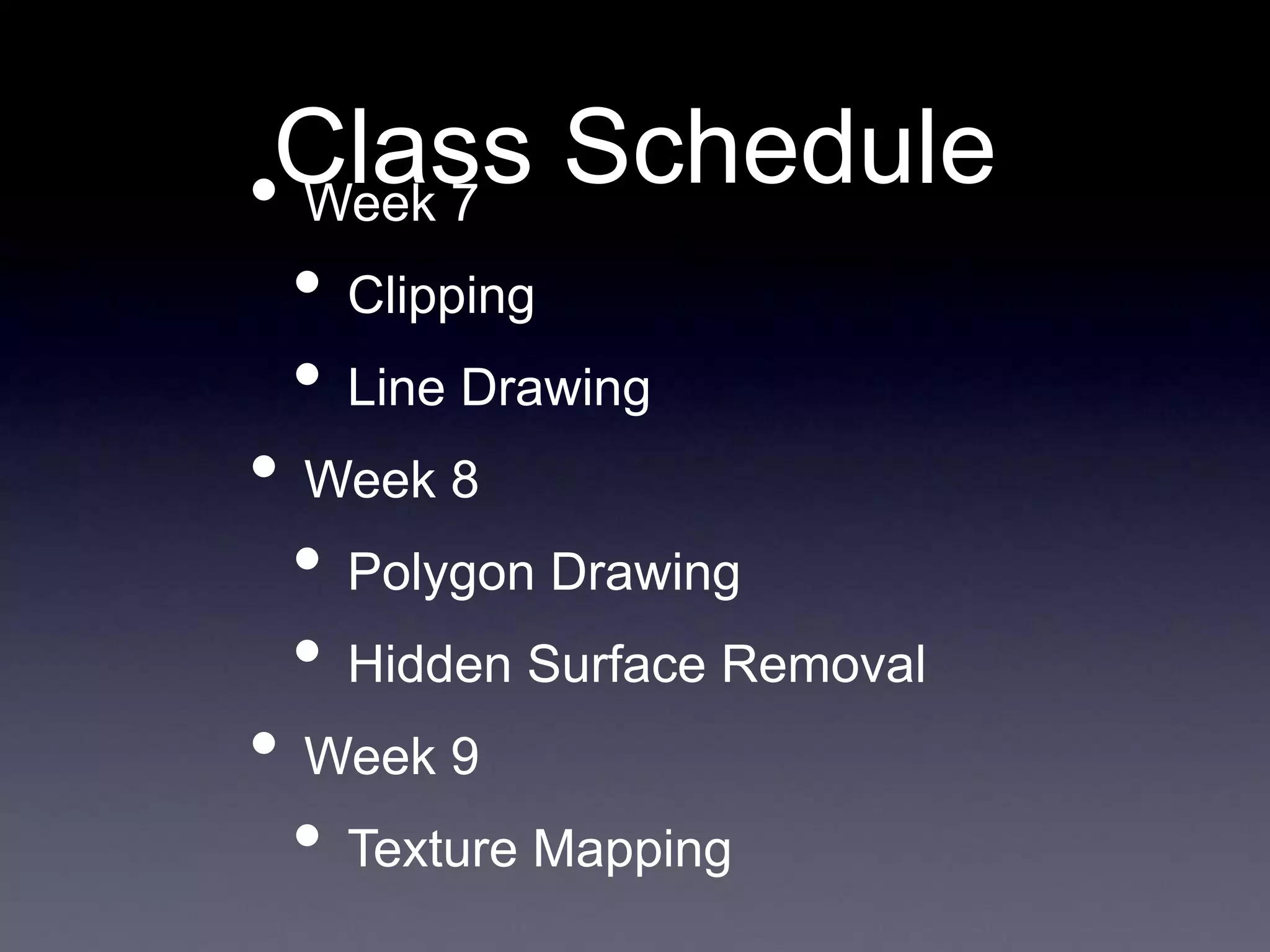
This document discusses the concepts of rasterization and real-time graphics. It begins with definitions of rasterization as the process of converting vector images to raster images using dots, as modern displays can only understand dots. It then describes how vector displays work by drawing line segments without requiring much memory, and their advantages and disadvantages. Next, it covers how raster displays work using a frame buffer to store pixel information and their advantages and disadvantages like aliasing. The document concludes by explaining the graphics rendering pipeline from 3D geometry to 2D pixels on screen, covering the main steps of shading, projection, clipping, rasterization, and fragment processing.