Enhancing the Learning of Students with Special NeedsLaura Bennett
IEPsAn individualized education plan (IEP) is a plan developed by the student’s parents and a team of educators to help the student be successful in school. The Individuals with Disabilites Act (IDEA) made parents a essential active part of their child’s education team. Contents of an IEP:Goals for the student to meet throughout the yearAny support needed for the student to meet the goals the team sets.
Reasons for having an IEPLearning disabilities	ADHDEmotional disordersDevelopment delayAutismMental retardationHearing impairmentVisual impairmentSpeech or language impairmentDevelopmental delay
Serving Students with IEPsMuch of the time, students with IEPs can accomplish the goals set for them in a standard school environment. This can be done in a regular education classroom or in a resource room. A special school environment is needed when students need intense intervention.
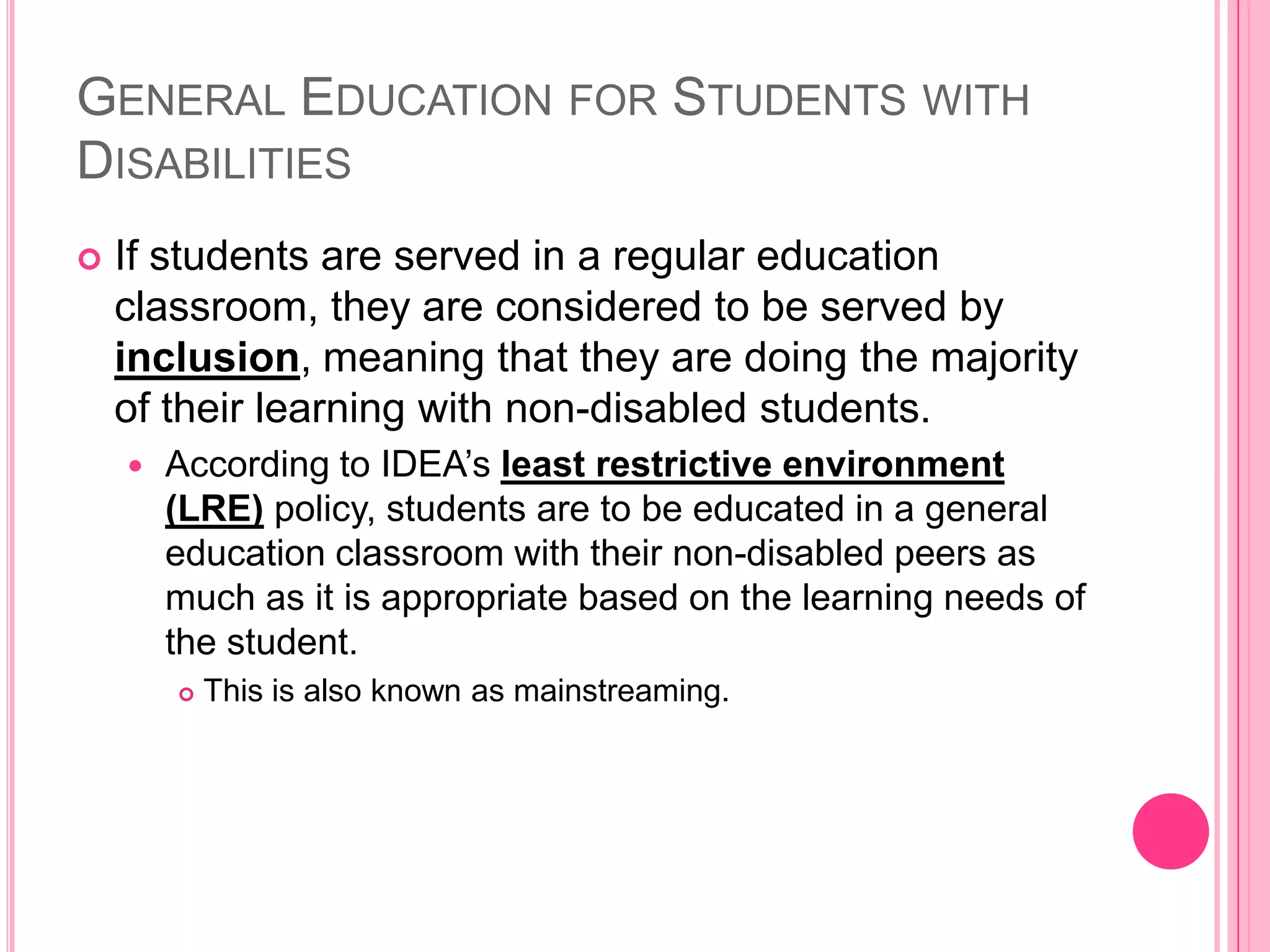
General Education for Students with DisabilitiesIf students are served in a regular education classroom, they are considered to be served by inclusion, meaning that they are doing the majority of their learning with non-disabled students. According to IDEA’sleast restrictive environment (LRE) policy, students are to be educated in a general education classroom with their non-disabled peers as much as it is appropriate based on the learning needs of the student. This is also known as mainstreaming.
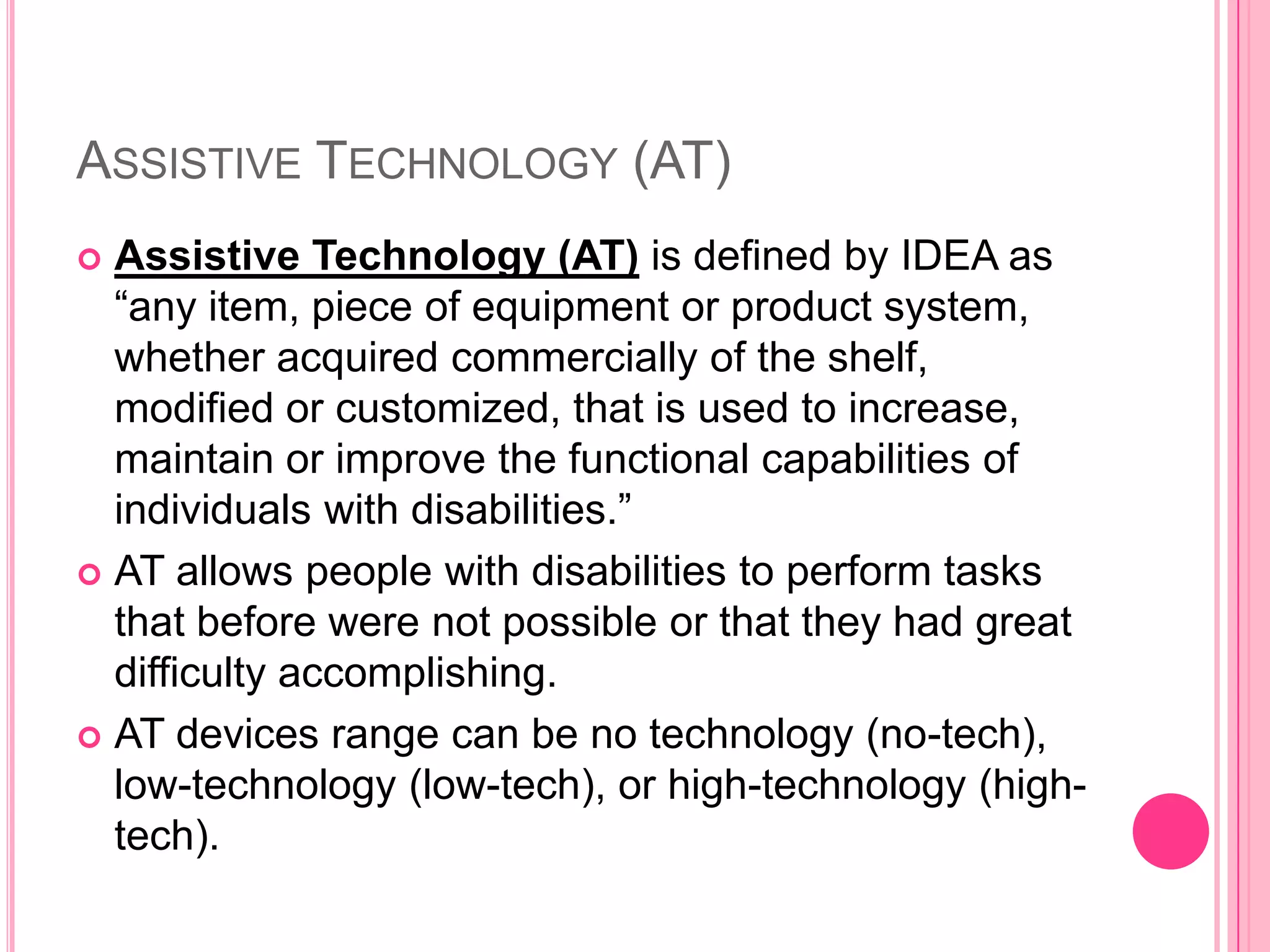
Assistive Technology (AT)Assistive Technology (AT) is defined by IDEA as “any item, piece of equipment or product system, whether acquired commercially of the shelf, modified or customized, that is used to increase, maintain or improve the functional capabilities of individuals with disabilities.”AT allows people with disabilities to perform tasks that before were not possible or that they had great difficulty accomplishing. AT devices range can be no technology (no-tech), low-technology (low-tech), or high-technology (high-tech).
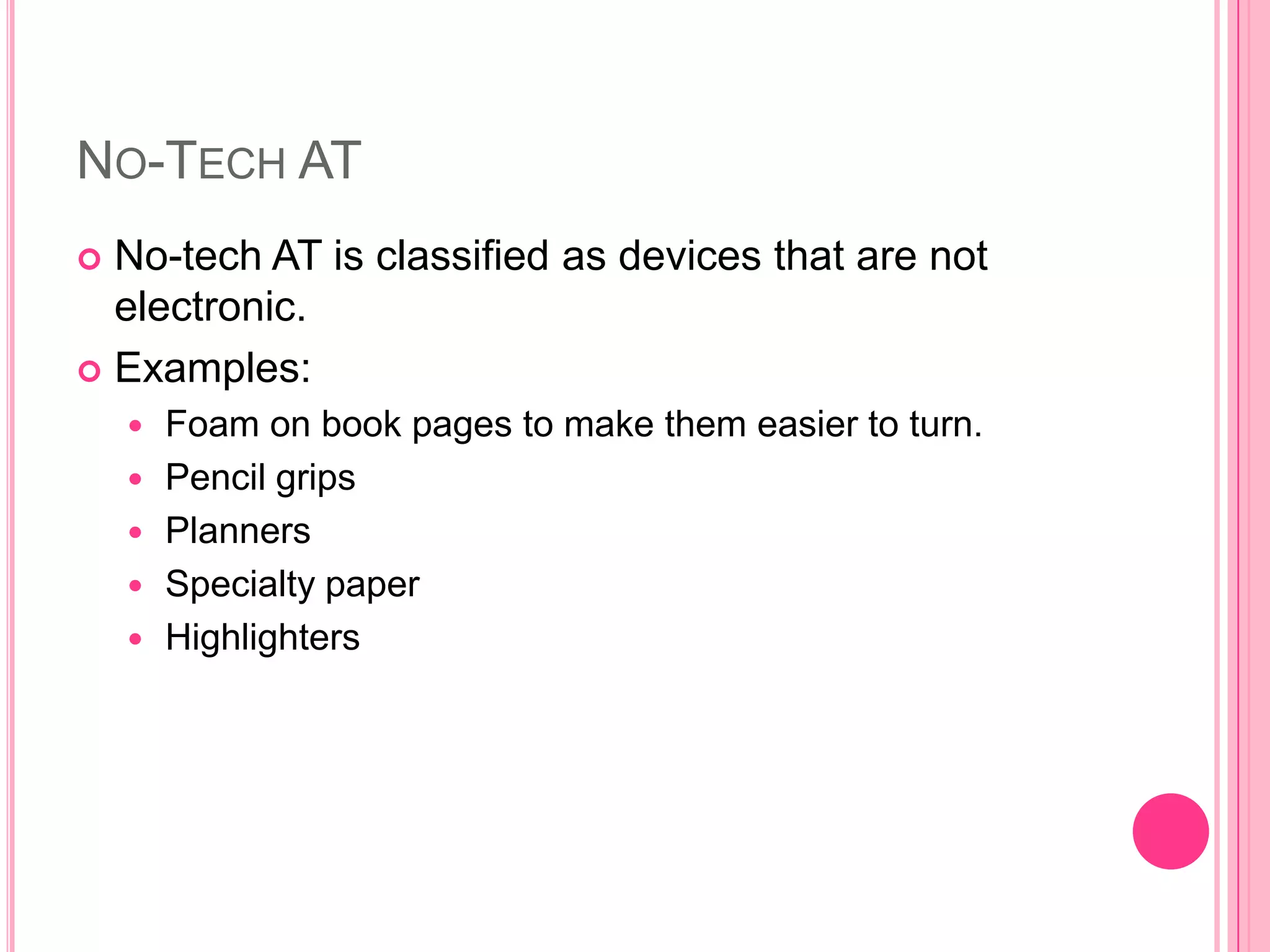
No-Tech ATNo-tech AT is classified as devices that are not electronic. Examples:Foam on book pages to make them easier to turn.Pencil gripsPlannersSpecialty paperHighlighters
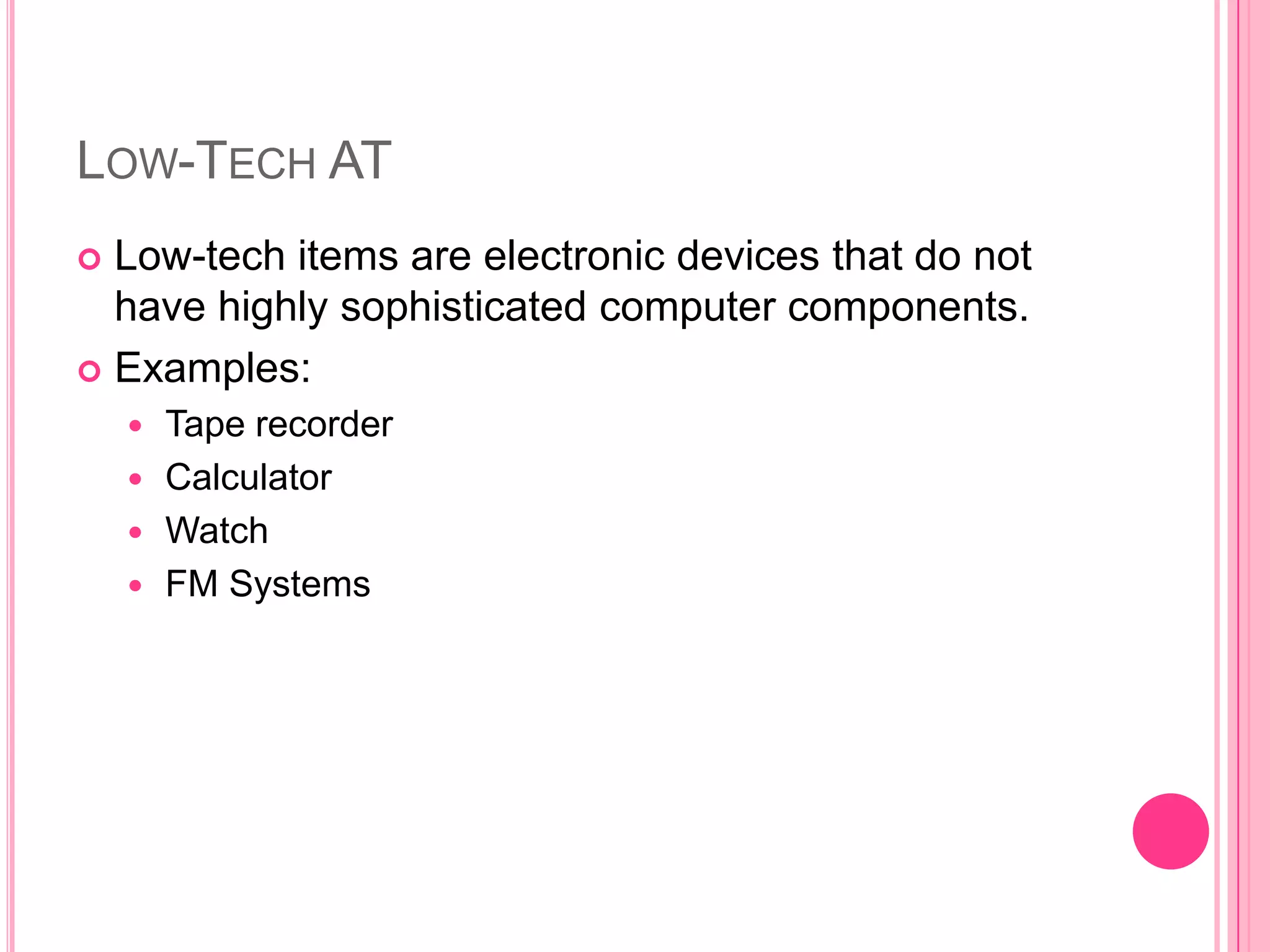
Low-Tech ATLow-tech items are electronic devices that do not have highly sophisticated computer components.Examples:Tape recorderCalculatorWatchFM Systems
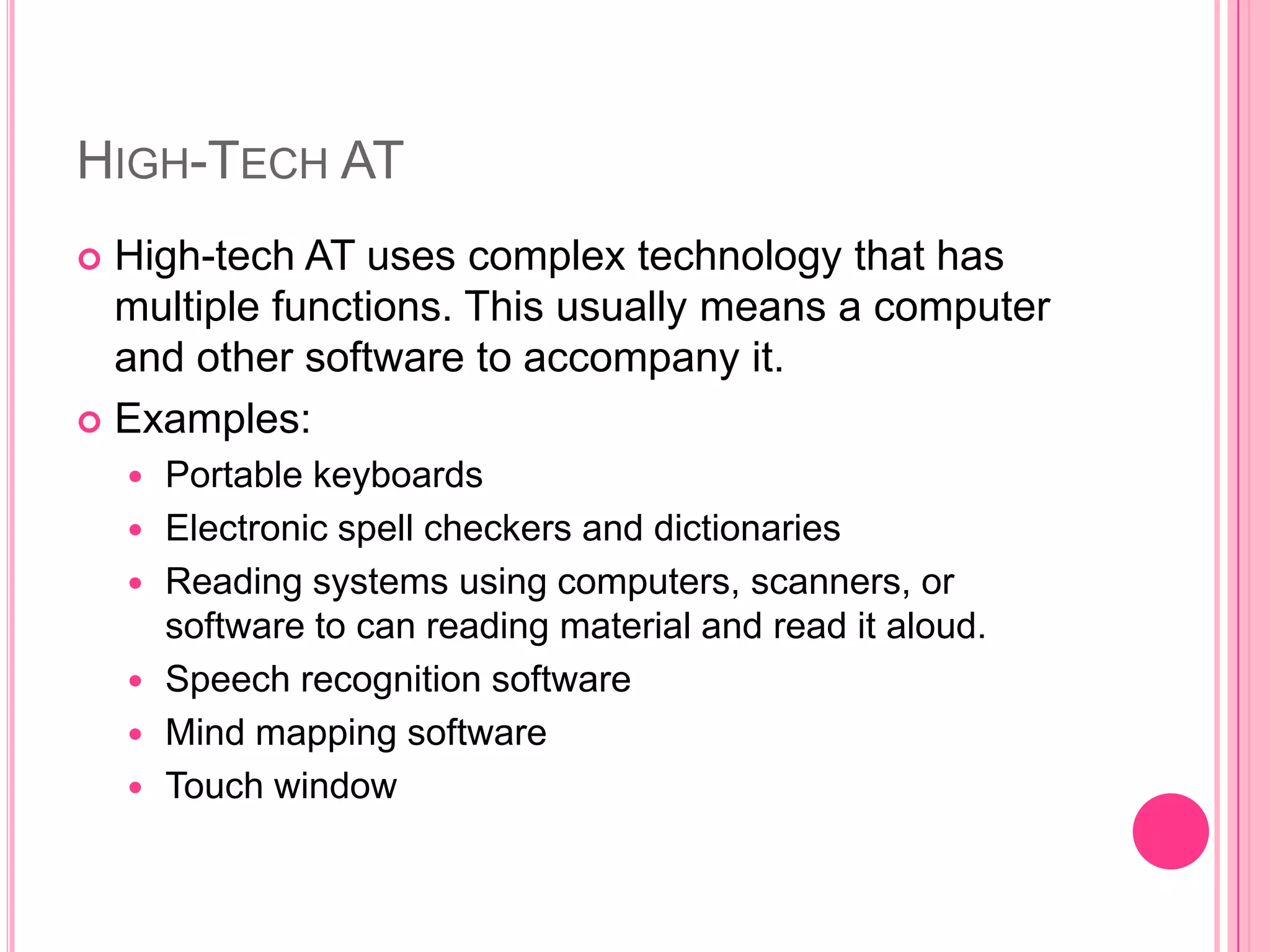
High-Tech ATHigh-tech AT uses complex technology that has multiple functions. This usually means a computer and other software to accompany it. Examples:Portable keyboardsElectronic spell checkers and dictionaries Reading systems using computers, scanners, or software to can reading material and read it aloud. Speech recognition softwareMind mapping softwareTouch window
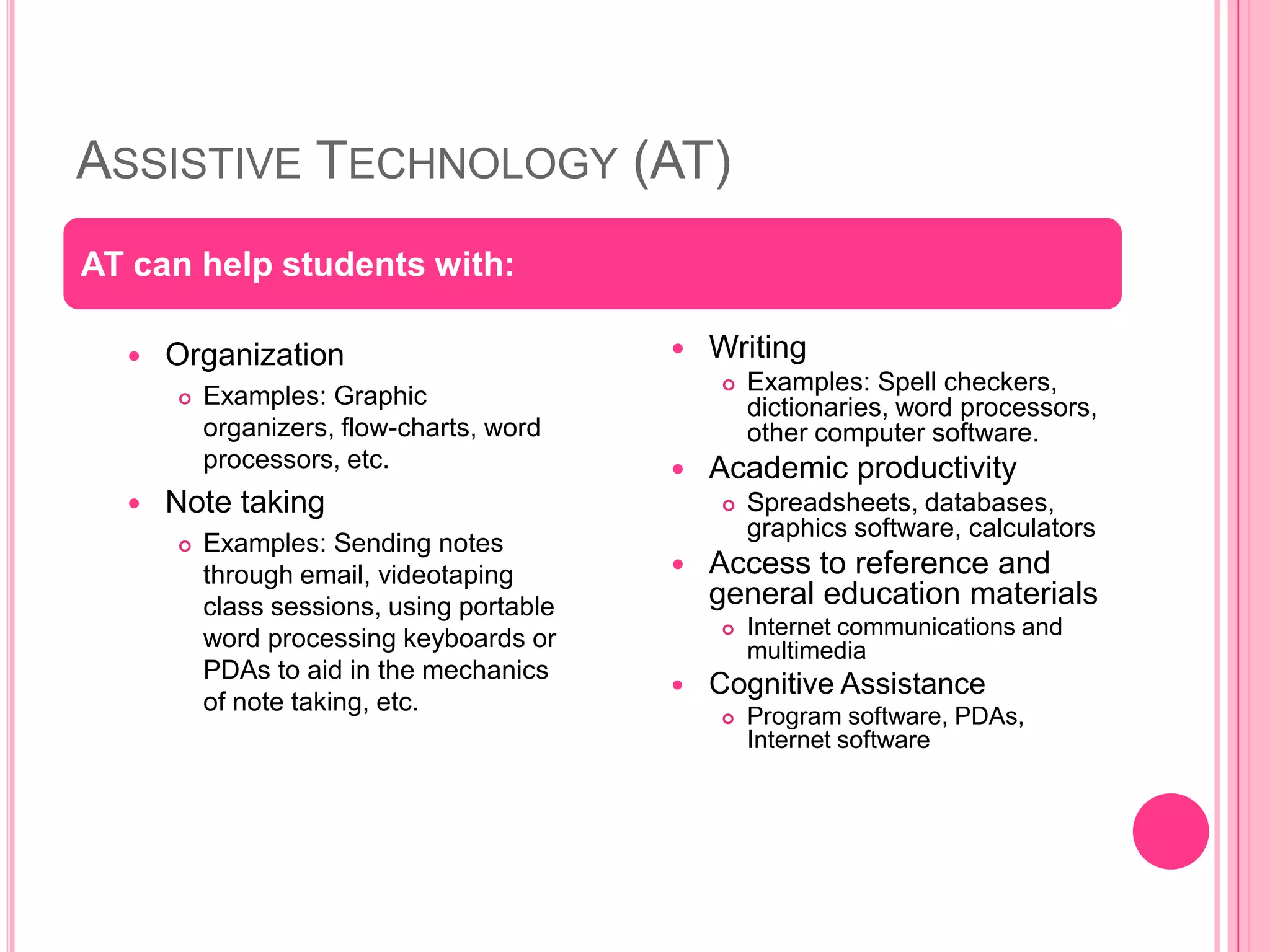
Assistive Technology (AT)Organization Examples: Graphic organizers, flow-charts, word processors, etc. Note taking Examples: Sending notes through email, videotaping class sessions, using portable word processing keyboards or PDAs to aid in the mechanics of note taking, etc. WritingExamples: Spell checkers, dictionaries, word processors, other computer software. Academic productivitySpreadsheets, databases, graphics software, calculatorsAccess to reference and general education materialsInternet communications and multimediaCognitive AssistanceProgram software, PDAs, Internet softwareAT can help students with:
ReferencesAssistive Technology. (2010). In Wikipedia. Retrieved September 29, 2010 from the World Wide Web: http://en.wikipedia.org/wiki/Assistive_technologyAssistive Technology. (2000).  Retrieved September 29, 2010 from the World Wide Web: http://uts.cc.utexas.edu/~wilbur/access/assistive.htmlAssistive Technology “Low-tech” to “High-tech” Considerations. (n.d.). Retrieved October 2, 2010 from the World Wide Web: http://www.nsnet.org/atc/tools/lowtohightech.htmlBehrmann, M. J., Kinas, M. (2002). Assistive Technology for Students with Mild Disabilities. Retrieved Septermber 30, 2010 from the World Wide Web: http://www.ericdigests.org/2003-1/assistive.htmBachrach, S. J. (2008). Individualized Education Plans. Retrieved September 29, 2010 from the World Wide Web: http://kidshealth.org/parent/positive/learning/iep.html#Hearing Assistive Technology. (n.d.). Retrieved September 30, 2010 from the World Wide Web: http://www.asha.org/public/hearing/treatment/assist_tech.htmInclusion (education). (2010).  In Wikipedia. Retrieved September 30, 2010 from the World Wide Web: http://en.wikipedia.org/wiki/Inclusion_%28education%29Logsdon, A. Least Restrictive Educational Environment – Choosing the Least Restrictive Environment. Retrieved October 1, 2010 from the World Wide Web: http://learningdisabilities.about.com/od/publicschoolprograms/a/leastrestrictiv.htmTouch Window. (n.d.). Retrieved September 30, 2010 from the World Wide Web: http://www.synapseadaptive.com/edmark/prod/tw/default.htm

Assistive technology web quest

  • 1.
    Enhancing the Learningof Students with Special NeedsLaura Bennett
  • 2.
    IEPsAn individualized educationplan (IEP) is a plan developed by the student’s parents and a team of educators to help the student be successful in school. The Individuals with Disabilites Act (IDEA) made parents a essential active part of their child’s education team. Contents of an IEP:Goals for the student to meet throughout the yearAny support needed for the student to meet the goals the team sets.
  • 3.
    Reasons for havingan IEPLearning disabilities ADHDEmotional disordersDevelopment delayAutismMental retardationHearing impairmentVisual impairmentSpeech or language impairmentDevelopmental delay
  • 4.
    Serving Students withIEPsMuch of the time, students with IEPs can accomplish the goals set for them in a standard school environment. This can be done in a regular education classroom or in a resource room. A special school environment is needed when students need intense intervention.
  • 5.
    General Education forStudents with DisabilitiesIf students are served in a regular education classroom, they are considered to be served by inclusion, meaning that they are doing the majority of their learning with non-disabled students. According to IDEA’sleast restrictive environment (LRE) policy, students are to be educated in a general education classroom with their non-disabled peers as much as it is appropriate based on the learning needs of the student. This is also known as mainstreaming.
  • 6.
    Assistive Technology (AT)AssistiveTechnology (AT) is defined by IDEA as “any item, piece of equipment or product system, whether acquired commercially of the shelf, modified or customized, that is used to increase, maintain or improve the functional capabilities of individuals with disabilities.”AT allows people with disabilities to perform tasks that before were not possible or that they had great difficulty accomplishing. AT devices range can be no technology (no-tech), low-technology (low-tech), or high-technology (high-tech).
  • 7.
    No-Tech ATNo-tech ATis classified as devices that are not electronic. Examples:Foam on book pages to make them easier to turn.Pencil gripsPlannersSpecialty paperHighlighters
  • 8.
    Low-Tech ATLow-tech itemsare electronic devices that do not have highly sophisticated computer components.Examples:Tape recorderCalculatorWatchFM Systems
  • 9.
    High-Tech ATHigh-tech ATuses complex technology that has multiple functions. This usually means a computer and other software to accompany it. Examples:Portable keyboardsElectronic spell checkers and dictionaries Reading systems using computers, scanners, or software to can reading material and read it aloud. Speech recognition softwareMind mapping softwareTouch window
  • 10.
    Assistive Technology (AT)OrganizationExamples: Graphic organizers, flow-charts, word processors, etc. Note taking Examples: Sending notes through email, videotaping class sessions, using portable word processing keyboards or PDAs to aid in the mechanics of note taking, etc. WritingExamples: Spell checkers, dictionaries, word processors, other computer software. Academic productivitySpreadsheets, databases, graphics software, calculatorsAccess to reference and general education materialsInternet communications and multimediaCognitive AssistanceProgram software, PDAs, Internet softwareAT can help students with:
  • 11.
    ReferencesAssistive Technology. (2010).In Wikipedia. Retrieved September 29, 2010 from the World Wide Web: http://en.wikipedia.org/wiki/Assistive_technologyAssistive Technology. (2000). Retrieved September 29, 2010 from the World Wide Web: http://uts.cc.utexas.edu/~wilbur/access/assistive.htmlAssistive Technology “Low-tech” to “High-tech” Considerations. (n.d.). Retrieved October 2, 2010 from the World Wide Web: http://www.nsnet.org/atc/tools/lowtohightech.htmlBehrmann, M. J., Kinas, M. (2002). Assistive Technology for Students with Mild Disabilities. Retrieved Septermber 30, 2010 from the World Wide Web: http://www.ericdigests.org/2003-1/assistive.htmBachrach, S. J. (2008). Individualized Education Plans. Retrieved September 29, 2010 from the World Wide Web: http://kidshealth.org/parent/positive/learning/iep.html#Hearing Assistive Technology. (n.d.). Retrieved September 30, 2010 from the World Wide Web: http://www.asha.org/public/hearing/treatment/assist_tech.htmInclusion (education). (2010). In Wikipedia. Retrieved September 30, 2010 from the World Wide Web: http://en.wikipedia.org/wiki/Inclusion_%28education%29Logsdon, A. Least Restrictive Educational Environment – Choosing the Least Restrictive Environment. Retrieved October 1, 2010 from the World Wide Web: http://learningdisabilities.about.com/od/publicschoolprograms/a/leastrestrictiv.htmTouch Window. (n.d.). Retrieved September 30, 2010 from the World Wide Web: http://www.synapseadaptive.com/edmark/prod/tw/default.htm