Assistive Technology to Enhance
Student Learning
M. Goodison
What is assistive technology?
Assistive technology is an umbrella term that
includes assistive, adaptive, and rehabilitative
devices for people with disabilities and also
includes the process used in selecting, locating, and
using them. Assistive technology promotes greater
independence by enabling people to perform tasks
that they were formerly unable to accomplish, or
had great difficulty accomplishing, by providing
enhancements to, or changing methods of
interacting with, the technology needed to
accomplish such tasks.
Source: http://en.wikipedia.org/wiki/Assistive_technology
Students with Disabilities
Kids struggling in school may qualify for support services, allowing
them to be taught in a special way, for reasons such as:
• learning disabilities
• attention deficit hyperactivity disorder (ADHD)
• emotional disorders
• cognitive challenges
• autism
• hearing impairment
• visual impairment
• speech or language impairment
• developmental delay
***What technologies are available to help these students be
successful in the classroom?
Source: http://kidshealth.org/parent/positive/learning/iep.html#
Deciding on Assistive Technologies (AT)
Identifying AT solutions to support a child’s participation is best done
as a team process!
Brainstorm AT solutions: With the activity and desired outcomes
established, you are now ready to discuss possible solutions with
educators, family members, physical therapist, and other people with
whom the child interacts on a weekly basis. Do the child’s needs
include supports for movement, communication and/or use of
materials? Start with what is available in the environment (what
other children use) and consider adaptations to those materials. A
range of options that address specific support areas should be
considered.
Source: http://www.ldonline.org/article/8088
Process
• Evaluate the student’s technology needs
• Acquire the necessary technology
• Coordinate technology use with other
therapies and interventions
• Provide training for individuals, the
individual’s family and school staff in the
effective use of the technology
Source: http://assistivetechnologyforeducation.com/examples-of-assistive-technology/
Types of AT
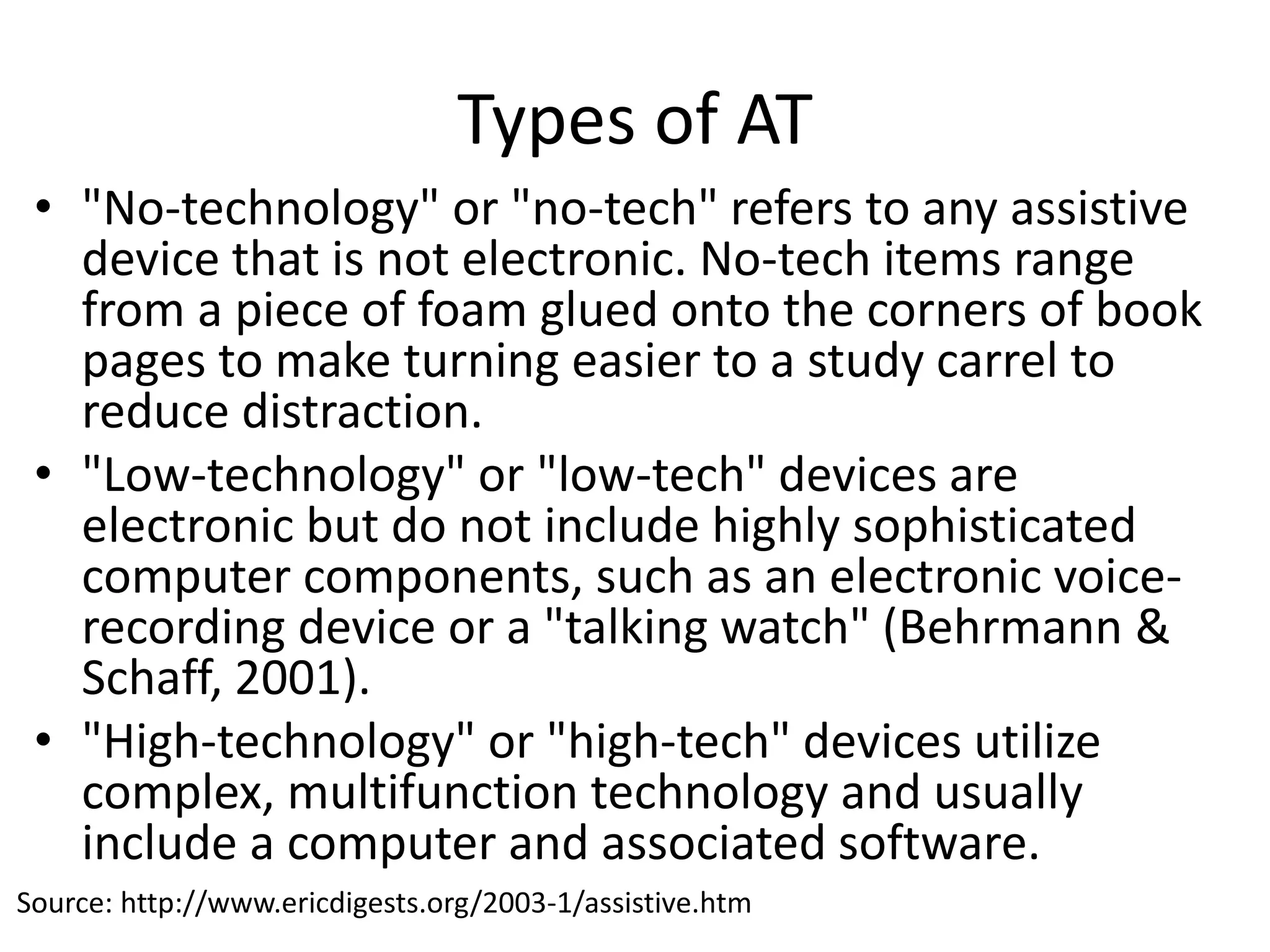
• "No-technology" or "no-tech" refers to any assistive
device that is not electronic. No-tech items range
from a piece of foam glued onto the corners of book
pages to make turning easier to a study carrel to
reduce distraction.
• "Low-technology" or "low-tech" devices are
electronic but do not include highly sophisticated
computer components, such as an electronic voice-
recording device or a "talking watch" (Behrmann &
Schaff, 2001).
• "High-technology" or "high-tech" devices utilize
complex, multifunction technology and usually
include a computer and associated software.
Source: http://www.ericdigests.org/2003-1/assistive.htm
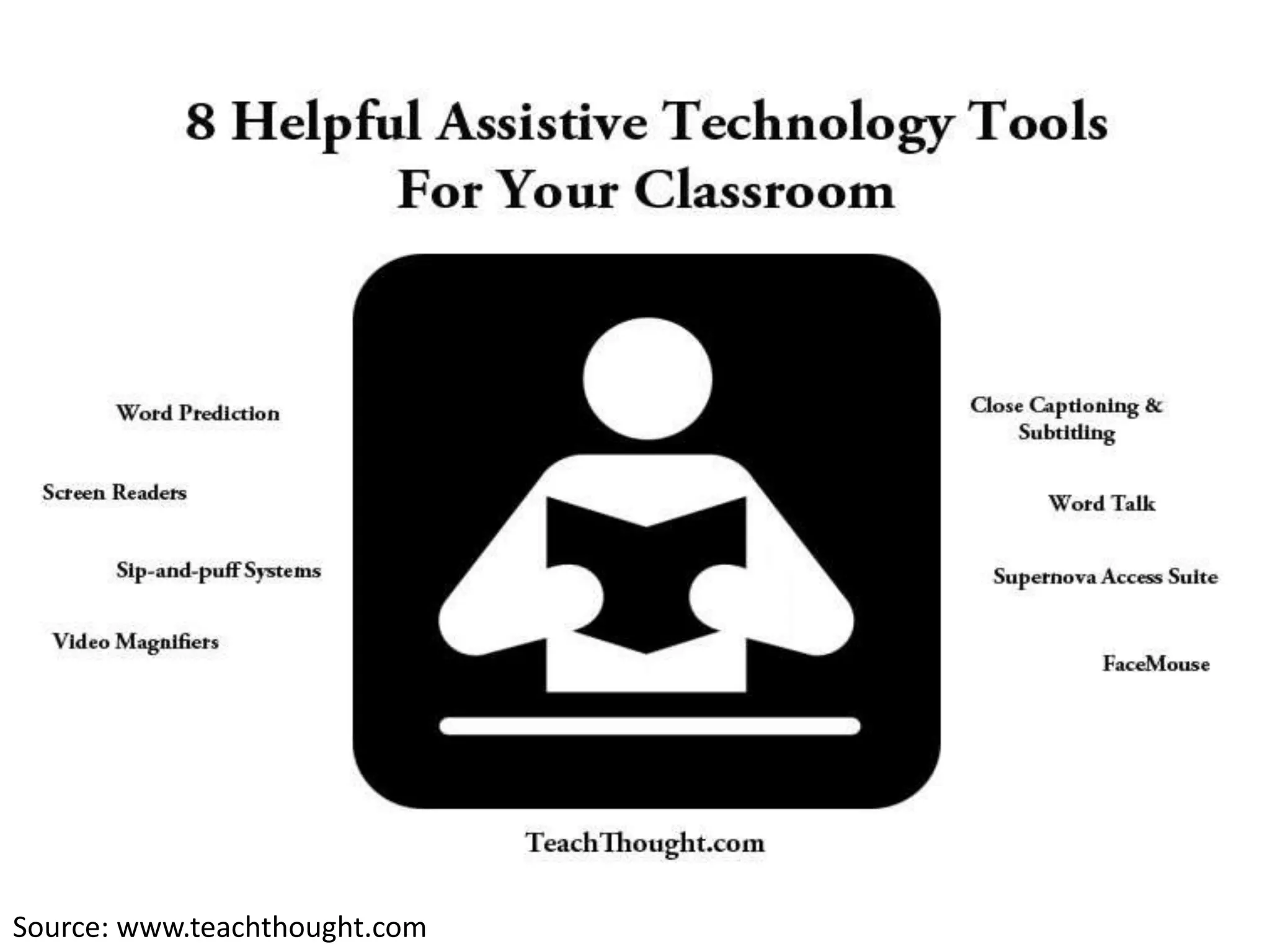
Source: www.teachthought.com
Examples
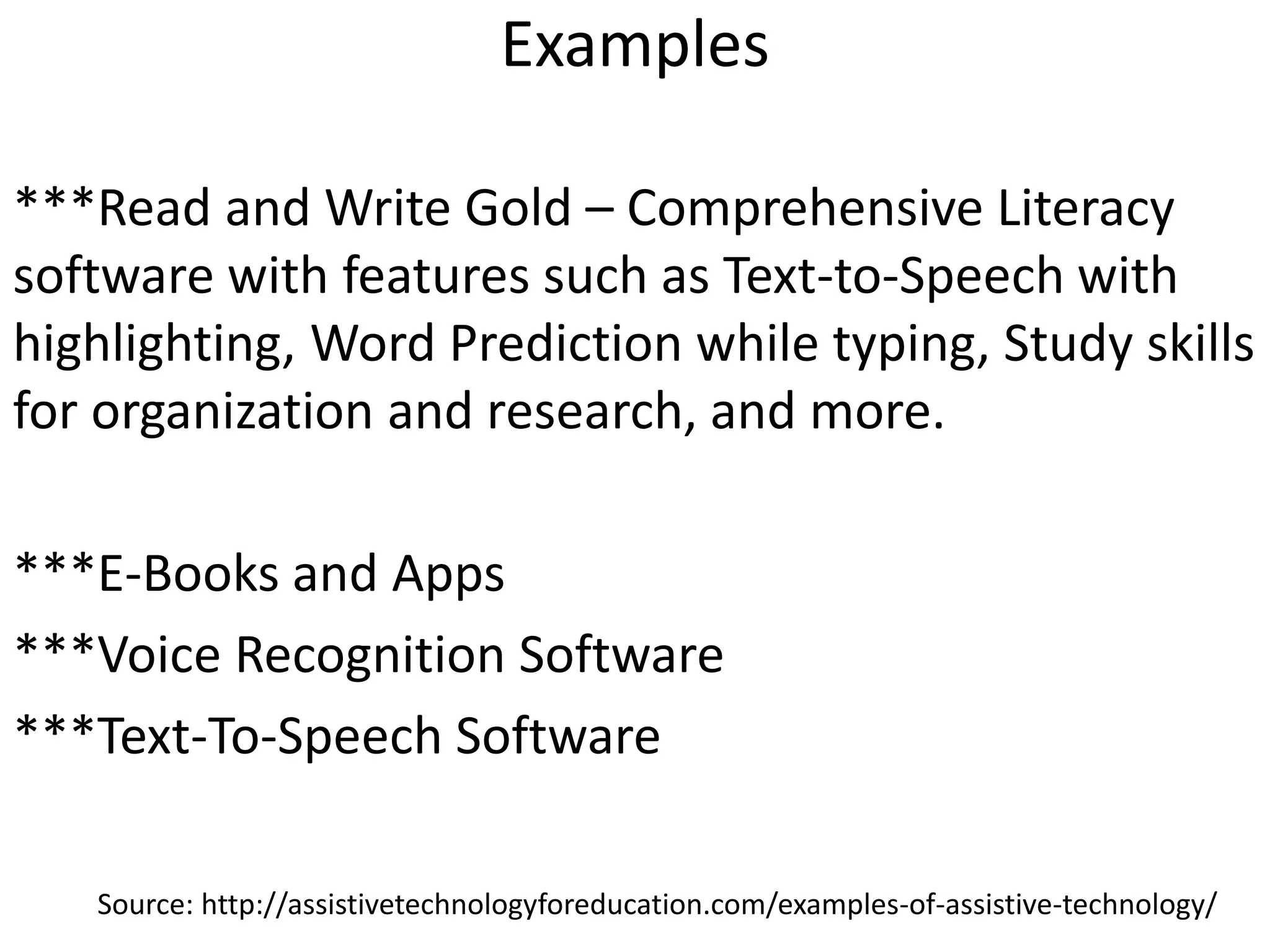
***Read and Write Gold – Comprehensive Literacy
software with features such as Text-to-Speech with
highlighting, Word Prediction while typing, Study skills
for organization and research, and more.
***E-Books and Apps
***Voice Recognition Software
***Text-To-Speech Software
Source: http://assistivetechnologyforeducation.com/examples-of-assistive-technology/
Examples
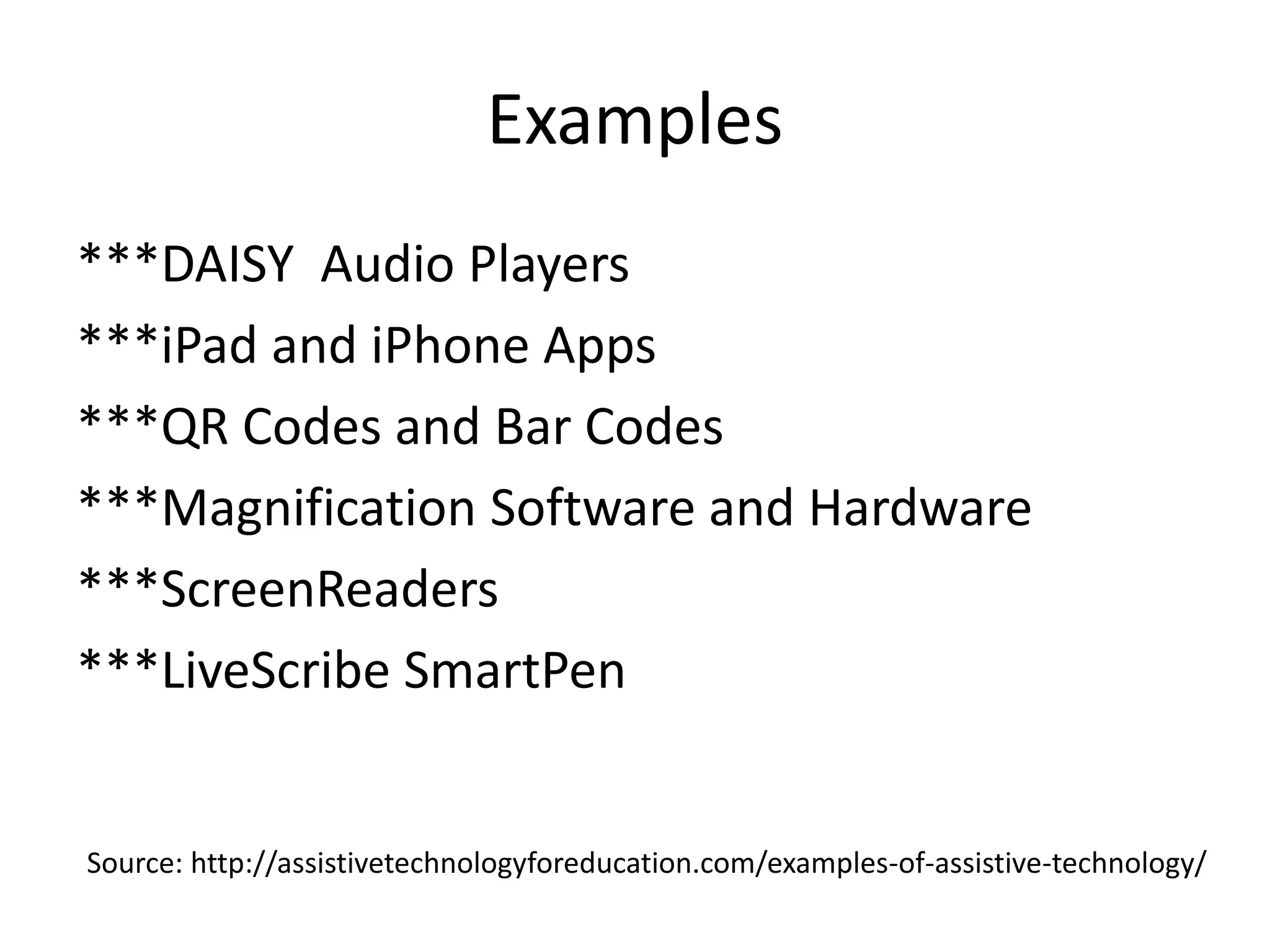
***DAISY Audio Players
***iPad and iPhone Apps
***QR Codes and Bar Codes
***Magnification Software and Hardware
***ScreenReaders
***LiveScribe SmartPen
Source: http://assistivetechnologyforeducation.com/examples-of-assistive-technology/
Specific Examples:
-auditory needs
-ADHD
-disabilities that cause reading and writing
deficiencies
Suggested technologies…
Auditory
HATS- Hearing assistive technology systems (HATS)
are devices that can help you function better in
your day-to-day communication situations. HATS
can be used with or without hearing aids or
cochlear implants to make hearing easier—and
thereby reduce stress and fatigue. Hearing aids +
HATS = better listening and better communication!
Source: http://www.asha.org/public/hearing/treatment/assist_tech.htm
ADHD
A digital pen, such as the Livescribe Pen, is a
good investment for many students. The
Livescribe Pen (which starts at $99.95) captures
the audio in the classroom, which can then be
uploaded, and shared, online. Students can tap
on the notes they took during class and hear
the audio recorded at the moment they were
writing. The pen is helpful for students who
don't catch the main points during class.
Source: http://www.additudemag.com/adhd/article/9365.html
Dyslexia
Debra Bauder, president of the Special Education
Technology Interest Group of the International
Society for Technology in Education, recommends
a program called Inspiration, a graphic organizer
to help students with ADHD, autism, dyslexia,
aphasia, or who struggle with organizing their
thoughts into written words. The software (which
costs $59 for a single user) is meant to engage kids
in the writing process through diagrams, outlines,
graphics, video, and sound. Teachers can link the
software to an interactive whiteboard to
demonstrate it for the class.
Source: http://www.additudemag.com/adhd/article/9365.html
AT available in classroom now:
• Speech to text software installed on student
computers in each classroom (Auditory)
• SMART tablet, SMART response systems with
SMART board allowing those students who
demonstrate hyperactivity allowing them to
interact throughout the lesson (ADHD)
• Internet access to Wordsift.com to help students
with primary source documents. The site picks out
the key words and enlarges them to help students
formulate a summary (Reading comprehension)
Sources:
Behrmann, M., M.K. Jerome (2002). Assistive Technology for students with mild disabilities. EricDigests.org:
http://www.ericdigests.org/2003-1/assistive.htm. Accessed 2/26/15.
Duffy, F. (2015). “The Write Tools for ADHD Students.” Additude Mag:
http://www.Additudemag.com/adhd/article/9365.html. Accessed 2/26/15.
“Assistive Technology.” Wikipedia.com: http://en.wikipedia.org/wiki/Assistive_technology. Accessed 2/26/15.
“Individualized Education Programs.” KidsHealth.org: http://kidshealth.org/parent/positive/learning/iep.html#. Accessed
2/26/15.
“Hearing Assistive Technology.” ASHA.org: http://www.asha.org/public/hearing/treatment/assist_tech.htm. Accessed
2/26/15.
“AT Examples.” Assistive Technology for Education, LLC: http://assistivetechnologyforeducation.com/examples-of-
assistive-technology/. Accessed 2/26/15.
“Helping for Young Learners: How to Choose AT?” LDOnline.org: Source: http://www.ldonline.org/article/8088. Accessed
2/26/15.

assistivetechnology

  • 1.
    Assistive Technology toEnhance Student Learning M. Goodison
  • 2.
    What is assistivetechnology? Assistive technology is an umbrella term that includes assistive, adaptive, and rehabilitative devices for people with disabilities and also includes the process used in selecting, locating, and using them. Assistive technology promotes greater independence by enabling people to perform tasks that they were formerly unable to accomplish, or had great difficulty accomplishing, by providing enhancements to, or changing methods of interacting with, the technology needed to accomplish such tasks. Source: http://en.wikipedia.org/wiki/Assistive_technology
  • 3.
    Students with Disabilities Kidsstruggling in school may qualify for support services, allowing them to be taught in a special way, for reasons such as: • learning disabilities • attention deficit hyperactivity disorder (ADHD) • emotional disorders • cognitive challenges • autism • hearing impairment • visual impairment • speech or language impairment • developmental delay ***What technologies are available to help these students be successful in the classroom? Source: http://kidshealth.org/parent/positive/learning/iep.html#
  • 4.
    Deciding on AssistiveTechnologies (AT) Identifying AT solutions to support a child’s participation is best done as a team process! Brainstorm AT solutions: With the activity and desired outcomes established, you are now ready to discuss possible solutions with educators, family members, physical therapist, and other people with whom the child interacts on a weekly basis. Do the child’s needs include supports for movement, communication and/or use of materials? Start with what is available in the environment (what other children use) and consider adaptations to those materials. A range of options that address specific support areas should be considered. Source: http://www.ldonline.org/article/8088
  • 5.
    Process • Evaluate thestudent’s technology needs • Acquire the necessary technology • Coordinate technology use with other therapies and interventions • Provide training for individuals, the individual’s family and school staff in the effective use of the technology Source: http://assistivetechnologyforeducation.com/examples-of-assistive-technology/
  • 6.
    Types of AT •"No-technology" or "no-tech" refers to any assistive device that is not electronic. No-tech items range from a piece of foam glued onto the corners of book pages to make turning easier to a study carrel to reduce distraction. • "Low-technology" or "low-tech" devices are electronic but do not include highly sophisticated computer components, such as an electronic voice- recording device or a "talking watch" (Behrmann & Schaff, 2001). • "High-technology" or "high-tech" devices utilize complex, multifunction technology and usually include a computer and associated software. Source: http://www.ericdigests.org/2003-1/assistive.htm
  • 7.
  • 8.
    Examples ***Read and WriteGold – Comprehensive Literacy software with features such as Text-to-Speech with highlighting, Word Prediction while typing, Study skills for organization and research, and more. ***E-Books and Apps ***Voice Recognition Software ***Text-To-Speech Software Source: http://assistivetechnologyforeducation.com/examples-of-assistive-technology/
  • 9.
    Examples ***DAISY Audio Players ***iPadand iPhone Apps ***QR Codes and Bar Codes ***Magnification Software and Hardware ***ScreenReaders ***LiveScribe SmartPen Source: http://assistivetechnologyforeducation.com/examples-of-assistive-technology/
  • 10.
    Specific Examples: -auditory needs -ADHD -disabilitiesthat cause reading and writing deficiencies Suggested technologies…
  • 11.
    Auditory HATS- Hearing assistivetechnology systems (HATS) are devices that can help you function better in your day-to-day communication situations. HATS can be used with or without hearing aids or cochlear implants to make hearing easier—and thereby reduce stress and fatigue. Hearing aids + HATS = better listening and better communication! Source: http://www.asha.org/public/hearing/treatment/assist_tech.htm
  • 12.
    ADHD A digital pen,such as the Livescribe Pen, is a good investment for many students. The Livescribe Pen (which starts at $99.95) captures the audio in the classroom, which can then be uploaded, and shared, online. Students can tap on the notes they took during class and hear the audio recorded at the moment they were writing. The pen is helpful for students who don't catch the main points during class. Source: http://www.additudemag.com/adhd/article/9365.html
  • 13.
    Dyslexia Debra Bauder, presidentof the Special Education Technology Interest Group of the International Society for Technology in Education, recommends a program called Inspiration, a graphic organizer to help students with ADHD, autism, dyslexia, aphasia, or who struggle with organizing their thoughts into written words. The software (which costs $59 for a single user) is meant to engage kids in the writing process through diagrams, outlines, graphics, video, and sound. Teachers can link the software to an interactive whiteboard to demonstrate it for the class. Source: http://www.additudemag.com/adhd/article/9365.html
  • 14.
    AT available inclassroom now: • Speech to text software installed on student computers in each classroom (Auditory) • SMART tablet, SMART response systems with SMART board allowing those students who demonstrate hyperactivity allowing them to interact throughout the lesson (ADHD) • Internet access to Wordsift.com to help students with primary source documents. The site picks out the key words and enlarges them to help students formulate a summary (Reading comprehension)
  • 16.
    Sources: Behrmann, M., M.K.Jerome (2002). Assistive Technology for students with mild disabilities. EricDigests.org: http://www.ericdigests.org/2003-1/assistive.htm. Accessed 2/26/15. Duffy, F. (2015). “The Write Tools for ADHD Students.” Additude Mag: http://www.Additudemag.com/adhd/article/9365.html. Accessed 2/26/15. “Assistive Technology.” Wikipedia.com: http://en.wikipedia.org/wiki/Assistive_technology. Accessed 2/26/15. “Individualized Education Programs.” KidsHealth.org: http://kidshealth.org/parent/positive/learning/iep.html#. Accessed 2/26/15. “Hearing Assistive Technology.” ASHA.org: http://www.asha.org/public/hearing/treatment/assist_tech.htm. Accessed 2/26/15. “AT Examples.” Assistive Technology for Education, LLC: http://assistivetechnologyforeducation.com/examples-of- assistive-technology/. Accessed 2/26/15. “Helping for Young Learners: How to Choose AT?” LDOnline.org: Source: http://www.ldonline.org/article/8088. Accessed 2/26/15.