Assistive Technology Presentation
Pam Cummins
ITEC 7530 Summer 2014
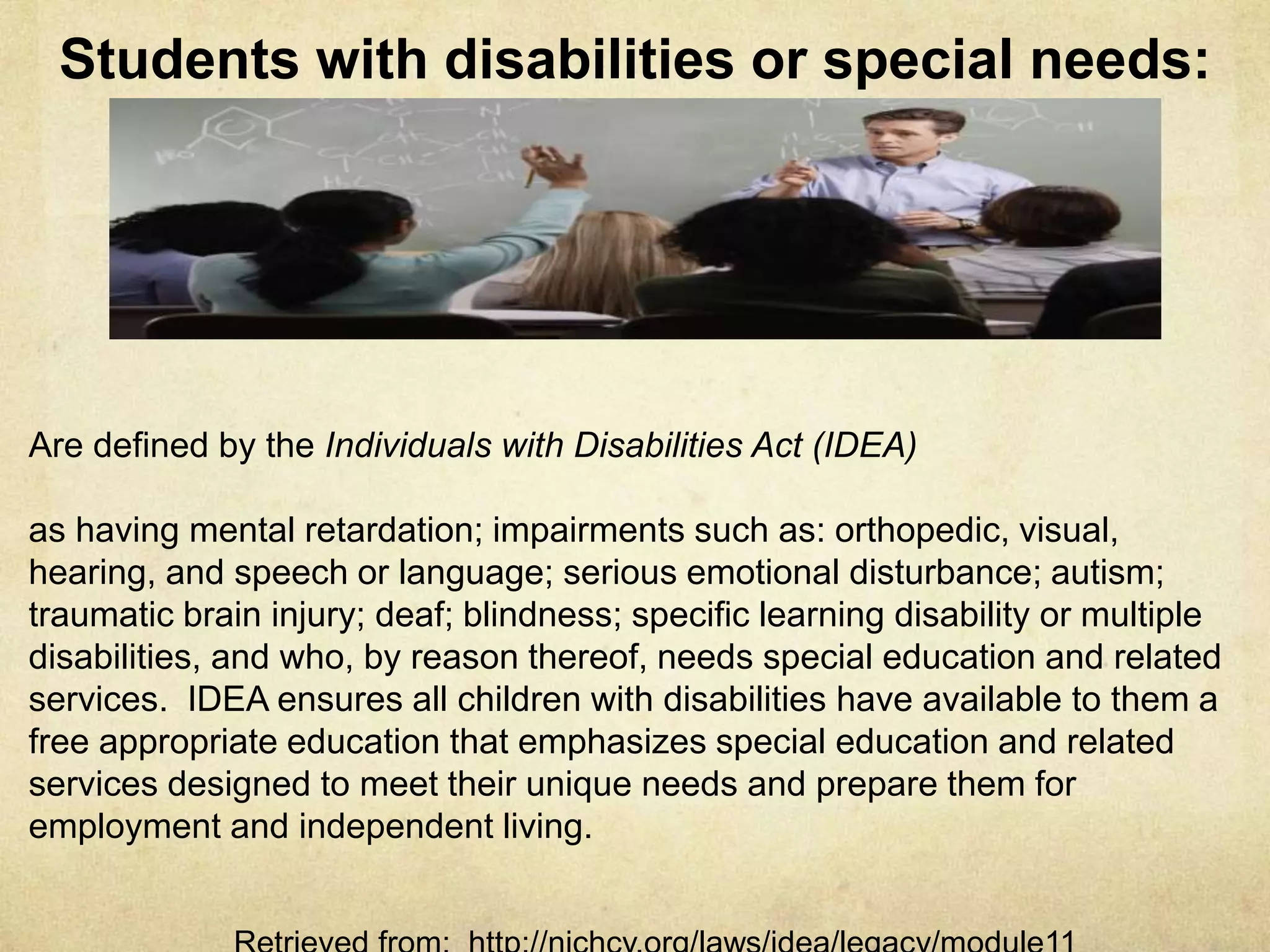
Students with disabilities or special needs
Individuals with Disabilities Act (IDEA) defines students with
disabilities of special needs as having mental retardation;
impairments such as: orthopedic, visual, hearing, speech, or
language; serious emotional disturbances; autism; traumatic brain
injury; deaf; blindness; specific learning disabilities or multiple
disabilities, and by reasons thereof, needs special education and
related services.
Retrieved from: http://nichcy.org/laws/idea/legacy/module11
Federal law, along with IDEA & National Center for Learning
Disabilities (NCLD), mandates a special needs student receiving
educational services, must have an IEP.
This is a team based approach to instructing a student with special
needs. Teams can consist of: teacher, parent, principal, doctor,
specialist. An IEP is created which describes the goals the students
must achieve within the academic year and how the goals will be met.
Any changes to the plan must have parental approval.
Retrieved from: http://kidshealth.org/parent/positive/learning/iep.html#cat169
Individualized Education Plan (IEP)
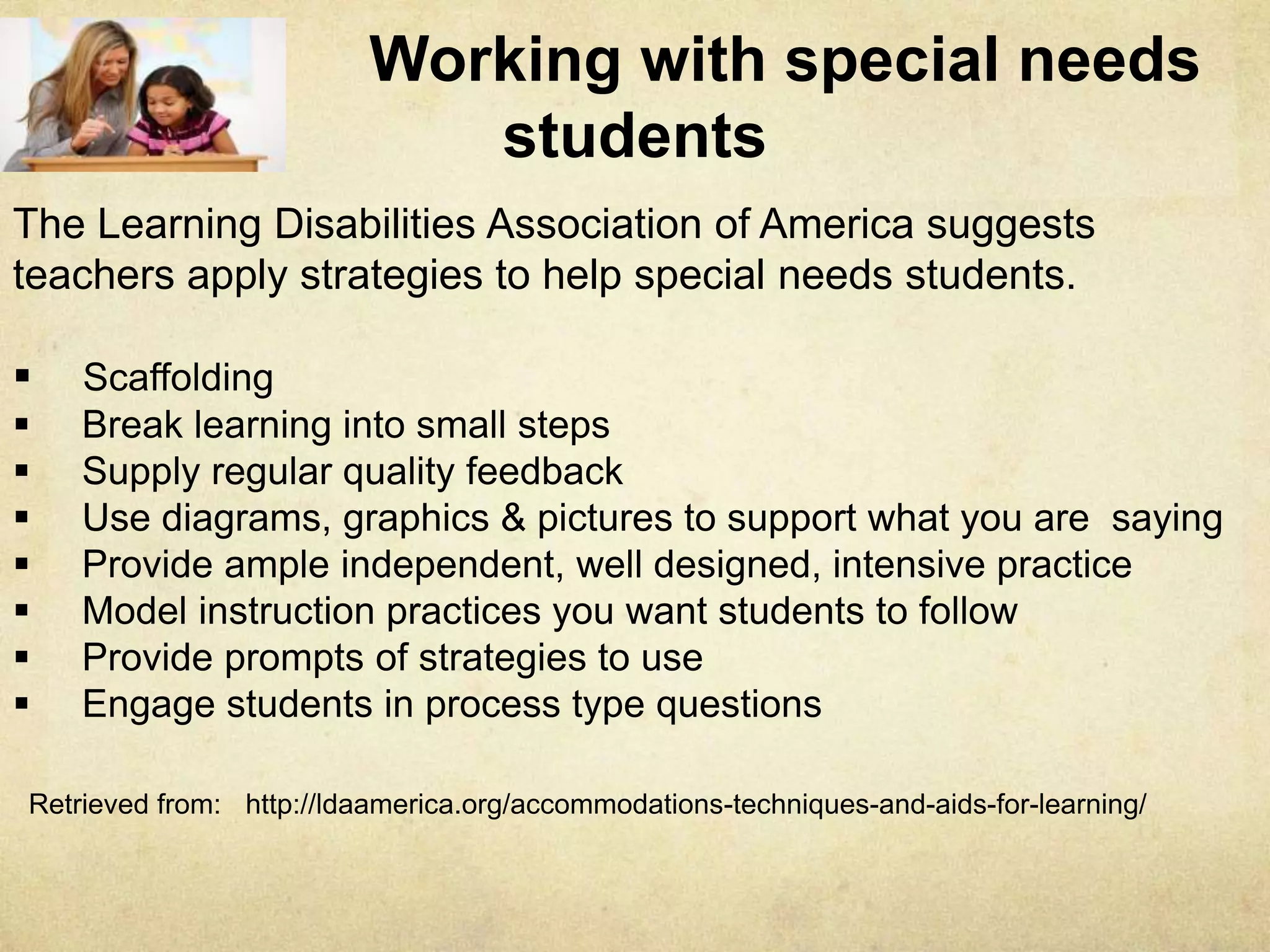
Working with special needs students
The Learning Disabilities Association of America suggests teachers apply
strategies to help special needs students.
 Scaffolding
 Break learning into small steps
 Supply regular quality feedback
 Use diagrams, graphics & pictures to support what you are saying
 Provide ample independent, well designed, intensive practice
 Model instruction practices you want students to follow
 Provide prompts of strategies to use
 Engage students in process type questions
Retrieved from: http://ldaamerica.org/accommodations-techniques-and-aids-for-learning/
Assistive Technology (AT)
Defined by IDEA, AT is any item, piece of equipment or product
system, modified or customized, that is used to increase, maintain or
improve the functional capabilities of individuals with disabilities.
AT allows people with disabilities to preform tasks which were not
possible or were difficult to accomplish.
AT devices can range from no technology (no tech) to high-
technology (high-tech).
AT is basically anything, not necessarily electronic, which enhances
learning
AT used in a learning environment will bring out a new breed of
learners
AT can engage the meekest of learners and empower them for success
Retrieved from: http://ldaamerica.org/accommodations-techniques-and-aids-for-learning/
Examples of Assistive Technology
To use for students with ADHD or Learning disabilities:
No Tech possibilities for students with ADHD or learning disabilities –
Structured note taking sheets Outlines Flow Charts Adjustable height
chairs Preferential seating Pointers or Bookmarks to help in following along
High-Tech possibilities for students with ADHD or learning disabilities –
Laptop computers Video-taped class Touchscreen Word processor
Email notes PDAs Spreadsheets
Examples of Assistive Technology
To help students with Auditory disability:
No Tech possibilities -
Stay in one place to use speech reading Write important direction on chalk or
white board Use a lot of visual aids Assign the student a “buddy”
High-tech possibilities-
FM systems work like personal radios Fire Alarm paging systems One-to-One
Communication used to amplify sound of voices
Calculators Internet Access Books
Access to tutorials, drills and simulations
Multimedia like pictures and videos Alternative Keyboards
NetLibrary gives students access to audio Abbreviation
Expanders Proofreading programs Electronic math work sheets
More Assistive Technology
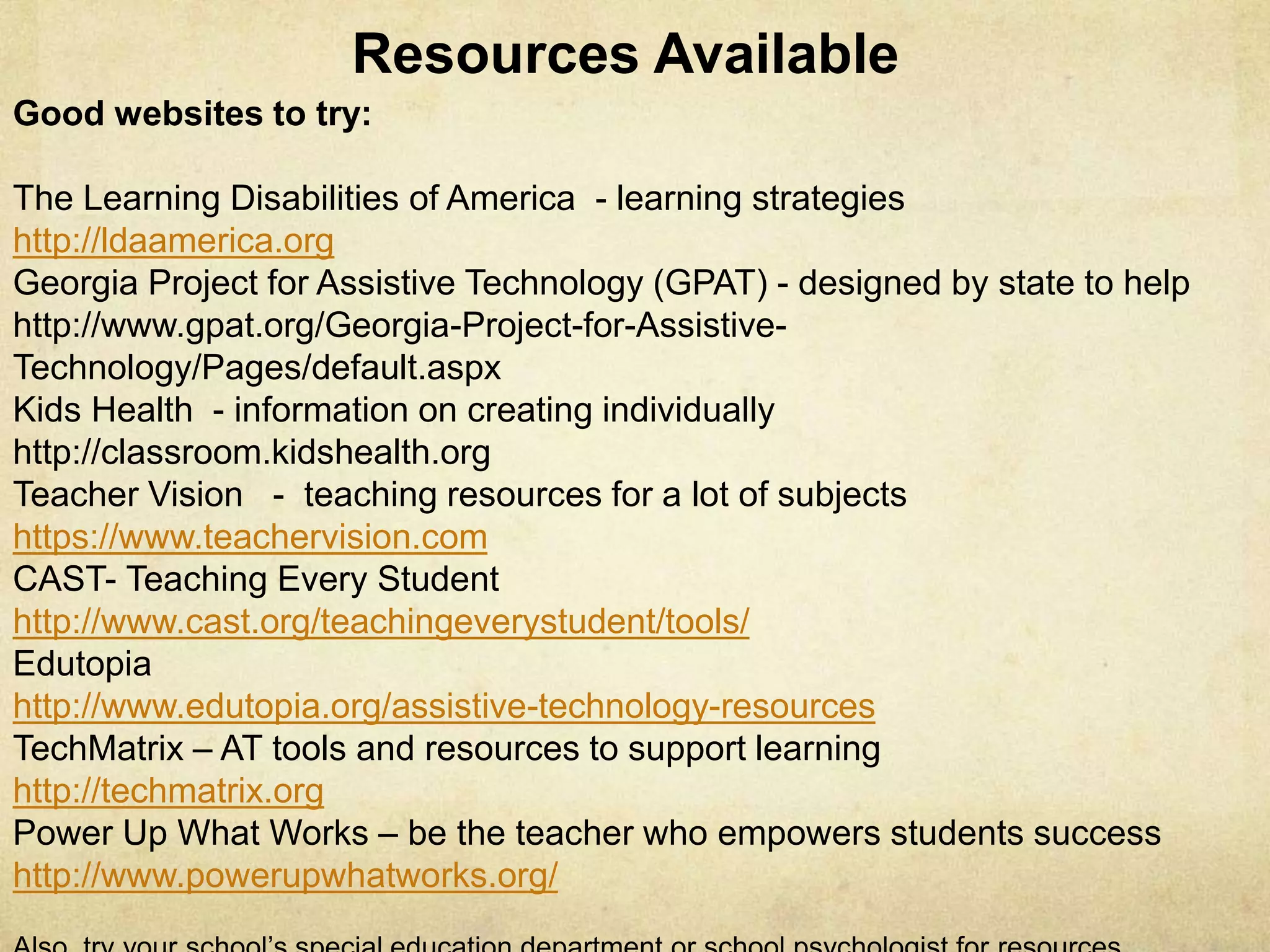
Good websites to try:
The Learning Disabilities of America - learning strategies
http://ldaamerica.org
Georgia Project for Assistive Technology (GPAT) - designed by state to help
http://www.gpat.org/Georgia-Project-for-Assistive-Technology/Pages/default.aspx
Kids Health - information on creating individually
http://classroom.kidshealth.org
Teacher Vision - teaching resources for a lot of subjects
https://www.teachervision.com
CAST- Teaching Every Student
http://www.cast.org/teachingeverystudent/tools/
Edutopia
http://www.edutopia.org/assistive-technology-resources
TechMatrix – AT tools and resources to support learning
http://techmatrix.org
Power Up What Works – be the teacher who empowers students success
http://www.powerupwhatworks.org/
Resources & Links Available

M4 Assistive Technology Presentation ITEC7530 Summer 2014 Dr. Carlson

  • 1.
    Assistive Technology Presentation PamCummins ITEC 7530 Summer 2014
  • 2.
    Students with disabilitiesor special needs Individuals with Disabilities Act (IDEA) defines students with disabilities of special needs as having mental retardation; impairments such as: orthopedic, visual, hearing, speech, or language; serious emotional disturbances; autism; traumatic brain injury; deaf; blindness; specific learning disabilities or multiple disabilities, and by reasons thereof, needs special education and related services. Retrieved from: http://nichcy.org/laws/idea/legacy/module11
  • 3.
    Federal law, alongwith IDEA & National Center for Learning Disabilities (NCLD), mandates a special needs student receiving educational services, must have an IEP. This is a team based approach to instructing a student with special needs. Teams can consist of: teacher, parent, principal, doctor, specialist. An IEP is created which describes the goals the students must achieve within the academic year and how the goals will be met. Any changes to the plan must have parental approval. Retrieved from: http://kidshealth.org/parent/positive/learning/iep.html#cat169 Individualized Education Plan (IEP)
  • 4.
    Working with specialneeds students The Learning Disabilities Association of America suggests teachers apply strategies to help special needs students.  Scaffolding  Break learning into small steps  Supply regular quality feedback  Use diagrams, graphics & pictures to support what you are saying  Provide ample independent, well designed, intensive practice  Model instruction practices you want students to follow  Provide prompts of strategies to use  Engage students in process type questions Retrieved from: http://ldaamerica.org/accommodations-techniques-and-aids-for-learning/
  • 5.
    Assistive Technology (AT) Definedby IDEA, AT is any item, piece of equipment or product system, modified or customized, that is used to increase, maintain or improve the functional capabilities of individuals with disabilities. AT allows people with disabilities to preform tasks which were not possible or were difficult to accomplish. AT devices can range from no technology (no tech) to high- technology (high-tech). AT is basically anything, not necessarily electronic, which enhances learning AT used in a learning environment will bring out a new breed of learners AT can engage the meekest of learners and empower them for success Retrieved from: http://ldaamerica.org/accommodations-techniques-and-aids-for-learning/
  • 6.
    Examples of AssistiveTechnology To use for students with ADHD or Learning disabilities: No Tech possibilities for students with ADHD or learning disabilities – Structured note taking sheets Outlines Flow Charts Adjustable height chairs Preferential seating Pointers or Bookmarks to help in following along High-Tech possibilities for students with ADHD or learning disabilities – Laptop computers Video-taped class Touchscreen Word processor Email notes PDAs Spreadsheets
  • 7.
    Examples of AssistiveTechnology To help students with Auditory disability: No Tech possibilities - Stay in one place to use speech reading Write important direction on chalk or white board Use a lot of visual aids Assign the student a “buddy” High-tech possibilities- FM systems work like personal radios Fire Alarm paging systems One-to-One Communication used to amplify sound of voices
  • 8.
    Calculators Internet AccessBooks Access to tutorials, drills and simulations Multimedia like pictures and videos Alternative Keyboards NetLibrary gives students access to audio Abbreviation Expanders Proofreading programs Electronic math work sheets More Assistive Technology
  • 9.
    Good websites totry: The Learning Disabilities of America - learning strategies http://ldaamerica.org Georgia Project for Assistive Technology (GPAT) - designed by state to help http://www.gpat.org/Georgia-Project-for-Assistive-Technology/Pages/default.aspx Kids Health - information on creating individually http://classroom.kidshealth.org Teacher Vision - teaching resources for a lot of subjects https://www.teachervision.com CAST- Teaching Every Student http://www.cast.org/teachingeverystudent/tools/ Edutopia http://www.edutopia.org/assistive-technology-resources TechMatrix – AT tools and resources to support learning http://techmatrix.org Power Up What Works – be the teacher who empowers students success http://www.powerupwhatworks.org/ Resources & Links Available