ASSISTIVE TECHNOLOGY
PRESENTATION
Jabal M. Moss (J. Moss)
October 5, 2013
ITEC 7530
Dr. K. Paytner
Overview
The modern educator is faced with many
challenges today when it comes to educating the
students that we come in contact with. This
presentation is to focus on the students who need
help with special needs in the classroom. In higher
education, it is referred to as accommodations. I
plan to give you outlets to use that will help you
provide excellent education for those students
with special needs in your classrooms and in your
colleges.
ASSISTIVE
TECHNOLOGY
DEFINITION:
According to the University of
Washington, assistive technology is
technology used by individuals with
disabilities in order to perform
functions that might otherwise be
difficult or impossible. Assistive
technology can include mobility devices
such as walkers and wheelchairs, as
well as hardware, software, and
peripherals that assist people with
disabilities in accessing computers or
other information technologies.
Source: The National Center on Accessible
Information Technology in Education, 2013.
www.washington.edu/accessit/articles?109
The Need for Assistive Technology
In K-12 Education
• To understand the
implementation of
Individualized Education
Programs (IEP’s)
• To align your teaching styles
and plans to the curriculum
from the Tech Act and IDEA
Act.
• To efficiently be effective in
educating all students with
disabilities through technology
in a society focused on
change.
In Higher Education
• To effectively reach the
estimated 11% of
undergraduate and 7% of
graduate students who report
having a disability.
• To allow for students who
have “hidden” or cognitive
disabilities to feel comfortable.
• To be in accordance with the
Individuals with Disabilities Act
of 2004.
MEETING THE SPECIFIC NEEDS
There are many needs that need to be met when it comes to
educating students with disabilities. Therefore, it is
imperative to do research on technologies that will help you
educate the holistic need of a student with a certain
disability. The next few slides will demonstrate the assistive
technologies that are available for all students, regardless of
educational grade and status. The objective for the educator
is to be able to use each technology resource in the
classroom and aid the student in the process of knowing
how to use it as well.
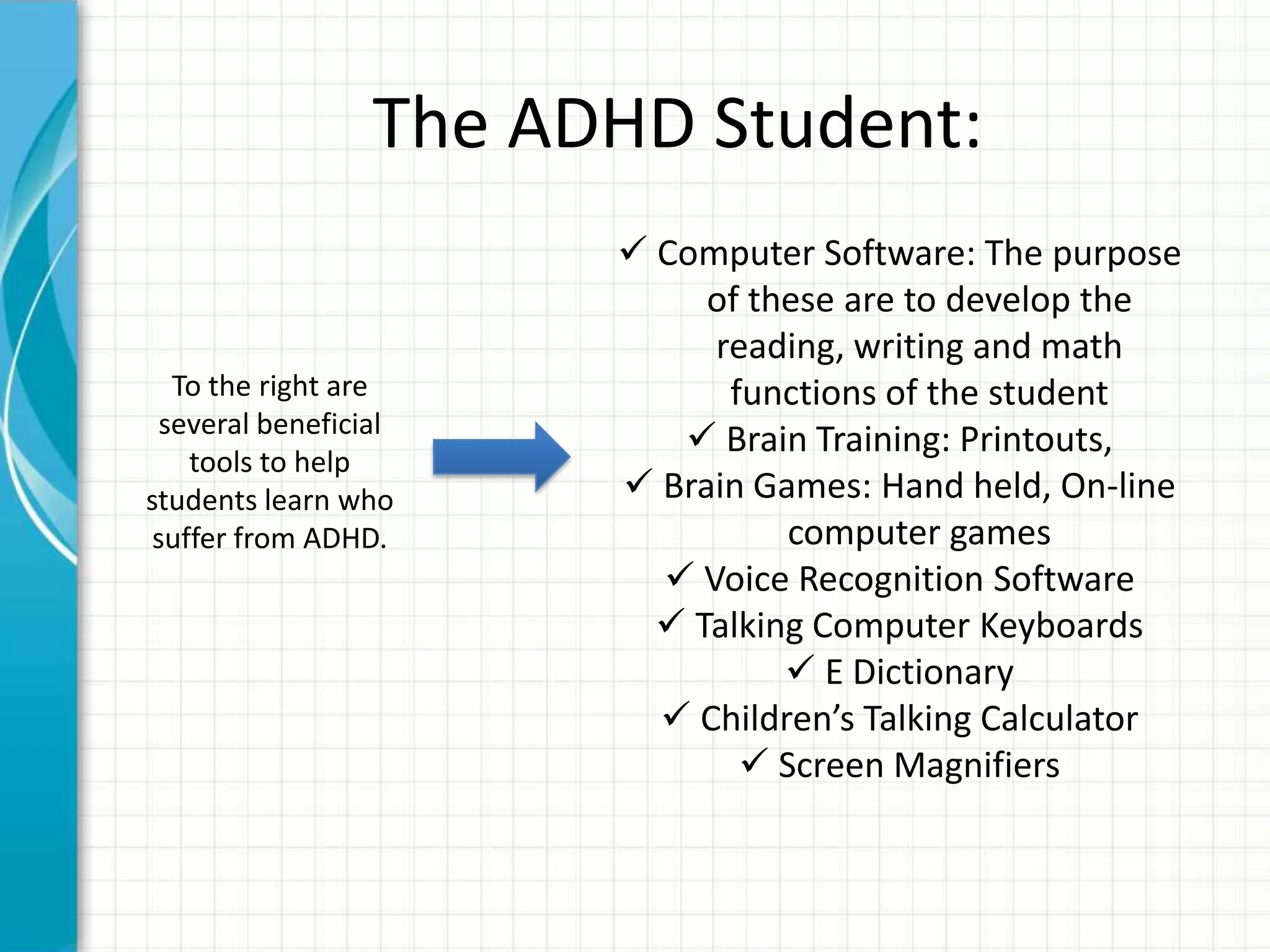
The ADHD Student:
 Computer Software: The purpose
of these are to develop the
reading, writing and math
functions of the student
 Brain Training: Printouts,
 Brain Games: Hand held, On-line
computer games
 Voice Recognition Software
 Talking Computer Keyboards
 E Dictionary
 Children’s Talking Calculator
 Screen Magnifiers
To the right are
several beneficial
tools to help
students learn who
suffer from ADHD.
Auditory Disabled Student Learner:
Children with auditory processing disorder often have trouble
when there is a great deal of noise in the background, so teachers
should work to create an environment with as few auditory
distractions as possible. Children with auditory processing disorder
should be seated somewhere near where instruction is being
delivered. Verbal directions should be simplified and clarified as
needed and many students respond well to written instructions
and other visual cues in conjunction with verbal directions. Asking
a student to repeat or paraphrase the directions after they have
been delivered is another way to ensure that the student has
heard properly.
Mild Disability Learners:
 The teacher can become creative for the mild
disability learner.
 Note-Taking: A simple, no-tech approach to note
taking is for the teacher to provide copies of
structured outlines in which students fill in
information.
 Writing: Word processing maybe the most
important application of assistive learning for
students with mild disabilities.
Summary
• Define your challenges
– Understand that each student with disabilities must
be met and taught differently.
• Set realistic expectation
– See which assistive technology program works best
with each student and measure their outcomes
• Keep your eye on the goal
– Share your findings with administrators, faculty and
others who can benefit from your learning.
References
ADHD Brain. (2012). Assistive Technology for ADHD. Retrieved from
www.adhd-brain.com/assistive-technology-for-adhd.html
Asselin, Susan B. Assistive Technology in Higher Education. Technology Integration
in Higher Education. Retrieved from
www.igi-global.com/chapter/assistive-technology-higher-education/51458
Behrmann, Michael and Jerome, Marci Kinas. (2002). Assistive Technology for
Students with Mild Disabilities. Retrieved from
www.ericdigests.org/2003-1/assistive.htm
Strategies for Teaching Students with Auditory Processing Disorder. (2010).
Retrieved from
http://voices.yahoo.com/strategies-teaching-students-auditory-
processing-6822736.html?cat=4
The National Center on Accessible Information Technology in Education. (2013).
What is assistive technology? University of Washington. Retrieved from
http://www.washington.edu/accessit/articles?109

ITEC 7530 JMOSS

  • 1.
    ASSISTIVE TECHNOLOGY PRESENTATION Jabal M.Moss (J. Moss) October 5, 2013 ITEC 7530 Dr. K. Paytner
  • 2.
    Overview The modern educatoris faced with many challenges today when it comes to educating the students that we come in contact with. This presentation is to focus on the students who need help with special needs in the classroom. In higher education, it is referred to as accommodations. I plan to give you outlets to use that will help you provide excellent education for those students with special needs in your classrooms and in your colleges.
  • 3.
    ASSISTIVE TECHNOLOGY DEFINITION: According to theUniversity of Washington, assistive technology is technology used by individuals with disabilities in order to perform functions that might otherwise be difficult or impossible. Assistive technology can include mobility devices such as walkers and wheelchairs, as well as hardware, software, and peripherals that assist people with disabilities in accessing computers or other information technologies. Source: The National Center on Accessible Information Technology in Education, 2013. www.washington.edu/accessit/articles?109
  • 4.
    The Need forAssistive Technology In K-12 Education • To understand the implementation of Individualized Education Programs (IEP’s) • To align your teaching styles and plans to the curriculum from the Tech Act and IDEA Act. • To efficiently be effective in educating all students with disabilities through technology in a society focused on change. In Higher Education • To effectively reach the estimated 11% of undergraduate and 7% of graduate students who report having a disability. • To allow for students who have “hidden” or cognitive disabilities to feel comfortable. • To be in accordance with the Individuals with Disabilities Act of 2004.
  • 5.
    MEETING THE SPECIFICNEEDS There are many needs that need to be met when it comes to educating students with disabilities. Therefore, it is imperative to do research on technologies that will help you educate the holistic need of a student with a certain disability. The next few slides will demonstrate the assistive technologies that are available for all students, regardless of educational grade and status. The objective for the educator is to be able to use each technology resource in the classroom and aid the student in the process of knowing how to use it as well.
  • 6.
    The ADHD Student: Computer Software: The purpose of these are to develop the reading, writing and math functions of the student  Brain Training: Printouts,  Brain Games: Hand held, On-line computer games  Voice Recognition Software  Talking Computer Keyboards  E Dictionary  Children’s Talking Calculator  Screen Magnifiers To the right are several beneficial tools to help students learn who suffer from ADHD.
  • 7.
    Auditory Disabled StudentLearner: Children with auditory processing disorder often have trouble when there is a great deal of noise in the background, so teachers should work to create an environment with as few auditory distractions as possible. Children with auditory processing disorder should be seated somewhere near where instruction is being delivered. Verbal directions should be simplified and clarified as needed and many students respond well to written instructions and other visual cues in conjunction with verbal directions. Asking a student to repeat or paraphrase the directions after they have been delivered is another way to ensure that the student has heard properly.
  • 8.
    Mild Disability Learners: The teacher can become creative for the mild disability learner.  Note-Taking: A simple, no-tech approach to note taking is for the teacher to provide copies of structured outlines in which students fill in information.  Writing: Word processing maybe the most important application of assistive learning for students with mild disabilities.
  • 9.
    Summary • Define yourchallenges – Understand that each student with disabilities must be met and taught differently. • Set realistic expectation – See which assistive technology program works best with each student and measure their outcomes • Keep your eye on the goal – Share your findings with administrators, faculty and others who can benefit from your learning.
  • 10.
    References ADHD Brain. (2012).Assistive Technology for ADHD. Retrieved from www.adhd-brain.com/assistive-technology-for-adhd.html Asselin, Susan B. Assistive Technology in Higher Education. Technology Integration in Higher Education. Retrieved from www.igi-global.com/chapter/assistive-technology-higher-education/51458 Behrmann, Michael and Jerome, Marci Kinas. (2002). Assistive Technology for Students with Mild Disabilities. Retrieved from www.ericdigests.org/2003-1/assistive.htm Strategies for Teaching Students with Auditory Processing Disorder. (2010). Retrieved from http://voices.yahoo.com/strategies-teaching-students-auditory- processing-6822736.html?cat=4 The National Center on Accessible Information Technology in Education. (2013). What is assistive technology? University of Washington. Retrieved from http://www.washington.edu/accessit/articles?109

Editor's Notes

  • #2 This template can be used as a starter file for presenting training materials in a group setting.SectionsSections can help to organize your slides or facilitate collaboration between multiple authors. On the Home tab under Slides, click Section, and then click Add Section.NotesUse the Notes pane for delivery notes or to provide additional details for the audience. You can see these notes in Presenter View during your presentation. Keep in mind the font size (important for accessibility, visibility, videotaping, and online production)Coordinated colors Pay particular attention to the graphs, charts, and text boxes.Consider that attendees will print in black and white or grayscale. Run a test print to make sure your colors work when printed in pure black and white and grayscale.Graphics, tables, and graphsKeep it simple: If possible, use consistent, non-distracting styles and colors.Label all graphs and tables.
  • #3 Give a brief overview of the presentation. Describe the major focus of the presentation and why it is important.Introduce each of the major topics.To provide a road map for the audience, you can repeat this Overview slide throughout the presentation, highlighting the particular topic you will discuss next.
  • #4 This is another option for an overview using transitions to advance through several slides.
  • #7 This is another option for an overview slide.
  • #9 What will the audience be able to do after this training is complete?Briefly describe each objective and how the audience will benefit from this presentation.
  • #10 Summarize presentation content by restating the important points from the lessons.What do you want the audience to remember when they leave your presentation?