



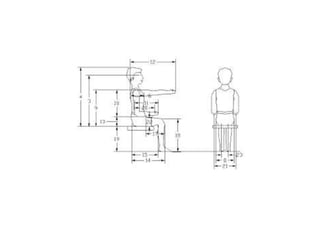
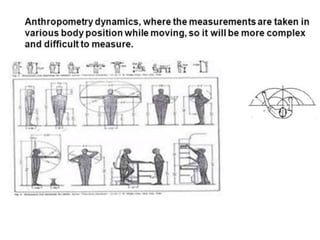
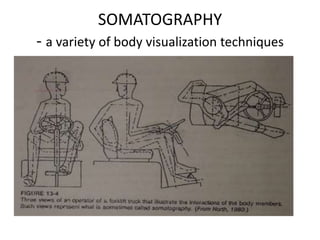

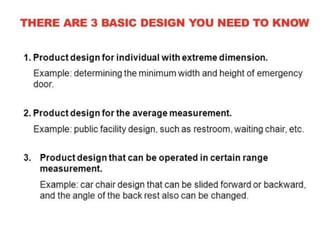
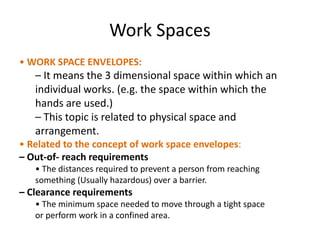


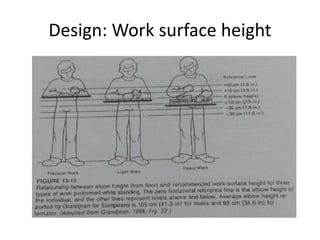


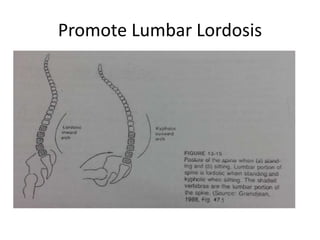

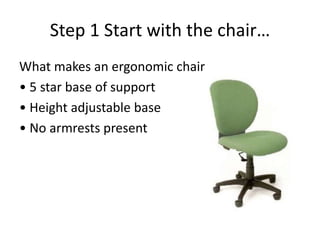
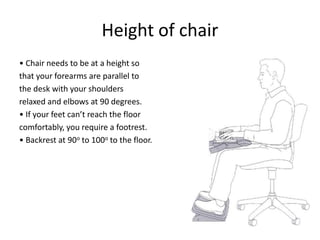
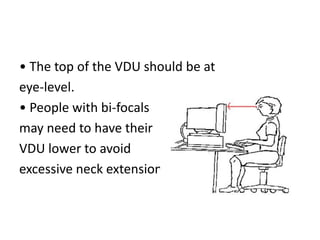
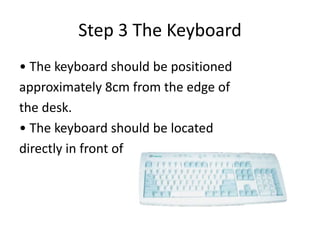
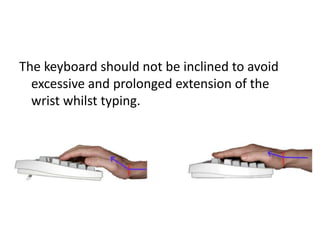
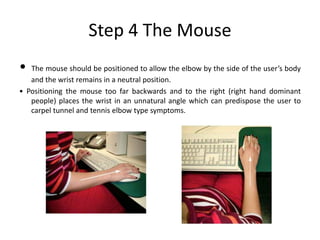

This document discusses anthropometric data and its application in ergonomic chair and workstation design. It covers the following key points: 1. Anthropometric data involves measuring the human body, including static dimensions and dynamic functional measurements. This data is used to design workspaces and work surfaces that fit the full range of human body sizes. 2. When designing seated workspaces, important factors include arm reach, work surface height adjusted for the 5th percentile, and thigh clearance. Standing workspaces require larger dimensions to accommodate movement. 3. An ergonomic chair promotes good posture by maintaining lumbar lordosis, minimizing disc pressure and static back muscle loading, and allowing adjustability for individual body dimensions. Work


