Downloaded 14 times
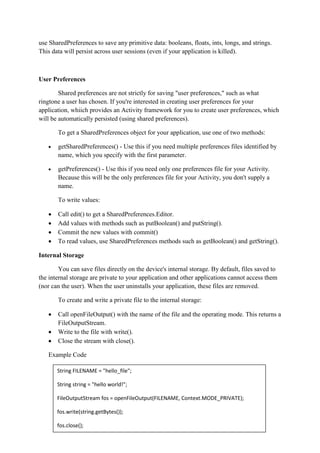


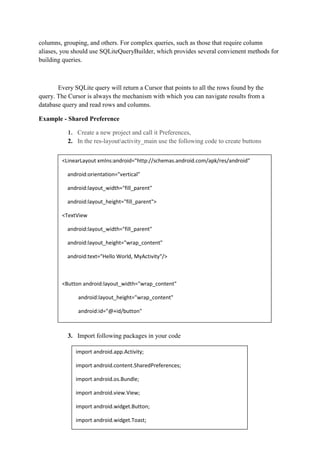
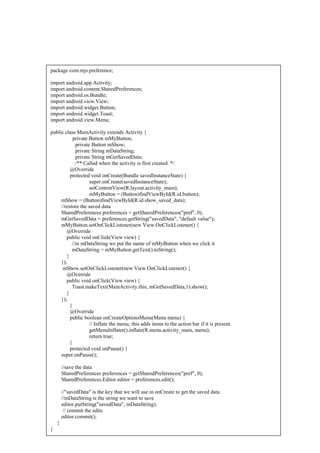

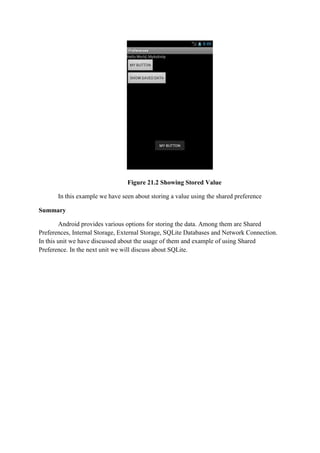

Android provides several options for storing application data, including Shared Preferences, internal storage, external storage, SQLite databases, and network connections. Shared Preferences allows storing private primitive data in key-value pairs and is best for saving user preferences. Internal storage stores private data on the device memory, while external storage stores public data on shared external storage like an SD card. SQLite databases allow storing structured data in a private database. The document then provides code examples for using Shared Preferences to save and retrieve a string to demonstrate how to save application data persistently on the device.


