An Introduction To RSS Readers: Google Reader and Netvibes  Brian Kelly UKOLN University of Bath Bath, BA2 7AY Email [email_address] UKOLN is supported by: http://www.ukoln.ac.uk/web-focus/events/meetings/ukoln-20080520/ About This Talk This talk and accompanying screencast provides an introduction to the Google Reader and Netvibes tools for reading RSS feeds. This work is licensed under a Attribution-NonCommercial-ShareAlike 2.0 licence (but note caveat) Resources bookmarked using ‘ ukoln-20080520 ' tag
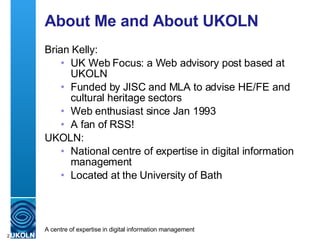
About Me and About UKOLN Brian Kelly: UK Web Focus: a Web advisory post based at UKOLN Funded by JISC and MLA to advise HE/FE and cultural heritage sectors Web enthusiast since Jan 1993  A fan of RSS! UKOLN: National centre of expertise in digital information management Located at the University of Bath
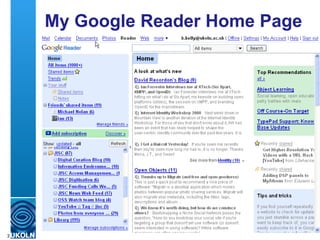
My Google Reader Home Page
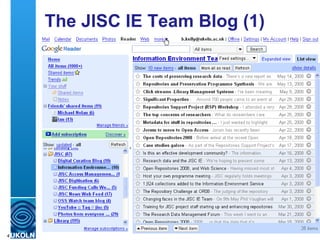
The JISC IE Team Blog (1)
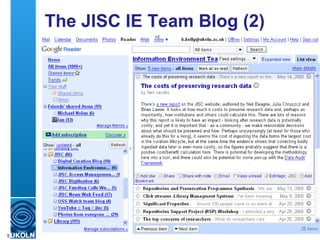
The JISC IE Team Blog (2)
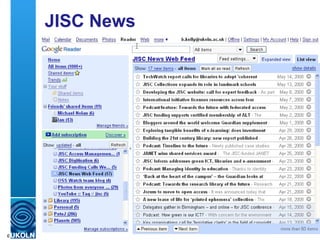
JISC News
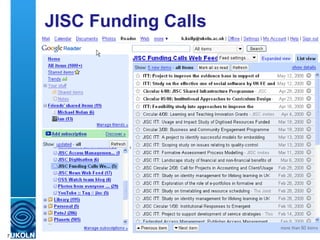
JISC Funding Calls
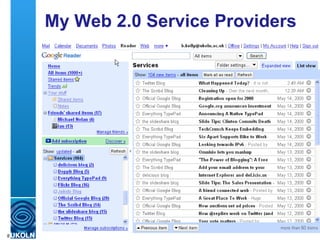
My Web 2.0 Service Providers
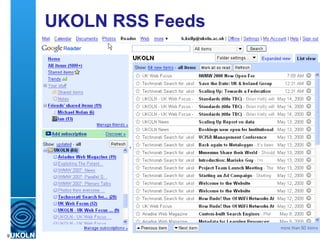
UKOLN RSS Feeds
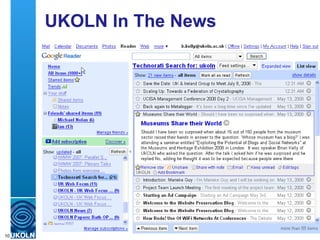
UKOLN In The News
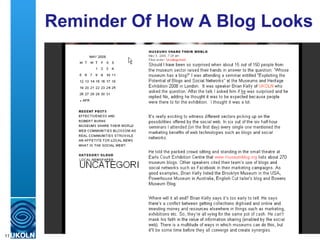
Reminder Of How A Blog Looks
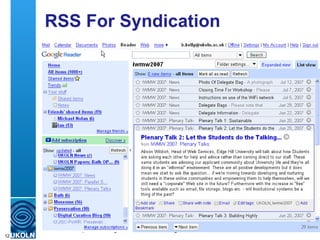
RSS For Syndication
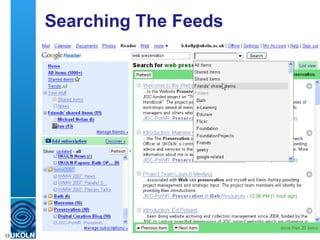
Searching The Feeds
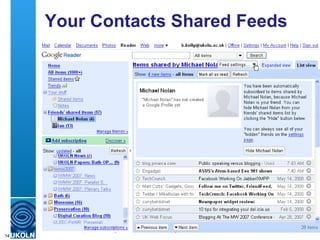
Your Contacts Shared Feeds
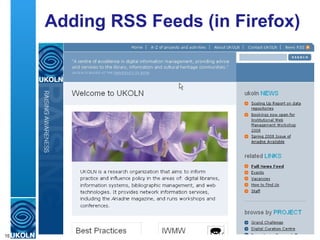
Adding RSS Feeds (in Firefox)
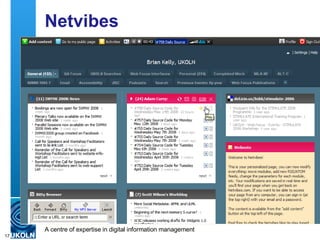
Netvibes
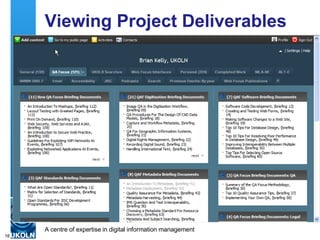
Viewing Project Deliverables
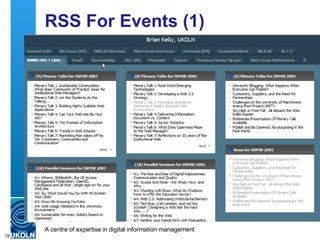
RSS For Events (1)
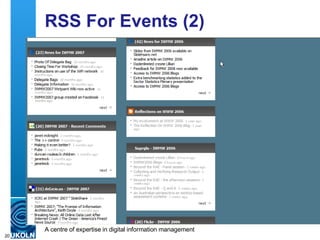
RSS For Events (2)
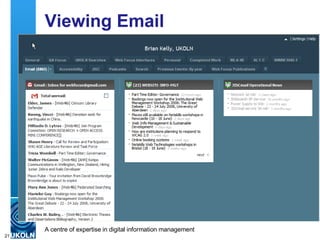
Viewing Email
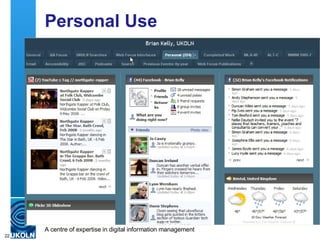
Personal Use
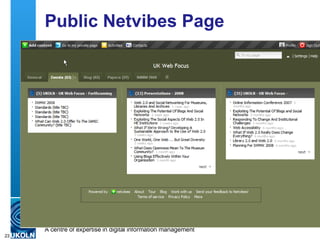
Public Netvibes Page
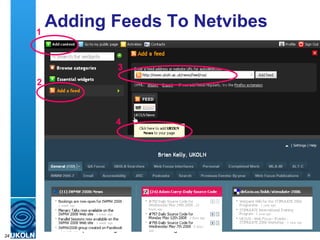
Adding Feeds To Netvibes 1 2 3 4
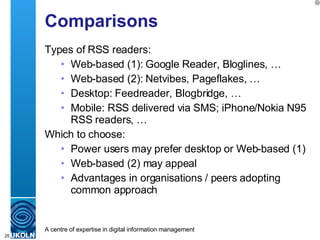
Comparisons Types of RSS readers: Web-based (1): Google Reader, Bloglines, … Web-based (2): Netvibes, Pageflakes, … Desktop: Feedreader, Blogbridge, … Mobile: RSS delivered via SMS; iPhone/Nokia N95 RSS readers, …  Which to choose: Power users may prefer desktop or Web-based (1) Web-based (2) may appeal  Advantages in organisations / peers adopting common approach
Conclusions RSS readers: Allow users to quickly process information sources More effective than visiting Web pages Useful for various purposes: Information gathering Business intelligence Brand management … Need to gain better understanding of best practices and personal preferences (e.g. how to structure feeds)

An Introduction To RSS Readers: Google Reader and Netvibes

  • 1.
    An Introduction ToRSS Readers: Google Reader and Netvibes Brian Kelly UKOLN University of Bath Bath, BA2 7AY Email [email_address] UKOLN is supported by: http://www.ukoln.ac.uk/web-focus/events/meetings/ukoln-20080520/ About This Talk This talk and accompanying screencast provides an introduction to the Google Reader and Netvibes tools for reading RSS feeds. This work is licensed under a Attribution-NonCommercial-ShareAlike 2.0 licence (but note caveat) Resources bookmarked using ‘ ukoln-20080520 ' tag
  • 2.
    About Me andAbout UKOLN Brian Kelly: UK Web Focus: a Web advisory post based at UKOLN Funded by JISC and MLA to advise HE/FE and cultural heritage sectors Web enthusiast since Jan 1993 A fan of RSS! UKOLN: National centre of expertise in digital information management Located at the University of Bath
  • 3.
  • 4.
    The JISC IETeam Blog (1)
  • 5.
    The JISC IETeam Blog (2)
  • 6.
  • 7.
  • 8.
    My Web 2.0Service Providers
  • 9.
  • 10.
  • 11.
    Reminder Of HowA Blog Looks
  • 12.
  • 13.
  • 14.
  • 15.
    Adding RSS Feeds(in Firefox)
  • 16.
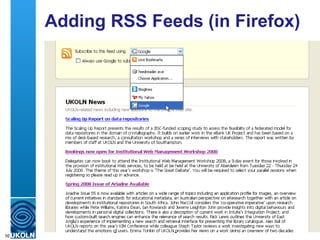
    Adding RSS Feeds(in Firefox)
  • 17.
  • 18.
  • 19.
  • 20.
  • 21.
  • 22.
  • 23.
  • 24.
    Adding Feeds ToNetvibes 1 2 3 4
  • 25.
    Comparisons Types ofRSS readers: Web-based (1): Google Reader, Bloglines, … Web-based (2): Netvibes, Pageflakes, … Desktop: Feedreader, Blogbridge, … Mobile: RSS delivered via SMS; iPhone/Nokia N95 RSS readers, … Which to choose: Power users may prefer desktop or Web-based (1) Web-based (2) may appeal Advantages in organisations / peers adopting common approach
  • 26.
    Conclusions RSS readers:Allow users to quickly process information sources More effective than visiting Web pages Useful for various purposes: Information gathering Business intelligence Brand management … Need to gain better understanding of best practices and personal preferences (e.g. how to structure feeds)