Agile team workflow
Mahmoud Masih Tehrani
Coderconf3
Mahmoud Masih Tehrani
Php & Golang developer
about 10 years use GNU/Linux
I love Nature ,Sport ,Theatre ,Free
Software & Programing
Username : mahm0ud or
mahm0ud22
Email:
mahmud.tehrani@gmail.com
Git
What is it? Git is a free and open
source distributed version control
system created by Linus Torvalds in
2005 ( Who is also the creator of Linux
kernel ). It is designed to manage
everything for small or very large
projects with speed and efficiency.
Majors organisations like Google,
Facebook, Microsoft uses GIT daily.
But, It’s too complicated!
Most of the developer who doesn’t use
git or using git very little, they came up
saying, “Git is too complicated. It’s too
hard to learn. I don’t really understand
it.” Actually, Git is very easy to use and
learn and especially considering how
powerful it is! If you can have the basic
understanding of git flow, it’ll be a life
saviour for YOU.
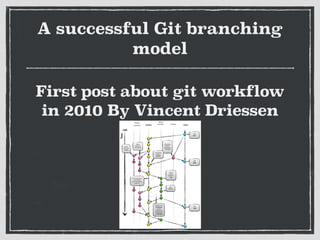
A successful Git branching
model
First post about git workflow
in 2010 By Vincent Driessen
What’s the best
workflow
different team
+ different cultural
+ different product
= git workflow
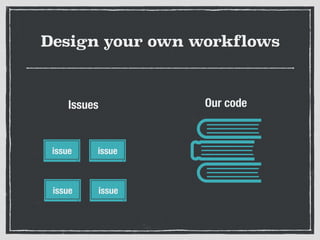
Design your own workflows
issue issue
issue issue
Our codeIssues
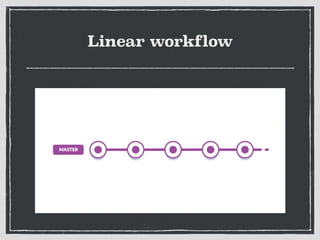
Linear workflow
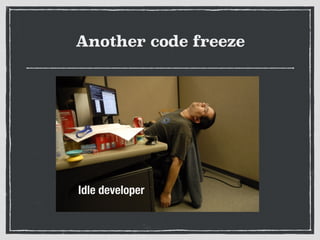
Another code freeze
Idle developer
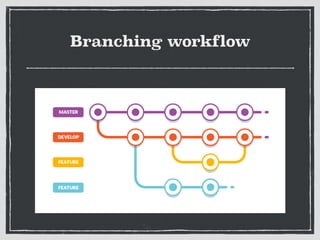
Branching workflow
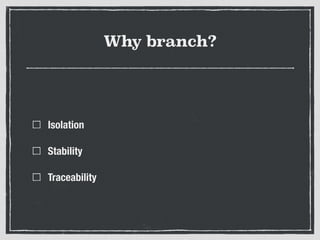
Why branch?
Isolation
Stability
Traceability
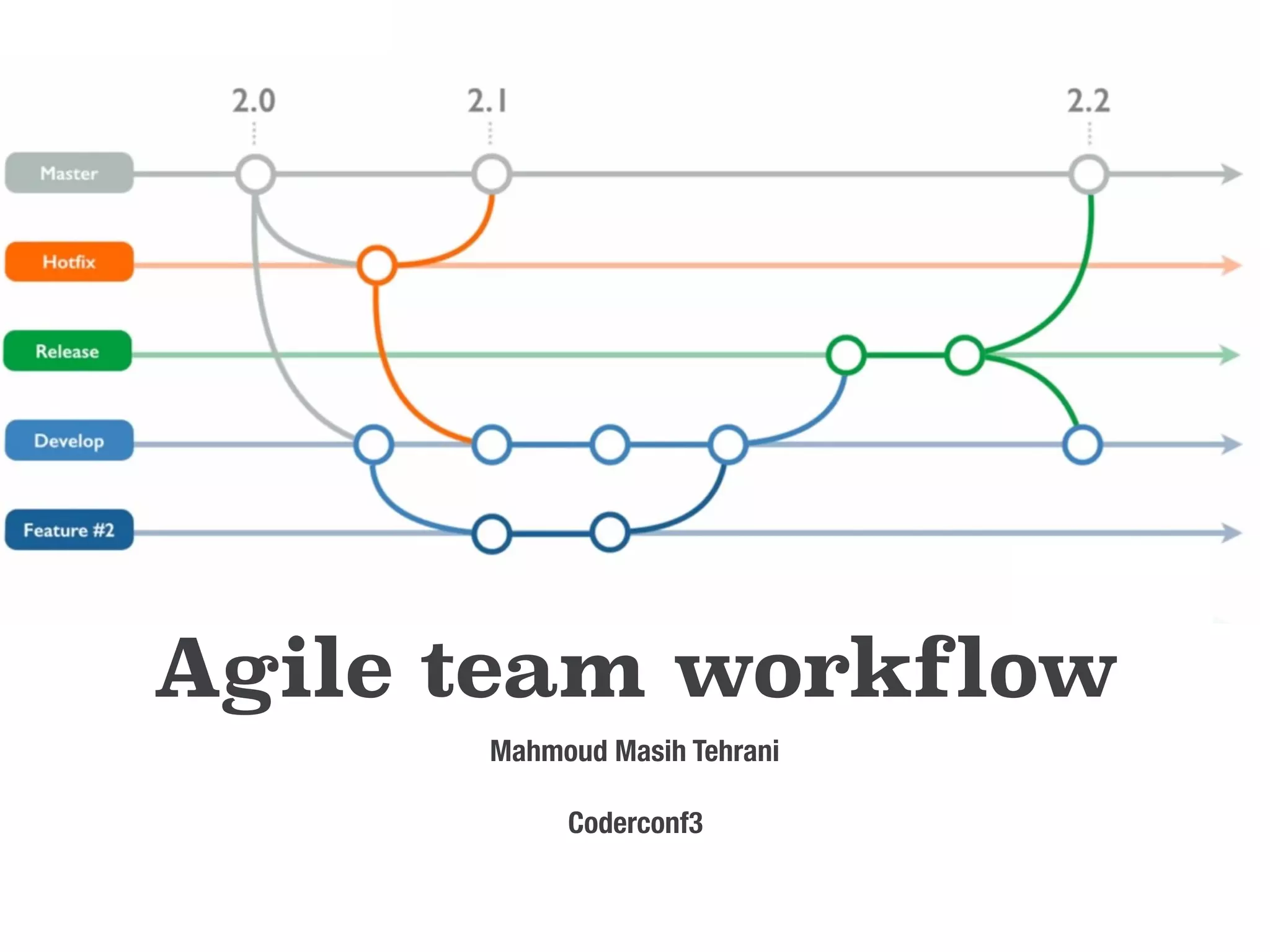
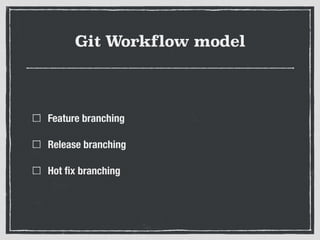
Git Workflow model
Feature branching
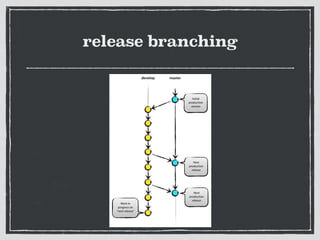
Release branching
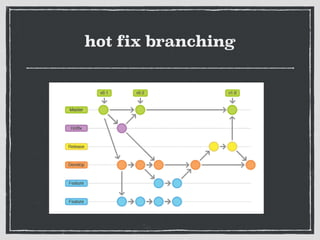
Hot fix branching

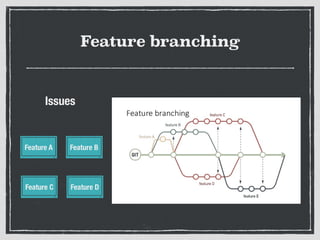
Feature branching
Feature A Feature B
Feature C Feature D
Issues
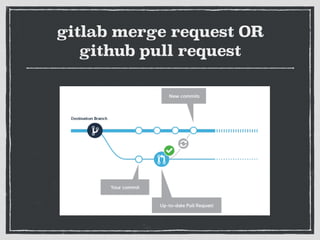
gitlab merge request OR
github pull request
release branching
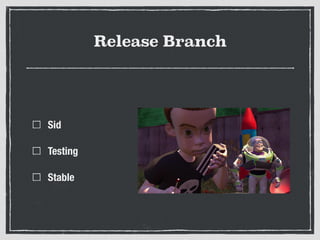
Release Branch
Sid
Testing
Stable
hot fix branching
Tagging Versions(Semantic)
MAJOR.MINOR.PATCH
1.	 MAJOR version when you make incompatible API
changes,
2.	 MINOR version when you add functionality in a
backwards-compatible manner, and
3.	 PATCH version when you make backwards-compatible
bug fixes.
Review code
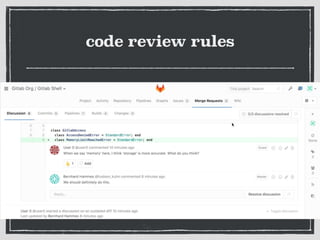
code review rules
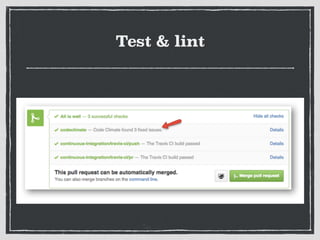
Test & lint
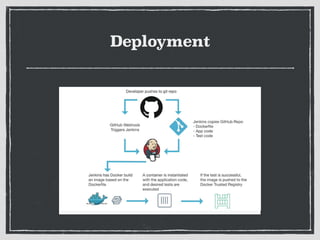
Deployment
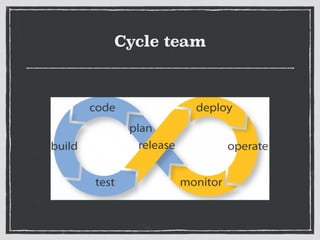
Cycle team
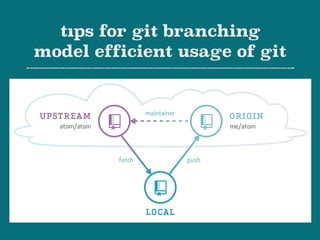
tıps for git branching
model efficient usage of git
Learn git Command Line by
heart, stop using GUI
Only few people should be
authorize for merging
development branch to
master branch
ensure that all tests are
passing

before pushing to upstream
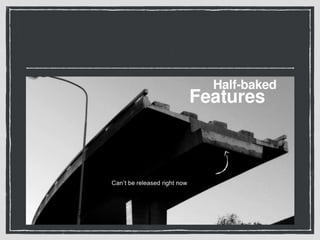
do not push half-baked,
untested, incomplete, 

not-compiling, to-be-fixed,
not-ready-to-deploy code to git
push code. If commit it use
write flag WIP !
Never use --m  <message> flag to git
commit and Follow Commit message
best practices characters or less.
That is summary.
• First line is 50line
• Then a blank text should be
wrapped at 72 characters.
• Remaining description That is
detailed
Branch naming
Issue title
Issue id number
Issue type/issue number/description
Squash commits of bug fix
into one and exactly one
commit that completely
represents that bug fix
Squash commits of your completed
story into one commit before pushing
to upstream
One Task
One commit
One pull request
Please use Commit - - amend
Use .gitıgnore in order not to
send irrelevant files never
push IDE files or package or
binary or temp files
Forking a repository allows you to freely experiment
with changes without affecting the original project.
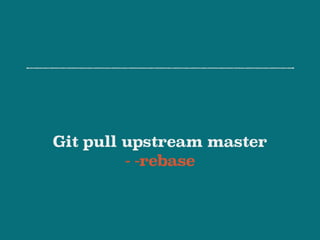
Git pull upstream master
- -rebase
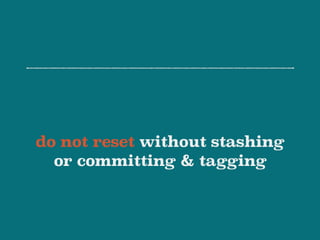
do not reset without stashing
or committing & tagging
references
• A successful Git branching model http://nvie.com/posts/a-successful-
git-branching-model/
• Understanding the GitHub Flow https://guides.github.com/introduction/
flow/
• Gitlab workflow https://about.gitlab.com/2014/09/29/gitlab-flow/
• Comparing workflow https://www.atlassian.com/git/tutorials/
comparing-workflows
• Semantic Versioning http://semver.org/
Thanks a lot
The end

Agile team workflow