ADVANCED SYSTEM
PROTECTOR
Protect your PC against Malware Threats!
Advanced System Protector| Learn more
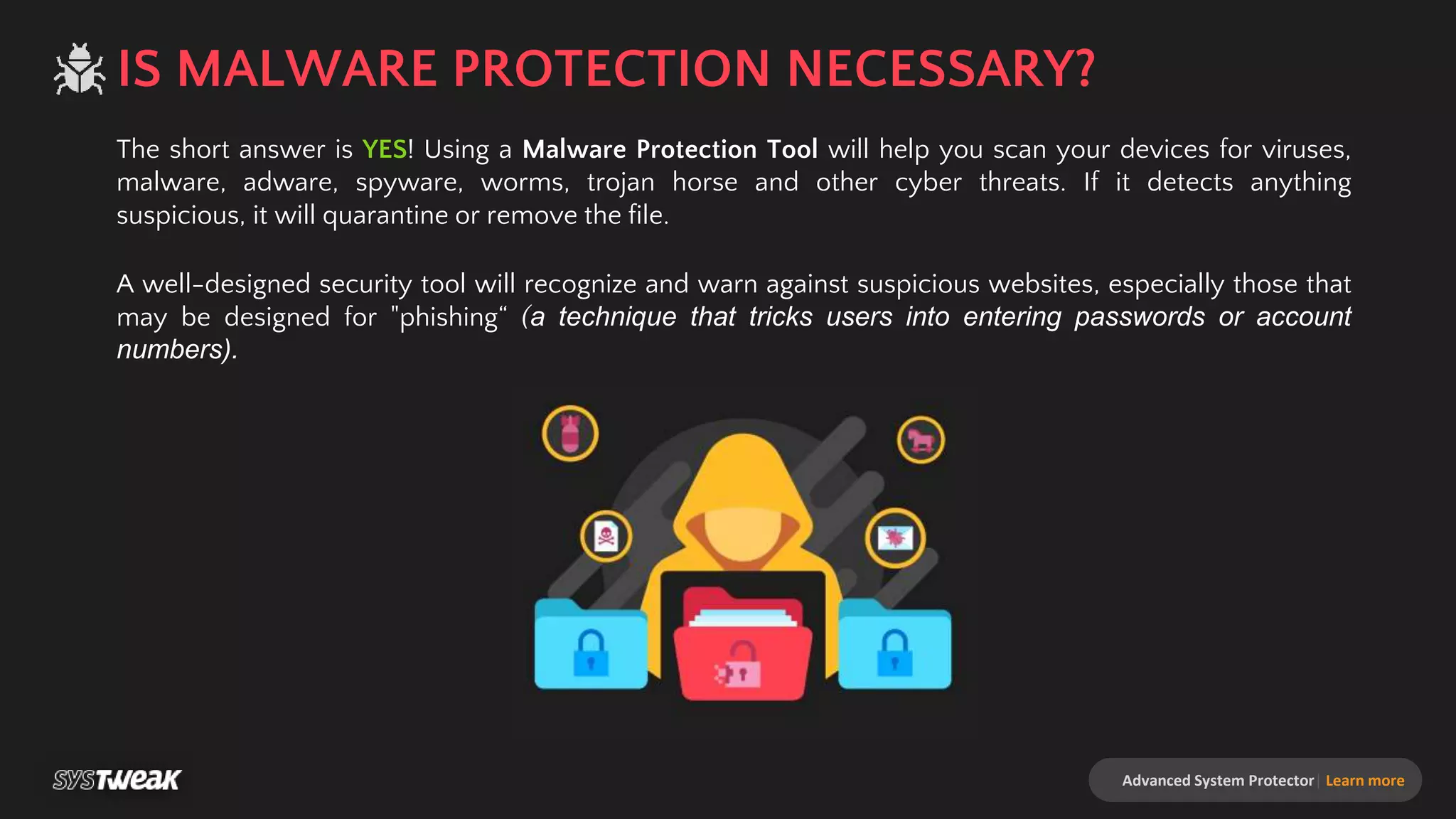
The short answer is YES! Using a Malware Protection Tool will help you scan your devices for viruses,
malware, adware, spyware, worms, trojan horse and other cyber threats. If it detects anything
suspicious, it will quarantine or remove the file.
A well-designed security tool will recognize and warn against suspicious websites, especially those that
may be designed for "phishing“ (a technique that tricks users into entering passwords or account
numbers).
IS MALWARE PROTECTION NECESSARY?
Advanced System Protector| Learn more
HOW MALWARE ENTERS YOUR COMPUTER?
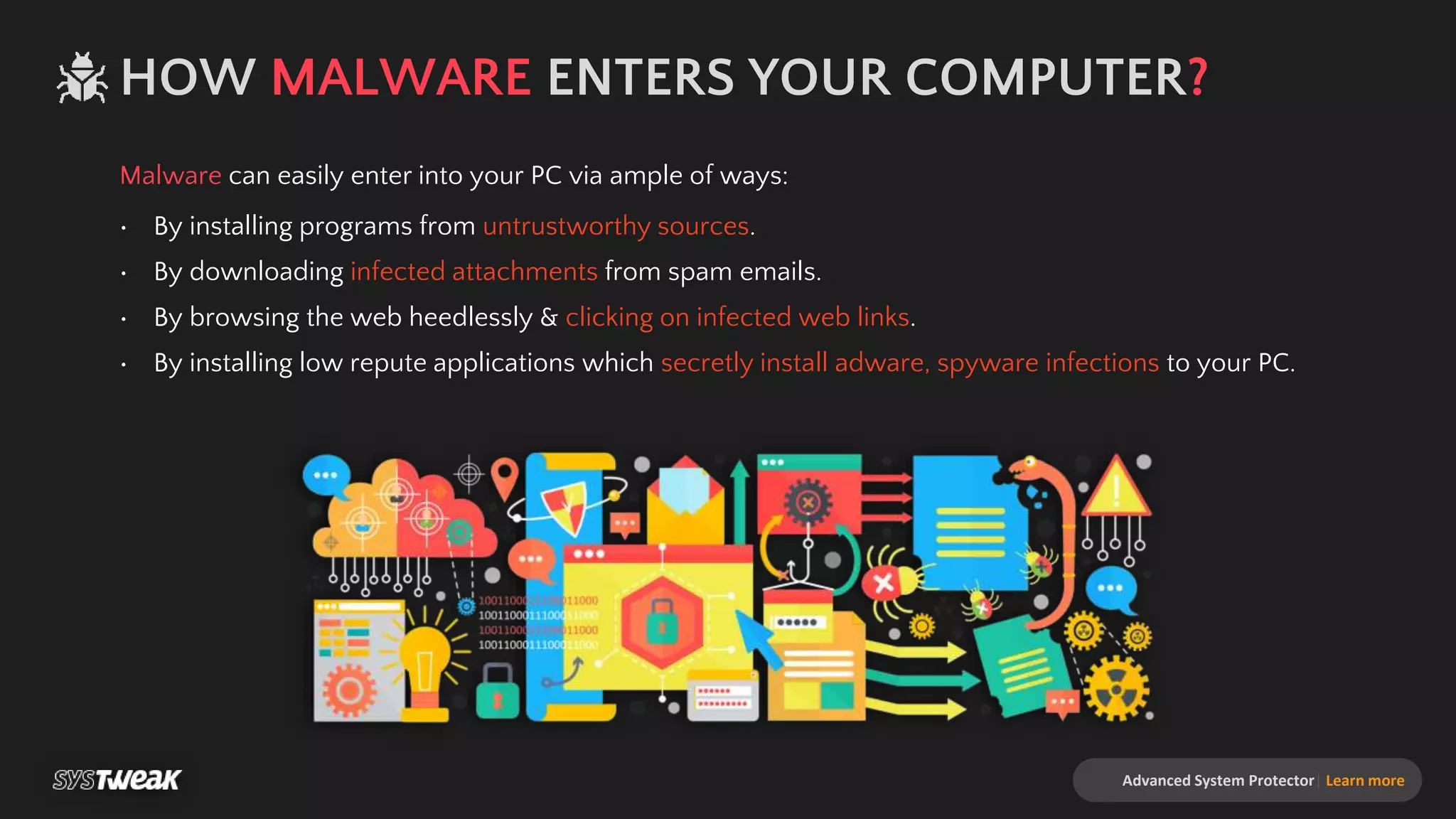
Malware can easily enter into your PC via ample of ways:
• By installing programs from untrustworthy sources.
• By downloading infected attachments from spam emails.
• By browsing the web heedlessly & clicking on infected web links.
• By installing low repute applications which secretly install adware, spyware infections to your PC.
SYMPTOMS THAT SHOW YOUR SYSTEM IS INFECTED
Advanced System Protector| Learn more
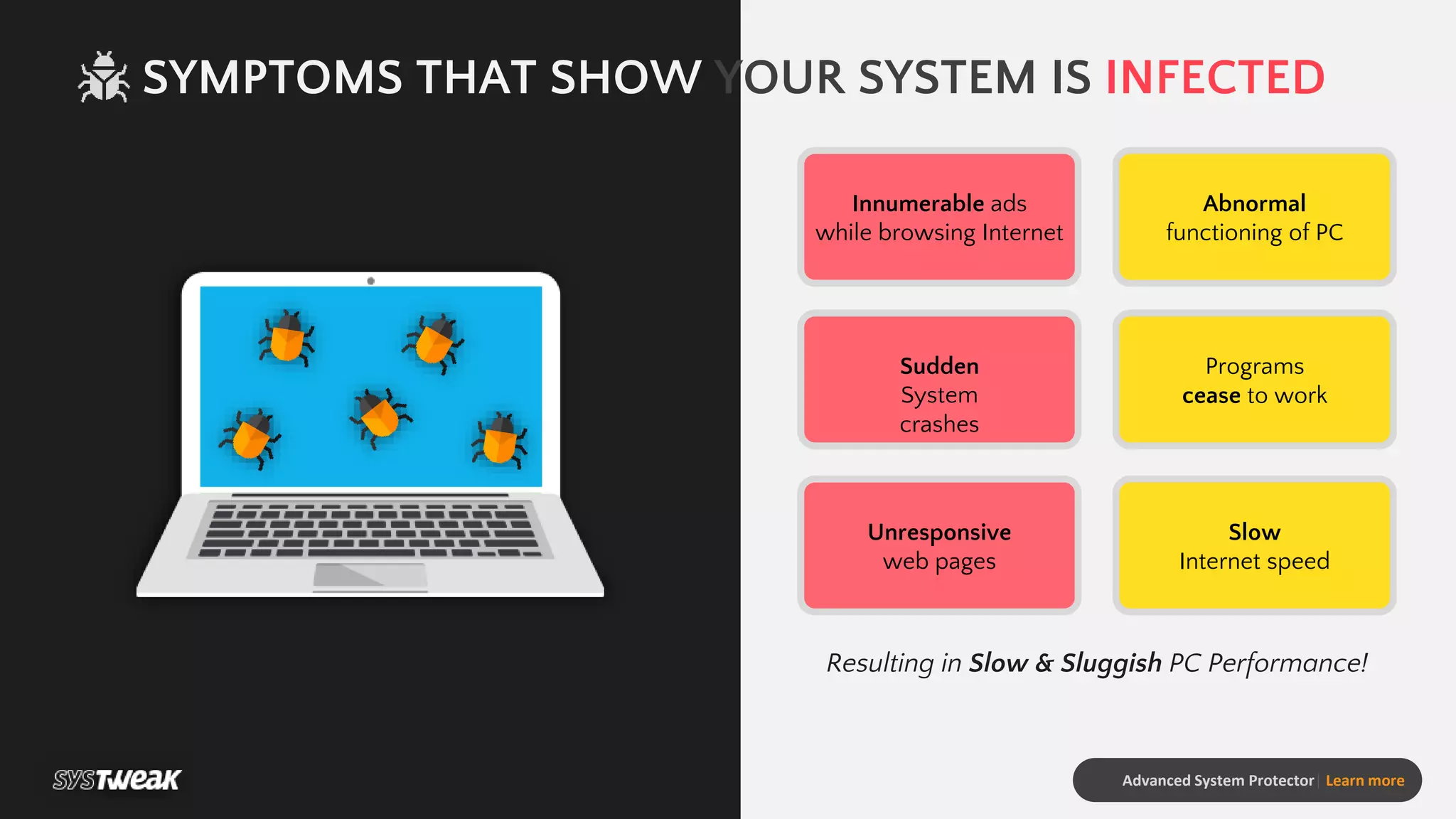
Innumerable ads
while browsing Internet
Abnormal
functioning of PC
Sudden
System
crashes
Programs
cease to work
Unresponsive
web pages
Slow
Internet speed
Resulting in Slow & Sluggish PC Performance!
Advanced System Protector| Learn more
ADVANCED SYSTEM
PROTECTOR
One stop solution to protect your Windows PC from
malware, spyware, adware infections, keyloggers, identity
theft. Advanced System Protector (ASP) comes with an
advanced scan engine that effectively finds and removes all
kinds of malware infections.
With regular updates and advanced database definitions it
ensures that your system is thoroughly monitored and
protected for any infections keeping the security of your PC
intact.
INSTALL SCAN CLEANS SECURE
Advanced System Protector| Learn more
BENEFITS OF USING Advanced System Protector:
• Advanced scan engine to scan and remove infections
• Removes malware, adware, spyware infections in a jiffy
• More than 150,000 infection definitions in database
• Daily database updates to protect from latest threats
• Intuitive user-interface
• Manages boot time
• Uses minimal System resources
INTUITIVE AND SIMPLISTIC
USER INTERFACE
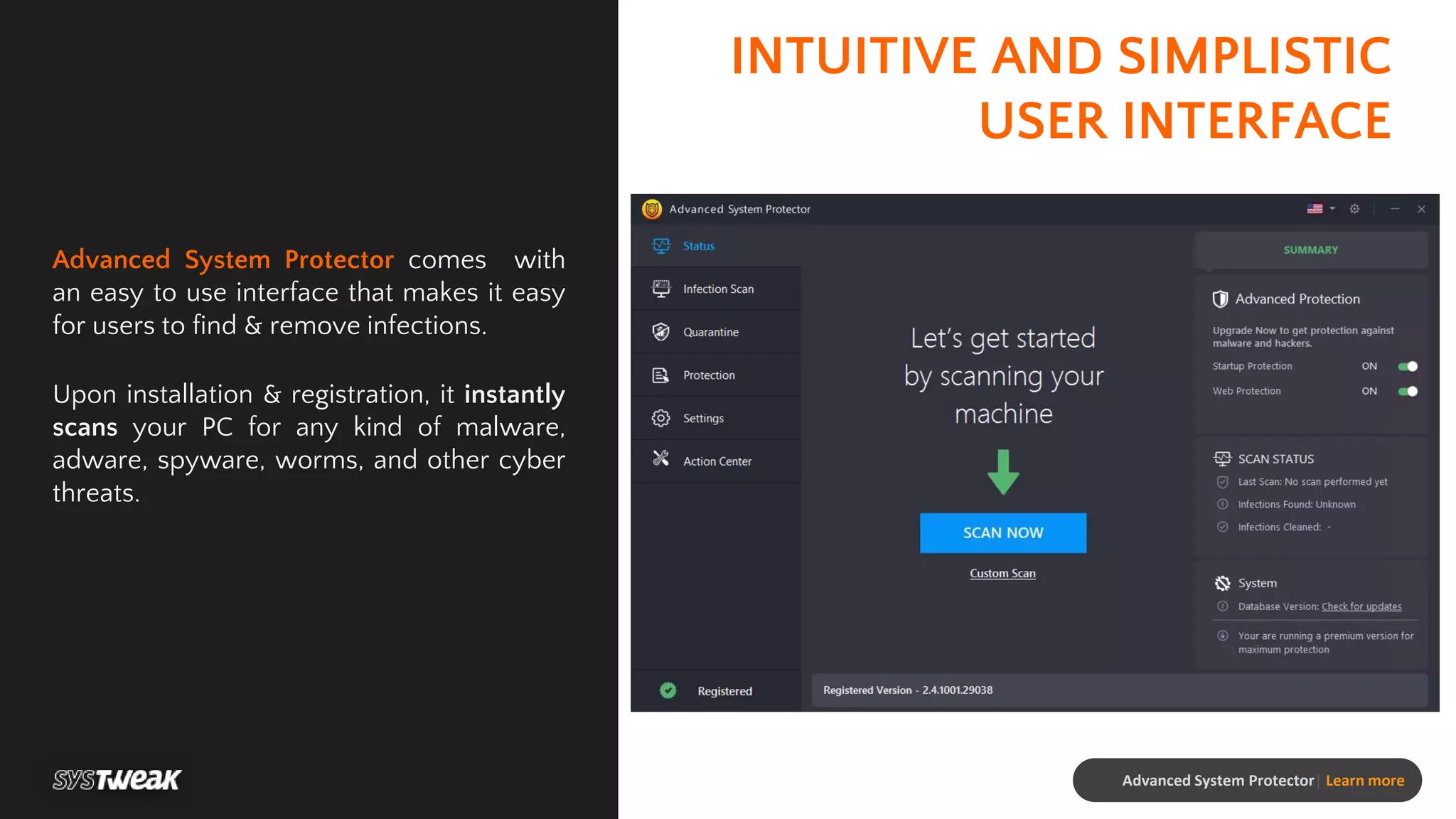
Advanced System Protector comes with
an easy to use interface that makes it easy
for users to find & remove infections.
Upon installation & registration, it instantly
scans your PC for any kind of malware,
adware, spyware, worms, and other cyber
threats.
Advanced System Protector| Learn more
SCAN FOR INFECTIONS
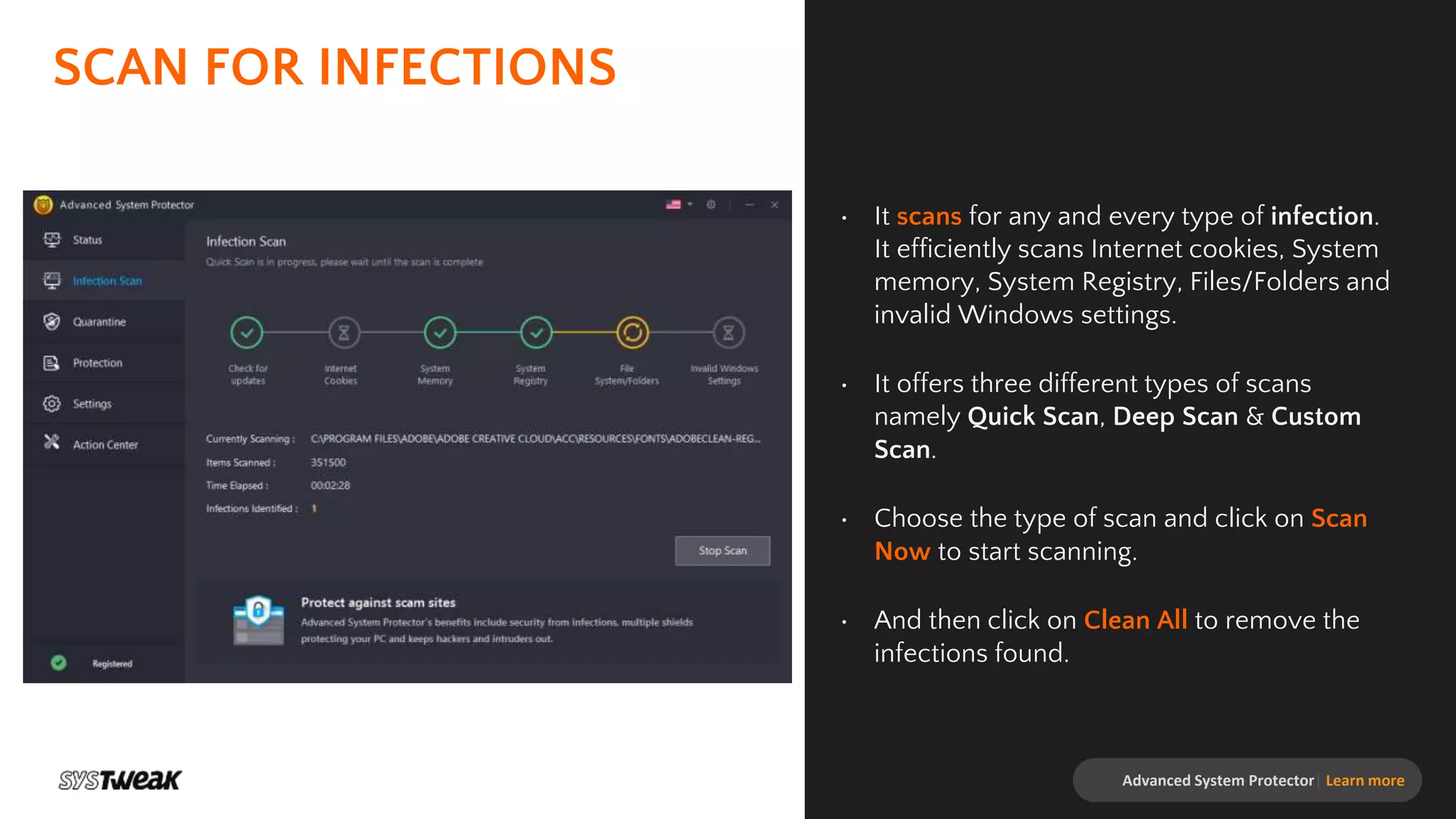
• It scans for any and every type of infection.
It efficiently scans Internet cookies, System
memory, System Registry, Files/Folders and
invalid Windows settings.
• It offers three different types of scans
namely Quick Scan, Deep Scan & Custom
Scan.
• Choose the type of scan and click on Scan
Now to start scanning.
• And then click on Clean All to remove the
infections found.
Advanced System Protector| Learn more
EASY OPTIONS TO
QUARANTINE AND IGNORE
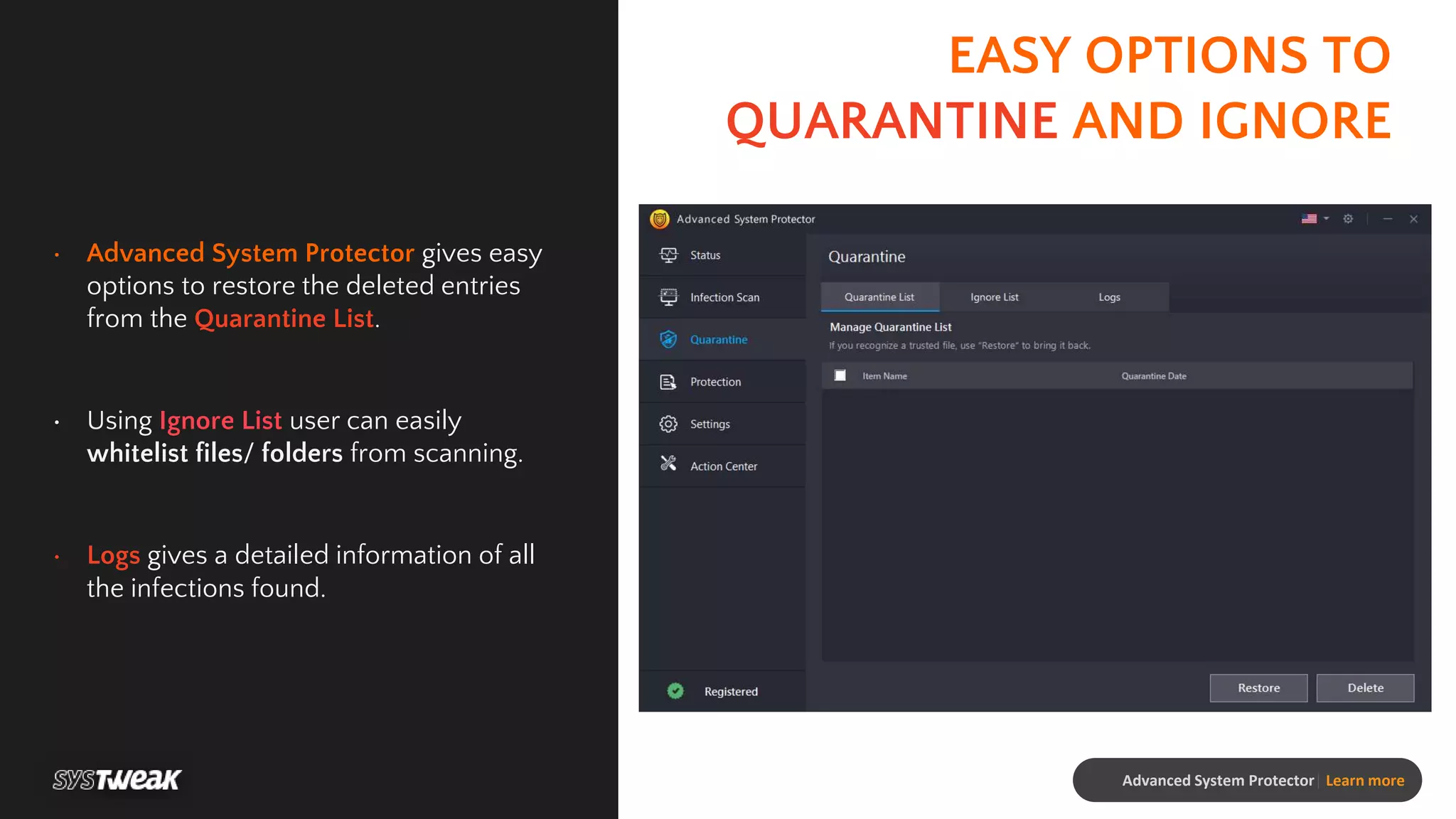
• Advanced System Protector gives easy
options to restore the deleted entries
from the Quarantine List.
• Using Ignore List user can easily
whitelist files/ folders from scanning.
• Logs gives a detailed information of all
the infections found.
Advanced System Protector| Learn more
ADD-ON FEATURES
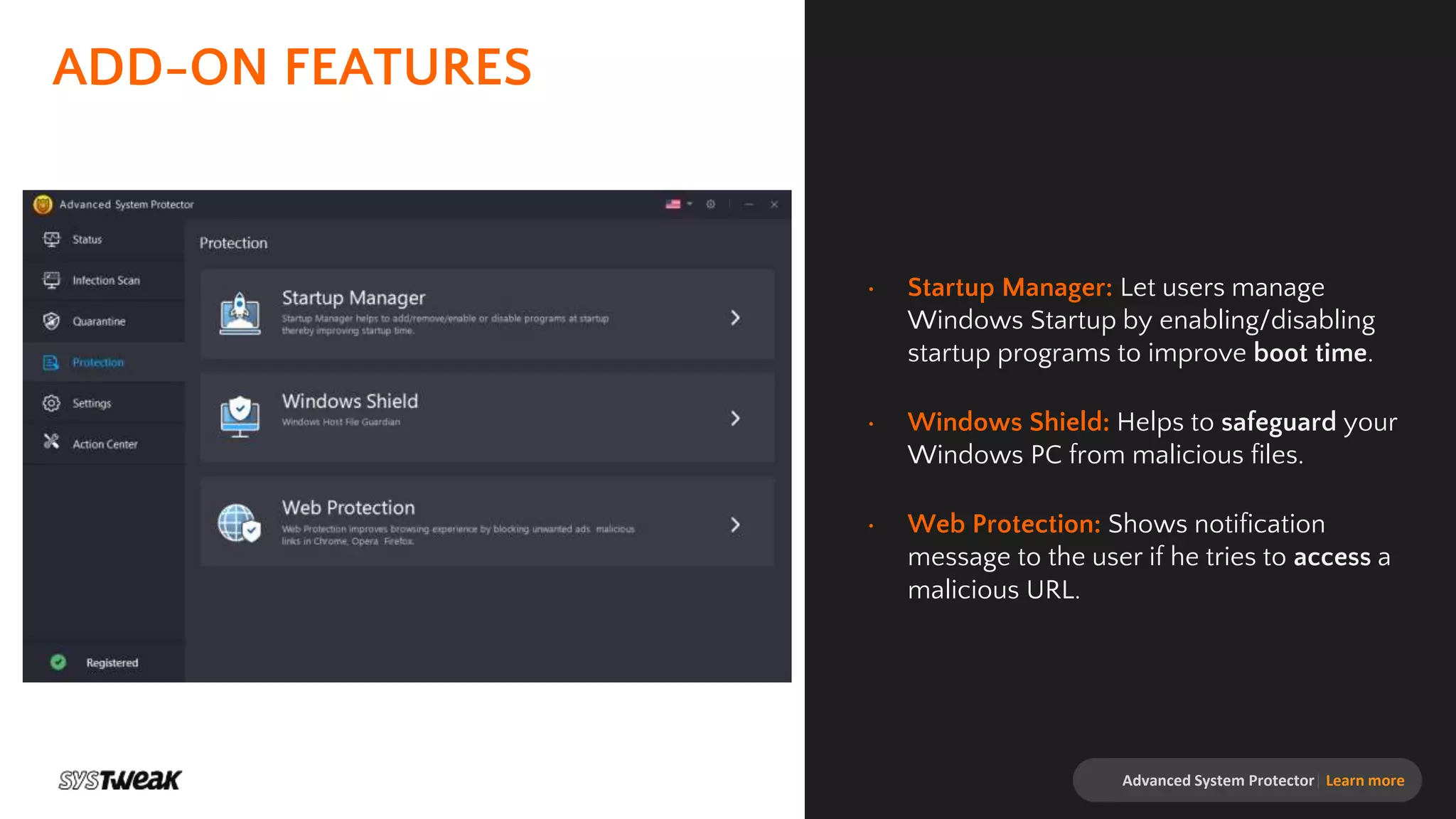
• Startup Manager: Let users manage
Windows Startup by enabling/disabling
startup programs to improve boot time.
• Windows Shield: Helps to safeguard your
Windows PC from malicious files.
• Web Protection: Shows notification
message to the user if he tries to access a
malicious URL.
Advanced System Protector| Learn more
ADVANCED SYSTEM
PROTECTOR
Protect your PC against Malware Threats!
www.systweak.com support@systweak.com

Advanced System Protector-Protect your PC against Malware Threats!

  • 1.
    ADVANCED SYSTEM PROTECTOR Protect yourPC against Malware Threats!
  • 2.
    Advanced System Protector|Learn more The short answer is YES! Using a Malware Protection Tool will help you scan your devices for viruses, malware, adware, spyware, worms, trojan horse and other cyber threats. If it detects anything suspicious, it will quarantine or remove the file. A well-designed security tool will recognize and warn against suspicious websites, especially those that may be designed for "phishing“ (a technique that tricks users into entering passwords or account numbers). IS MALWARE PROTECTION NECESSARY?
  • 3.
    Advanced System Protector|Learn more HOW MALWARE ENTERS YOUR COMPUTER? Malware can easily enter into your PC via ample of ways: • By installing programs from untrustworthy sources. • By downloading infected attachments from spam emails. • By browsing the web heedlessly & clicking on infected web links. • By installing low repute applications which secretly install adware, spyware infections to your PC.
  • 4.
    SYMPTOMS THAT SHOWYOUR SYSTEM IS INFECTED Advanced System Protector| Learn more Innumerable ads while browsing Internet Abnormal functioning of PC Sudden System crashes Programs cease to work Unresponsive web pages Slow Internet speed Resulting in Slow & Sluggish PC Performance!
  • 5.
    Advanced System Protector|Learn more ADVANCED SYSTEM PROTECTOR One stop solution to protect your Windows PC from malware, spyware, adware infections, keyloggers, identity theft. Advanced System Protector (ASP) comes with an advanced scan engine that effectively finds and removes all kinds of malware infections. With regular updates and advanced database definitions it ensures that your system is thoroughly monitored and protected for any infections keeping the security of your PC intact. INSTALL SCAN CLEANS SECURE
  • 6.
    Advanced System Protector|Learn more BENEFITS OF USING Advanced System Protector: • Advanced scan engine to scan and remove infections • Removes malware, adware, spyware infections in a jiffy • More than 150,000 infection definitions in database • Daily database updates to protect from latest threats • Intuitive user-interface • Manages boot time • Uses minimal System resources
  • 7.
    INTUITIVE AND SIMPLISTIC USERINTERFACE Advanced System Protector comes with an easy to use interface that makes it easy for users to find & remove infections. Upon installation & registration, it instantly scans your PC for any kind of malware, adware, spyware, worms, and other cyber threats. Advanced System Protector| Learn more
  • 8.
    SCAN FOR INFECTIONS •It scans for any and every type of infection. It efficiently scans Internet cookies, System memory, System Registry, Files/Folders and invalid Windows settings. • It offers three different types of scans namely Quick Scan, Deep Scan & Custom Scan. • Choose the type of scan and click on Scan Now to start scanning. • And then click on Clean All to remove the infections found. Advanced System Protector| Learn more
  • 9.
    EASY OPTIONS TO QUARANTINEAND IGNORE • Advanced System Protector gives easy options to restore the deleted entries from the Quarantine List. • Using Ignore List user can easily whitelist files/ folders from scanning. • Logs gives a detailed information of all the infections found. Advanced System Protector| Learn more
  • 10.
    ADD-ON FEATURES • StartupManager: Let users manage Windows Startup by enabling/disabling startup programs to improve boot time. • Windows Shield: Helps to safeguard your Windows PC from malicious files. • Web Protection: Shows notification message to the user if he tries to access a malicious URL. Advanced System Protector| Learn more
  • 11.
    ADVANCED SYSTEM PROTECTOR Protect yourPC against Malware Threats! www.systweak.com support@systweak.com