Programming Fundametanls
- Moodser Hussain
1
Table of Contents
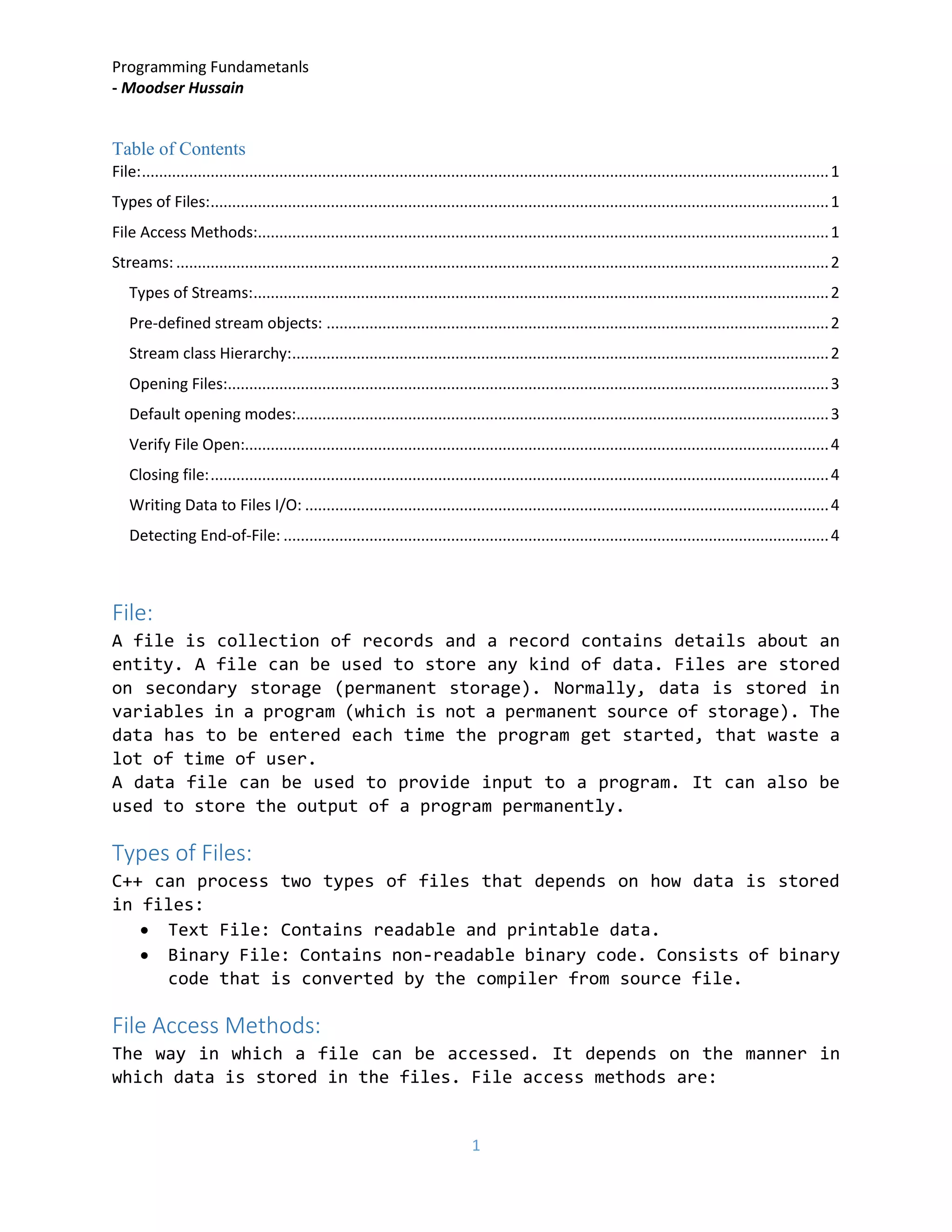
File:................................................................................................................................................................1
Types of Files:................................................................................................................................................1
File Access Methods:.....................................................................................................................................1
Streams: ........................................................................................................................................................2
Types of Streams:......................................................................................................................................2
Pre-defined stream objects: .....................................................................................................................2
Stream class Hierarchy:.............................................................................................................................2
Opening Files:............................................................................................................................................3
Default opening modes:............................................................................................................................3
Verify File Open:........................................................................................................................................4
Closing file:................................................................................................................................................4
Writing Data to Files I/O: ..........................................................................................................................4
Detecting End-of-File: ...............................................................................................................................4
File:
A file is collection of records and a record contains details about an
entity. A file can be used to store any kind of data. Files are stored
on secondary storage (permanent storage). Normally, data is stored in
variables in a program (which is not a permanent source of storage). The
data has to be entered each time the program get started, that waste a
lot of time of user.
A data file can be used to provide input to a program. It can also be
used to store the output of a program permanently.
Types of Files:
C++ can process two types of files that depends on how data is stored
in files:
• Text File: Contains readable and printable data.
• Binary File: Contains non-readable binary code. Consists of binary
code that is converted by the compiler from source file.
File Access Methods:
The way in which a file can be accessed. It depends on the manner in
which data is stored in the files. File access methods are:
Programming Fundametanls
- Moodser Hussain
2
• Sequential Access Methods: Used to access data in same sequence in
which it was stored. This method, read and write data in a sequence.
In order to read last record, it has to read all records stored
before the last one. It is simplest method to organize files.
Length of each record is not fixed. This method takes less storage,
and more time for searching a record.
• Random Access Method: To access any data item directly without
accessing preceding data. Does not read/write data in sequence.
Much faster than sequential access method. It store data in fixed
length records. It wastes memory storage. As records length is
fixed, it is easy to search the records (simple add # of bytes).
• DBMS store data in Random access format.
Streams:
Series of bytes associated with a file. Contains a data that is being
transferred from one location to another. Each stream is associated with
a specific file using open operation. The information can be exchanged
between program and file, once the file is opened.
Types of Streams:
Two streams are input and output. The streams automatically establish
when a program start execution. The user can use them to input and output
data at any time.
• Standard Input Stream: Used to input data. Establish a connection
between the standard input device and a program. Reading data from
an input stream is called extraction ‘>>’.
• Standard Output Stream: Used to output data. Establish a connection
between the standard output device and a program. Act of writing
data to an output stream is called insertion ‘<<’.
Pre-defined stream objects:
• cin
• cout
• cerr: Occur immediately, un-buffered, used to show errors.
• clog: similary to ‘cerr’ but buffered (means output will not be
displayed until buffer is full)
Stream class Hierarchy:
• ofstream: used to write on file
• ifstream: used to read from file
• fstream: used for read/write (both) from/to file
Programming Fundametanls
- Moodser Hussain
3
these streams are derived directly/indirectly from istream and ostream.
Opening Files:
A file should be opened before it can be processed. A file pointer is
declared and associated with the file (to be opened). A file can be
opened using ifstream, ofstream or fstream. The object is then associated
with a real file. An open file is represented by a stream object. Any
input/output performed to this object will be performed on real file.
fstream file;
open(file_name, mode);
Modes are as follow:
• ios::in -> open a file for input operations
• ios::out -> open a file for output operations
• ios::binary -> open a file in binary mode
• ios::ate -> used to set the initial position at the end of the file
• ios::app -> used to perform all output operations at the end of
file, appending the content at the end of file
• ios::trunc -> delete the previous contents of a file
• ios::nocrate -> used to open file only if it exists
• ios::noreplace -> used to open file only if the file does not exist
otherwise open fails
All of the operations can be combined using pipe sign (|).
Default opening modes:
• ofstream->ios::out
• ifstream->ios::in
• fstream->ios::in|ios::out
Programming Fundametanls
- Moodser Hussain
4
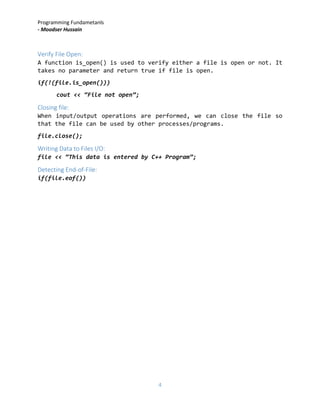
Verify File Open:
A function is_open() is used to verify either a file is open or not. It
takes no parameter and return true if file is open.
if(!(file.is_open()))
cout << “File not open”;
Closing file:
When input/output operations are performed, we can close the file so
that the file can be used by other processes/programs.
file.close();
Writing Data to Files I/O:
file << “This data is entered by C++ Program”;
Detecting End-of-File:
if(file.eof())

8. file handling

  • 1.
    Programming Fundametanls - MoodserHussain 1 Table of Contents File:................................................................................................................................................................1 Types of Files:................................................................................................................................................1 File Access Methods:.....................................................................................................................................1 Streams: ........................................................................................................................................................2 Types of Streams:......................................................................................................................................2 Pre-defined stream objects: .....................................................................................................................2 Stream class Hierarchy:.............................................................................................................................2 Opening Files:............................................................................................................................................3 Default opening modes:............................................................................................................................3 Verify File Open:........................................................................................................................................4 Closing file:................................................................................................................................................4 Writing Data to Files I/O: ..........................................................................................................................4 Detecting End-of-File: ...............................................................................................................................4 File: A file is collection of records and a record contains details about an entity. A file can be used to store any kind of data. Files are stored on secondary storage (permanent storage). Normally, data is stored in variables in a program (which is not a permanent source of storage). The data has to be entered each time the program get started, that waste a lot of time of user. A data file can be used to provide input to a program. It can also be used to store the output of a program permanently. Types of Files: C++ can process two types of files that depends on how data is stored in files: • Text File: Contains readable and printable data. • Binary File: Contains non-readable binary code. Consists of binary code that is converted by the compiler from source file. File Access Methods: The way in which a file can be accessed. It depends on the manner in which data is stored in the files. File access methods are:
  • 2.
    Programming Fundametanls - MoodserHussain 2 • Sequential Access Methods: Used to access data in same sequence in which it was stored. This method, read and write data in a sequence. In order to read last record, it has to read all records stored before the last one. It is simplest method to organize files. Length of each record is not fixed. This method takes less storage, and more time for searching a record. • Random Access Method: To access any data item directly without accessing preceding data. Does not read/write data in sequence. Much faster than sequential access method. It store data in fixed length records. It wastes memory storage. As records length is fixed, it is easy to search the records (simple add # of bytes). • DBMS store data in Random access format. Streams: Series of bytes associated with a file. Contains a data that is being transferred from one location to another. Each stream is associated with a specific file using open operation. The information can be exchanged between program and file, once the file is opened. Types of Streams: Two streams are input and output. The streams automatically establish when a program start execution. The user can use them to input and output data at any time. • Standard Input Stream: Used to input data. Establish a connection between the standard input device and a program. Reading data from an input stream is called extraction ‘>>’. • Standard Output Stream: Used to output data. Establish a connection between the standard output device and a program. Act of writing data to an output stream is called insertion ‘<<’. Pre-defined stream objects: • cin • cout • cerr: Occur immediately, un-buffered, used to show errors. • clog: similary to ‘cerr’ but buffered (means output will not be displayed until buffer is full) Stream class Hierarchy: • ofstream: used to write on file • ifstream: used to read from file • fstream: used for read/write (both) from/to file
  • 3.
    Programming Fundametanls - MoodserHussain 3 these streams are derived directly/indirectly from istream and ostream. Opening Files: A file should be opened before it can be processed. A file pointer is declared and associated with the file (to be opened). A file can be opened using ifstream, ofstream or fstream. The object is then associated with a real file. An open file is represented by a stream object. Any input/output performed to this object will be performed on real file. fstream file; open(file_name, mode); Modes are as follow: • ios::in -> open a file for input operations • ios::out -> open a file for output operations • ios::binary -> open a file in binary mode • ios::ate -> used to set the initial position at the end of the file • ios::app -> used to perform all output operations at the end of file, appending the content at the end of file • ios::trunc -> delete the previous contents of a file • ios::nocrate -> used to open file only if it exists • ios::noreplace -> used to open file only if the file does not exist otherwise open fails All of the operations can be combined using pipe sign (|). Default opening modes: • ofstream->ios::out • ifstream->ios::in • fstream->ios::in|ios::out
  • 4.
    Programming Fundametanls - MoodserHussain 4 Verify File Open: A function is_open() is used to verify either a file is open or not. It takes no parameter and return true if file is open. if(!(file.is_open())) cout << “File not open”; Closing file: When input/output operations are performed, we can close the file so that the file can be used by other processes/programs. file.close(); Writing Data to Files I/O: file << “This data is entered by C++ Program”; Detecting End-of-File: if(file.eof())