50 Shades of SharePoint:
SharePoint 2013 Insanity Demystified

Dan Holme
MVP, SharePoint Server
Microsoft Technologies Analyst & Evangelist
Intelliem
Dan Holme


danholme   http://tiny.cc/danholmepresentations   dan.holme@intelliem.com
About This Session
Address important, hot topics
That might not get “air time” at the event
What is underdocumented, misdocumented, conflicting, confusing or downright strange?
What about “on premise” SharePoint 2013?

Provide clarity and balance
Answer your questions
What do I need to know to be successful?
What are the best practices, tips and tricks?
What problems and mistakes can I avoid?
Storage
SQL Server 2012
Prerequisite Installer installs the SQL 2008 R2 SP1 Native Client on SharePoint servers – That’s OK!

SQL Server 2008 R2 SP1
There are differences!
Business Intelligence
Access Services
Max Degrees of Parallelism
SQL resource utilization
Cores
Queries

Default is 0
SharePoint 2010: Should be set to 1
Is your SQL Server configured correctly now?

SharePoint 2013: Required
SharePoint Products Configuration Wizard (PSCONFIG / PSCONFIGUI) fails if MDOP is 0
Script max degrees of parallelism
PowerShell script
Run As Administrator. Set-ExecutionPolicy to allow local script (e.g. RemoteSigned).
#### Set MDOP to 1
Import-Module "sqlps" -DisableNameChecking

$sql = "EXEC sys.sp_configure N'show advanced options', N'1' RECONFIGURE WITH
OVERRIDE
GO
EXEC sys.sp_configure N'max degree of parallelism', N'1'
GO
RECONFIGURE WITH OVERRIDE
GO
EXEC sys.sp_configure N'show advanced options', N'0' RECONFIGURE WITH OVERRIDE
GO"
                          [-ServerInstance “SERVERinstance“]
SQL alias
SQL Alias
SQLSERVER01.contoso.com        = NYSQL05.contoso.com today
                               = NYSQLCLUSTER.contoso.com tomorrow
                               = NYSQLCLUSTER.newcompany.com next year

Configure a SQL alias
CLICONFG.exe on each SharePoint server in the farm

Do not “Fake it out” with a DNS record
Kerberos

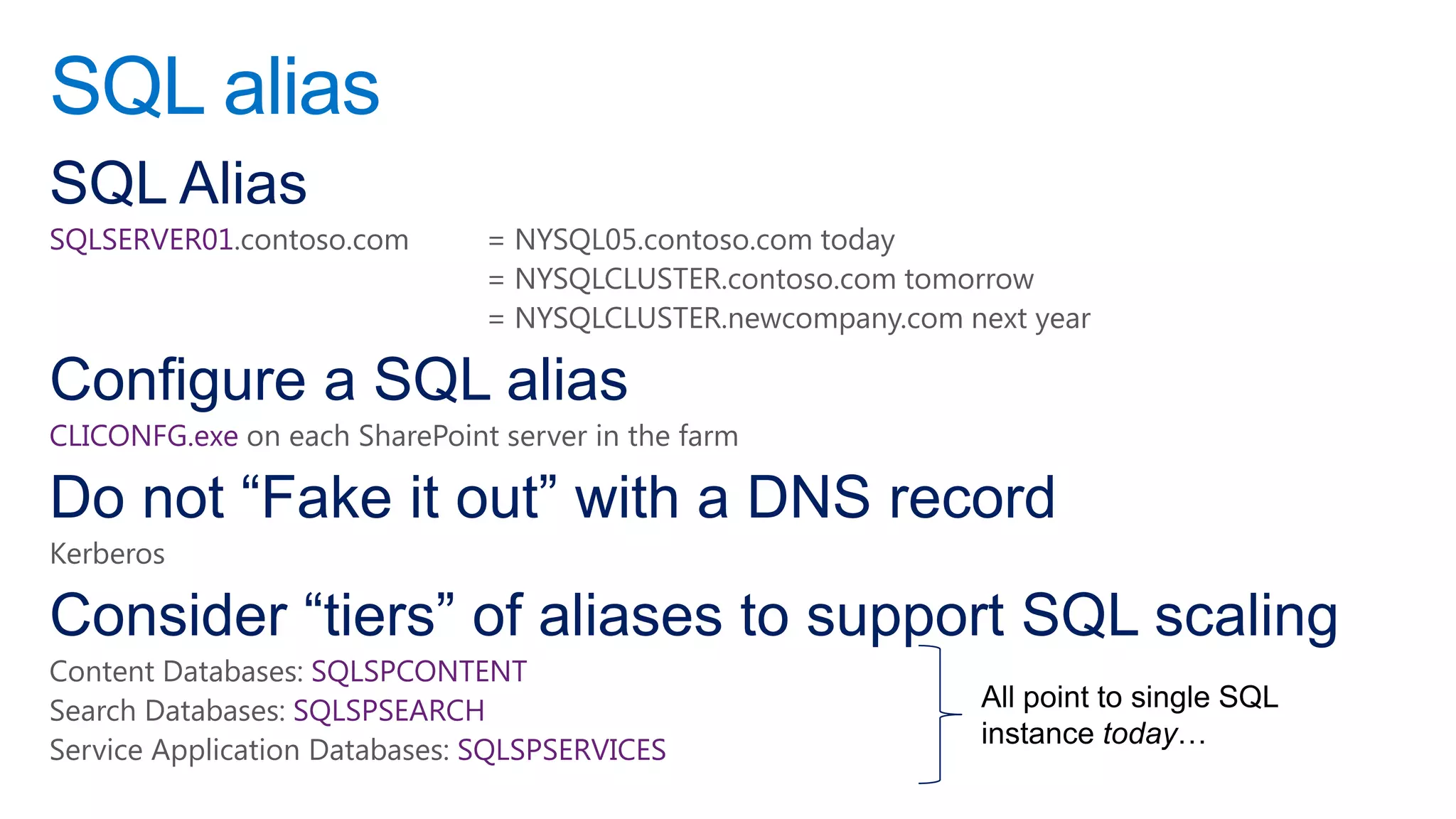
Consider “tiers” of aliases to support SQL scaling
Content Databases: SQLSPCONTENT
Search Databases: SQLSPSEARCH
Service Application Databases: SQLSPSERVICES
Content database sizing
Initial size
Growth rate

Model – Monitor – Measure – Modify
Content scaling support & guidance
Content Database
200 GB (out-of-box)
4 TB (collaboration)*
Unlimited (archive)*

Site Collection
100 GB (out-of-box)
Up to size of CDB*

Items per CDB
60 million


*Conditions apply: Performance, DR, HA
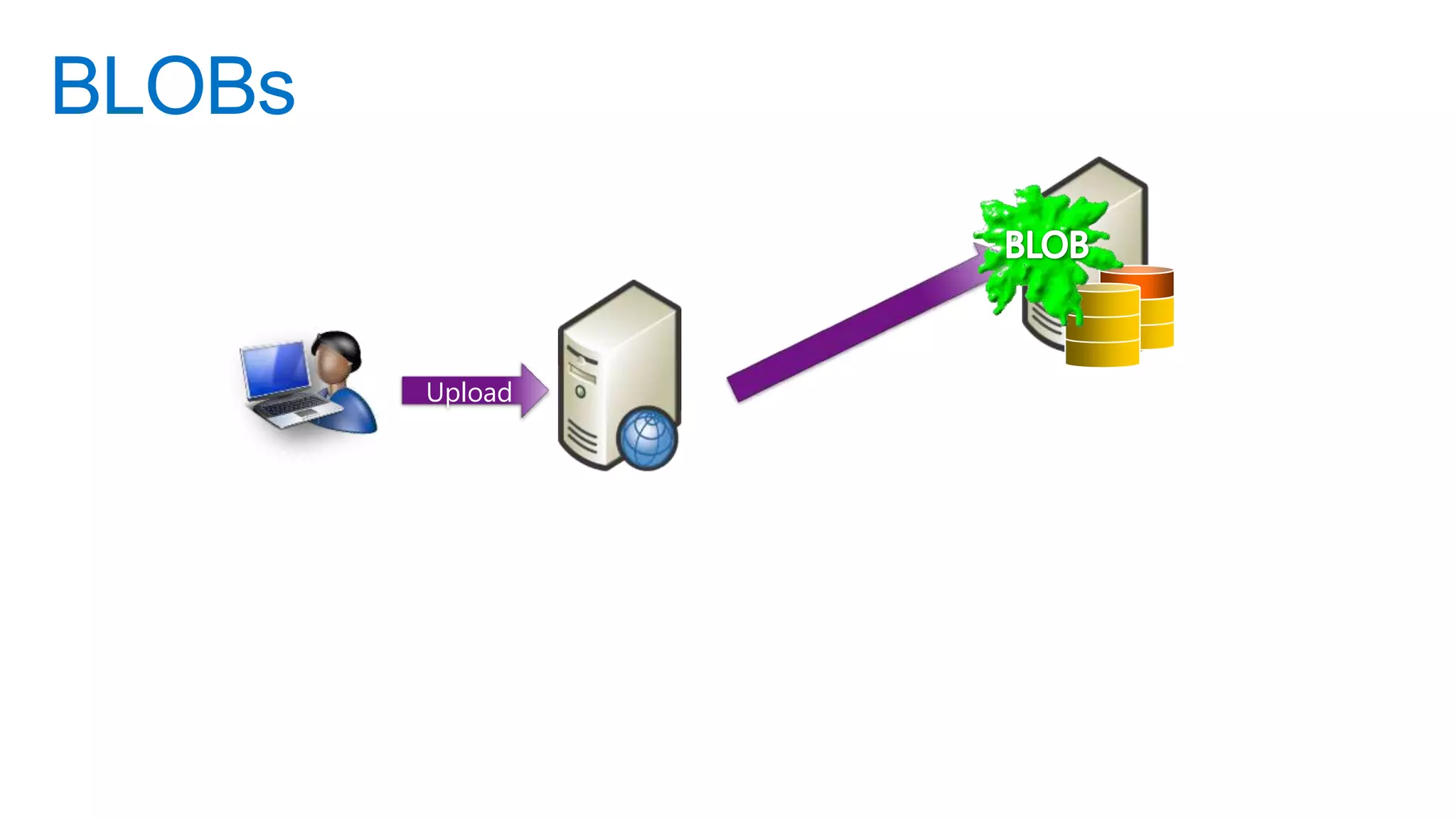
BLOBs


           Upload                Database

    User
                    Web Server
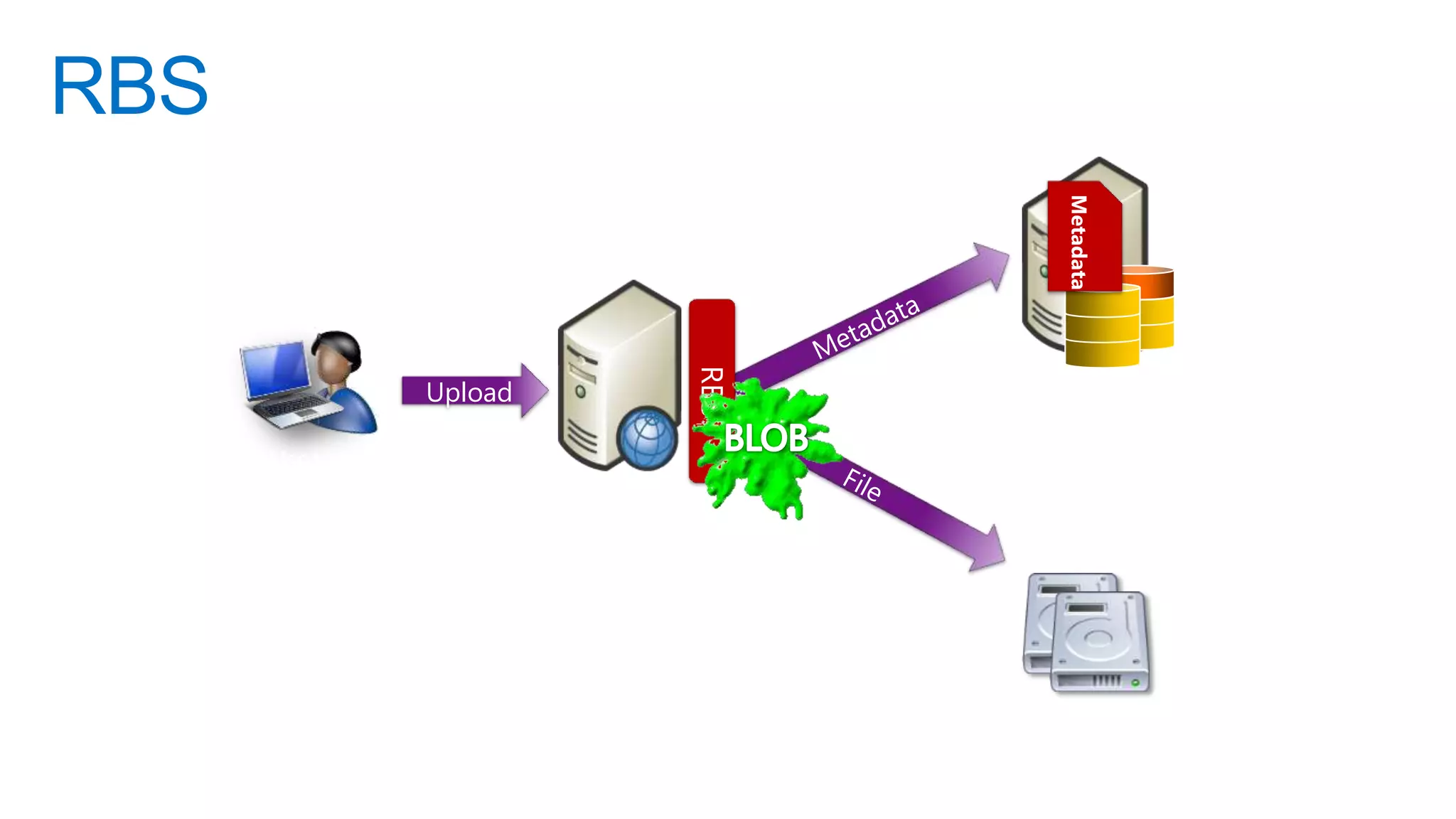
RBS


                                             Metadata
                                   RBS
             Upload                      Database

      User
                      Web Server


                                         Disk Storage
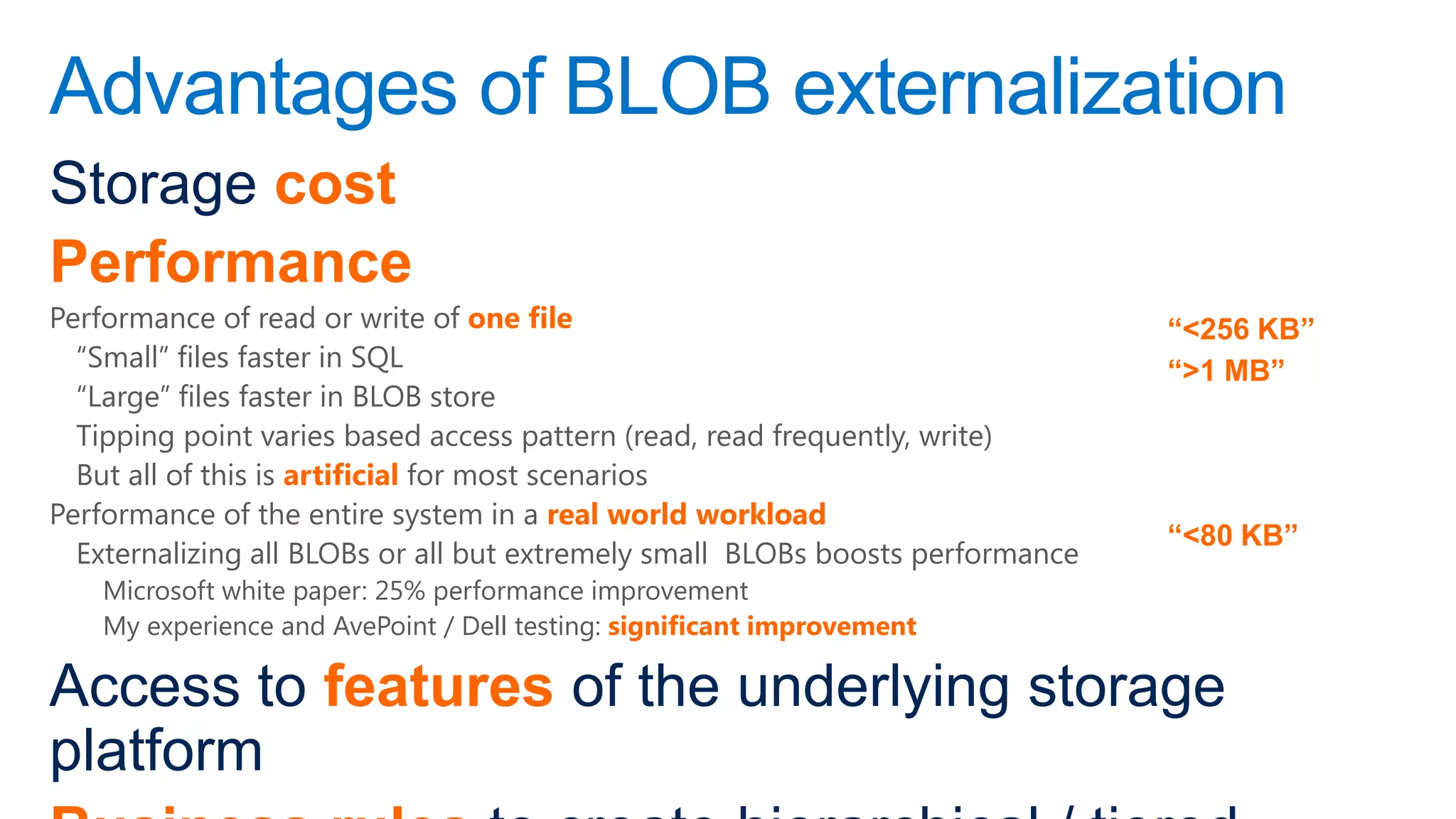
Advantages of BLOB externalization
Storage cost
Performance
Performance of read or write of one file                                        “<256 KB”
  “Small” files faster in SQL                                                   “>1 MB”
  “Large” files faster in BLOB store
  Tipping point varies based access pattern (read, read frequently, write)
  But all of this is artificial for most scenarios
Performance of the entire system in a real world workload
                                                                                “<80 KB”
  Externalizing all BLOBs or all but extremely small BLOBs boosts performance
    Microsoft white paper: 25% performance improvement
    My experience and AvePoint / Dell testing: significant improvement

Access to features of the underlying storage
platform
Should I externalize BLOBs?
Variables
Workload
Storage platform
RBS provider
Manageability: how you manage the BLOB store (backup, HA, DR)

Test it!
But the odds are good that, storage performance equal,
you will improve performance and reduce cost

FILESTREAM
Third Parties
Performance
Business rules
Manageability
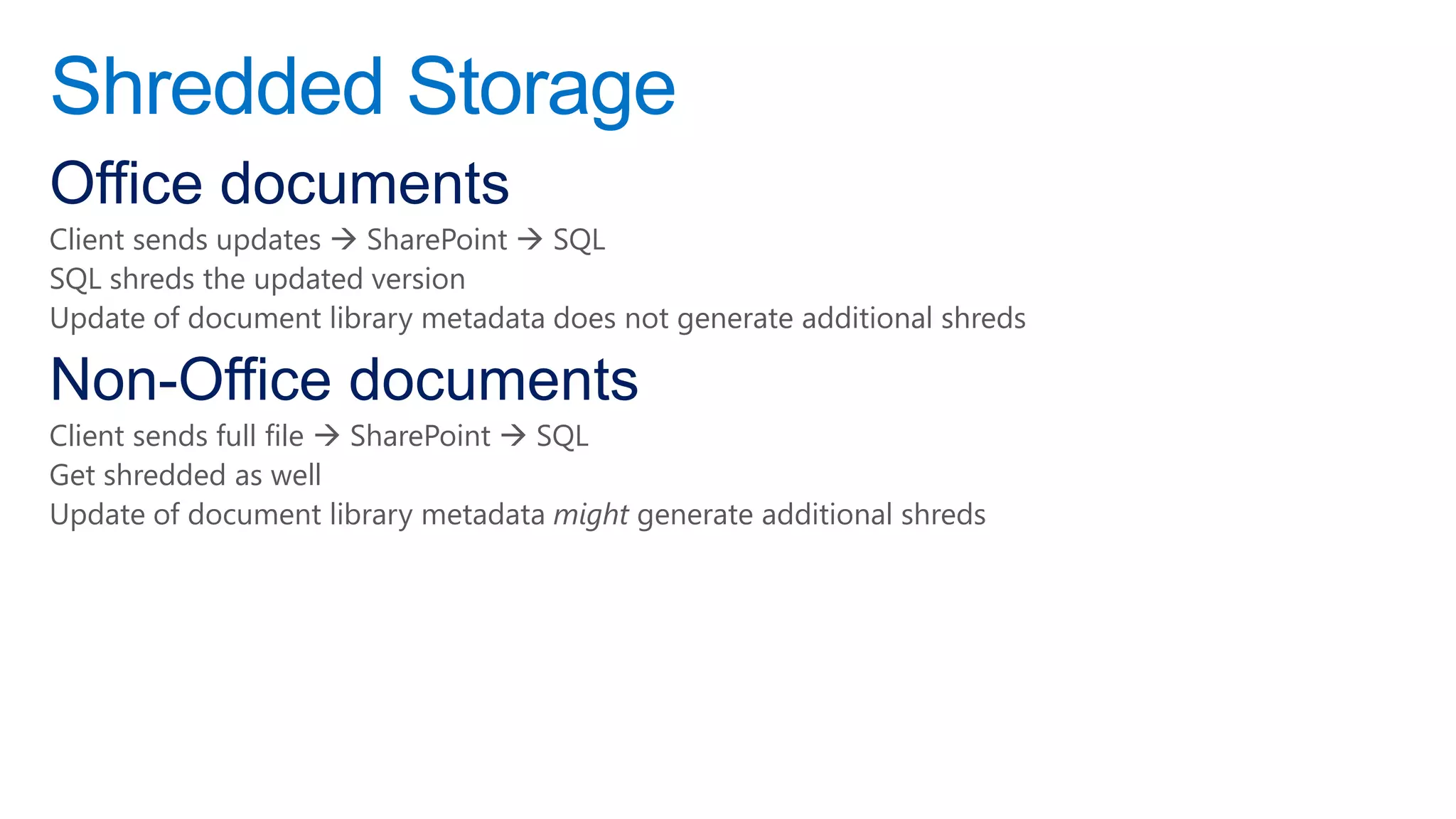
Shredded Storage
Office documents
Client sends updates  SharePoint  SQL
SQL shreds the updated version
Update of document library metadata does not generate additional shreds

Non-Office documents
Client sends full file  SharePoint  SQL
Get shredded as well
Update of document library metadata might generate additional shreds
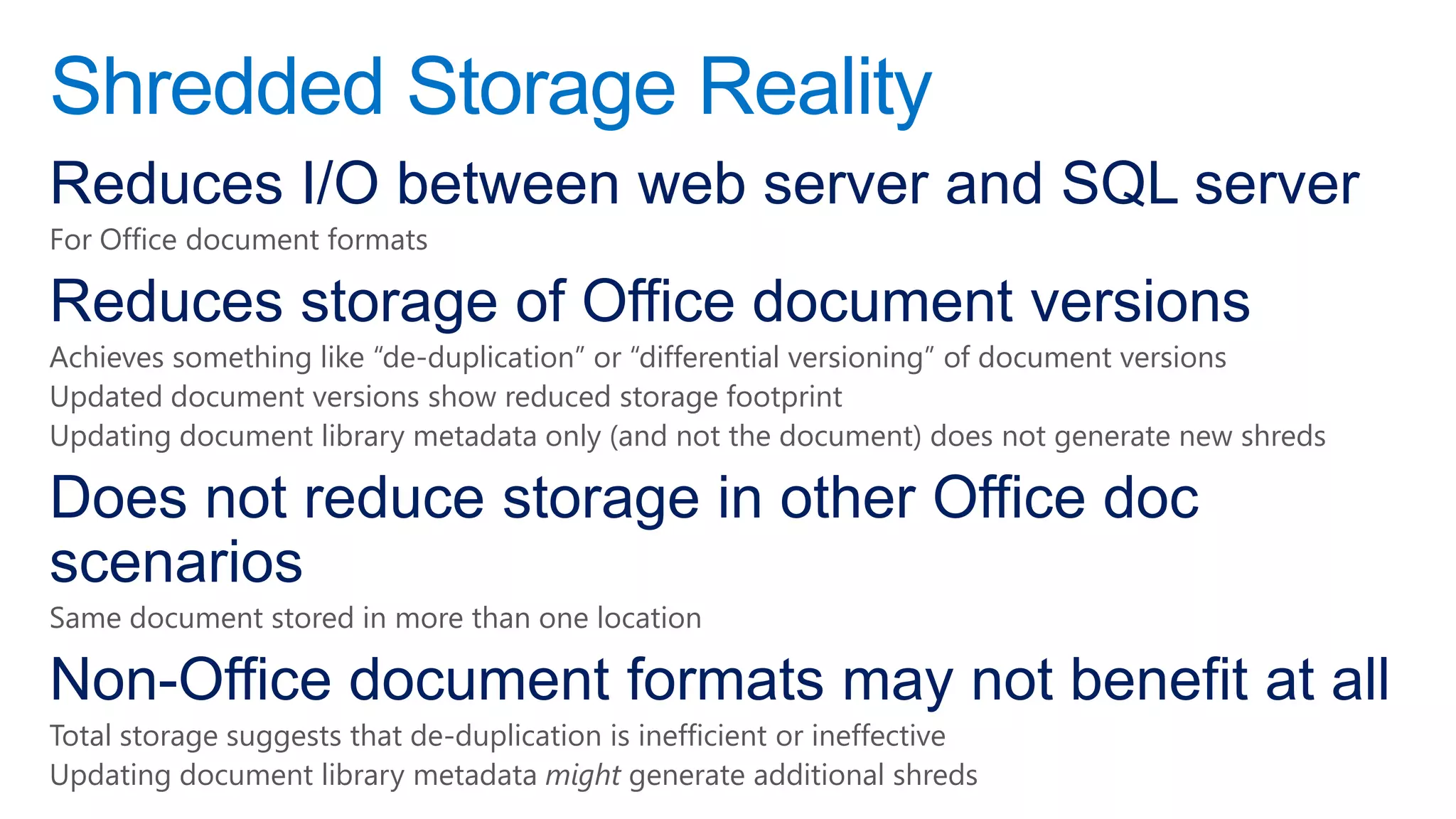
Shredded Storage Reality
Reduces I/O between web server and SQL server
For Office document formats

Reduces storage of Office document versions
Achieves something like “de-duplication” or “differential versioning” of document versions
Updated document versions show reduced storage footprint
Updating document library metadata only (and not the document) does not generate new shreds

Does not reduce storage in other Office doc
scenarios
Same document stored in more than one location

Non-Office document formats may not benefit at all
Total storage suggests that de-duplication is inefficient or ineffective
Updating document library metadata might generate additional shreds
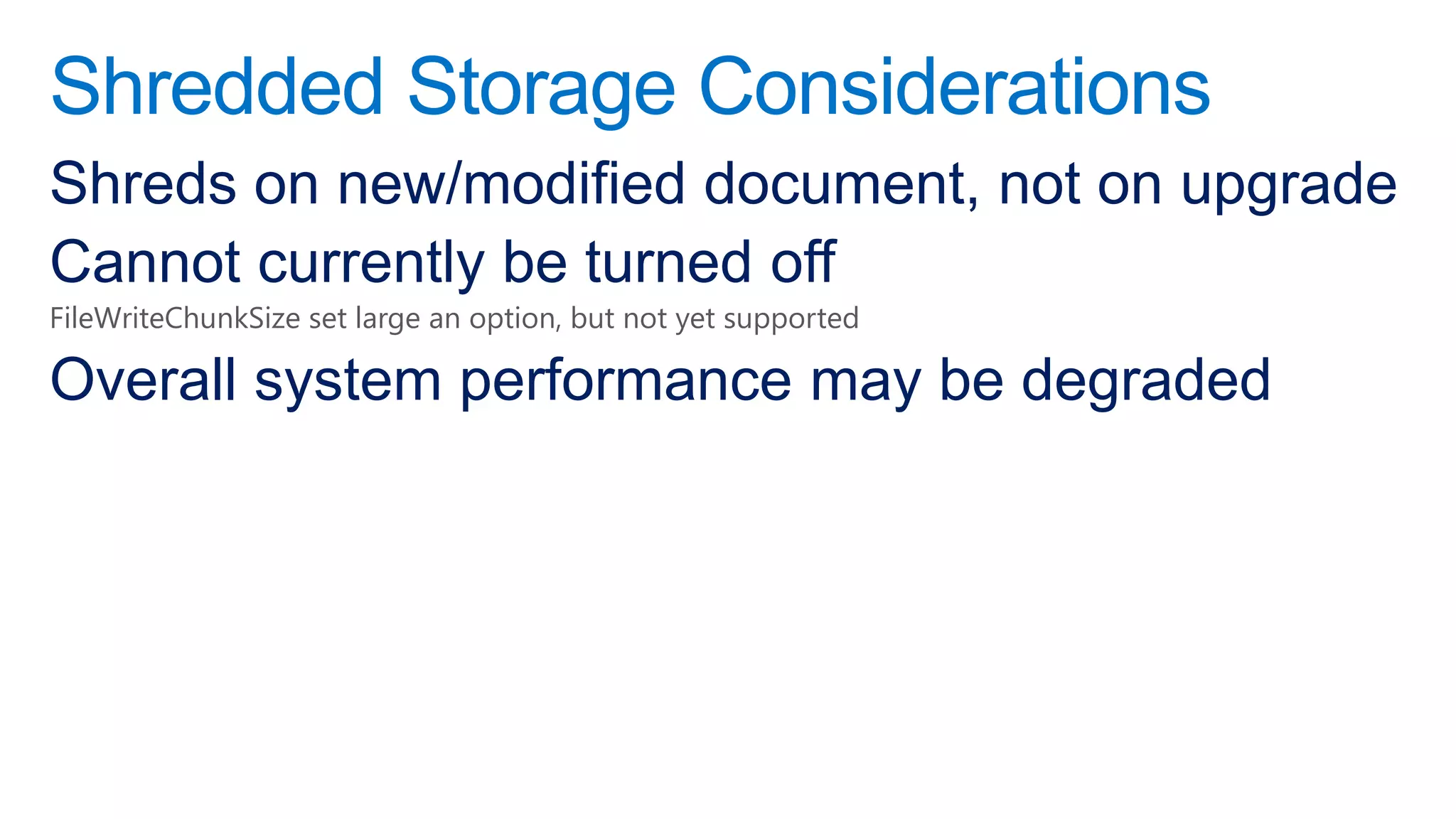
Shredded Storage Considerations
Shreds on new/modified document, not on upgrade
Cannot currently be turned off
FileWriteChunkSize set large an option, but not yet supported

Overall system performance may be degraded
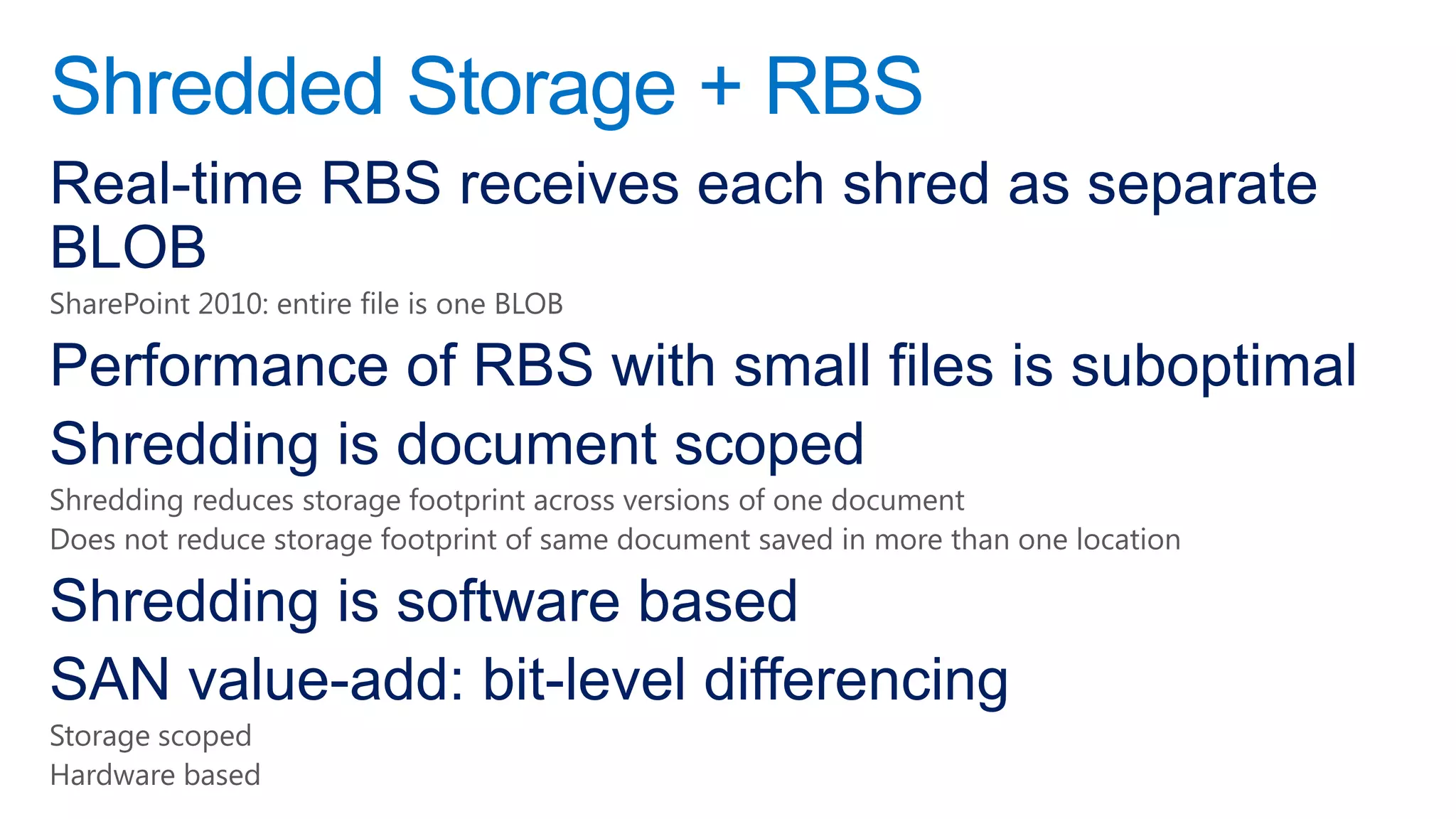
Shredded Storage + RBS
Real-time RBS receives each shred as separate
BLOB
SharePoint 2010: entire file is one BLOB

Performance of RBS with small files is suboptimal
Shredding is document scoped
Shredding reduces storage footprint across versions of one document
Does not reduce storage footprint of same document saved in more than one location

Shredding is software based
SAN value-add: bit-level differencing
Storage scoped
Hardware based
Storage Tentative Guidance
Use RBS
Almost certainly a “no brainer” for collaboration scenarios
  Reduced cost
  Increased performance
  Tiered storage management
Consider non-collaboration scenarios: RBS might not be a “no-brainer”
  Intranet: small pages, read-mostly, read-often
  Search: RBS will increase search crawl time. Configure additional crawlers as a solution
Acquire a third-party solution that manages storage: both RBS and backup/restore and archiving

Consider disabling shredded storage
Unless “double read penalty” is significant [unlikely]
Set FileWriteChunkSize large [confirm support from MS]

Use hardware (SAN) based de-duplication
Archiving
Move to different location, keep in SharePoint
UI: Send To Another Location
Workflow
PowerShell

Move to different storage tier, keep in SharePoint
Third-party RBS tools

Move out of SharePoint entirely
PowerShell
Third-Party Tools
Apps
What is a SharePoint App?
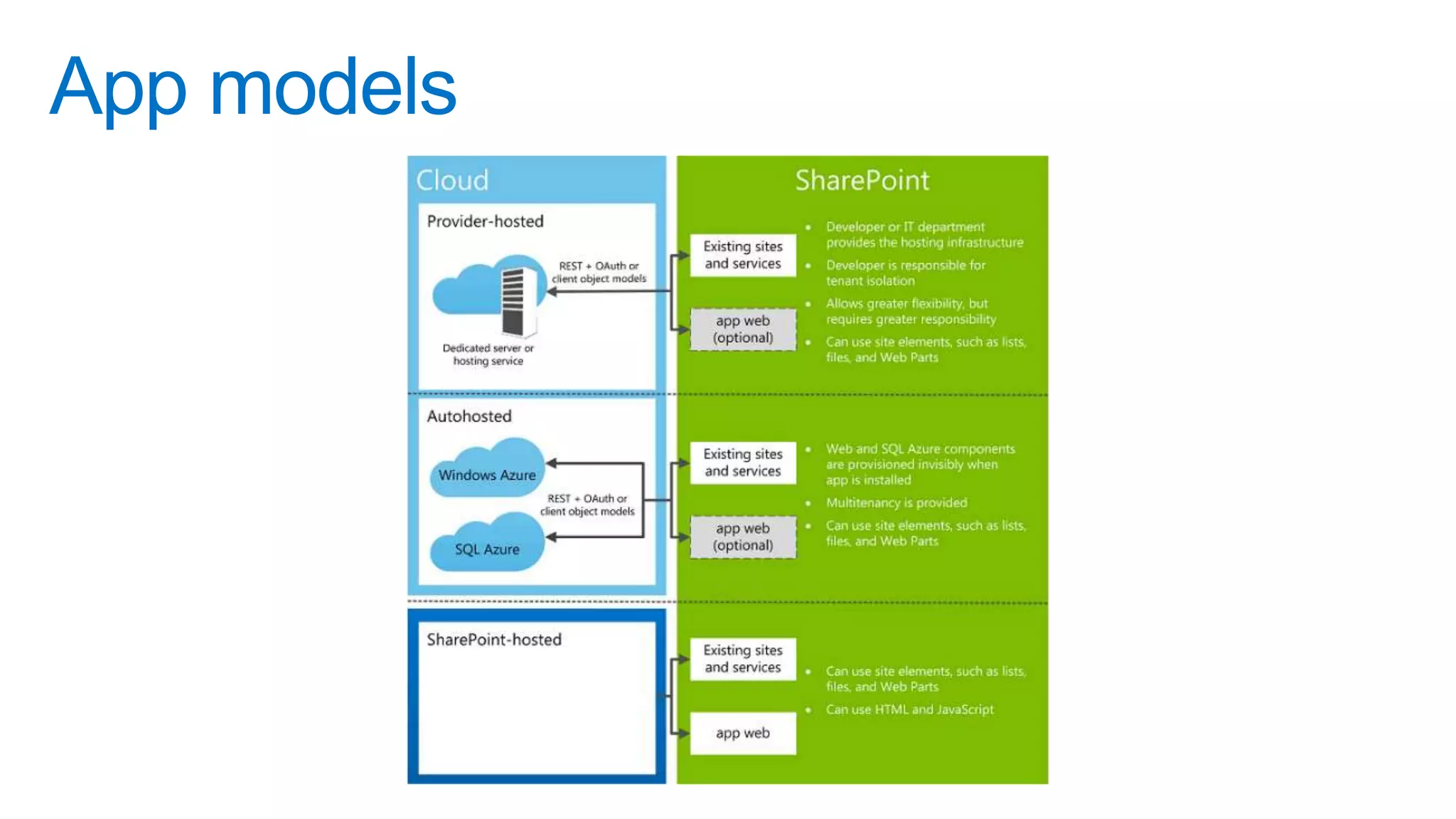
An extension of SharePoint capabilities
“Self-contained pieces of functionality that extend the capabilities of a SharePoint website” – MSDN (bit.ly/MFDnI9)

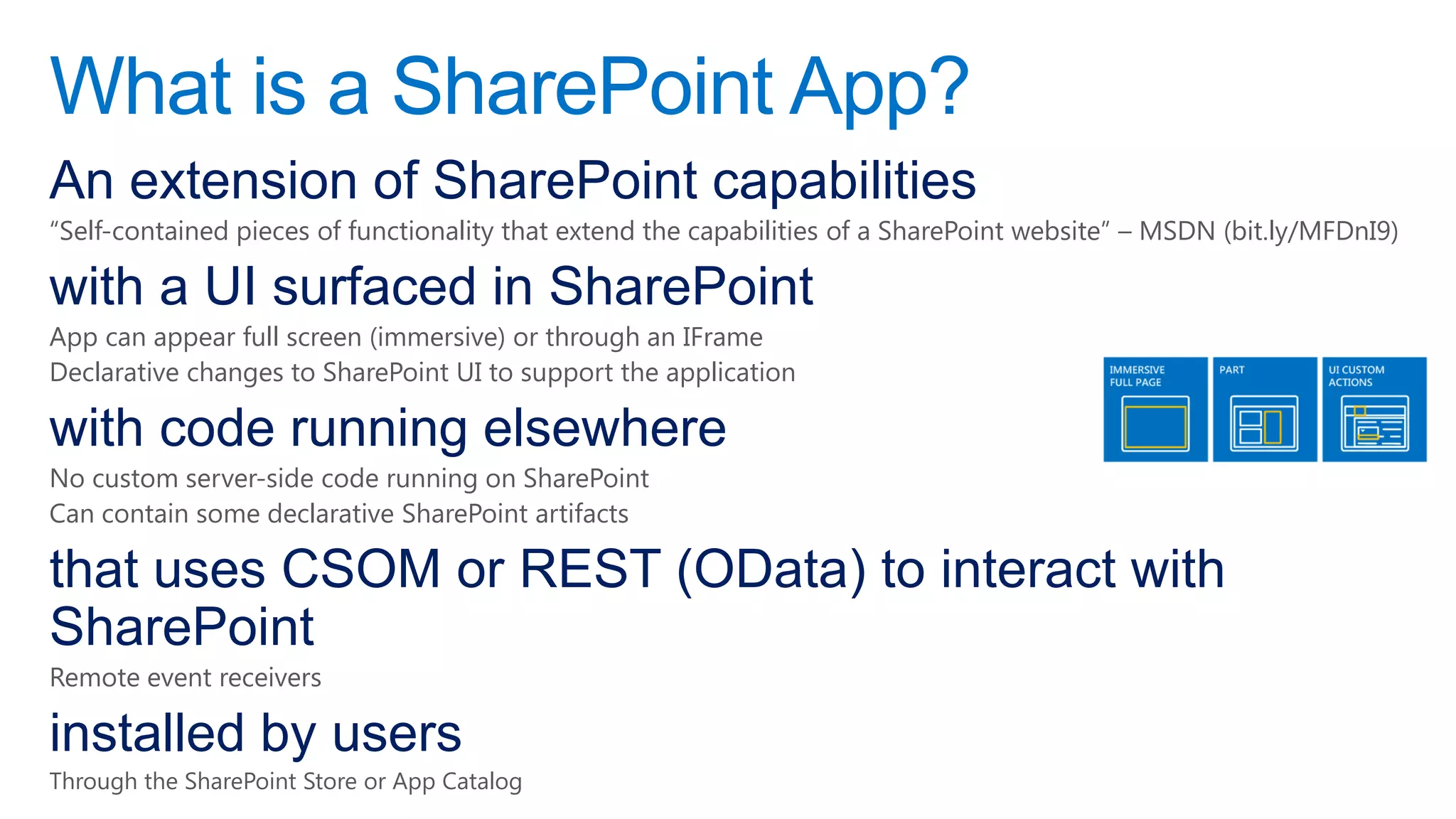
with a UI surfaced in SharePoint
App can appear full screen (immersive) or through an IFrame
Declarative changes to SharePoint UI to support the application

with code running elsewhere
No custom server-side code running on SharePoint
Can contain some declarative SharePoint artifacts

that uses CSOM or REST (OData) to interact with
SharePoint
Remote event receivers

installed by users
Through the SharePoint Store or App Catalog
App models
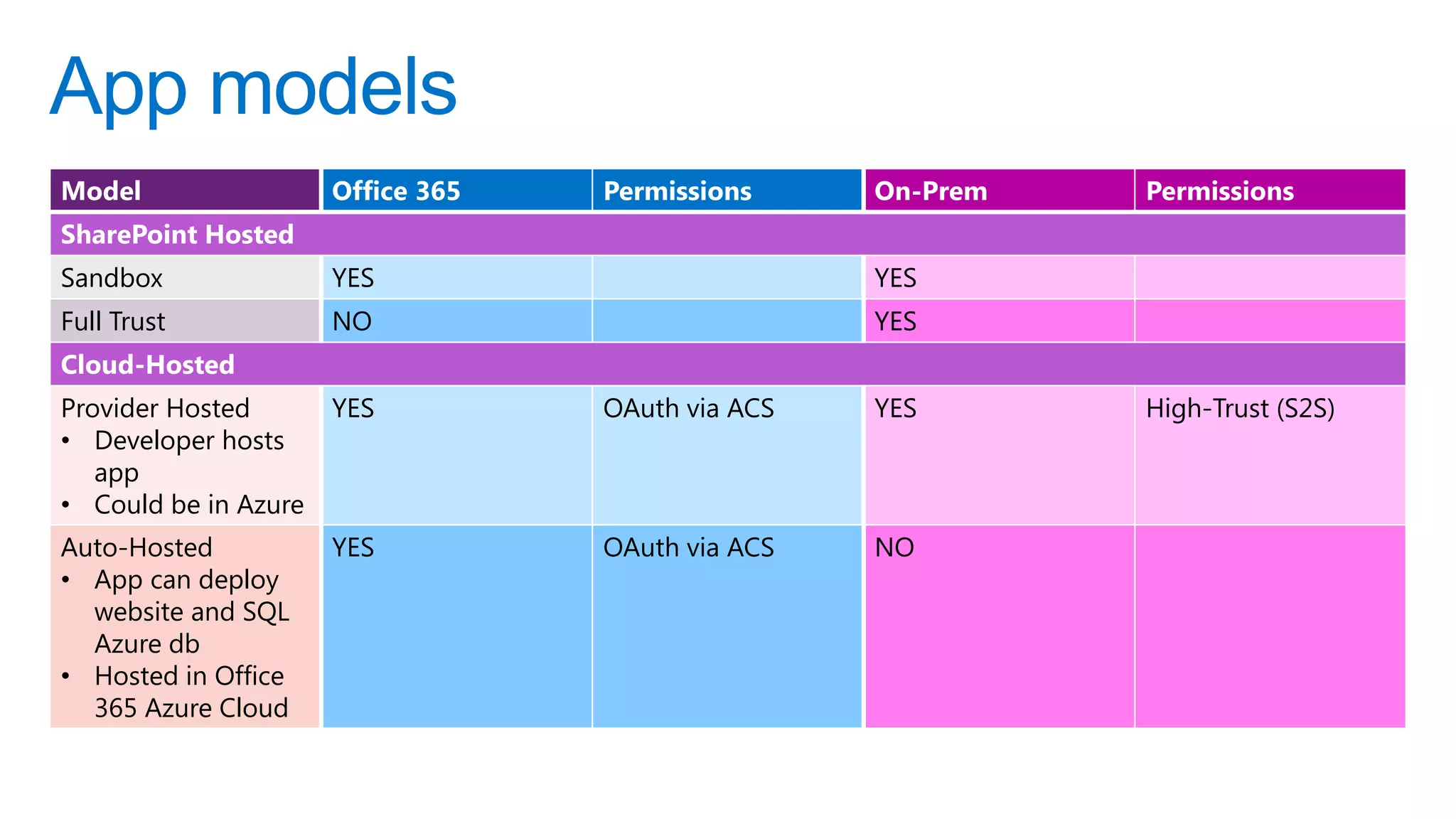
App models
Model                 Office 365   Permissions     On-Prem   Permissions
SharePoint Hosted
Sandbox               YES                          YES
Full Trust            NO                           YES
Cloud-Hosted
Provider Hosted       YES          OAuth via ACS   YES       High-Trust (S2S)
• Developer hosts
   app
• Could be in Azure
Auto-Hosted           YES          OAuth via ACS   NO
• App can deploy
  website and SQL
  Azure db
• Hosted in Office
  365 Azure Cloud
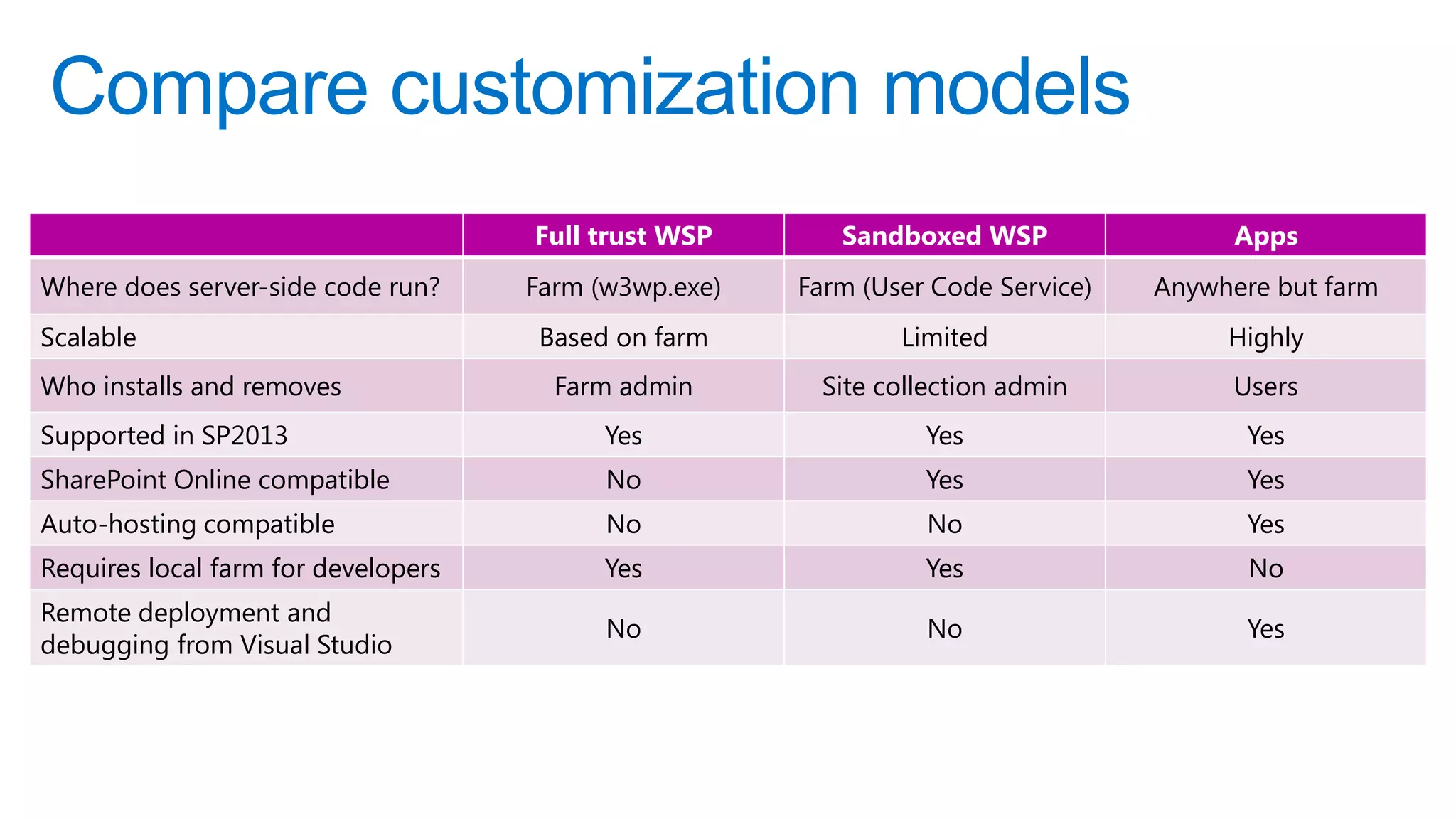
Compare customization models
                                     Full trust WSP       Sandboxed WSP                 Apps
Where does server-side code run?     Farm (w3wp.exe)   Farm (User Code Service)   Anywhere but farm
Scalable                              Based on farm            Limited                 Highly
Who installs and removes               Farm admin       Site collection admin           Users
Supported in SP2013                        Yes                   Yes                     Yes
SharePoint Online compatible               No                    Yes                     Yes
Auto-hosting compatible                    No                    No                      Yes
Requires local farm for developers         Yes                   Yes                     No
Remote deployment and
                                           No                    No                      Yes
debugging from Visual Studio
Challenges with WSP solutions
Full-trust solutions
Performance and stability concerns
Incompatible with SharePoint Online

Sandboxed solutions
Clunky architecture, too limiting

Requires administrative deployment and support
Lifecycle management
Upgrade, decommission

Steep learning curve
Not cloud ready
Scalability
Multi-tenant aware
Benefits of the new app model
                  • Familiar app concepts & components
                  • Find apps in SharePoint Store or app catalog
                  • Self-service provision, upgrade and delete
   Info Workers


                  • Leverage existing knowledge & expertise
                  • Manage application lifecycle independently of platform
                  • Revenue potential of SharePoint Store
   Developers


                  • Govern the visibility and availability of applications
                  • Manage service independently of applications
                  • Customizations pose virtually no risk to service
   IT Managers
Mindset
Apps for SharePoint are like apps for phones
User driven
Independent of the underlying platform
Often, consuming or exposing external services and content
Functional Challenges
Apps have to be completely self-contained
Apps can not depend on other Apps
Apps can not depend on custom farm solutions

Users have to add apps to their sites
Apps can not be added to web templates
Apps can not be pushed using CSOM

Governance controls
Corporate app catalog
SharePoint Store vs. App Catalog
Provision vs. request

Management challenges
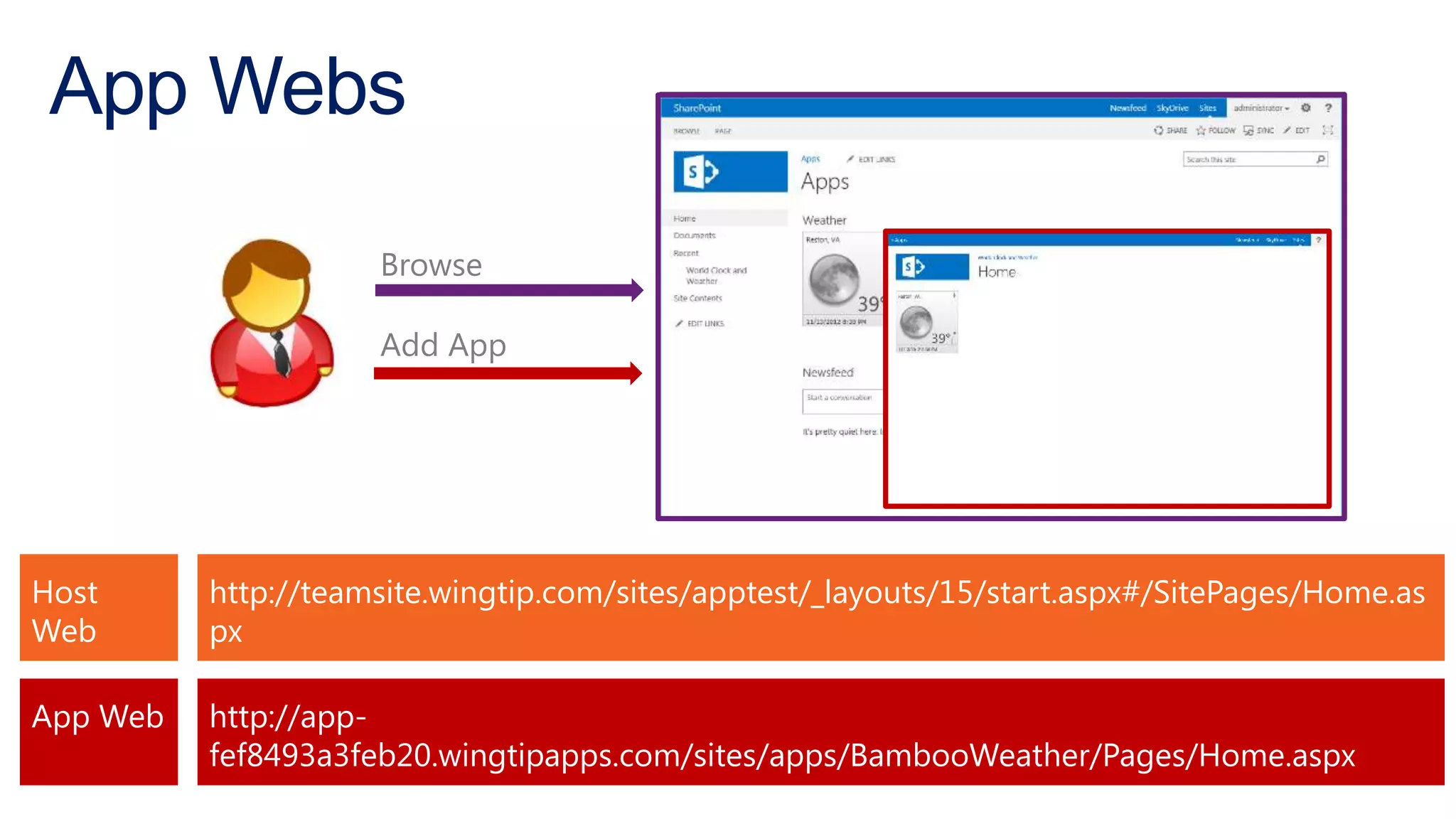
App Webs

                     Browse

                     Add App


Host      http://teamsite.wingtip.com/sites/apptest/_layouts/15/start.aspx#/SitePages/Home.as
Web       px

App Web   http://app-
          fef8493a3feb20.wingtipapps.com/sites/apps/BambooWeather/Pages/Home.aspx
App Domain
Apps require their own App Domain
Each App runs in its own sub domain of the App Domain
SharePoint-hosted apps are deployed to a sub site that runs in a different domain

App URLs can not resolve to host-header web
applications
Create a non-host header web application on the same port
Use Host Named Site Collections
Apps and Infrastructure
DNS
App Domain: contosoapps.com
  Not a “sub-domain”, e.g. apps.contoso.com
Wildcard DNS entry to IP address of SharePoint web server
SharePoint web app & IIS site bound to IP address
  No host header
Host named site collections

SSL
Wildcard SSL certificate
Authentication
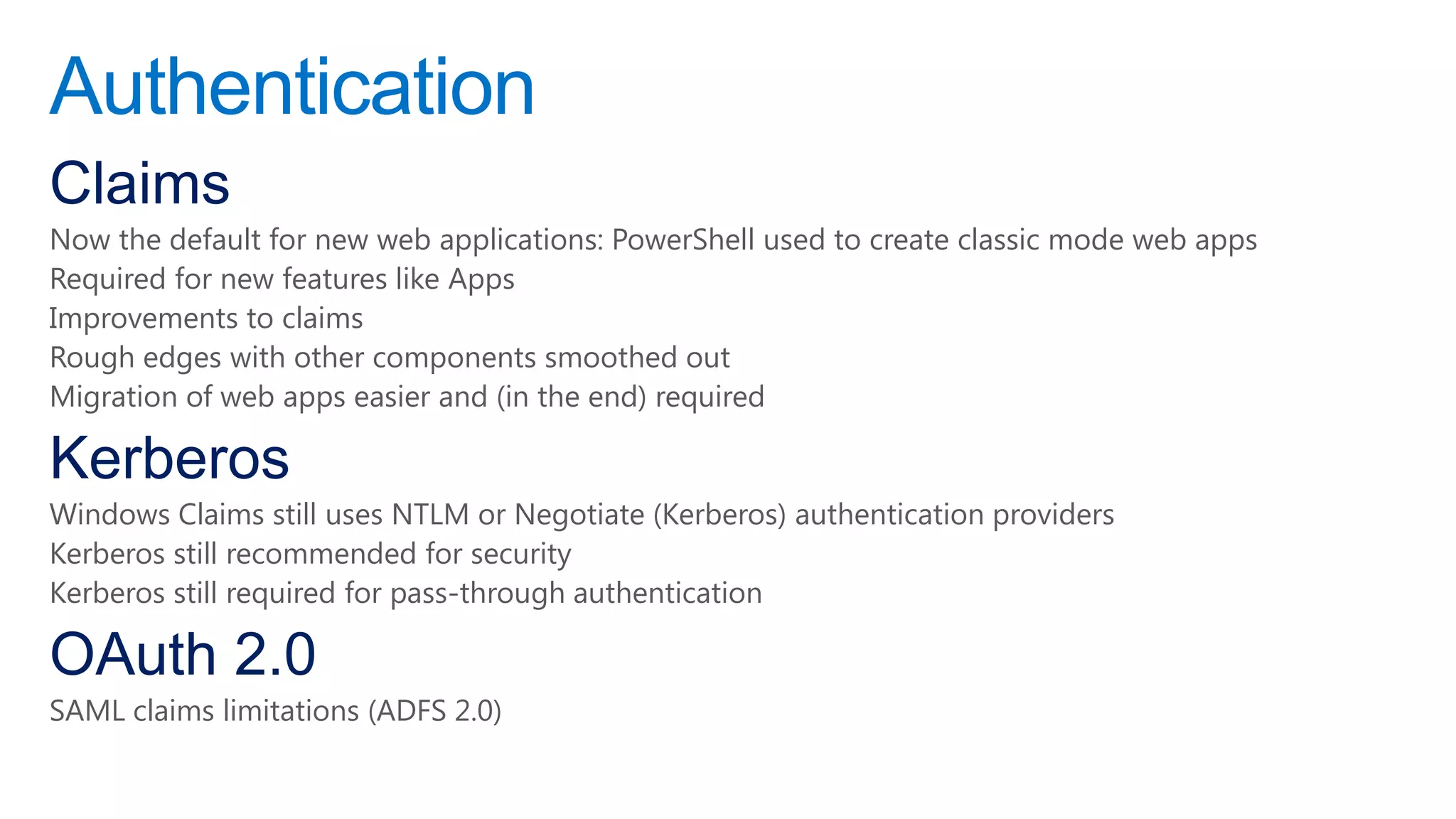
Claims
Now the default for new web applications: PowerShell used to create classic mode web apps
Required for new features like Apps
Improvements to claims
Rough edges with other components smoothed out
Migration of web apps easier and (in the end) required

Kerberos
Windows Claims still uses NTLM or Negotiate (Kerberos) authentication providers
Kerberos still recommended for security
Kerberos still required for pass-through authentication

OAuth 2.0
SAML claims limitations (ADFS 2.0)
Identity Management
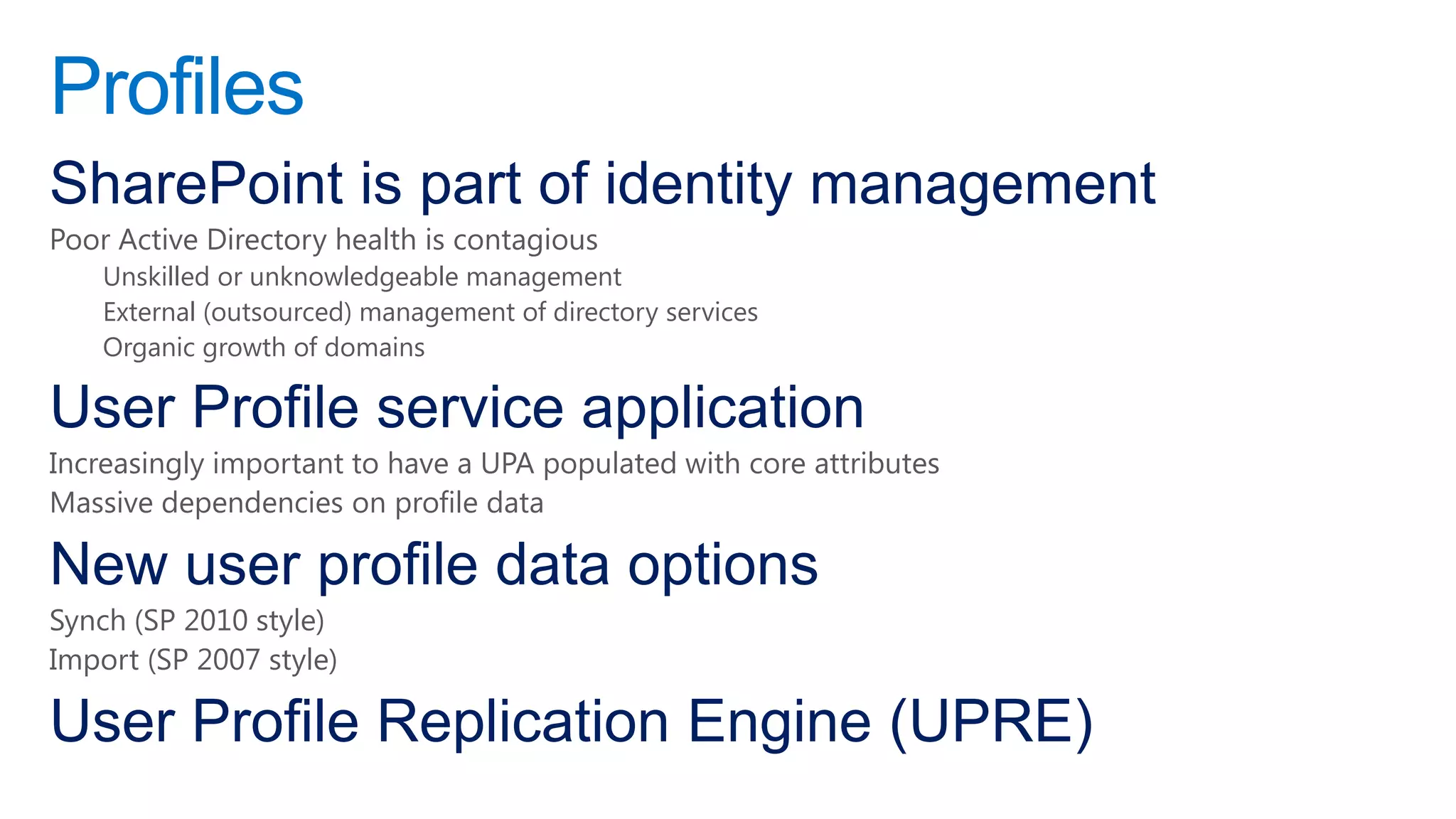
Profiles
SharePoint is part of identity management
Poor Active Directory health is contagious
    Unskilled or unknowledgeable management
    External (outsourced) management of directory services
    Organic growth of domains

User Profile service application
Increasingly important to have a UPA populated with core attributes
Massive dependencies on profile data

New user profile data options
Synch (SP 2010 style)
Import (SP 2007 style)

User Profile Replication Engine (UPRE)
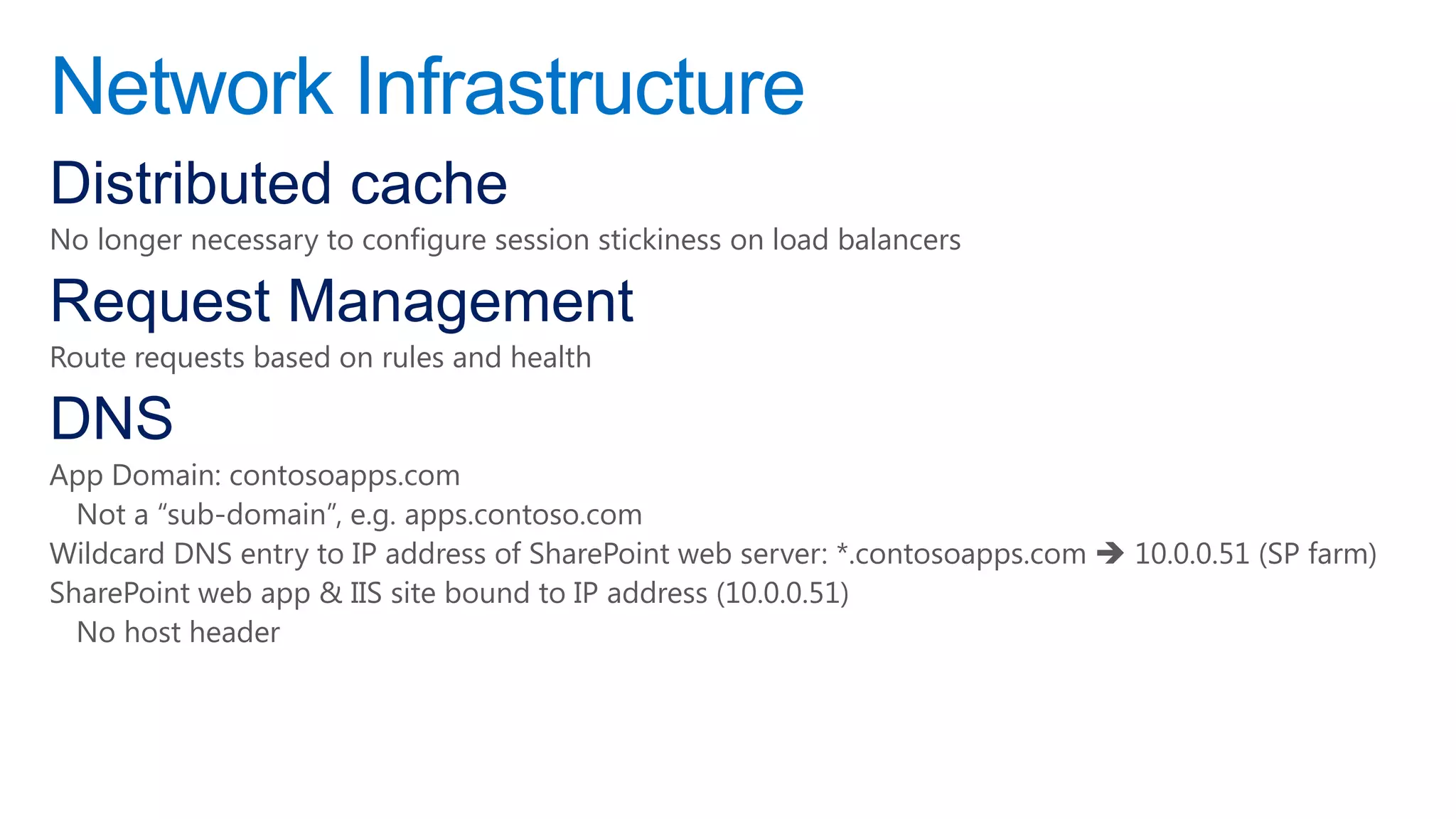
Network Infrastructure
Distributed cache
No longer necessary to configure session stickiness on load balancers

Request Management
Route requests based on rules and health

DNS
App Domain: contosoapps.com
  Not a “sub-domain”, e.g. apps.contoso.com
Wildcard DNS entry to IP address of SharePoint web server: *.contosoapps.com  10.0.0.51 (SP farm)
SharePoint web app & IIS site bound to IP address (10.0.0.51)
  No host header
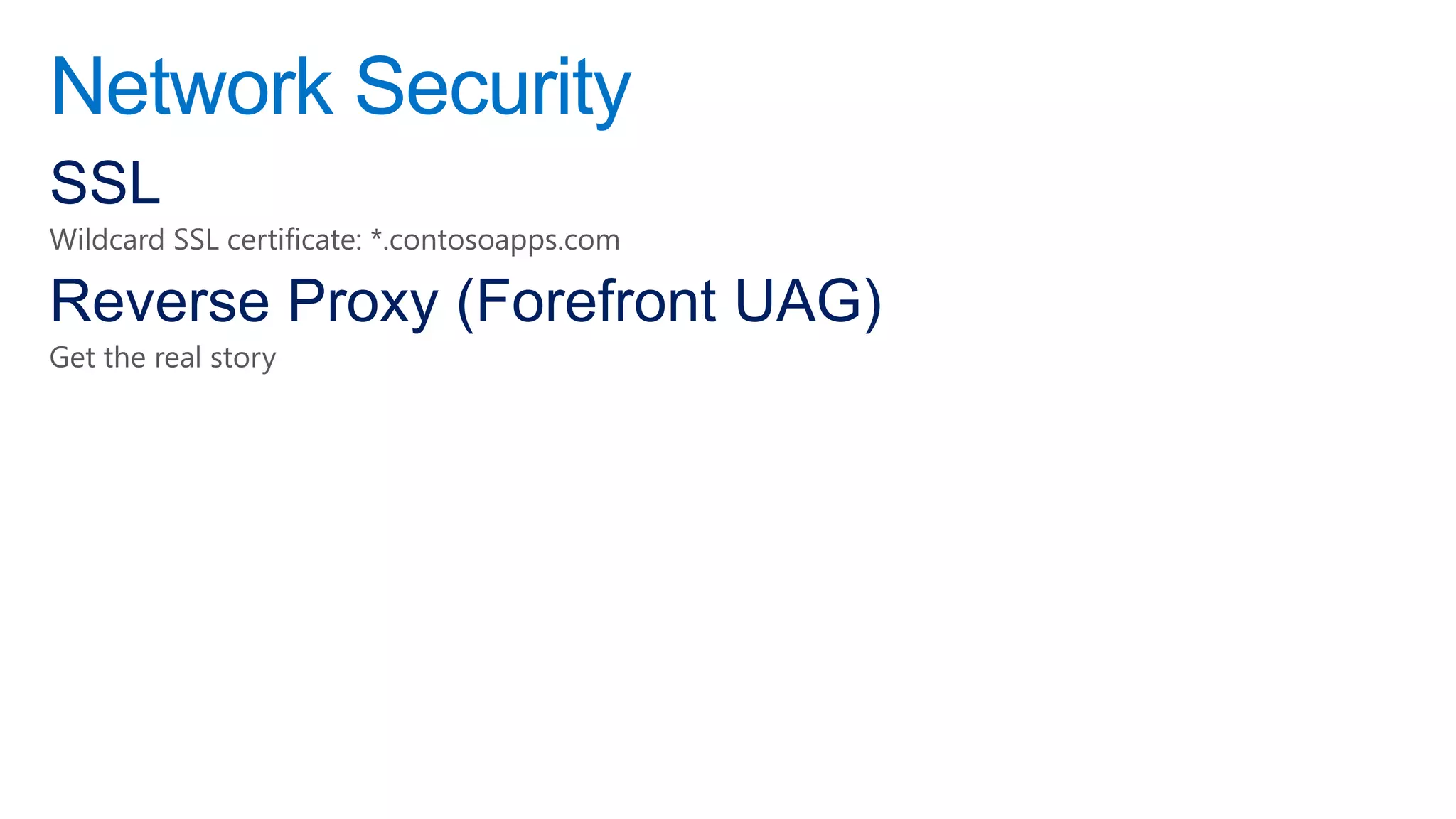
Network Security
SSL
Wildcard SSL certificate: *.contosoapps.com

Reverse Proxy (Forefront UAG)
Get the real story
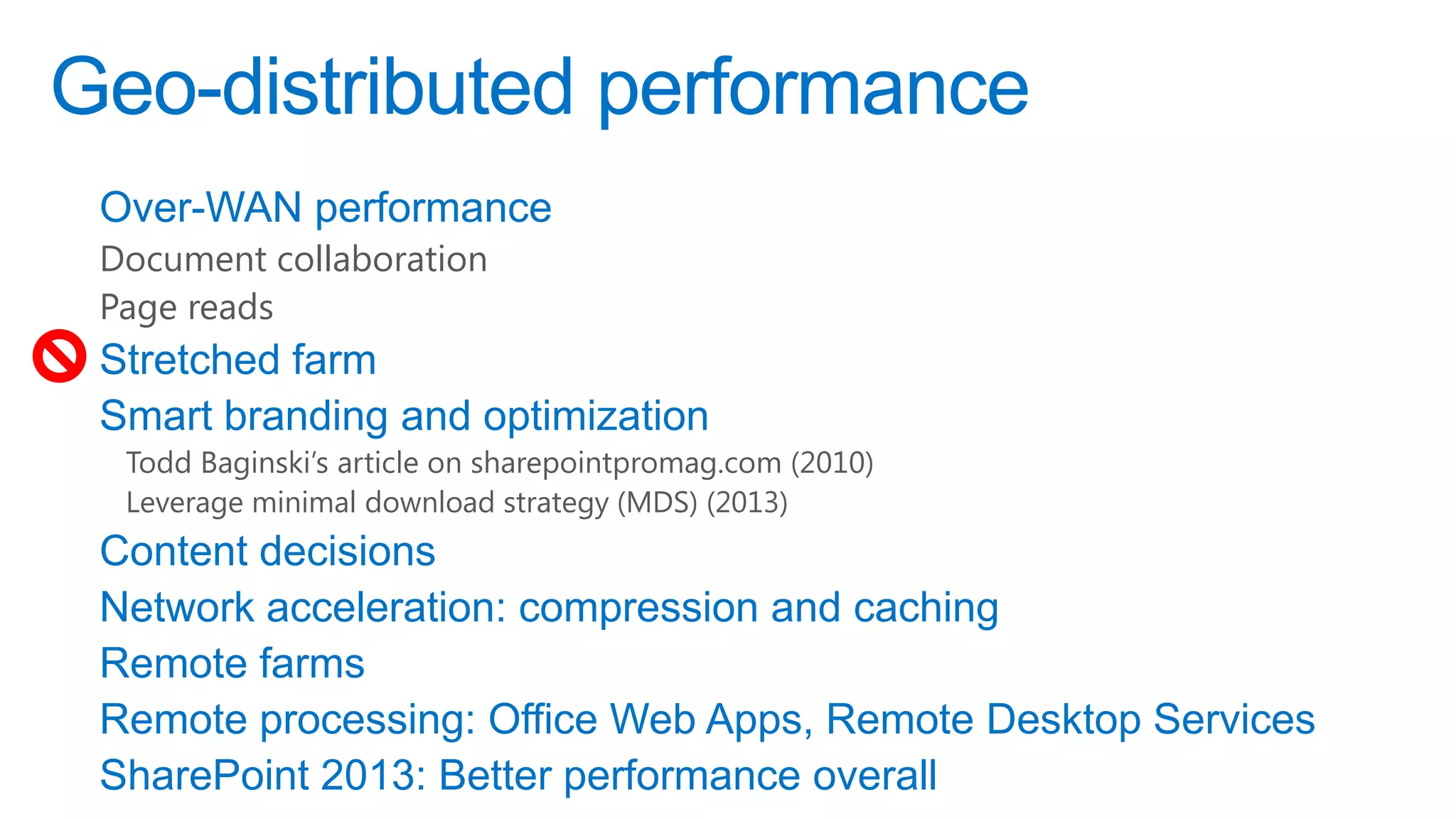
Geo-distributed performance
 Over-WAN performance
 Document collaboration
 Page reads
 Stretched farm
 Smart branding and optimization
  Todd Baginski’s article on sharepointpromag.com (2010)
  Leverage minimal download strategy (MDS) (2013)
 Content decisions
 Network acceleration: compression and caching
 Remote farms
 Remote processing: Office Web Apps, Remote Desktop Services
 SharePoint 2013: Better performance overall
Geo-distributed availability
 Stretched farm
 Smart branding and optimization
  Todd Baginski’s article on sharepointpromag.com
  Celina Baginski’s work with Planet Technologies
 Content decisions
 Network acceleration: compression and caching
 Remote farms
 Remote processing: Office Web Apps, Remote Desktop Services
Identify and root out bad practices
Wide lists
Large queries
Poor indexing (list and library columns)
Security gone wild
Understand (and reign in) current environment before enabling 2013-style sharing

AAMs
Move to host-header site collections
Evaluate third-party tools
Migration
Service and infrastructure management: on-prem, cloud, hybrid
Storage optimization
Recovery (granular, platform, and cloud)
Reverse Proxy, URL Remapping: Forefront User Access Gateway
Anti-malware
Administration & automation
Customization & application lifecycle management
Information lifecycle management
Mobile device management
Automatic classification
Workflow
Shout Outs
Randy Williams      Matt McDermott
Jeremy Thake        Eric Shupps
Gary Lapointe       Paul Swider
Chris Givens        Shane Young
Andrew Connell      Todd Klindt
Spence Harbar       Wictor Wilén
Jason Himmelstein   Asif Rehmani
Todd Baginski       Rob Bogue
Scot Hillier        Agnes Molnar
MAHALO! (thank you!)
http://tiny.cc/danholmepresentations
http://bit.ly/danholmearticles
http://bit.ly/danholmebooks


A HUI HO! („til next time!)
dan.holme@intelliem.com
@danholme

50 Shades of SharePoint: SharePoint 2013 Insanity Demystified

  • 1.
    50 Shades ofSharePoint: SharePoint 2013 Insanity Demystified Dan Holme MVP, SharePoint Server Microsoft Technologies Analyst & Evangelist Intelliem
  • 2.
    Dan Holme danholme http://tiny.cc/danholmepresentations dan.holme@intelliem.com
  • 3.
    About This Session Addressimportant, hot topics That might not get “air time” at the event What is underdocumented, misdocumented, conflicting, confusing or downright strange? What about “on premise” SharePoint 2013? Provide clarity and balance Answer your questions What do I need to know to be successful? What are the best practices, tips and tricks? What problems and mistakes can I avoid?
  • 5.
    Storage SQL Server 2012 PrerequisiteInstaller installs the SQL 2008 R2 SP1 Native Client on SharePoint servers – That’s OK! SQL Server 2008 R2 SP1 There are differences! Business Intelligence Access Services
  • 6.
    Max Degrees ofParallelism SQL resource utilization Cores Queries Default is 0 SharePoint 2010: Should be set to 1 Is your SQL Server configured correctly now? SharePoint 2013: Required SharePoint Products Configuration Wizard (PSCONFIG / PSCONFIGUI) fails if MDOP is 0
  • 7.
    Script max degreesof parallelism PowerShell script Run As Administrator. Set-ExecutionPolicy to allow local script (e.g. RemoteSigned). #### Set MDOP to 1 Import-Module "sqlps" -DisableNameChecking $sql = "EXEC sys.sp_configure N'show advanced options', N'1' RECONFIGURE WITH OVERRIDE GO EXEC sys.sp_configure N'max degree of parallelism', N'1' GO RECONFIGURE WITH OVERRIDE GO EXEC sys.sp_configure N'show advanced options', N'0' RECONFIGURE WITH OVERRIDE GO" [-ServerInstance “SERVERinstance“]
  • 8.
    SQL alias SQL Alias SQLSERVER01.contoso.com = NYSQL05.contoso.com today = NYSQLCLUSTER.contoso.com tomorrow = NYSQLCLUSTER.newcompany.com next year Configure a SQL alias CLICONFG.exe on each SharePoint server in the farm Do not “Fake it out” with a DNS record Kerberos Consider “tiers” of aliases to support SQL scaling Content Databases: SQLSPCONTENT Search Databases: SQLSPSEARCH Service Application Databases: SQLSPSERVICES
  • 9.
    Content database sizing Initialsize Growth rate Model – Monitor – Measure – Modify
  • 10.
    Content scaling support& guidance Content Database 200 GB (out-of-box) 4 TB (collaboration)* Unlimited (archive)* Site Collection 100 GB (out-of-box) Up to size of CDB* Items per CDB 60 million *Conditions apply: Performance, DR, HA
  • 12.
    BLOBs Upload Database User Web Server
  • 13.
    RBS Metadata RBS Upload Database User Web Server Disk Storage
  • 14.
    Advantages of BLOBexternalization Storage cost Performance Performance of read or write of one file “<256 KB” “Small” files faster in SQL “>1 MB” “Large” files faster in BLOB store Tipping point varies based access pattern (read, read frequently, write) But all of this is artificial for most scenarios Performance of the entire system in a real world workload “<80 KB” Externalizing all BLOBs or all but extremely small BLOBs boosts performance Microsoft white paper: 25% performance improvement My experience and AvePoint / Dell testing: significant improvement Access to features of the underlying storage platform
  • 15.
    Should I externalizeBLOBs? Variables Workload Storage platform RBS provider Manageability: how you manage the BLOB store (backup, HA, DR) Test it! But the odds are good that, storage performance equal, you will improve performance and reduce cost FILESTREAM Third Parties Performance Business rules Manageability
  • 17.
    Shredded Storage Office documents Clientsends updates  SharePoint  SQL SQL shreds the updated version Update of document library metadata does not generate additional shreds Non-Office documents Client sends full file  SharePoint  SQL Get shredded as well Update of document library metadata might generate additional shreds
  • 18.
    Shredded Storage Reality ReducesI/O between web server and SQL server For Office document formats Reduces storage of Office document versions Achieves something like “de-duplication” or “differential versioning” of document versions Updated document versions show reduced storage footprint Updating document library metadata only (and not the document) does not generate new shreds Does not reduce storage in other Office doc scenarios Same document stored in more than one location Non-Office document formats may not benefit at all Total storage suggests that de-duplication is inefficient or ineffective Updating document library metadata might generate additional shreds
  • 19.
    Shredded Storage Considerations Shredson new/modified document, not on upgrade Cannot currently be turned off FileWriteChunkSize set large an option, but not yet supported Overall system performance may be degraded
  • 20.
    Shredded Storage +RBS Real-time RBS receives each shred as separate BLOB SharePoint 2010: entire file is one BLOB Performance of RBS with small files is suboptimal Shredding is document scoped Shredding reduces storage footprint across versions of one document Does not reduce storage footprint of same document saved in more than one location Shredding is software based SAN value-add: bit-level differencing Storage scoped Hardware based
  • 21.
    Storage Tentative Guidance UseRBS Almost certainly a “no brainer” for collaboration scenarios Reduced cost Increased performance Tiered storage management Consider non-collaboration scenarios: RBS might not be a “no-brainer” Intranet: small pages, read-mostly, read-often Search: RBS will increase search crawl time. Configure additional crawlers as a solution Acquire a third-party solution that manages storage: both RBS and backup/restore and archiving Consider disabling shredded storage Unless “double read penalty” is significant [unlikely] Set FileWriteChunkSize large [confirm support from MS] Use hardware (SAN) based de-duplication
  • 22.
    Archiving Move to differentlocation, keep in SharePoint UI: Send To Another Location Workflow PowerShell Move to different storage tier, keep in SharePoint Third-party RBS tools Move out of SharePoint entirely PowerShell Third-Party Tools
  • 24.
  • 25.
    What is aSharePoint App? An extension of SharePoint capabilities “Self-contained pieces of functionality that extend the capabilities of a SharePoint website” – MSDN (bit.ly/MFDnI9) with a UI surfaced in SharePoint App can appear full screen (immersive) or through an IFrame Declarative changes to SharePoint UI to support the application with code running elsewhere No custom server-side code running on SharePoint Can contain some declarative SharePoint artifacts that uses CSOM or REST (OData) to interact with SharePoint Remote event receivers installed by users Through the SharePoint Store or App Catalog
  • 26.
  • 27.
    App models Model Office 365 Permissions On-Prem Permissions SharePoint Hosted Sandbox YES YES Full Trust NO YES Cloud-Hosted Provider Hosted YES OAuth via ACS YES High-Trust (S2S) • Developer hosts app • Could be in Azure Auto-Hosted YES OAuth via ACS NO • App can deploy website and SQL Azure db • Hosted in Office 365 Azure Cloud
  • 28.
    Compare customization models Full trust WSP Sandboxed WSP Apps Where does server-side code run? Farm (w3wp.exe) Farm (User Code Service) Anywhere but farm Scalable Based on farm Limited Highly Who installs and removes Farm admin Site collection admin Users Supported in SP2013 Yes Yes Yes SharePoint Online compatible No Yes Yes Auto-hosting compatible No No Yes Requires local farm for developers Yes Yes No Remote deployment and No No Yes debugging from Visual Studio
  • 30.
    Challenges with WSPsolutions Full-trust solutions Performance and stability concerns Incompatible with SharePoint Online Sandboxed solutions Clunky architecture, too limiting Requires administrative deployment and support Lifecycle management Upgrade, decommission Steep learning curve Not cloud ready Scalability Multi-tenant aware
  • 31.
    Benefits of thenew app model • Familiar app concepts & components • Find apps in SharePoint Store or app catalog • Self-service provision, upgrade and delete Info Workers • Leverage existing knowledge & expertise • Manage application lifecycle independently of platform • Revenue potential of SharePoint Store Developers • Govern the visibility and availability of applications • Manage service independently of applications • Customizations pose virtually no risk to service IT Managers
  • 32.
    Mindset Apps for SharePointare like apps for phones User driven Independent of the underlying platform Often, consuming or exposing external services and content
  • 34.
    Functional Challenges Apps haveto be completely self-contained Apps can not depend on other Apps Apps can not depend on custom farm solutions Users have to add apps to their sites Apps can not be added to web templates Apps can not be pushed using CSOM Governance controls Corporate app catalog SharePoint Store vs. App Catalog Provision vs. request Management challenges
  • 35.
    App Webs Browse Add App Host http://teamsite.wingtip.com/sites/apptest/_layouts/15/start.aspx#/SitePages/Home.as Web px App Web http://app- fef8493a3feb20.wingtipapps.com/sites/apps/BambooWeather/Pages/Home.aspx
  • 36.
    App Domain Apps requiretheir own App Domain Each App runs in its own sub domain of the App Domain SharePoint-hosted apps are deployed to a sub site that runs in a different domain App URLs can not resolve to host-header web applications Create a non-host header web application on the same port Use Host Named Site Collections
  • 37.
    Apps and Infrastructure DNS AppDomain: contosoapps.com Not a “sub-domain”, e.g. apps.contoso.com Wildcard DNS entry to IP address of SharePoint web server SharePoint web app & IIS site bound to IP address No host header Host named site collections SSL Wildcard SSL certificate
  • 39.
    Authentication Claims Now the defaultfor new web applications: PowerShell used to create classic mode web apps Required for new features like Apps Improvements to claims Rough edges with other components smoothed out Migration of web apps easier and (in the end) required Kerberos Windows Claims still uses NTLM or Negotiate (Kerberos) authentication providers Kerberos still recommended for security Kerberos still required for pass-through authentication OAuth 2.0 SAML claims limitations (ADFS 2.0)
  • 40.
  • 41.
    Profiles SharePoint is partof identity management Poor Active Directory health is contagious Unskilled or unknowledgeable management External (outsourced) management of directory services Organic growth of domains User Profile service application Increasingly important to have a UPA populated with core attributes Massive dependencies on profile data New user profile data options Synch (SP 2010 style) Import (SP 2007 style) User Profile Replication Engine (UPRE)
  • 43.
    Network Infrastructure Distributed cache Nolonger necessary to configure session stickiness on load balancers Request Management Route requests based on rules and health DNS App Domain: contosoapps.com Not a “sub-domain”, e.g. apps.contoso.com Wildcard DNS entry to IP address of SharePoint web server: *.contosoapps.com  10.0.0.51 (SP farm) SharePoint web app & IIS site bound to IP address (10.0.0.51) No host header
  • 44.
    Network Security SSL Wildcard SSLcertificate: *.contosoapps.com Reverse Proxy (Forefront UAG) Get the real story
  • 46.
    Geo-distributed performance Over-WANperformance Document collaboration Page reads Stretched farm Smart branding and optimization Todd Baginski’s article on sharepointpromag.com (2010) Leverage minimal download strategy (MDS) (2013) Content decisions Network acceleration: compression and caching Remote farms Remote processing: Office Web Apps, Remote Desktop Services SharePoint 2013: Better performance overall
  • 47.
    Geo-distributed availability Stretchedfarm Smart branding and optimization Todd Baginski’s article on sharepointpromag.com Celina Baginski’s work with Planet Technologies Content decisions Network acceleration: compression and caching Remote farms Remote processing: Office Web Apps, Remote Desktop Services
  • 49.
    Identify and rootout bad practices Wide lists Large queries Poor indexing (list and library columns) Security gone wild Understand (and reign in) current environment before enabling 2013-style sharing AAMs Move to host-header site collections
  • 50.
    Evaluate third-party tools Migration Serviceand infrastructure management: on-prem, cloud, hybrid Storage optimization Recovery (granular, platform, and cloud) Reverse Proxy, URL Remapping: Forefront User Access Gateway Anti-malware Administration & automation Customization & application lifecycle management Information lifecycle management Mobile device management Automatic classification Workflow
  • 51.
    Shout Outs Randy Williams Matt McDermott Jeremy Thake Eric Shupps Gary Lapointe Paul Swider Chris Givens Shane Young Andrew Connell Todd Klindt Spence Harbar Wictor Wilén Jason Himmelstein Asif Rehmani Todd Baginski Rob Bogue Scot Hillier Agnes Molnar
  • 52.

Editor's Notes

  • #2 After years of helping organizations around the world to deploy and implement SharePoint, Dan Holme has found that there are certain pain points that almost everyone encounters. Some are confusing concepts. Some are unfortunate decisions made based on misunderstanding Microsoft’s UI or documentation. Some are due to unnecessarily complex terminology. And some because there are things we might think that SharePoint should do, but can’t. In this session, Dan will share the most common and problematic scenarios, and their solutions, with the goal of saving you pain, time, and money. Think of this session as “Lessons Learned,” “Best Practices,” or “From the Field” on steroids. Whether you’re new to SharePoint or a seasoned veteran, in this grab-bag session there will be treasures for you! ​
  • #4 MDOPhttp://blogs.technet.com/b/lukeb/archive/2011/09/08/sharepoint-maxdop-1.aspxhttp://technet.microsoft.com/en-us/library/cc298801.aspx#Section6_3 (applies to 2013 as well)http://technet.microsoft.com/en-us/library/ee805948(office.15).aspxhttp://blogs.msdn.com/b/grahamk/archive/2009/06/15/troubleshooting-sql-server-deadlocks-and-performance-when-running-sharepoint.aspxhttp://technet.microsoft.com/en-us/library/ms189094.aspxhttp://technet.microsoft.com/en-us/library/ms188611.aspx
  • #7 TCP/IP v Named Pipes
  • #8 T-SQL Script
  • #12 Discuss the challenges of RTM guidance: what was “guidance” and what was “support”?CONDITIONS APPLYContent databases of up to 4 TB are supported when the following requirements are met:Disk sub-system performance:0.25 IOPs per GB minimum2.00 IOPs per GB recommended for optimal performanceTTFB of 20msArchitecture and tools must support performance expectations, future capacity, backup, restore, high availability, disaster recoveryDiscussion: Does anyone have more than a terabyte of data in their farm? Does anyone have a database larger than 200GB? Are there any negative performance impacts? Does anyone have 2GB / 1GB / 500MB files stored in SharePoint? How do they perform? How fast is your SharePoint farm growing? If you haven’t deployed SharePoint, how do you know how much storage you’ll need?
  • #15 Out of the box, RBS monitors for file uploads into SharePoint and checks the file size. If it’s over a certain configurable threshold, the upload will be split apart:The metadata goes to the databaseThe file goes to a file shareThe end user never knows the difference. All normal SharePoint features (site quotas, workflows, etc) still apply to the content.
  • #30 ? Distributed Cache across farms