4 steps to take control of Flow
and PowerApps in your
organization
Timo Pertilä| @timopertila
SharePoint Saturday Belgium
2019
#SPSBE
Platinum
Gold
Silver
Community
Thanks to our
sponsors!
Greetings from Finland!
3
Timo Pertilä
Consultant, Microsoft MVP
https://timopertila.com
https://twitter.com/timopertila
timo.pertila@digitalillustrated.com
4
5
Step 1 – Build vision
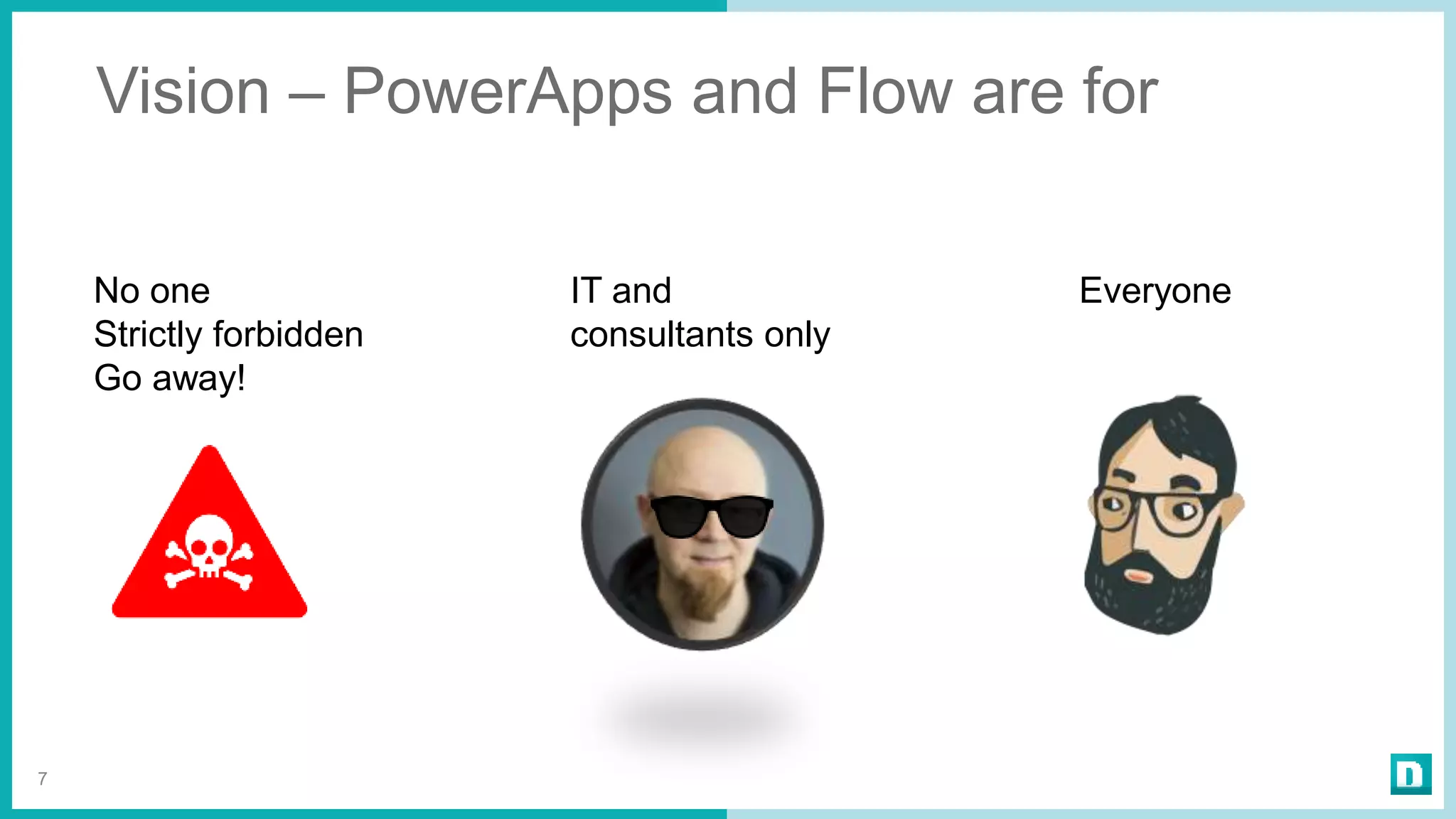
Vision – PowerApps and Flow are for
7
No one
Strictly forbidden
Go away!
IT and
consultants only
Everyone
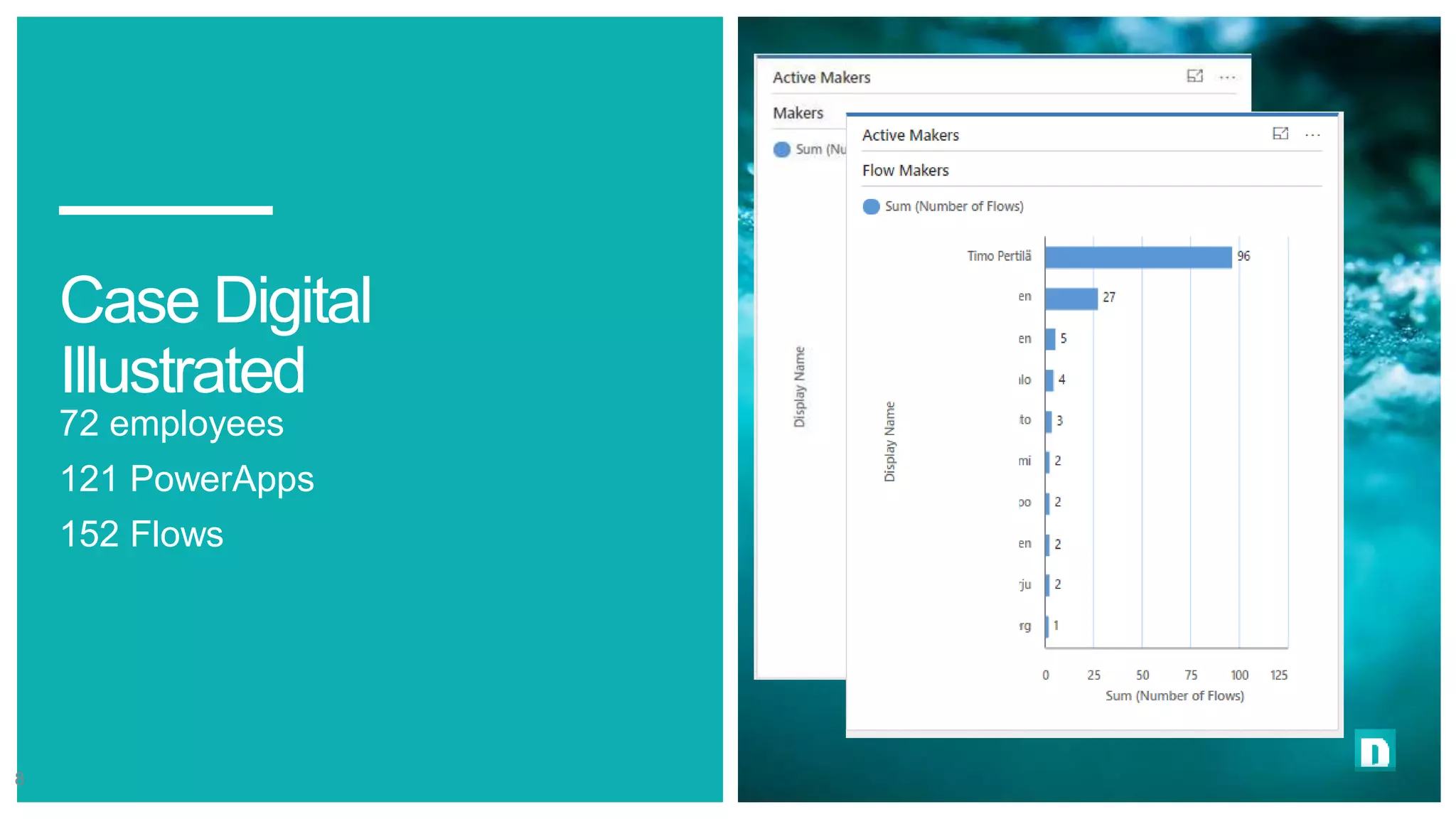
Case Digital
Illustrated
72 employees
121 PowerApps
152 Flows
8
Step 2 – Build environment
policy
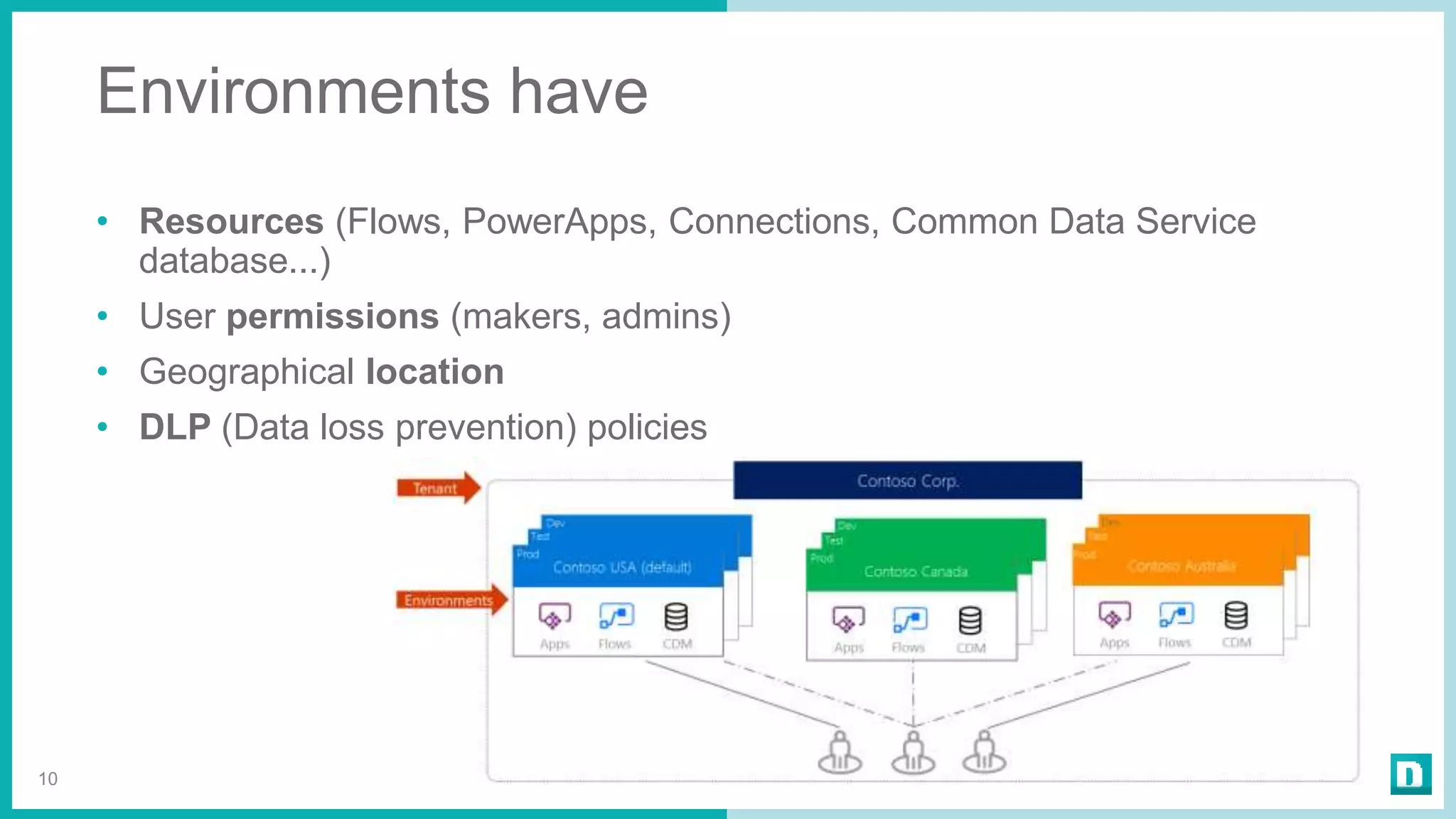
Environments have
• Resources (Flows, PowerApps, Connections, Common Data Service
database...)
• User permissions (makers, admins)
• Geographical location
• DLP (Data loss prevention) policies
10
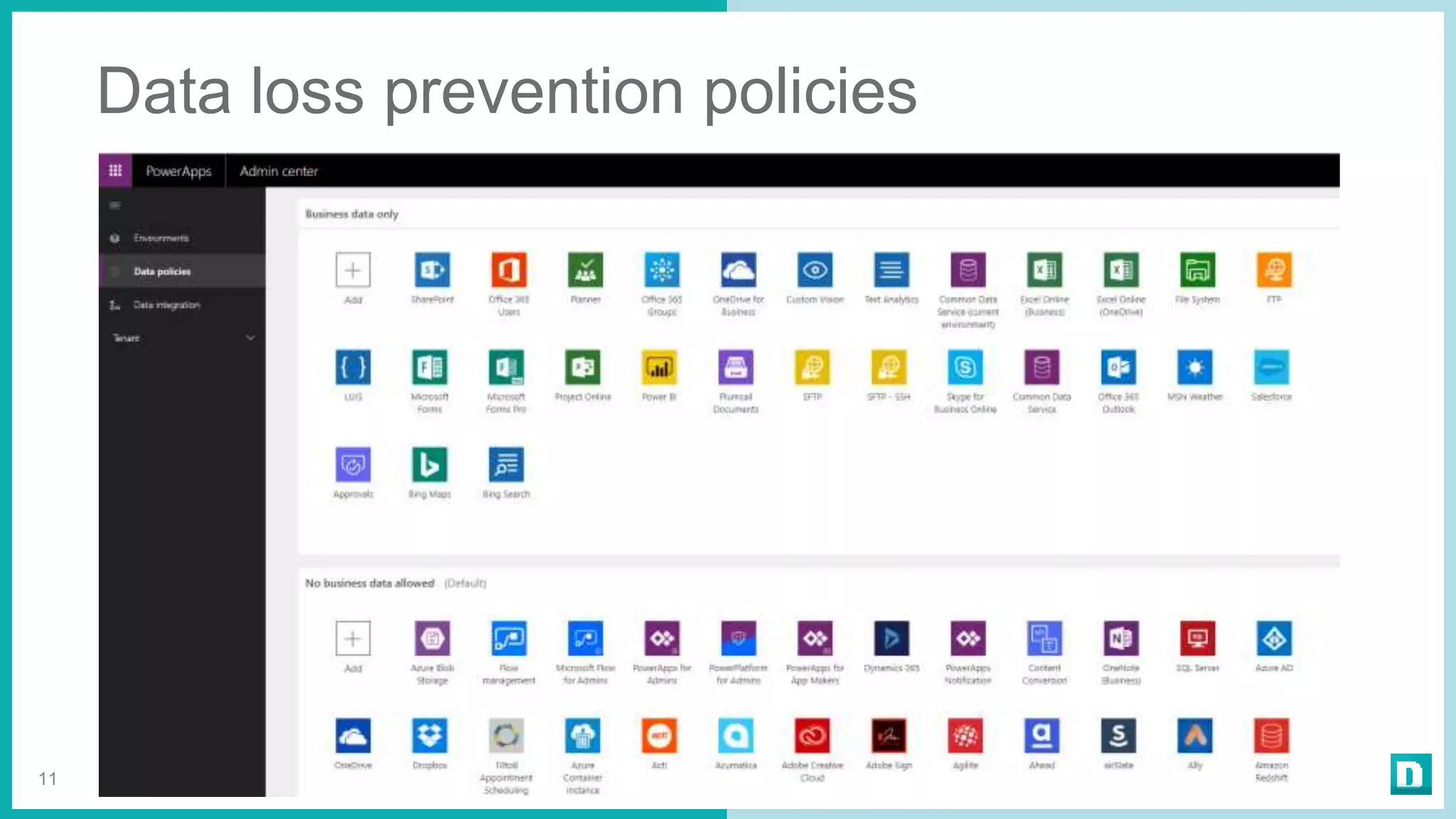
Data loss prevention policies
11
Use of environments - Examples
• Environments for specific DLP policies (marketing)
• Environments for geographical locations (USA, Europe, Asia)
• Environments for dev, test and production
12
Many organization uses only the default
environment!
Be carefully with SQL and Blob storage
connections!
Dev
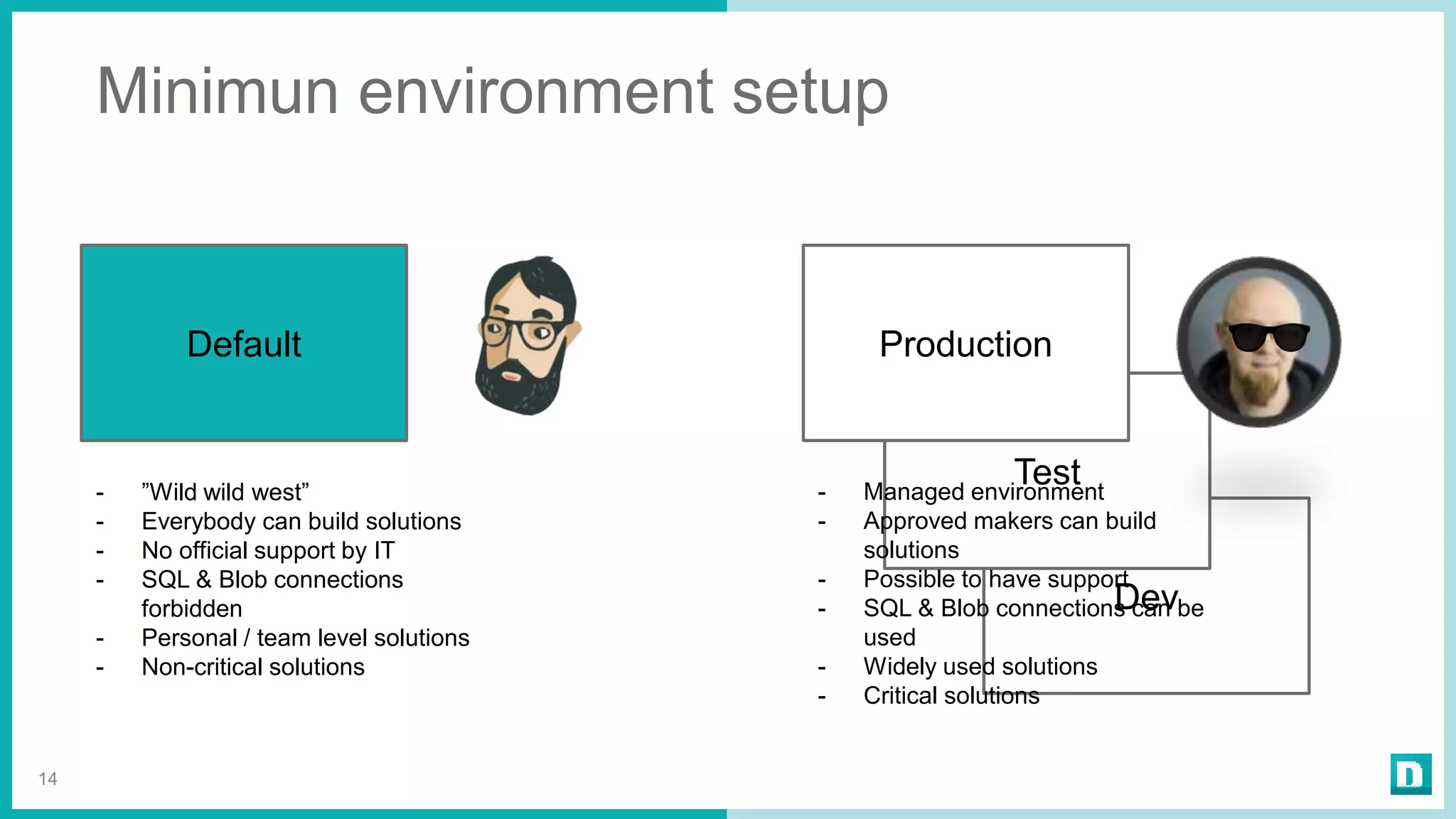
Minimun environment setup
14
Default
Test- ”Wild wild west”
- Everybody can build solutions
- No official support by IT
- SQL & Blob connections
forbidden
- Personal / team level solutions
- Non-critical solutions
Production
- Managed environment
- Approved makers can build
solutions
- Possible to have support
- SQL & Blob connections can be
used
- Widely used solutions
- Critical solutions
Dev
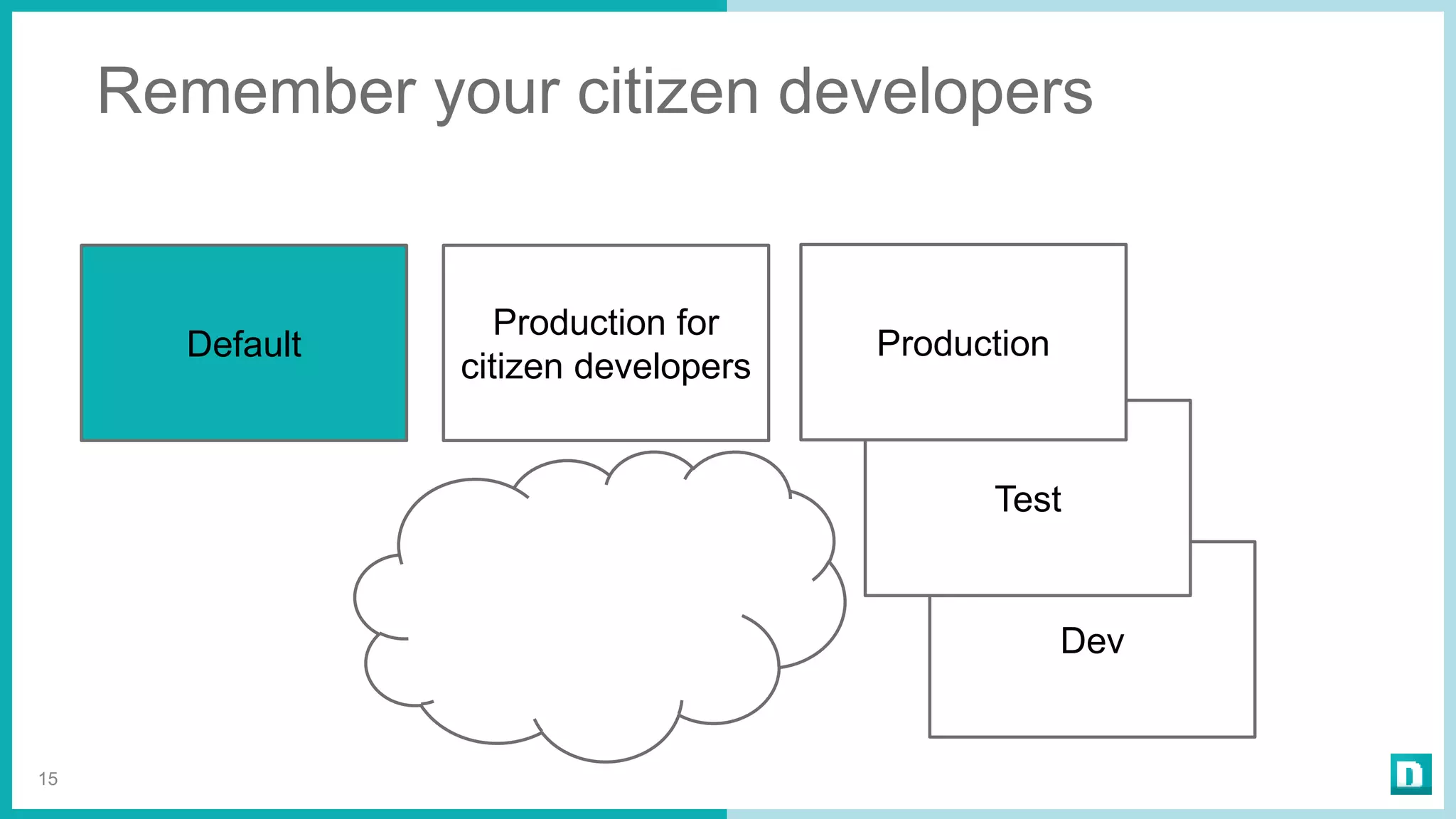
Remember your citizen developers
15
Default
Test
Production
Production for
citizen developers
Step 3 – Start monitoring
your environment(s)
You can get information from
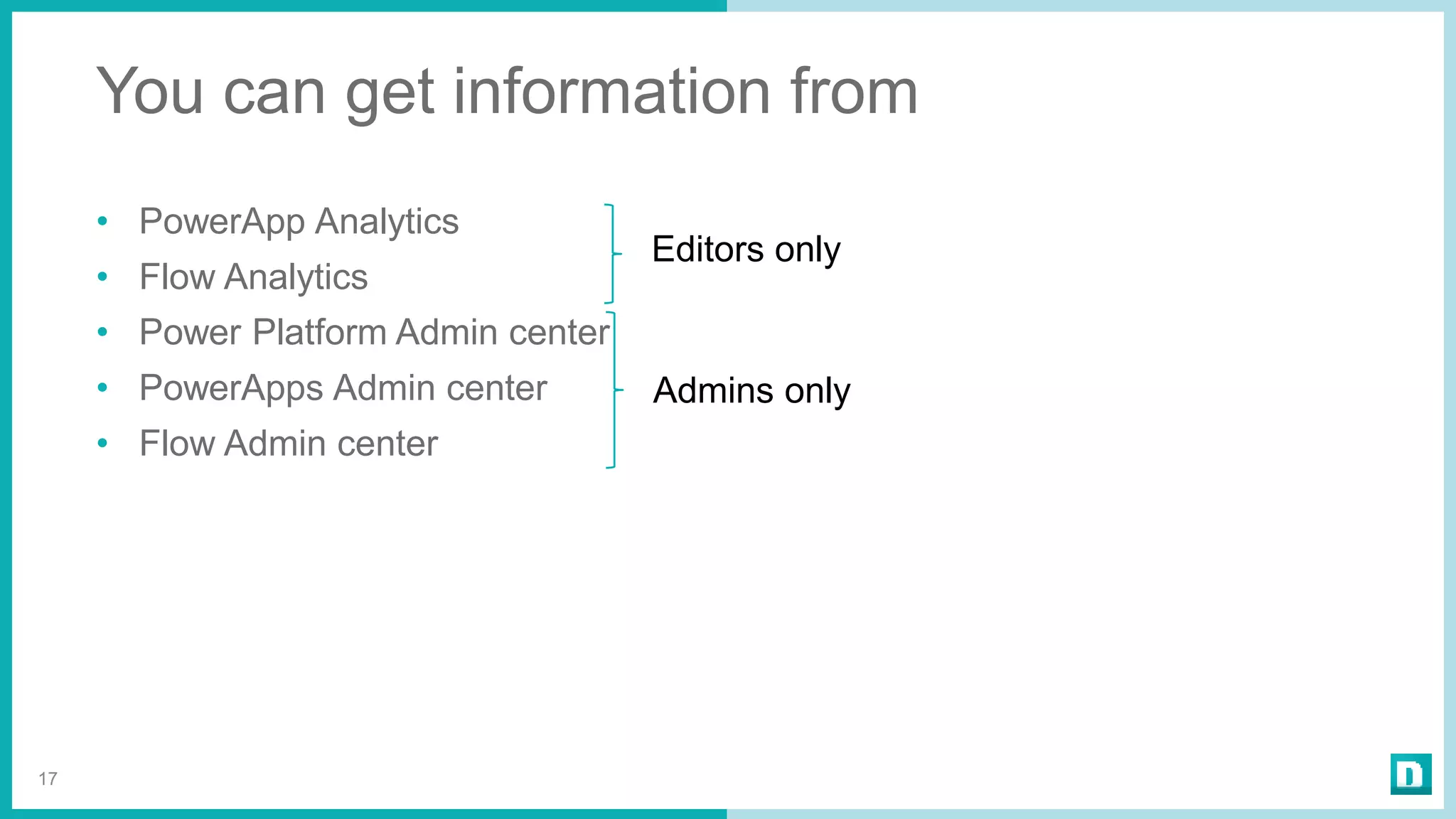
• PowerApp Analytics
• Flow Analytics
• Power Platform Admin center
• PowerApps Admin center
• Flow Admin center
17
Admins only
Editors only
Demo
Yes, a lot of information
But not enough
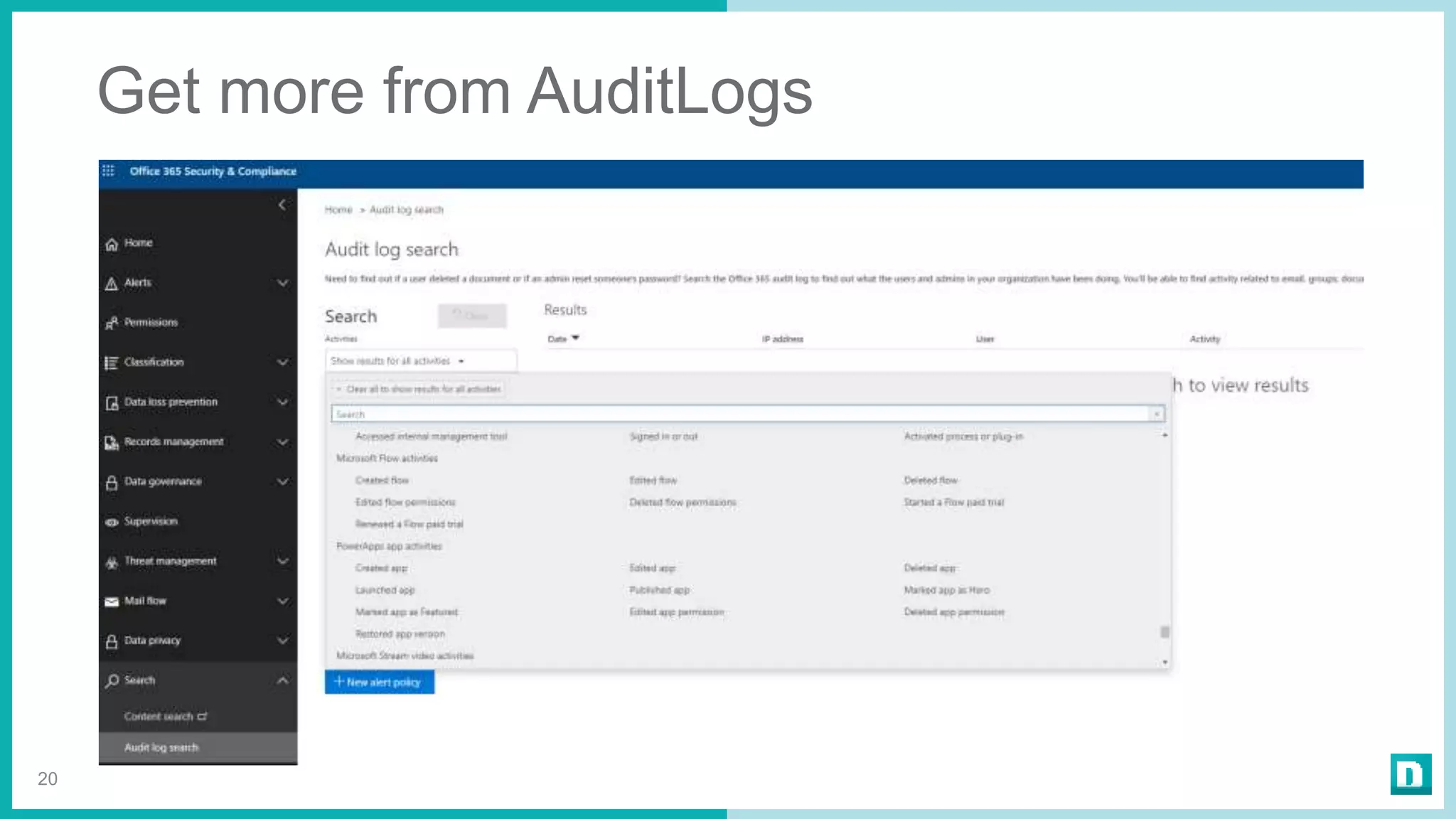
Get more from AuditLogs
20
Too many places to
follow?
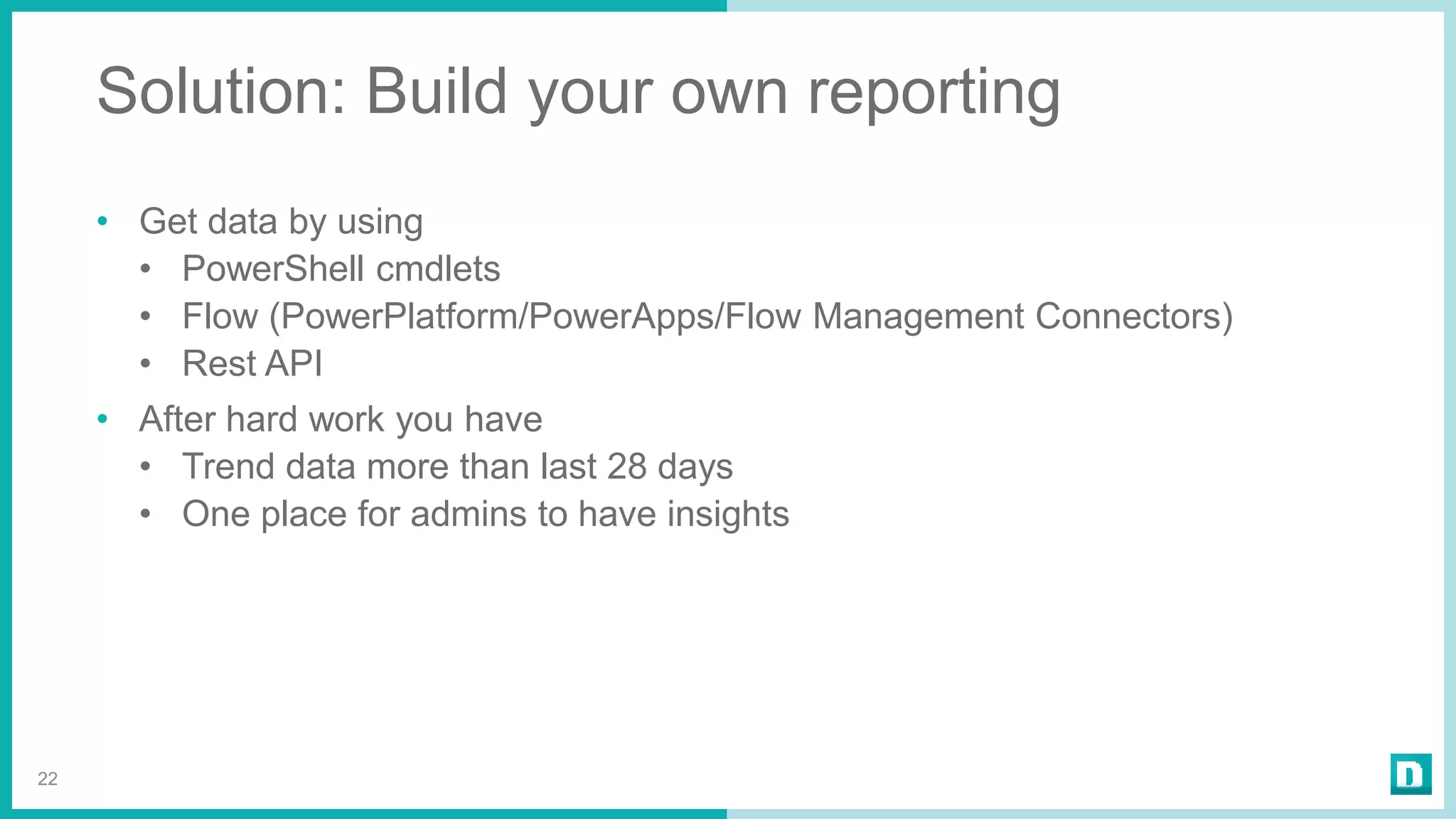
Solution: Build your own reporting
• Get data by using
• PowerShell cmdlets
• Flow (PowerPlatform/PowerApps/Flow Management Connectors)
• Rest API
• After hard work you have
• Trend data more than last 28 days
• One place for admins to have insights
22
Good news!
You don’t have to start
from the scratch!
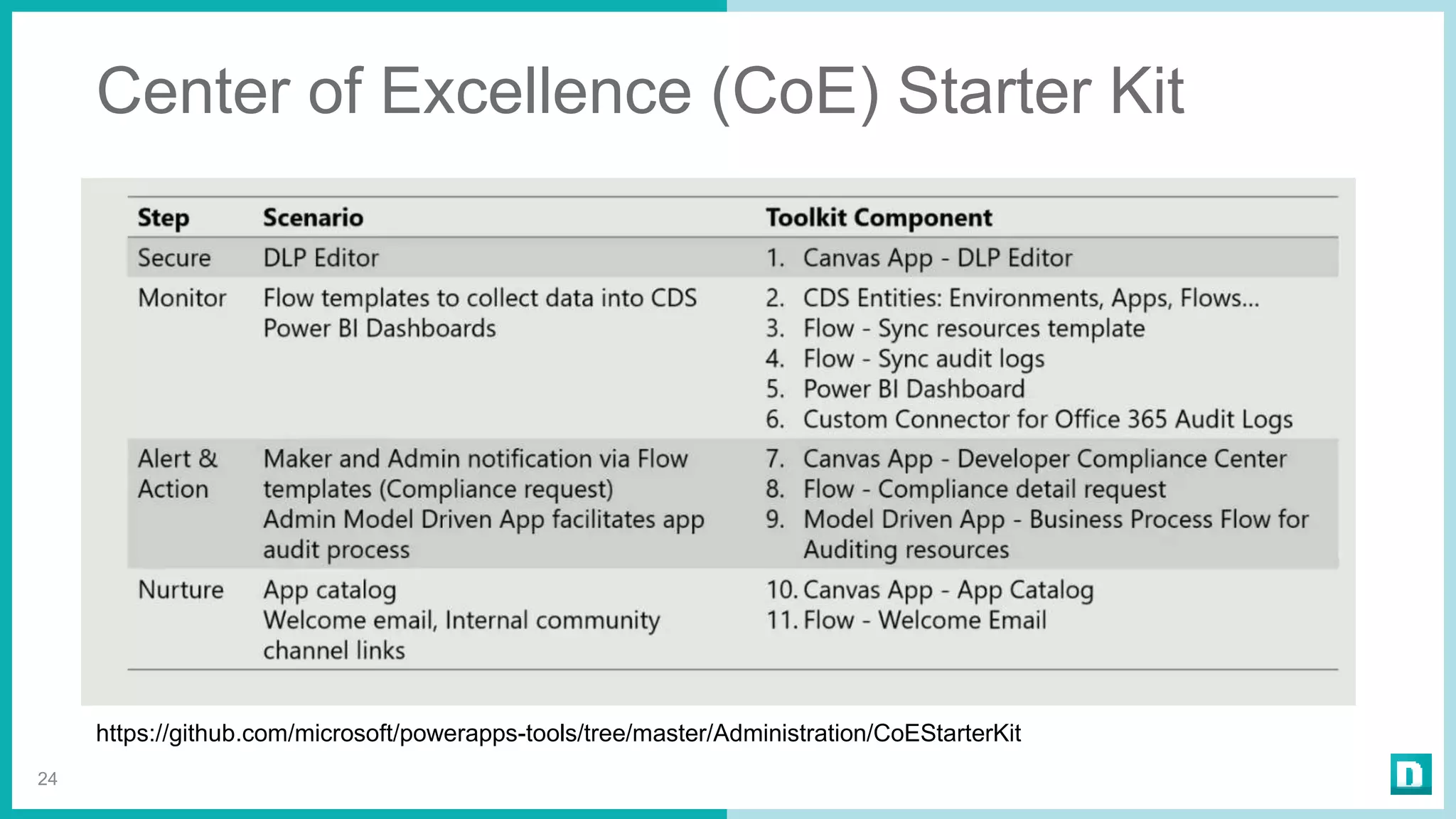
Center of Excellence (CoE) Starter Kit
24
https://github.com/microsoft/powerapps-tools/tree/master/Administration/CoEStarterKit
DEMO – CoE Starter Kit
Step 4 – React + Automate
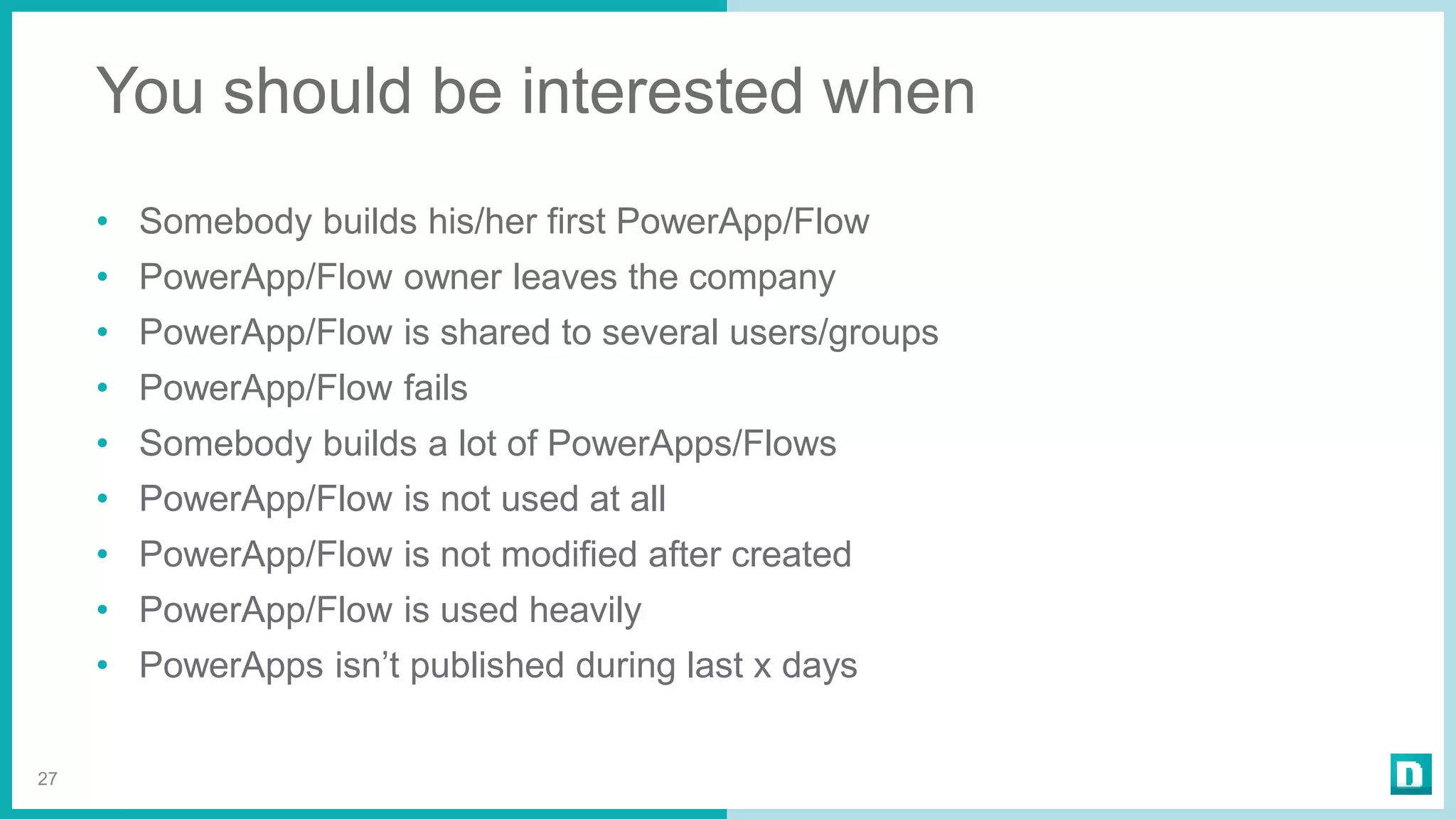
You should be interested when
• Somebody builds his/her first PowerApp/Flow
• PowerApp/Flow owner leaves the company
• PowerApp/Flow is shared to several users/groups
• PowerApp/Flow fails
• Somebody builds a lot of PowerApps/Flows
• PowerApp/Flow is not used at all
• PowerApp/Flow is not modified after created
• PowerApp/Flow is used heavily
• PowerApps isn’t published during last x days
27
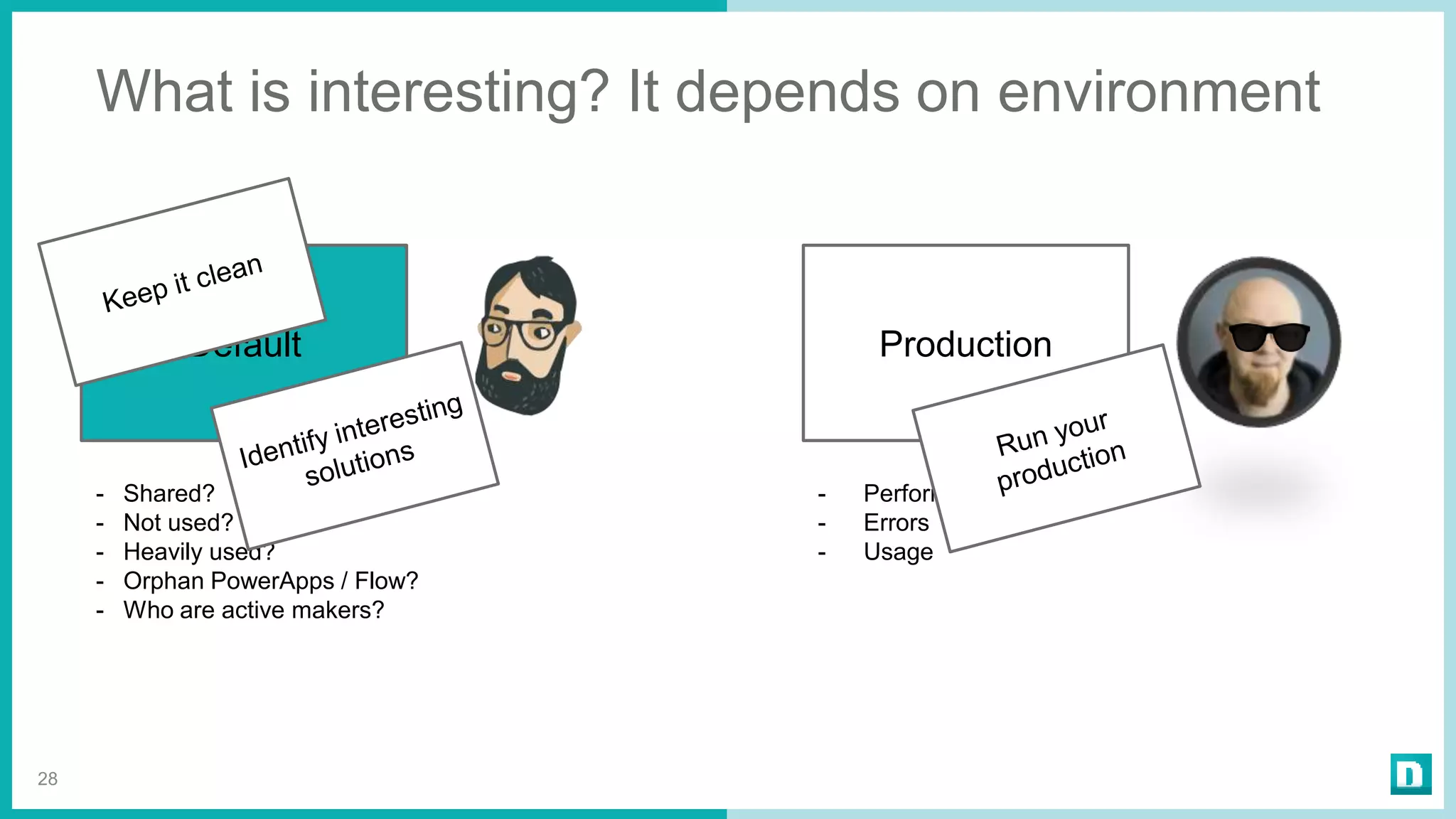
What is interesting? It depends on environment
28
Default
- Shared?
- Not used?
- Heavily used?
- Orphan PowerApps / Flow?
- Who are active makers?
Production
- Performance
- Errors
- Usage
Demo:
New owner for orphan
PowerApps
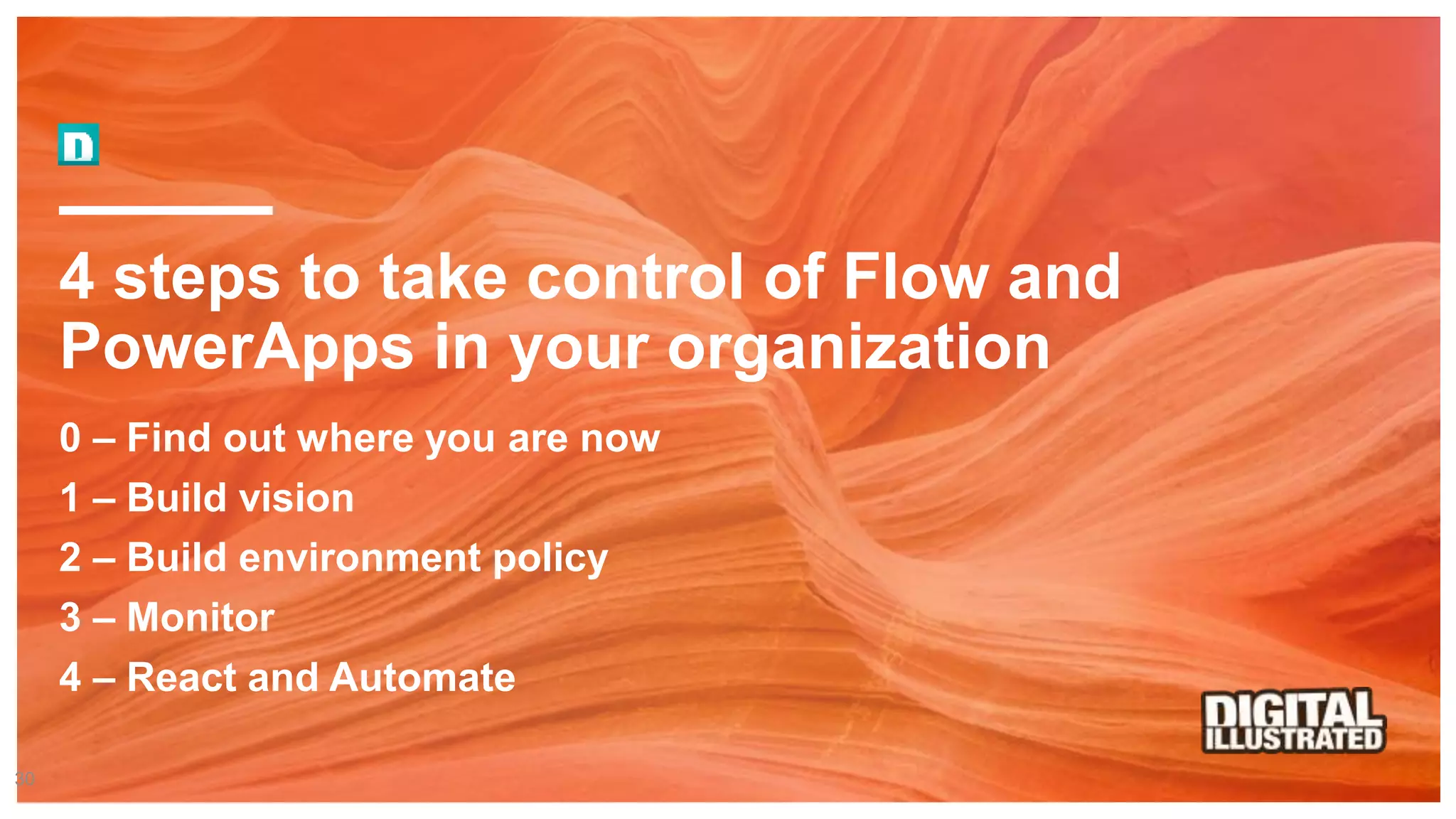
4 steps to take control of Flow and
PowerApps in your organization
0 – Find out where you are now
1 – Build vision
2 – Build environment policy
3 – Monitor
4 – React and Automate
30
#SPSBE
http://spsbe.be
Please rate this session!
SharePoint Saturday Belgium
2019
#SPSBE

4 steps to take control of Flow and PowerApps in your organization

  • 1.
    4 steps totake control of Flow and PowerApps in your organization Timo Pertilä| @timopertila SharePoint Saturday Belgium 2019 #SPSBE
  • 2.
  • 3.
    Greetings from Finland! 3 TimoPertilä Consultant, Microsoft MVP https://timopertila.com https://twitter.com/timopertila timo.pertila@digitalillustrated.com
  • 4.
  • 5.
  • 6.
    Step 1 –Build vision
  • 7.
    Vision – PowerAppsand Flow are for 7 No one Strictly forbidden Go away! IT and consultants only Everyone
  • 8.
  • 9.
    Step 2 –Build environment policy
  • 10.
    Environments have • Resources(Flows, PowerApps, Connections, Common Data Service database...) • User permissions (makers, admins) • Geographical location • DLP (Data loss prevention) policies 10
  • 11.
  • 12.
    Use of environments- Examples • Environments for specific DLP policies (marketing) • Environments for geographical locations (USA, Europe, Asia) • Environments for dev, test and production 12
  • 13.
    Many organization usesonly the default environment! Be carefully with SQL and Blob storage connections!
  • 14.
    Dev Minimun environment setup 14 Default Test-”Wild wild west” - Everybody can build solutions - No official support by IT - SQL & Blob connections forbidden - Personal / team level solutions - Non-critical solutions Production - Managed environment - Approved makers can build solutions - Possible to have support - SQL & Blob connections can be used - Widely used solutions - Critical solutions
  • 15.
    Dev Remember your citizendevelopers 15 Default Test Production Production for citizen developers
  • 16.
    Step 3 –Start monitoring your environment(s)
  • 17.
    You can getinformation from • PowerApp Analytics • Flow Analytics • Power Platform Admin center • PowerApps Admin center • Flow Admin center 17 Admins only Editors only
  • 18.
  • 19.
    Yes, a lotof information But not enough
  • 20.
    Get more fromAuditLogs 20
  • 21.
    Too many placesto follow?
  • 22.
    Solution: Build yourown reporting • Get data by using • PowerShell cmdlets • Flow (PowerPlatform/PowerApps/Flow Management Connectors) • Rest API • After hard work you have • Trend data more than last 28 days • One place for admins to have insights 22
  • 23.
    Good news! You don’thave to start from the scratch!
  • 24.
    Center of Excellence(CoE) Starter Kit 24 https://github.com/microsoft/powerapps-tools/tree/master/Administration/CoEStarterKit
  • 25.
    DEMO – CoEStarter Kit
  • 26.
    Step 4 –React + Automate
  • 27.
    You should beinterested when • Somebody builds his/her first PowerApp/Flow • PowerApp/Flow owner leaves the company • PowerApp/Flow is shared to several users/groups • PowerApp/Flow fails • Somebody builds a lot of PowerApps/Flows • PowerApp/Flow is not used at all • PowerApp/Flow is not modified after created • PowerApp/Flow is used heavily • PowerApps isn’t published during last x days 27
  • 28.
    What is interesting?It depends on environment 28 Default - Shared? - Not used? - Heavily used? - Orphan PowerApps / Flow? - Who are active makers? Production - Performance - Errors - Usage
  • 29.
    Demo: New owner fororphan PowerApps
  • 30.
    4 steps totake control of Flow and PowerApps in your organization 0 – Find out where you are now 1 – Build vision 2 – Build environment policy 3 – Monitor 4 – React and Automate 30
  • 31.
  • 32.

Editor's Notes

  • #4 -
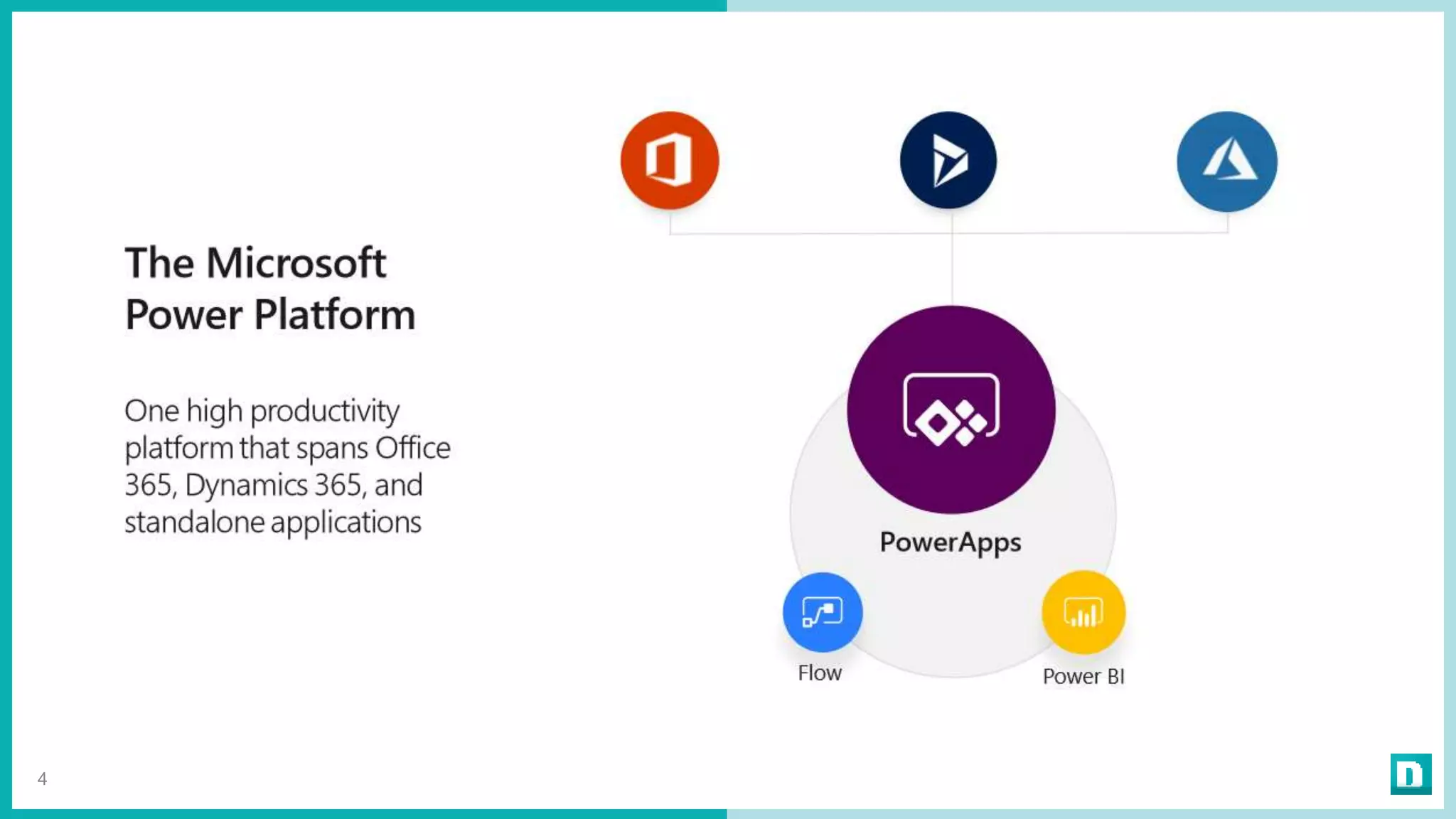
  • #5 PowerApps is part of Microsoft PowerPlatform. Hype related this power platform is huge. And ther eis reason for that. With these tools everyone can buils solutions.
  • #7 Define owner
  • #8 Ja tuo vika on se missä on pihvi. Ja se edellyttää aktiivisia toimia Tietoisuuden lisääminen siitä että ei tarvitse aina hankkia koodaajaa / konsulttia paikalle vaan voi tehdä itse Tietoiskut yms Kun valo syttyy niin sitten pitää olla kaikilla tiedossa mistä saa apua alkuun + tukea kun tulee ongelmia tekemisessä Ja kun kaikki tekee, niin siitä seuraa tietenkin se hässäkkä
  • #10 Näytä tässä kohtaa mitä ne environmentit ovat ja mistä niitä voi säätää https://admin.powerapps.com/environments https://admin.flow.microsoft.com/environments https://admin.powerplatform.microsoft.com/environments Mitä tunnuksia vaatii The Environment Admin or System Administrator role of the environment, OR The Global Administrator role of your Azure AD or Office 365 tenant. Lisenssit Ei tarvita Kustannukset!
  • #15 - Ja tee tämä selväksi kaikille!
  • #16 - Ja tee tämä selväksi kaikille!
  • #18 Tässä kohtaa demo. Eka ne powerapps / Flow sitet. Demoa että admin ei näe niitä Mutta tämä on se syy, miksi it:lle olisi hyvä jakaa osa näistä appseista
  • #21 Mitäs täältä saadaan uutta? Esim PowerAppsien launchit per powerapp Flow runit (ei täältä vaan powershellillä) PowerAppsin created ja edit Flow:n created ja edit
  • #26 Flow joka hakee kaiken Apps, josta voi katella Power bi rapsa Mailit, joita käyttäjät saa Mitä puuttuu? Ei täältä oikein näe käyttöä. Lähinnä tekijät.
  • #29 - Ja tee tämä selväksi kaikille!