It’s not about the tool
Facilitating effective meetings over distance
Sue Johnston + Ellen Grove
Agile Regina (Virtual) Meetup Group
9 June 2020
PLEASE NOTE
SLIDES ≠ PRESENTATION
• These slides are designed to be viewed in conjunction
with a human being talking and interacting with you.
• They will make little sense to you if you were not at
the live session.
• But if you find them useful, I’m happy.
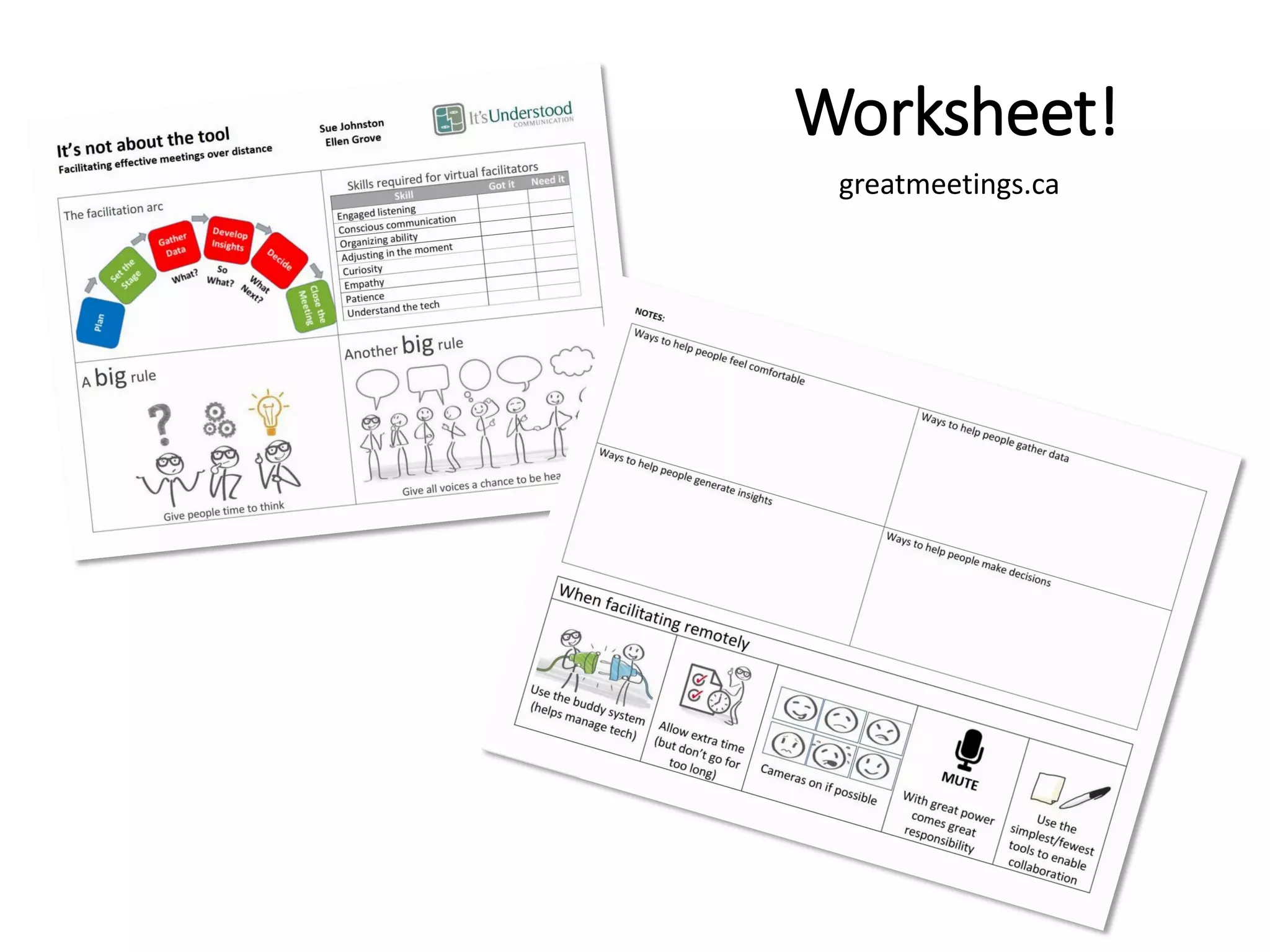
Worksheet!
greatmeetings.ca
Who is Sue?
• Coach Skills for the Agile Workplace
• Facilitation Skills for the Agile Workplace
• Consulting in an Agile Workplace
• Talk To Me
Coach Author Trainer
Training virtually since 2004
Did Master’s from middle of Atlantic 2002-03
Work-from-Home pioneer 1990s (and still at it)
Master
Communicator
Who is Ellen?
• Coach Skills for the Agile Workplace
• Facilitation Skills for the Agile Workplace
• Training from the Back of the Room
• Visual Facilitation
• Agile Team Fundamentals
Coach Trainer Community
• Agile Coach Camp Canada
• Play for Agile North America
• Agile India
• Agile Alliance
• …many many many conferences
It’s the
CONVERSATION
that
matters!
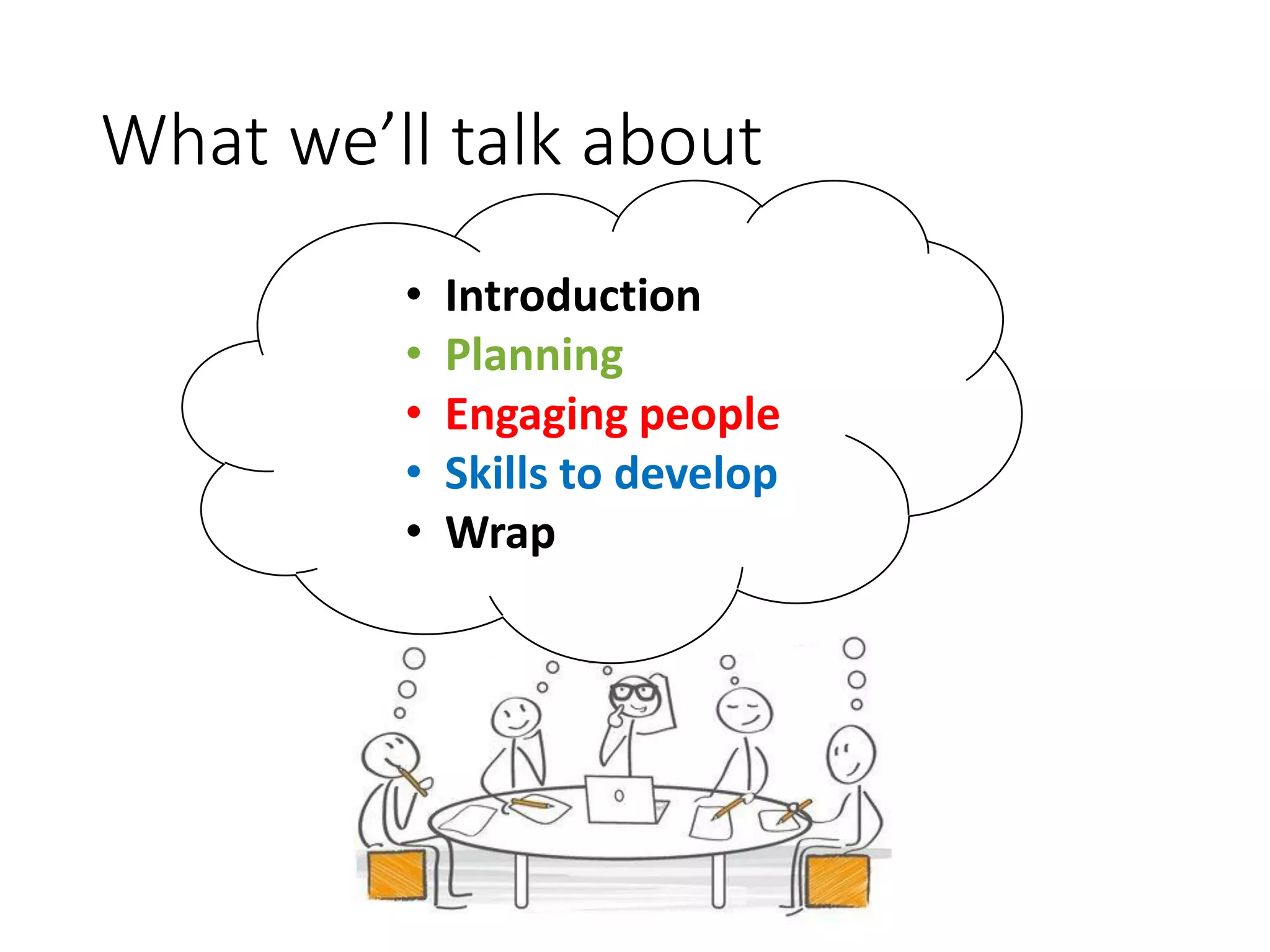
What we’ll talk about
• Introduction
• Planning
• Engaging people
• Skills to develop
• Wrap
What’s the meeting?
What type of
meetings do YOU
attend or run
remotely?
NOTE: Type in the [Chat] box.
Don’t hit [ENTER] until we ask
you to.
What’s the remote challenge?
Which is the most
challenging issue YOU
face in dealing with
virtual meetings?
NOTE: Type in the [Chat] box.
Don’t hit [ENTER] until we ask
you to.
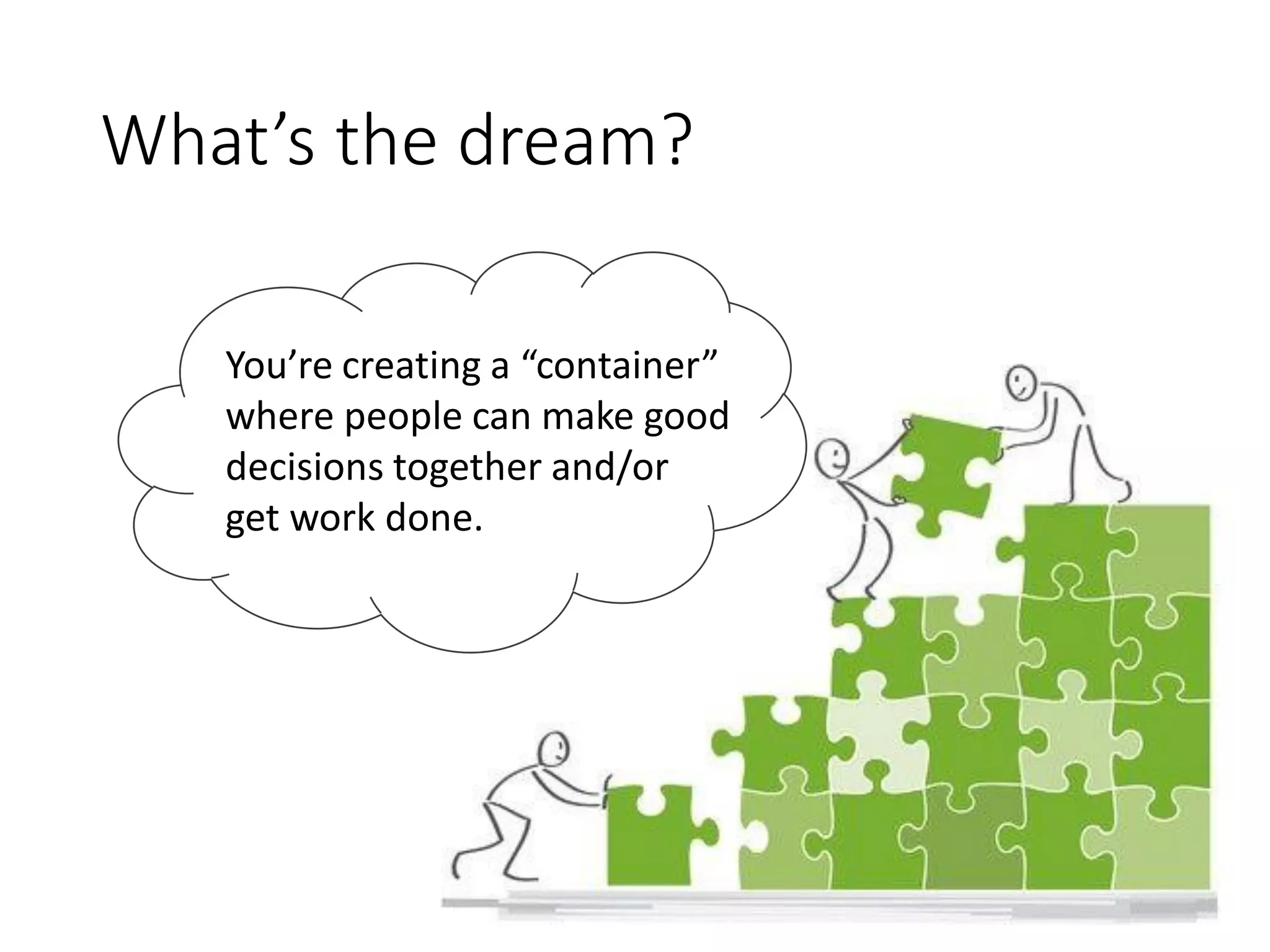
What’s the dream?
You’re creating a “container”
where people can make good
decisions together and/or
get work done.
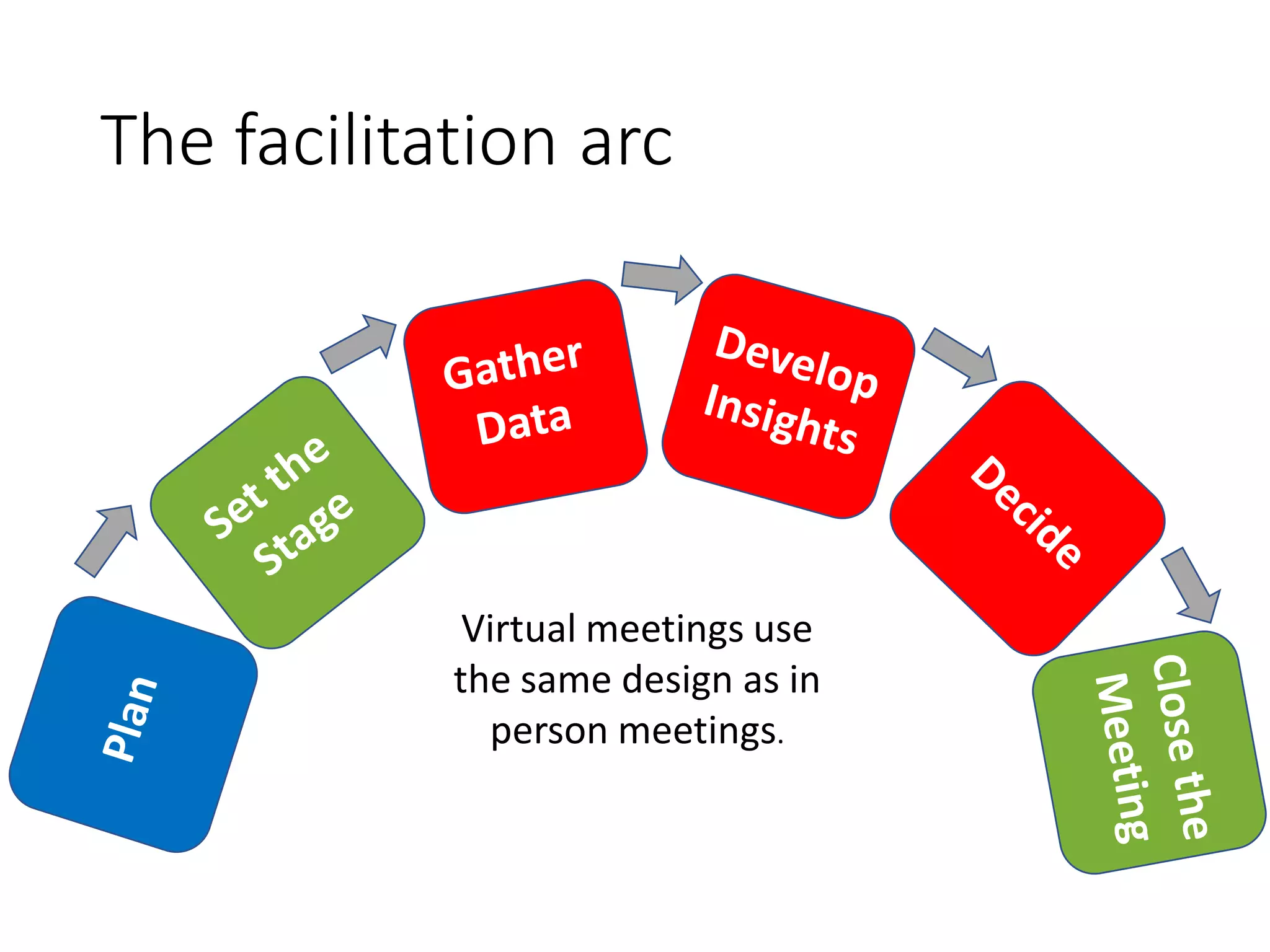
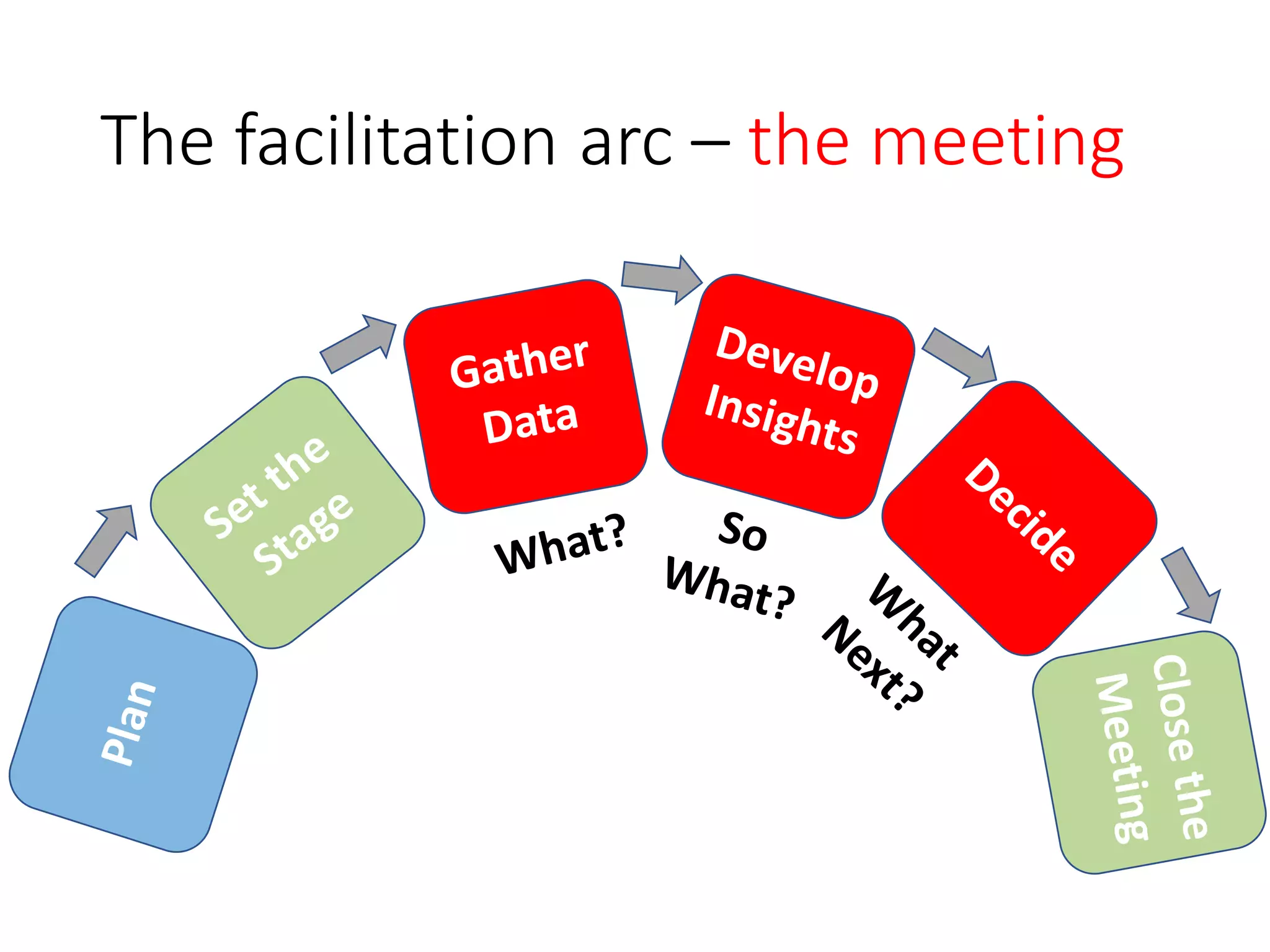
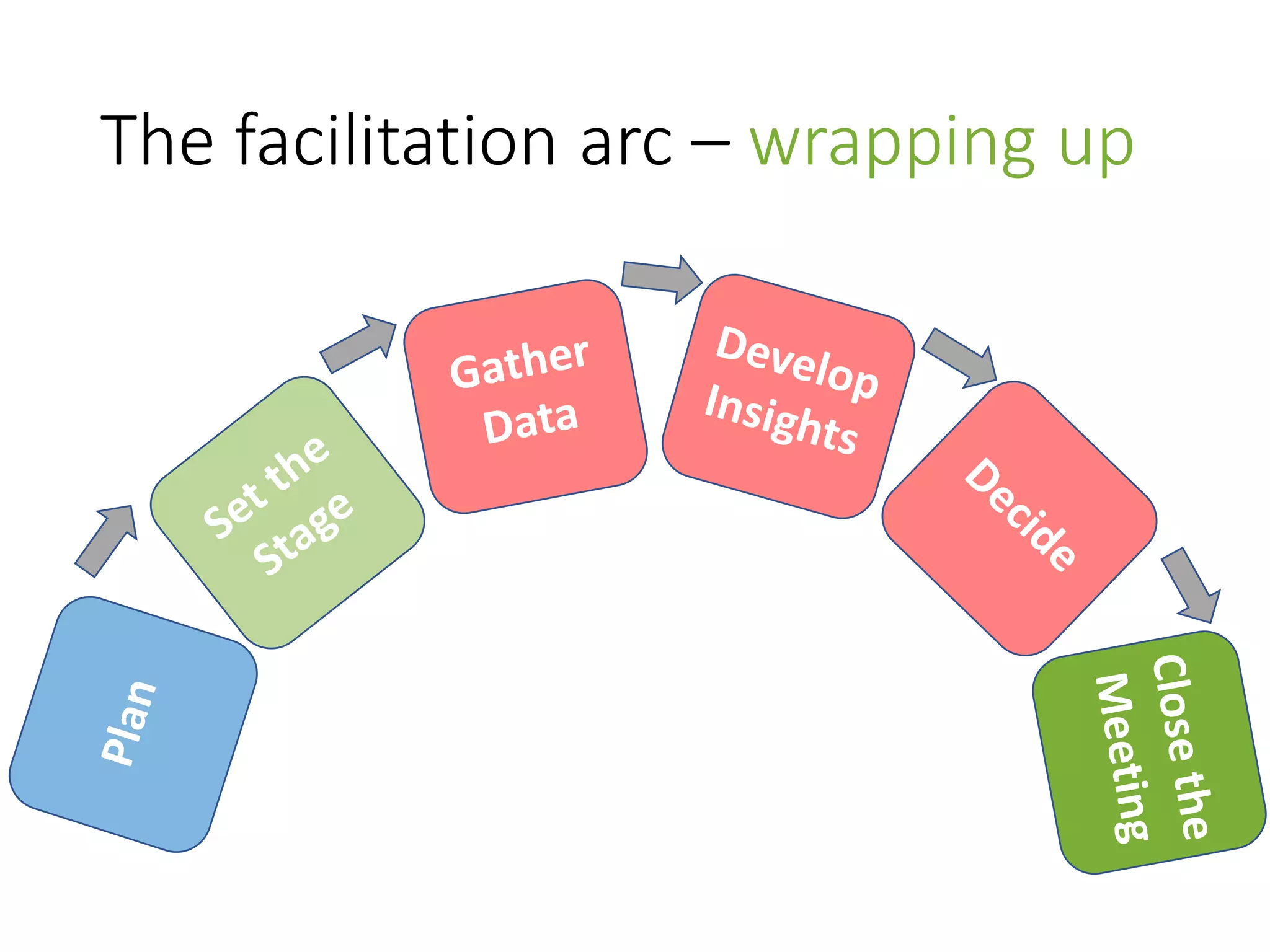
The facilitation arc
Virtual meetings use
the same design as in
person meetings.
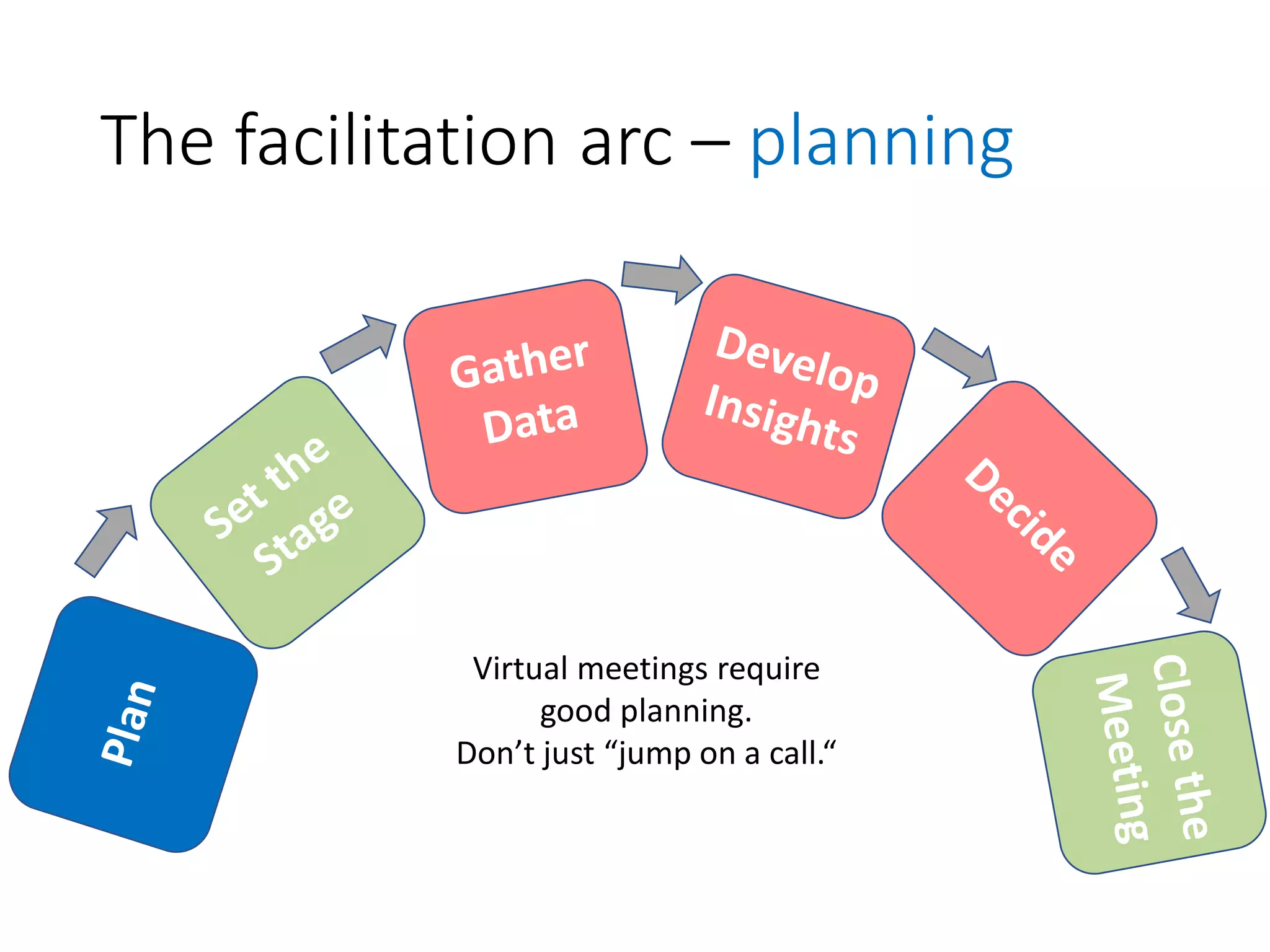
The facilitation arc – planning
Virtual meetings require
good planning.
Don’t just “jump on a call.“
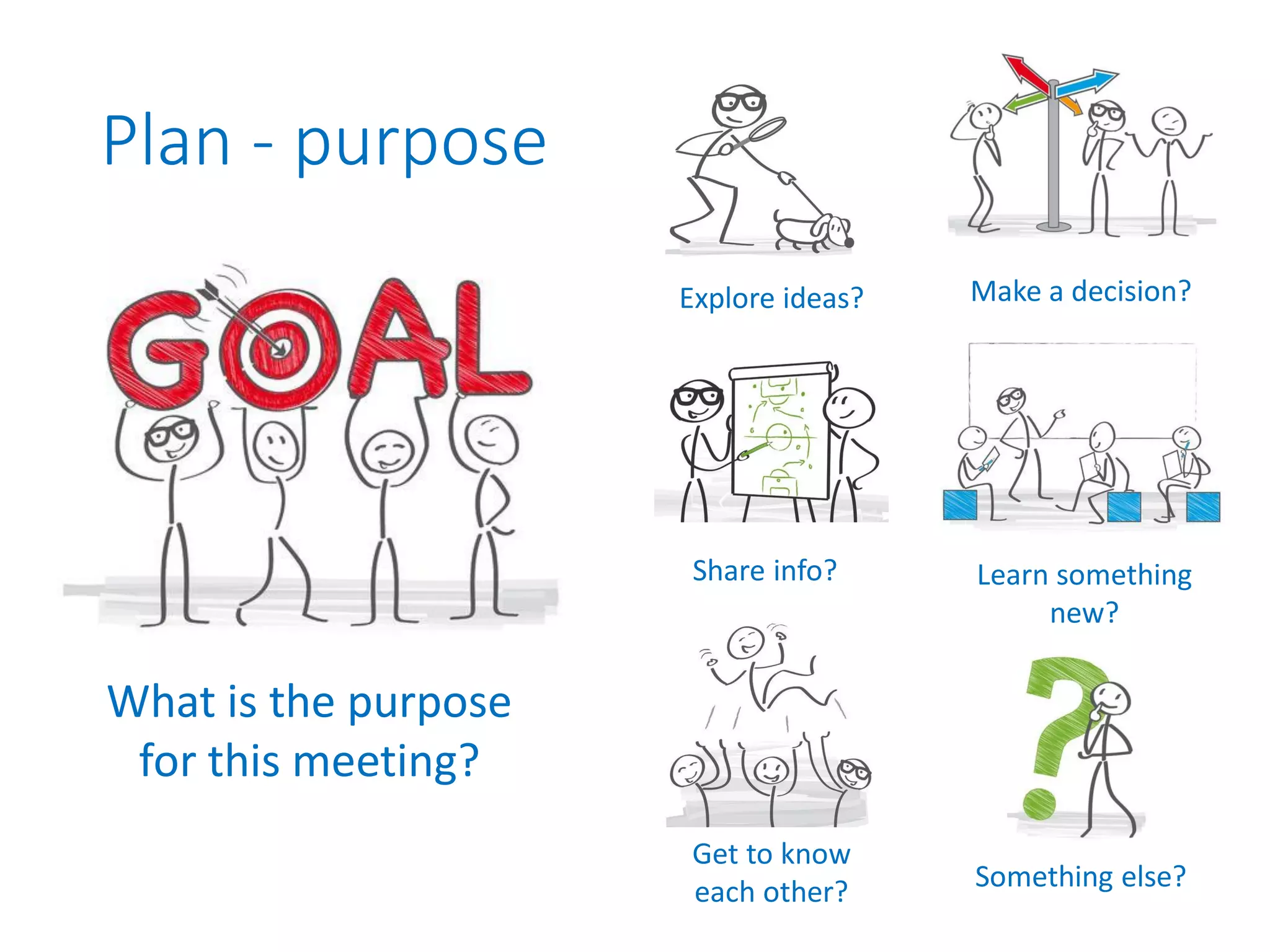
Plan - purpose
What is the purpose
for this meeting?
Explore ideas? Make a decision?
Learn something
new?
Get to know
each other?
Share info?
Something else?
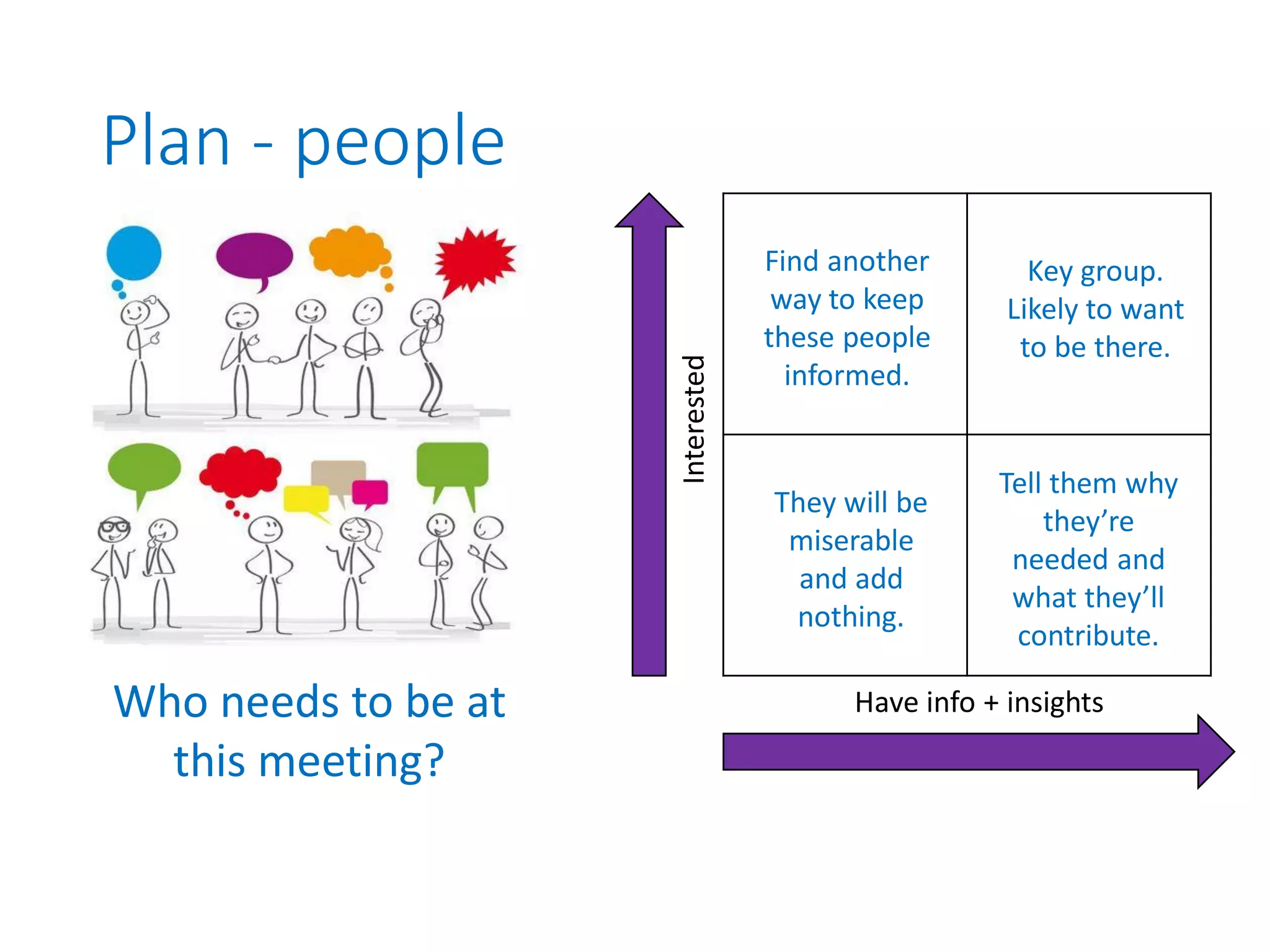
Plan - people
Who needs to be at
this meeting?
Interested Have info + insights
Find another
way to keep
these people
informed.
They will be
miserable
and add
nothing.
Key group.
Likely to want
to be there.
Tell them why
they’re
needed and
what they’ll
contribute.
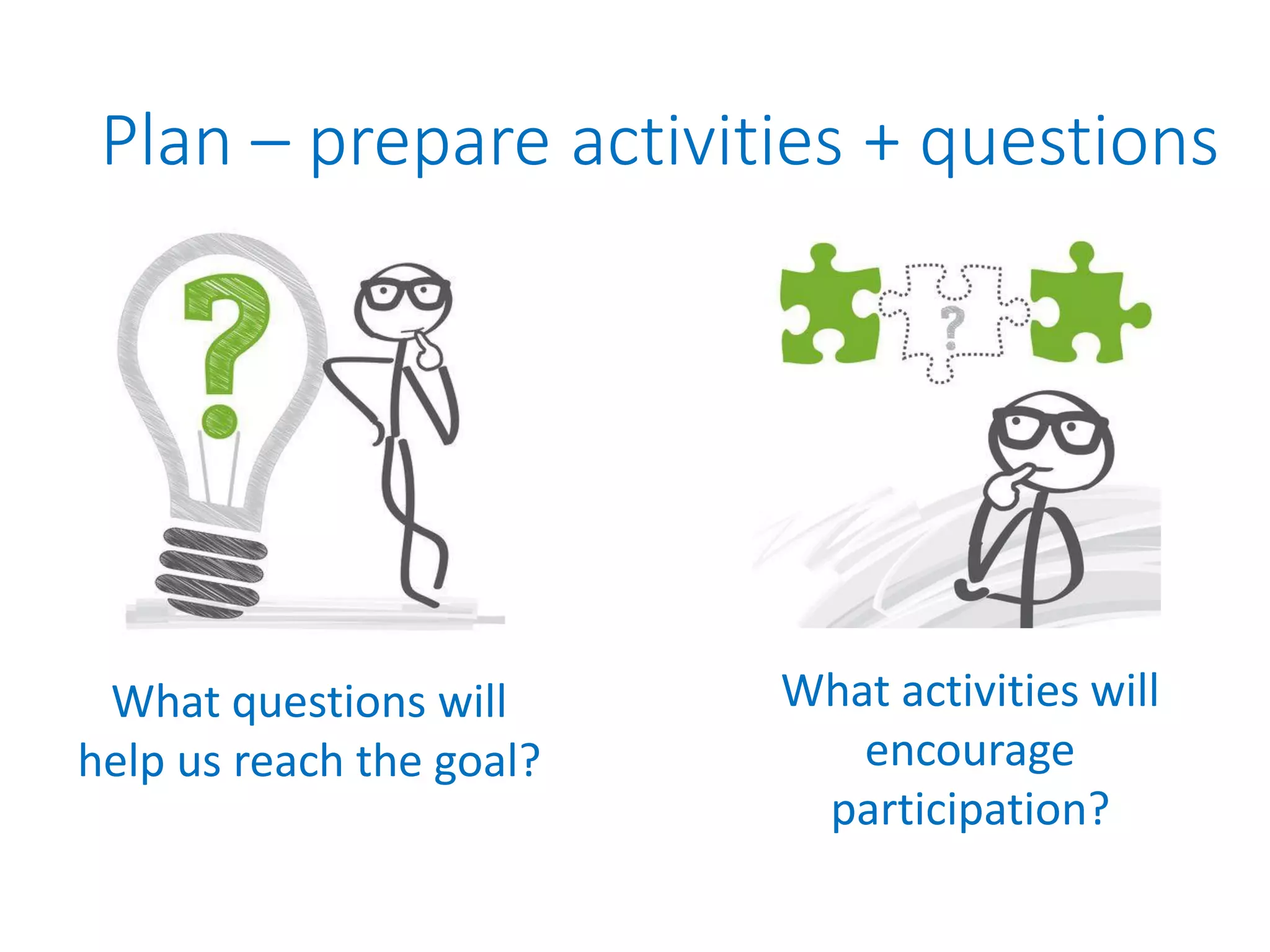
Plan – prepare activities + questions
What questions will
help us reach the goal?
What activities will
encourage
participation?
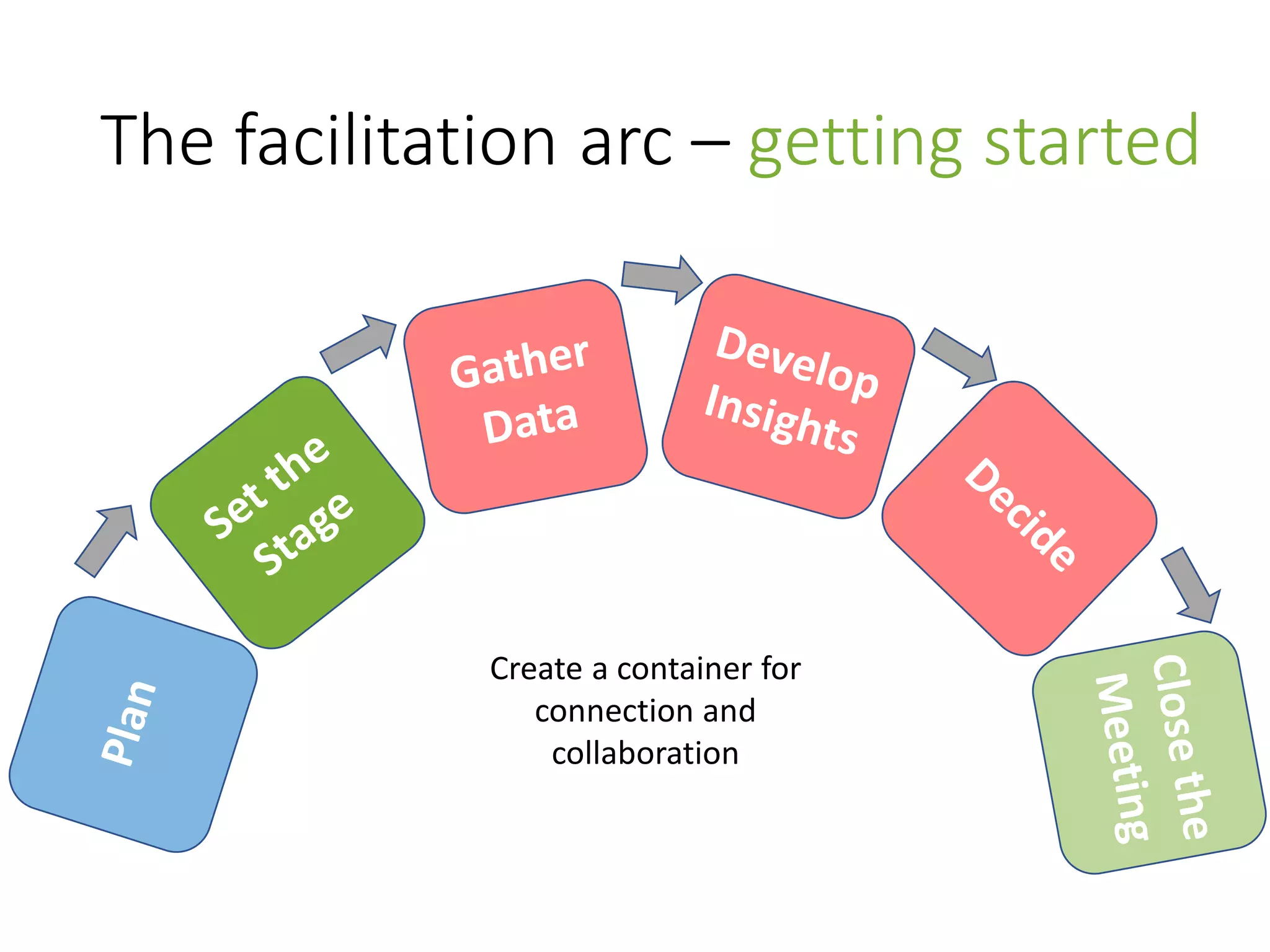
The facilitation arc – getting started
Create a container for
connection and
collaboration
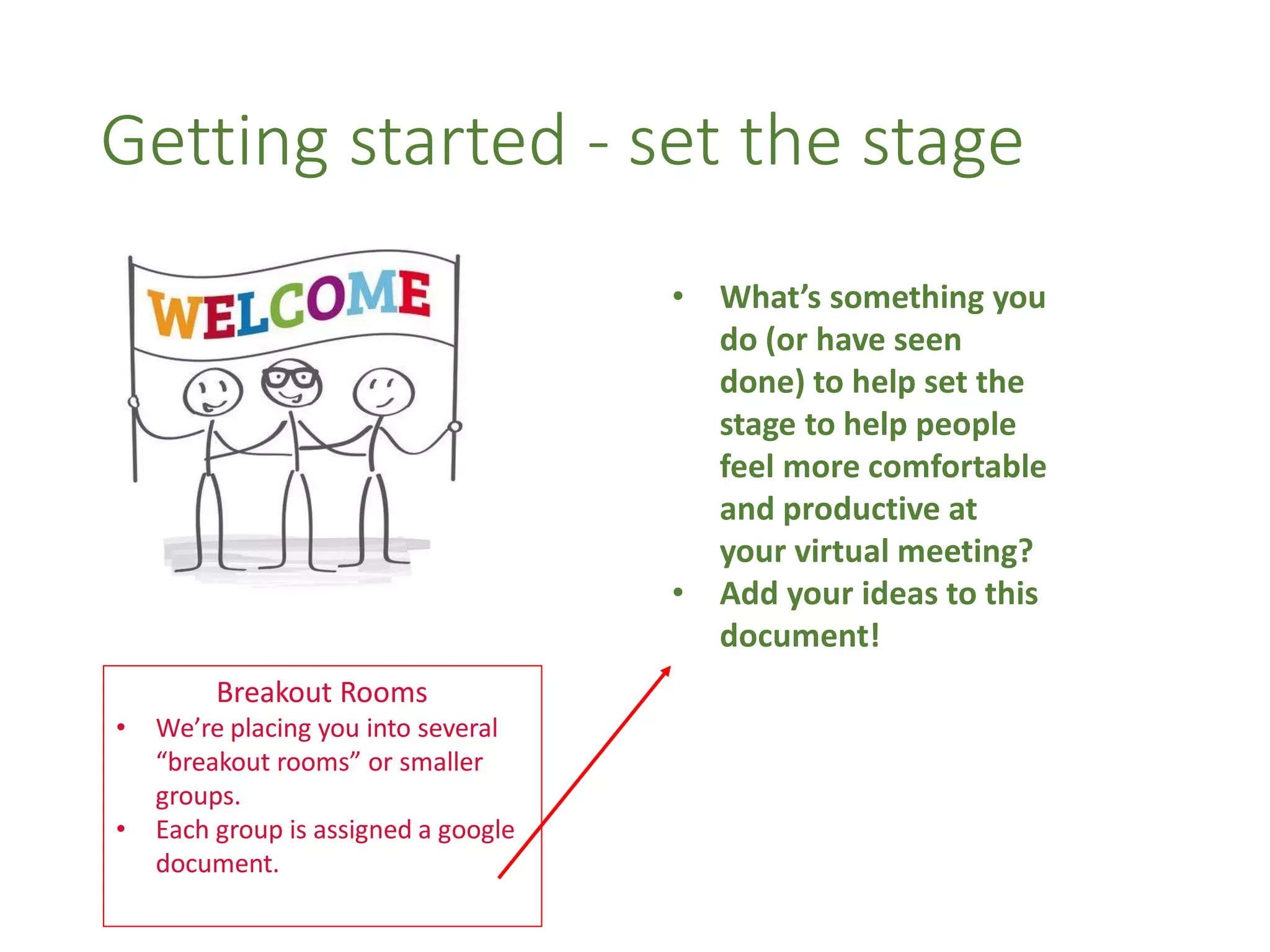
Getting started - set the stage
• What’s something you
do (or have seen
done) to help set the
stage to help people
feel more comfortable
and productive at
your virtual meeting?
• Add your ideas to this
document!
Breakout Rooms
• We’re placing you into several
“breakout rooms” or smaller
groups.
• Each group is assigned a google
document.
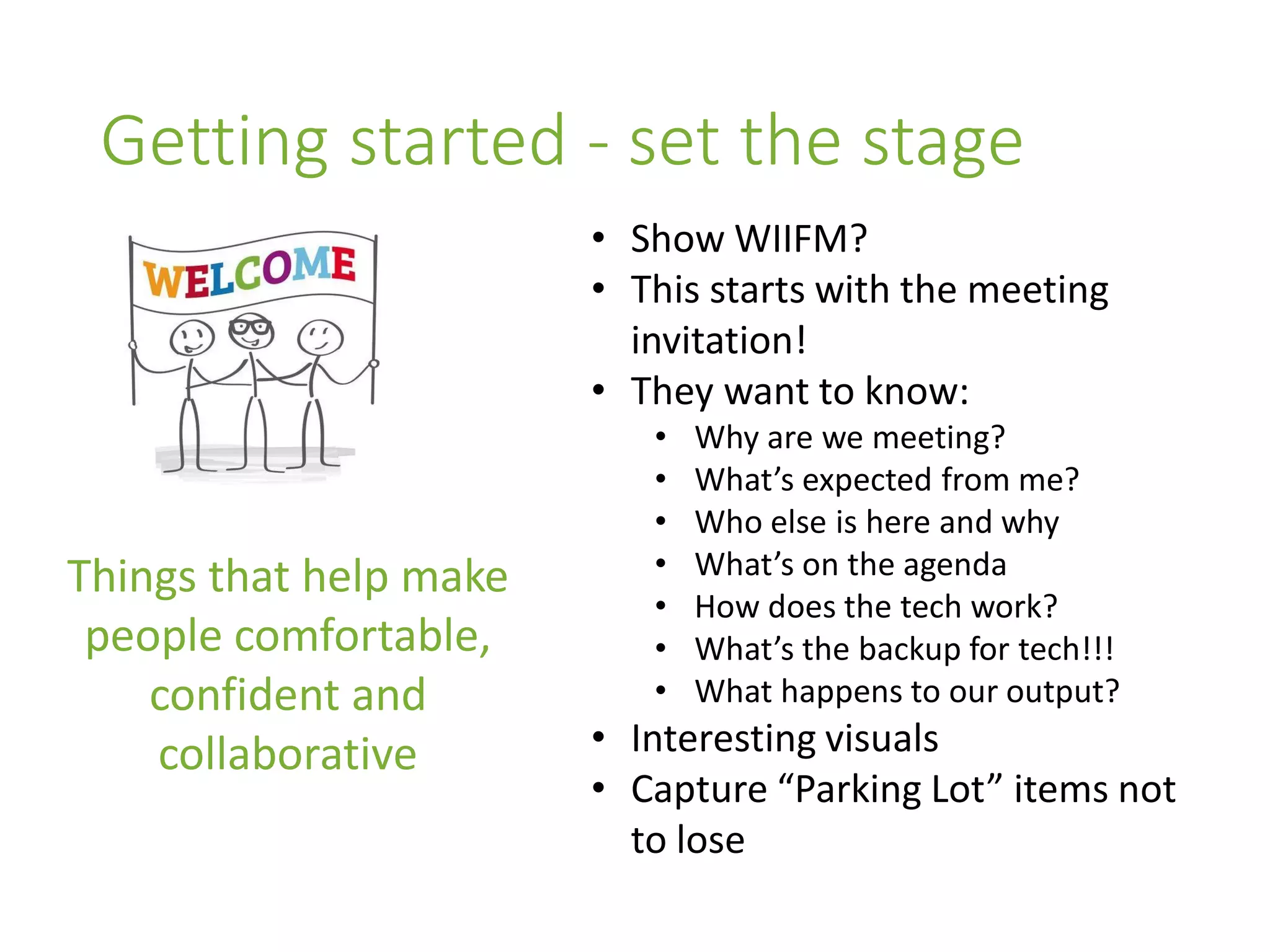
Getting started - set the stage
Things that help make
people comfortable,
confident and
collaborative
• Show WIIFM?
• This starts with the meeting
invitation!
• They want to know:
• Why are we meeting?
• What’s expected from me?
• Who else is here and why
• What’s on the agenda
• How does the tech work?
• What’s the backup for tech!!!
• What happens to our output?
• Interesting visuals
• Capture “Parking Lot” items not
to lose
The facilitation arc – the meeting
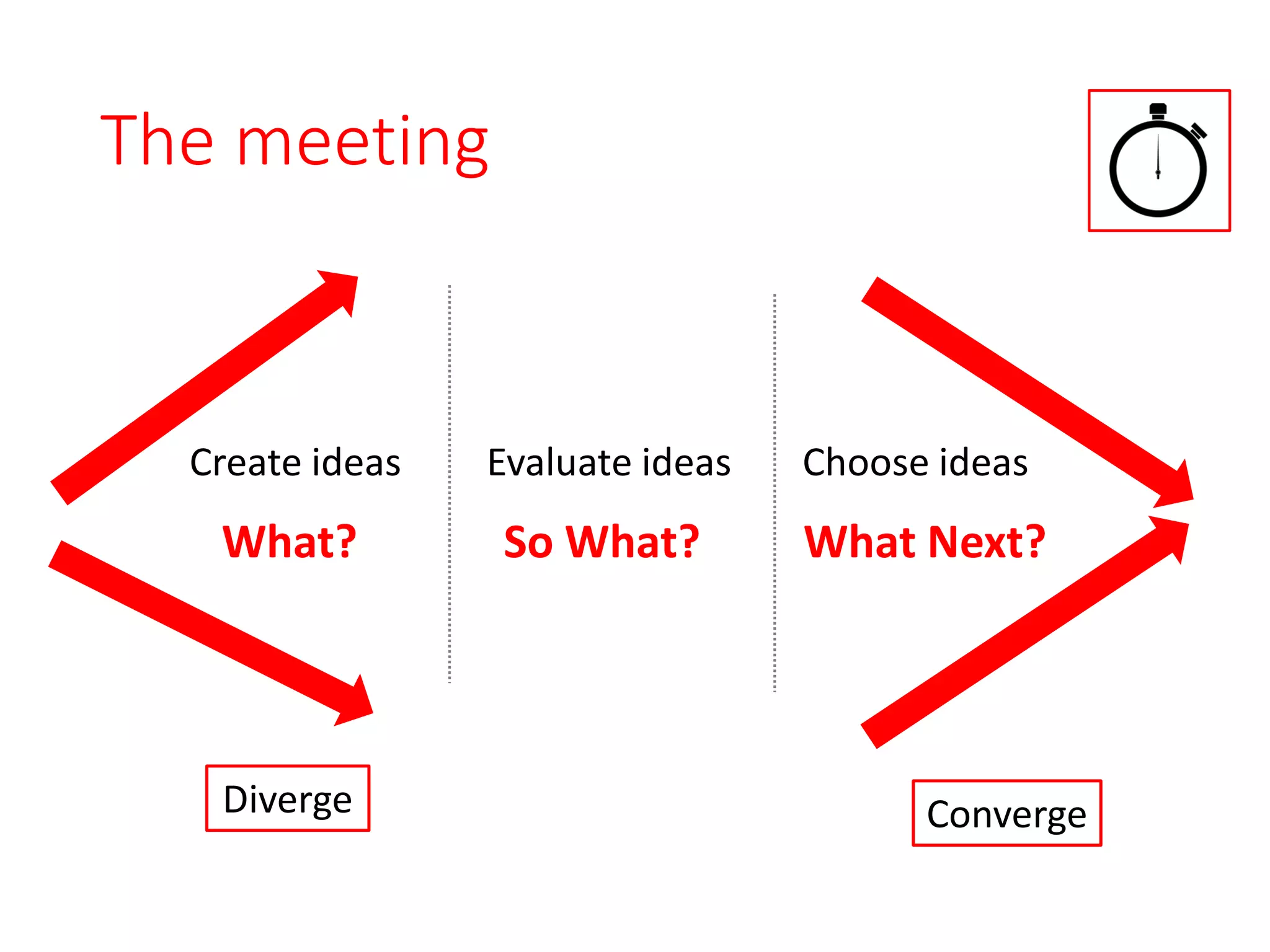
The meeting
Diverge Converge
Create ideas Choose ideasEvaluate ideas
What? So What? What Next?
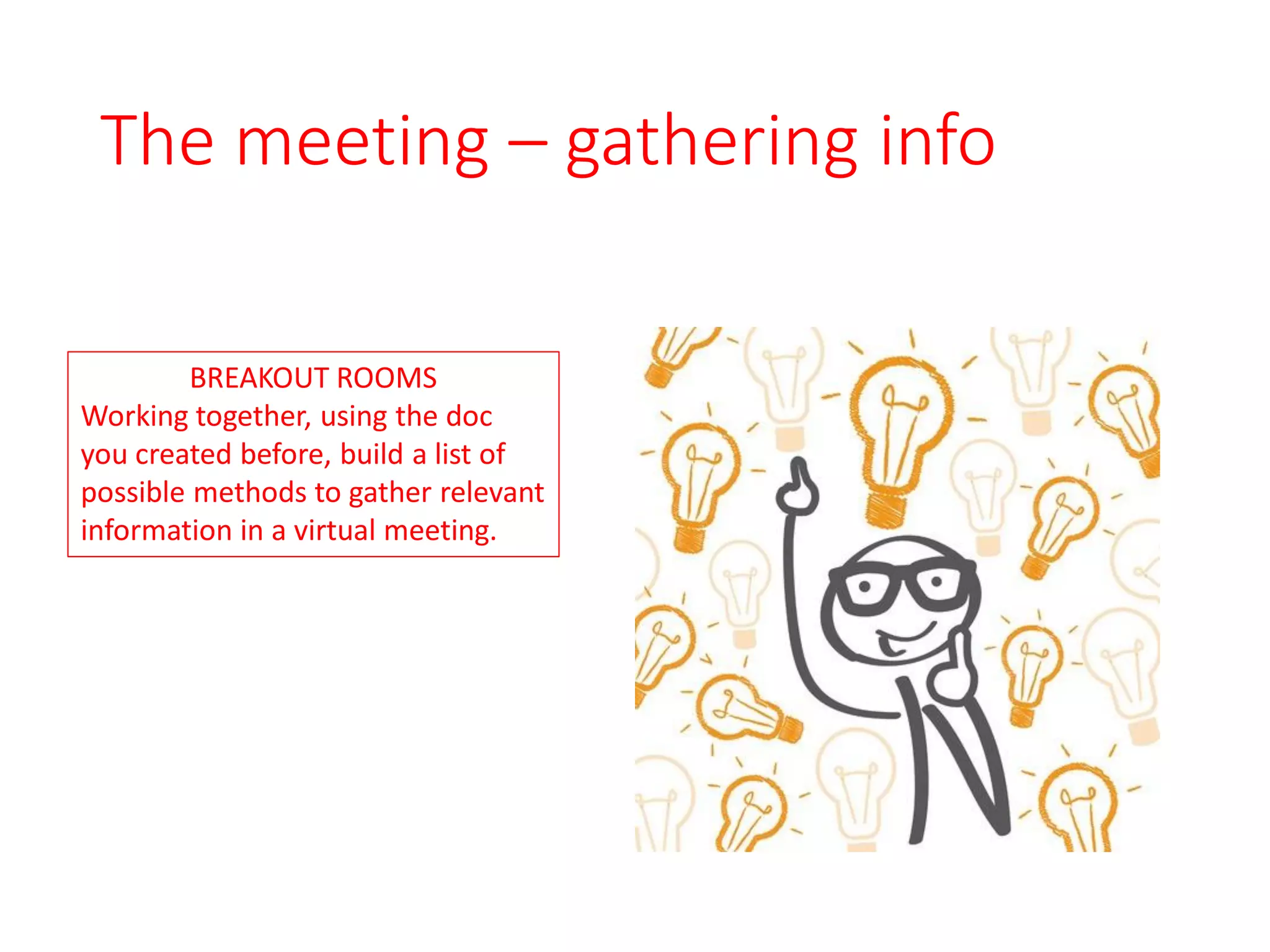
The meeting – gathering info
BREAKOUT ROOMS
Working together, using the doc
you created before, build a list of
possible methods to gather relevant
information in a virtual meeting.
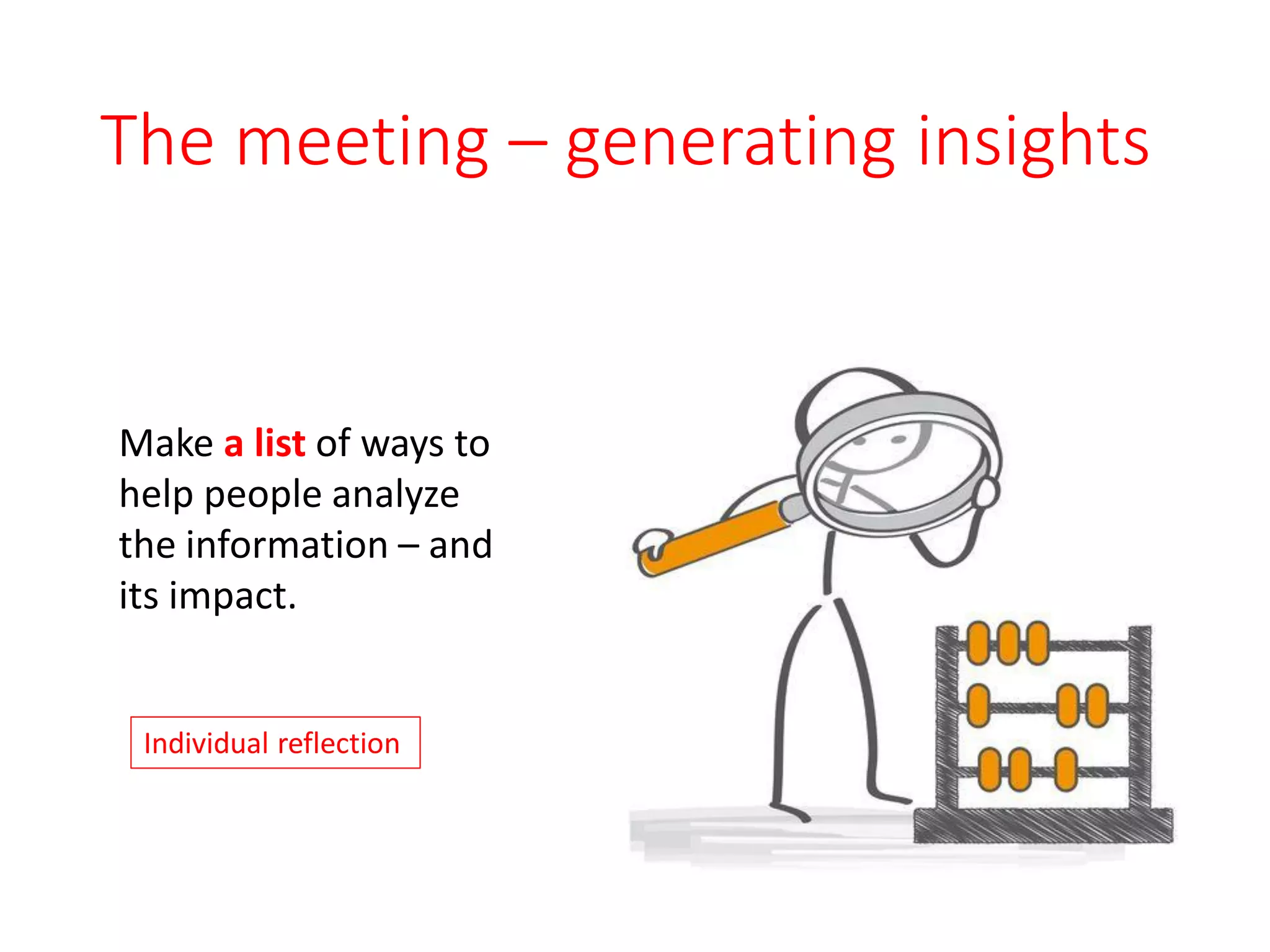
The meeting – generating insights
Make a list of ways to
help people analyze
the information – and
its impact.
Individual reflection
The meeting – deciding
In the Chat window,
share some techniques
you might use to help
a group decide which
option(s)
to act on?
NOTE: Don’t hit [ENTER] until
we ask you to.
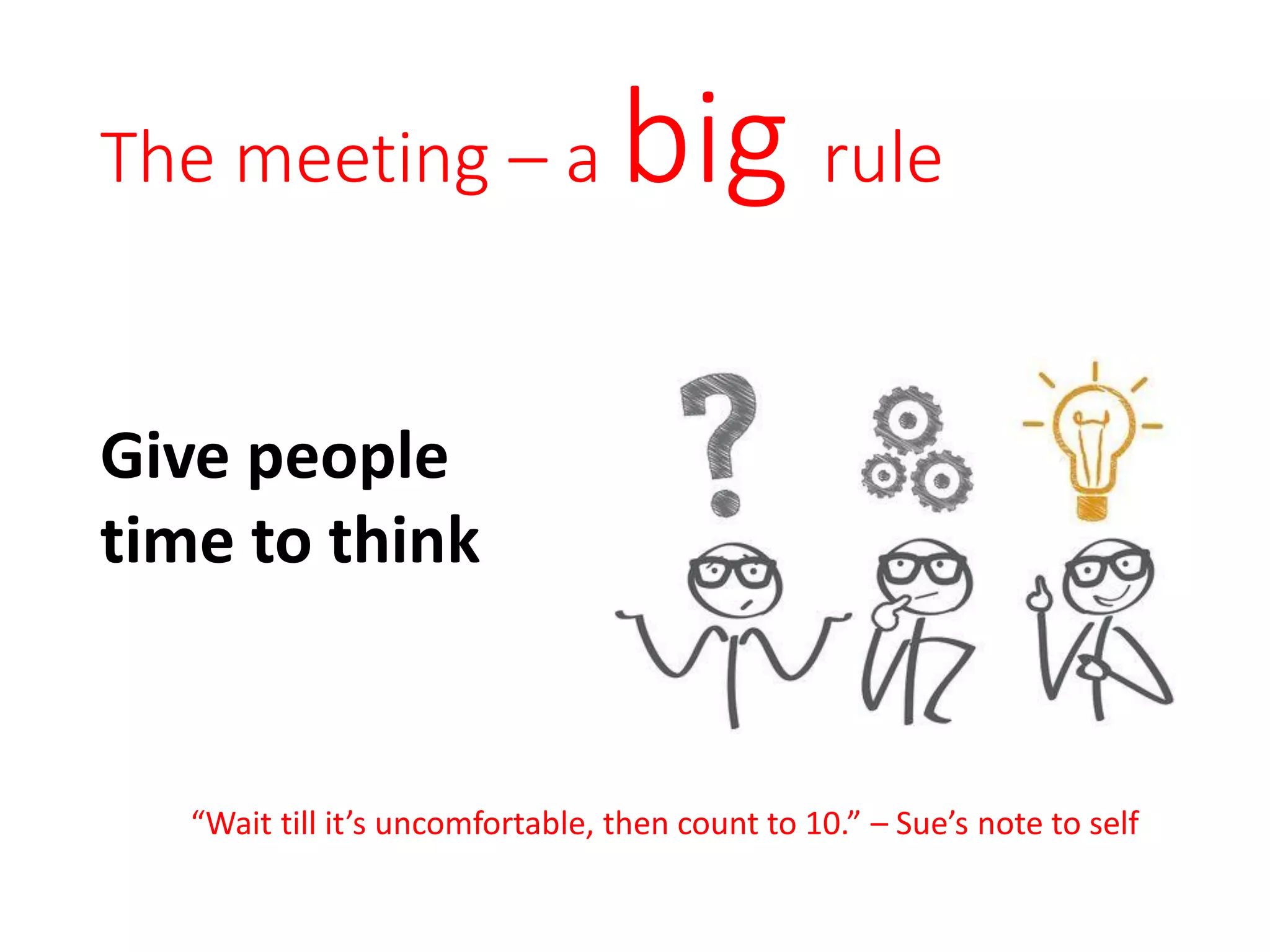
The meeting – a big rule
Give people
time to think
“Wait till it’s uncomfortable, then count to 10.” – Sue’s note to self
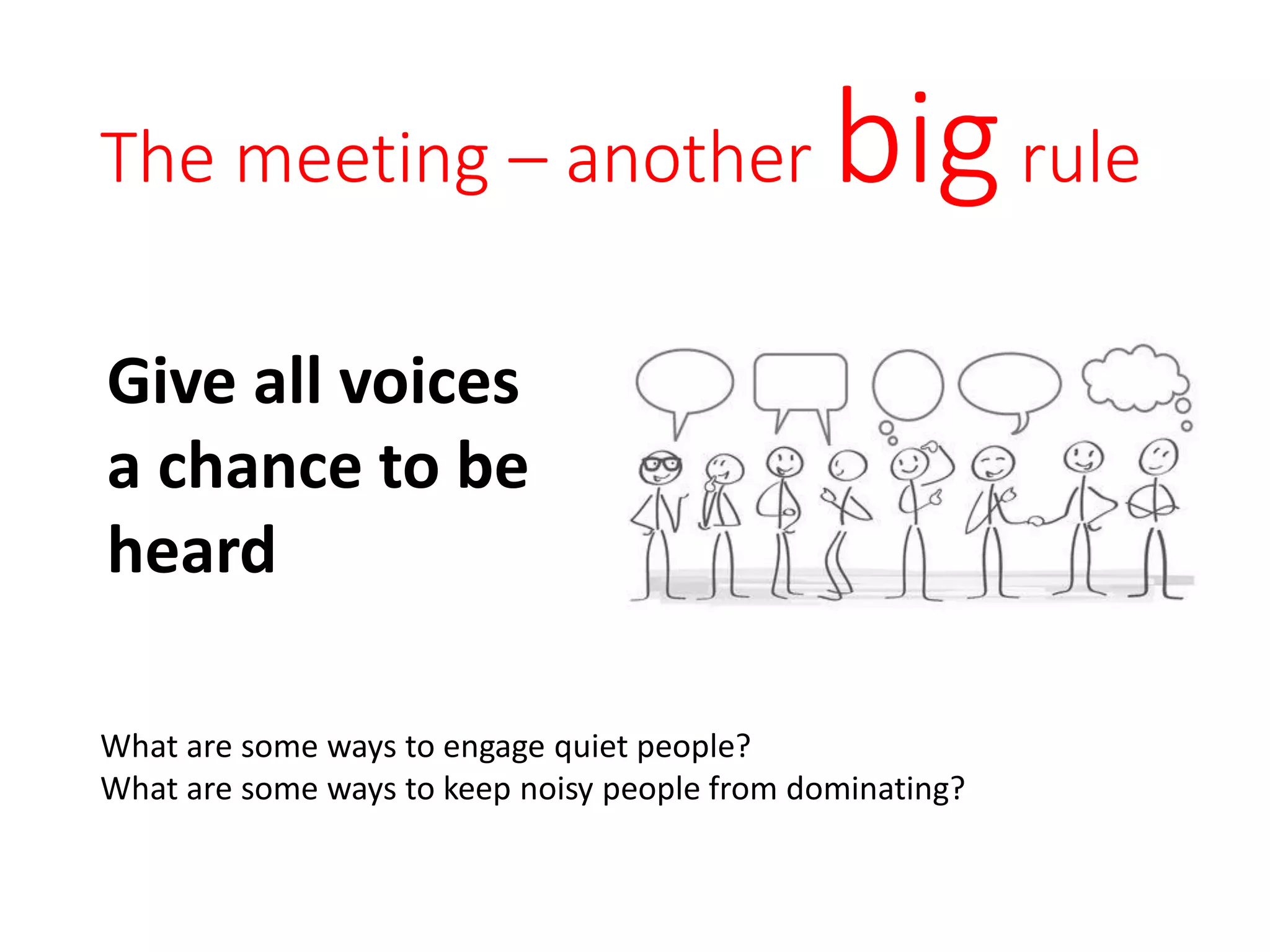
The meeting – another bigrule
Give all voices
a chance to be
heard
What are some ways to engage quiet people?
What are some ways to keep noisy people from dominating?
The facilitation arc – wrapping up
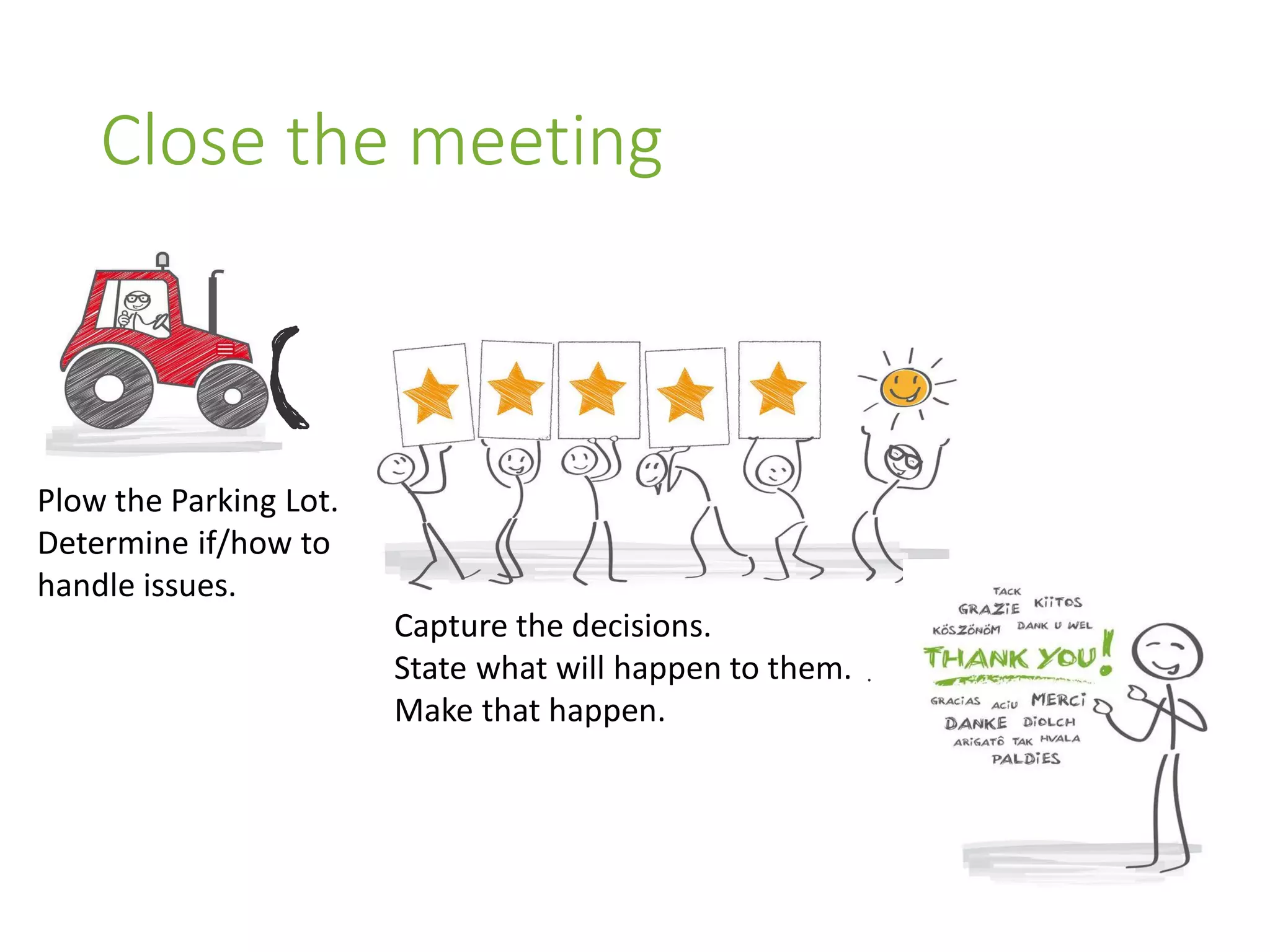
Close the meeting
Capture the decisions.
State what will happen to them.
Make that happen.
Plow the Parking Lot.
Determine if/how to
handle issues.
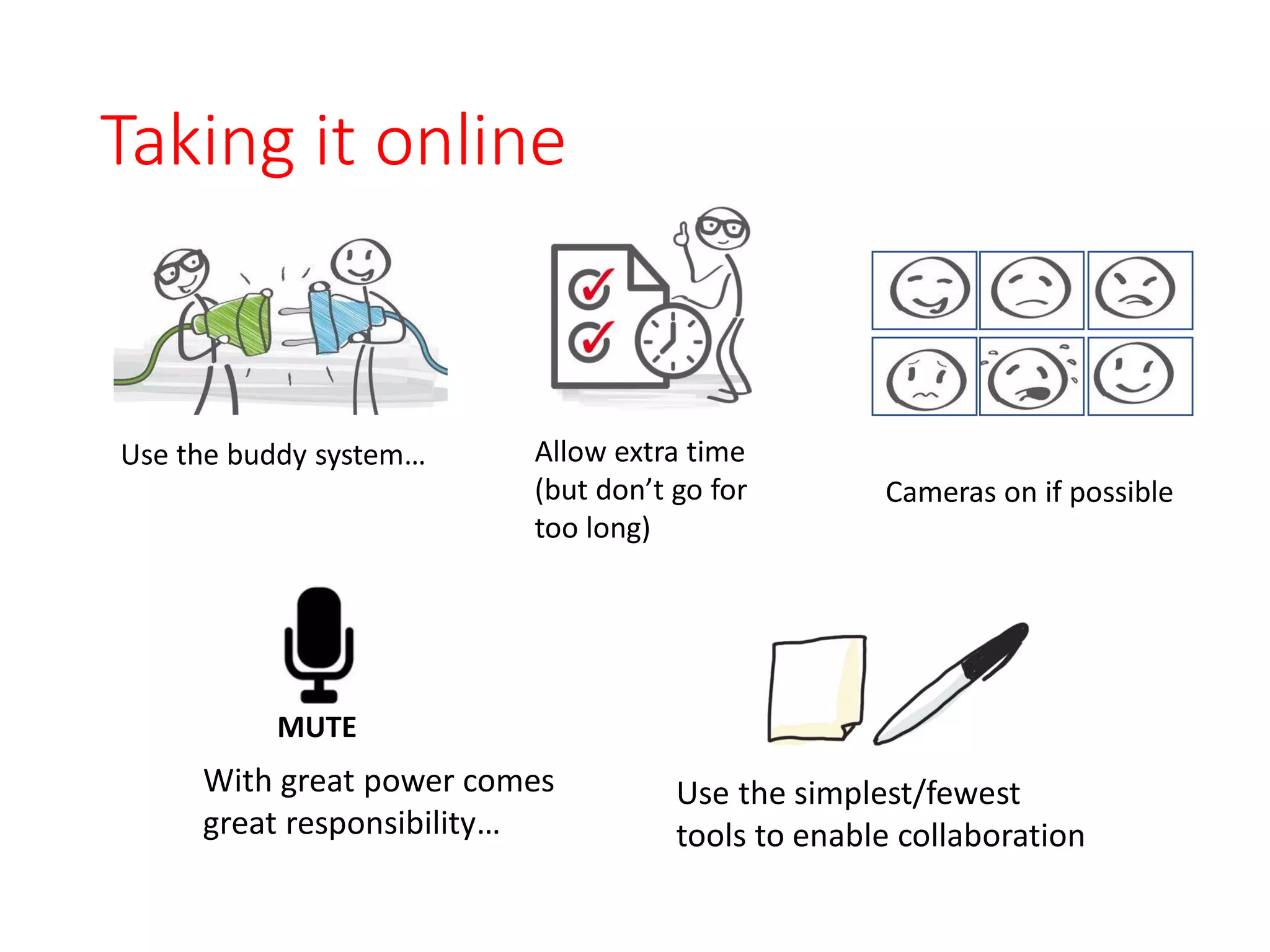
Taking it online
Use the simplest/fewest
tools to enable collaboration
Use the buddy system… Allow extra time
(but don’t go for
too long)
Cameras on if possible
With great power comes
great responsibility…
MUTE
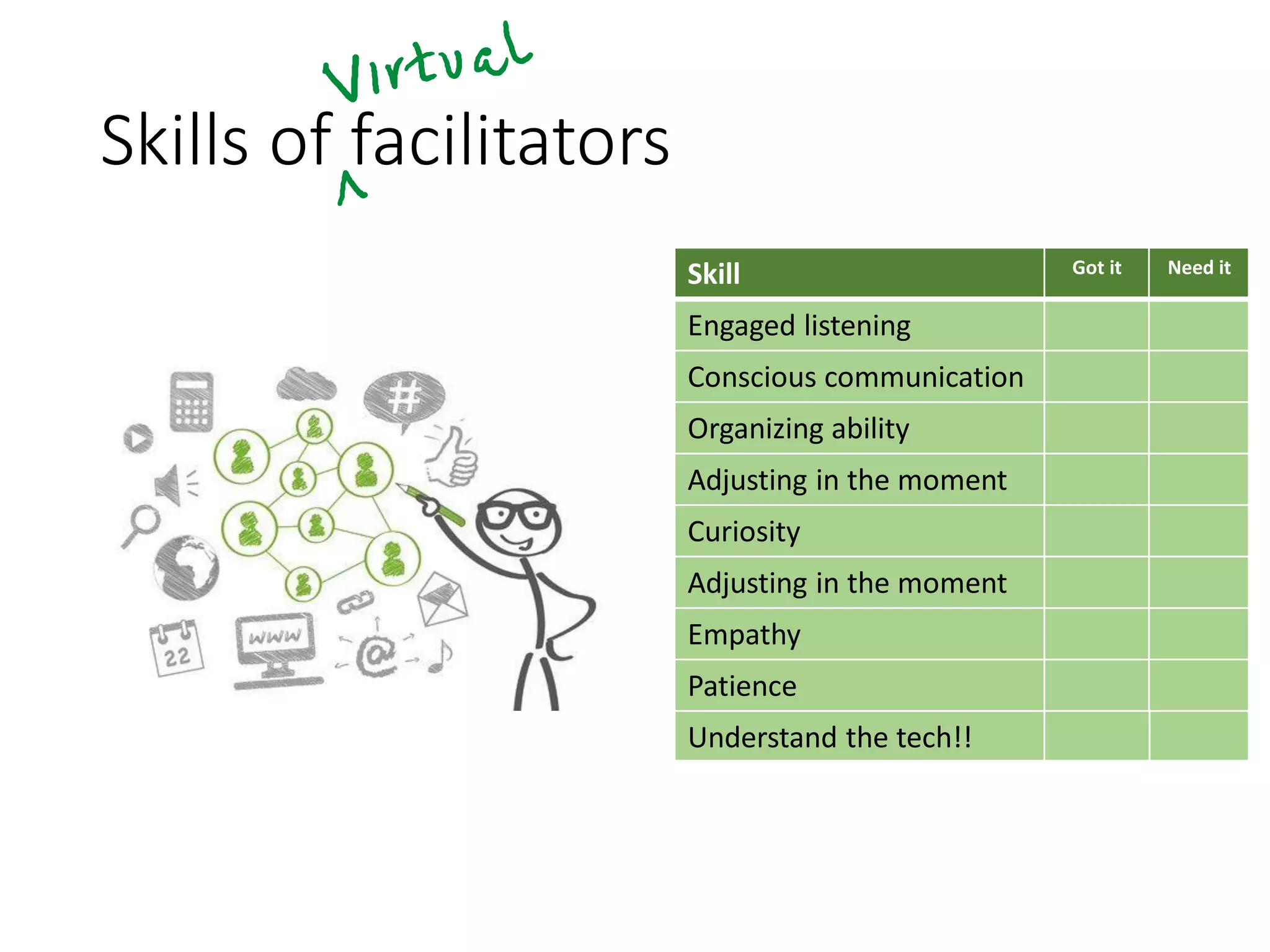
Skills of facilitators
Skill Got it Need it
Engaged listening
Conscious communication
Organizing ability
Adjusting in the moment
Curiosity
Adjusting in the moment
Empathy
Patience
Understand the tech!!
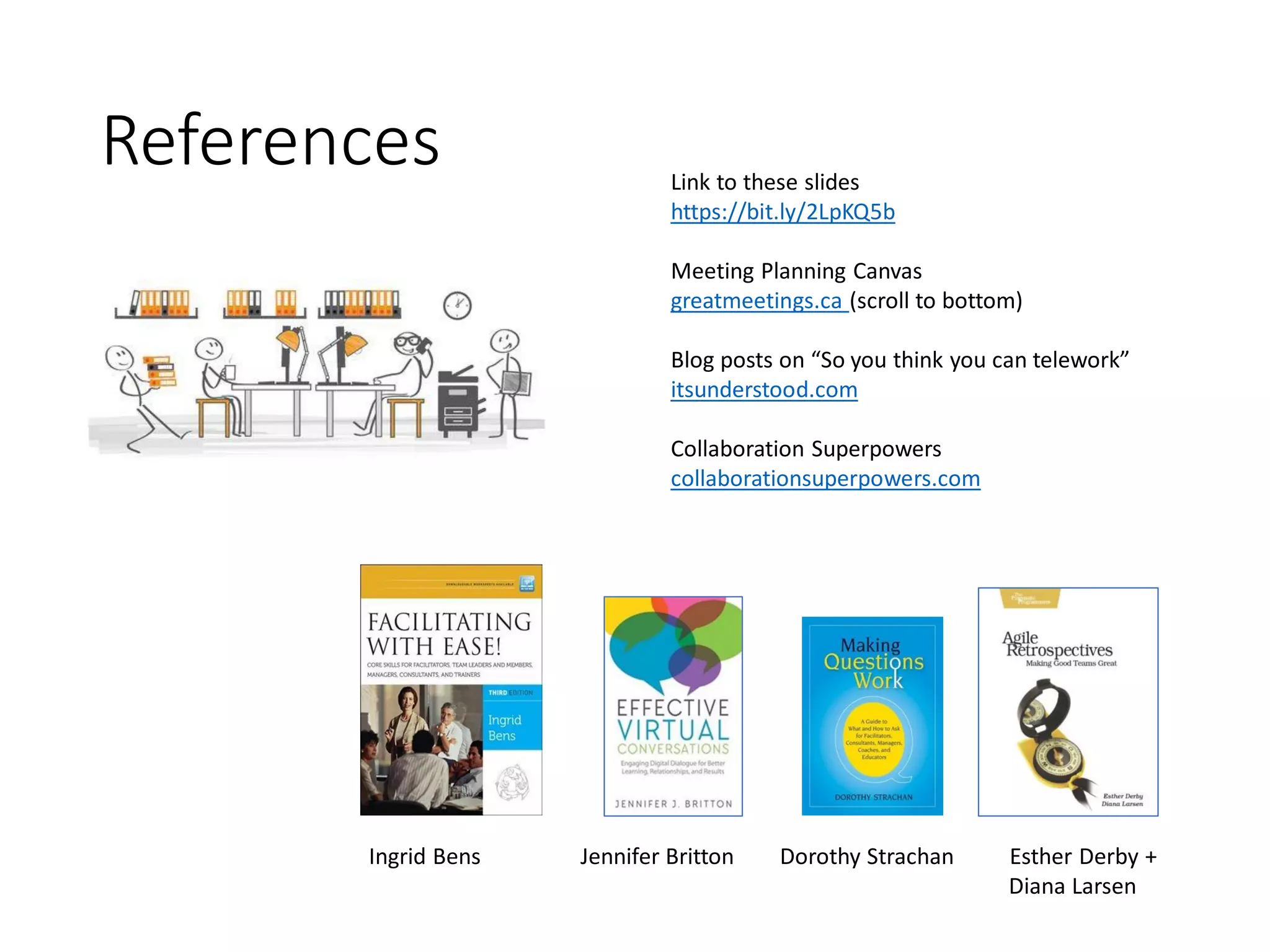
References
Ingrid Bens Jennifer Britton Dorothy Strachan Esther Derby +
Diana Larsen
Link to these slides
https://bit.ly/2LpKQ5b
Meeting Planning Canvas
greatmeetings.ca (scroll to bottom)
Blog posts on “So you think you can telework”
itsunderstood.com
Collaboration Superpowers
collaborationsuperpowers.com
Find Sue here Find Ellen here
ellen@agilepartnership.com
@eegrove
www.agilepartnership.com
sue@itsunderstood.com
@itsunderstood
http://itsunderstood.com

2020 06 sask meetup slides

  • 1.
    It’s not aboutthe tool Facilitating effective meetings over distance Sue Johnston + Ellen Grove Agile Regina (Virtual) Meetup Group 9 June 2020
  • 2.
    PLEASE NOTE SLIDES ≠PRESENTATION • These slides are designed to be viewed in conjunction with a human being talking and interacting with you. • They will make little sense to you if you were not at the live session. • But if you find them useful, I’m happy.
  • 3.
  • 4.
    Who is Sue? •Coach Skills for the Agile Workplace • Facilitation Skills for the Agile Workplace • Consulting in an Agile Workplace • Talk To Me Coach Author Trainer Training virtually since 2004 Did Master’s from middle of Atlantic 2002-03 Work-from-Home pioneer 1990s (and still at it) Master Communicator
  • 5.
    Who is Ellen? •Coach Skills for the Agile Workplace • Facilitation Skills for the Agile Workplace • Training from the Back of the Room • Visual Facilitation • Agile Team Fundamentals Coach Trainer Community • Agile Coach Camp Canada • Play for Agile North America • Agile India • Agile Alliance • …many many many conferences
  • 6.
  • 7.
    What we’ll talkabout • Introduction • Planning • Engaging people • Skills to develop • Wrap
  • 8.
    What’s the meeting? Whattype of meetings do YOU attend or run remotely? NOTE: Type in the [Chat] box. Don’t hit [ENTER] until we ask you to.
  • 9.
    What’s the remotechallenge? Which is the most challenging issue YOU face in dealing with virtual meetings? NOTE: Type in the [Chat] box. Don’t hit [ENTER] until we ask you to.
  • 10.
    What’s the dream? You’recreating a “container” where people can make good decisions together and/or get work done.
  • 11.
    The facilitation arc Virtualmeetings use the same design as in person meetings.
  • 12.
    The facilitation arc– planning Virtual meetings require good planning. Don’t just “jump on a call.“
  • 13.
    Plan - purpose Whatis the purpose for this meeting? Explore ideas? Make a decision? Learn something new? Get to know each other? Share info? Something else?
  • 14.
    Plan - people Whoneeds to be at this meeting? Interested Have info + insights Find another way to keep these people informed. They will be miserable and add nothing. Key group. Likely to want to be there. Tell them why they’re needed and what they’ll contribute.
  • 15.
    Plan – prepareactivities + questions What questions will help us reach the goal? What activities will encourage participation?
  • 16.
    The facilitation arc– getting started Create a container for connection and collaboration
  • 17.
    Getting started -set the stage • What’s something you do (or have seen done) to help set the stage to help people feel more comfortable and productive at your virtual meeting? • Add your ideas to this document! Breakout Rooms • We’re placing you into several “breakout rooms” or smaller groups. • Each group is assigned a google document.
  • 18.
    Getting started -set the stage Things that help make people comfortable, confident and collaborative • Show WIIFM? • This starts with the meeting invitation! • They want to know: • Why are we meeting? • What’s expected from me? • Who else is here and why • What’s on the agenda • How does the tech work? • What’s the backup for tech!!! • What happens to our output? • Interesting visuals • Capture “Parking Lot” items not to lose
  • 19.
    The facilitation arc– the meeting
  • 20.
    The meeting Diverge Converge Createideas Choose ideasEvaluate ideas What? So What? What Next?
  • 21.
    The meeting –gathering info BREAKOUT ROOMS Working together, using the doc you created before, build a list of possible methods to gather relevant information in a virtual meeting.
  • 22.
    The meeting –generating insights Make a list of ways to help people analyze the information – and its impact. Individual reflection
  • 23.
    The meeting –deciding In the Chat window, share some techniques you might use to help a group decide which option(s) to act on? NOTE: Don’t hit [ENTER] until we ask you to.
  • 24.
    The meeting –a big rule Give people time to think “Wait till it’s uncomfortable, then count to 10.” – Sue’s note to self
  • 25.
    The meeting –another bigrule Give all voices a chance to be heard What are some ways to engage quiet people? What are some ways to keep noisy people from dominating?
  • 26.
    The facilitation arc– wrapping up
  • 27.
    Close the meeting Capturethe decisions. State what will happen to them. Make that happen. Plow the Parking Lot. Determine if/how to handle issues.
  • 28.
    Taking it online Usethe simplest/fewest tools to enable collaboration Use the buddy system… Allow extra time (but don’t go for too long) Cameras on if possible With great power comes great responsibility… MUTE
  • 29.
    Skills of facilitators SkillGot it Need it Engaged listening Conscious communication Organizing ability Adjusting in the moment Curiosity Adjusting in the moment Empathy Patience Understand the tech!!
  • 30.
    References Ingrid Bens JenniferBritton Dorothy Strachan Esther Derby + Diana Larsen Link to these slides https://bit.ly/2LpKQ5b Meeting Planning Canvas greatmeetings.ca (scroll to bottom) Blog posts on “So you think you can telework” itsunderstood.com Collaboration Superpowers collaborationsuperpowers.com
  • 31.
    Find Sue hereFind Ellen here ellen@agilepartnership.com @eegrove www.agilepartnership.com sue@itsunderstood.com @itsunderstood http://itsunderstood.com