Designing Beautiful Apps
Rich Holdsworth
CEO Wapple
CEO Didlr
@richholdsworth
rich@lookslikelemonade.com
What’s coming up?
• Who, what, why?
• Defining design
• What is mobile anyway?
• My design process
• The most important design principal you need to know to design
anything ever I think
• Designing Didlr
Who, what, why?
Why did you even let me in…?
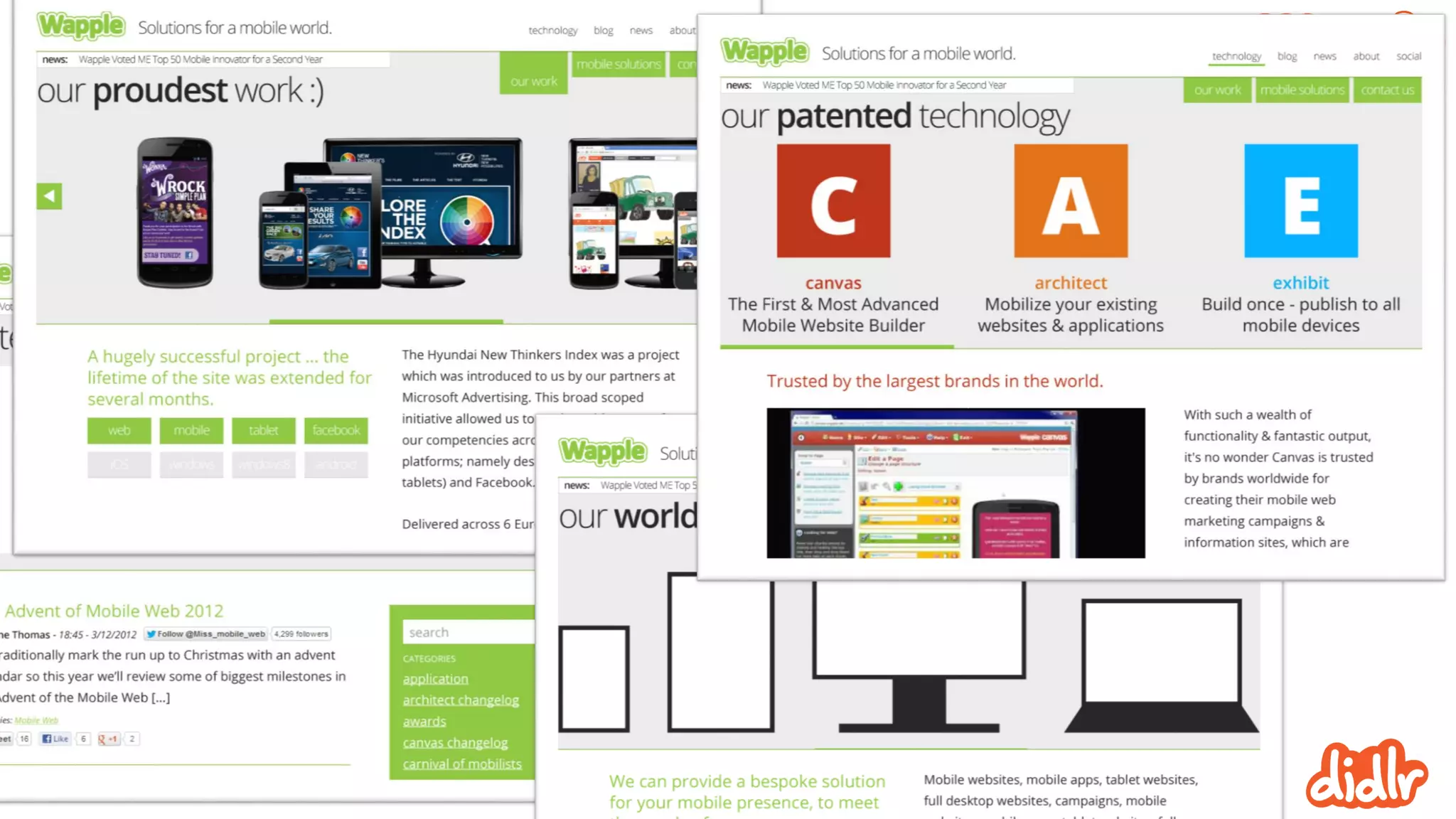
CEO of Wapple
• 9 years of creating mobile experiences
• Development of original tech
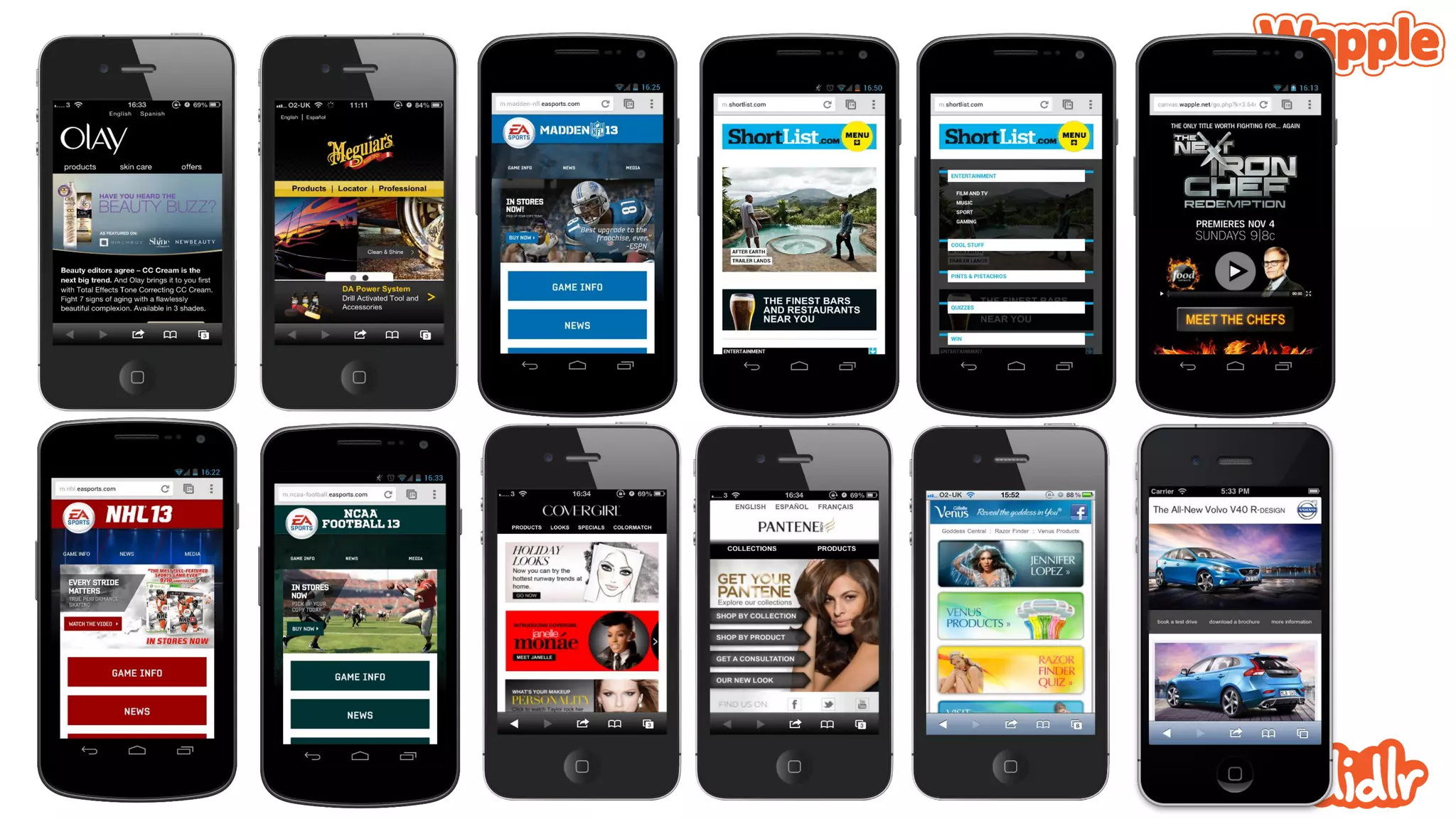
• Designed and built hundreds of experiences
• Creative consultation
Comprehensive mobile publishing
• Web-based mobile site builder
• Complete device detection and optimisation
• Integrated software solutions
• Canvas
• Architect
• Exhibit
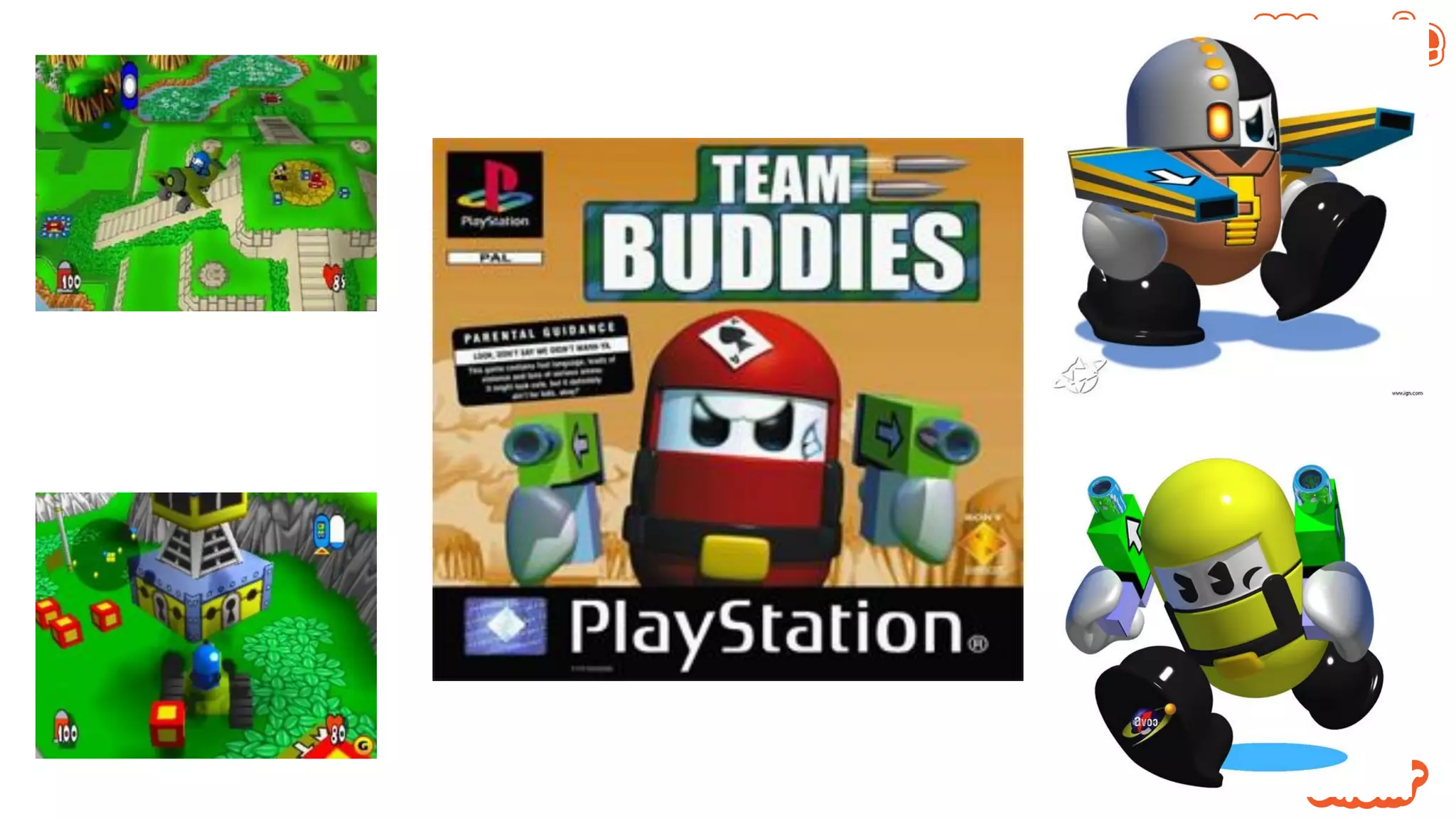
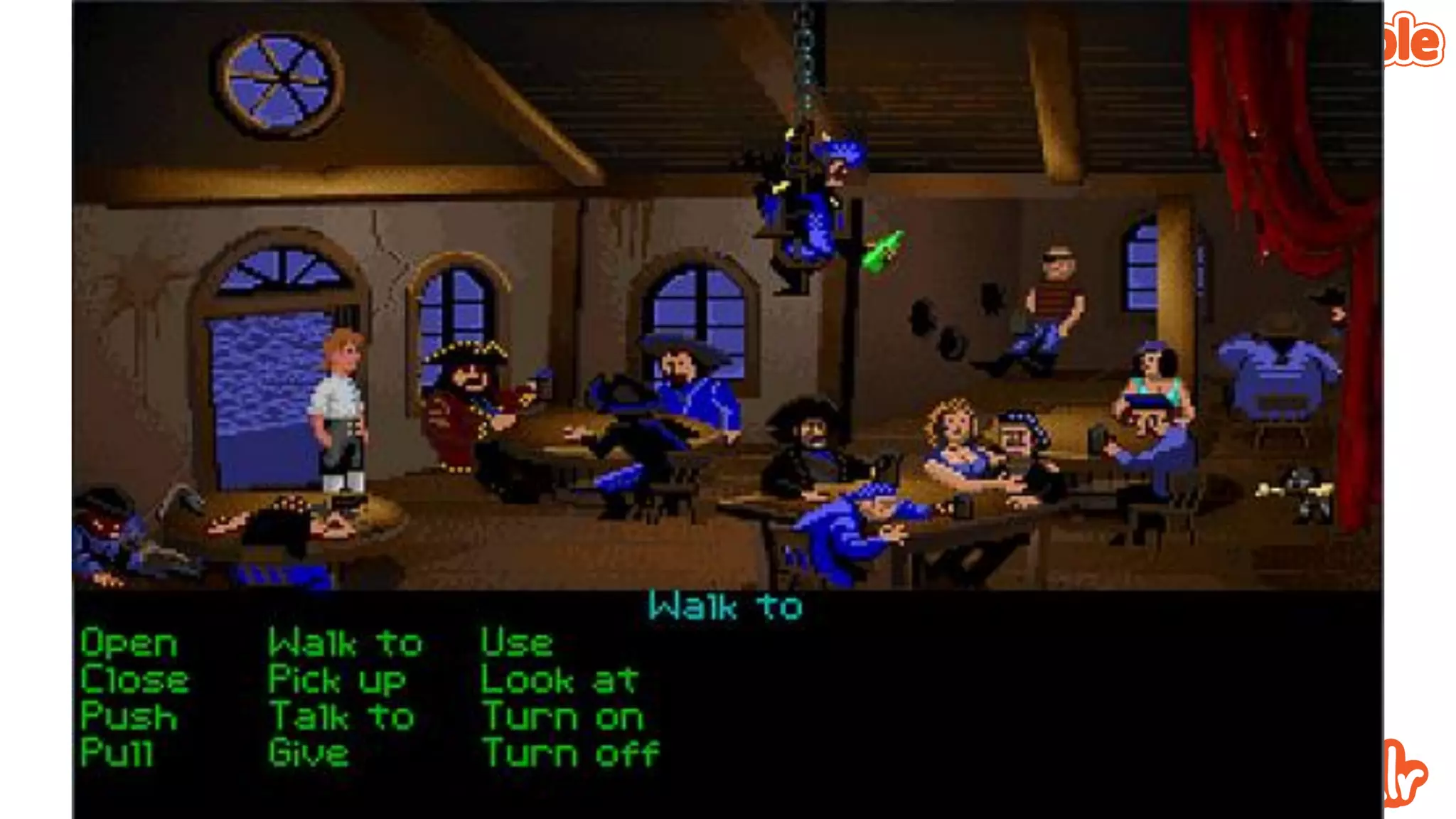
Before that – Video Games!
• Lead designer / producer
• SCEE
• Psygnosis
• Interplay
• Silicon Dreams
• US Gold
• The BEST design training imaginable
When we say ‘Design’ what do
we mean?
Time to get on the same page
Lets not get carried away
• Does a job, well
• Looks good
Great design is very, very hard
• The biggest challenge is over thinking and over working it
• The easiest part if knowing when its gone wrong
• If you’re honest!
• Trust your gut
fork and knife
What is mobile?
Or maybe ‘where’
The early days of Wapple
• It was all mobile web
• That was the common ground
• It was clunky to begin with
• And apps were crap
Then apps got good
• Software you download and install
• Hardly new
• But hey, the stars aligned
So, mobile evolves
And continues to do so
And we have to keep up
Great.
Just kidding, I like a challenge
• So we got thinking
• Not just about what ‘mobile’ is today but the trajectory it’s on
• We came up with a few big ideas
The consumer
is mobile, not
the device
Browsing is
giving way to
goal fulfilment
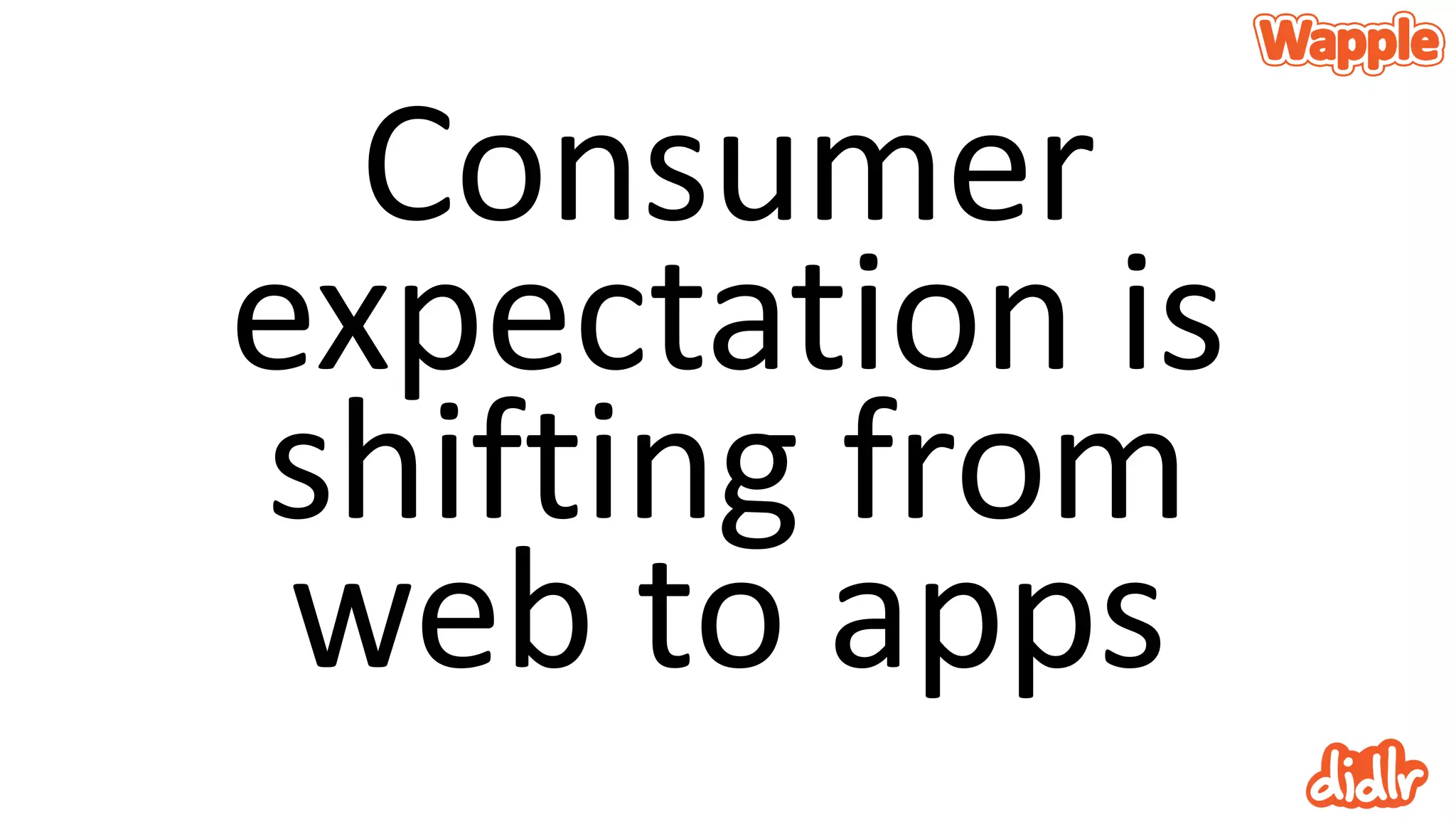
Consumer
expectation is
shifting from
web to apps
How did we reach those?
Fortune cookies?
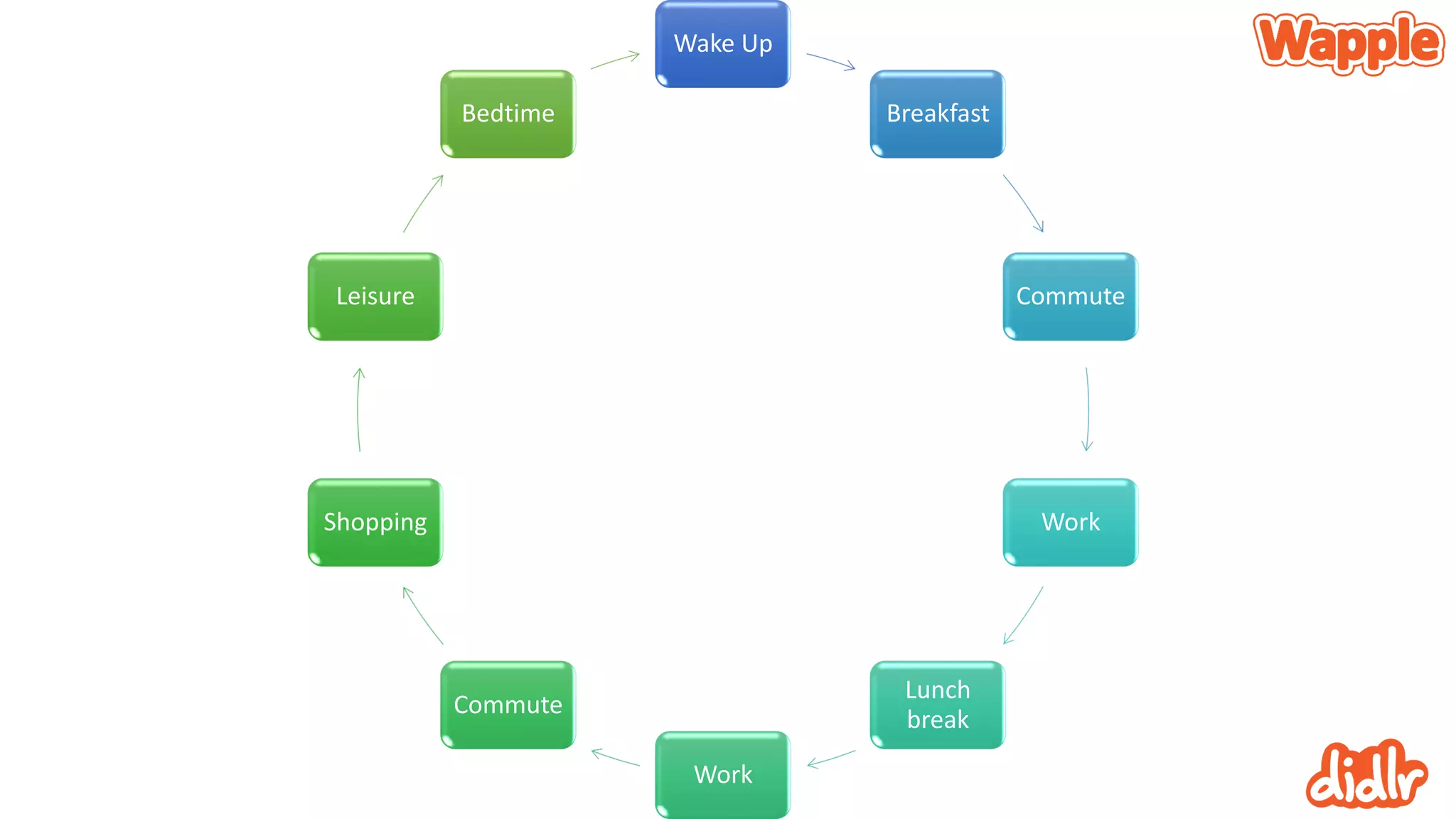
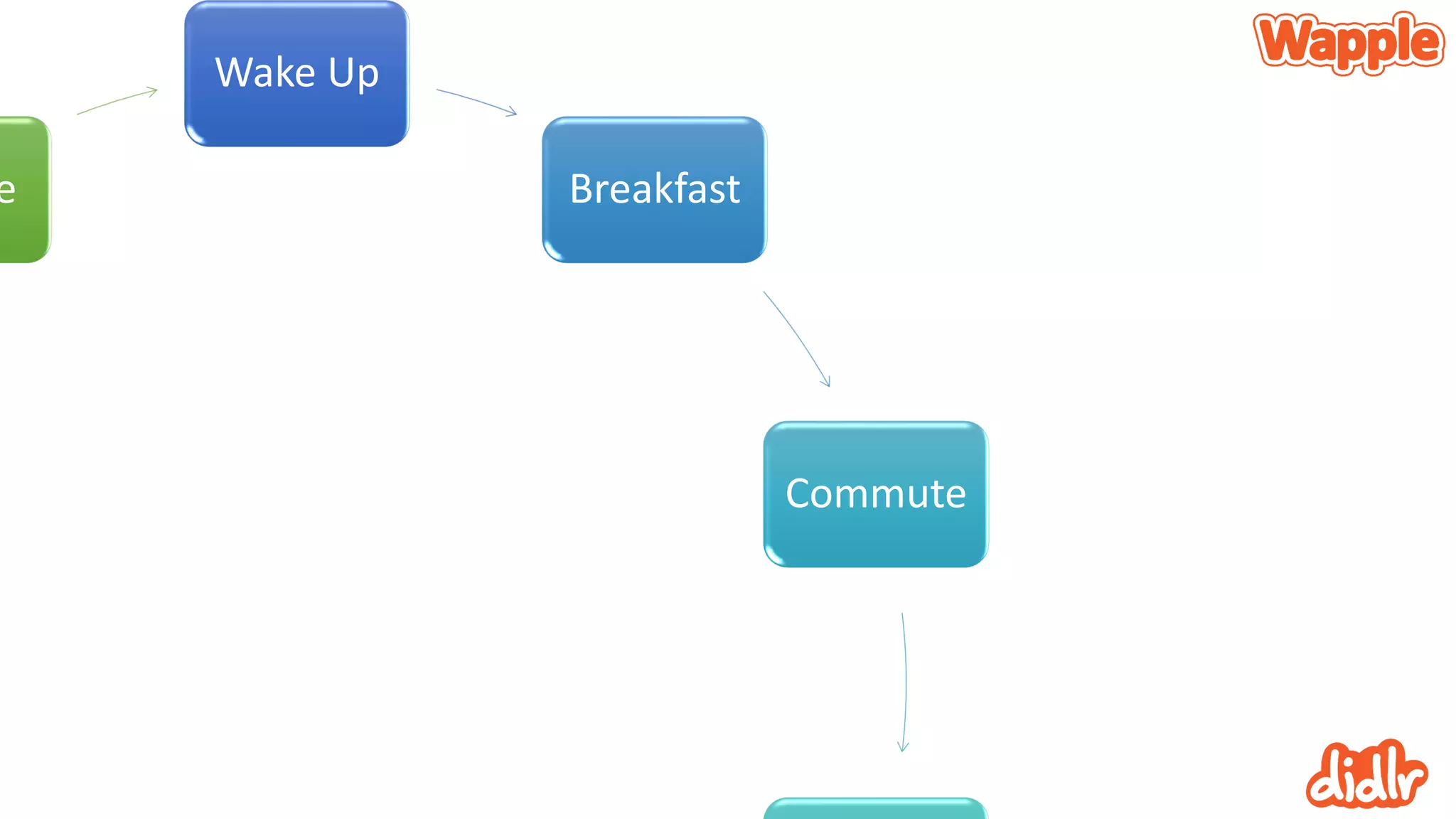
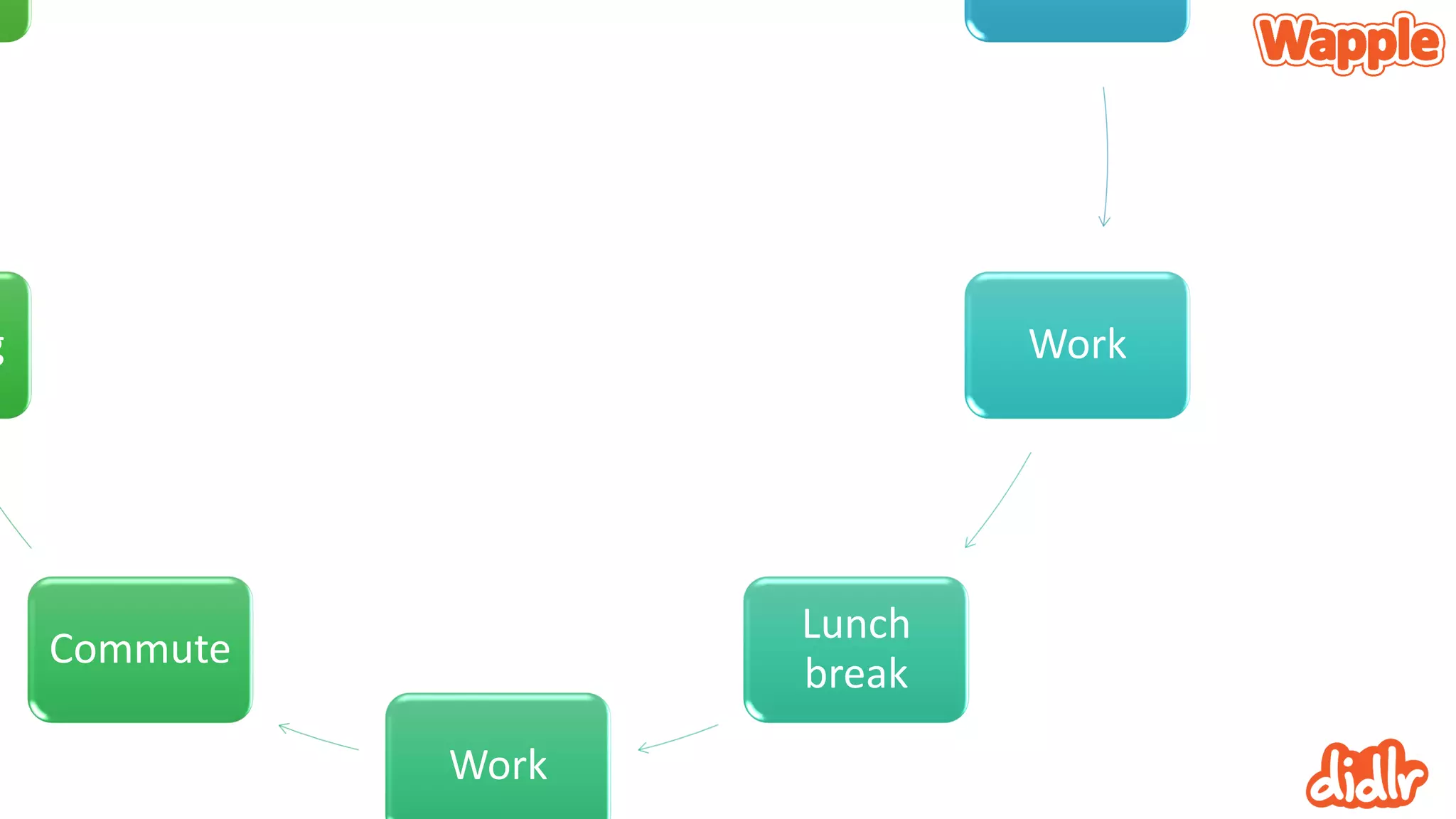
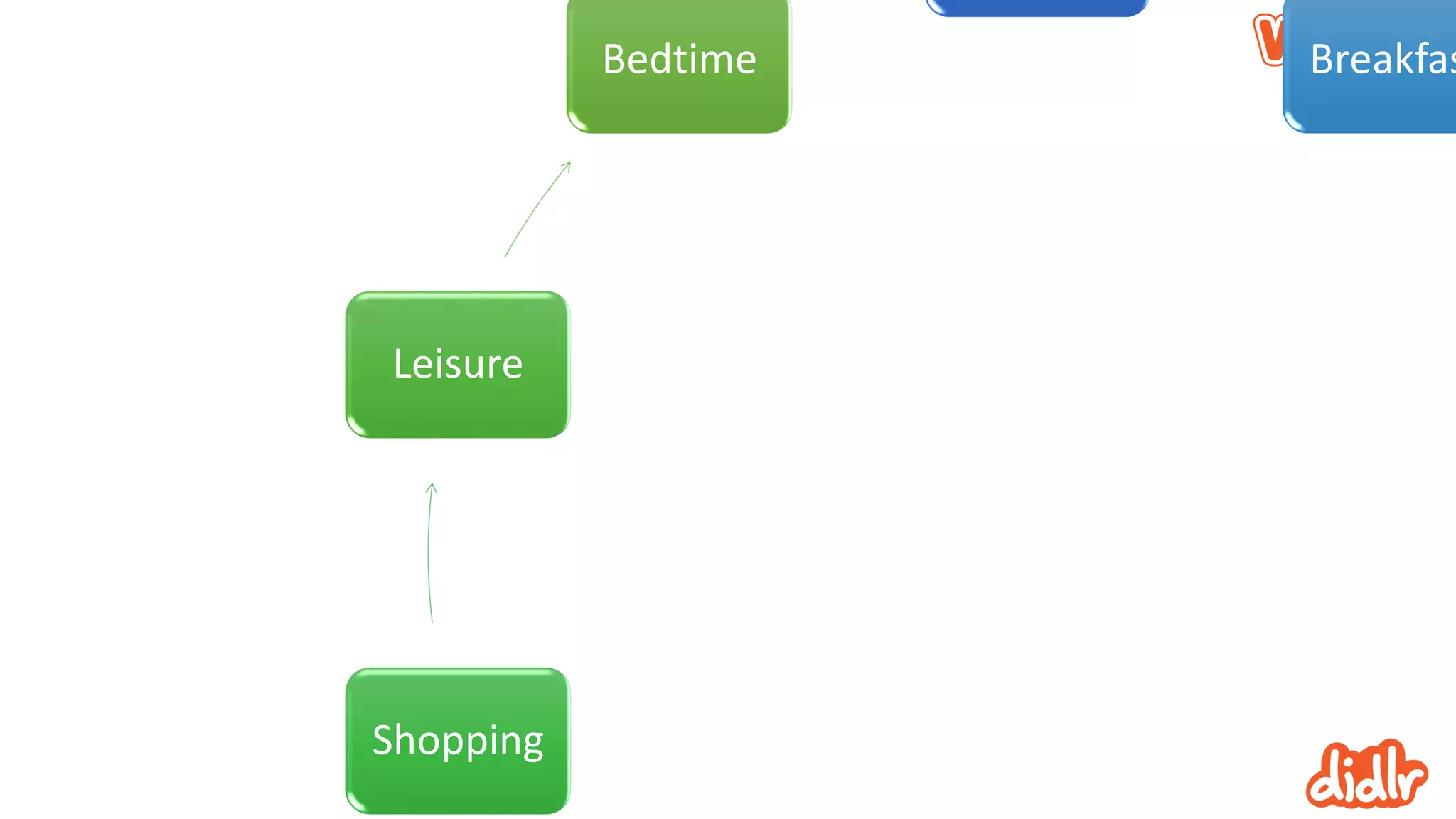
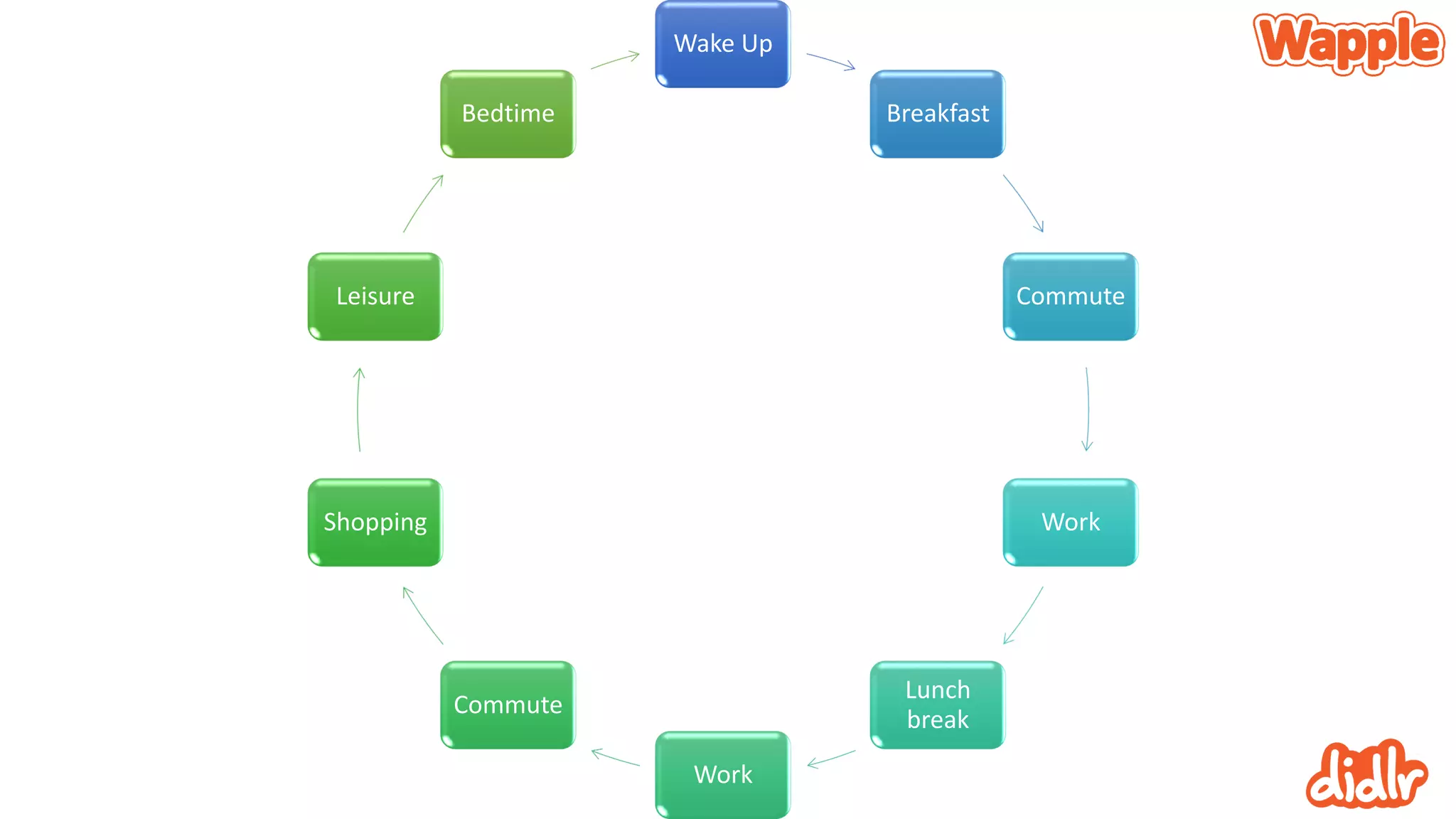
The mobile consumer
Its you
Wake Up
Breakfast
Commute
Work
Lunch
break
Work
Commute
Shopping
Leisure
Bedtime
Wake Up
Breakfast
Commute
e
Work
Lunch
break
Work
Commute
g
Breakfas
Shopping
Leisure
Bedtime
Wake Up
Breakfast
Commute
Work
Lunch
break
Work
Commute
Shopping
Leisure
Bedtime
Apps over browsing
Is the browser an endangered species?
App use is beating browsing
• Most users only ever visited a handful of sites anyway
• With very limited requirements
• As soon as most of a user’s needs are fulfilled by apps browsing
becomes a cumbersome irrelevance
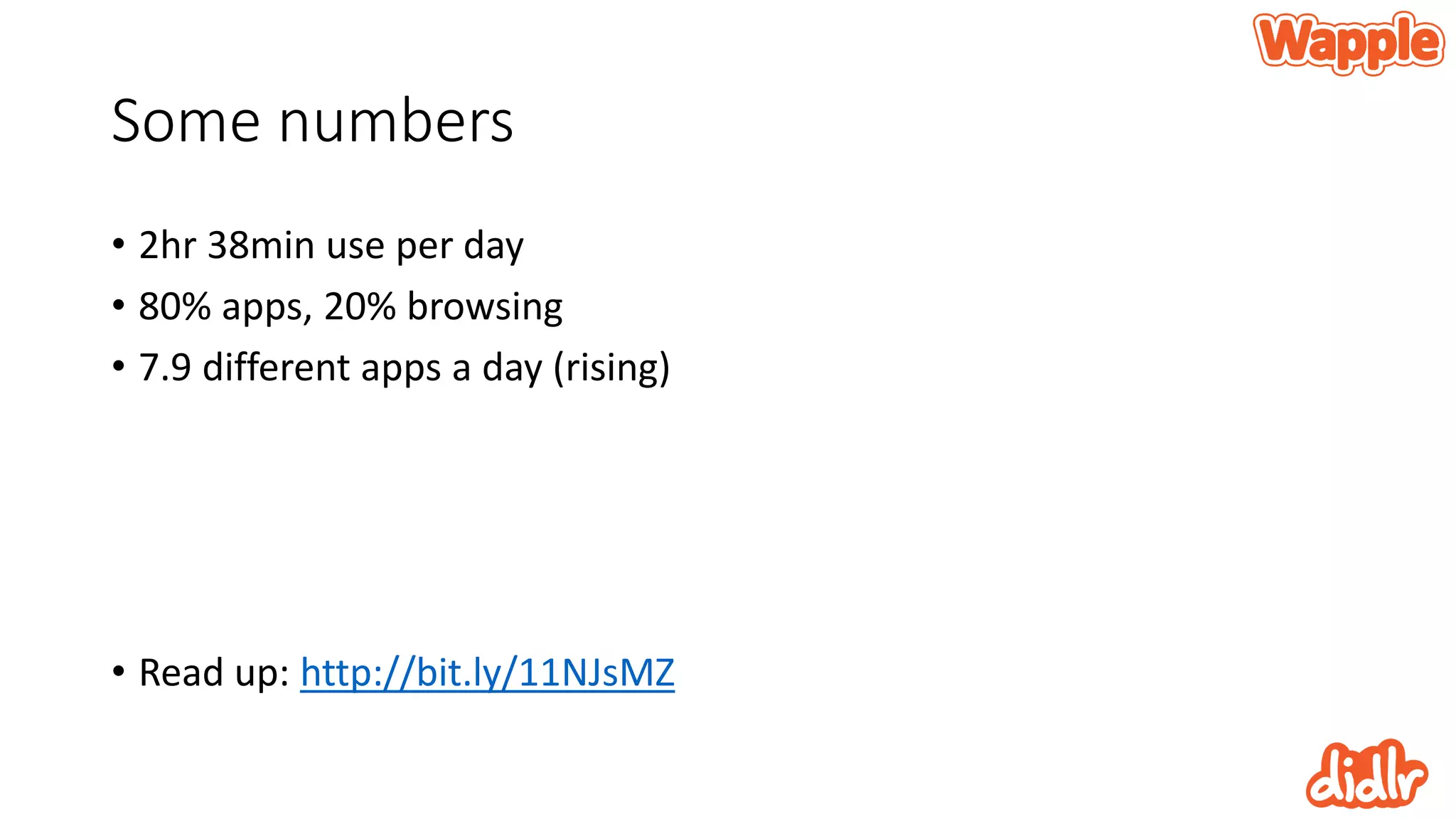
Some numbers
• 2hr 38min use per day
• 80% apps, 20% browsing
• 7.9 different apps a day (rising)
• Read up: http://bit.ly/11NJsMZ
Consumers look to the app stores
for their favourite brands
Phones are judged on the availability of apps
That presents all kinds of problems
• Discovery
• Promotion
• But not problems we have to deal with today
• Today we only have to worry about making something good, not
promoting it
• Phew
How do I do design?
And why is all that earlier stuff relevant?
Get some things straight
• What do users want?
• Where and why will they be doing it?
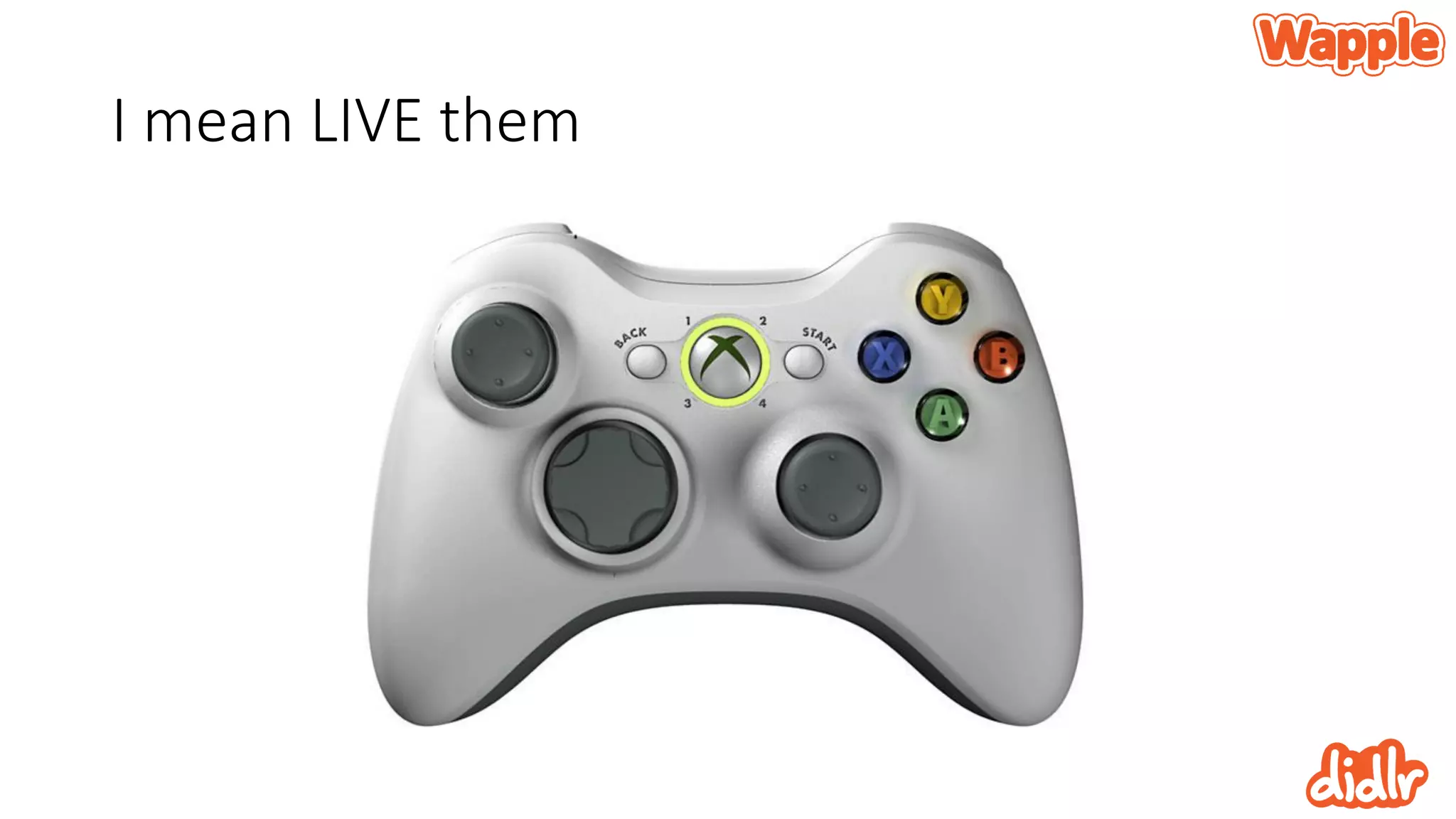
• You have to LIVE these
I mean LIVE them
It’s a brute force approach
• I work in cycles
• Develop hard and fast with good people who make good decisions
• Learn, adapt and change fast
• Innovate as fast as possible
The wildly anticipated and
possibly oversold design principal
that you need to know
(according to me)
What are design principals?
• They aren’t rules
• They are helpful approaches that can help improve the overall design
of your app
• There’s plenty of them… They all matter or you can choose to ignore
them all
Get the book
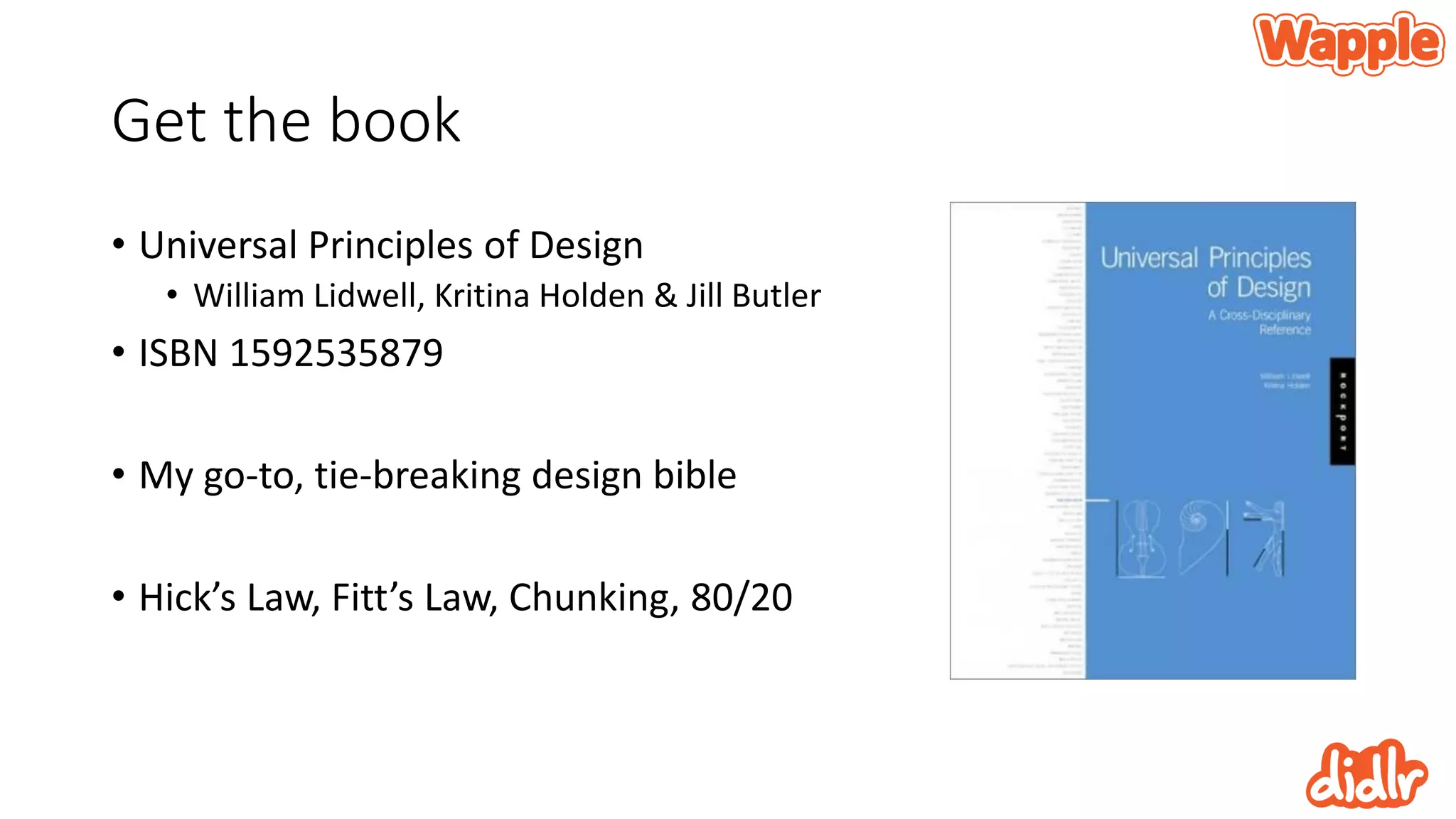
• Universal Principles of Design
• William Lidwell, Kritina Holden & Jill Butler
• ISBN 1592535879
• My go-to, tie-breaking design bible
• Hick’s Law, Fitt’s Law, Chunking, 80/20
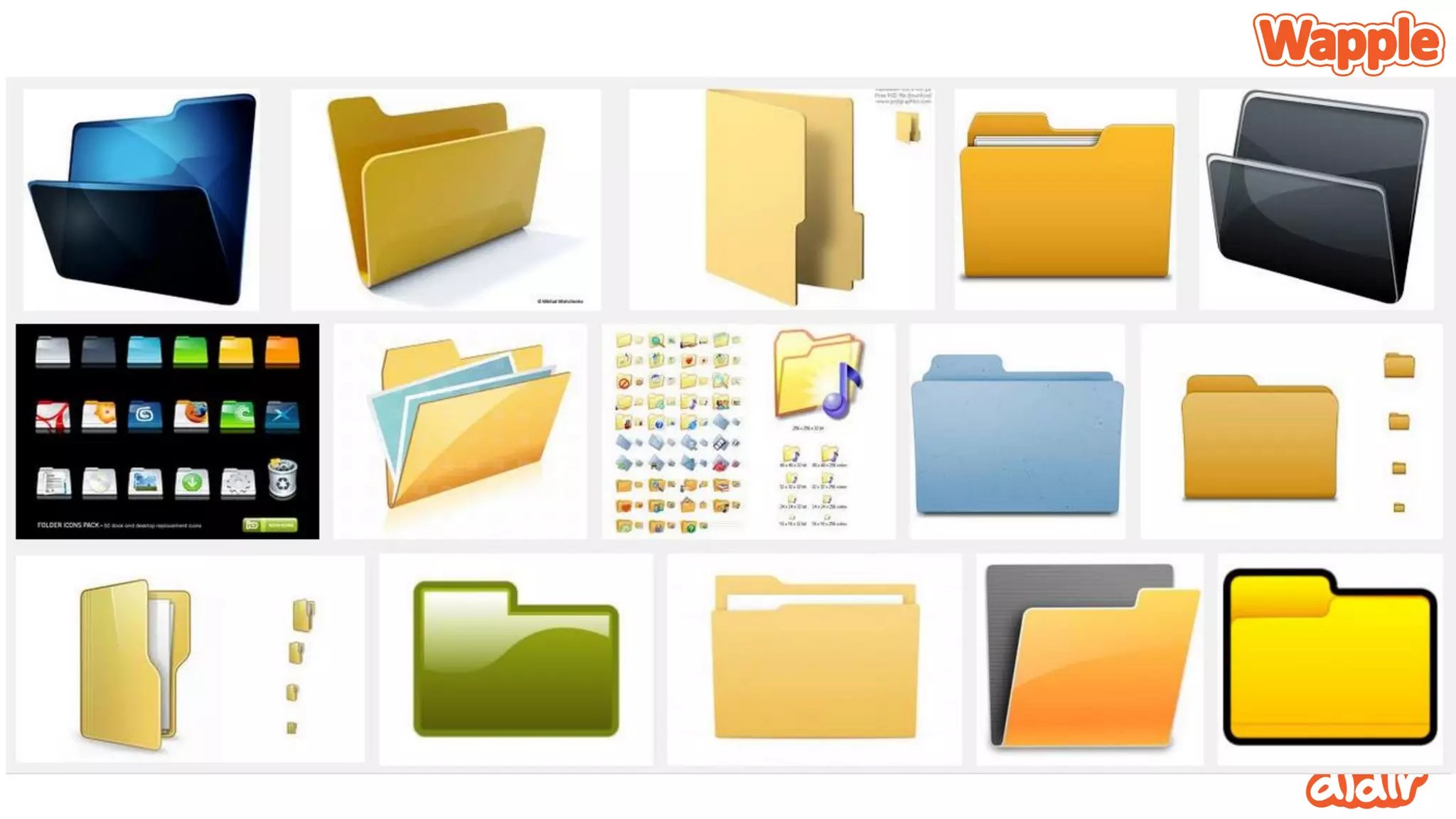
Archetypes
Universal patterns of theme and form resulting from innate biases or dispositions
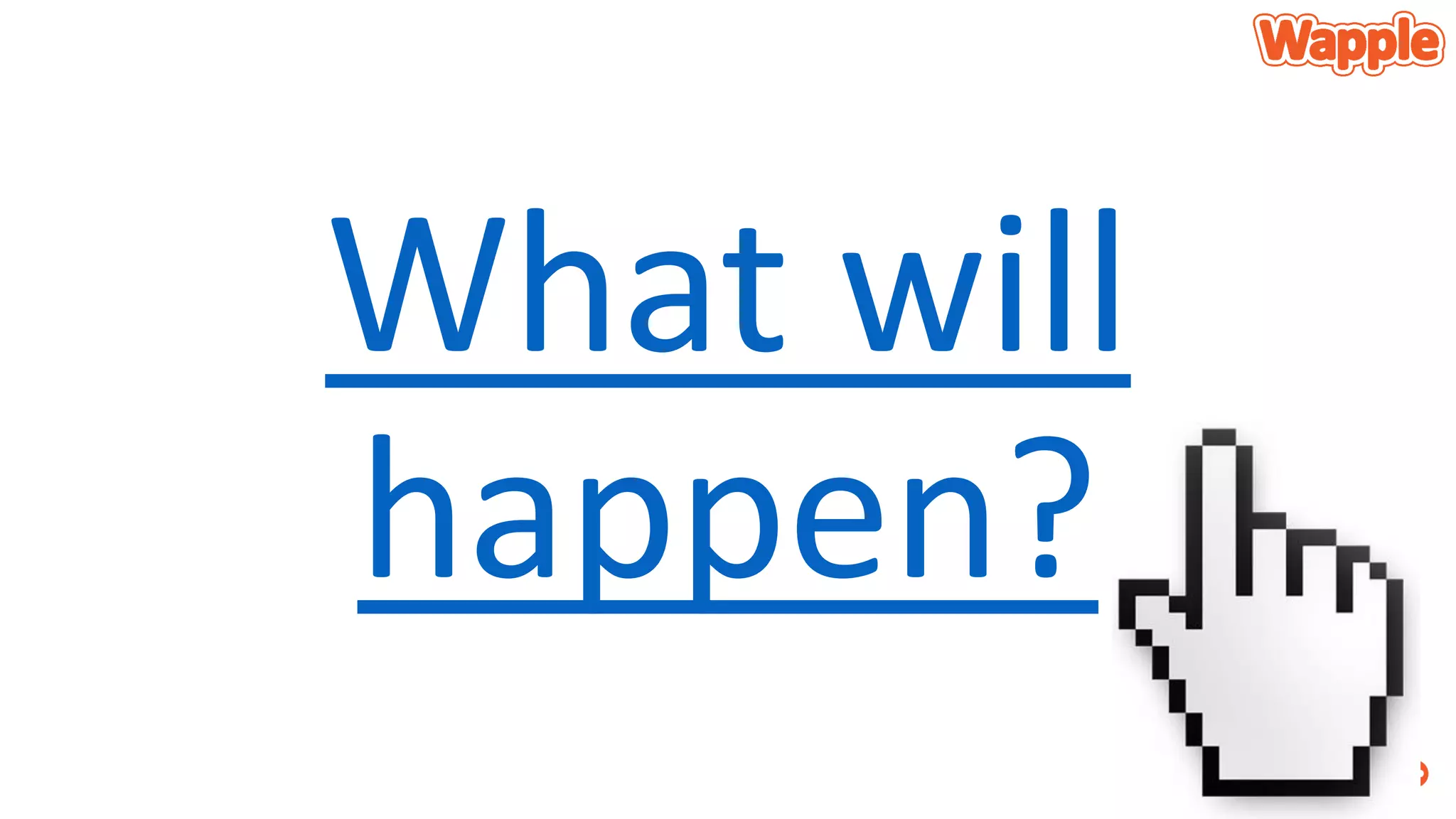
What will
happen?
Archetypes bring us:
• Expectation fulfilment
• Satisfaction
• Users KNOW how a component will respond and can anticipate the
result
Why use Archetypes?
• Increased understanding of your app
• Considerably lower learning curve
The birth of Archetypes
Sometimes they just happen
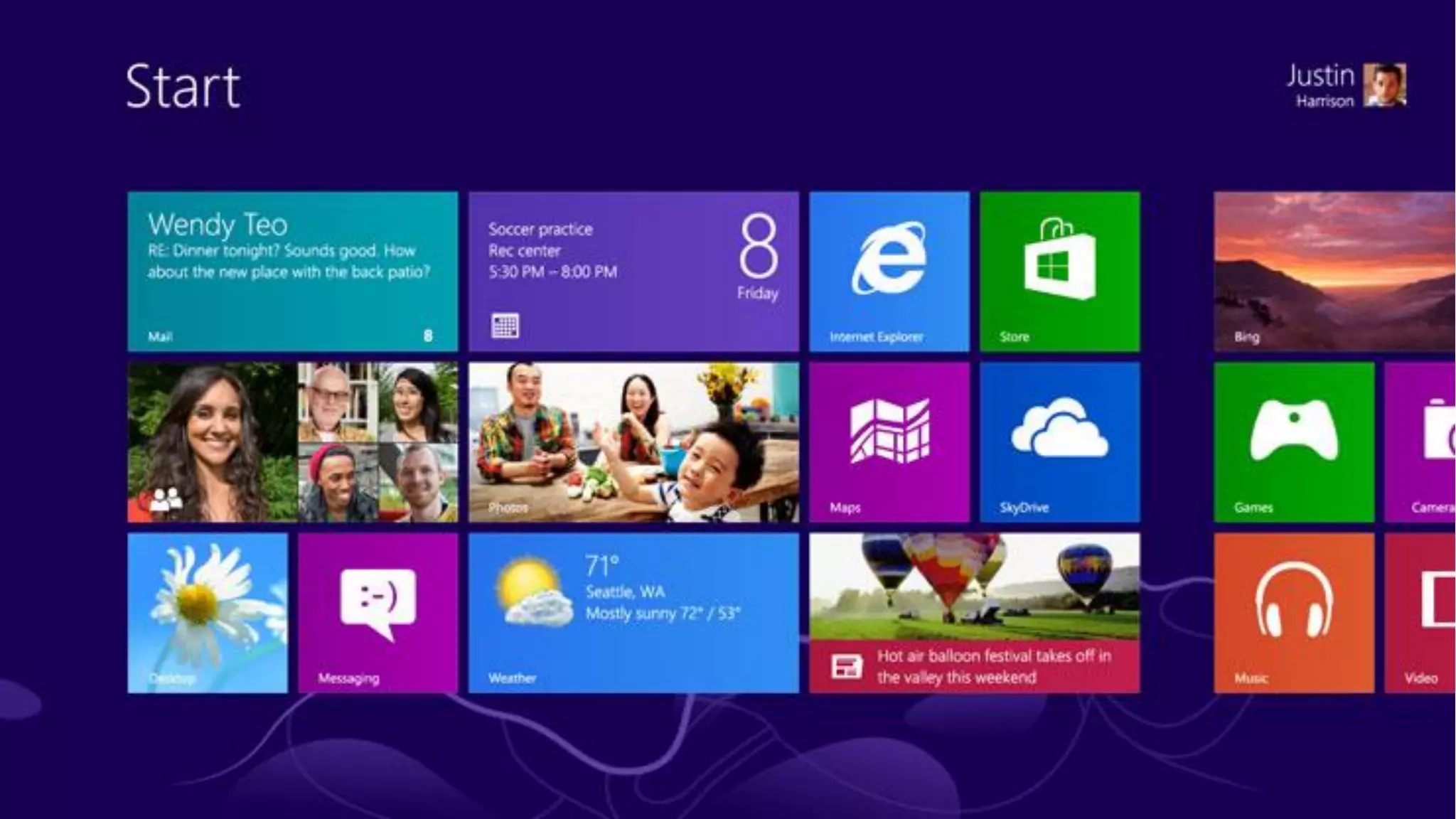
Windows 8 and Windows Phone are radically
new designs
• Change happens #dealwithit
Be assured that users WILL get what you are
up to
• Yes, there are challenges
• Charms bar
• Hidden app bars
• Pull to select
• Users WILL get it!
Designing Didlr
It came from somewhere
Its not just me!
• There’s a team of people working on didlr
• Graphic artists
• Web developers
• Server guys
• Project people
• Etc.
• I developed the Windows Phone and Windows 8 versions
The initial idea
• A little girl
• An Xbox
• Christmas dinner
Getting iterative
• Sharing as simply as you would a tweet
Keeping things really simple
• What seems like a limiting factor is actually an enabling factor
The big idea condensed
• a social platform where
• users draw and share
• with simple tools
• and follow each other
• and rate and share each other’s work
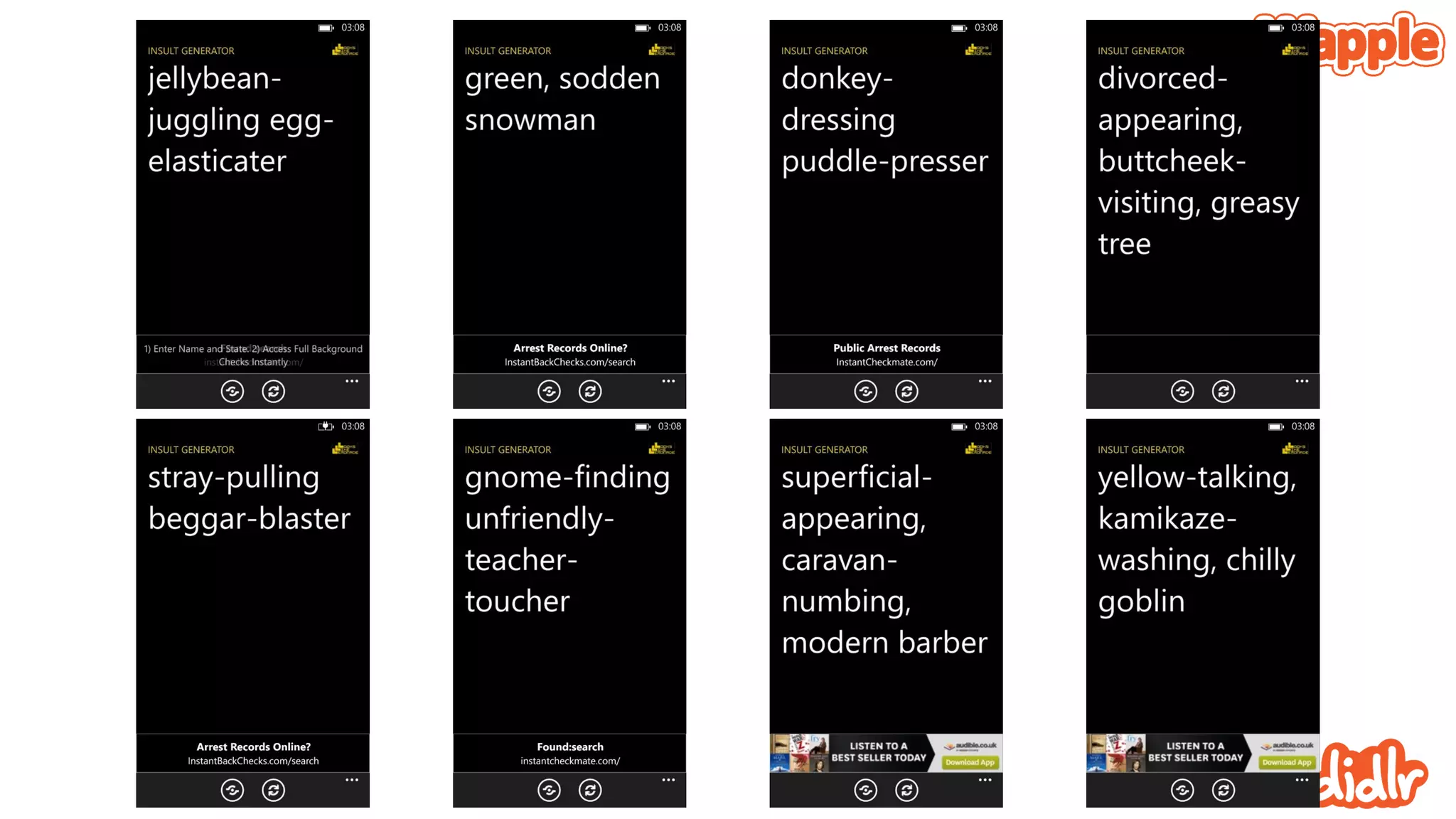
Early prototyping
Not the worst way to spend a Sunday morning
Focus on comfort, touch and style
• A little bit of experience playing with Windows Phone
• Responsiveness was paramount
• Picking the colours and the strokes – create a recognisable aesthetic
• What the prototype didn’t do spoke volumes!
Developing things further
• Adding a server to manage all the content
• Putting the drawing in the hands of more people
• Setting the colours – adding transparency
• Adjusting the smoothing
Early brand work
Getting the brand values right
• Like everything, this is a process
• Careful balance of identifiable brand that does not conflict with user
content
• Nor should it influence user content
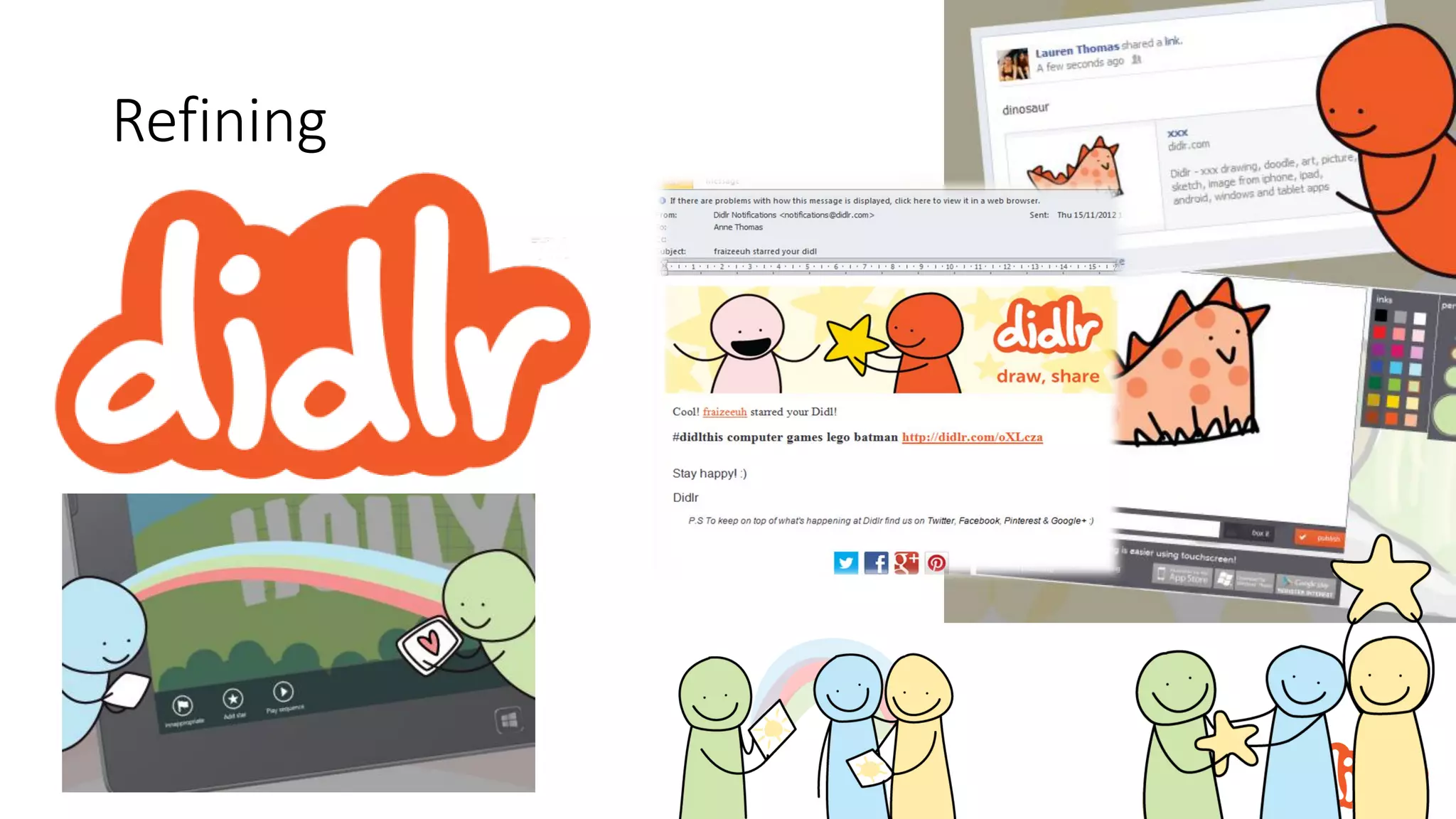
Refining
Choosing Windows Phone
• Didlr was still very much ‘under the radar’ and ‘off the books’
• Knowing C# meant that I could reduce development costs
• Beautiful UI aligned with Didlr
• Elevating content in an sleek, animated environment
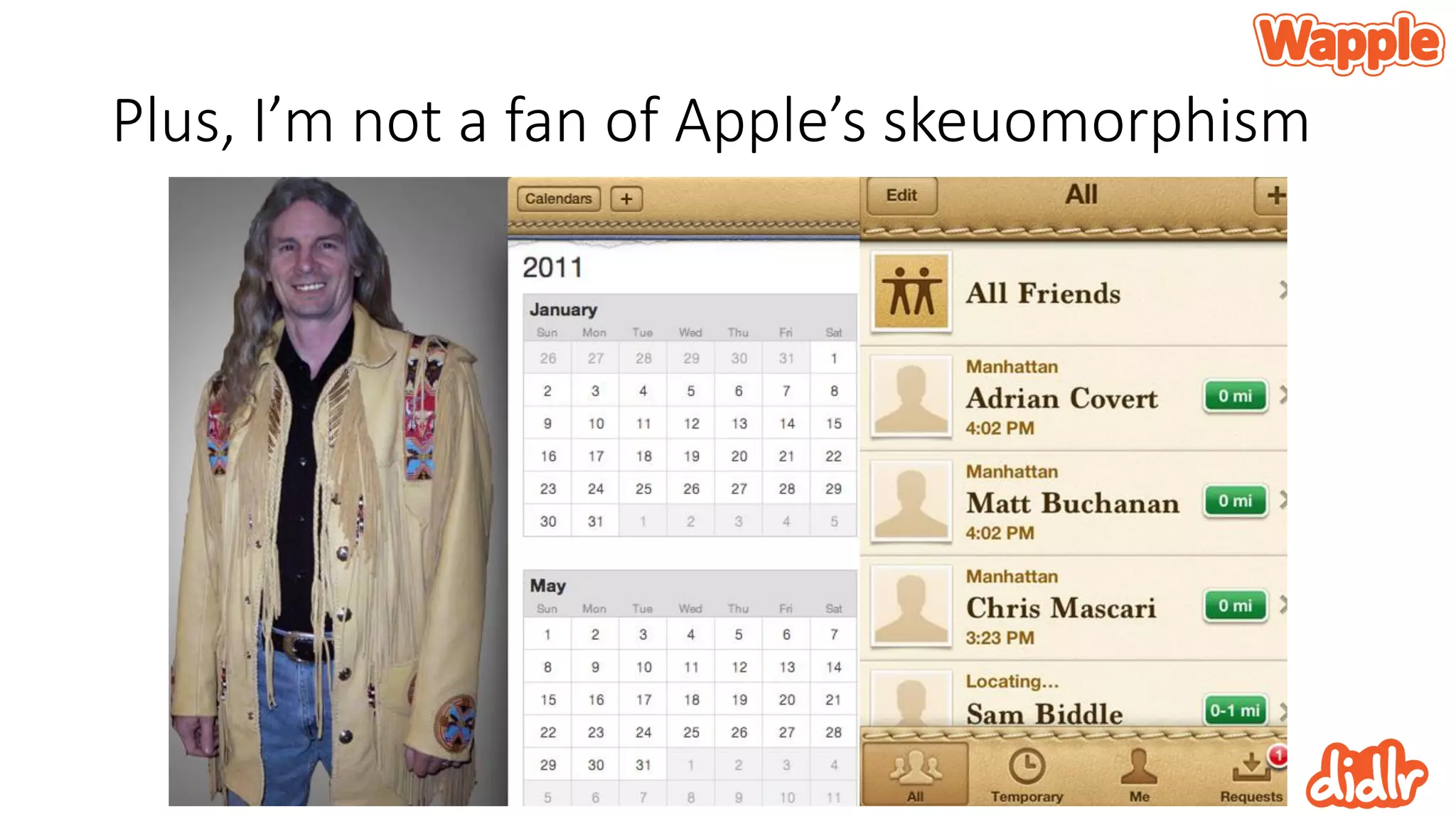
Plus, I’m not a fan of Apple’s skeuomorphism
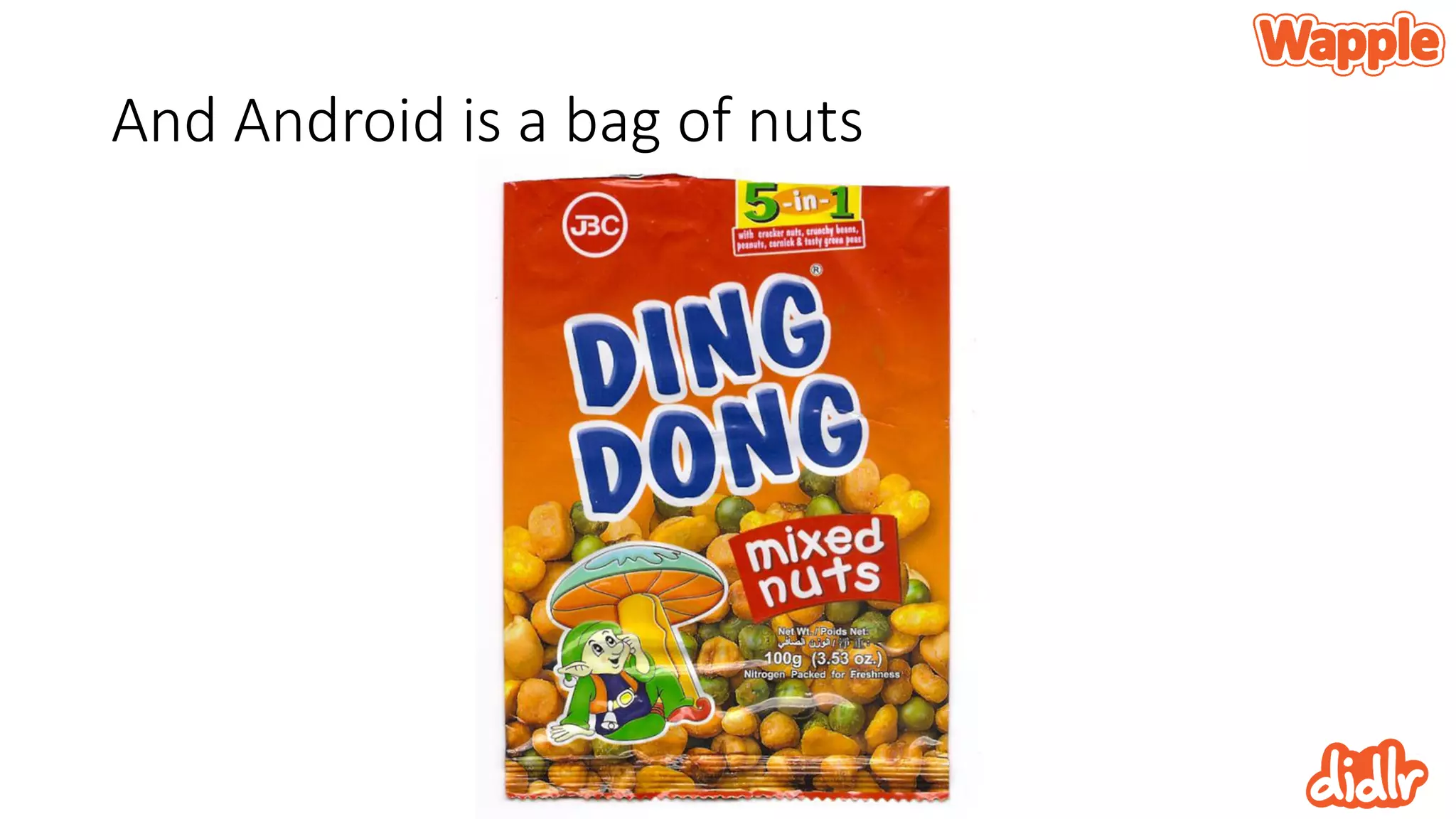
And Android is a bag of nuts
Of course, those platforms matter
• I simply didn’t have time to go that way
• Visual Studio rocks, I was set
• It’s been said but it’s important to know that all the tools were free
• And they are of high quality
Remember brute force? It keeps going
• Personal preference is to work like crazy, get things as good as
possible, move on and revisit
• Windows Phone - V2 (V3 in development)
• Windows 8 - V2 (V3 next)
• iOS - V1 (V2 in development)
• Android - V1 (better than iOS V1!)
Using the UI
Don’t fight the tide
Picking the recognisable controls and working
them
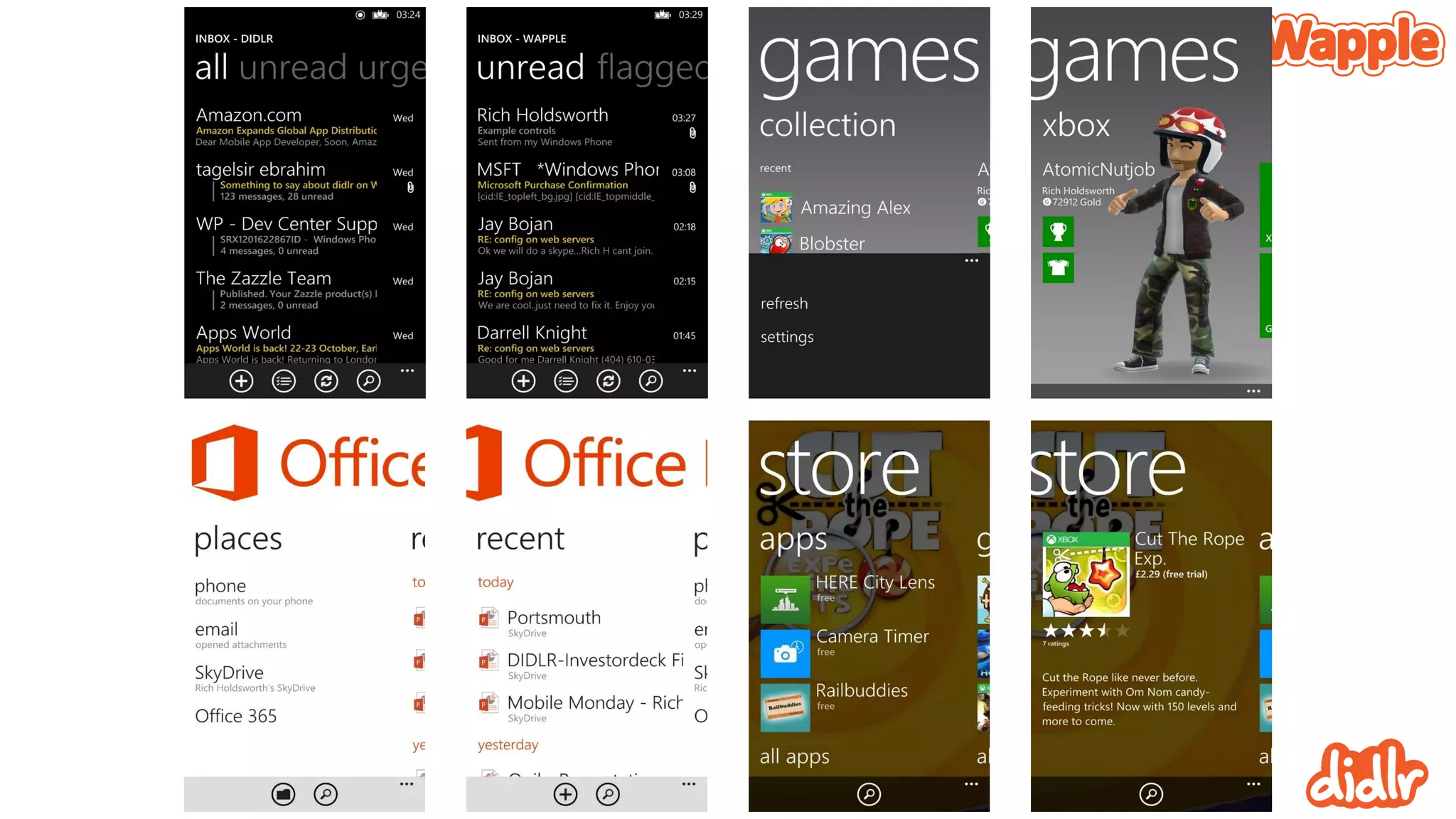
• No need to roll your own!
• Listboxes, panoramas, pivots, appbars and more
• These are practically built in and users know how to use them
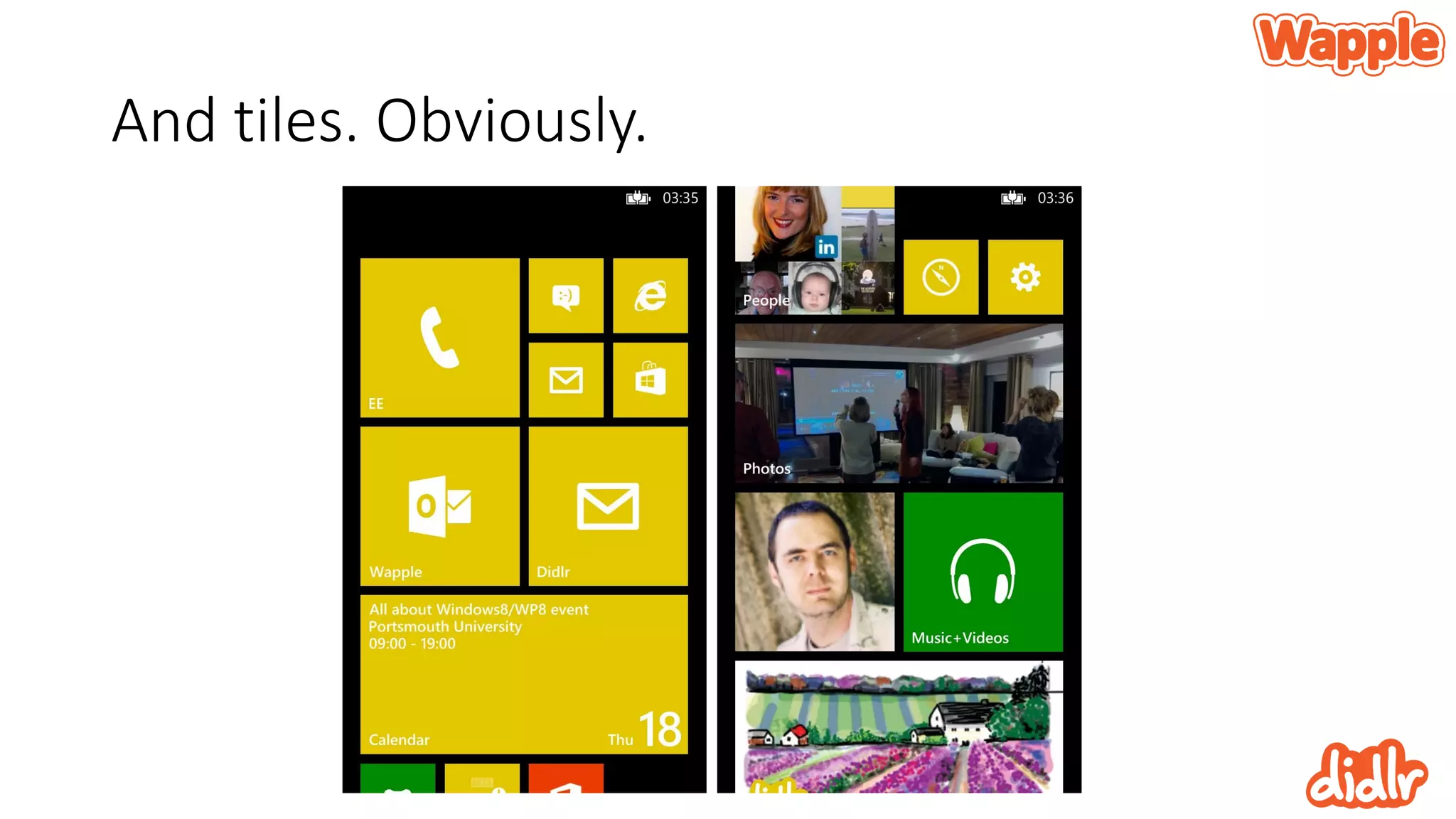
And tiles. Obviously.
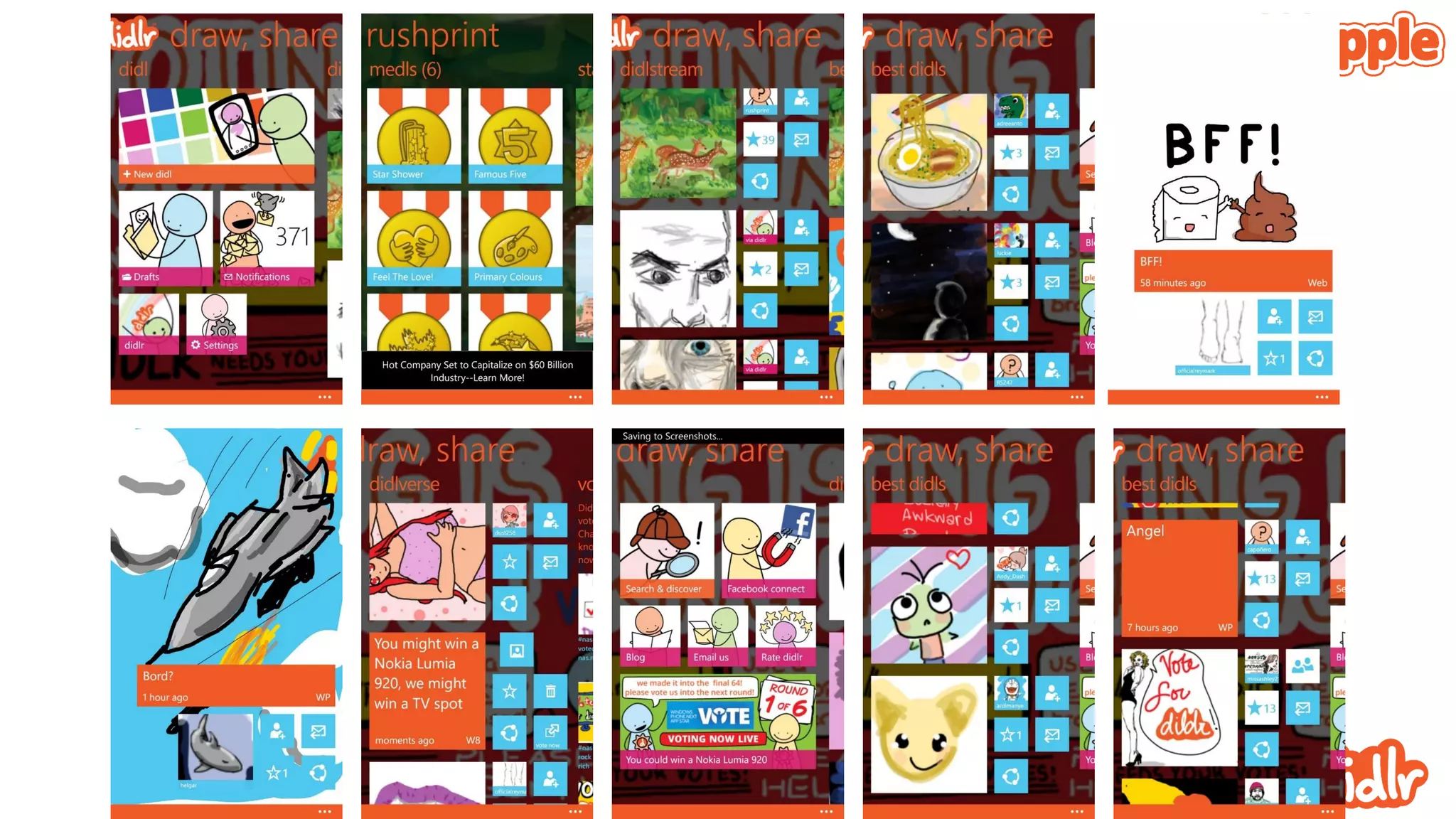
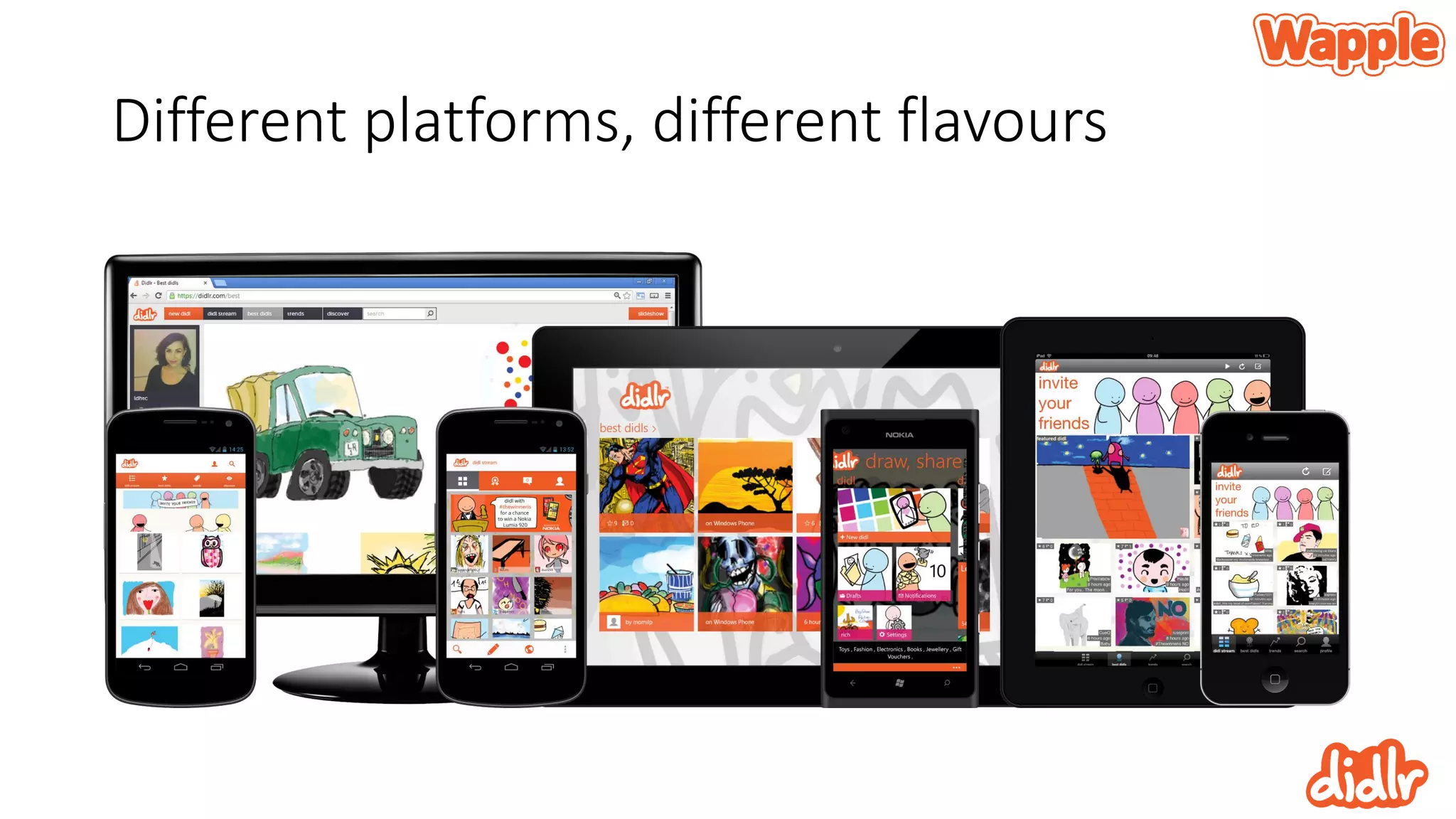
Different platforms, different flavours
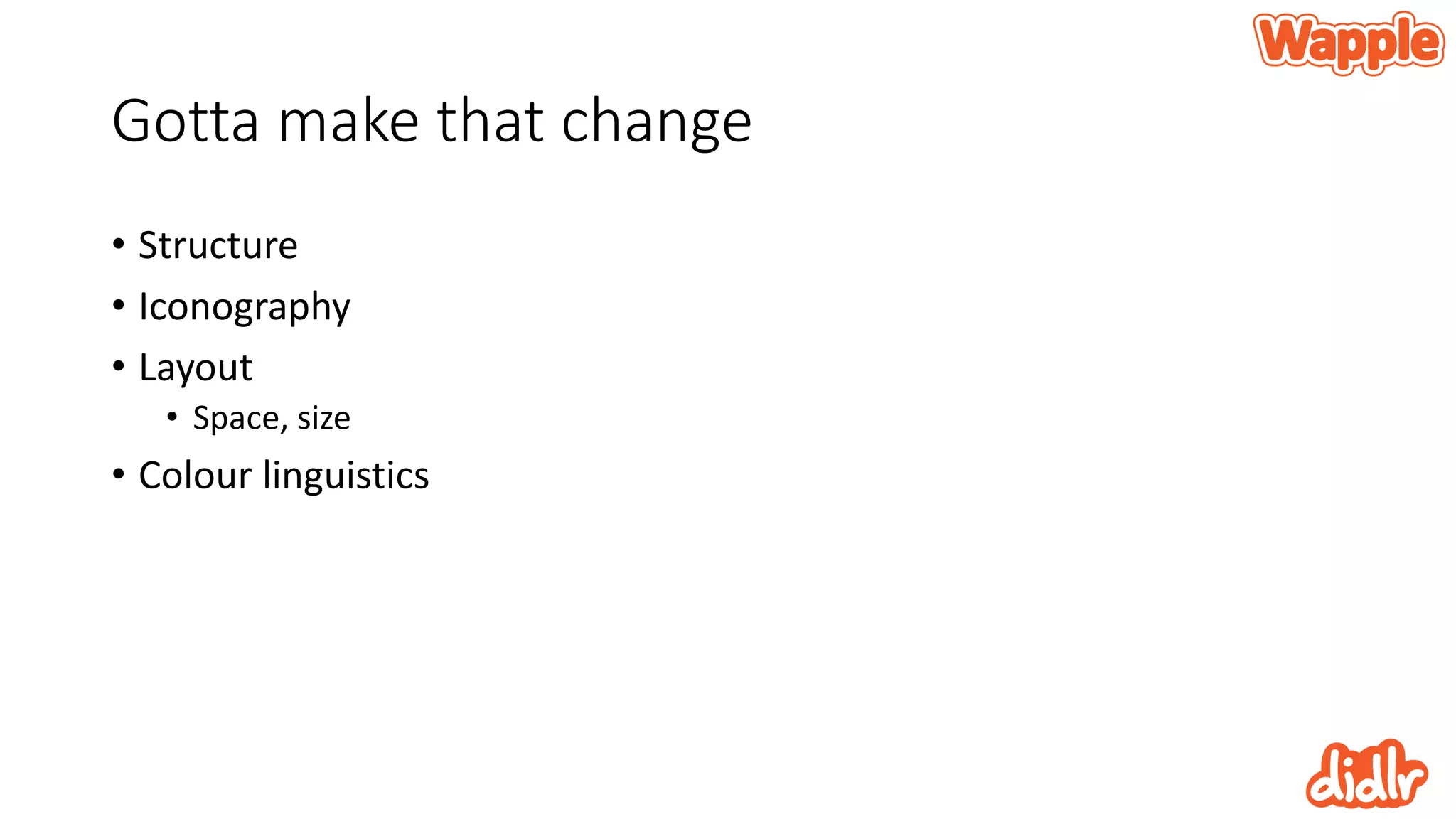
Gotta make that change
• Structure
• Iconography
• Layout
• Space, size
• Colour linguistics
The transition to Windows 8
Gotta love reusablity
Initial code transfer
• One person, one week
• Communications layer straight across
• Business logic straight across
• Tweaks to areas like storage and animation
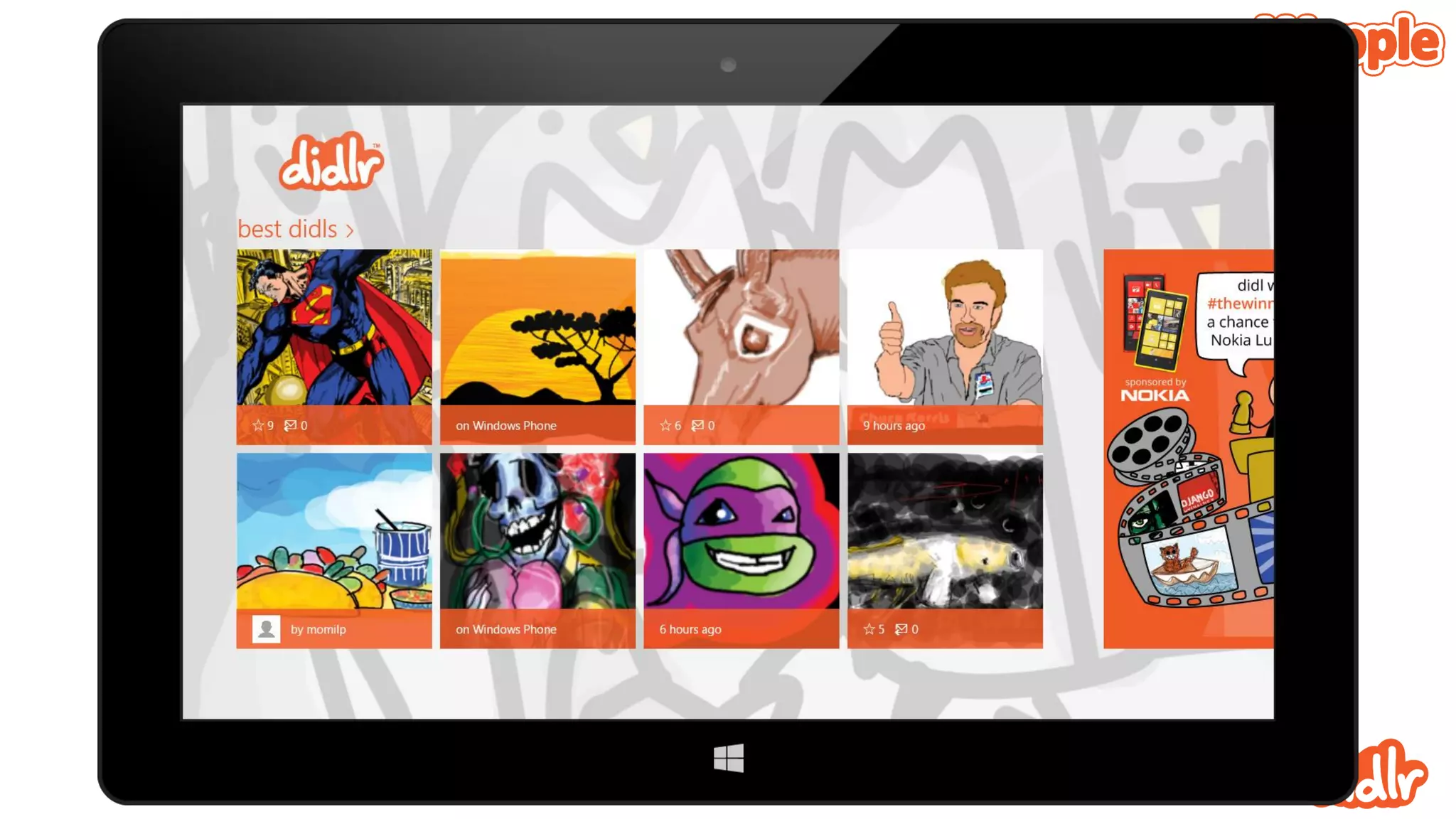
Designing for Windows 8 was both easy and
hard
• We were very early – ready for launch
• Less to go on
• We had lots of help from Microsoft
• Finding our way together
• Now things are a lot easier
• We have already done one UI refresh and there’s another on the way
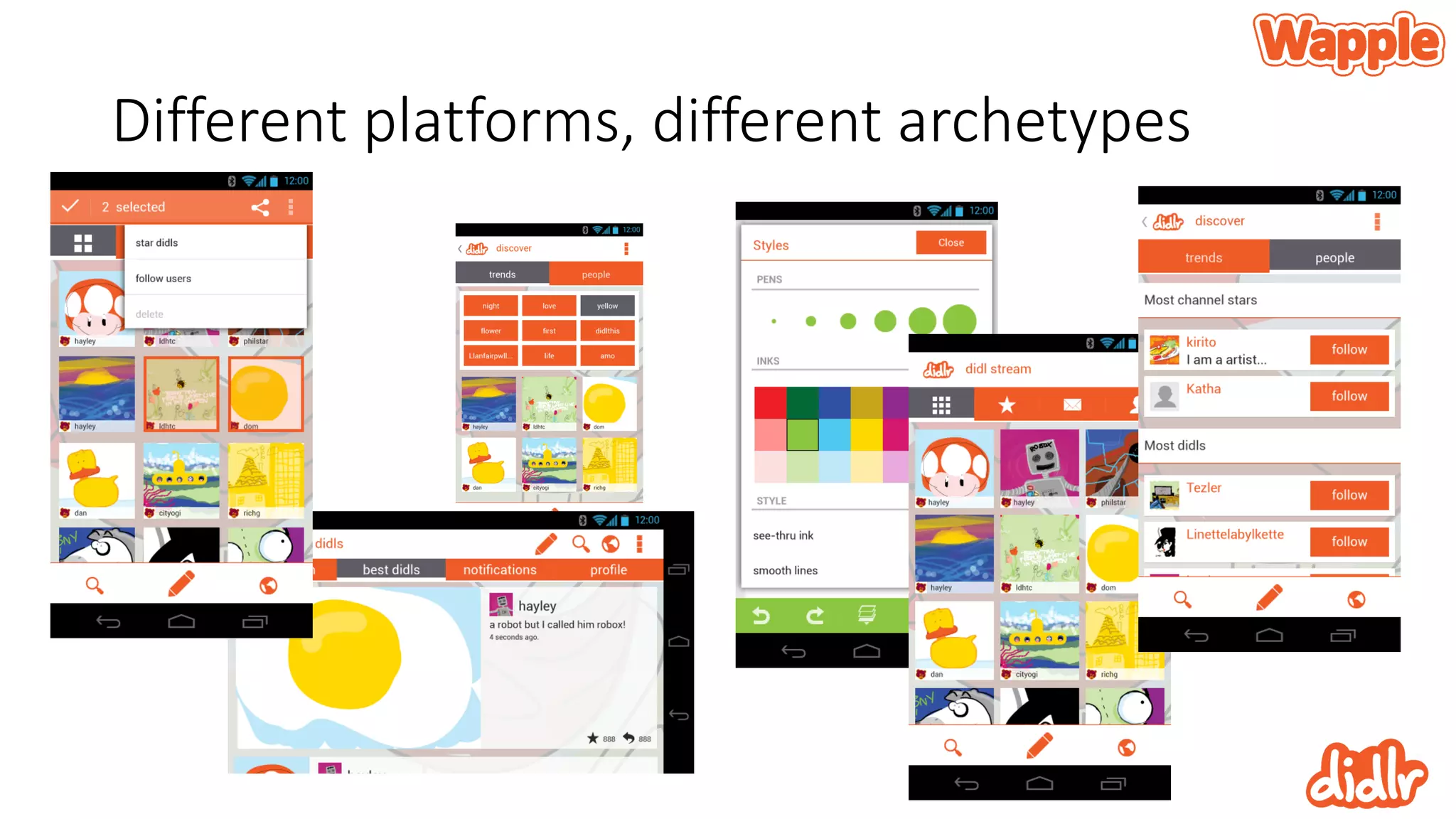
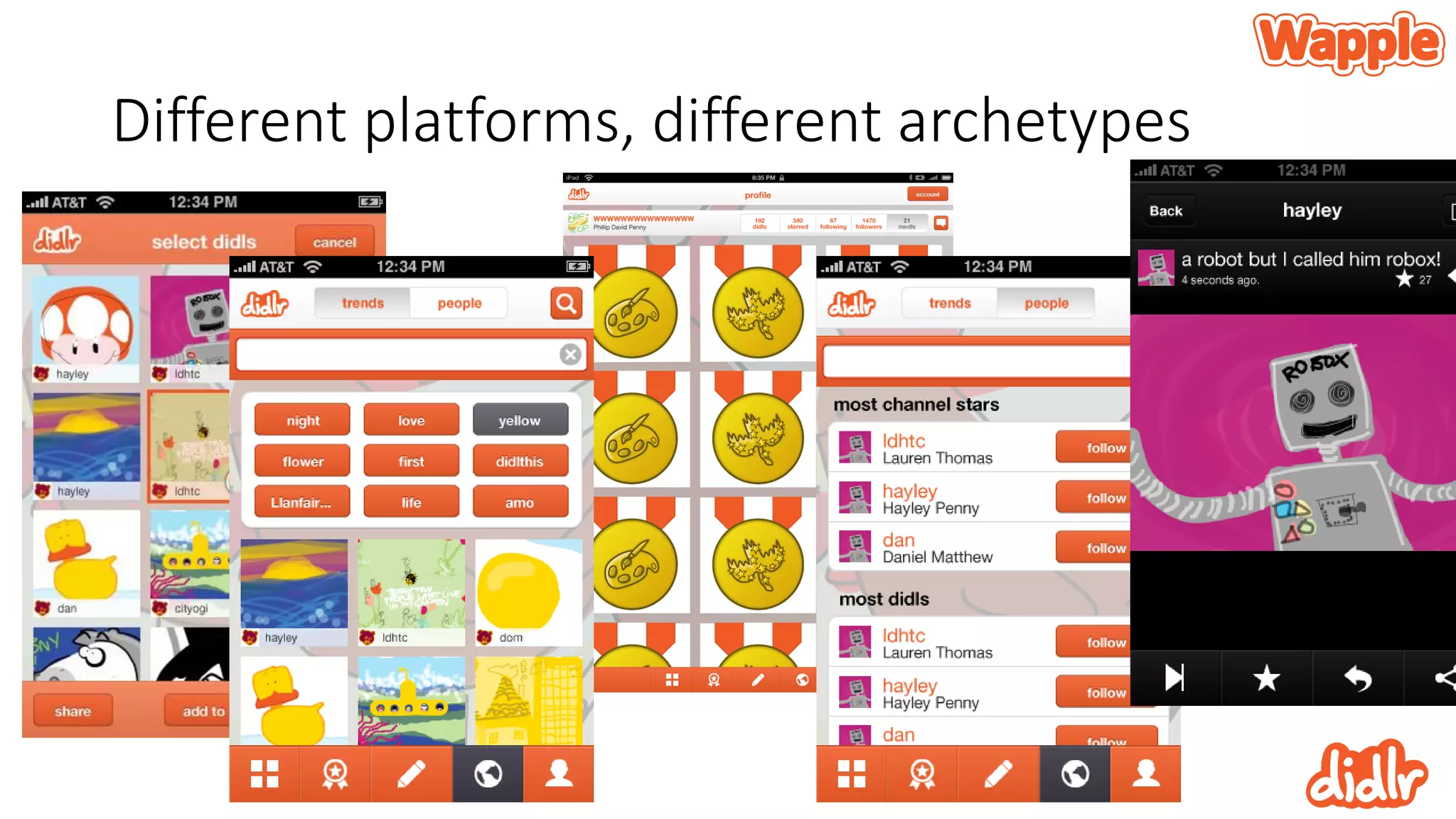
Different platforms, different archetypes
The back end is common to all
• Built around a groovy JSON api
• All content is entirely cross platform
• But remember – all platforms are uniquely tailored to their user’s
expectations
So, why design beautiful apps?
• Well, dur…
• Good design helps users engage with your app
• It helps them use it
• It makes them feel better
Thank You
@didlr
http://didlr.com

Rich Holdsworth @Didlr Presentation

  • 1.
    Designing Beautiful Apps RichHoldsworth CEO Wapple CEO Didlr @richholdsworth rich@lookslikelemonade.com
  • 2.
    What’s coming up? •Who, what, why? • Defining design • What is mobile anyway? • My design process • The most important design principal you need to know to design anything ever I think • Designing Didlr
  • 3.
    Who, what, why? Whydid you even let me in…?
  • 4.
    CEO of Wapple •9 years of creating mobile experiences • Development of original tech • Designed and built hundreds of experiences • Creative consultation
  • 6.
    Comprehensive mobile publishing •Web-based mobile site builder • Complete device detection and optimisation • Integrated software solutions • Canvas • Architect • Exhibit
  • 8.
    Before that –Video Games! • Lead designer / producer • SCEE • Psygnosis • Interplay • Silicon Dreams • US Gold • The BEST design training imaginable
  • 10.
    When we say‘Design’ what do we mean? Time to get on the same page
  • 11.
    Lets not getcarried away • Does a job, well • Looks good
  • 12.
    Great design isvery, very hard • The biggest challenge is over thinking and over working it • The easiest part if knowing when its gone wrong • If you’re honest! • Trust your gut
  • 13.
  • 14.
    What is mobile? Ormaybe ‘where’
  • 15.
    The early daysof Wapple • It was all mobile web • That was the common ground • It was clunky to begin with • And apps were crap
  • 16.
    Then apps gotgood • Software you download and install • Hardly new • But hey, the stars aligned
  • 17.
    So, mobile evolves Andcontinues to do so And we have to keep up Great.
  • 18.
    Just kidding, Ilike a challenge • So we got thinking • Not just about what ‘mobile’ is today but the trajectory it’s on • We came up with a few big ideas
  • 19.
  • 20.
    Browsing is giving wayto goal fulfilment
  • 21.
  • 22.
    How did wereach those? Fortune cookies?
  • 23.
  • 24.
  • 25.
  • 26.
  • 27.
  • 28.
  • 29.
    Apps over browsing Isthe browser an endangered species?
  • 30.
    App use isbeating browsing • Most users only ever visited a handful of sites anyway • With very limited requirements • As soon as most of a user’s needs are fulfilled by apps browsing becomes a cumbersome irrelevance
  • 31.
    Some numbers • 2hr38min use per day • 80% apps, 20% browsing • 7.9 different apps a day (rising) • Read up: http://bit.ly/11NJsMZ
  • 32.
    Consumers look tothe app stores for their favourite brands Phones are judged on the availability of apps
  • 33.
    That presents allkinds of problems • Discovery • Promotion • But not problems we have to deal with today • Today we only have to worry about making something good, not promoting it • Phew
  • 34.
    How do Ido design? And why is all that earlier stuff relevant?
  • 35.
    Get some thingsstraight • What do users want? • Where and why will they be doing it? • You have to LIVE these
  • 36.
  • 37.
    It’s a bruteforce approach • I work in cycles • Develop hard and fast with good people who make good decisions • Learn, adapt and change fast • Innovate as fast as possible
  • 38.
    The wildly anticipatedand possibly oversold design principal that you need to know (according to me)
  • 39.
    What are designprincipals? • They aren’t rules • They are helpful approaches that can help improve the overall design of your app • There’s plenty of them… They all matter or you can choose to ignore them all
  • 40.
    Get the book •Universal Principles of Design • William Lidwell, Kritina Holden & Jill Butler • ISBN 1592535879 • My go-to, tie-breaking design bible • Hick’s Law, Fitt’s Law, Chunking, 80/20
  • 41.
    Archetypes Universal patterns oftheme and form resulting from innate biases or dispositions
  • 43.
  • 44.
    Archetypes bring us: •Expectation fulfilment • Satisfaction • Users KNOW how a component will respond and can anticipate the result
  • 46.
    Why use Archetypes? •Increased understanding of your app • Considerably lower learning curve
  • 47.
    The birth ofArchetypes Sometimes they just happen
  • 48.
    Windows 8 andWindows Phone are radically new designs • Change happens #dealwithit
  • 50.
    Be assured thatusers WILL get what you are up to • Yes, there are challenges • Charms bar • Hidden app bars • Pull to select • Users WILL get it!
  • 52.
  • 53.
    Its not justme! • There’s a team of people working on didlr • Graphic artists • Web developers • Server guys • Project people • Etc. • I developed the Windows Phone and Windows 8 versions
  • 54.
    The initial idea •A little girl • An Xbox • Christmas dinner
  • 55.
    Getting iterative • Sharingas simply as you would a tweet
  • 56.
    Keeping things reallysimple • What seems like a limiting factor is actually an enabling factor
  • 57.
    The big ideacondensed • a social platform where • users draw and share • with simple tools • and follow each other • and rate and share each other’s work
  • 58.
    Early prototyping Not theworst way to spend a Sunday morning
  • 60.
    Focus on comfort,touch and style • A little bit of experience playing with Windows Phone • Responsiveness was paramount • Picking the colours and the strokes – create a recognisable aesthetic • What the prototype didn’t do spoke volumes!
  • 61.
    Developing things further •Adding a server to manage all the content • Putting the drawing in the hands of more people • Setting the colours – adding transparency • Adjusting the smoothing
  • 62.
  • 63.
    Getting the brandvalues right • Like everything, this is a process • Careful balance of identifiable brand that does not conflict with user content • Nor should it influence user content
  • 64.
  • 65.
    Choosing Windows Phone •Didlr was still very much ‘under the radar’ and ‘off the books’ • Knowing C# meant that I could reduce development costs • Beautiful UI aligned with Didlr • Elevating content in an sleek, animated environment
  • 66.
    Plus, I’m nota fan of Apple’s skeuomorphism
  • 67.
    And Android isa bag of nuts
  • 68.
    Of course, thoseplatforms matter • I simply didn’t have time to go that way • Visual Studio rocks, I was set • It’s been said but it’s important to know that all the tools were free • And they are of high quality
  • 69.
    Remember brute force?It keeps going • Personal preference is to work like crazy, get things as good as possible, move on and revisit • Windows Phone - V2 (V3 in development) • Windows 8 - V2 (V3 next) • iOS - V1 (V2 in development) • Android - V1 (better than iOS V1!)
  • 70.
    Using the UI Don’tfight the tide
  • 71.
    Picking the recognisablecontrols and working them • No need to roll your own! • Listboxes, panoramas, pivots, appbars and more • These are practically built in and users know how to use them
  • 74.
  • 76.
  • 77.
    Gotta make thatchange • Structure • Iconography • Layout • Space, size • Colour linguistics
  • 78.
    The transition toWindows 8 Gotta love reusablity
  • 79.
    Initial code transfer •One person, one week • Communications layer straight across • Business logic straight across • Tweaks to areas like storage and animation
  • 80.
    Designing for Windows8 was both easy and hard • We were very early – ready for launch • Less to go on • We had lots of help from Microsoft • Finding our way together • Now things are a lot easier • We have already done one UI refresh and there’s another on the way
  • 82.
  • 83.
  • 84.
    The back endis common to all • Built around a groovy JSON api • All content is entirely cross platform • But remember – all platforms are uniquely tailored to their user’s expectations
  • 85.
    So, why designbeautiful apps? • Well, dur… • Good design helps users engage with your app • It helps them use it • It makes them feel better
  • 86.