Attributes provide additional information about HTML elements.
By:
Muhammad Toqeer Iqbal
Toqeer.94@gmail.com
HTML Attributes
All HTML elements can have attributes
Attributes provide additional information about an element
Attributes are always specified in the start tag
Attributes usually come in name/value pairs like: name="value"
The href Attribute
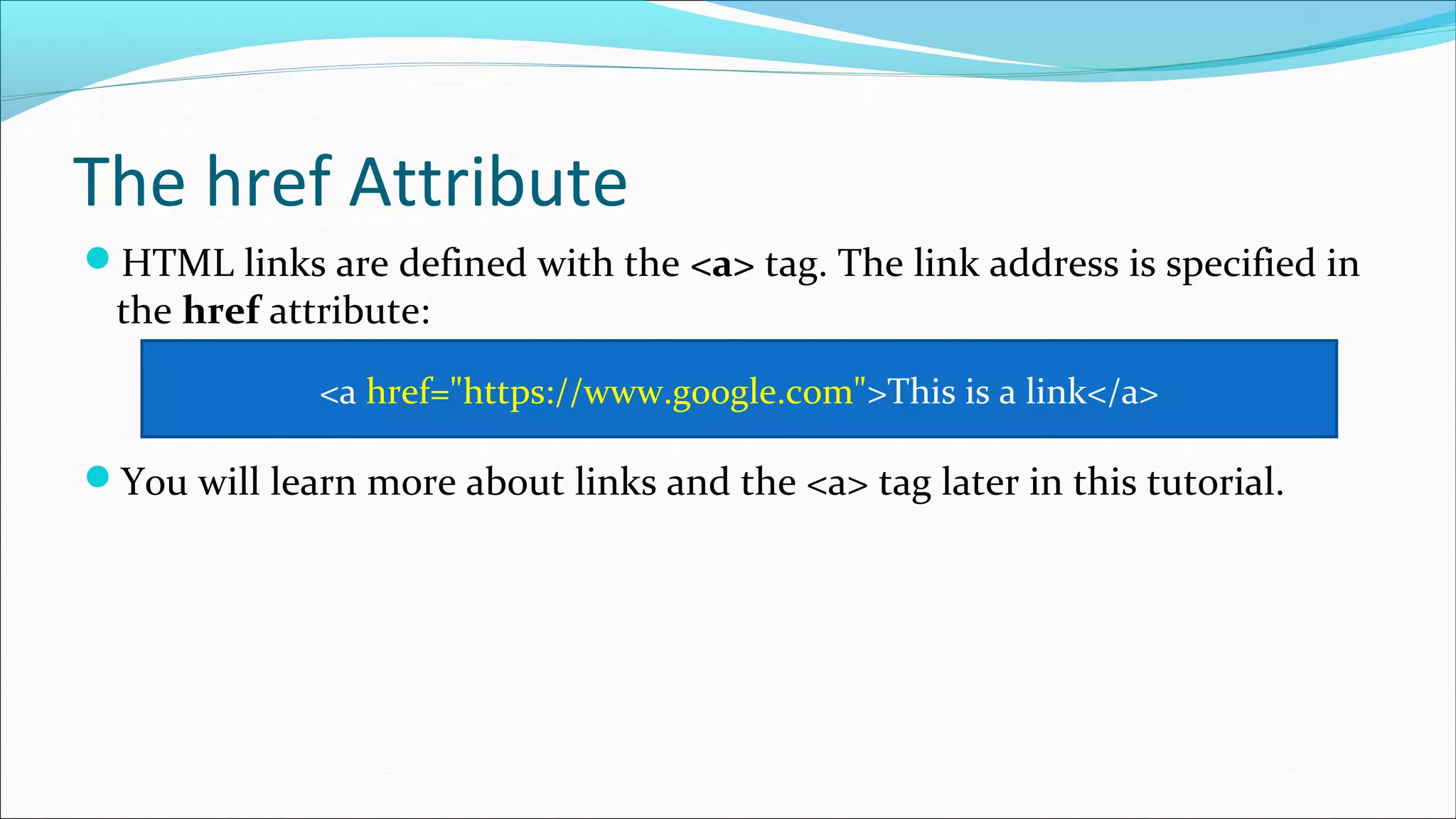
HTML links are defined with the <a> tag. The link address is specified in
the href attribute:
You will learn more about links and the <a> tag later in this tutorial.
<a href="https://www.google.com">This is a link</a>
The src Attribute
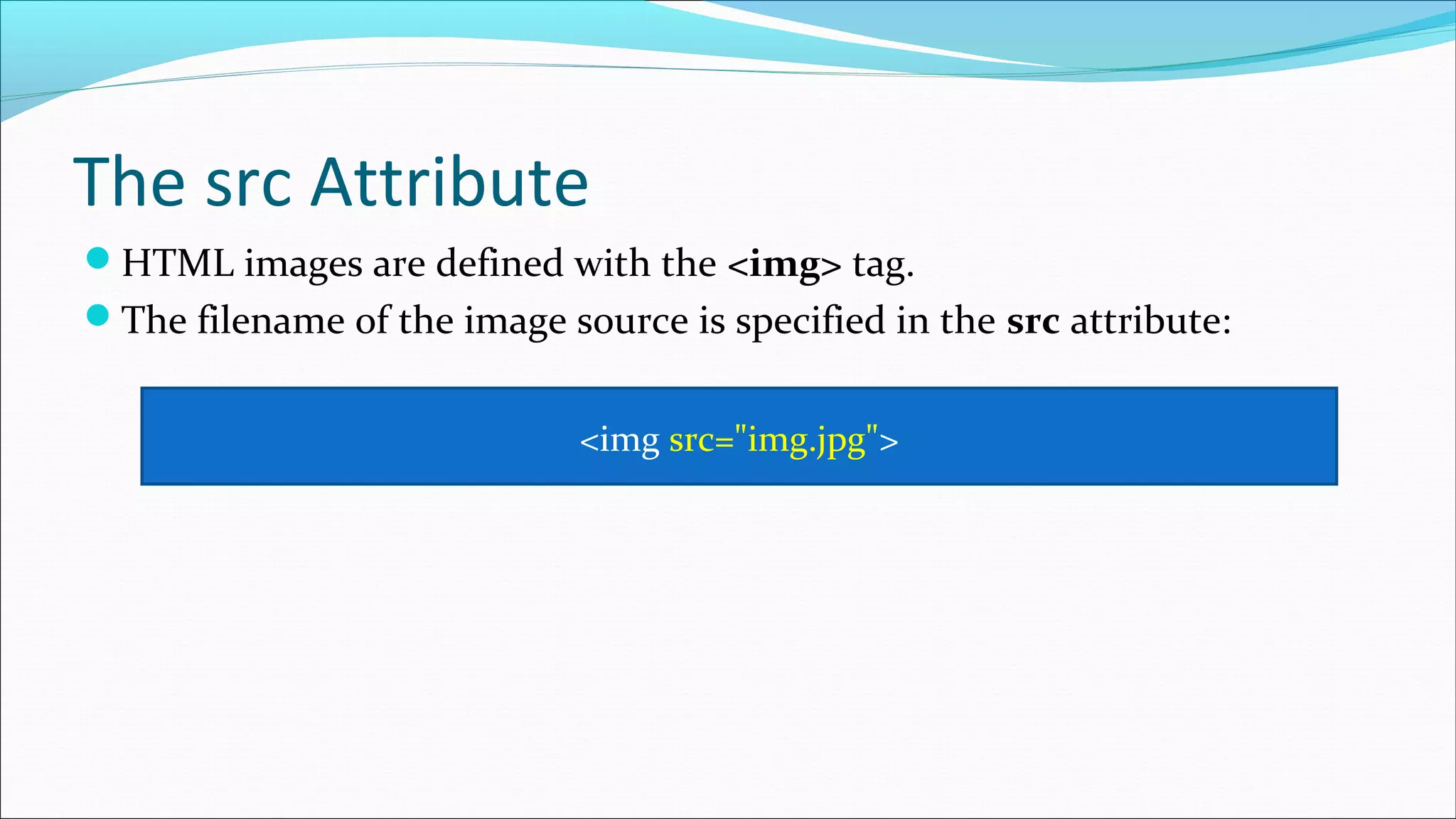
HTML images are defined with the <img> tag.
The filename of the image source is specified in the src attribute:
<img src="img.jpg">
The width and height Attributes
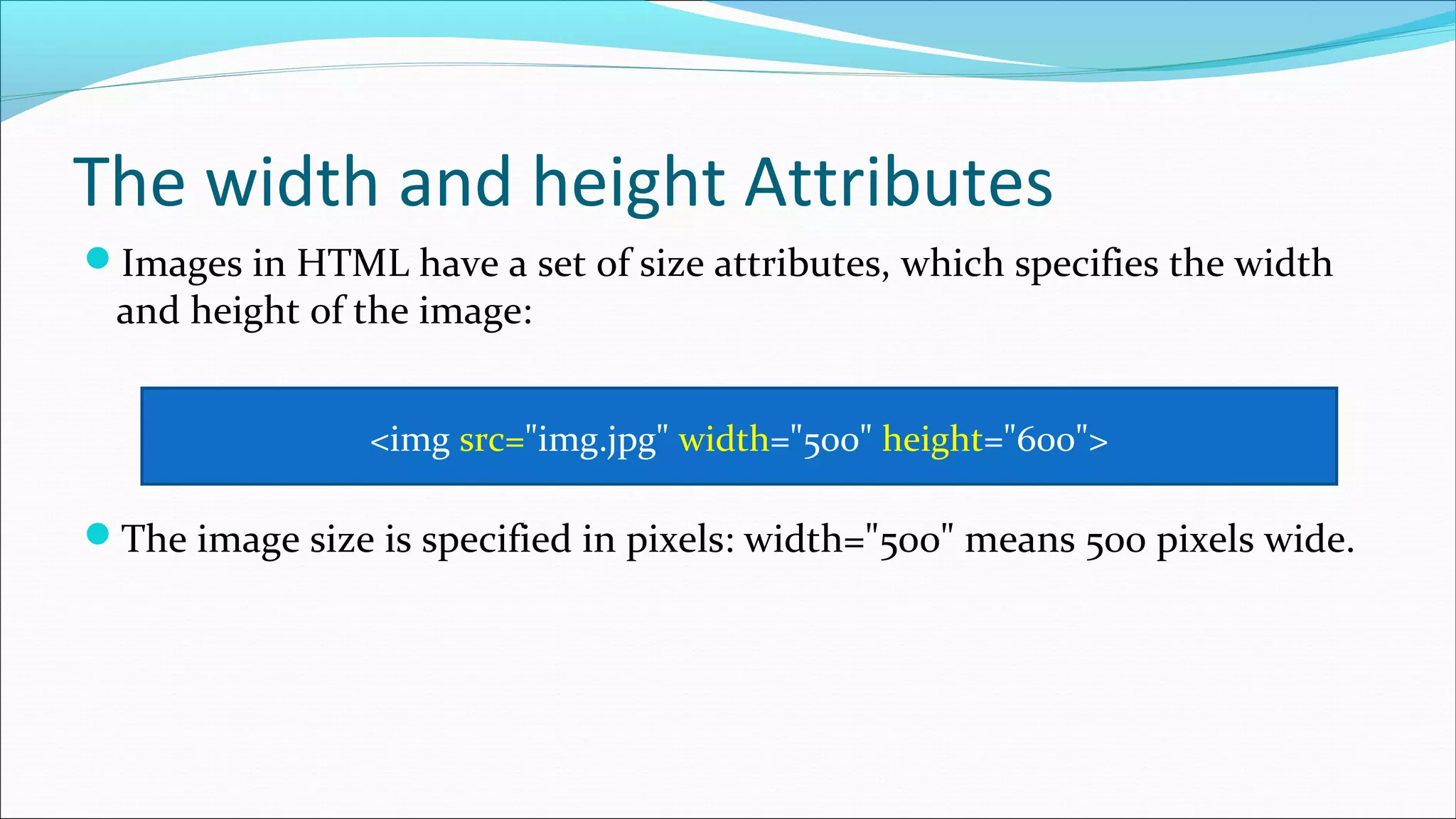
Images in HTML have a set of size attributes, which specifies the width
and height of the image:
The image size is specified in pixels: width="500" means 500 pixels wide.
<img src="img.jpg" width="500" height="600">
The alt Attribute
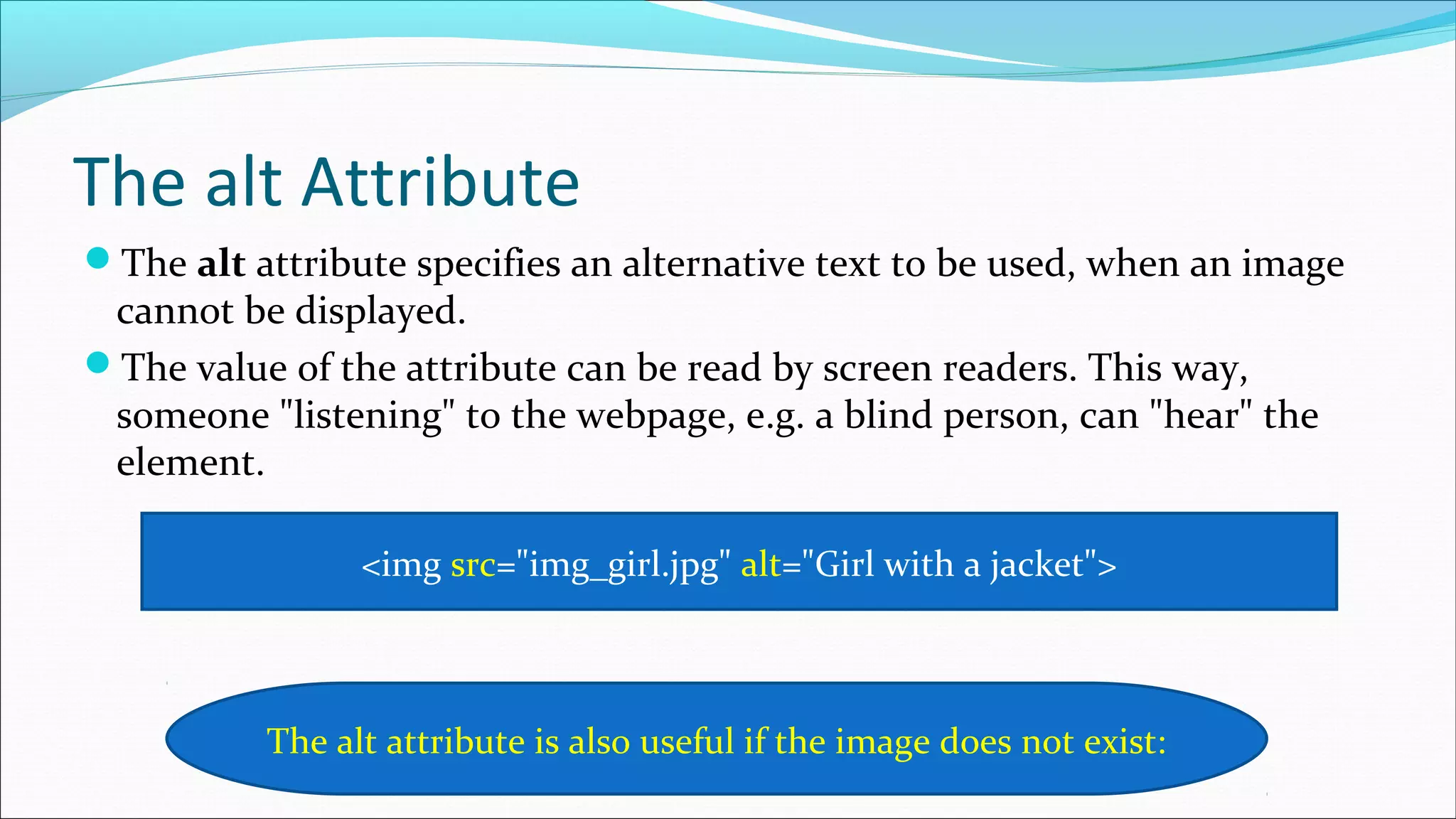
The alt attribute specifies an alternative text to be used, when an image
cannot be displayed.
The value of the attribute can be read by screen readers. This way,
someone "listening" to the webpage, e.g. a blind person, can "hear" the
element.
<img src="img_girl.jpg" alt="Girl with a jacket">
The alt attribute is also useful if the image does not exist:
The style Attribute
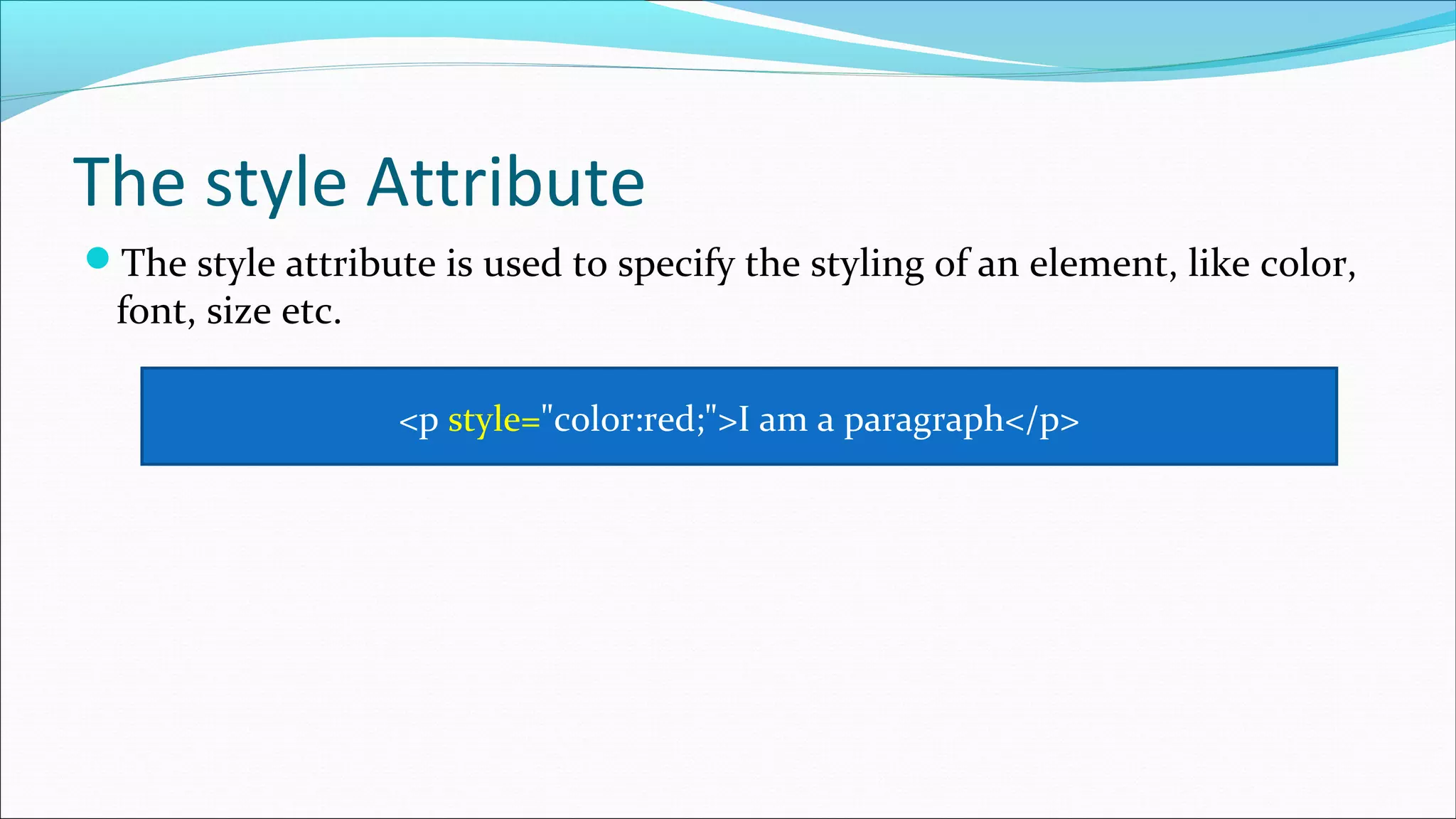
The style attribute is used to specify the styling of an element, like color,
font, size etc.
<p style="color:red;">I am a paragraph</p>
The lang Attribute
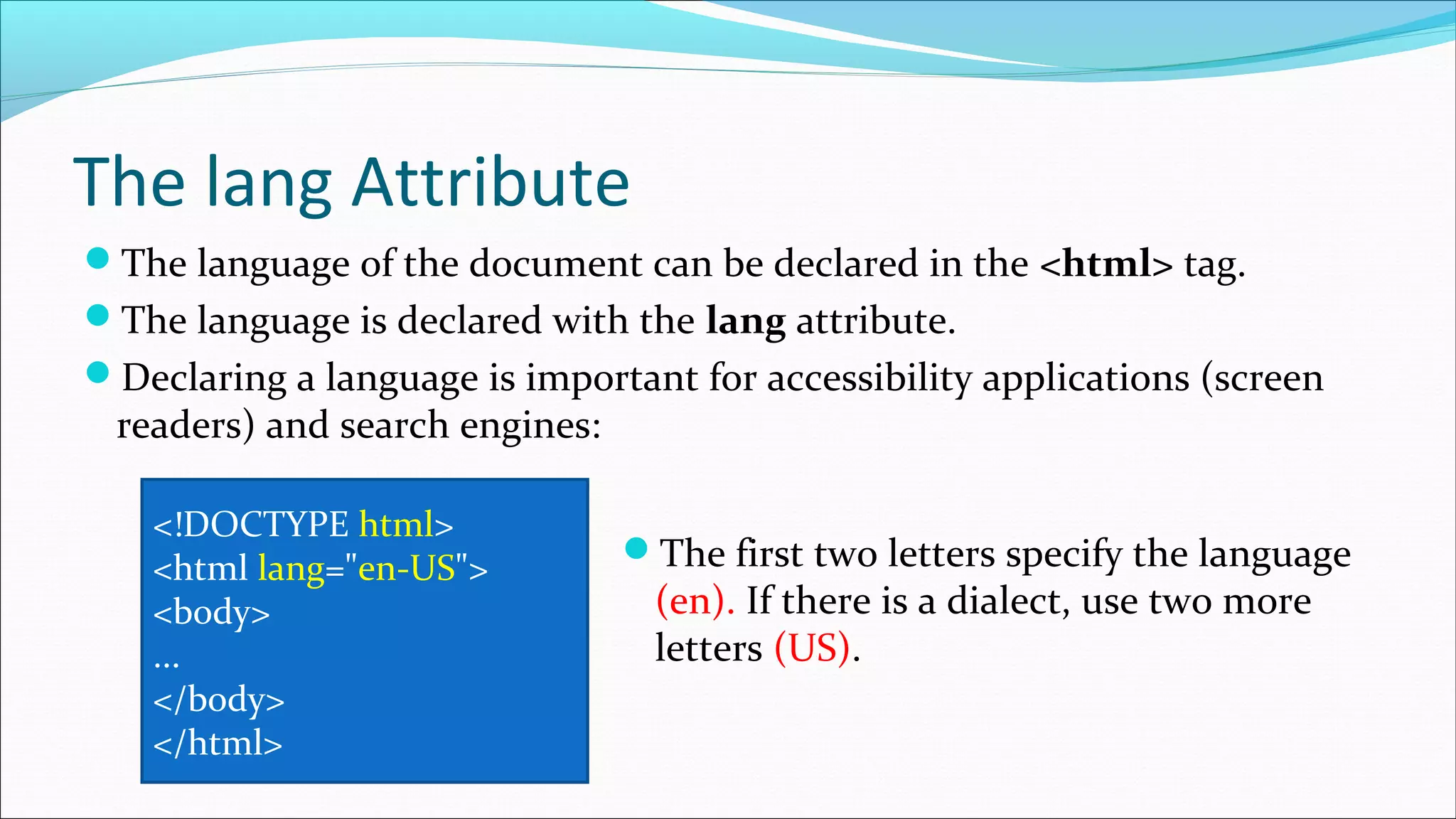
The language of the document can be declared in the <html> tag.
The language is declared with the lang attribute.
Declaring a language is important for accessibility applications (screen
readers) and search engines:
<!DOCTYPE html>
<html lang="en-US">
<body>
...
</body>
</html>
The first two letters specify the language
(en). If there is a dialect, use two more
letters (US).
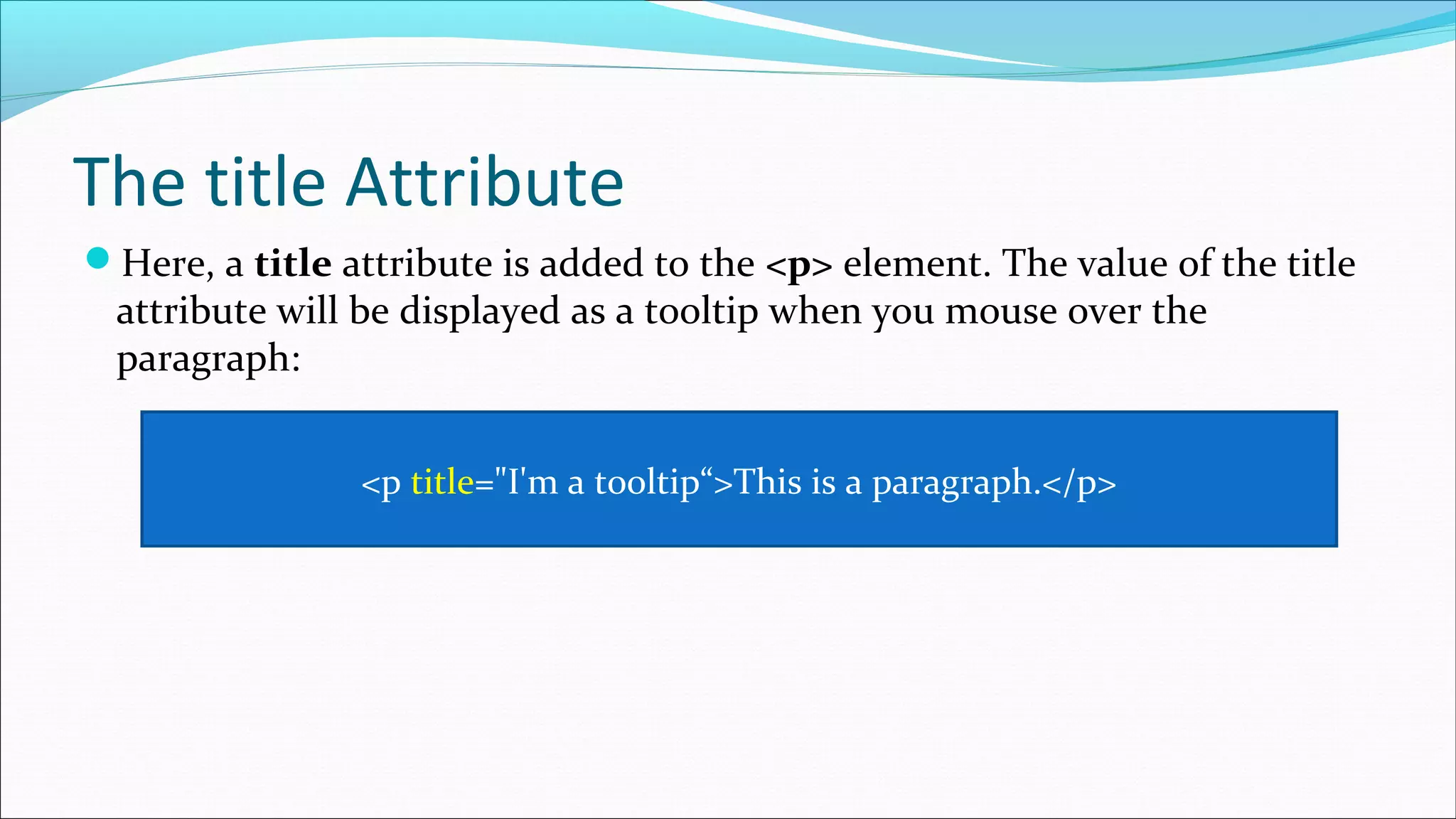
The title Attribute
Here, a title attribute is added to the <p> element. The value of the title
attribute will be displayed as a tooltip when you mouse over the
paragraph:
<p title="I'm a tooltip“>This is a paragraph.</p>
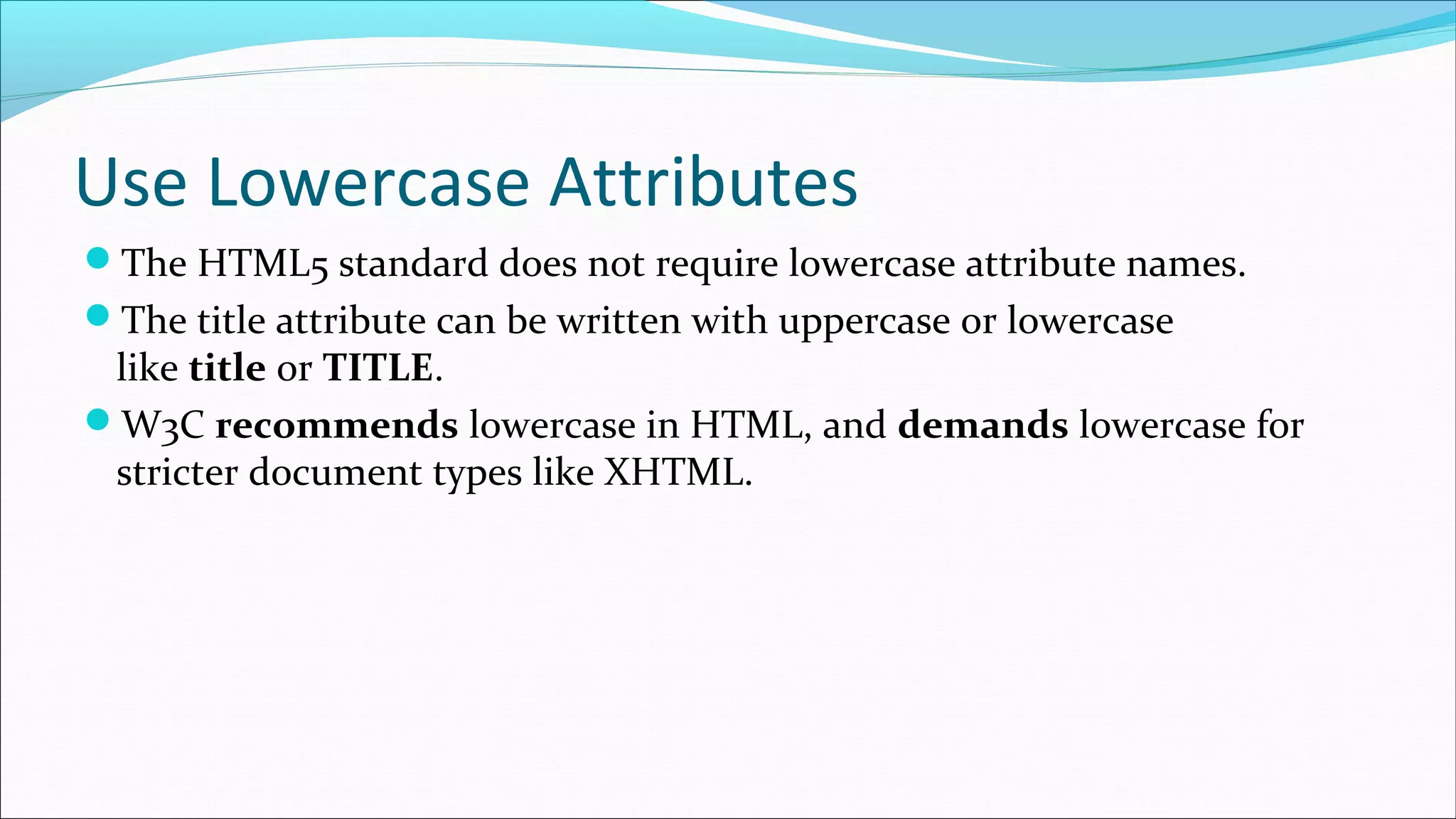
Use Lowercase Attributes
The HTML5 standard does not require lowercase attribute names.
The title attribute can be written with uppercase or lowercase
like title or TITLE.
W3C recommends lowercase in HTML, and demands lowercase for
stricter document types like XHTML.
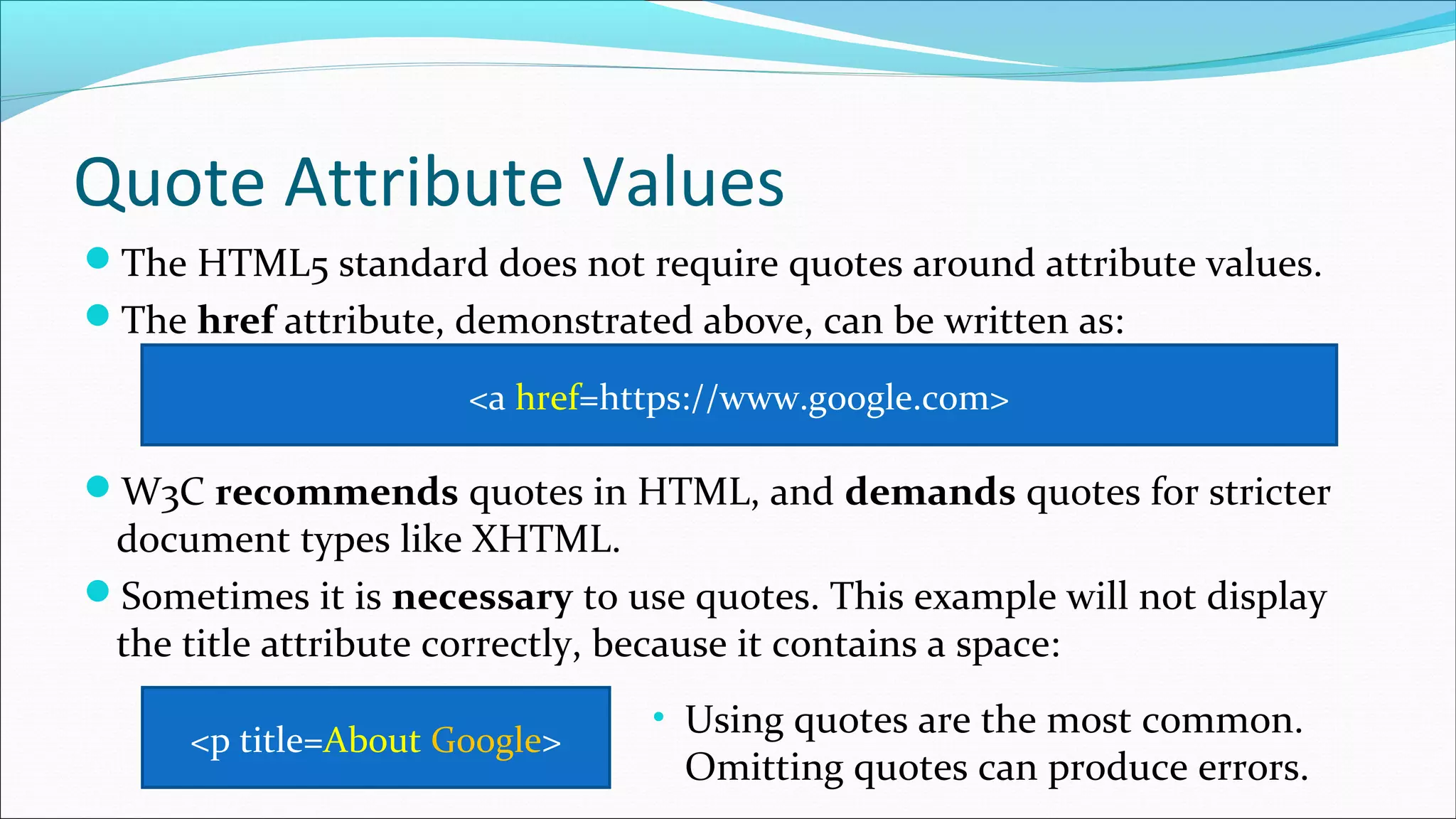
Quote Attribute Values
The HTML5 standard does not require quotes around attribute values.
The href attribute, demonstrated above, can be written as:
W3C recommends quotes in HTML, and demands quotes for stricter
document types like XHTML.
Sometimes it is necessary to use quotes. This example will not display
the title attribute correctly, because it contains a space:
<a href=https://www.google.com>
<p title=About Google>
• Using quotes are the most common.
Omitting quotes can produce errors.
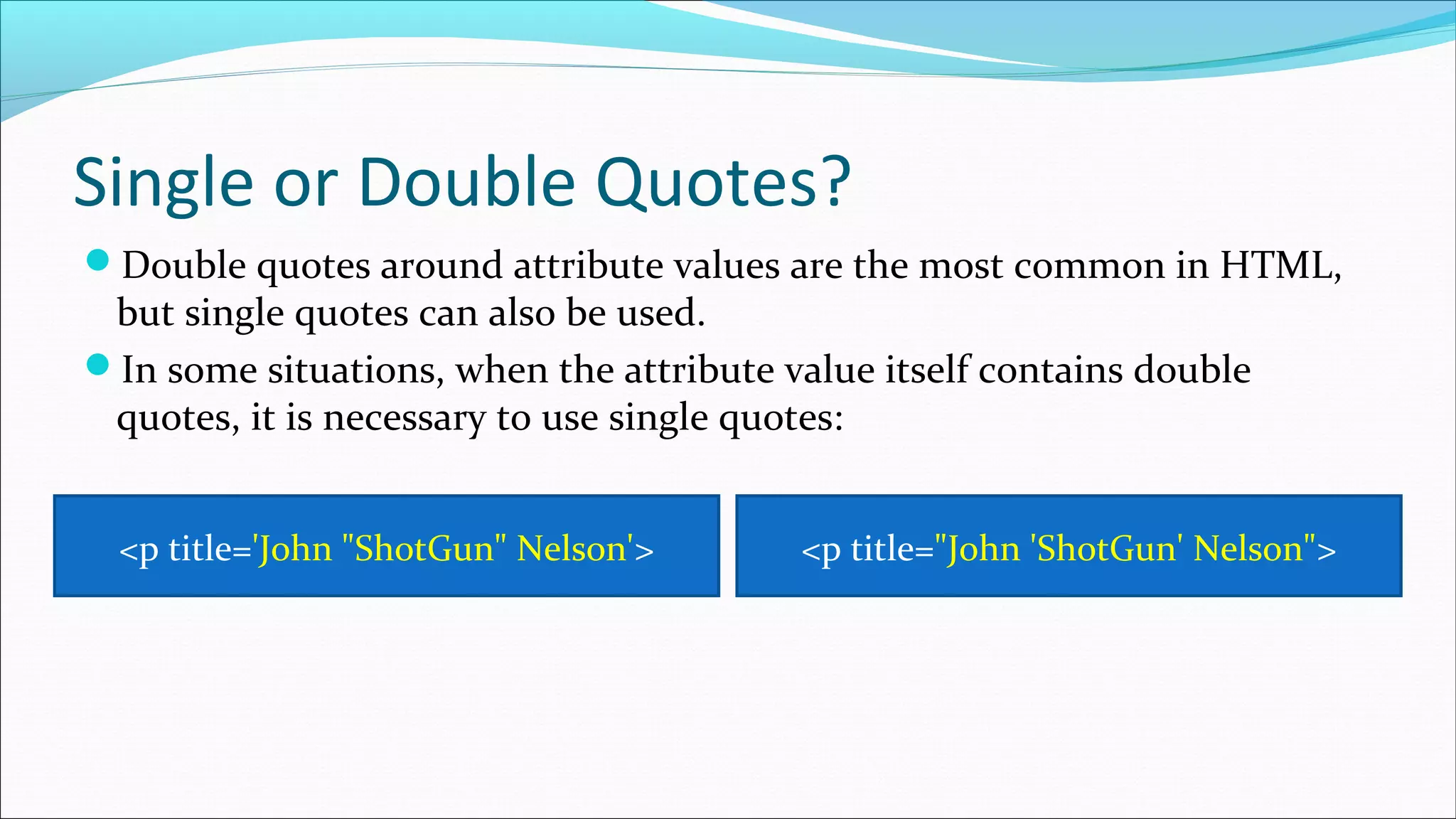
Single or Double Quotes?
Double quotes around attribute values are the most common in HTML,
but single quotes can also be used.
In some situations, when the attribute value itself contains double
quotes, it is necessary to use single quotes:
<p title='John "ShotGun" Nelson'> <p title="John 'ShotGun' Nelson">

2. html attributes

  • 1.
    Attributes provide additionalinformation about HTML elements. By: Muhammad Toqeer Iqbal Toqeer.94@gmail.com
  • 2.
    HTML Attributes All HTMLelements can have attributes Attributes provide additional information about an element Attributes are always specified in the start tag Attributes usually come in name/value pairs like: name="value"
  • 3.
    The href Attribute HTMLlinks are defined with the <a> tag. The link address is specified in the href attribute: You will learn more about links and the <a> tag later in this tutorial. <a href="https://www.google.com">This is a link</a>
  • 4.
    The src Attribute HTMLimages are defined with the <img> tag. The filename of the image source is specified in the src attribute: <img src="img.jpg">
  • 5.
    The width andheight Attributes Images in HTML have a set of size attributes, which specifies the width and height of the image: The image size is specified in pixels: width="500" means 500 pixels wide. <img src="img.jpg" width="500" height="600">
  • 6.
    The alt Attribute Thealt attribute specifies an alternative text to be used, when an image cannot be displayed. The value of the attribute can be read by screen readers. This way, someone "listening" to the webpage, e.g. a blind person, can "hear" the element. <img src="img_girl.jpg" alt="Girl with a jacket"> The alt attribute is also useful if the image does not exist:
  • 7.
    The style Attribute Thestyle attribute is used to specify the styling of an element, like color, font, size etc. <p style="color:red;">I am a paragraph</p>
  • 8.
    The lang Attribute Thelanguage of the document can be declared in the <html> tag. The language is declared with the lang attribute. Declaring a language is important for accessibility applications (screen readers) and search engines: <!DOCTYPE html> <html lang="en-US"> <body> ... </body> </html> The first two letters specify the language (en). If there is a dialect, use two more letters (US).
  • 9.
    The title Attribute Here,a title attribute is added to the <p> element. The value of the title attribute will be displayed as a tooltip when you mouse over the paragraph: <p title="I'm a tooltip“>This is a paragraph.</p>
  • 10.
    Use Lowercase Attributes TheHTML5 standard does not require lowercase attribute names. The title attribute can be written with uppercase or lowercase like title or TITLE. W3C recommends lowercase in HTML, and demands lowercase for stricter document types like XHTML.
  • 11.
    Quote Attribute Values TheHTML5 standard does not require quotes around attribute values. The href attribute, demonstrated above, can be written as: W3C recommends quotes in HTML, and demands quotes for stricter document types like XHTML. Sometimes it is necessary to use quotes. This example will not display the title attribute correctly, because it contains a space: <a href=https://www.google.com> <p title=About Google> • Using quotes are the most common. Omitting quotes can produce errors.
  • 12.
    Single or DoubleQuotes? Double quotes around attribute values are the most common in HTML, but single quotes can also be used. In some situations, when the attribute value itself contains double quotes, it is necessary to use single quotes: <p title='John "ShotGun" Nelson'> <p title="John 'ShotGun' Nelson">