Data Management, Internal Memory
Step1. Create a newAndroidProject.
Step2. Add the followingcode toyouractivityxml file.
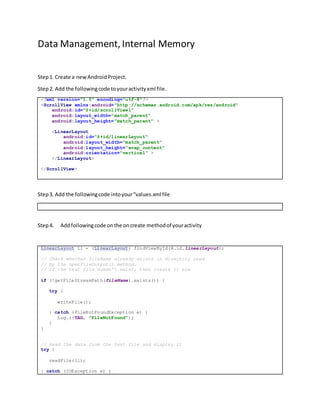
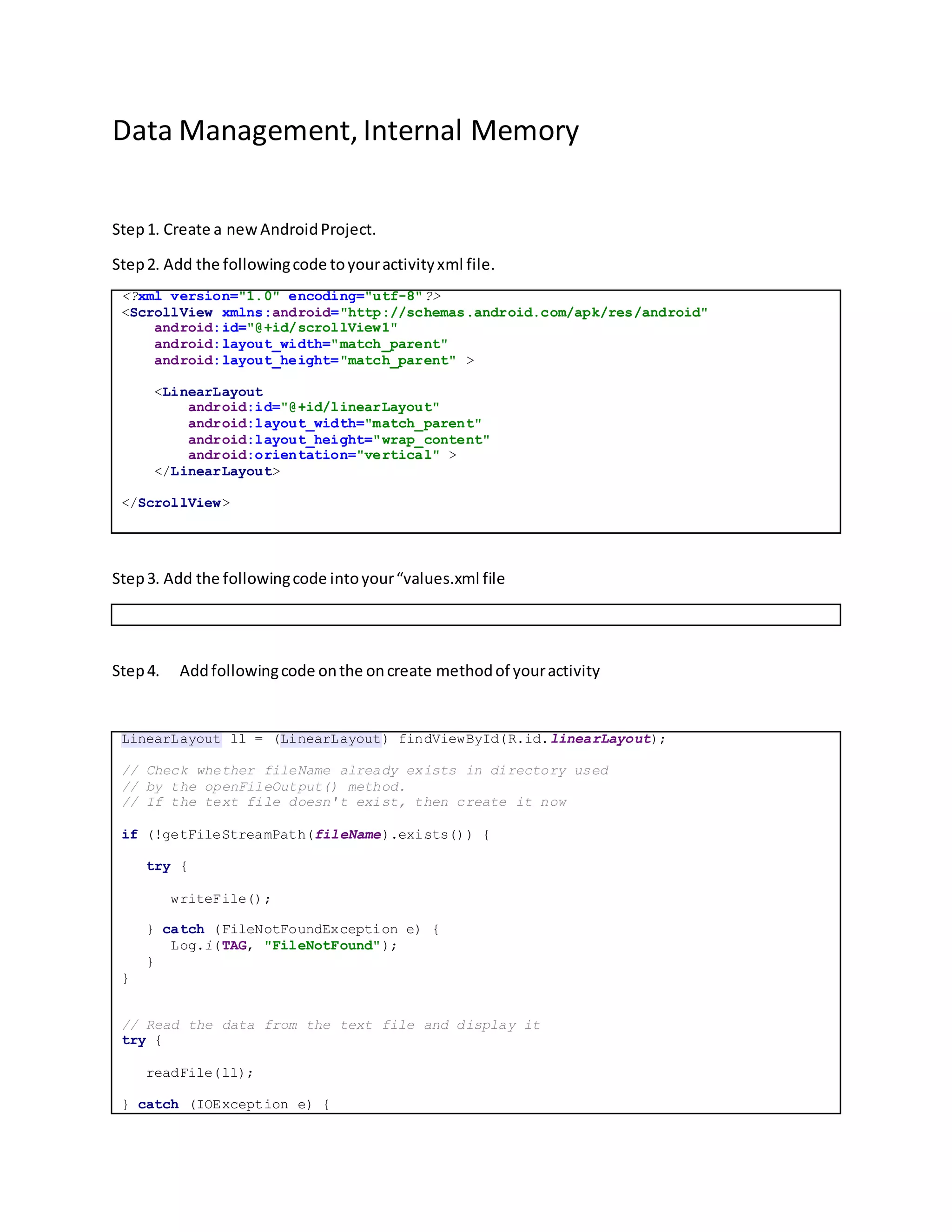
<?xml version="1.0" encoding="utf-8"?>
<ScrollView xmlns:android="http://schemas.android.com/apk/res/android"
android:id="@+id/scrollView1"
android:layout_width="match_parent"
android:layout_height="match_parent" >
<LinearLayout
android:id="@+id/linearLayout"
android:layout_width="match_parent"
android:layout_height="wrap_content"
android:orientation="vertical" >
</LinearLayout>
</ScrollView>
Step3. Add the followingcode intoyour“values.xml file
Step4. Addfollowingcode onthe oncreate methodof youractivity
LinearLayout ll = (LinearLayout) findViewById(R.id.linearLayout);
// Check whether fileName already exists in directory used
// by the openFileOutput() method.
// If the text file doesn't exist, then create it now
if (!getFileStreamPath(fileName).exists()) {
try {
writeFile();
} catch (FileNotFoundException e) {
Log.i(TAG, "FileNotFound");
}
}
// Read the data from the text file and display it
try {
readFile(ll);
} catch (IOException e) {
Log.i(TAG, "IOException");
}
Step5. Add the writeFilefunctioninyourmainactivity
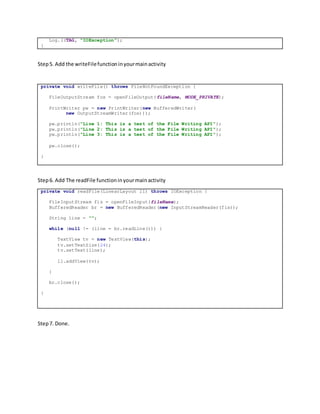
private void writeFile() throws FileNotFoundException {
FileOutputStream fos = openFileOutput(fileName, MODE_PRIVATE);
PrintWriter pw = new PrintWriter(new BufferedWriter(
new OutputStreamWriter(fos)));
pw.println("Line 1: This is a test of the File Writing API");
pw.println("Line 2: This is a test of the File Writing API");
pw.println("Line 3: This is a test of the File Writing API");
pw.close();
}
Step6. Add The readFile functioninyourmainactivity
private void readFile(LinearLayout ll) throws IOException {
FileInputStream fis = openFileInput(fileName);
BufferedReader br = new BufferedReader(new InputStreamReader(fis));
String line = "";
while (null != (line = br.readLine())) {
TextView tv = new TextView(this);
tv.setTextSize(24);
tv.setText(line);
ll.addView(tv);
}
br.close();
}
Step7. Done.

2. file internal memory

  • 1.
    Data Management, InternalMemory Step1. Create a newAndroidProject. Step2. Add the followingcode toyouractivityxml file. <?xml version="1.0" encoding="utf-8"?> <ScrollView xmlns:android="http://schemas.android.com/apk/res/android" android:id="@+id/scrollView1" android:layout_width="match_parent" android:layout_height="match_parent" > <LinearLayout android:id="@+id/linearLayout" android:layout_width="match_parent" android:layout_height="wrap_content" android:orientation="vertical" > </LinearLayout> </ScrollView> Step3. Add the followingcode intoyour“values.xml file Step4. Addfollowingcode onthe oncreate methodof youractivity LinearLayout ll = (LinearLayout) findViewById(R.id.linearLayout); // Check whether fileName already exists in directory used // by the openFileOutput() method. // If the text file doesn't exist, then create it now if (!getFileStreamPath(fileName).exists()) { try { writeFile(); } catch (FileNotFoundException e) { Log.i(TAG, "FileNotFound"); } } // Read the data from the text file and display it try { readFile(ll); } catch (IOException e) {
  • 2.
    Log.i(TAG, "IOException"); } Step5. Addthe writeFilefunctioninyourmainactivity private void writeFile() throws FileNotFoundException { FileOutputStream fos = openFileOutput(fileName, MODE_PRIVATE); PrintWriter pw = new PrintWriter(new BufferedWriter( new OutputStreamWriter(fos))); pw.println("Line 1: This is a test of the File Writing API"); pw.println("Line 2: This is a test of the File Writing API"); pw.println("Line 3: This is a test of the File Writing API"); pw.close(); } Step6. Add The readFile functioninyourmainactivity private void readFile(LinearLayout ll) throws IOException { FileInputStream fis = openFileInput(fileName); BufferedReader br = new BufferedReader(new InputStreamReader(fis)); String line = ""; while (null != (line = br.readLine())) { TextView tv = new TextView(this); tv.setTextSize(24); tv.setText(line); ll.addView(tv); } br.close(); } Step7. Done.