SQL Overview CIS-182
Structured Query Language Language used to work with databases Used in ‘back end’ Typically not part of user interface (don’t expect users to type in a query…)
SEQEL to SQL Structured English Query Language developed by IBM Other companies developed similar products ANSI set standards in 1986 Standards are ‘open’ Different vendors have different levels of conformance
SQL Most languages are procedural Describe how to perform a task SQL is non-procedural (declarative) Code describes results Includes some procedural components If … Then, Loops Database apps typically use both types of languages Procedural languages manage interface, data requests SQL manages data storage and retrieval
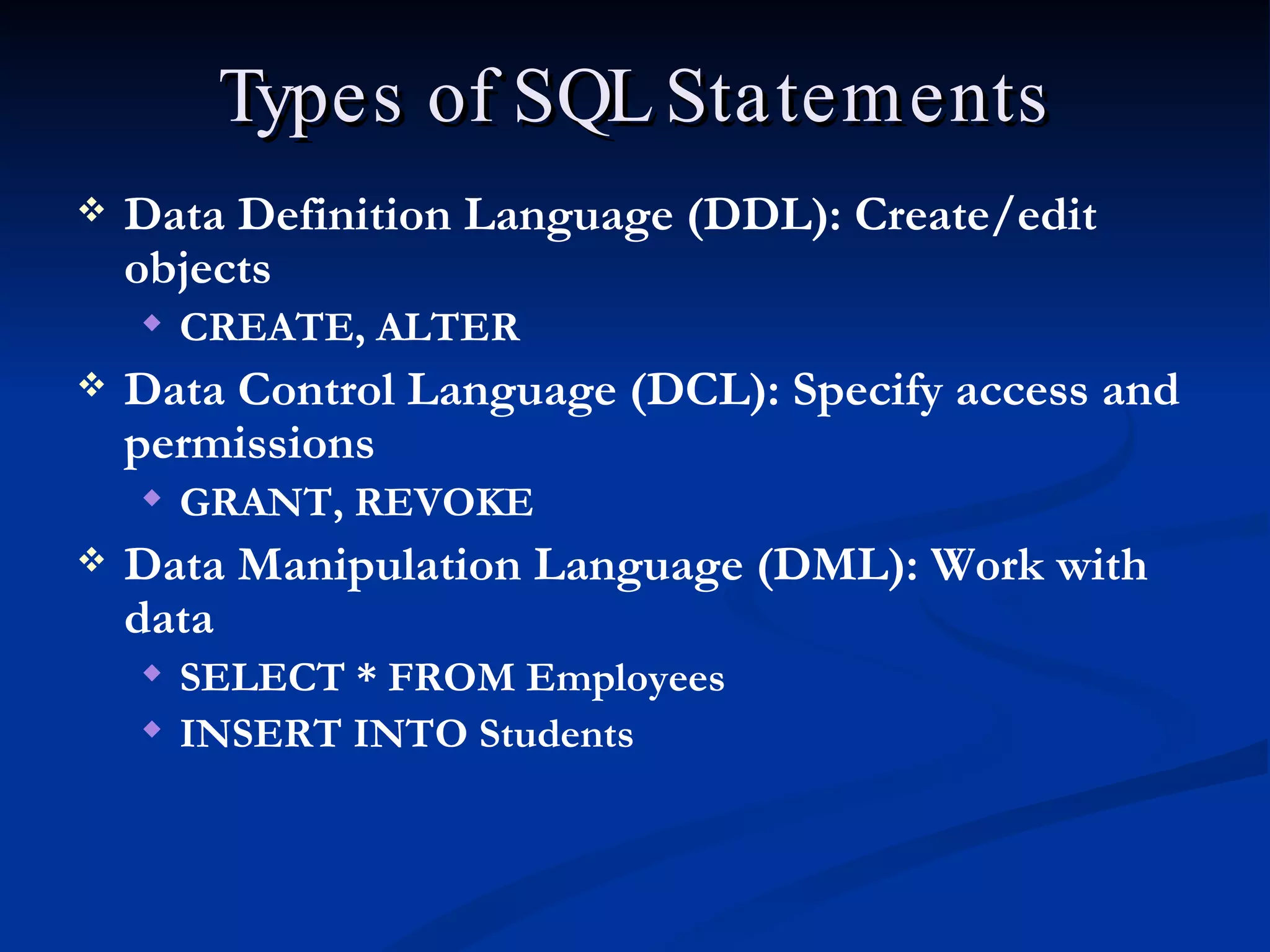
Types of SQL Statements Data Definition Language (DDL): Create/edit objects CREATE, ALTER  Data Control Language (DCL): Specify access and permissions GRANT, REVOKE Data Manipulation Language (DML): Work with data SELECT * FROM Employees INSERT INTO Students
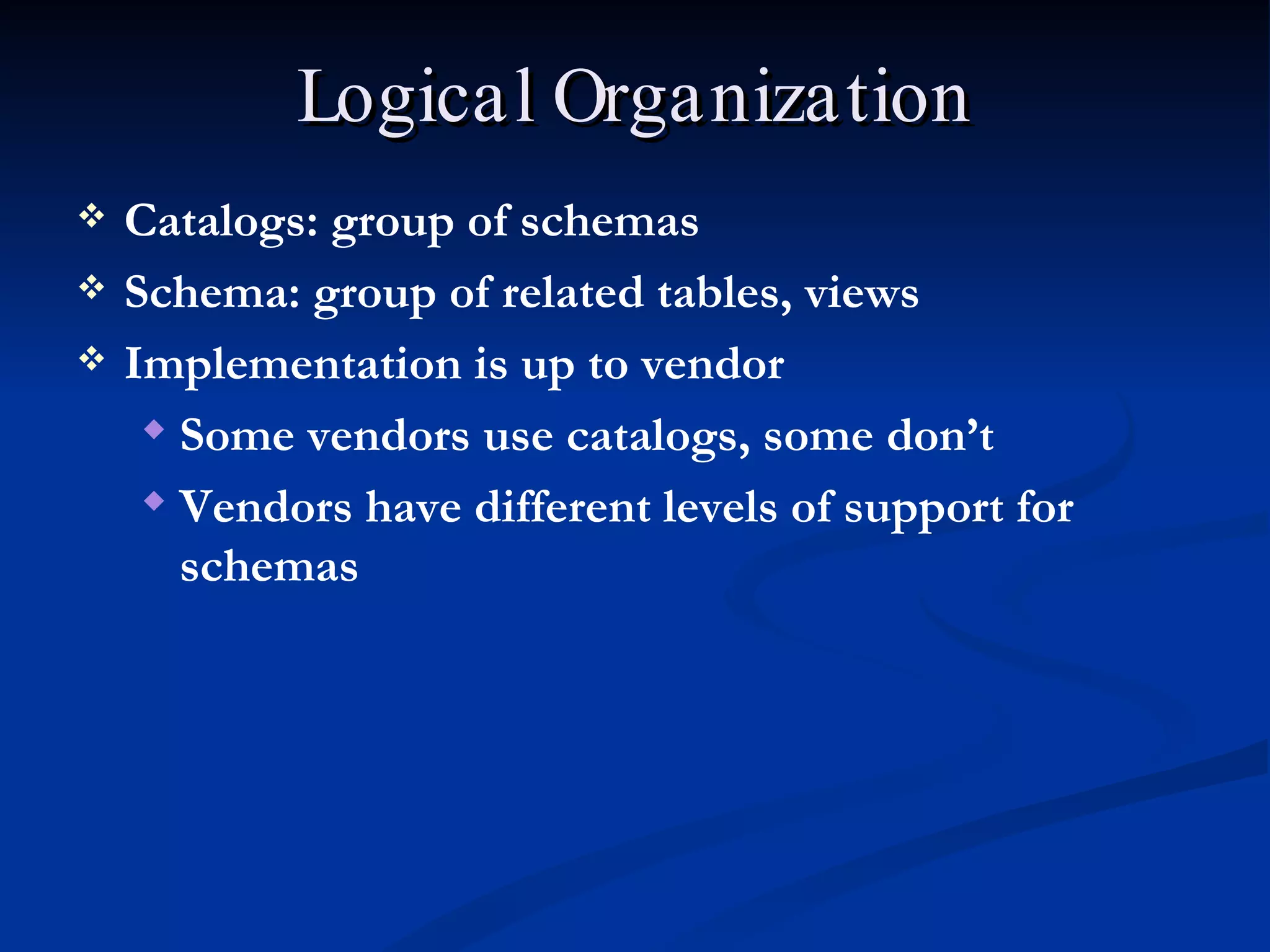
Logical Organization Catalogs: group of schemas Schema: group of related tables, views Implementation is up to vendor Some vendors use catalogs, some don’t Vendors have different levels of support for schemas
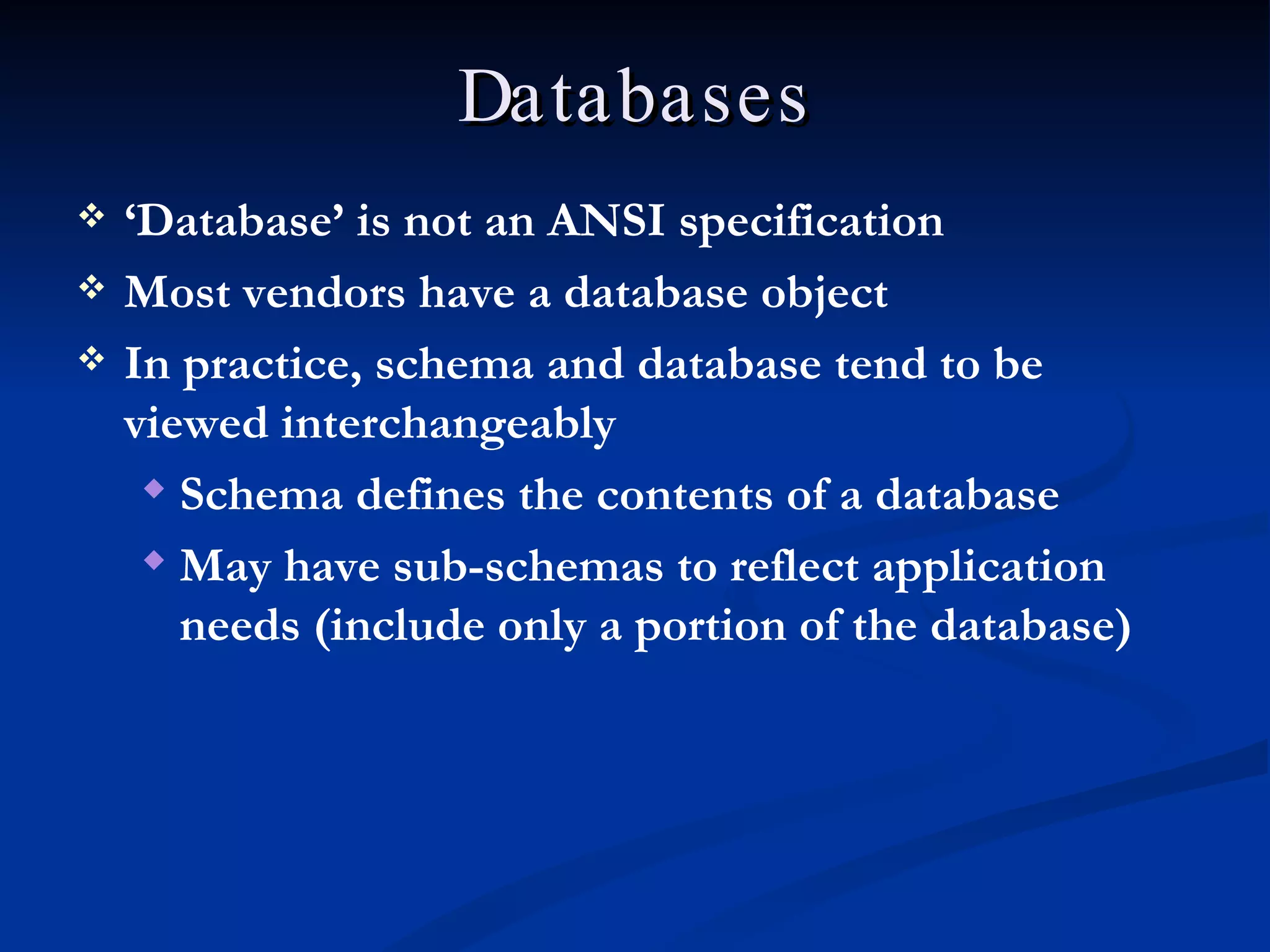
Databases ‘ Database’ is not an ANSI specification Most vendors have a database object In practice, schema and database tend to be viewed interchangeably Schema defines the contents of a database May have sub-schemas to reflect application needs (include only a portion of the database)
Coding One command may extend across several lines [Enter] doesn’t represent the end of a statement SQL uses ; (semi-colon) to identify statement end ; is optional in SQL Server Keywords are capitalized CREATE DATABASE MyNewDatabase No standard conventions for naming Typically use Pascal case naming with each new word capitalized
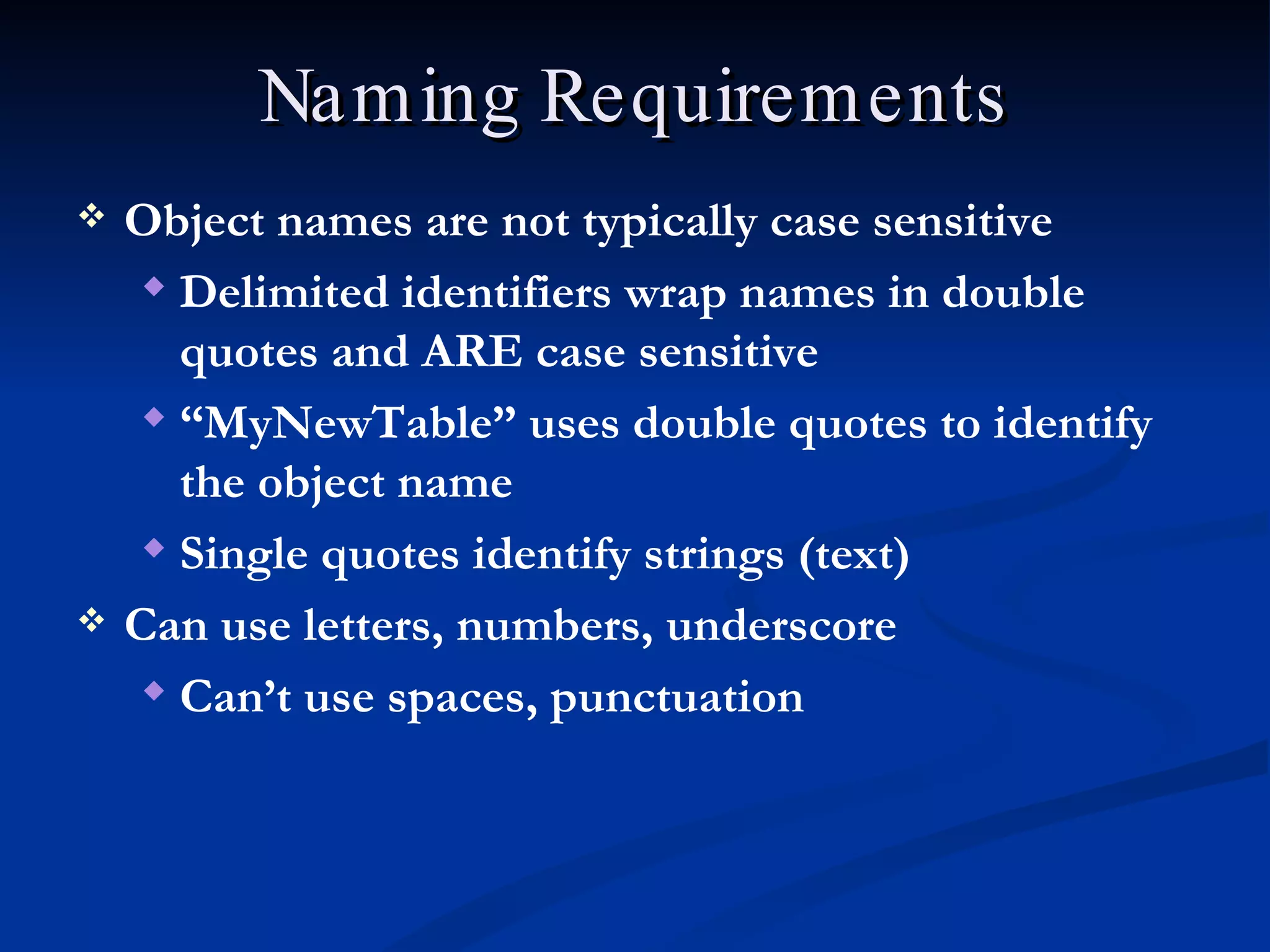
Naming Requirements Object names are not typically case sensitive Delimited identifiers wrap names in double quotes and ARE case sensitive “ MyNewTable” uses double quotes to identify the object name Single quotes identify strings (text) Can use letters, numbers, underscore Can’t use spaces, punctuation
Qualified Names A qualified name defines explicitly how to find an object ‘ .’ is used as separator SQL Server uses ServerName.DatabaseName.OwnerName.ObjectName OR ServerName.DatabaseName.SchemaName.ObjectName
Coding Reference SQL Server uses special characters to identify different parts of commands End of statement:  ; Optional in SQL Server Placeholder:  <> Placeholder Definition:  ::= Optional Parameter(s):  [ ] Specific Parameter Values:  { } Value Separator:  | List Separator:  ,
Placeholder Example Basic command definition: ON UPDATE  <referential action> <referential action> ::=  CASCADE|SET NULL <referential action>  is placeholder CASCADE|SET NULL  is placeholder definition (placeholder value must be one of these choices)
Management Studio Microsoft GUI for most SQL Server operations Additional applications manage overall server security, business intelligence Separate application from SQL Server Uses a connection to send commands and capture results SQL Server is not something we’ll work with directly

Sql Overview

  • 1.
  • 2.
    Structured Query LanguageLanguage used to work with databases Used in ‘back end’ Typically not part of user interface (don’t expect users to type in a query…)
  • 3.
    SEQEL to SQLStructured English Query Language developed by IBM Other companies developed similar products ANSI set standards in 1986 Standards are ‘open’ Different vendors have different levels of conformance
  • 4.
    SQL Most languagesare procedural Describe how to perform a task SQL is non-procedural (declarative) Code describes results Includes some procedural components If … Then, Loops Database apps typically use both types of languages Procedural languages manage interface, data requests SQL manages data storage and retrieval
  • 5.
    Types of SQLStatements Data Definition Language (DDL): Create/edit objects CREATE, ALTER Data Control Language (DCL): Specify access and permissions GRANT, REVOKE Data Manipulation Language (DML): Work with data SELECT * FROM Employees INSERT INTO Students
  • 6.
    Logical Organization Catalogs:group of schemas Schema: group of related tables, views Implementation is up to vendor Some vendors use catalogs, some don’t Vendors have different levels of support for schemas
  • 7.
    Databases ‘ Database’is not an ANSI specification Most vendors have a database object In practice, schema and database tend to be viewed interchangeably Schema defines the contents of a database May have sub-schemas to reflect application needs (include only a portion of the database)
  • 8.
    Coding One commandmay extend across several lines [Enter] doesn’t represent the end of a statement SQL uses ; (semi-colon) to identify statement end ; is optional in SQL Server Keywords are capitalized CREATE DATABASE MyNewDatabase No standard conventions for naming Typically use Pascal case naming with each new word capitalized
  • 9.
    Naming Requirements Objectnames are not typically case sensitive Delimited identifiers wrap names in double quotes and ARE case sensitive “ MyNewTable” uses double quotes to identify the object name Single quotes identify strings (text) Can use letters, numbers, underscore Can’t use spaces, punctuation
  • 10.
    Qualified Names Aqualified name defines explicitly how to find an object ‘ .’ is used as separator SQL Server uses ServerName.DatabaseName.OwnerName.ObjectName OR ServerName.DatabaseName.SchemaName.ObjectName
  • 11.
    Coding Reference SQLServer uses special characters to identify different parts of commands End of statement: ; Optional in SQL Server Placeholder: <> Placeholder Definition: ::= Optional Parameter(s): [ ] Specific Parameter Values: { } Value Separator: | List Separator: ,
  • 12.
    Placeholder Example Basiccommand definition: ON UPDATE <referential action> <referential action> ::= CASCADE|SET NULL <referential action> is placeholder CASCADE|SET NULL is placeholder definition (placeholder value must be one of these choices)
  • 13.
    Management Studio MicrosoftGUI for most SQL Server operations Additional applications manage overall server security, business intelligence Separate application from SQL Server Uses a connection to send commands and capture results SQL Server is not something we’ll work with directly

Editor's Notes

  • #3 04/08/10 CIS-182 SQL