July 28,
         PADMAJA RAJANIKANTH--> QTP SCRIPTS EXAMPLE
                                                                     2012

                 VB Script – Arithmetic Operators


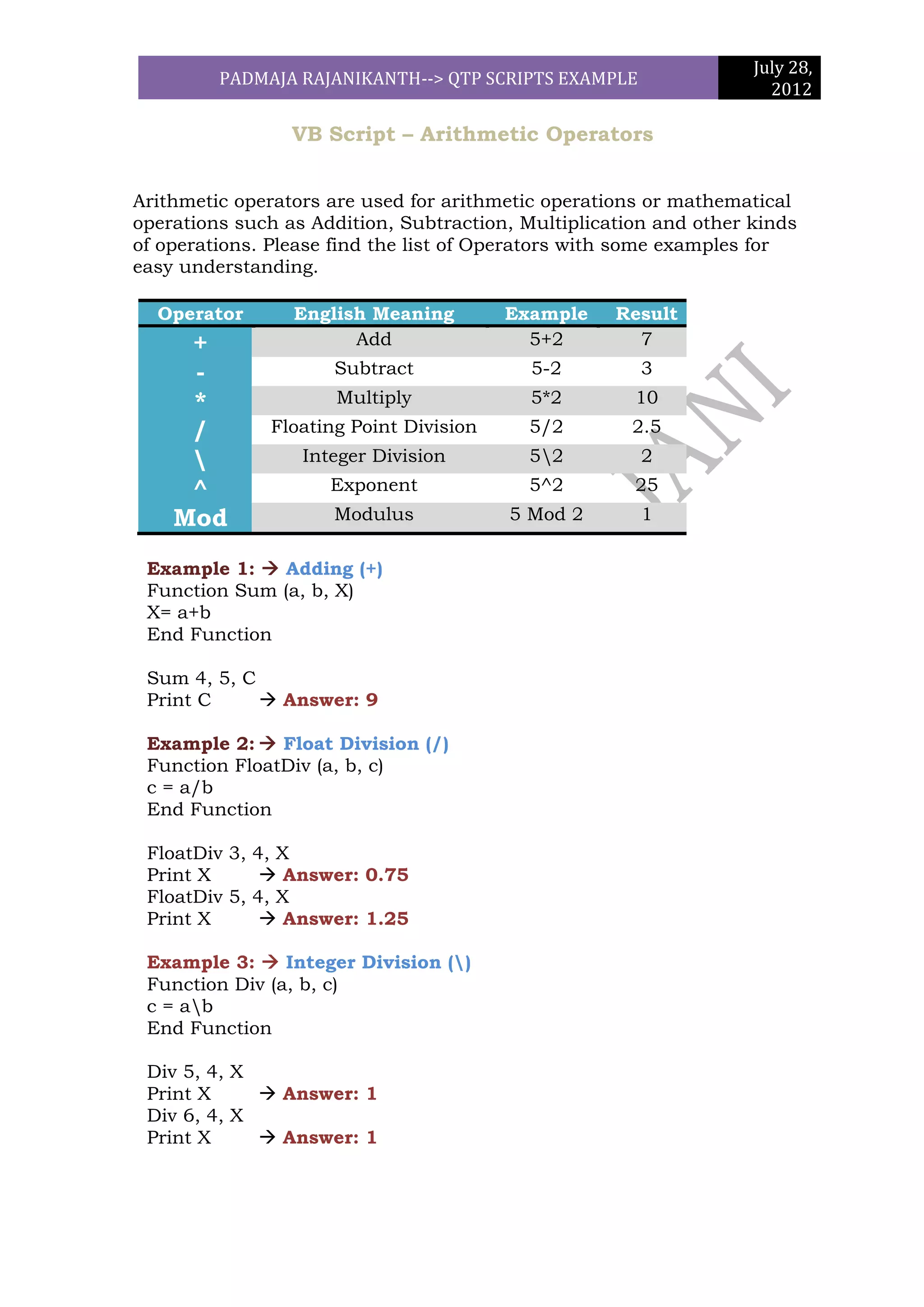
Arithmetic operators are used for arithmetic operations or mathematical
operations such as Addition, Subtraction, Multiplication and other kinds
of operations. Please find the list of Operators with some examples for
easy understanding.

  Operator       English Meaning        Example     Result
     +                 Add                5+2         7
     -               Subtract              5-2         3
     *                Multiply             5*2        10
     /        Floating Point Division     5/2         2.5
                 Integer Division        52          2
     ^               Exponent             5^2         25
    Mod              Modulus            5 Mod 2        1

 Example 1:  Adding (+)
 Function Sum (a, b, X)
 X= a+b
 End Function

 Sum 4, 5, C
 Print C      Answer: 9

 Example 2:  Float Division (/)
 Function FloatDiv (a, b, c)
 c = a/b
 End Function

 FloatDiv 3, 4, X
 Print X       Answer: 0.75
 FloatDiv 5, 4, X
 Print X       Answer: 1.25

 Example 3:  Integer Division ()
 Function Div (a, b, c)
 c = ab
 End Function

 Div 5, 4, X
 Print X      Answer: 1
 Div 6, 4, X
 Print X      Answer: 1
July 28,
       PADMAJA RAJANIKANTH--> QTP SCRIPTS EXAMPLE
                                                      2012

Example 4: Modulus (Mod)
Function Module (a, b, c)
c = a Mod b
End Function

Module 4, 6, X
Print X       Answer: 4
Module 17, 3, X
Print X       Answer: 2


Example 5: Subtraction (-)
Function Subtract (a, b, c)
c=a-b
End Function

Subtract 4, 6, X
Print X       Answer: -2
Subtract 17, 3, X
Print X       Answer: 14

Example 6: Exponent (^)
Function Expo (a, b, c)
c=a^b
End Function

Expo (17, 3, X)
Print X       Answer: 4913
Expo (3, 3, X)
Print X       Answer: 27


Example 6: Multiplication (*)
Function Multi (a, b, c, z)
z = (a+b)*c
End Function

Multi (2, 5, 7, X)
Print X       Answer: 49
Multi (5, 5, 10, X)
Print X       Answer: 100
July 28,
        PADMAJA RAJANIKANTH--> QTP SCRIPTS EXAMPLE
                                                                       2012


Write a script to print prime numbers based on the user input for
the prime number limit?

Using For Loop:

Prm = InputBox ("Please Enter Number", "PrimeNumber Number", 34,120,120)
For i = 2 to Prm-1
y = Prm mod i
If y <>0 Then
Num = "PrimeNumber" & Prm
Else
Num = "This is not an Prime Num" &Prm
i = Prm
End If
Next
Print Num

Functions:

Prime 199  Answer is Prime Number

Function Prime(X)
For i = 2 to X-1
Modval = X mod I
If Modval <>0 Then
Num = “Num is Prime Number: "&X
Else
Num = "Num is Not a Prime Number: "&X
i=X
End If
Next
Print Num
End Function

Prime 199

Using Do while Loop

X = CInt (InputBox ("Please enter number"))
Count=0
b=1
Do while b <= X
If X mod b = 0 Then
Count = count + 1
Msgbox count
End If
July 28,
       PADMAJA RAJANIKANTH--> QTP SCRIPTS EXAMPLE
                                                                2012

b= b+1
Loop
If count = 2 Then
       Print X &" "& "Is a PrimeNumber"
Else
Print "Not a Prime Number"
End If

Write a script to print String in Reverse order.

Using Len and Mid Functions

Function RevStrg(X)
L = Len(X)
For i = 1 to L
Z = Mid(X, i,1)
y = Z &y
Next
Print y
End Function

RevStrg ("QTP") Answer is PTQ

Using StrReverse Function

Function RevStrg (Str, Rev)
     Rev = StrReverse (Str)
End Function

RevStrg "QTP", Revstrgs
Print Revstrgs  Answer is PTQ

Verify whether the entered number is Armstrong or not

Num = CInt (InputBox ("Please Enter Value"))
For i = 1 to Len (Num)
x = Mid (Num, i, 1)
Y = CInt (x) ^3 + Y
Next
If Y = Num Then
Reporter.ReportEvent micPass,"","The Entered Number is Armstrong
Number:" &NUM &"and" &Y
Else
Reporter.ReportEvent micFail,"", "The Entered Number is not an
Armstrong Number:"&NUM &"and" &Y
End If
July 28,
       PADMAJA RAJANIKANTH--> QTP SCRIPTS EXAMPLE
                                                             2012


Scripting for Adding of 10 Digit Number

Function SumNumber(x, Sum)
For i = 1 to Len(x)
Num = Mid(x, i, 1)
Sum = Int (num) + Int (Sum)
Msgbox Sum
Next
Reporter.ReportEvent micDone,"", Sum
End Function

SumNumber 12345678910, TotalSum
Print TotalSum            Answer 46


Using Do Loop

X = Int (InputBox ("Please Enter Number"))
Z = Len(X)
i=1
Do while i<=Z
Num = Mid(X, i, 1)
Sum = Int (num) + Int (Sum)
i=i+1
Loop
Print Sum                        Answer 46


Find the Factorial of given Number
x = Int (InputBox ("Please Enter Number"))
z = Len(x)
Fact=1
i=1
Do while i <=x
Fact=Fact * i
i = i +1
Loop
Print Fact

Comparing two excel sheets and marking the matching cells with
color

Set oxls = CreateObject ("Excel. Application")
oxls.Visible = True
Set obk = oxls.Workbooks.Open ("G:LATESTBook1.xlsx")
Set ws = obk.Worksheets
July 28,
       PADMAJA RAJANIKANTH--> QTP SCRIPTS EXAMPLE
                                                                2012

row1= ws ("Sheet1").Usedrange.rows.count
Column1 = ws ("Sheet1").Usedrange.columns.count
row2= ws ("Sheet2").Usedrange.rows.count
Column2 = ws ("Sheet2").Usedrange.columns.count
sheet2 = ws ("Sheet2").UsedRange.Cells.Count
For i = 1 to Column1
For j = 1 to Row1
x = ws ("Sheet1").cells (j, i)
For k = 1 to Column2
For l = 1 to Row2
y= ws ("Sheet2").cells (l, k)
If x = y Then
z = x &Vbnewline & z
Ws ("Sheet2").Cells (l, k).Font. Bold=True
Ws ("Sheet1").Cells (j, i).Interior.color = 65535
End If
Next
Next
Next
Next


                                   TO BE CONTINUED ------------

Vb scripting

  • 1.
    July 28, PADMAJA RAJANIKANTH--> QTP SCRIPTS EXAMPLE 2012 VB Script – Arithmetic Operators Arithmetic operators are used for arithmetic operations or mathematical operations such as Addition, Subtraction, Multiplication and other kinds of operations. Please find the list of Operators with some examples for easy understanding. Operator English Meaning Example Result + Add 5+2 7 - Subtract 5-2 3 * Multiply 5*2 10 / Floating Point Division 5/2 2.5 Integer Division 52 2 ^ Exponent 5^2 25 Mod Modulus 5 Mod 2 1 Example 1:  Adding (+) Function Sum (a, b, X) X= a+b End Function Sum 4, 5, C Print C  Answer: 9 Example 2:  Float Division (/) Function FloatDiv (a, b, c) c = a/b End Function FloatDiv 3, 4, X Print X  Answer: 0.75 FloatDiv 5, 4, X Print X  Answer: 1.25 Example 3:  Integer Division () Function Div (a, b, c) c = ab End Function Div 5, 4, X Print X  Answer: 1 Div 6, 4, X Print X  Answer: 1
  • 2.
    July 28, PADMAJA RAJANIKANTH--> QTP SCRIPTS EXAMPLE 2012 Example 4: Modulus (Mod) Function Module (a, b, c) c = a Mod b End Function Module 4, 6, X Print X  Answer: 4 Module 17, 3, X Print X  Answer: 2 Example 5: Subtraction (-) Function Subtract (a, b, c) c=a-b End Function Subtract 4, 6, X Print X  Answer: -2 Subtract 17, 3, X Print X  Answer: 14 Example 6: Exponent (^) Function Expo (a, b, c) c=a^b End Function Expo (17, 3, X) Print X  Answer: 4913 Expo (3, 3, X) Print X  Answer: 27 Example 6: Multiplication (*) Function Multi (a, b, c, z) z = (a+b)*c End Function Multi (2, 5, 7, X) Print X  Answer: 49 Multi (5, 5, 10, X) Print X  Answer: 100
  • 3.
    July 28, PADMAJA RAJANIKANTH--> QTP SCRIPTS EXAMPLE 2012 Write a script to print prime numbers based on the user input for the prime number limit? Using For Loop: Prm = InputBox ("Please Enter Number", "PrimeNumber Number", 34,120,120) For i = 2 to Prm-1 y = Prm mod i If y <>0 Then Num = "PrimeNumber" & Prm Else Num = "This is not an Prime Num" &Prm i = Prm End If Next Print Num Functions: Prime 199  Answer is Prime Number Function Prime(X) For i = 2 to X-1 Modval = X mod I If Modval <>0 Then Num = “Num is Prime Number: "&X Else Num = "Num is Not a Prime Number: "&X i=X End If Next Print Num End Function Prime 199 Using Do while Loop X = CInt (InputBox ("Please enter number")) Count=0 b=1 Do while b <= X If X mod b = 0 Then Count = count + 1 Msgbox count End If
  • 4.
    July 28, PADMAJA RAJANIKANTH--> QTP SCRIPTS EXAMPLE 2012 b= b+1 Loop If count = 2 Then Print X &" "& "Is a PrimeNumber" Else Print "Not a Prime Number" End If Write a script to print String in Reverse order. Using Len and Mid Functions Function RevStrg(X) L = Len(X) For i = 1 to L Z = Mid(X, i,1) y = Z &y Next Print y End Function RevStrg ("QTP") Answer is PTQ Using StrReverse Function Function RevStrg (Str, Rev) Rev = StrReverse (Str) End Function RevStrg "QTP", Revstrgs Print Revstrgs  Answer is PTQ Verify whether the entered number is Armstrong or not Num = CInt (InputBox ("Please Enter Value")) For i = 1 to Len (Num) x = Mid (Num, i, 1) Y = CInt (x) ^3 + Y Next If Y = Num Then Reporter.ReportEvent micPass,"","The Entered Number is Armstrong Number:" &NUM &"and" &Y Else Reporter.ReportEvent micFail,"", "The Entered Number is not an Armstrong Number:"&NUM &"and" &Y End If
  • 5.
    July 28, PADMAJA RAJANIKANTH--> QTP SCRIPTS EXAMPLE 2012 Scripting for Adding of 10 Digit Number Function SumNumber(x, Sum) For i = 1 to Len(x) Num = Mid(x, i, 1) Sum = Int (num) + Int (Sum) Msgbox Sum Next Reporter.ReportEvent micDone,"", Sum End Function SumNumber 12345678910, TotalSum Print TotalSum  Answer 46 Using Do Loop X = Int (InputBox ("Please Enter Number")) Z = Len(X) i=1 Do while i<=Z Num = Mid(X, i, 1) Sum = Int (num) + Int (Sum) i=i+1 Loop Print Sum  Answer 46 Find the Factorial of given Number x = Int (InputBox ("Please Enter Number")) z = Len(x) Fact=1 i=1 Do while i <=x Fact=Fact * i i = i +1 Loop Print Fact Comparing two excel sheets and marking the matching cells with color Set oxls = CreateObject ("Excel. Application") oxls.Visible = True Set obk = oxls.Workbooks.Open ("G:LATESTBook1.xlsx") Set ws = obk.Worksheets
  • 6.
    July 28, PADMAJA RAJANIKANTH--> QTP SCRIPTS EXAMPLE 2012 row1= ws ("Sheet1").Usedrange.rows.count Column1 = ws ("Sheet1").Usedrange.columns.count row2= ws ("Sheet2").Usedrange.rows.count Column2 = ws ("Sheet2").Usedrange.columns.count sheet2 = ws ("Sheet2").UsedRange.Cells.Count For i = 1 to Column1 For j = 1 to Row1 x = ws ("Sheet1").cells (j, i) For k = 1 to Column2 For l = 1 to Row2 y= ws ("Sheet2").cells (l, k) If x = y Then z = x &Vbnewline & z Ws ("Sheet2").Cells (l, k).Font. Bold=True Ws ("Sheet1").Cells (j, i).Interior.color = 65535 End If Next Next Next Next TO BE CONTINUED ------------