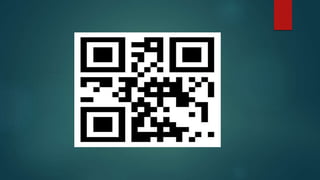
QR-CODE
BY : -
RAVINDRA CHAUDHARY
1203213037
CONTENTS
What are QR codes…
How do I create them…
How do I scan them…
Where we use QR codes…
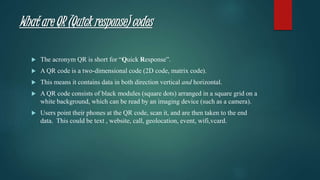
What are QR (Quick response) codes
 The acronym QR is short for “Quick Response”.
 A QR code is a two-dimensional code (2D code, matrix code).
 This means it contains data in both direction vertical and horizontal.
 A QR code consists of black modules (square dots) arranged in a square grid on a
white background, which can be read by an imaging device (such as a camera).
 Users point their phones at the QR code, scan it, and are then taken to the end
data. This could be text , website, call, geolocation, event, wifi,vcard.
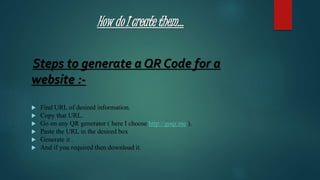
How do I create them…
Steps to generate a QR Code for a
website :-
 Find URL of desired information.
 Copy that URL.
 Go on any QR generator ( here I choose http://goqr.me ).
 Paste the URL in the desired box
 Generate it .
 And if you required then download it.
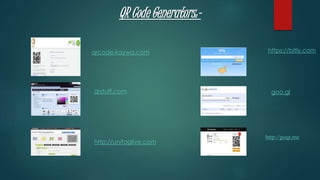
QR Code Generators:-
qrcode.kaywa.com
qrstuff.com
http://unitaglive.com
https://bitly.com
goo.gl
http://goqr.me
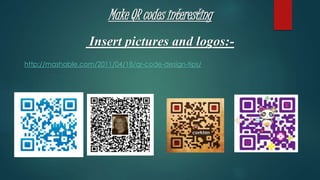
Make QR codes interesting
Insert pictures and logos:-
http://mashable.com/2011/04/18/qr-code-design-tips/
How do I scan them…
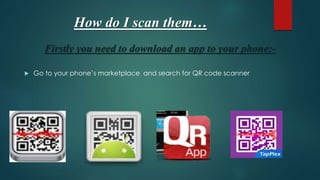
Firstly you need to download an app to your phone:-
 Go to your phone’s marketplace and search for QR code scanner
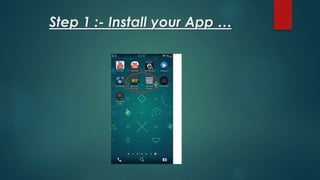
Step 1 :- Install your App …
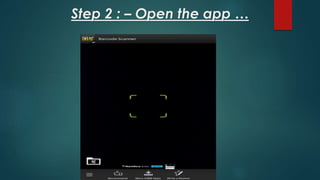
Step 2 : – Open the app …
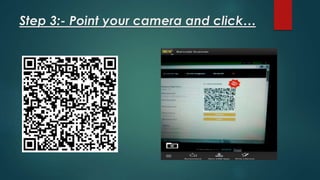
Step 3:- Point your camera and click…
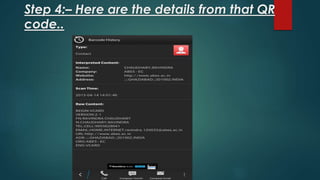
Step 4:– Here are the details from that QR
code..
Where you use QR codes…
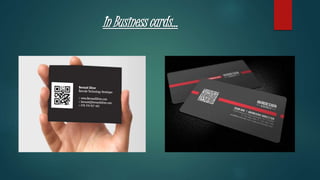
 In Business cards.
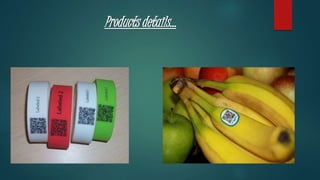
 Products details.
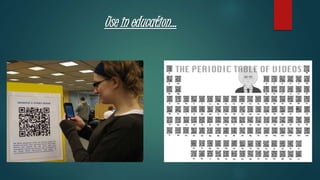
 Use in education.
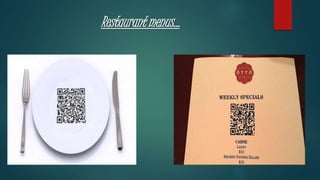
 Restaurant menus.
 Put your all info. In one.
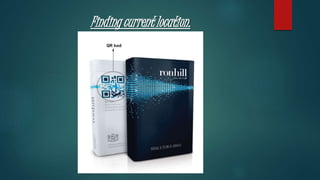
 Finding current location.
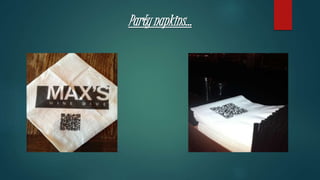
 Party napkins.
 Sending emails and text.
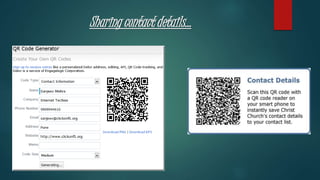
 Contact details.
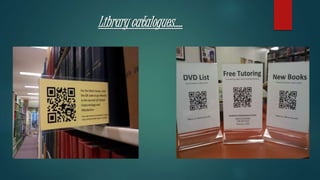
 Library catalogues
In Business cards…
Products details…
Use in education...
Restaurant menus…
Finding current location.
Party napkins...
Sharing contact details…
Library catalogues….
THE END

QR-CODE presentation slide