© 2010-19 SysPlay Workshops <workshop@sysplay.in>
All Rights Reserved.
System Calls
2© 2010-19 SysPlay Workshops <workshop@sysplay.in>
All Rights Reserved.
What to Expect?
W's of System Calls
System Call vs Library Function
System Call Tracing
Hands-On
3© 2010-19 SysPlay Workshops <workshop@sysplay.in>
All Rights Reserved.
W's of System Calls
User programs vs Kernel programs
Runs in different spaces
Runs with different privileges
User space not allowed access to Kernel space
But they need the Kernel services
OS provides service points
For User programs
To request services from the Kernel
In Linux, these are called System Calls
4© 2010-19 SysPlay Workshops <workshop@sysplay.in>
All Rights Reserved.
System Calls in Linux
About 300 in count
Listing: /usr/include/asm/unistd.h
Provide layer between
Kernel Space (typically hardware)
User Space (typically user process)
Serve three purposes
Provide an Abstracted h/w interface for user space
Ensures System security and stability
Makes Process Management easier
5© 2010-19 SysPlay Workshops <workshop@sysplay.in>
All Rights Reserved.
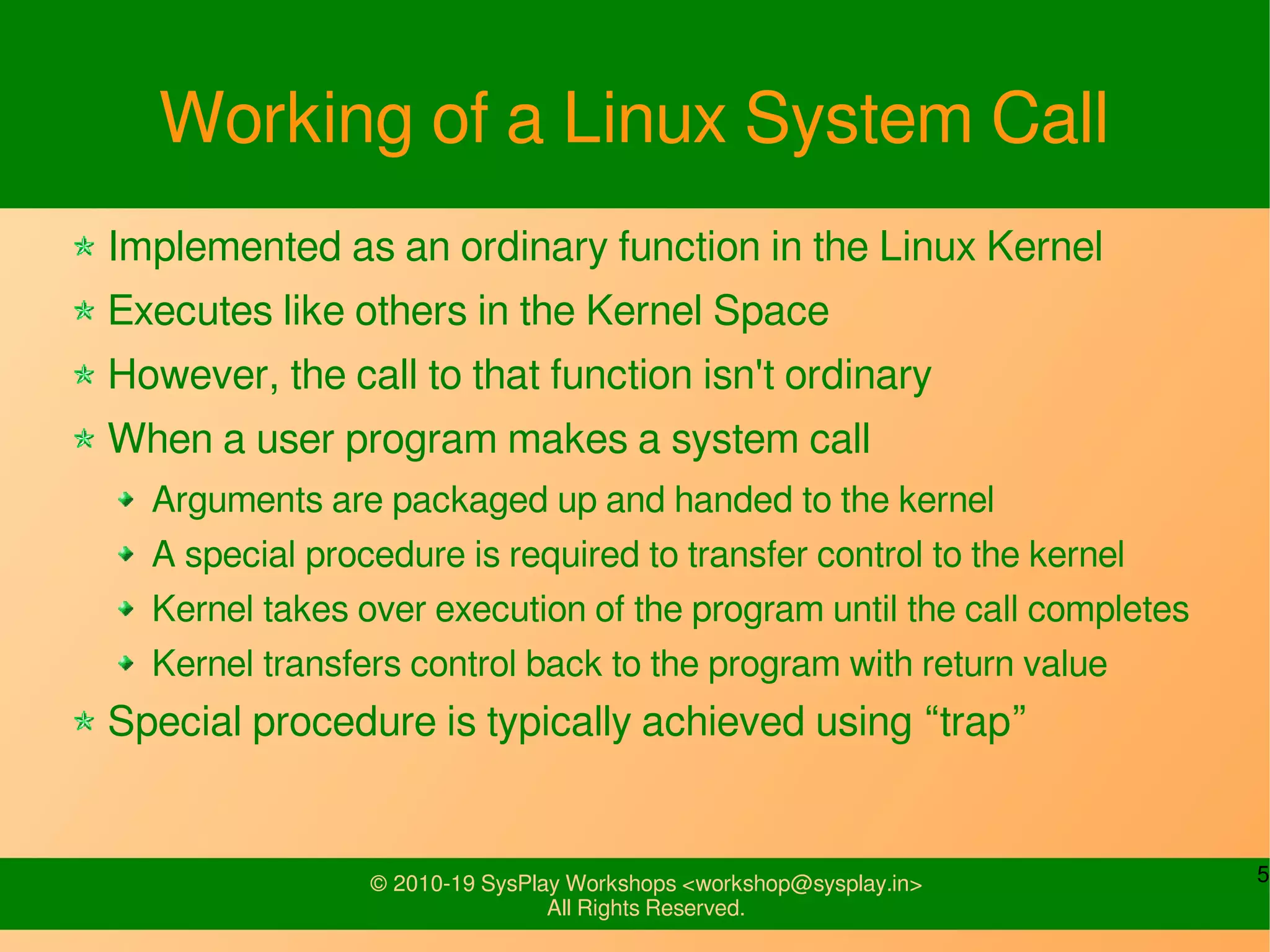
Working of a Linux System Call
Implemented as an ordinary function in the Linux Kernel
Executes like others in the Kernel Space
However, the call to that function isn't ordinary
When a user program makes a system call
Arguments are packaged up and handed to the kernel
A special procedure is required to transfer control to the kernel
Kernel takes over execution of the program until the call completes
Kernel transfers control back to the program with return value
Special procedure is typically achieved using “trap”
6© 2010-19 SysPlay Workshops <workshop@sysplay.in>
All Rights Reserved.
System Call Execution Flow
…
xyz()
...
xyz() {
…
SYSCALL
…
}
system_call:
…
sys_xyz()
SYSEXIT
sys_xyz() {
…
...
}
System Call
invocation in
application
program
Wrapper
routine in libc
standard
library
System Call
handler
System Call
service routine
User Mode Kernel Mode
7© 2010-19 SysPlay Workshops <workshop@sysplay.in>
All Rights Reserved.
Linux System Call Wrappers
Every System Call has standard steps
GNU C library (glibc) abstracts them
By wrapping with functions of same name
For easy invocation
Examples
I/O functions: open, read, ...
We rarely invoke direct system calls
But rather these system call (wrapper) functions
Any Exception?
Custom defined system call – using syscall(sno, ...)
8© 2010-19 SysPlay Workshops <workshop@sysplay.in>
All Rights Reserved.
Contrast with a Library Function
A library function is an ordinary function
It resides in a library external to the program
But in the User Space only
Moreover, the call to it is also ordinary
Arguments placed in processor registers or the stack
Execution transferred to the start of the function
Typically resides in a loaded shared library
In the User Space only
Examples
fopen, printf, getopt, mkstemp (all from glibc)
9© 2010-19 SysPlay Workshops <workshop@sysplay.in>
All Rights Reserved.
Return Values
Library functions often return pointers
Example: FILE * fp = fopen("harry","r");
NULL indicates failure
System calls usually return an integer
Example: int res = open(“harry”, O_RDONLY);
Return value
>= 0 indicates success
< 0, typically -1 indicates failure, and error is set in errno
Note the counter intuitive return of System Calls
Opposite way round
Cannot use as Boolean
10© 2010-19 SysPlay Workshops <workshop@sysplay.in>
All Rights Reserved.
More Information
Manual Sections
2 System calls e.g. _exit, read, write
3 Library calls e.g. exit, printf
7 Miscellaneous e.g. ascii, fifo, pthreads
9 POSIX Programmer Manual
Info pages are also available
11© 2010-19 SysPlay Workshops <workshop@sysplay.in>
All Rights Reserved.
Tracing System Calls
Command: strace <program> [args]
Traces the execution of <program>
And Lists
System Calls made by <program>
Signals received by <program>
Controlled by various options
An interesting one is “-e”
Example
strace cat /dev/null
12© 2010-19 SysPlay Workshops <workshop@sysplay.in>
All Rights Reserved.
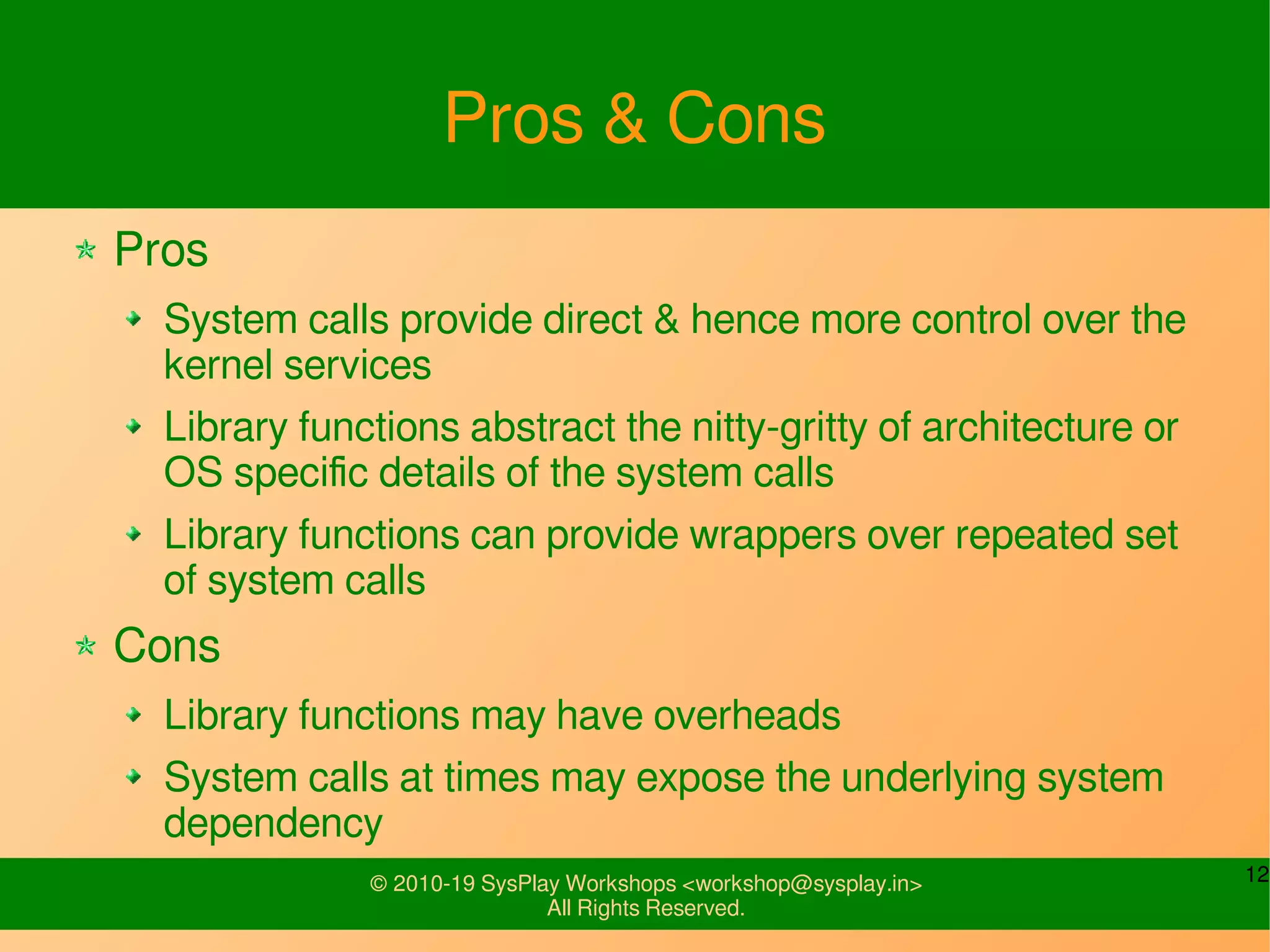
Pros & Cons
Pros
System calls provide direct & hence more control over the
kernel services
Library functions abstract the nitty-gritty of architecture or
OS specific details of the system calls
Library functions can provide wrappers over repeated set
of system calls
Cons
Library functions may have overheads
System calls at times may expose the underlying system
dependency
13© 2010-19 SysPlay Workshops <workshop@sysplay.in>
All Rights Reserved.
Let's try some Examples
System Call Invocation
System calls vs Library functions
File Operations
Observe the various system calls invoked
Use strace
14© 2010-19 SysPlay Workshops <workshop@sysplay.in>
All Rights Reserved.
System Call: access
Helps to determine whether the calling process
has access permission for a particular file
int access(const char *pathname, int mode);
pathname – Path to the file
mode – Accessibility checks. F_OK or a mask
consisting of bitwise or of R_OK, W_OK and X_OK
15© 2010-19 SysPlay Workshops <workshop@sysplay.in>
All Rights Reserved.
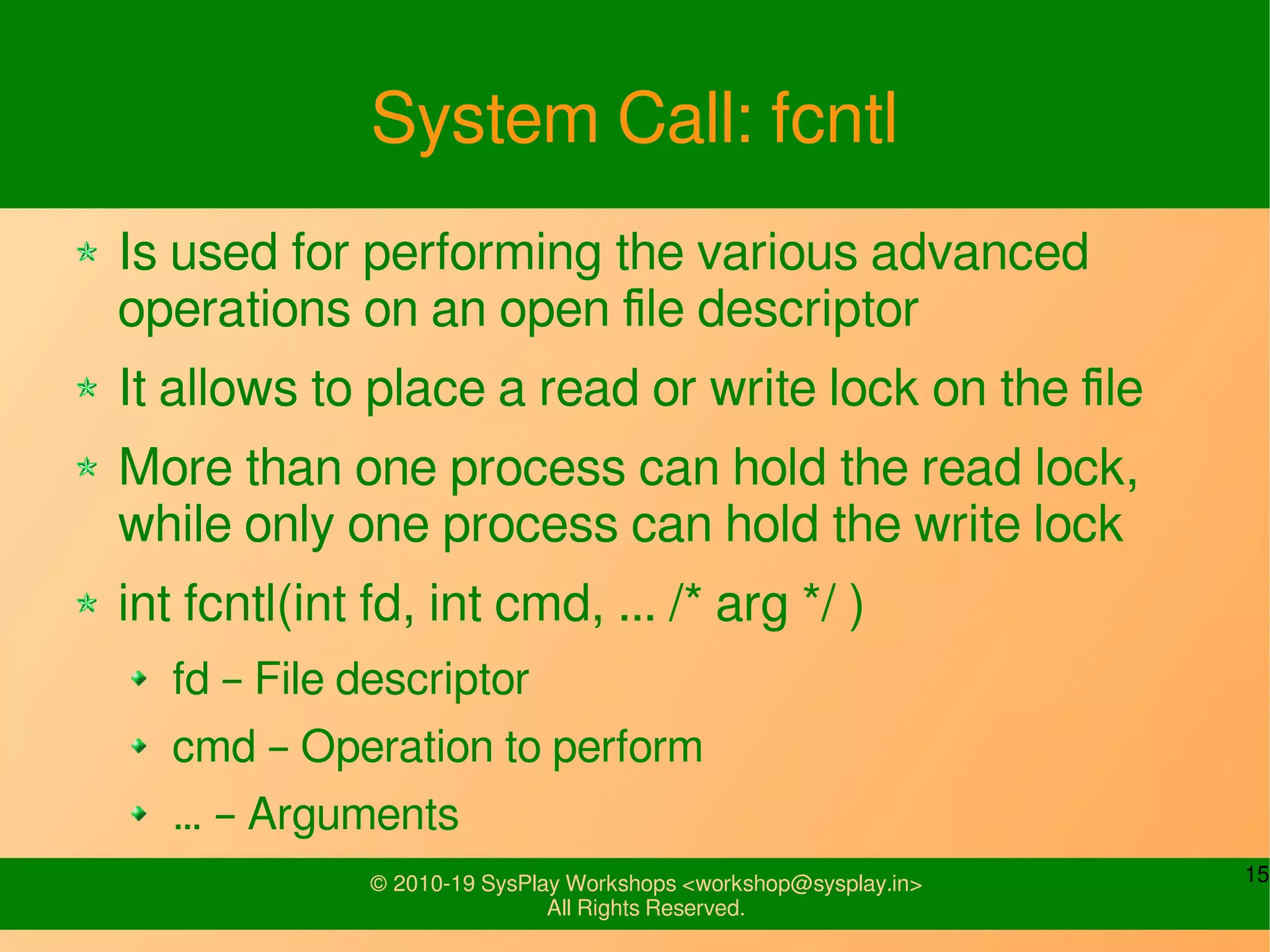
System Call: fcntl
Is used for performing the various advanced
operations on an open file descriptor
It allows to place a read or write lock on the file
More than one process can hold the read lock,
while only one process can hold the write lock
int fcntl(int fd, int cmd, ... /* arg */ )
fd – File descriptor
cmd – Operation to perform
… – Arguments
16© 2010-19 SysPlay Workshops <workshop@sysplay.in>
All Rights Reserved.
What all have we learnt?
W's of System Calls
Working of a System Call & syscall()
System Call Wrapper Functions
System Call vs Library Function
Pros & Cons
System Call Tracing
Hands-On
17© 2010-19 SysPlay Workshops <workshop@sysplay.in>
All Rights Reserved.
Any Queries?

System Calls

  • 1.
    © 2010-19 SysPlayWorkshops <workshop@sysplay.in> All Rights Reserved. System Calls
  • 2.
    2© 2010-19 SysPlayWorkshops <workshop@sysplay.in> All Rights Reserved. What to Expect? W's of System Calls System Call vs Library Function System Call Tracing Hands-On
  • 3.
    3© 2010-19 SysPlayWorkshops <workshop@sysplay.in> All Rights Reserved. W's of System Calls User programs vs Kernel programs Runs in different spaces Runs with different privileges User space not allowed access to Kernel space But they need the Kernel services OS provides service points For User programs To request services from the Kernel In Linux, these are called System Calls
  • 4.
    4© 2010-19 SysPlayWorkshops <workshop@sysplay.in> All Rights Reserved. System Calls in Linux About 300 in count Listing: /usr/include/asm/unistd.h Provide layer between Kernel Space (typically hardware) User Space (typically user process) Serve three purposes Provide an Abstracted h/w interface for user space Ensures System security and stability Makes Process Management easier
  • 5.
    5© 2010-19 SysPlayWorkshops <workshop@sysplay.in> All Rights Reserved. Working of a Linux System Call Implemented as an ordinary function in the Linux Kernel Executes like others in the Kernel Space However, the call to that function isn't ordinary When a user program makes a system call Arguments are packaged up and handed to the kernel A special procedure is required to transfer control to the kernel Kernel takes over execution of the program until the call completes Kernel transfers control back to the program with return value Special procedure is typically achieved using “trap”
  • 6.
    6© 2010-19 SysPlayWorkshops <workshop@sysplay.in> All Rights Reserved. System Call Execution Flow … xyz() ... xyz() { … SYSCALL … } system_call: … sys_xyz() SYSEXIT sys_xyz() { … ... } System Call invocation in application program Wrapper routine in libc standard library System Call handler System Call service routine User Mode Kernel Mode
  • 7.
    7© 2010-19 SysPlayWorkshops <workshop@sysplay.in> All Rights Reserved. Linux System Call Wrappers Every System Call has standard steps GNU C library (glibc) abstracts them By wrapping with functions of same name For easy invocation Examples I/O functions: open, read, ... We rarely invoke direct system calls But rather these system call (wrapper) functions Any Exception? Custom defined system call – using syscall(sno, ...)
  • 8.
    8© 2010-19 SysPlayWorkshops <workshop@sysplay.in> All Rights Reserved. Contrast with a Library Function A library function is an ordinary function It resides in a library external to the program But in the User Space only Moreover, the call to it is also ordinary Arguments placed in processor registers or the stack Execution transferred to the start of the function Typically resides in a loaded shared library In the User Space only Examples fopen, printf, getopt, mkstemp (all from glibc)
  • 9.
    9© 2010-19 SysPlayWorkshops <workshop@sysplay.in> All Rights Reserved. Return Values Library functions often return pointers Example: FILE * fp = fopen("harry","r"); NULL indicates failure System calls usually return an integer Example: int res = open(“harry”, O_RDONLY); Return value >= 0 indicates success < 0, typically -1 indicates failure, and error is set in errno Note the counter intuitive return of System Calls Opposite way round Cannot use as Boolean
  • 10.
    10© 2010-19 SysPlayWorkshops <workshop@sysplay.in> All Rights Reserved. More Information Manual Sections 2 System calls e.g. _exit, read, write 3 Library calls e.g. exit, printf 7 Miscellaneous e.g. ascii, fifo, pthreads 9 POSIX Programmer Manual Info pages are also available
  • 11.
    11© 2010-19 SysPlayWorkshops <workshop@sysplay.in> All Rights Reserved. Tracing System Calls Command: strace <program> [args] Traces the execution of <program> And Lists System Calls made by <program> Signals received by <program> Controlled by various options An interesting one is “-e” Example strace cat /dev/null
  • 12.
    12© 2010-19 SysPlayWorkshops <workshop@sysplay.in> All Rights Reserved. Pros & Cons Pros System calls provide direct & hence more control over the kernel services Library functions abstract the nitty-gritty of architecture or OS specific details of the system calls Library functions can provide wrappers over repeated set of system calls Cons Library functions may have overheads System calls at times may expose the underlying system dependency
  • 13.
    13© 2010-19 SysPlayWorkshops <workshop@sysplay.in> All Rights Reserved. Let's try some Examples System Call Invocation System calls vs Library functions File Operations Observe the various system calls invoked Use strace
  • 14.
    14© 2010-19 SysPlayWorkshops <workshop@sysplay.in> All Rights Reserved. System Call: access Helps to determine whether the calling process has access permission for a particular file int access(const char *pathname, int mode); pathname – Path to the file mode – Accessibility checks. F_OK or a mask consisting of bitwise or of R_OK, W_OK and X_OK
  • 15.
    15© 2010-19 SysPlayWorkshops <workshop@sysplay.in> All Rights Reserved. System Call: fcntl Is used for performing the various advanced operations on an open file descriptor It allows to place a read or write lock on the file More than one process can hold the read lock, while only one process can hold the write lock int fcntl(int fd, int cmd, ... /* arg */ ) fd – File descriptor cmd – Operation to perform … – Arguments
  • 16.
    16© 2010-19 SysPlayWorkshops <workshop@sysplay.in> All Rights Reserved. What all have we learnt? W's of System Calls Working of a System Call & syscall() System Call Wrapper Functions System Call vs Library Function Pros & Cons System Call Tracing Hands-On
  • 17.
    17© 2010-19 SysPlayWorkshops <workshop@sysplay.in> All Rights Reserved. Any Queries?