© 2010-15 SysPlay Workshops <workshop@sysplay.in
All Rights Reserved.
Introduction to Linux
2© 2010-15 SysPlay Workshops <workshop@sysplay.in
All Rights Reserved.
What to Expect?
Introduction to OS & OSS
Linux System Overview
Linux Usage Basics
3© 2010-15 SysPlay Workshops <workshop@sysplay.in
All Rights Reserved.
OS Fundamentals
What is an OS?
Infinitely Running Program
Why do we need an OS?
Processor/Time Management
Memory Management
Storage Management
Network Management
I/O management
4© 2010-15 SysPlay Workshops <workshop@sysplay.in
All Rights Reserved.
Open Source Software
Fundamentals
Originally Free Software
Freedom to Run, Change and Redistribute
Licenses – GNU GPL (Code) and GNU FDL (Doc)
The Freedom provides openness
Hence, also referred as Open Source Software
Over time FS & OSS have differed
But still largely same
Latest Complete Definitions
FS: http://www.gnu.org/philosophy/free-sw.html
OSS: http://www.opensource.org/osd.html
5© 2010-15 SysPlay Workshops <workshop@sysplay.in
All Rights Reserved.
OSS: Industry Advantage
Stable Software – Less Development Cycle
Whole Community Support
Time to Market
And most of all, today OSS provides almost a complete set
of software required for any kind of software development
Applications, GUIs, Utilities, … - All GPL or LGPL stuff
Languages – Whole set from the world :)
C Compiler – gcc & friends
Debuggers – gdb & friends
Profilers, Tracers, ...
and the list goes on
6© 2010-15 SysPlay Workshops <workshop@sysplay.in
All Rights Reserved.
And finally the most important one
OS + OSS = Linux
7© 2010-15 SysPlay Workshops <workshop@sysplay.in
All Rights Reserved.
Why to choose OSS & Linux?
Quality and Reliability of Code
Availability of Code
Extensive Hardware Support
Communication Protocols and Software Standards
Available Tools
Community Support
Licensing
Vendor Independence
Cost
And, a wide range of Architecture Support
8© 2010-15 SysPlay Workshops <workshop@sysplay.in
All Rights Reserved.
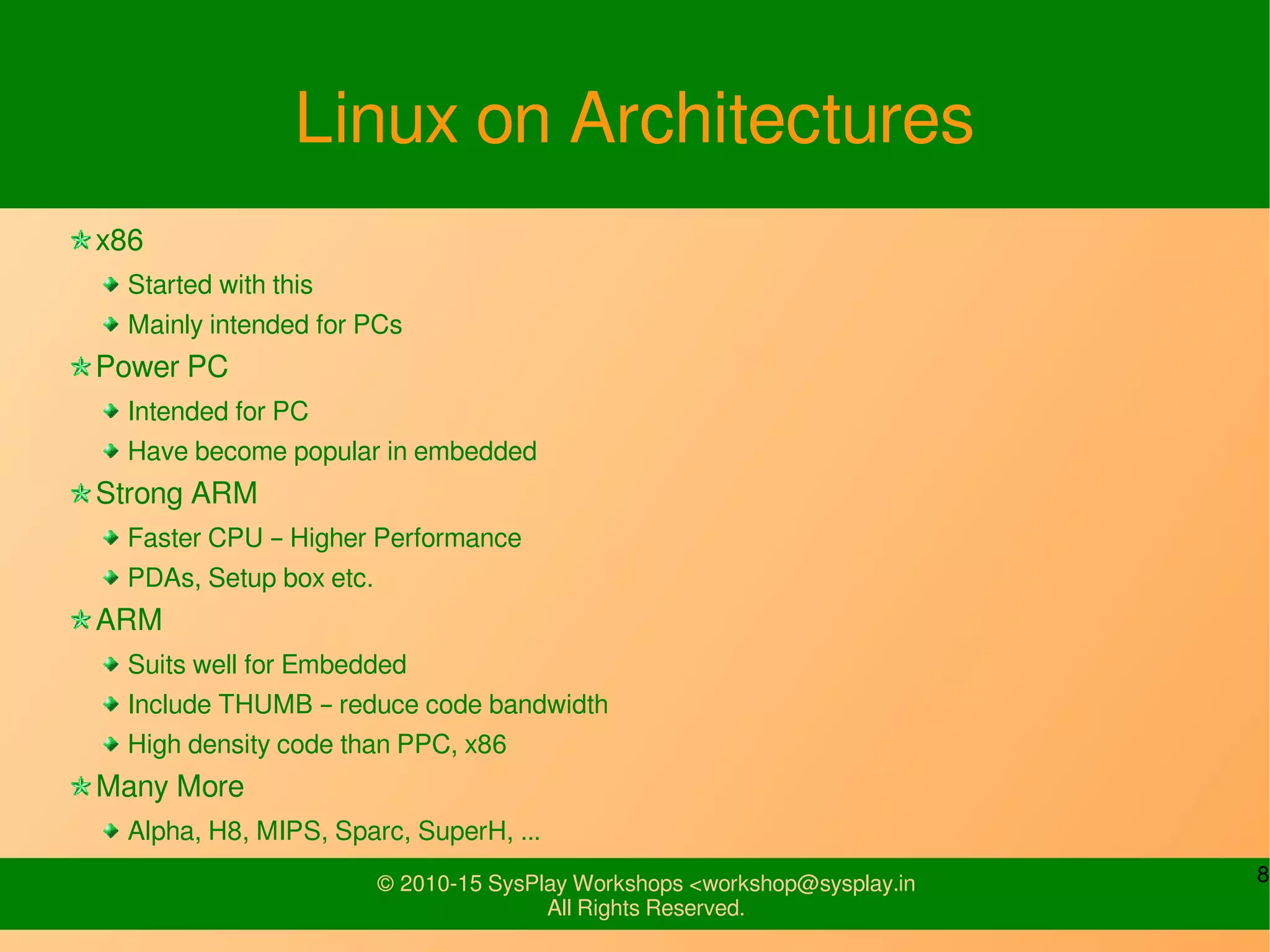
Linux on Architectures
x86
Started with this
Mainly intended for PCs
Power PC
Intended for PC
Have become popular in embedded
Strong ARM
Faster CPU – Higher Performance
PDAs, Setup box etc.
ARM
Suits well for Embedded
Include THUMB – reduce code bandwidth
High density code than PPC, x86
Many More
Alpha, H8, MIPS, Sparc, SuperH, ...
9© 2010-15 SysPlay Workshops <workshop@sysplay.in
All Rights Reserved.
Linux System Overview
10© 2010-15 SysPlay Workshops <workshop@sysplay.in
All Rights Reserved.
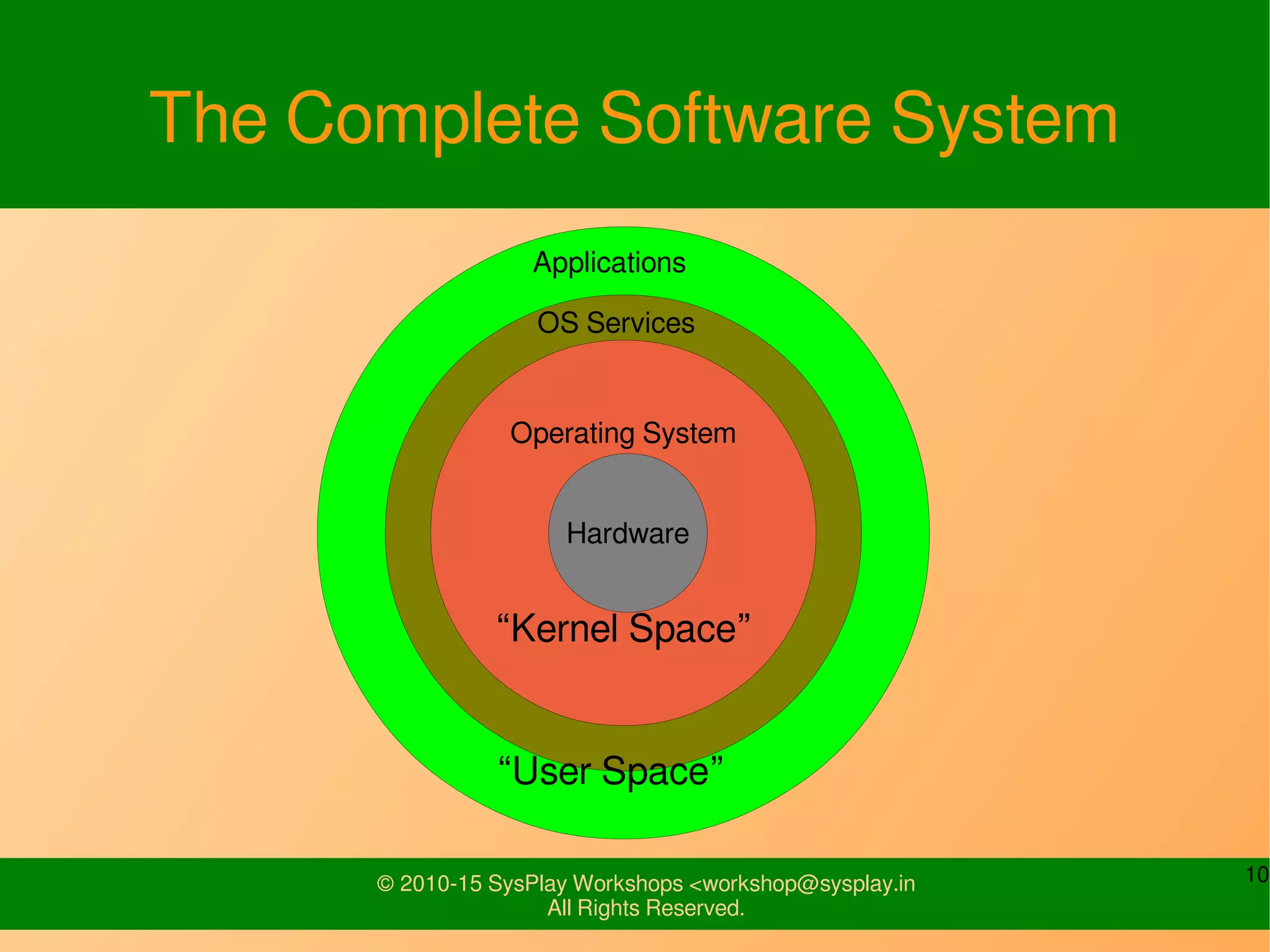
The Complete Software System
Operating System
“Kernel Space”
OS Services
Applications
“User Space”
Hardware
11© 2010-15 SysPlay Workshops <workshop@sysplay.in
All Rights Reserved.
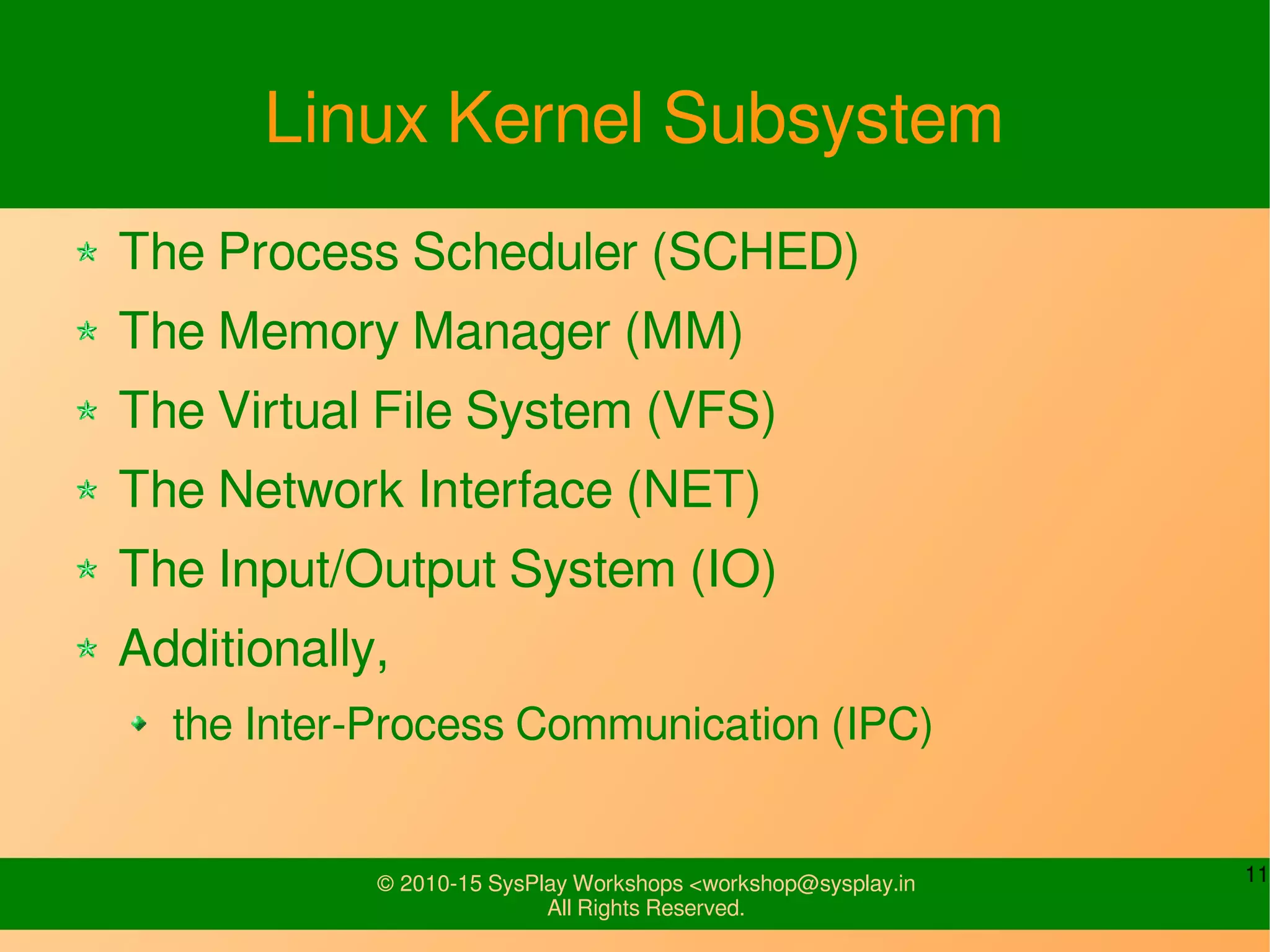
Linux Kernel Subsystem
The Process Scheduler (SCHED)
The Memory Manager (MM)
The Virtual File System (VFS)
The Network Interface (NET)
The Input/Output System (IO)
Additionally,
the Inter-Process Communication (IPC)
12© 2010-15 SysPlay Workshops <workshop@sysplay.in
All Rights Reserved.
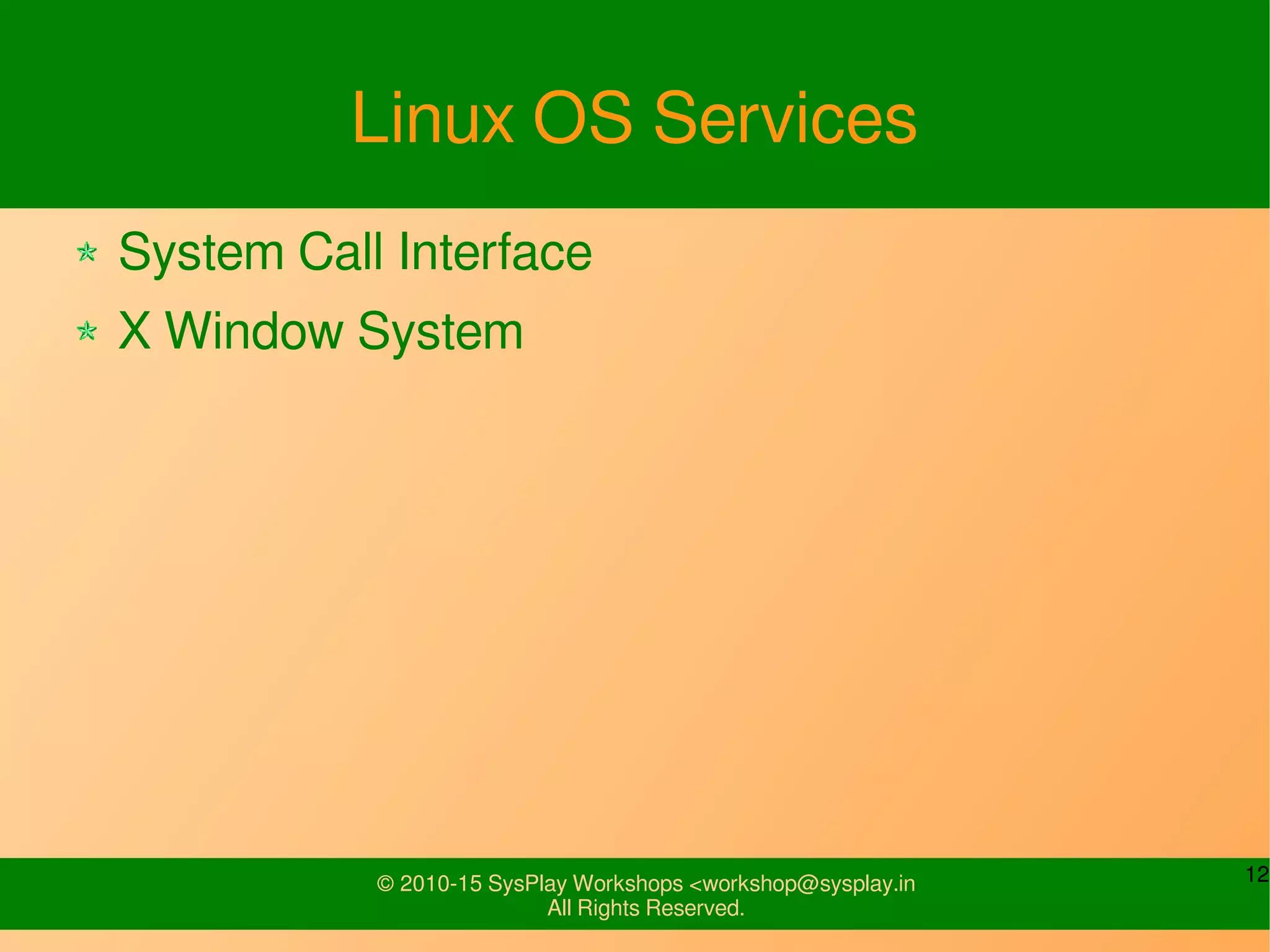
Linux OS Services
System Call Interface
X Window System
13© 2010-15 SysPlay Workshops <workshop@sysplay.in
All Rights Reserved.
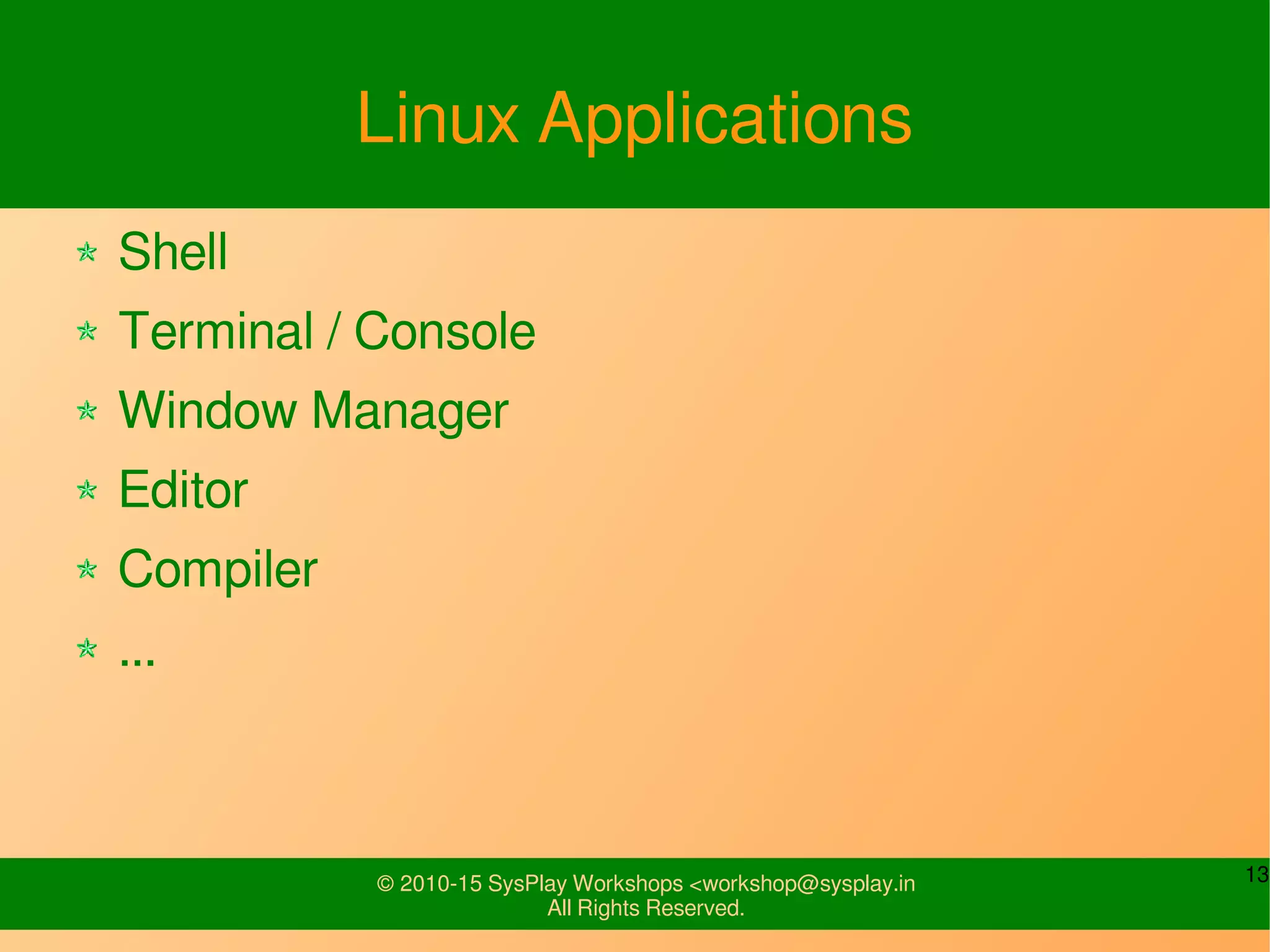
Linux Applications
Shell
Terminal / Console
Window Manager
Editor
Compiler
...
14© 2010-15 SysPlay Workshops <workshop@sysplay.in
All Rights Reserved.
Linux Usage Basics
15© 2010-15 SysPlay Workshops <workshop@sysplay.in
All Rights Reserved.
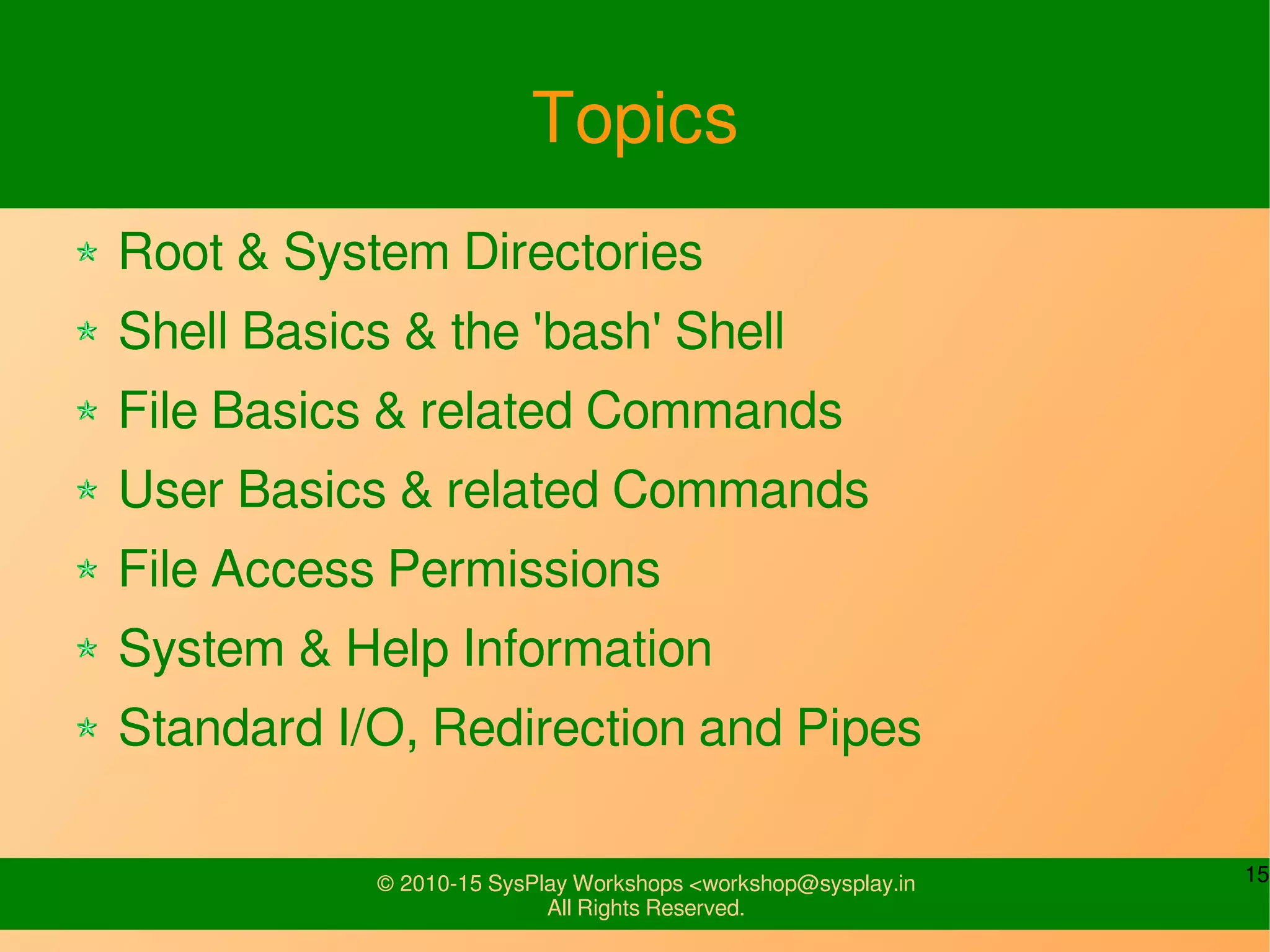
Topics
Root & System Directories
Shell Basics & the 'bash' Shell
File Basics & related Commands
User Basics & related Commands
File Access Permissions
System & Help Information
Standard I/O, Redirection and Pipes
16© 2010-15 SysPlay Workshops <workshop@sysplay.in
All Rights Reserved.
/
the Root of an inverted tree
The top-most or super-parent directory
The container of your computer
Type: ls /
17© 2010-15 SysPlay Workshops <workshop@sysplay.in
All Rights Reserved.
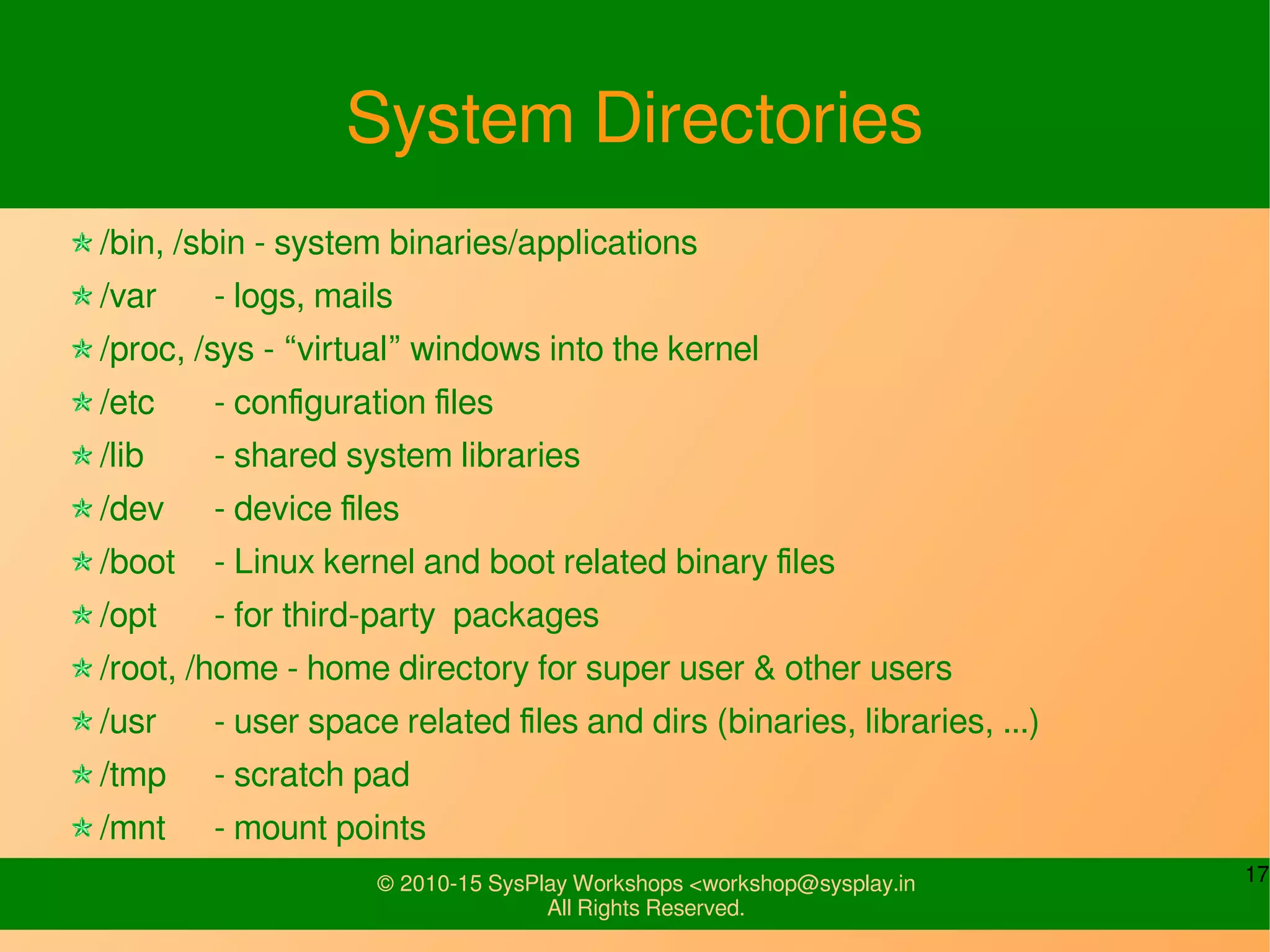
System Directories
/bin, /sbin - system binaries/applications
/var - logs, mails
/proc, /sys - “virtual” windows into the kernel
/etc - configuration files
/lib - shared system libraries
/dev - device files
/boot - Linux kernel and boot related binary files
/opt - for third-party packages
/root, /home - home directory for super user & other users
/usr - user space related files and dirs (binaries, libraries, ...)
/tmp - scratch pad
/mnt - mount points
18© 2010-15 SysPlay Workshops <workshop@sysplay.in
All Rights Reserved.
Shell Basics
What is a Shell?
Various types of Shells
Bourne Shell (sh)
C Shell (csh)
Korn Shell (ksh)
Bourne Again Shell (bash)
TENEX csh (tcsh)
Z Shell (zsh)
Busybox (busybox) – Embedded Systems
19© 2010-15 SysPlay Workshops <workshop@sysplay.in
All Rights Reserved.
Bourne Again SHell
env - shell environment variables
export [var_name] - export a shell variable
HOME - path to user’s home directory
PATH - executable search path
PWD - present user directory
PS1 - command prompt
which - shows executable path
history - command recall
20© 2010-15 SysPlay Workshops <workshop@sysplay.in
All Rights Reserved.
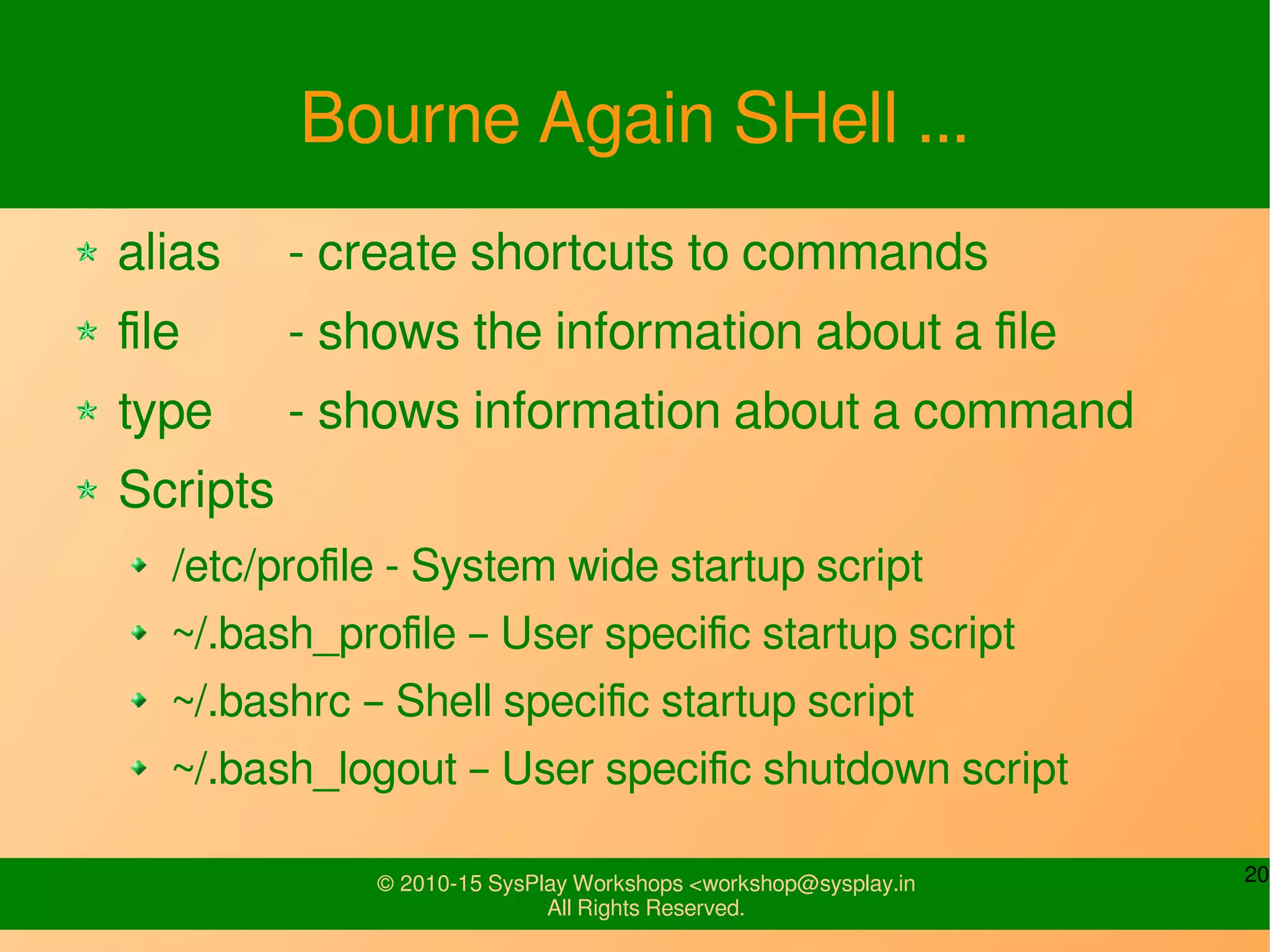
Bourne Again SHell ...
alias - create shortcuts to commands
file - shows the information about a file
type - shows information about a command
Scripts
/etc/profile - System wide startup script
~/.bash_profile – User specific startup script
~/.bashrc – Shell specific startup script
~/.bash_logout – User specific shutdown script
21© 2010-15 SysPlay Workshops <workshop@sysplay.in
All Rights Reserved.
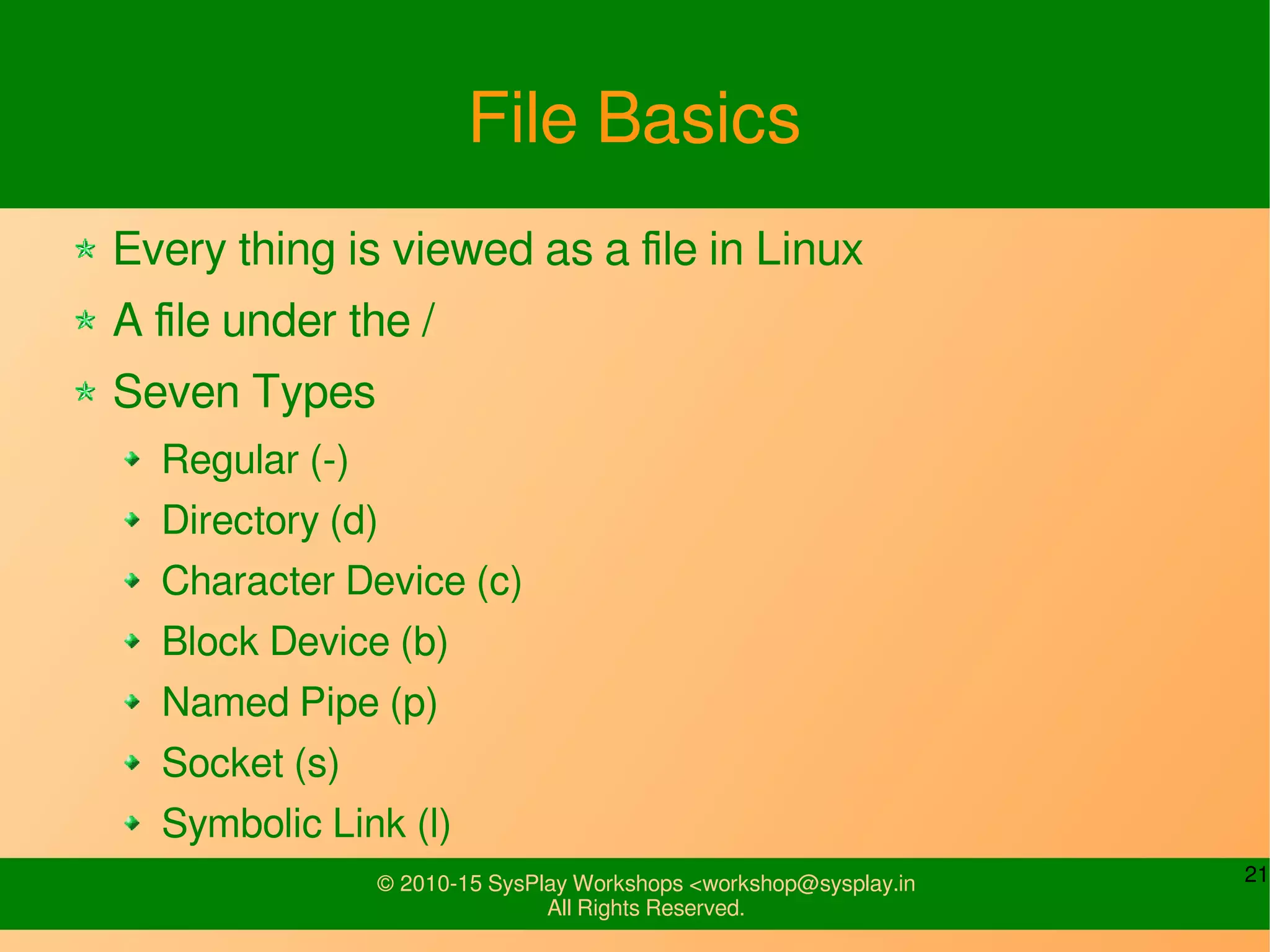
File Basics
Every thing is viewed as a file in Linux
A file under the /
Seven Types
Regular (-)
Directory (d)
Character Device (c)
Block Device (b)
Named Pipe (p)
Socket (s)
Symbolic Link (l)
22© 2010-15 SysPlay Workshops <workshop@sysplay.in
All Rights Reserved.
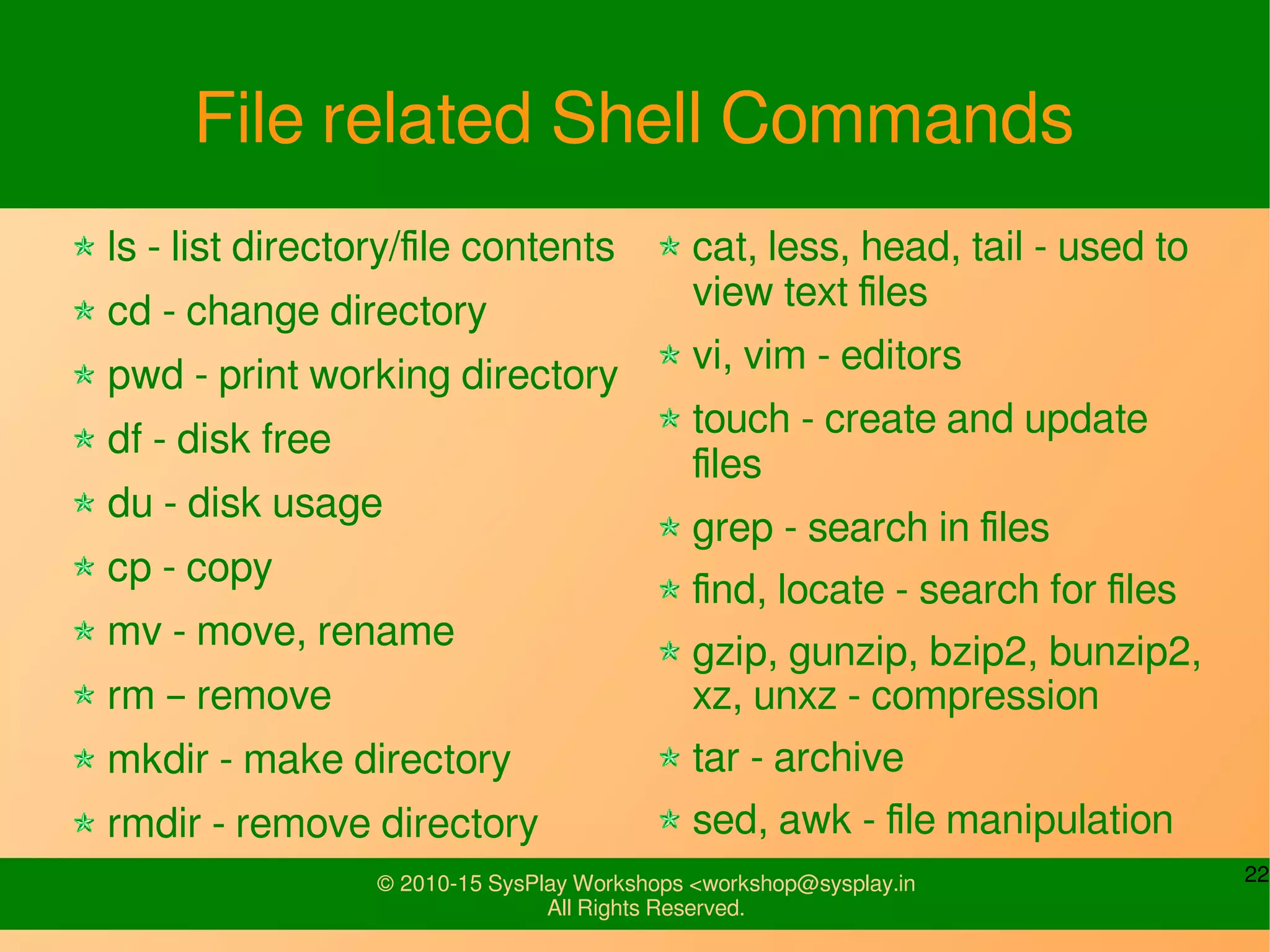
File related Shell Commands
ls - list directory/file contents
cd - change directory
pwd - print working directory
df - disk free
du - disk usage
cp - copy
mv - move, rename
rm – remove
mkdir - make directory
rmdir - remove directory
cat, less, head, tail - used to
view text files
vi, vim - editors
touch - create and update
files
grep - search in files
find, locate - search for files
gzip, gunzip, bzip2, bunzip2,
xz, unxz - compression
tar - archive
sed, awk - file manipulation
23© 2010-15 SysPlay Workshops <workshop@sysplay.in
All Rights Reserved.
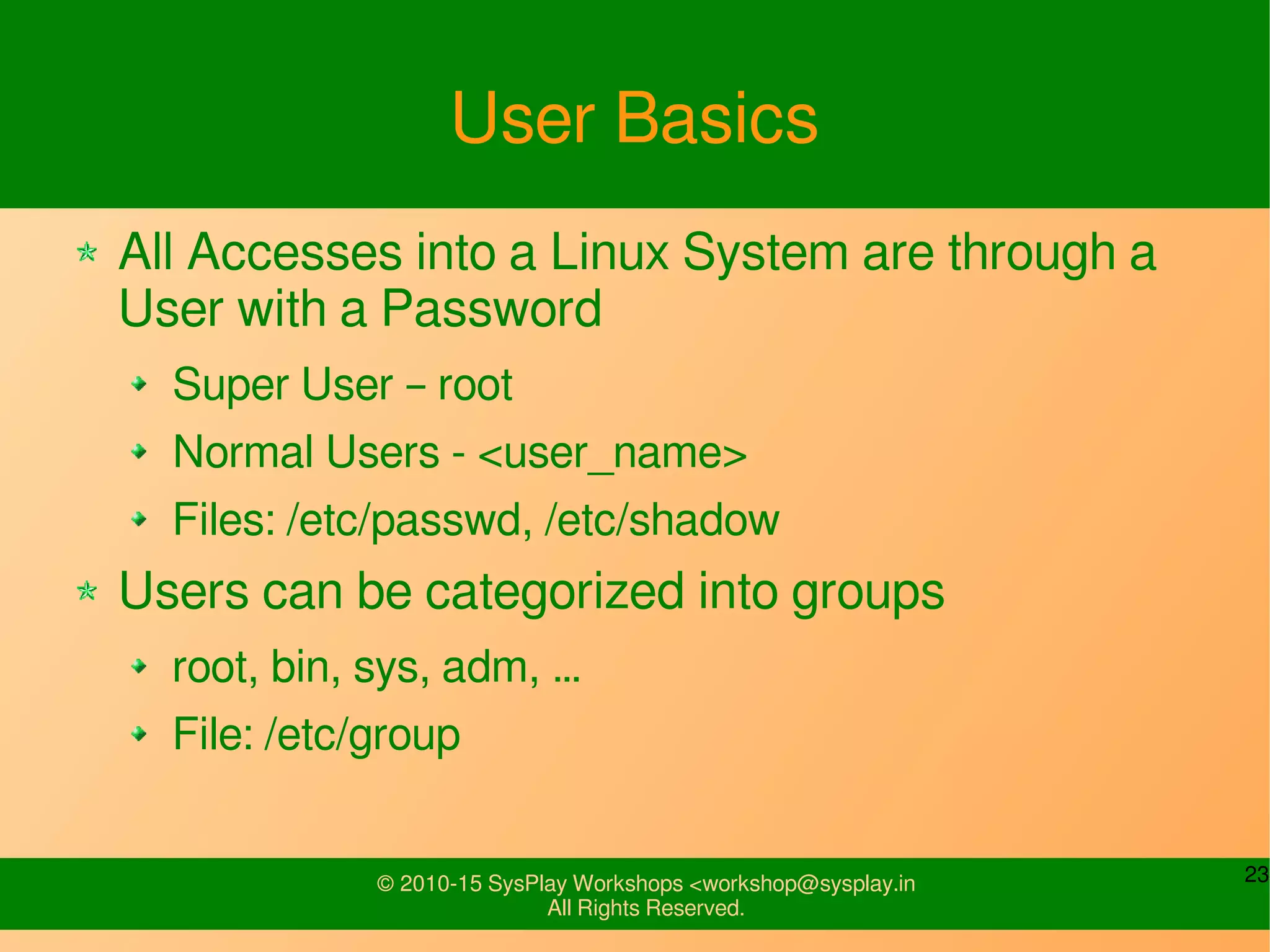
User Basics
All Accesses into a Linux System are through a
User with a Password
Super User – root
Normal Users - <user_name>
Files: /etc/passwd, /etc/shadow
Users can be categorized into groups
root, bin, sys, adm, …
File: /etc/group
24© 2010-15 SysPlay Workshops <workshop@sysplay.in
All Rights Reserved.
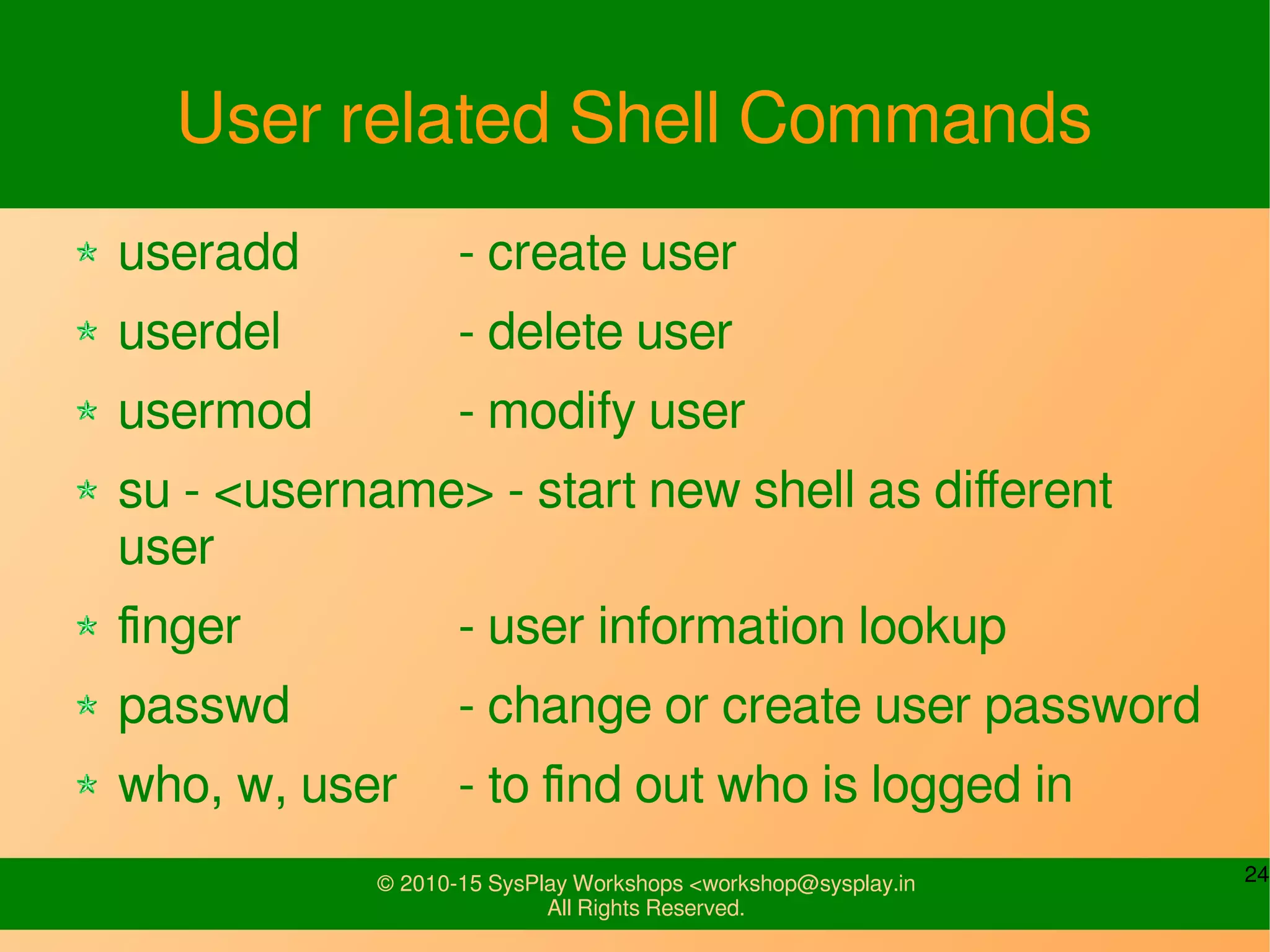
User related Shell Commands
useradd - create user
userdel - delete user
usermod - modify user
su - <username> - start new shell as different
user
finger - user information lookup
passwd - change or create user password
who, w, user - to find out who is logged in
25© 2010-15 SysPlay Workshops <workshop@sysplay.in
All Rights Reserved.
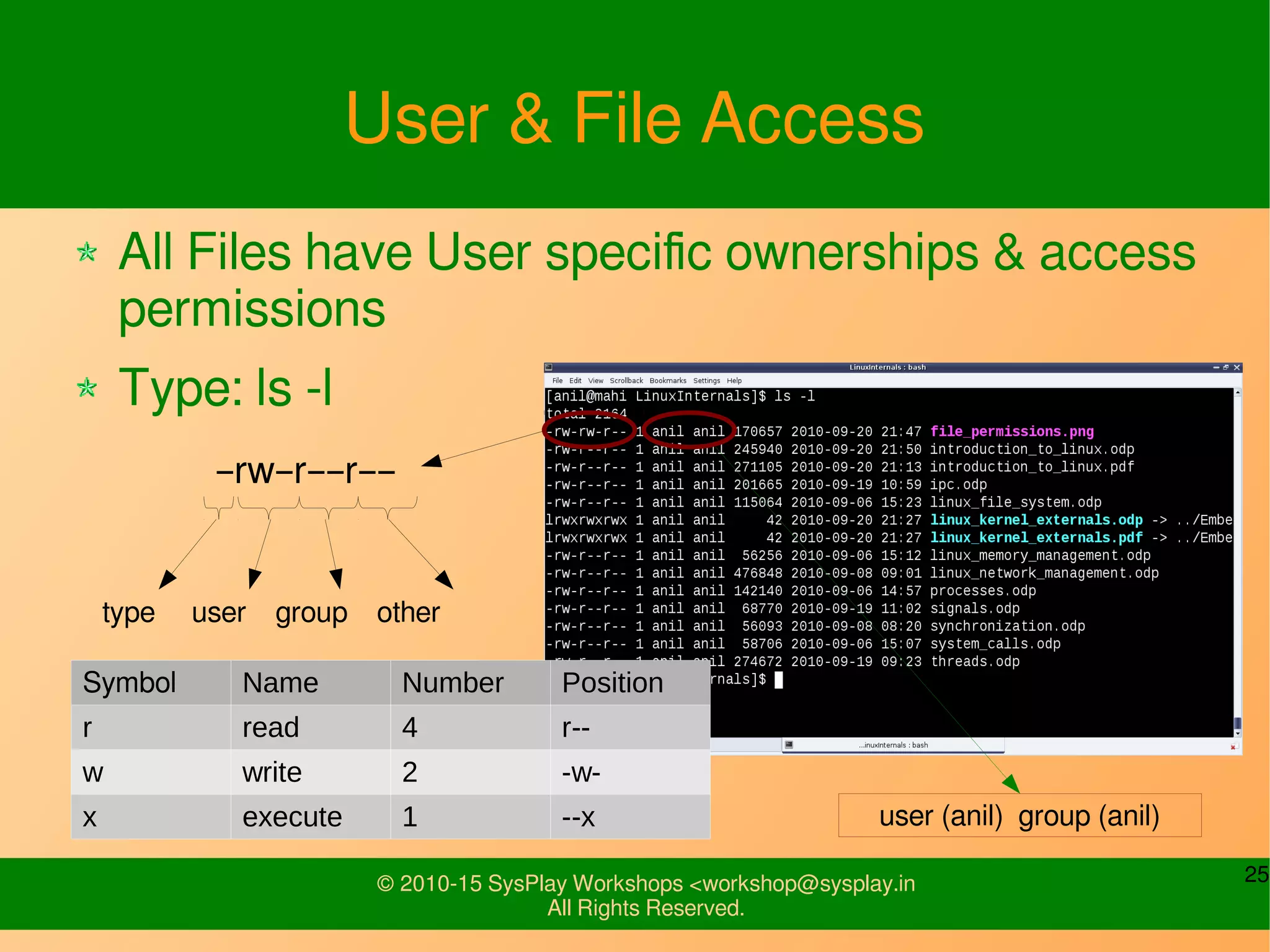
User & File Access
All Files have User specific ownerships & access
permissions
Type: ls -l
–rw–r––r––
Symbol Name Number Position
r read 4 r--
w write 2 -w-
x execute 1 --x
type user group other
user (anil) group (anil)
26© 2010-15 SysPlay Workshops <workshop@sysplay.in
All Rights Reserved.
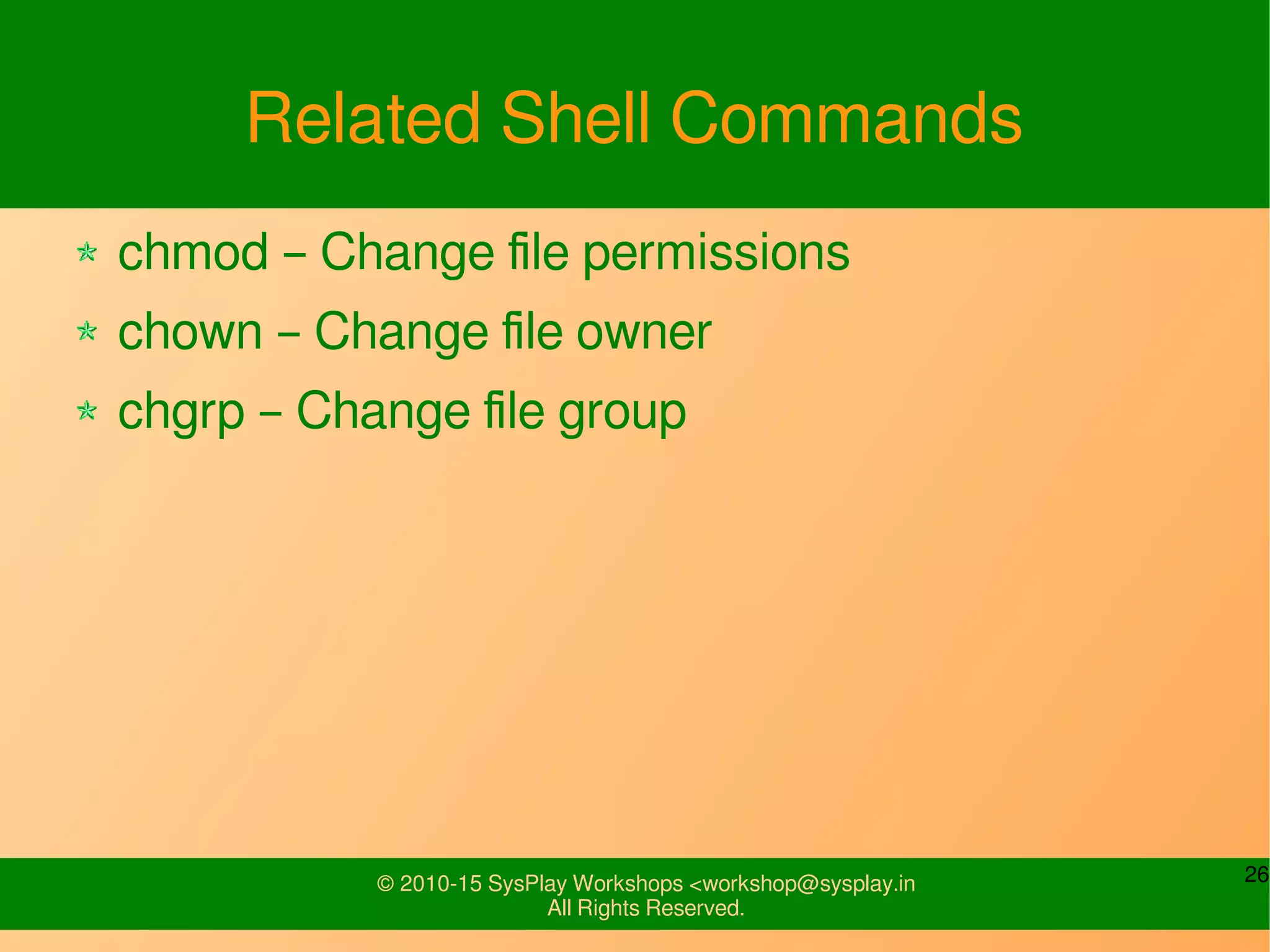
Related Shell Commands
chmod – Change file permissions
chown – Change file owner
chgrp – Change file group
27© 2010-15 SysPlay Workshops <workshop@sysplay.in
All Rights Reserved.
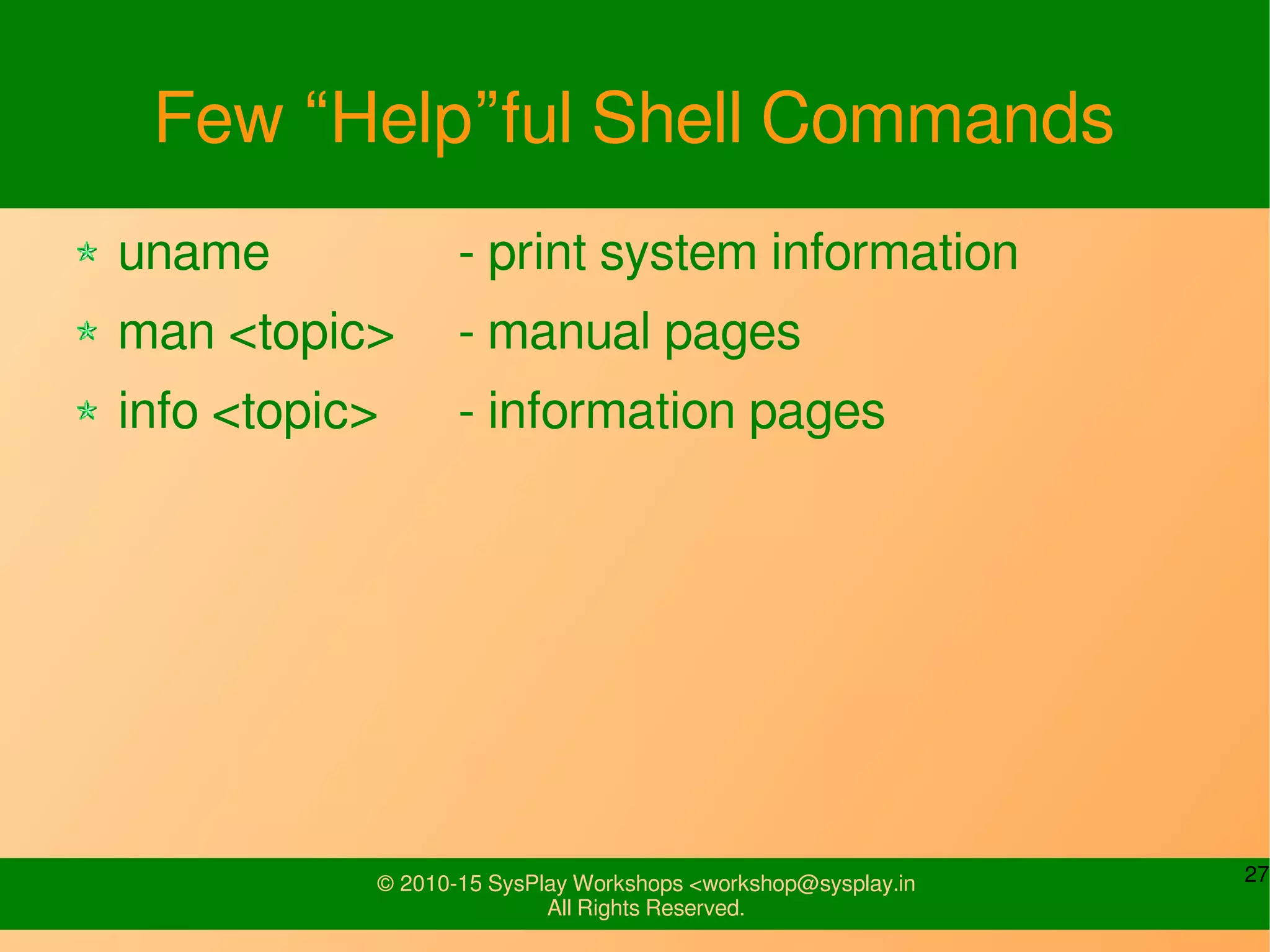
Few “Help”ful Shell Commands
uname - print system information
man <topic> - manual pages
info <topic> - information pages
28© 2010-15 SysPlay Workshops <workshop@sysplay.in
All Rights Reserved.
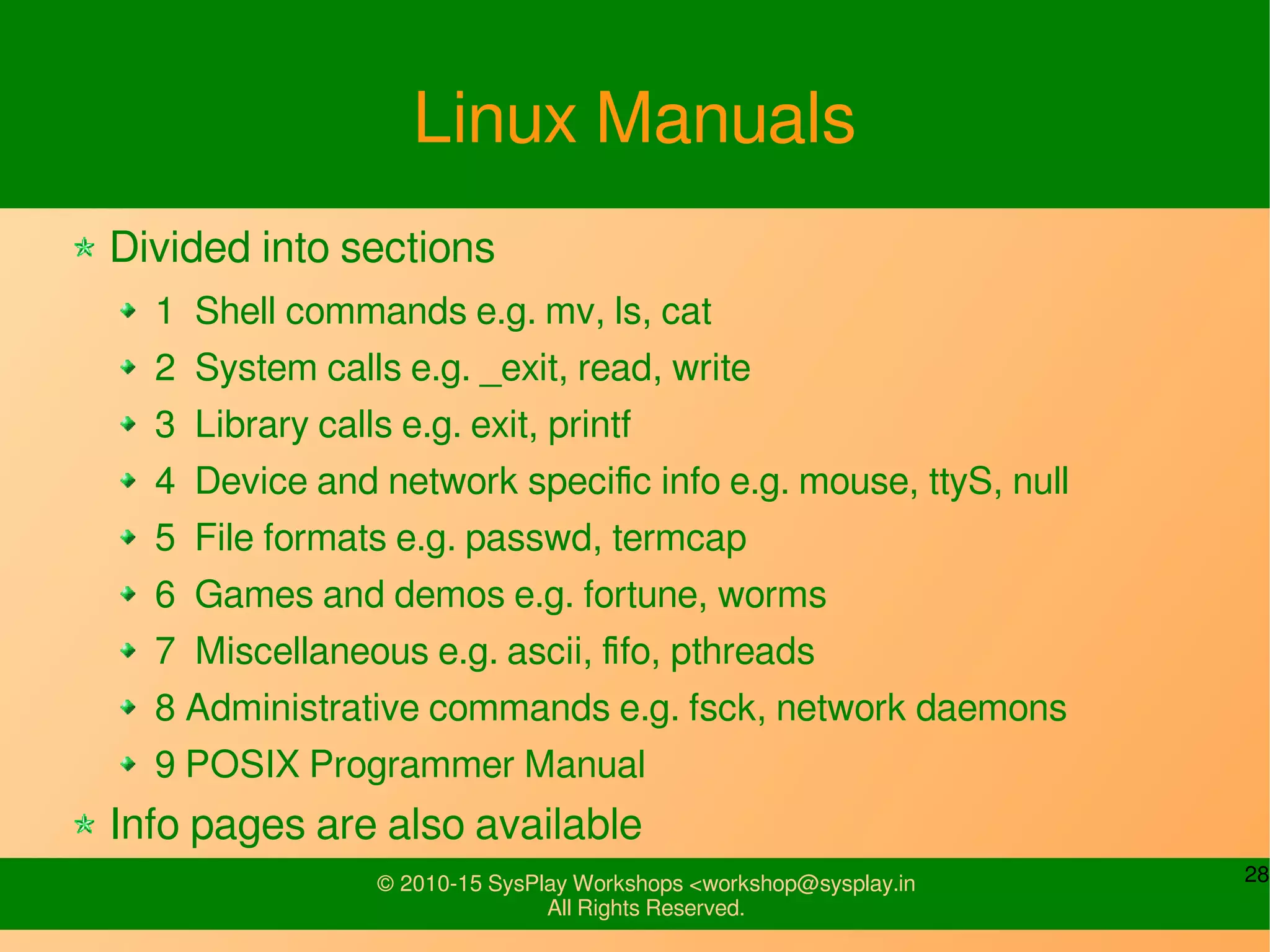
Linux Manuals
Divided into sections
1 Shell commands e.g. mv, ls, cat
2 System calls e.g. _exit, read, write
3 Library calls e.g. exit, printf
4 Device and network specific info e.g. mouse, ttyS, null
5 File formats e.g. passwd, termcap
6 Games and demos e.g. fortune, worms
7 Miscellaneous e.g. ascii, fifo, pthreads
8 Administrative commands e.g. fsck, network daemons
9 POSIX Programmer Manual
Info pages are also available
29© 2010-15 SysPlay Workshops <workshop@sysplay.in
All Rights Reserved.
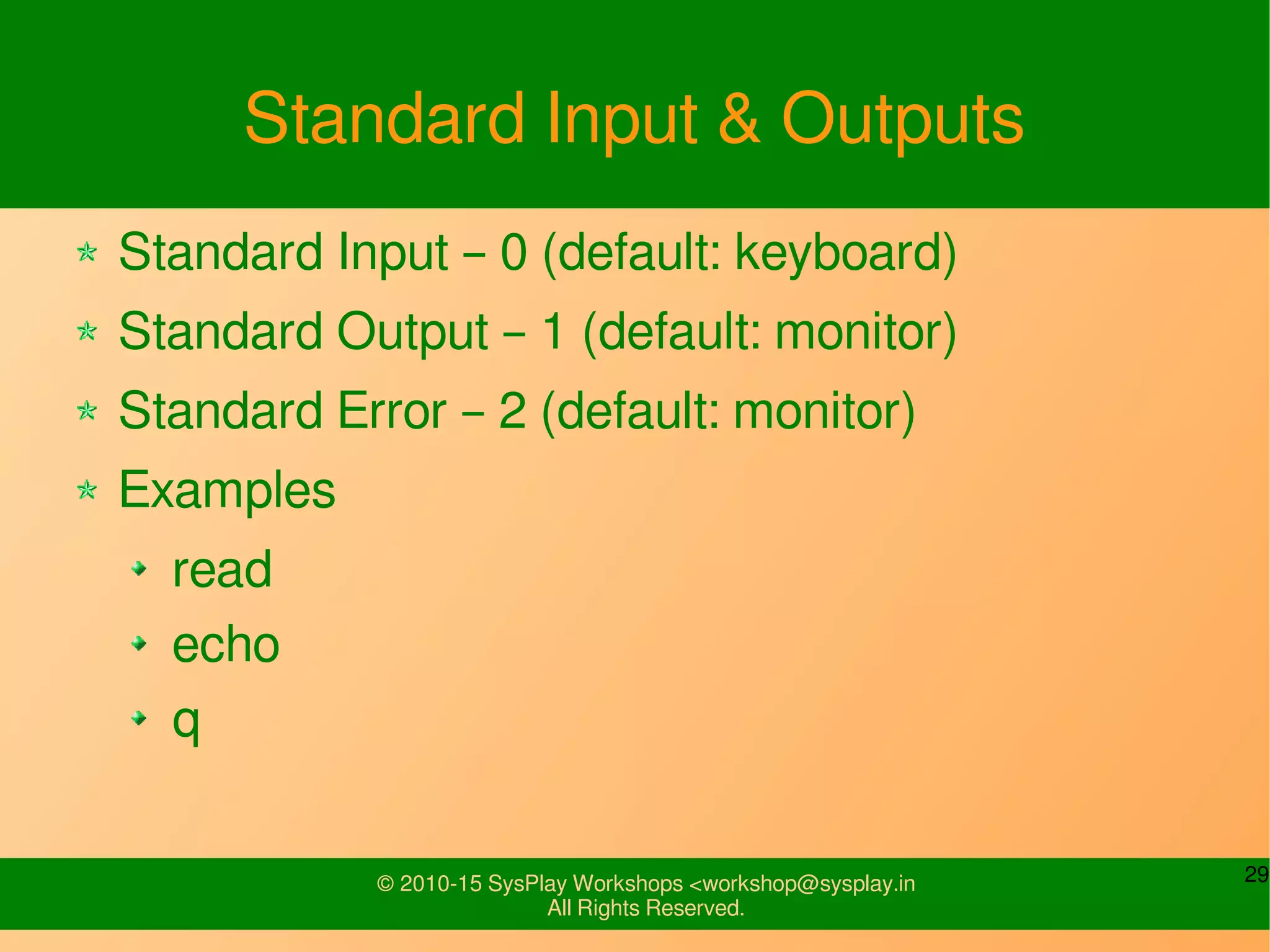
Standard Input & Outputs
Standard Input – 0 (default: keyboard)
Standard Output – 1 (default: monitor)
Standard Error – 2 (default: monitor)
Examples
read
echo
q
30© 2010-15 SysPlay Workshops <workshop@sysplay.in
All Rights Reserved.
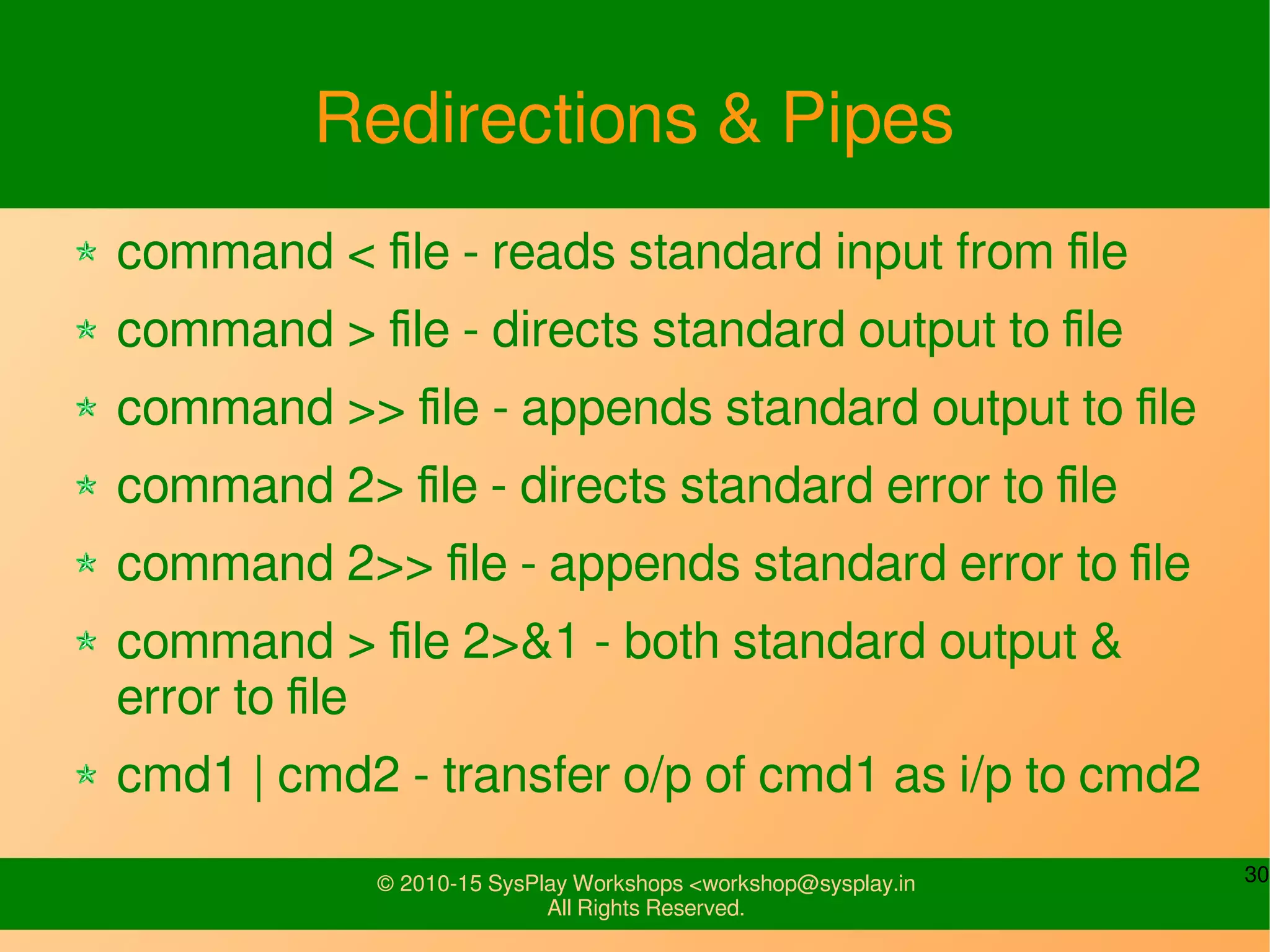
Redirections & Pipes
command < file - reads standard input from file
command > file - directs standard output to file
command >> file - appends standard output to file
command 2> file - directs standard error to file
command 2>> file - appends standard error to file
command > file 2>&1 - both standard output &
error to file
cmd1 | cmd2 - transfer o/p of cmd1 as i/p to cmd2
31© 2010-15 SysPlay Workshops <workshop@sysplay.in
All Rights Reserved.
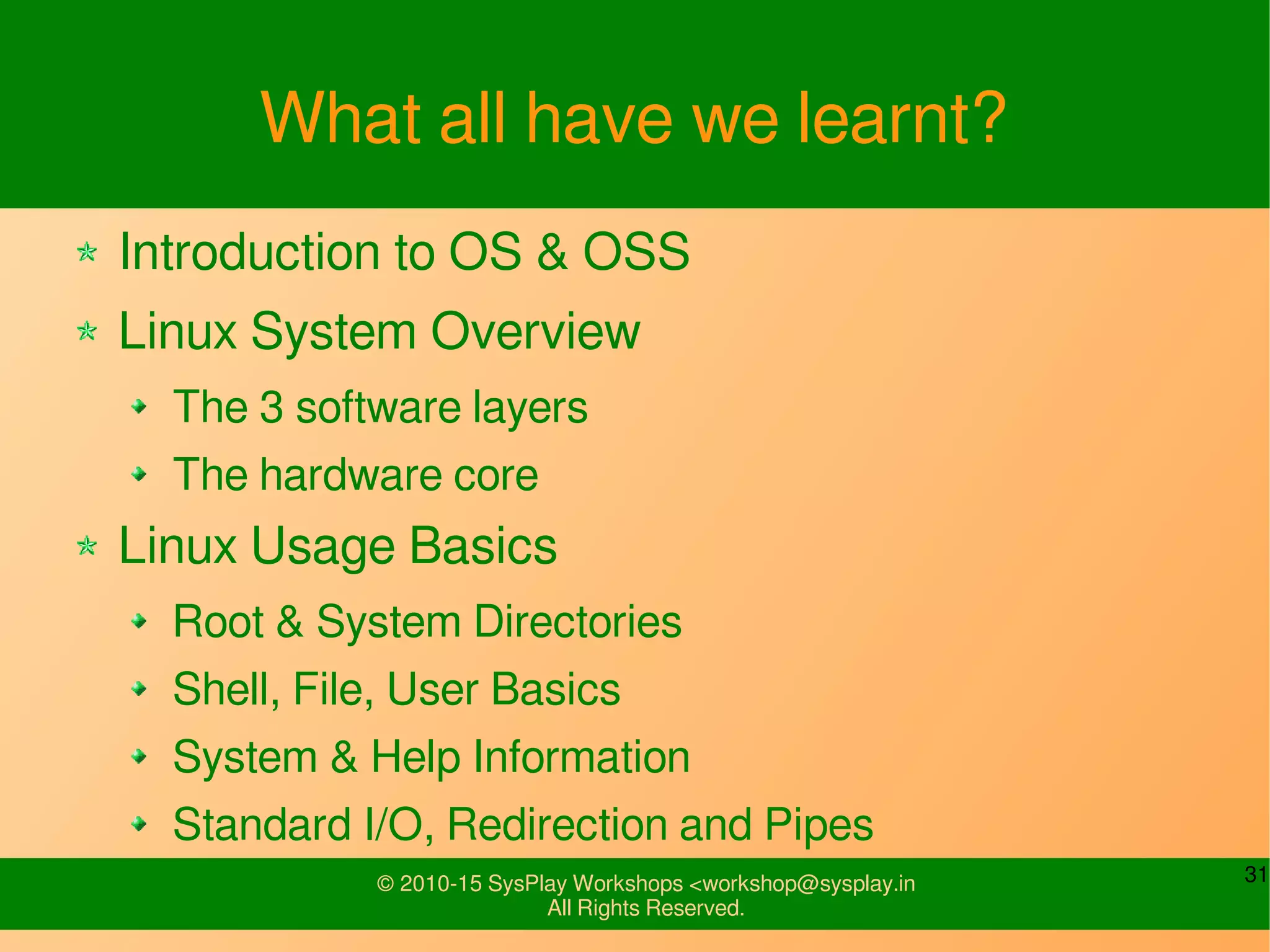
What all have we learnt?
Introduction to OS & OSS
Linux System Overview
The 3 software layers
The hardware core
Linux Usage Basics
Root & System Directories
Shell, File, User Basics
System & Help Information
Standard I/O, Redirection and Pipes
32© 2010-15 SysPlay Workshops <workshop@sysplay.in
All Rights Reserved.
Any Queries?

Introduction to Linux

  • 1.
    © 2010-15 SysPlayWorkshops <workshop@sysplay.in All Rights Reserved. Introduction to Linux
  • 2.
    2© 2010-15 SysPlayWorkshops <workshop@sysplay.in All Rights Reserved. What to Expect? Introduction to OS & OSS Linux System Overview Linux Usage Basics
  • 3.
    3© 2010-15 SysPlayWorkshops <workshop@sysplay.in All Rights Reserved. OS Fundamentals What is an OS? Infinitely Running Program Why do we need an OS? Processor/Time Management Memory Management Storage Management Network Management I/O management
  • 4.
    4© 2010-15 SysPlayWorkshops <workshop@sysplay.in All Rights Reserved. Open Source Software Fundamentals Originally Free Software Freedom to Run, Change and Redistribute Licenses – GNU GPL (Code) and GNU FDL (Doc) The Freedom provides openness Hence, also referred as Open Source Software Over time FS & OSS have differed But still largely same Latest Complete Definitions FS: http://www.gnu.org/philosophy/free-sw.html OSS: http://www.opensource.org/osd.html
  • 5.
    5© 2010-15 SysPlayWorkshops <workshop@sysplay.in All Rights Reserved. OSS: Industry Advantage Stable Software – Less Development Cycle Whole Community Support Time to Market And most of all, today OSS provides almost a complete set of software required for any kind of software development Applications, GUIs, Utilities, … - All GPL or LGPL stuff Languages – Whole set from the world :) C Compiler – gcc & friends Debuggers – gdb & friends Profilers, Tracers, ... and the list goes on
  • 6.
    6© 2010-15 SysPlayWorkshops <workshop@sysplay.in All Rights Reserved. And finally the most important one OS + OSS = Linux
  • 7.
    7© 2010-15 SysPlayWorkshops <workshop@sysplay.in All Rights Reserved. Why to choose OSS & Linux? Quality and Reliability of Code Availability of Code Extensive Hardware Support Communication Protocols and Software Standards Available Tools Community Support Licensing Vendor Independence Cost And, a wide range of Architecture Support
  • 8.
    8© 2010-15 SysPlayWorkshops <workshop@sysplay.in All Rights Reserved. Linux on Architectures x86 Started with this Mainly intended for PCs Power PC Intended for PC Have become popular in embedded Strong ARM Faster CPU – Higher Performance PDAs, Setup box etc. ARM Suits well for Embedded Include THUMB – reduce code bandwidth High density code than PPC, x86 Many More Alpha, H8, MIPS, Sparc, SuperH, ...
  • 9.
    9© 2010-15 SysPlayWorkshops <workshop@sysplay.in All Rights Reserved. Linux System Overview
  • 10.
    10© 2010-15 SysPlayWorkshops <workshop@sysplay.in All Rights Reserved. The Complete Software System Operating System “Kernel Space” OS Services Applications “User Space” Hardware
  • 11.
    11© 2010-15 SysPlayWorkshops <workshop@sysplay.in All Rights Reserved. Linux Kernel Subsystem The Process Scheduler (SCHED) The Memory Manager (MM) The Virtual File System (VFS) The Network Interface (NET) The Input/Output System (IO) Additionally, the Inter-Process Communication (IPC)
  • 12.
    12© 2010-15 SysPlayWorkshops <workshop@sysplay.in All Rights Reserved. Linux OS Services System Call Interface X Window System
  • 13.
    13© 2010-15 SysPlayWorkshops <workshop@sysplay.in All Rights Reserved. Linux Applications Shell Terminal / Console Window Manager Editor Compiler ...
  • 14.
    14© 2010-15 SysPlayWorkshops <workshop@sysplay.in All Rights Reserved. Linux Usage Basics
  • 15.
    15© 2010-15 SysPlayWorkshops <workshop@sysplay.in All Rights Reserved. Topics Root & System Directories Shell Basics & the 'bash' Shell File Basics & related Commands User Basics & related Commands File Access Permissions System & Help Information Standard I/O, Redirection and Pipes
  • 16.
    16© 2010-15 SysPlayWorkshops <workshop@sysplay.in All Rights Reserved. / the Root of an inverted tree The top-most or super-parent directory The container of your computer Type: ls /
  • 17.
    17© 2010-15 SysPlayWorkshops <workshop@sysplay.in All Rights Reserved. System Directories /bin, /sbin - system binaries/applications /var - logs, mails /proc, /sys - “virtual” windows into the kernel /etc - configuration files /lib - shared system libraries /dev - device files /boot - Linux kernel and boot related binary files /opt - for third-party packages /root, /home - home directory for super user & other users /usr - user space related files and dirs (binaries, libraries, ...) /tmp - scratch pad /mnt - mount points
  • 18.
    18© 2010-15 SysPlayWorkshops <workshop@sysplay.in All Rights Reserved. Shell Basics What is a Shell? Various types of Shells Bourne Shell (sh) C Shell (csh) Korn Shell (ksh) Bourne Again Shell (bash) TENEX csh (tcsh) Z Shell (zsh) Busybox (busybox) – Embedded Systems
  • 19.
    19© 2010-15 SysPlayWorkshops <workshop@sysplay.in All Rights Reserved. Bourne Again SHell env - shell environment variables export [var_name] - export a shell variable HOME - path to user’s home directory PATH - executable search path PWD - present user directory PS1 - command prompt which - shows executable path history - command recall
  • 20.
    20© 2010-15 SysPlayWorkshops <workshop@sysplay.in All Rights Reserved. Bourne Again SHell ... alias - create shortcuts to commands file - shows the information about a file type - shows information about a command Scripts /etc/profile - System wide startup script ~/.bash_profile – User specific startup script ~/.bashrc – Shell specific startup script ~/.bash_logout – User specific shutdown script
  • 21.
    21© 2010-15 SysPlayWorkshops <workshop@sysplay.in All Rights Reserved. File Basics Every thing is viewed as a file in Linux A file under the / Seven Types Regular (-) Directory (d) Character Device (c) Block Device (b) Named Pipe (p) Socket (s) Symbolic Link (l)
  • 22.
    22© 2010-15 SysPlayWorkshops <workshop@sysplay.in All Rights Reserved. File related Shell Commands ls - list directory/file contents cd - change directory pwd - print working directory df - disk free du - disk usage cp - copy mv - move, rename rm – remove mkdir - make directory rmdir - remove directory cat, less, head, tail - used to view text files vi, vim - editors touch - create and update files grep - search in files find, locate - search for files gzip, gunzip, bzip2, bunzip2, xz, unxz - compression tar - archive sed, awk - file manipulation
  • 23.
    23© 2010-15 SysPlayWorkshops <workshop@sysplay.in All Rights Reserved. User Basics All Accesses into a Linux System are through a User with a Password Super User – root Normal Users - <user_name> Files: /etc/passwd, /etc/shadow Users can be categorized into groups root, bin, sys, adm, … File: /etc/group
  • 24.
    24© 2010-15 SysPlayWorkshops <workshop@sysplay.in All Rights Reserved. User related Shell Commands useradd - create user userdel - delete user usermod - modify user su - <username> - start new shell as different user finger - user information lookup passwd - change or create user password who, w, user - to find out who is logged in
  • 25.
    25© 2010-15 SysPlayWorkshops <workshop@sysplay.in All Rights Reserved. User & File Access All Files have User specific ownerships & access permissions Type: ls -l –rw–r––r–– Symbol Name Number Position r read 4 r-- w write 2 -w- x execute 1 --x type user group other user (anil) group (anil)
  • 26.
    26© 2010-15 SysPlayWorkshops <workshop@sysplay.in All Rights Reserved. Related Shell Commands chmod – Change file permissions chown – Change file owner chgrp – Change file group
  • 27.
    27© 2010-15 SysPlayWorkshops <workshop@sysplay.in All Rights Reserved. Few “Help”ful Shell Commands uname - print system information man <topic> - manual pages info <topic> - information pages
  • 28.
    28© 2010-15 SysPlayWorkshops <workshop@sysplay.in All Rights Reserved. Linux Manuals Divided into sections 1 Shell commands e.g. mv, ls, cat 2 System calls e.g. _exit, read, write 3 Library calls e.g. exit, printf 4 Device and network specific info e.g. mouse, ttyS, null 5 File formats e.g. passwd, termcap 6 Games and demos e.g. fortune, worms 7 Miscellaneous e.g. ascii, fifo, pthreads 8 Administrative commands e.g. fsck, network daemons 9 POSIX Programmer Manual Info pages are also available
  • 29.
    29© 2010-15 SysPlayWorkshops <workshop@sysplay.in All Rights Reserved. Standard Input & Outputs Standard Input – 0 (default: keyboard) Standard Output – 1 (default: monitor) Standard Error – 2 (default: monitor) Examples read echo q
  • 30.
    30© 2010-15 SysPlayWorkshops <workshop@sysplay.in All Rights Reserved. Redirections & Pipes command < file - reads standard input from file command > file - directs standard output to file command >> file - appends standard output to file command 2> file - directs standard error to file command 2>> file - appends standard error to file command > file 2>&1 - both standard output & error to file cmd1 | cmd2 - transfer o/p of cmd1 as i/p to cmd2
  • 31.
    31© 2010-15 SysPlayWorkshops <workshop@sysplay.in All Rights Reserved. What all have we learnt? Introduction to OS & OSS Linux System Overview The 3 software layers The hardware core Linux Usage Basics Root & System Directories Shell, File, User Basics System & Help Information Standard I/O, Redirection and Pipes
  • 32.
    32© 2010-15 SysPlayWorkshops <workshop@sysplay.in All Rights Reserved. Any Queries?