Downloaded 36 times
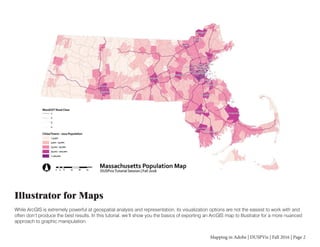
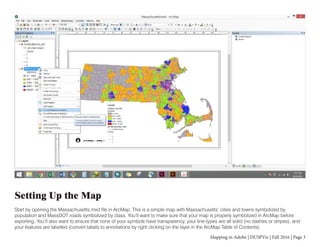
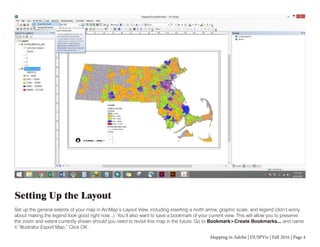
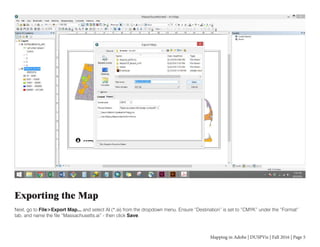
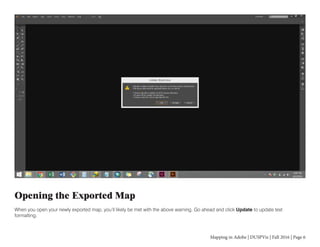
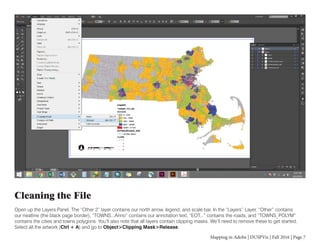
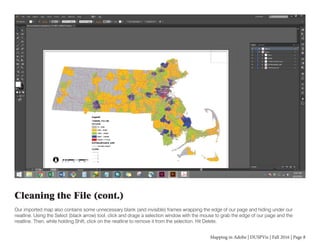
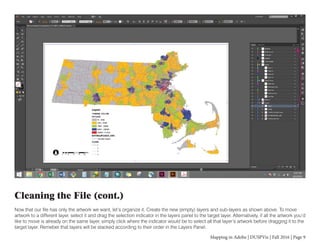
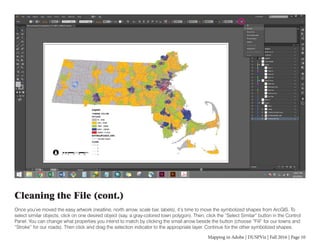
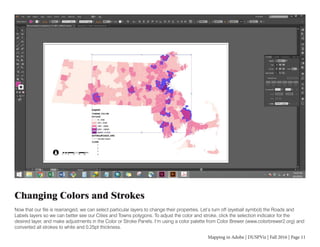
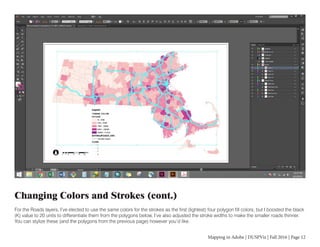
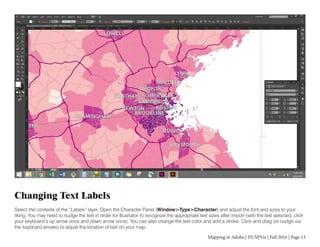
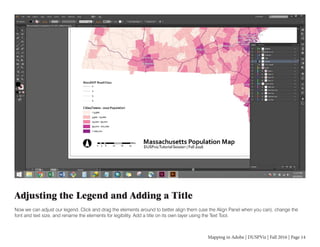
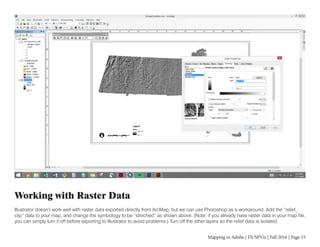
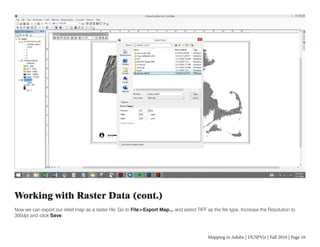
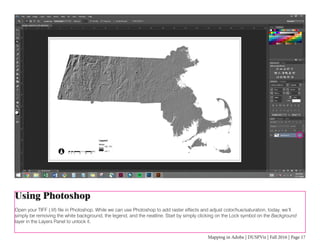
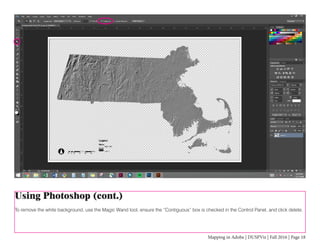
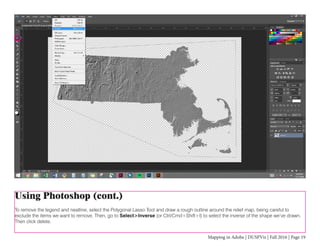
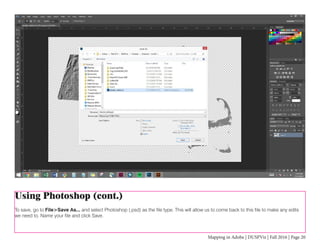
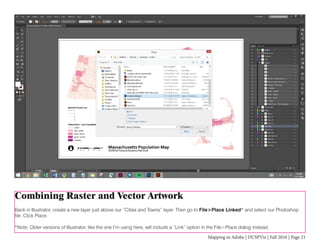
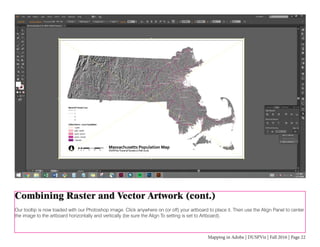
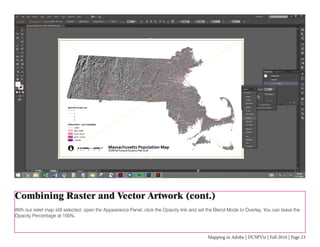
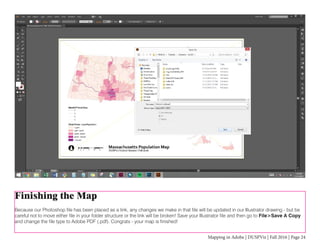

The document provides instructions for exporting a map created in ArcGIS to Adobe Illustrator to allow for more advanced graphic manipulation. It describes setting up the map in ArcGIS, exporting it to Illustrator, cleaning up the file by removing clipping masks and unnecessary layers, reorganizing the data into logical layers, and stylizing colors, strokes and text. It also provides steps for incorporating raster data by exporting it to a TIFF from ArcGIS, editing it in Photoshop, and placing it in Illustrator to combine with the vector map data.


![Ill Cs Cib 01[1]](https://cdn.slidesharecdn.com/ss_thumbnails/illcscib011-100107075433-phpapp01-thumbnail.jpg?width=640&height=640&fit=bounds)


