Trail of Two Maps
Mark Goetz, GISP
Mark Hoover, GISP
Agenda
• Overview of trail
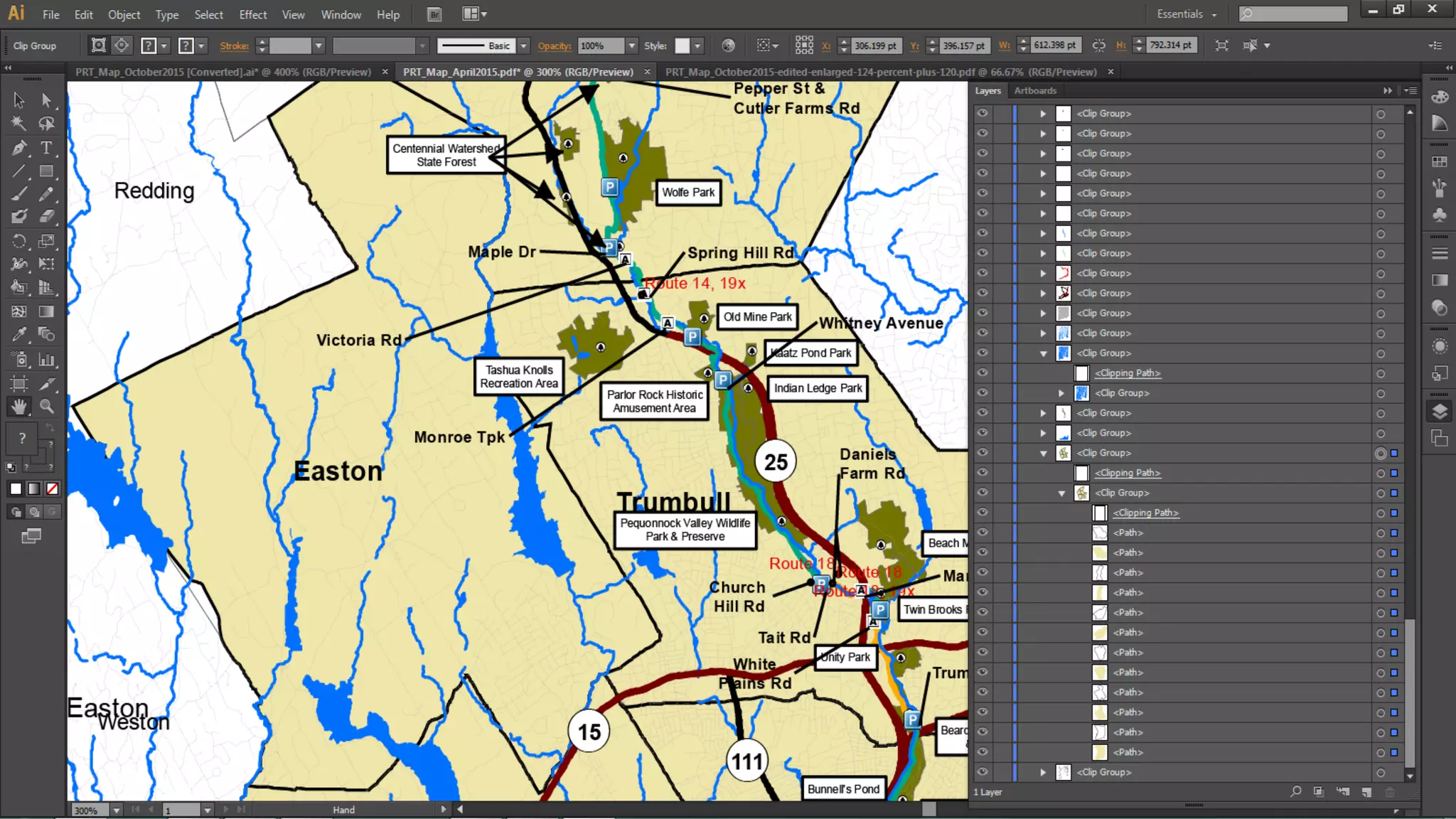
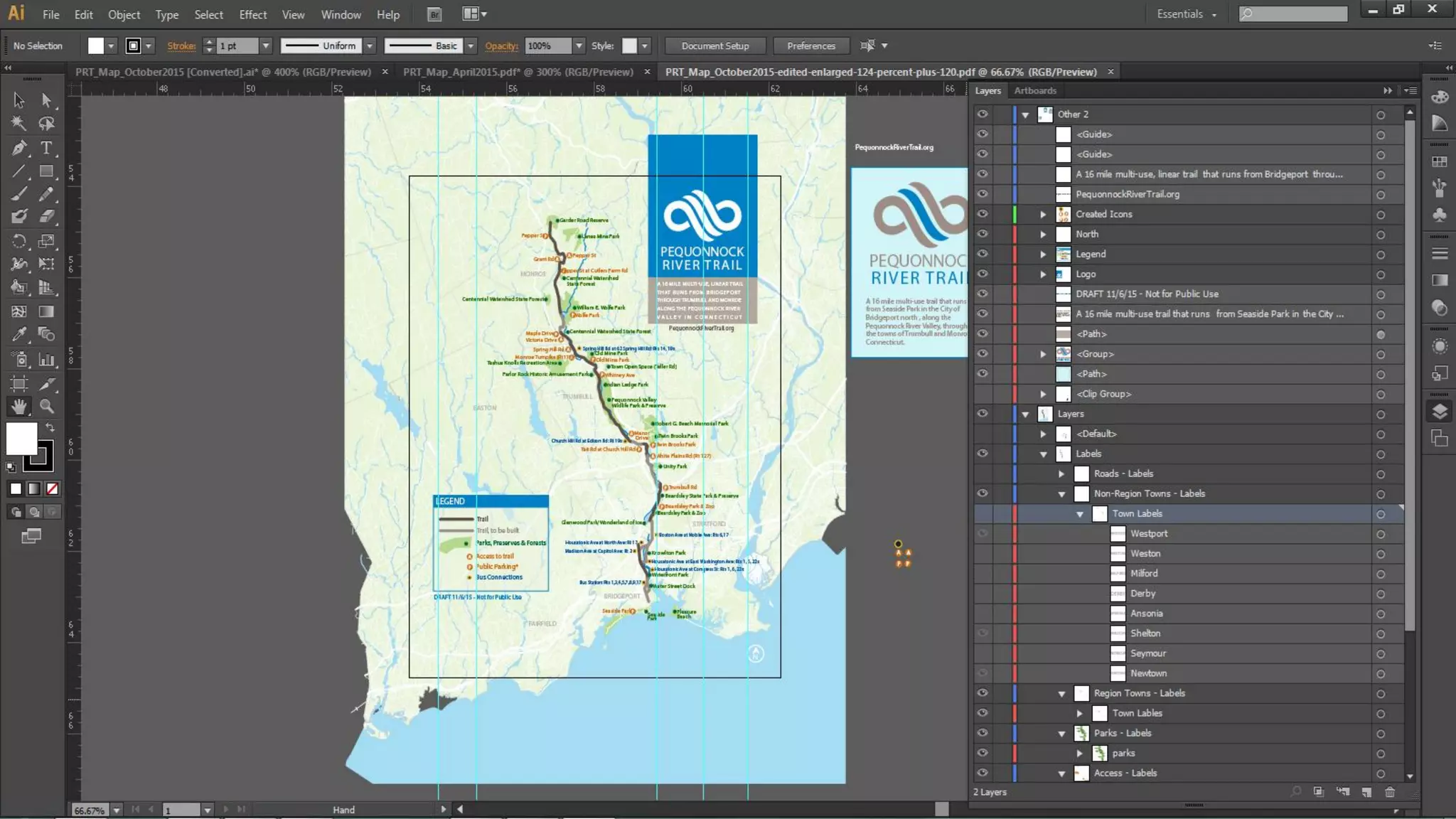
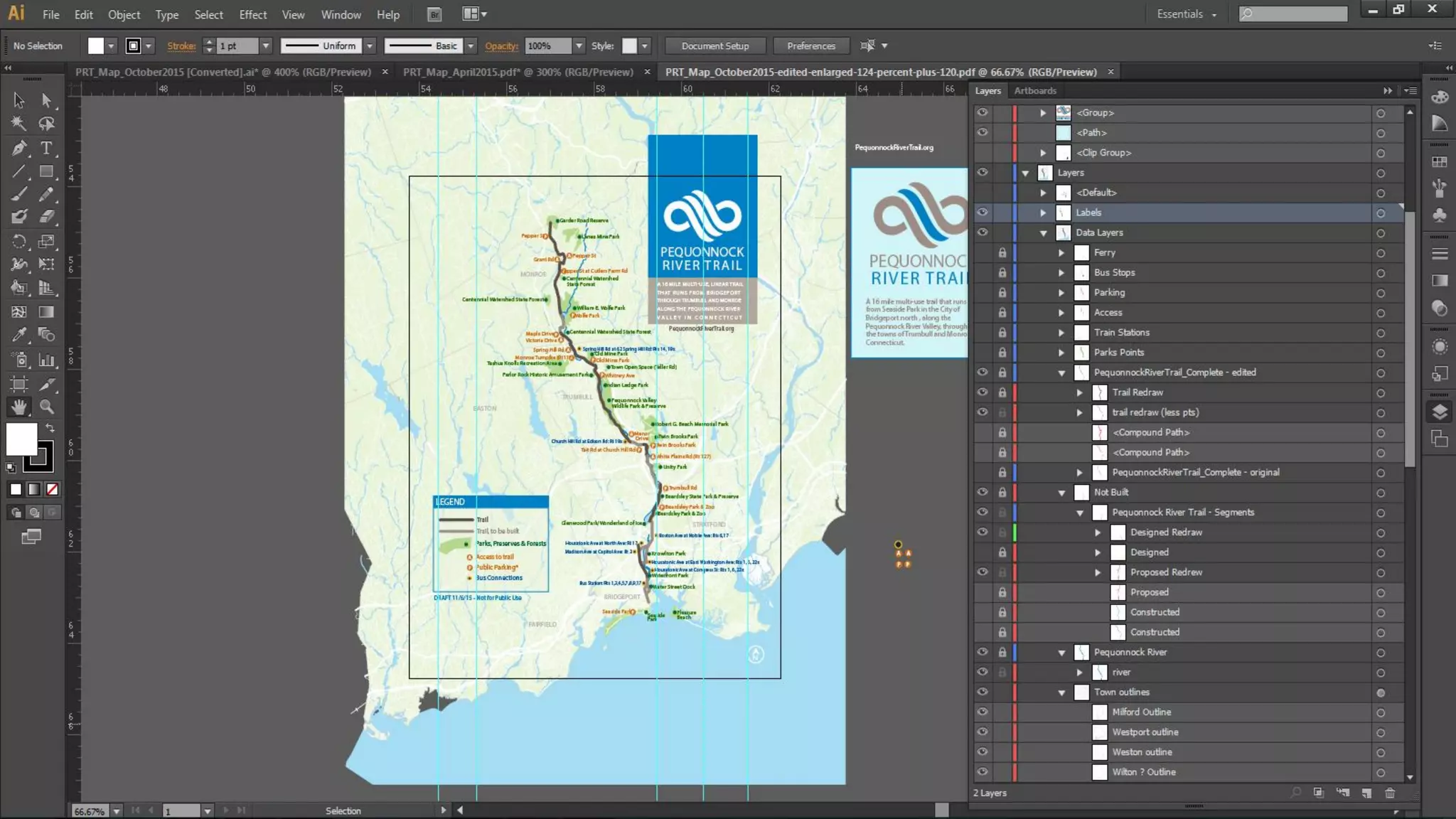
• Tips and Tricks for enhancing “paper map” in Adobe Illustrator
• Creating Shortlist Story Map
Pequonnock River Trail
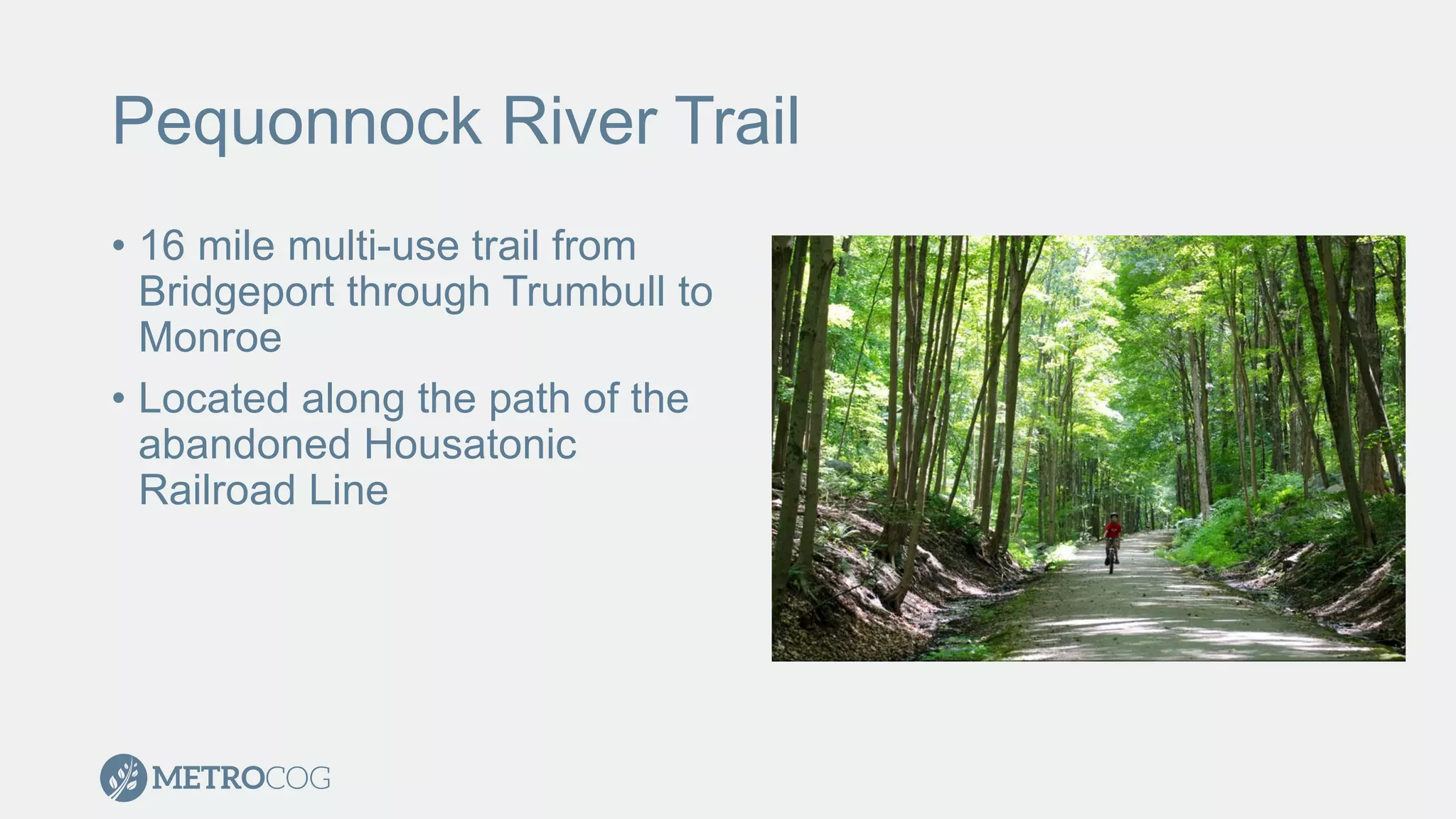
• 16 mile multi-use trail from
Bridgeport through Trumbull to
Monroe
• Located along the path of the
abandoned Housatonic
Railroad Line
Mapping the Trail
• MetroCOG provides GIS support for 6 member municipalities
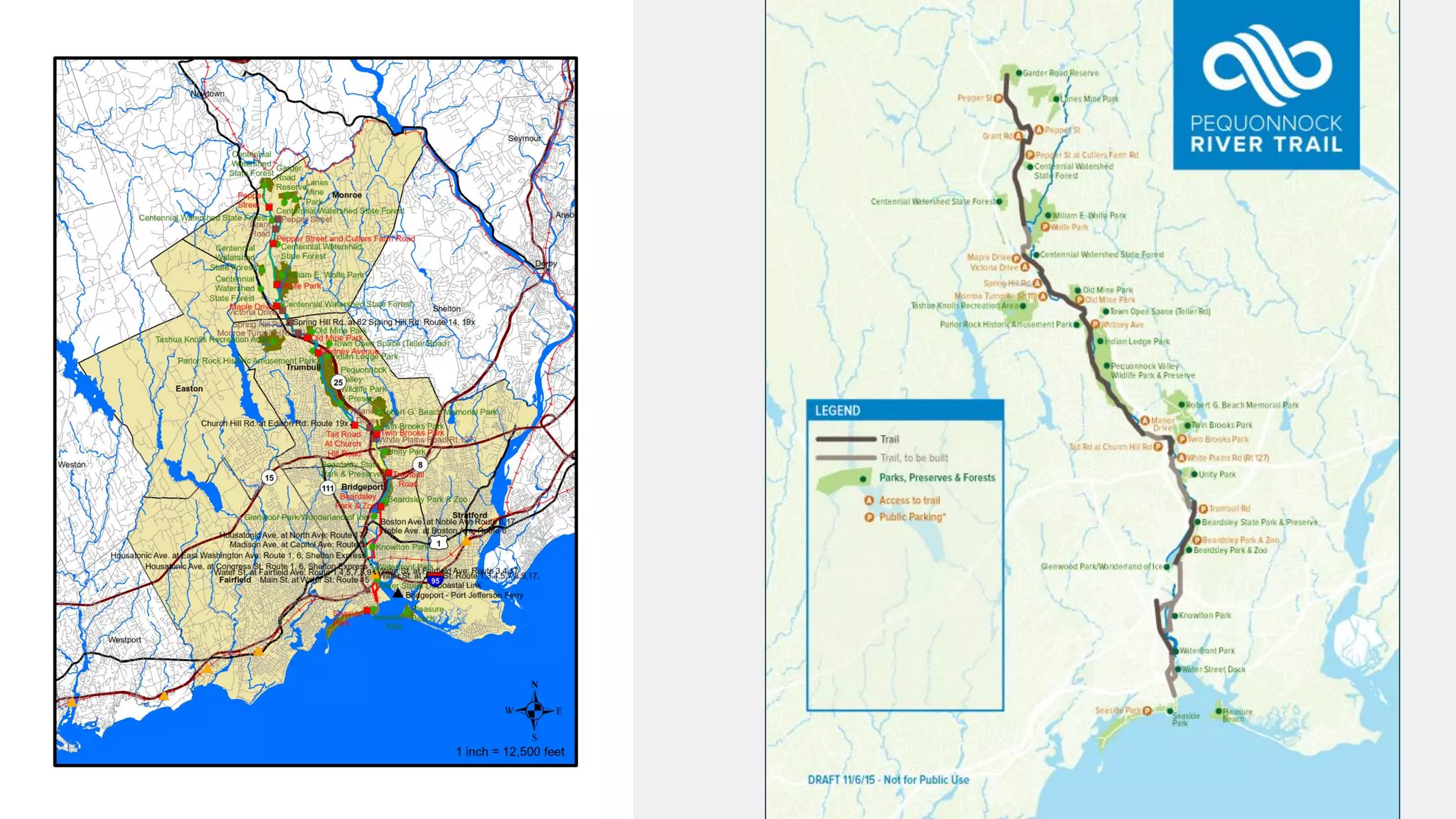
• Two mapping products
• Static “paper map”
• Use on website
• Handouts
• Story Map
• Interactive
• More Information
Static Map
• 8.5in x 11in
• Informative but readable
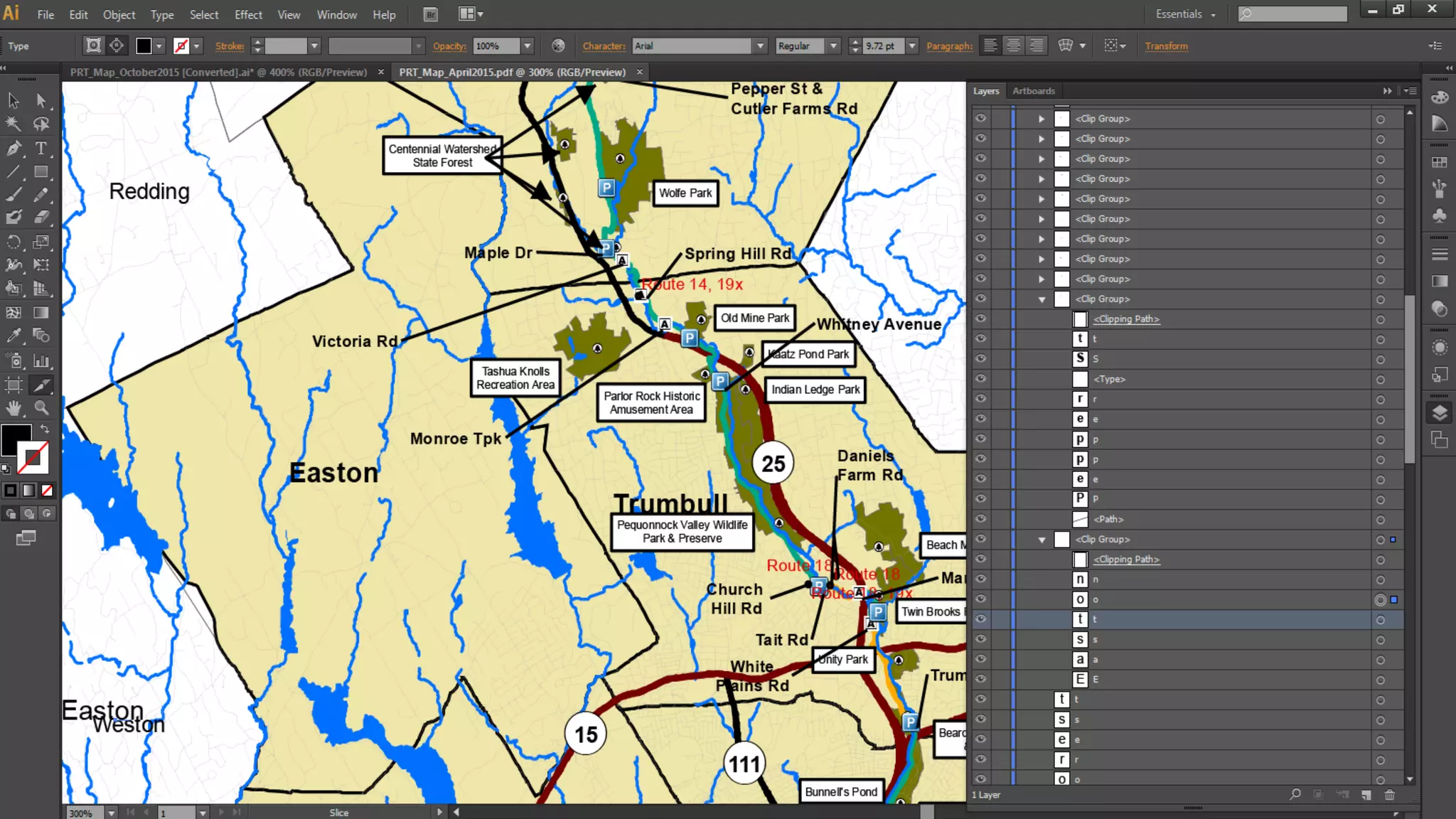
• Engaged graphic designer to enhance map with Adobe
Illustrator
Tips and Tricks for Adobe Illustrator
• Through trial and error we found several methods to create an
easier product for use in Adobe Illustrator
• Found several helpful websites
• http://www.bgcarto.com/importing-an-arcmap-export-in-illustrator/
• http://www.bgcarto.com/some-tips-on-map-layout-exporting-a-map-to-
illustrator/
• http://www.wwu.edu/huxley/spatial/tut/cart/argis_2_illustrator.htm
Tips and Tricks for Adobe Illustrator
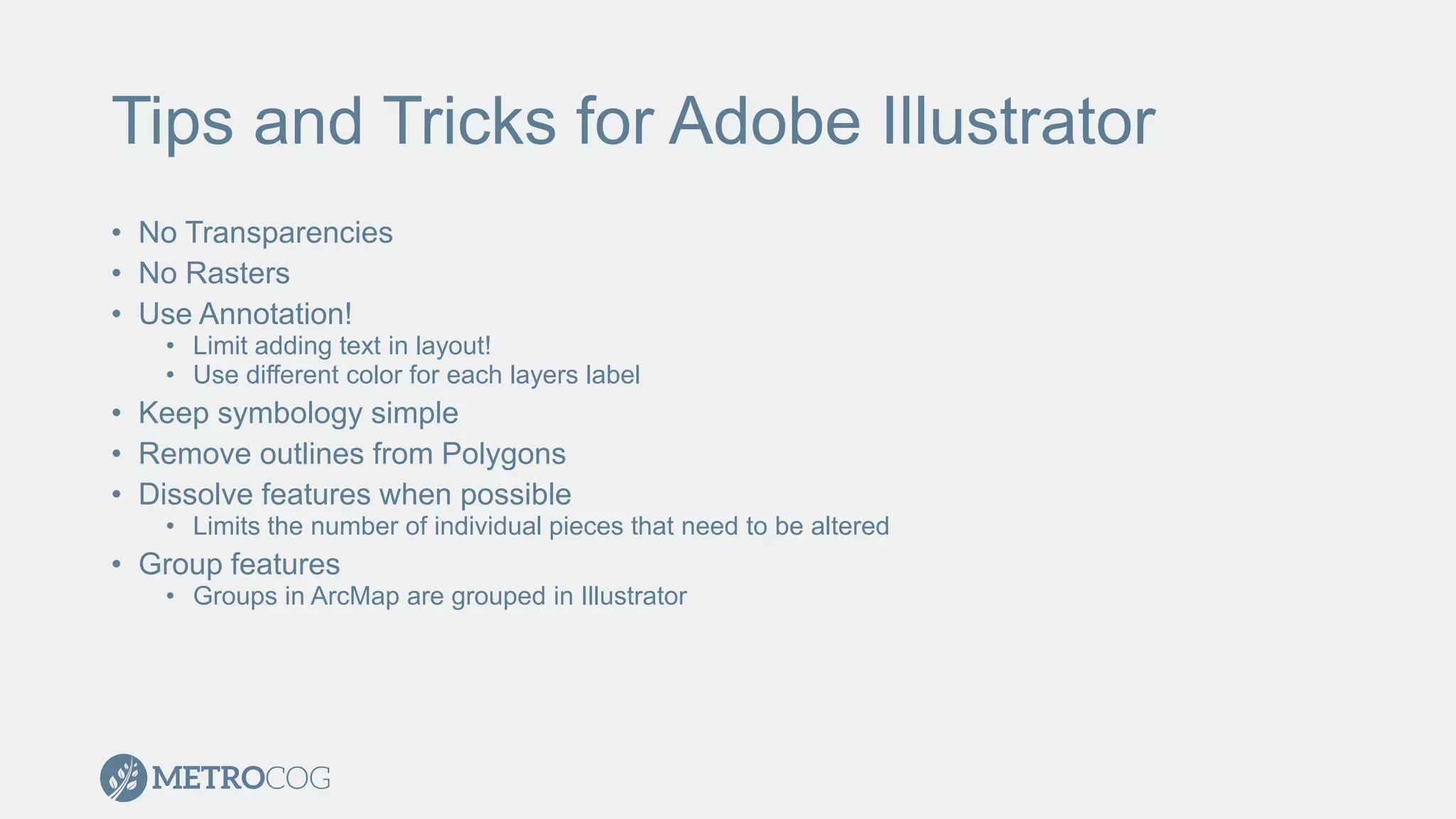
• No Transparencies
• No Rasters
• Use Annotation!
• Limit adding text in layout!
• Use different color for each layers label
• Keep symbology simple
• Remove outlines from Polygons
• Dissolve features when possible
• Limits the number of individual pieces that need to be altered
• Group features
• Groups in ArcMap are grouped in Illustrator
Shortlist Story Map
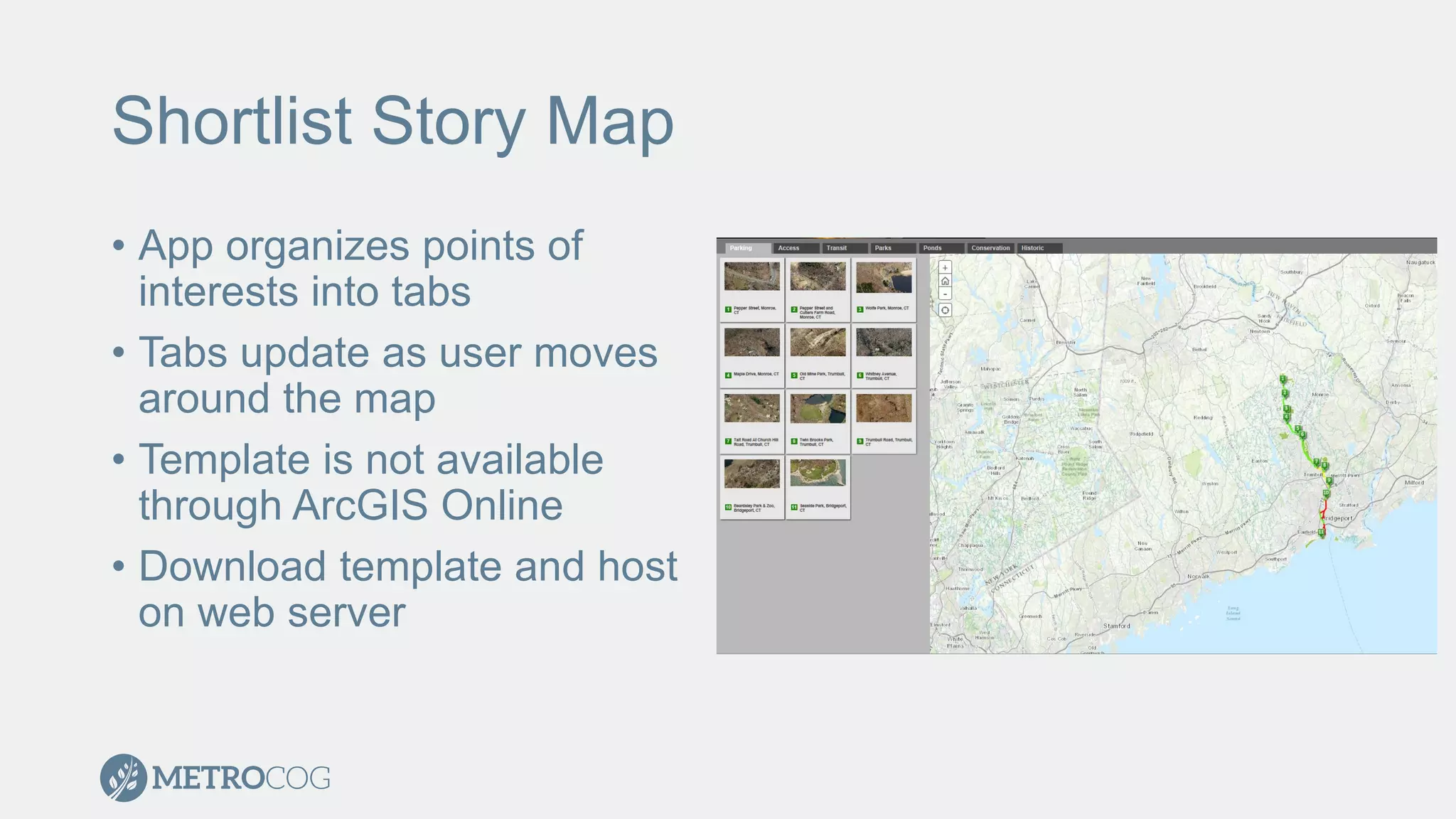
• App organizes points of
interests into tabs
• Tabs update as user moves
around the map
• Template is not available
through ArcGIS Online
• Download template and host
on web server
Shortlist Story Map
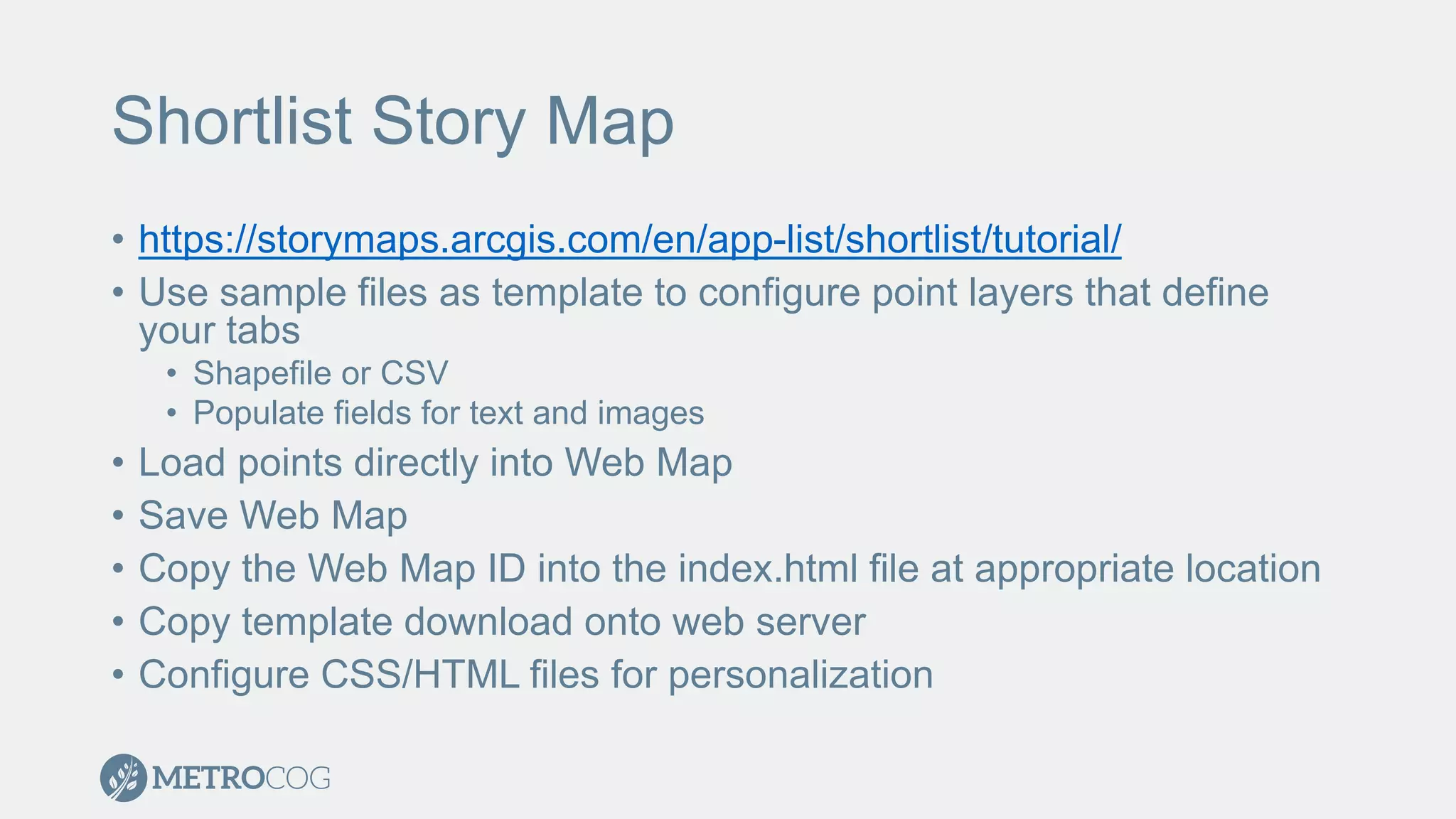
• https://storymaps.arcgis.com/en/app-list/shortlist/tutorial/
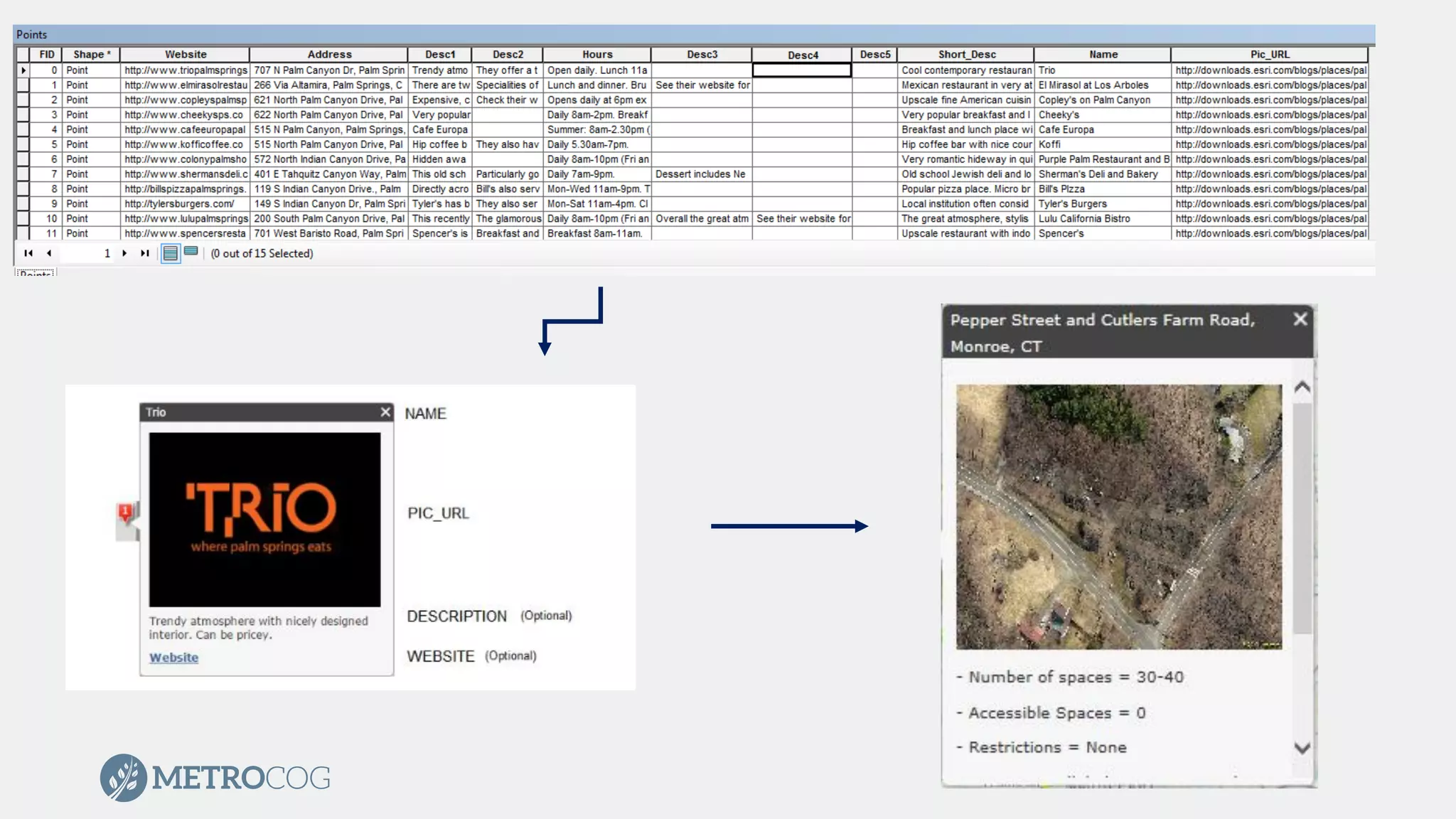
• Use sample files as template to configure point layers that define
your tabs
• Shapefile or CSV
• Populate fields for text and images
• Load points directly into Web Map
• Save Web Map
• Copy the Web Map ID into the index.html file at appropriate location
• Copy template download onto web server
• Configure CSS/HTML files for personalization
Shortlist Story Map
• Cannot support
• Rasters
• Services
• Feature Classes
• Can load rasters
as basemap
DEMO
Thank You!
Mark Goetz
GIS Director
MetroCOG
mgoetz@ctmetro.org
Mark Hoover
GIS Technician
MetroCOG
mhoover@ctmetro.org

Trail of Two Maps

  • 1.
    Trail of TwoMaps Mark Goetz, GISP Mark Hoover, GISP
  • 2.
    Agenda • Overview oftrail • Tips and Tricks for enhancing “paper map” in Adobe Illustrator • Creating Shortlist Story Map
  • 3.
    Pequonnock River Trail •16 mile multi-use trail from Bridgeport through Trumbull to Monroe • Located along the path of the abandoned Housatonic Railroad Line
  • 4.
    Mapping the Trail •MetroCOG provides GIS support for 6 member municipalities • Two mapping products • Static “paper map” • Use on website • Handouts • Story Map • Interactive • More Information
  • 5.
    Static Map • 8.5inx 11in • Informative but readable • Engaged graphic designer to enhance map with Adobe Illustrator
  • 6.
    Tips and Tricksfor Adobe Illustrator • Through trial and error we found several methods to create an easier product for use in Adobe Illustrator • Found several helpful websites • http://www.bgcarto.com/importing-an-arcmap-export-in-illustrator/ • http://www.bgcarto.com/some-tips-on-map-layout-exporting-a-map-to- illustrator/ • http://www.wwu.edu/huxley/spatial/tut/cart/argis_2_illustrator.htm
  • 7.
    Tips and Tricksfor Adobe Illustrator • No Transparencies • No Rasters • Use Annotation! • Limit adding text in layout! • Use different color for each layers label • Keep symbology simple • Remove outlines from Polygons • Dissolve features when possible • Limits the number of individual pieces that need to be altered • Group features • Groups in ArcMap are grouped in Illustrator
  • 13.
    Shortlist Story Map •App organizes points of interests into tabs • Tabs update as user moves around the map • Template is not available through ArcGIS Online • Download template and host on web server
  • 14.
    Shortlist Story Map •https://storymaps.arcgis.com/en/app-list/shortlist/tutorial/ • Use sample files as template to configure point layers that define your tabs • Shapefile or CSV • Populate fields for text and images • Load points directly into Web Map • Save Web Map • Copy the Web Map ID into the index.html file at appropriate location • Copy template download onto web server • Configure CSS/HTML files for personalization
  • 16.
    Shortlist Story Map •Cannot support • Rasters • Services • Feature Classes • Can load rasters as basemap
  • 17.
  • 18.
    Thank You! Mark Goetz GISDirector MetroCOG mgoetz@ctmetro.org Mark Hoover GIS Technician MetroCOG mhoover@ctmetro.org