The WIMP interface, which stands for Windows, Icons, Menus, and Pointers, simplifies user interaction with software applications through a visual interface. Invented at Xerox PARC and popularized by Apple, WIMP interfaces are user-friendly, reducing the learning curve for non-technical users, although they can require more processing power and resources. Various types of WIMP interfaces include Single Document, Multiple Document, and Tabbed Document, each designed to enhance user experience and productivity.
WIMP stands for Windows, Icons, Menus, Pointers. It simplifies user interaction, initially developed at Xerox PARC and popularized by Apple and Microsoft.
Describes Single Document Interface (SDI), Multiple Document Interface (MDI), and Tabbed Document Interface (TDI) with examples like Notepad and Adobe Photoshop.
Icons represent files and commands. Good icon design should be concrete, visually distinct, and simple.
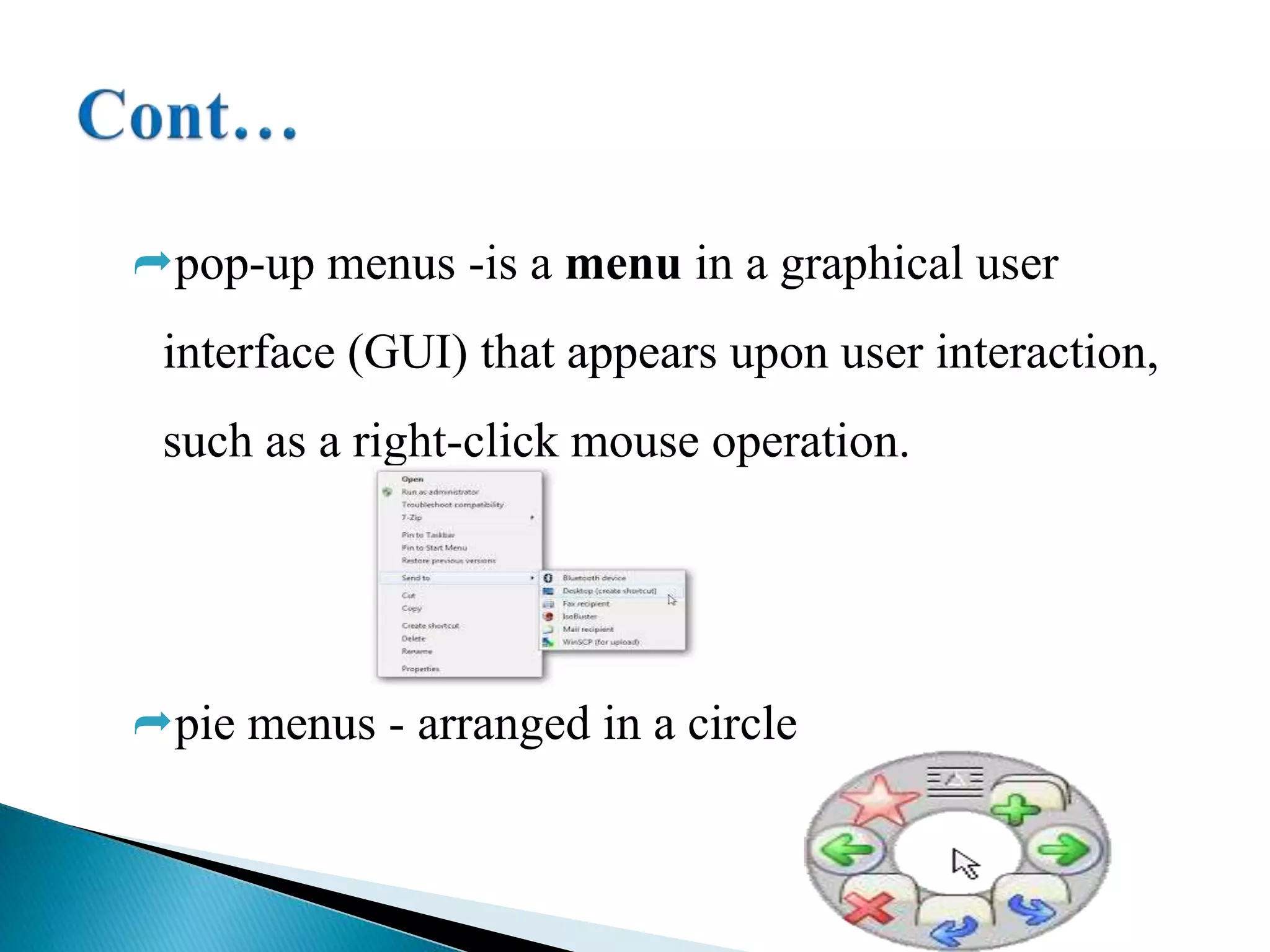
Explains types of menus: pull-down, drop-down, pop-up, and pie menus, which help users navigate options.
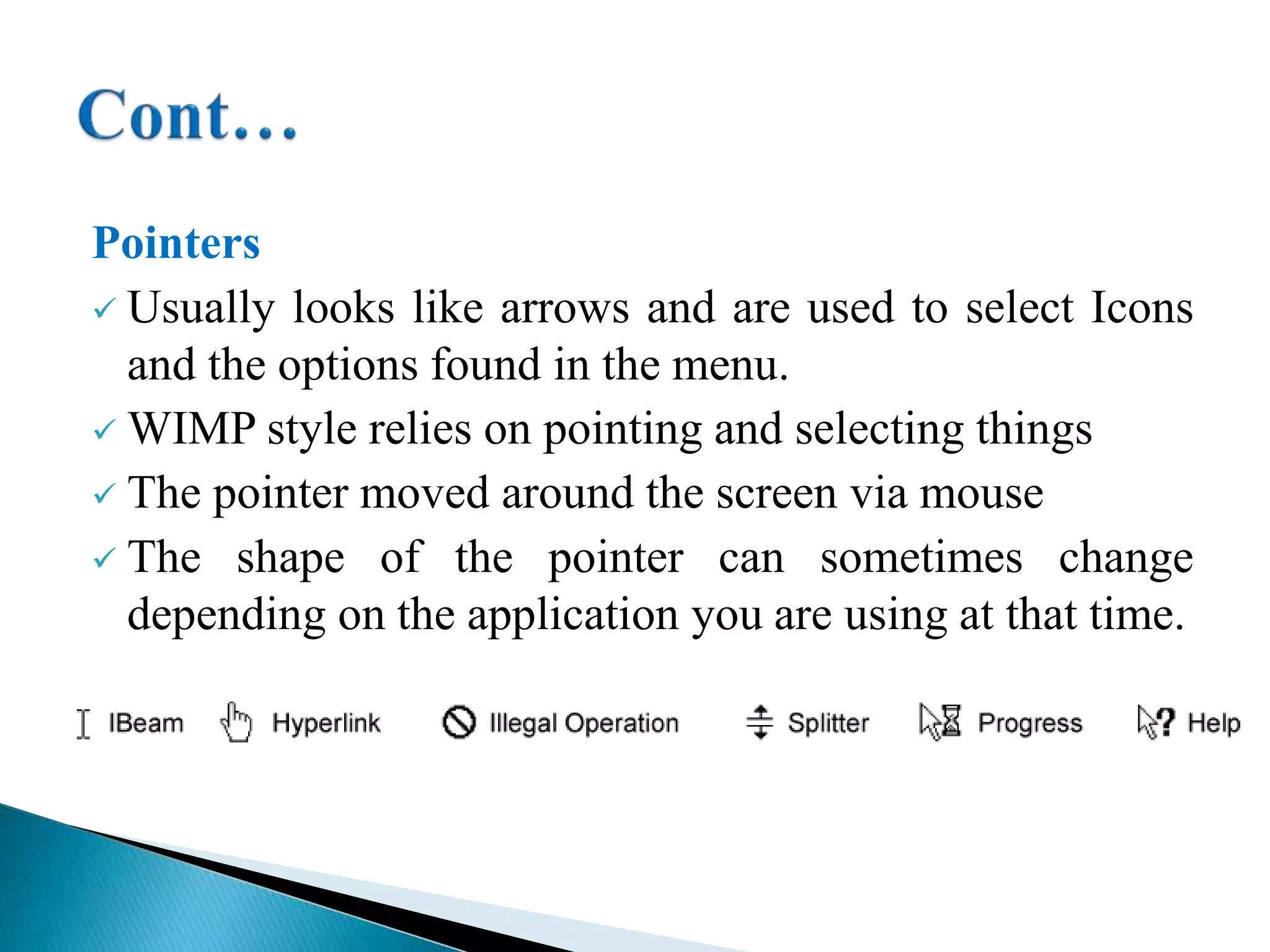
Pointers, typically arrow-shaped, are essential for selecting icons and menu options in a GUI context.
WIMP interfaces are user-friendly, easy to learn, promote efficiency, and utilize WYSIWYG features.
WIMP requires more processing power, is slower for programmers, struggles with simultaneous inputs, and consumes more RAM.
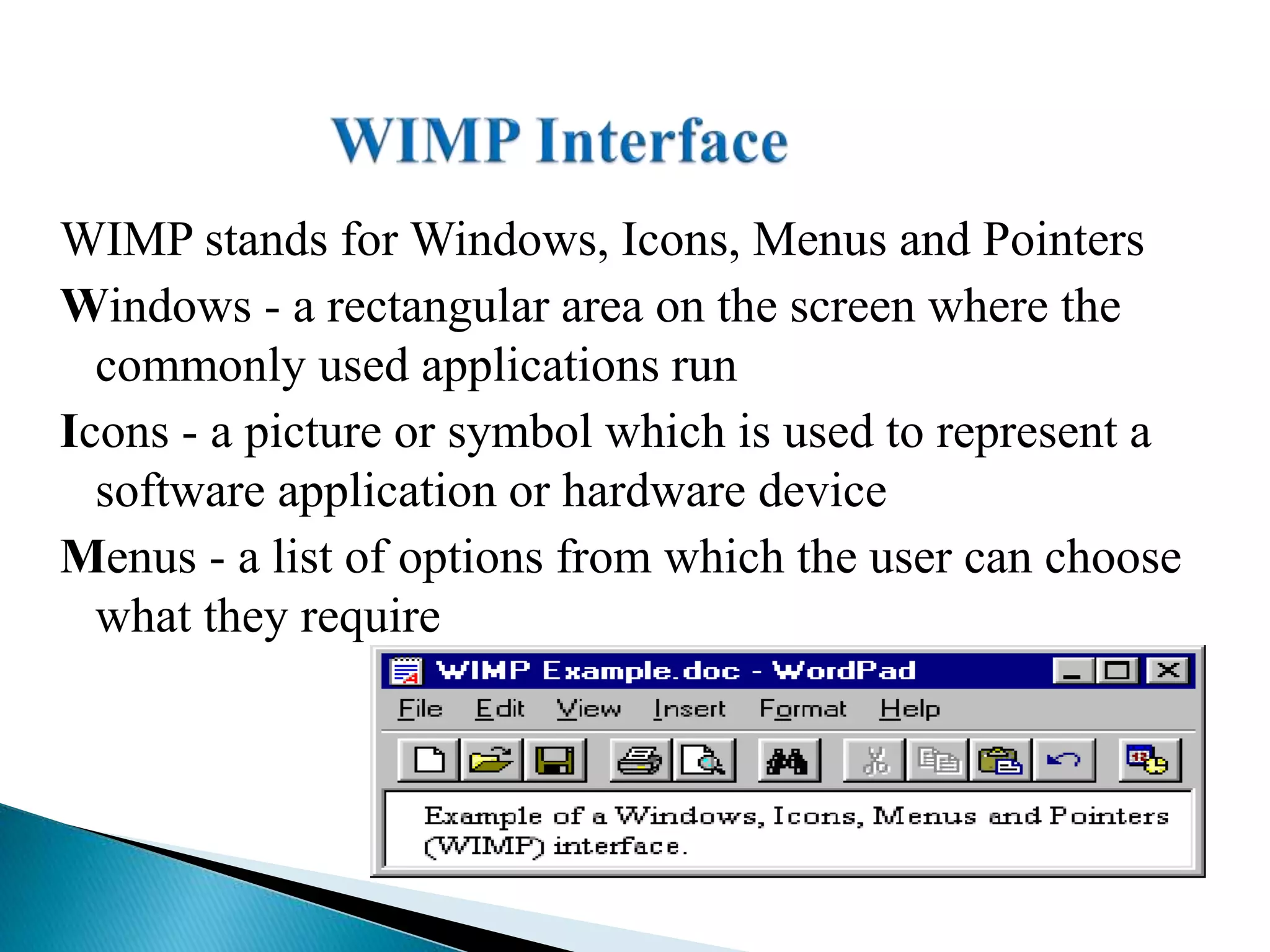
WIMP stands forWindows, Icons, Menus and Pointers
Windows - a rectangular area on the screen where the
commonly used applications run
Icons - a picture or symbol which is used to represent a
software application or hardware device
Menus - a list of options from which the user can choose
what they require
3.
Pointers - asymbol such as an arrow which moves
around the screen as you move your mouse.
WIMP interface was invented at Xerox PARC,
popularized by the Apple Macintosh and now available
in other varieties such as the Microsoft Windows OS.
WIMP interfaces reduce the learning curve and are easily
used by people who are not technical.
4.
Windows: Areas ofthe screen through which a particular
software or data file may be viewed.
Types of WIMP interfaces Windows
1. Single Document Interface (SDI)
They open new primary windows for each instance of an
application document
E.g. Notepad
5.
2. Multiple DocumentInterface (MDI)
Windows resides under a single parent Window
Multiple documents to be simultaneously visible
Eg.Visual Basic ,Adobe Photoshop
3. Tabbed Document Interface (TDI)
Window are arranged in a tab.
Eg.Firefox
6.
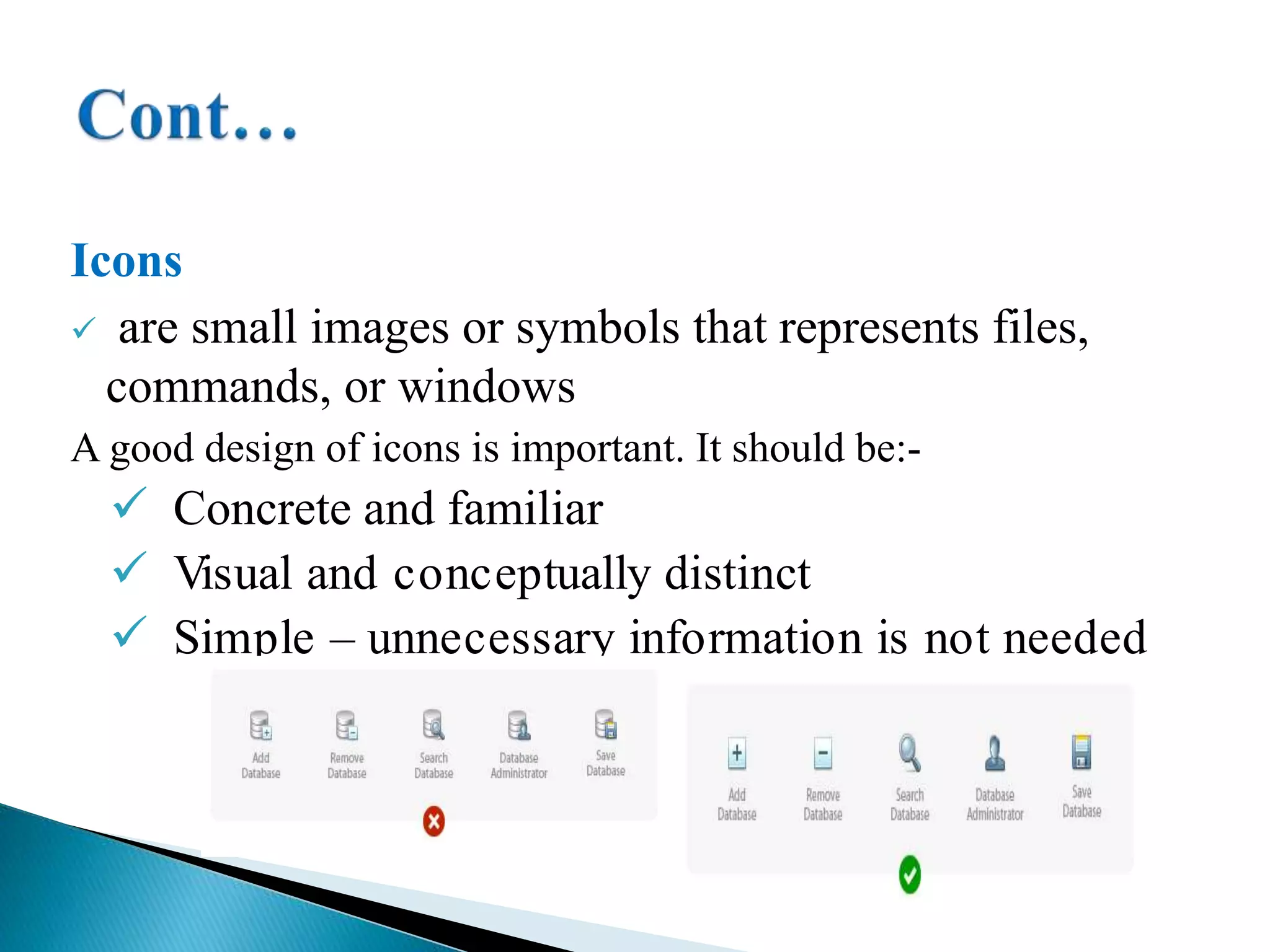
Icons
are smallimages or symbols that represents files,
commands, or windows
A good design of icons is important. It should be:-
Concrete and familiar
Visual and conceptually distinct
Simple – unnecessary information is not needed
7.
Menus
Allow userto make selection from the list
Some Kinds of Menus
pull-down menu -A menu that is pulled down from the menu bar
and that remains available as long as the user holds it open.
drop-down menu -A menu that drops from the menu bar when
requested and remains open without further action until the user
closes it or chooses a menu item.
8.
pop-up menus -isa menu in a graphical user
interface (GUI) that appears upon user interaction,
such as a right-click mouse operation.
pie menus - arranged in a circle
9.
Pointers
Usually lookslike arrows and are used to select Icons
and the options found in the menu.
WIMP style relies on pointing and selecting things
The pointer moved around the screen via mouse
The shape of the pointer can sometimes change
depending on the application you are using at that time.
10.
Easy touse, especially for a beginner
You do not have to learn complicated commands
You get the benefits of WYSIWYG
User friendly
Increased speed of learning.
Provide greater productivity and efficiency in a wide
variety of applications.
11.
They usemore processing power than other types of
interface
They can be slow for experienced programmers to use.
These people often find CLI interfaces faster to use
difficult to handle simultaneous input, even two mice
pure WIMP doesn’t use other senses: hearing, touch, ...
It takes more RAM and storage space on the disc.





![Number_Guessing_Game_Dsbsbssbzboc[1].pptx](https://cdn.slidesharecdn.com/ss_thumbnails/numberguessinggamedoc1-251206215042-a076fc05-thumbnail.jpg?width=640&height=640&fit=bounds)


