









Howto Improve
Your Website’s Accessibility
Without Going Crazy
Eric Eggert
ee@w3.org • yatil
W3C/Web Accessibility Initiative
– w3.org/accessibility
The Web is fundamentally designed to work for
all  people, whatever their hardware, software,
language, culture, location, or physical or mental
ability. When the Web meets this goal, it is
accessible to people with a diverse range of
hearing, movement, sight, and cognitive ability.
Accessibility:
Make sure that People with disabilities
can effectively interact with the Web
– Aaron Gustafson (Foreword in: Sarah Horton. “A Web for Everyone.”)
“On the web, every decision I make can have a
profound effect on hundreds of thousands (if not
millions) of people’s lives. I can make checking into
a flight a breeze, or I can make it a living hell.
That’s a lot of power. And to quote Stan Lee: ‘With
great power comes great responsibility.’”
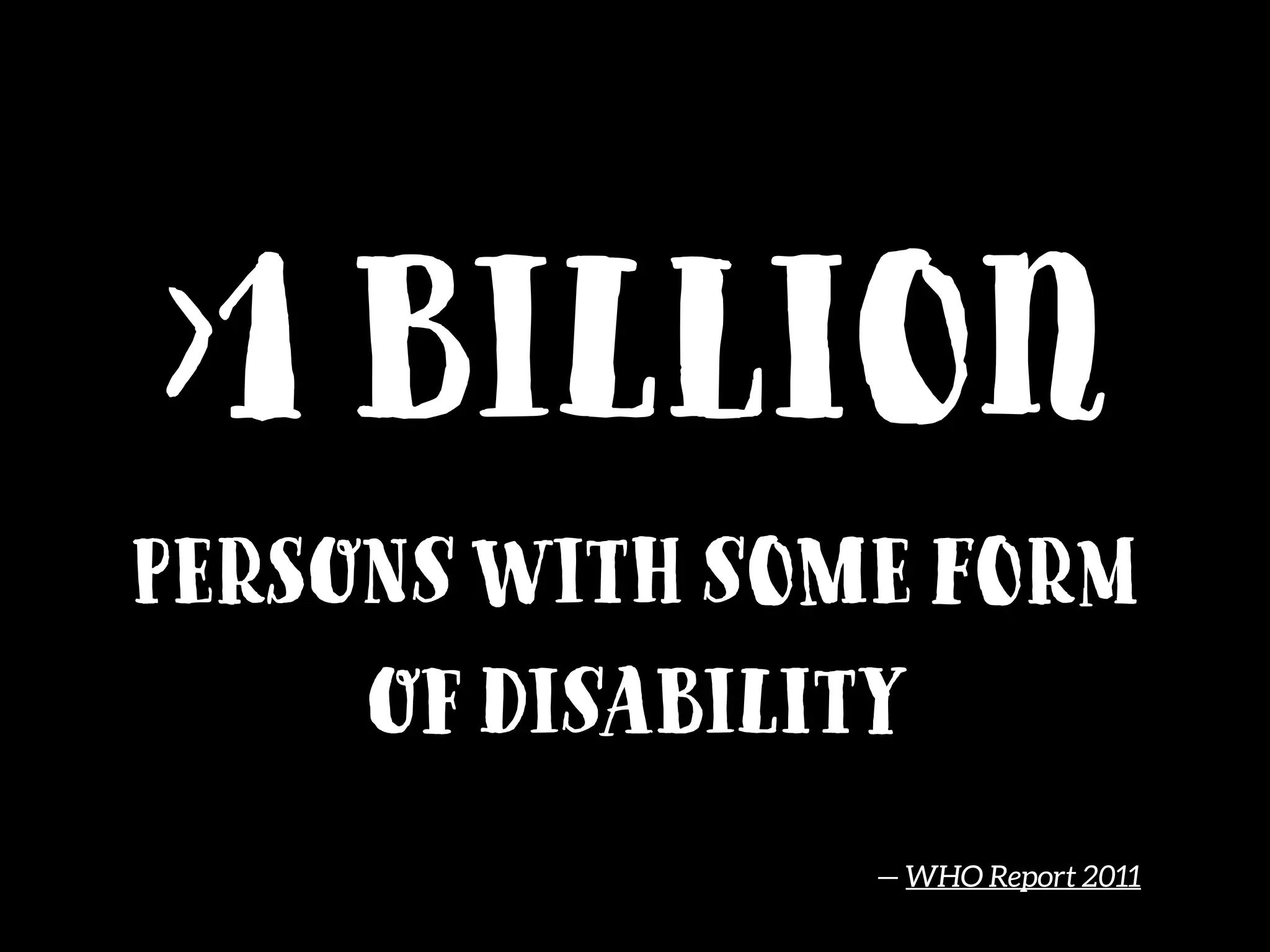
>1 billion
Persons with some form
of disability
— WHO Report 2011
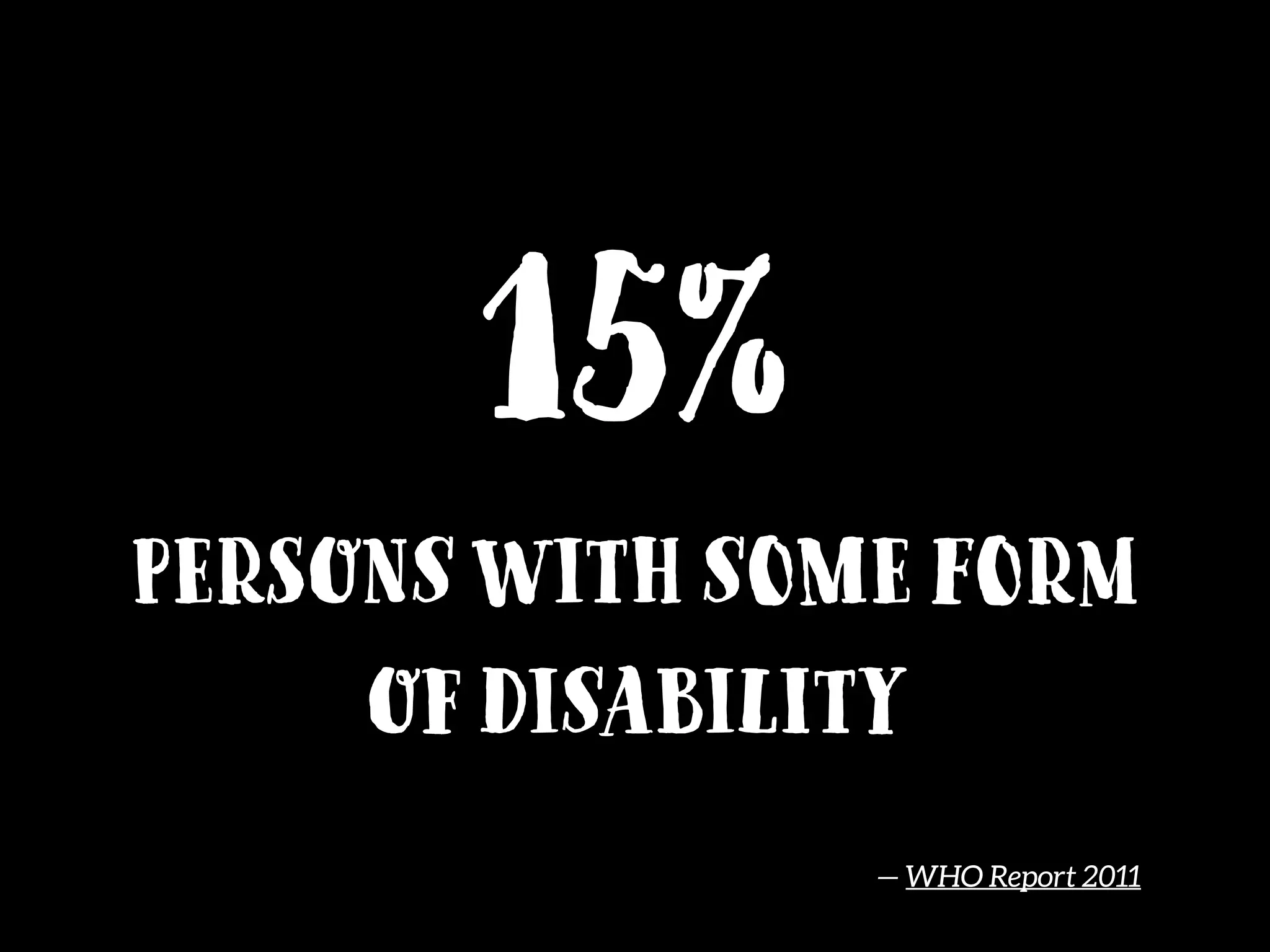
15%
Persons with some form
of disability
— WHO Report 2011
@dstorey
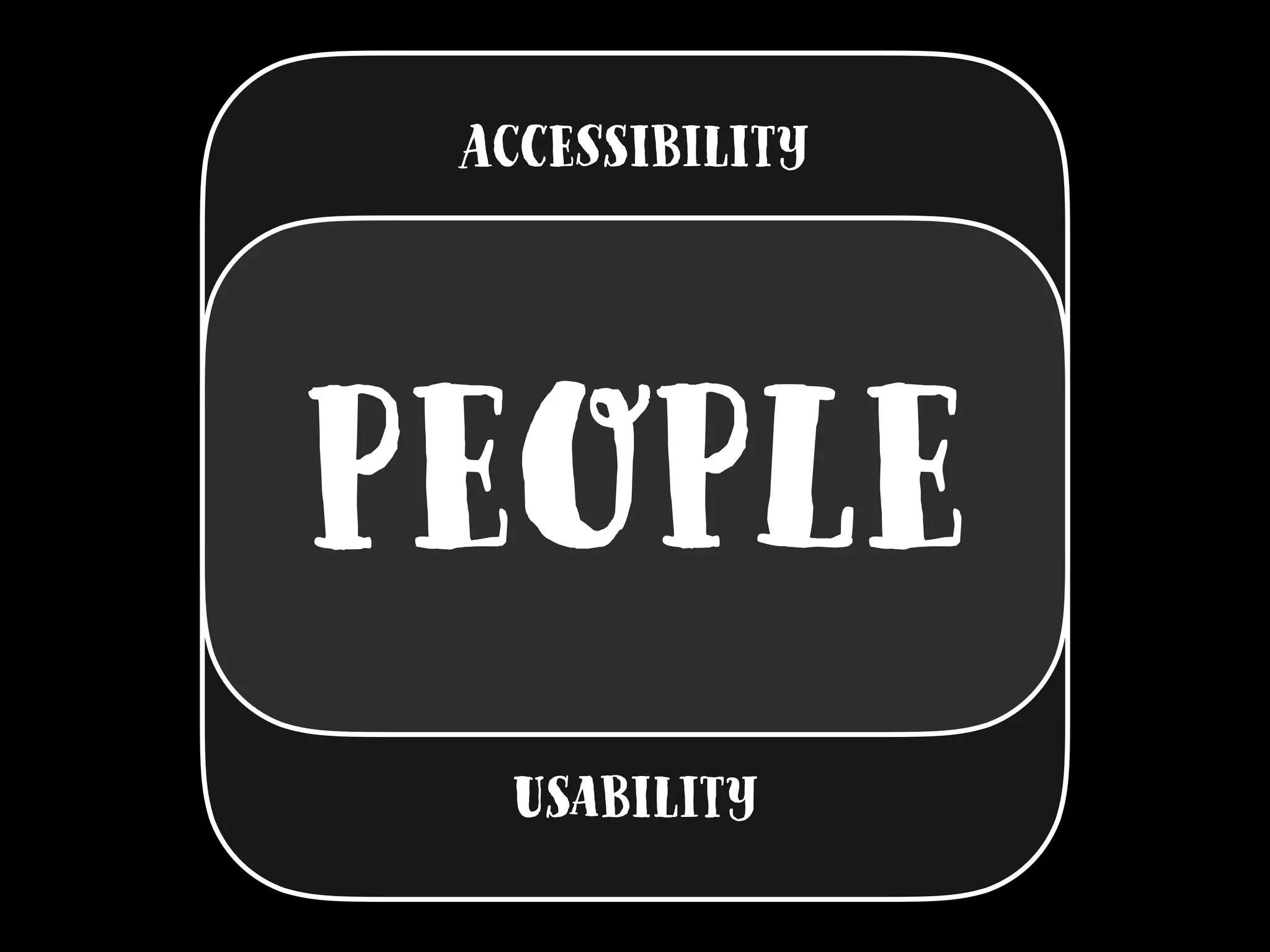
People
Accessibility
Usability
People
users is People
Q: How do
People With Disabilities
Use the web?
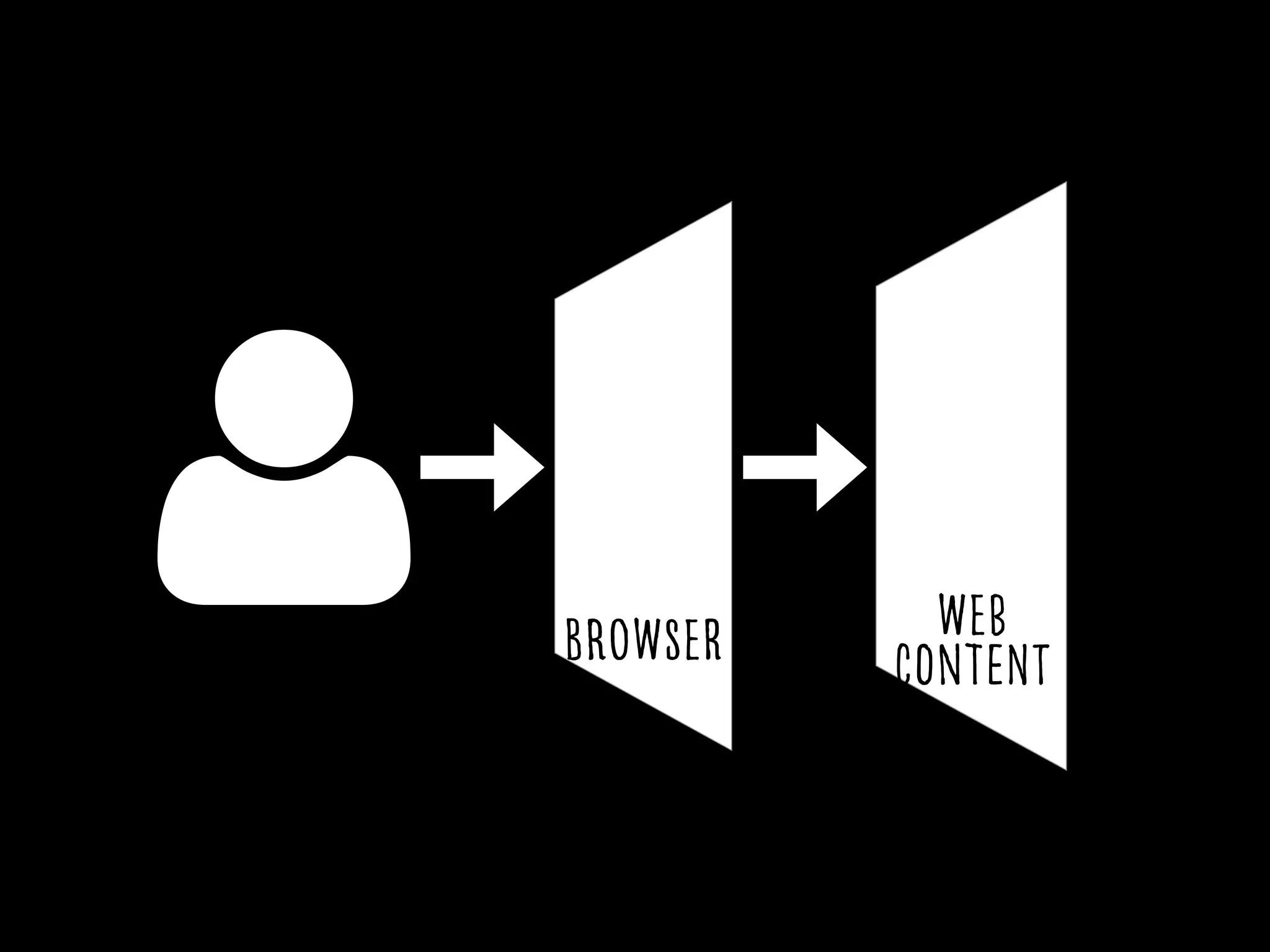
Browser Web
Content
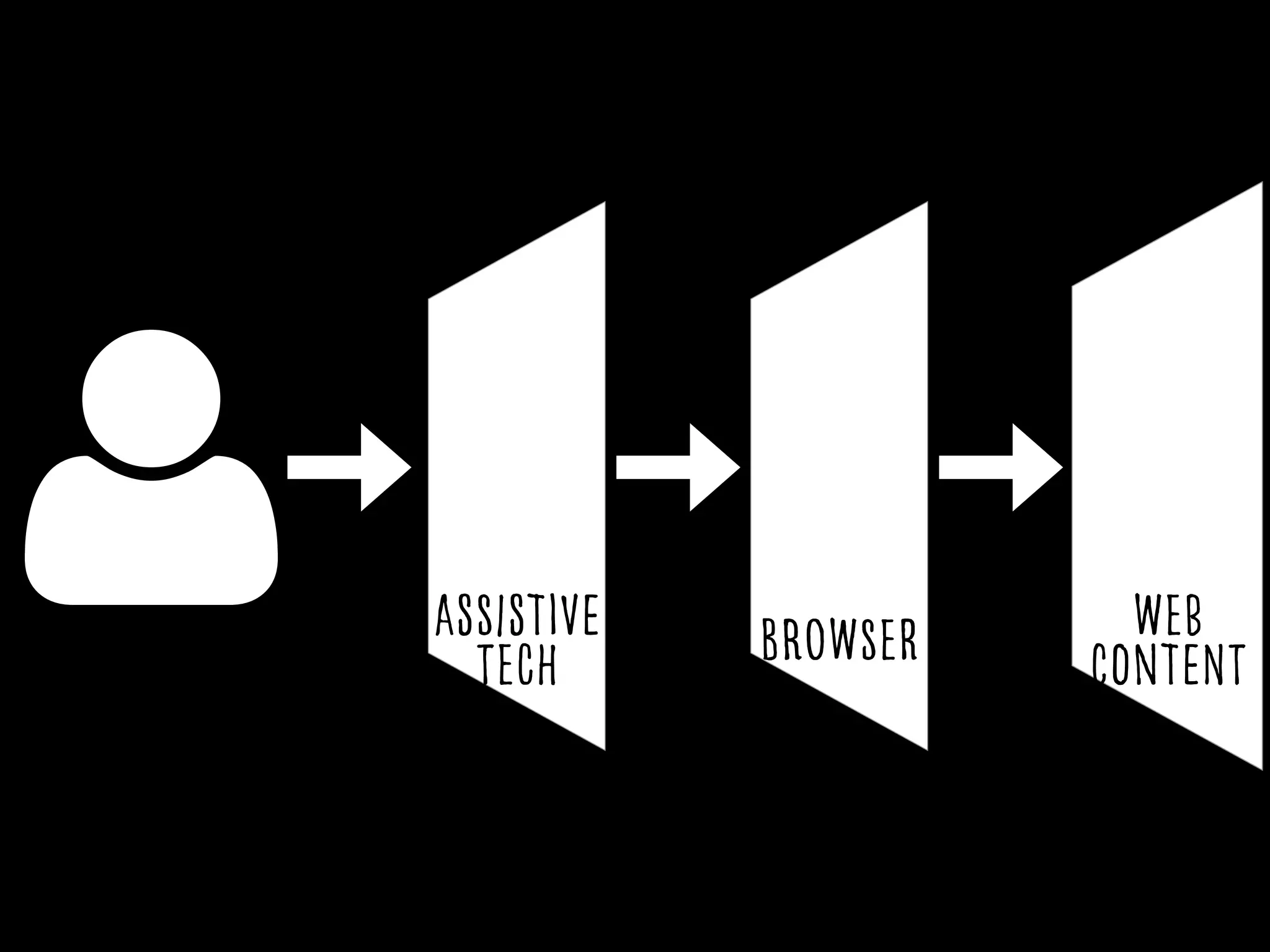
Browser Web
Content
Assistive
tech
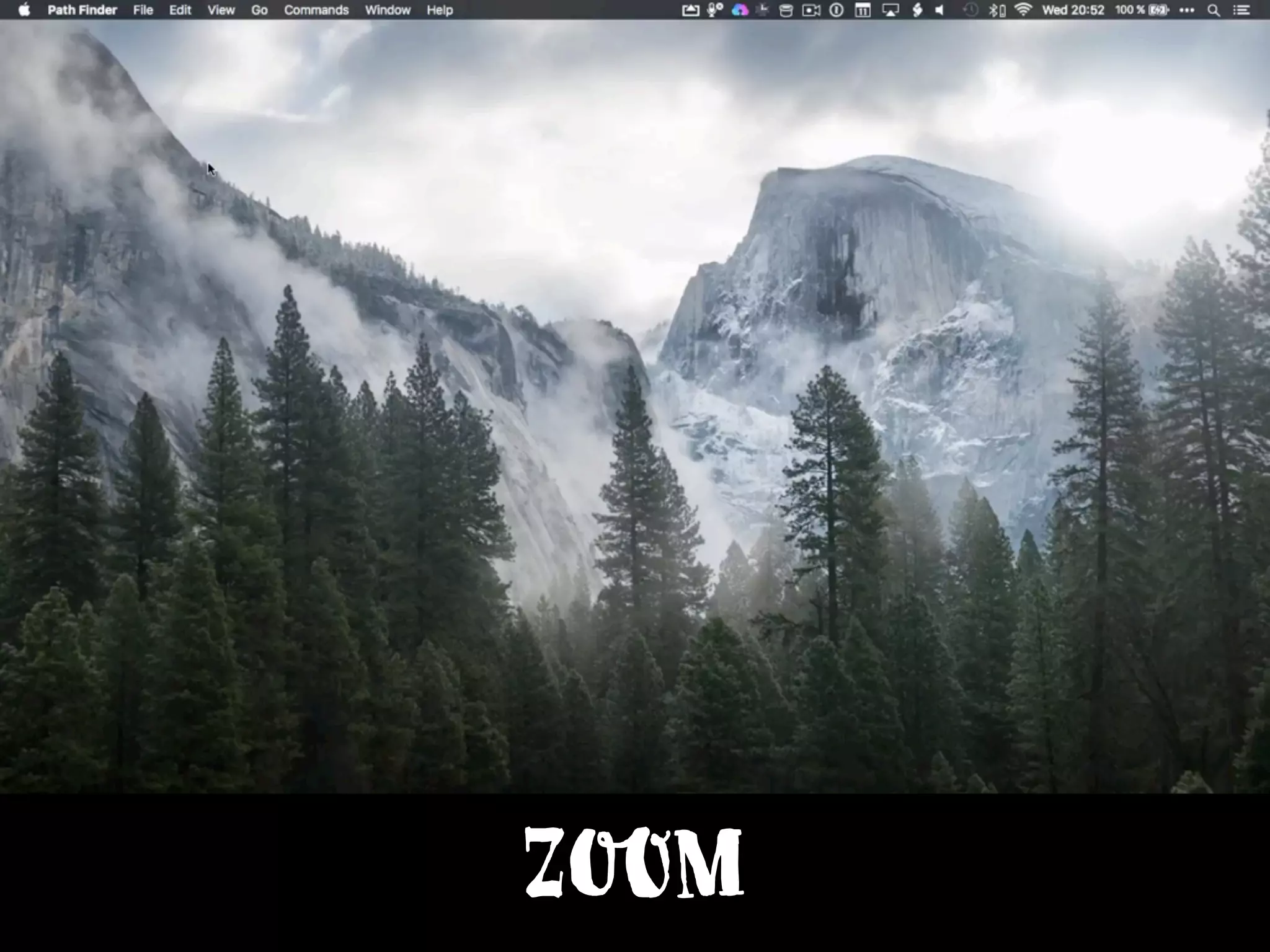
Zoom
Pinch Out by Julie Muckensturm from the Noun Project
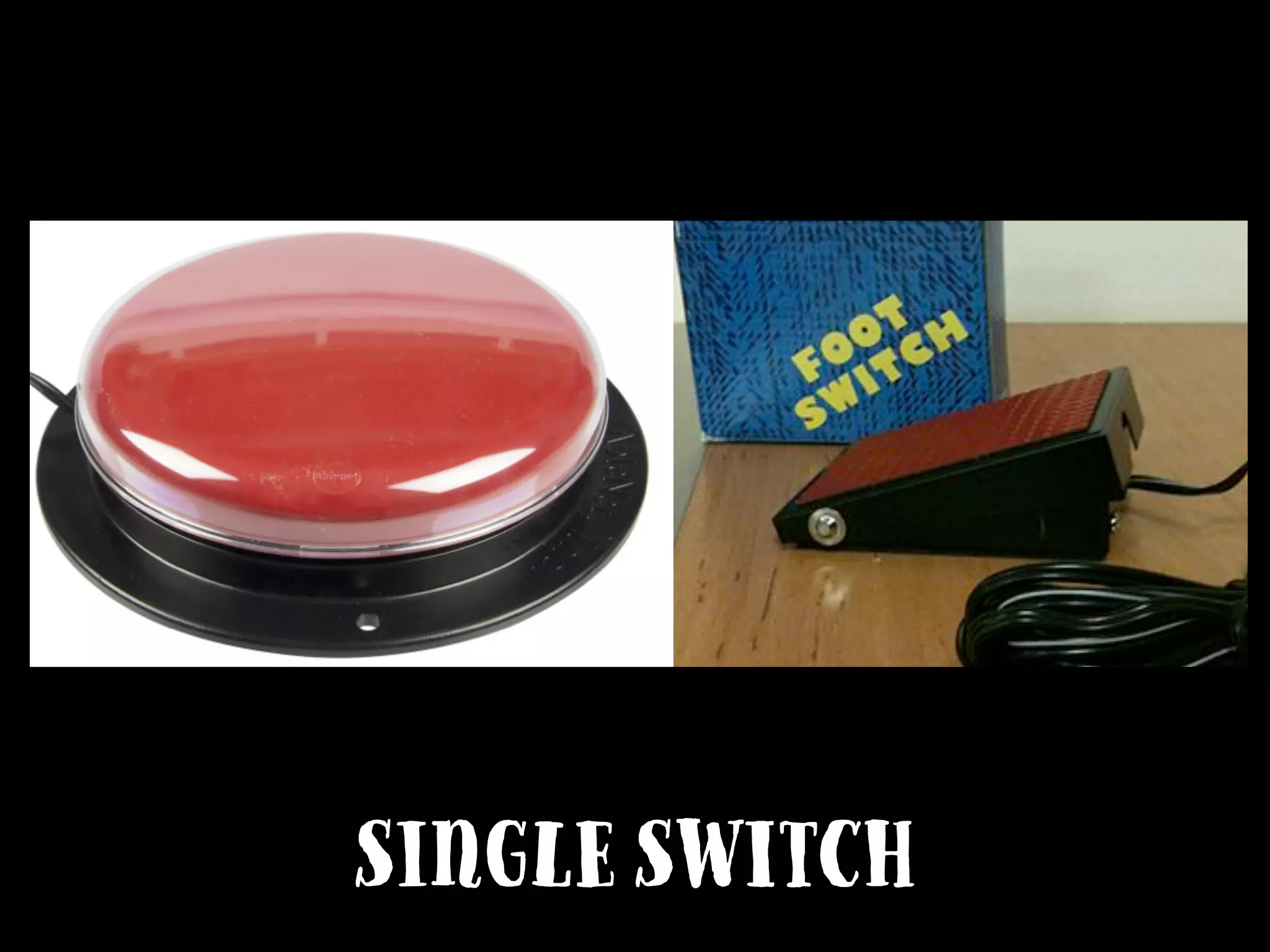
Single Switch
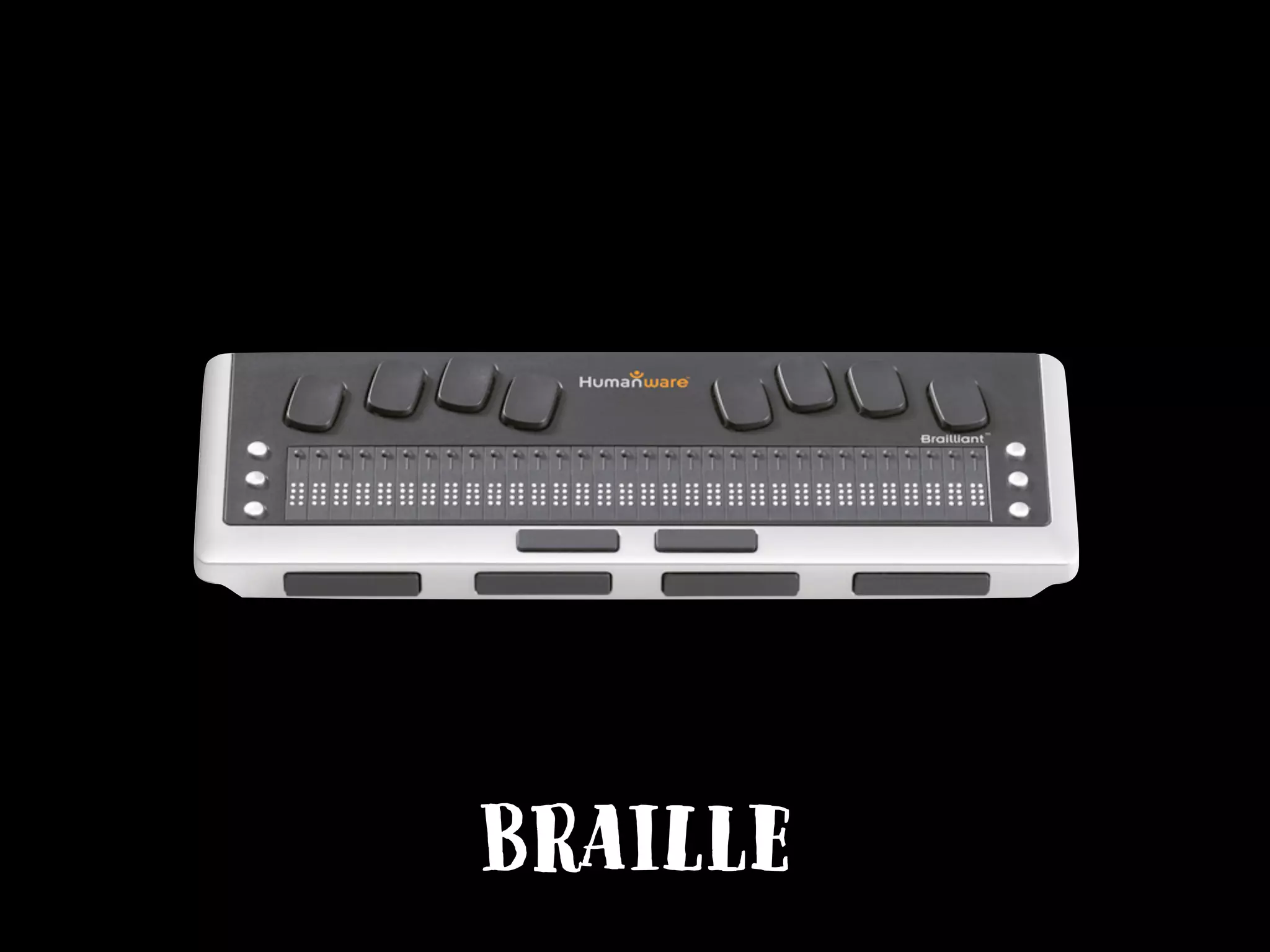
Braille
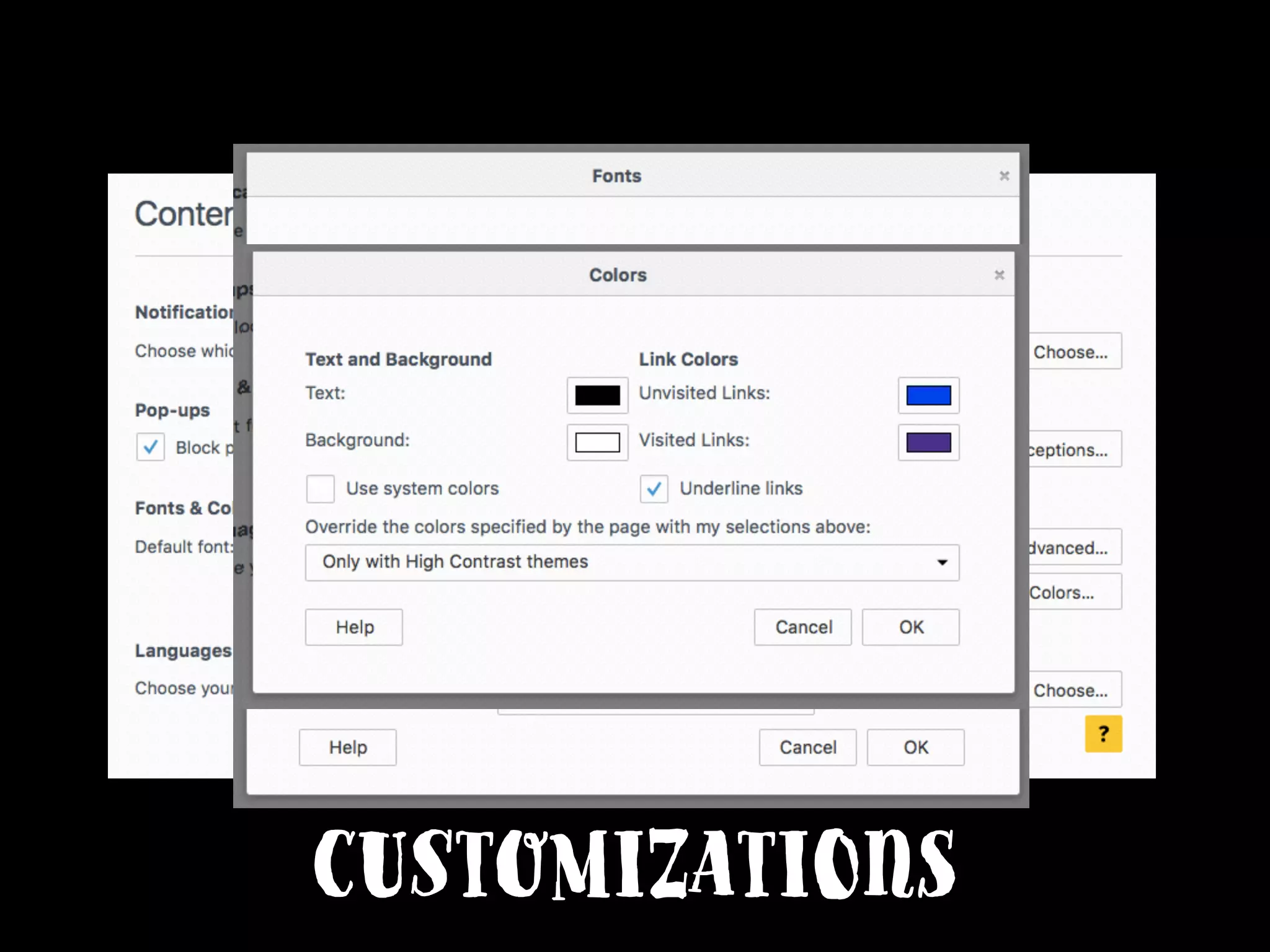
customizations
Captions
Resource:
How People with
Disabilities Use the Web
w3.org/WAI/intro/people-use-web/
Q: Accessibility sounds
complicated.
Q: How do I start with
Accessibility?
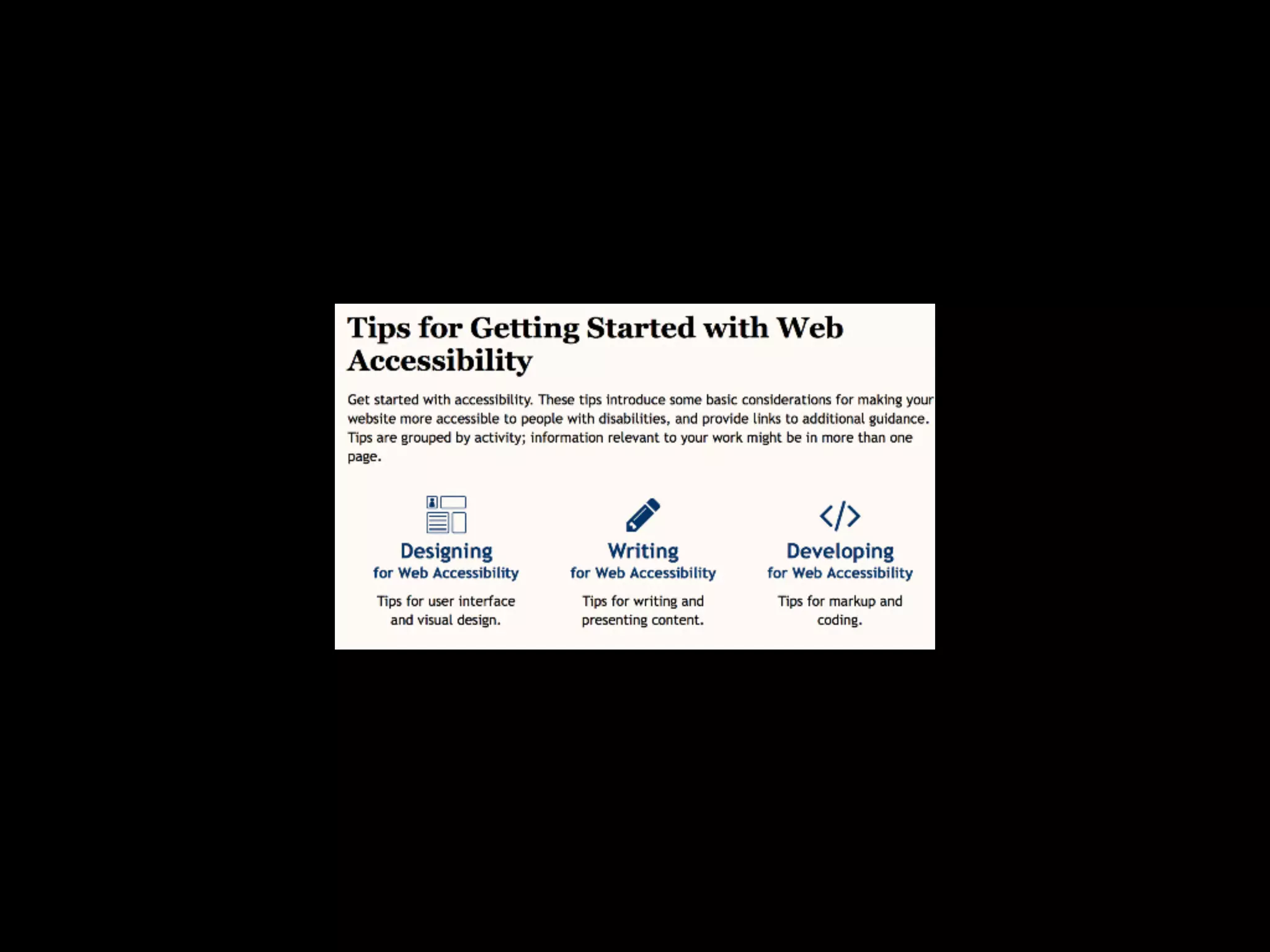
Designers
Content creators
Developers
Resource:
Tips for getting started
with web accessibility
w3.org/WAI/gettingstarted/tips/
Q: How do I make sure my
website is accessible?
Resource:
Web Content
Accessibility Guidelines
(WCAG) 2.0
w3.org/TR/WCAG/
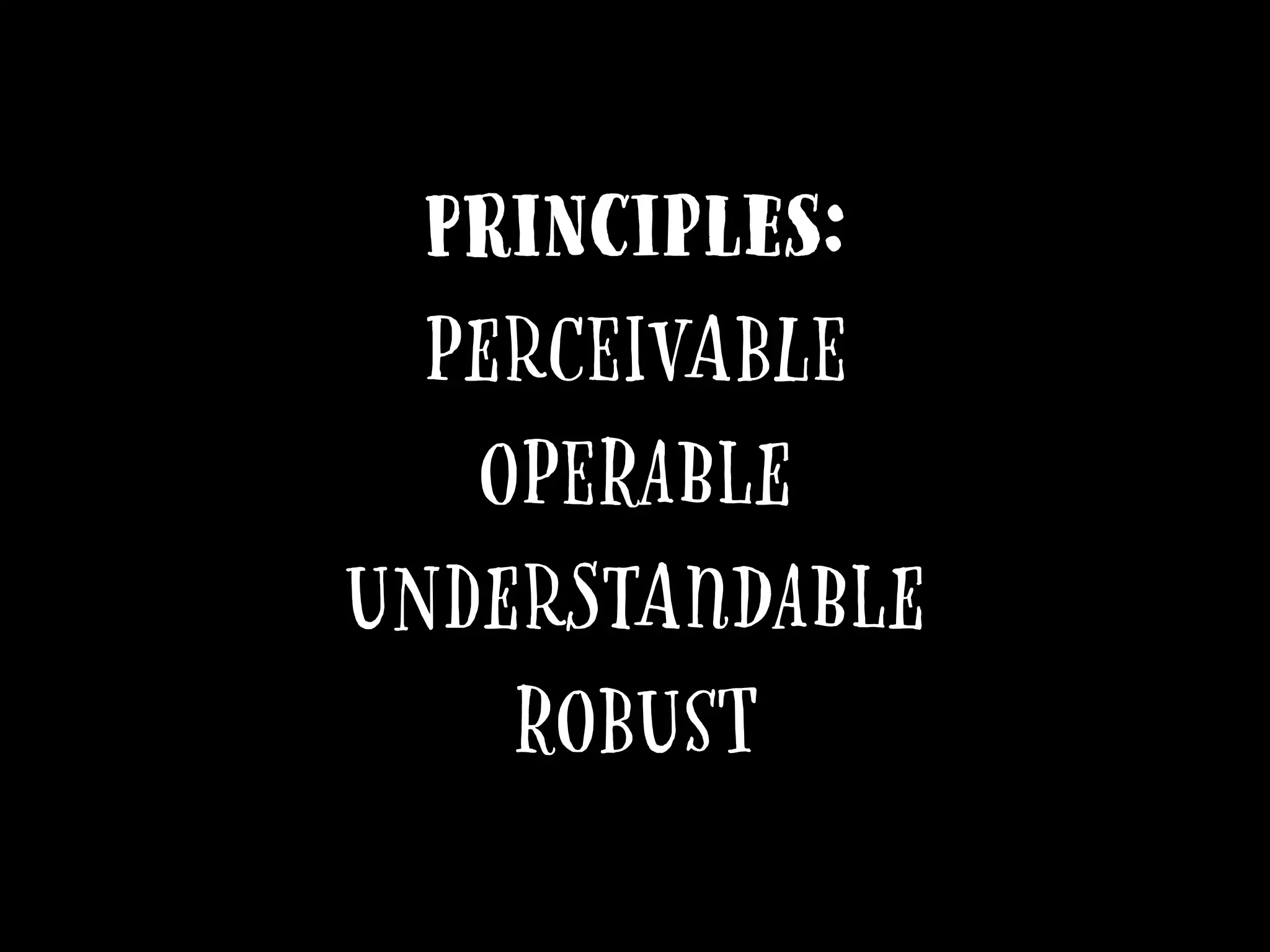
Principles:
Perceivable
Operable
Understandable
Robust
Perceivable:
Meaningful Sequence
Perceivable:
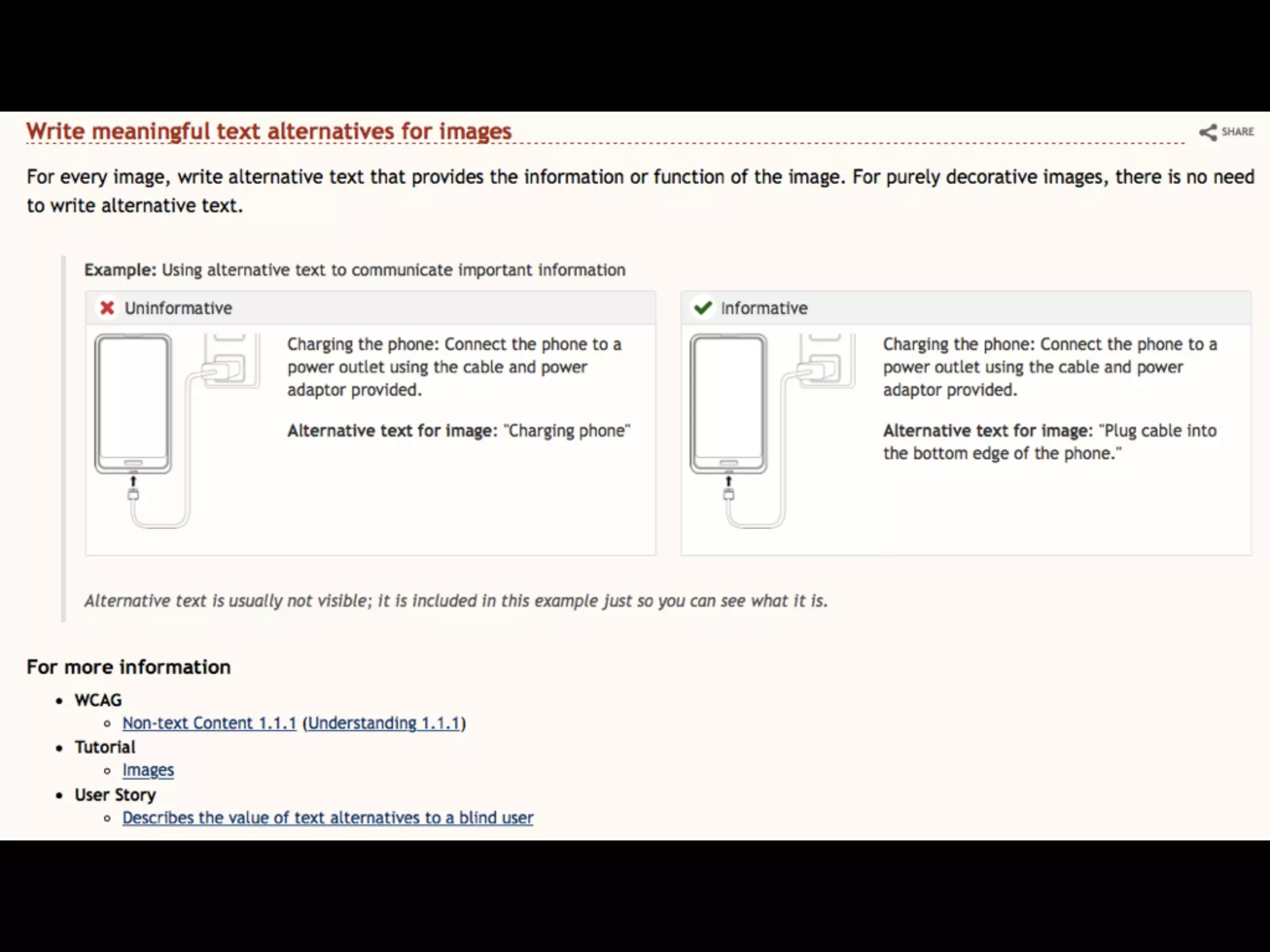
TextAlternatives
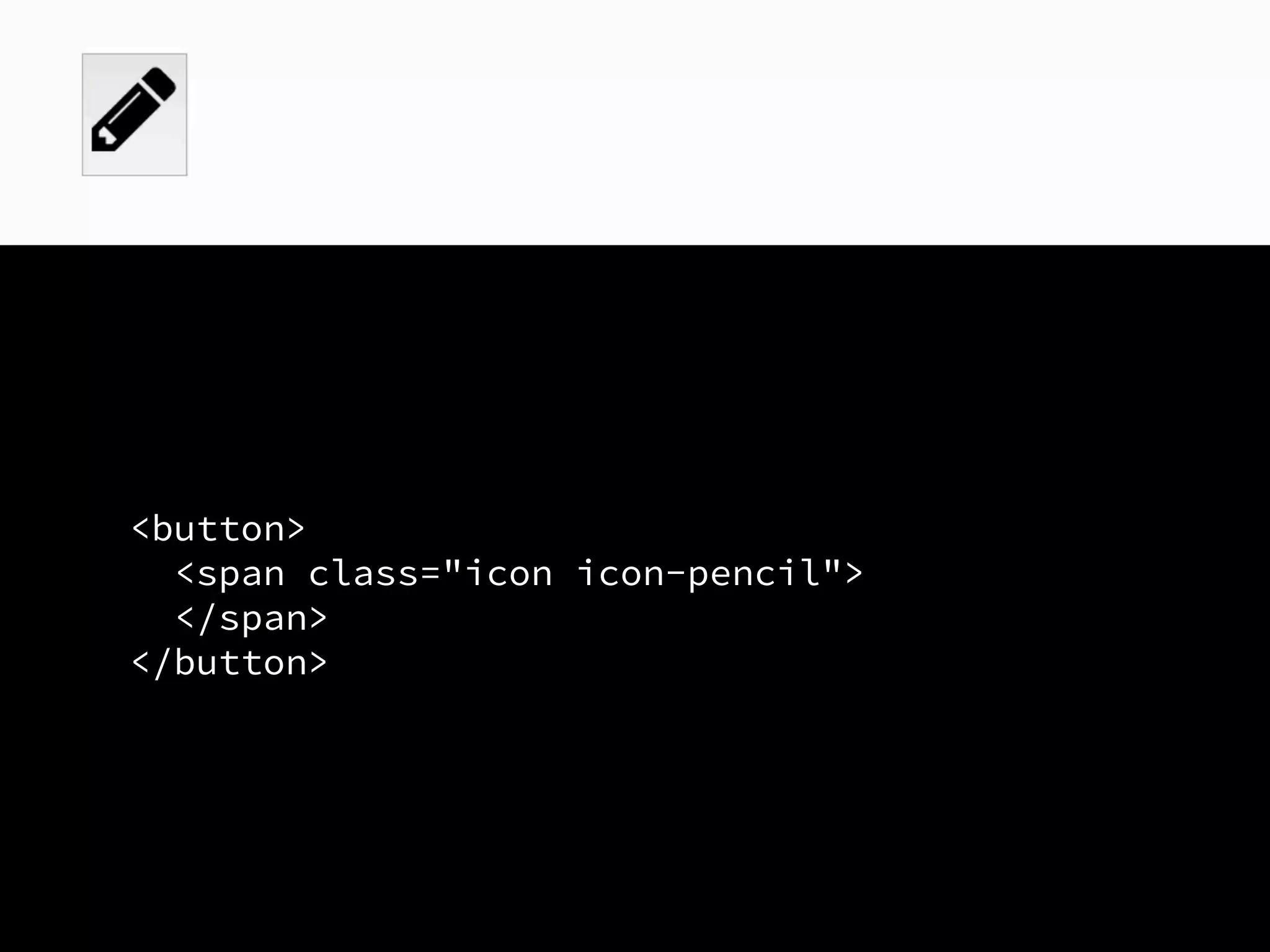
<button>
<span class="icon icon-pencil">
</span>
</button>
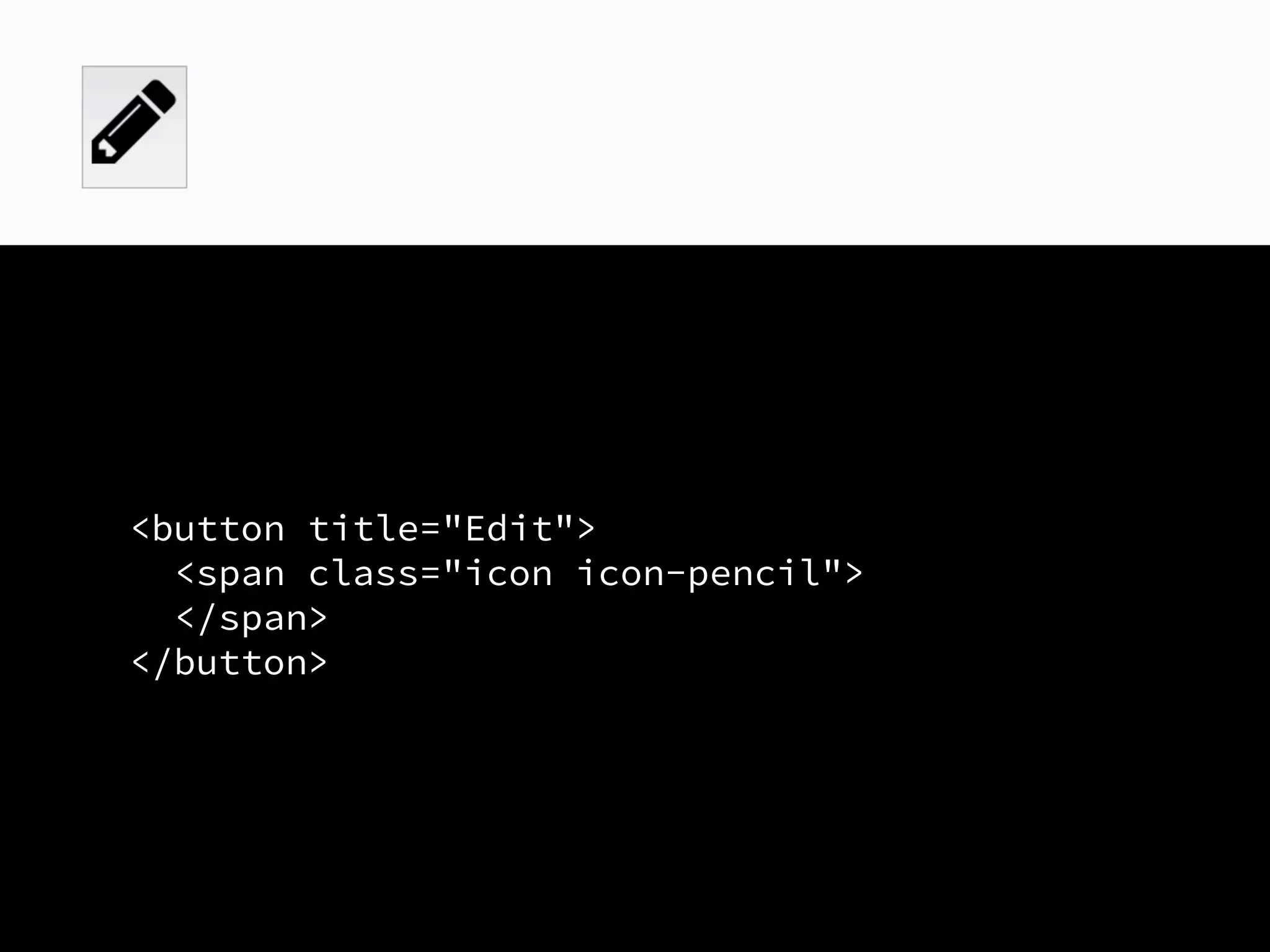
<button title="Edit">
<span class="icon icon-pencil">
</span>
</button>
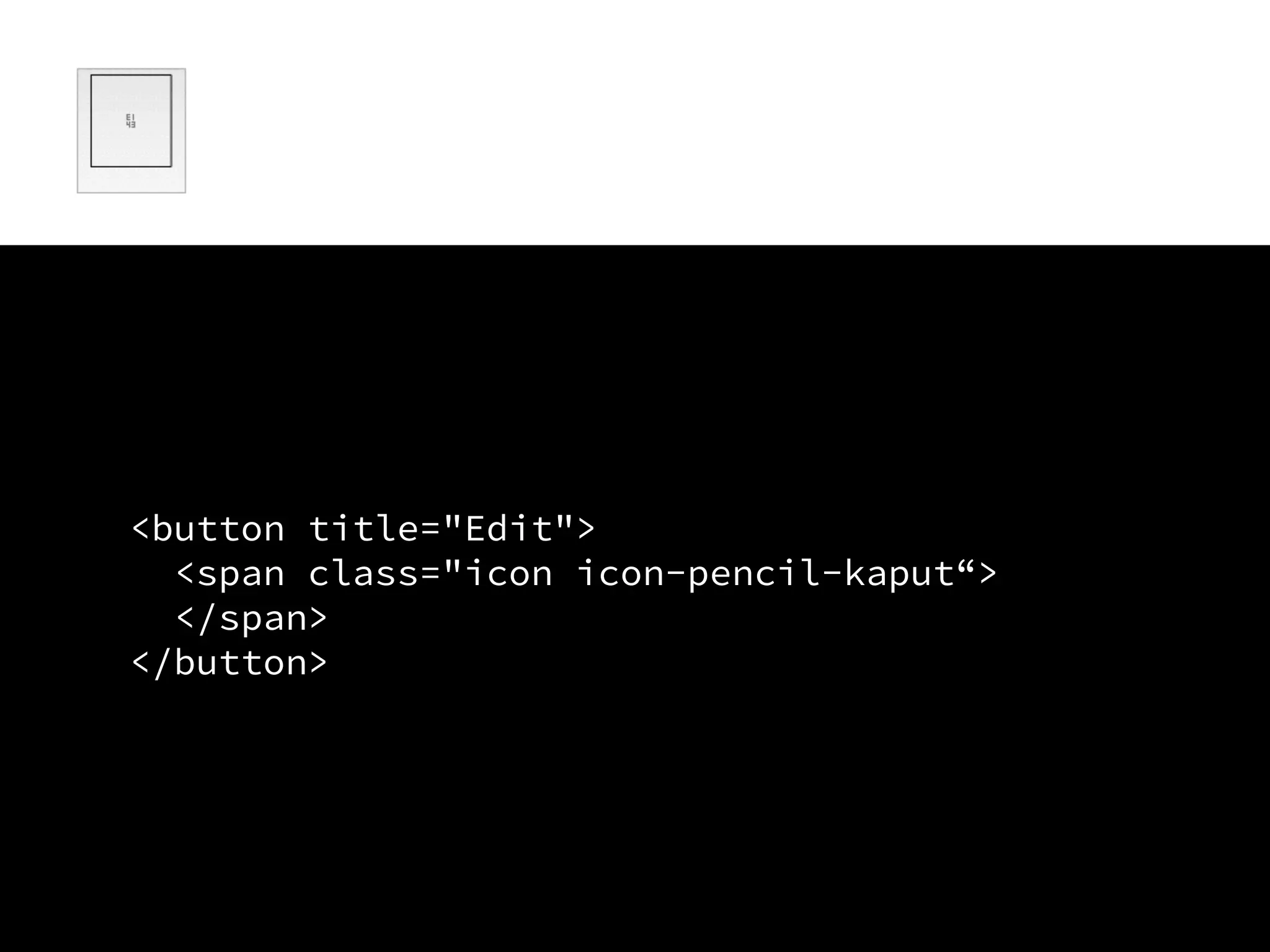
<button title="Edit">
<span class="icon icon-pencil-kaput“>
</span>
</button>
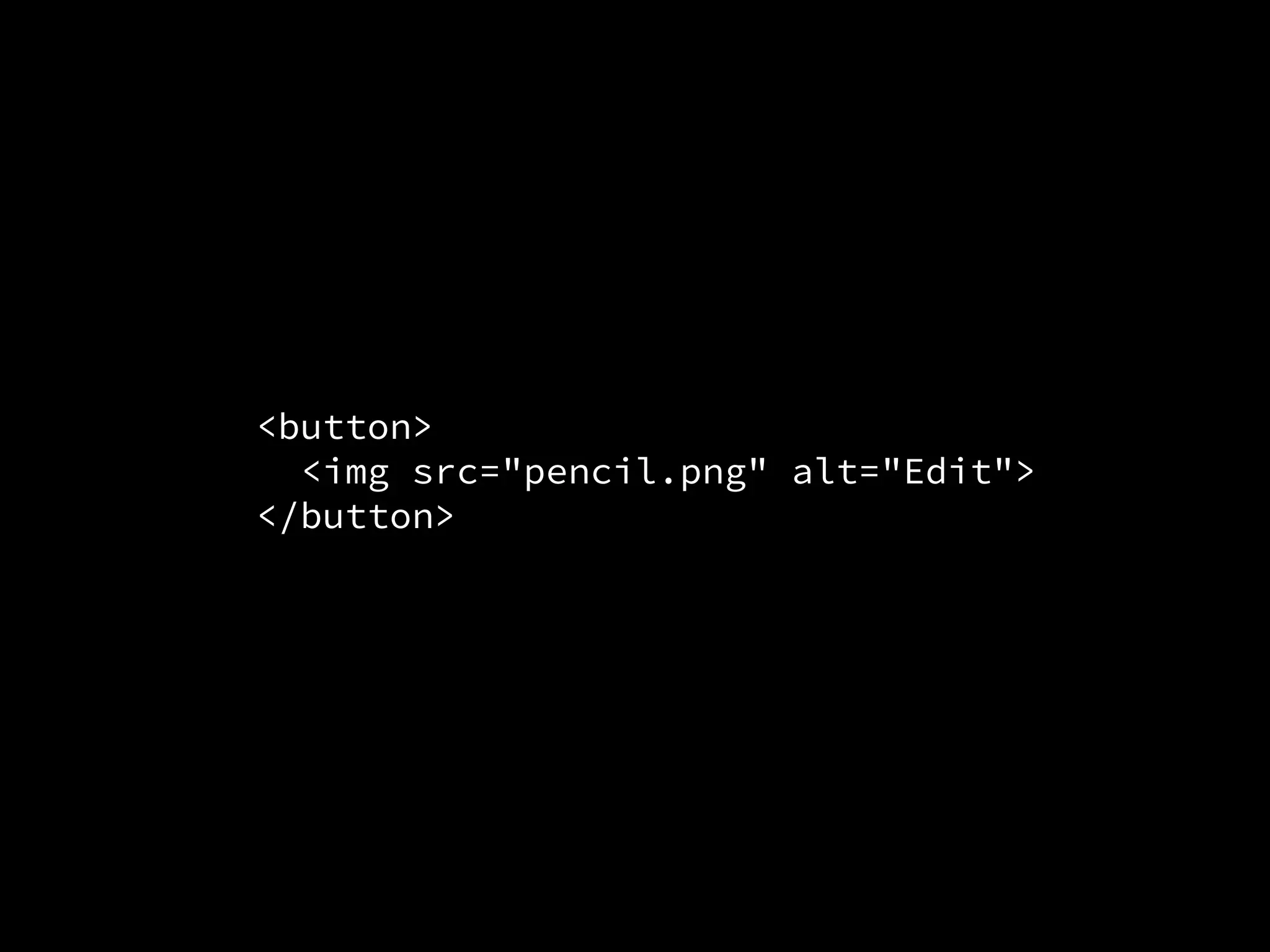
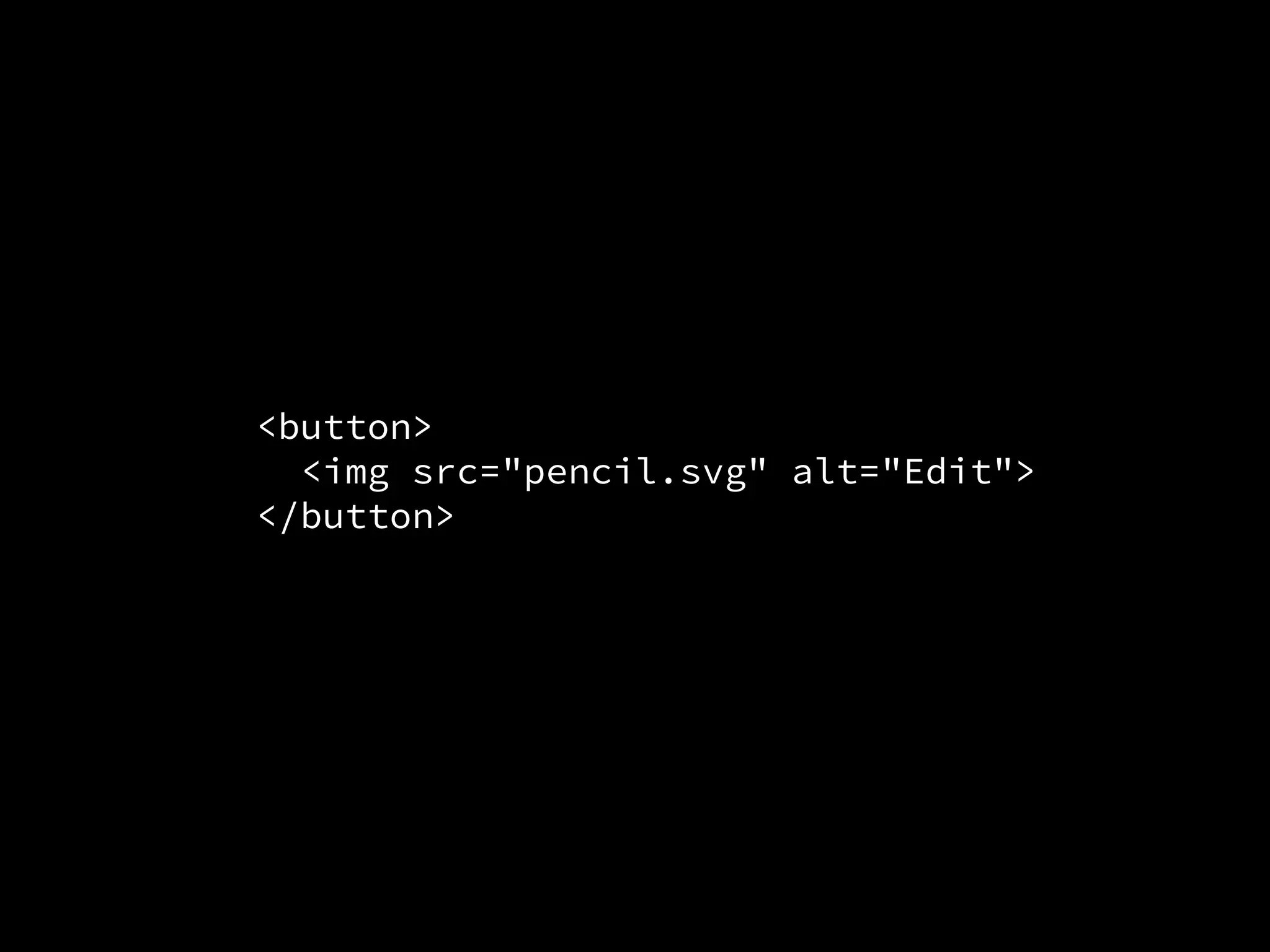
ImageS
<button>
<img src="pencil.png" alt="Edit">
</button>
<button>
<img src="pencil.svg" alt="Edit">
</button>
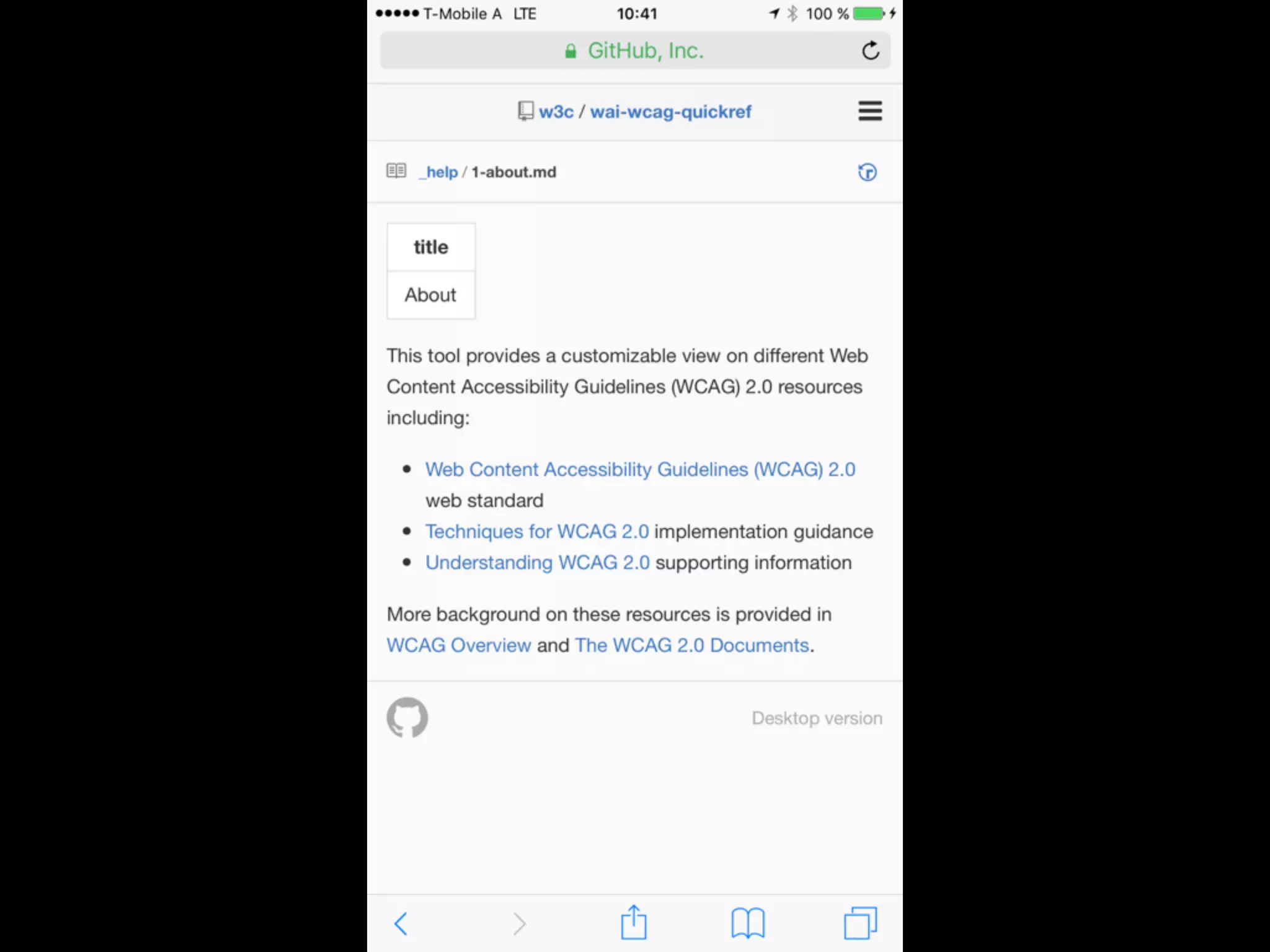
Resource:
Image Tutorial
w3.org/WAI/tutorials/images/
Resource:
Web Accessibility
Tutorials
w3.org/WAI/tutorials/
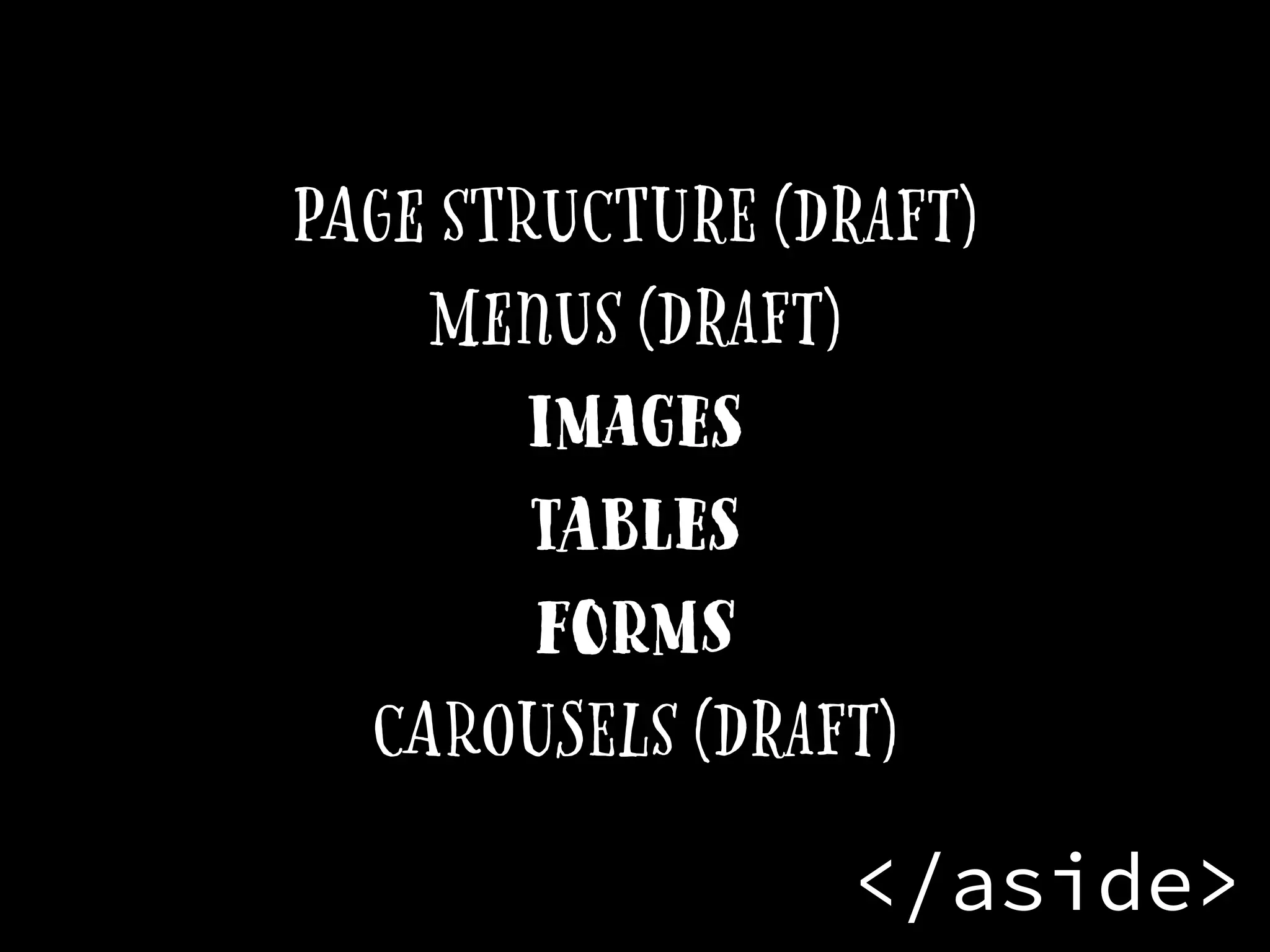
<aside>
Page structure (Draft)
Menus (Draft)
images
Tables
forms
carousels (Draft)
</aside>
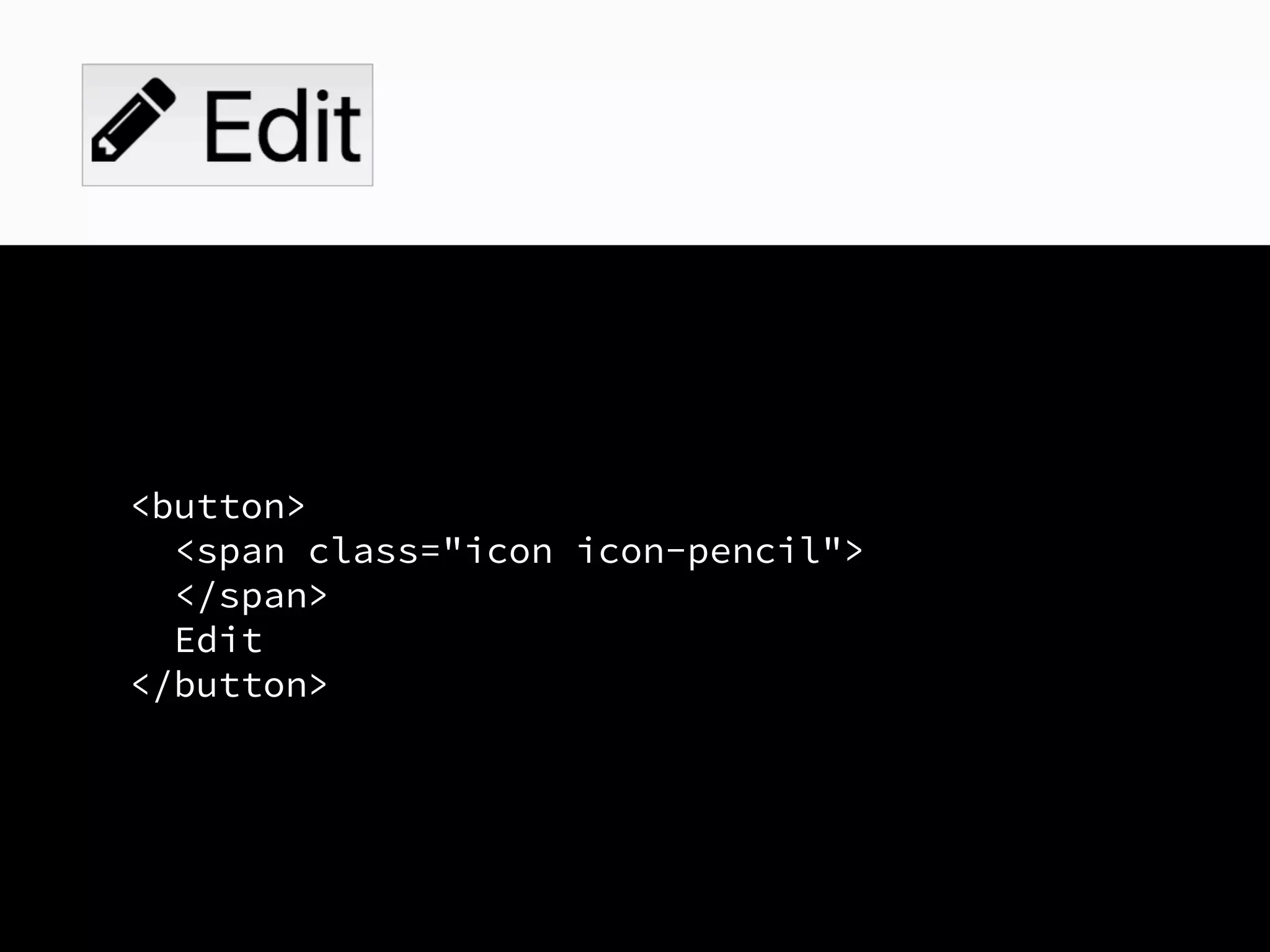
Visible text labels
<button>
<span class="icon icon-pencil">
</span>
Edit
</button>
Perceivable:
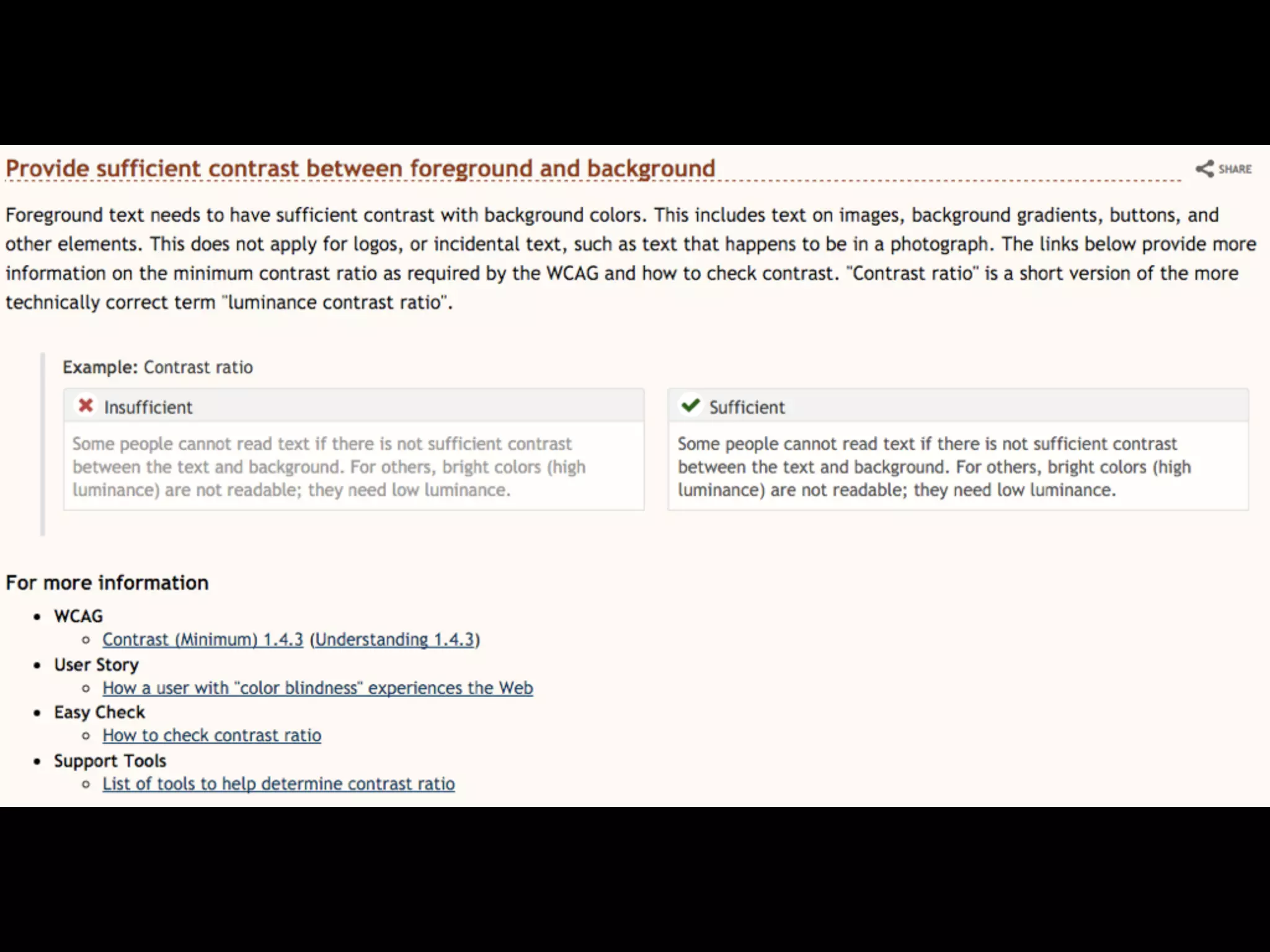
Color Contrast
Operable:
usable with a Keyboard
Operable:
Ability to bypass
blocks
Operable:
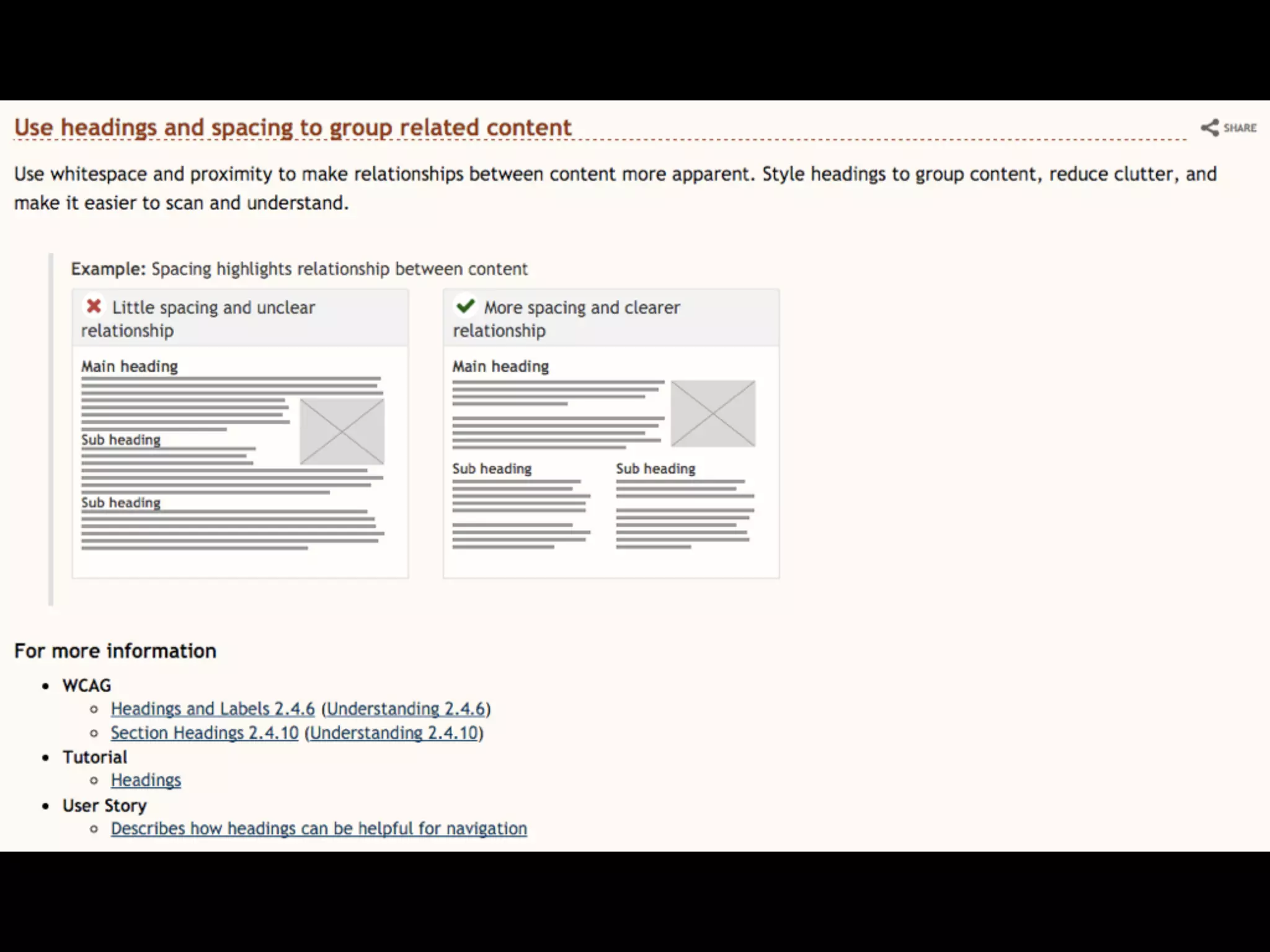
Proper headings
F labels
Understandable:
Page language
Understandable:
Consistent Navigation
Understandable:
Indicate errors
Robust:
Compatibility
Q: How do I make sure
that the
user experience is
accessible?
You achiEve the best
results when…
Accessibility is
not an afterthought
Smooth use of your
product
Everything feels
coherent
No compromises
No need to rebuild
Accessibility is
an opportunity
Reach more people
makes your web project
easy to understand
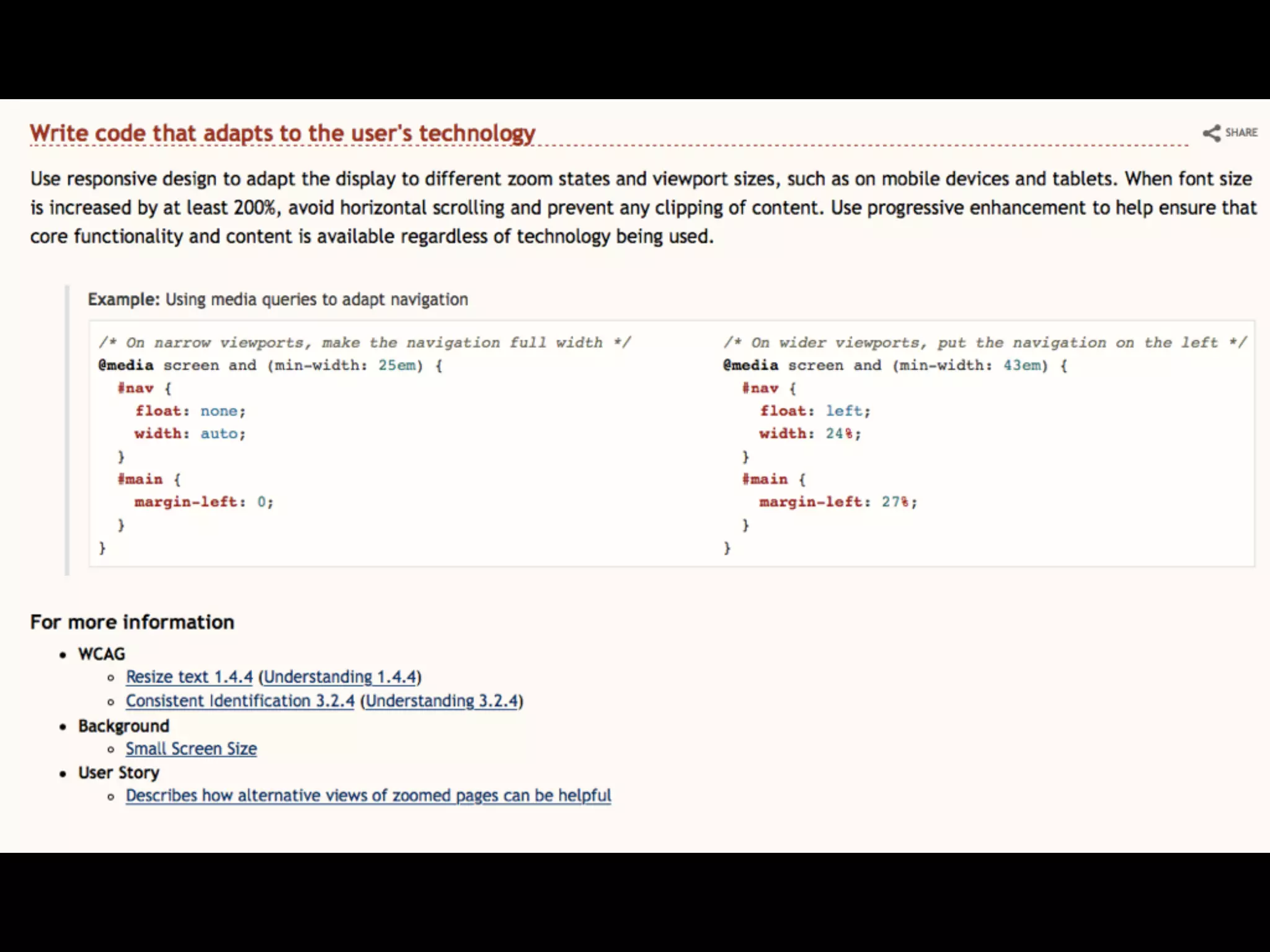
consistent layout H
Navigation
Accessibility is
A creative outlet
Produce the best
video player UI
Consider the order of the
content
Take the available data
and do something no one
expects
thankyou.
Eric Eggert
W3C/Web accessibility initiative
ee@w3.org & @yatil

How to improve your website’s accessibility without going crazy